




XPPen Pilot Pro editing console streamlines video editing with precise programmable controls
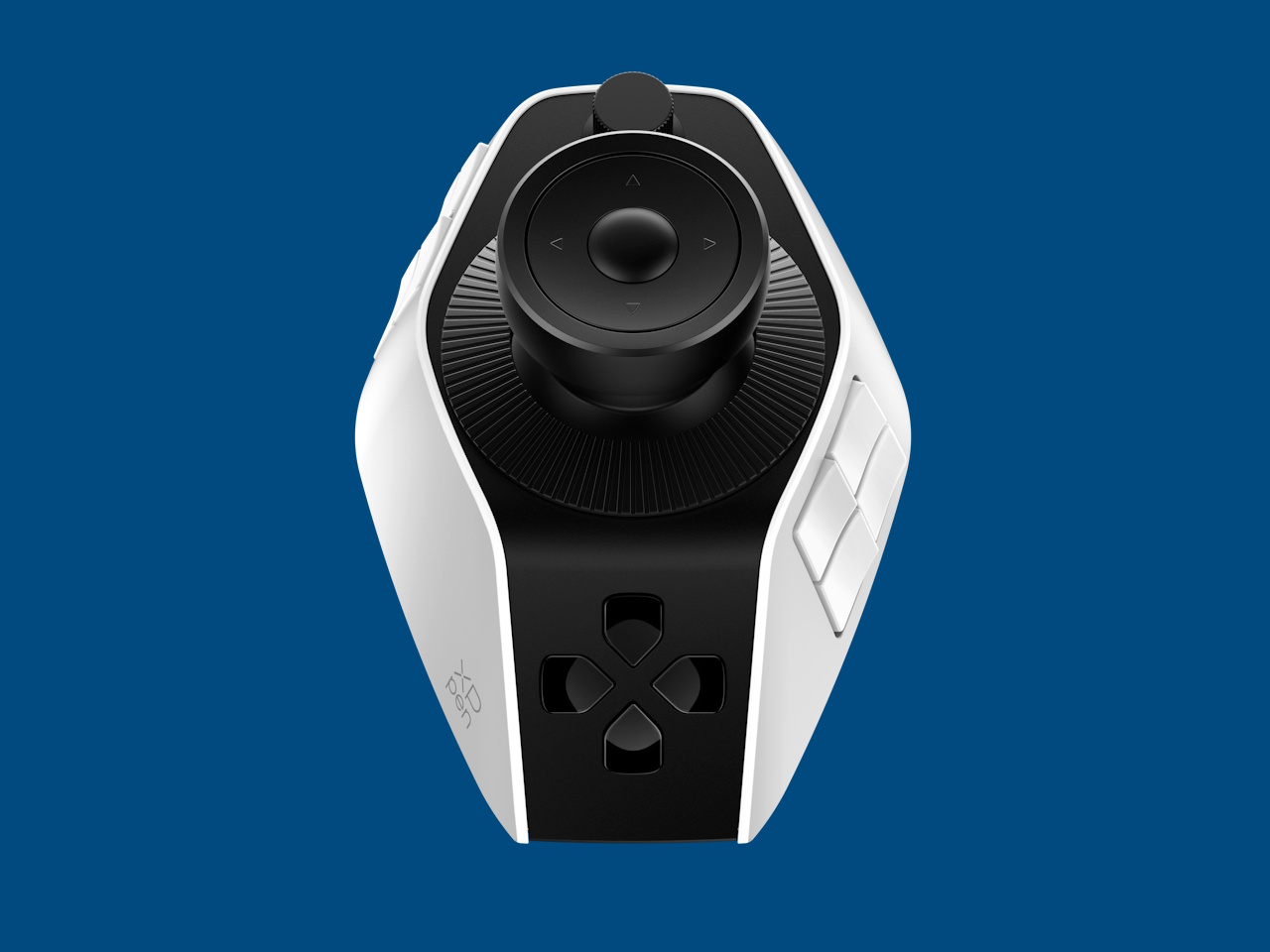
XPPen has launched the Pilot Pro editing console (ACC02-A) for video editors, providing easy access to commonly used tools and shortcuts through a joystick, 16 programmable buttons, and three rotary dials. The controller has an MSRP of $209.99/€199.99/£169.99 and is available from XPPen stores worldwide (US, UK, DE, FR, IT, ES) or Amazon.
XPPen is known for its extensive line of graphic drawing tablets and displays, such as the Artist Pro 27 (Gen 2) (sold here on Amazon), that allow artists and editors to interact directly with their works through a digital stylus.
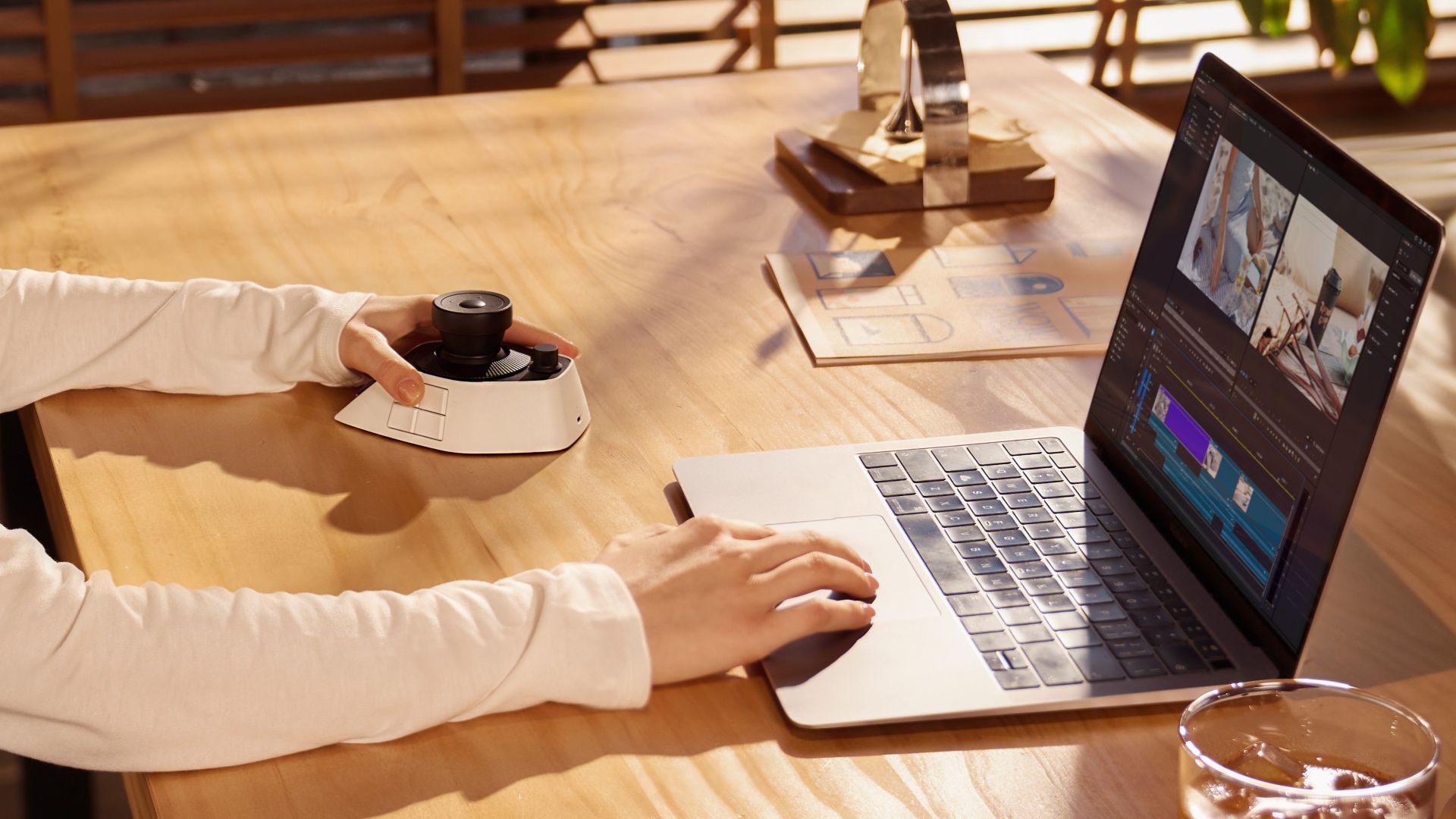
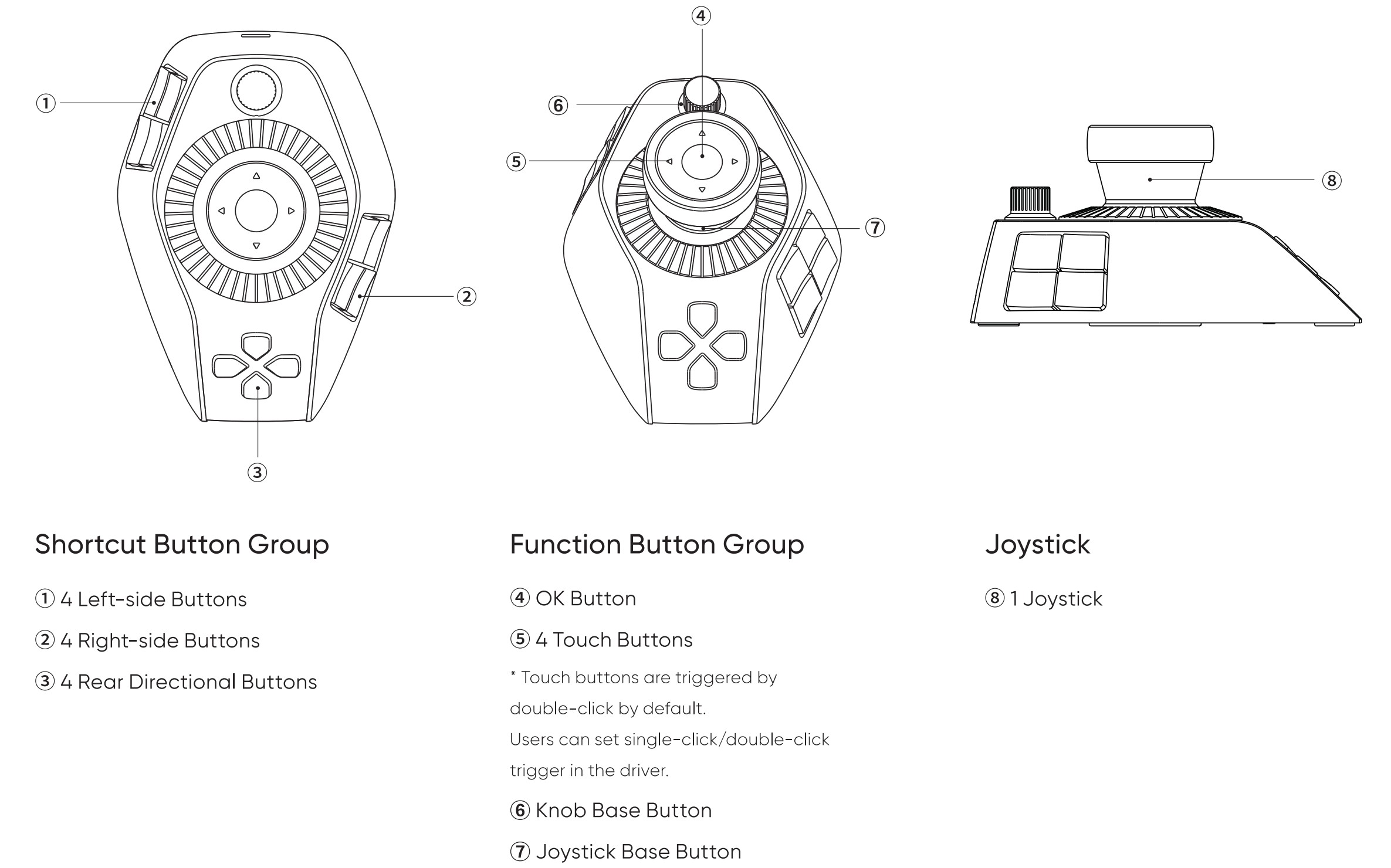
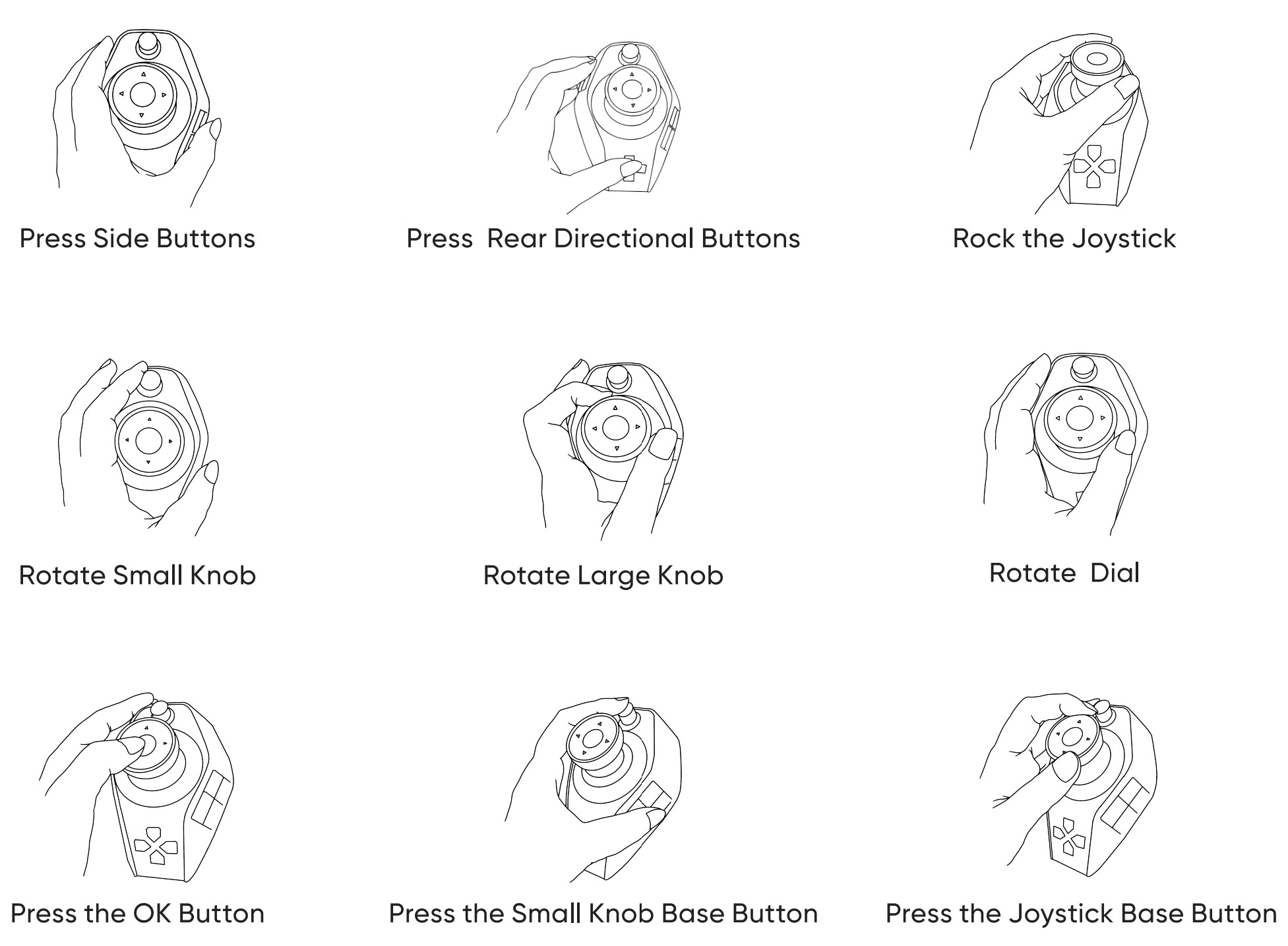
The Pilot Pro includes an eight-way joystick, with an OK button and four-way touch buttons on top. A rotary dial surrounds the top of the stick, while a larger one surrounds its base. A small dial is located in front of the joystick, and all dials provide haptic feedback that can be disabled. Four buttons are located on the left and right sides of the raised base, and a 4-way direction pad is located in front.
The Pilot Pro is compatible with computers running Windows 10 or higher and macOS 10.12 or higher, and supports wired USB-C and wireless Bluetooth connections. All input controls are customizable with individual profiles for use with popular video editing applications, including Adobe Premiere and Blackmagic DaVinci Resolve. Because the Pilot Pro is designed for left-handed use, video editors gain enhanced efficiency when using it simultaneously with a mouse or touchpad.
Because the controller is fully customizable, it can be customized to work with other applications like Microsoft Word. The console measures 130.25 x 92.5mm x 66.9 mm (5.13 x 3.64 x 2.63 in.) and weighs 251 g (8.85 oz.).
Source(s)
 Add as a preferred source on Google


