




Steam Machine can now run Windows with official Valve drivers
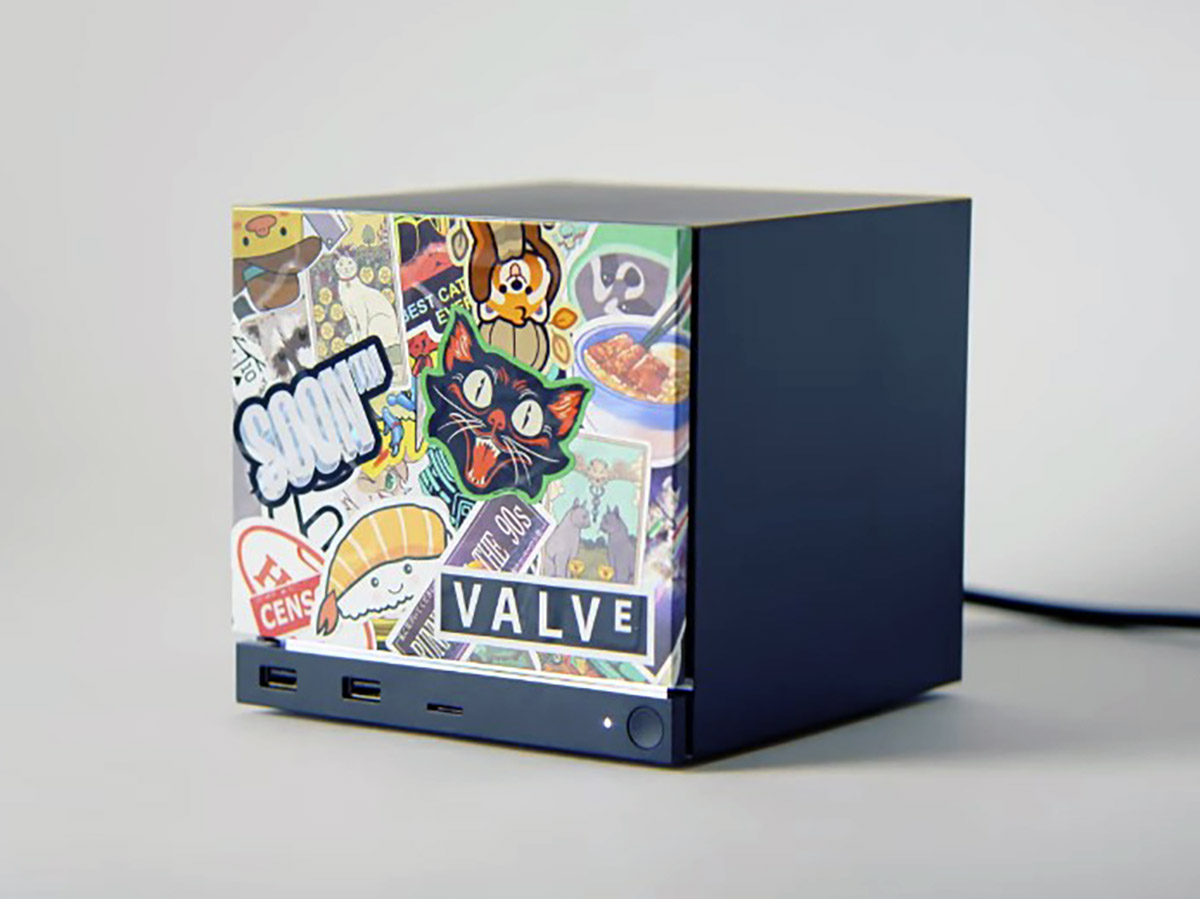
Valve has published its first official Windows driver package for the Steam Machine, the gaming hardware meant for the living-room TV that it announced earlier this year.
The drivers cover the essentials: the graphics subsystem, wireless network connectivity, and storage, so Steam Machine owners can run Windows 10 or Windows 11 on the cube instead of the default SteamOS.
Steam Machine Windows drivers set
- Graphics driver: Run Setup.exe to install.
- Wi-Fi driver: Right-click qcwlan64.inf and select install.
- Bluetooth driver: Right-click BtFilter.inf and select install.
- SD Card reader driver: Run Setup.exe to install.
It's a move consistent with how Valve has always framed its hardware. The Steam Machine, like the Steam Deck that is currently discounted on Amazon, is painted as first a PC and only then a gaming console. Valve has repeatedly said owners are free to wipe SteamOS and install whatever operating system, storefront, or launcher they like. That openness is also part of why the pricey cube isn't subsidized: Valve doesn't lock you into its ecosystem to recoup the hardware costs.
Dual-booting Windows and SteamOS
Right now, however, installing Windows means wiping SteamOS entirely, and there's no supported way to keep both. Valve says a proper dual-boot installer is coming, but it isn't ready yet, so anyone hoping to switch between SteamOS and Windows on the same drive should wait rather than experiment with the new Windows drivers.
The company is also upfront that this is a barebone release that comes as-is, so there won't be any official support for Windows on Steam hardware if something goes wrong.
It's a sensible first step, with the bare minimum such as graphics, networking, and storage drivers to make Windows tick on the Steam Machine, while everything else, including proper dual-boot, can follow once Valve's installer catches up.
Source(s)
 Add as a preferred source on Google


