




RPCS3 announces super cool and nostalgic customization option for PS3 emulator
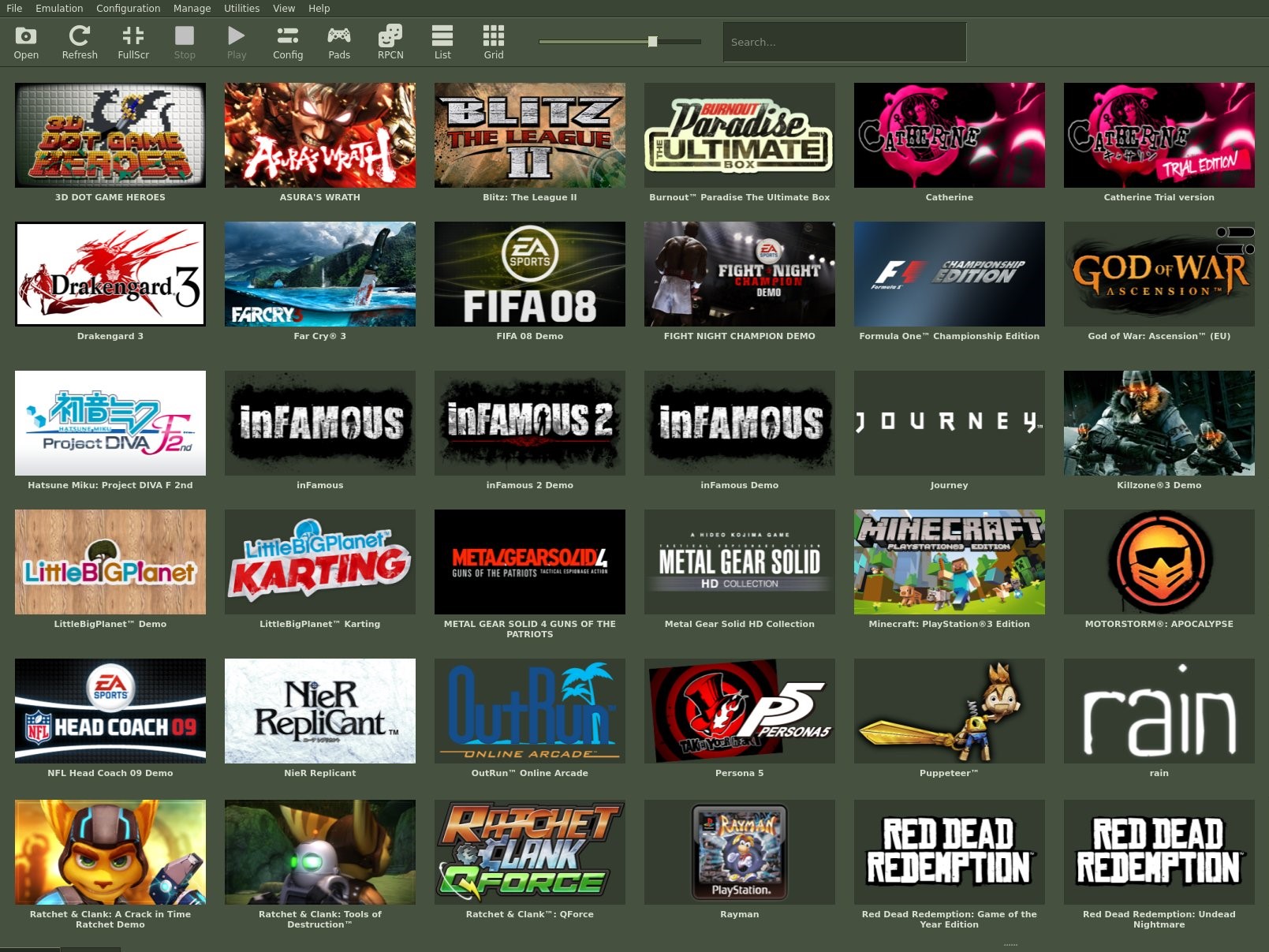
RPCS3 is the world’s best PS3 emulator. This is not only because of RPCS3’s game compatibility and continuous performance improvements but also because of additional features that the emulator offers. For instance, not only can RPCS3 play a vast majority of PS3 games, but the software can do so directly from the game discs. Similarly, RPCS3 also offers several UI customization features that allow users to tweak the look of RPCS3 to their liking.
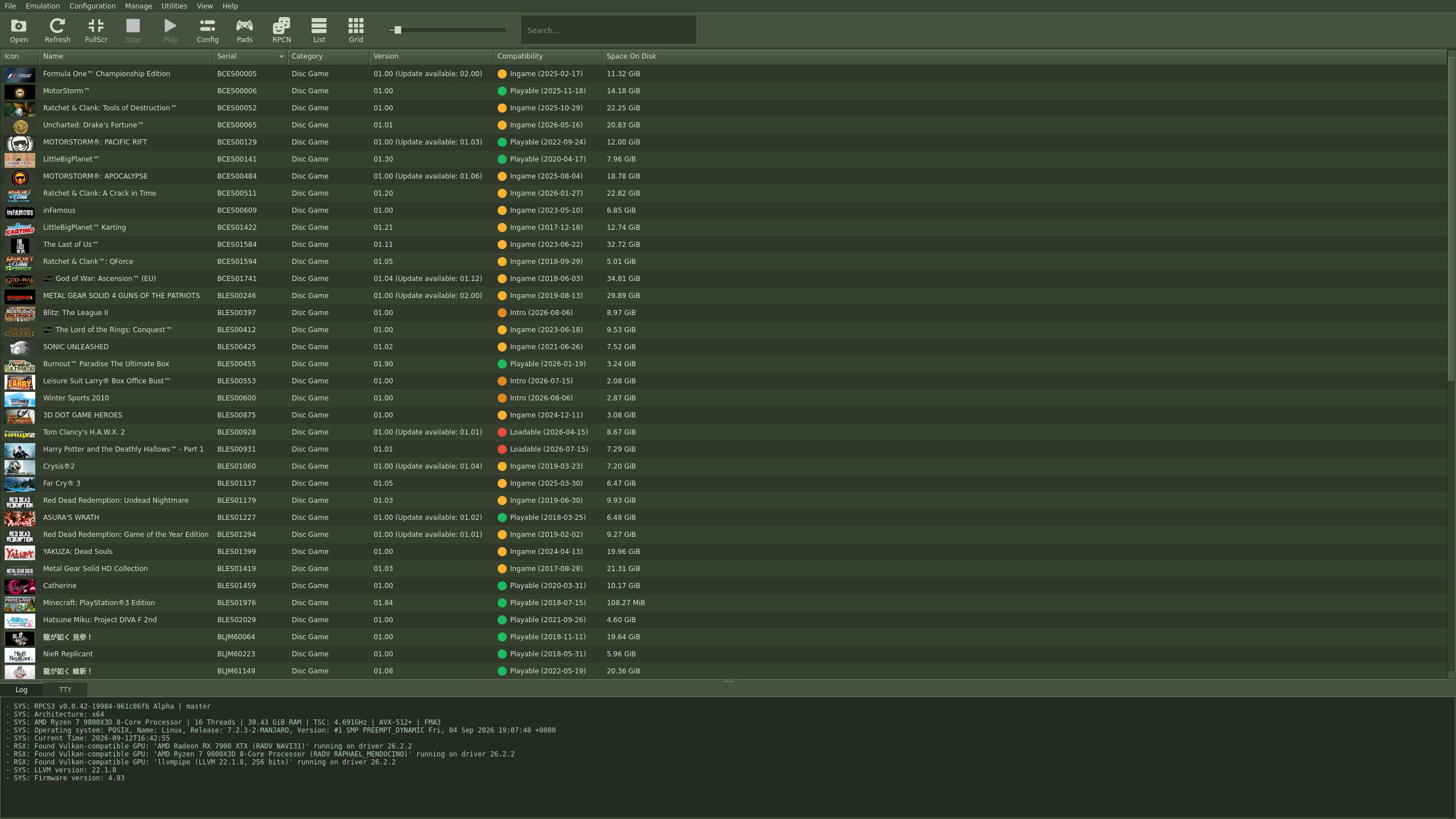
The latest addition to RPCS3’s UI stylesheets is a theme inspired by the old Steam UI, with its super nostalgic dull Army Green color and text-heavy presentation. The theme was made by RPCS3 community member FlexBy.
To apply this UI theme, launch RPCS3 and go to Config -> GUI -> UI Stylesheets. In UI Stylesheets, choose “Old Steam by FlexBy”.
If and when you are tired of the old Steam look, you have multiple other themes to choose from. Moreover, you can also create your own custom Qt stylesheets. There are a lot of resources online, including YouTube, that can help you do just that.
Sadly, RPCS3 is still a ways away from being able to launch PS3 games directly from inside the PS3 XMB interface. You can boot the XMB interface to navigate the settings menu, etc. You can even change the XMB themes. But you can’t currently launch games from inside the XMB interface.
The RPCS3 team explains that launching games from inside the PS3 XMB interface “requires multi-process support which is a huge core rework that is going on”. So, while we are not there yet, the RPCS3 team is actively working on the feature.
Source(s)
 Add as a preferred source on Google


