




Retroid releases OTA update for discontinued handheld
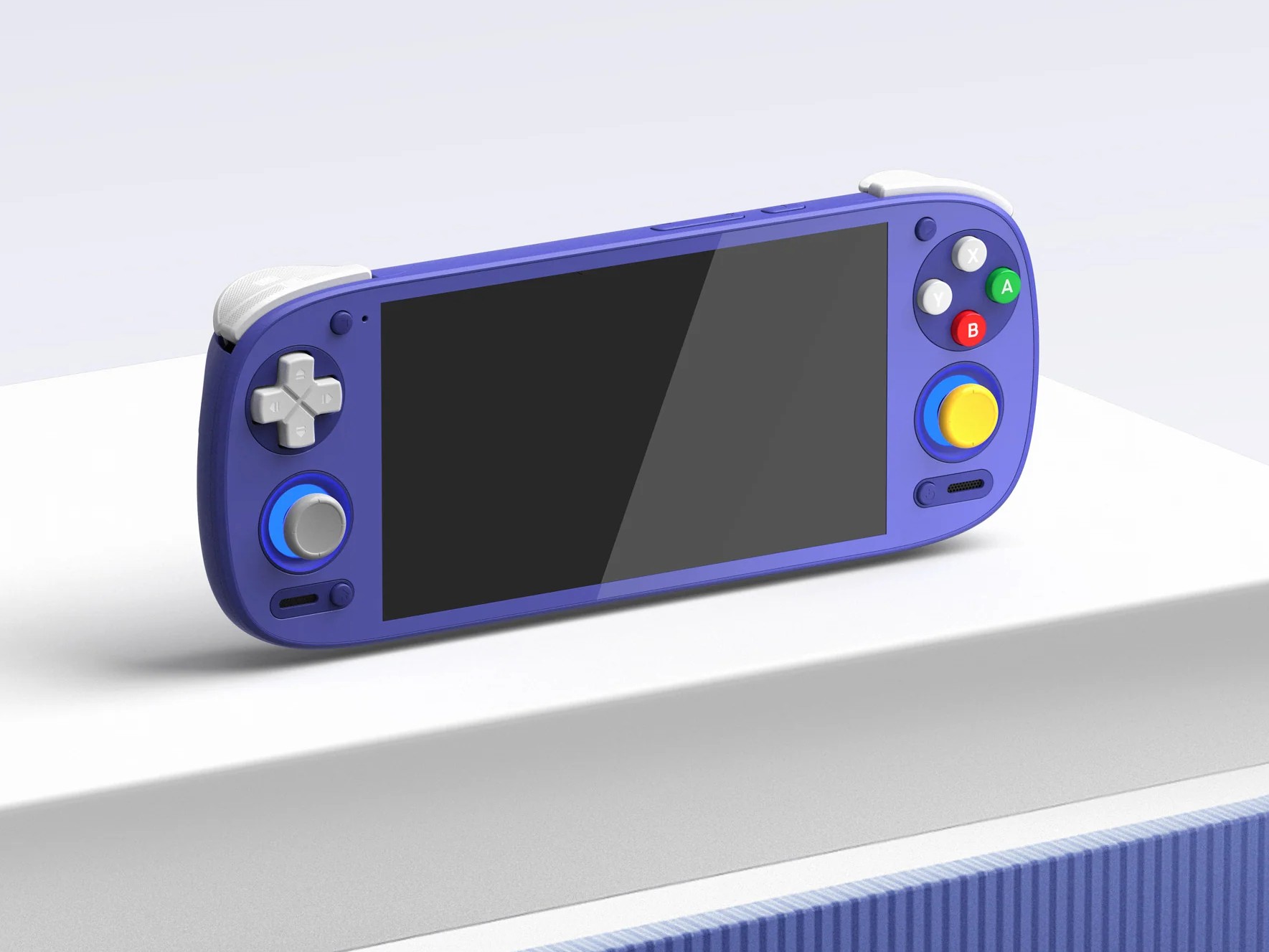
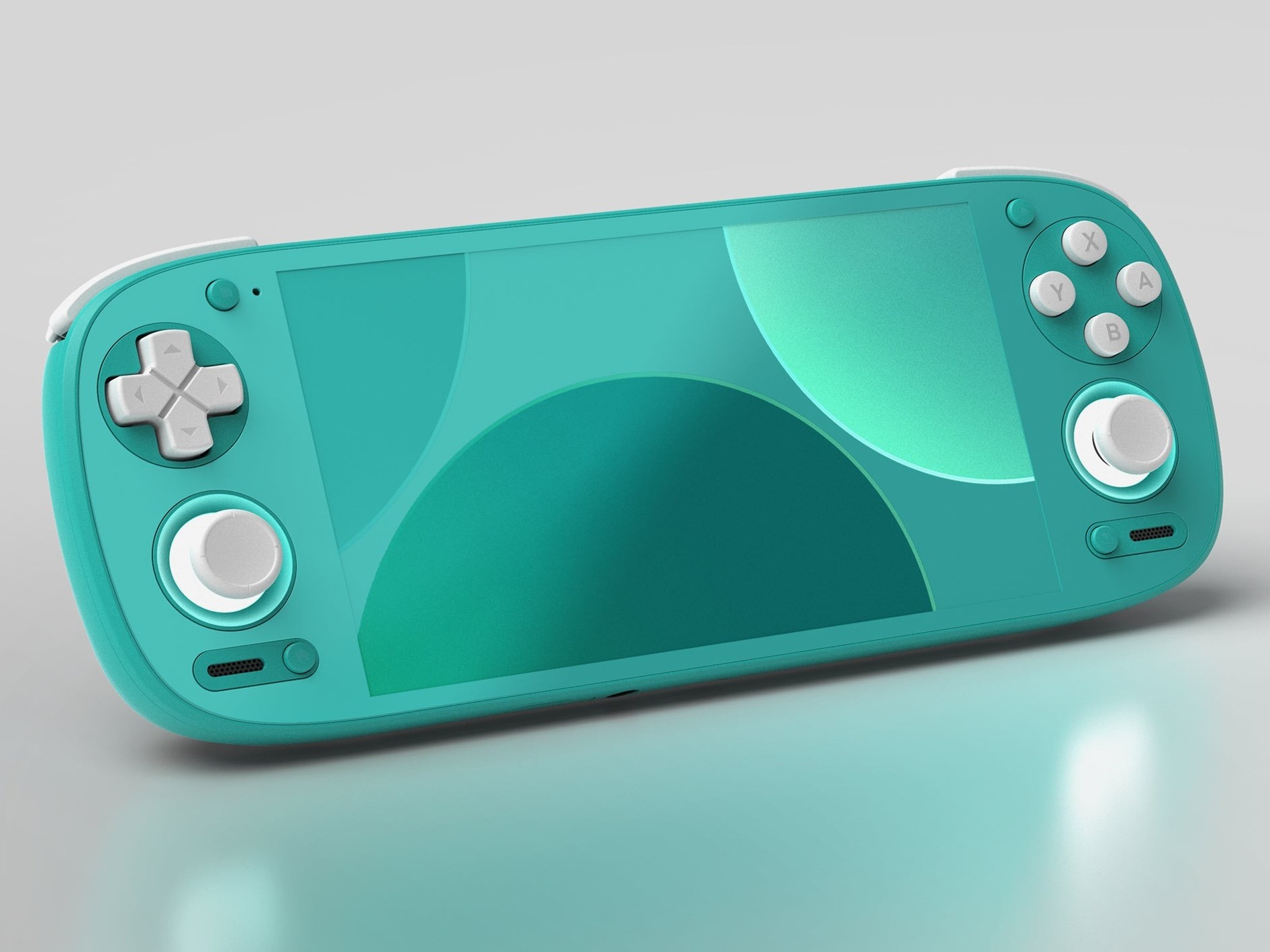
Retroid recently announced that it was discontinuing the Pocket G2 handheld released late last year. However, that doesn't mean the device will no longer receive support, as the manufacturer has released an OTA update for the handheld that fixes some issues and adds new features.
The update, which was confirmed to be coming when the announcement was made that the Pocket G2 has been discontinued, arrives as version 1.0.0.176. An interesting new feature that the update brings is bypass charging, although Retroid calls it Charge separation feature.
When activated, the Pocket G2 will draw power directly from the charger rather than the battery when plugged in. This feature helps with battery health and extends the lifespan of the battery. It comes in handy during long-gaming sessions or if you use your handheld in docked mode.
The charge separation feature can be easily enabled from the Quick Settings menu, but you have to add the tile to the menu first. Simply drag down the Quick Settings menu and tap on the pen at the bottom corner. Scroll down until you find the Charging separation tile. Hold and drag it to wherever you want. Tap on the back arrow at the top left corner to return to the Quick Settings menu. Simply tap on the tile to turn on/off the feature.
Below is the full changelog for the update:
- Improved compatibility with Widevine and Netflix.
- Fixed the issue where the Retroid Dual Screen (RDS) add-on still drains the battery when Pocket G2 goes to standby/sleep mode.
- Added support for the charge separation feature.
- Improved tapping response on the arrow next to the joystick light setting icon in the Quick Settings panel.
- Fixed an issue where the always-on display clock would not persist after screen-off (Settings > Display > Lock screen).
- Resolved a temporary unavailability of the screenshot function after re-entering the setup wizard (Handheld Settings > Advanced Settings).
To update your device, open the Settings app, and scroll down to System. Tap on it and select Retroid Pocket FOTA. Tap on check version to see if there's an update. Download the update and install it. It should prompt you to restart your device afterwards.
Source(s)
Retroid (via Discord)
 Add as a preferred source on Google


