




OnePlus 15R teardown shows easy-to-repair design
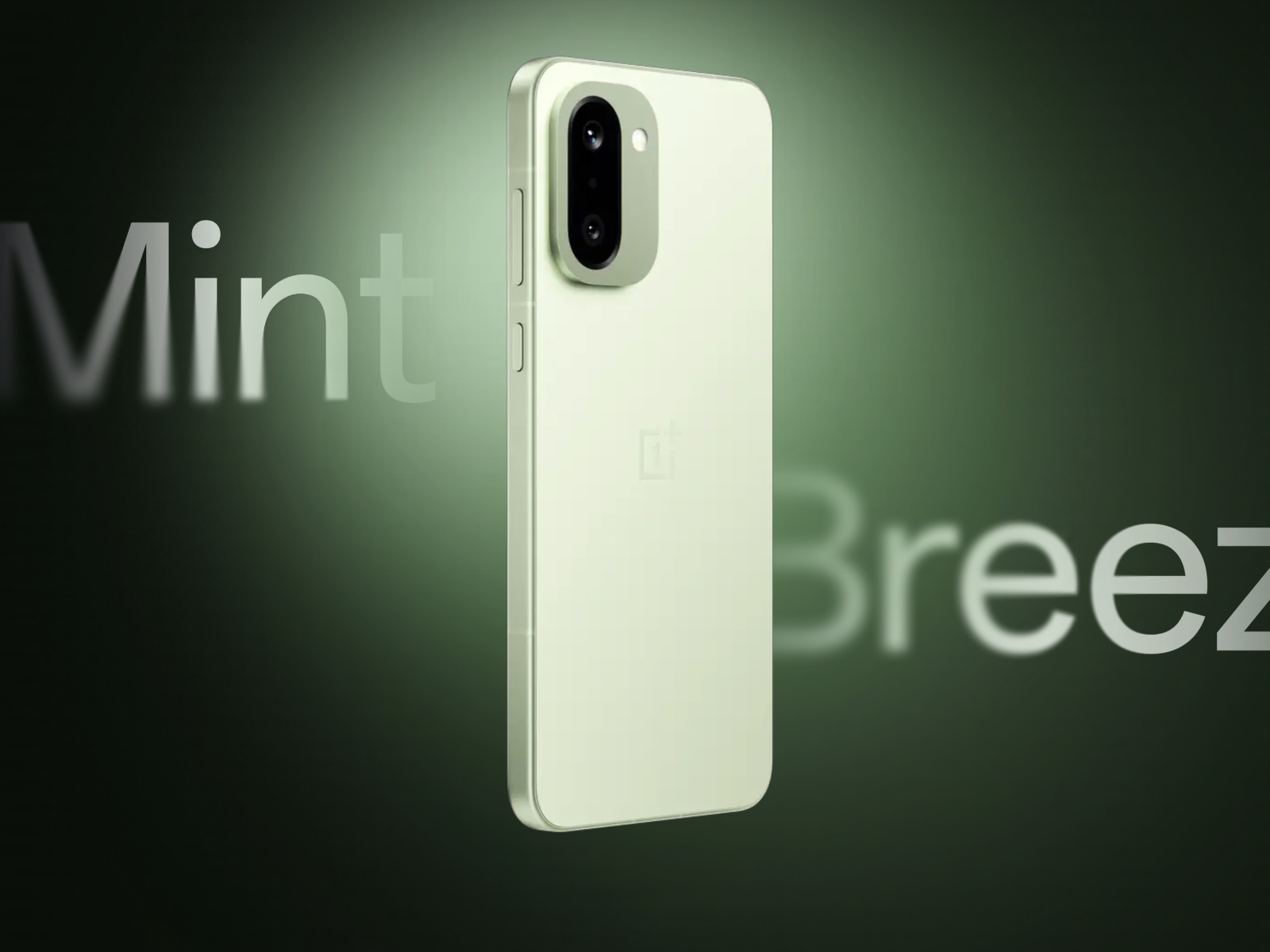
Repairing a broken phone these days often involves high costs and frustration, but the new OnePlus 15R aims to change that narrative with a relatively easy-to-repair design. PBKreviews recently conducted a OnePlus 15R teardown and gave the phone a solid 8.5 out of 10 for repairability score.
One of the main reasons why the OnePlus 15R scored that high is accessibility. OnePlus chose standard Philips screws instead of proprietary fasteners. You most likely already have a screwdriver capable of opening the device since these fasteners are so common. Removing the main board requires unscrewing a single fastener, which simplifies access to the core components. The cameras also feature a modular design that allows them to be disconnected by simply popping them off the board. Even the lens cover can be removed by applying heat and prying it off, saving users the time and effort of disassembling the entire phone for a minor cosmetic fix.
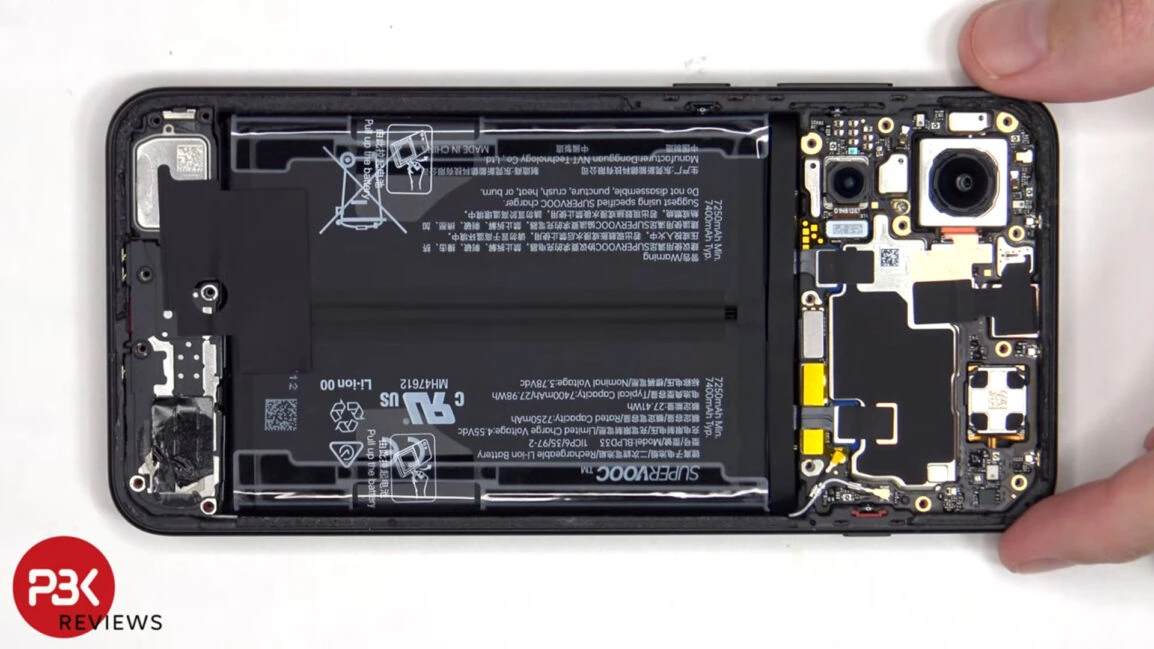
Replacing the battery is often the biggest issue with modern smartphones, yet the OnePlus 15R addresses this specific pain point with a pull pouch. This simple addition allows for easier removal of the power cell without requiring dangerous prying tools that could puncture the battery. The teardown video shows that while the battery cables are hidden under graphite film and copper tape, the pull pouch makes the actual extraction process much more straightforward compared to glued-in batteries.
However, the OnePlus 15R is not perfect, as it still relies on adhesives for the glass backplate instead of screws or clips. Opening the phone requires using a hairdryer or heat gun to loosen the back panel, which carries a risk of cracking the glass if the heat is insufficient. Applying too much heat could also harm the internal components, so a careful hand is necessary during the initial opening steps. Repairers must also peel back delicate strips of graphite film and copper tape to disconnect the battery cables, adding a layer of complexity to an otherwise smooth process.
The display replacement process proves to be the most labor-intensive task on this phone because the screen is not easily accessible. Accessing the screen flex cable requires removing the back plate, screws, bottom cover, and the subboard itself before the cable is exposed. The screen must then be heated and pried off before new adhesive is applied to stick the replacement unit back into place.
Source(s)
 Add as a preferred source on Google


