




Here's how Razer's Hammerhead V3 HyperSpeed and Hammerhead V3 X HyperSpeed earbuds differ
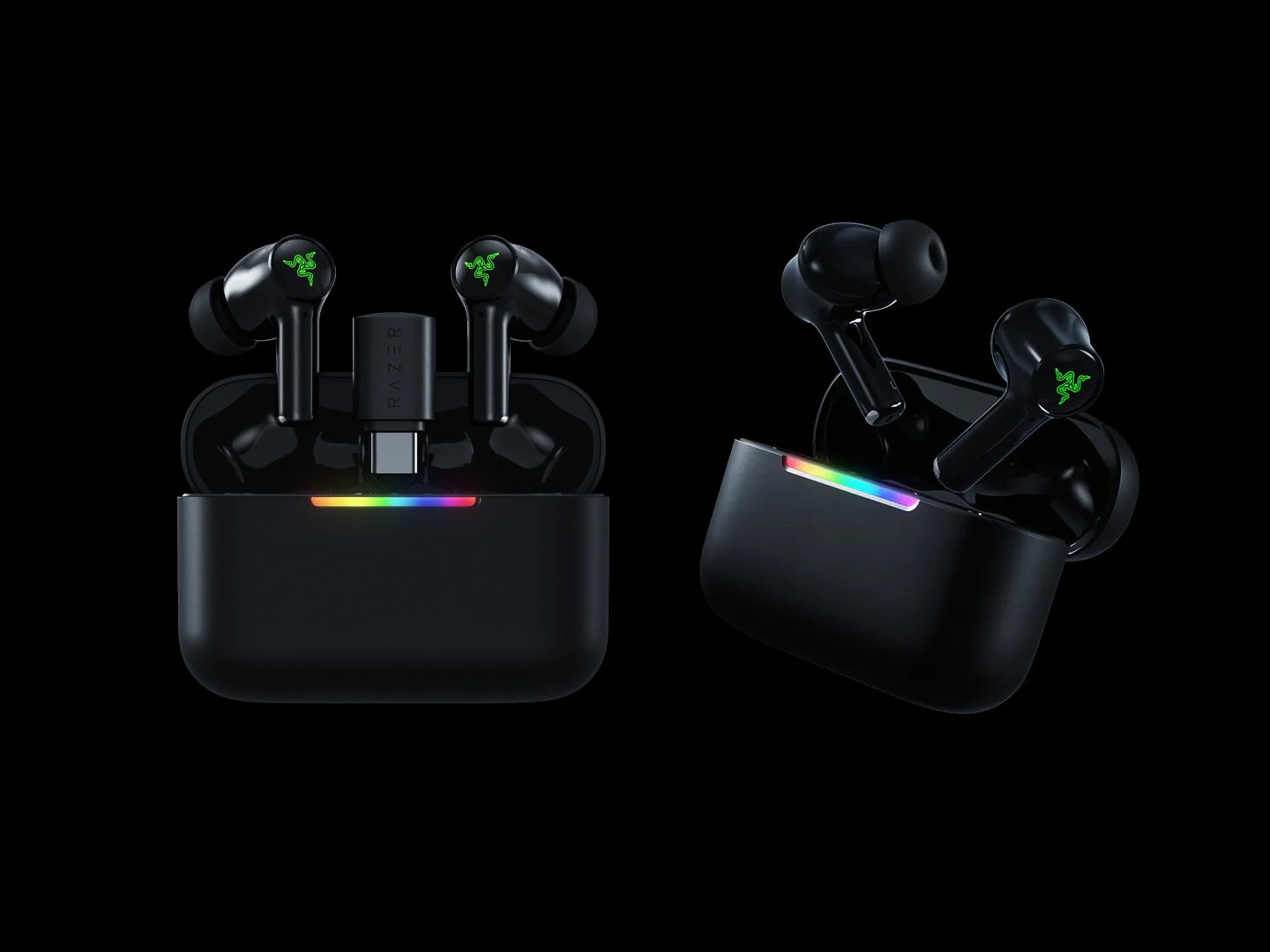
Razer recently announced two new pairs of gaming earbuds, and while they look alike, the Razer Hammerhead V3 HyperSpeed is quite different from the Razer Hammerhead V3 X HyperSpeed. These differences are significant, and knowing them should help you choose the right one for your needs.
| Razer Hammerhead V3 HyperSpeed | Razer Hammerhead V3 X HyperSpeed | |
|---|---|---|
| Weight | 5.6g per earbud (63g with the case) | 5.1g per earbud (51g with the case) |
| Bluetooth | Bluetooth 6.0 | Bluetooth 5.3 |
| Hyperspeed Case | Yes | Yes |
| 2.4GHz low-latency mode | Yes, with removable USB-C dongle | Yes, no removable dongle |
| Noise Cancellation | Hybrid Active Noise Cancellation | No noise cancellation |
| Headphone Sensitivity | 105dB | 102dB |
| Microphone Signal-to-Noise Ratio | 70dB | 65dB |
| Microphone Sensitivity (@1kHz) | -40dB | -35dB |
| THX Spatial Audio | Yes | Yes |
| Water and dust resistance | IPX4 | IPX4 |
| Battery life | 40 hours (10 hours + 30 hours for the charging case) | 35 hours (10 hours + 25 hours with the charging case) |
| Compatible devices | PC, smartphones, tablets, PS5, Steam Deck, Nintendo Switch | PC, smartphones, tablets, PS5, Steam Deck, Nintendo Switch |
| Price | $129.99 | $99.99 |
As the table above shows, there are multiple differences between the Hammerhead V3 HyperSpeed and the Hammerhead V3 X HyperSpeed, but the key ones include the Bluetooth version, noise cancellation, the presence of a dongle, and battery life. While these differences are self explanatory, it seems necessary to highlight the 2.4GHz low-latency wireless connectivity mode.
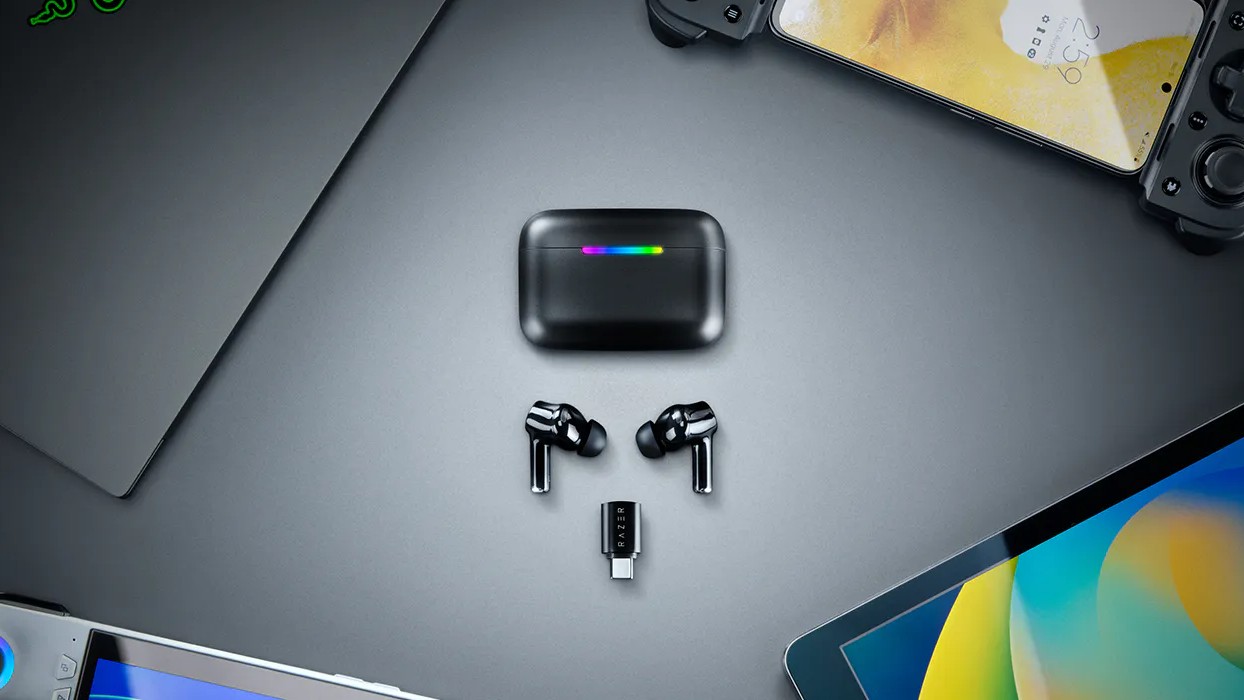
Both pairs of earbuds support 2.4GHz low-latency, however, while the receiver is built into the HyperSpeed case of the Hammerhead V3 X, the more expensive Hammerhead V3 has a removable 2.4GHz USB-C dongle. This dongle slots into its HyperSpeed case, but can also be removed and plugged into a device directly. This way, you don't need the case and USB cable for 2.4GHz low-latency mode.
Save for these differences, the rest of the features are the same. Both earbuds have a LED indicator on their cases, support for touch controls which can be customized with the companion app, and the ability to switch between audio sources and between 2.4GHz and Bluetooth devices using Razer SmartSwitch.
Now, that you know how they differ, you can go ahead to purchase either the Hammerhead V3 for $129.99 or the Hammerhead V3 X HyperSpeed for $99.99 on Amazon or from Razer's website.
 Add as a preferred source on Google


