




Google Pay suddenly stops working: Major problem with Chinese phones from Xiaomi, Vivo, Oppo, OnePlus and others
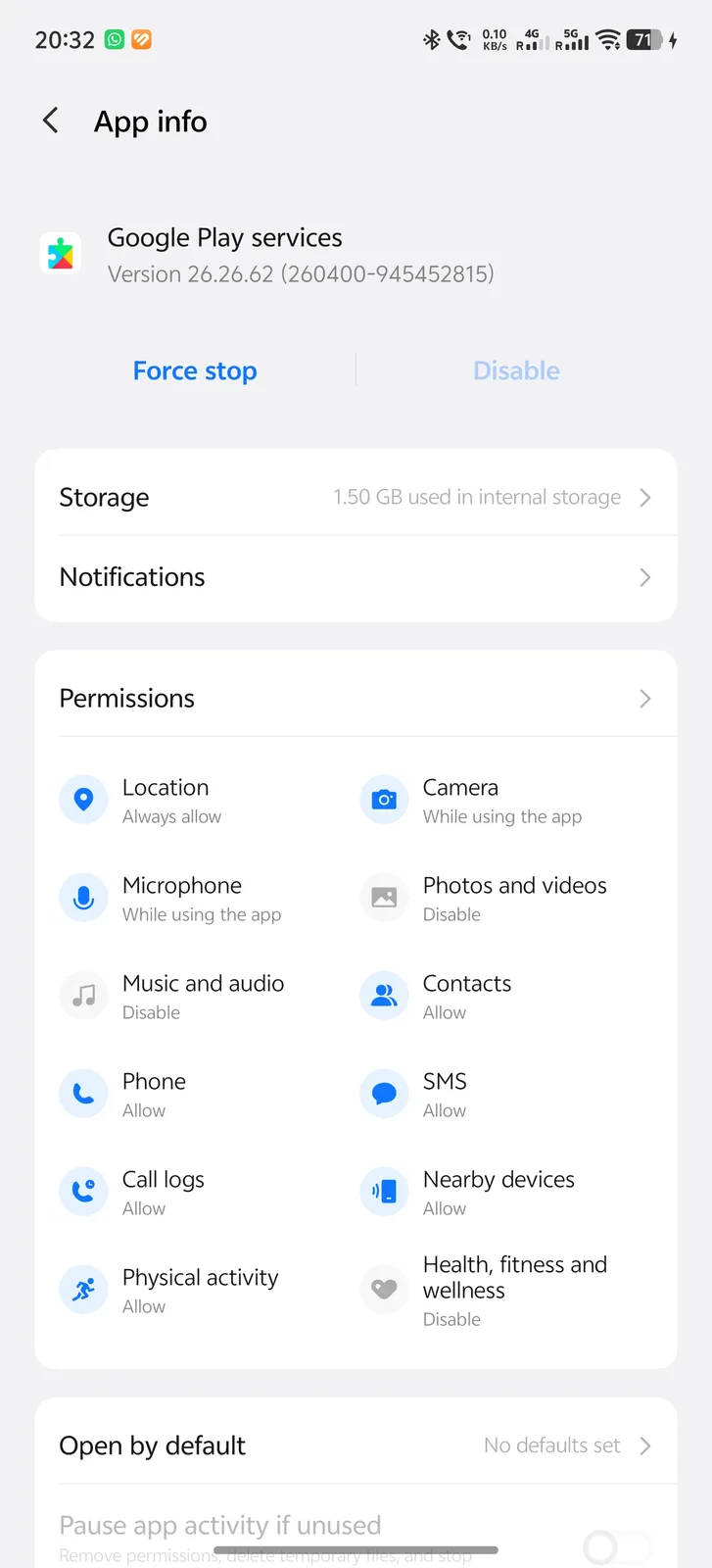
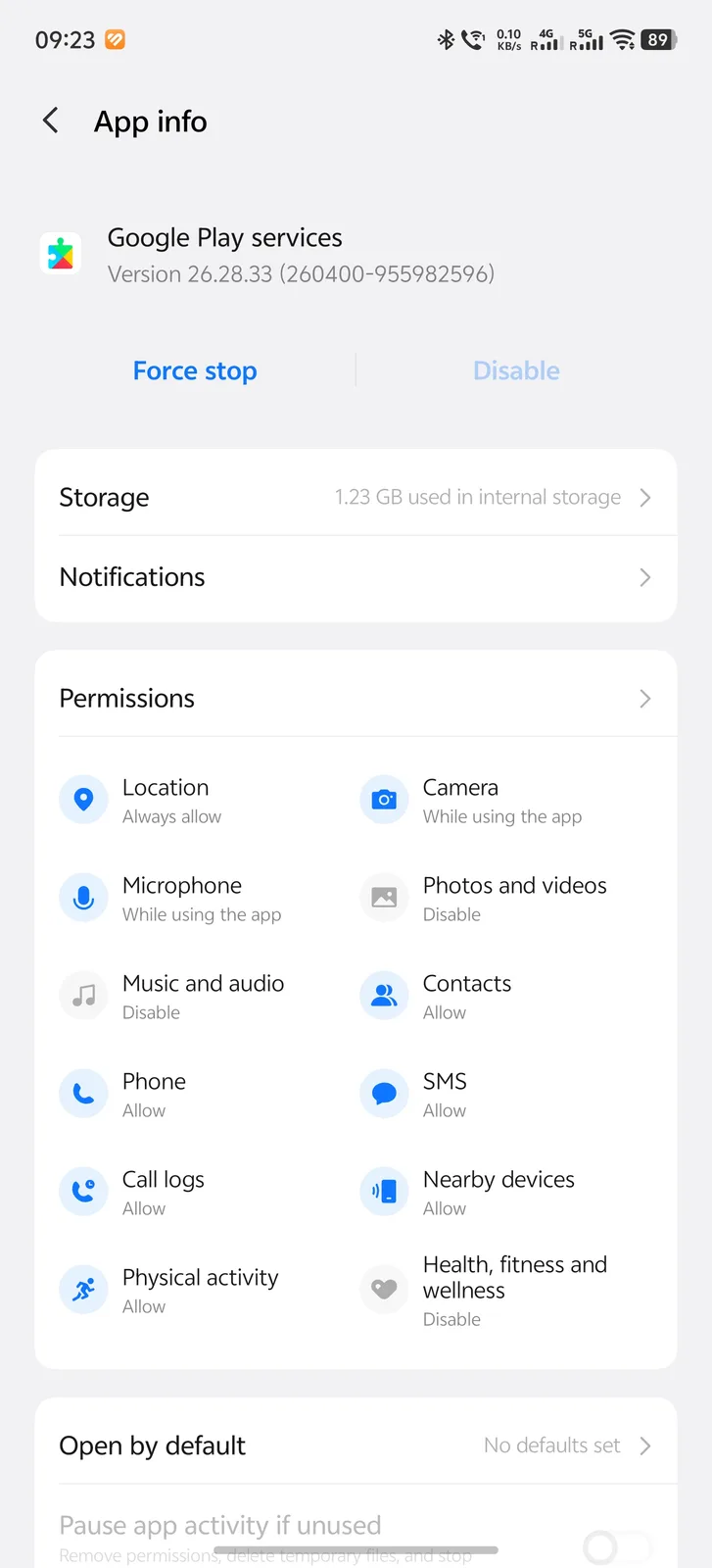
Have you made a contactless payment with your China-ROM phone today? If not, why not try it out to see if it is still working? The author of this article will be trying it out soon has tried as well, because overnight, the latest Play Services version 26.28.33 was installed on my Vivo X200 Ultra running a Chinese ROM. Yesterday, it was still running version 26.26.62.
What exactly happened?
You can read up on why this update might be quite problematic for your daily life in several forum posts on XDA and Reddit. Numerous users with smartphones from China claim that they suddenly can no longer make contactless payments via NFC, even though Google Pay has been working without issues for years. To be clear: This only applies to smartphones that were imported from China or purchased there, models with a China ROM so to speak. Anyone who purchased a global smartphone from Chinese manufacturers in Europe or other parts of the world outside mainland China does not need to worry.
Only China-Roms affected
Developer MarvinFS got to the bottom of the problem in his post on the XDA Forum. On his Vivo X200 Ultra, the following lines keep appearing in the Google Play Services log:
TapAndPay: deviceSupportsTokenization: CN SKU
TapAndPay: Disabling TapAndPay HCE service
This makes it clear what Google is doing here: As soon as a Chinese SKU is detected during contactless payments, Google disables the tap to pay service.
Google Play Services 26.28.63 was detecting the Vivo as a Chinese SKU and disabling the TapAndPay HCE service. This explains why the Wallet app and Android Wallet role appeared to be functioning correctly while contactless payments remained unavailable.
Everything looks normal
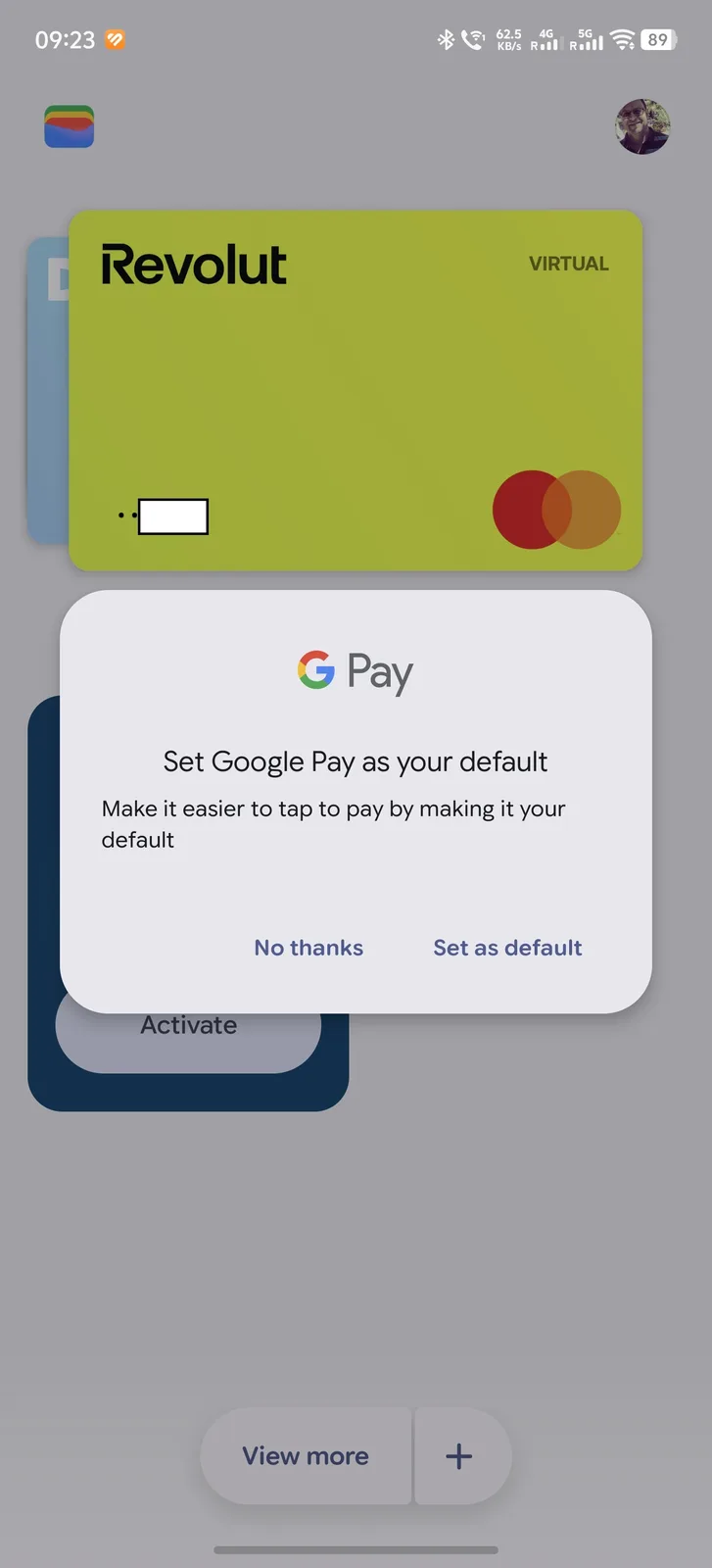
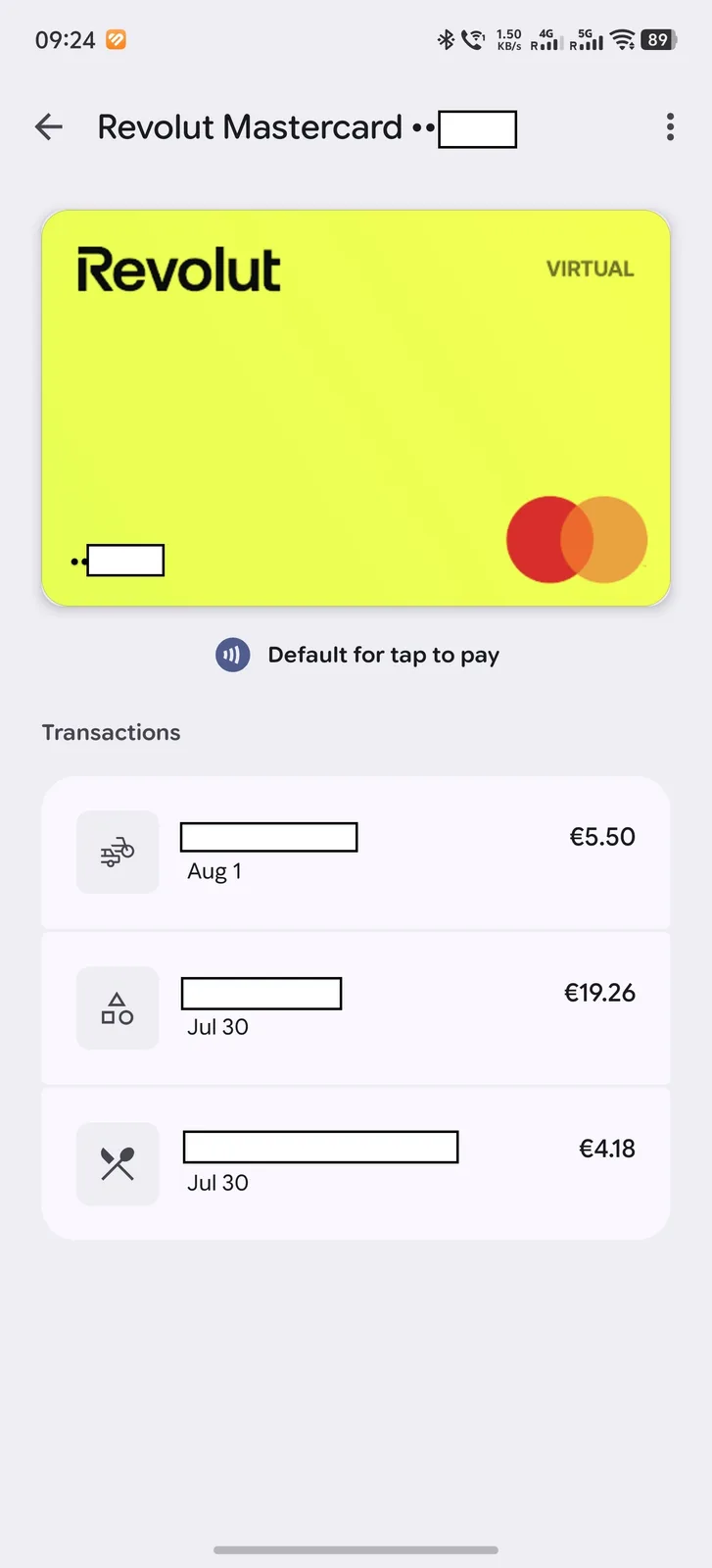
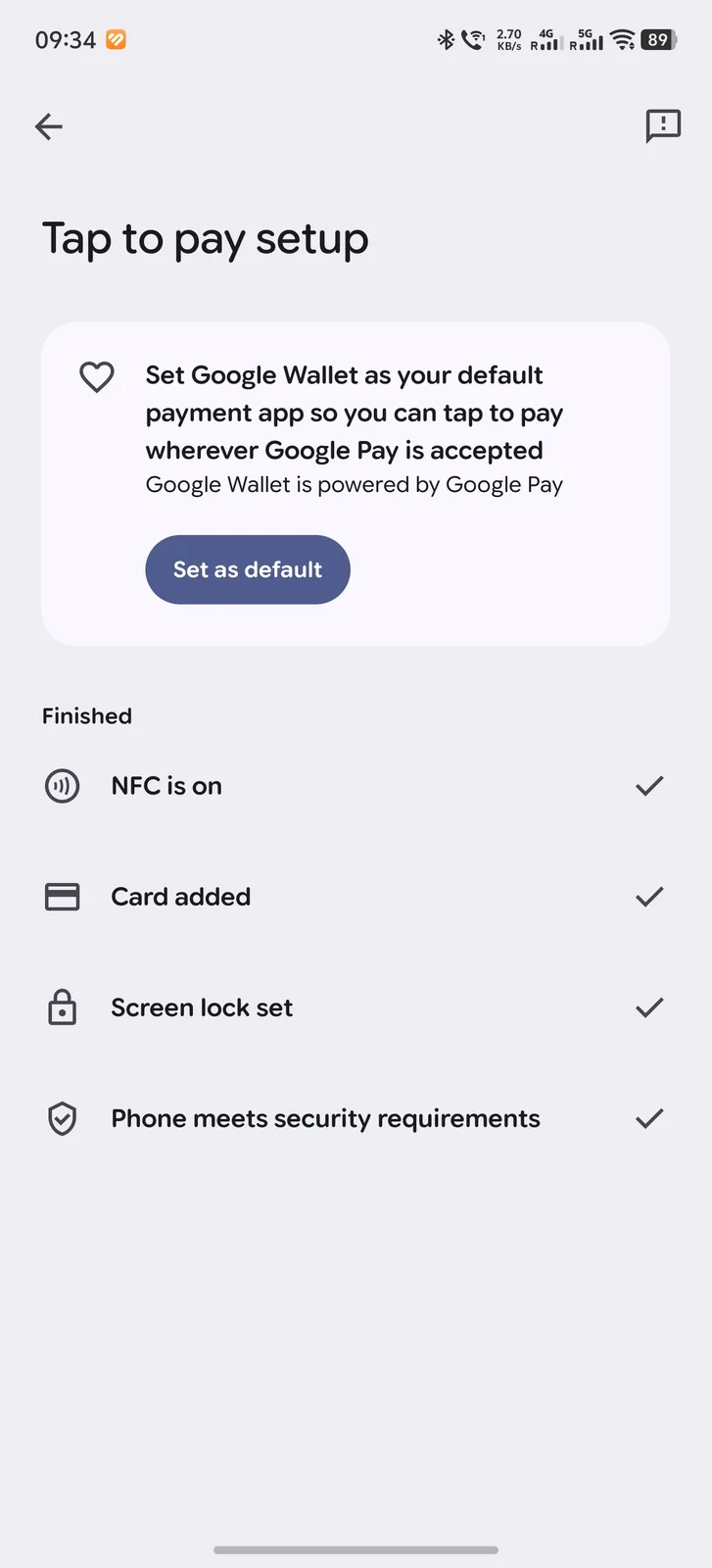
Since Google Wallet itself doesn’t report any issues, the problem is hard to spot and becomes apparent only when you try to pay at an NFC terminal in a store. However, after the updated Play Services, I can report that a new message appears whenever I open Google Wallet. The popup suggests to set Google Pay as the default for contactless payments, even though this was set as default before already. As you can see in the transaction history, payments via Google Pay were processed correctly up until August 1.
Which phones are affected
Not only Vivo X200 Ultra users are affected by this new Google Pay problem. Currently affected models also include Chinese versions of the Vivo X300 Pro, Vivo X300 Ultra, Vivo X100 Ultra, Vivo X Fold5, Vivo X Fold3 Pro, Vivo X200 Pro (mini), Oppo Find N3, Oppo Find X9 Pro, Xiaomi 17 Ultra, Xiaomi 13 Pro, Onplus Ace6, Oneplus 15T. Many more will probably be reported soon. The problem does not appear to be limited to any specific region; reports of the issue have come in from both Europe and Brazil for example.
Possible workarounds
At the moment, there appear to be two primary workarounds for the issue. The first one is to roll back to earlier versions of Google Play Services, which only works via ADB and completely resets Google Wallet. You’ll then have to re-add and set up all your cards. However, this is only a temporary fix, as it’s nearly impossible to prevent another update from occurring at a later date.
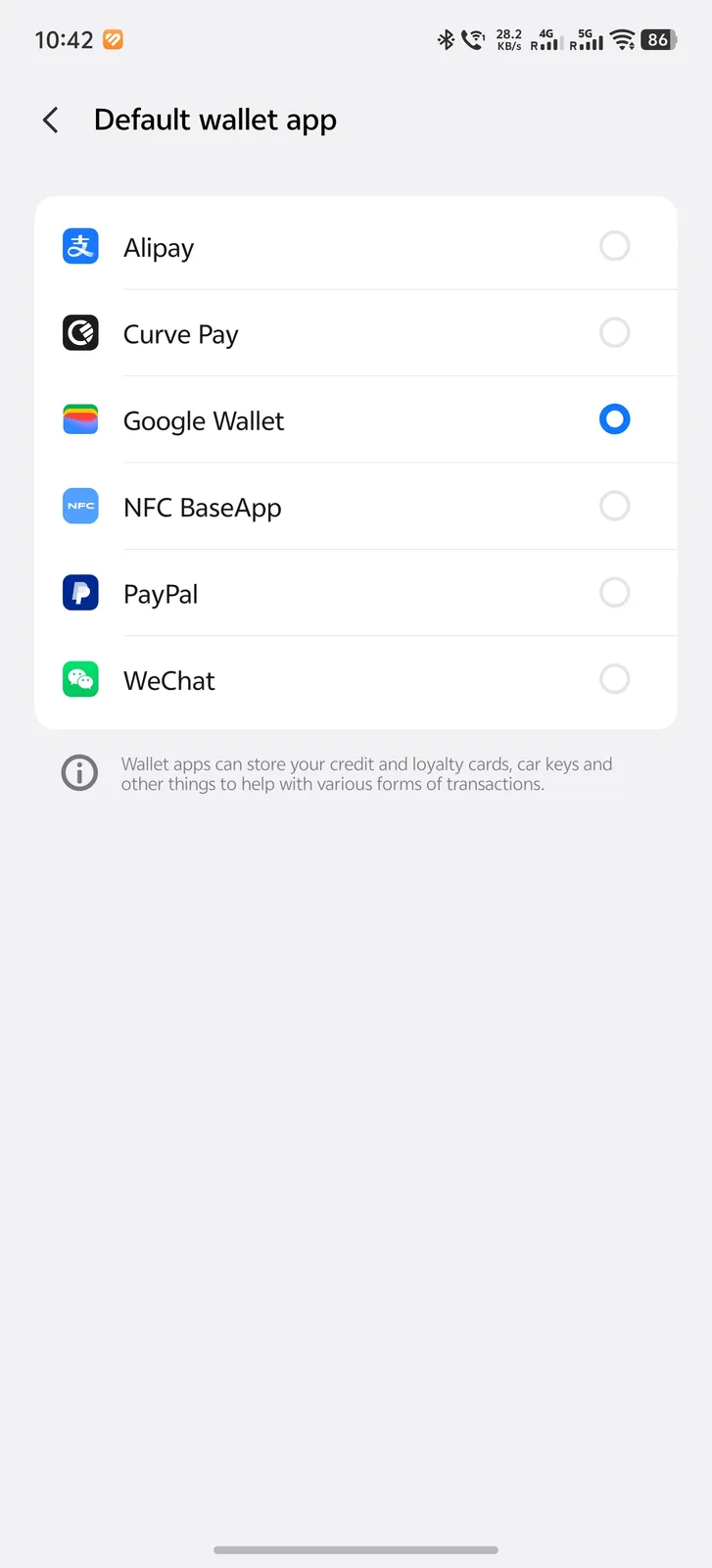
Marvin explains the specific steps to follow in his XDA post. The other solution, suggested on Reddit, is to set other wallets as a default payment option, for example Curve Pay. That way you can bypass Google Wallet entirely. Curve does have it's own share of problems unfortunately, for example, when it detects yet another supposedly unauthorized payment and then remains disabled for weeks because Curve support is slow or unavailable.
No official fix in sight
A permanent fix is currently not in sight. Many users of Chinese smartphones are still on the old 26.26 version of Play Services and probably haven’t even realized that they, too, may be affected by this issue in the near future. There’s currently a heated debate on Reddit over the reasons for this sudden block of China-ROM phones from using Google Wallet. This is likely to also affect Chinese citizens who are vacationing or working abroad and want to use Google Wallet. At this point, it cannot be ruled out that this is a bug, but unfortunately, it currently looks more like a deliberate ban. Google has not yet commented on the issue; we will try to reach someone at Google and keep you updated.
Update: Problem confirmed
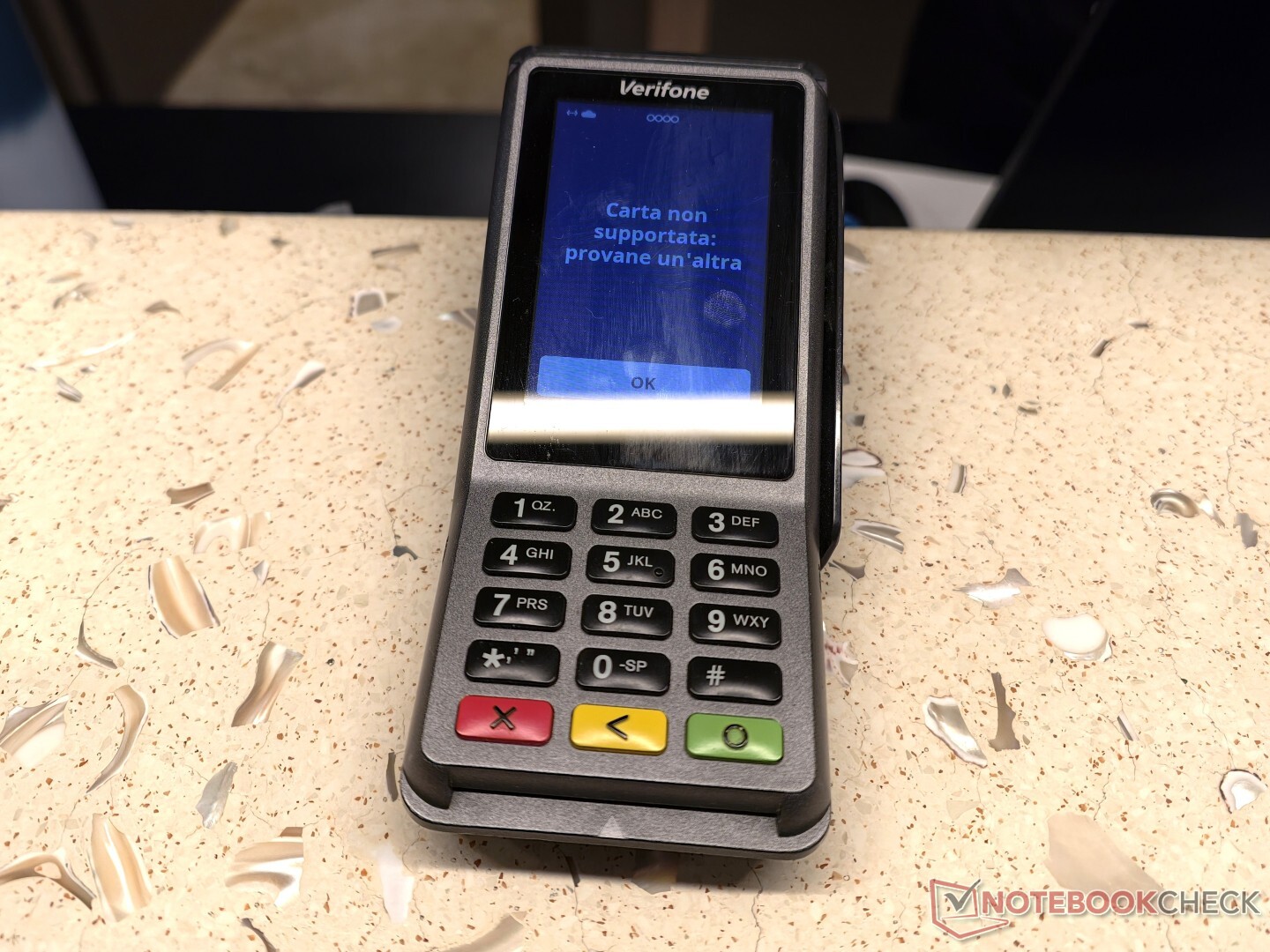
I have now been able to confirm, that the Chinese Vivo X200 Ultra that was used for contactless payments just yesterday, suddenly does not work anymore. The terminal (in this case in Italy) reports that the card is not supported.
Update 2: Easy solution discovered
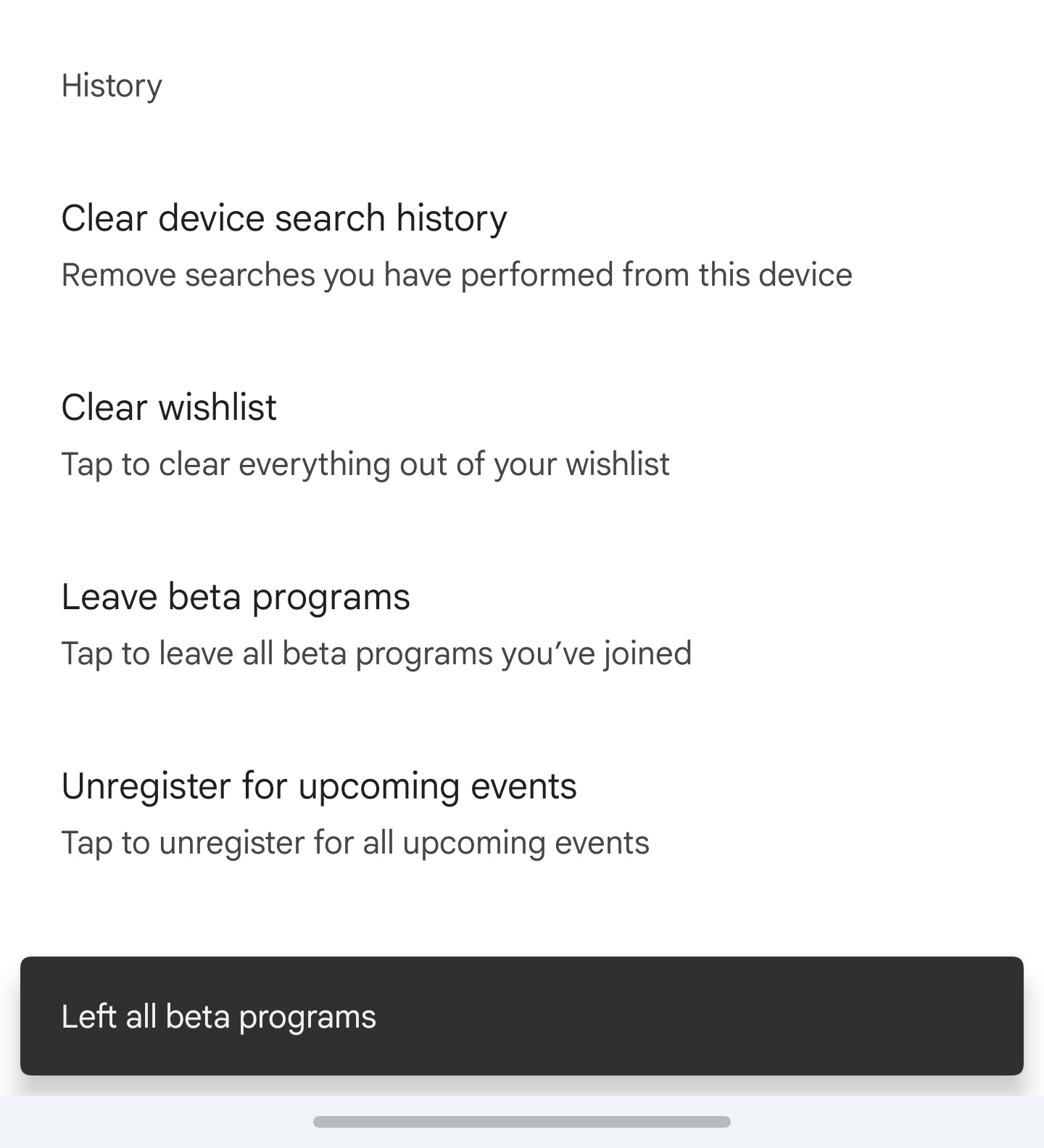
Quicker than expected, the XDA-Forum user "Just_Soul" has discovered a surprisingly easy solution for the problem, that I can confirm works on my Vivo X200 Ultra. Even if you have never subscribed to any beta programs, exit all beta programs in the settings of Google Play store apparently fixes this problem. In Google Play store click on your profile icon, then navigate to "Settings -> General -> Account and Devices Preferences". Scoll down to History and tap on "Leave beta programs".
After doing this, tap to pay works again, even after restarting the phone. This suggests that this was a bug after all, or at least a beta that sneakily made it onto people's phones without subscribing to one. It does show however, that Google does have (and apparently test) ways to effectively deactivate Google Pay for users of Chinese Rom phones. Let's hope, it never makes its way onto final software versions.
Update 3: Google may have solved the problem
More reddit posts and a new update from MarvinFS on the XDA-Forum suggest that the solution mentioned above may not be be necessary after all. Instead Google seems to have solved the problem remotely or in their backend instead.
Source(s)
Image: Clay Banks, Unsplash
 Add as a preferred source on Google


