




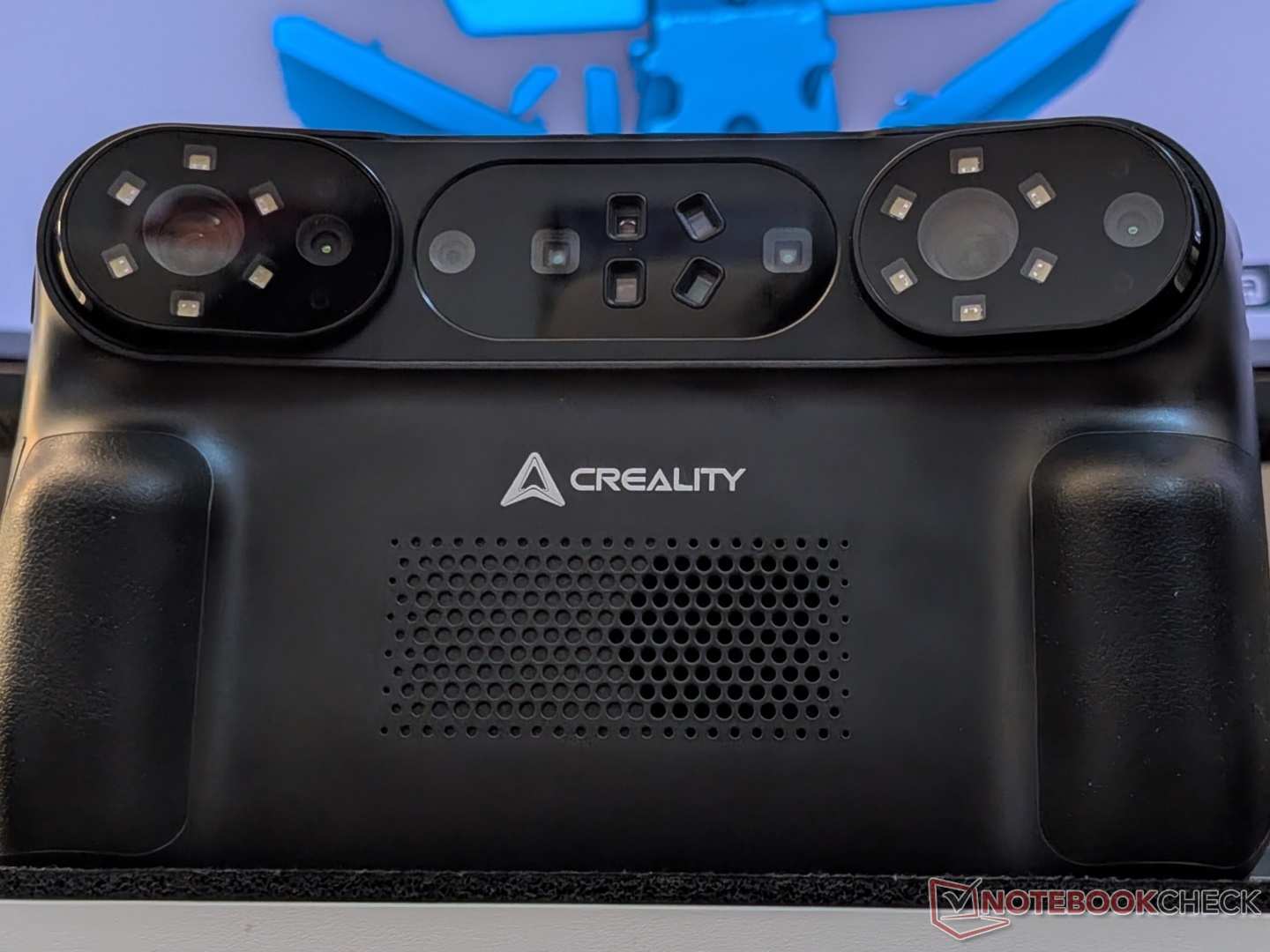
Creality Sermoon P1 all-in-one 3D scanner review: Untethered scanning with reliable precision
An expensive but capable package for personal and professional use.
The Sermoon P1 from Creality is a high-precision 3D scanner, and is a first for the company to offer an all-in-one solution. On paper, it is a bit more accurate than its similarly priced, but older competitor from Revopoint.Vineet Washington Published 🇳🇱 🇫🇷 ...
Verdict - Complete scanning package for serious creators
With high-quality 3D scanning, as expected by one of the premium offerings on the market, the Sermoon P1 streamlines the workflow to a great extent. You would still need a dedicated system to work on your high-precision 3D scan, but the P1 gets you there quickly and efficiently. The extra weight and premium price, accompanied by some setup challenges, may deter some hobbyists, but serious creators and professionals will surely appreciate the freedom.
It is not as accurate as Creality’s flagship Sermoon X1, but the untethered nature and cheaper price tag make the Sermoon P1 a strong contender in casual and professional workflows. That said, for solely hobby-level projects, the entire Sermoon line is overkill.
Pros
Cons
Price and availability
The Sermoon P1 all-in-one scanner is priced at $3,299, and the package includes everything you need to start scanning. It is available via the Creality store and Amazon, and at the time of publishing, there is a $300 discount on both platforms.

Specifications
| Scanning accuracy | 0.02 mm |
| Volumetric accuracy | 0.02 mm + 0.06 mm/meter |
| Processor | 8-core Qualcomm CPU + Adreno 740 GPU |
| RAM | 24 GB LPDDR5X |
| Storage | 256 GB UFS 4.0 |
| Display | 6-inh HD touchscreen |
| Battery | 2x 3,300 mAh with 65W PD 3.0 fast charging |
| Scanning modes | Standalone (60 FPS), wireless PC mode (80 FPS), wired PC mode (100 FPS) |
| Laser modes | 22 cross lines, 7 parallel lines, single line |
| Range | 5 mm³ - 4000 mm³ |
| Weight | 830 g |
| Connectivity | USB, Wi-Fi 7 |
| Software | Creality Scan 4 |
Unboxing and accessories
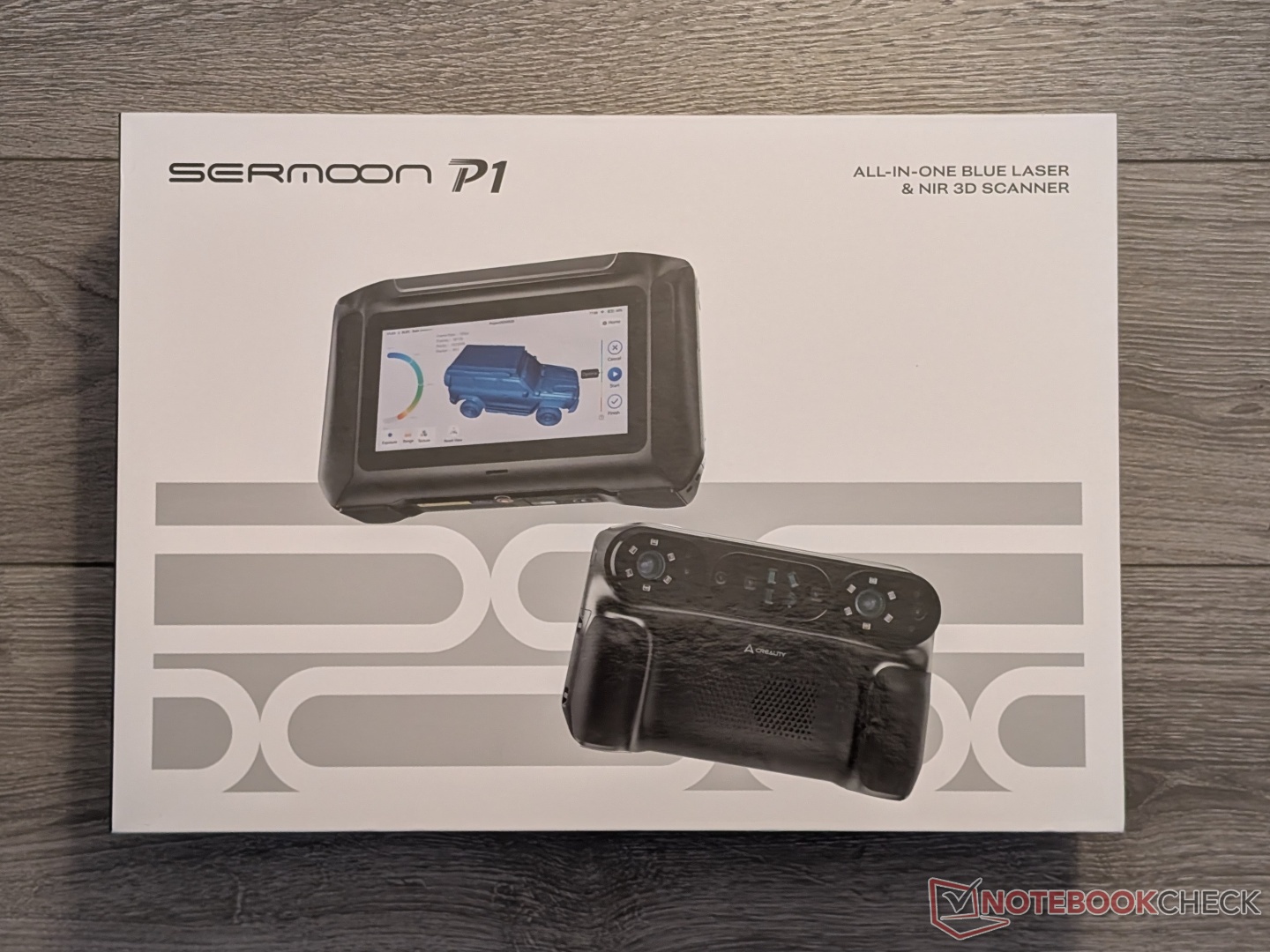
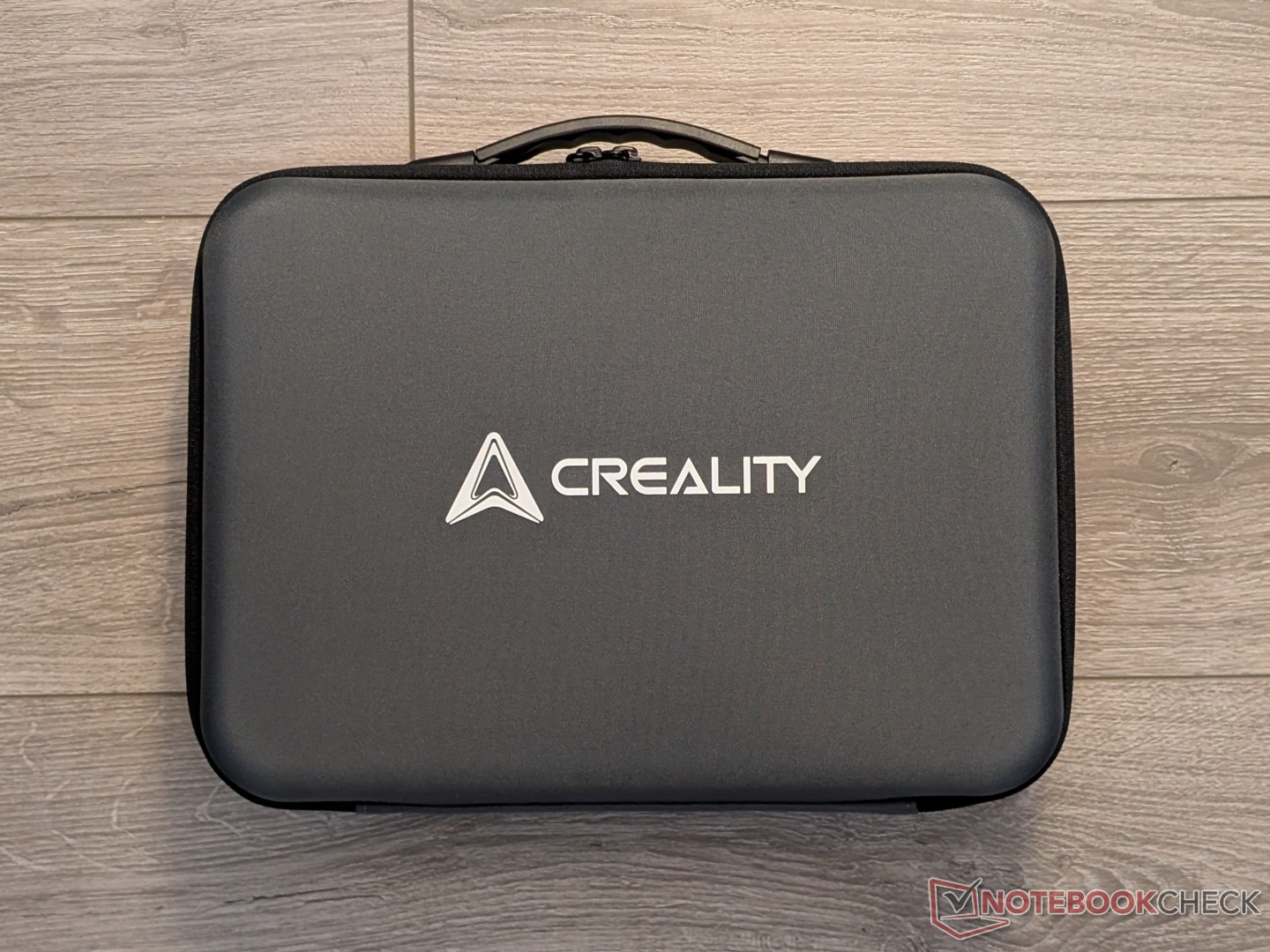
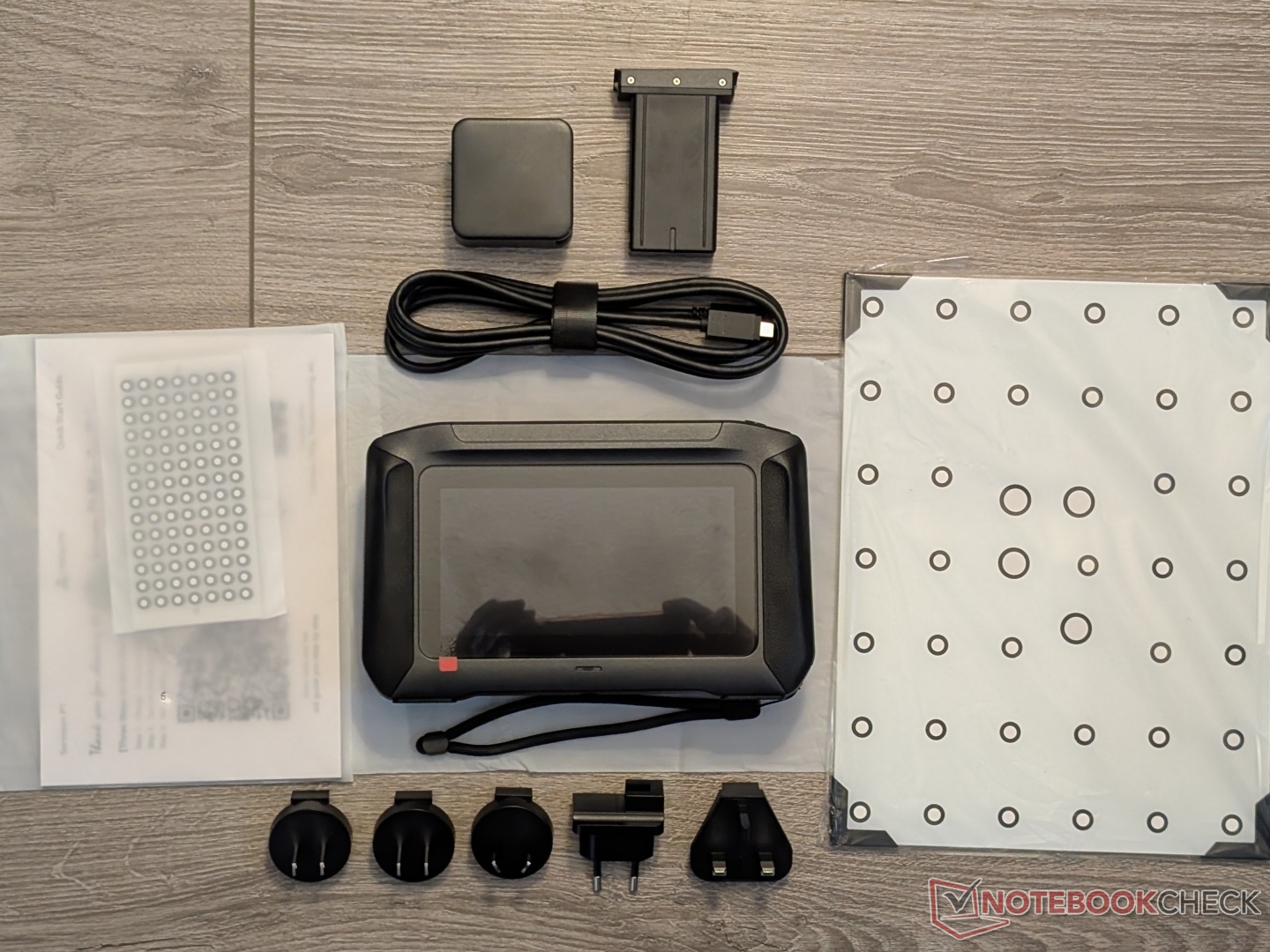
The Sermoon P1 comes packaged inside a carrying case, inside a retail box, that also houses a strap for the carrying case. The hard-shell case has compartments for all the accessories, like the calibration board, extra battery, markers, documents, power adapter, and more.
Design and setup
With a screen attached to what is essentially a Sermoon S1, the P1 has a solid build with some good heft to it. There is a single power button on the top, followed by a start/stop button on the right side. At the front (or the back, depending on how you look at it) is a set of lasers, lenses, and cameras. The setup is similar to that of the Sermoon S1 that we’ve also reviewed. There is ventilation at the front and the bottom, more on that later.
I had some issues with setting up the unit as it wouldn’t connect to Wi-Fi (Wi-Fi 6E), and there’s no way to skip that step. Working with Creality, I was able to make it work, but the process was a bit complicated. It could be my Wi-Fi since it combines three bands (6 GHz, 5 GHz, and 2.4 GHz) into one, but given that the Sermoon P1 supports Wi-Fi 7, that shouldn’t have been a problem.
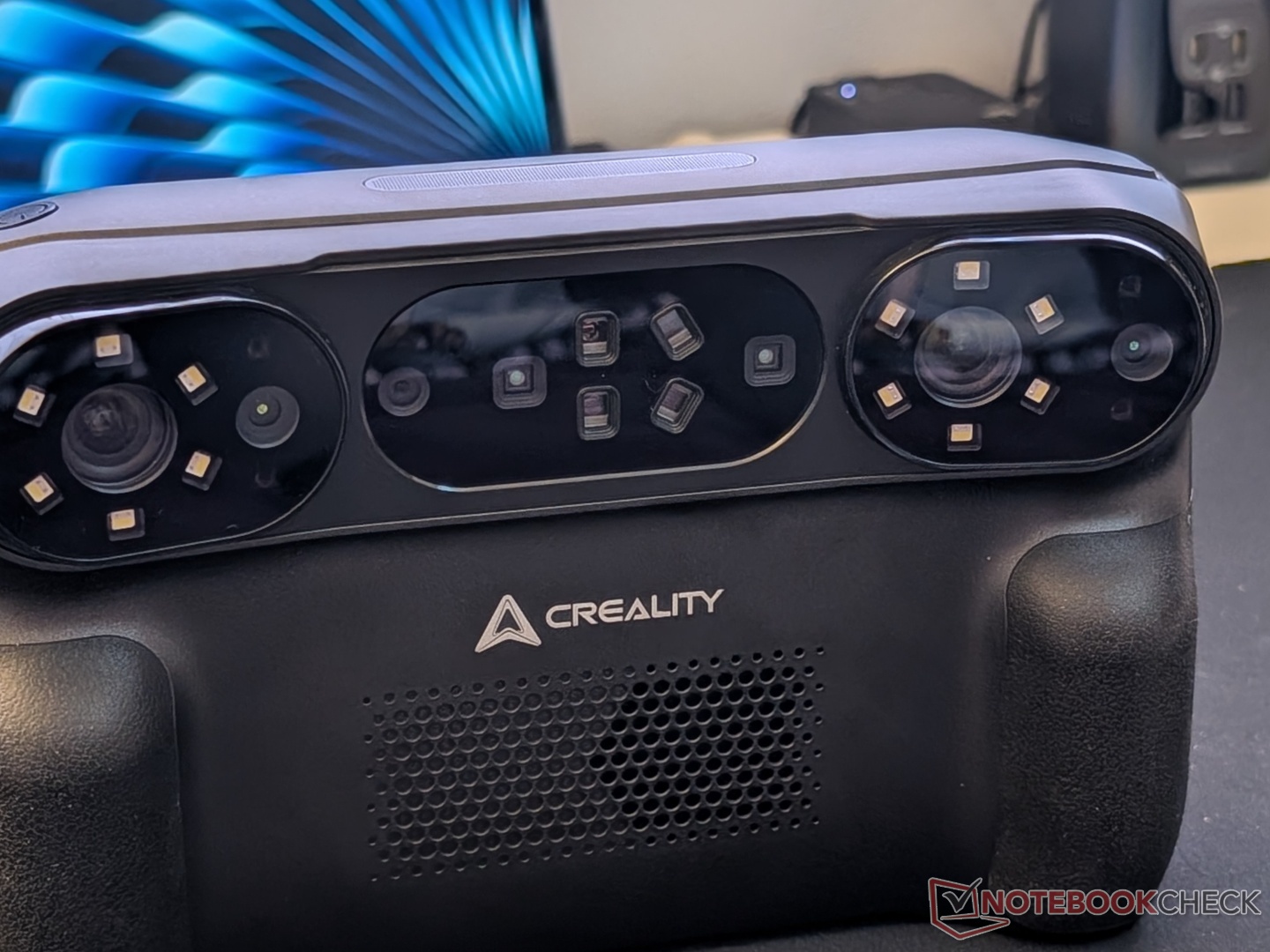
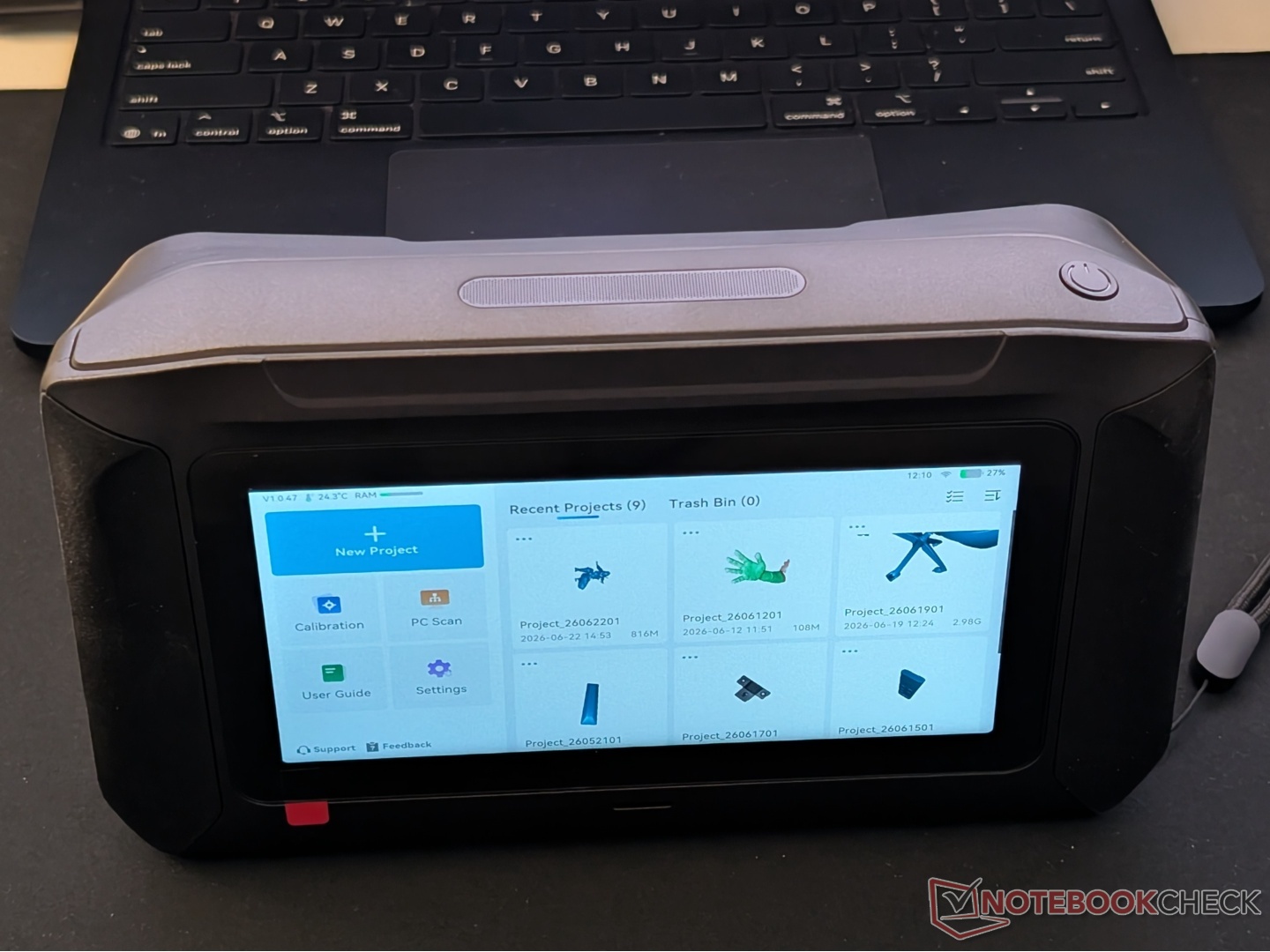
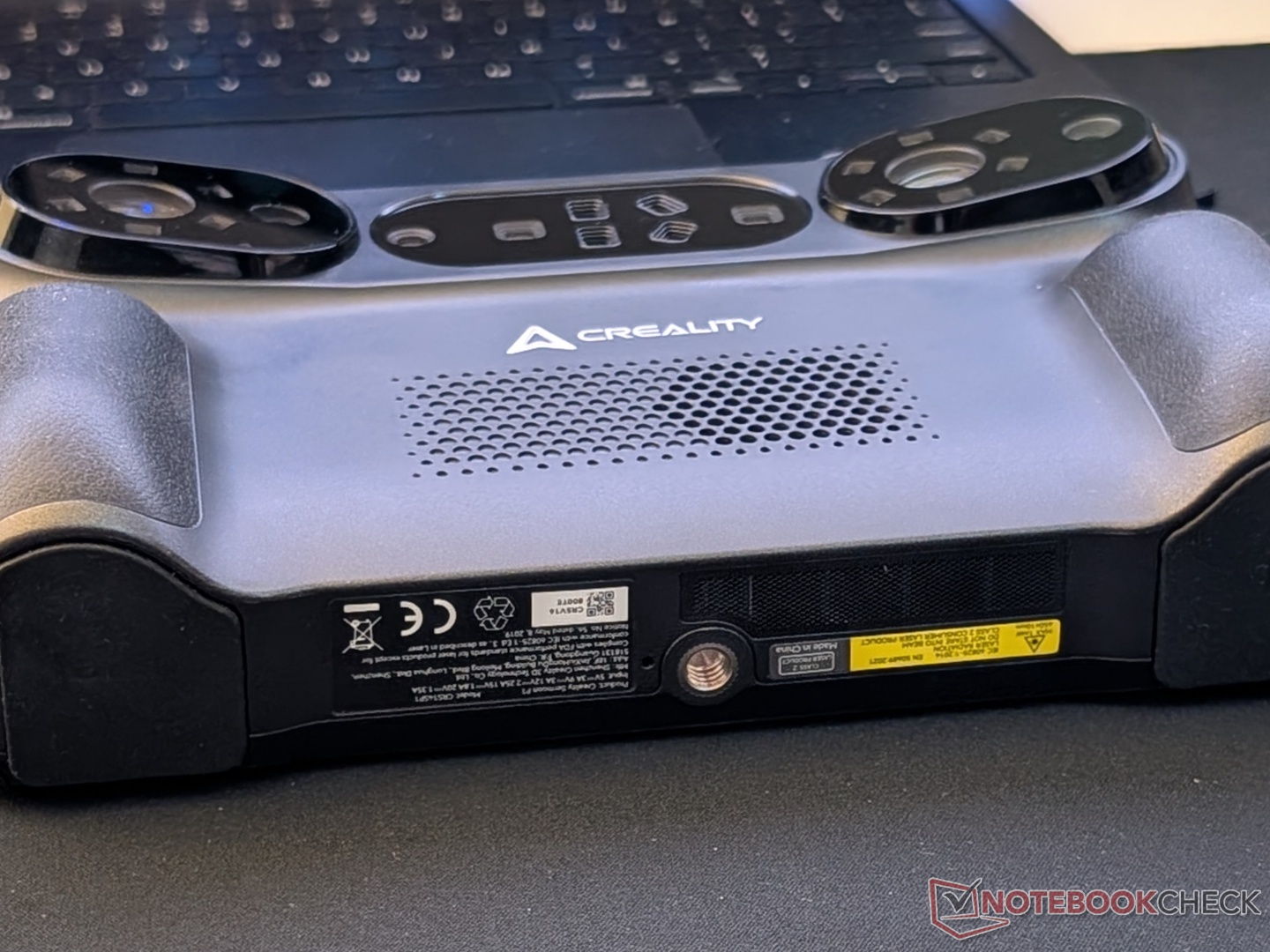
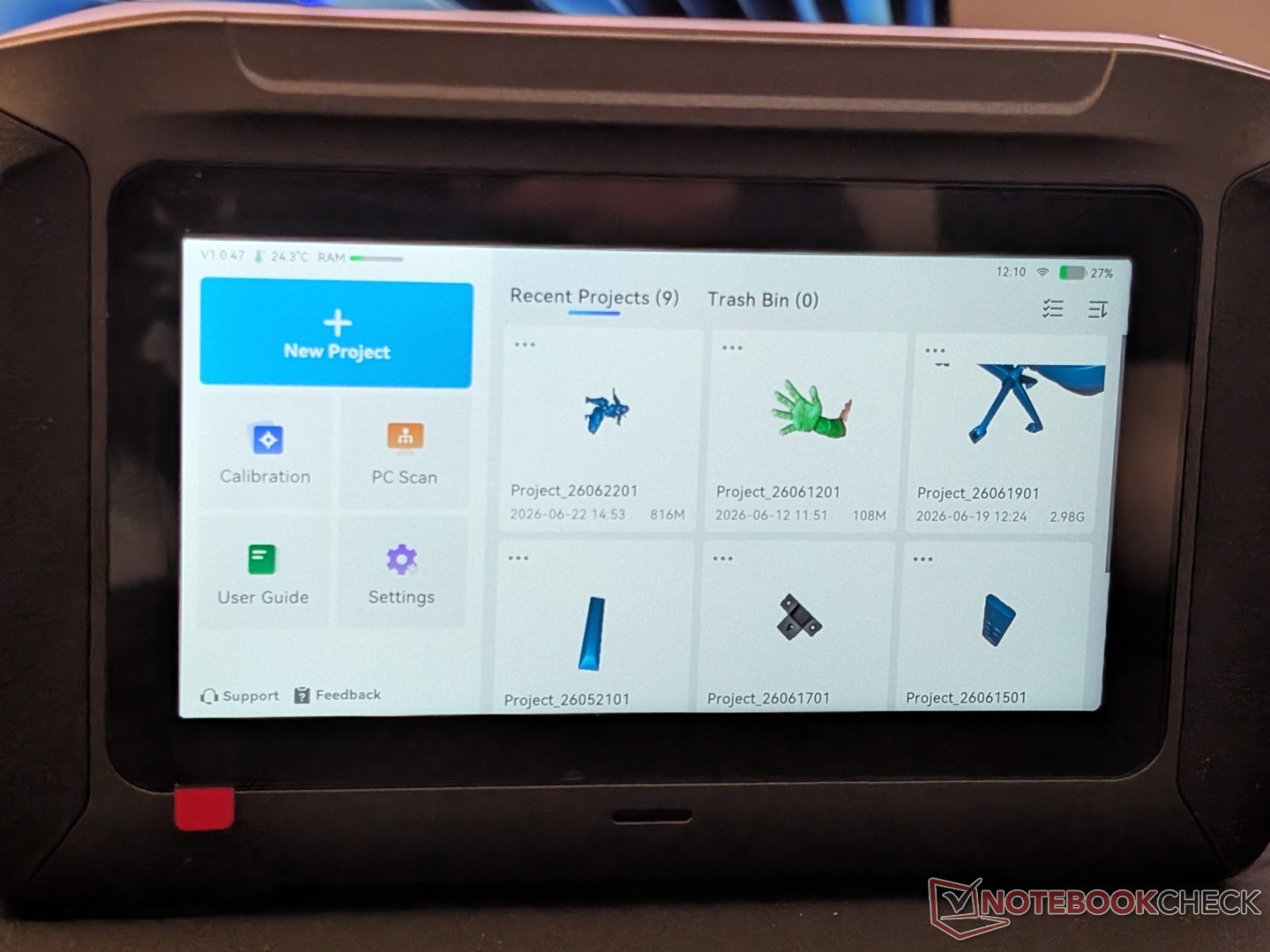
After eventually getting connected to Wi-Fi, calibrating was a bit challenging as well. The cross-line and parallel line laser calibration went smoothly, but the single line calibration took a few attempts.
Features and capabilities
Like the Sermoon S1 and the Sermoon X1, the Sermoon P1 features cross-line, parallel line, and single line scanning. Interestingly, the P1 boasts 0.02 mm + 0.06 mm/m accuracy while the S1 claims 0.02mm + 0.08mm/m, even though the former has fewer cross laser lines than the latter. Along with blue light, there is also dual NIR VCSEL (Vertical-Cavity Surface-Emitting Laser) scanning built in.
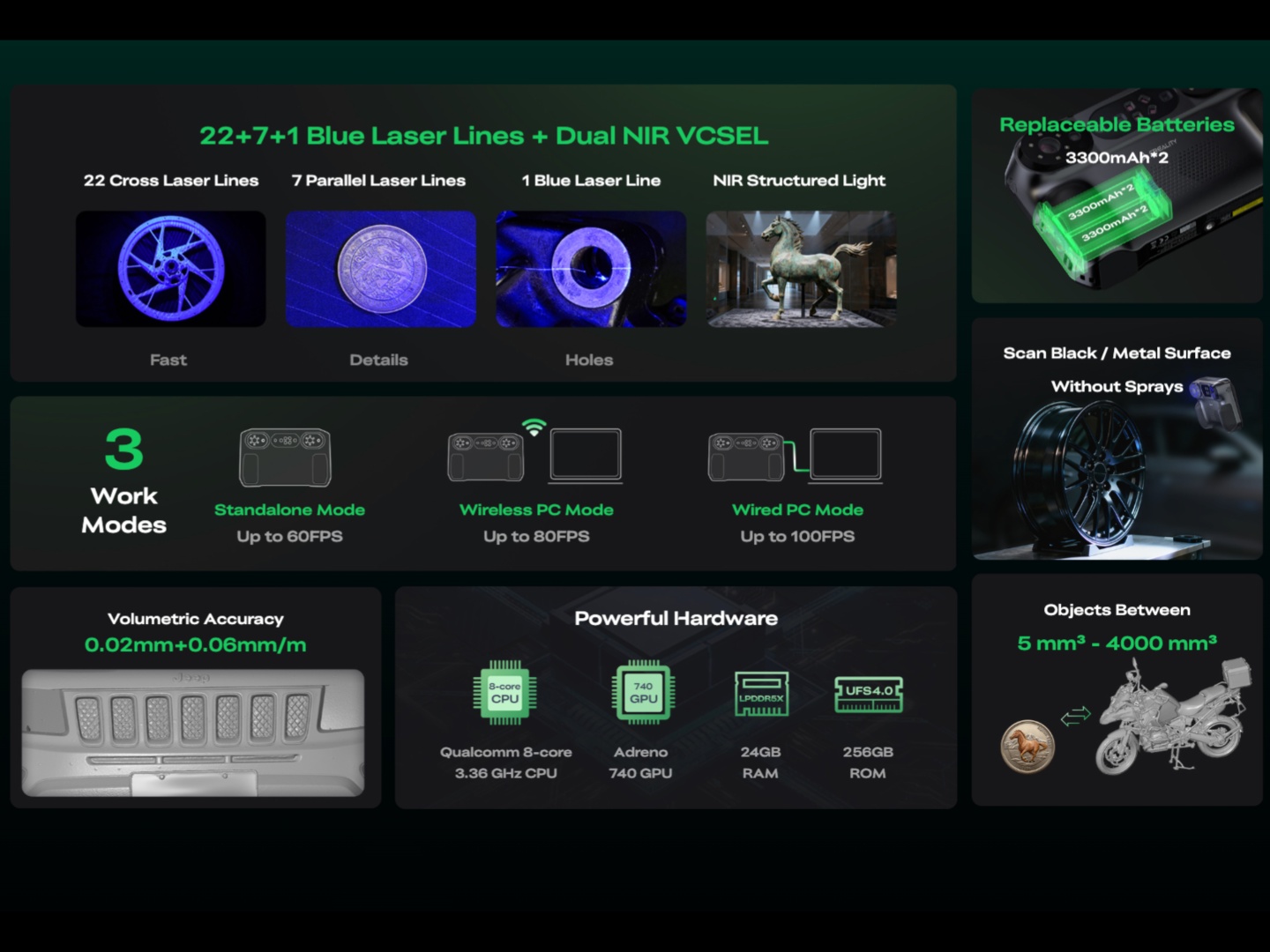
With Creality’s 3D scanners before the Sermoon P1, the data was captured by the scanner, but the processing of that data was handled by an external device. That meant being tethered to a laptop or desktop when scanning anything, no matter how big or small. With the Sermoon P1, the processing power has been placed inside the scanner itself, with a Qualcomm 8-core CPU clocked at 3.36 GHz, an Adreno 740 GPU, 24 GB of LPDDR5X RAM, and 256 GB of UFS 4.0 storage. How this translates to actual real-world use, we’ll talk about in the next section.
Using it in standalone mode comes with some performance limitations, but the Sermoon P1 can be used in wired mode as well. On its own, untethered, it can scan objects at up to 60 FPS, but when plugged in, it can reach up to 100 FPS. There is also a third wireless connection mode that can do up to 80 FPS. NIR scanning is limited to 18 FPS in standalone and 30 FPS in wired mode.
Performance and software
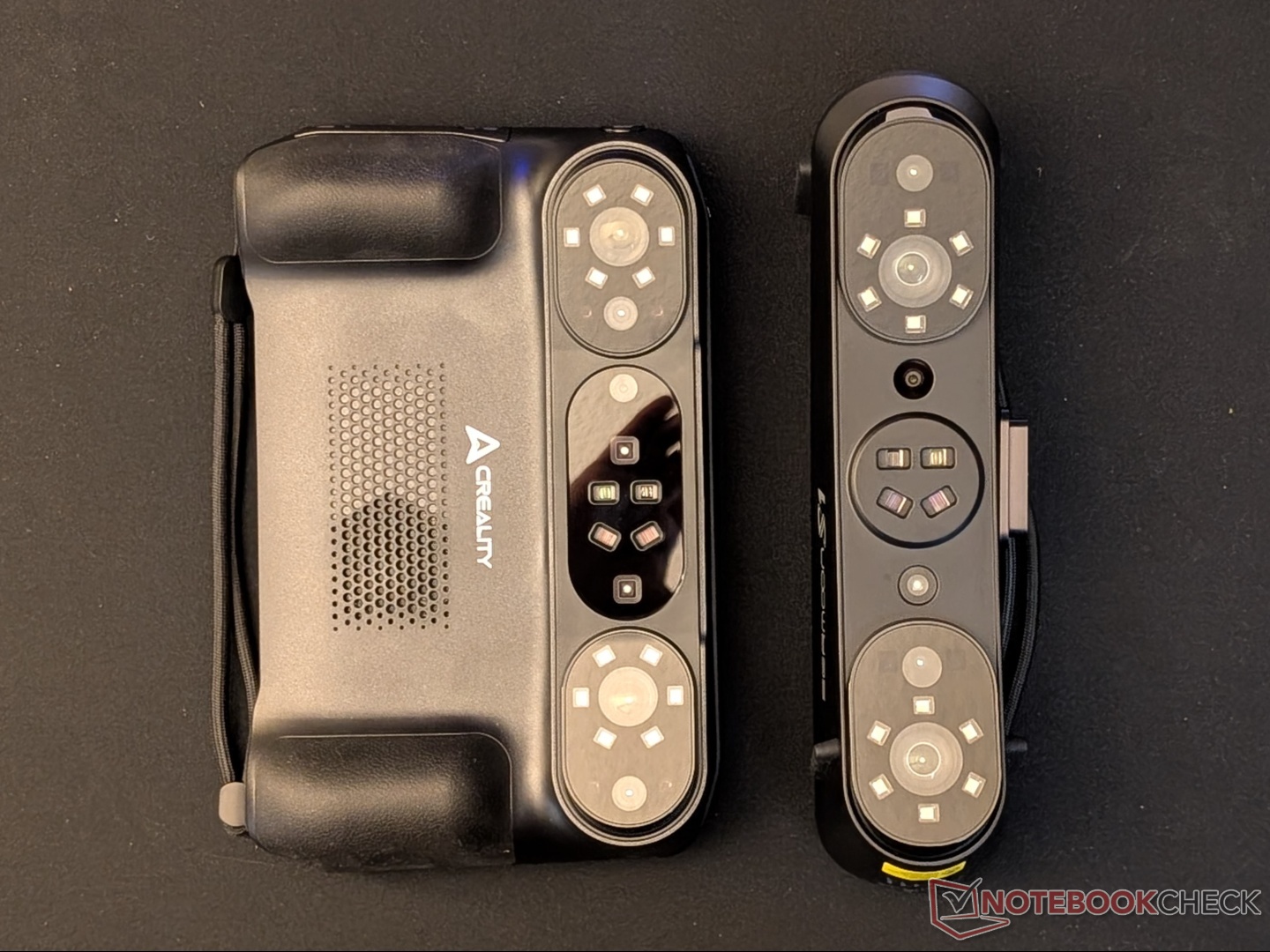
We’ve tested the accuracy of the Sermoon S1, and since this is essentially an S1 + handheld computer, this review focuses more on the ease of use and functionality. Starting with ergonomics, the Sermoon P1 is not as comfortable to hold as an S1 or X1, given the additional weight and the fact that you’ll need to use both hands in most cases. The location of the start/stop button on the right side is also not ideal since it requires readjusting your grip. It’s better to use the on-screen button with your thumb, which makes the physical button redundant. That said, it is not too heavy or loud, even though the internal fan pushes a decent amount of warm air out the bottom. The grips are comfortable, and the lanyard ensures it won’t fall.
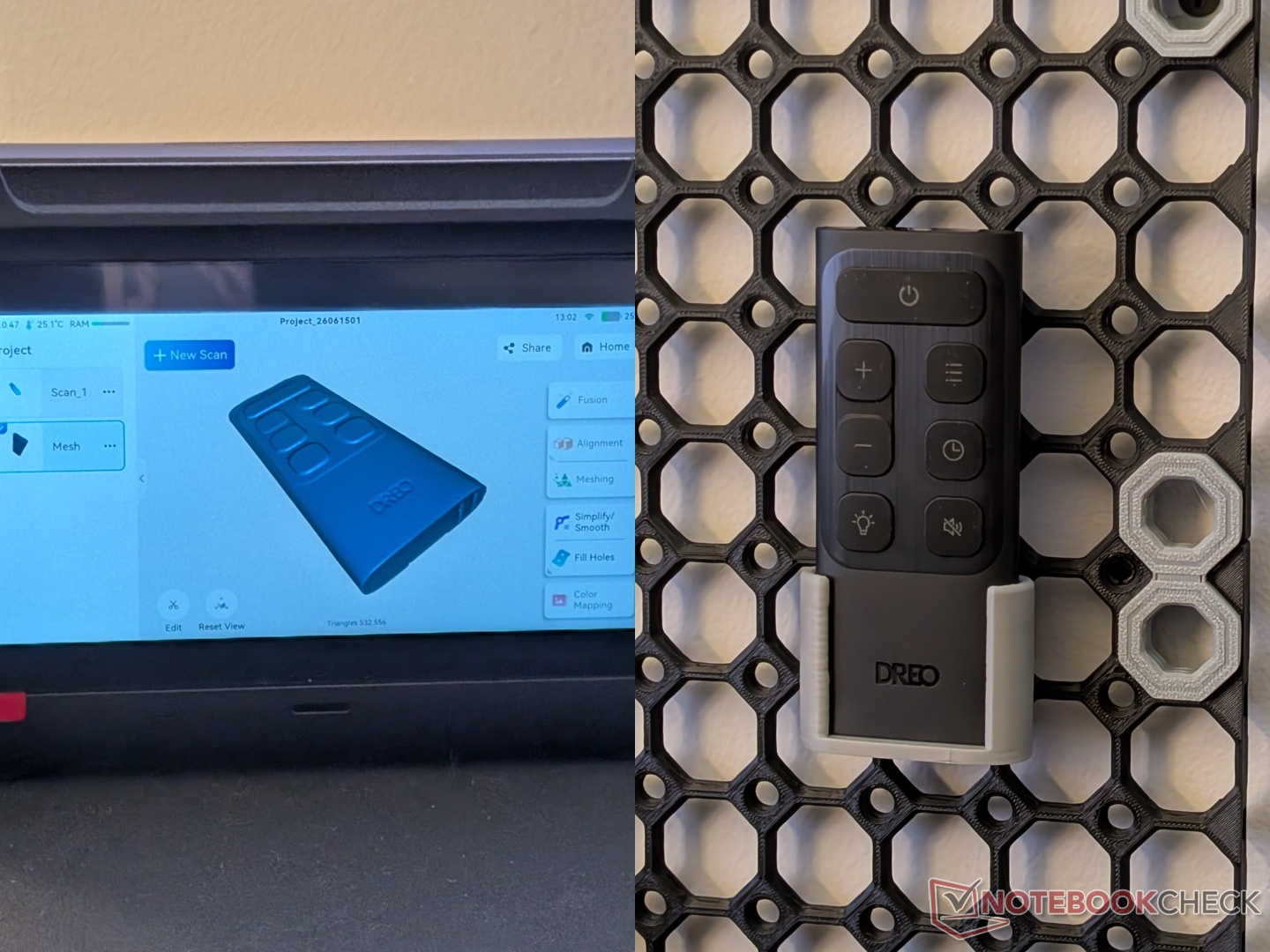
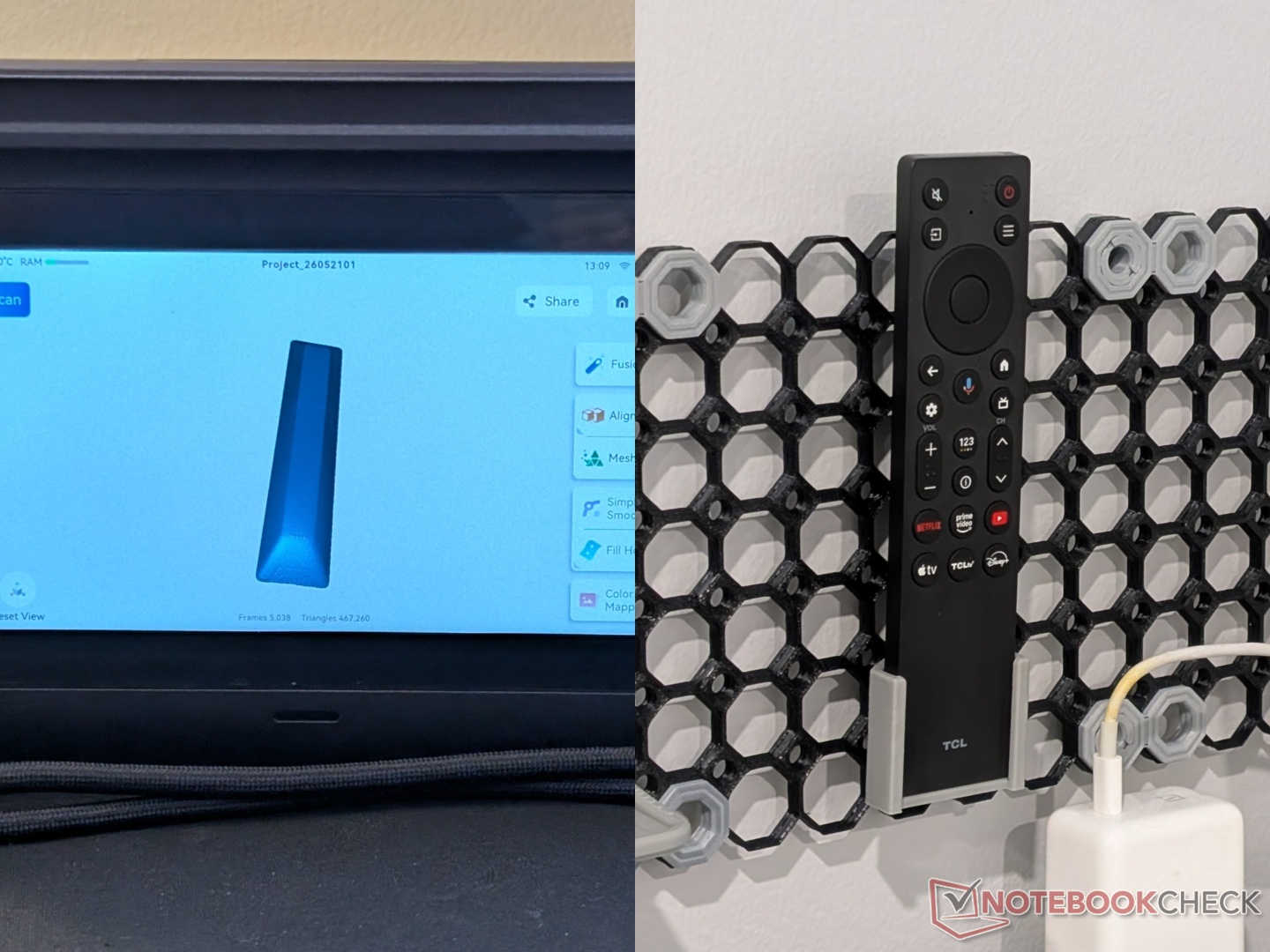
The 6-inch touchscreen, coupled with what is essentially a touch-optimized version of Creality Scan 4, makes the scanning experience seamless. Editing raw scans with the touchscreen is easy enough, and you get access to all the tools that the software has to offer. Fusing and meshing can be done on-device or transferred to a more powerful device either wirelessly or through a wired connection. In either case, the transfer speed is excellent. We did notice that the on-device fusion and meshing result in a little less detail (last image in the gallery below) compared to fusion/meshing on a desktop (an M4 MacBook Air in our case). It is also slower on-device, but that’s to be expected. The scans for the two remotes, as well as the pedals of the EUC, were highly accurate and allowed 3D printing of precise holders for mounting.
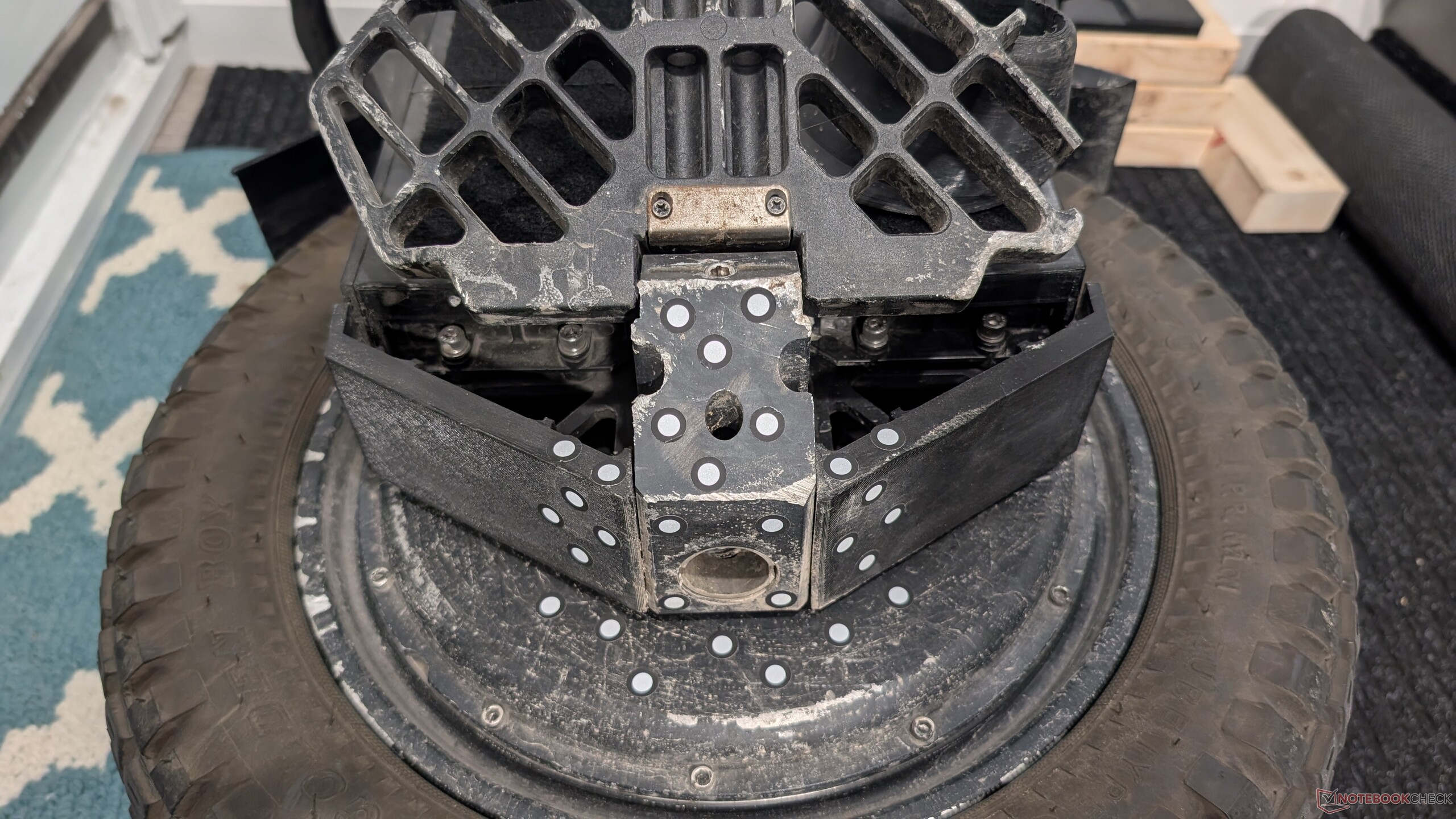

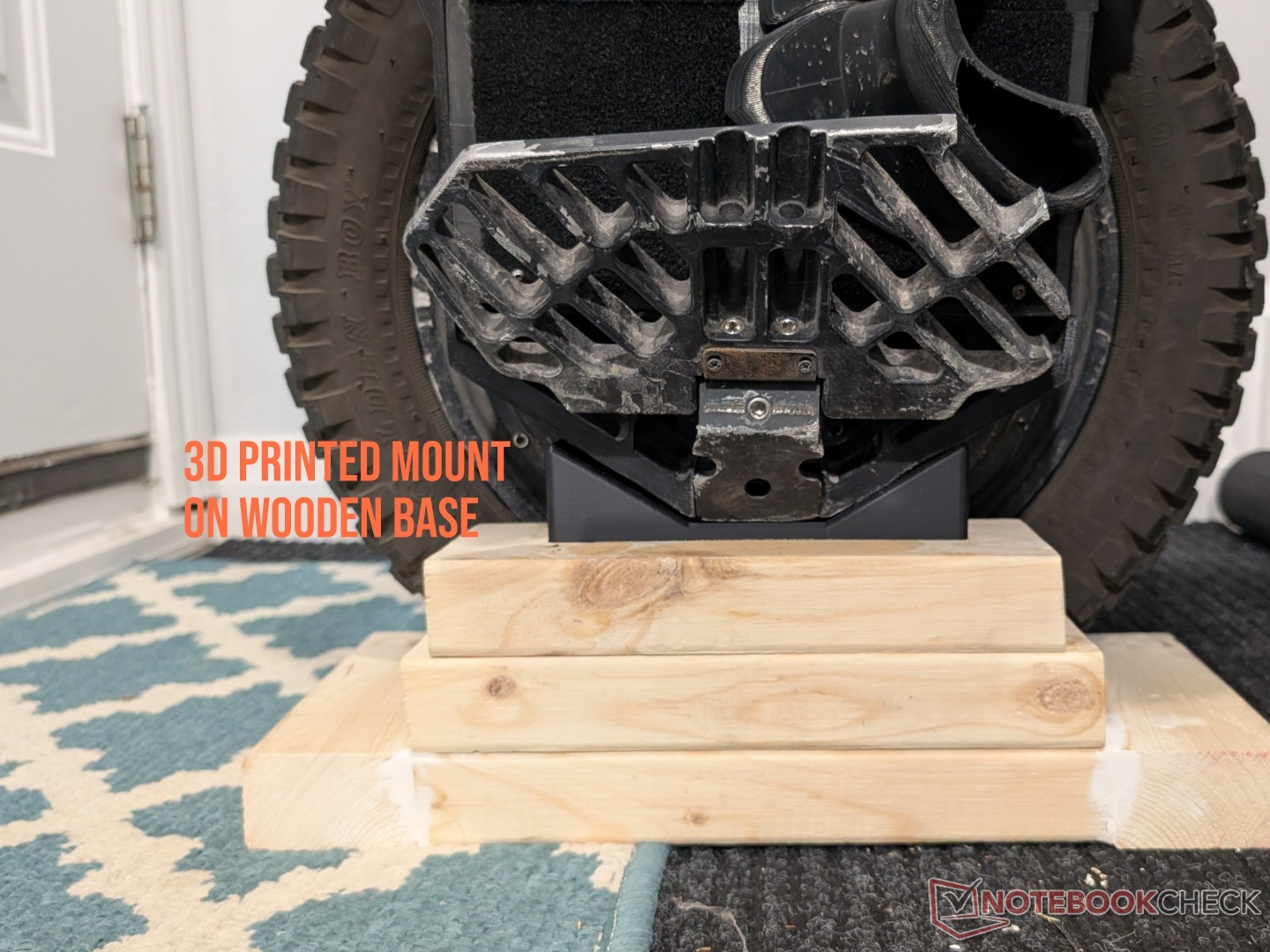
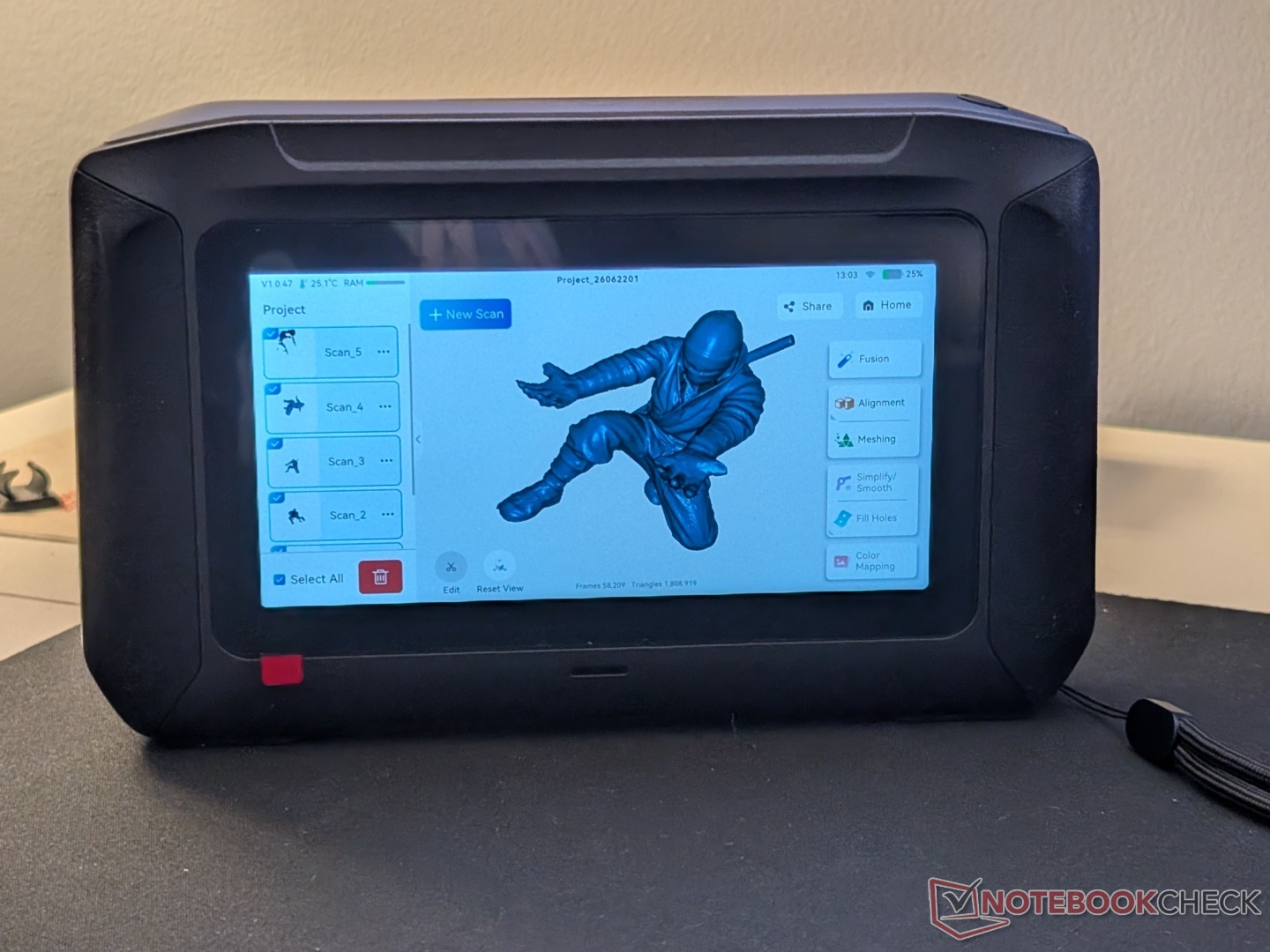
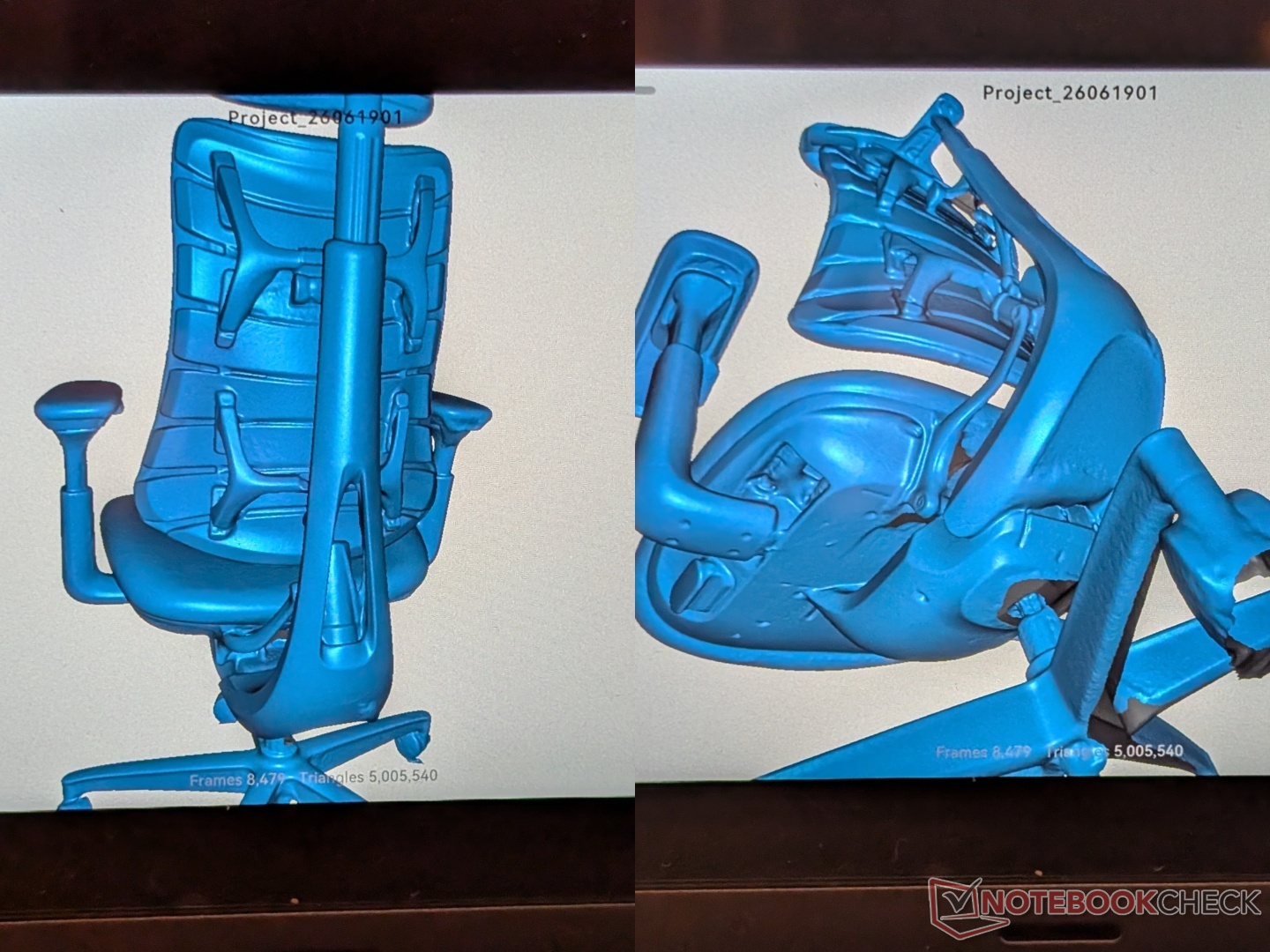
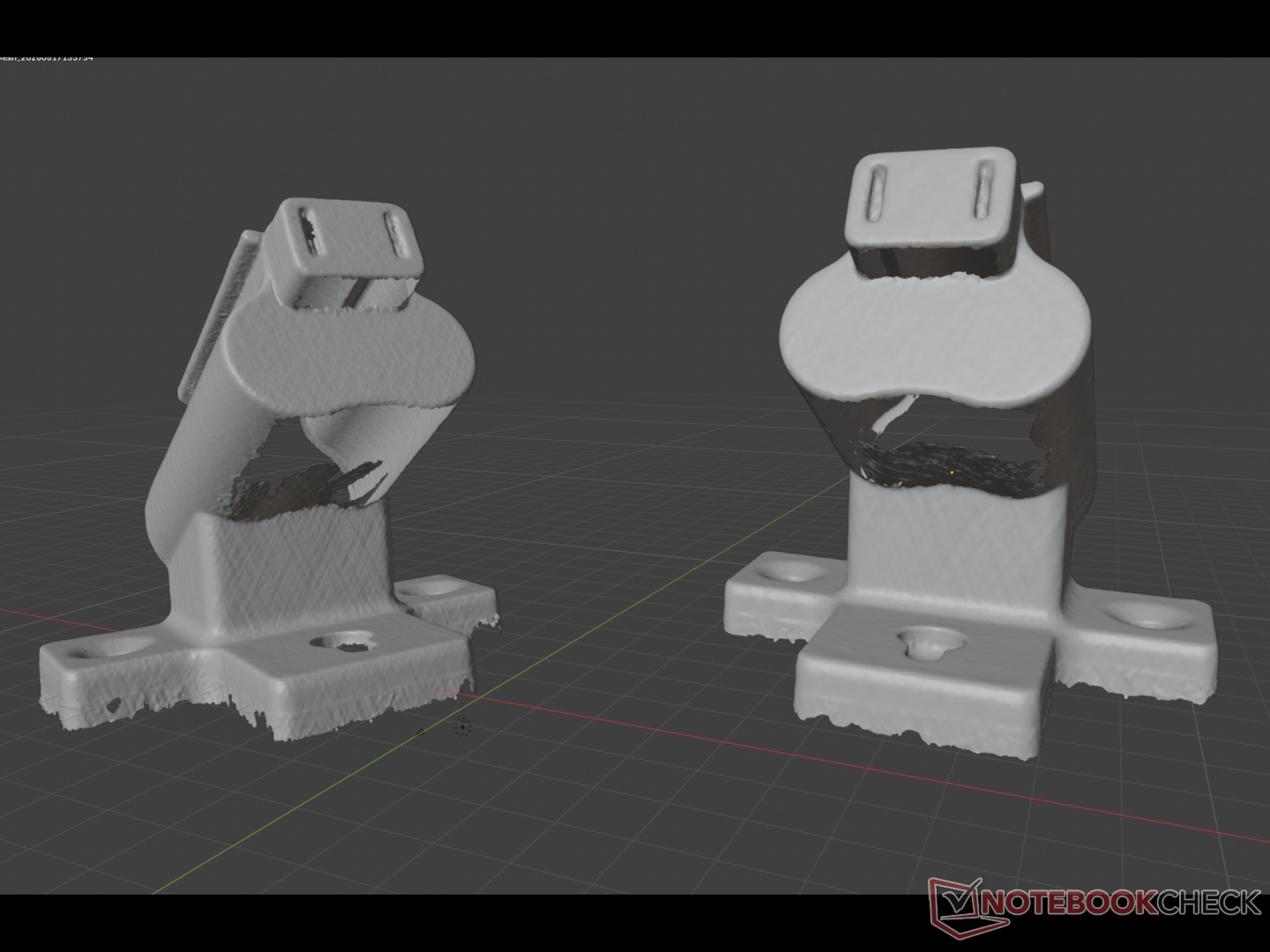
Auto alignment works great, as seen in the samurai pen holder model. Like some other scanners on the market, the Sermoon P1 also struggles a bit with black and reflective objects when using blue light lasers, even though Creality claims it can scan black/metal objects without spraying. To test NIR scanning, we created a model of the Libernovo Omni chair, and while the processing took about 10 minutes, the scanning process was quick and hassle-free.
Lastly, the FPS claims are accurate, which results in a smooth interface while scanning and processing. Battery life is nothing special, but it is sufficient for three to four heavy scans (including processing). Creality ships the P1 with an extra battery, so it’s good to have a fully charged one on hand.
Transparency
The selection of devices to be reviewed is made by our editorial team. The test sample was given to the author by the manufacturer free of charge for the purposes of review. There was no third-party influence on this review, nor did the manufacturer receive a copy of this review before publication. There was no obligation to publish this review. As an independent media company, Notebookcheck is not subjected to the authority of manufacturers, retailers or publishers.
 Add as a preferred source on Google


