




Bambu Lab X2D Combo review: Dual-nozzle 3D printer tested
Two-nozzle hybrid.
The Bambu Lab X2D is an intriguing 3D printer with two print nozzles and just one toolhead. We test the enclosed CoreXY printer with active chamber heating up to 65 °C, print PETG, PLA, and TPU, evaluate print quality, and take a close look at the hardware.Silvio Werner, ✓ Ninh Duy (translated by DeepL / Ninh Duy) Published 🇩🇪 🇳🇱 ...
Very good printer with a few minor flaws
The Bambu Lab X2D (Combo) is a very good 3D printer that delivers solid results out of the box, even with inexpensive filaments. Ultimately, there is only one consumer user group for whom the X2D is not a good fit: users who frequently make multi-filament prints with standard TPU, want to use only the main nozzle, and absolutely do not want to pay extra for a TPU-compatible filament feeder, which is also available inexpensively on Amazon.
Other users who are willing to pay a premium price for a powerful but beginner-friendly 3D printer are well served by this model. The most obvious point of criticism is the exhaust-air filtration, which is effective but not complete. The missing covers in some areas are clearly worth criticizing.
Pros
Cons
Price and availability
The Bambu Lab X2D Combo is available in the tested configuration for around €850, while the X2D itself costs €629. The model is also available directly from the manufacturer. Spare parts and accessories can be purchased from the manufacturer’s online store as well.
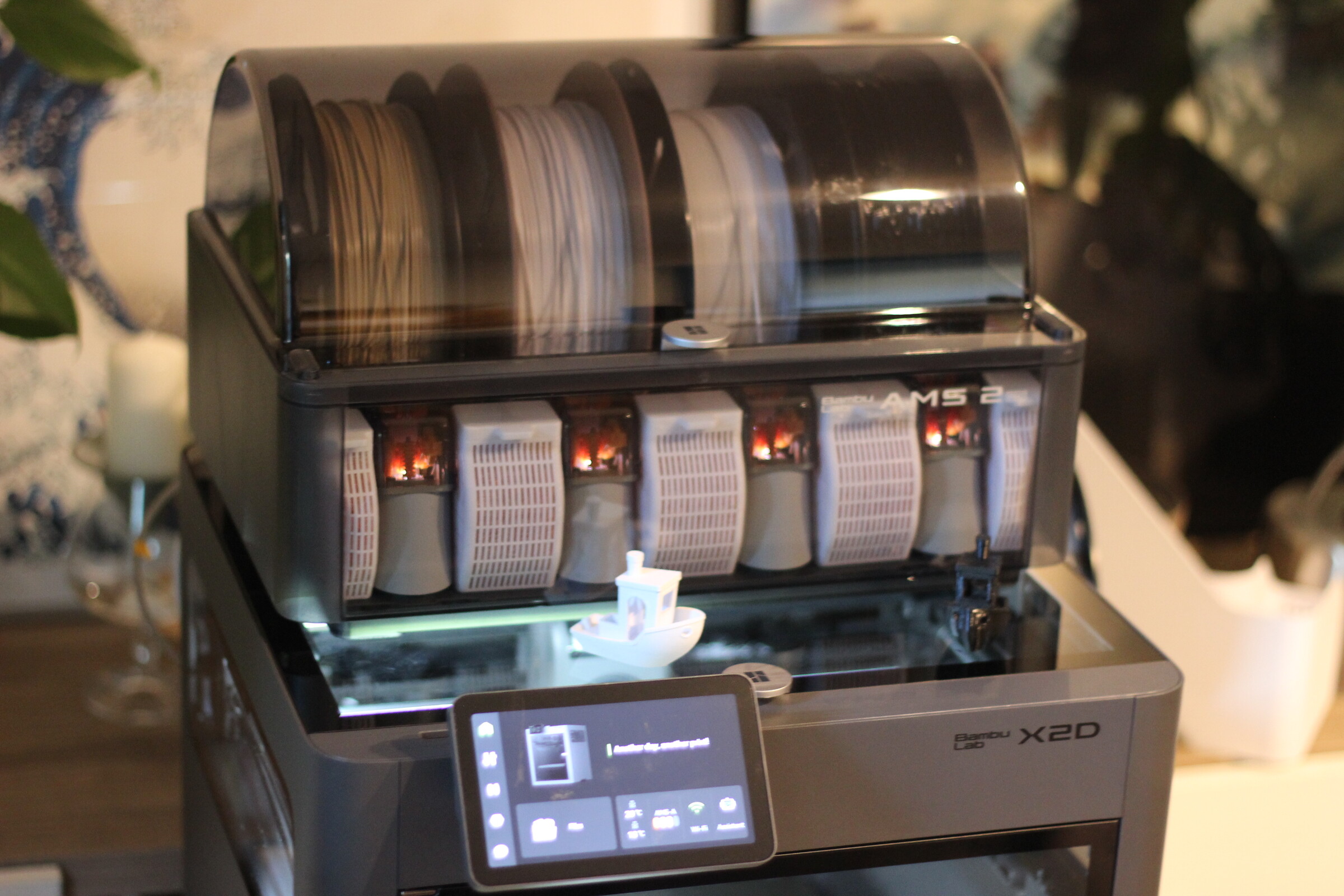
The Bambu Lab X2D is a CoreXY 3D printer with two print nozzles on a single toolhead and an enclosed build chamber. The Combo version also includes an AMS 2 Pro module for printing with multiple filament types and colors. The cover image shows the AMS 2 Pro module with printed, retrofitted desiccant containers.
Specifications
| Bambu Lab X2D Combo | 3D printer |
| Technology | FDM |
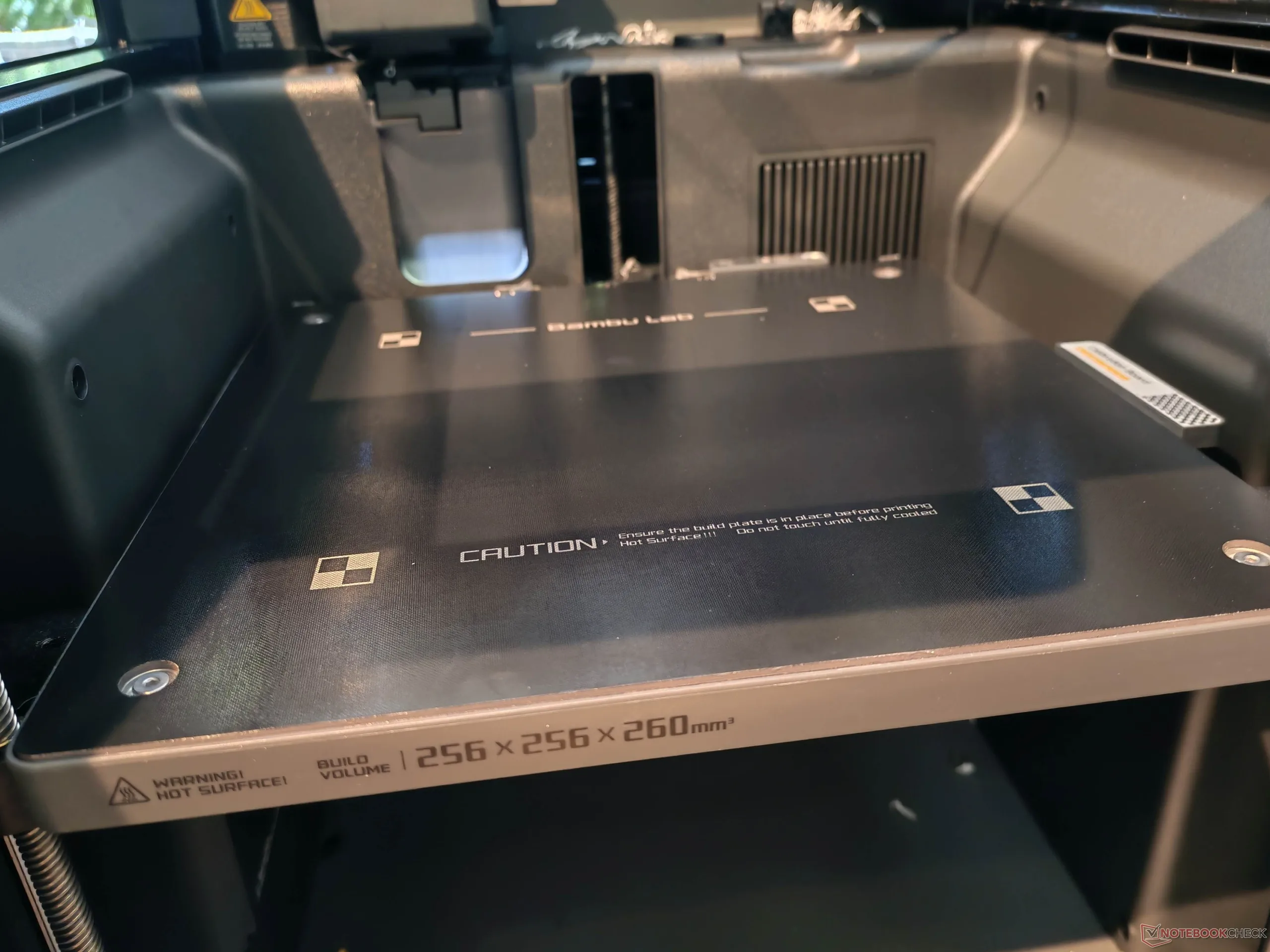
| Print volume | 256 × 256 × 260 mm (235.5 × 256 × 256 mm auxiliary nozzle) |
| Size | 392 x 406 x 478 mm |
| Footprint | 500 x 700 x 850 mm (recommended) |
| Weight | 16.25 kg |
| Movement system | CoreXY 3D printer |
| Extruder | Direct-drive extruder for the main nozzle; Bowden extruder for the auxiliary nozzle |
| Print bed used | Magnetic PEI print bed, Textured PEI Plate; flexible; automatic leveling |
| Temperatures | Hotend up to 300 °C; print bed up to 120 °C; chamber actively heated up to 65 °C |
| Connections | WiFi, USB type-A |
| Control | Touch screen, online interface, Bambu Studio, Bambu cell phone for Android and iOS |
| Scope of delivery | Combo version with AMS 2 Pro, consumables, tools, etc |
| special features | Dual-Nozzle, filament buffer, AMS 2 Pro compatible, webcam, installation space lighting, exhaust air filtration (HEPA + activated carbon), AI monitoring |
| Manufacturer's page | Bambu Lab X2D , X2D FAQ and support |
| Further links | Bambu Lab GitHub Bambu Lab Discord Community, Bambu Lab Wiki |
Easy setup thanks to pre-assembly
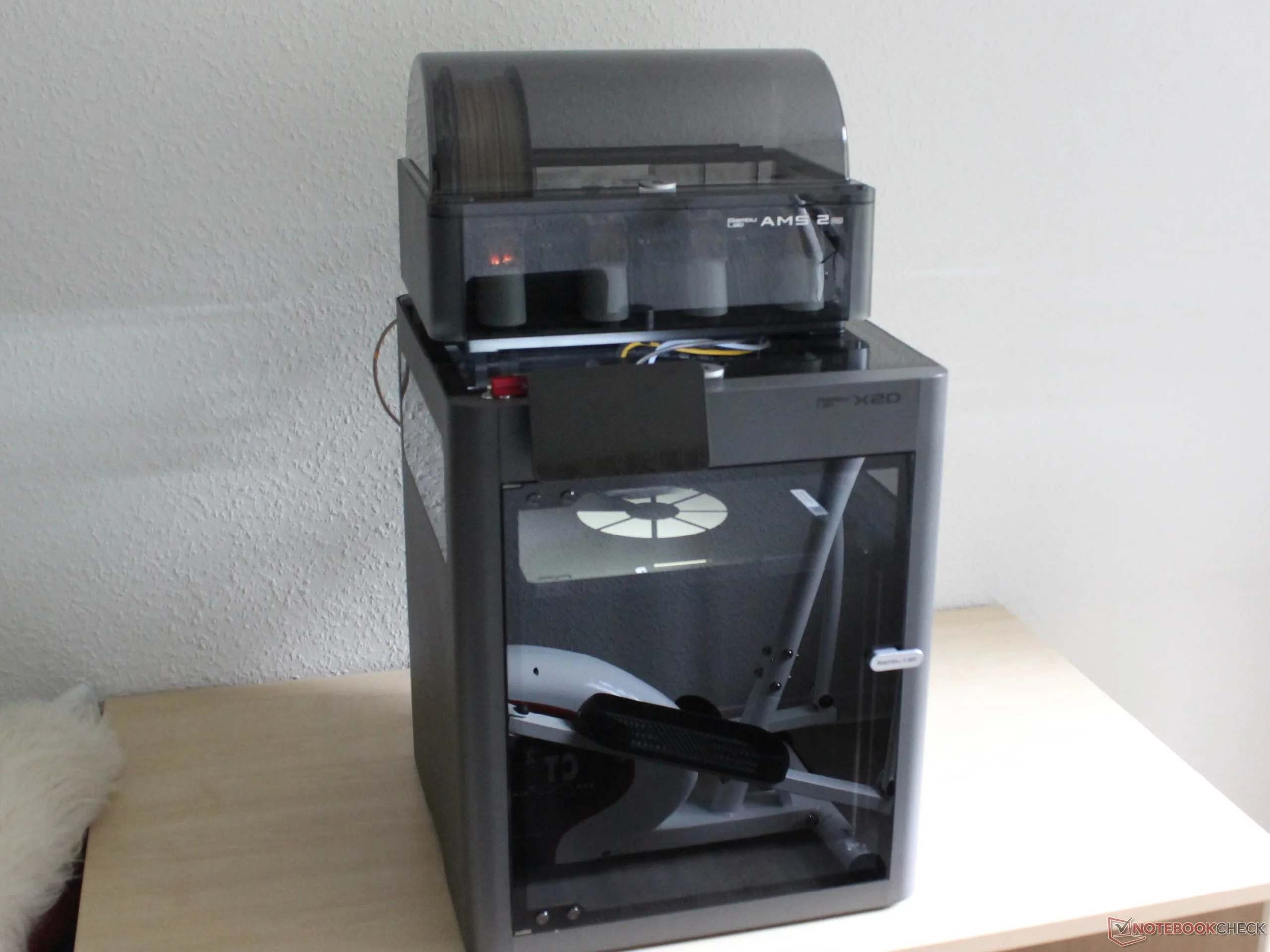
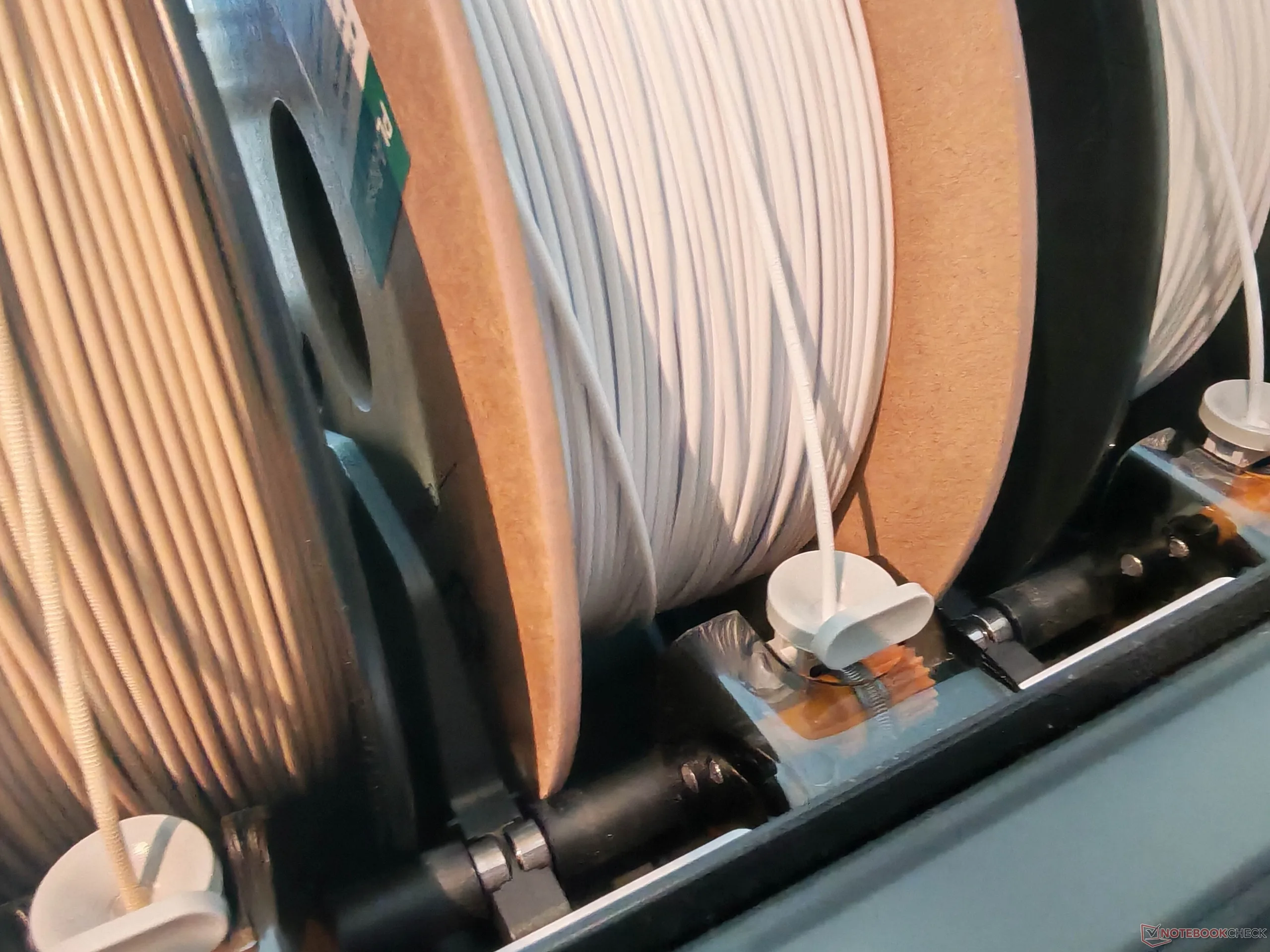
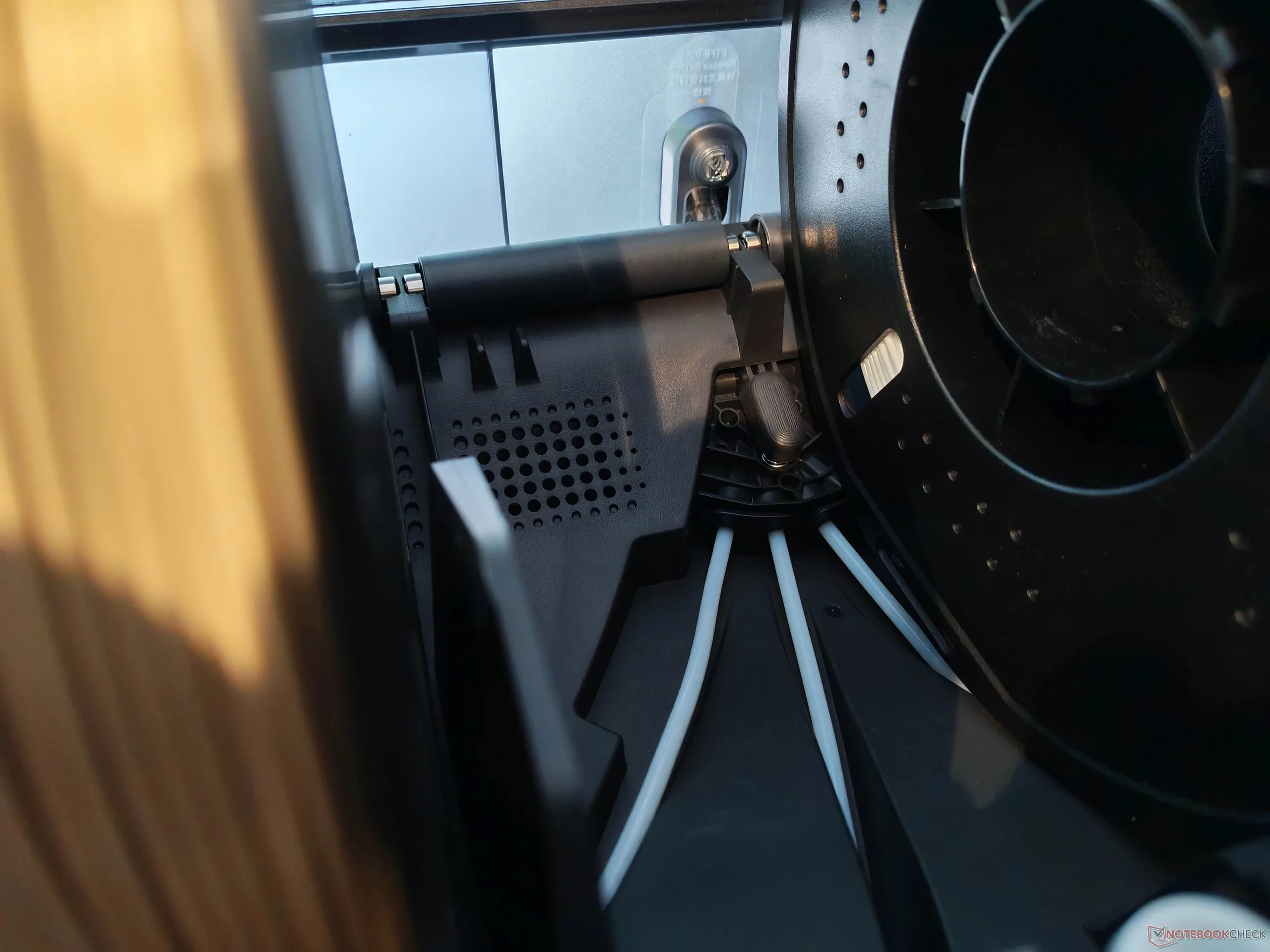
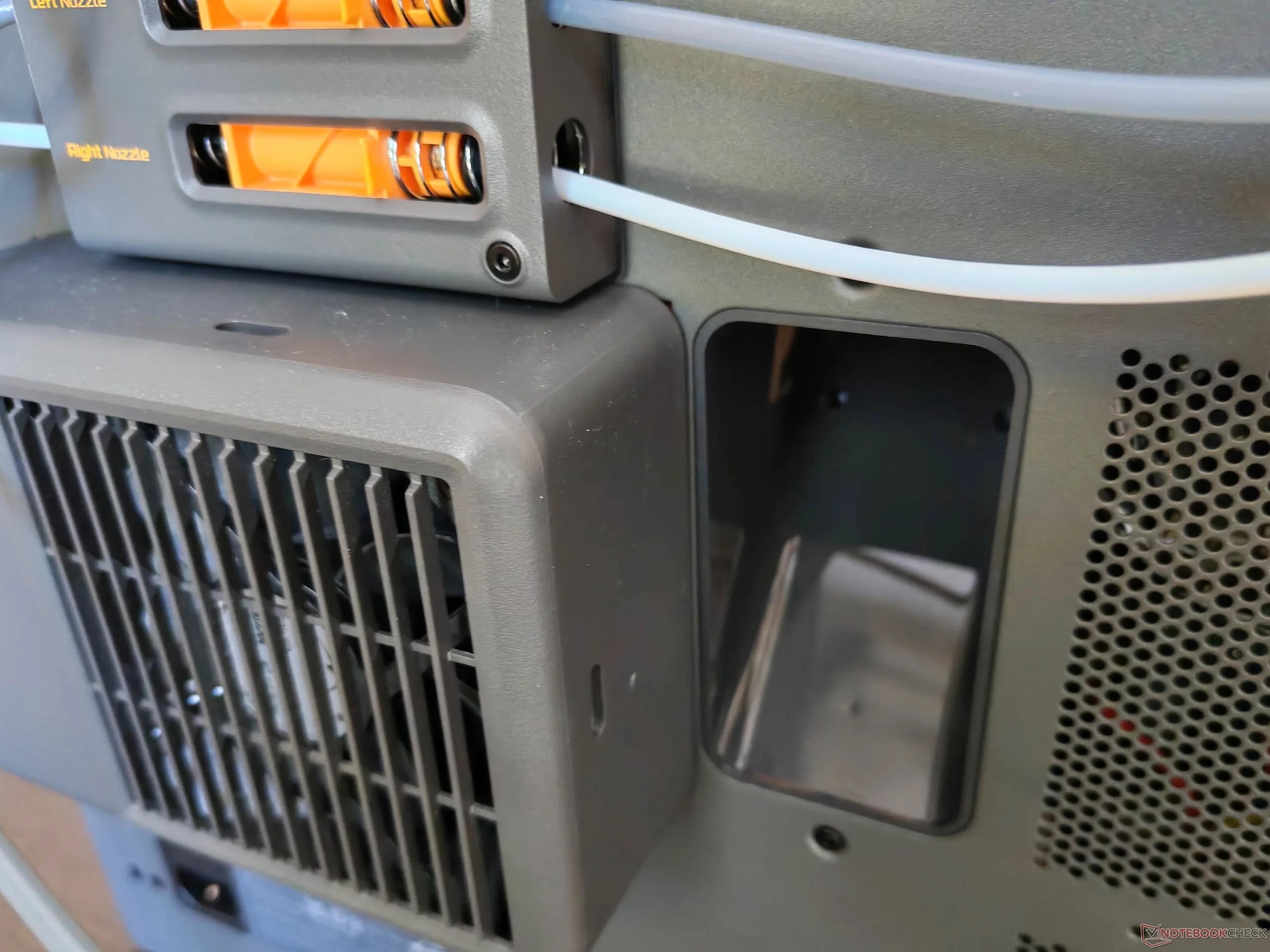
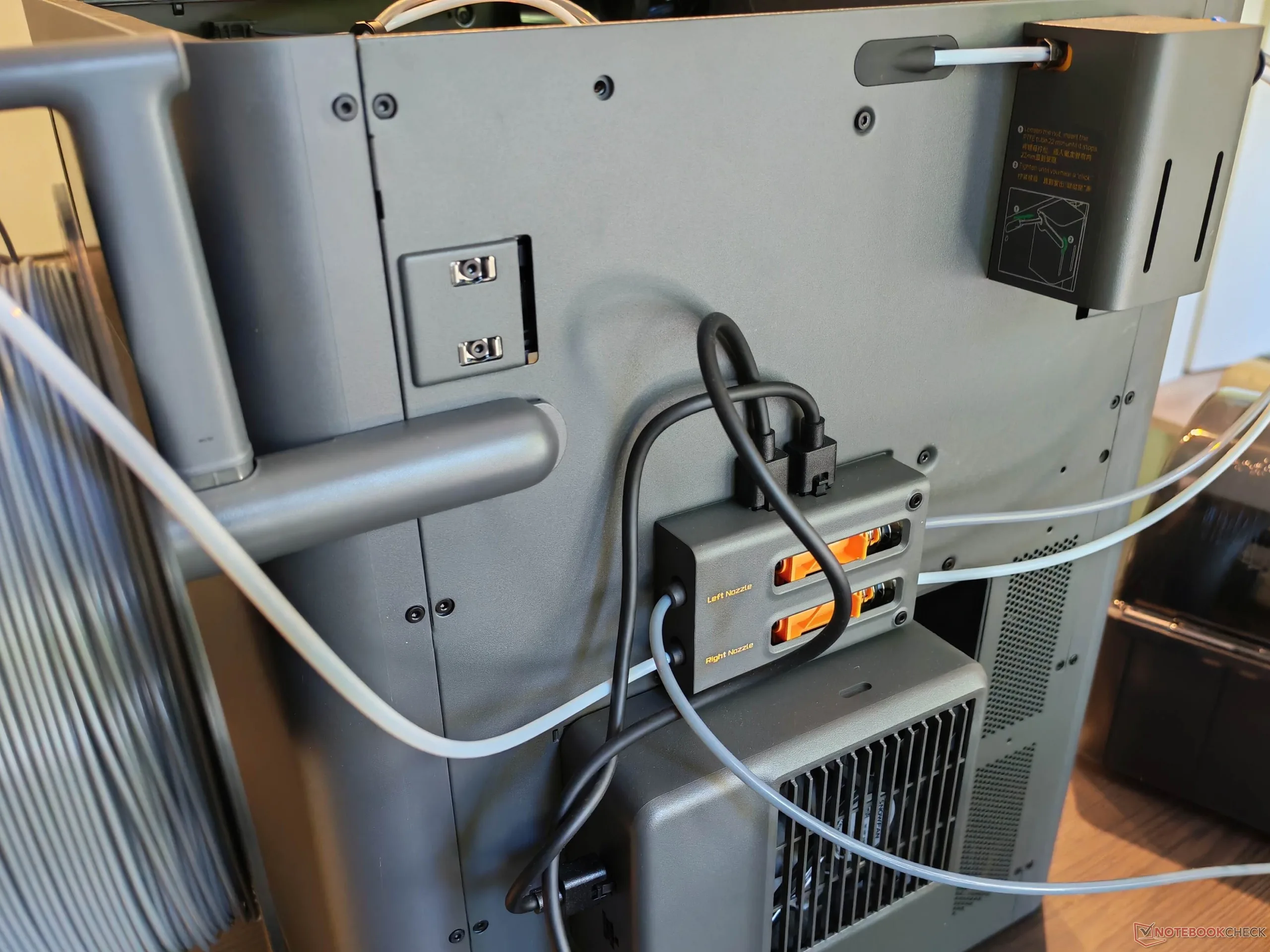
The Bambu Lab X2D Combo comes pre-assembled. Accordingly, the model does not have to be assembled in the strict sense, but it is not ready to use immediately after unpacking either. Various locking screws and shipping restraints need to be removed, and the touchscreen and the external part of the auxiliary extruder have to be installed. The AMS 2 Pro must also be unpacked, and the fan with activated-carbon filter has to be attached. The tube connections for the filament feeds also need to be made.
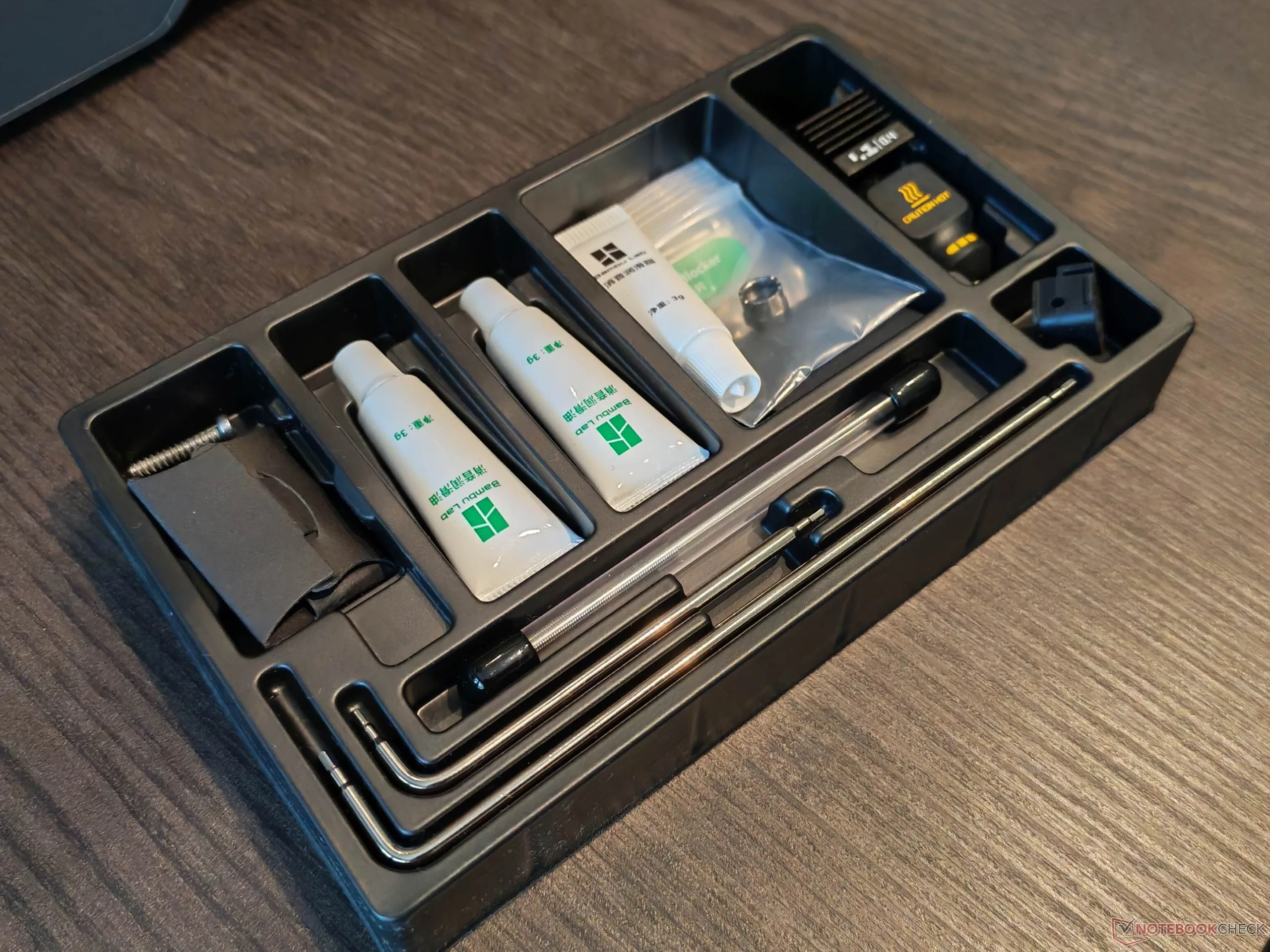
With two people, setup took around 45 minutes and went smoothly thanks to the illustrated instructions. The only issue was a cable connection that had to be secured again after the first prints because it had come loose. On the positive side, the error was accurately narrowed down on both the touchscreen and in the software. Setup is followed by a relatively extensive calibration process. The package also includes a toolbox containing all tools required for setup, as well as a replacement nozzle and some consumables.
Two print nozzles, one toolhead
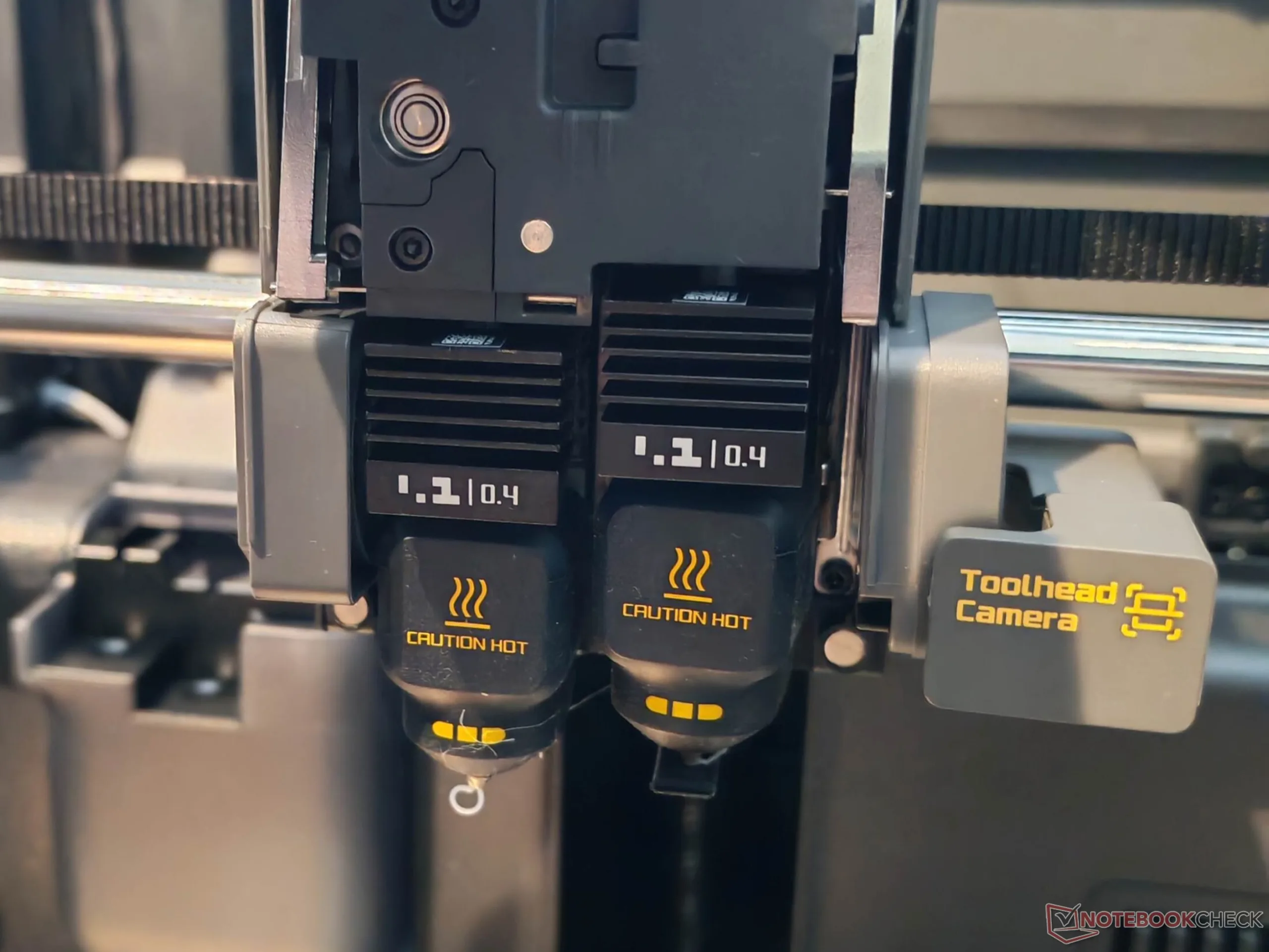
The Bambu Lab X2D is an enclosed 3D printer with two print nozzles on a single toolhead. This design is intended to offer advantages when printing with multiple filaments and is one technological approach to automatic multi-filament printing. Alternatives include using one printhead with a filament cutter and a storage container for multiple filaments, which the X2D also supports, or using several toolheads. At least in theory, two nozzles on one toolhead have one major advantage: When printing with two filaments, there is little to no filament waste or time lost to filament changes. A 3D printer with several toolheads still incurs a certain amount of time loss. We will discuss the limitations of this setup later.
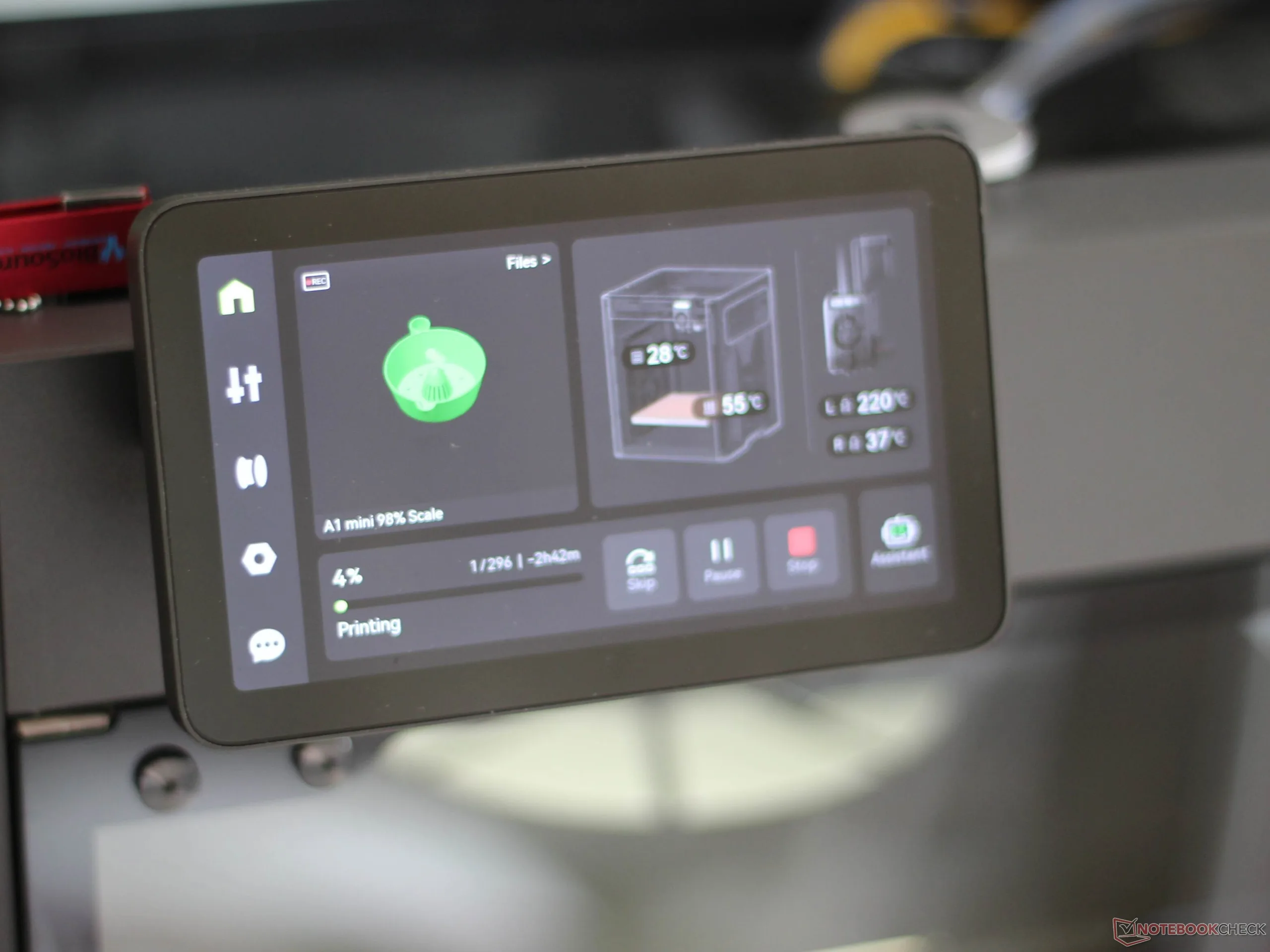
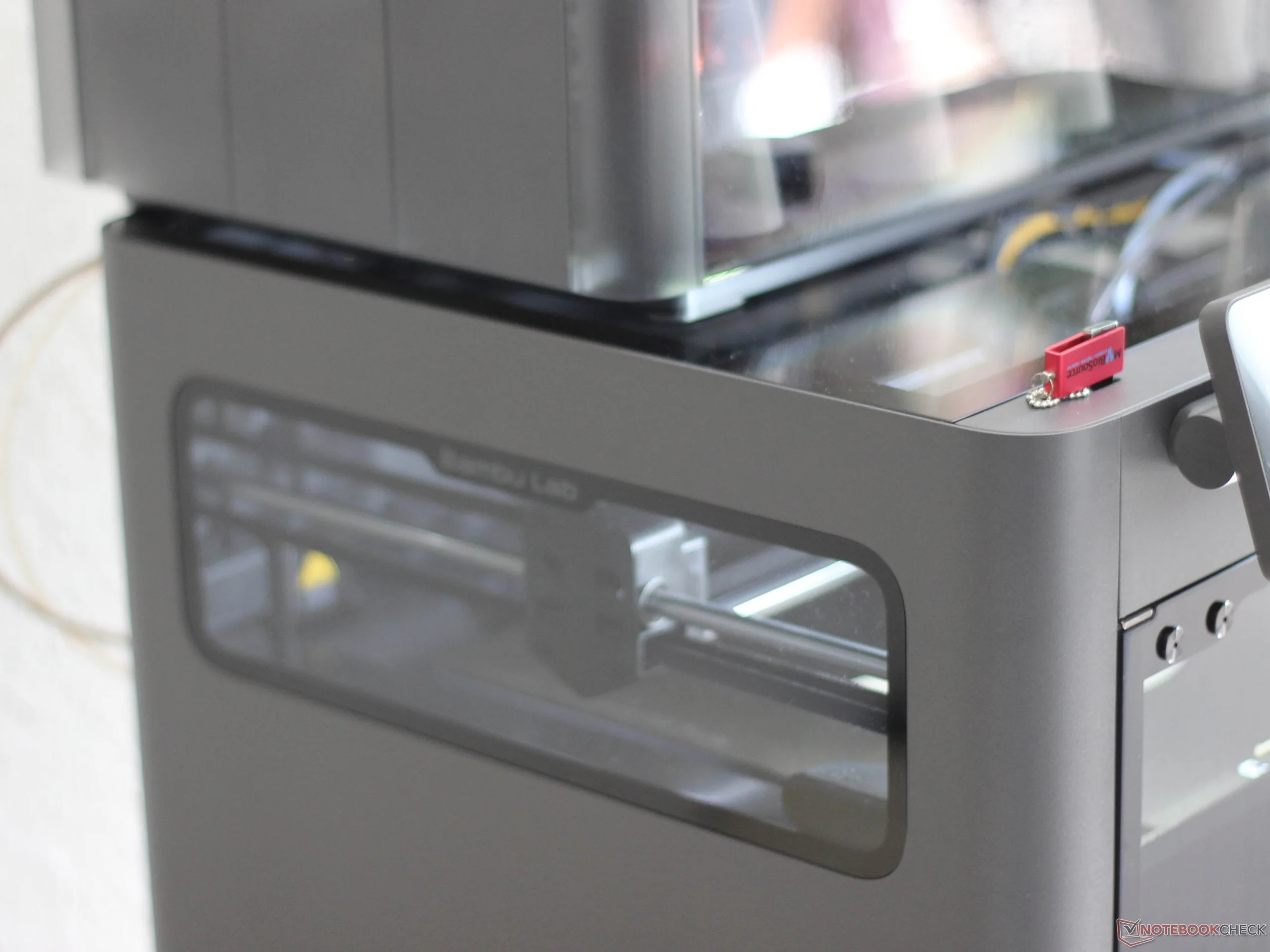
We used the Bambu Lab X2D with the AMS 2 Pro connected to the main extruder and the auxiliary extruder fed from an external spool. Both extruders are supplied with filament via the filament buffer. The 3D printer is enclosed, which allows the exhaust air to be filtered. It also makes it possible to heat the build chamber, which is often useful for standard filaments and effectively necessary for filament types such as polycarbonate. The built-in touchscreen is easy to read and large enough, and the network connection can be set up easily via Wi-Fi. A USB port is also available, so the printer can be used without a connection to external devices.
Stable prints and one limitation
After dozens of hours of printing, one thing is clear: The Bambu X2D (Combo) is a highly straightforward, reliable printer that handles various filament types without issue. There is one special consideration when using TPU: Without an additional device, the Bambu X2D Combo supports automatic multi-filament printing in only one configuration, namely with TPU in the main nozzle. Printing with more than two filaments is then supported via the AMS 2 Pro on the auxiliary nozzle.
This is due to a combination of two limitations: The AMS 2 Pro does not support TPU feeding, and according to Bambu Lab, the auxiliary nozzle cannot print TPU. For standard TPU, Bambu Lab even recommends the relatively cumbersome direct feeding of the filament with the lid open. We used the system without any trouble by bypassing the filament buffer at the inlet. Users who print with TPU frequently, but not all the time, would be better served by using a commercially available filament adapter for TPU, ideally fed from a suitable external dryer, together with the AMS 2 Pro.
In our test, TPU printing ultimately worked without issue, including in combination with the auxiliary nozzle. As a test, we printed a fly swatter, although the model was significantly scaled down beforehand. Even with relatively little material, the bond between PETG and TPU was reliable in this case.
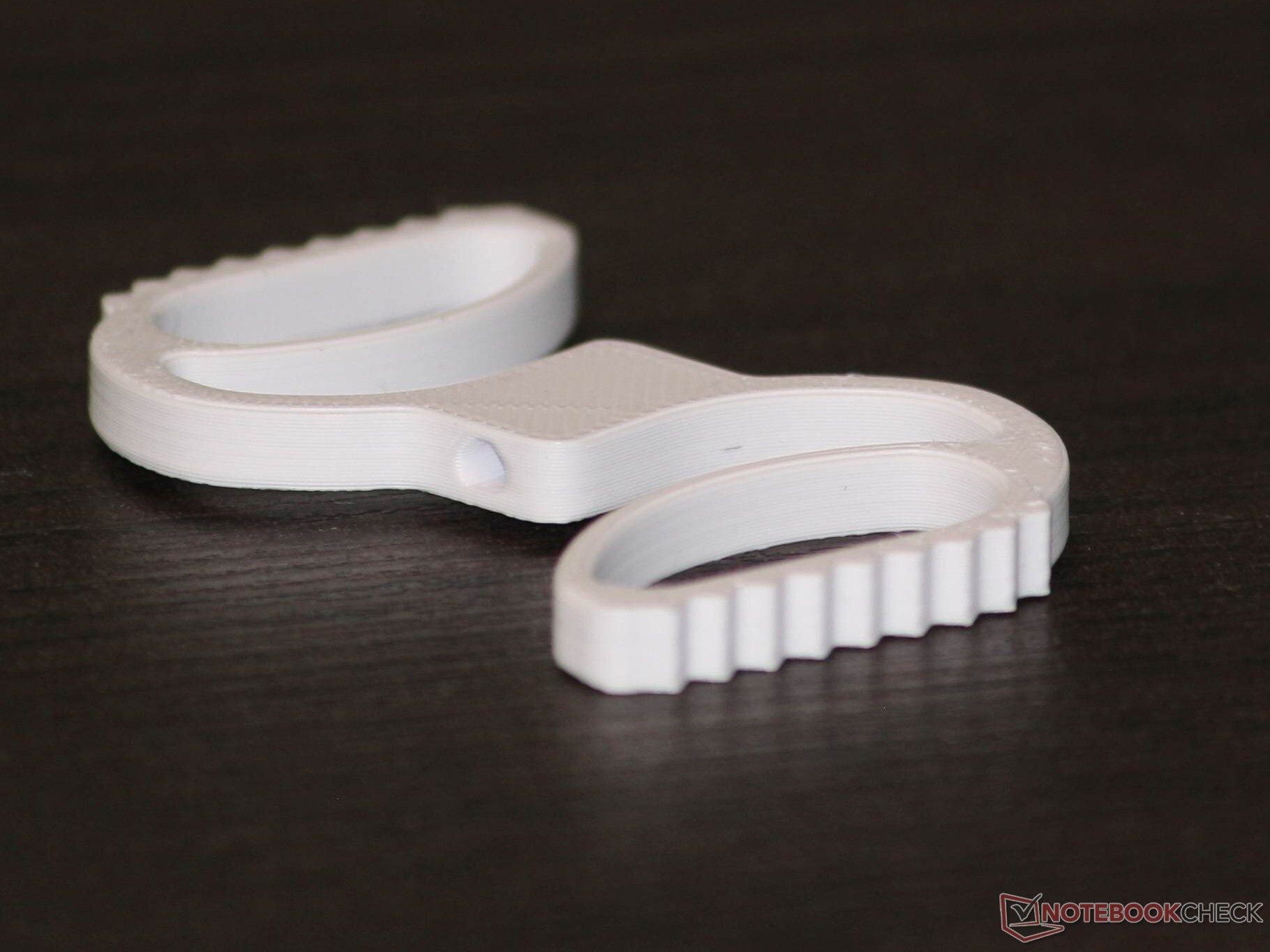
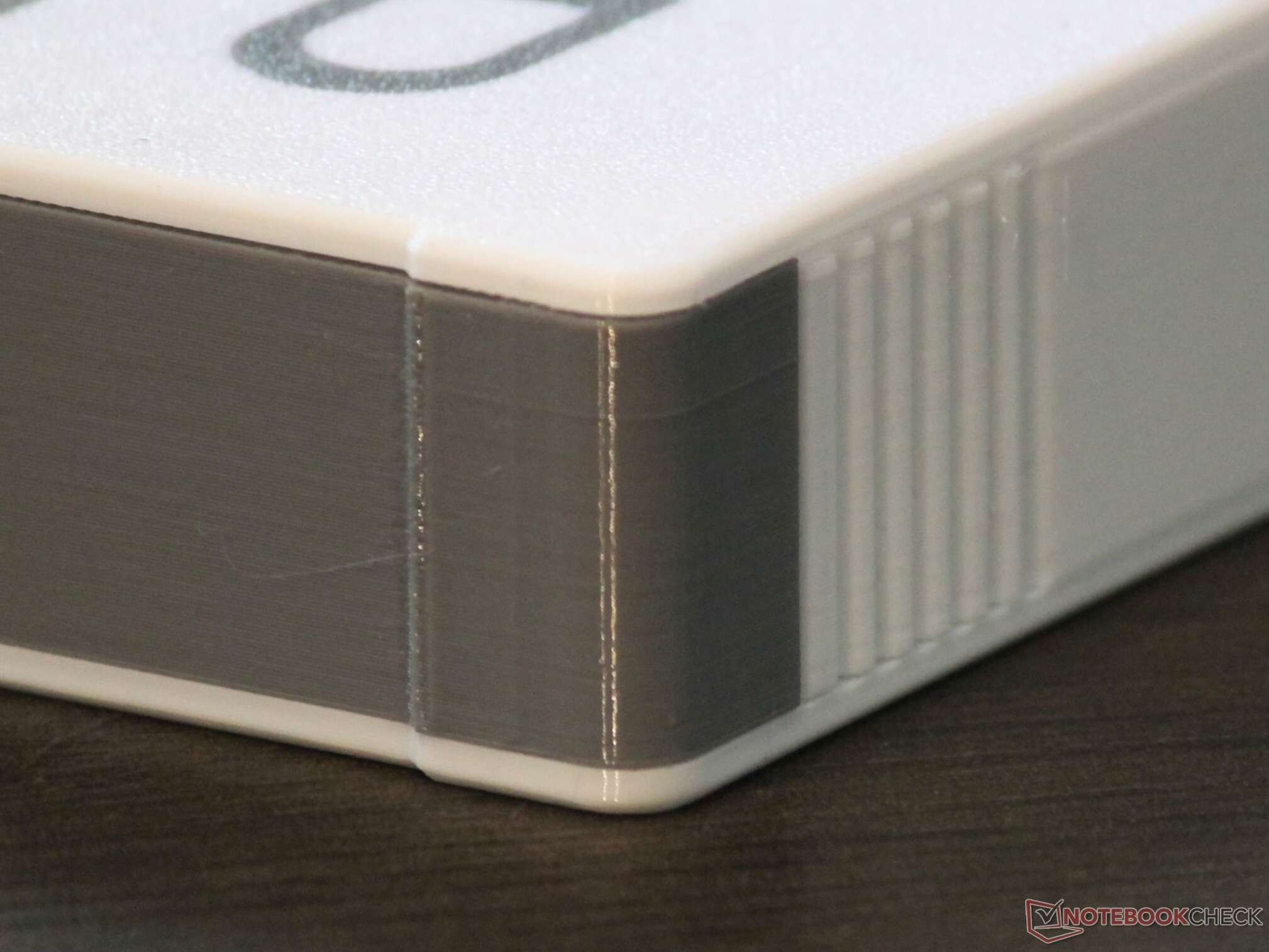
We will take a closer look at the advantages and disadvantages of a toolhead with two print nozzles in a separate article. For now, this much is clear: The second nozzle is explicitly an auxiliary nozzle and is limited not only in terms of TPU support, but also, for example, in terms of speed. In addition, the 256 × 256 × 260 mm build volume cannot be fully utilized. A test print with PETG in both the main and auxiliary nozzles was uneventful; the result looked as if it had been made in one piece. The print also shows that, at least at this scale, there are no relevant differences in dimensional accuracy between the two print nozzles. Otherwise, the pins and holes simply would not fit.
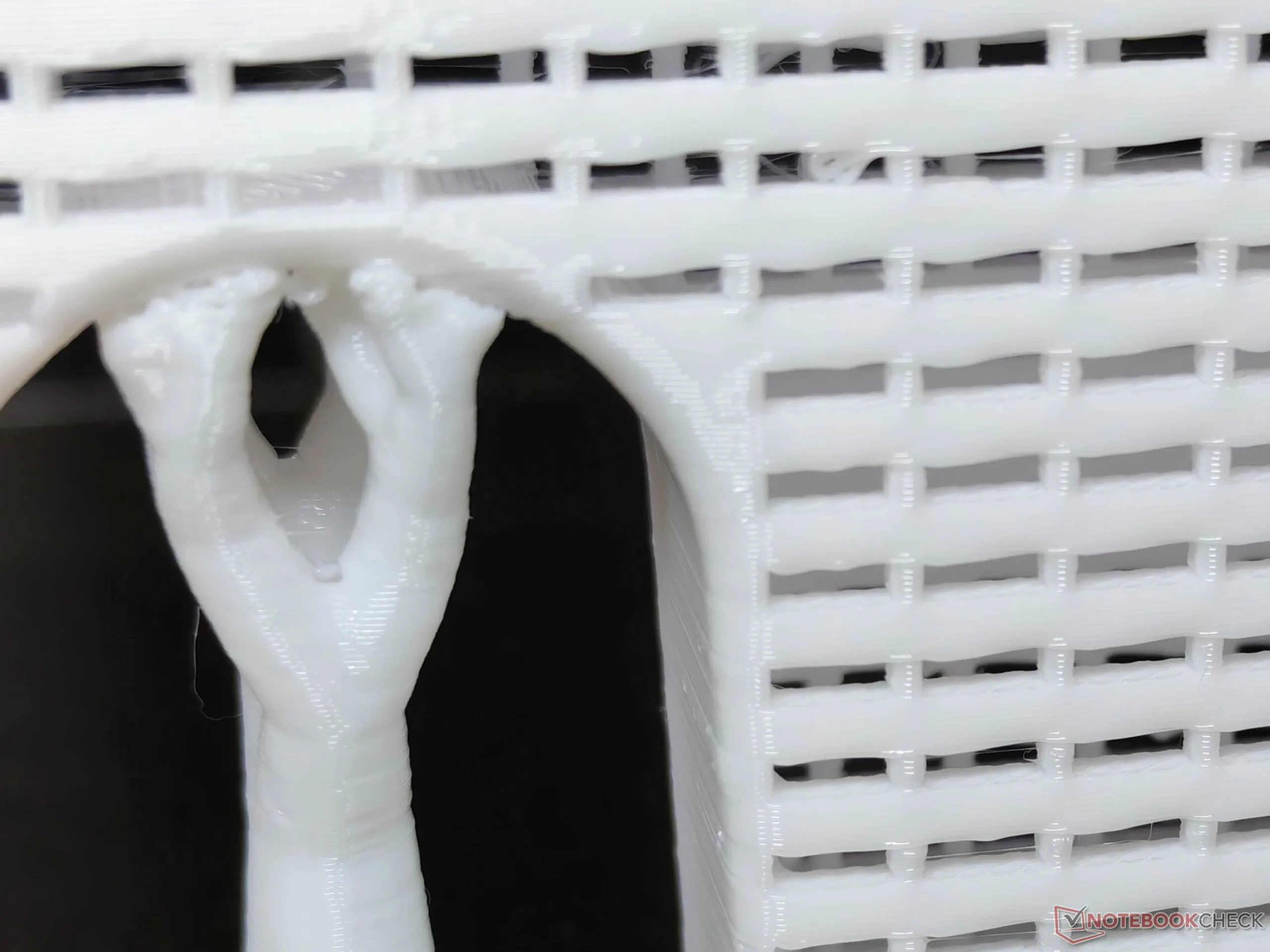
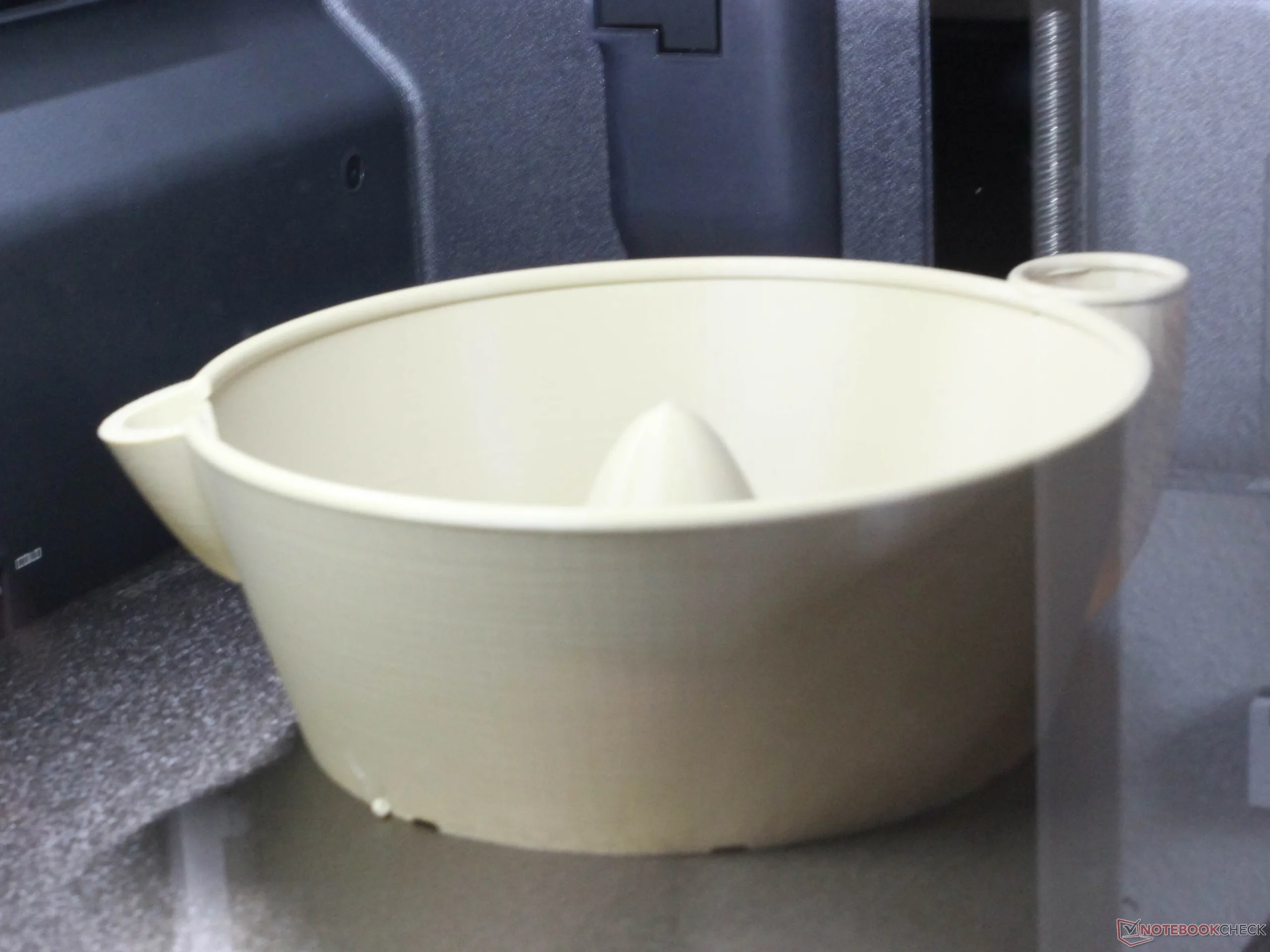
The X2D also completed a larger print, around 20 × 13 × 22 cm and with curved shapes, without any major issues. Speaking of issues: The X2D detects them relatively well, and the response to detected stringing, for example, can be configured. A deliberately induced filament knot was detected during testing, with warnings shown on the printer itself as well as in the app and software. After the problem was resolved, printing continued without issue.
Print quality beyond reproach
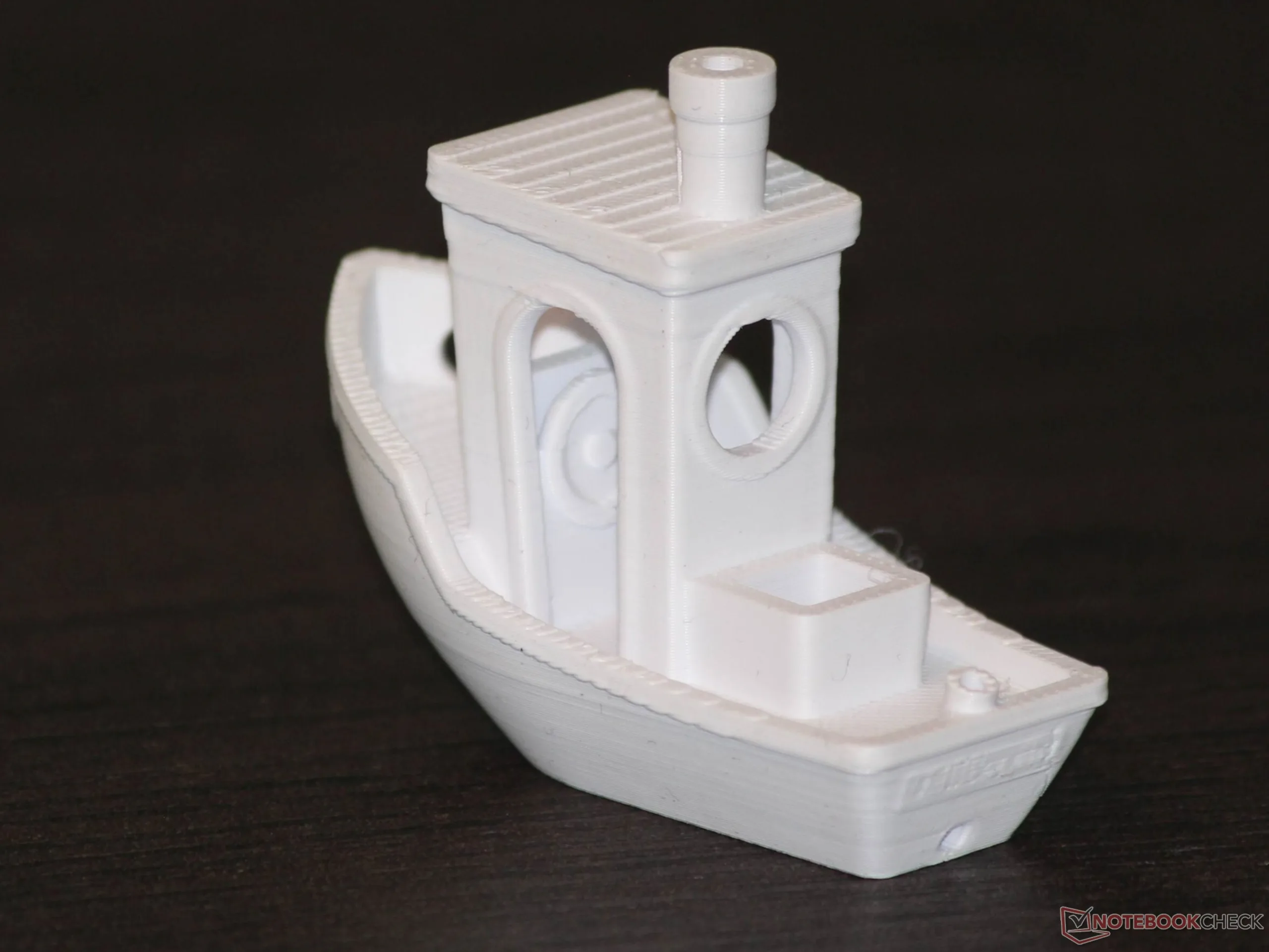
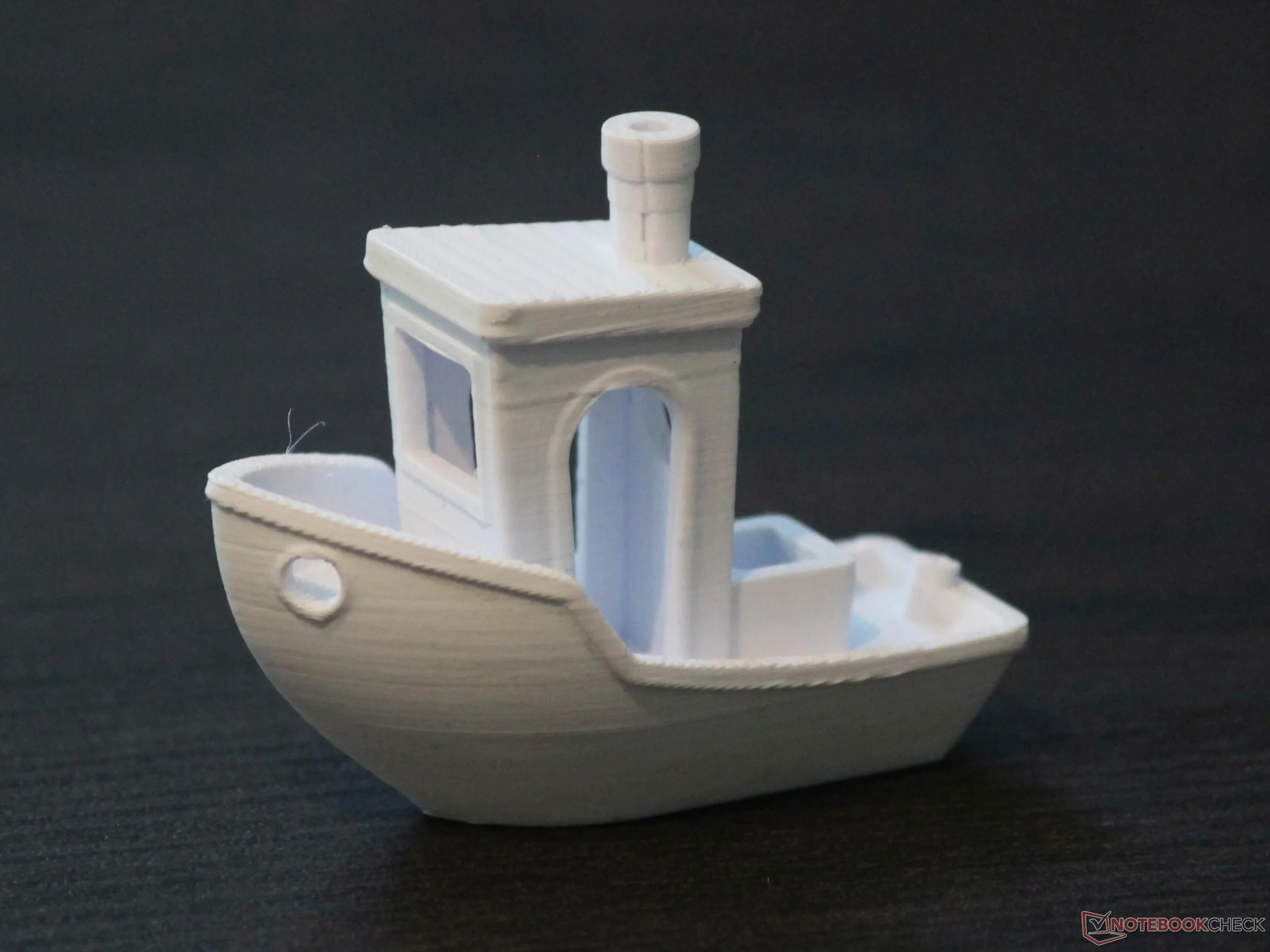
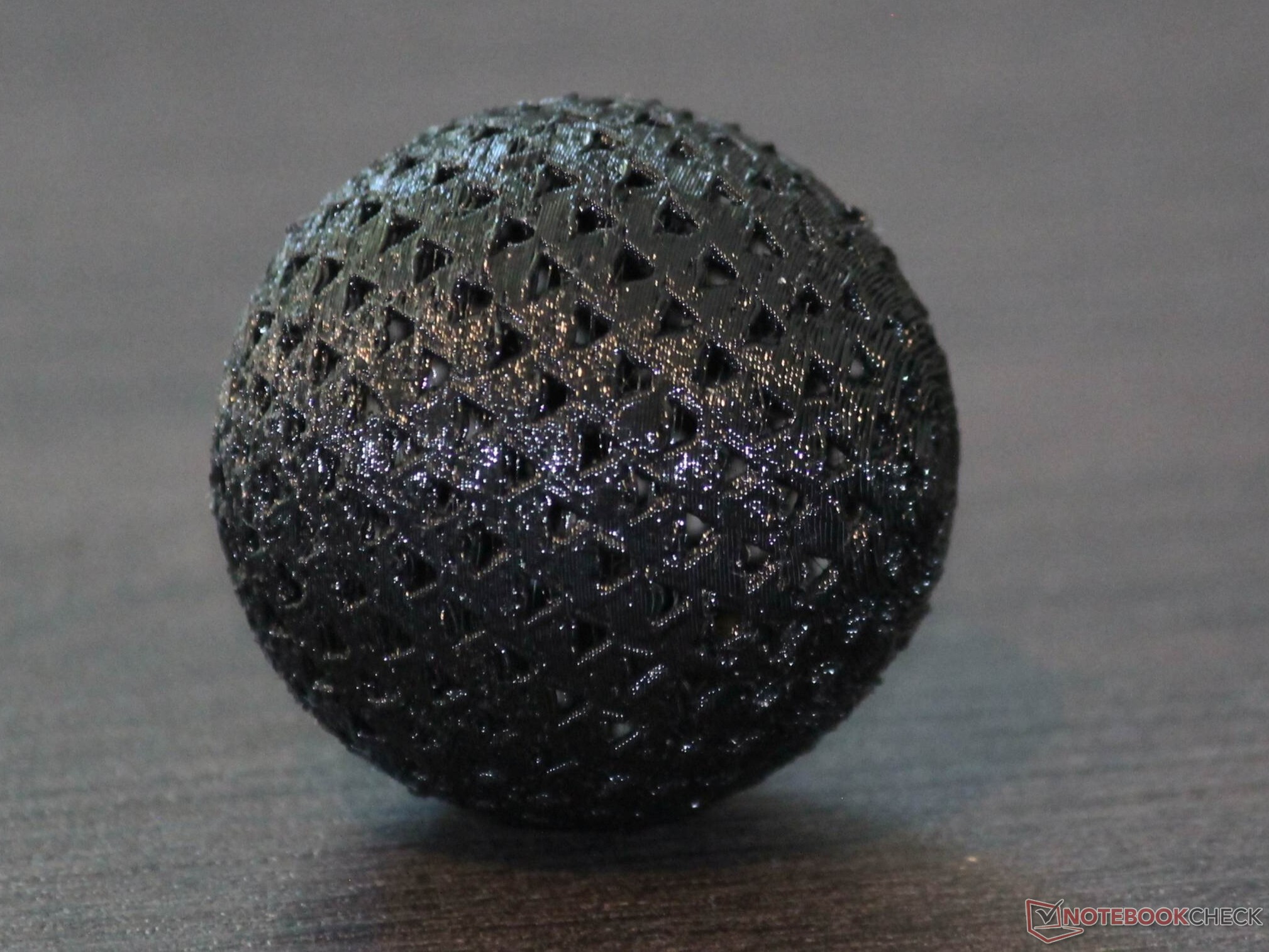
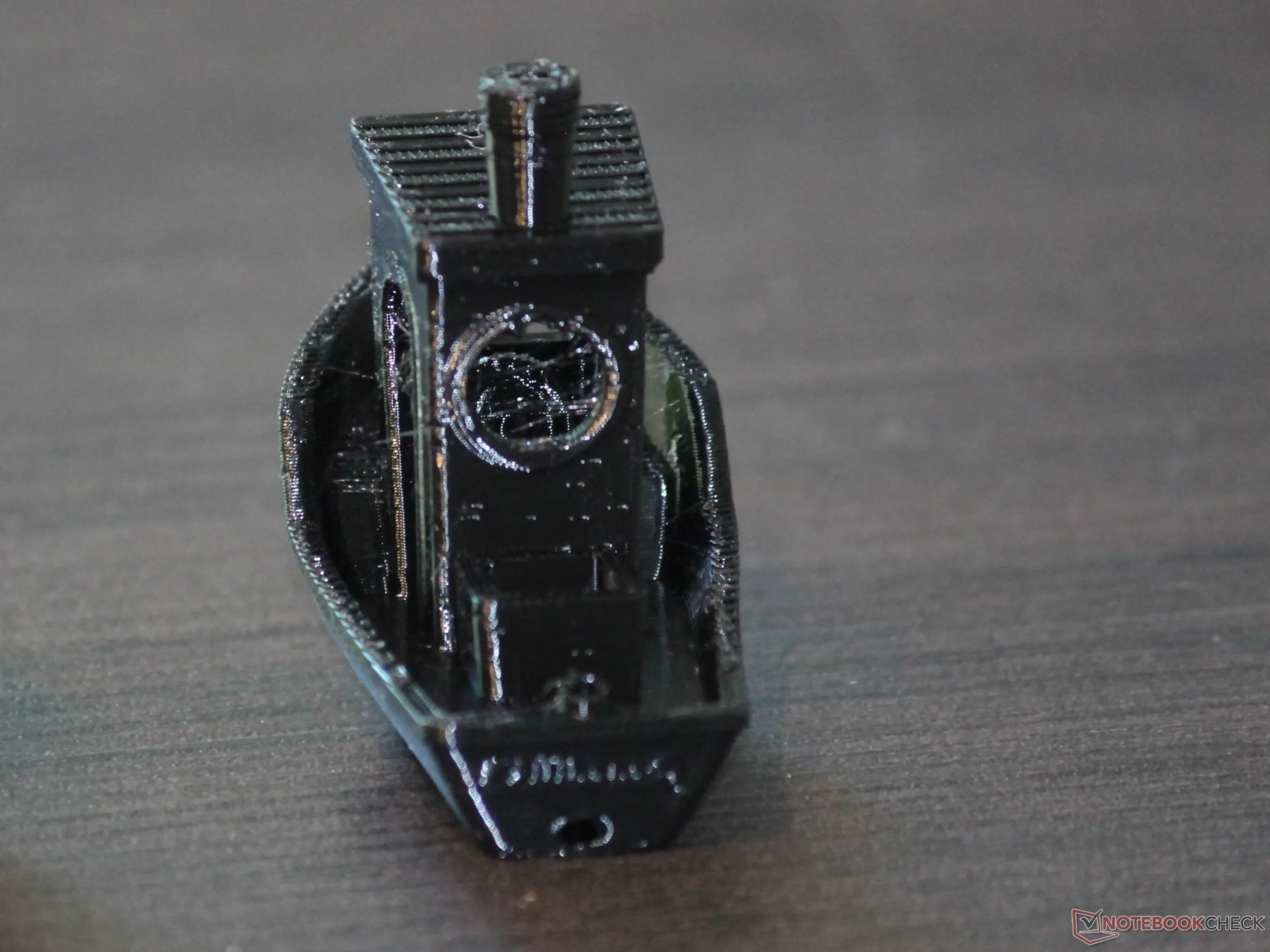
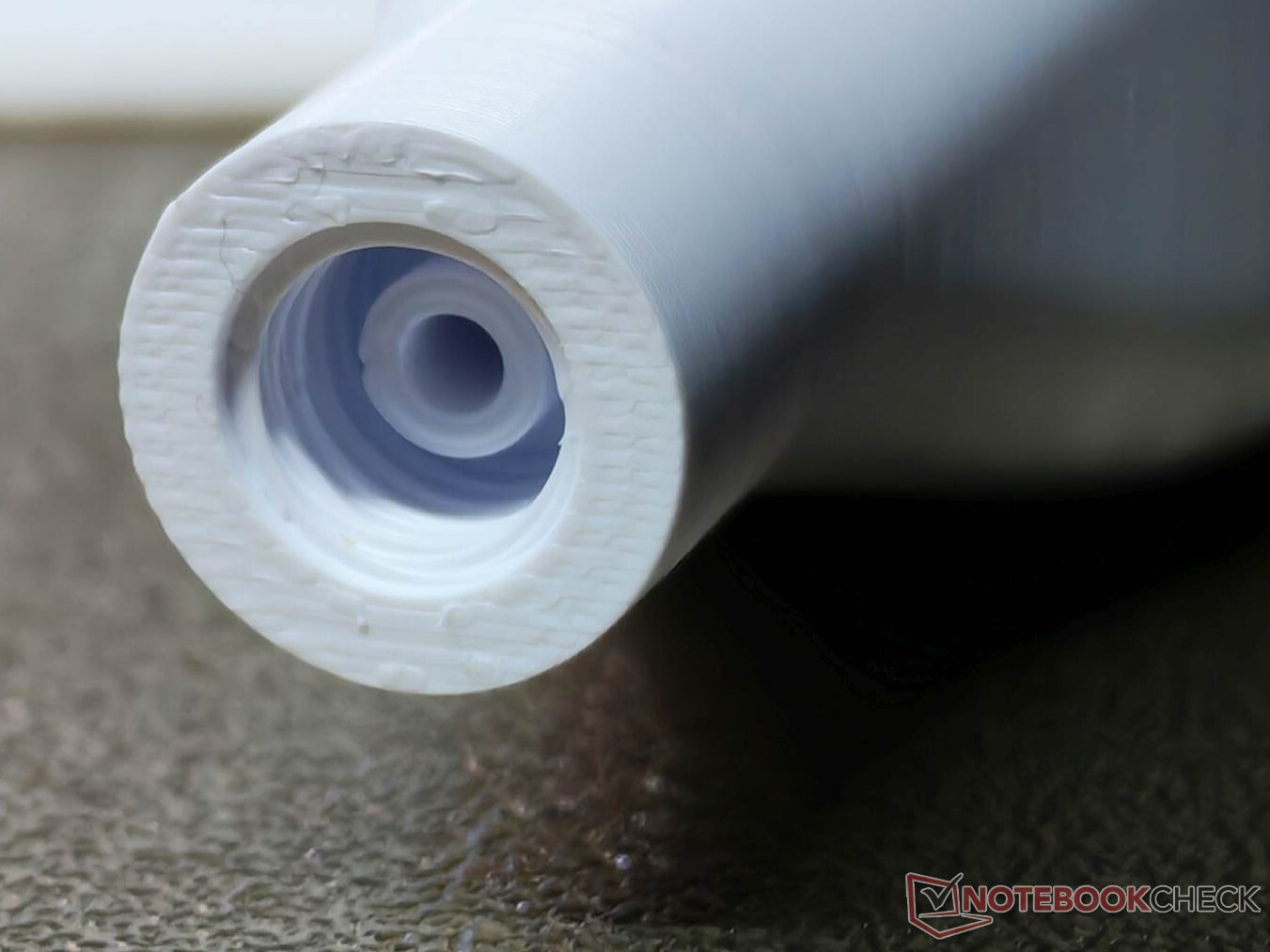
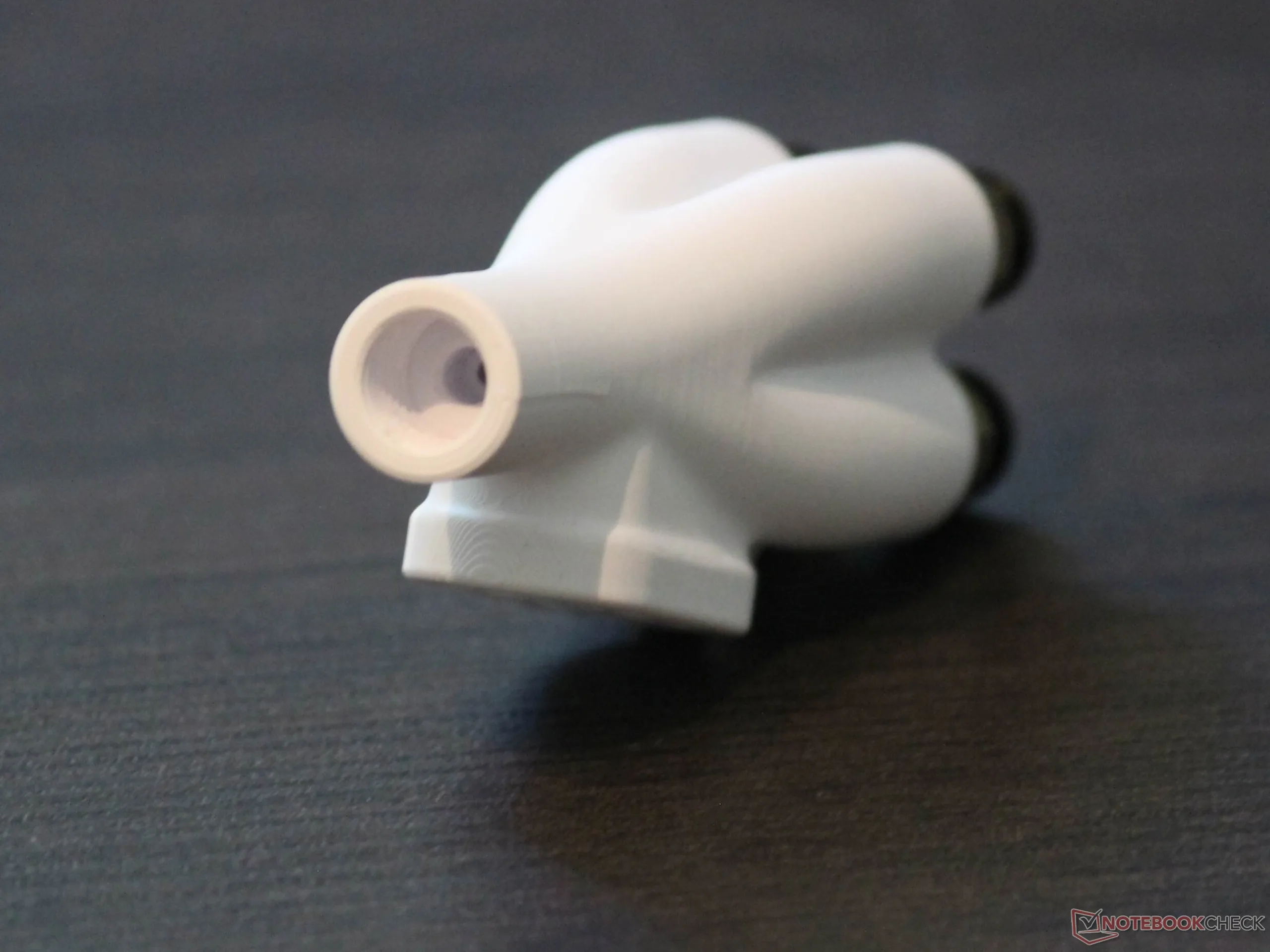
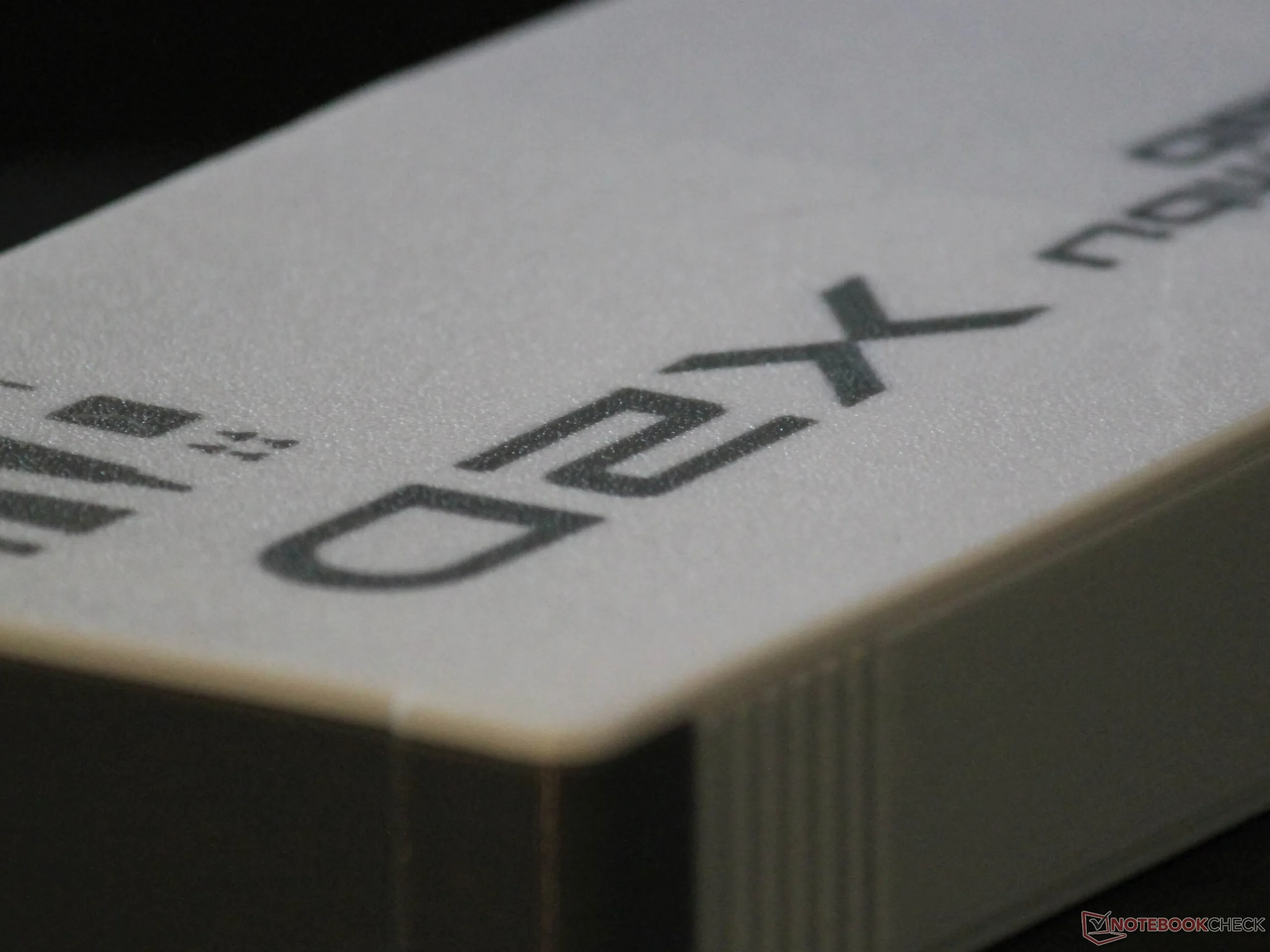
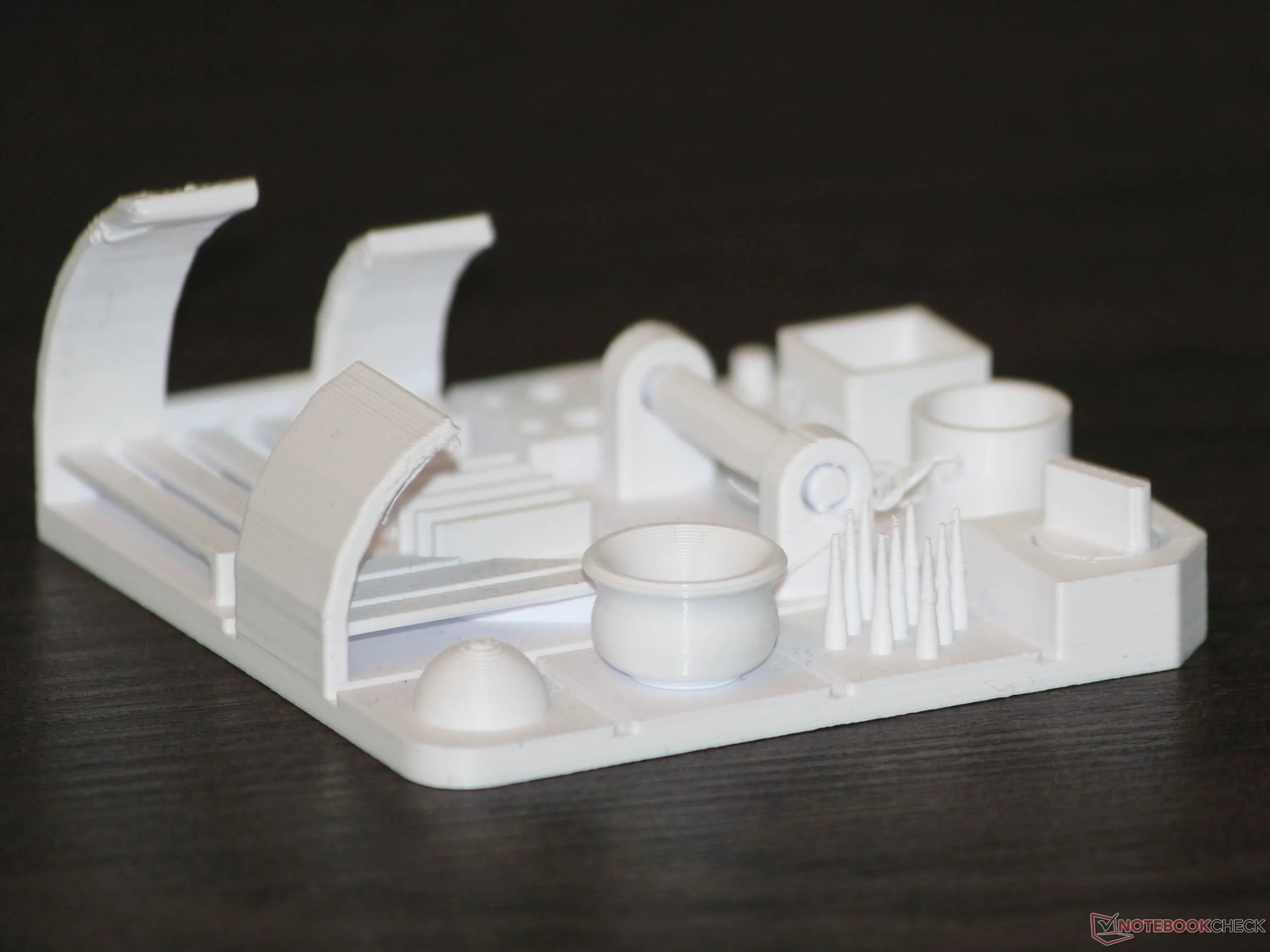
Apart from minimal stringing, the TPU Benchy printed without any problems and had clearly legible lettering on the underside. Printing an elastic ball also went smoothly. As a test, we printed two 4-in-1 adapters in PLA and PETG, one with an M10 thread and one with an M8 thread. There was nothing to criticize here either: The filament passed through without issue, and the part could be used immediately without any post-processing. Our test print, which we also use in other 3D-printer reviews, worked on the first try with PLA from eSUN, aside from minor flaws. Even at the tips, there was only negligible stringing, overhangs printed successfully, and the lettering remained legible. The Benchy printed with the same PLA showed slight irregularities around the door. The Benchy lettering on the rear is at least faintly visible.
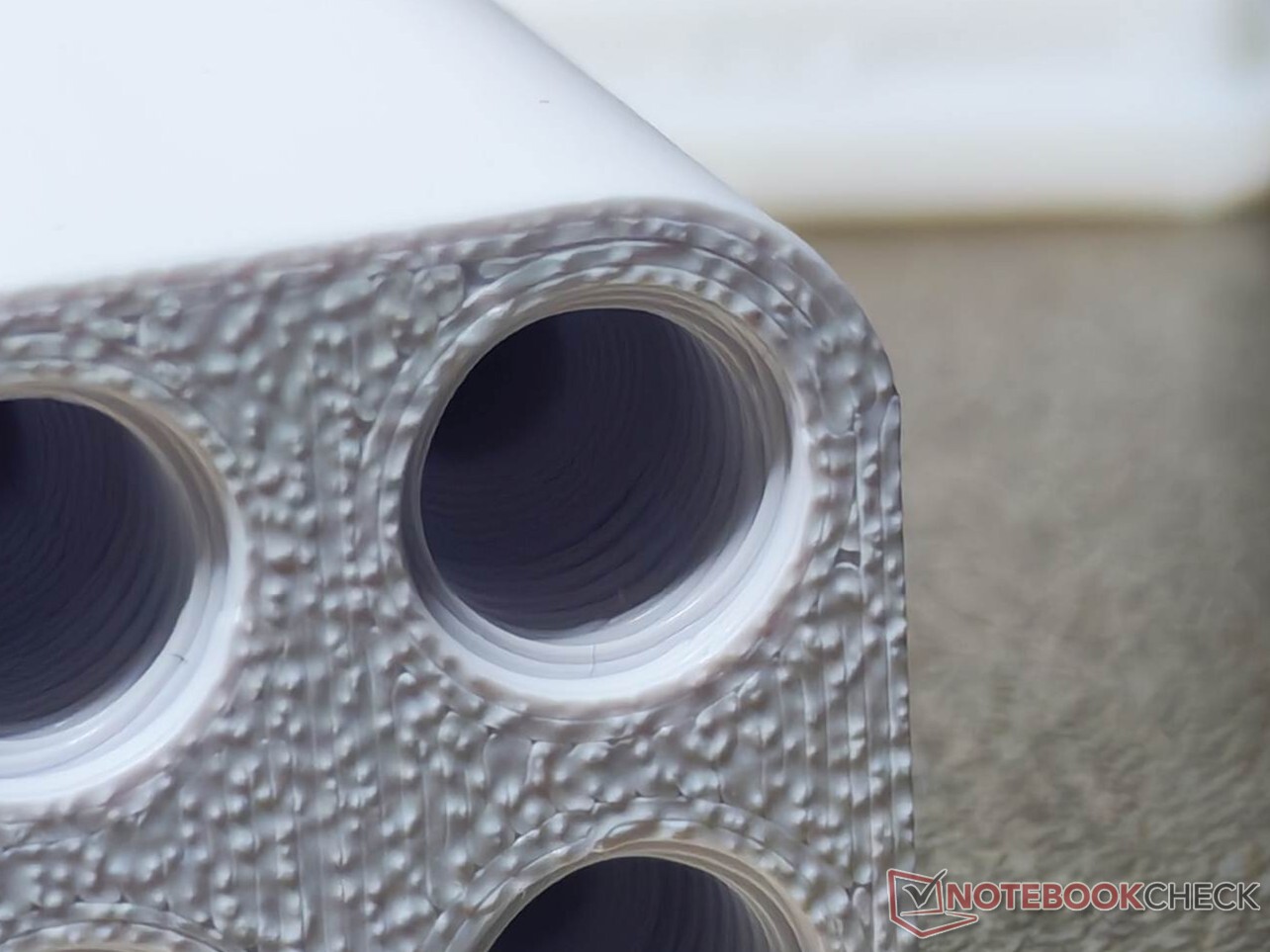
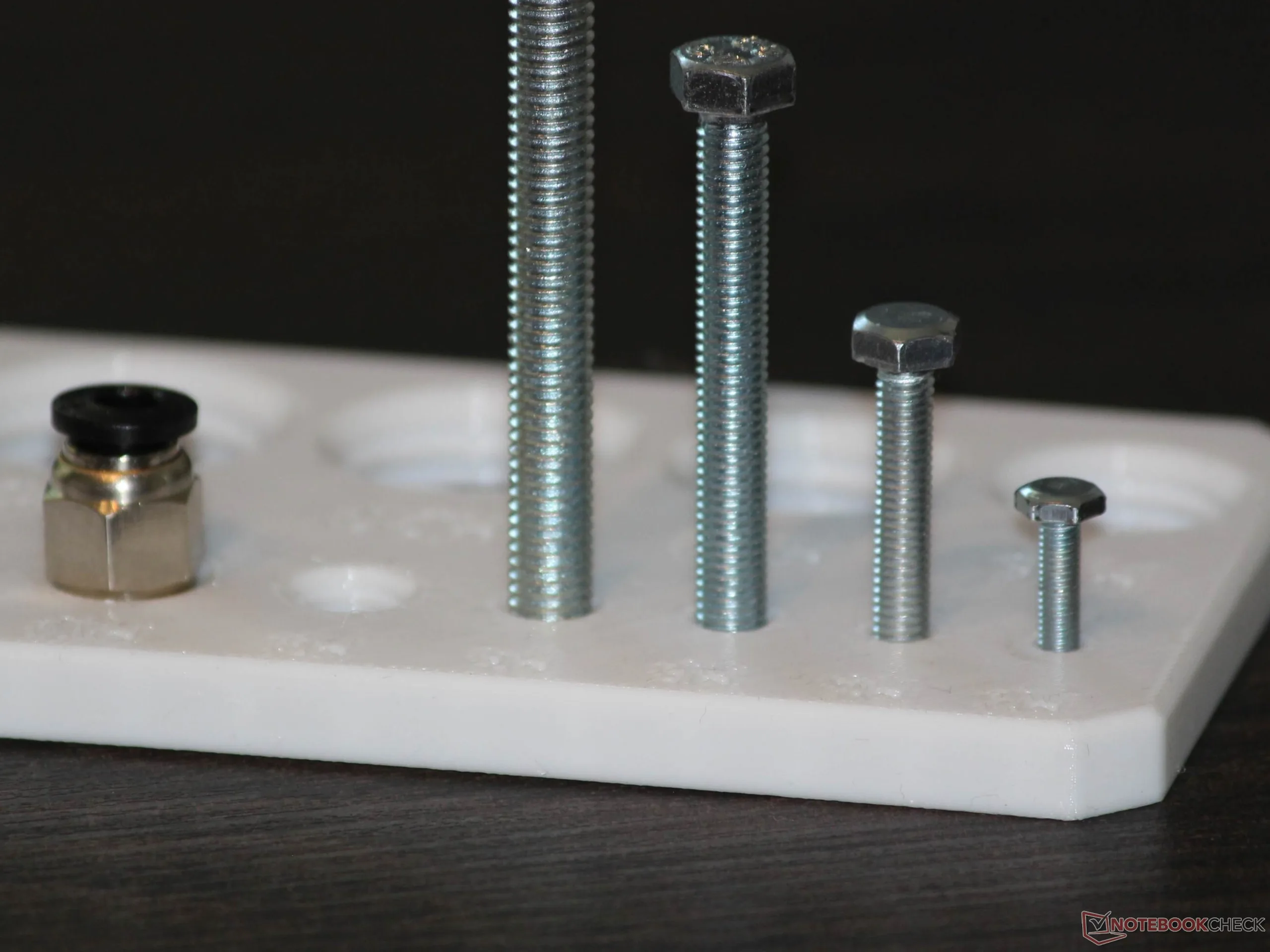
One practical test is printing a plate with threaded holes. Even at a layer height of 0.2 mm, the resulting threaded holes were usable down to M3 without post-processing. This type of test print allows us to assess not only precision, but also accuracy using an external, albeit not perfectly accurate, reference object: simply a screw. It is important to check the printed threaded hole both before and after inserting the screw. A screw can simply remove burrs, for example, while a metal screw can effectively smooth the 3D print. As long as the screw holds securely afterward, this does not impair function. Pronounced burrs, however, would indicate a less-than-optimal 3D print.
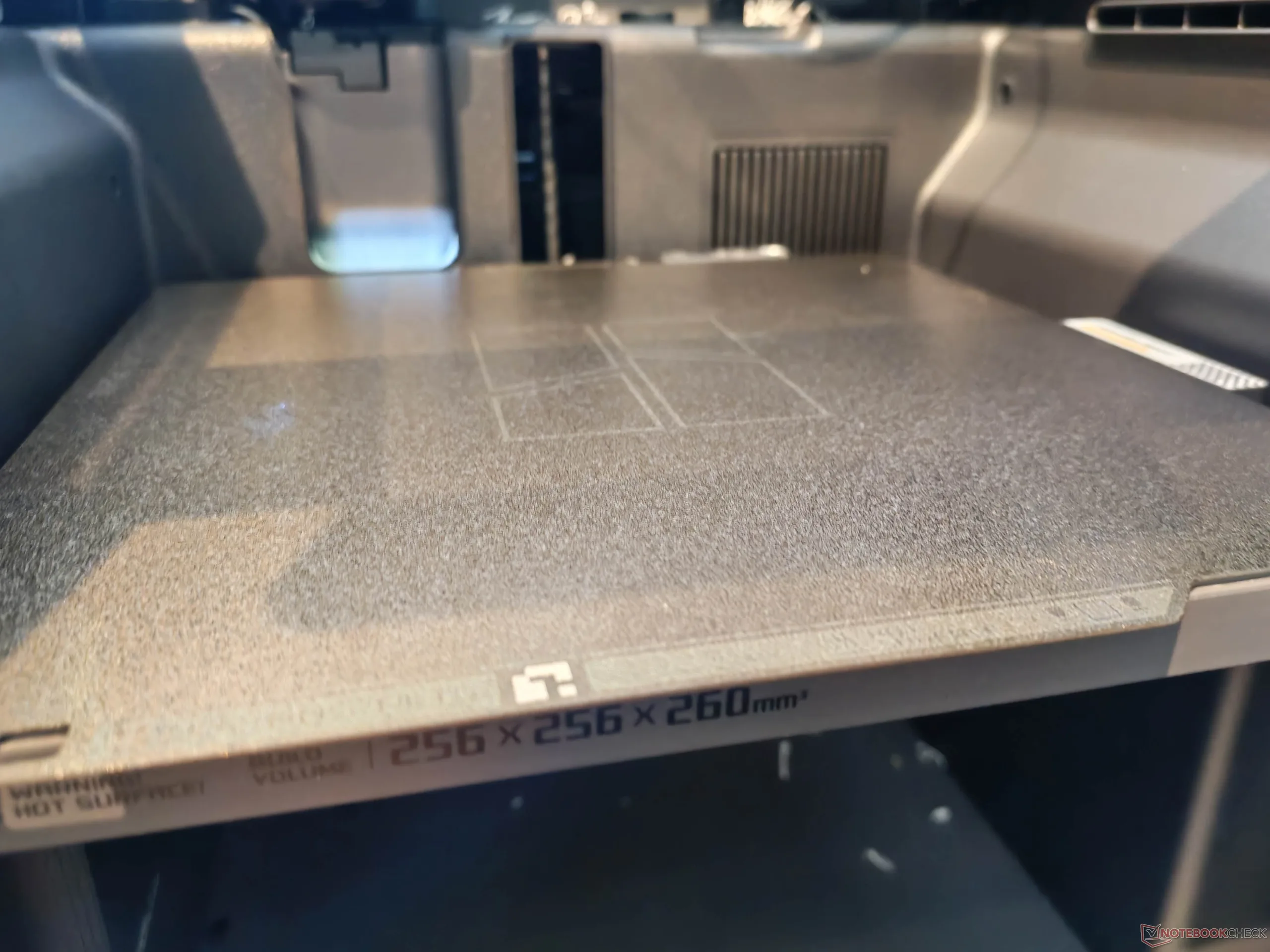
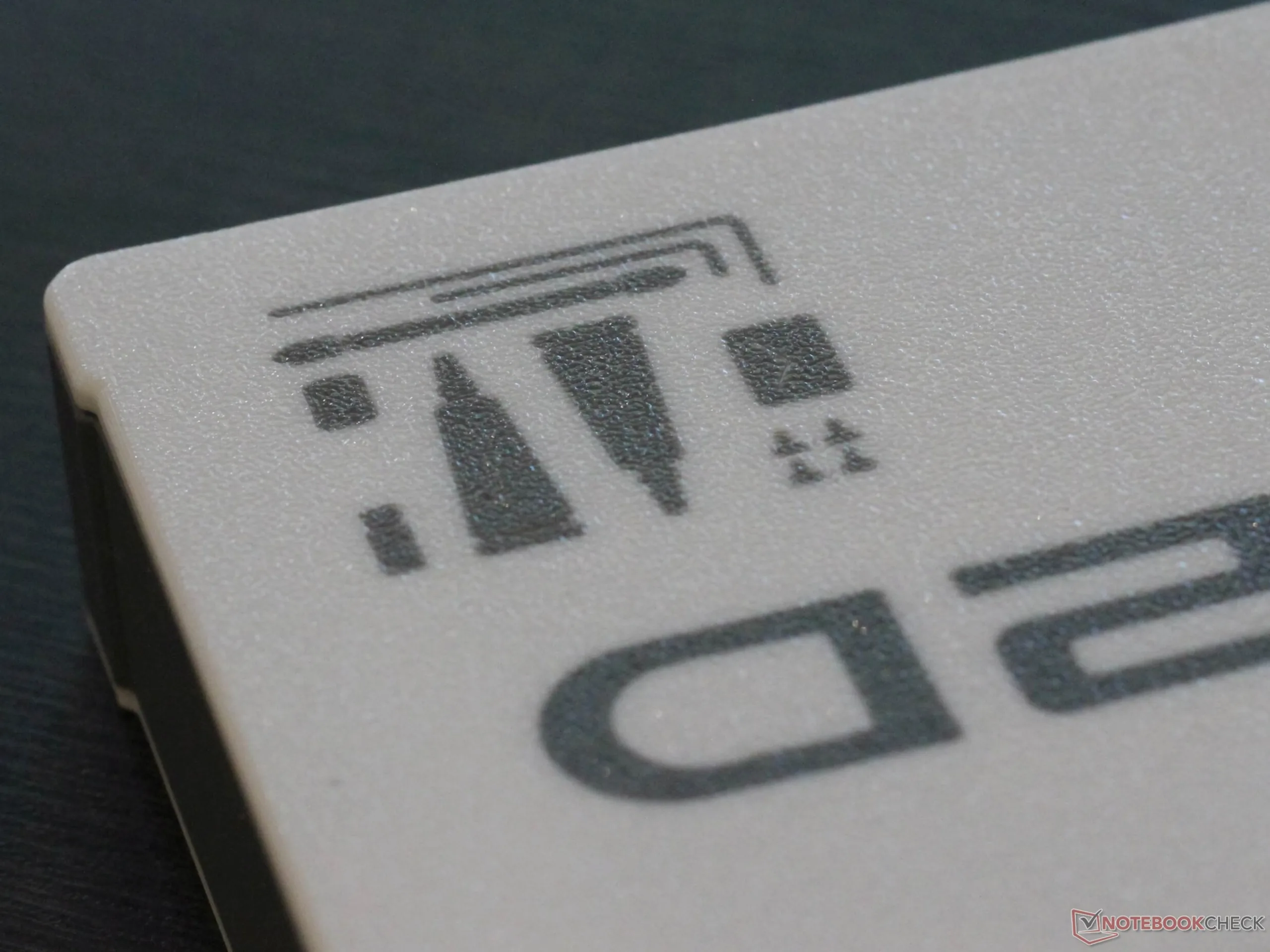
We used only the Textured PEI Plate. It attaches magnetically and is flexible. PETG and PLA prints can be removed reliably by simply bending the plate; manual peeling was necessary only with TPU. The print plate is not smooth, so the first layer always has a quite pleasing texture. Users should keep this in mind, however, if the model’s first print layer will remain visible. Overall, the result is very good and fully practical print quality with the standard profiles for generic filaments.
Undemanding and backed by good software
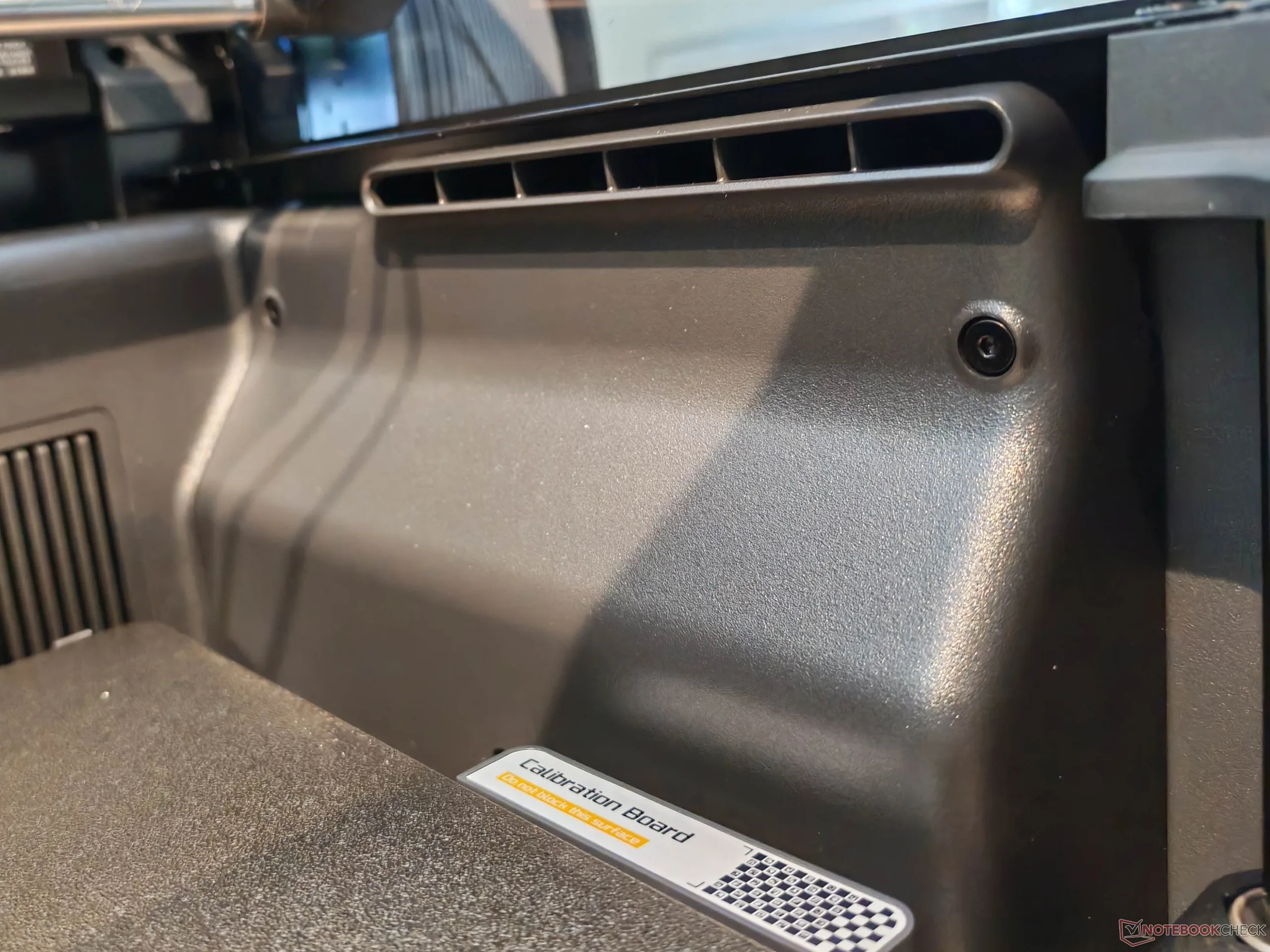
As a test, we ran the printer on a rather wobbly table. This did not cause any print problems, but it did increase the noise level. In regular operation, the system ran on two layers of impact-sound insulation and a patio slab. The exhaust-air filtration uses an activated-carbon filter. This reduces the odor of the exhaust air considerably, but not completely. A nearly complete reduction in odor, and therefore likely also in VOCs, would probably require an additional solution, especially an enclosure tent. We would not want to place the model in a living room that is used regularly.
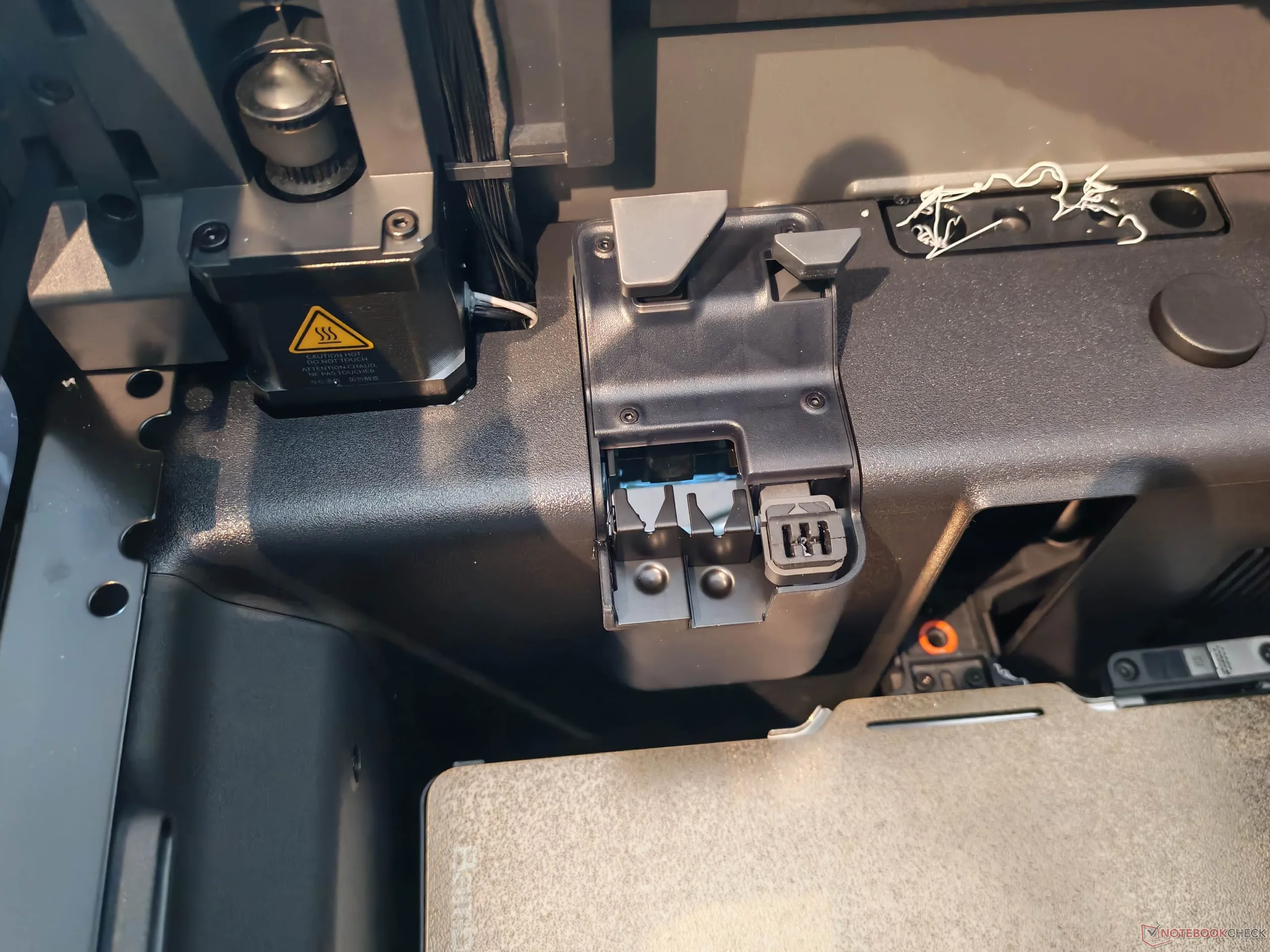
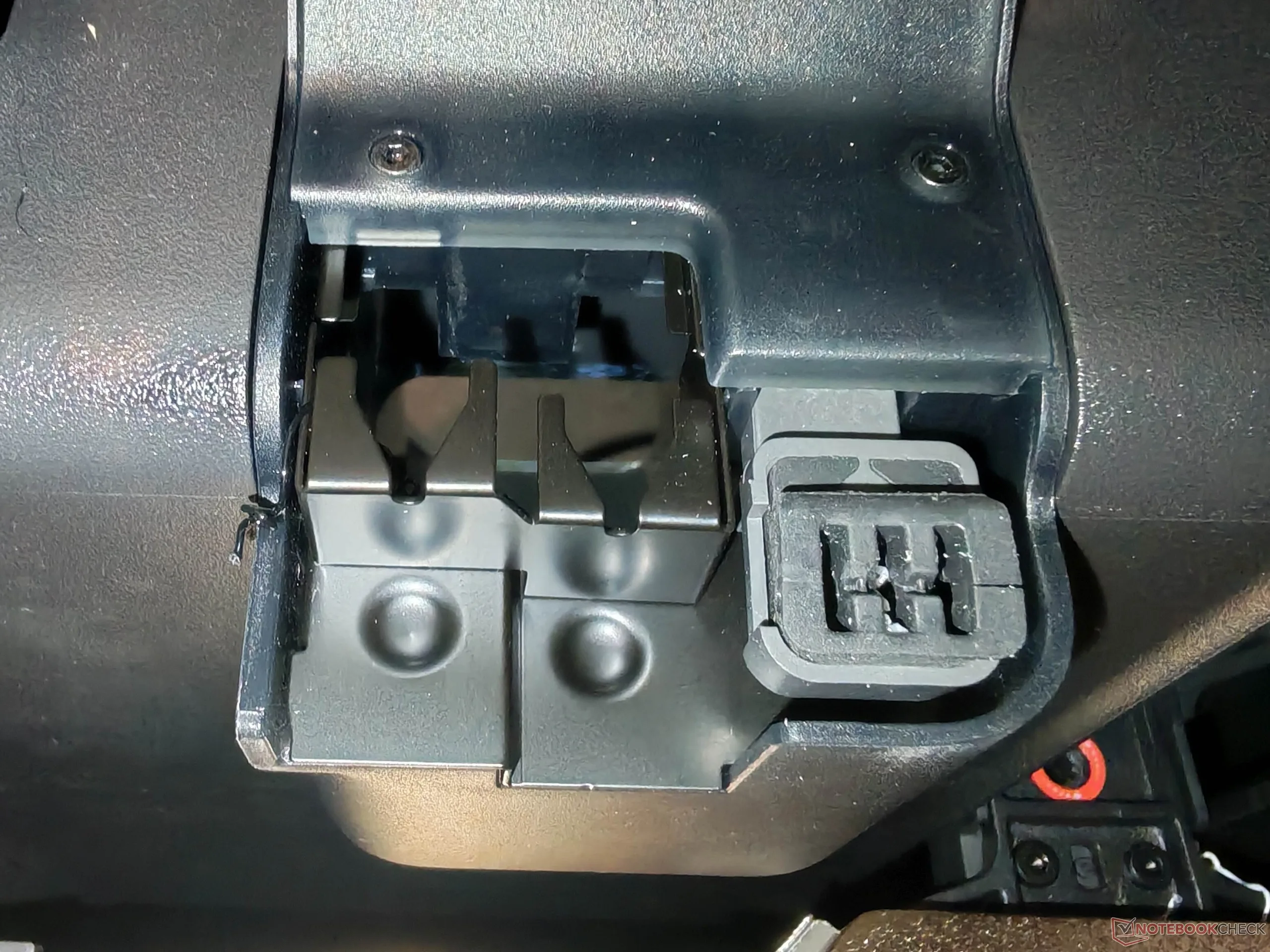
The AMS 2 Pro was unobtrusive in testing and is used for filament feeding and drying. One thing did stand out, however: Although filament residue is scraped off and ejected during filament changes, for example, a substantial amount of filament waste accumulates inside the printer, especially in the upper area. At least in theory, filament residue in the lower area could get caught in the axis bearings and therefore in the axes. Suitable protective covers, which would also help against dust, can be printed quickly and easily, but they could also have been included.
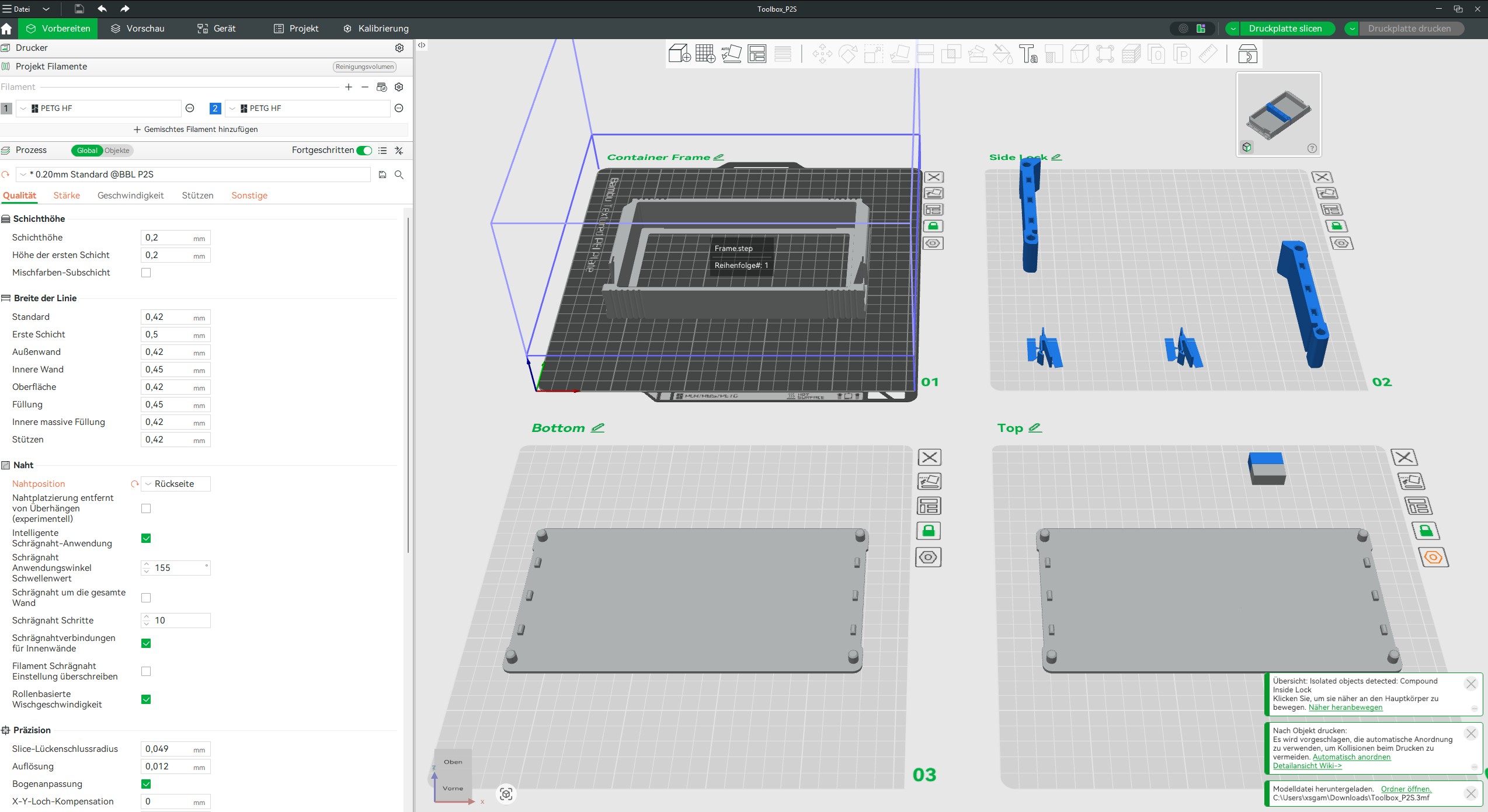
We will discuss the software itself in more detail later. Both Bambu Studio and Bambu Handy offer numerous settings, including filament management and livestreaming, and are easy to use. The model library is well stocked. MakerLab makes it relatively quick to adapt models, although much of this falls into gimmick territory. Still, creating a 3D statue from a photo is certainly suitable as a personalized gift. External print templates in other formats are supported.
We would also like to highlight the detailed Wiki, which includes extensive instructions and explanations of the components, among other things. The store offers a very wide range of spare parts at relatively fair prices. At this point, we should also mention current reporting on licensing rights: buyers need to be aware that the Bambu Lab ecosystem is not fully open source.
Models used
The models used included the HydroSpinner, the X2D Tool Box, Fibonacci Spheres, a test block for threads, the Benchy, a 4-in-1 adapter and a waste chute and the FDM benchmark from Marc Herter. We would like to expressly thank the makers.
Transparency
The selection of devices to be reviewed is made by our editorial team. The test sample was provided to the author as a loan by the manufacturer or retailer for the purpose of this review. The lender had no influence on this review, nor did the manufacturer receive a copy of this review before publication. There was no obligation to publish this review. As an independent media company, Notebookcheck is not subjected to the authority of manufacturers, retailers or publishers.
 Add as a preferred source on Google


