




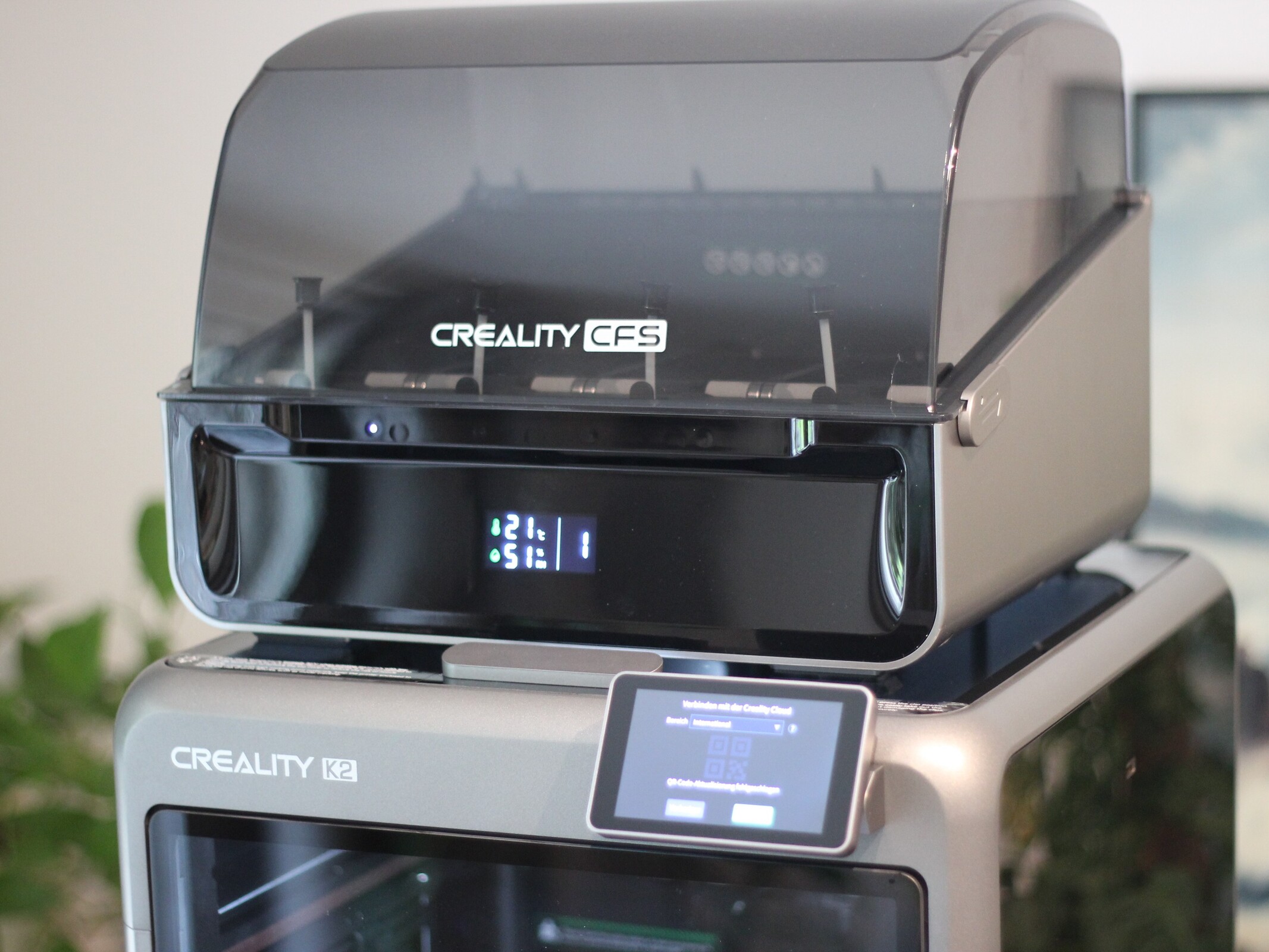
3D printer with multicolor support: The Creality K2 Combo prints well and is easy to use
A sensible choice.
The Creality K2 Combo targets beginners with high-quality prints, simple operation, and dependable multicolor printing via CFS. Our review shows just how impressive its print quality and feature set are, as well as where Creality makes compromises despite the attractive price.Silvio Werner (translated by Silvio Werner) Published 🇩🇪 🇳🇱 ...
Creality K2 Combo: Easy to use and impressively capable
The Creality K2 Combo is a beginner-friendly 3D printer that delivers more than adequate print quality for most home users, while also standing out for its robust build, ease of use, and very simple setup. Even the K2 on its own — without the CFS and its easier multicolor printing — is easy to recommend, especially at its highly competitive 359-euro price point.
That said, some features such as active chamber heating and a nozzle camera are missing, and models like the K2 Pro and K2 Plus offer higher nozzle temperatures. For typical home use, however, these omissions are unlikely to be deal-breakers. Multicolor printing with the K2 Combo works reliably, and while the CFS looks good and functions well, it does not include active filament drying. Compared with much more expensive dual-nozzle or multi-print-head systems, it also produces more purge waste depending on the job. The CFS pricing is the most questionable part: while the K2 Combo with CFS starts at 499 euros, the standalone CFS costs 299 euros.
Pros
Cons
Price and Availability
The Creality K2 Combo is available at a recommended retail price of 499 euros - for instance, from retailers like Geekbuying or directly from the manufacturer. The version without the CFS is priced at 359 euros. In this case, the test sample was provided by Geekbuying.
Table of Contents
- Creality K2 Combo: Easy to use and impressively capable
- Specifications
- Very easy setup
- Creality K2 Combo: Clean design and solid construction
- Creality CFS: Practical, but not a true filament dryer
- Reliable performance and a practical build plate
- Very good print quality and strong dimensional accuracy
- Reliable multicolor printing, but with unavoidable waste
- Three ways to control the printer
- Prints more accurately than we can measure
The Creality K2 Combo is a 3D printer with an enclosed build chamber; the Combo version supports easy multi-filament printing right out of the box.
Specifications
| Creality K2 Combo | 3D Printer |
| Technology | FDM |
| Print Volume | 260 x 260 x 260 millimeters |
| Dimensions | 404 x 436 x 545 millimeters |
| Footprint | 500 x 500 x 500 millimeters, with CFS, our recommendation, the right filament spool holder protrudes |
| Weight | 18.3 kg (without CFS) |
| Motion system | CoreXY |
| Extruder | Direct Drive |
| Print bed used | magnetic, flexible textured PEI plate |
| Temperatures | print nozzle 300°C, heated bed 100°C |
| Connections | Wi-Fi, USB Type A |
| Control | touchscreen, desktop, smartphone, and web apps |
| Package contents | combo version with CFS, tools, and a 500-gram spool |
Very easy setup
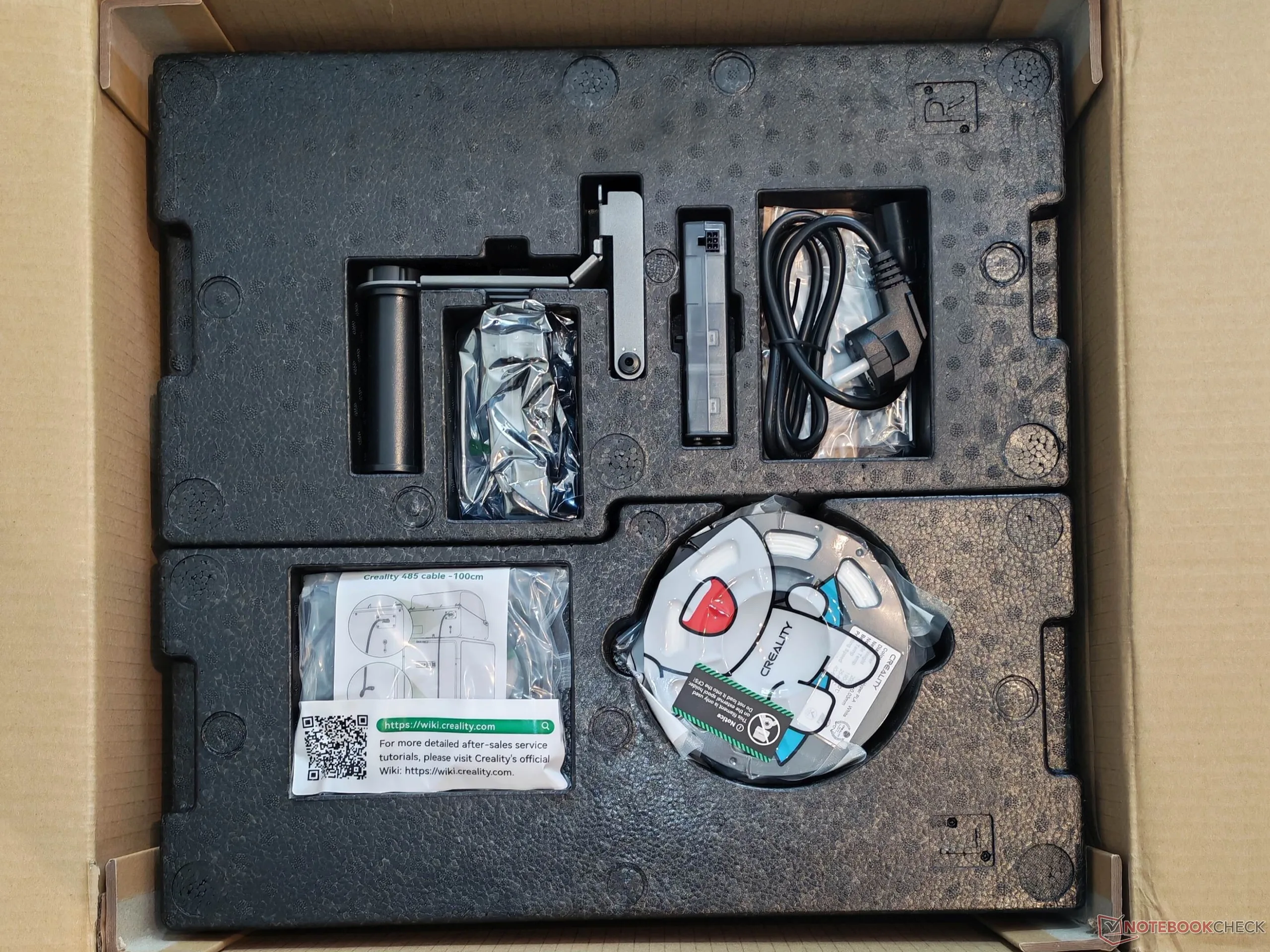
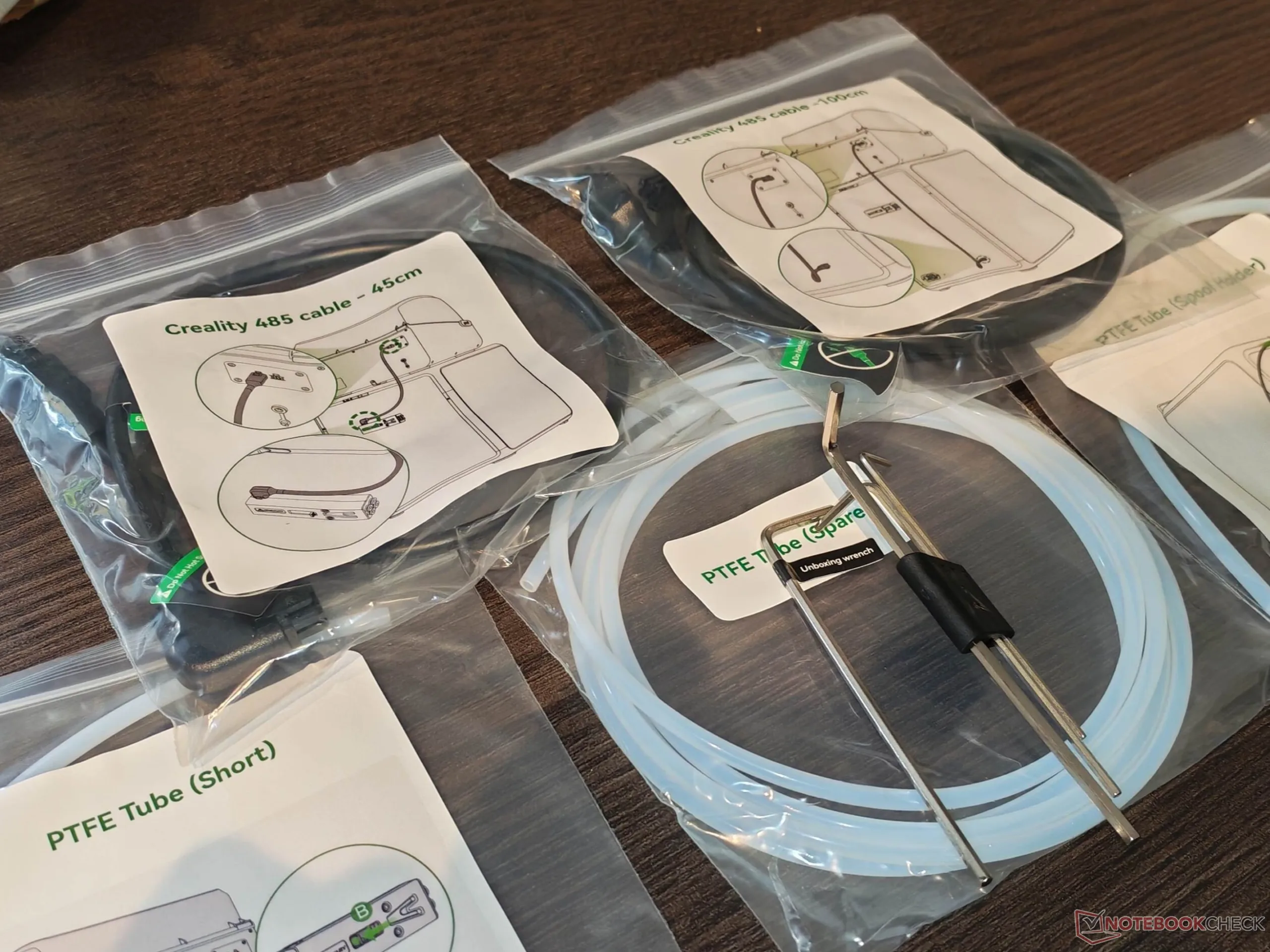
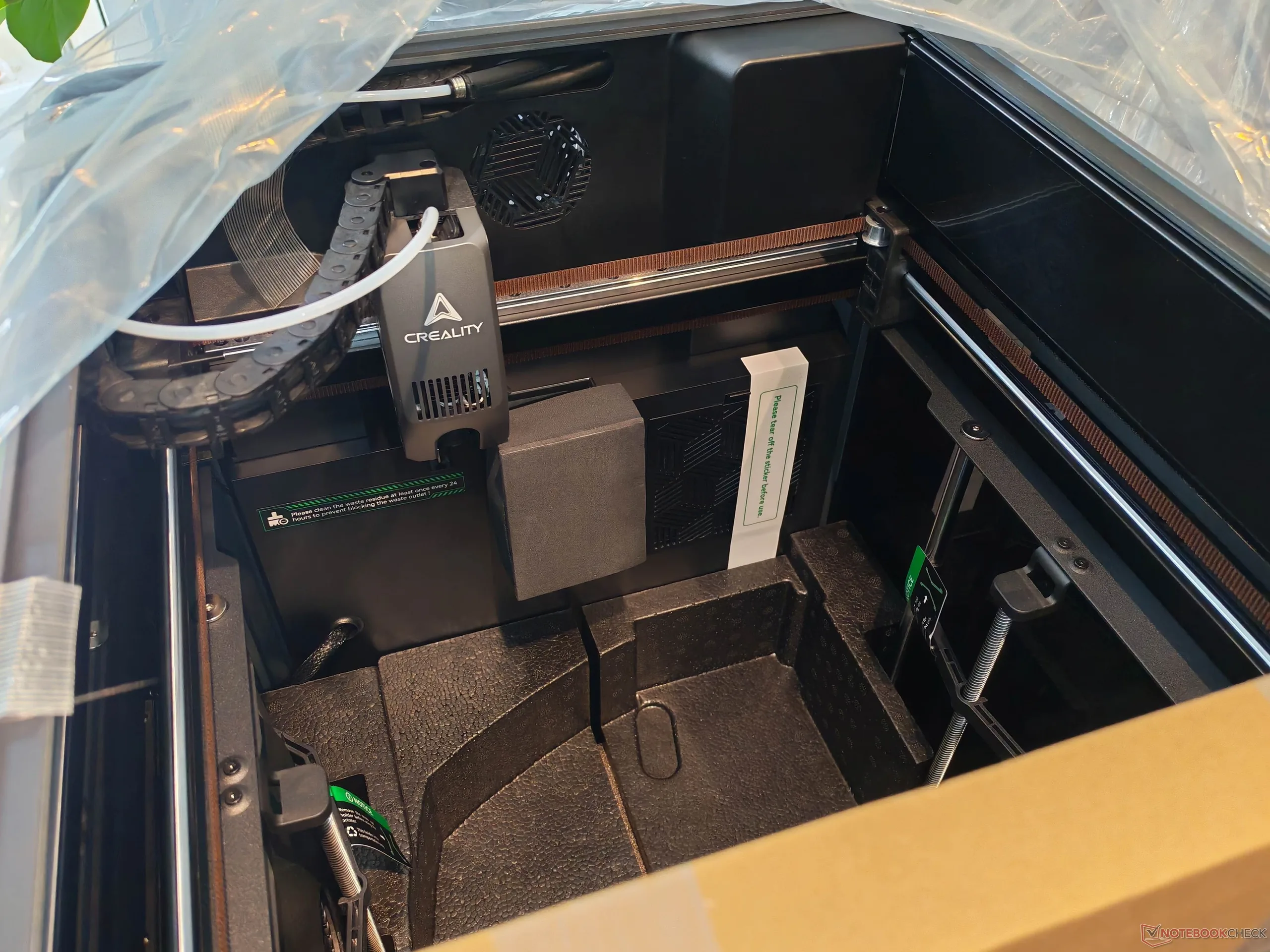
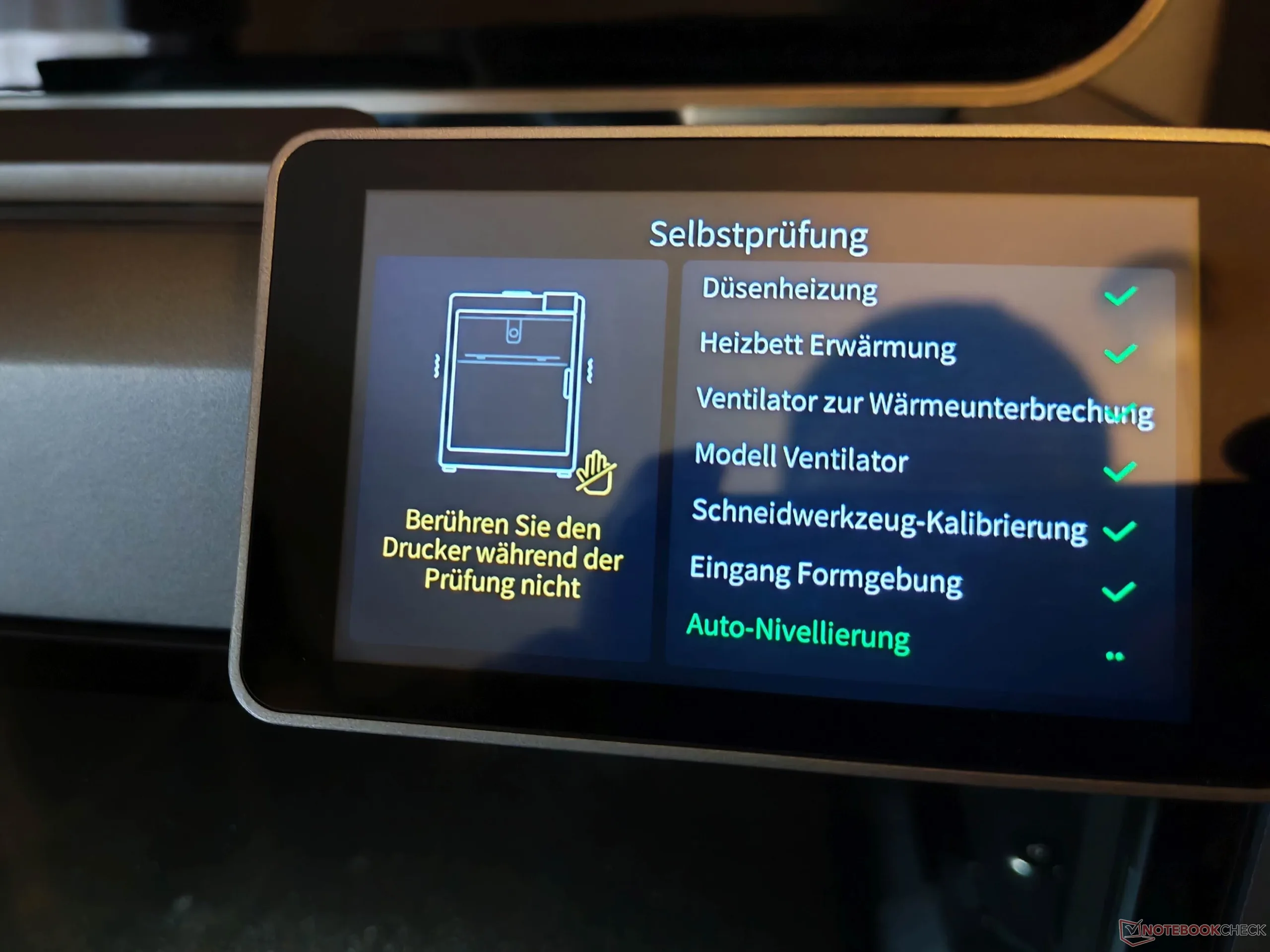
The Creality K2 Combo ships in a single box, with the CFS module pre-packaged inside the printer. The printer itself comes fully assembled, although a few PTFE tubes and connectors still need to be installed. Setup is very straightforward; only connecting the display requires a little care. The PTFE tubes are clearly labeled with diagrams, so there is little room for error. Even taking your time, the K2 Combo should be ready to print within an hour, including calibration and a software update. In principle, no software installation is required for printing, since jobs can also be sent directly from an SD card. The package includes a 500-gram filament spool, though Creality could easily have included a 1,000-gram spool, which would also fit into the CFS.
Creality K2 Combo: Clean design and solid construction
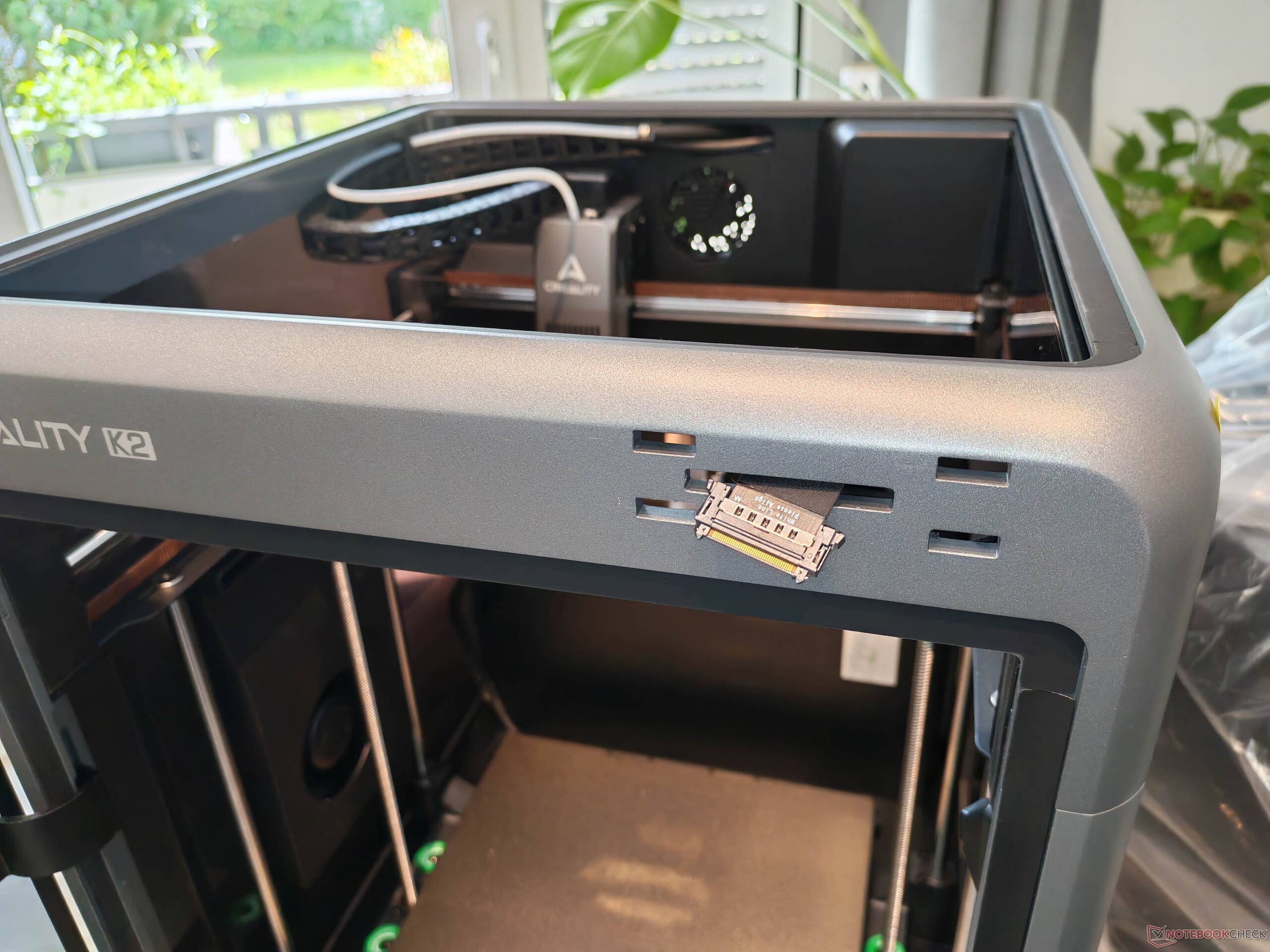
The Creality K2 Combo is a CoreXY printer with an enclosed build chamber, although it lacks active chamber heating, which may matter depending on the materials used. The build quality is clean, and while the design is somewhat subjective, it is generally appealing. The CFS also has a slightly futuristic look. The front door and top cover are made of glass, while the side panels use dark-tinted plastic; with the lighting on, side visibility is reasonably good.
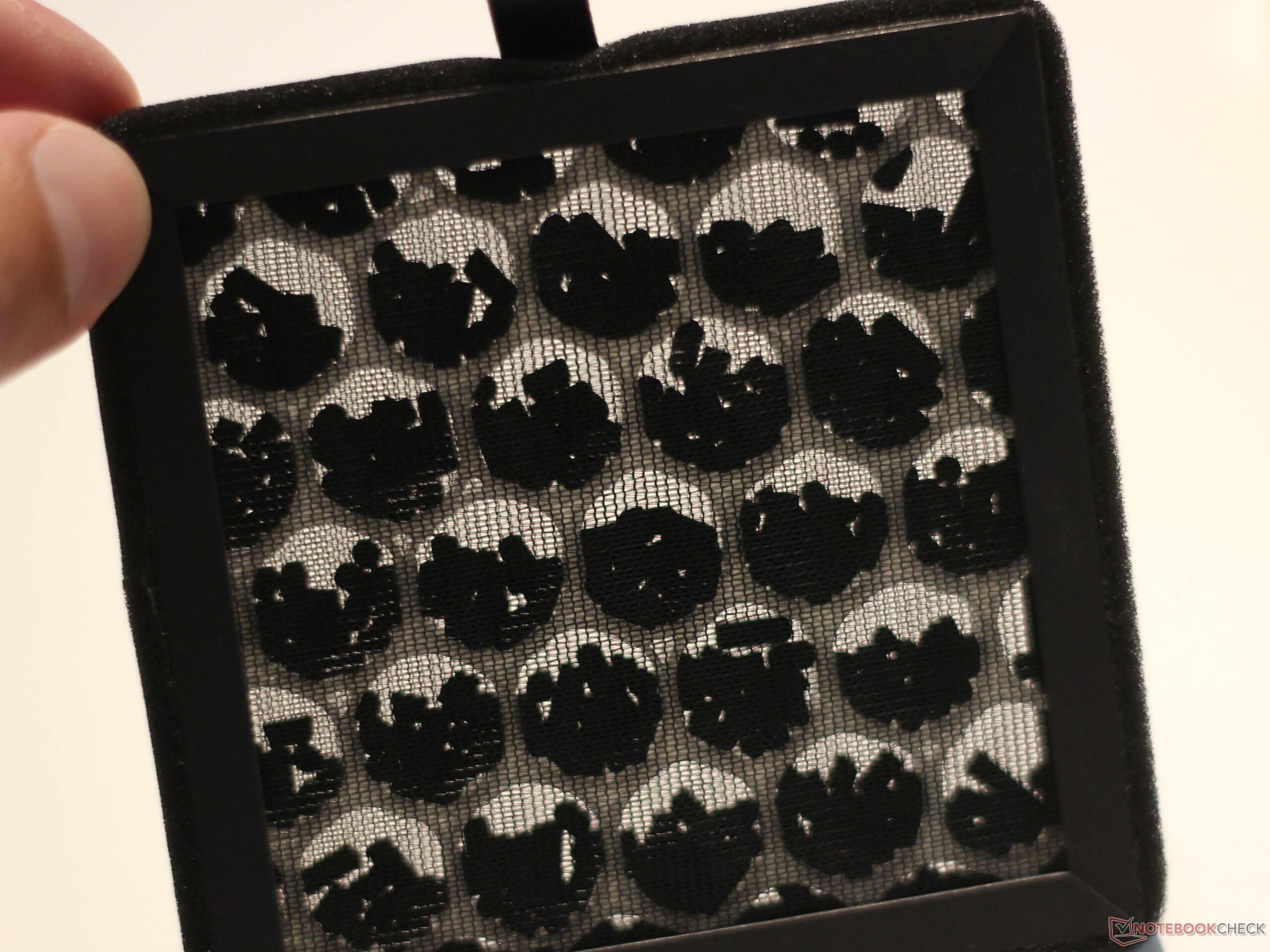
The frame is made of aluminum, and overall build quality leaves little to be desired, even if the placement of the USB port on the right side of the enclosure is at least debatable. The print bed is height-adjusted via two lead screws and additionally stabilized by four passive guide rods. An activated carbon filtration system is included, although its effectiveness is not entirely convincing. Creality uses granular activated carbon rather than an activated carbon mat, so odors are reduced but still noticeable.

Creality CFS: Practical, but not a true filament dryer
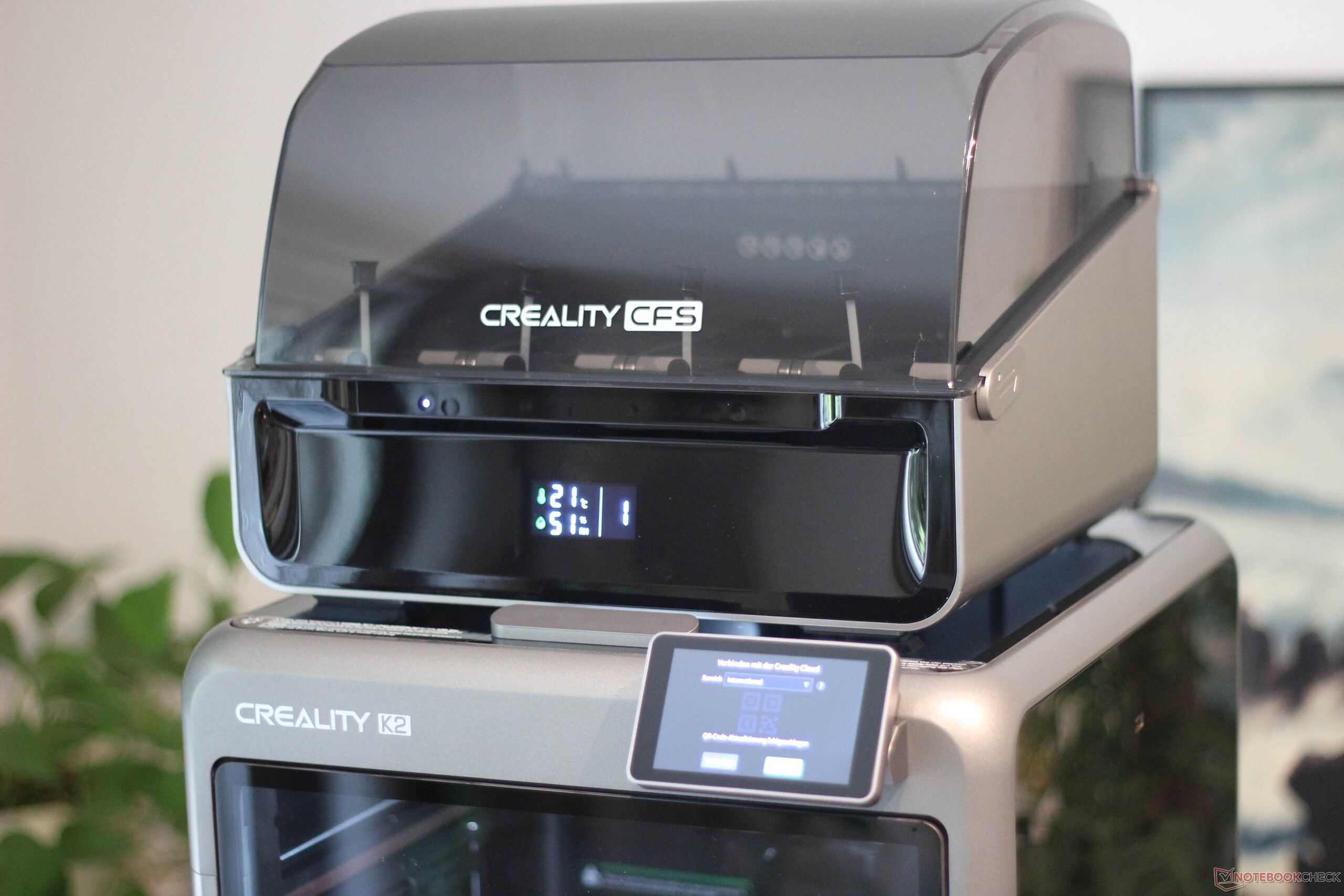
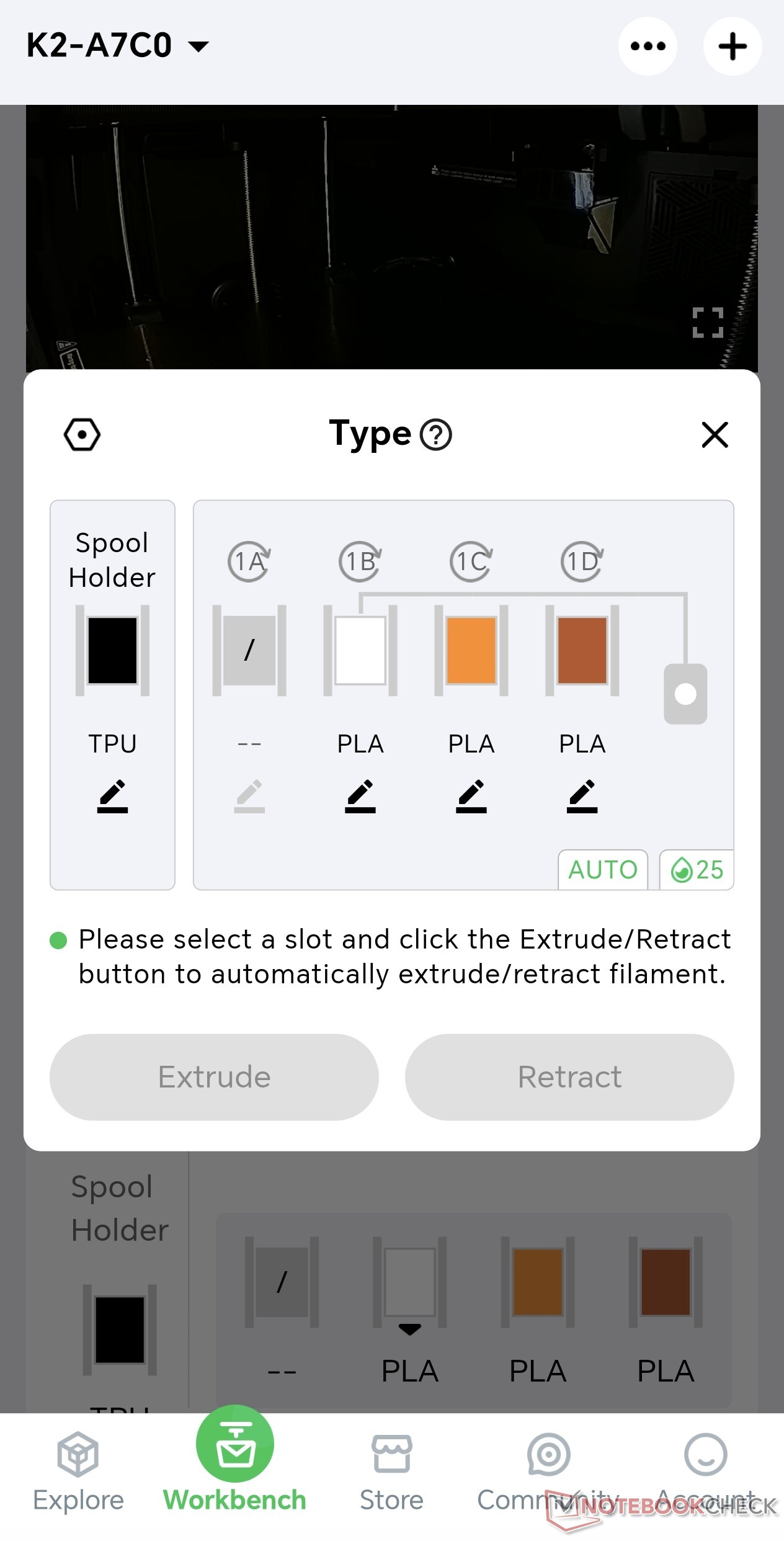
The Combo version includes the CFS, a system for feeding one or more filaments. A PTFE tube runs from the CFS to the filament buffer, and the buffer’s four inputs are a nice touch, since they allow additional filament systems to be connected without an extra adapter. The CFS itself has a display and four LEDs: the LEDs show which filaments are loaded, while the display provides humidity and temperature information. However, the CFS is not an active filament dryer with a heating element or hot-air system; it merely helps keep filament dry. Given its relatively high list price of 300 euros, that omission is certainly worth criticizing. From the buffer, the material is fed into the extruder. Since the K2 has only one print nozzle, it comes with the usual limitations. Like most standard filament systems, the CFS cannot handle TPU, although TPU printing works without issues via the external feed, meaning multimaterial TPU prints are not possible.
Reliable performance and a practical build plate
The Creality K2 Combo ran without any problems during testing, with one exception: there was a single clogged nozzle, likely caused by a filament break. Clogged nozzles are not unusual in 3D printers, and the issue was resolved within minutes. No other major problems occurred. The build volume measures 260 x 260 x 260 mm, which is standard for an enclosed printer not aimed at large-format jobs. A double-sided textured PEI build plate is included; it is magnetically attached, flexible, and makes print removal easy.
Very good print quality and strong dimensional accuracy
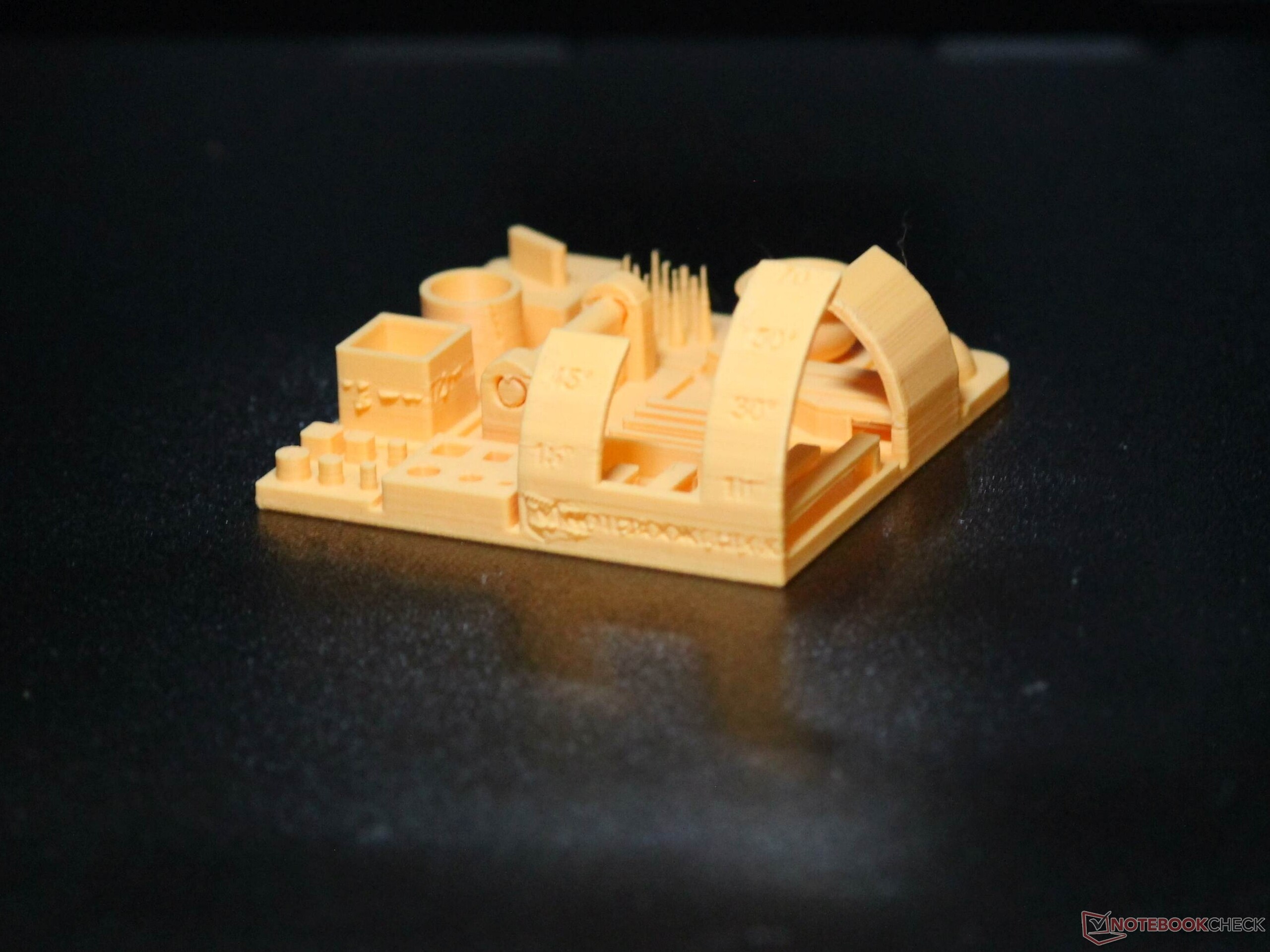
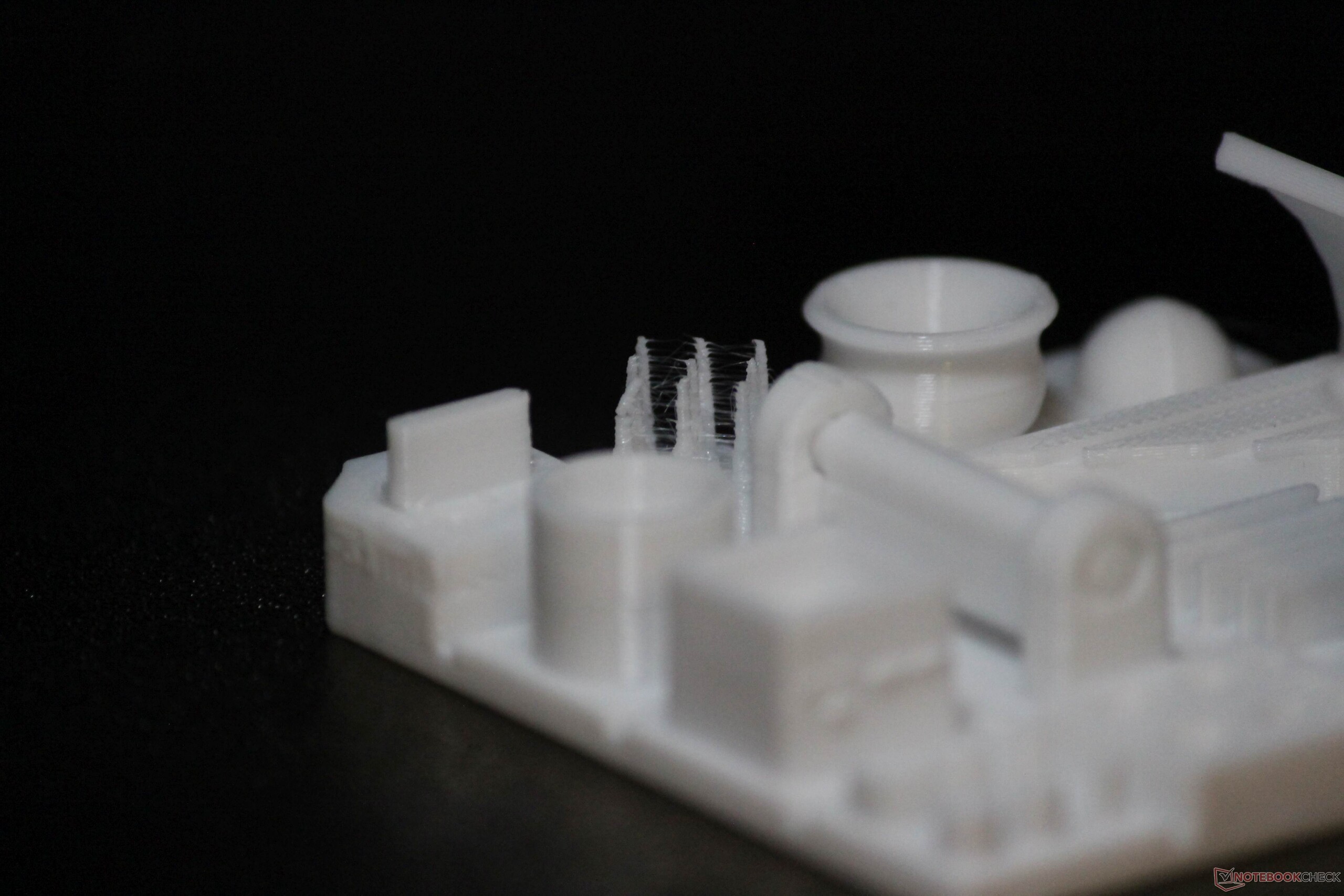
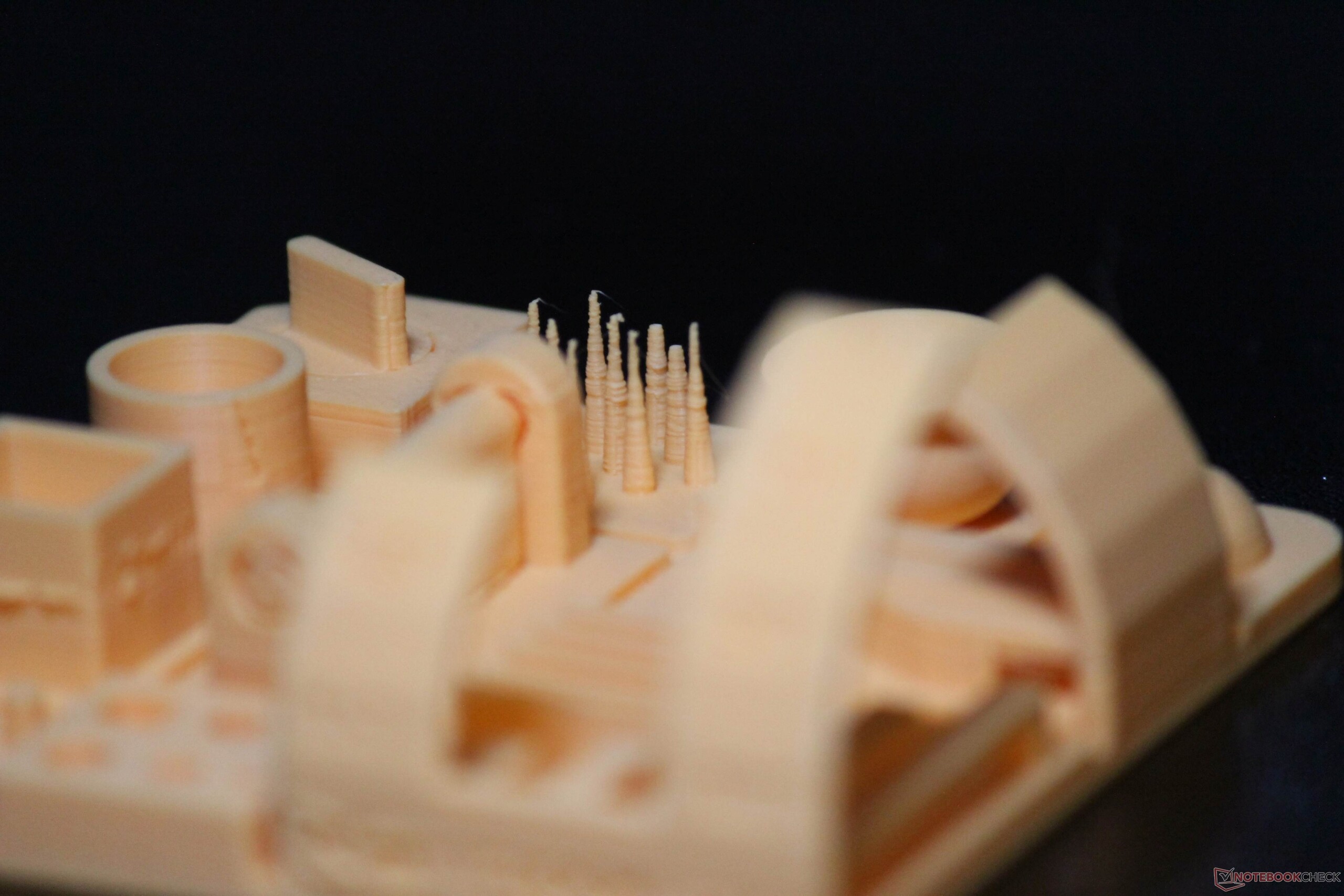
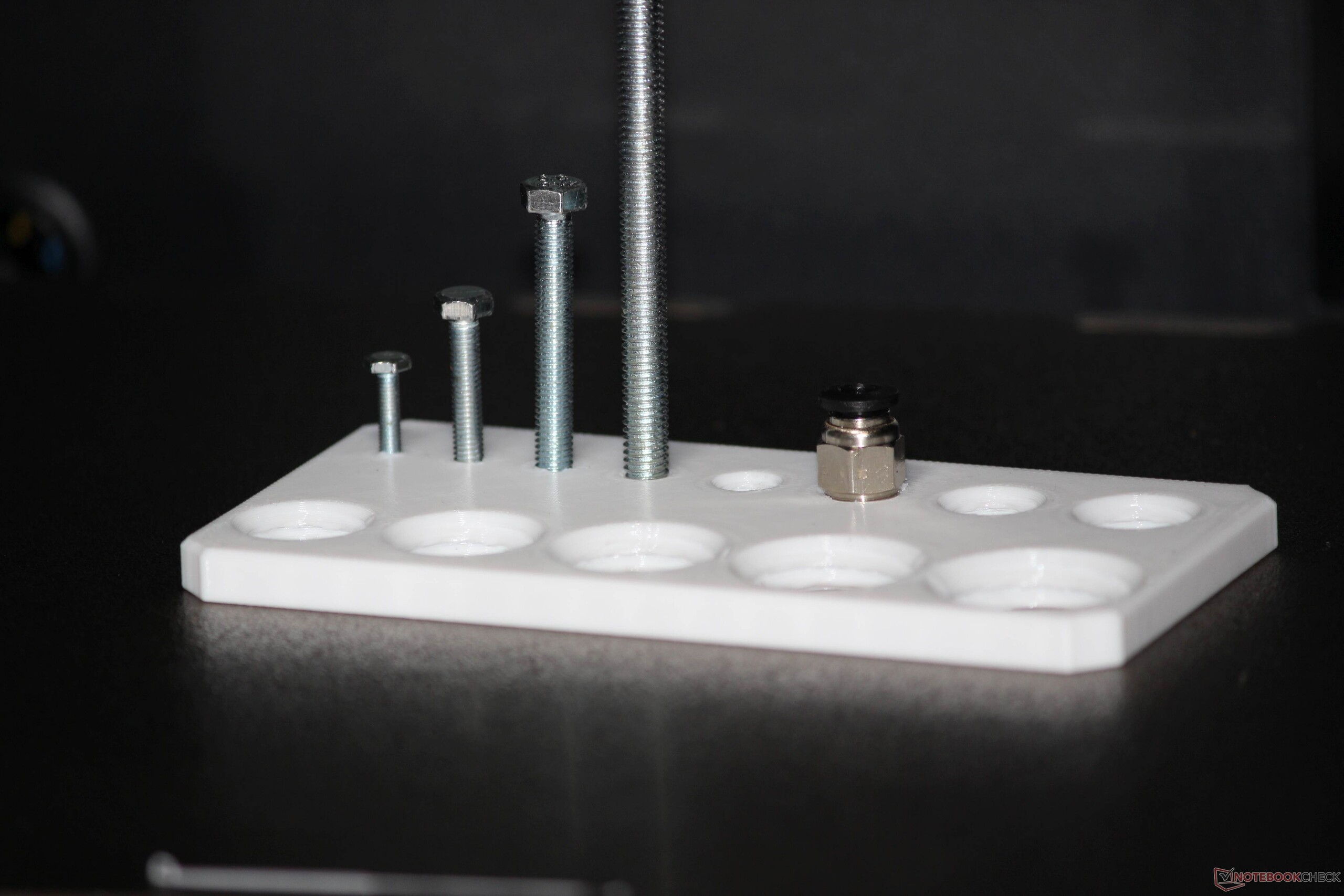
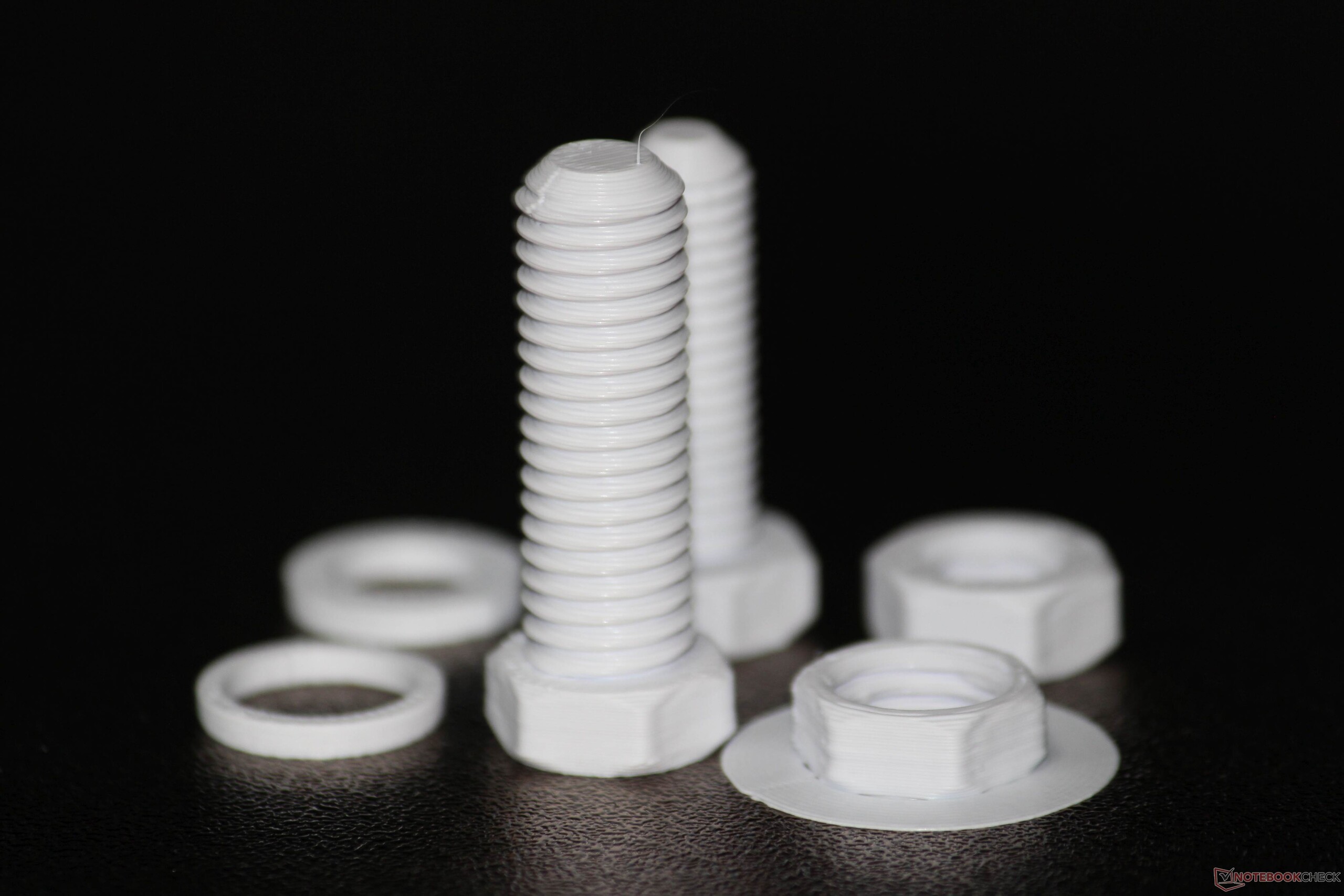
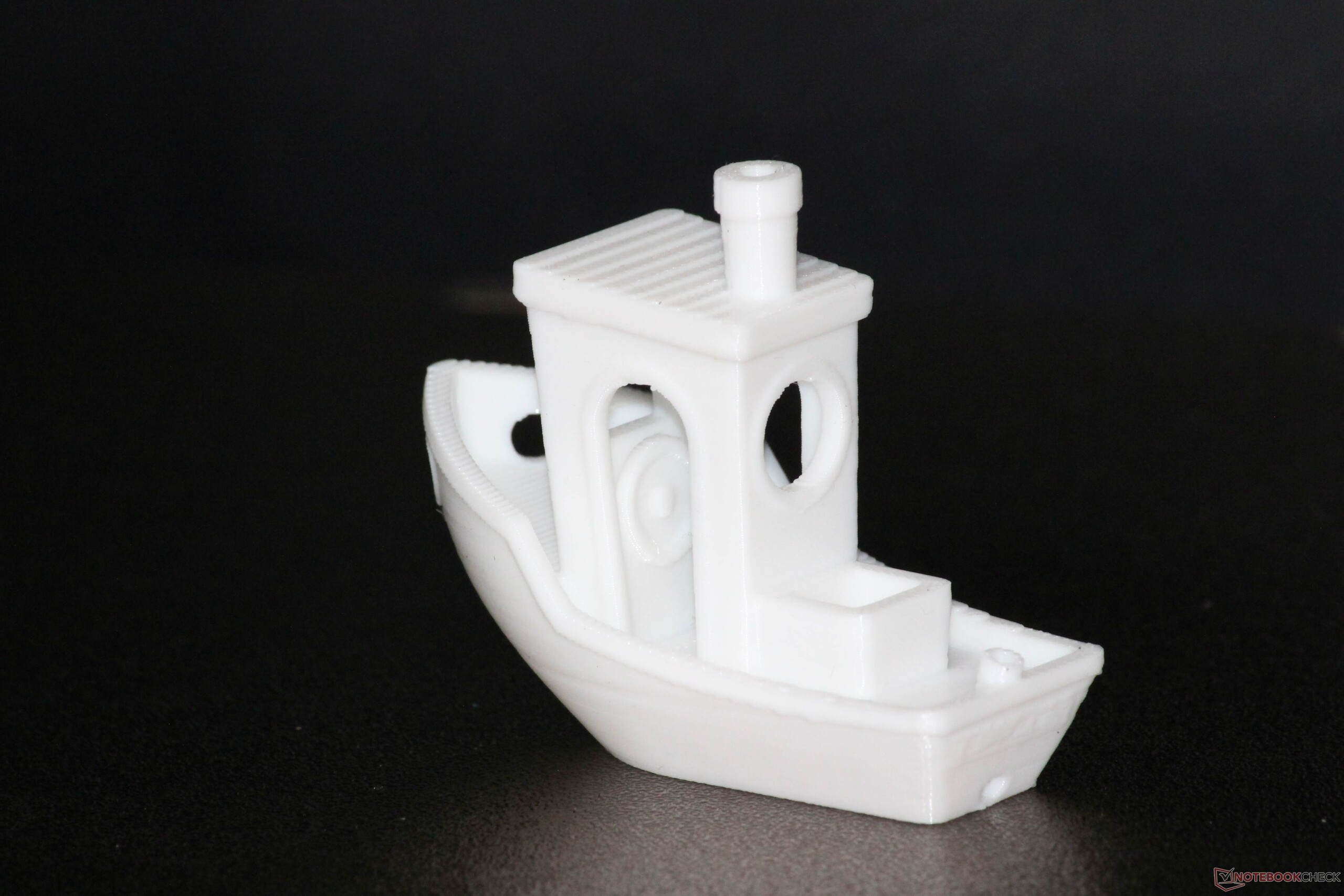
Print quality is very good overall, and dimensional accuracy is equally strong. We verified this in a practical test using threaded parts: components remained usable down to M3 and allowed for load-bearing connections. For threaded prints, however, the quality is slightly below that of the Bambu Lab X2D, both with PLA and PETG. A 20 x 20 x 20 mm cube showed no anomalies; we cover that test in more detail in the appendix. The K2 also handled our demanding Notebookcheck test model with ease: it achieved overhangs of up to 70 degrees without support structures, although the needle-like texture shows slight stringing. The Notebookcheck logo remains legible. At a layer height of 0.08 mm, the overhangs deteriorate slightly, but the lettering becomes more clearly visible. All prints were made without further optimization and using generic settings.
Reliable multicolor printing, but with unavoidable waste
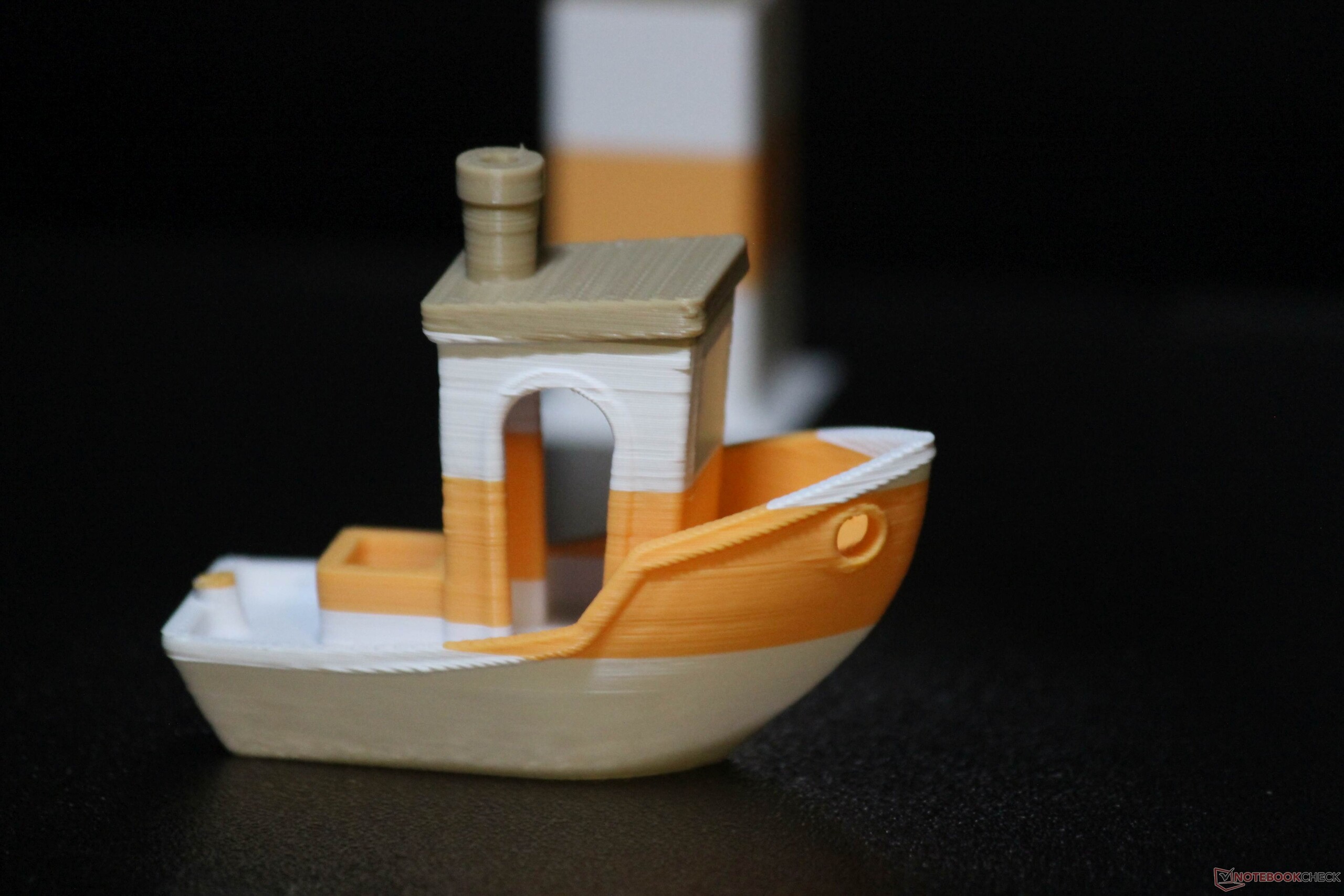
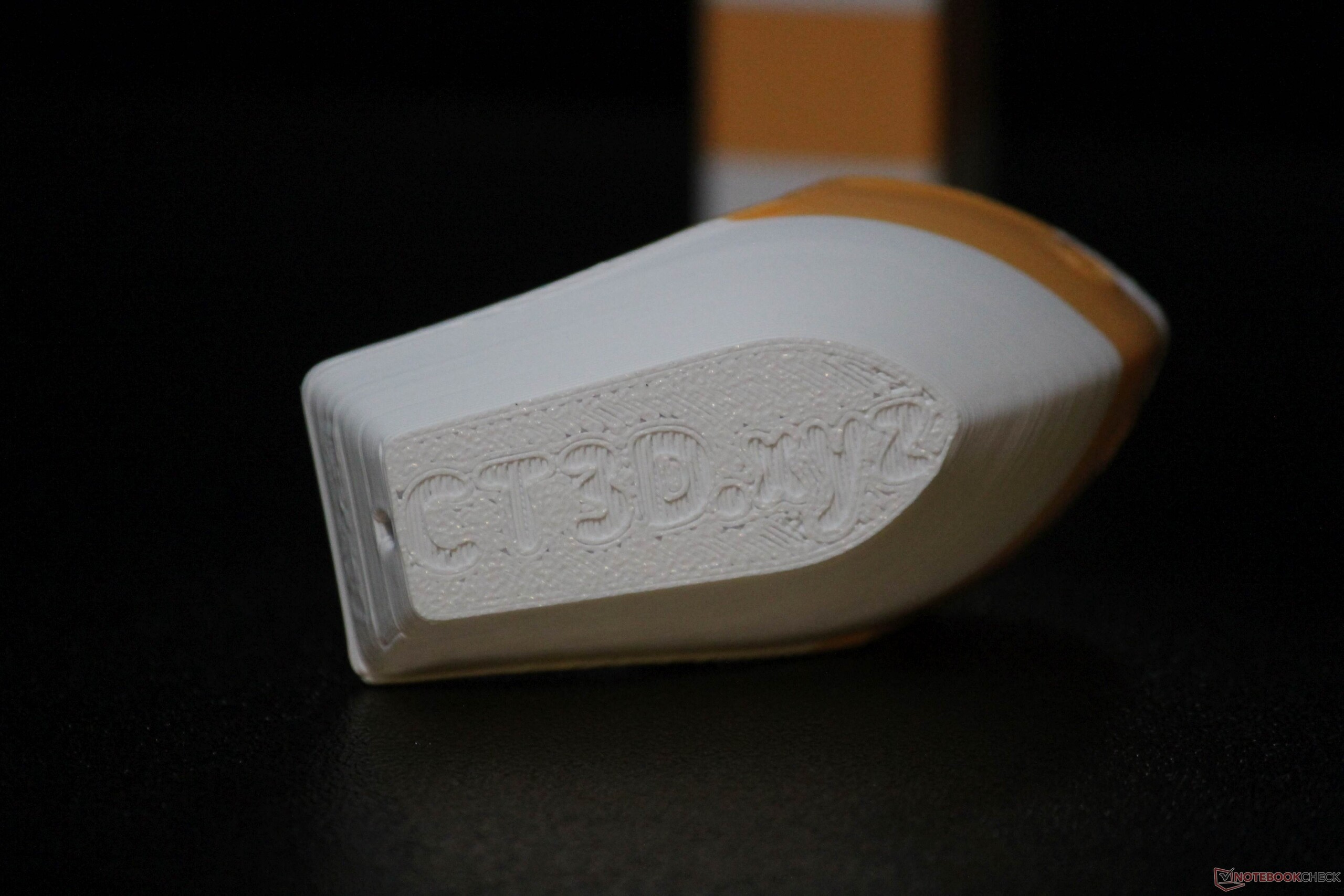
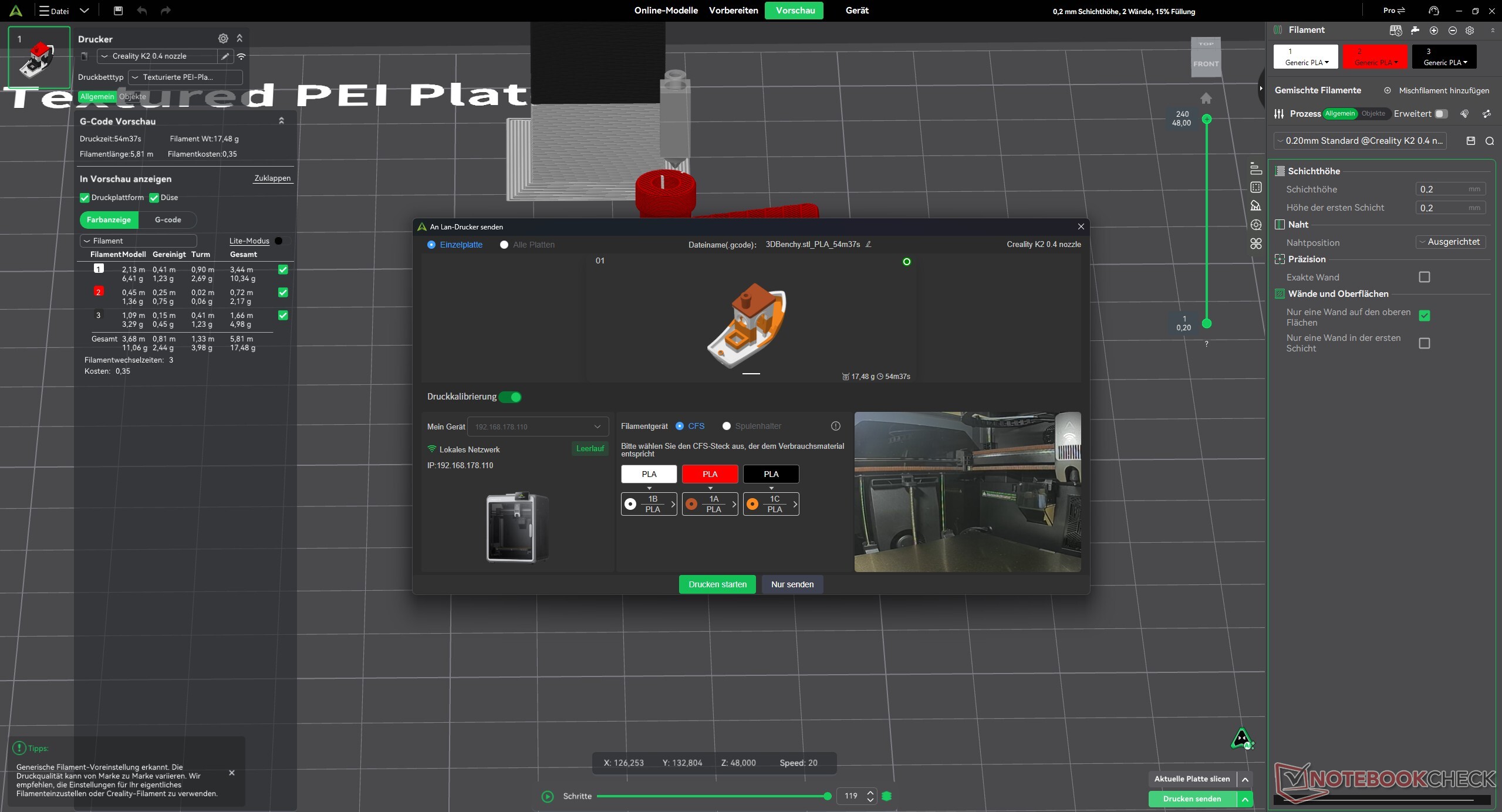
A file for a four-color Multicolor Benchy is already preinstalled on the printer. We also printed a four-color Benchy, using three different filaments. The model illustrates particularly well what can be done efficiently with a single-nozzle 3D printer in multicolor printing: designs in which only one color is used per layer.
We have already explained this difference in detail using specific waste figures for the Bambu X2D. When multiple colors appear on a single layer — and this continues across several layers — a significant amount of waste is generated because the nozzle must be flushed in addition to the actual priming. This limitation does not apply only to the Creality K2, but to all single-nozzle 3D printers.
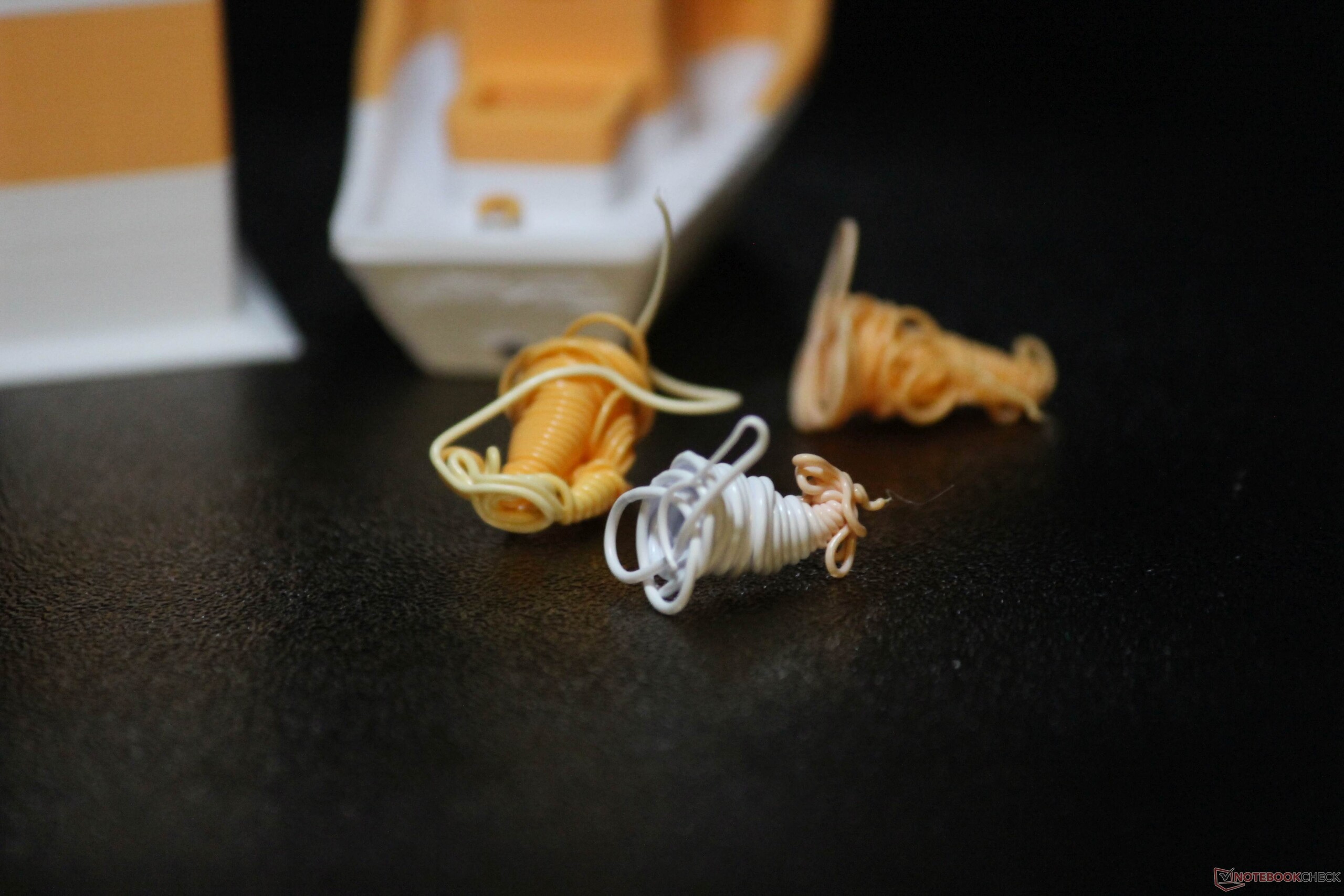
Even our multicolor test prints went off without a hitch. The automatic filament change works reliably, and we did not encounter any issues with the individual filaments adhering to one another.

Three ways to control the printer
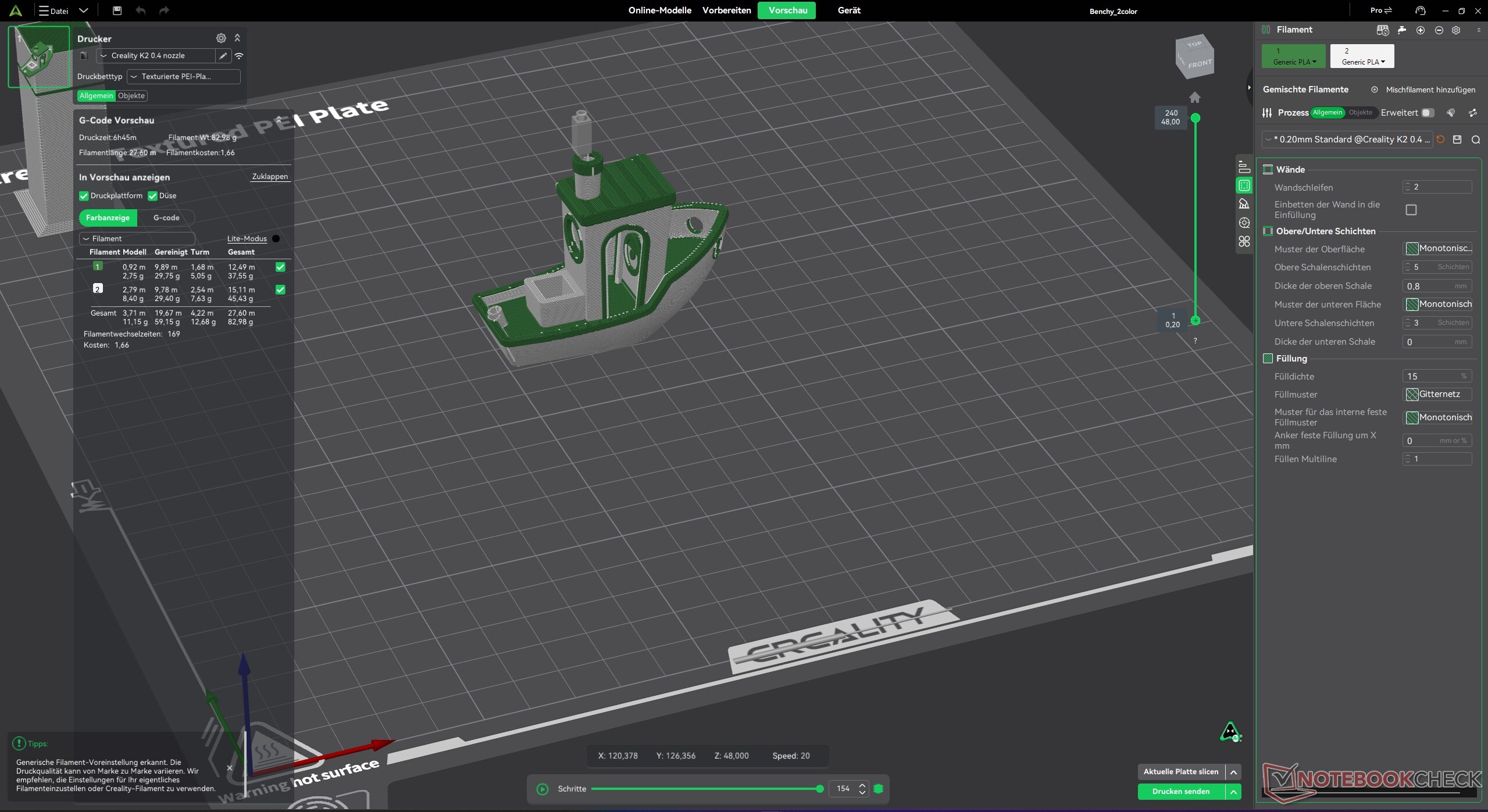
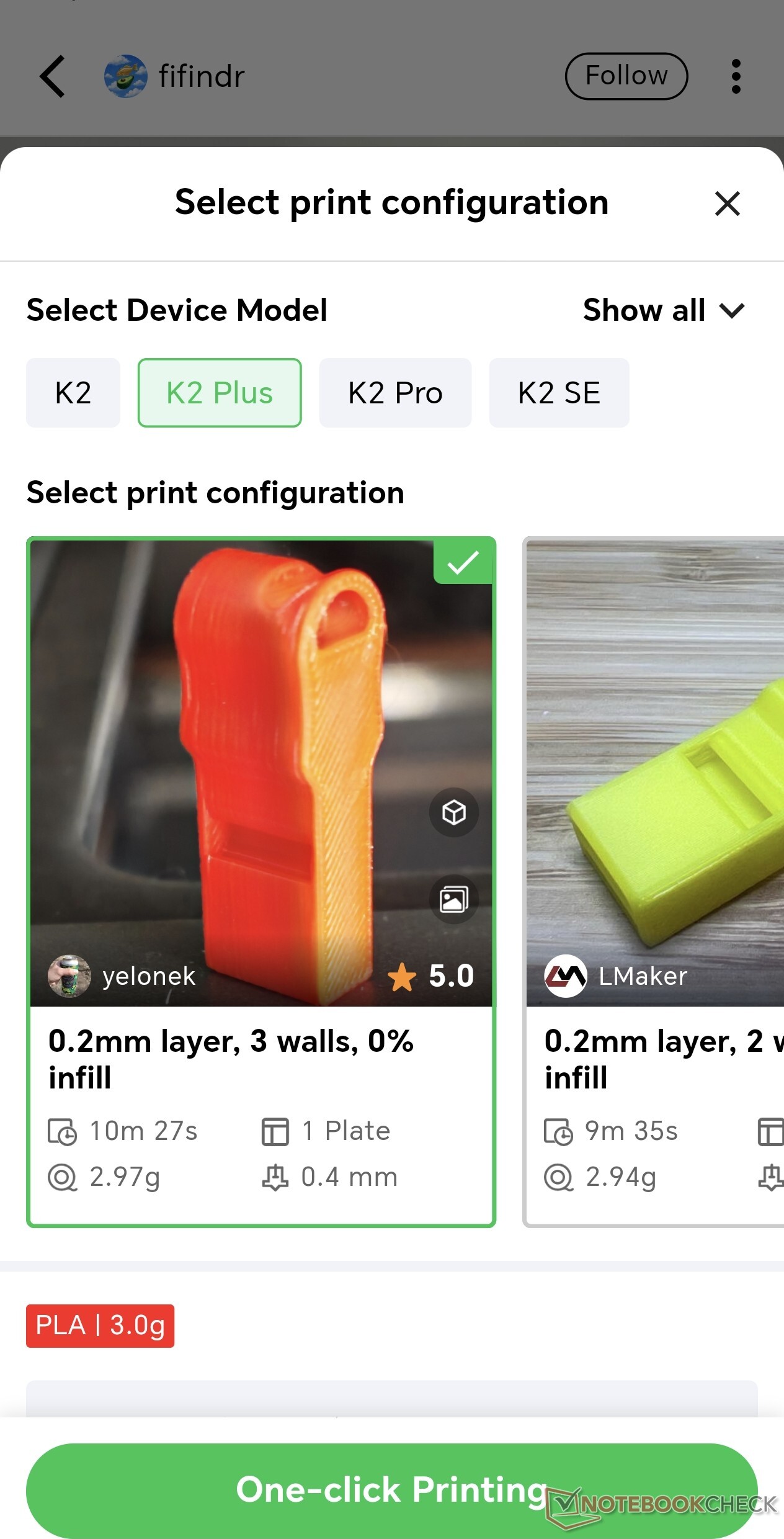
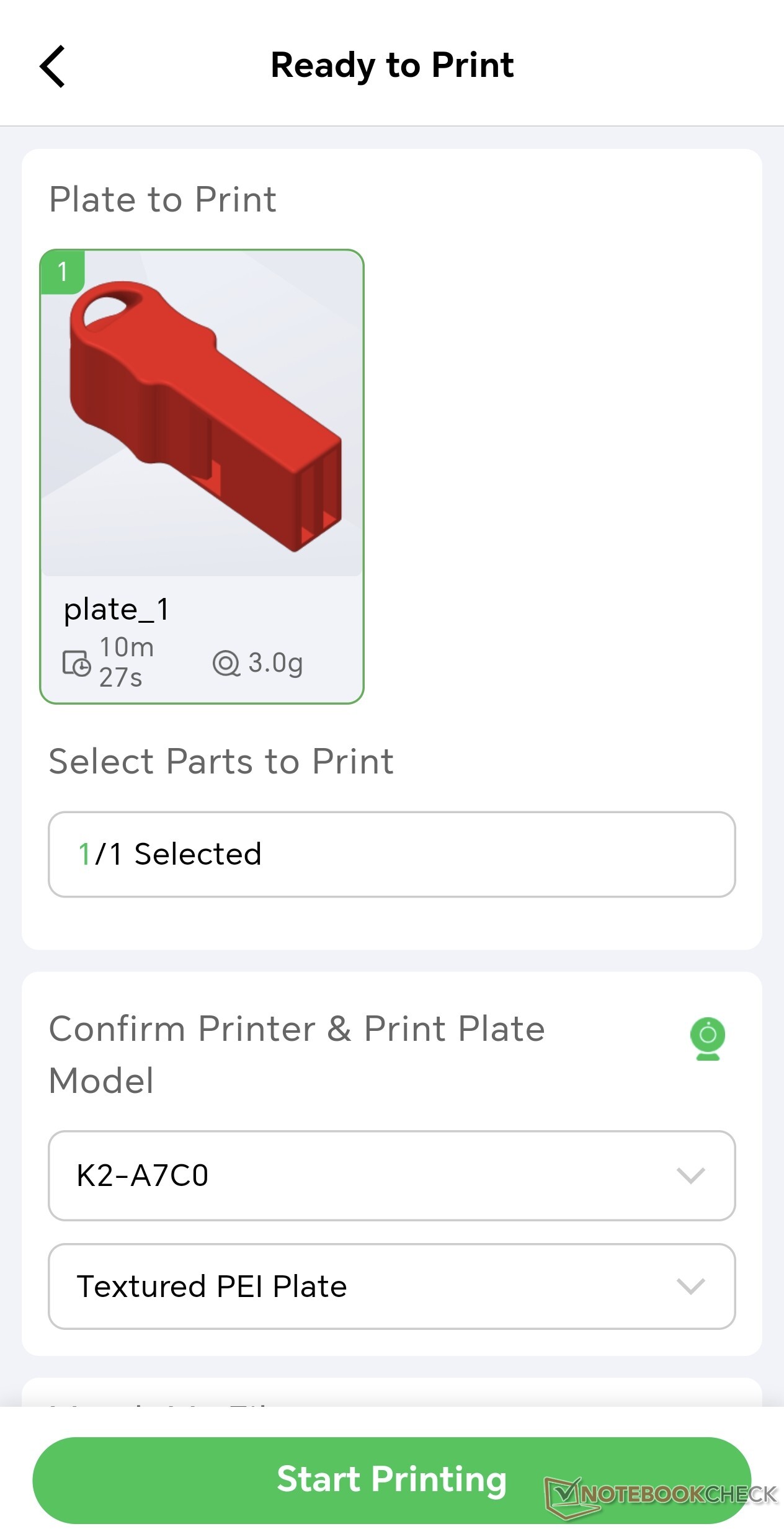
Creality printers can be used in three ways: via a smartphone app, a web app, or the Creality Print desktop application. With each option, the range of features increases along with the complexity. The web app offers a good balance and already provides many customization options. Creality Print is based on OrcaSlicer and includes all the settings needed to customize prints and control the printer itself. Aside from a few minor and somewhat unusual German translations, there is little to criticize. I ended up using the smartphone app more often than expected for quickly starting prints.
Prints more accurately than we can measure
The 20 x 20 x 20 mm cube mentioned above was printed with a layer height of 0.12 mm, with the first layer at 0.2 mm, using generic PLA and the standard print profile. The measured values were 20.005 mm on the X-axis, 20.005 mm on the Y-axis, and 20.000 mm on the Z-axis. The maximum deviation was therefore just 0.005 mm, or 5 µm. A DAkkS-calibrated digital caliper with a stated measurement uncertainty of 30 µm + 30 · 10E-6 · L was used for the measurements. In short, the Creality K2 prints more accurately than we can measure.
Transparency
The selection of devices to be reviewed is made by our editorial team. The test sample was given to the author by the manufacturer free of charge for the purposes of review. There was no third-party influence on this review, nor did the manufacturer receive a copy of this review before publication. There was no obligation to publish this review. As an independent media company, Notebookcheck is not subjected to the authority of manufacturers, retailers or publishers.
 Add as a preferred source on Google


