




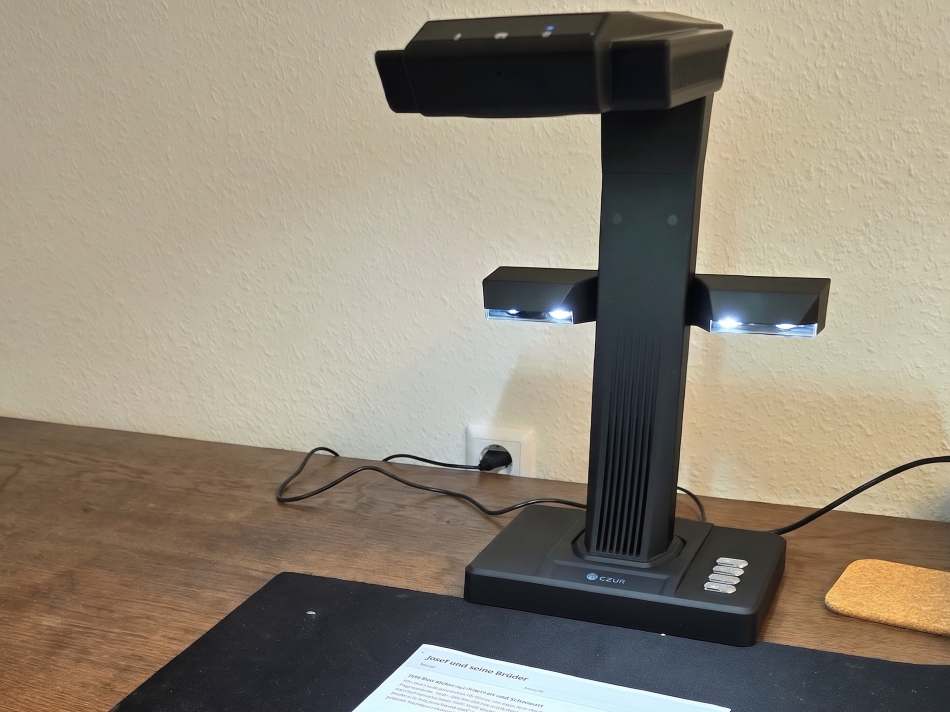
Scans books and documents—CZUR ET Max review
Turn on the light.
The CZUR ET Max is designed to digitize books and documents in a matter of seconds. We put the scanner—which also doubles as a document camera—through its paces in everyday use.Benedikt Winkel (translated by Benedikt Winkel) Published 🇩🇪 🇳🇱 ...
Test Conclusion - The CZUR ET Max impresses with sharp images and fast processing
The CZUR ET Max book and document scanner impressed in testing with its high-resolution images of documents, fast data processing, and ease of use. The work surface is well-lit, and document processing is straightforward using the included software.
Scanning images is not the ET Max’s strong suit, and when used as a document camera, there are sometimes significant color deviations. The scanner truly shines when quickly copying entire books or magazines. It is also very well suited for paperless offices and the rapid digitization of files. Remote triggers enable fast and ergonomic operation.
The ET Max is large and non-folding. Consequently, the CZUR scanner takes up space on the desk. With an MSRP of over 800 euros, it’s not exactly a bargain either.
Pros
Cons
Price and Availability
The ET Max is the top-of-the-line model in CZUR’s ET series. At the time of testing, the scanner was listed on the manufacturer’s website for 699 euros; the MSRP is reportedly 819 euros. However, the ET Max is also sold through retailers such as Amazon. At the time of this review, the ET Max is available for immediate purchase.
Table of Contents
- Test Conclusion - The CZUR ET Max impresses with sharp images and fast processing
- Specifications
- Package Contents and Setup - ET Max in an elegant box with accessories
- Setup—The CZUR scanner is ready to use in no time
- Scanning—CZUR ET Max, primarily for books and documents
- Document camera—ET Max with good illumination but color deviation
- Conclusion
CZUR specializes in scanners and document cameras. The manufacturer offers several series in various price ranges. The ET series is listed on the website under “Professional Series.” The ET Max, in turn, is the top model in the series. It is available in only one version and one color—black.
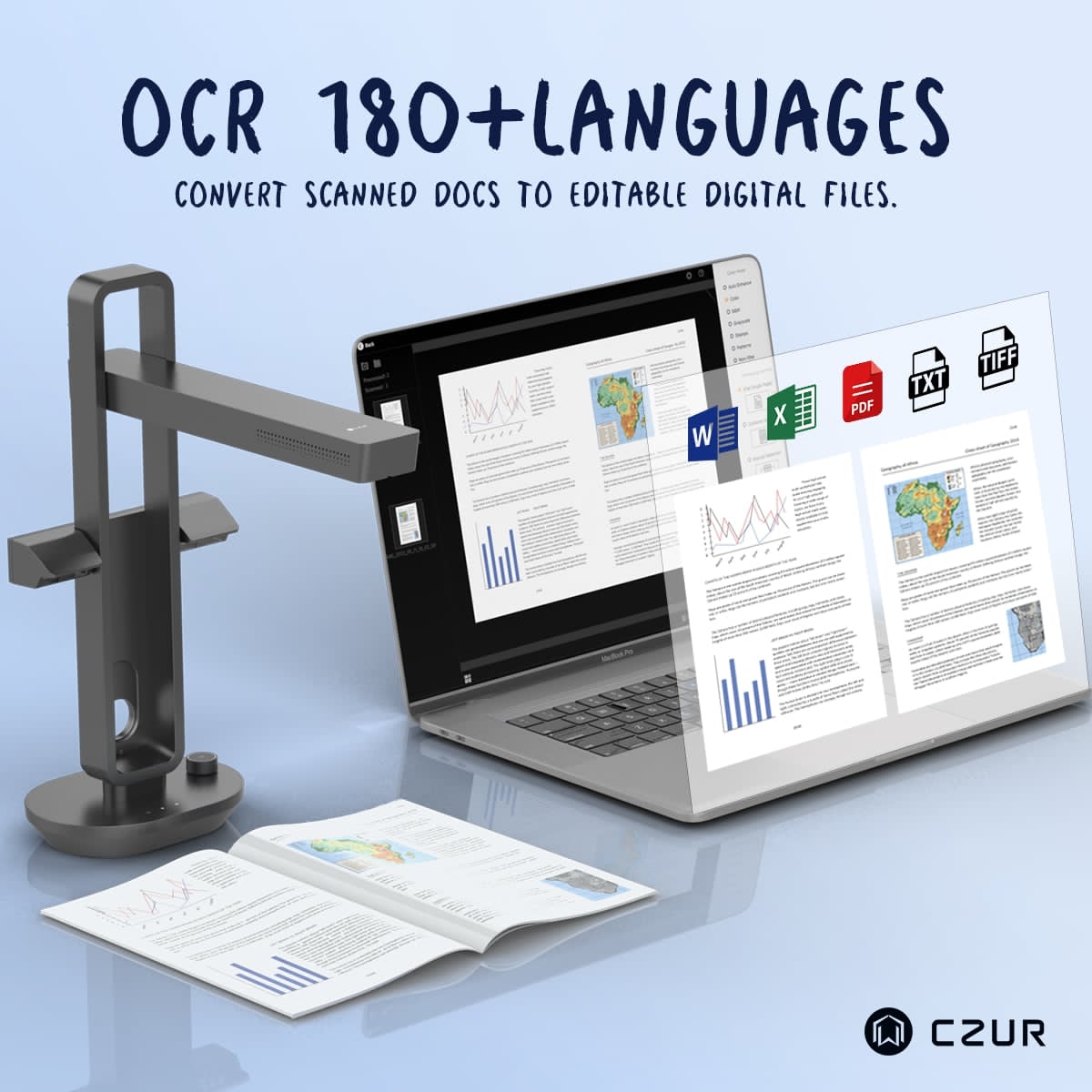
The scanner is said to feature a particularly high resolution of 32 megapixels and 410 DPI. In addition, the manufacturer promises that book pages are smoothed using software and that OCR files are available in 180 languages. The corresponding software is available for Windows, Mac, and Linux distributions.
Specifications
| Camera | 38 MPix |
| Resolution | 410 DPI |
| Pixel dimensions | 7168 x 5376 |
| Color depth | 24-bit color |
| Compatible operating systems | XP, Win 7/8/10/11, 32/64-bit; macOS 10.13 and later; Linux |
| Output file formats | Word, Excel, TIFF, PDF, JPG, BMP |
| OCR | 180 languages |
Package Contents and Setup - ET Max in an elegant box with accessories
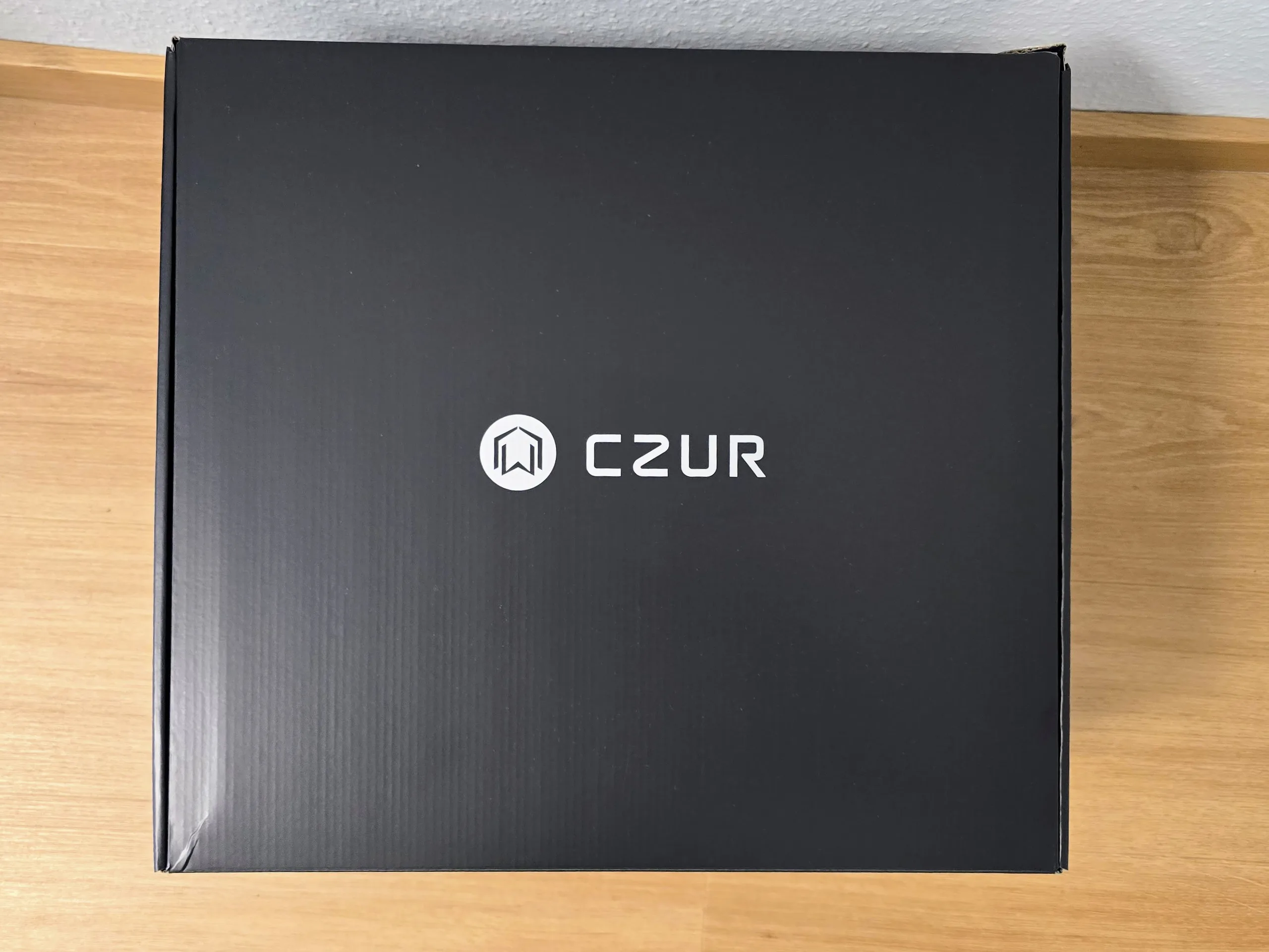
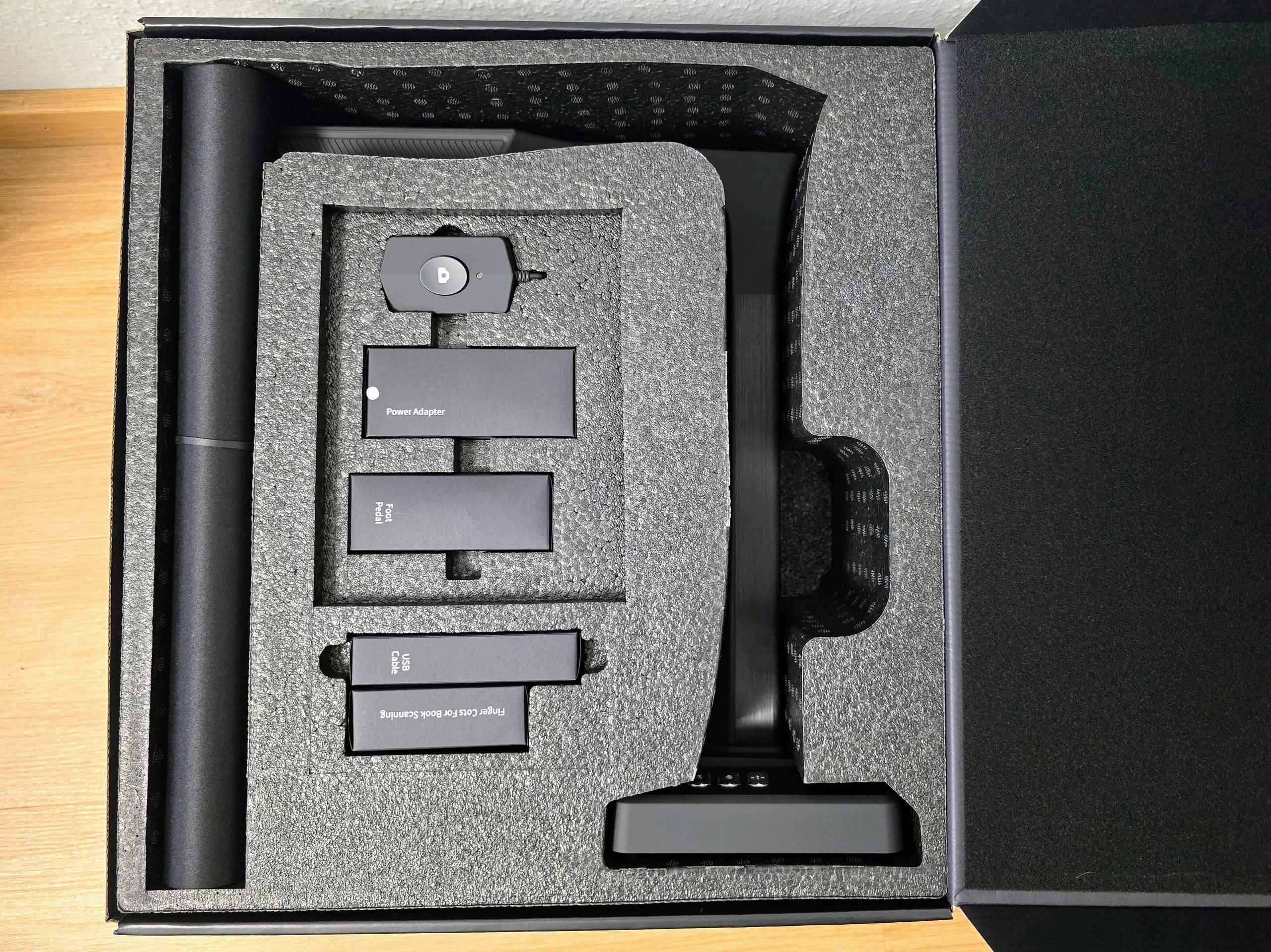
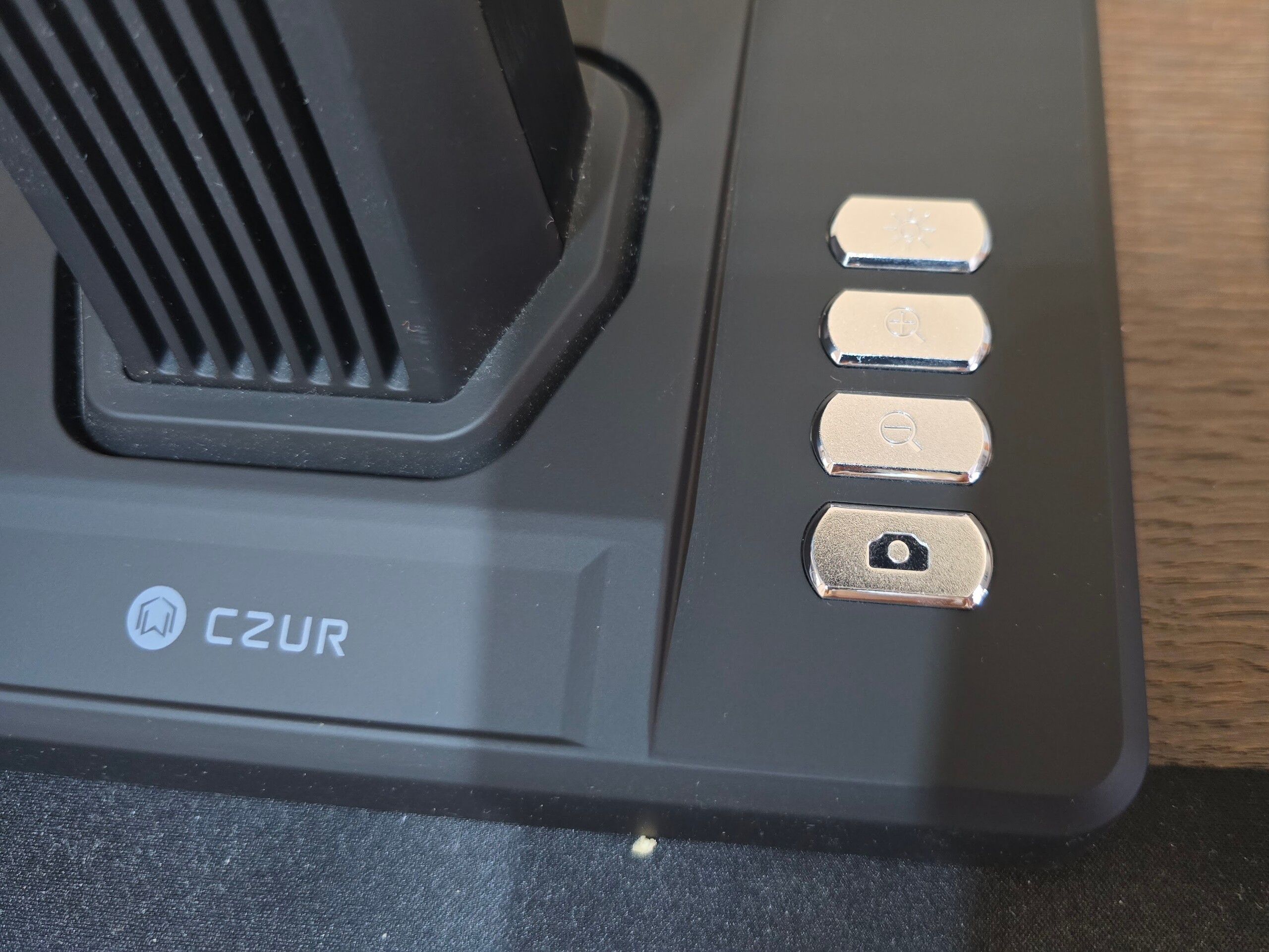
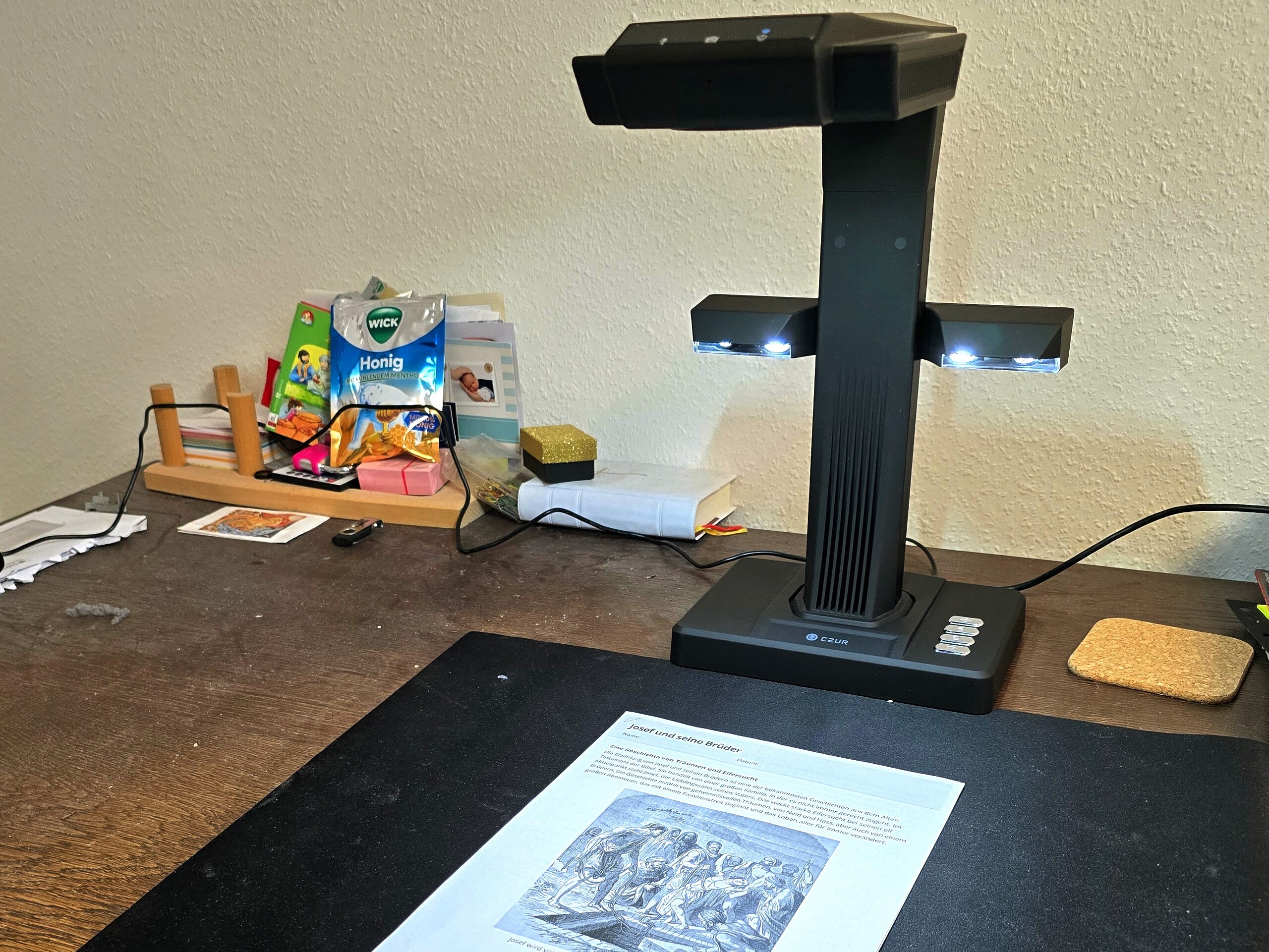
The CZUR ET Max comes in a large cardboard box. The individual parts are well protected during shipping, and the packaging is elegant. Inside are the scanner itself and its accessories. An additional light unit can be attached magnetically to the stand. There is also a finger trigger and a foot pedal.
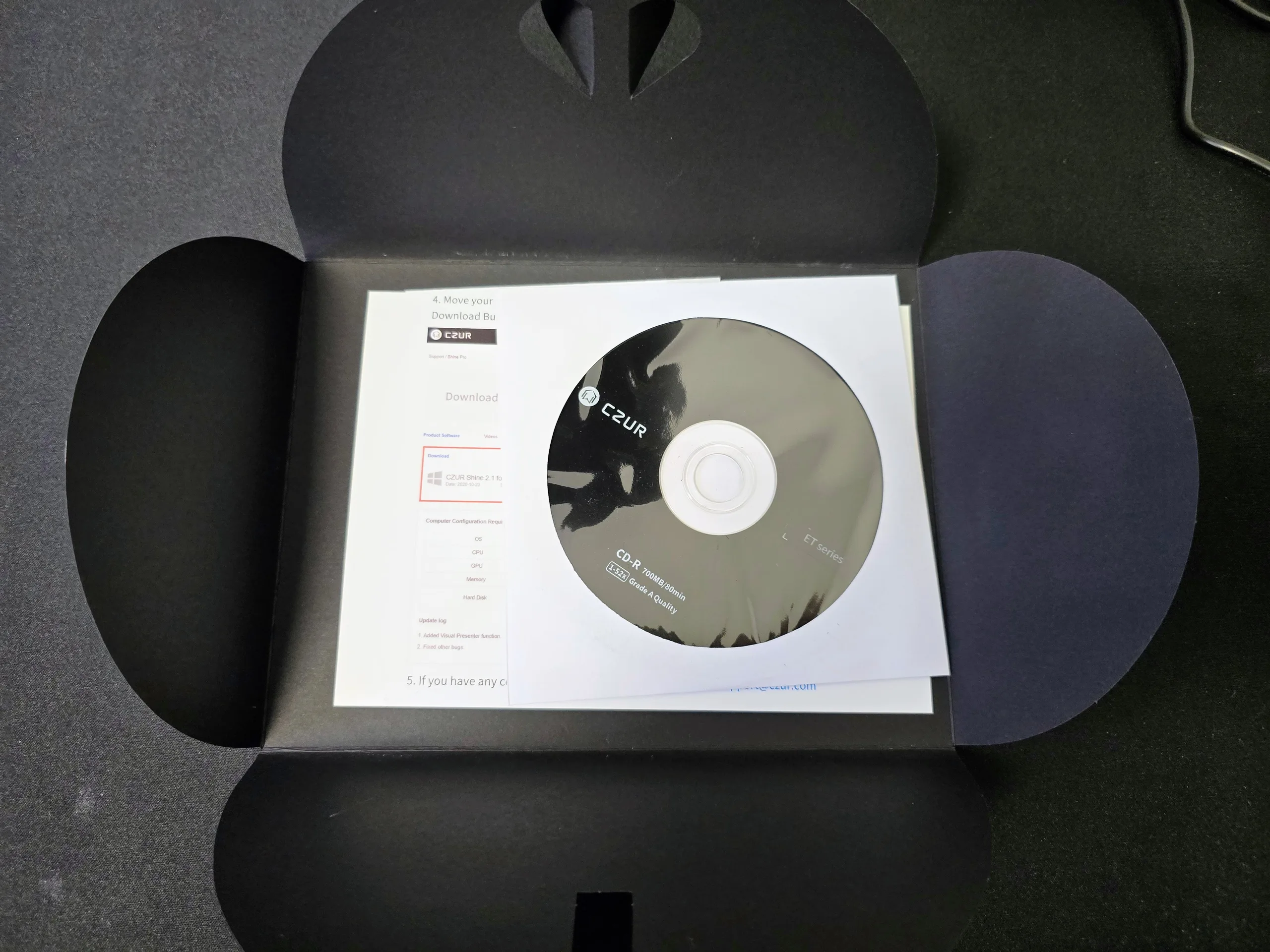
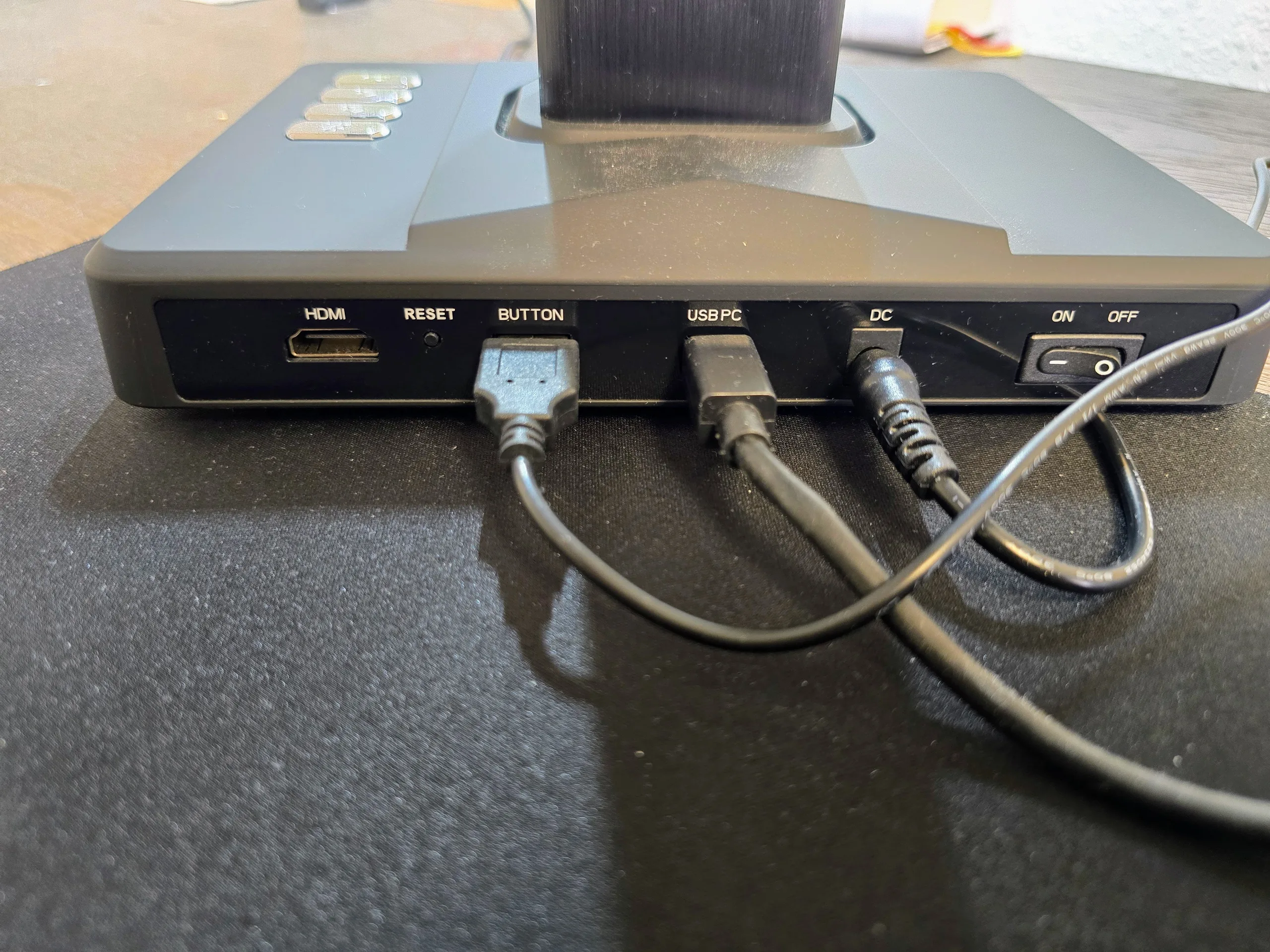
The scanner can be connected to a computer via HDMI or USB cable. Also included are a power adapter with plugs for various countries and a CD with the corresponding software. A black mat is designed to ensure better scan results, and special finger attachments allow you to take pictures without your fingertips touching the surface.
Setup—The CZUR scanner is ready to use in no time
Setting up the ET Max is incredibly simple. The software can be installed either from a CD or by downloading it from the manufacturer’s website. There are significant differences between the operating systems. The installation file for Windows is about 700 MB, while the one for Mac is 1.8 GB.
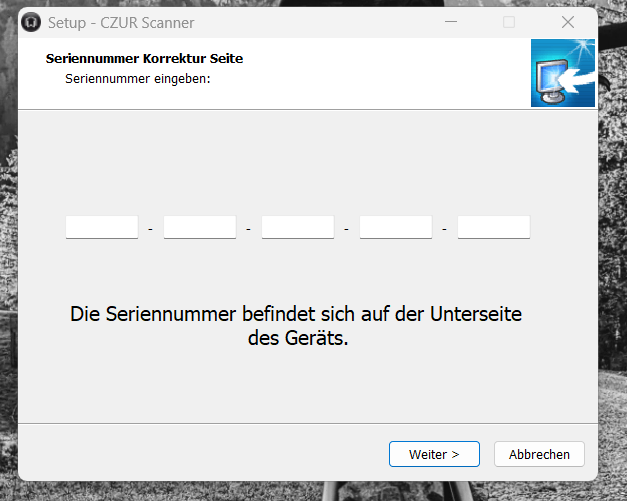
During installation, you’ll need to enter the scanner’s serial number. The software guides you through the installation process. The scanner is powered by an AC adapter; we connect it to a Windows computer via a USB cable. After flipping the toggle switch on the back, the ET Max starts up within a few seconds and is immediately recognized by the software.
Accessories such as the auxiliary lamp and the foot pedal can be connected, but the ET Max also works without them.

Everyday Scanning Made Easy: CZUR Aura – Compact, Simple, and Versatile
If you mainly scan books, documents, study materials, or family records, the CZUR Aura is a great choice for everyday use. Its overhead design lets you scan bound books without removing the pages, while features like smart curve flattening, OCR text recognition, and automatic page splitting make digitizing paper documents quick and effortless.
With its compact, foldable design, the Aura fits easily into any home or workspace, making it ideal for students, families, and anyone looking for a simple way to go paperless.
Scanning—CZUR ET Max, primarily for books and documents
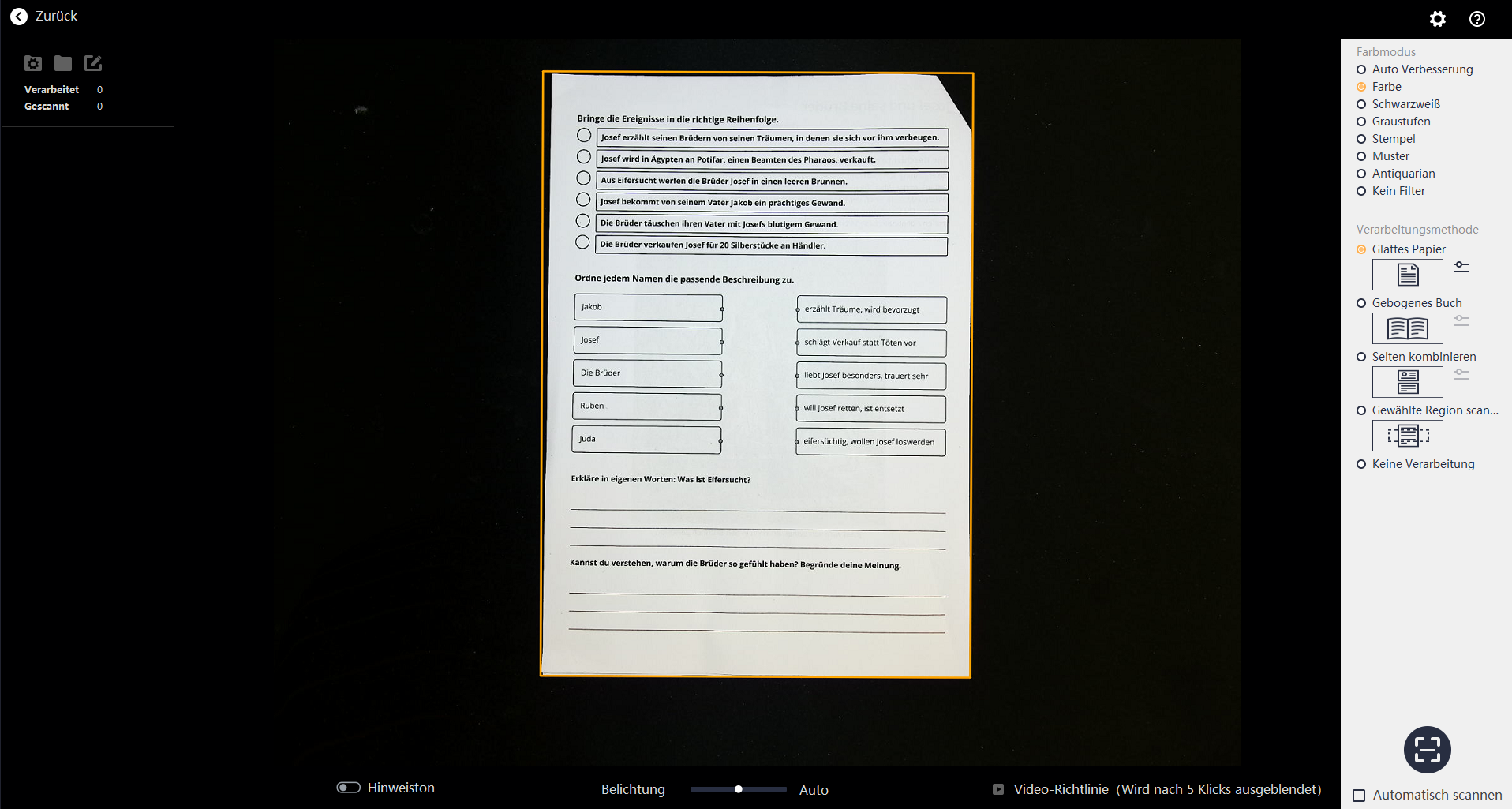
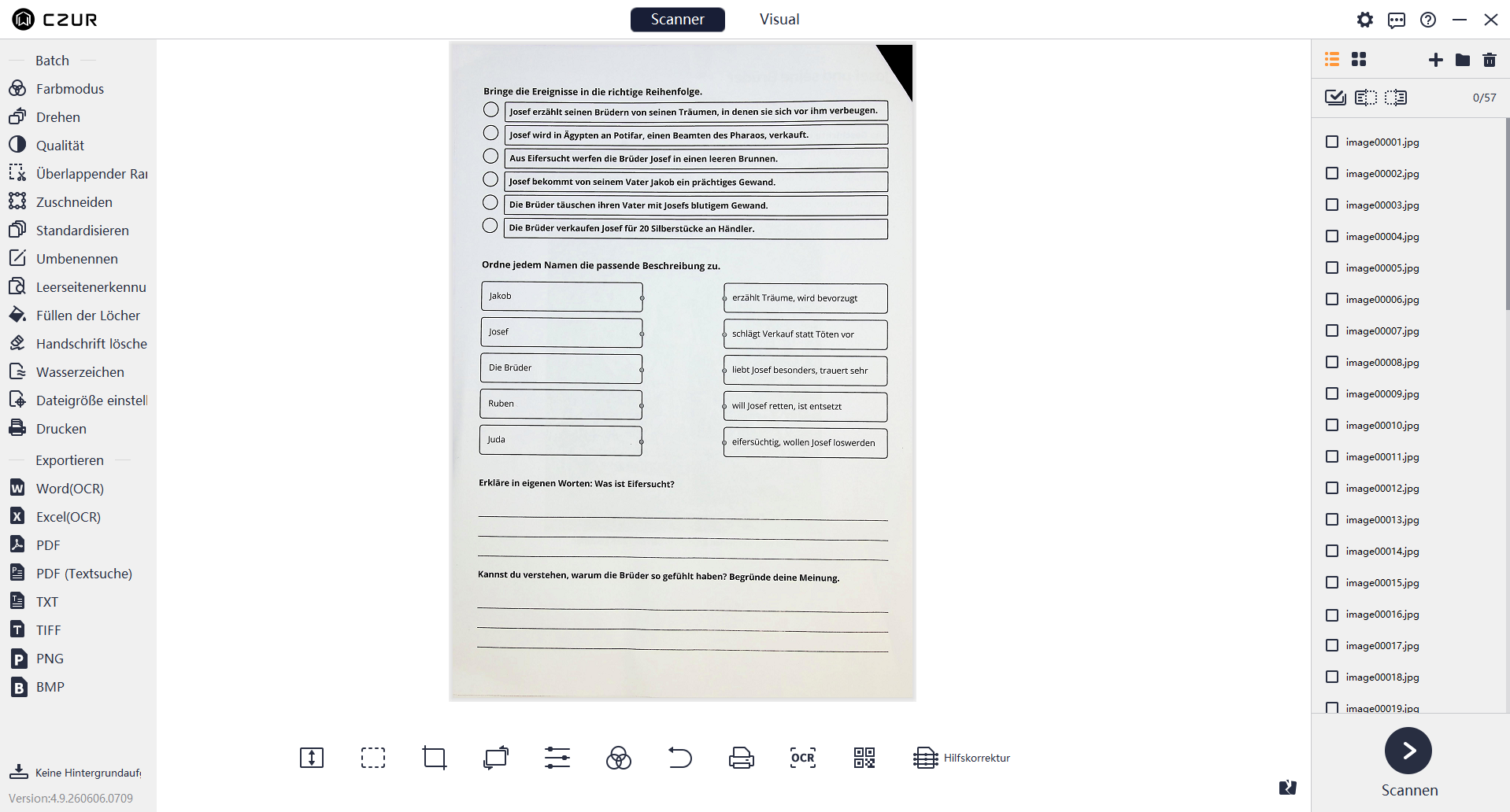
In scan mode, the software offers various quick options. These involve selecting the scan area and automatically processing the data. The software automatically recognizes standard DIN A4 pages and selects the appropriate scan area. It also handles the page orientation.
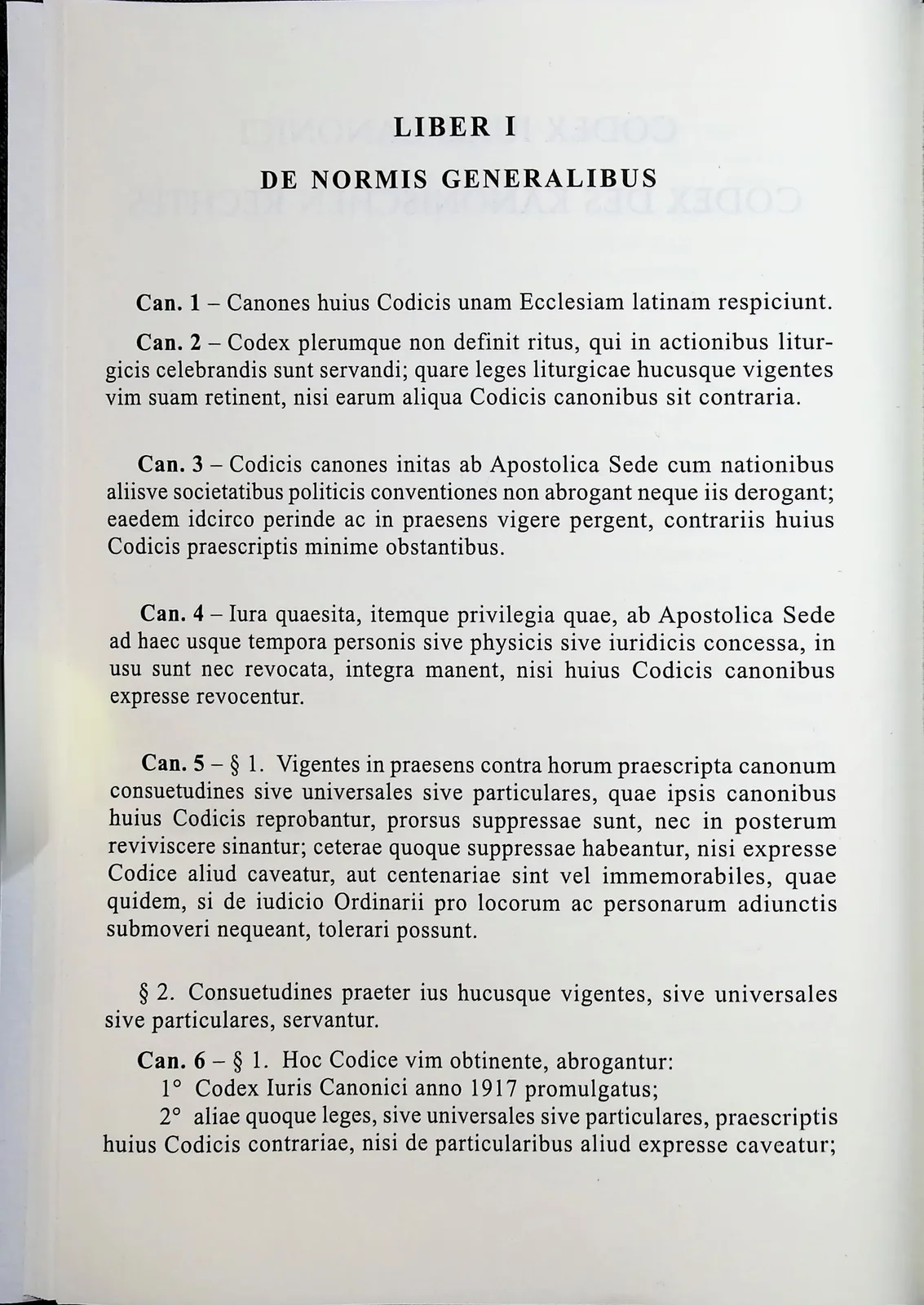
There is also a “Book Mode” for hardcover books. This mode is designed to reduce the curvature of an open book. In our test, this worked well even with hardcover books; the curvature was significantly reduced, though it was still noticeable. The scan area can also be adjusted manually, which is especially recommended in low-light conditions or for non-standard formats.
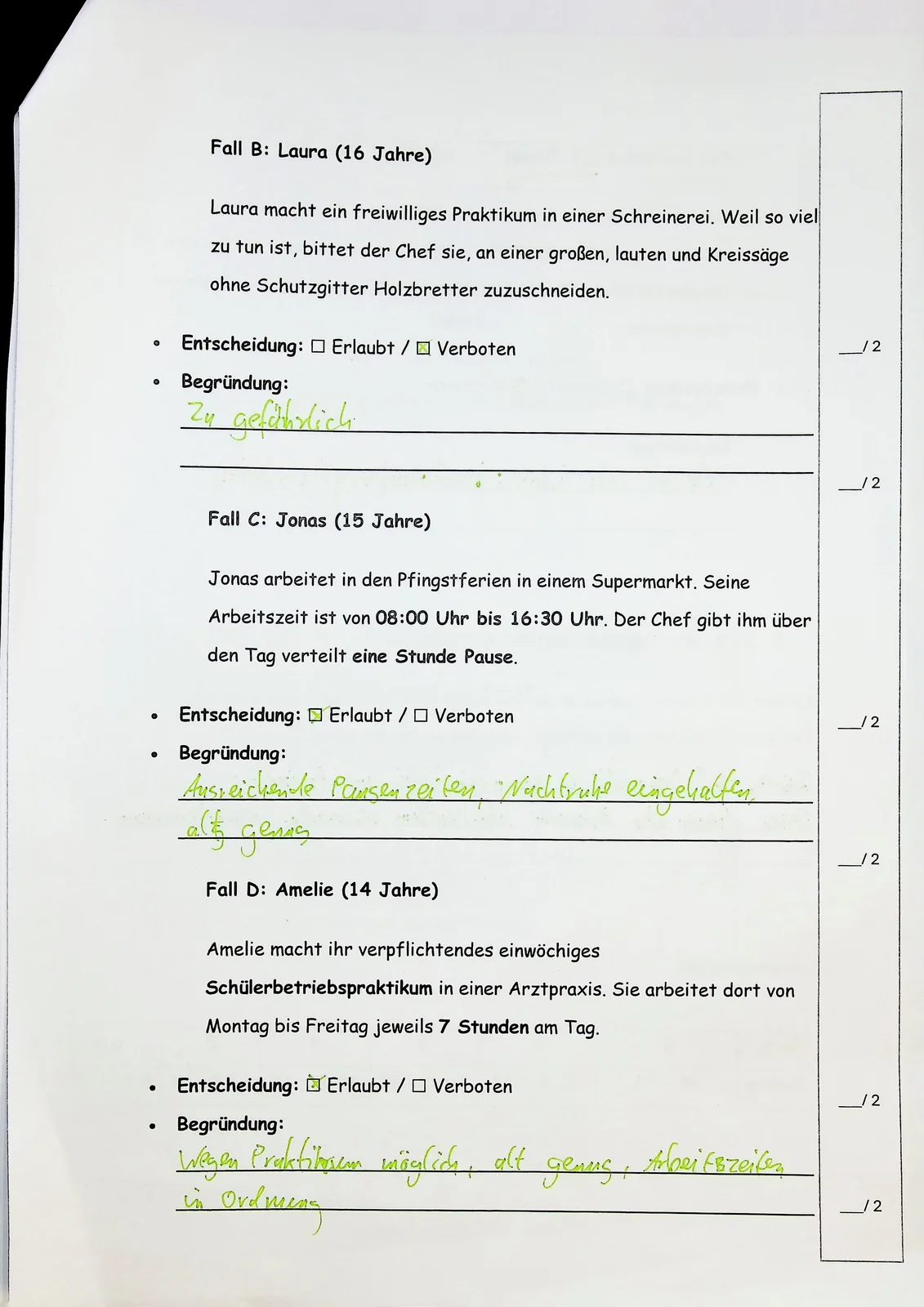
The image quality is very good. The scans are sharp, and even fine details are clearly legible. Thanks to the powerful built-in lighting, we had no issues with glare. The ET Max also impresses in terms of speed. Especially when used with the foot pedal, many pages can be scanned comfortably in a short amount of time. If desired, the ET Max automatically takes a picture after turning the page.
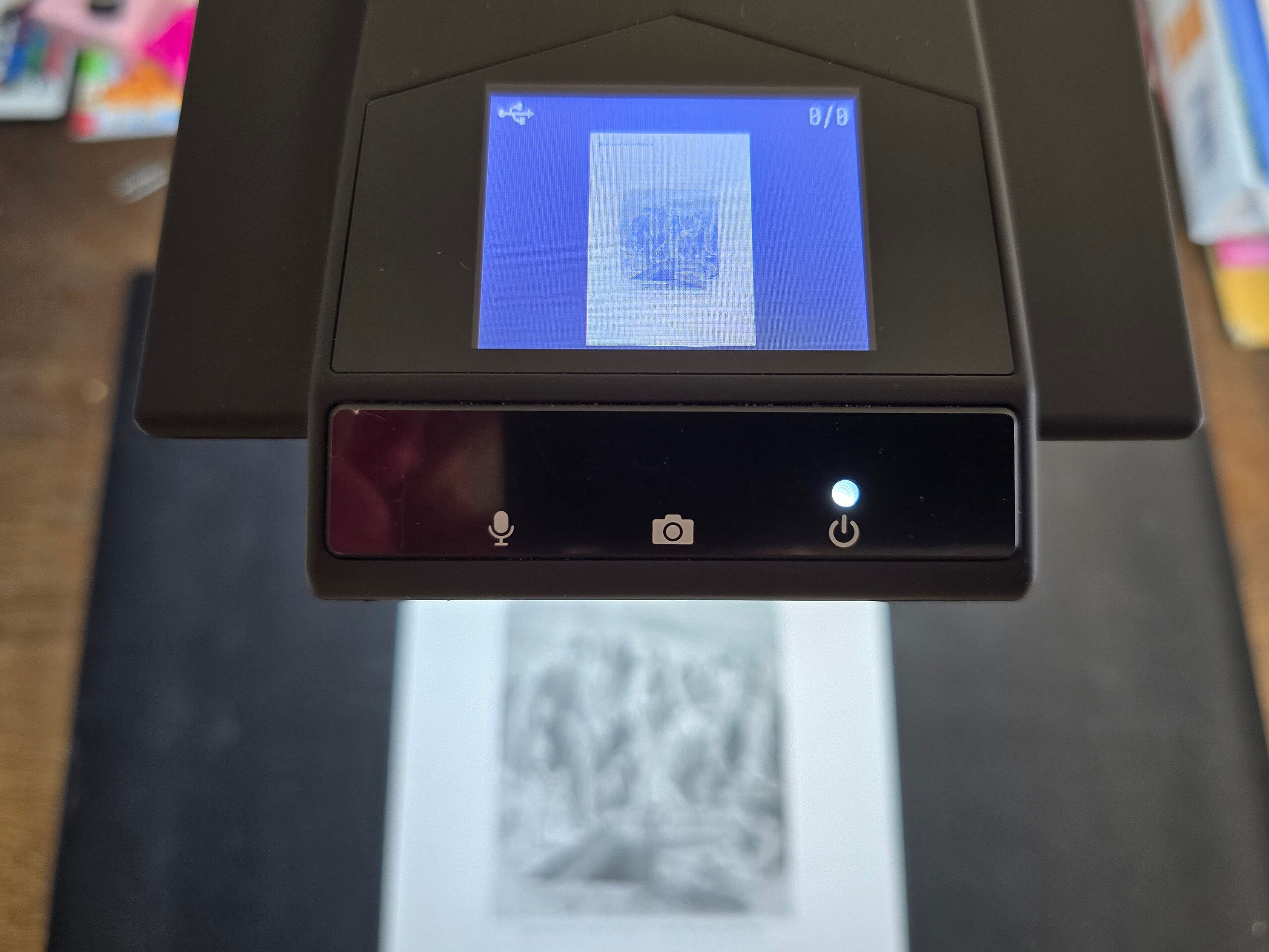
The built-in display on the top of the scanner provides a good overview of the orientation of the document being scanned.
We also really like the file processing capabilities in the CZUR software. Images can be exported directly to other file formats. Options include PDF, Word, Excel, or TXT. The files can optionally be made searchable (OCR). Individual images are combined into PDF files and can be saved to any location. The interface is fast and intuitive.
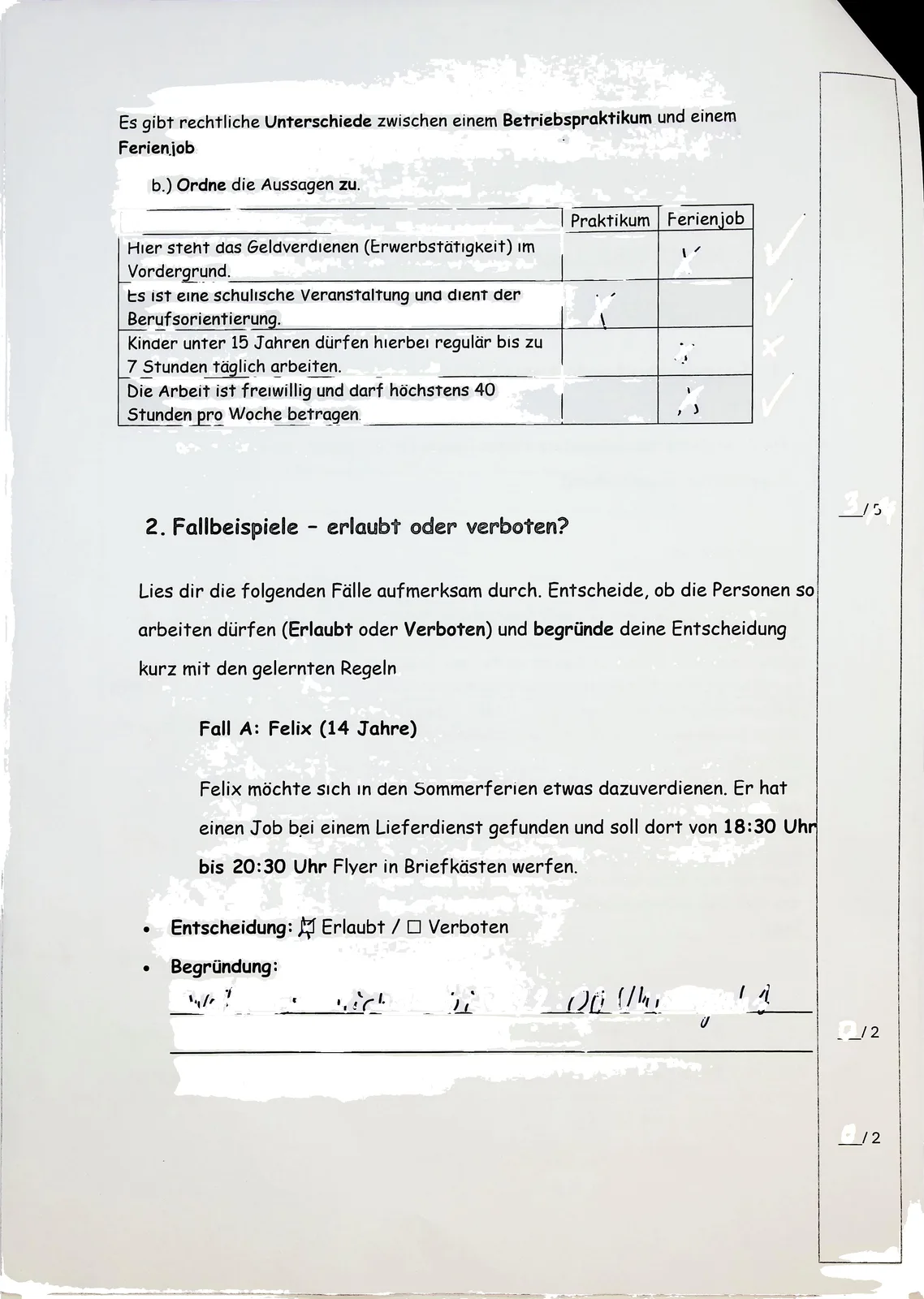
However, some of the software features still have room for improvement. The “Remove Handwriting” option leaves many white spots on the document, making it unusable in this form. The “Add Watermark” feature, on the other hand, works reliably.
The CZUR ET Max is less suitable for scanning images. Scanning a printed image on photo paper yields mediocre results that lack sharpness. In difficult lighting conditions, we notice a slight color gradient on white paper; the part of the sheet farther from the scanner is well-lit, but the light color is warmer than it is directly at the base of the device.

Document camera—ET Max with good illumination but color deviation
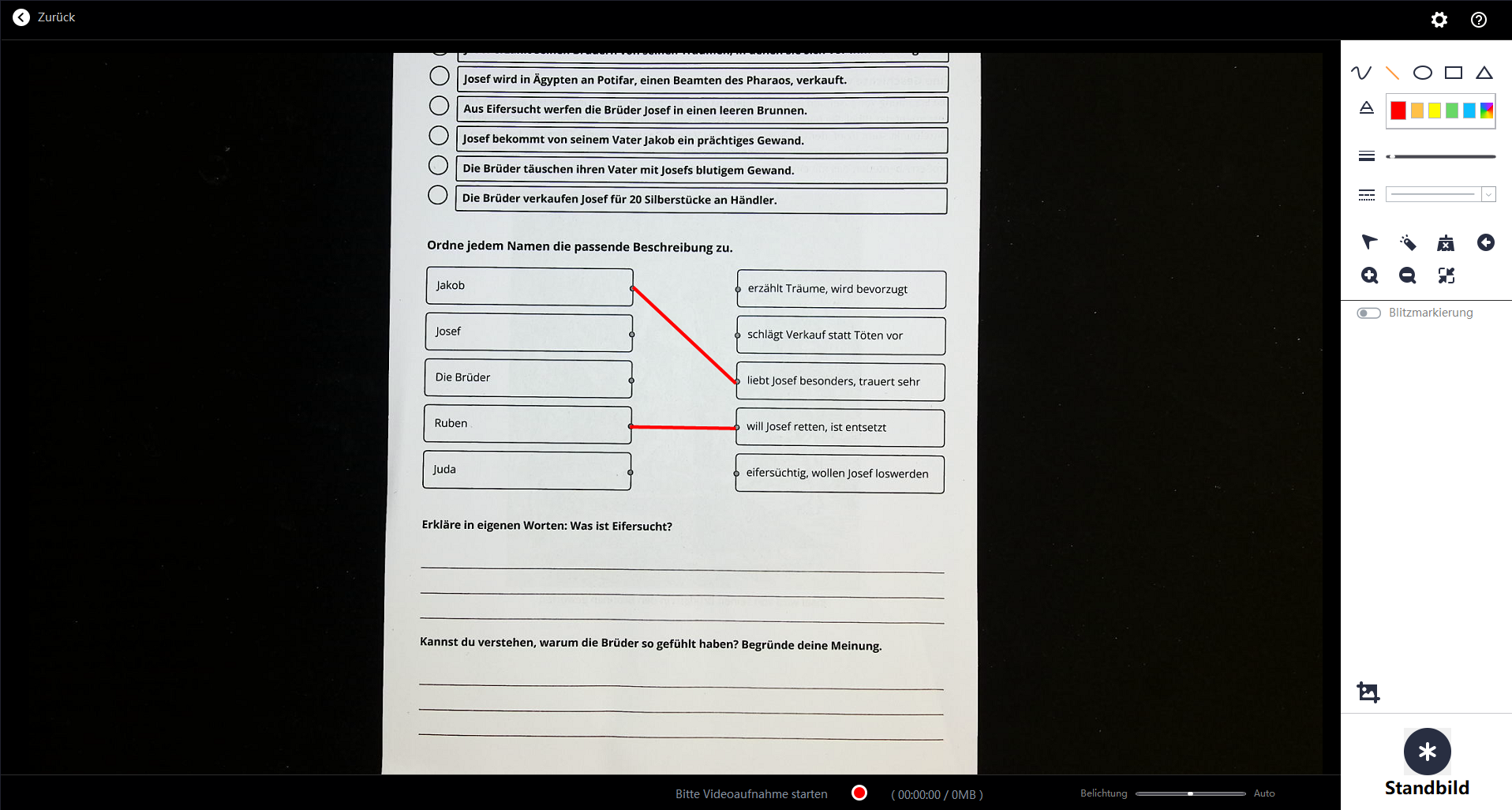
The CZUR ET Max can also be used as a document camera or visualizer. We used the ET Max in a classroom in conjunction with a short-throw projector. In this setting, the CZUR scanner demonstrates both strengths and weaknesses. Thanks to the large built-in light, it always manages to illuminate the objects being displayed well.
The CZUR software also offers useful additional features such as virtual pens, lines, and a laser pointer. Specific sections of the document can be hidden. In addition, still images and video recordings are possible. The results of a work session can be photographed at the end to save them.
During testing, however, it was noticeable that the image displayed on the connected computer’s screen often appears blurry, while the output via the projector is impressive. The autofocus generally works well, but it is not entirely reliable. The ET Max shows particular weaknesses in color reproduction. Colors are sometimes rendered inaccurately, and it can be difficult at times to clearly distinguish between them.
Conclusion
The ET Max from CZUR is a scanner for books and documents. It delivers impressive scan results with high image sharpness and fast data processing. The software is user-friendly yet offers many features. The ET Max can also be used as a document camera.
In both cases, it stands out for its excellent lighting of the work area.
Transparency
The selection of devices to be reviewed is made by our editorial team. The test sample was given to the author by the manufacturer free of charge for the purposes of review. There was no third-party influence on this review, nor did the manufacturer receive a copy of this review before publication. There was no obligation to publish this review. As an independent media company, Notebookcheck is not subjected to the authority of manufacturers, retailers or publishers.
 Add as a preferred source on Google


