




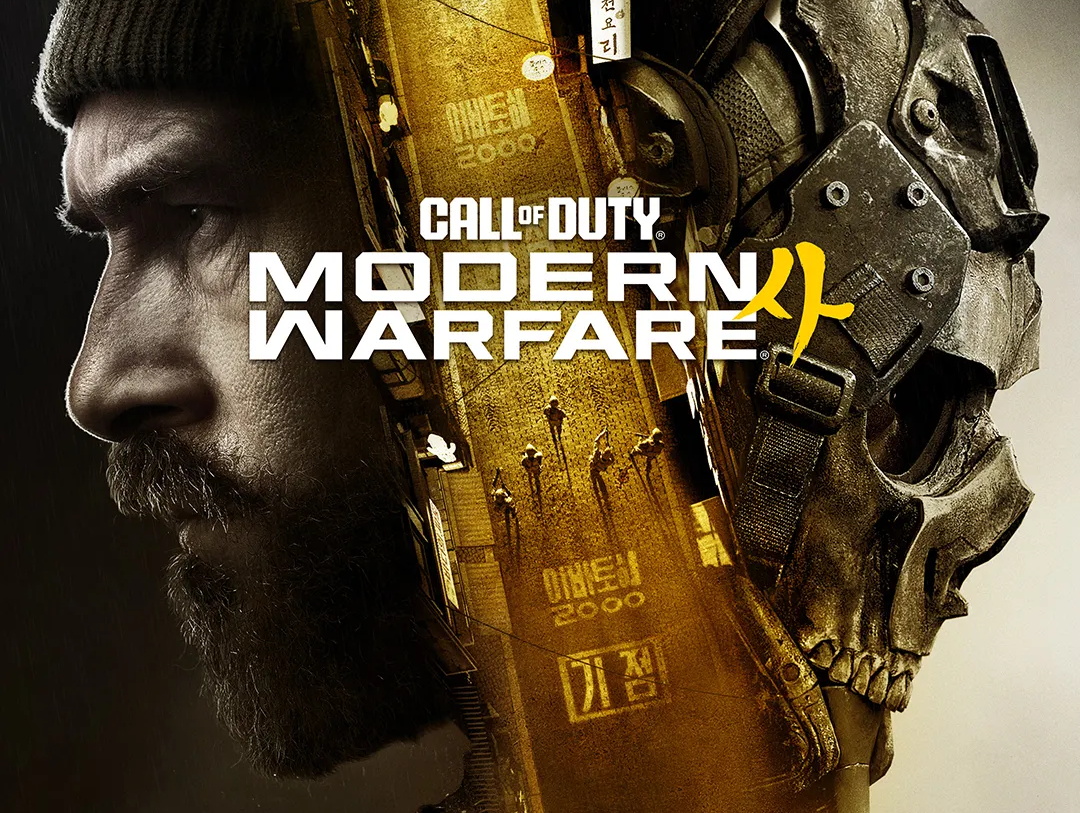
Call of Duty: Modern Warfare 4 review - Runs on integrated graphics but pushes the RTX 5090 to its limits
Christian Hintze 👁 (translated by Christian Hintze) Published 🇩🇪
Technology, settings & benchmarks
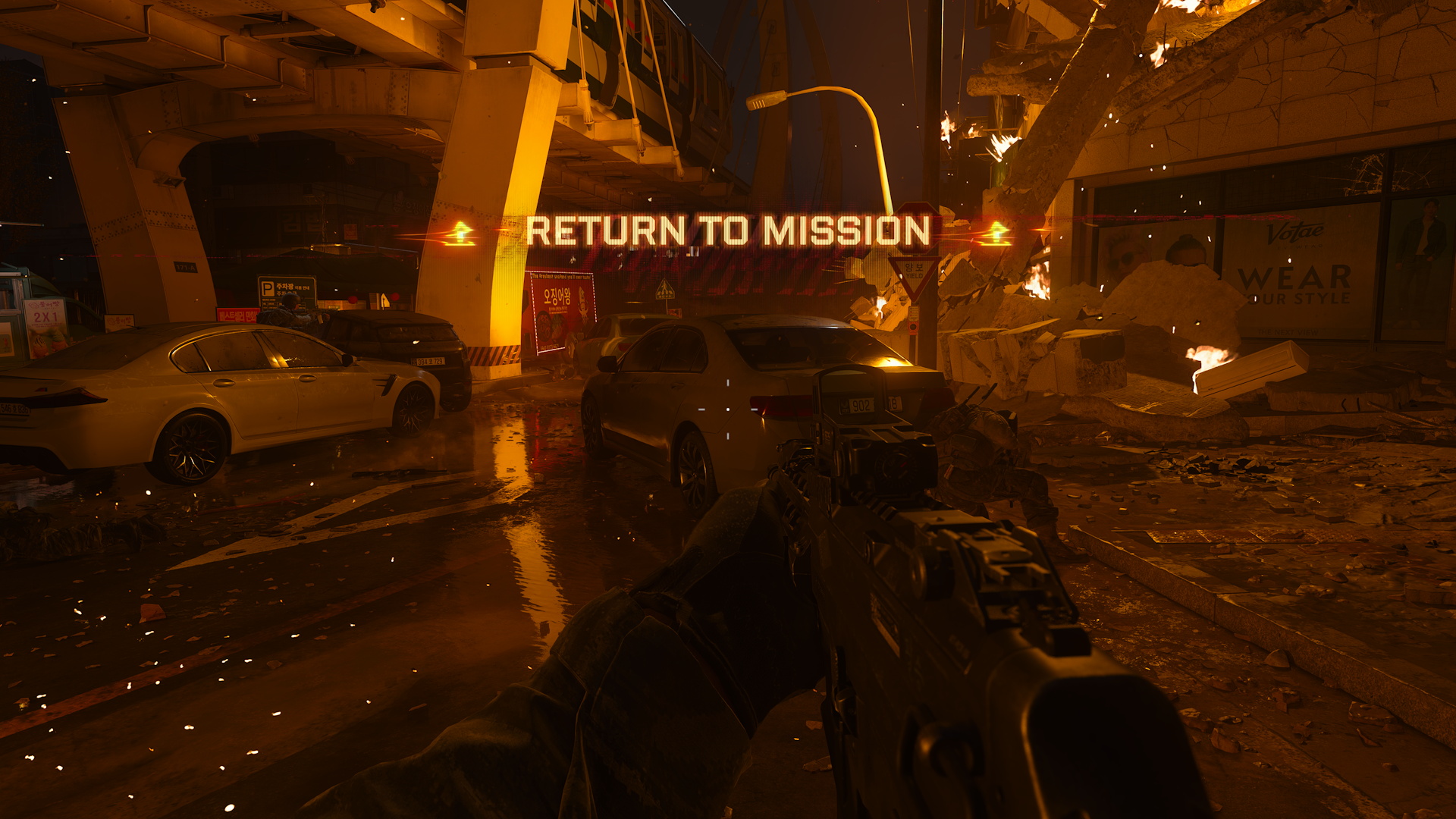
We're strolling through a busy city with our squadmates, stopping at a small supermarket to pick up some supplies. Just as we're starting to wonder whether the game is taking its time getting going, all hell suddenly breaks loose: Missiles first strike in the distance, then the impacts draw closer and closer. Buildings collapse, people, cars, and other objects are sent flying through the air. We're knocked off our feet and hurled backward by a shockwave.
Call of Duty: Modern Warfare 4 does everything it can to pull us straight into the action with a sudden, explosive opening. North Korea launches an attack on South Korea, and our mission is to stop the invading forces in a city now reduced to rubble while protecting civilians. Morally questionable gameplay moments are also once again part of this linear corridor shooter.
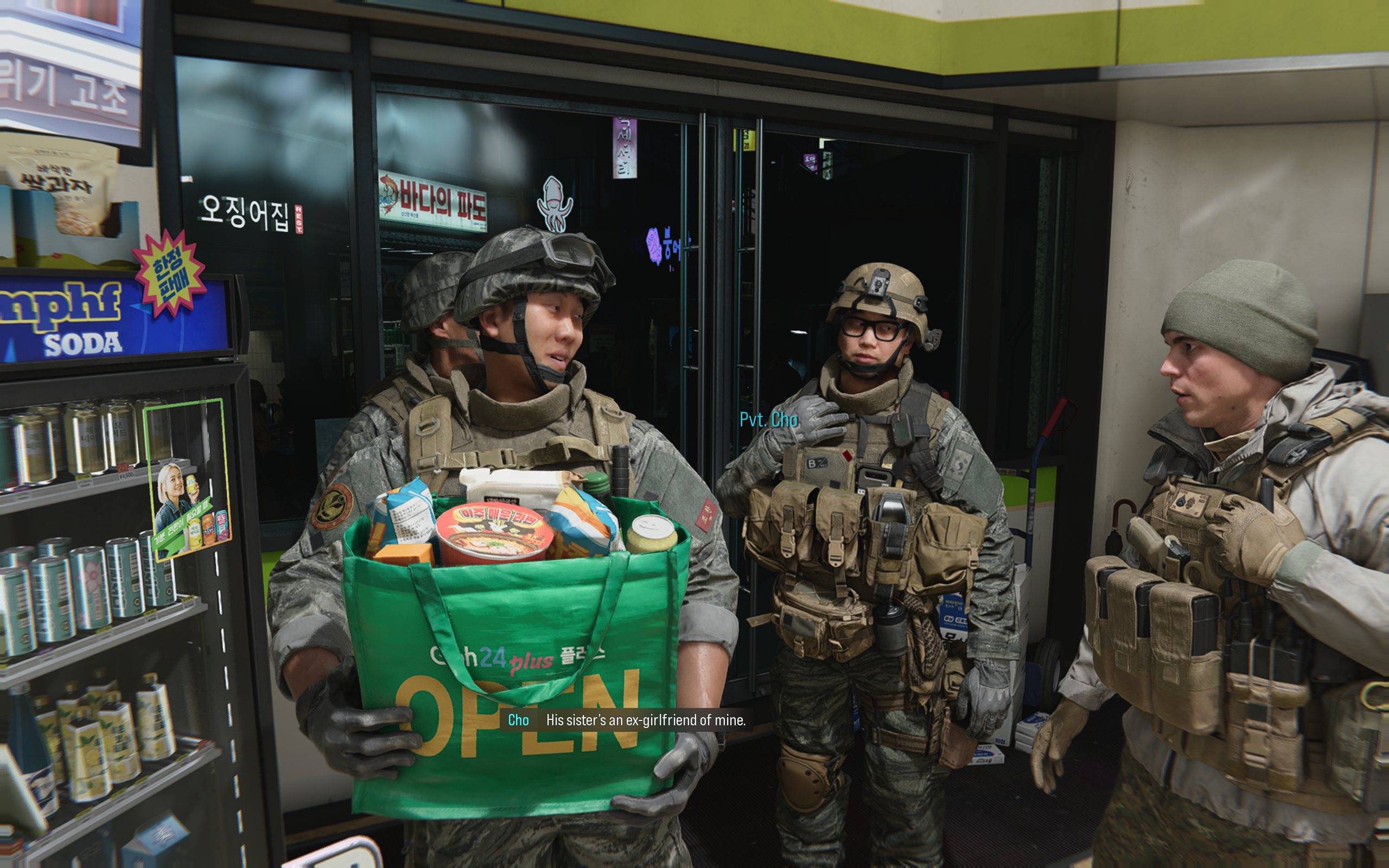
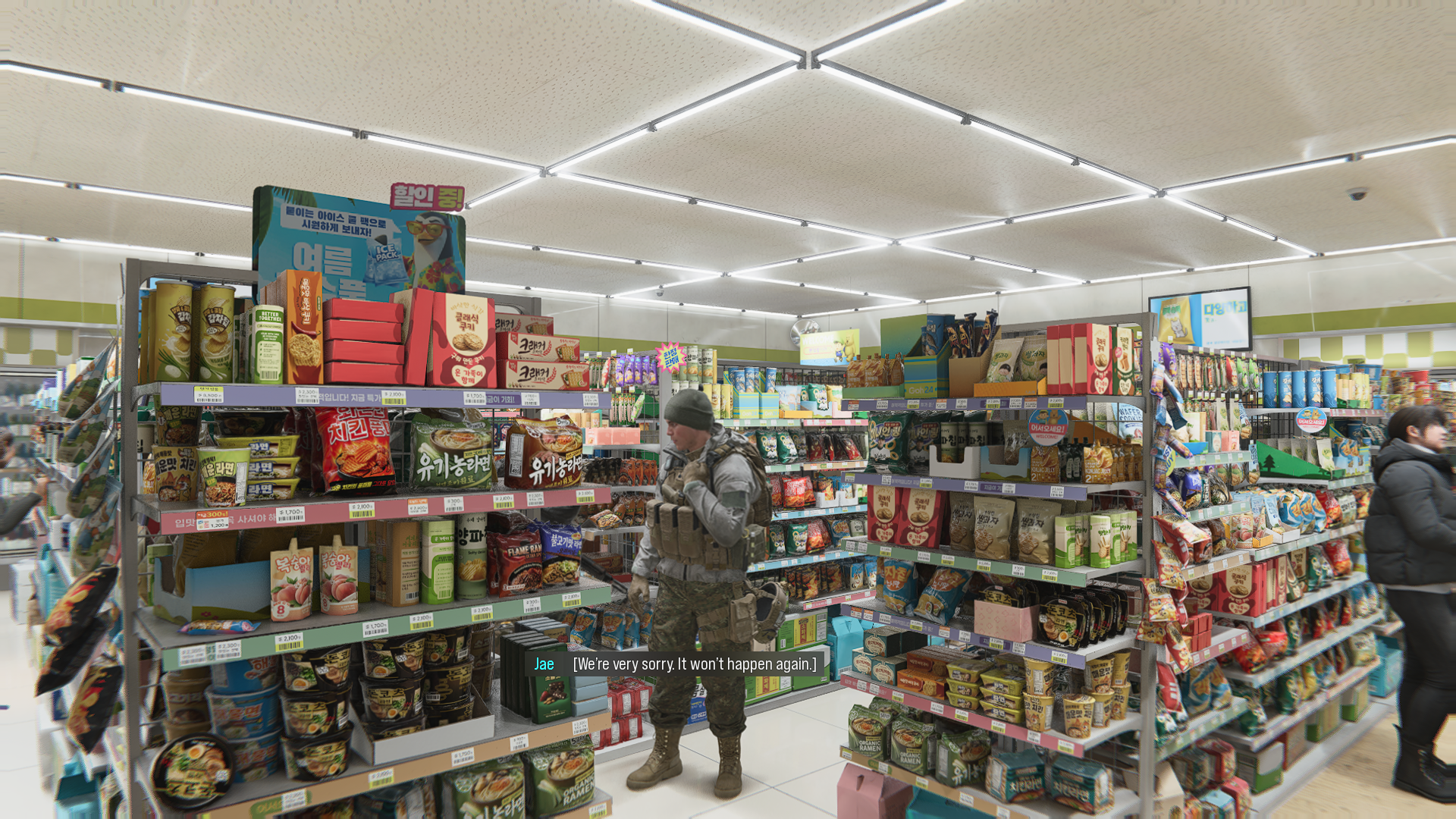
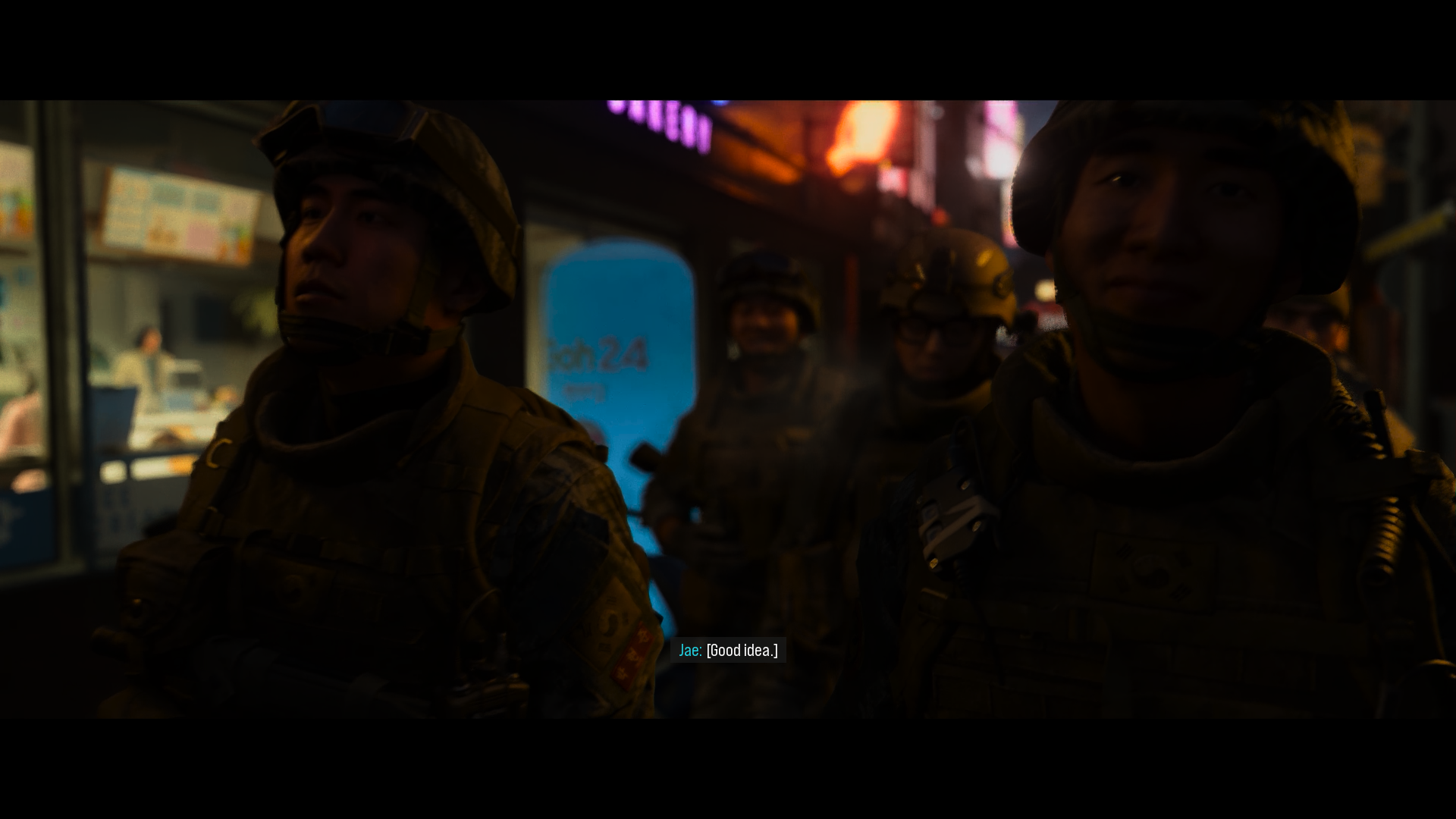
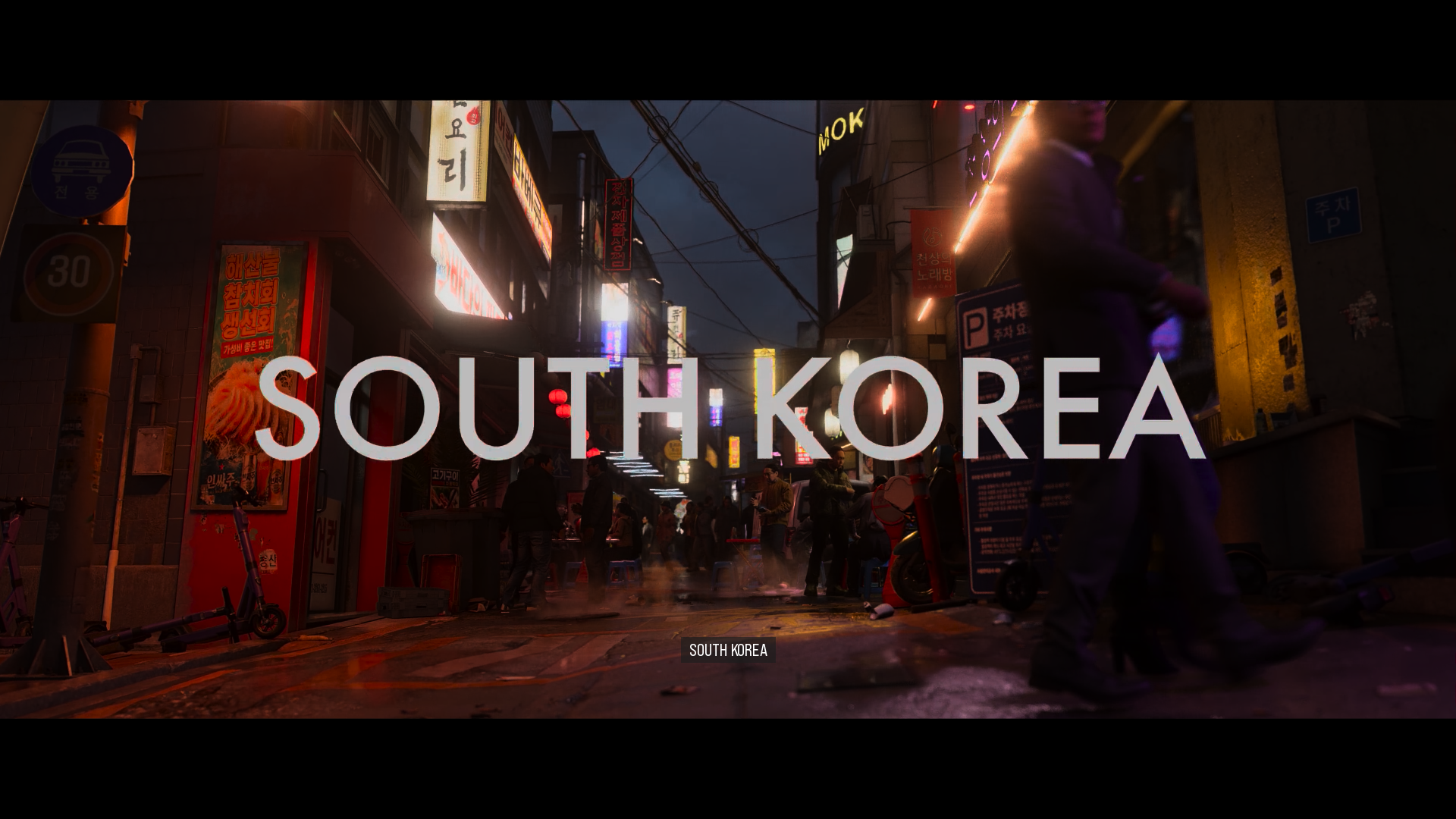

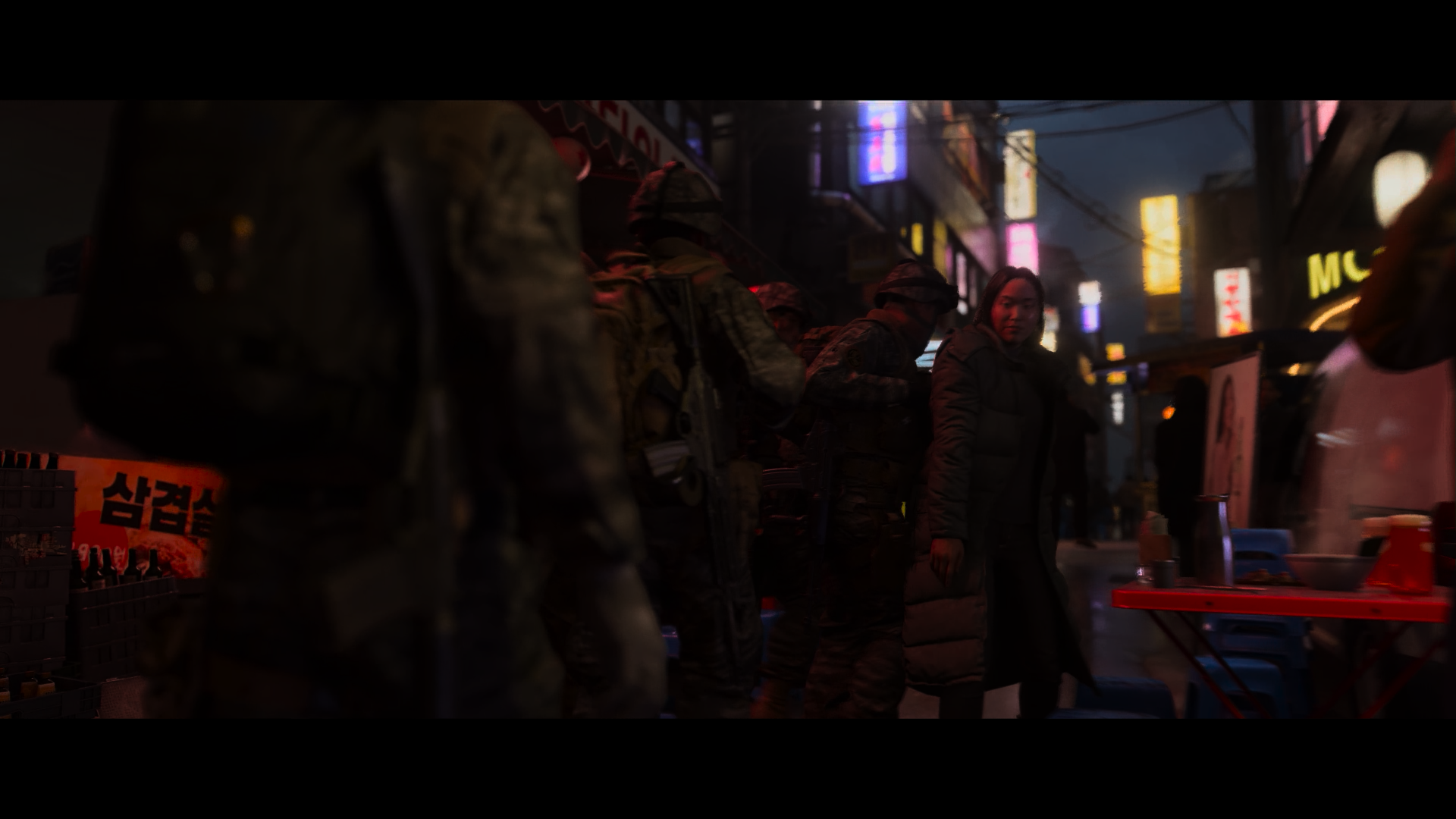

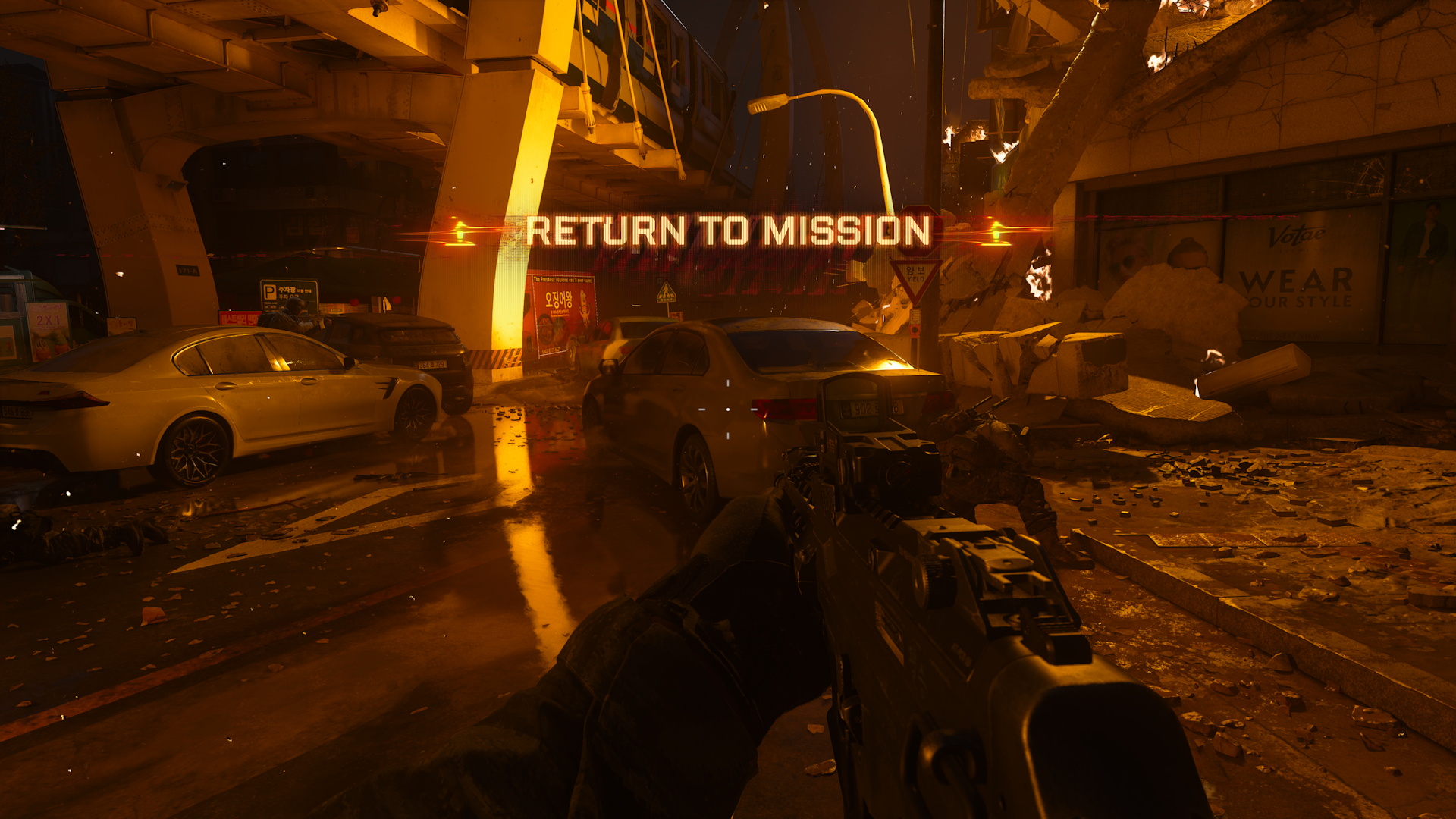
To bring this demanding urban disaster scenario to life, developer Infinity Ward uses the IW 9.0 engine, co-developed with Treyarch and Sledgehammer Games. With support for the previous console generation (Xbox One and PlayStation 4) dropped for the first time, Modern Warfare 4 is able to deliver a noticeable graphical leap. Environments and objects can be destroyed, while debris, sparks, and fragments fly through the air. Civilians and soldiers run around in all directions, we engage in parkour-style pursuits, and even take a few short swims. There are certainly better-looking video games out there, but the engine does a convincing job of portraying a city under attack and reduced to rubble. There's something happening everywhere, with plenty of details to take in.
The environments are also extremely varied: We push our way through dancing crowds in a nightclub, jump over containers in a harbor, climb across slowly moving trains to reach the other side, and roll onto the street after leaping from the roof of a city bus. The two completely different settings (South Korea and the United States) add even more variety, including in terms of atmosphere. The in-game cutscenes are impressive as well, although some of them do run a little too long.
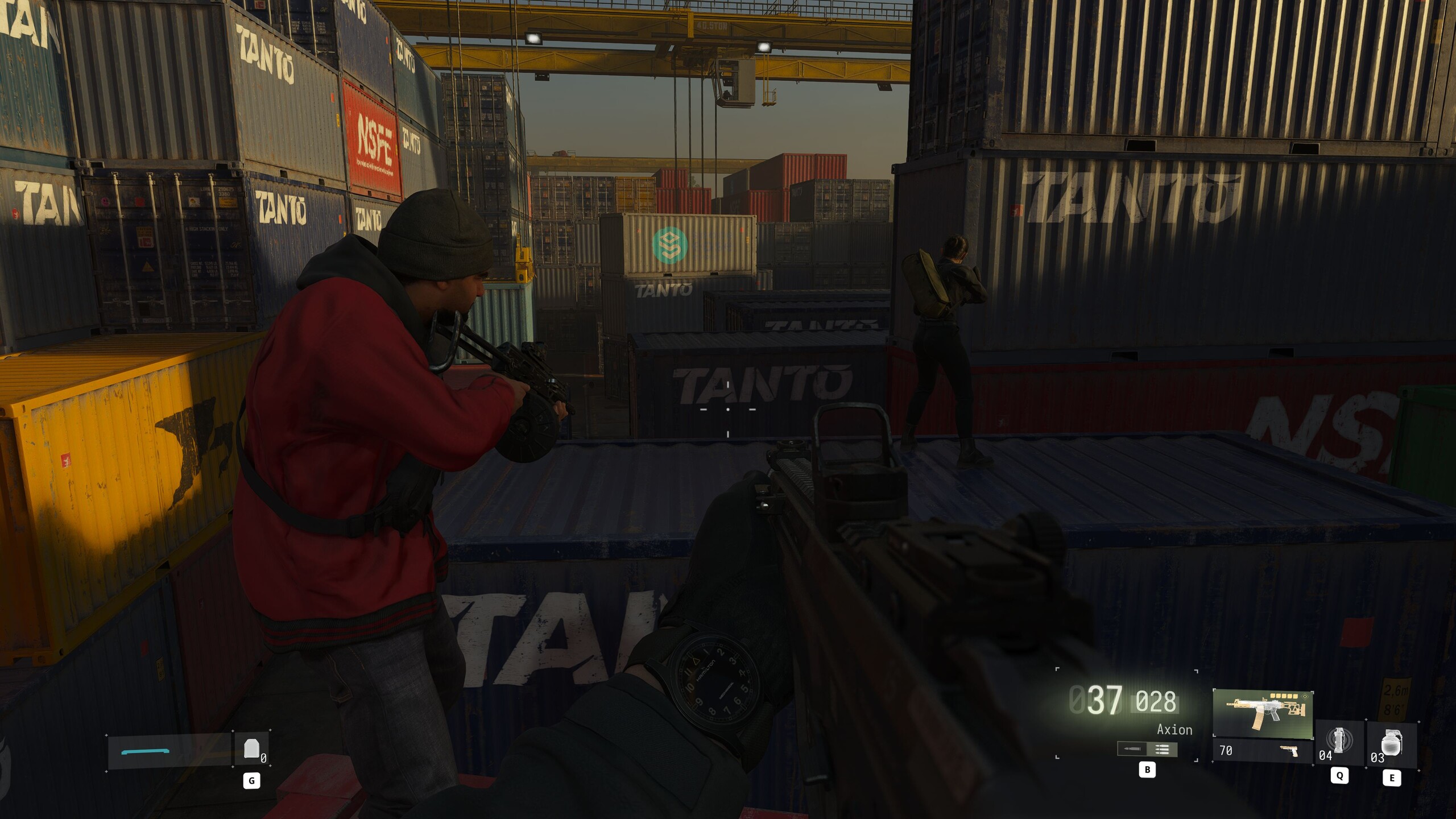
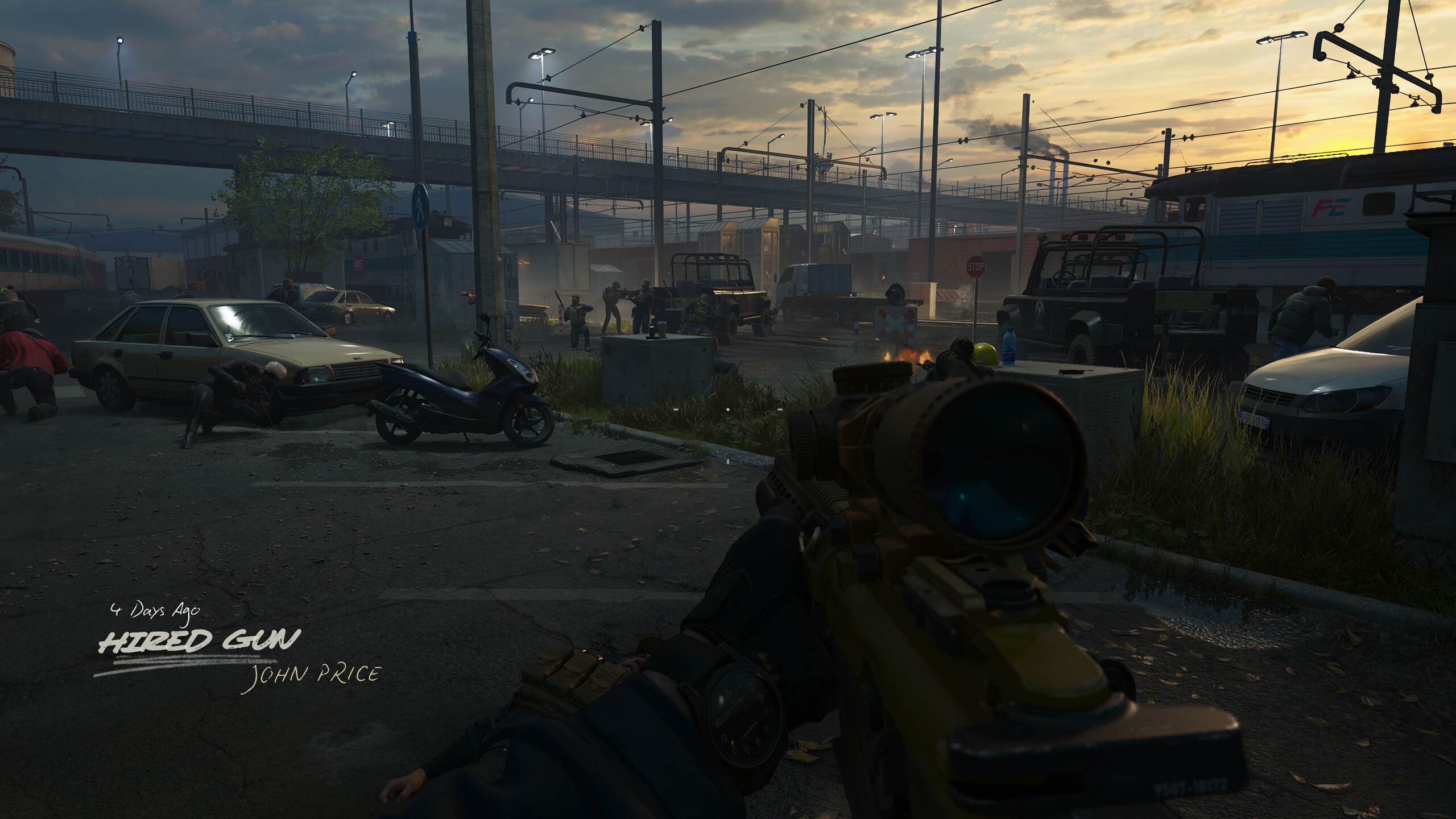

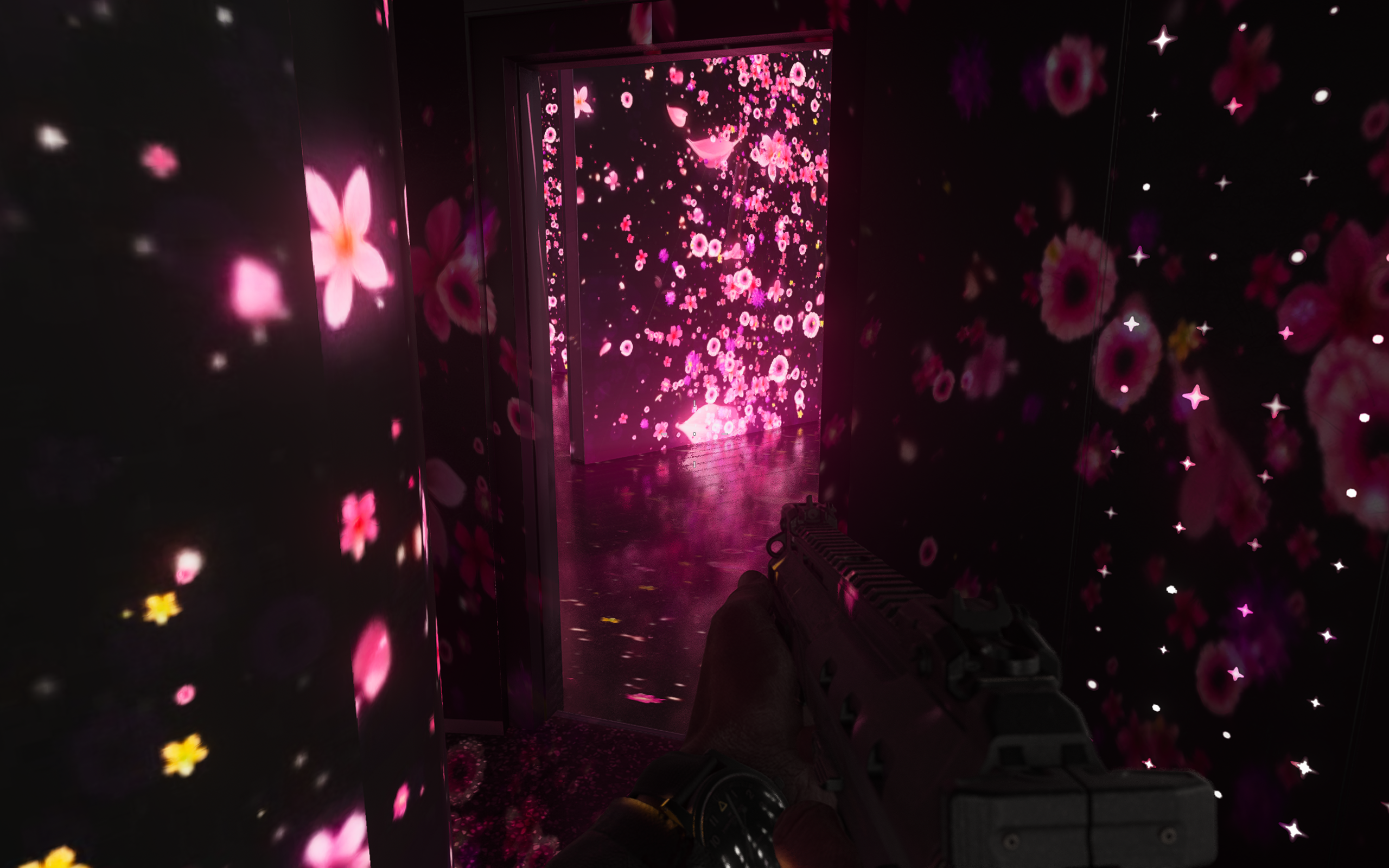
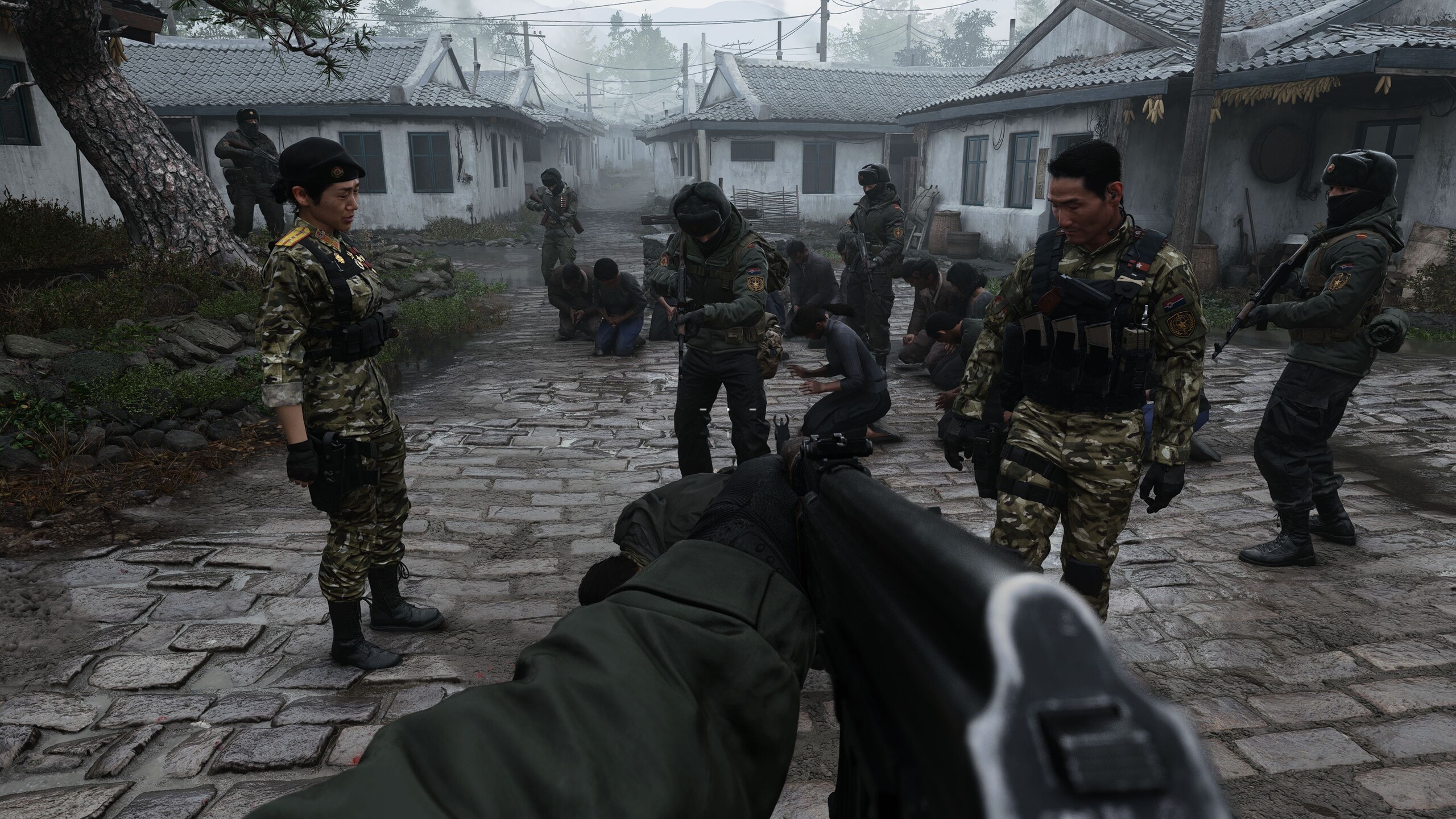
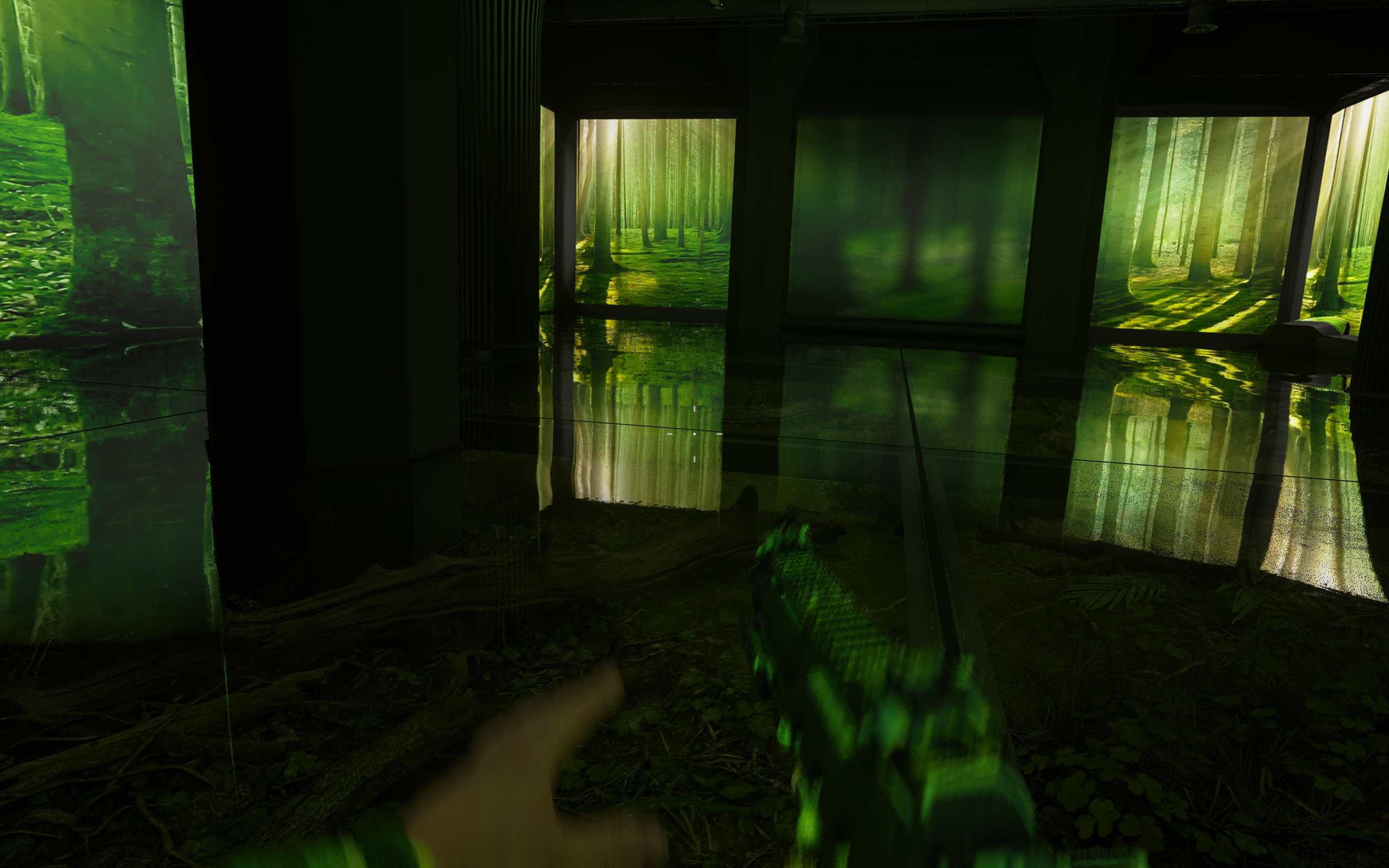
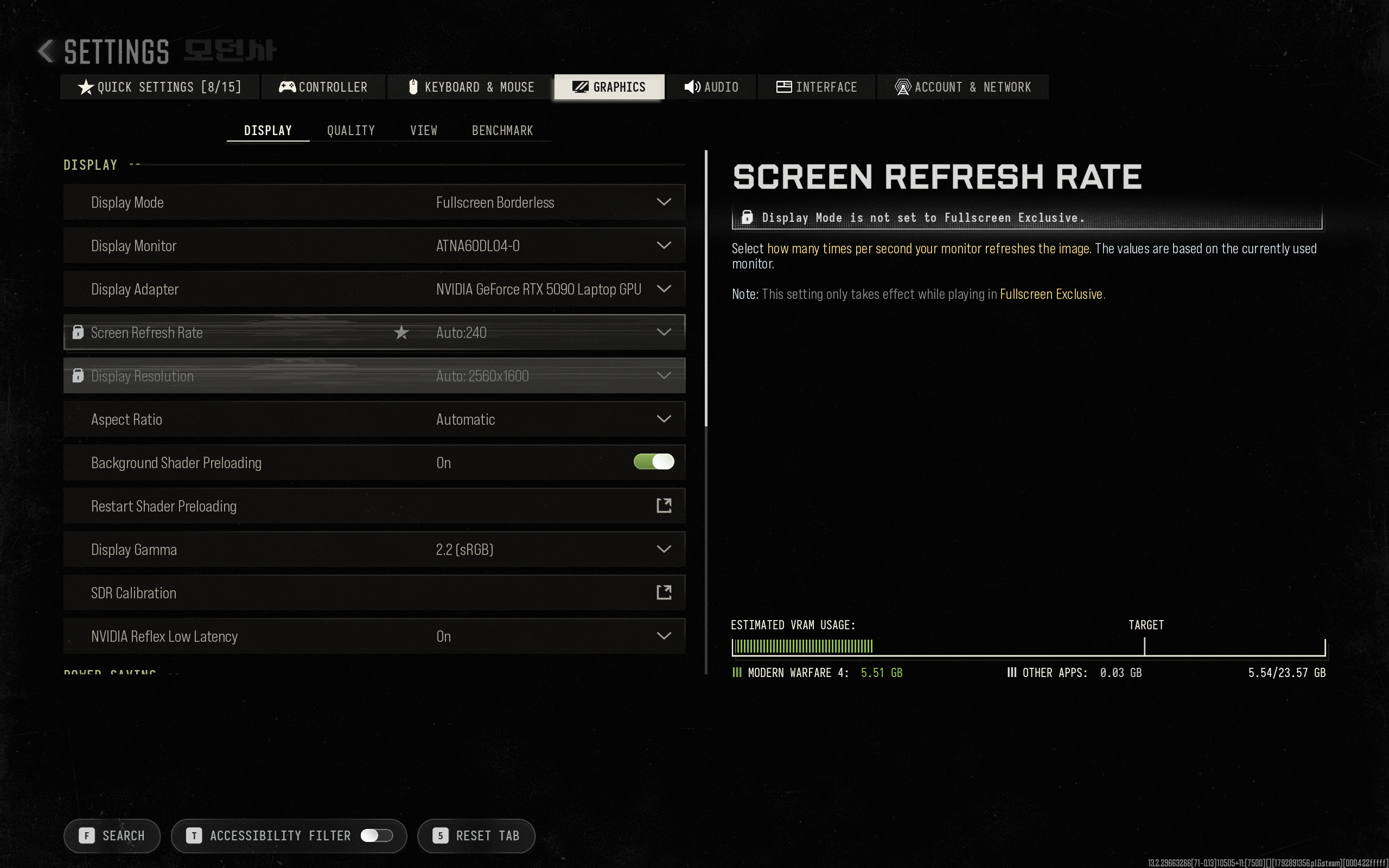
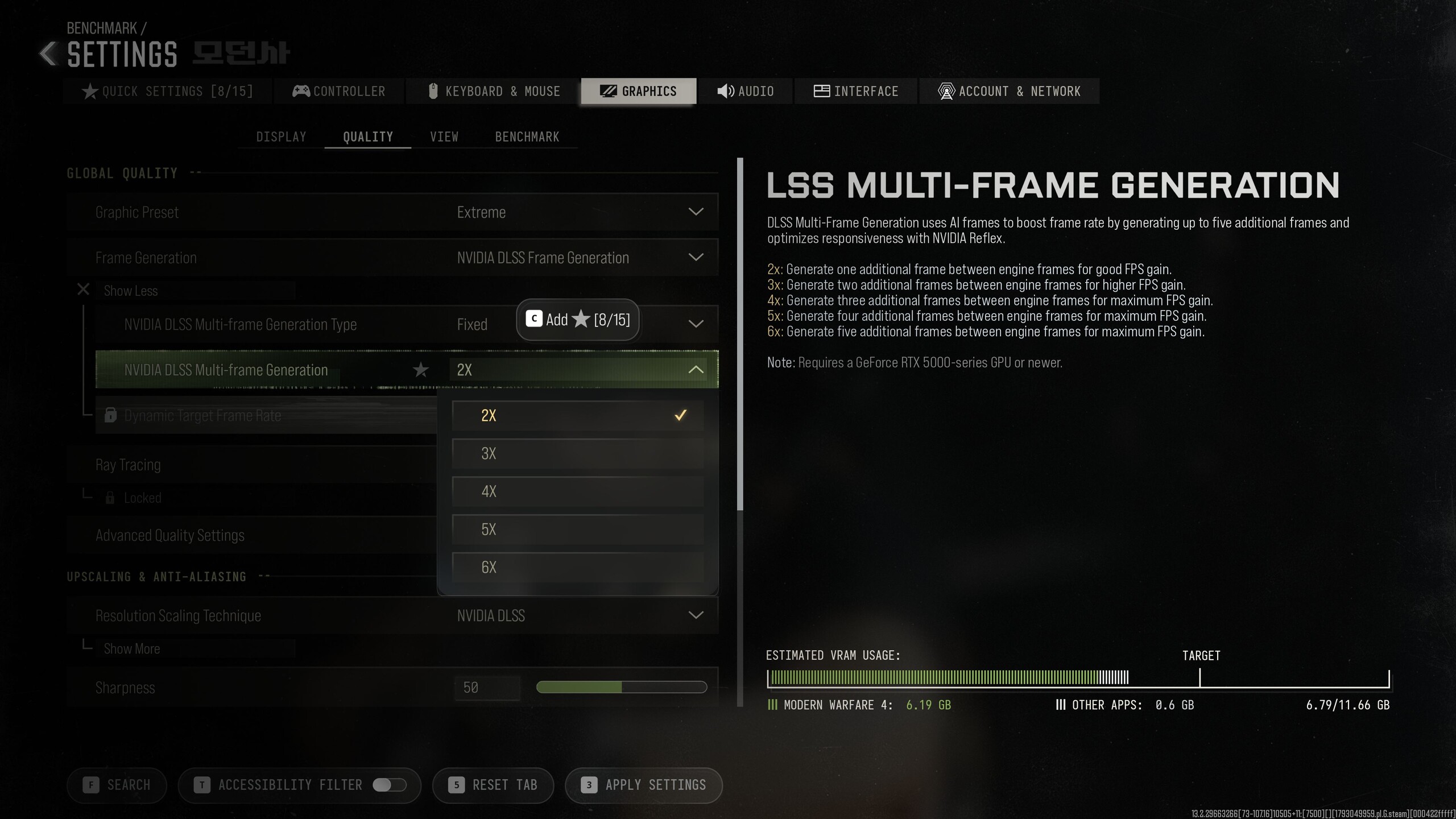
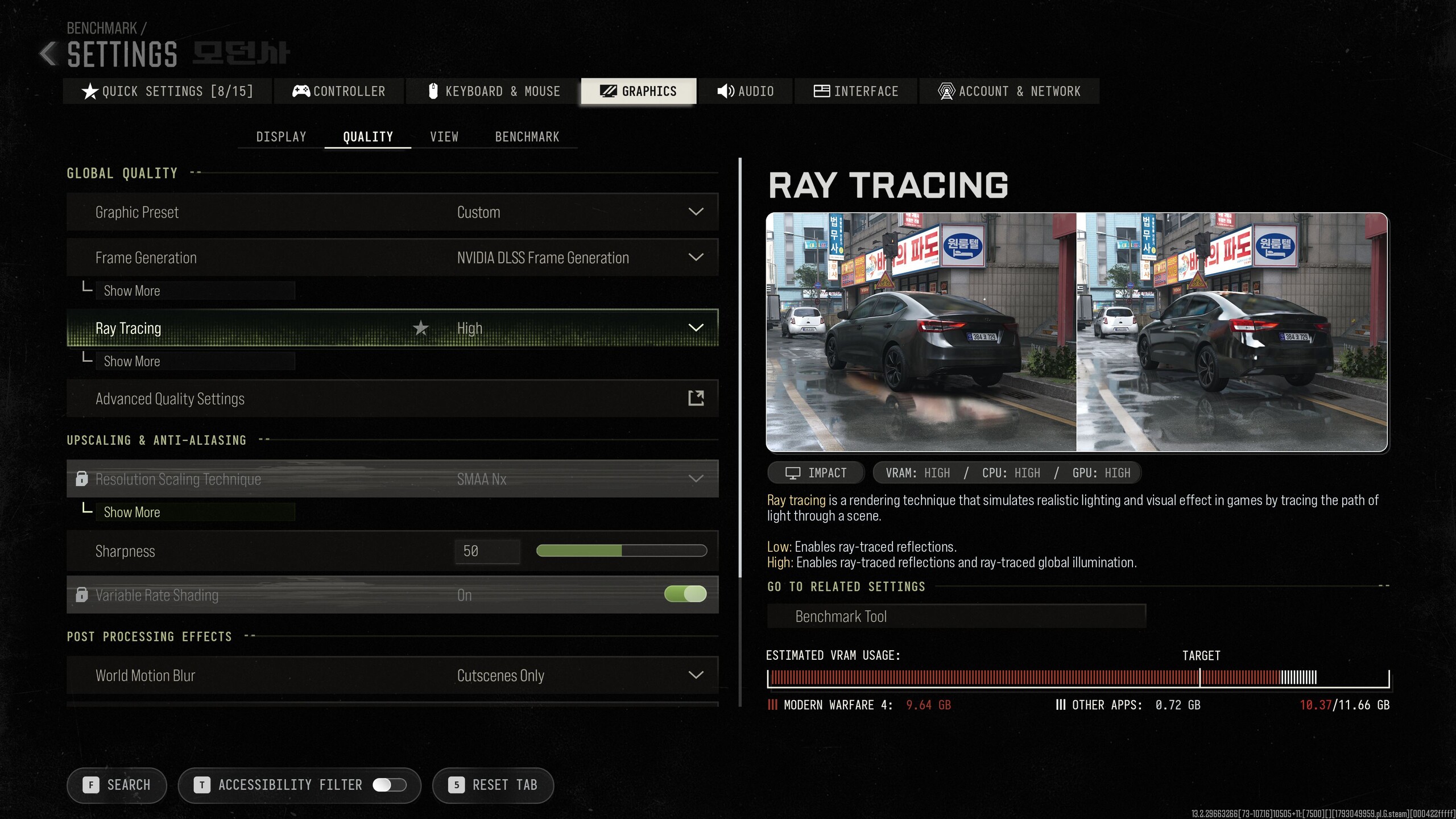
The heavily overhauled engine supports upscalers from all major GPU vendors, and a standard upscaler is always active on top of that. Frame Generation and Ray Tracing are also available. In fact, the extensive graphics menu is packed with options. Alongside various presets, there's a wide range of manual settings that let you fine-tune the graphics to match your hardware down to the smallest detail. Some options even come with additional submenus. Path Tracing is the only notable omission, but GPUs are already put under plenty of strain without it.
Another welcome feature is that none of the settings require a restart. Even DLSS, Ray Tracing, and similar options take effect immediately.
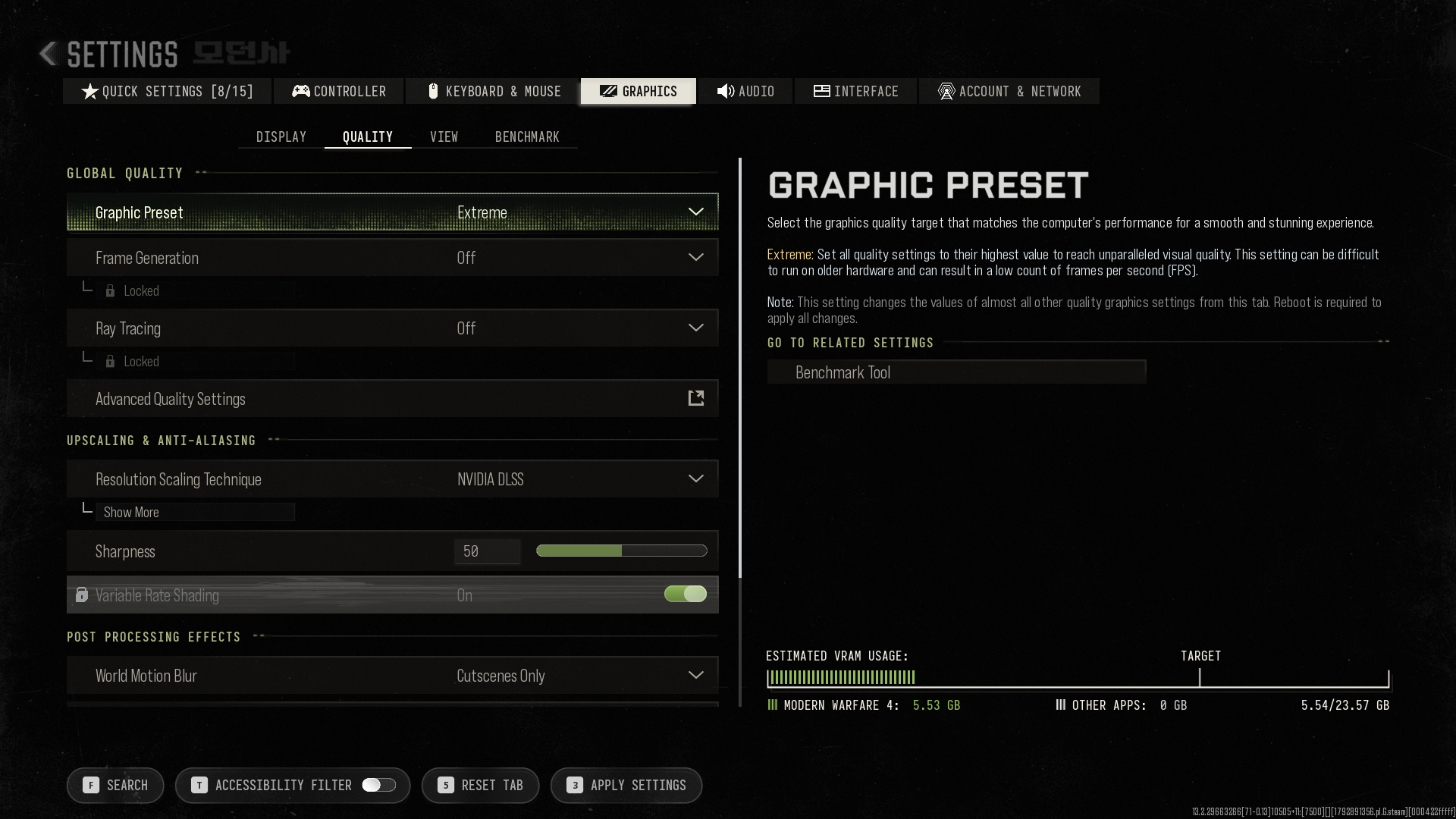
There's no need to set up our own benchmark sequence, as the game comes with a built-in benchmark. However, it only launches when you enter multiplayer mode from the main menu. In other words, you must be online to run it.
In addition to average frame rates, the results screen provides plenty of further information, ranging from hardware specifications and selected graphics settings to minimum fps and input latency.
Results
FHD / 1,920 x 1,080
In a pinch, even our laptop with Intel UHD Graphics, AMD Radeon 890M, or RTX 4050 can handle Full HD. At the lowest settings, a standard upscaler cuts the rendering resolution in half, which should also benefit handheld gaming devices.
Starting with the Balanced preset, the game renders at native Full HD resolution. This is where the Intel GPU reaches its limits, and even XeSS can't help anymore. The integrated 890M, however, can handle Full HD even at the Extreme preset, although frame rates occasionally drop below 30 fps and latency climbs above 50 ms.
The RTX 4050 has very few problems here. At the Extreme preset, the VRAM indicator does exceed the safe zone for the RTX 4050's video memory, yet the benchmark still runs at an average of 65 fps. At 30 ms, latency is slightly higher than on more powerful systems. Modern Warfare 4 can therefore be surprisingly undemanding.
| Call of Duty: Modern Warfare 4 | |
| 1920 x 1080 Preset Min 1920 x 1080 Preset Balanced 1920 x 1080 Preset Extreme | |
| Intel Graphics 4-Core iGPU (Meteor / Arrow Lake), Ultra 9 275HX | |
| AMD Radeon 890M, Ryzen AI 9 HX 370 | |
| NVIDIA GeForce RTX 4050 Laptop GPU, i7-13700H | |
| NVIDIA GeForce RTX 4070 Laptop GPU, i9-13900HX | |
| NVIDIA GeForce RTX 5070 Ti Laptop, Ultra 9 275HX | |
| NVIDIA GeForce RTX 5090 Laptop, Ryzen AI 9 HX 370 | |
QHD / 2,560 x 1,440 (+ upscaling)
With FSR, MW4 is just about playable even on the integrated 890M, with average frame rates still above 30 fps. However, there's no performance headroom left for particularly demanding scenes, and latency increases significantly. We'd therefore recommend opting for a dedicated GPU such as the RTX 4050, which still delivers a decent gaming experience at this resolution, especially with DLSS enabled.
| Call of Duty: Modern Warfare 4 | |
| QHD Extreme QHD Extreme DLSS 2560 × 1440 QHD FSR | |
| AMD Radeon 890M, Ryzen AI 9 HX 370 | |
| NVIDIA GeForce RTX 4050 Laptop GPU, i7-13700H | |
| NVIDIA GeForce RTX 4070 Laptop GPU, i9-13900HX | |
| NVIDIA GeForce RTX 5090 Laptop, Ryzen AI 9 HX 370 | |
UHD / 3,840 x 2,160 (+ upscaling)
The aging RTX 4050 reaches its absolute limit at 4K at the latest. It's actually surprising that it manages to deliver playable results at QHD in the first place.
For 4K gaming, even an RTX 4070 should ideally rely on DLSS. An RTX 5060, on the other hand, is a solid choice, while an RTX 5070 ultimately puts you on the safe side.
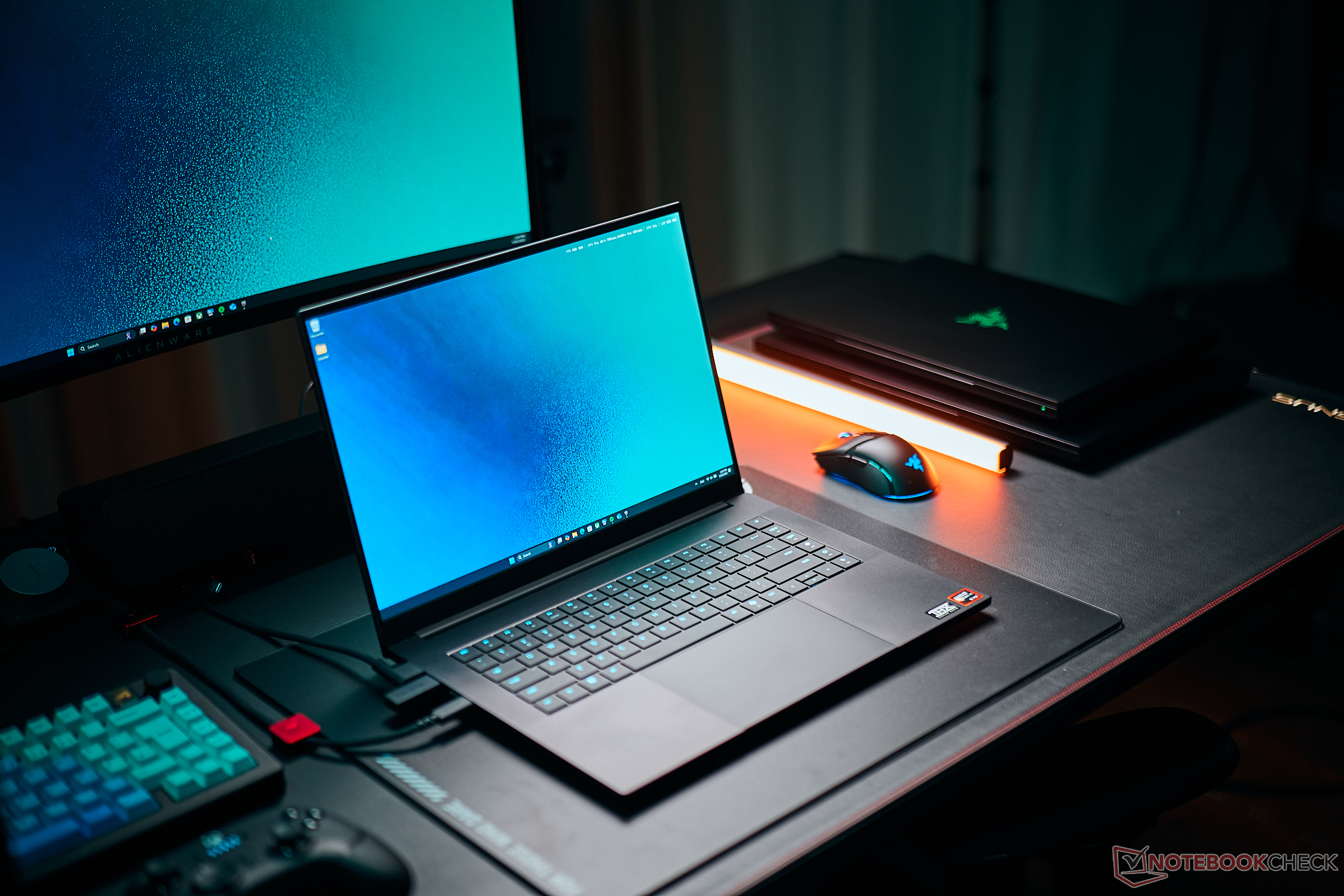
Anyone looking to enable Ray Tracing as well will need high-end hardware. Even the RTX 5090 in the Razer Blade 16 is pushed to its limits at 4K, if not outright overwhelmed when running the game at native resolution.
| Call of Duty: Modern Warfare 4 | |
| 3840 × 2160 4K Extreme 3840 × 2160 4K DLSS | |
| NVIDIA GeForce RTX 4050 Laptop GPU, i7-13700H | |
| NVIDIA GeForce RTX 4070 Laptop GPU, i9-13900HX | |
| NVIDIA GeForce RTX 5070 Ti Laptop, Ultra 9 275HX | |
| NVIDIA GeForce RTX 5090 Laptop, Ryzen AI 9 HX 370 | |
(Multi) Frame Generation
Multi Frame Generation (MFG) is supported in 2x, 3x, 4x, and even 6x modes. However, the base frame rate should already be above 50 fps. Otherwise, even a theoretical 100 upscaled fps can result in severe stuttering.
Even under these conditions, Frame Generation has a particularly noticeable impact on in-game cutscenes. Character dialogue is no longer lip-synced, strange visual jumps can occur, and the overall quality of the cutscenes takes a hit. On the plus side, we didn't notice any obvious visual artifacts, even in the higher modes. Nevertheless, we chose not to use MFG during actual gameplay due to the issues described above.
The benchmark results screen always displays native fps, with MFG frame rates available via a toggle. We've followed the same approach in the table below.
| 3840 x 2160, Extreme Preset | DLSS Balanced | DLSS Balanced + MFGx2 | DLSS Balanced + MFGx4 | DLSS Balanced + MFGx6 |
| GeForce RTX 5070 Ti Laptop | 72 | 53 zu 107 | 44 zu 177 | 37 zu 224 |
| GeForce RTX 5090 Laptop | 85 | 65 zu 129 | 53 zu 214 | 41 zu 247 |
Verdict - Just the way it should be: Low entry barrier, maximum scalability
Call of Duty: Modern Warfare 4 makes extensive use of upscaling technology. Even without DLSS, FSR, or XeSS, the standard upscaler allows even (modern) integrated GPUs to run Modern Warfare 4 at Full HD, albeit sometimes only at the lowest detail settings. A relatively modest dedicated graphics card such as the RTX 4050 can still deliver reasonably smooth gameplay at QHD and maximum detail settings. The hardware requirements for getting started are therefore pleasantly low.
At the same time, the game offers enough options to push even the most powerful GPUs to their limits. Ray Tracing is particularly demanding in this regard. Enabling it comes with a substantial performance hit, but rewards players with an even more impressive visual experience. Even without Ray Tracing, however, the engine does an excellent job of bringing its urban disaster scenario to life.
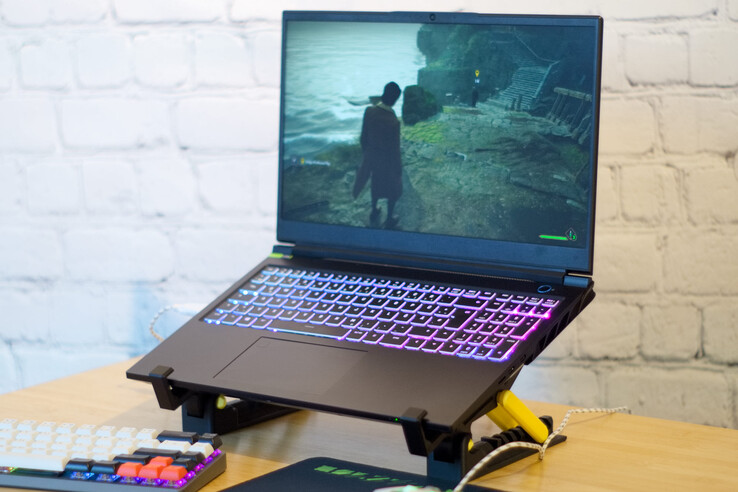
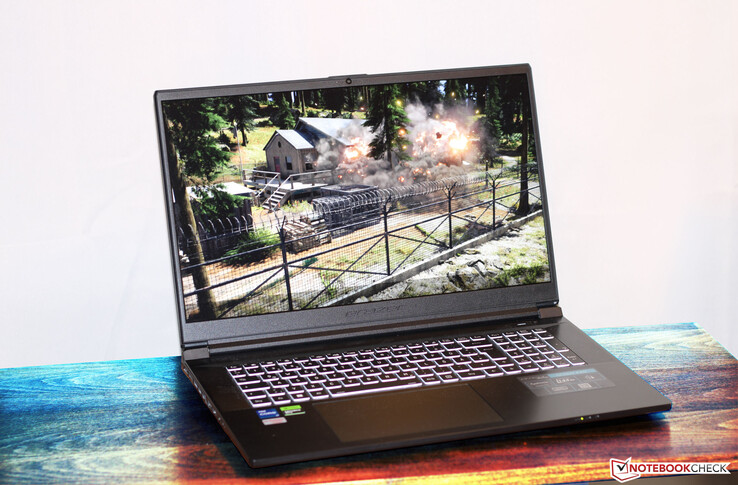
Test systems
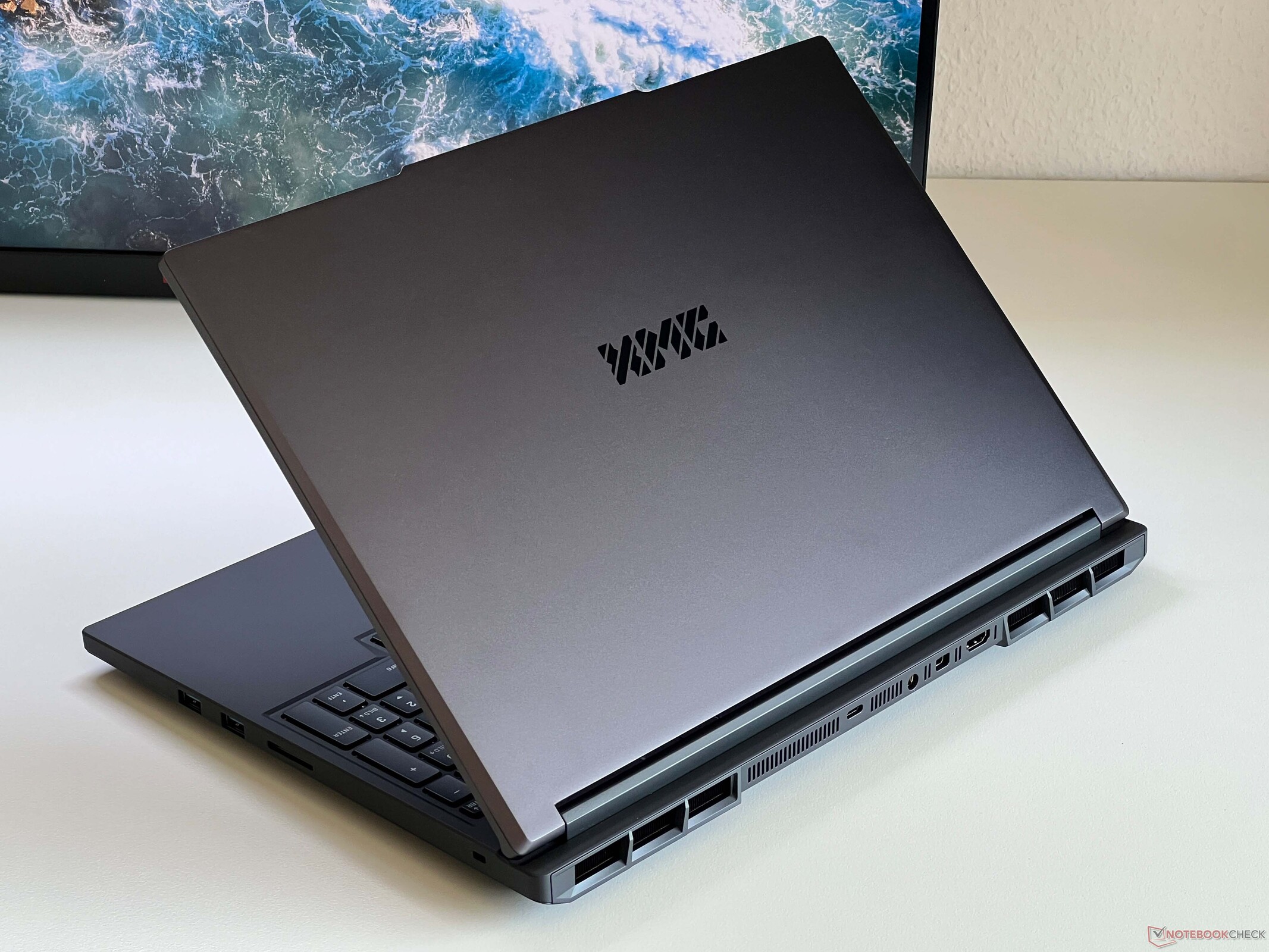
Overview
Gaming benchmarks are very time-consuming, and activation restrictions can sometimes cause additional delays. As a result, we can only present a limited number of results when an article is first published. More GPUs will be tested and added at a later date.
 Add as a preferred source on Google


