


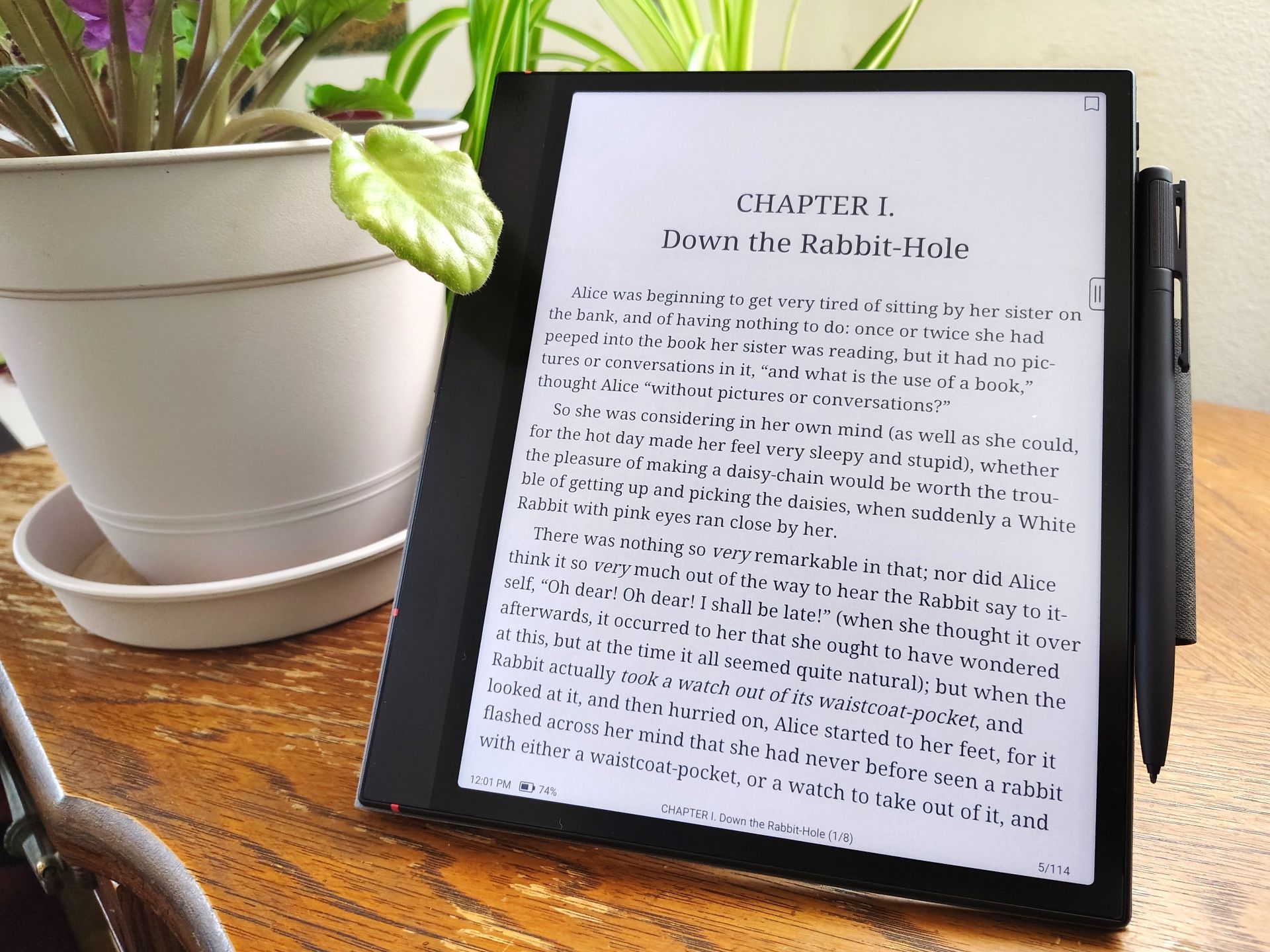
Boox Note Air6 C hands-on review: Colorful ePaper tablet with Android multitasking
Svelte Android e-reader.
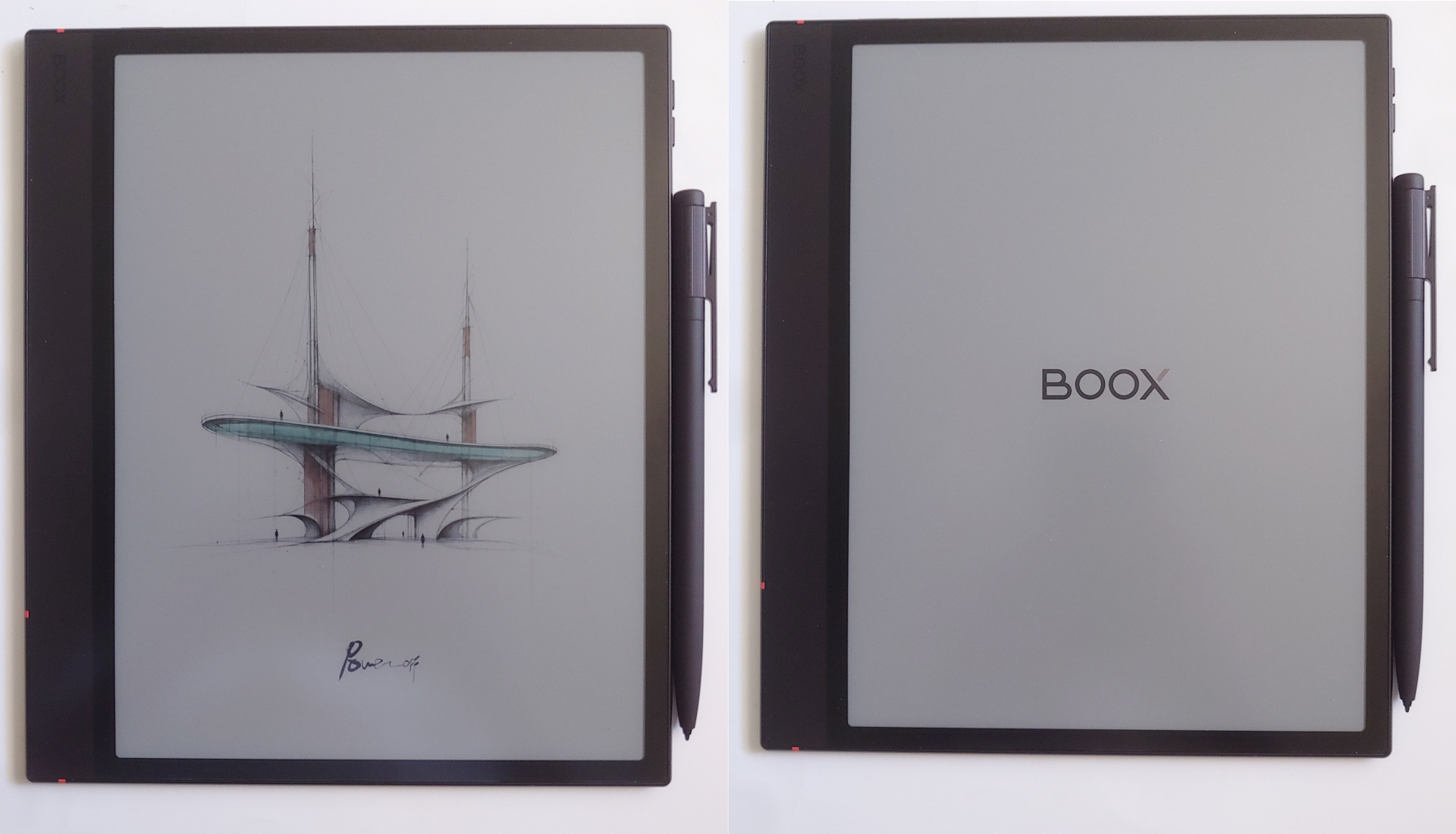
The Note Air6 C is a color Android 16 e-reader with a paper-like display, making it a versatile device for reading, writing, and listening to podcasts.David Chien Published
Verdict – Colorful lightweight e-reader
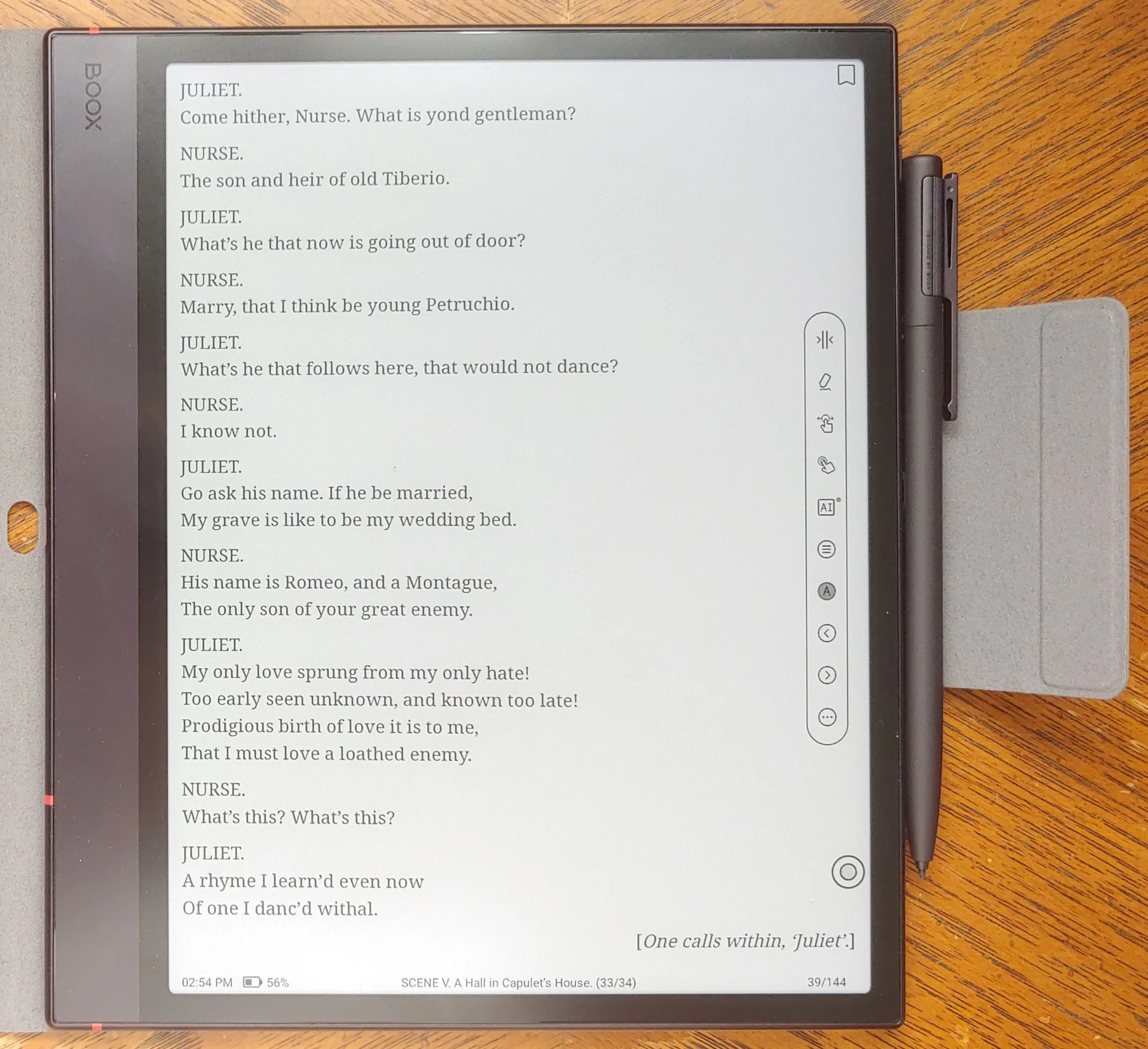
The Boox Note Air6 C Android e-reader delivers a fluid writing and drawing experience on its color E Ink display with its magnetic-charging Pen3 stylus. Its fast CPU and 6 GB RAM can run multiple apps simultaneously, including all major e-book services.
One trade-off is that videos and graphics look poorer than on OLED displays. Also, the left-edge speakers lack fullness and only create stereo sound in landscape orientation.
Still, the tablet's matte display is optimized for low eye strain, offering a more comfortable alternative to LCD and OLED displays that can trigger migraines or eye strain.
Pros
Cons

The Boox Note Air6 C e-reader combines the flexibility of an Android 16 tablet with a color ePaper touchscreen and a stylus for people who love drawing ideas or taking notes while reading.
Specifications
| Display | 10.3" 40 Hz Kaleido 3 E Ink (4096 colors) |
| B/W: 2480 x 1860 (300 ppi) | |
| Color: 1240 x 930 (150 ppi) | |
| OS | Android 16 |
| System | Qualcomm 6690 + BSR GPU |
| 6 GB RAM, 64 GB storage | |
| Optional microSD card up to 2 TB | |
| Battery | 3,700 mAh Li-ion polymer |
| Connectivity | Wi-Fi (2.4 GHz + 5 GHz), Bluetooth 6.0 |
| Dimensions | 225 x 192 x 5.8 mm (8.86 x 7.56 x 0.23 in.) |
| Weight | 430 g (15.2 oz.) |
| Pen | Boox Pen3 stylus with magnetic charging, 4,096 pressure levels, and tilt sensitivity |
| Case | Magnetic case |
Packaging
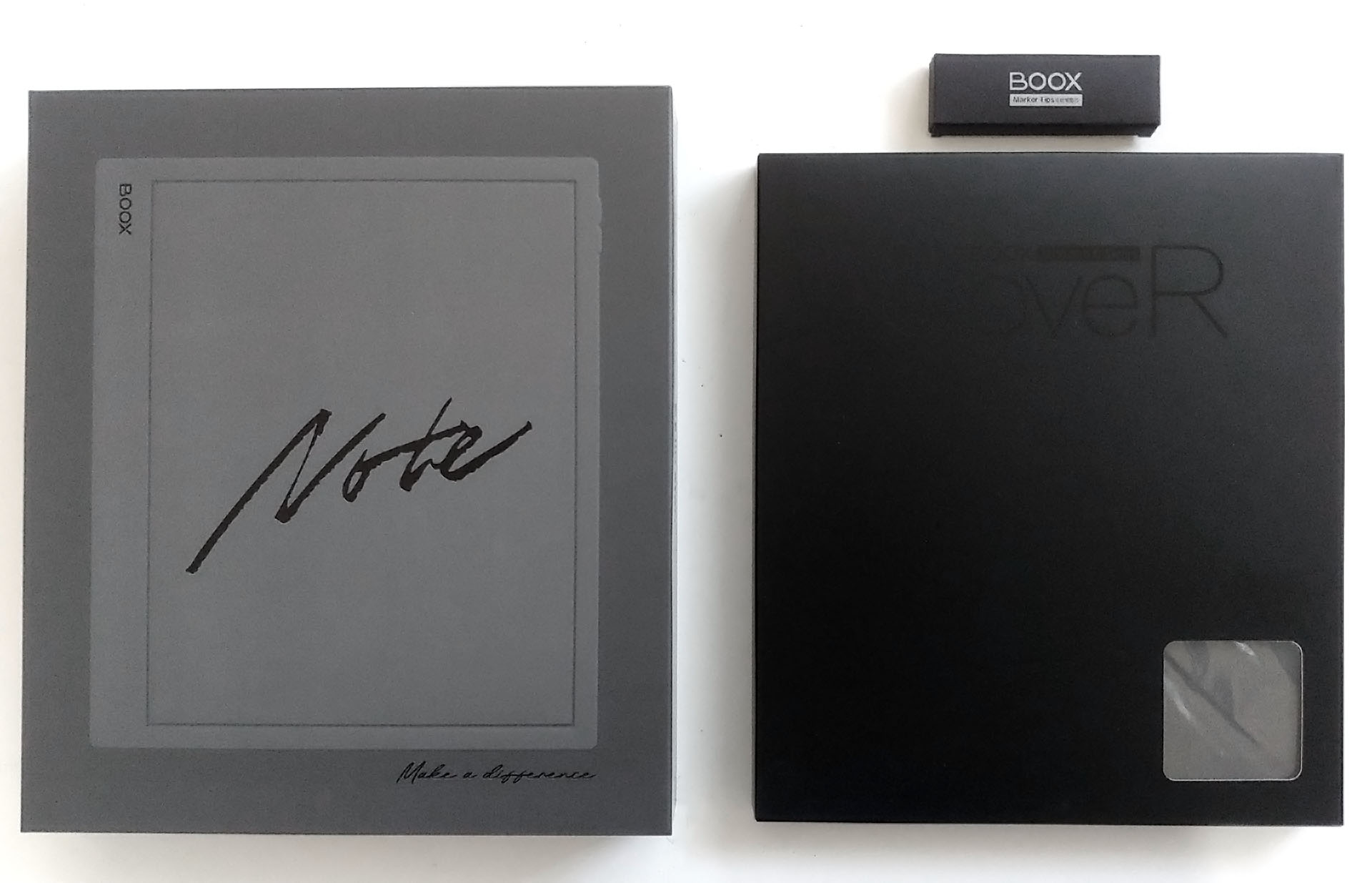
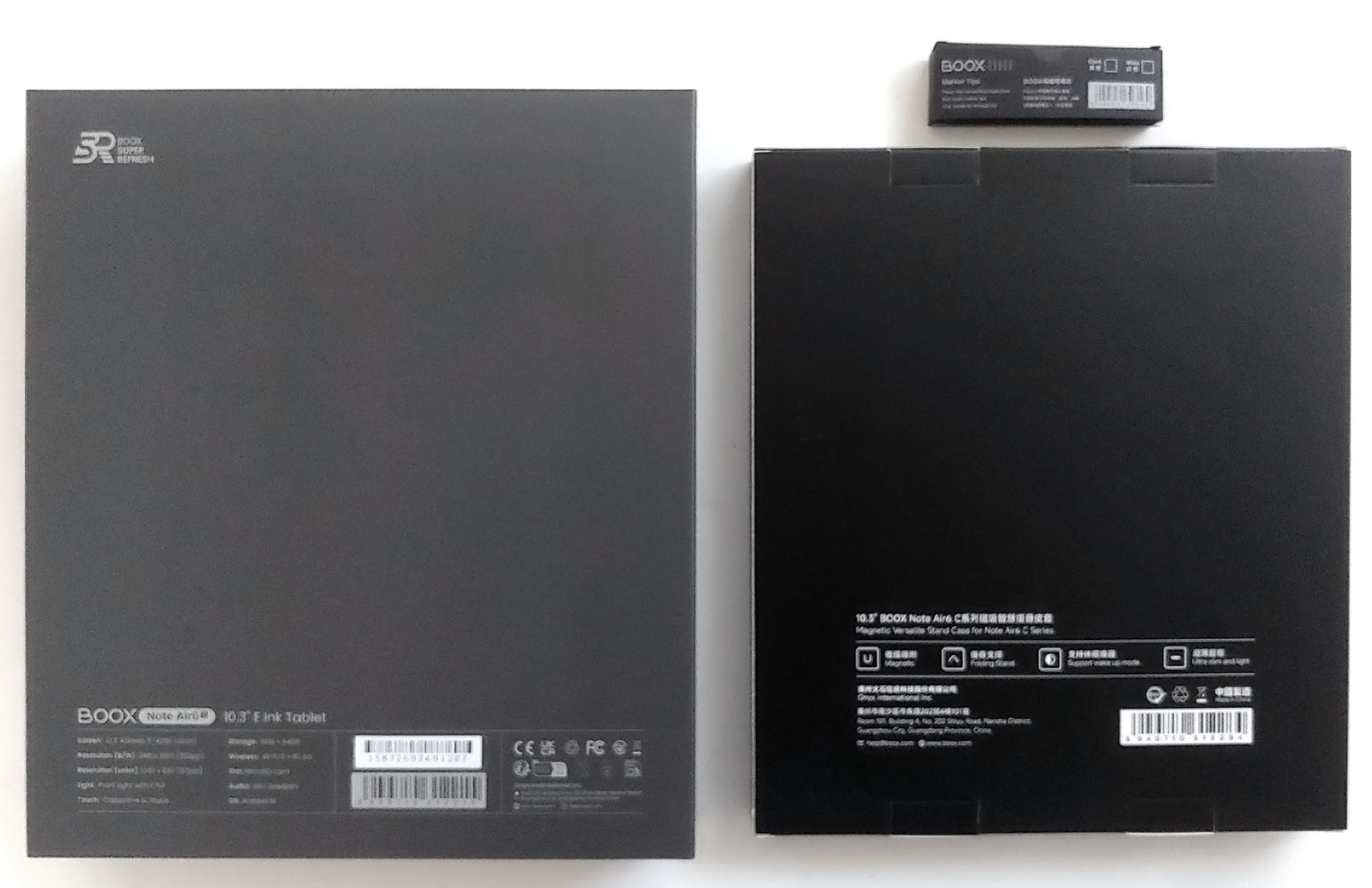
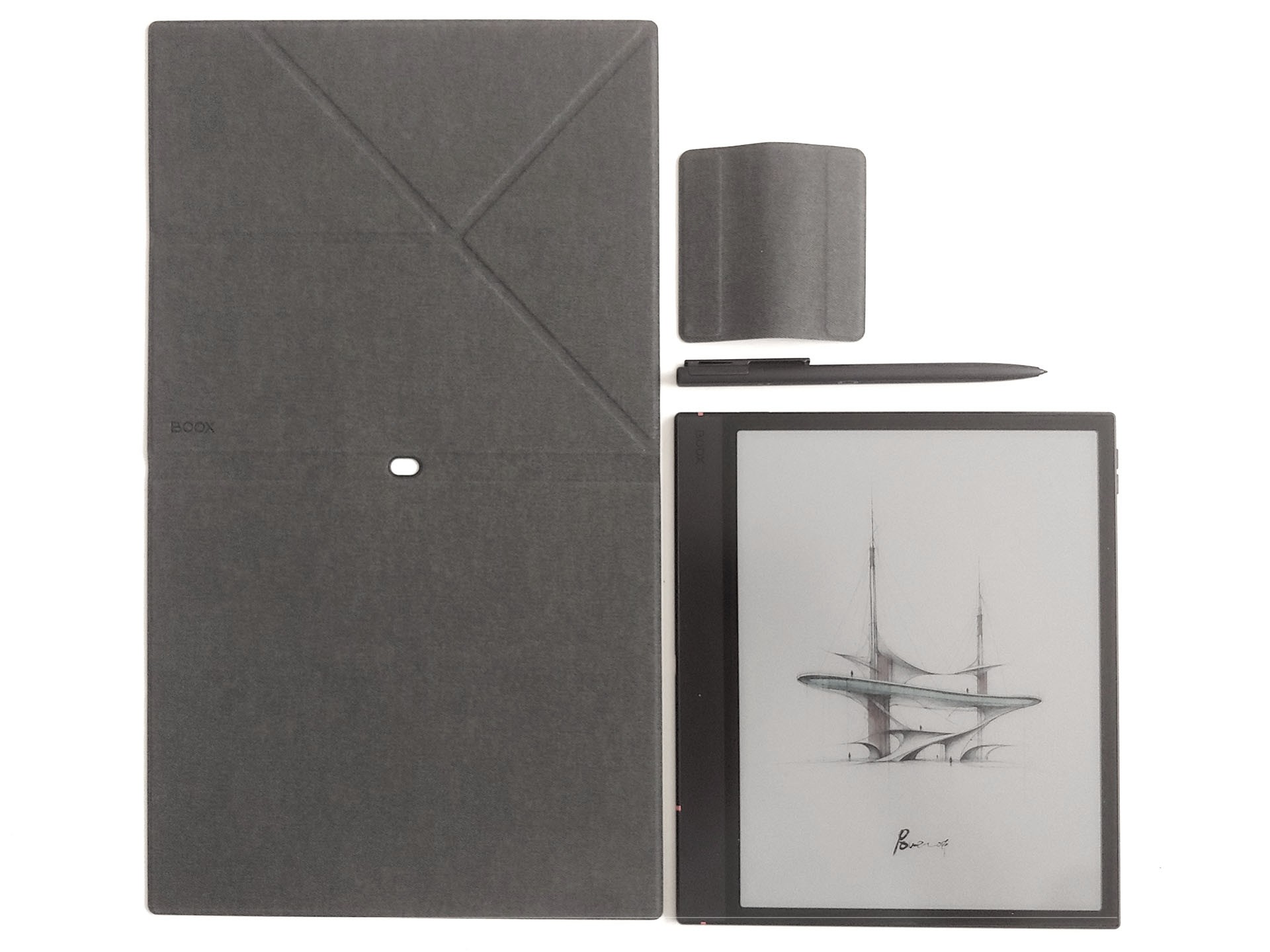
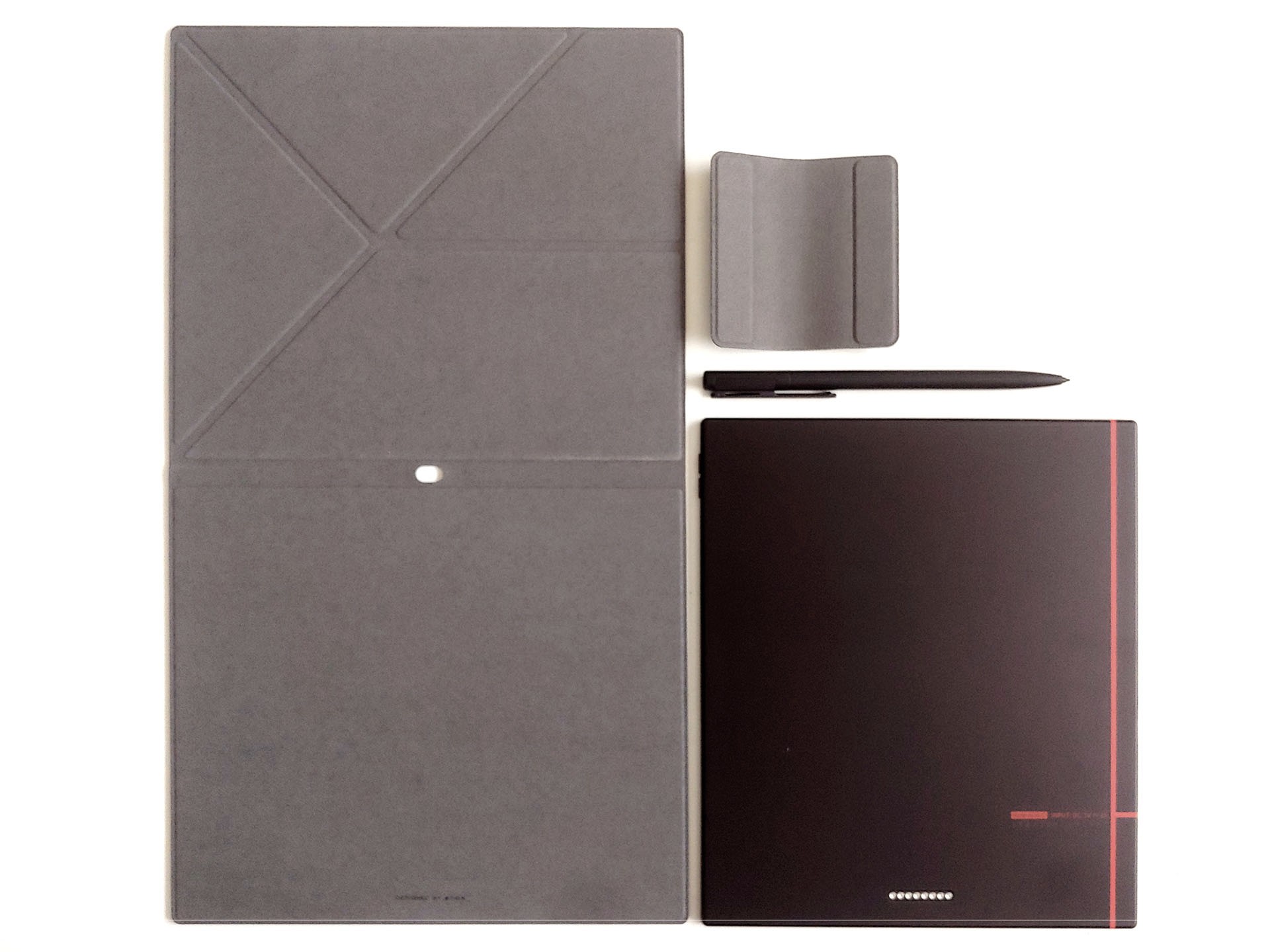
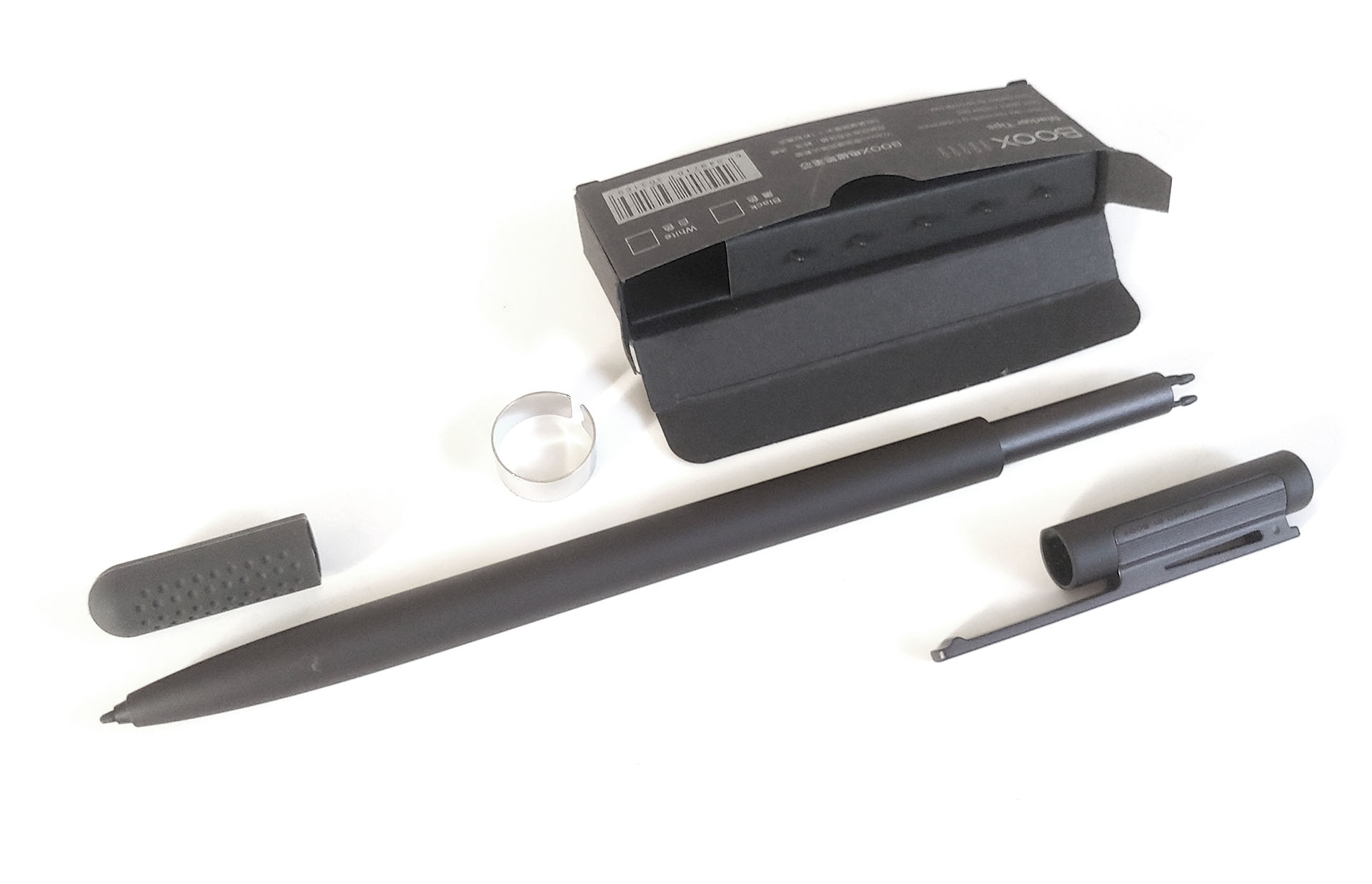
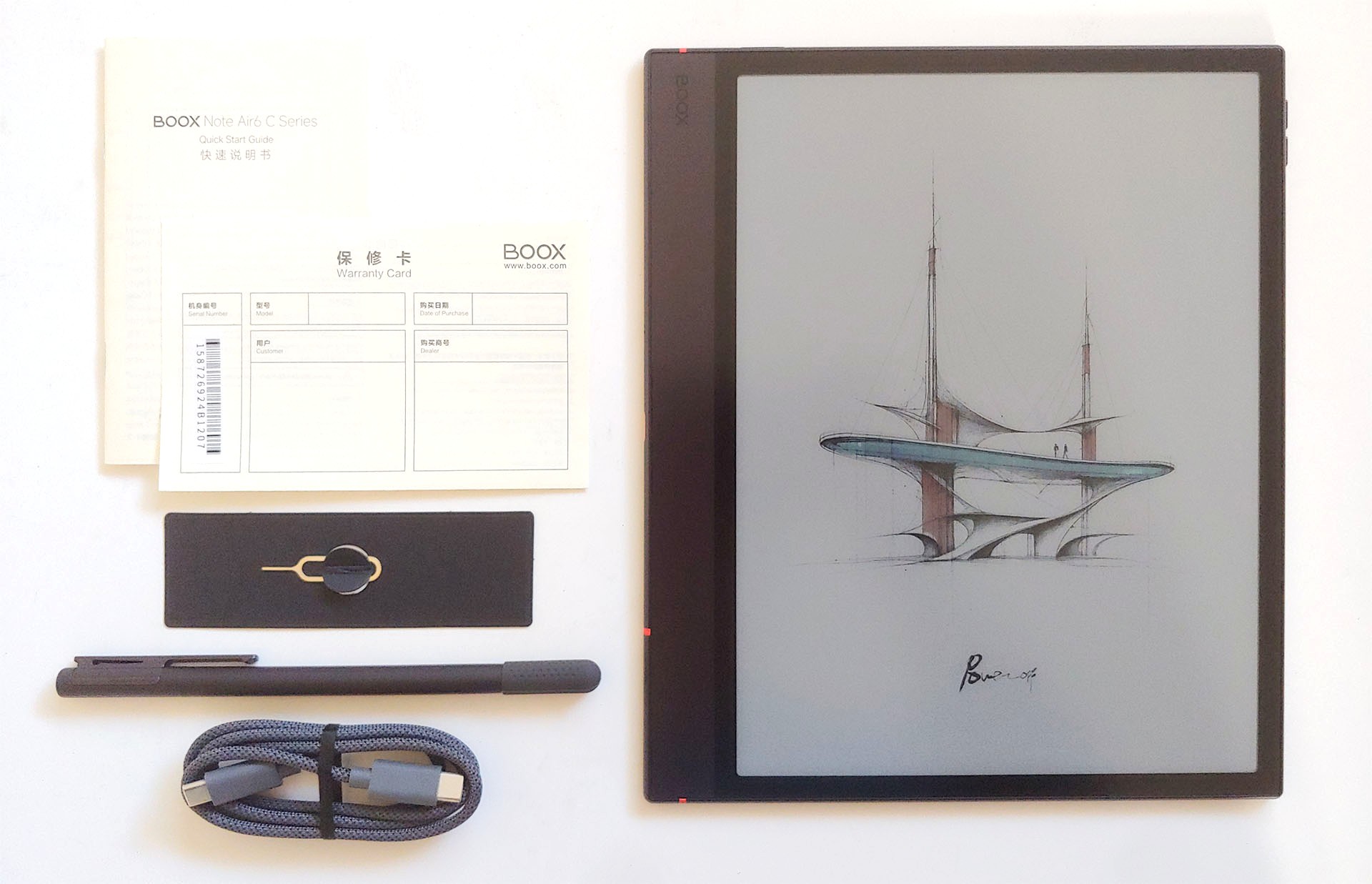
The e-reader included a USB-C cable, stylus, microSD eject pin, and documentation, plus an optional case and extra nibs.
Design and Performance
The Boox is paper-pad sized, with a wide left bezel for holding. It has a top-mounted power button, right-side volume buttons, rear keyboard pogo pins, and left-side USB-C port, microSD slot, and speakers.
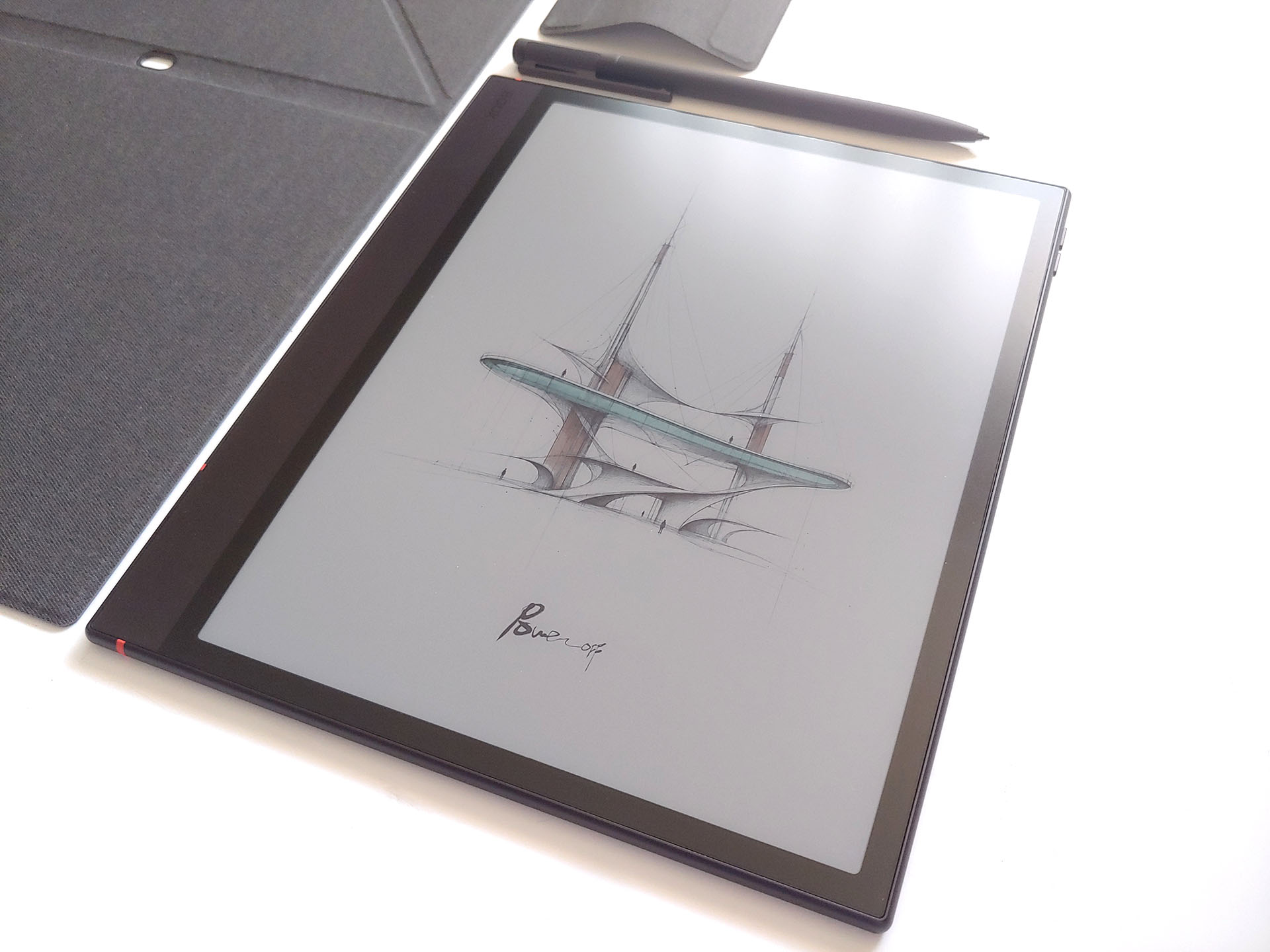
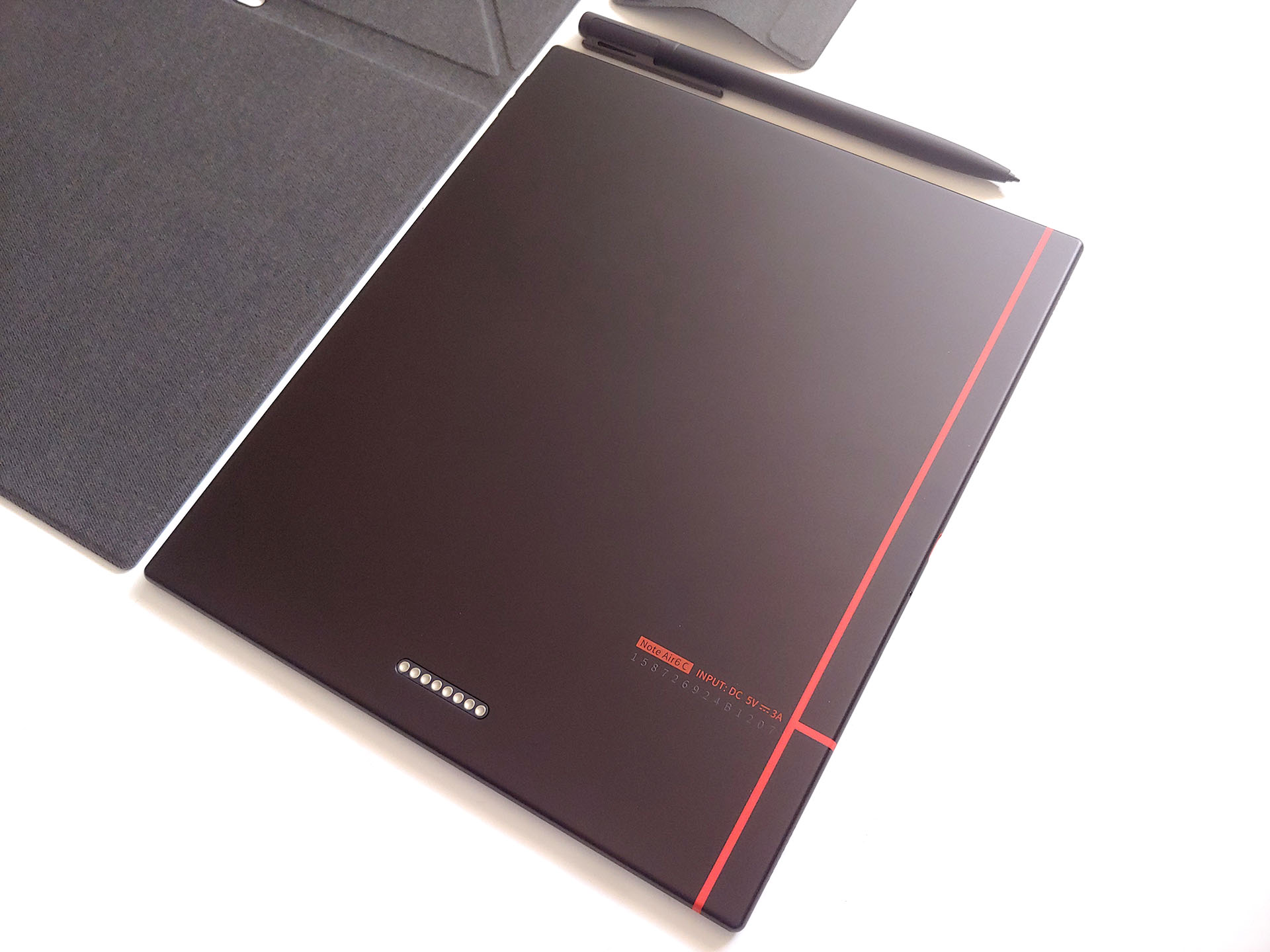
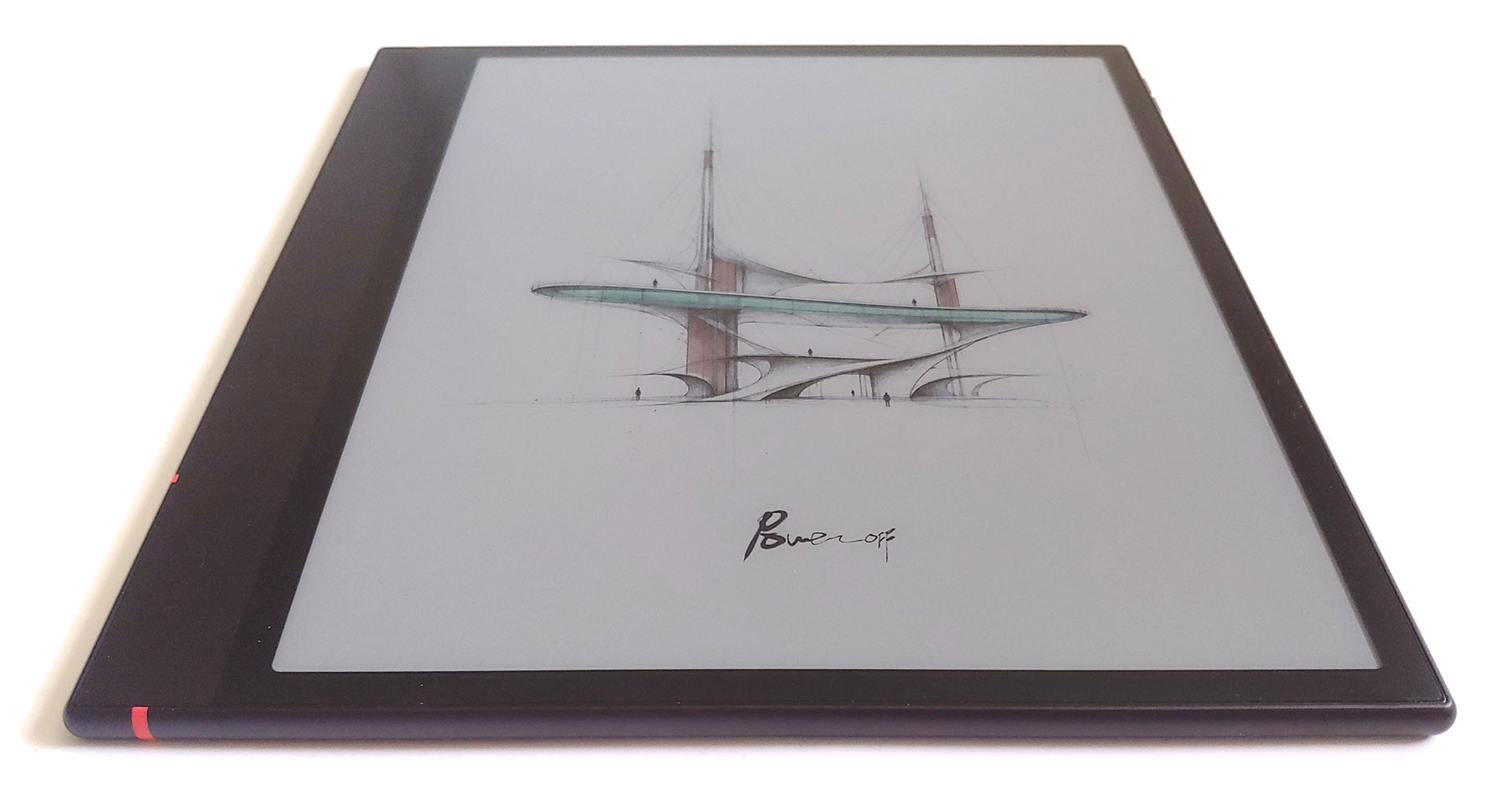
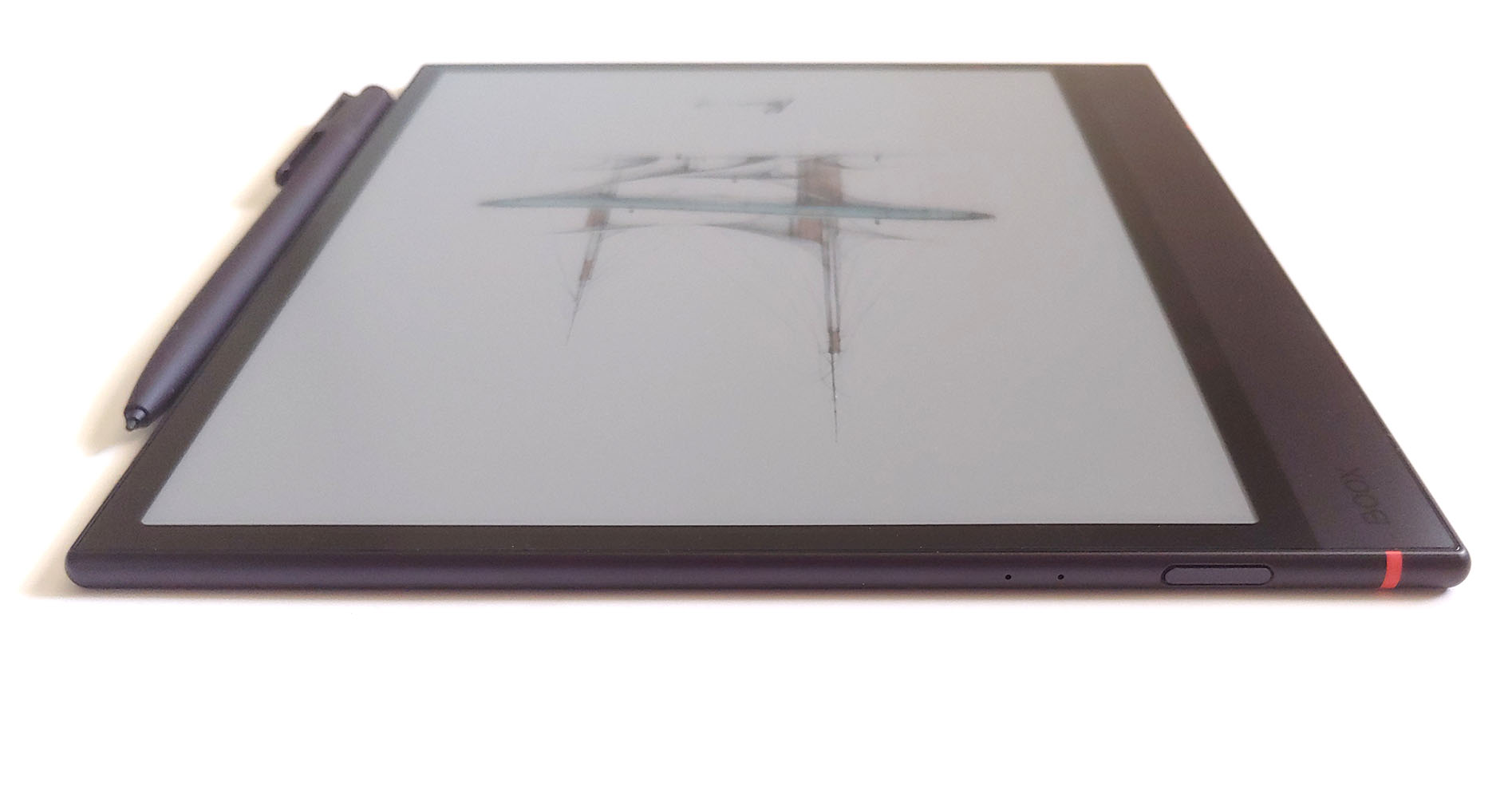
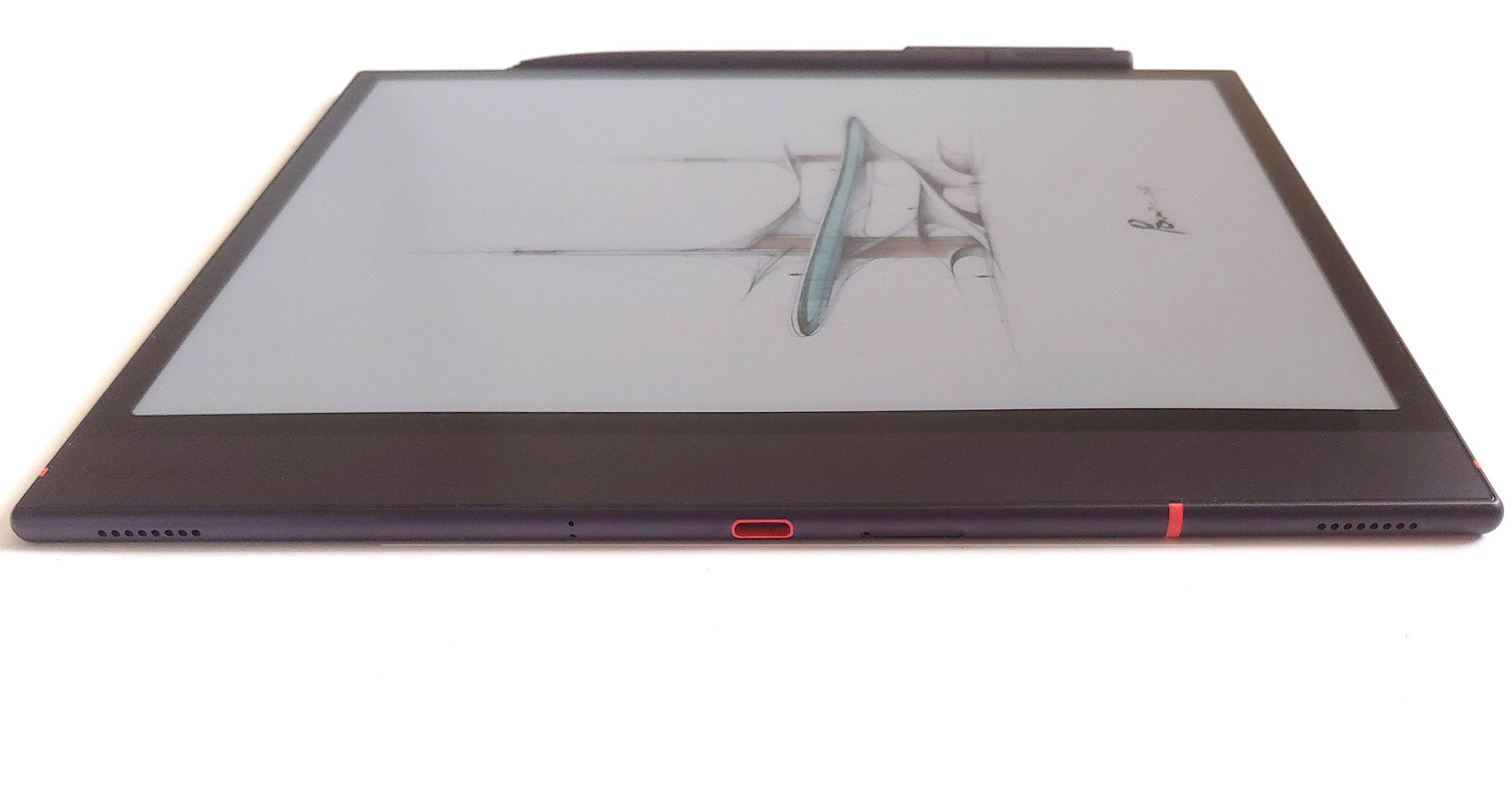
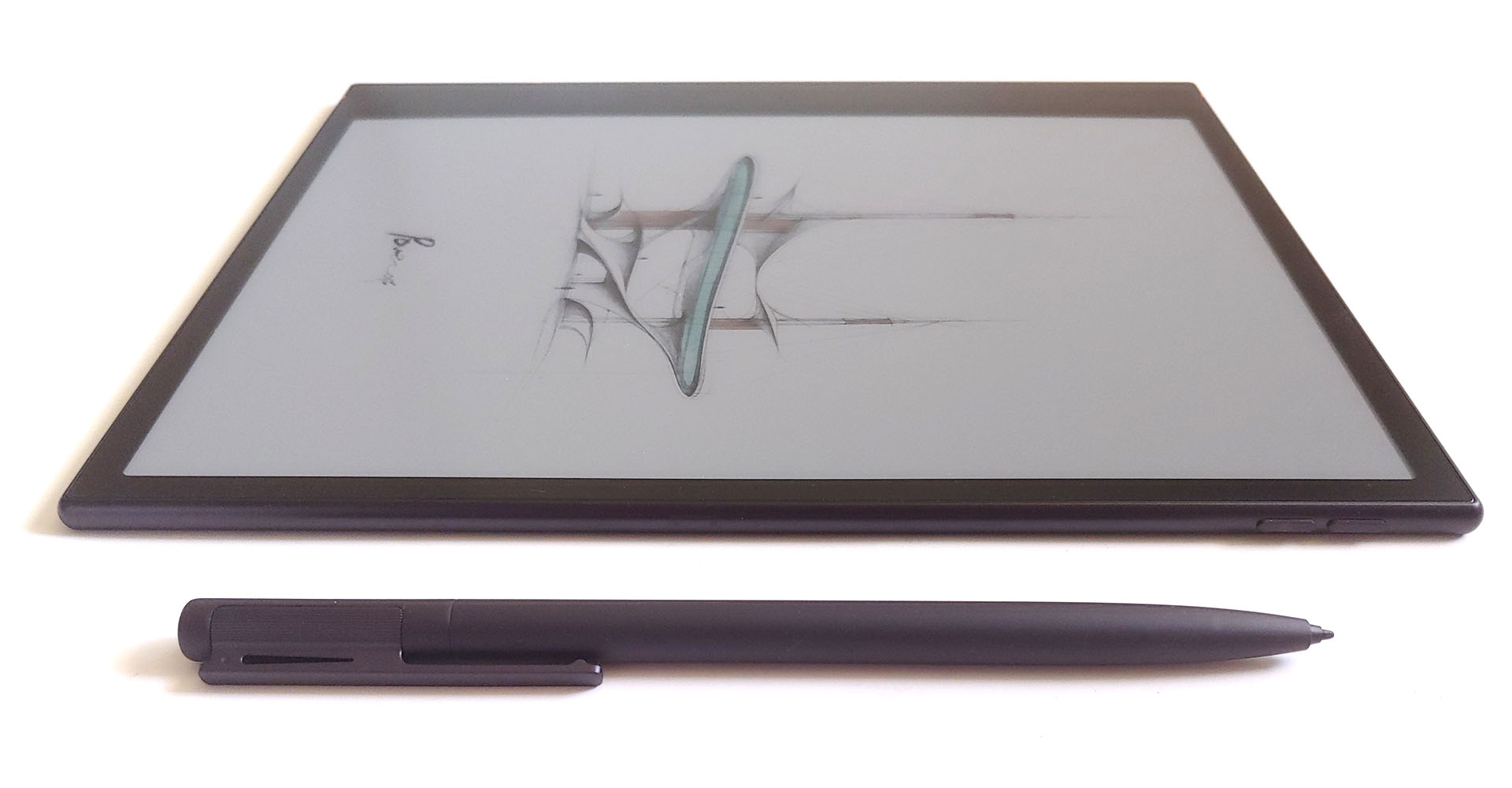
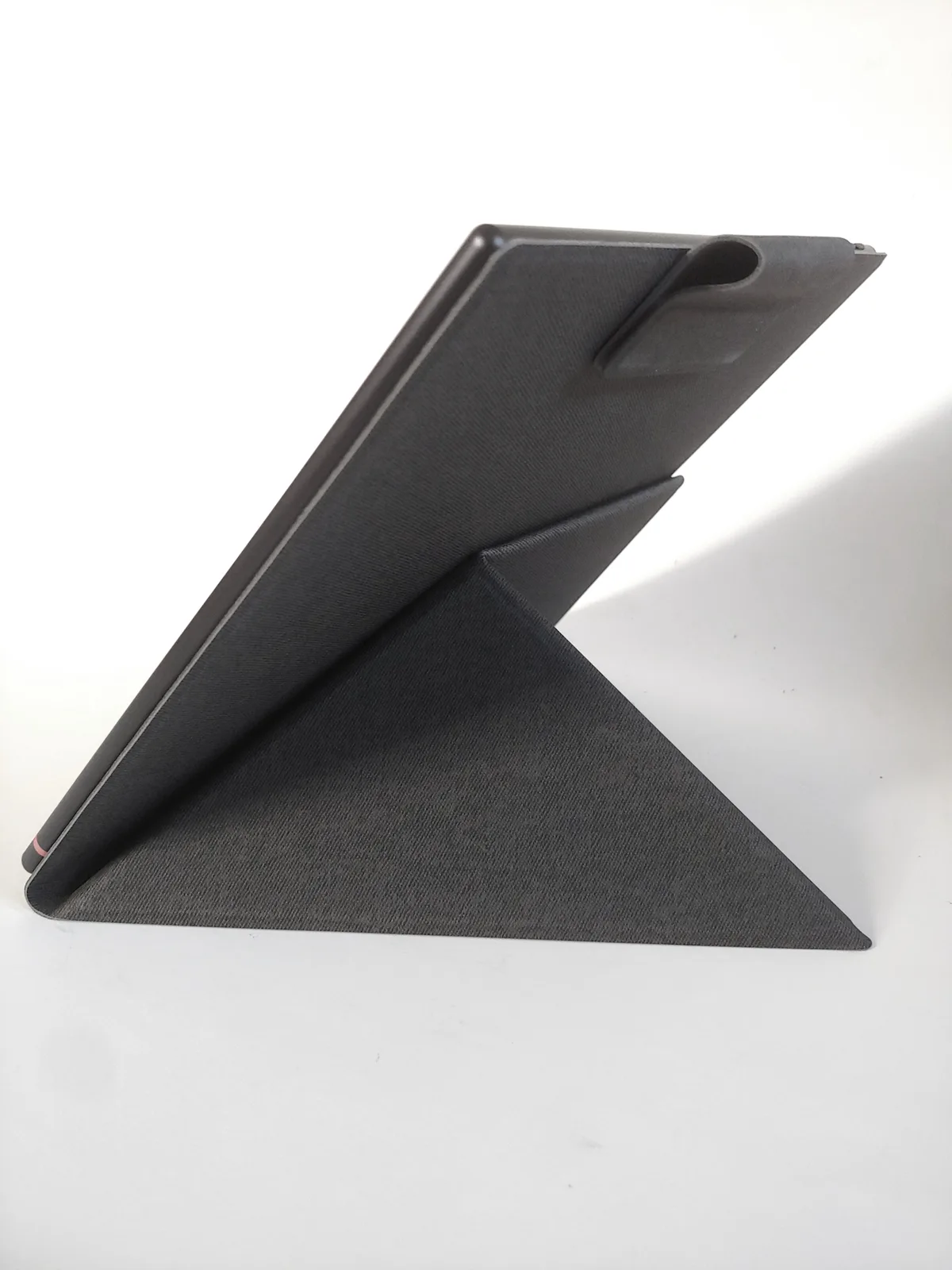
The case and stylus attach magnetically, and the pen recharges wirelessly when docked. A removable magnetic flap secures both.
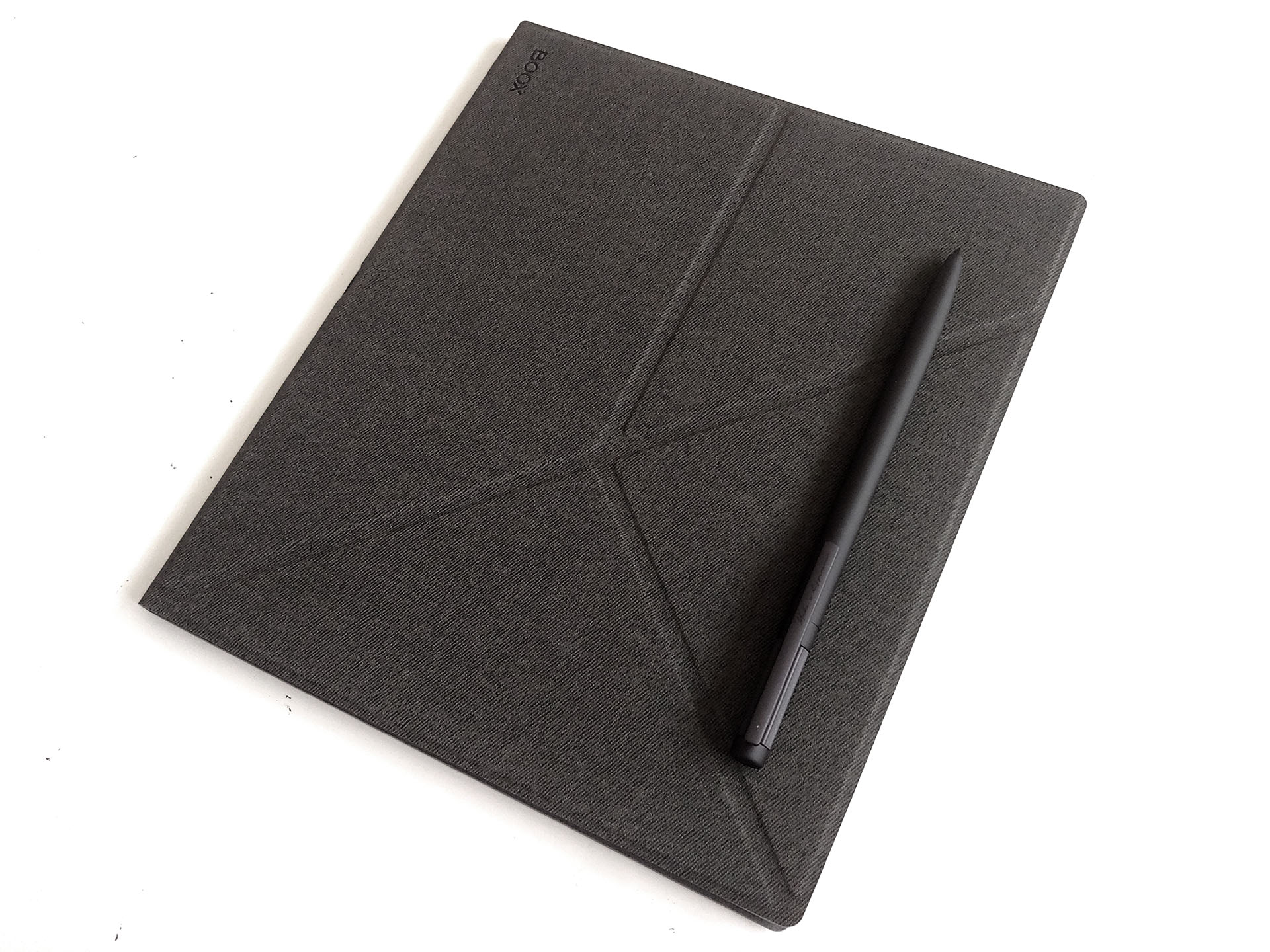
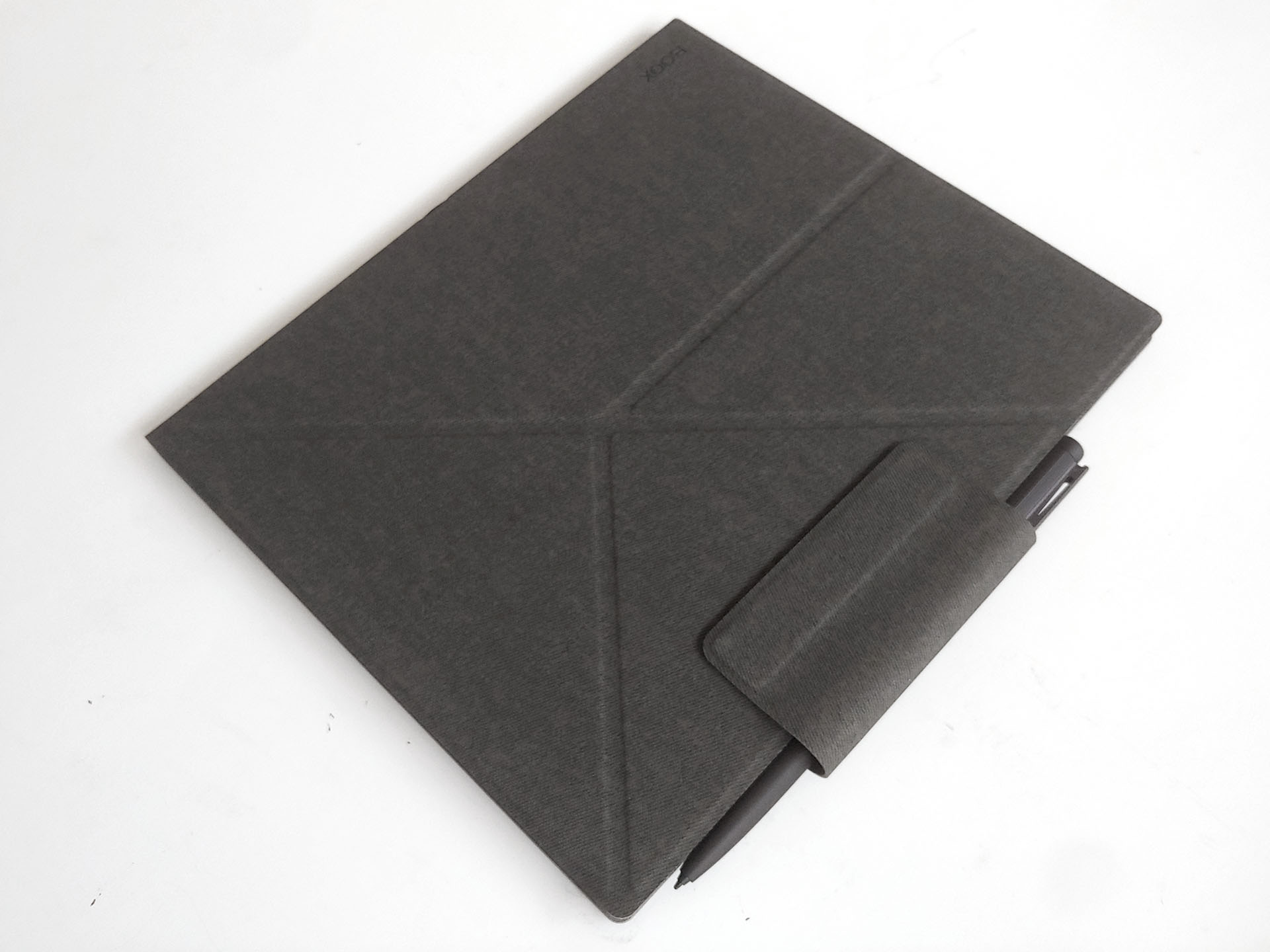
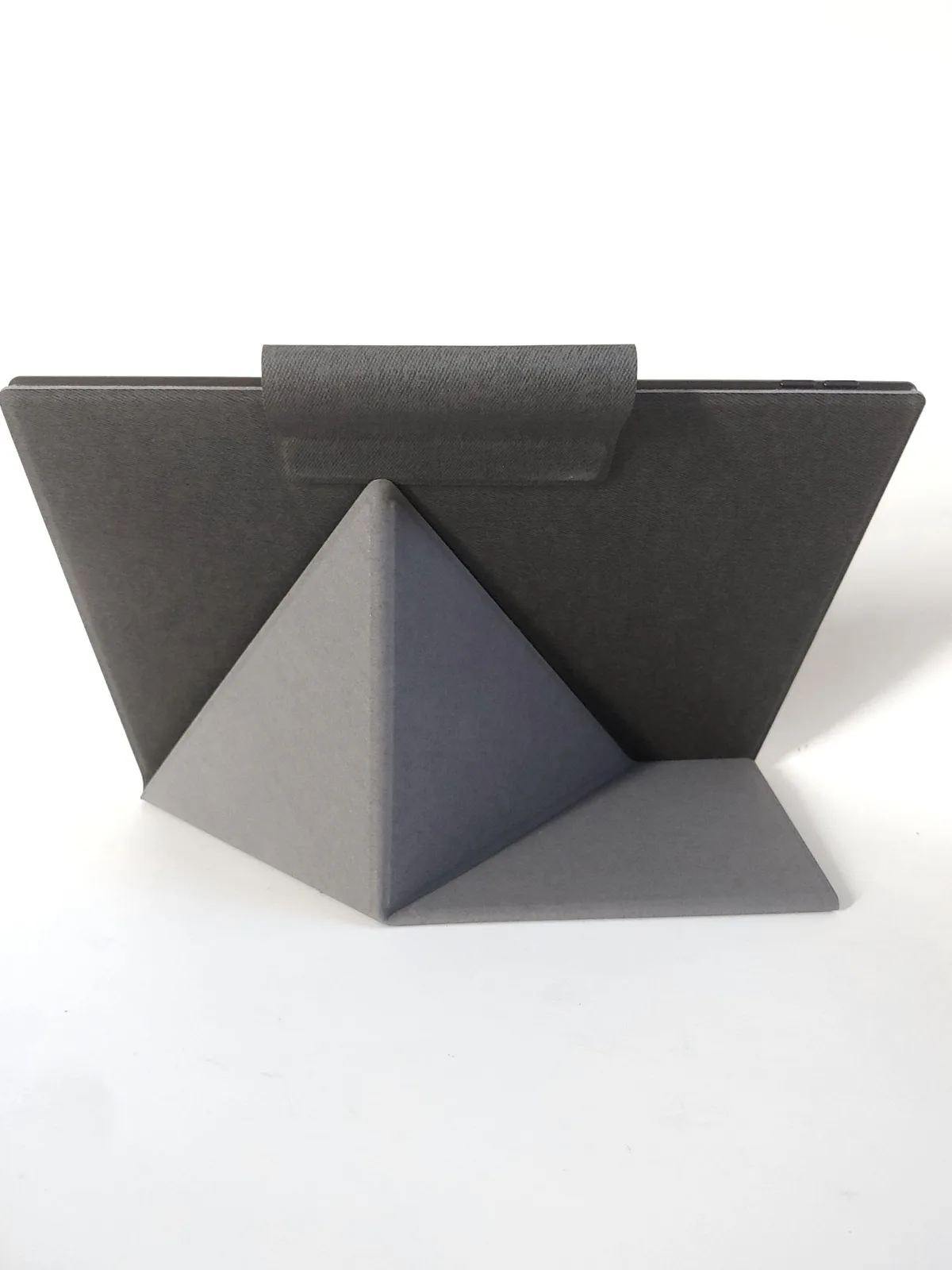
The tablet is thinner than the stylus but becomes thicker with the case attached.
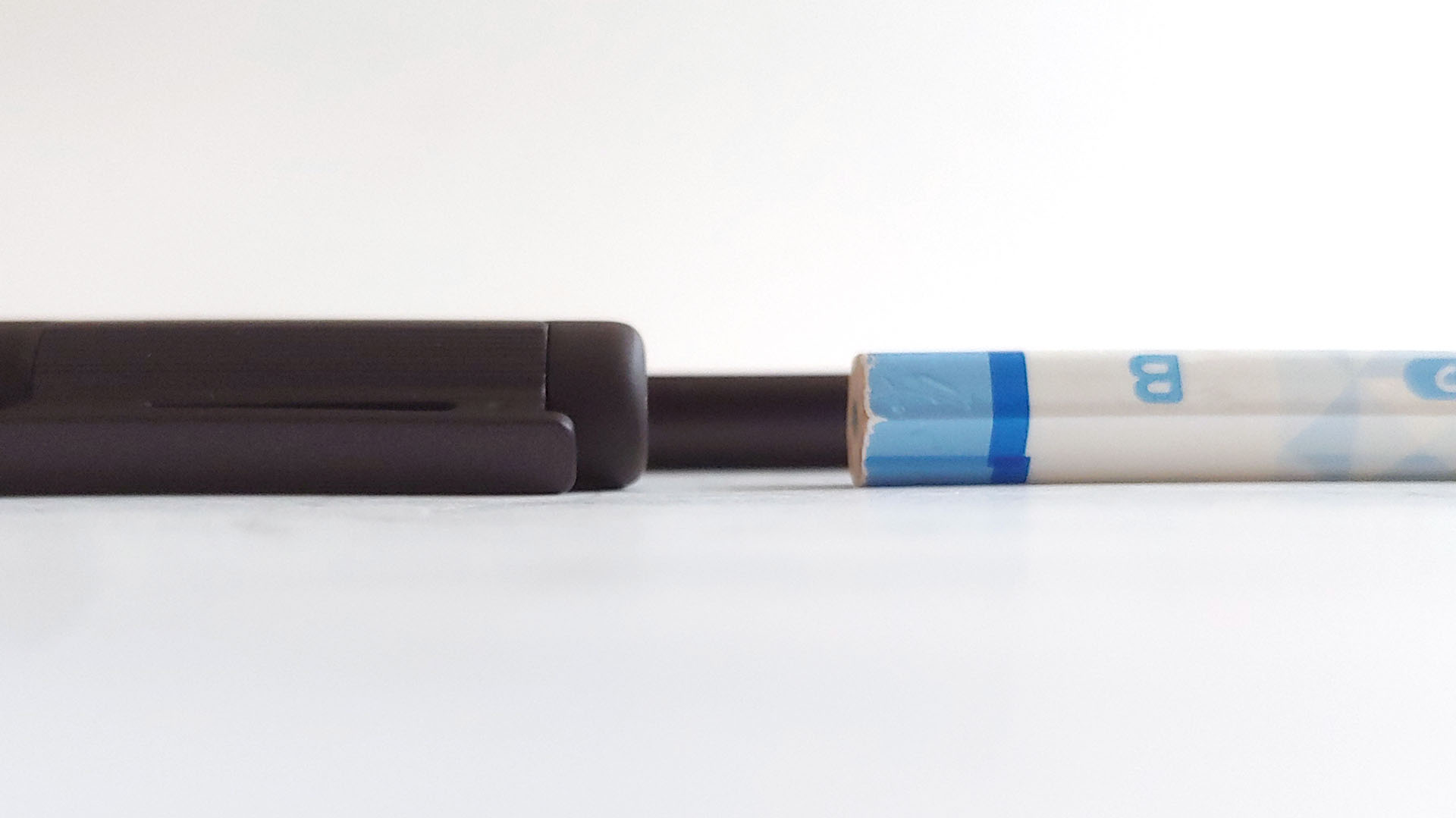
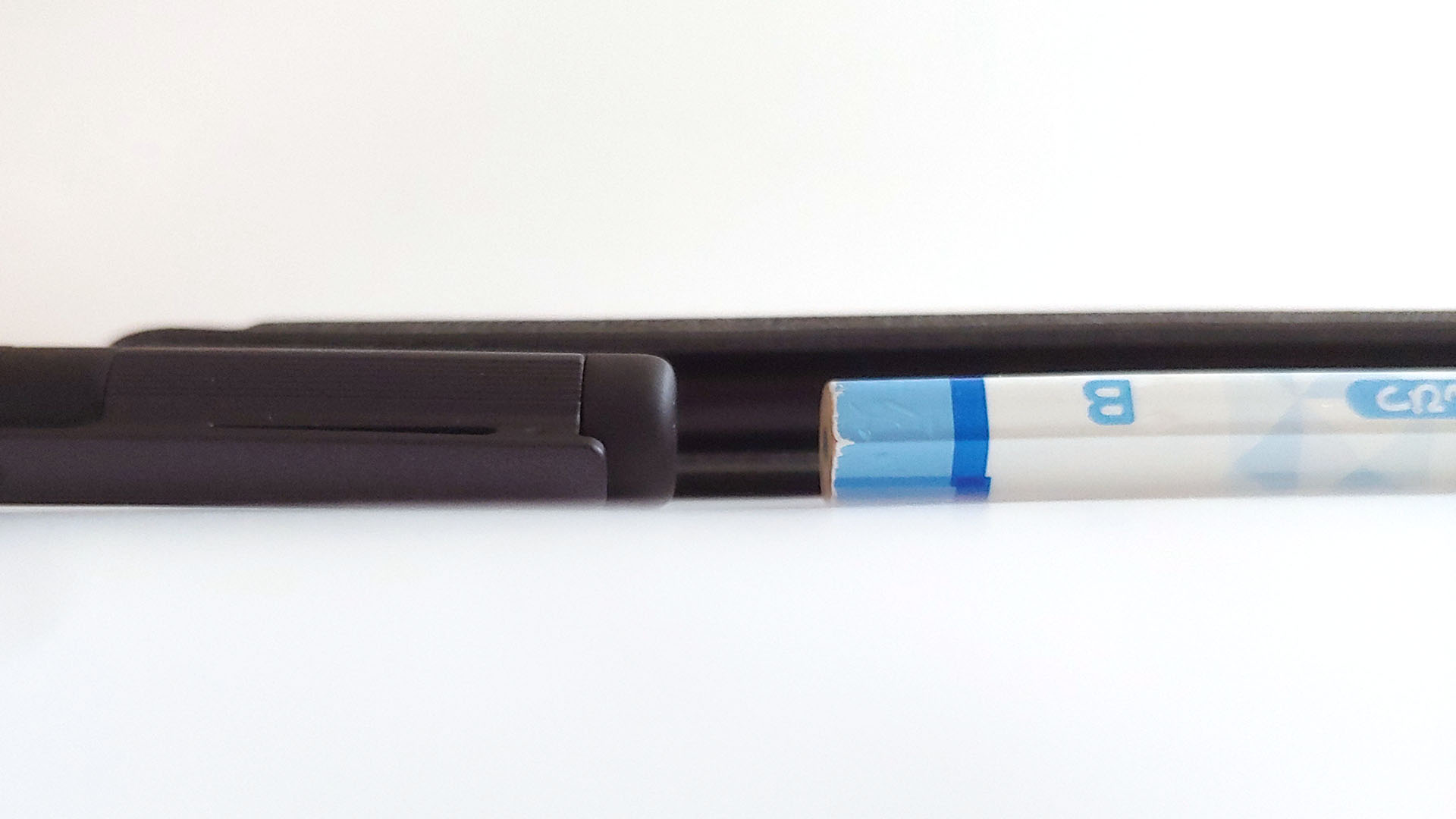
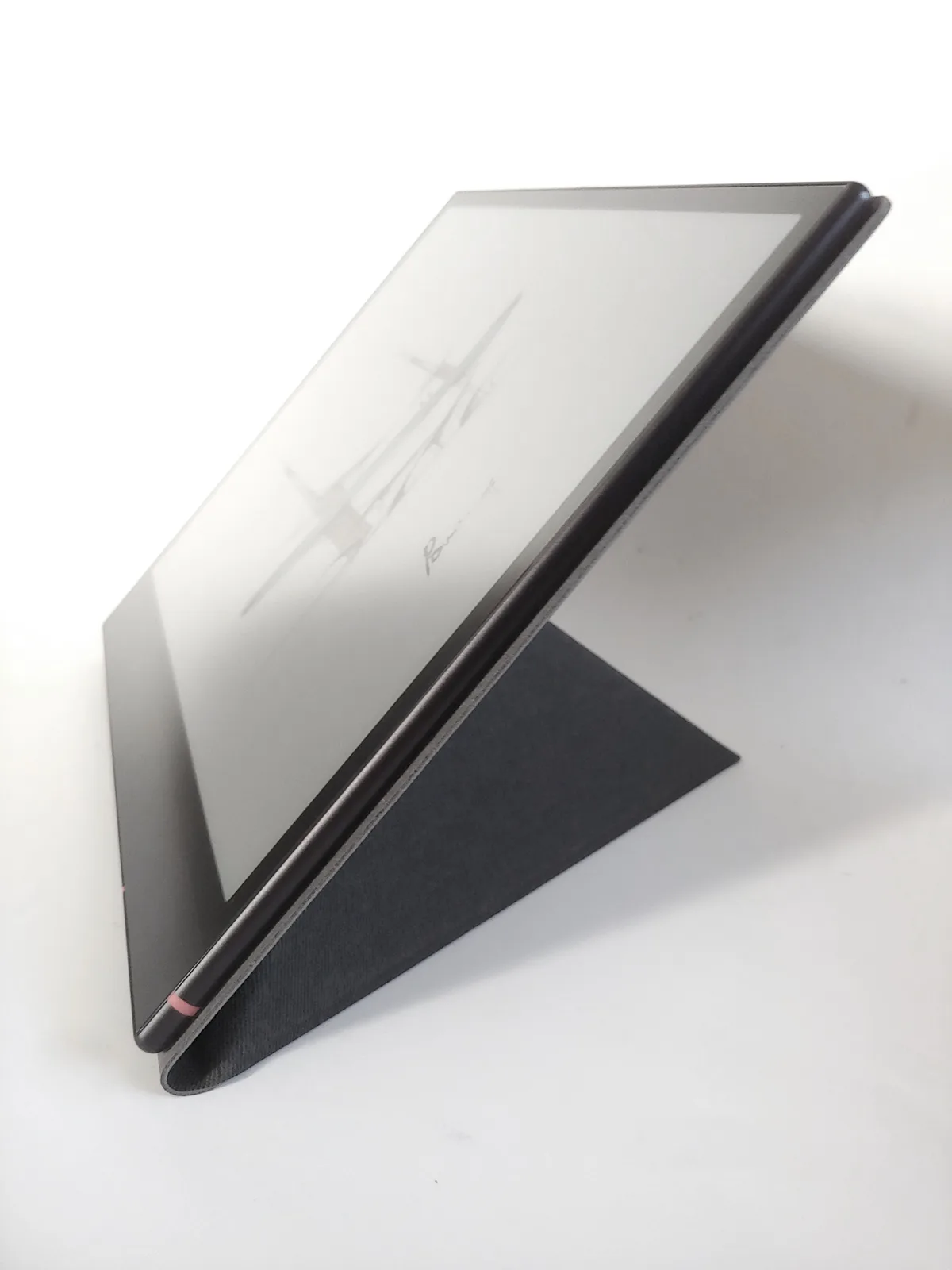
The case doubles as a stand.
The tablet’s PassMark performance (14536 system and 7004 CPU) is comparable to a Samsung S23FE.
Setup, Stores, and Apps
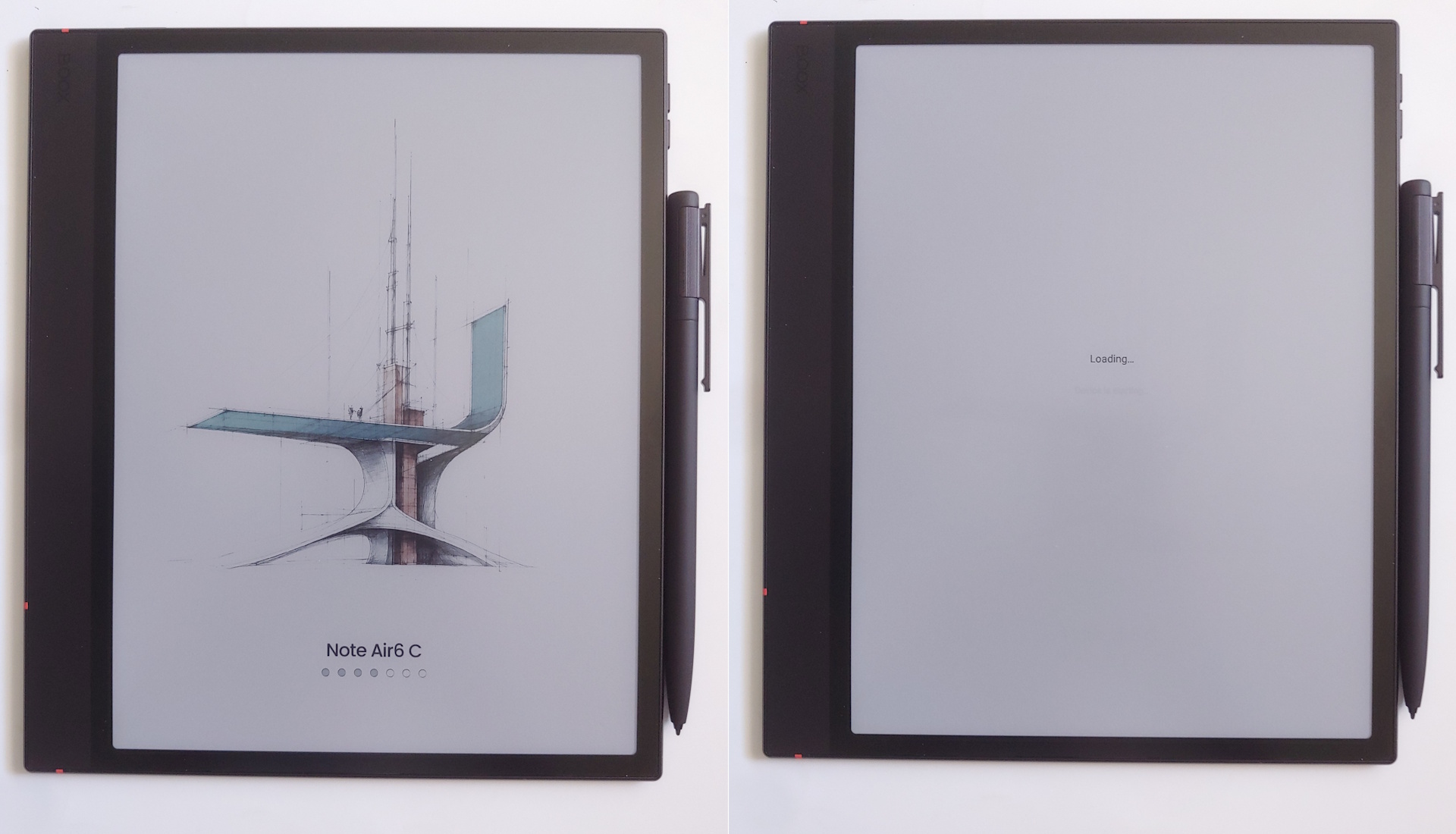
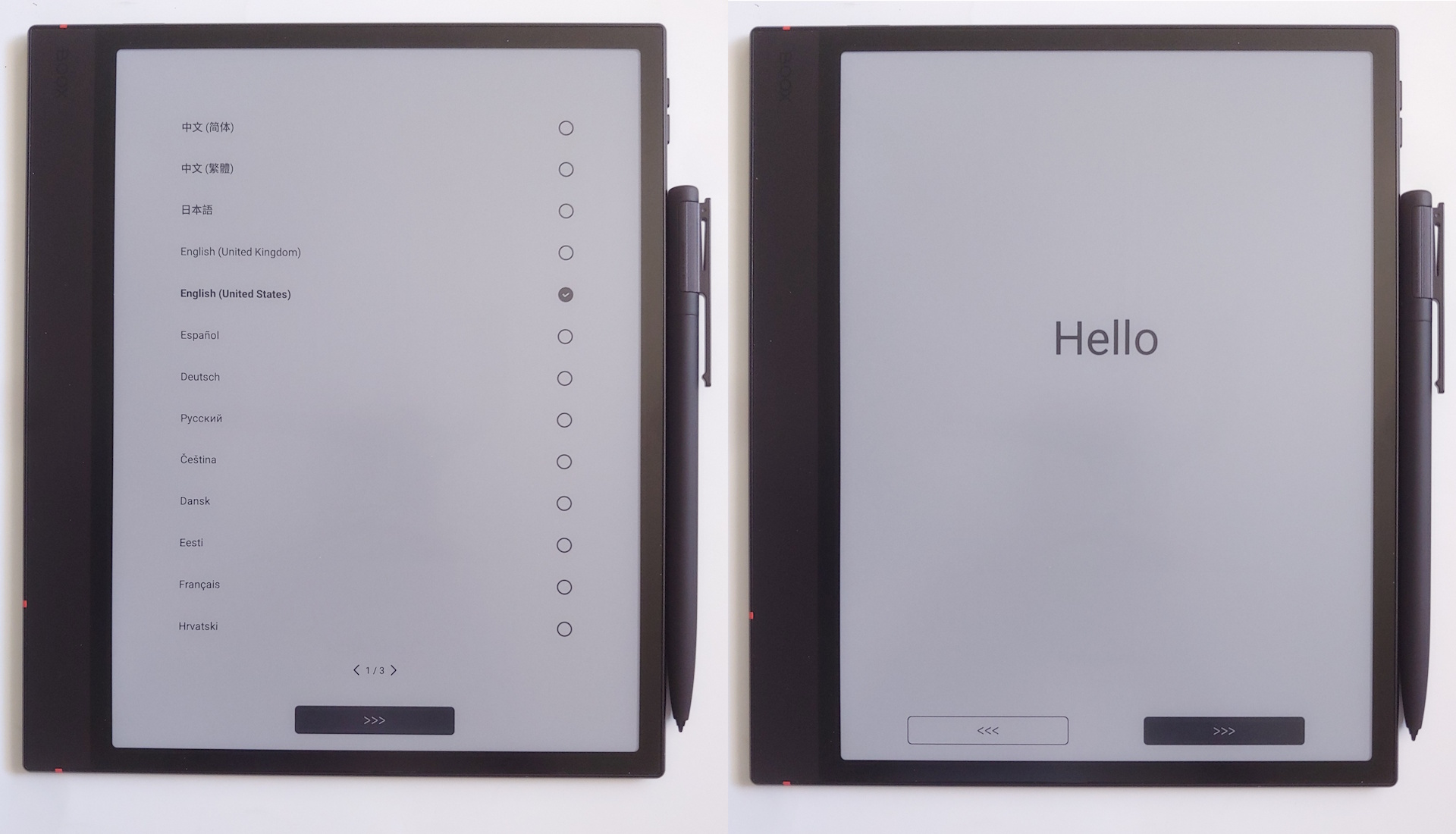
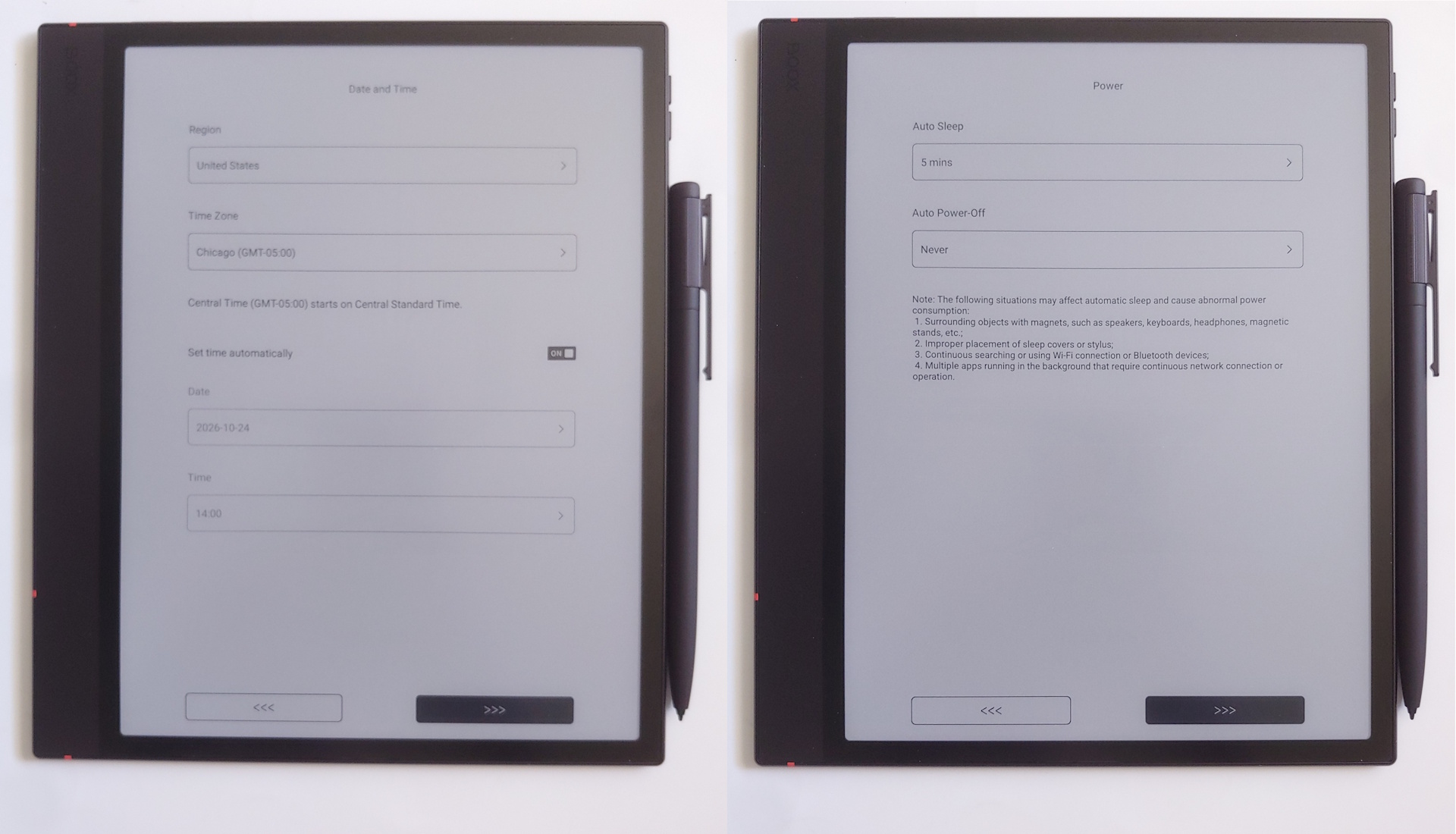
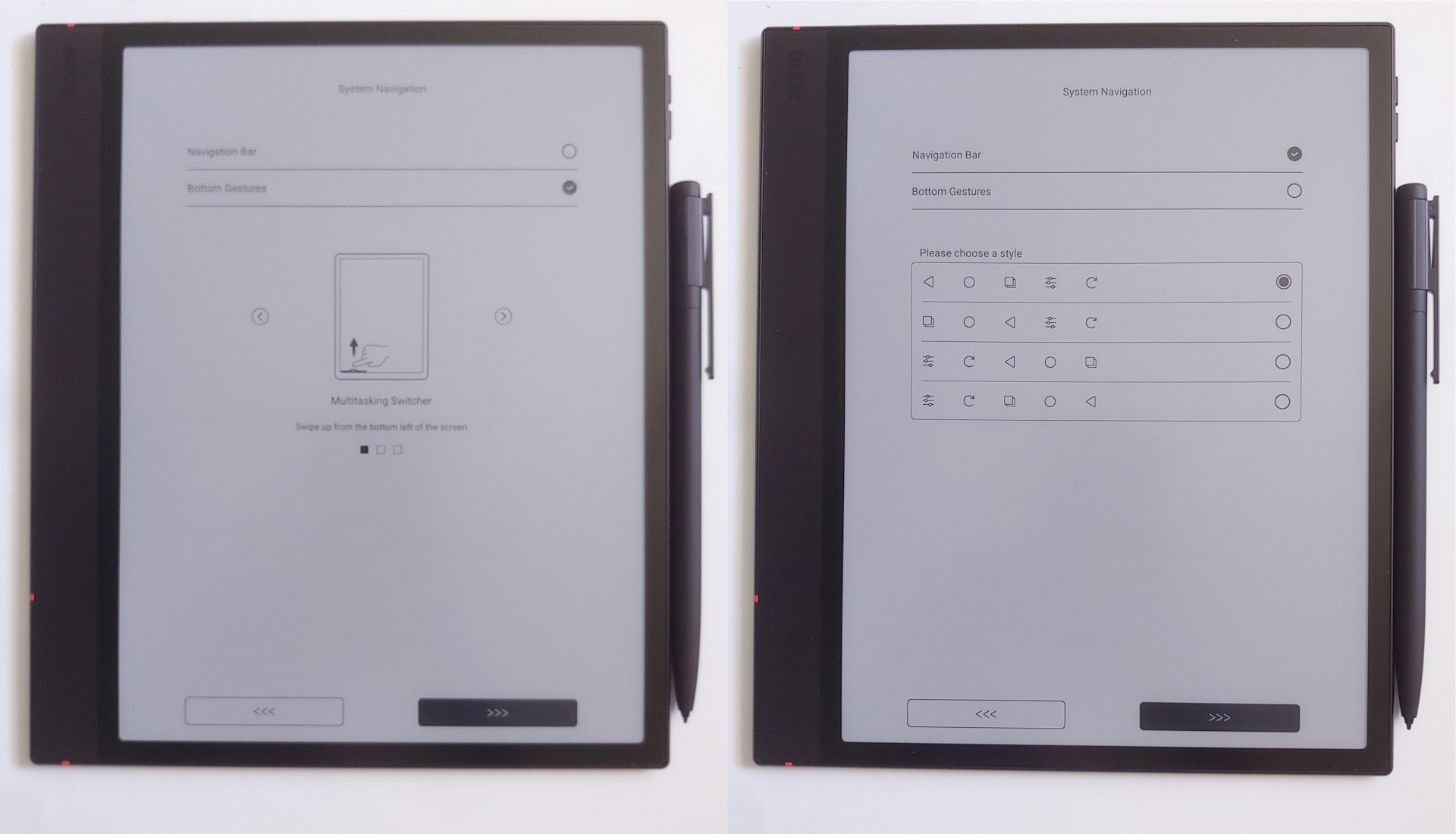
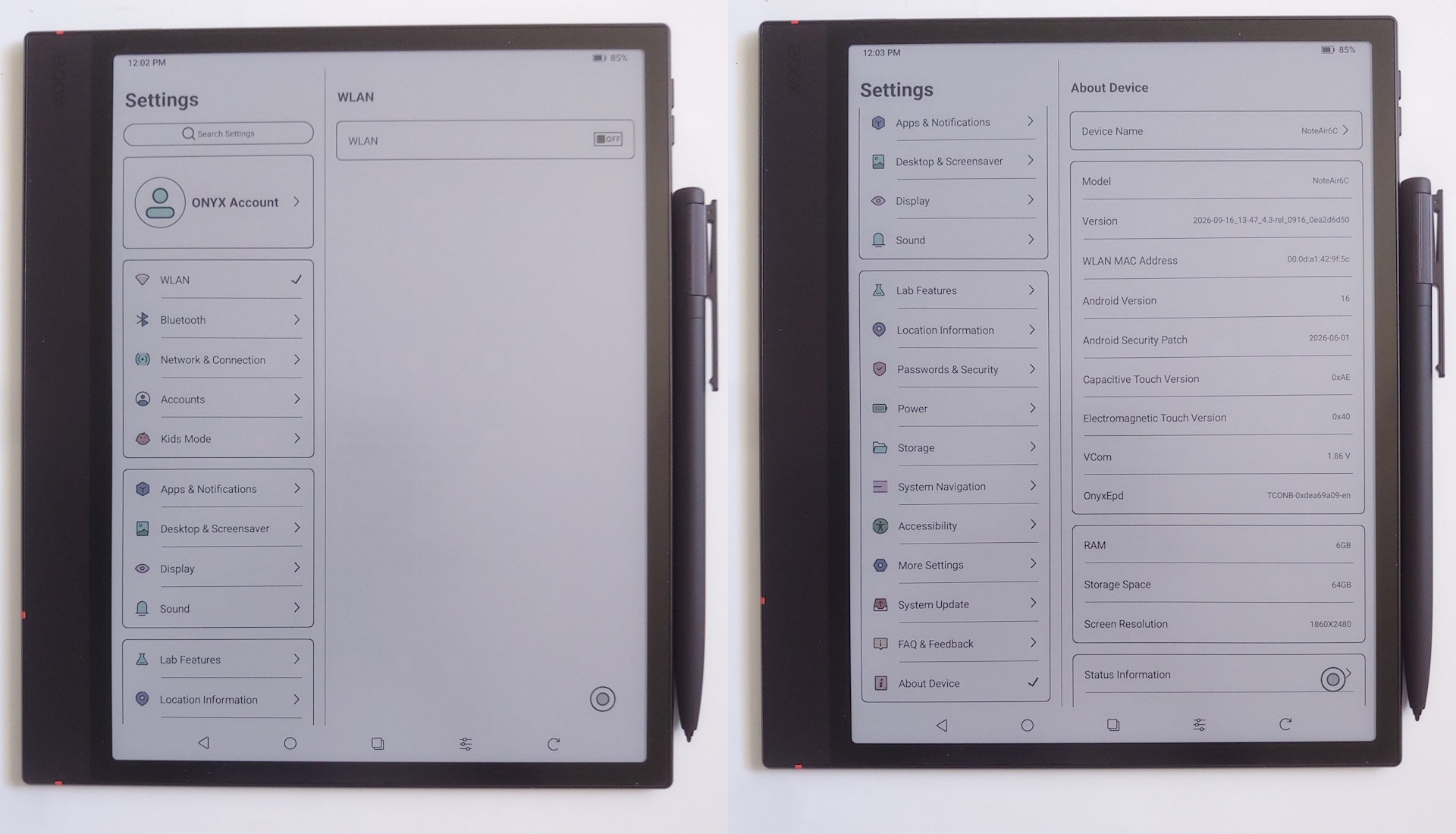
Setup was quick with no Google account required, though the AI Assistant needs a Boox account.
Setup screens
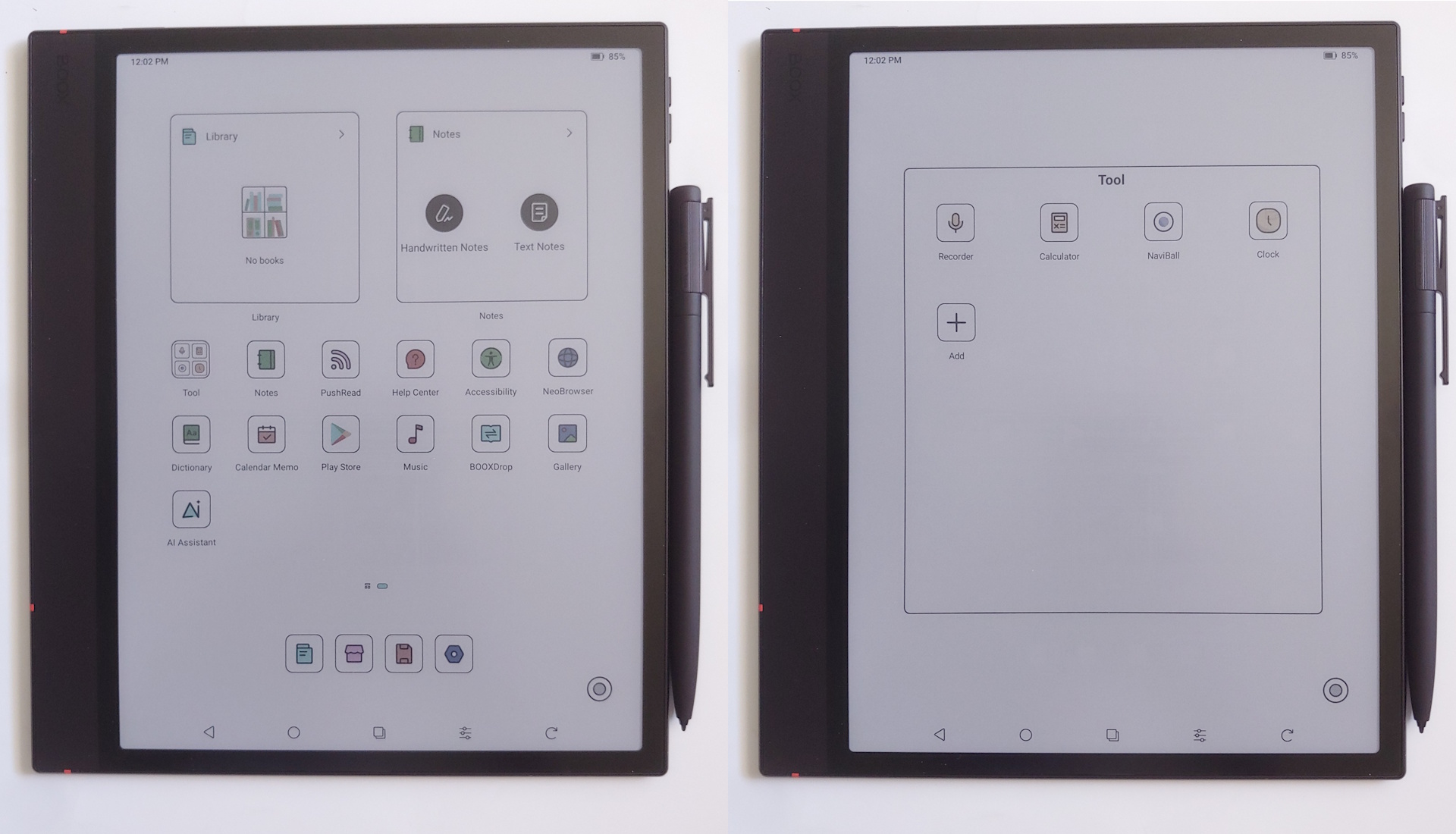
Home categories
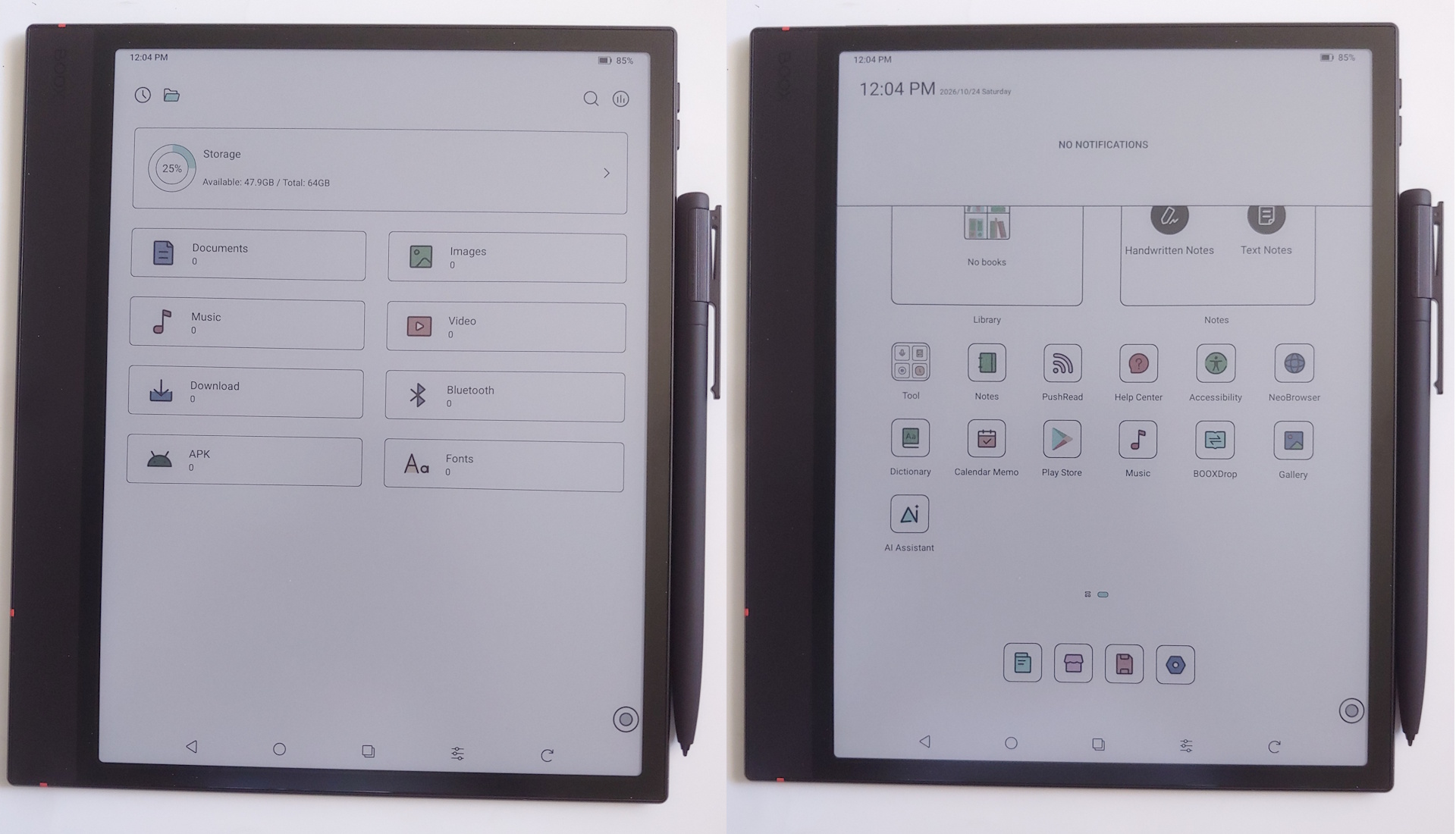
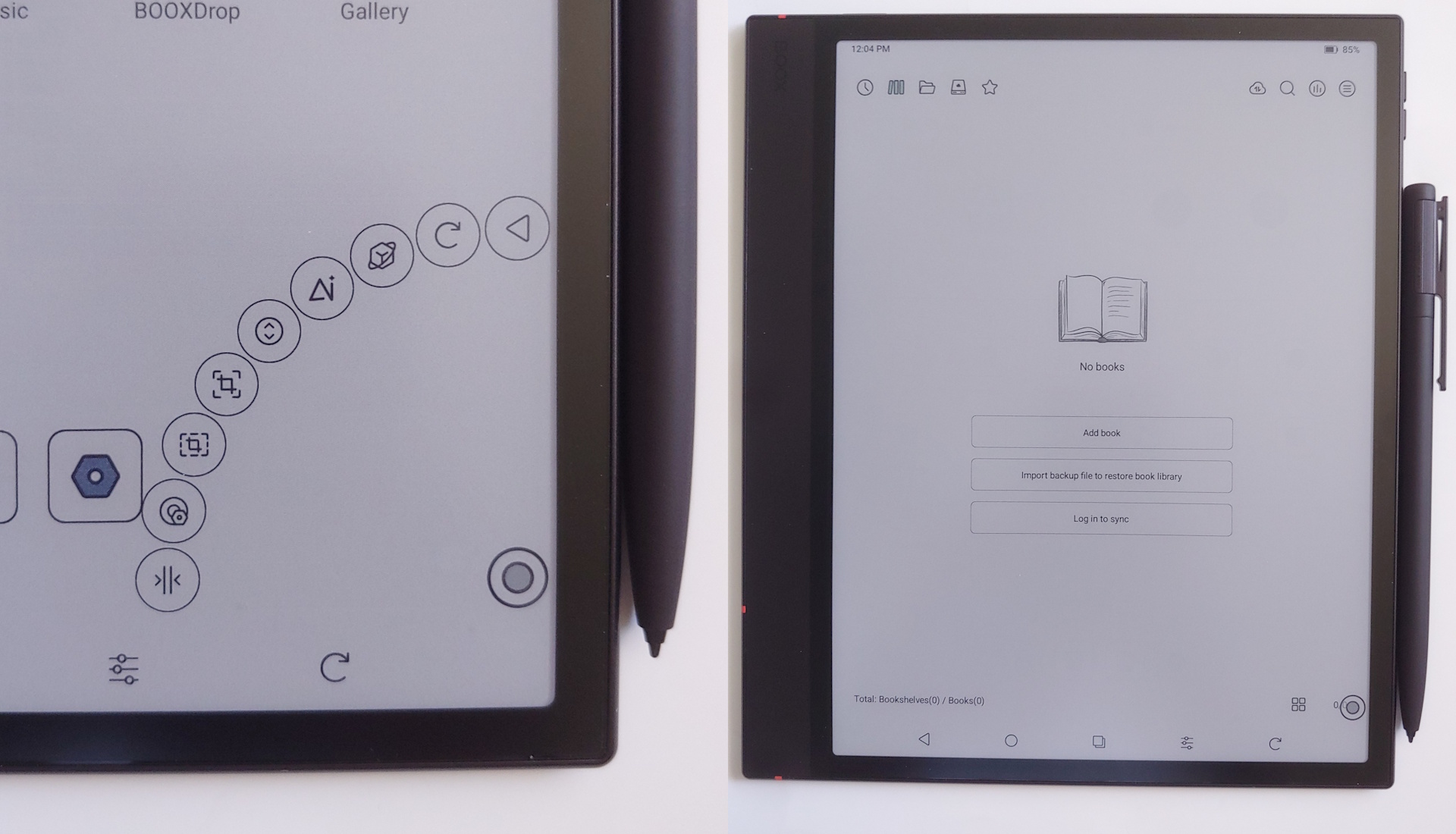
EInkWise, Quick action, and system settings
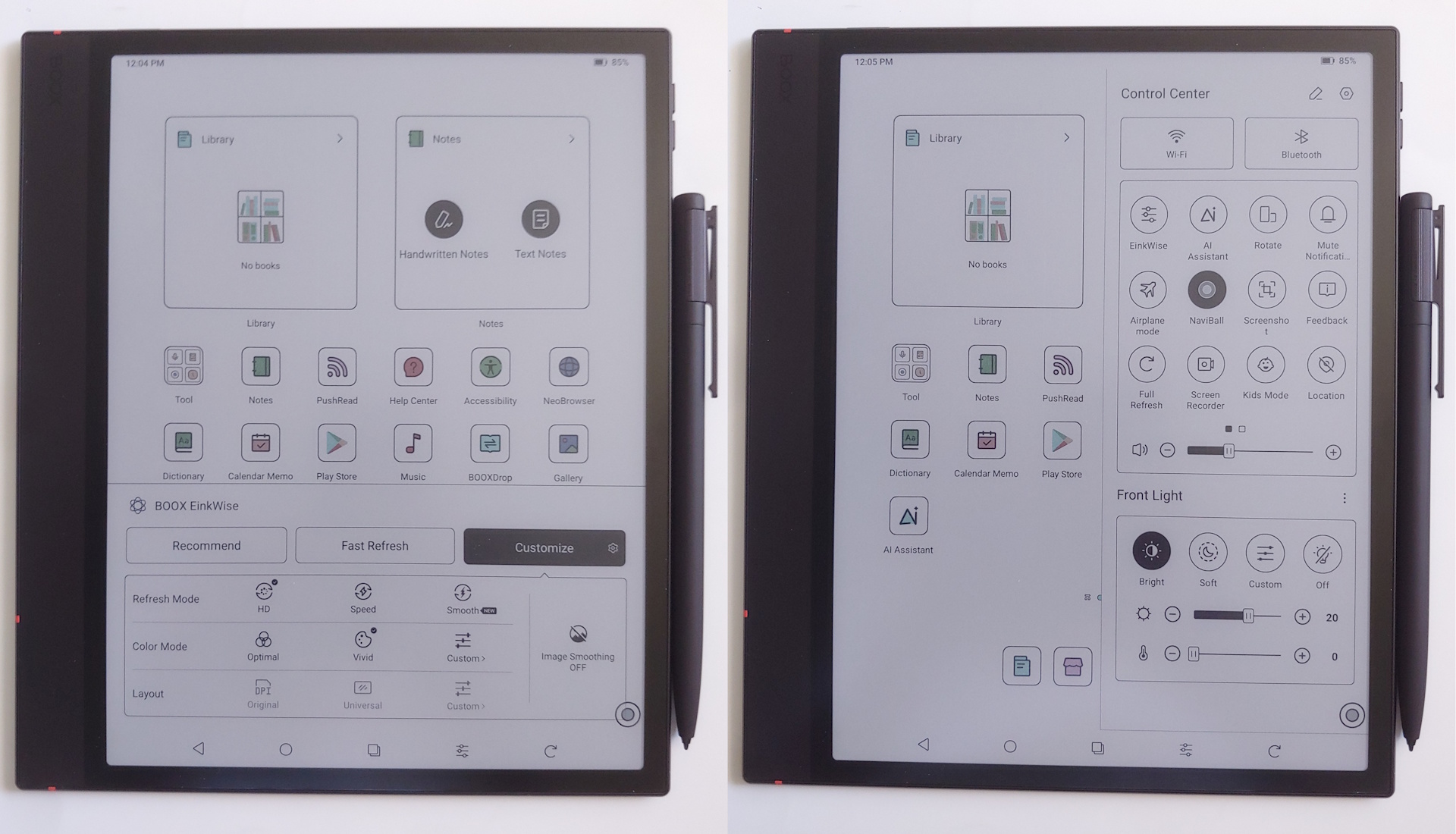
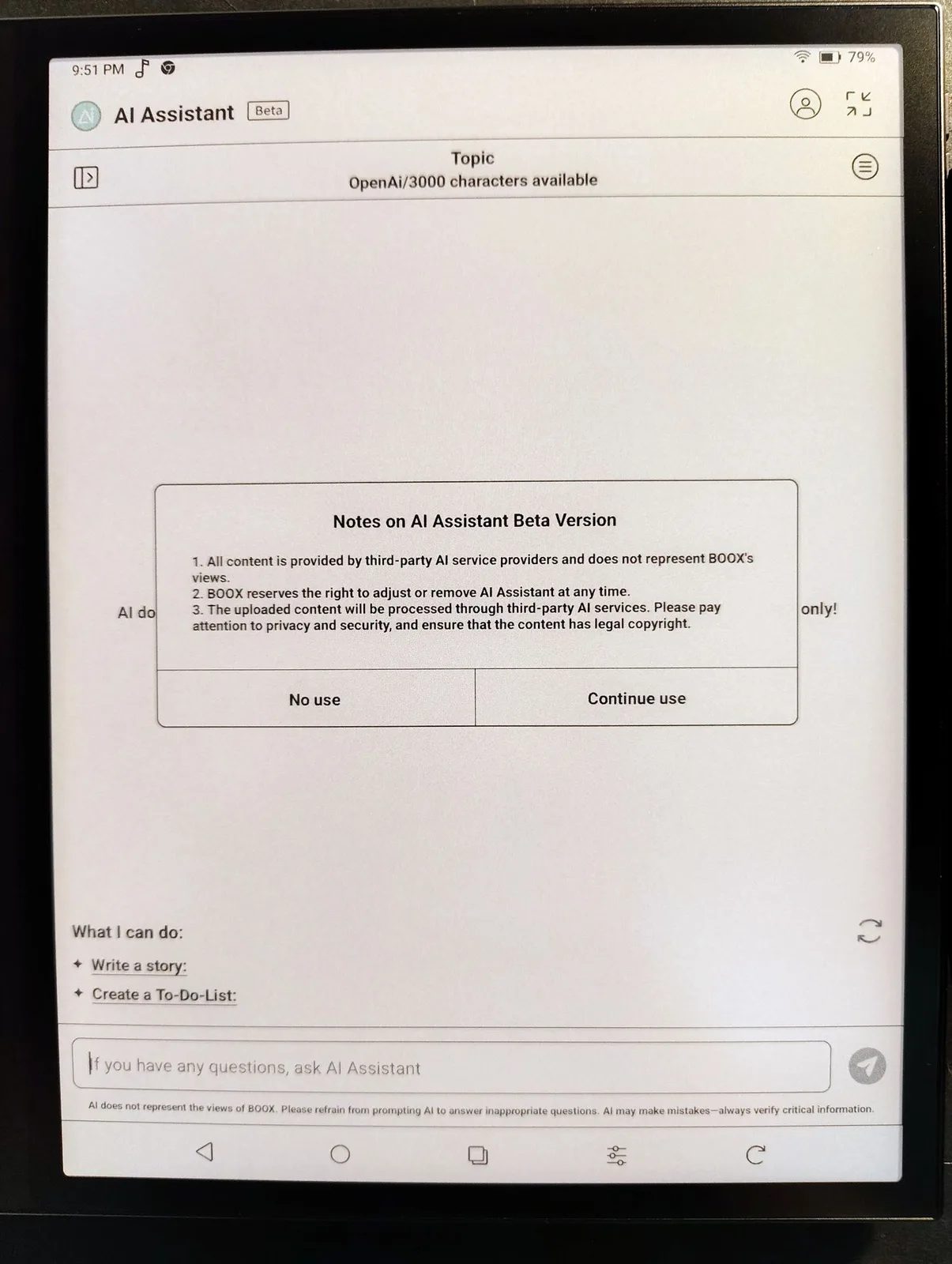
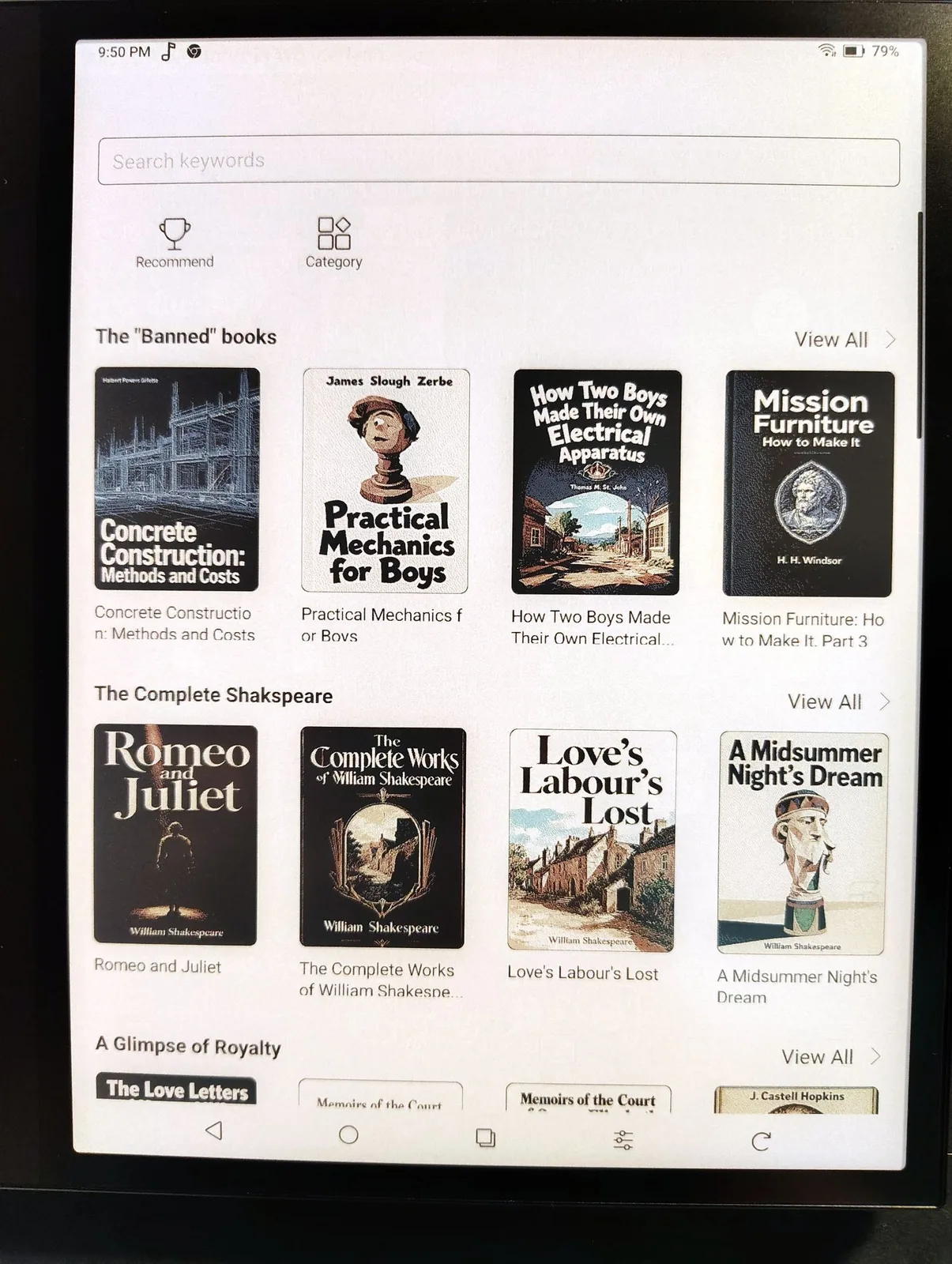
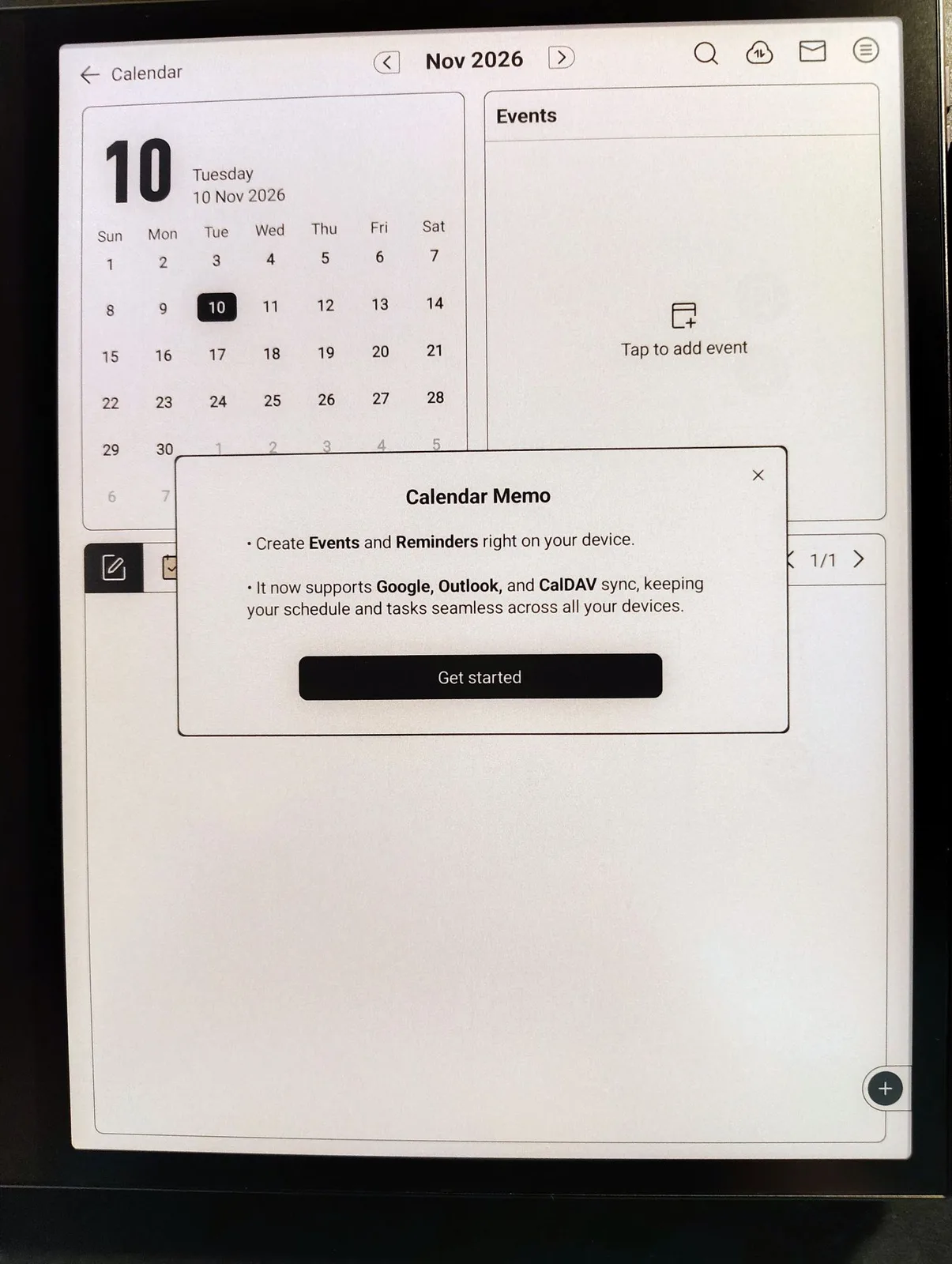
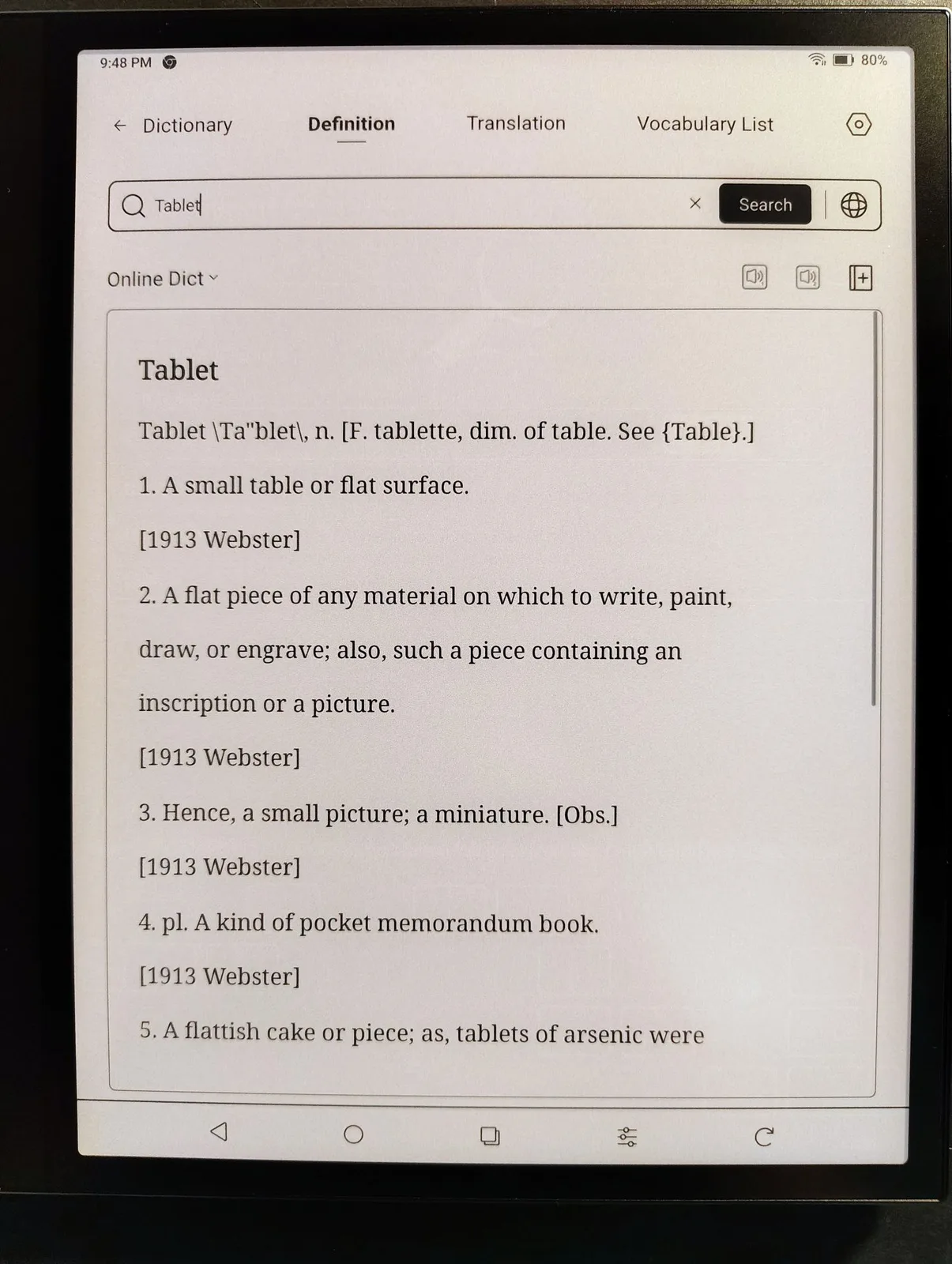
The clutter-free system includes Boox's e-reader, notes, AI assistant, dictionary, browser, and store for free e-books such as Alice in Wonderland. Users may install any Android app and run them side-by-side.
NeoBrowser, AI Assistant, Boox store, Calendar
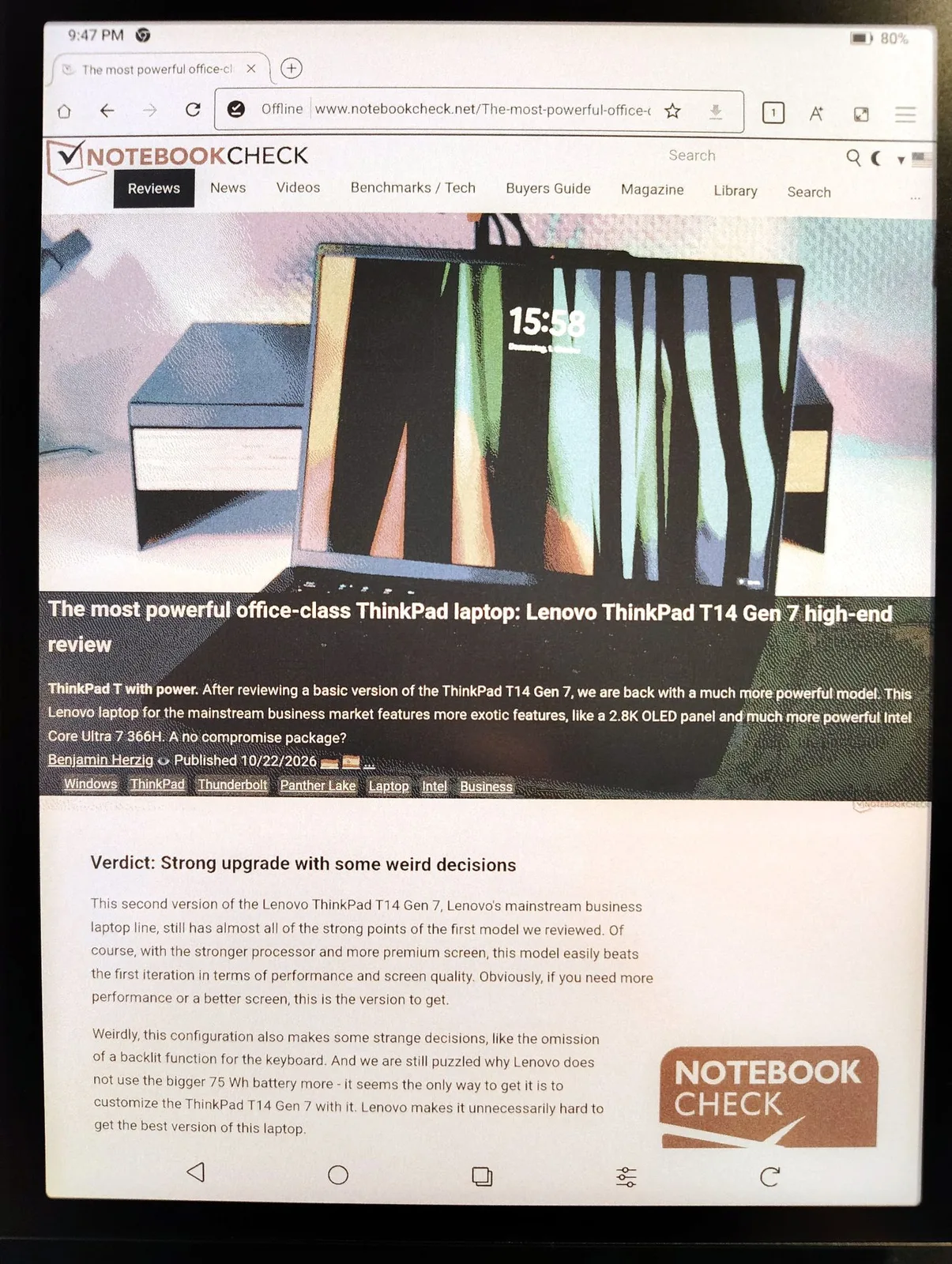
Dictionary, Music, NeoReader, Notes
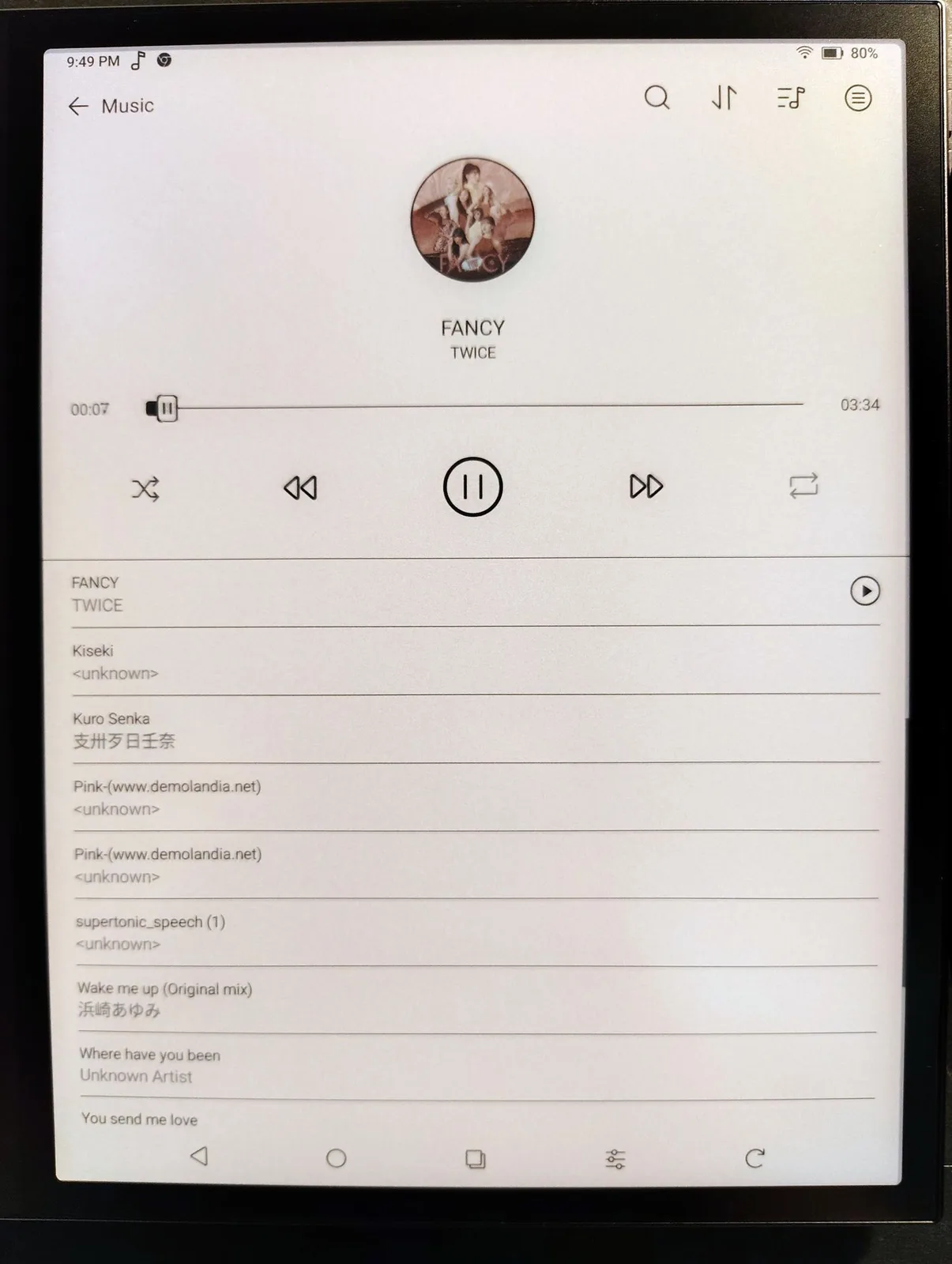
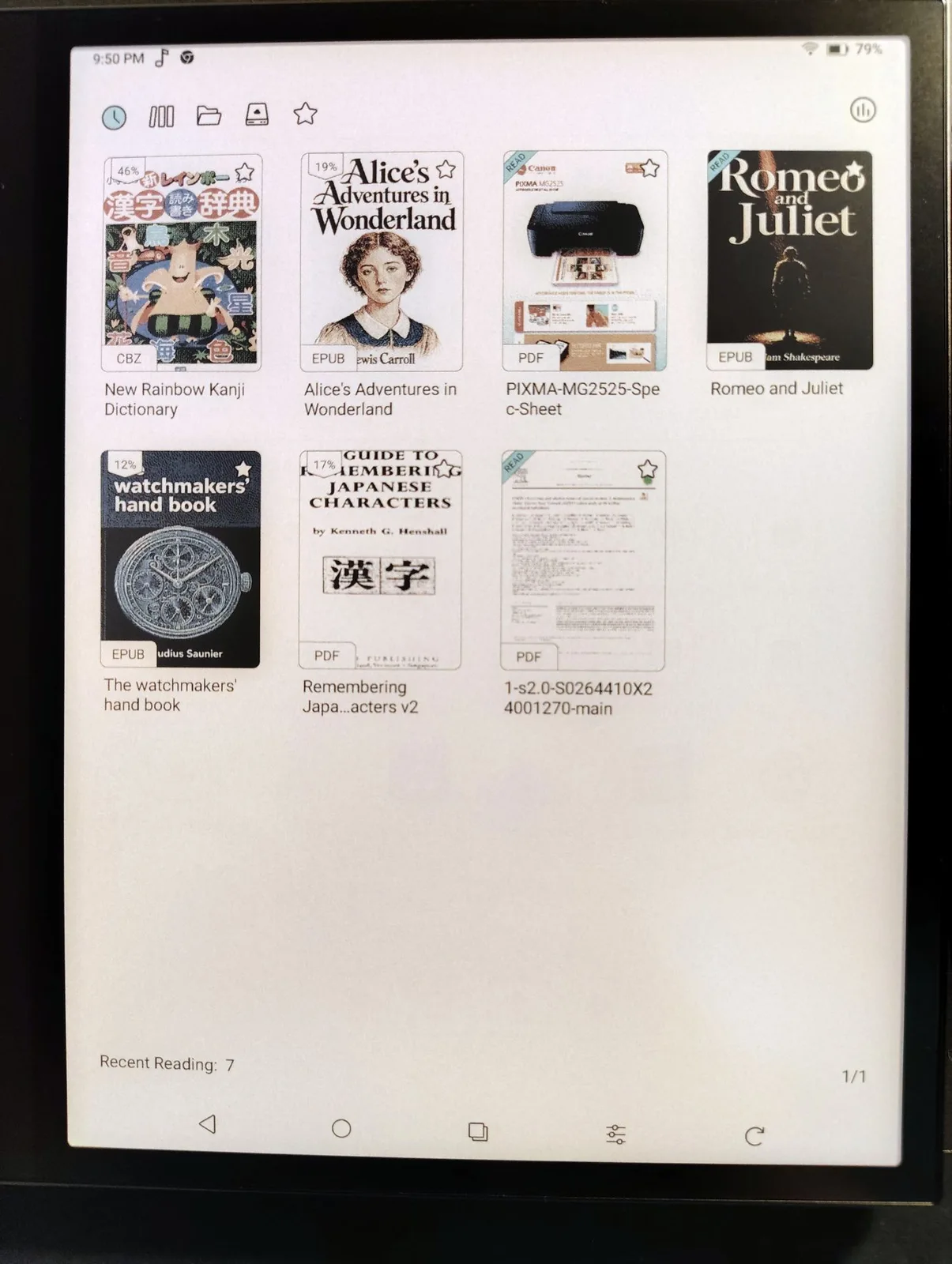
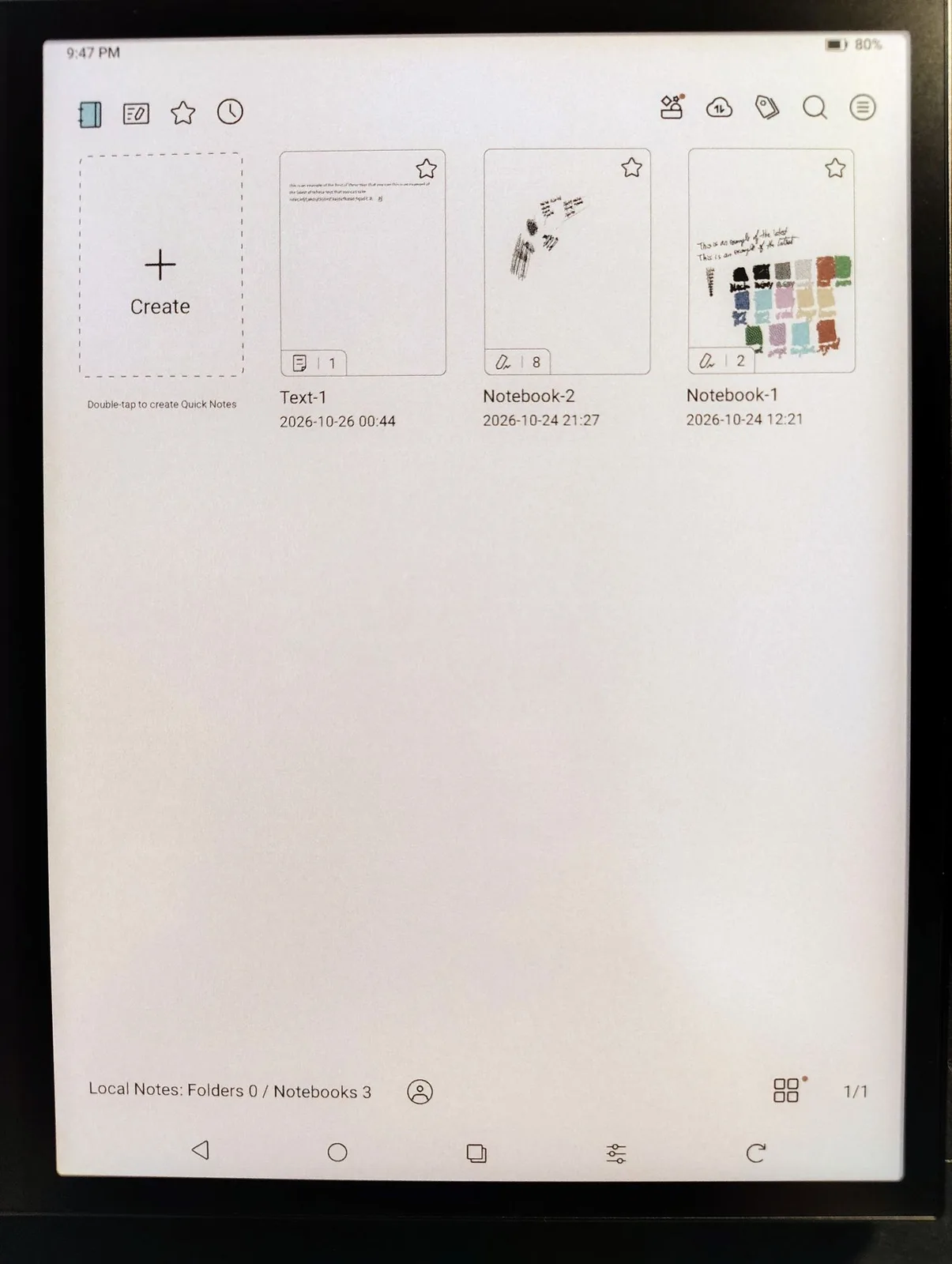
Owners can load e-books, music, videos, audiobooks, documents, and apps from any Android app store, including Google Play and F-Droid, transfer them from a computer, or read them off any microSD card.
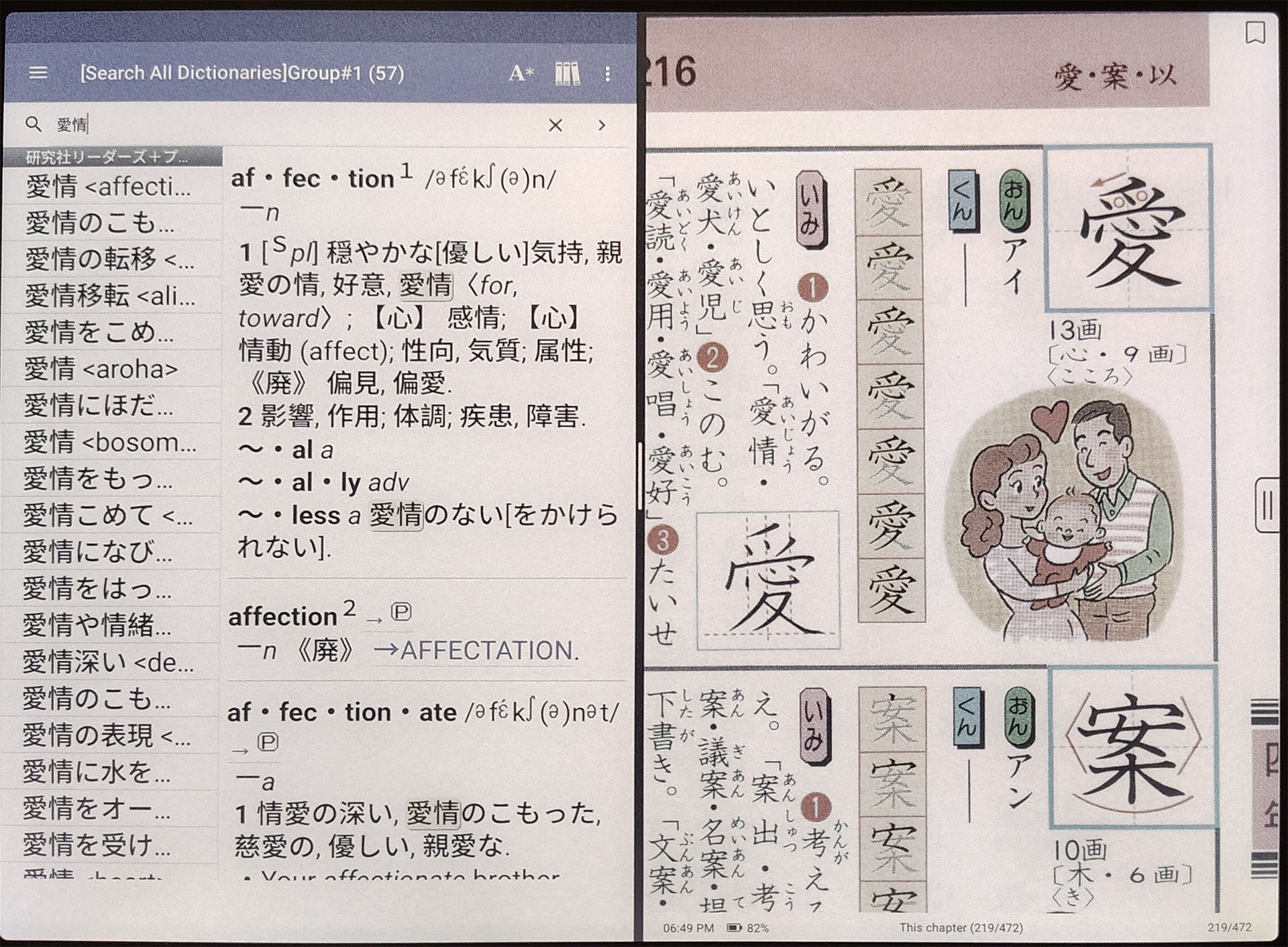
Sound
The dual speakers offer fair sound reproduction that emphasizes vocals but lack fullness and bass and only produce stereo sound in landscape mode. Volume is adequate for a small bedroom but will struggle in noisy cafés, though Bluetooth headphones can also be used.
The recording was made at 100% volume with an LG G7 placed 1 m (3.3 ft.) away.
Stylus
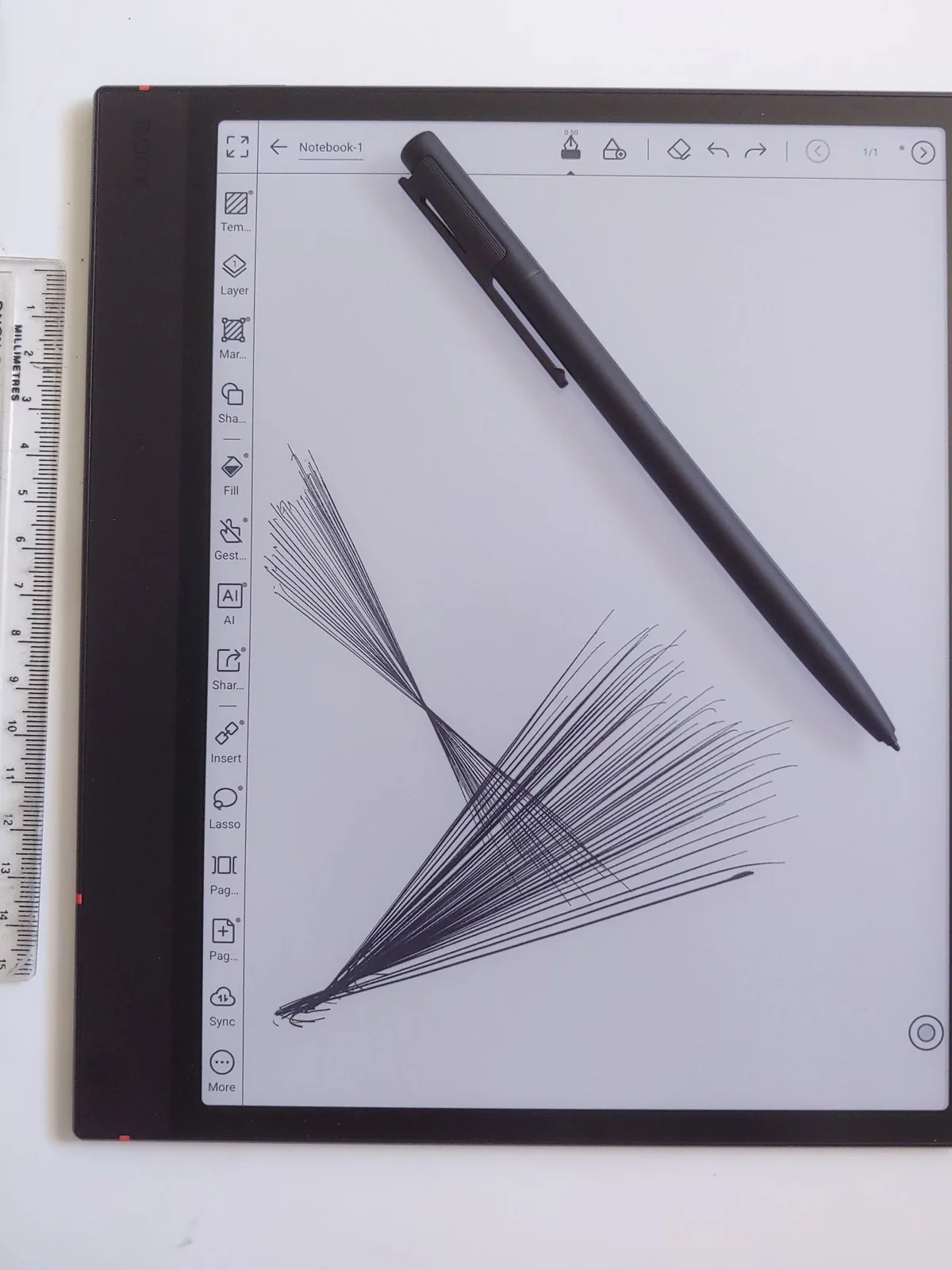
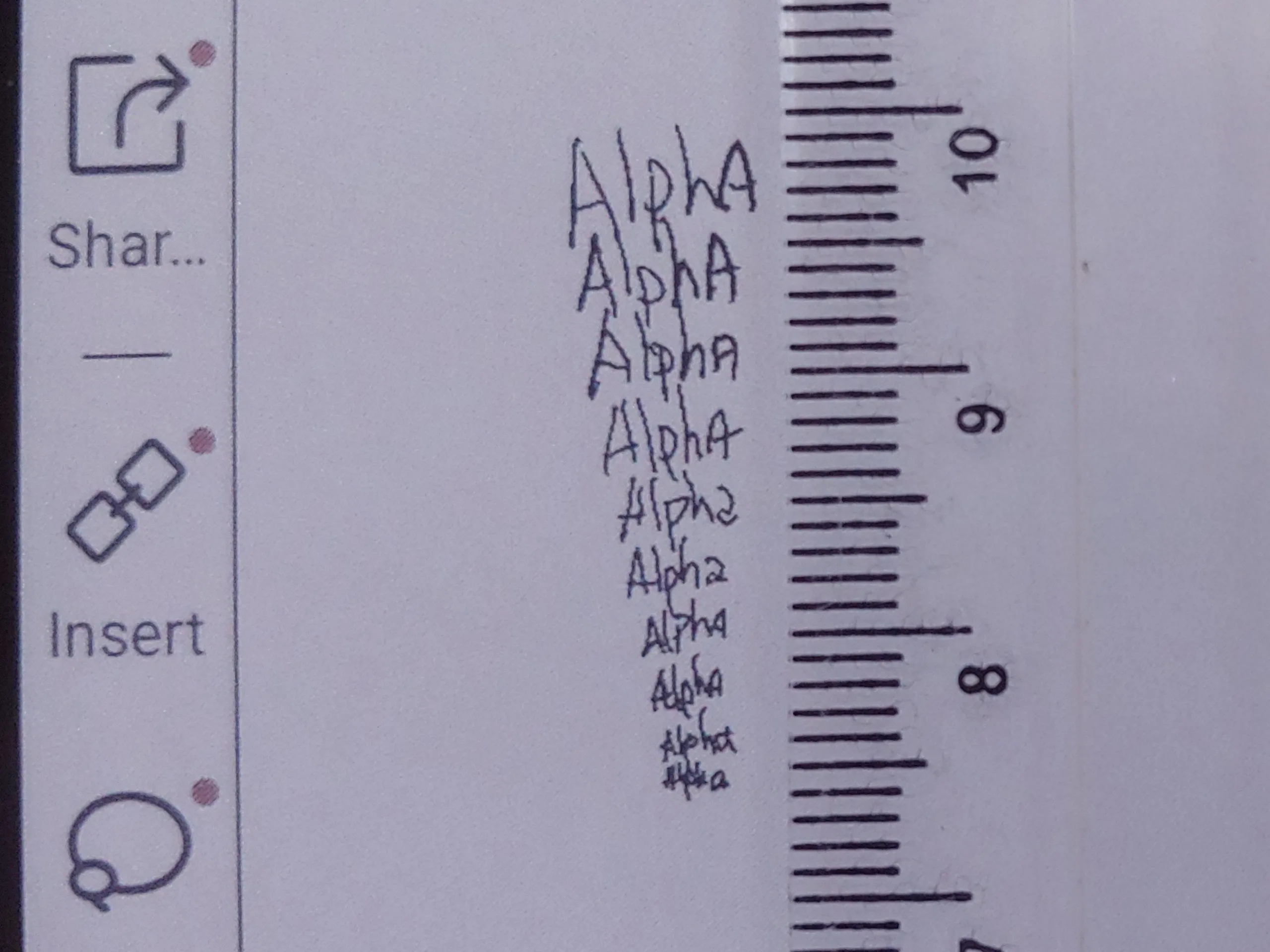
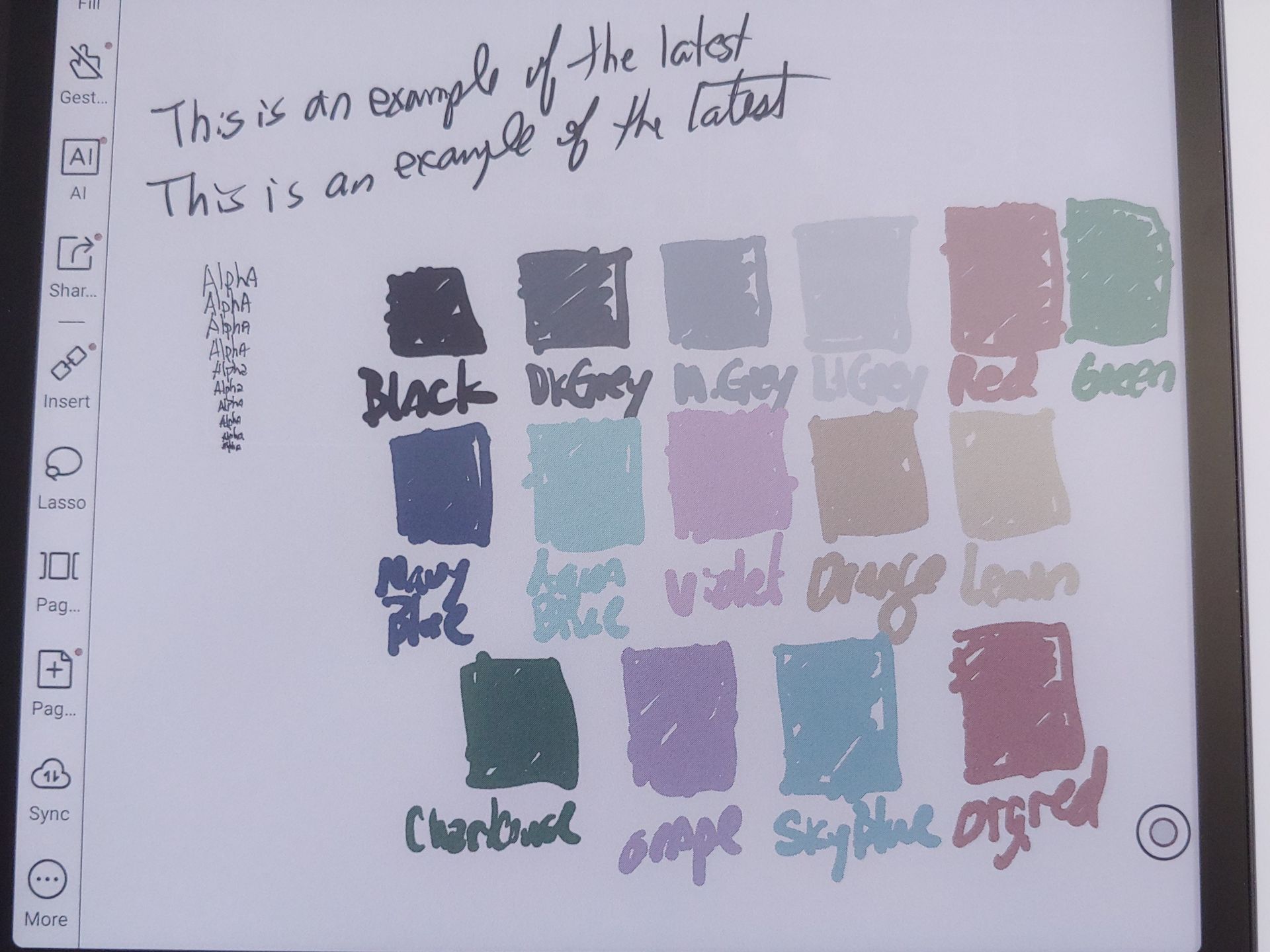
The stylus and screen deliver a highly responsive, fluid writing experience with a pencil-like feel, allowing text smaller than 1 mm and fine line hatching to be drawn accurately.

Display and Settings
Image quality varies with lighting, backlight settings, and viewing distance. While good for a color E Ink display, it trails monochrome ones in contrast and whiteness. Text is readable in direct and shaded daylight, but use of the backlight is preferred in darker areas.
DISPLAY SETTINGS
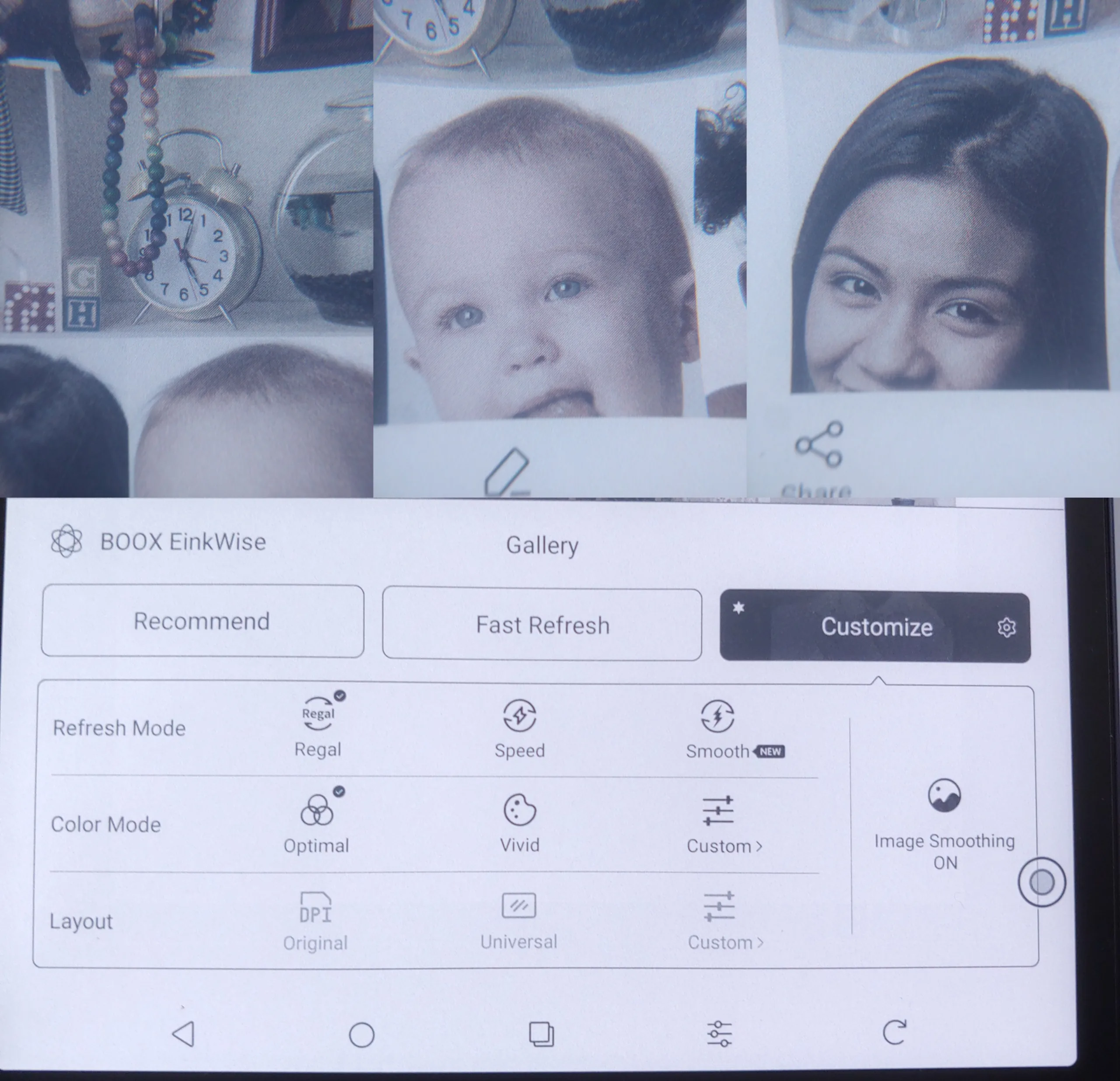
EinkWise settings affect text and image quality. Regal mode offers the sharpest text and images, with slow refreshes. Speed and newer Smooth modes improve scrolling and video performance, but with lower resolution and image quality.
Activating Image Smoothing in Regal mode and High Contrast in Speed mode noticeably affects image quality.
Display quality in Regal, Speed, and Smooth modes.
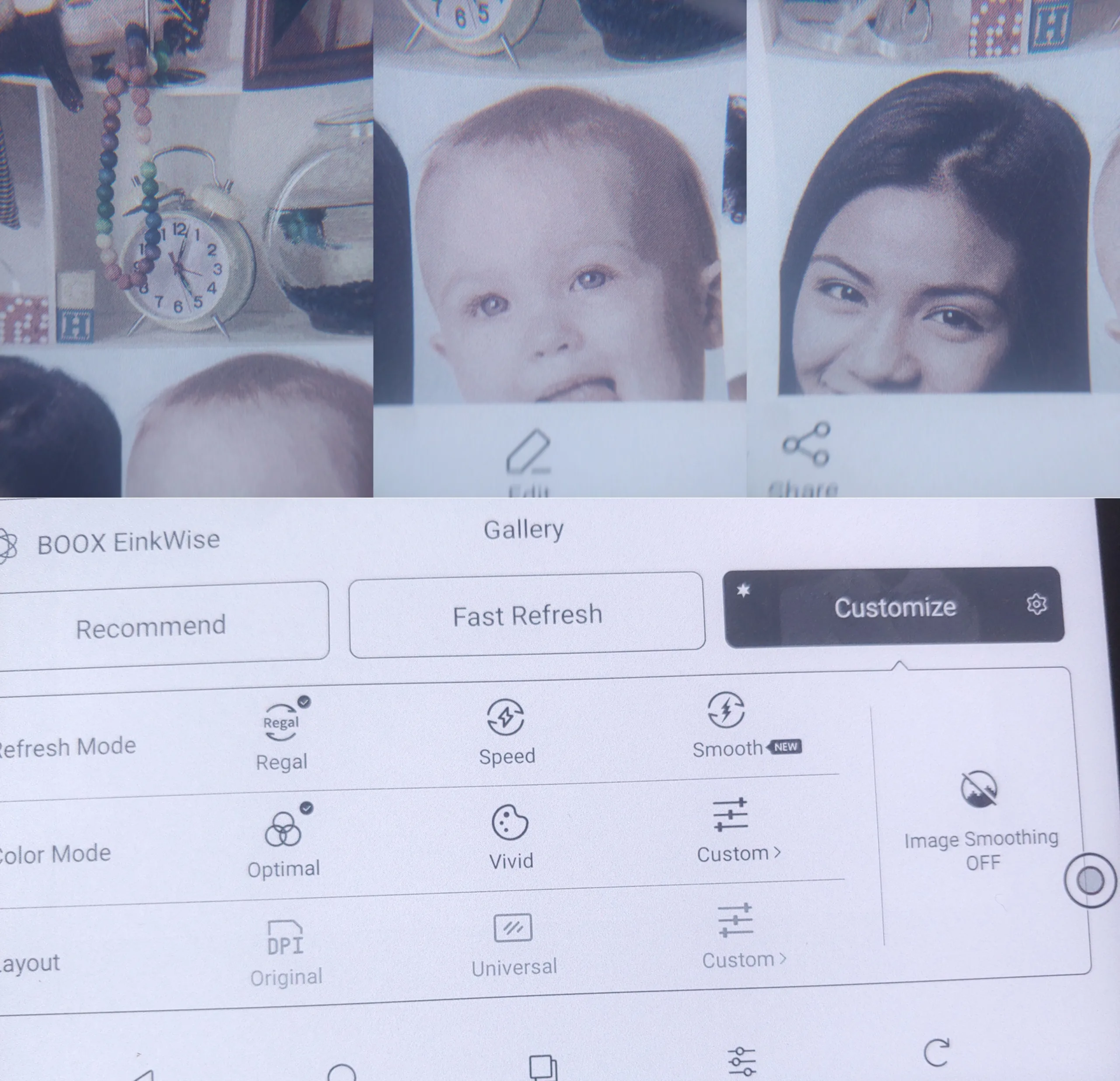
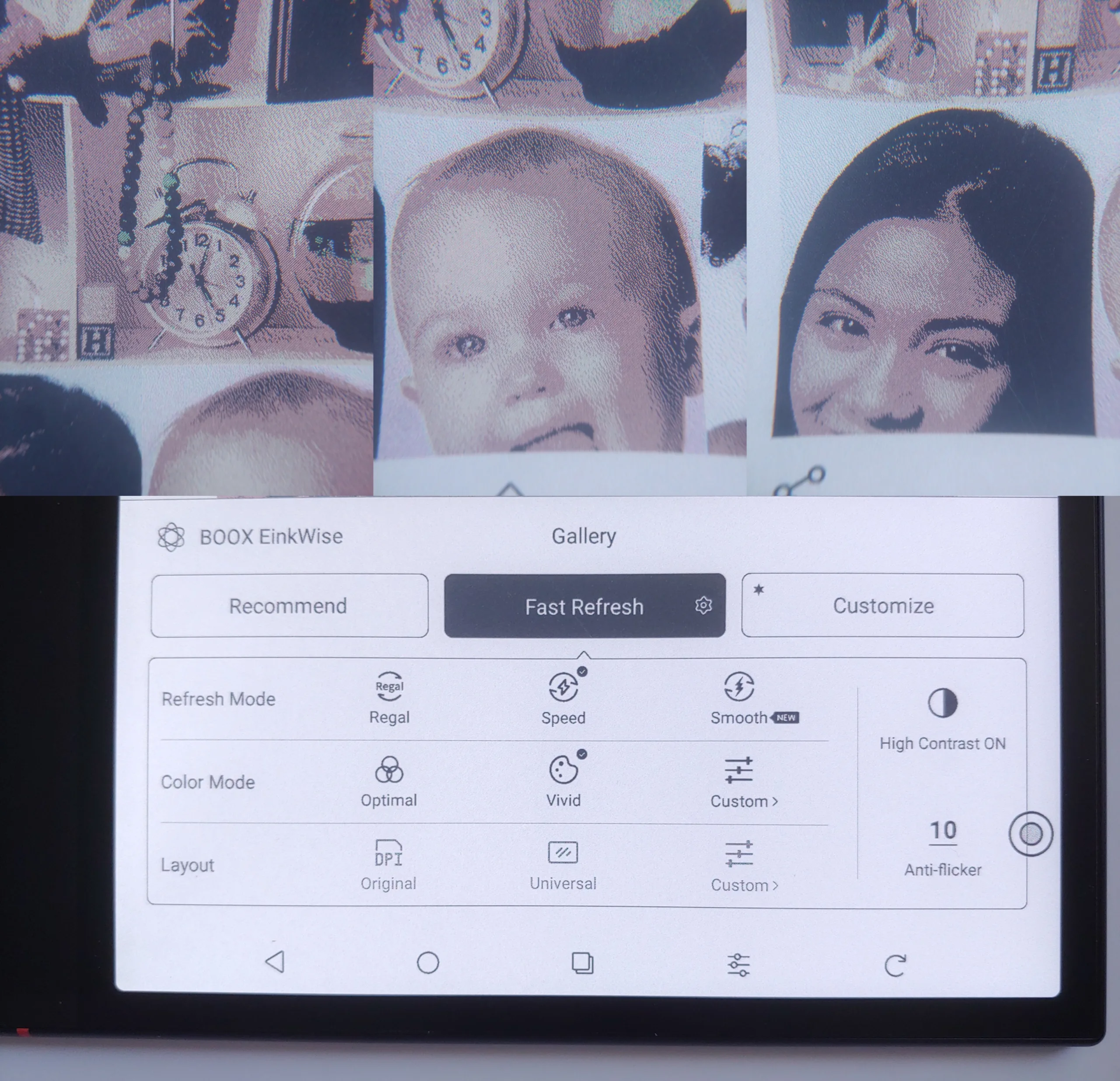
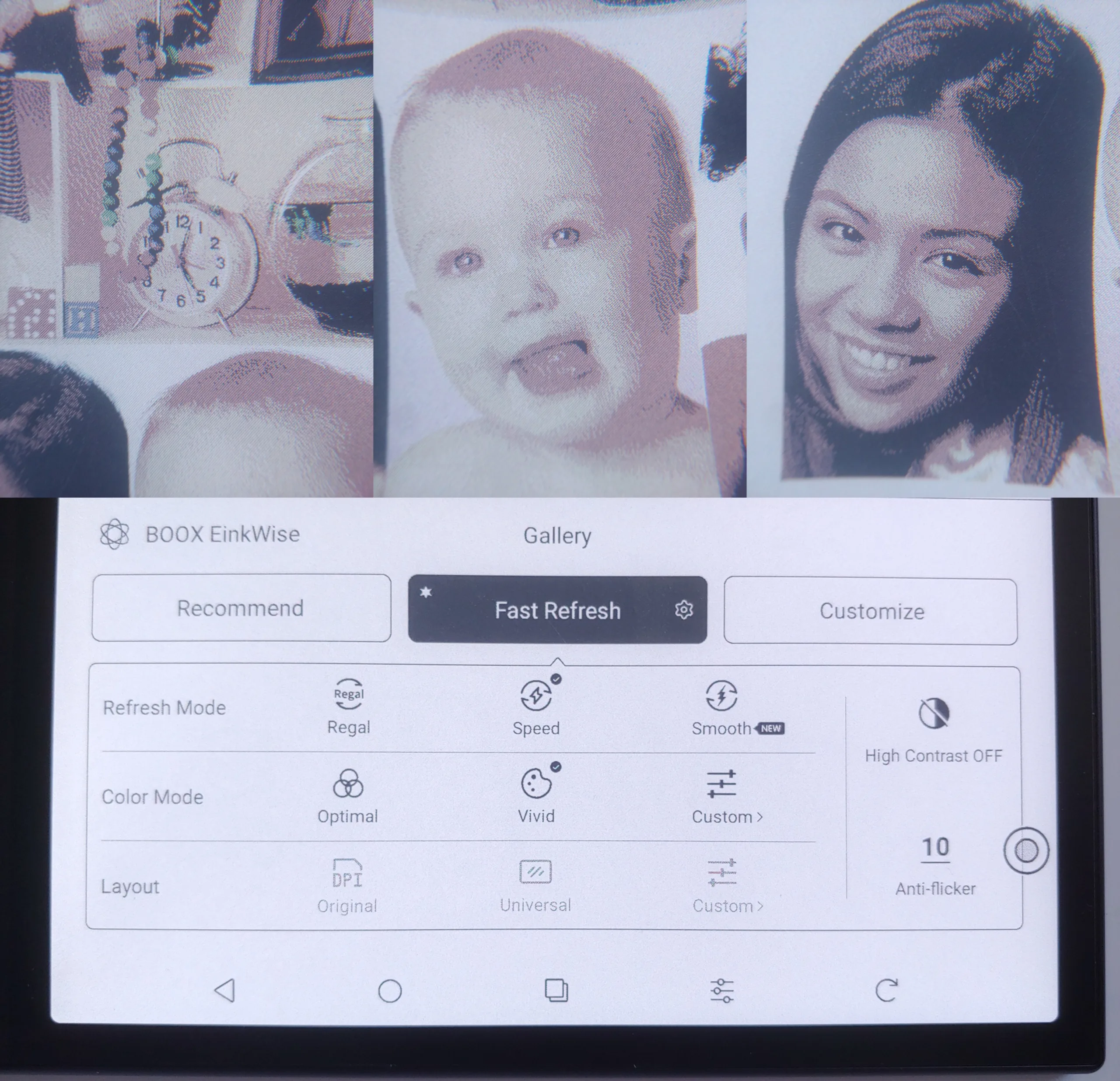
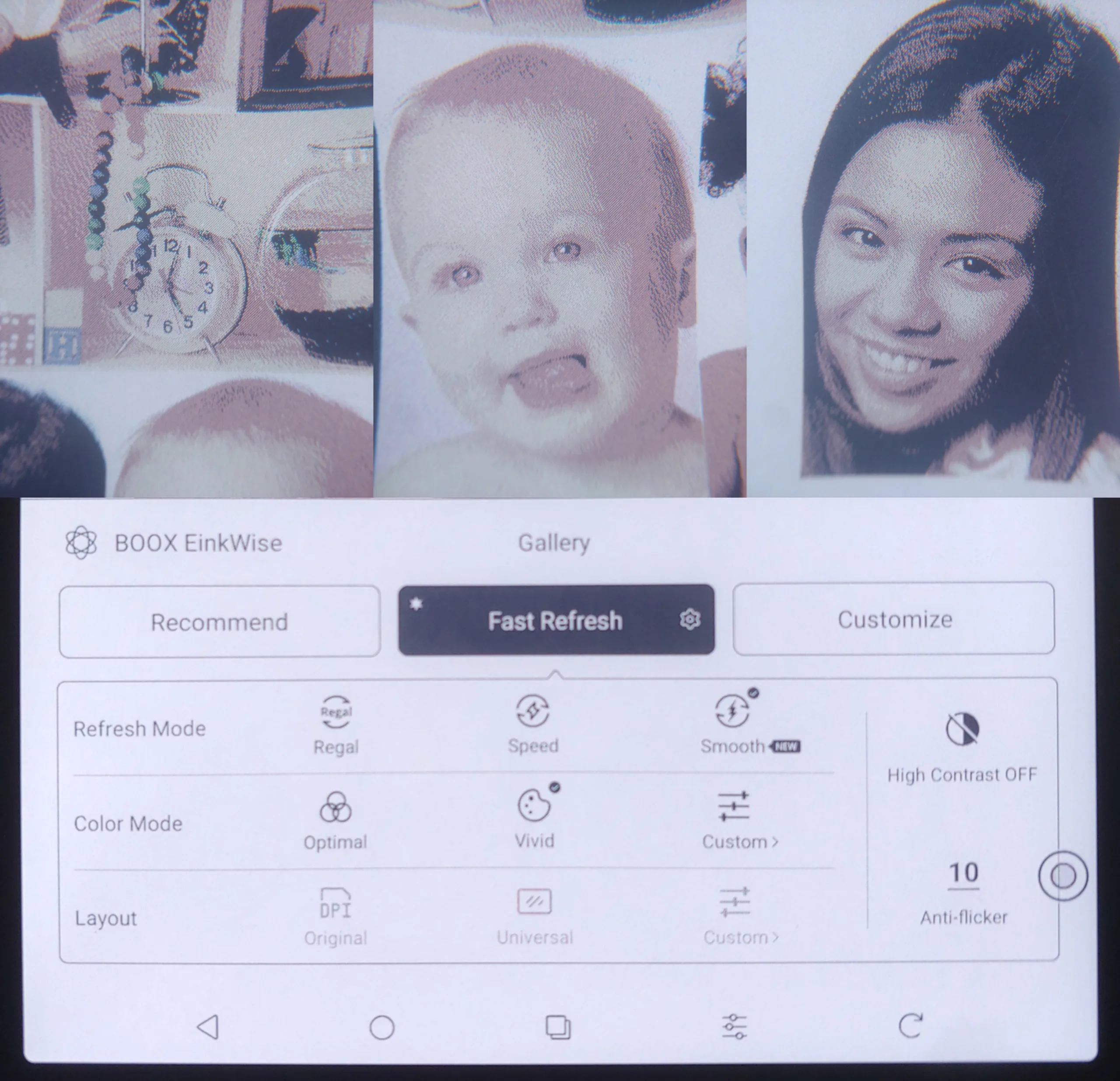
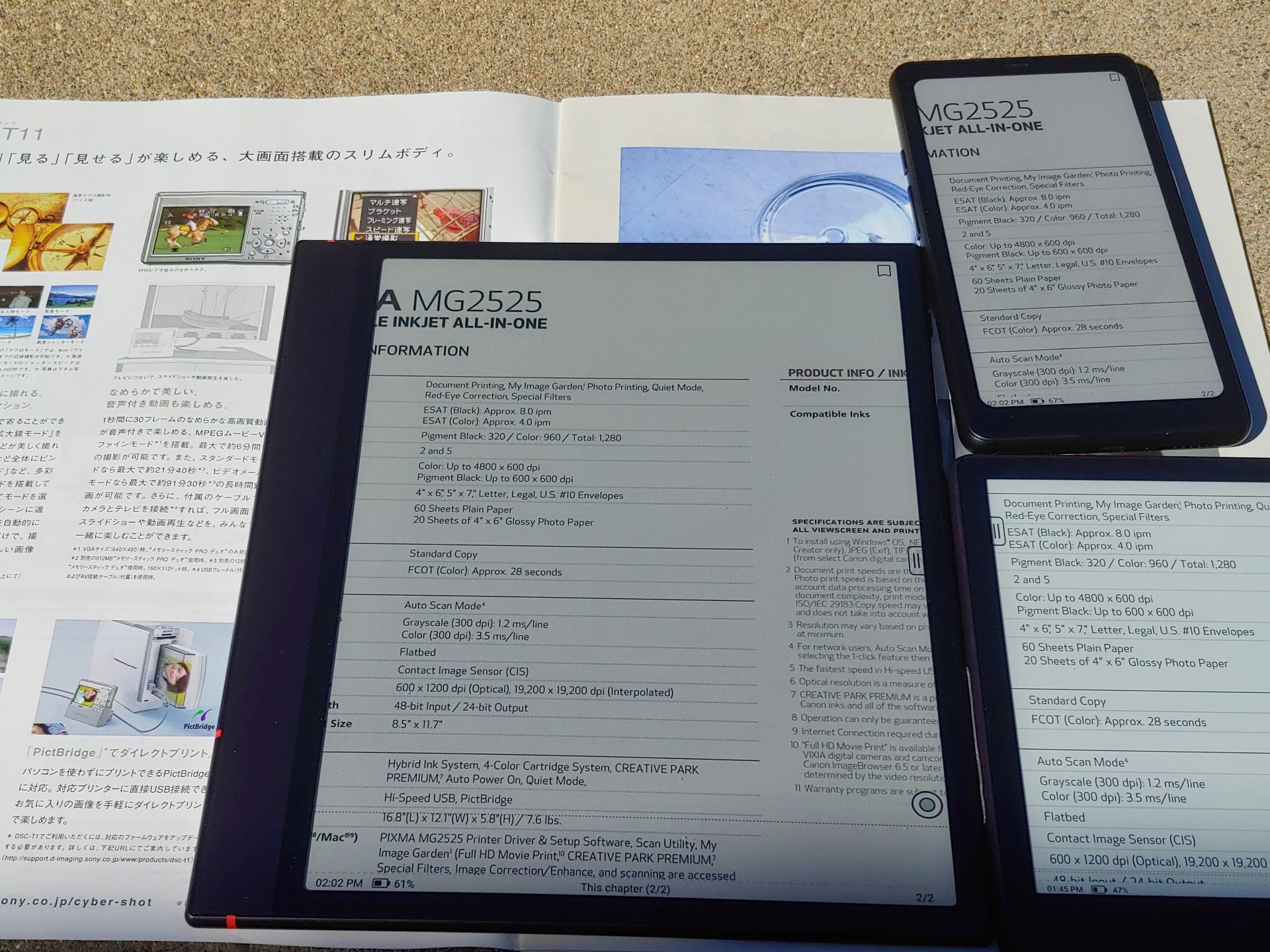
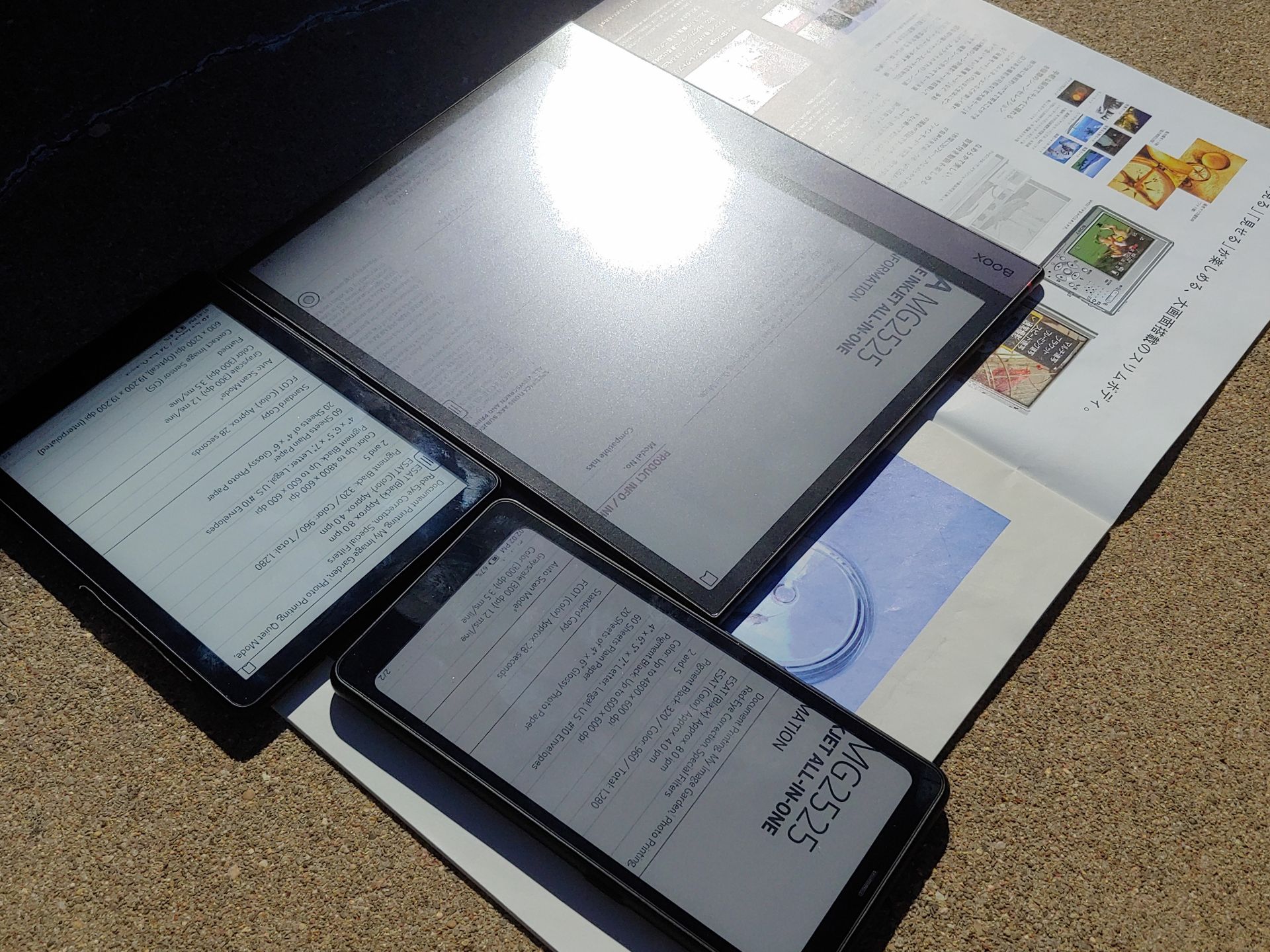
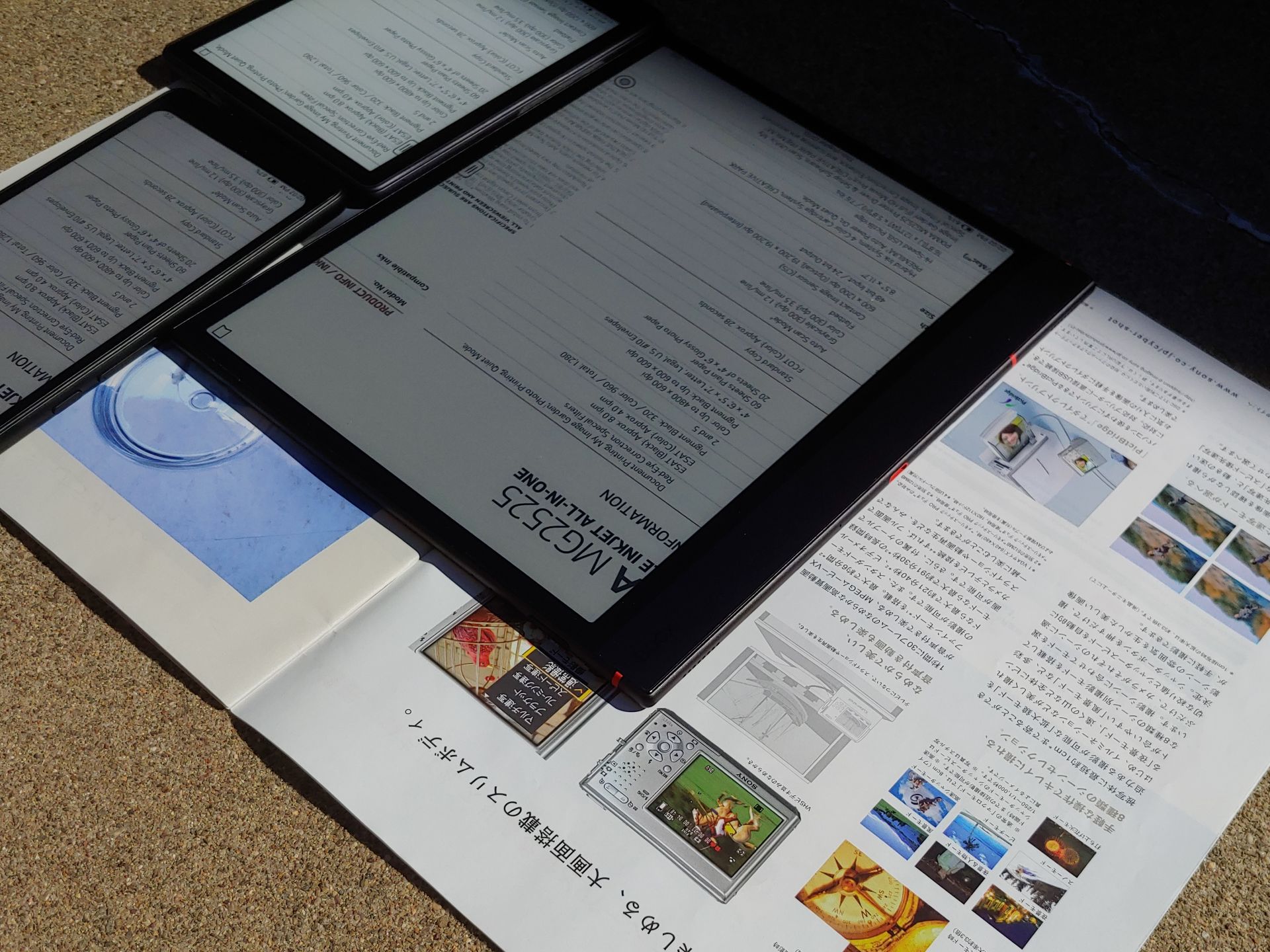
DAYLIGHT – OUTDOORS
The Note is perfectly legible with print-like text except when the reflected sunlight is visible. Photos appear muted due to the limited color gamut and grayish whites.
Contrast is similar to the color Palma 2 Pro, but lower than the monochrome Go 6 (Gen II) and Go 10.3 (Gen II) Lumi, all reviewed by Notebookcheck.

DAYLIGHT – INDOORS
Indoors, the Boox Note Air6 C is very readable with muted colors under direct shaded daylight, but benefits from the backlight in darker areas.
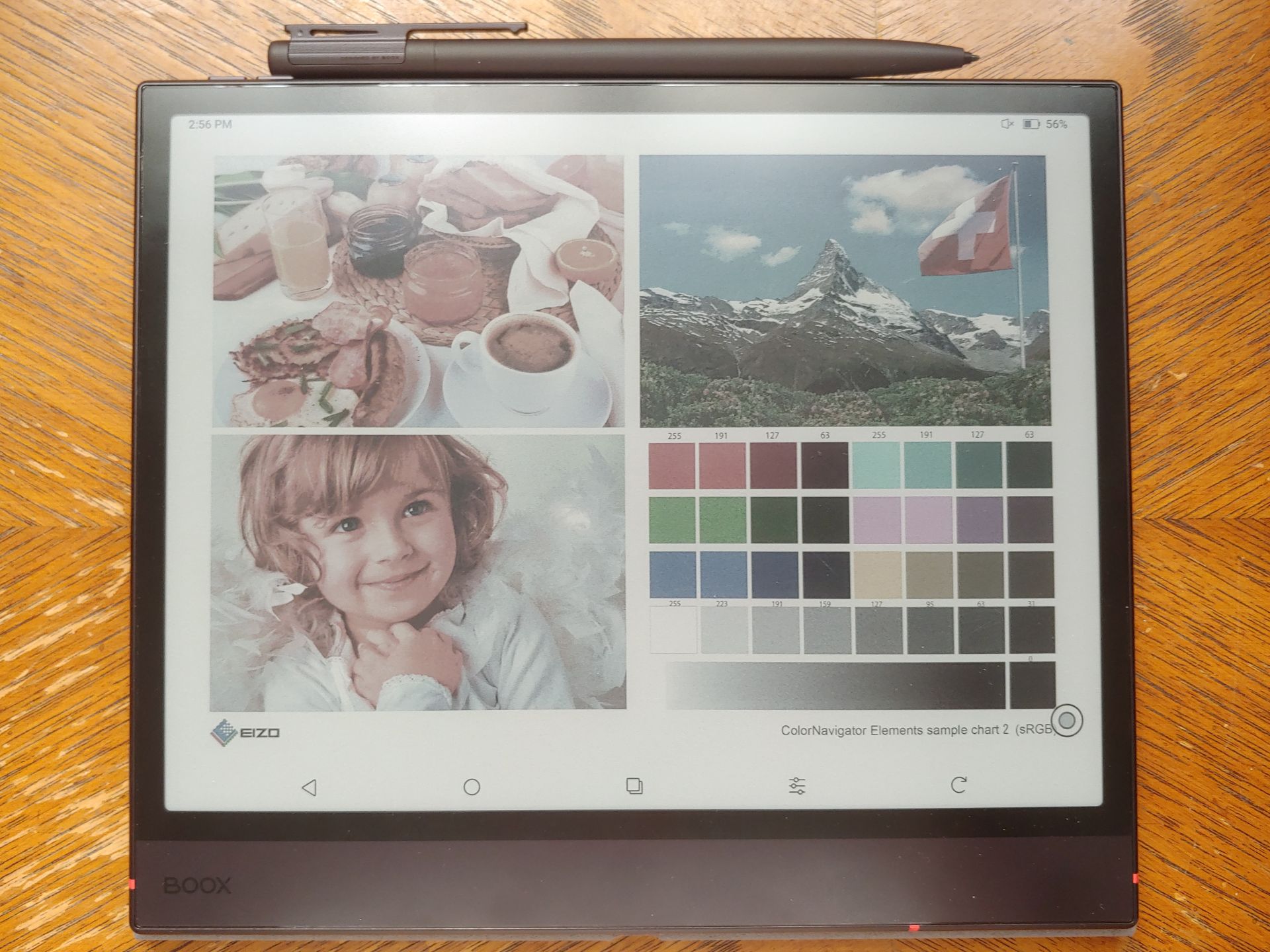
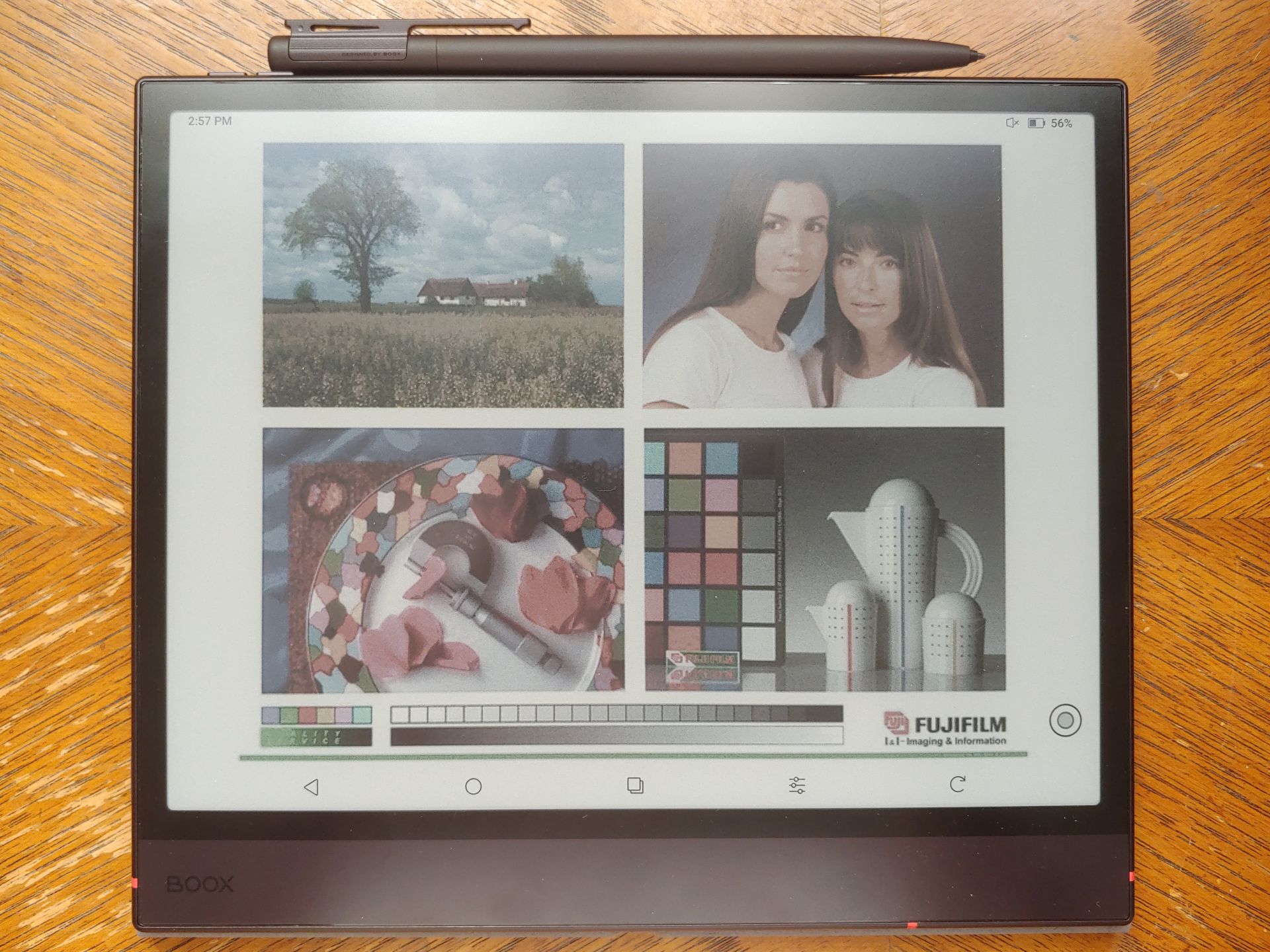
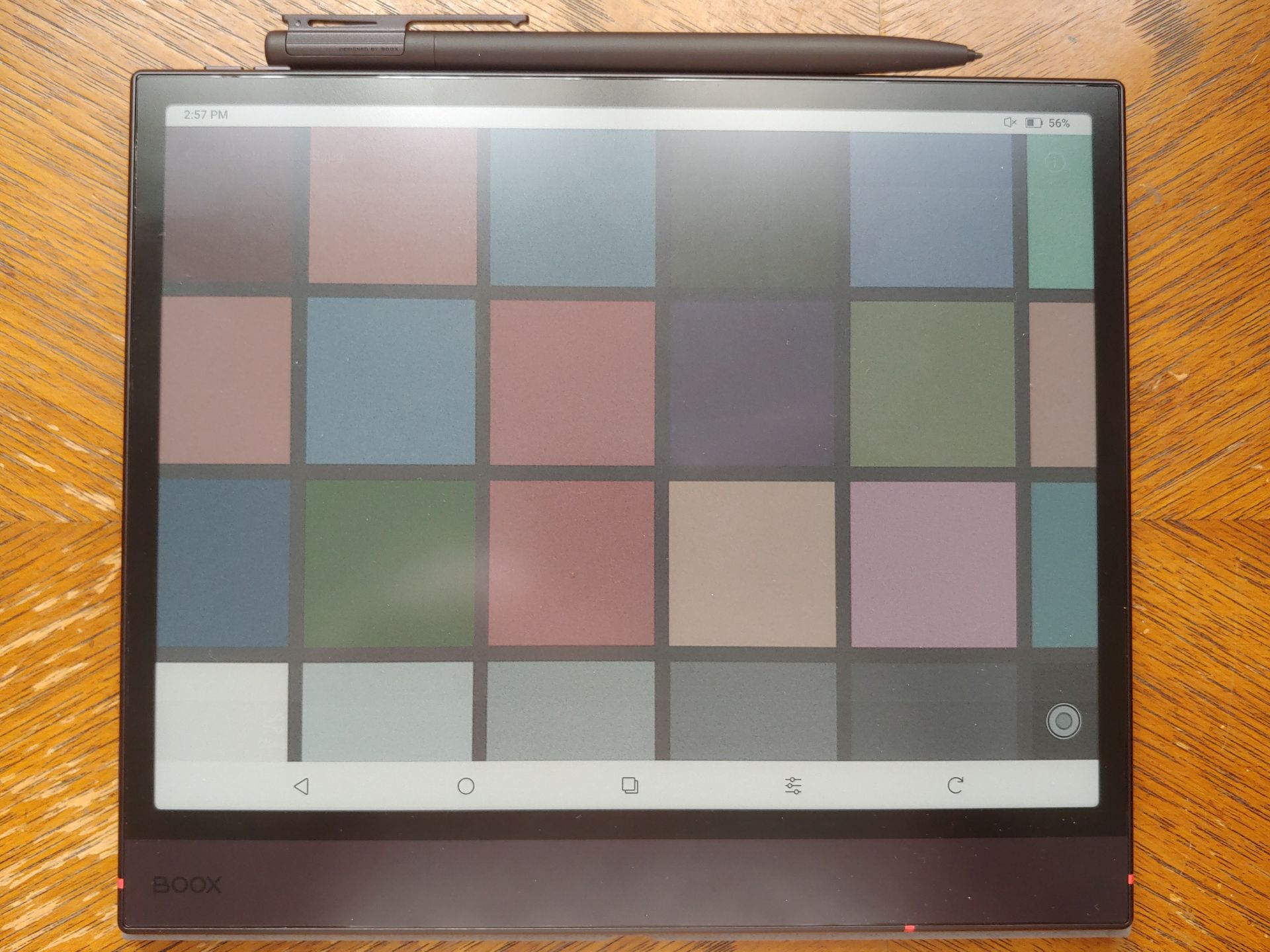
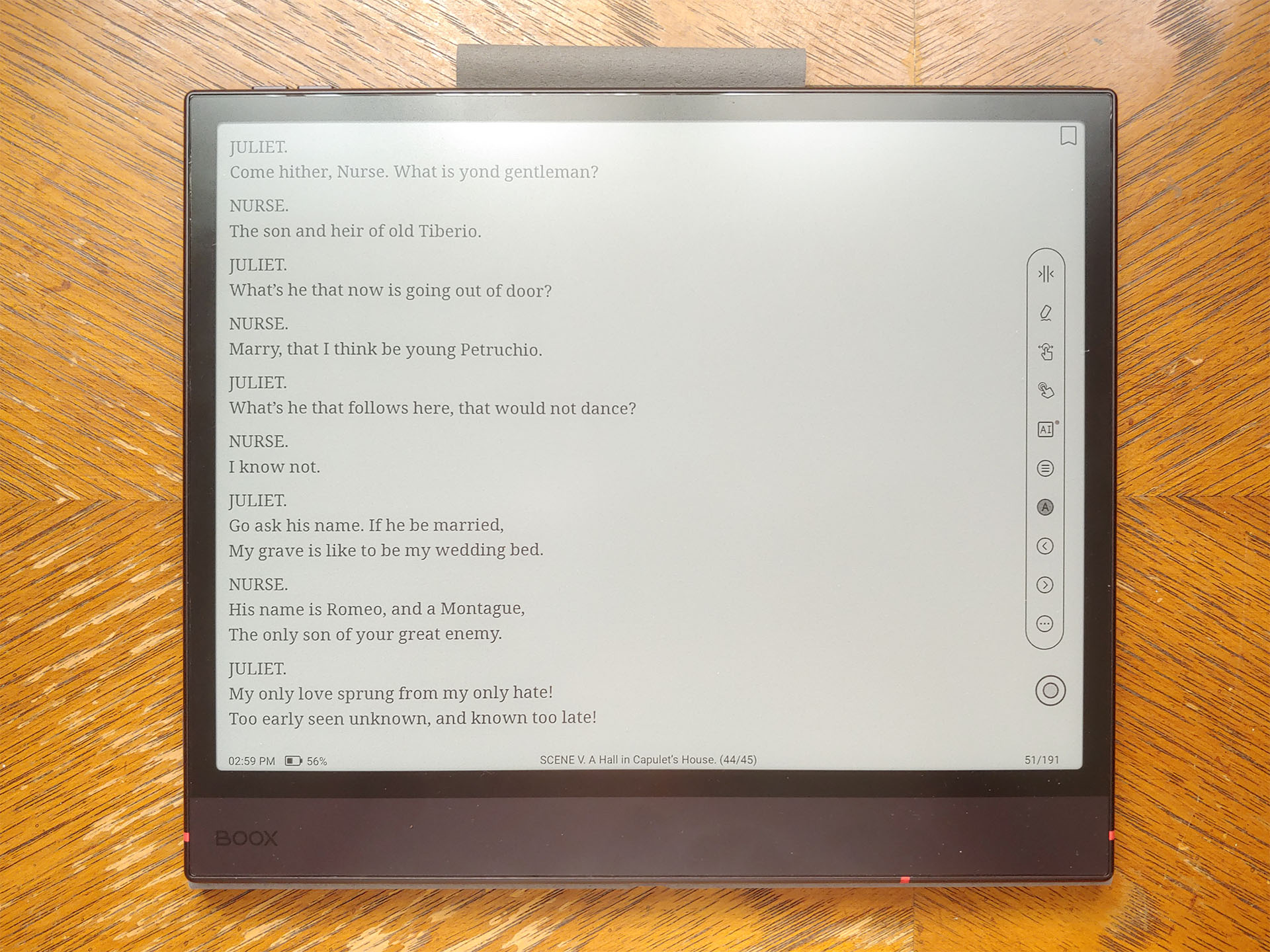
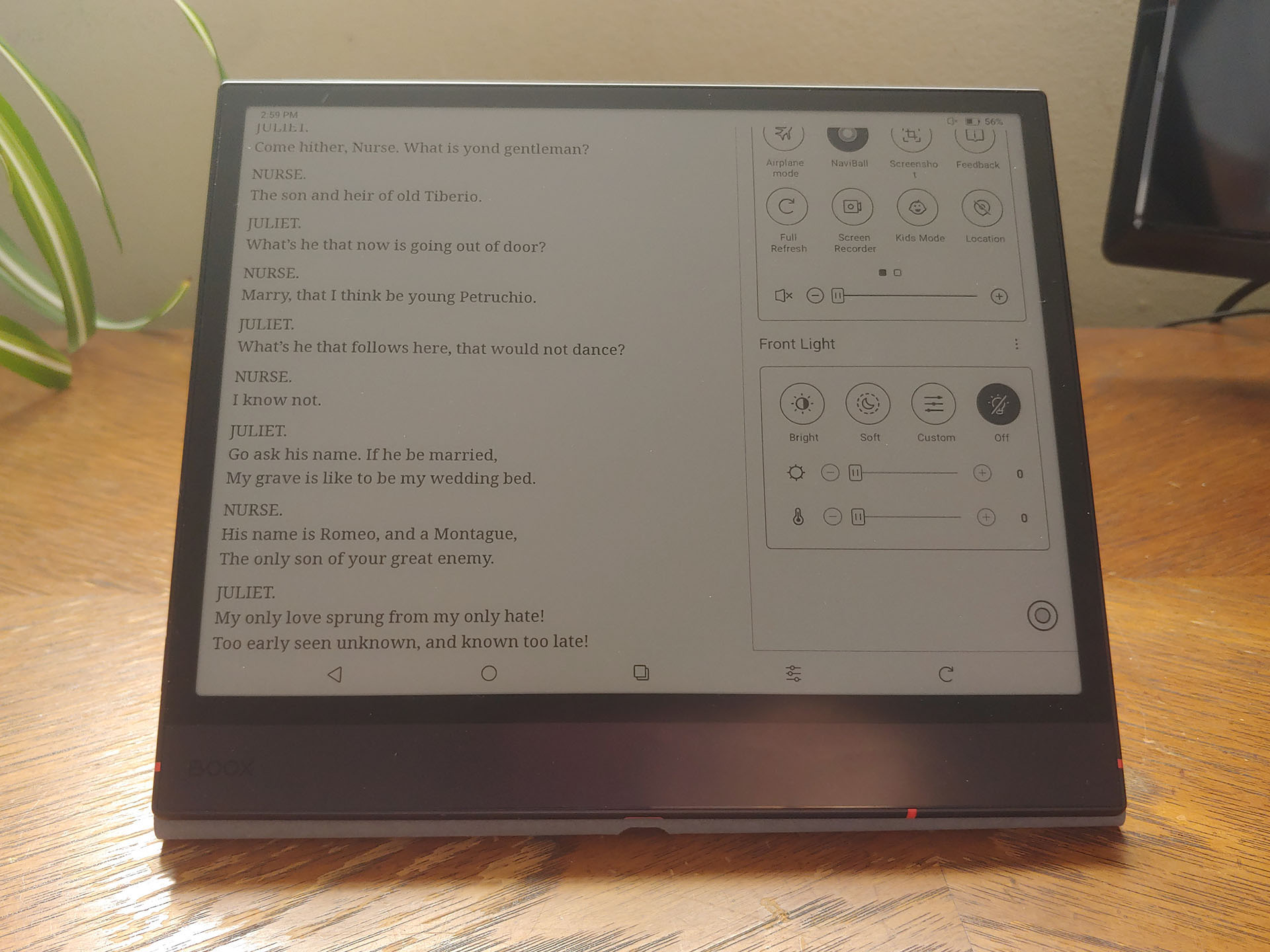
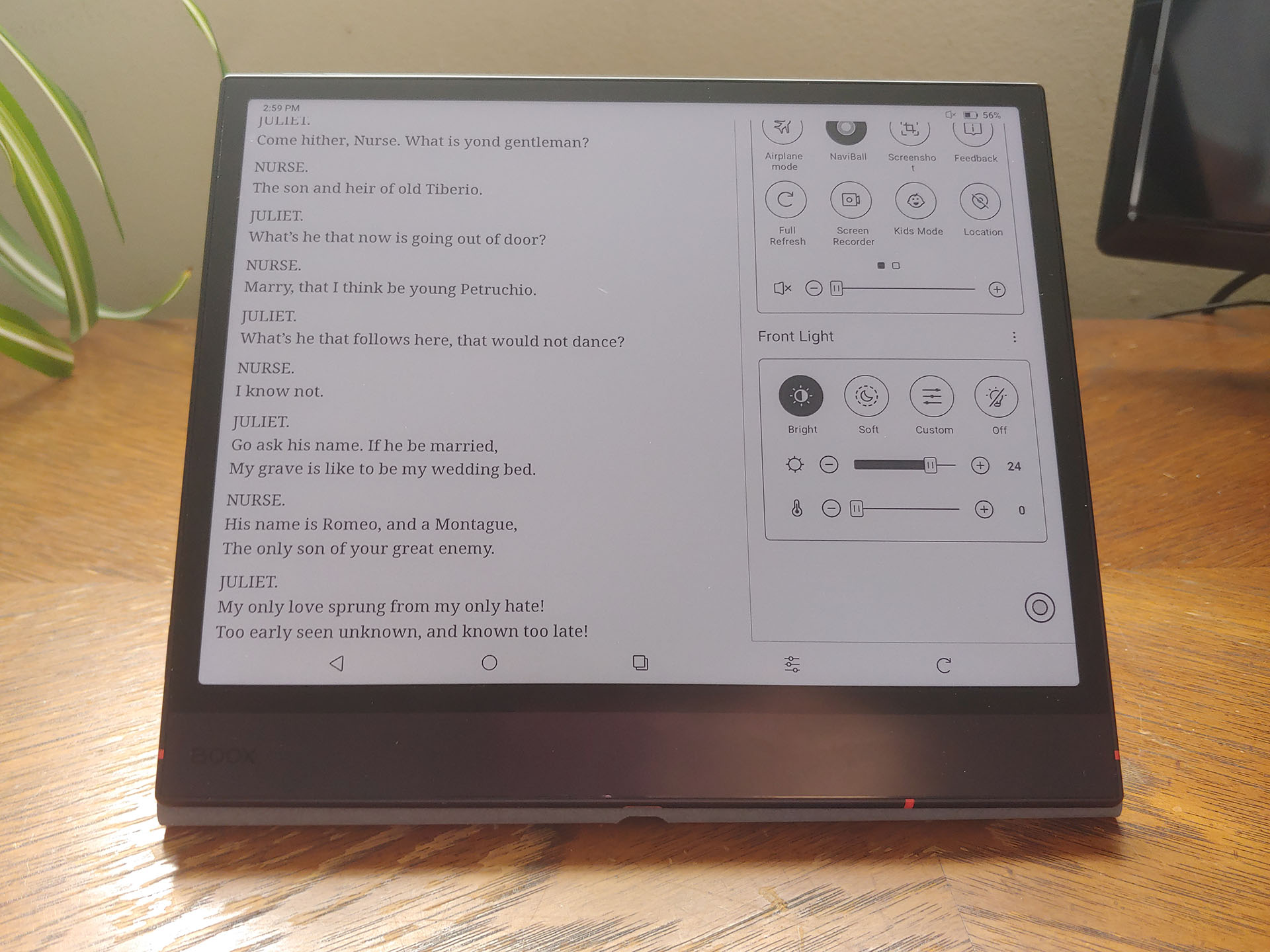
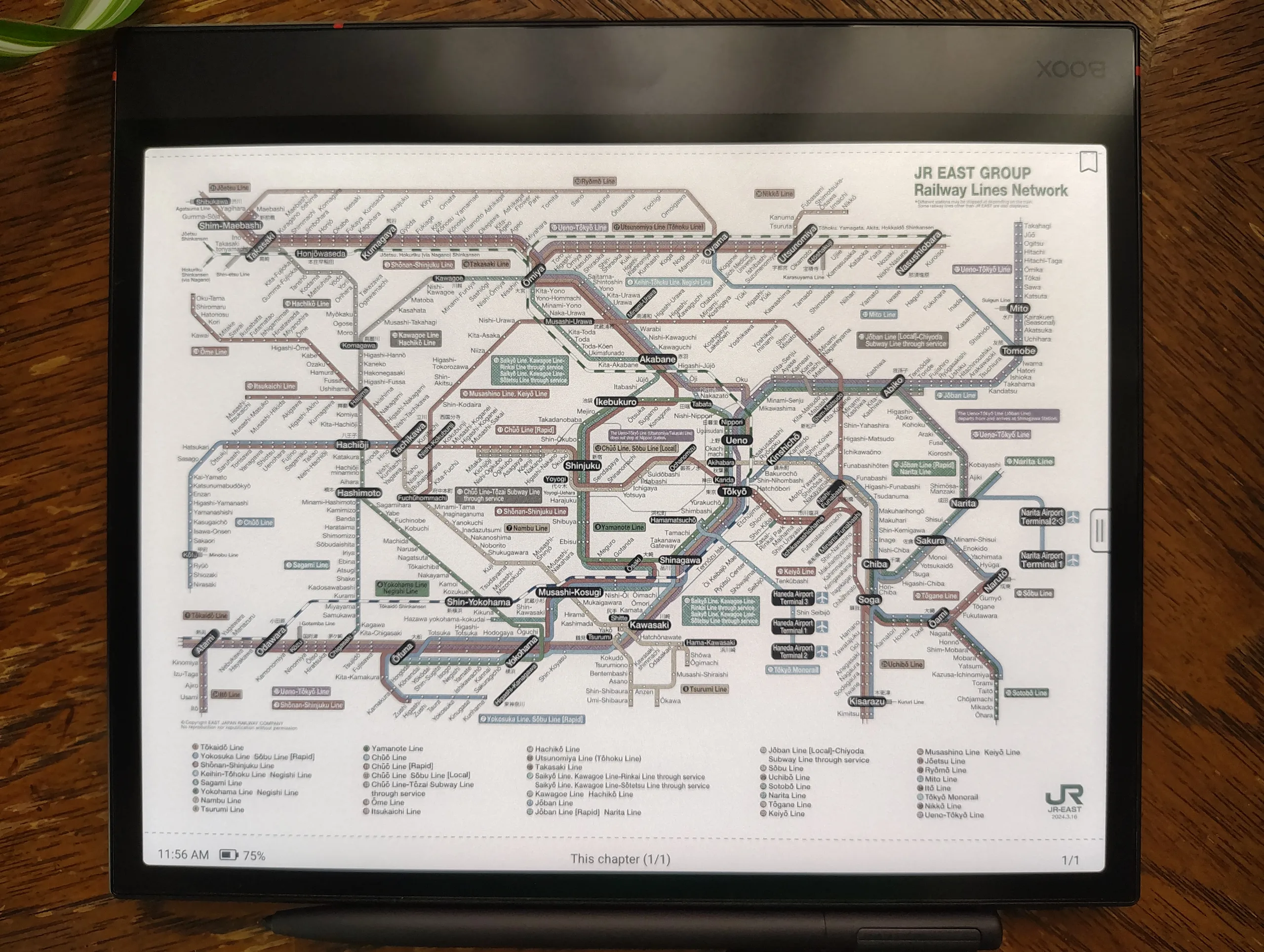
The backlight can be set quite bright for indoor use, with adjustable color temperature from ~2700–5800 K and Bright (~5800 K) or Soft (~4200 K) presets to help readers avoid excessive blue light at night.
Bright mode (Top row) vs Soft mode backlight.
Boox Note Air6 C (L) vs Palma 2 Pro (T) vs Go 6 II (B) under shaded indoor sunlight.


The Air6's colors are a touch bolder than the Palma's.

The display background of the monochrome Go is smoother than the Air6's.
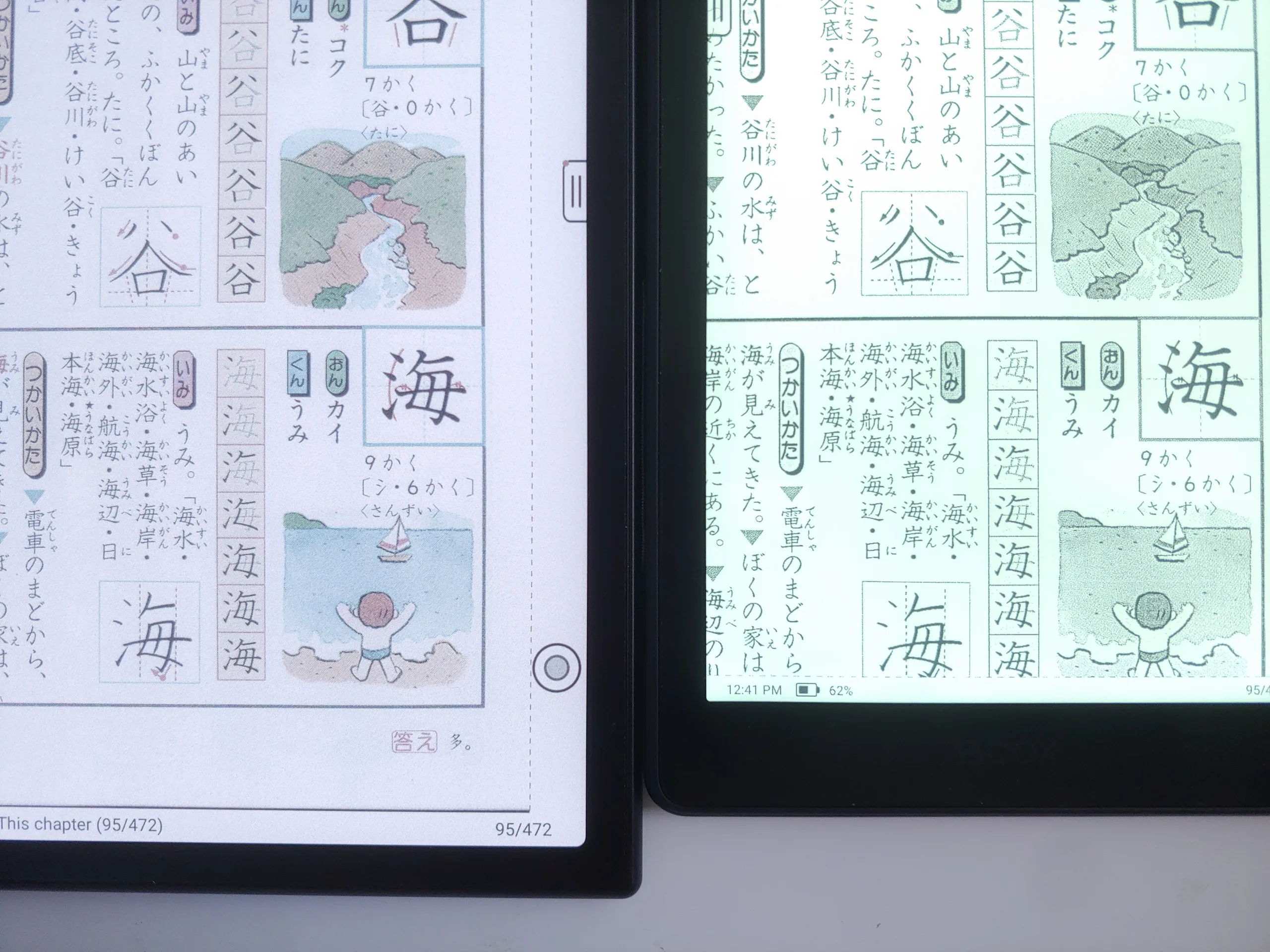
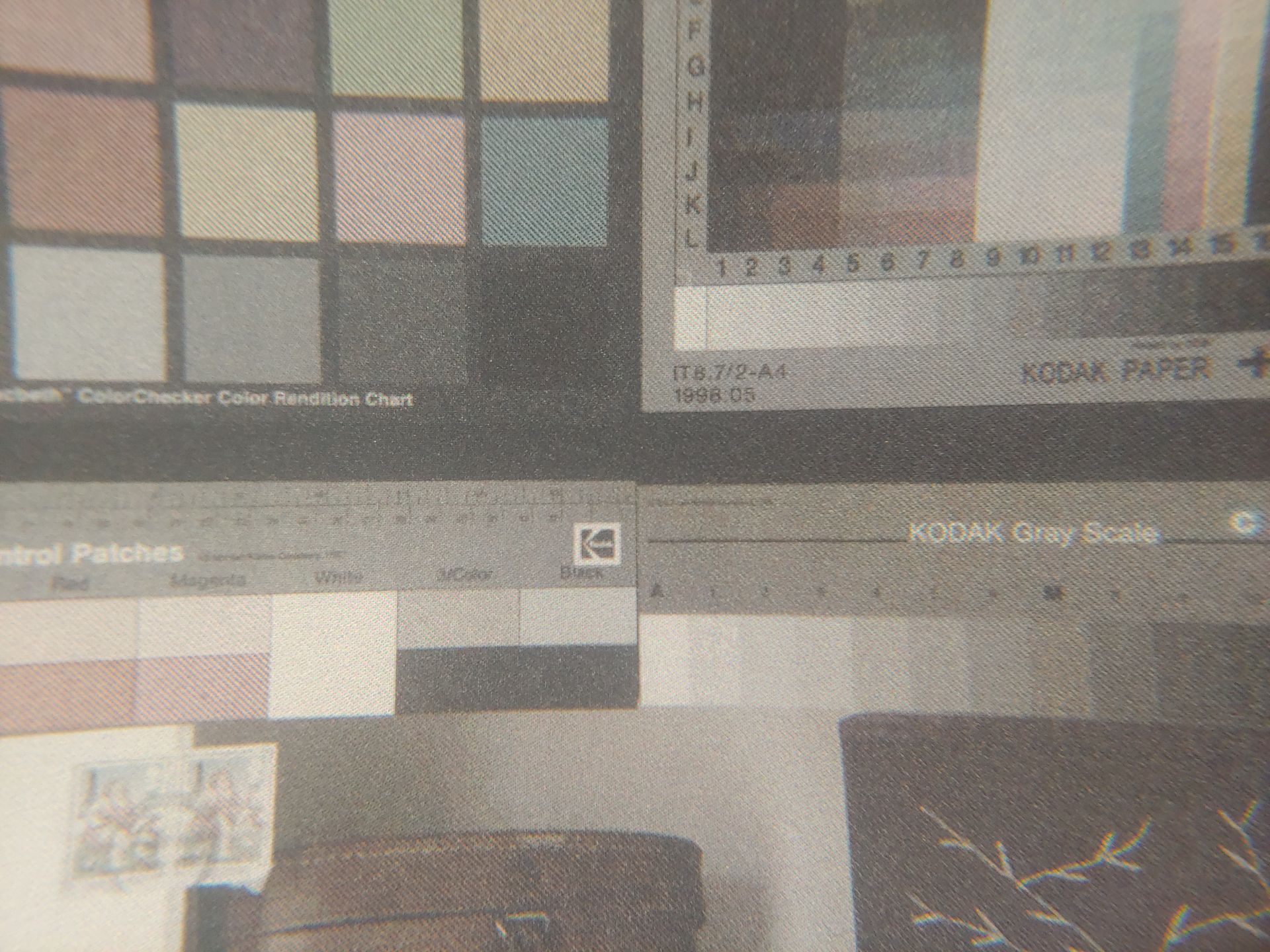
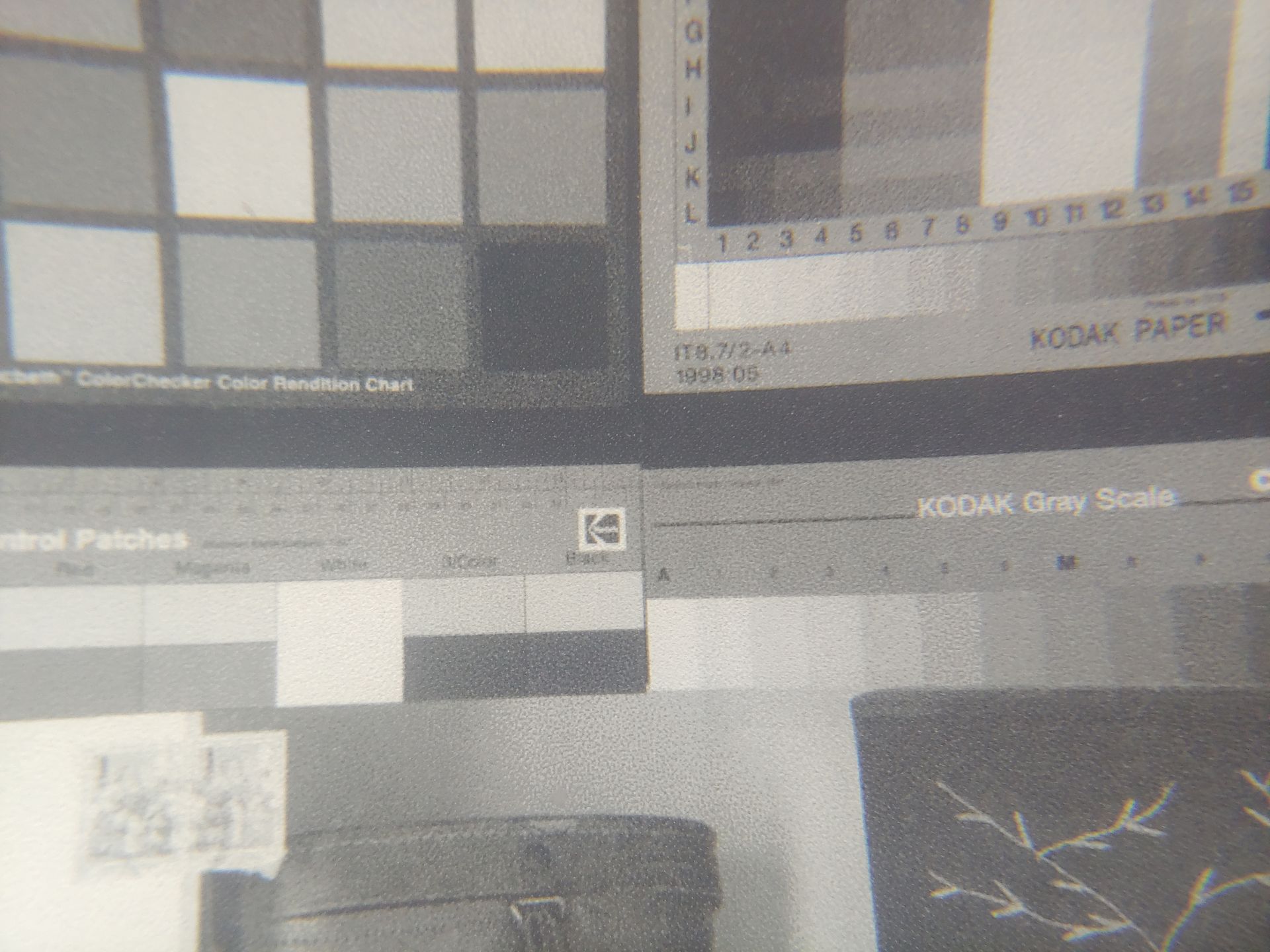
8x MAGNIFIED VIEW
In Regal/HD mode, the Note Air6 C and Palma 2 Pro color displays were similar, with a diagonal pattern in the color shades. The Go 6 II B&W display had a random dithering pattern in the grey shades and crisper text.



Battery runtime
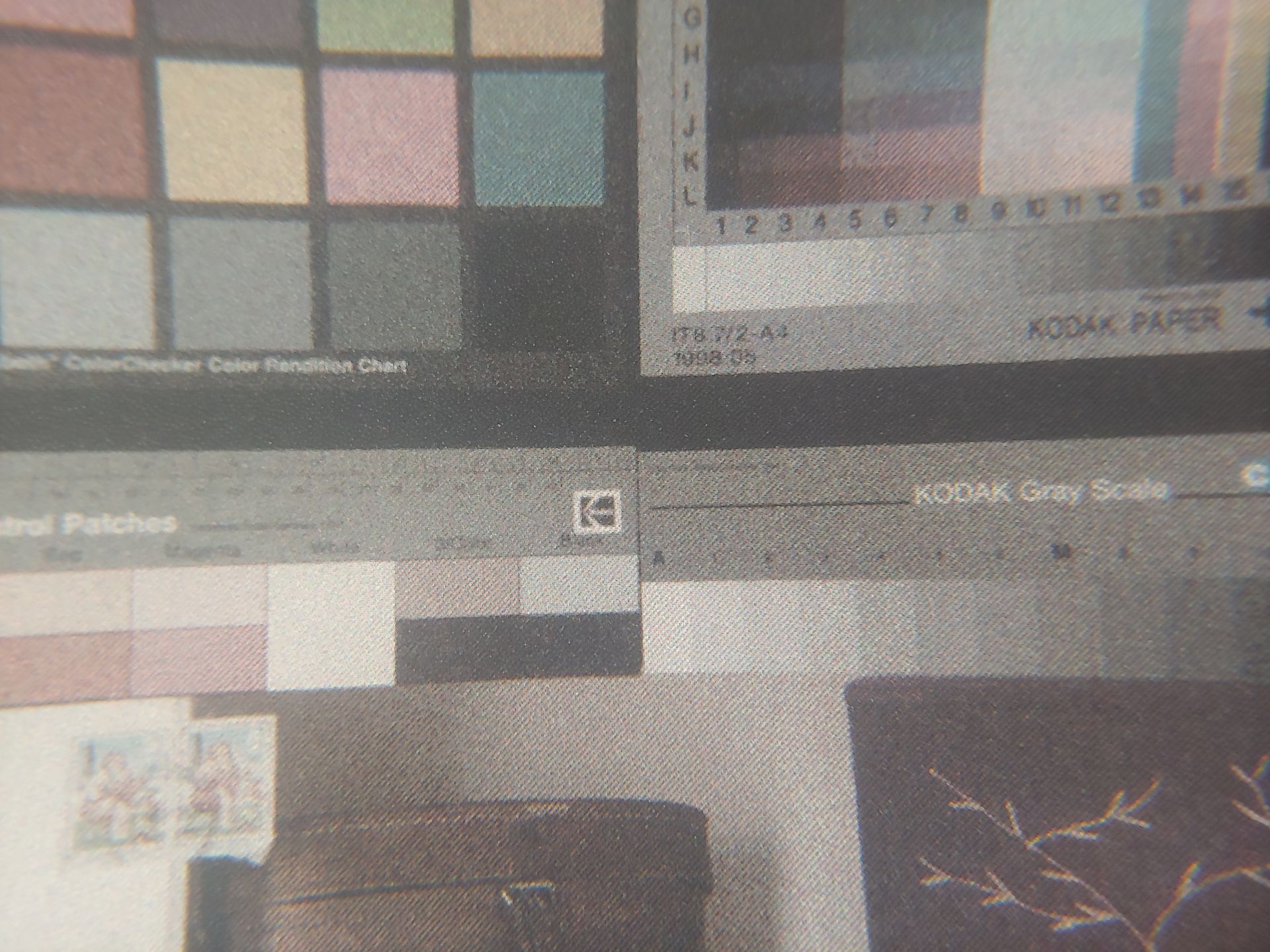
Reading e-books used about 5% battery per hour, while video playback used about 20% per hour with the Bright-mode backlight set to 24/32.
Conclusion
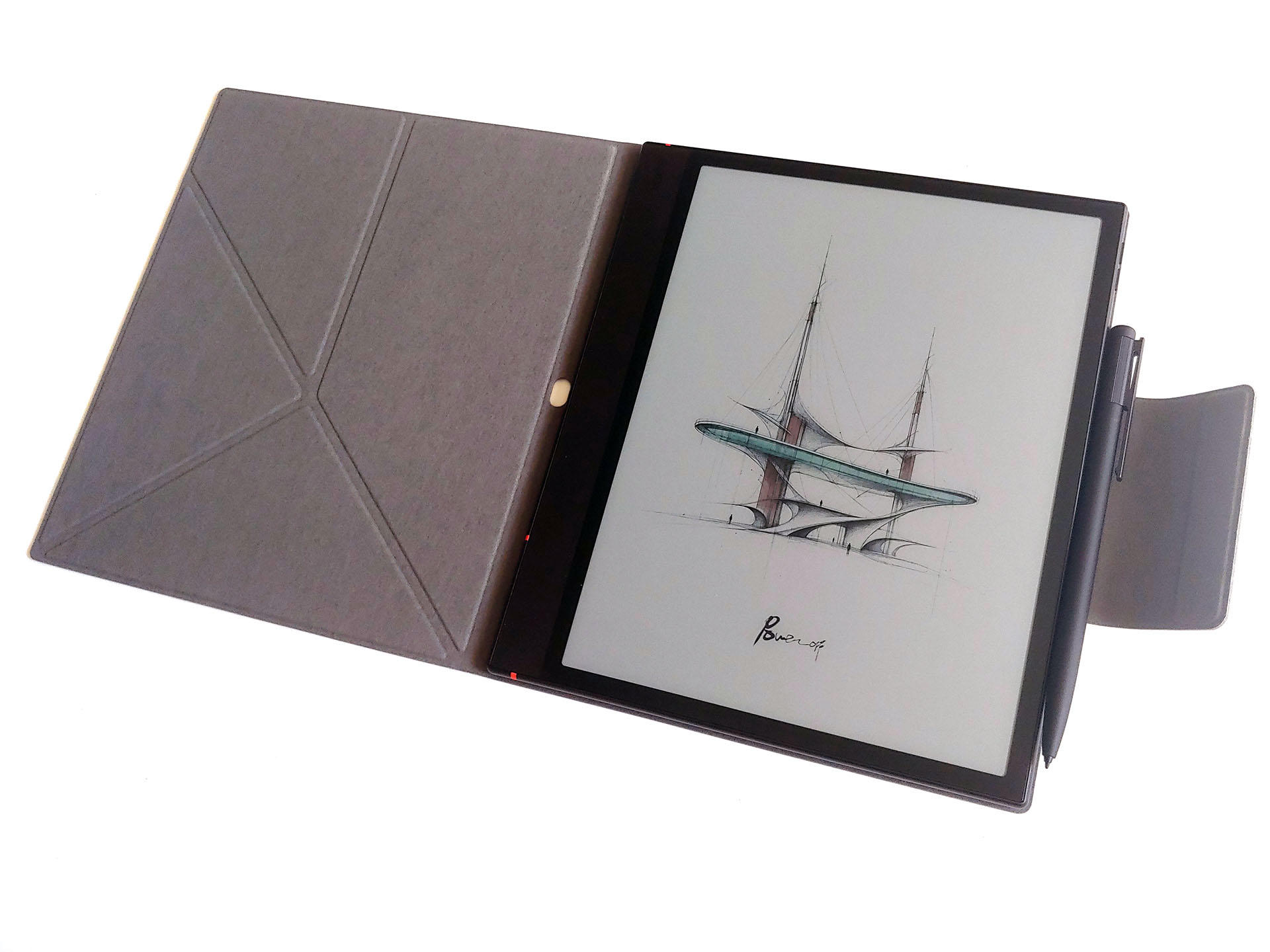
The Boox Note Air6 C e-reader is for users who need a lightweight color ePaper tablet that combines comfortable reading, fluid handwriting, and sketching capabilities while reducing the eye strain associated with glossy displays.
Transparency
The selection of devices to be reviewed is made by our editorial team. The test sample was given to the author by the manufacturer free of charge for the purposes of review. There was no third-party influence on this review, nor did the manufacturer receive a copy of this review before publication. There was no obligation to publish this review. As an independent media company, Notebookcheck is not subjected to the authority of manufacturers, retailers or publishers.
 Add as a preferred source on Google


