Review Asus Zenbook UX32VD Ultrabook
For years, manufacturers have continuously praised the advantages of reflective screen surfaces while at the same time “protecting” users from being overburdened by resolutions that exceed the WXGA standard (1366 x 768 pixels). This philosophy has proven particularly disappointing when it comes to small, light notebooks whose portability is ultimately doomed to fail outdoors as a result of their reflective screens. To add insult to injury, manufacturers attempted to reduce costs and increase battery life by limiting illumination, exacerbating the problem.
We at notebookcheck.net have never stopped demanding ergonomic displays, a feature that is particularly important for notebooks that are designed to be taken everywhere including outdoors. Asus's new Zenbooks mark a breakthrough in this area. More details about this can be found in the Display section.

But is that all that is new in the latest update to the Zenbook line? Certainly not! While other brands may settle for selling a mere display change as an evolution, Asus has added a more exciting features to this year’s update to last fall's UX31. The processor was updated to Intel's new 3rd generation Ivy Bridge platform, using a ULV low-power CPU as is necessary to meet the Ultrabook standard. Asus offers two variations of this notebook, the UX32A and UX32VD, with the latter featuring the Optimus-integrated Nvidia GeForce GT 620M dedicated GPU.
The UX31 and the UX21 were refreshed as well and return as the UX31A and UX21A. They are priced higher than the UX32 models despite relying exclusively on Ivy Bridge's integrated Intel HD 4000 GPU. The differences revolve around the case (unibody vs. aluminum sandwich), storage (solid state drives vs. SSD-cached hard drive hybrids), and a slightly larger battery for the UX31A.
For the following test, we had access to a pre-production model of the Asus UX32VD. In this regard, we should mention that changes to included accessories, workmanship, and components could be made to production models prior to their release for sale. Details about the included CPU, price, and release date of these products are under a non-disclosure agreement (NDA) and cannot be discussed here. We will only be allowed to provide these when the NDA is lifted. According to rumors, this could be the case in just a few weeks. As far as pricing is concerned, our predictions are based on the current prices of the UX31 which is sold in Germany between 900 and 1500 Euro ($1120 to $1860 USD) depending on equipment levels. Since the UX32A lacks a unibody case and makes do with just an SSD cache, its price could potentially drop below the current bottom end of the price range. We wait in anticipation.
Case
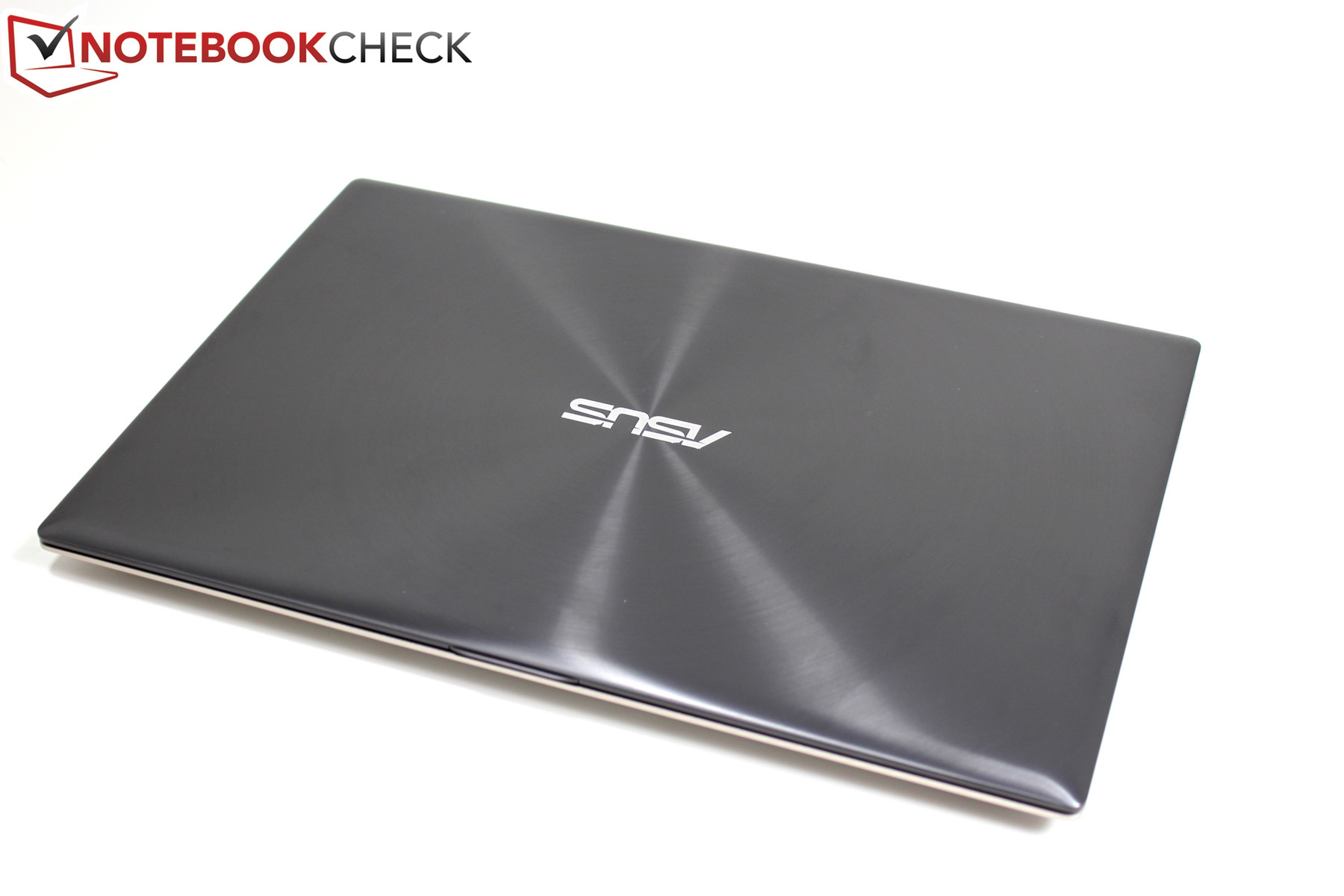

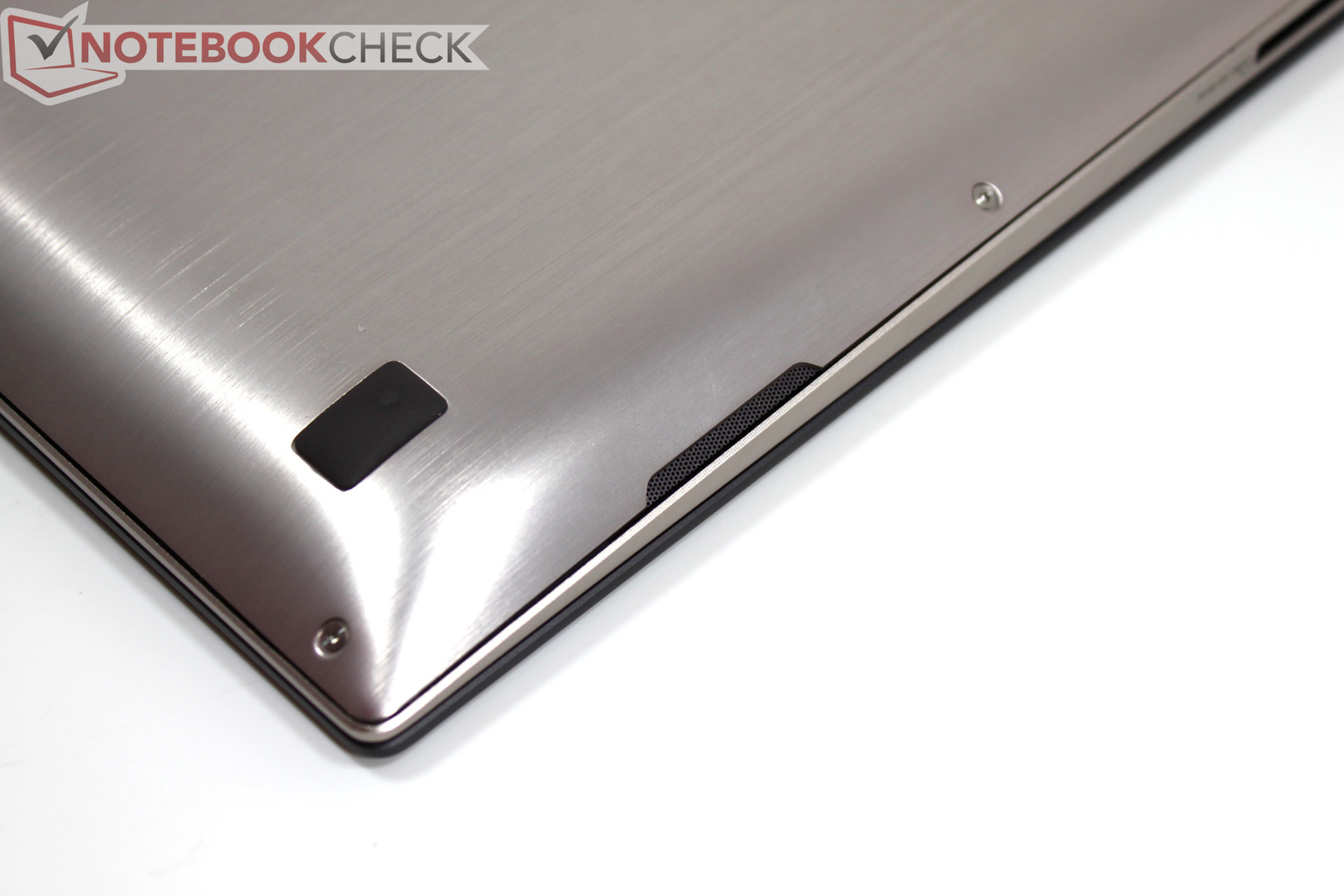
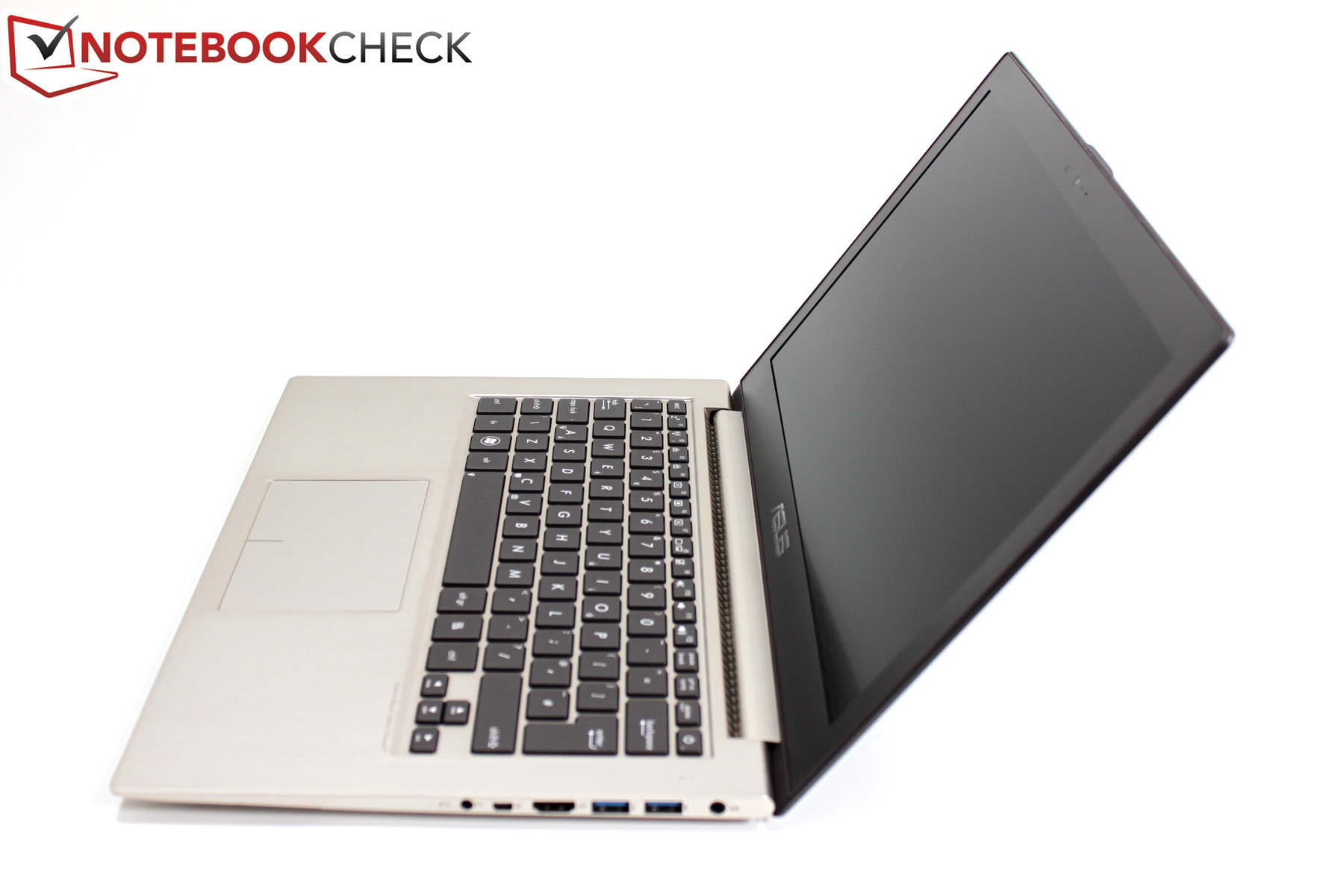
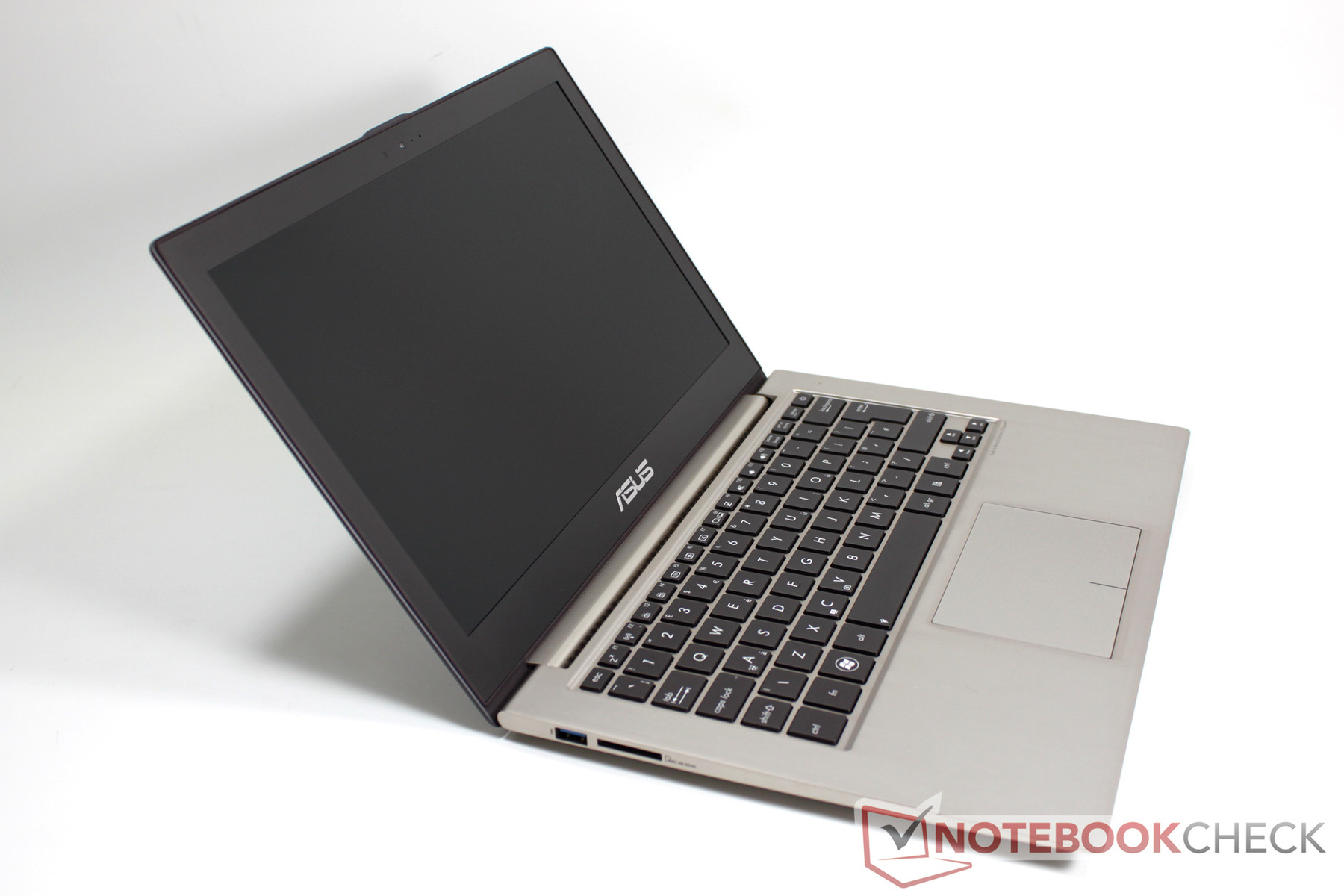
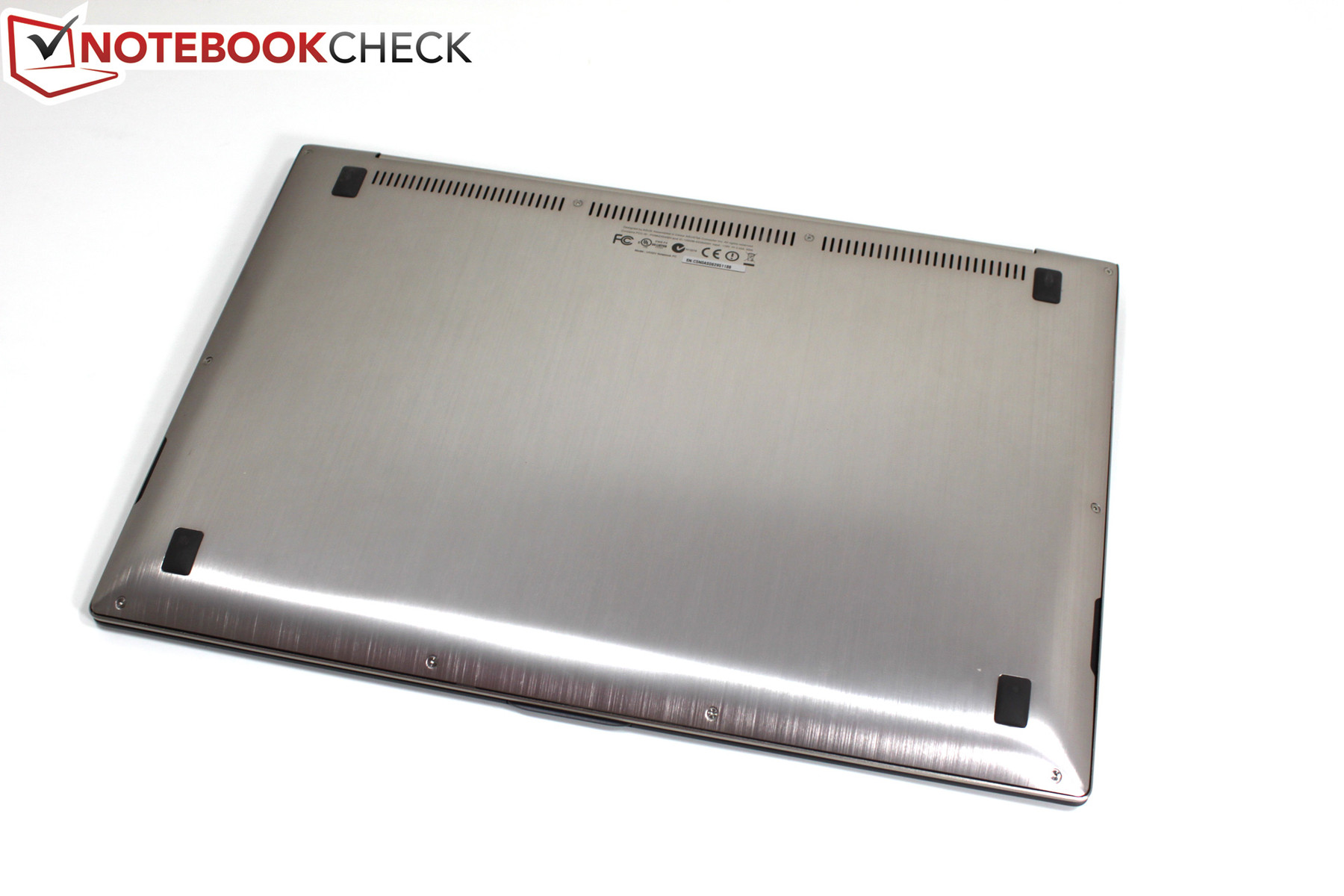
As the Zenbook UX31 already possesses a pleasing shape and color, Asus understandably saw no need for far-reaching aesthetic changes. Looking at the details, one can find minor modifications to the shape of the base. With the UX32, Asus will offer a lower cost alternative to the unibody case of the UX31. Using a conventional clamshell construction, the UX32 combines an aluminum base plate with a plastic-aluminum composite frame. In haptics and visuals, the UX32 equals the UX31 unibody model in every respect but this similarity ends at stability. The right-front section of our test sample is noticeably deformed. It should be noted that this may or may not be due to the pre-production status of our sample and it is possible that this deformation does not represent the finished product. On the other hand, the display appears similarly stiff as with the predecessor UX31. As the sample is not a finished production model, we cannot comment on its workmanship.
A look at the spec sheet shows more marginal differences in measurements and weight. The Asus UX31A sports a slightly smaller minimum build height of 3 millimeters (0.12 inches), while the UX32 "only" slims down to 5.5 millimeters (0.22 inches) at the front edge. This difference is even smaller in the UX32VD whose minimum build height was measured to be 4 millimeters (0.16 inches). We measured a higher weight of 1.47 kilograms (3.23 pounds) for the UX32VD pre-production sample as compared to the UX31A’s weight of 1.4 kilograms (3.08 pounds). This extra weight should hardly be noticeable to the user.
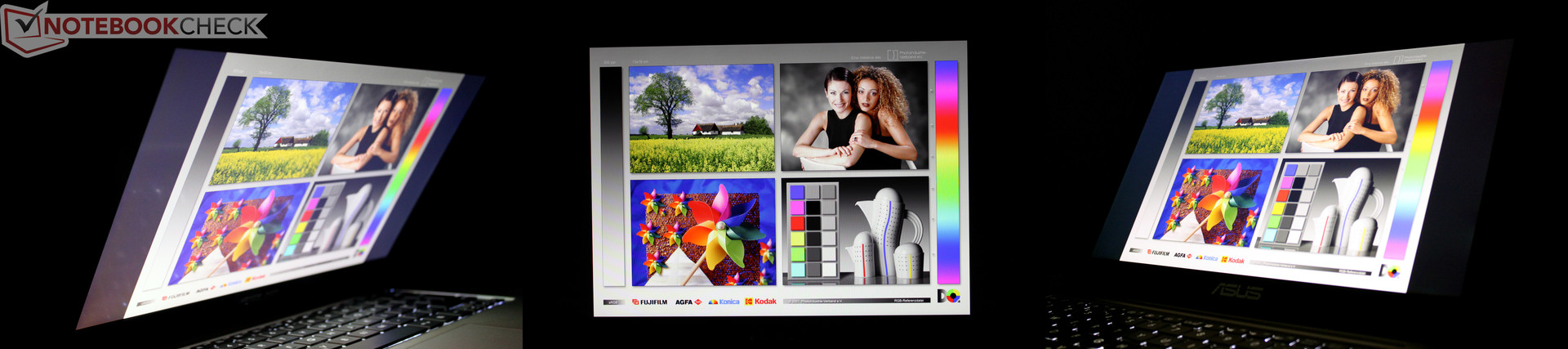
We measured an approximate maximum opening angle of only 125 degrees, a factor that may be noteworthy for some users. Thanks to the IPS display panel of the sample we tested, we observed absolutely stable viewing angles which should satisfy most users.
Connectivity
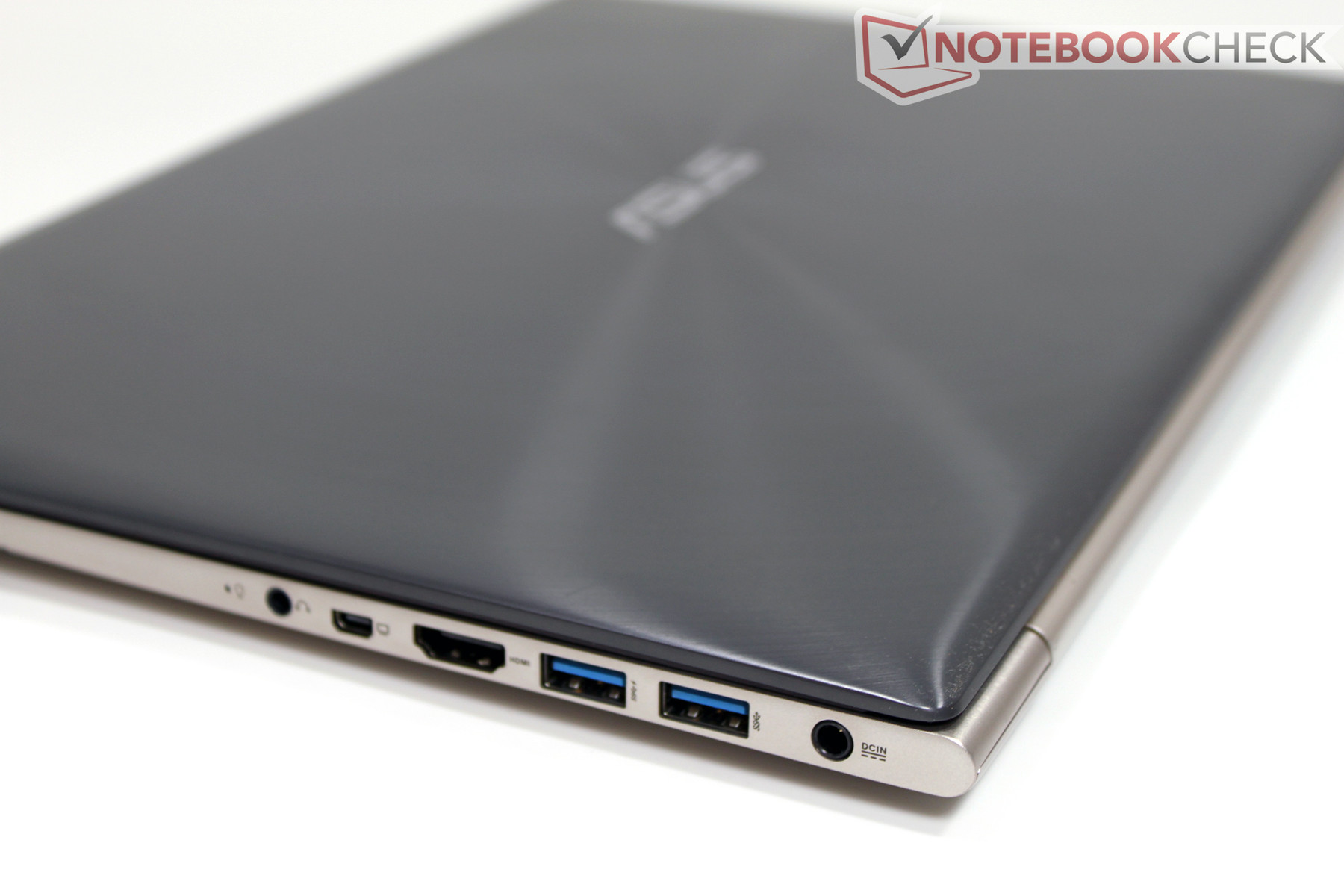
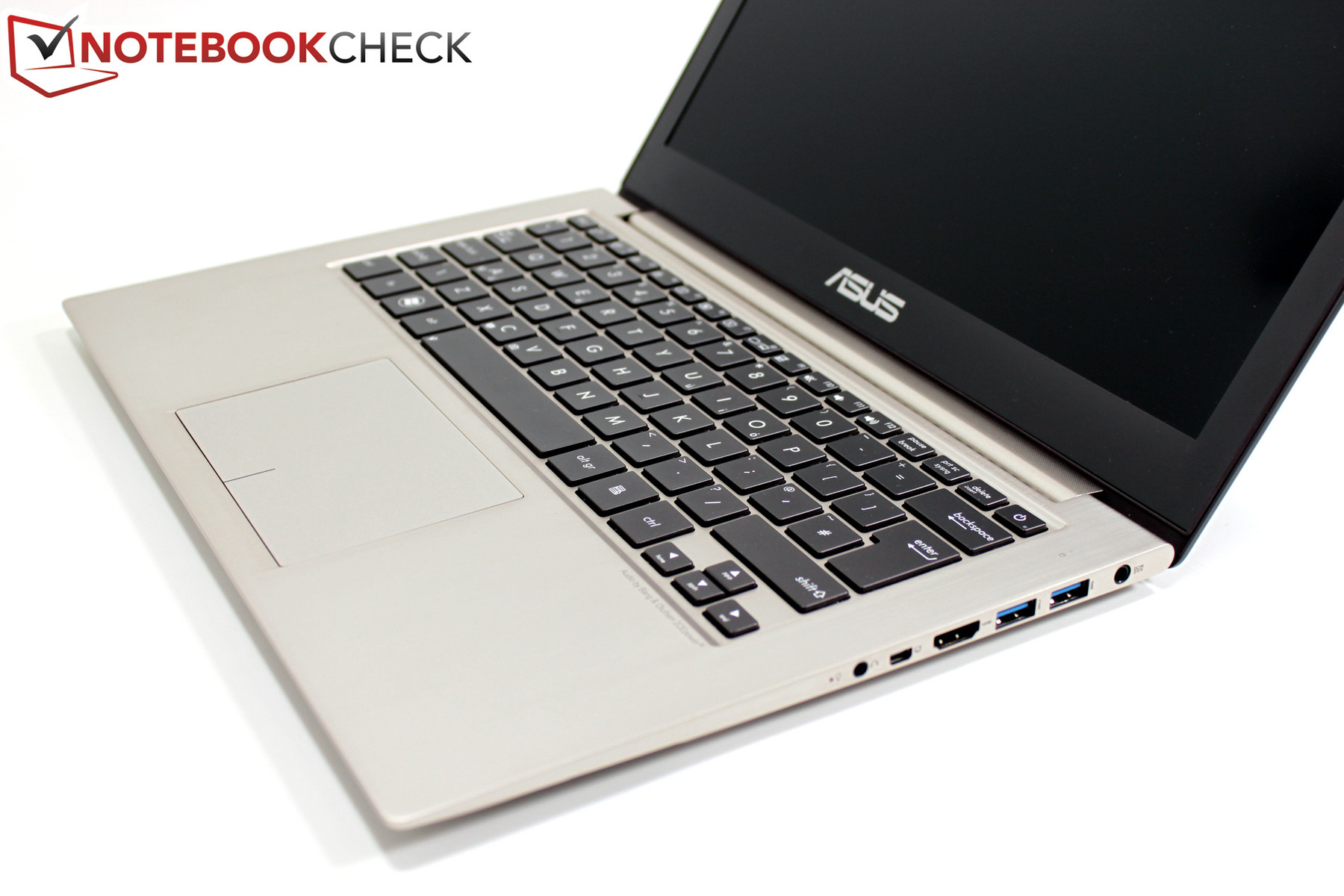
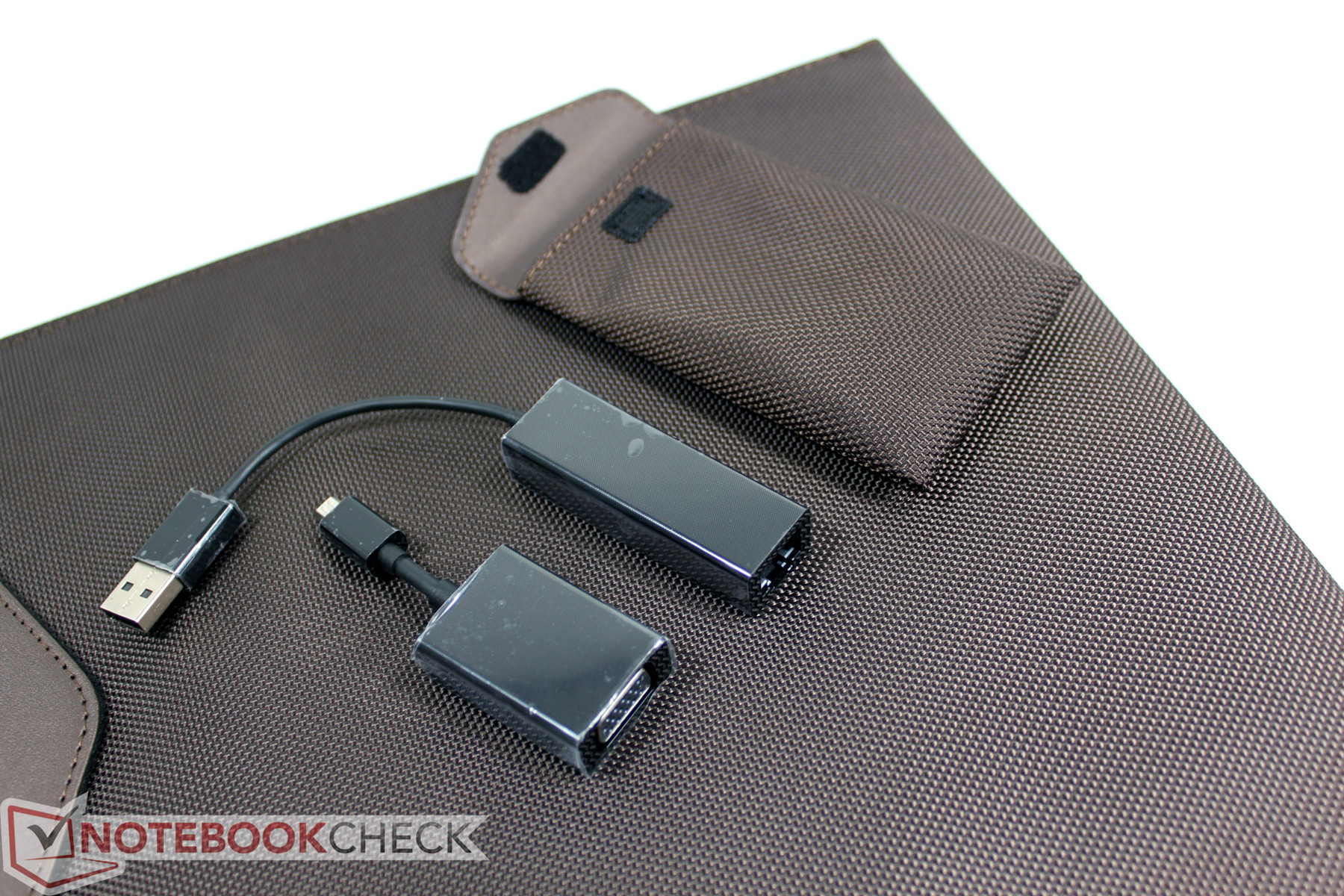
Aside from the slight case modifications, we also find a refreshed selection of interfaces on the new Asus Zenbook UX32VD. Asus integrated 3 USB 3.0 ports, an SD card reader, a full size HDMI connector, and a mini-VGA port into the UX32VD. Included are matching adapters – a mini-VGA to standard VGA adapter and a USB-to-RJ45 LAN adapter. An audio combination port similar to one found on many smart phones is also included on the right side. By comparison, the UX32 beats the existing UX31 and the new Zenbook Prime UX31A by one USB 3.0 port and the standard HDMI port. The positioning of connectors is very similar across all Zenbooks as they are located along the rear halves of both sides.


Communication
Nothing significant has changed in comparison to the UX31. The Zenbook still offers 10/100 Mbps LAN, WiFi 802.11 a/b/g/n, and Bluetooth 4.0 (via the WiFi Combo Card). Integrated into the display is a 720p HD webcam. The video quality is decent in every way, even at low ambient light levels. There is very little chroma noise.
Accessories
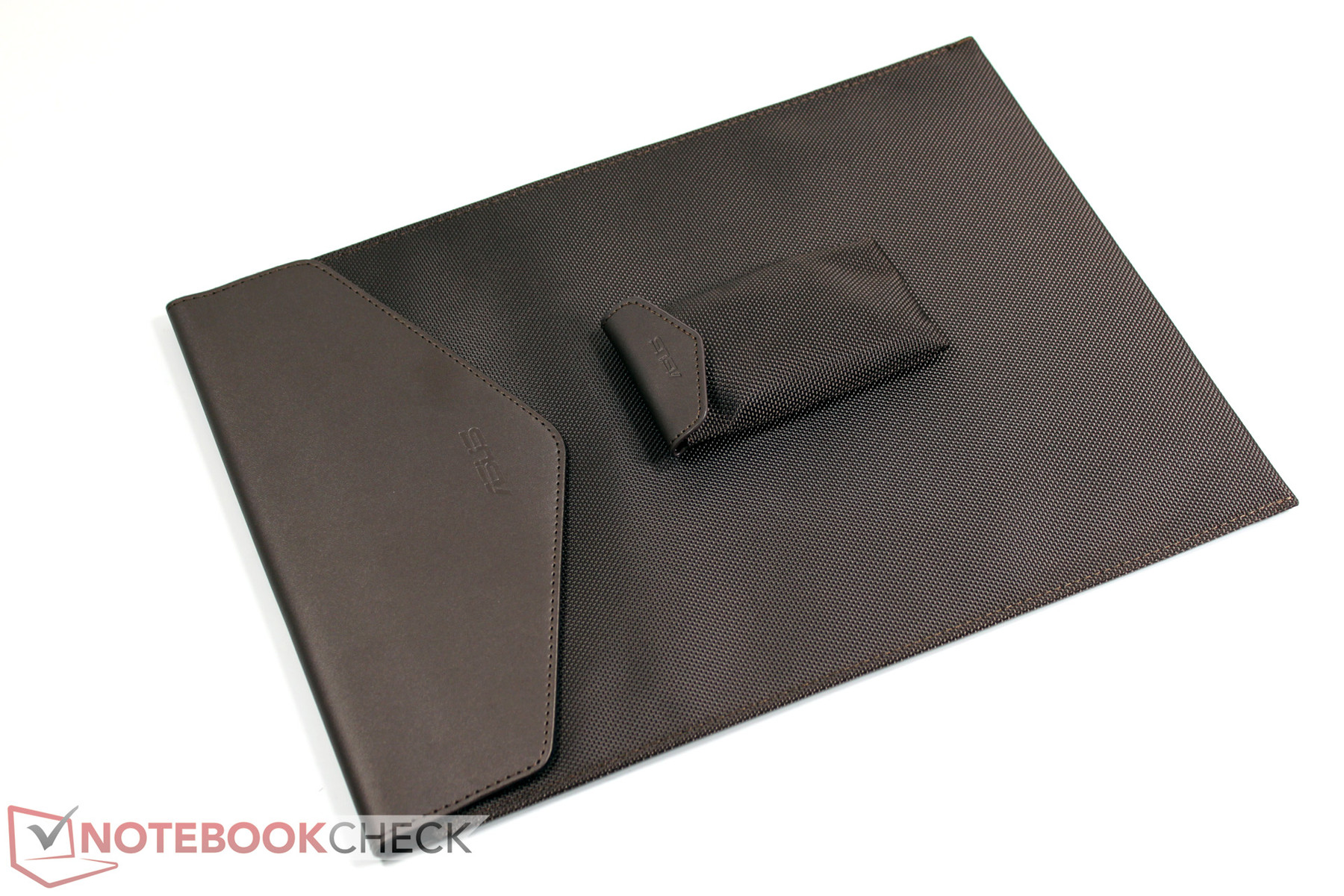
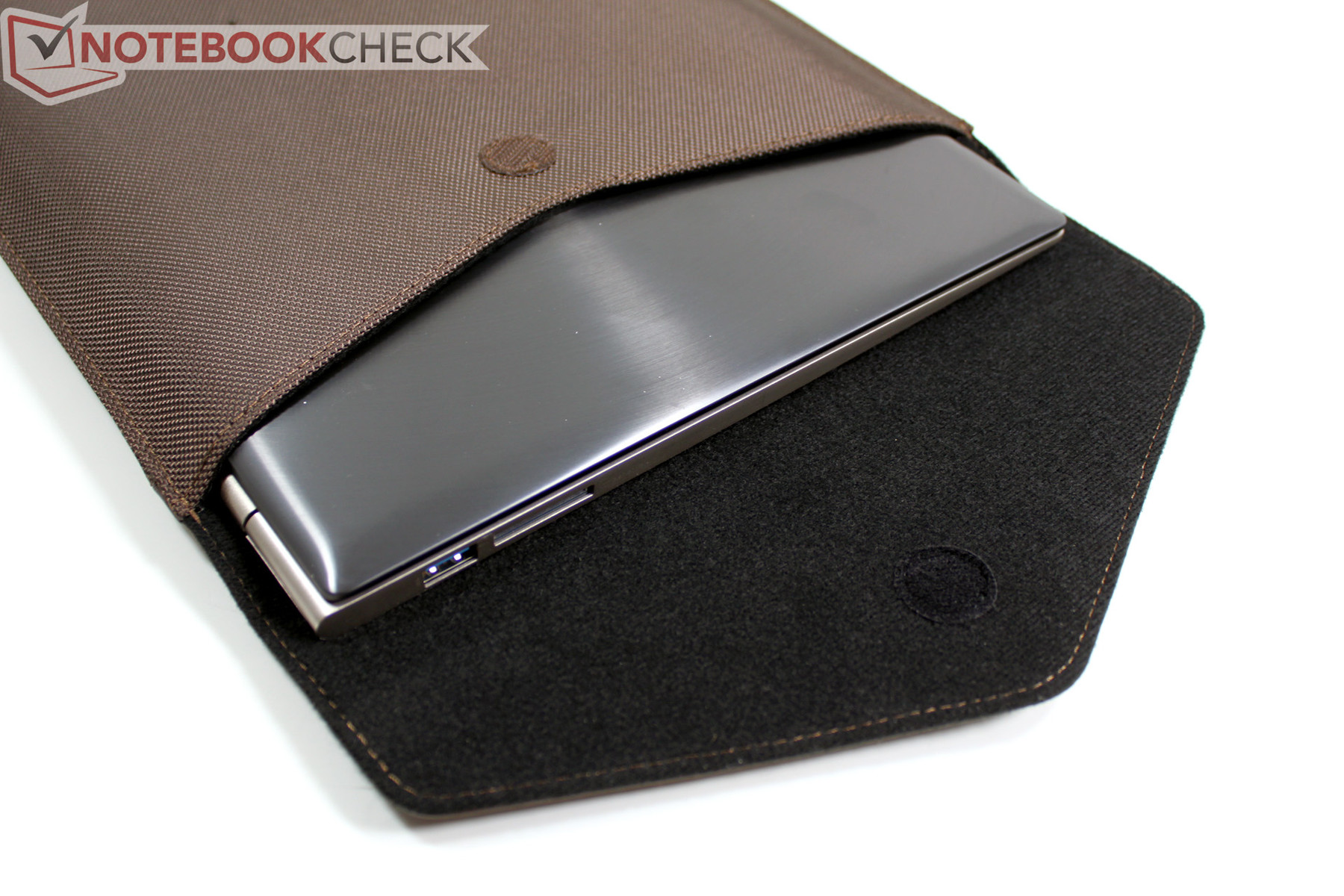
Aside from the aforementioned LAN and VGA adapters, we also find a protective cover for the notebook, offering only enough room for the notebook itself.
Service
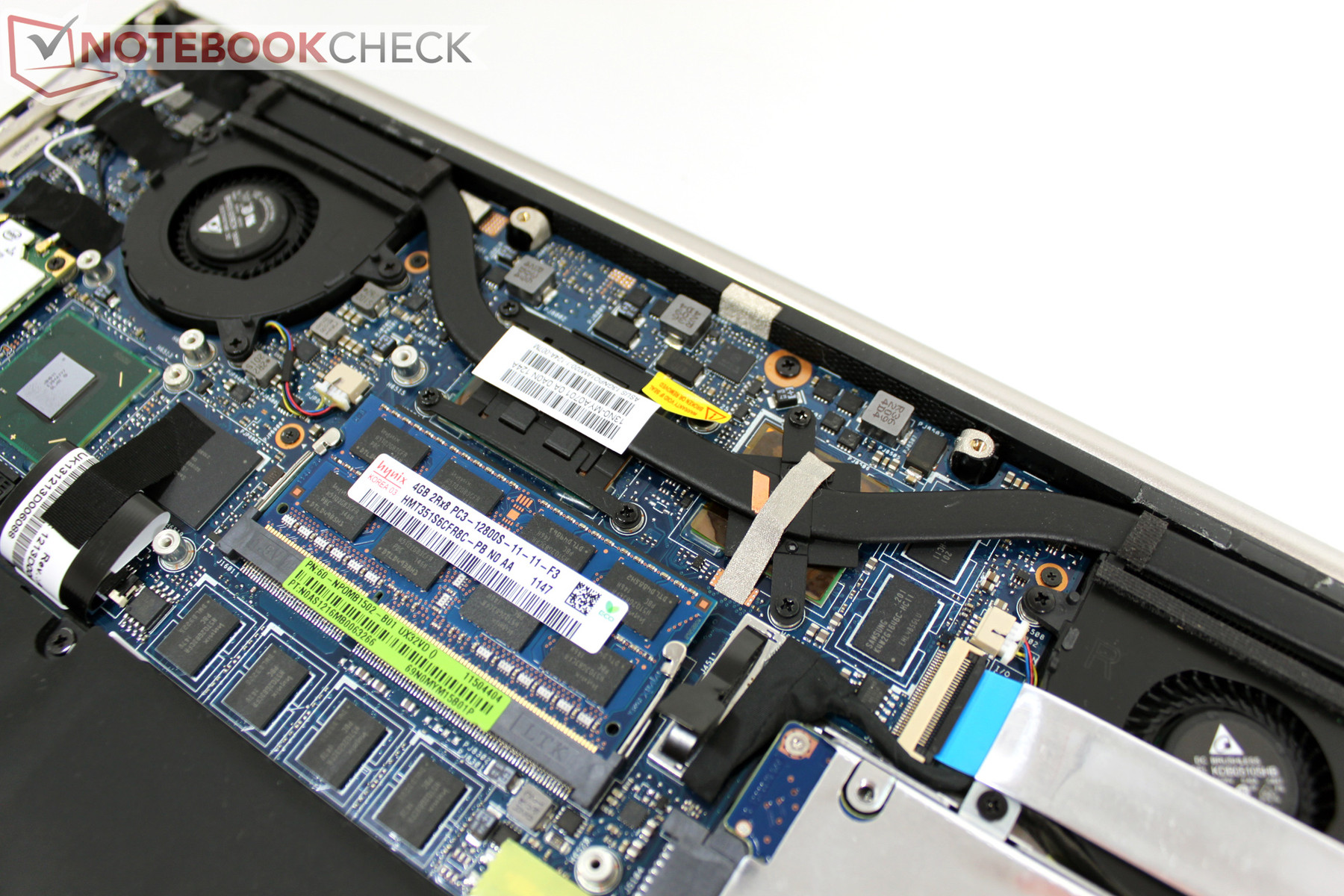
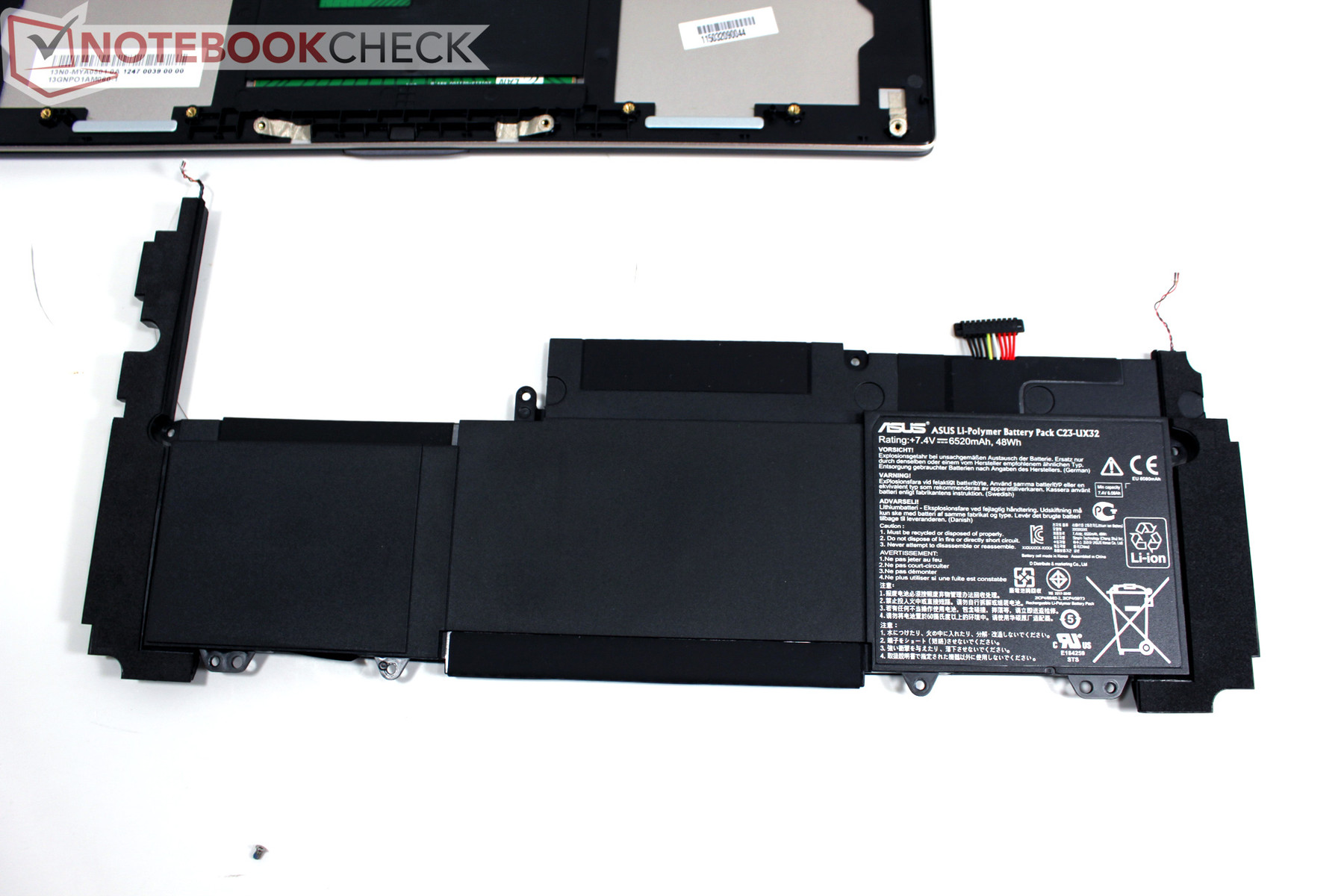
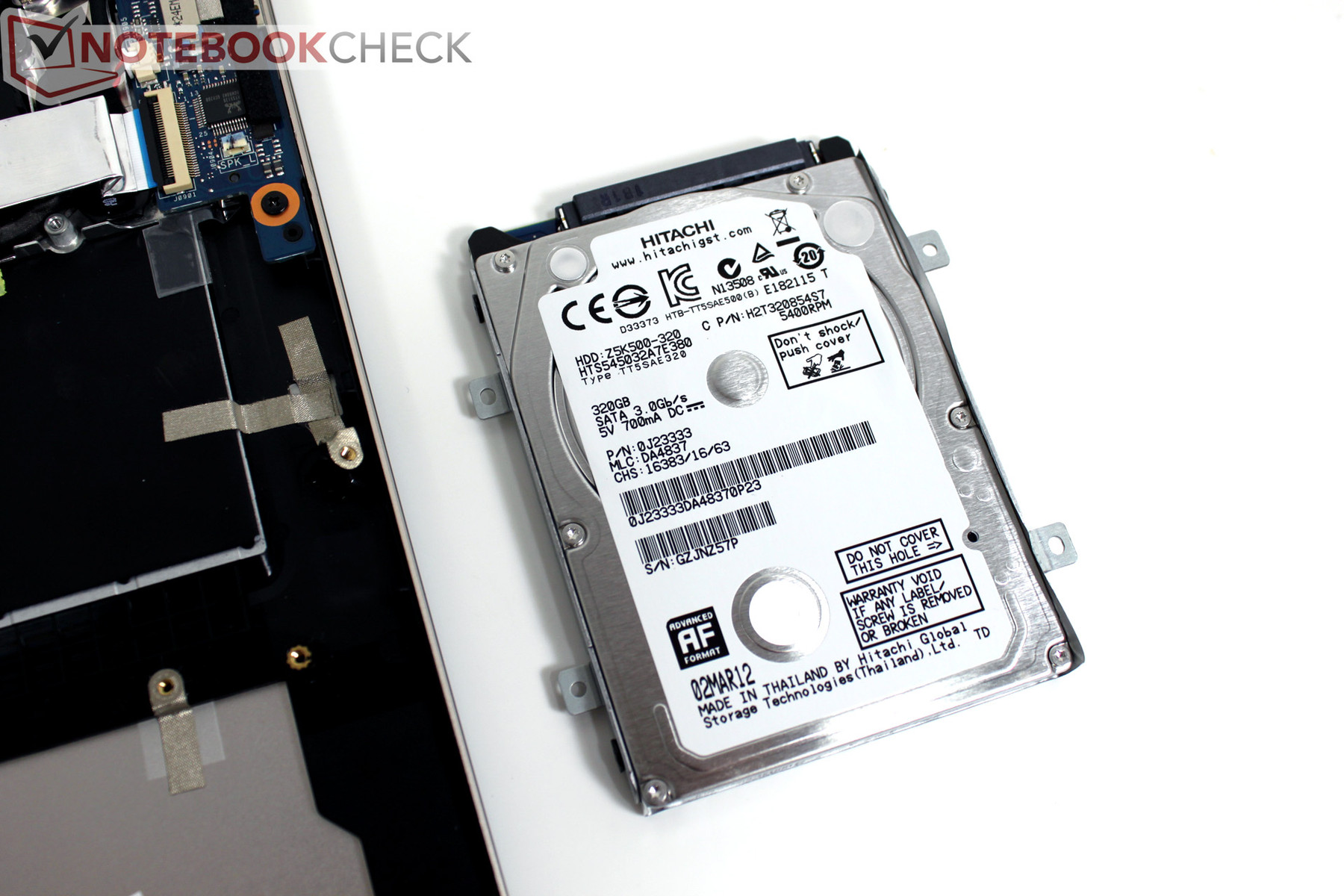
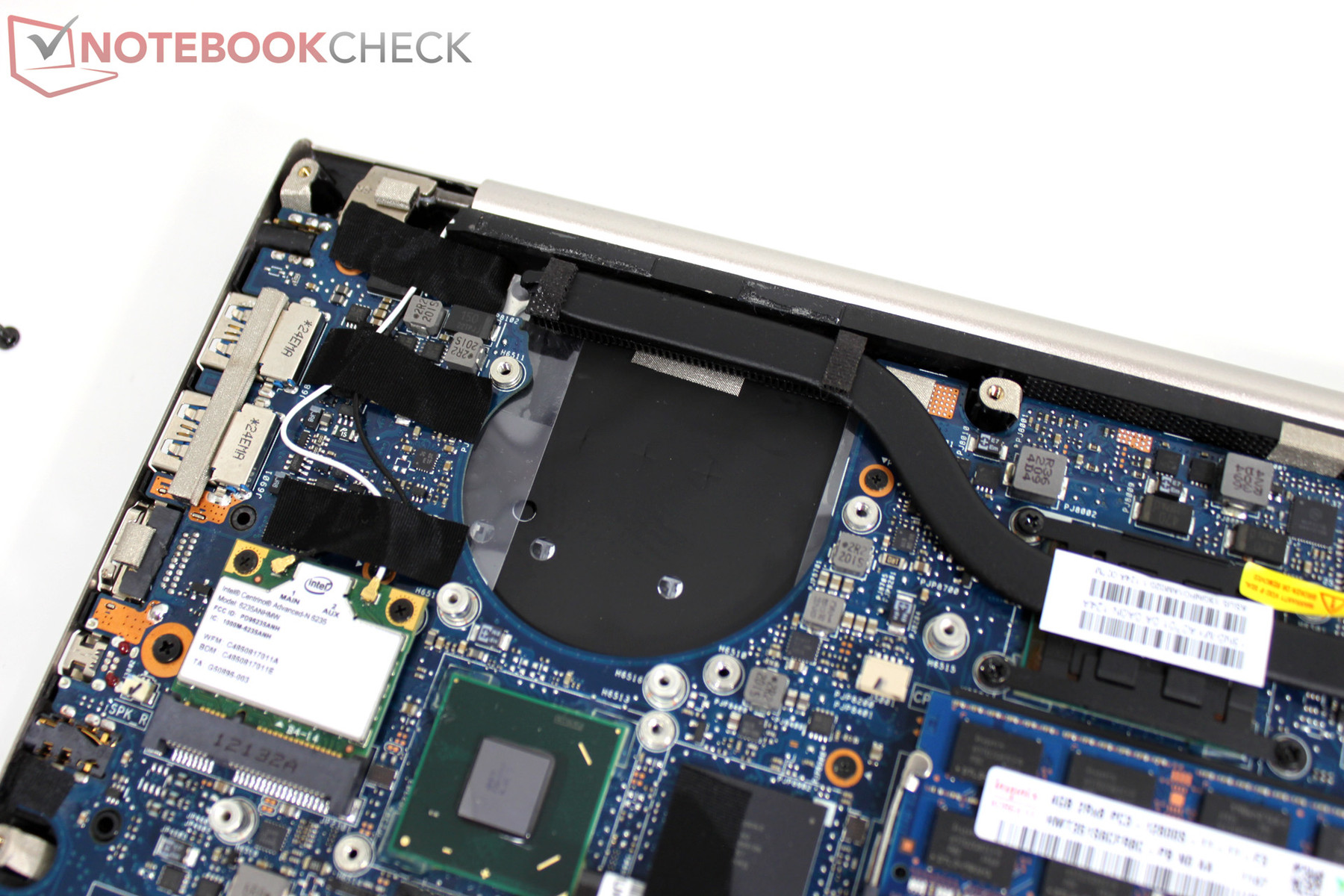
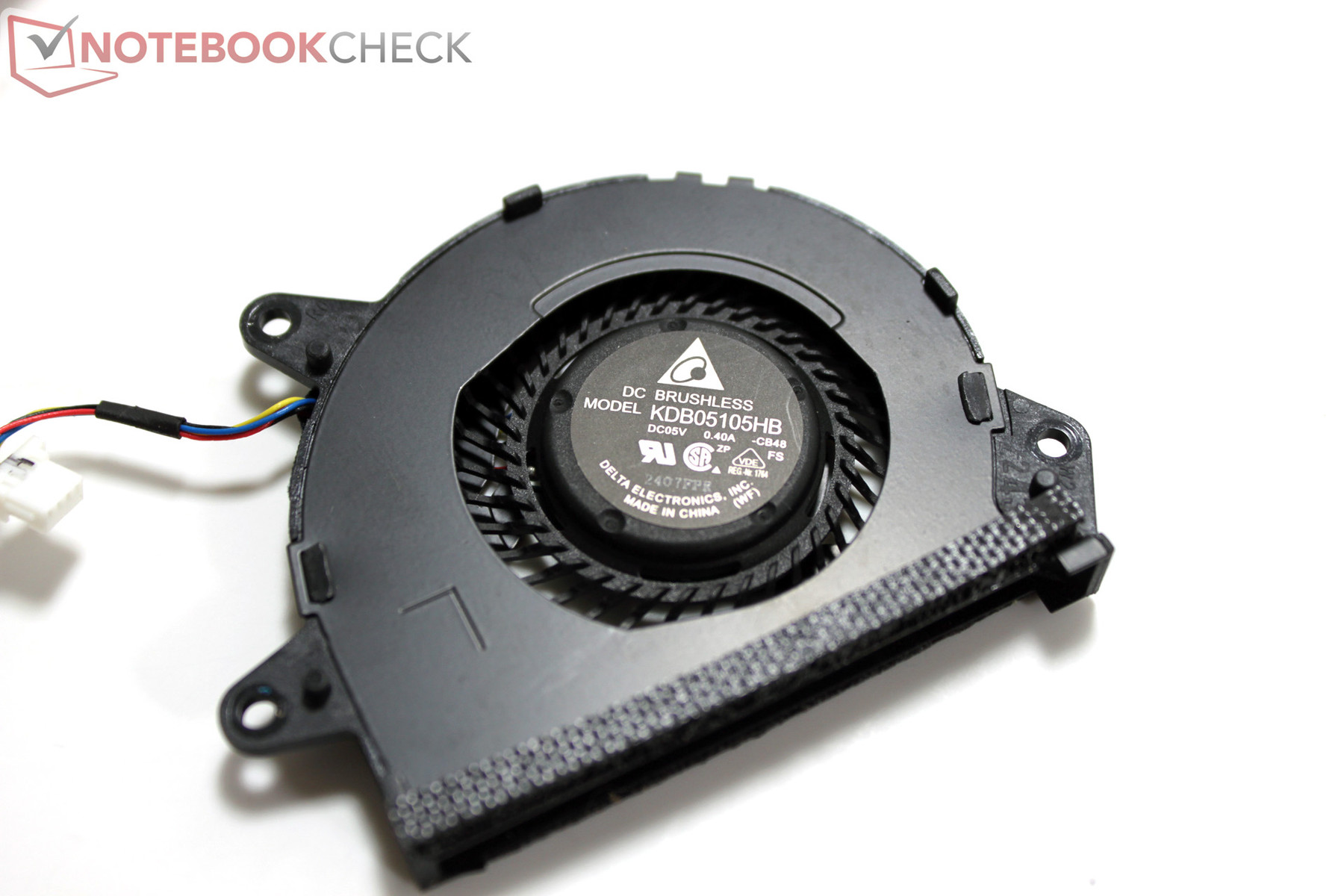
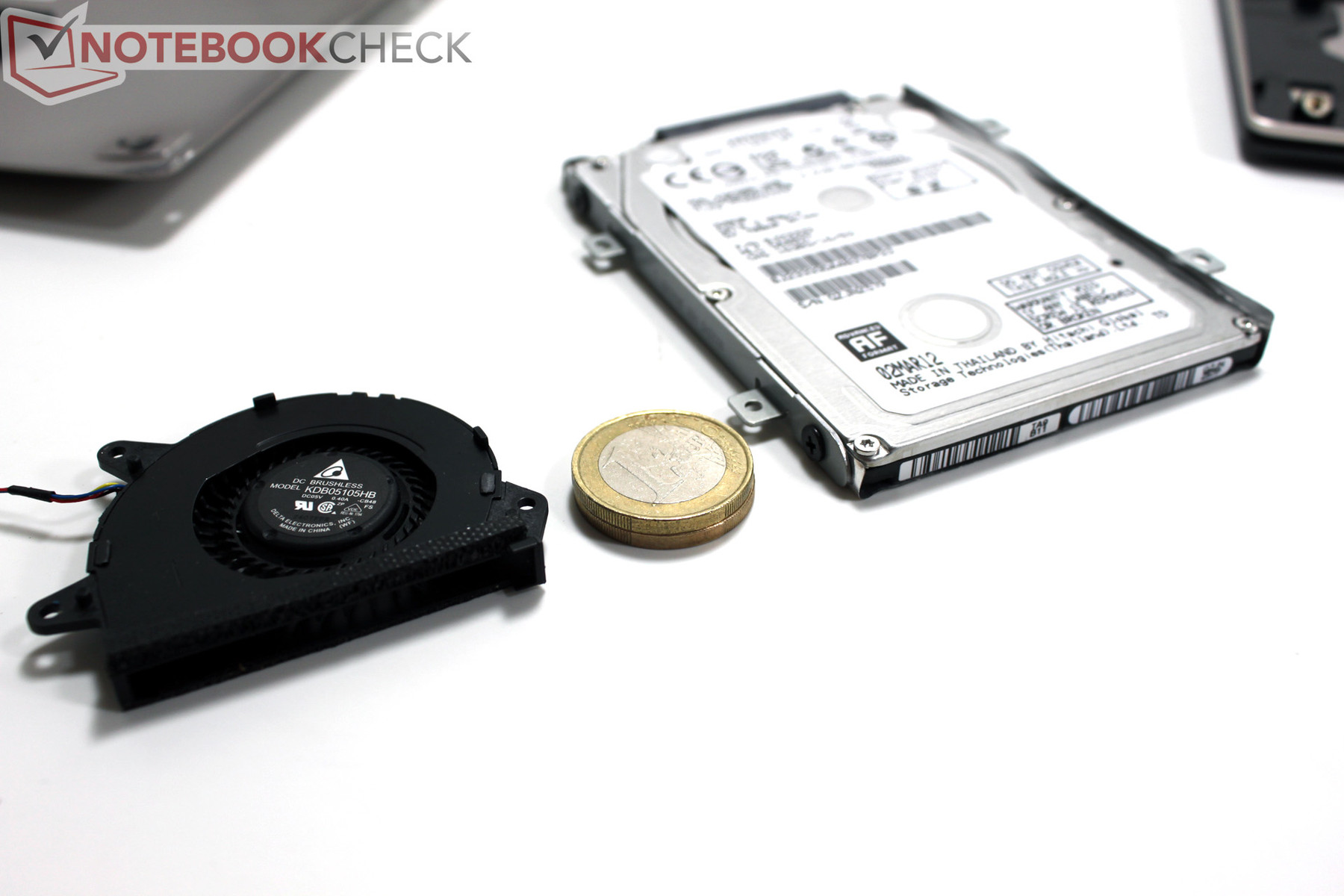
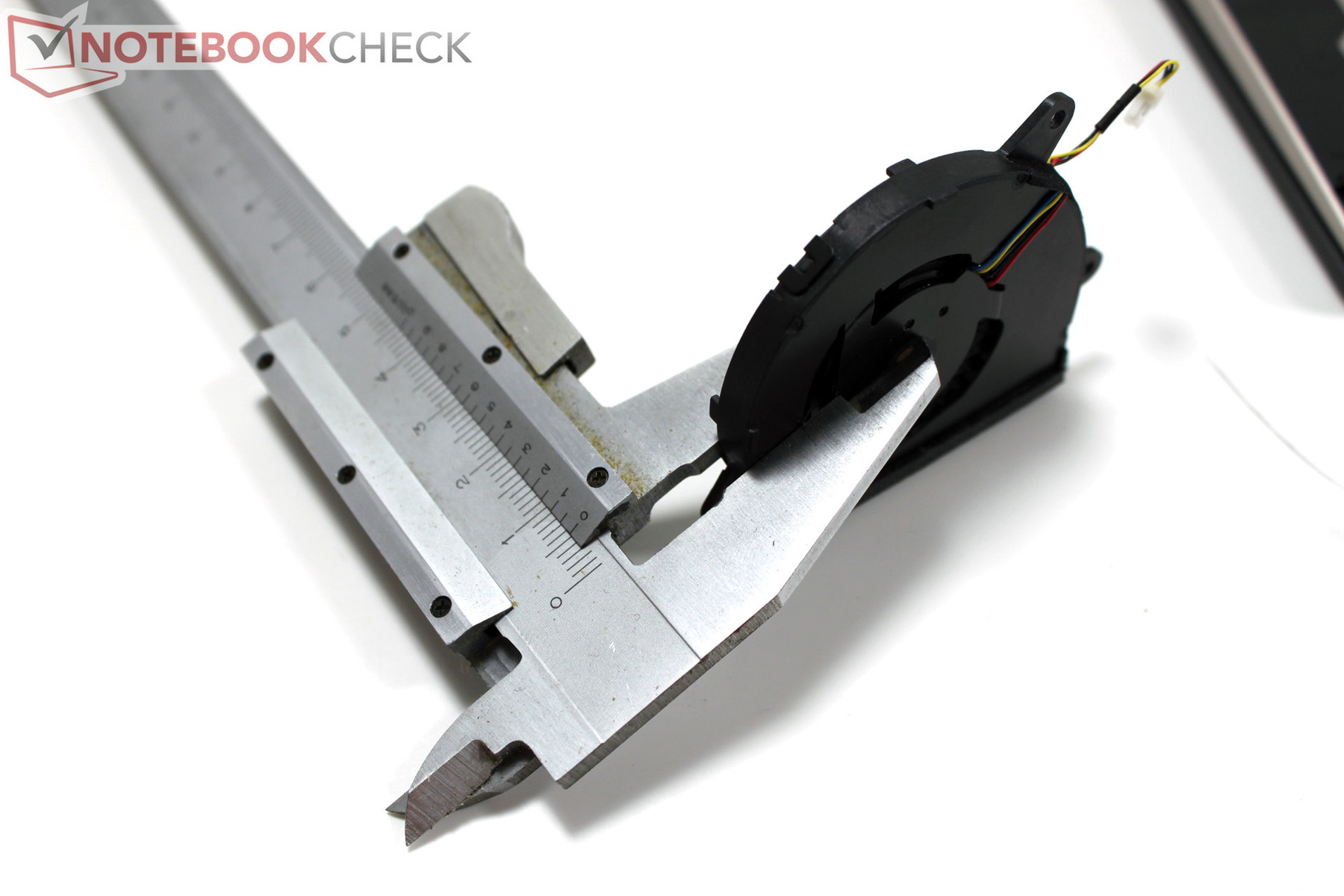
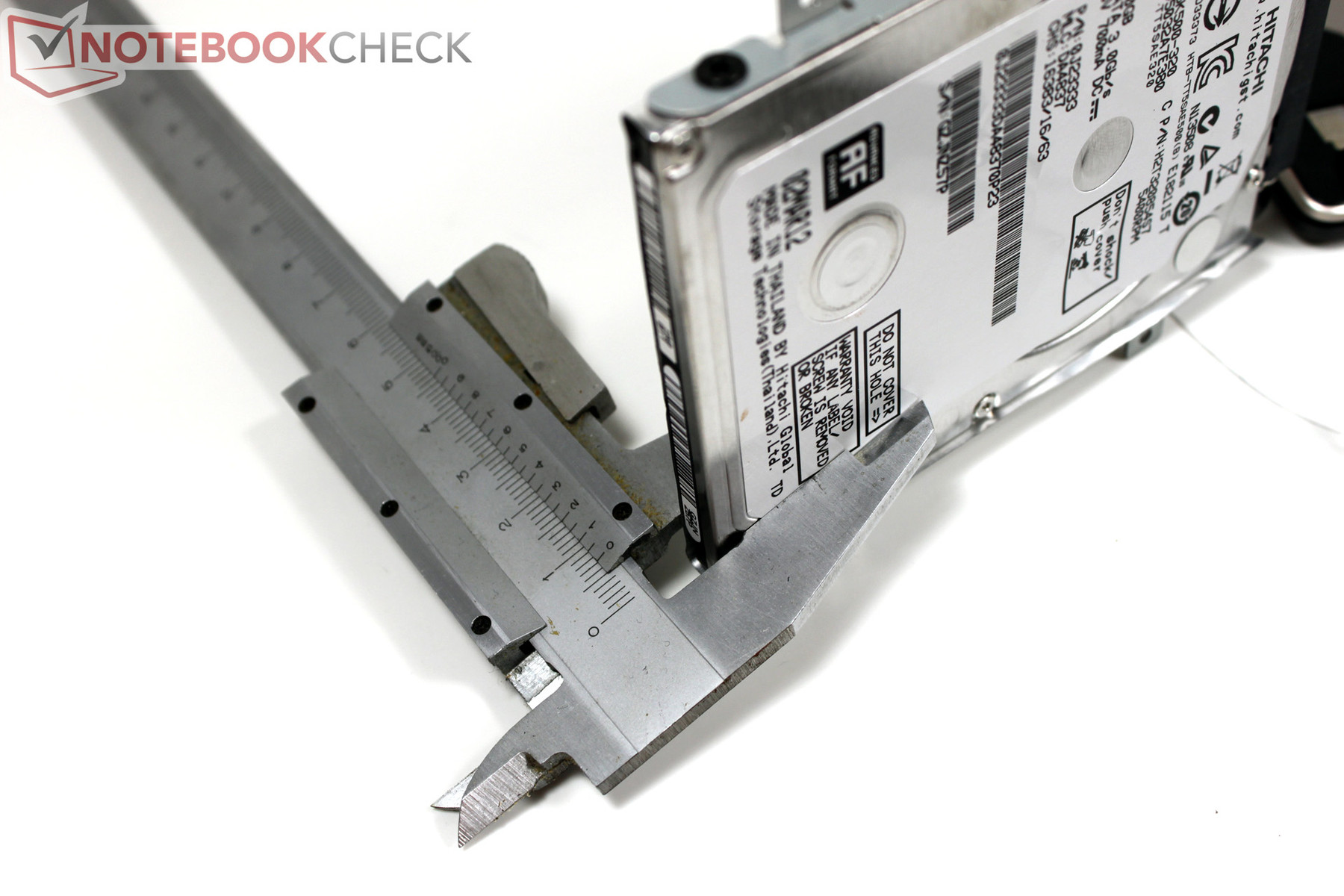
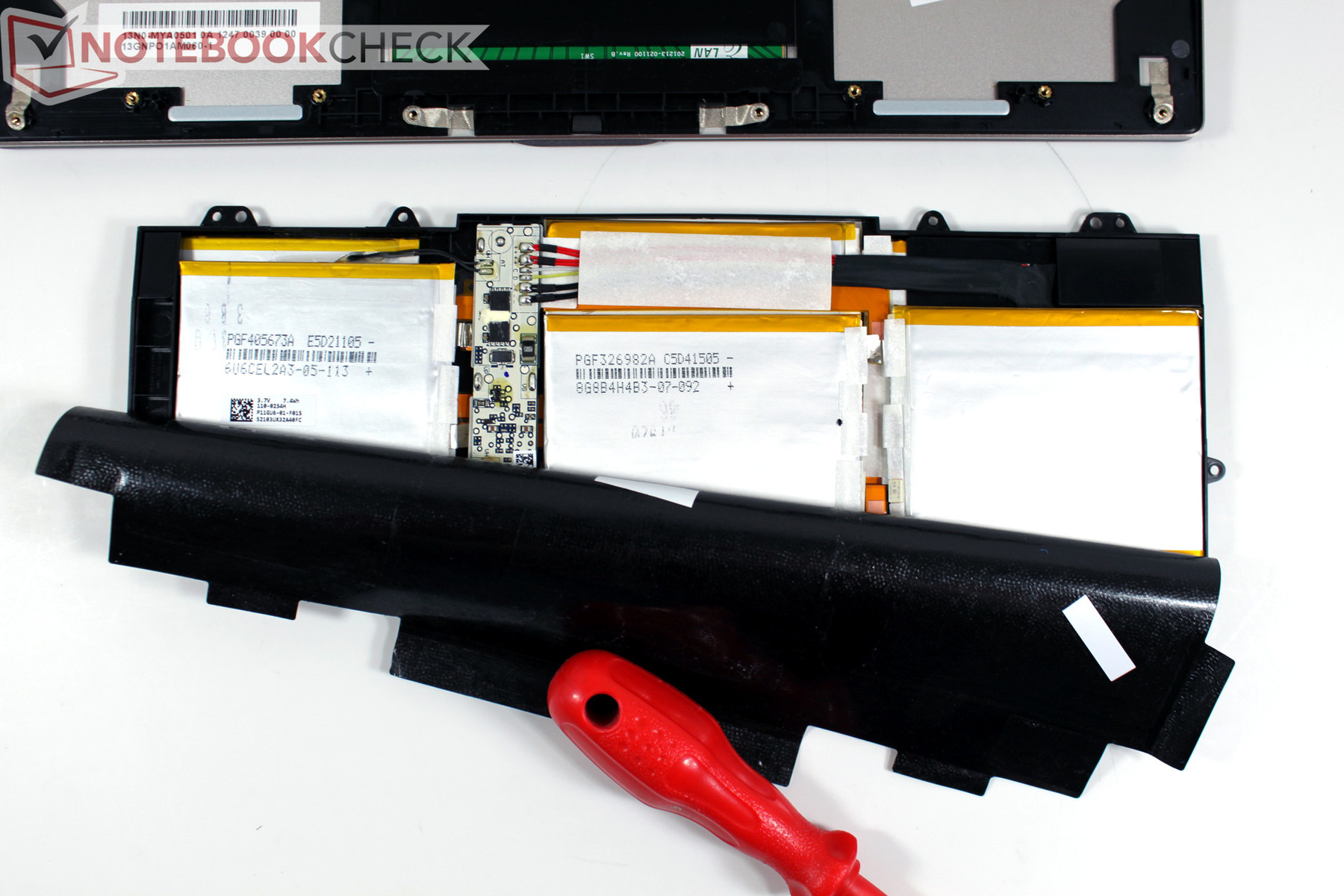
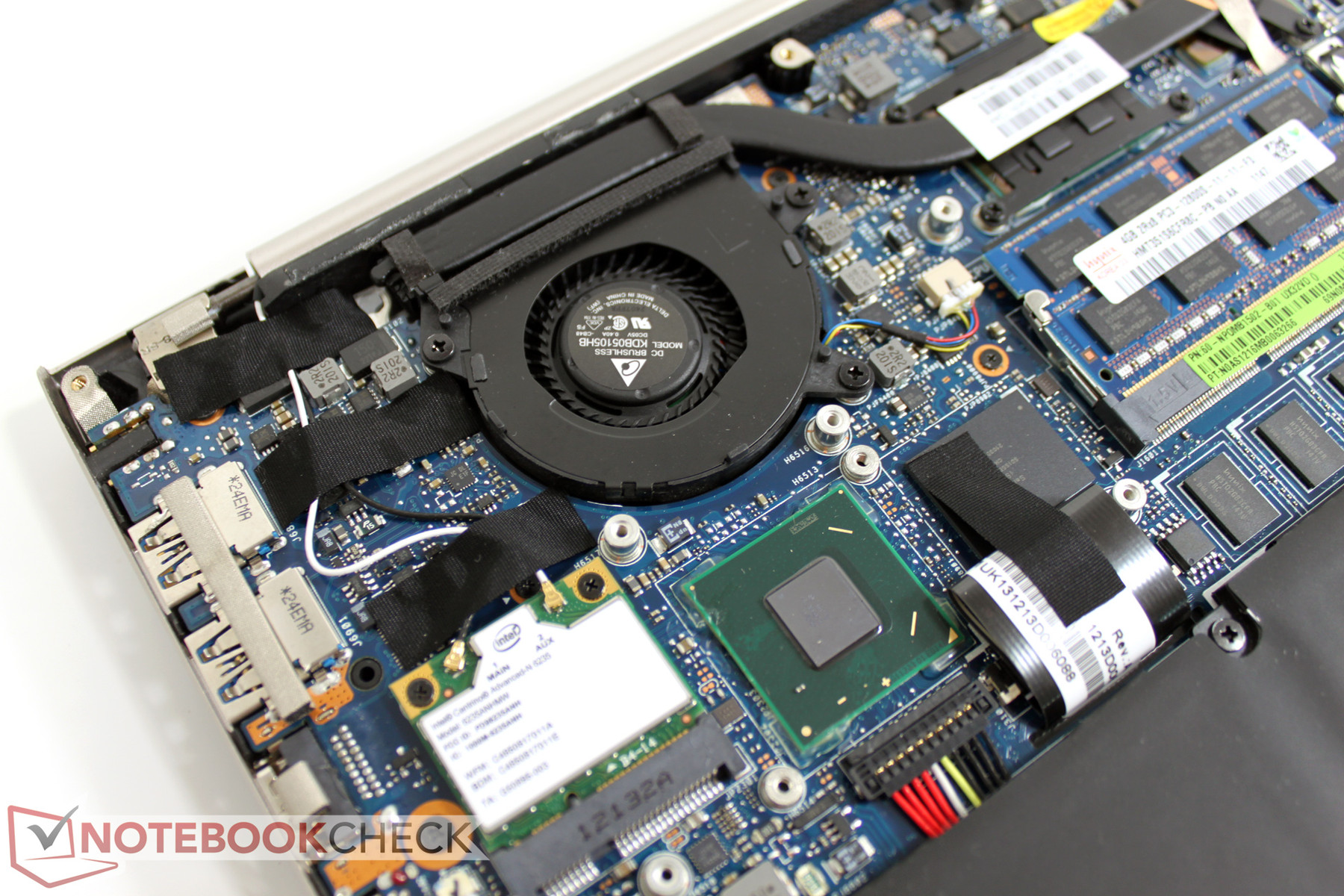
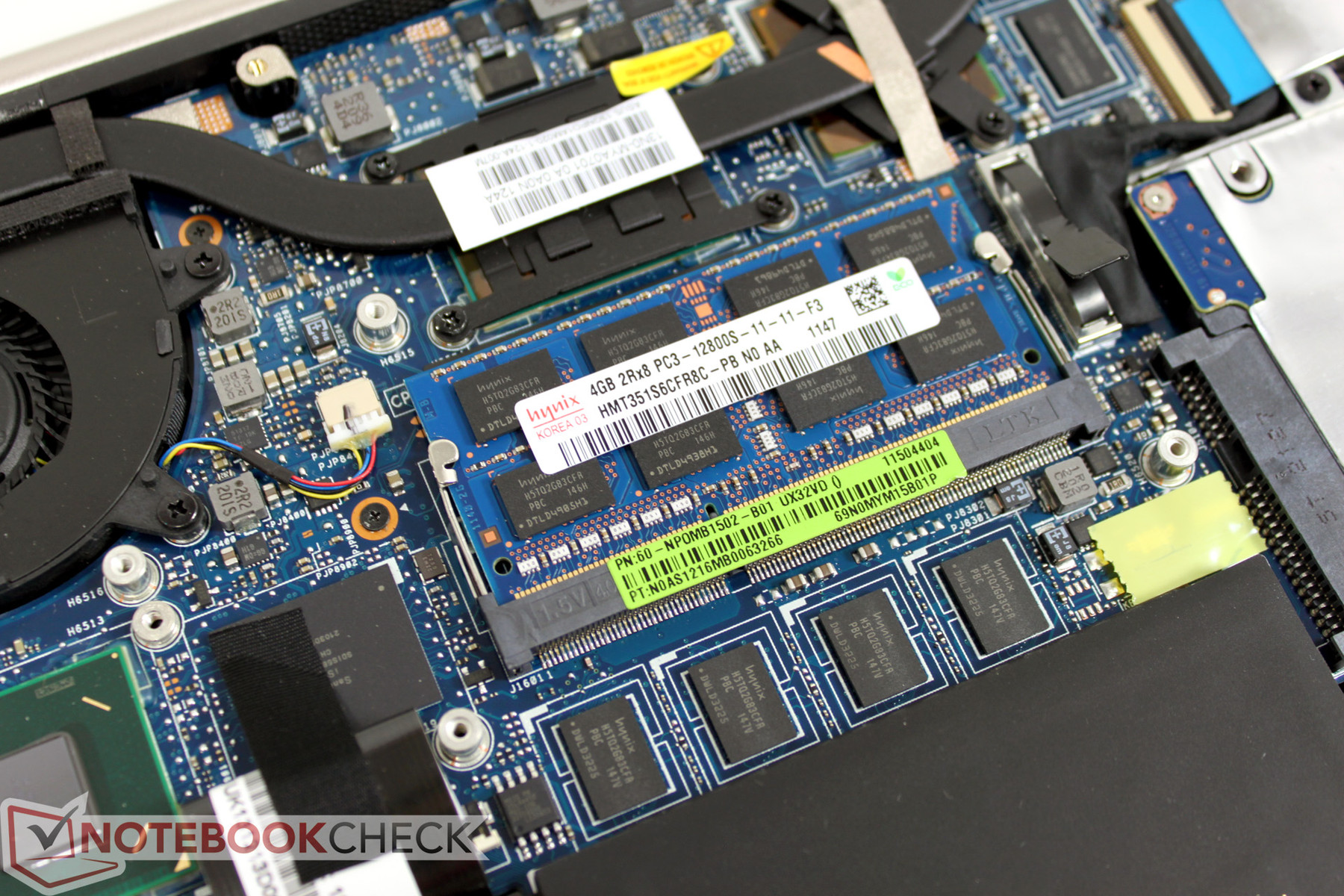
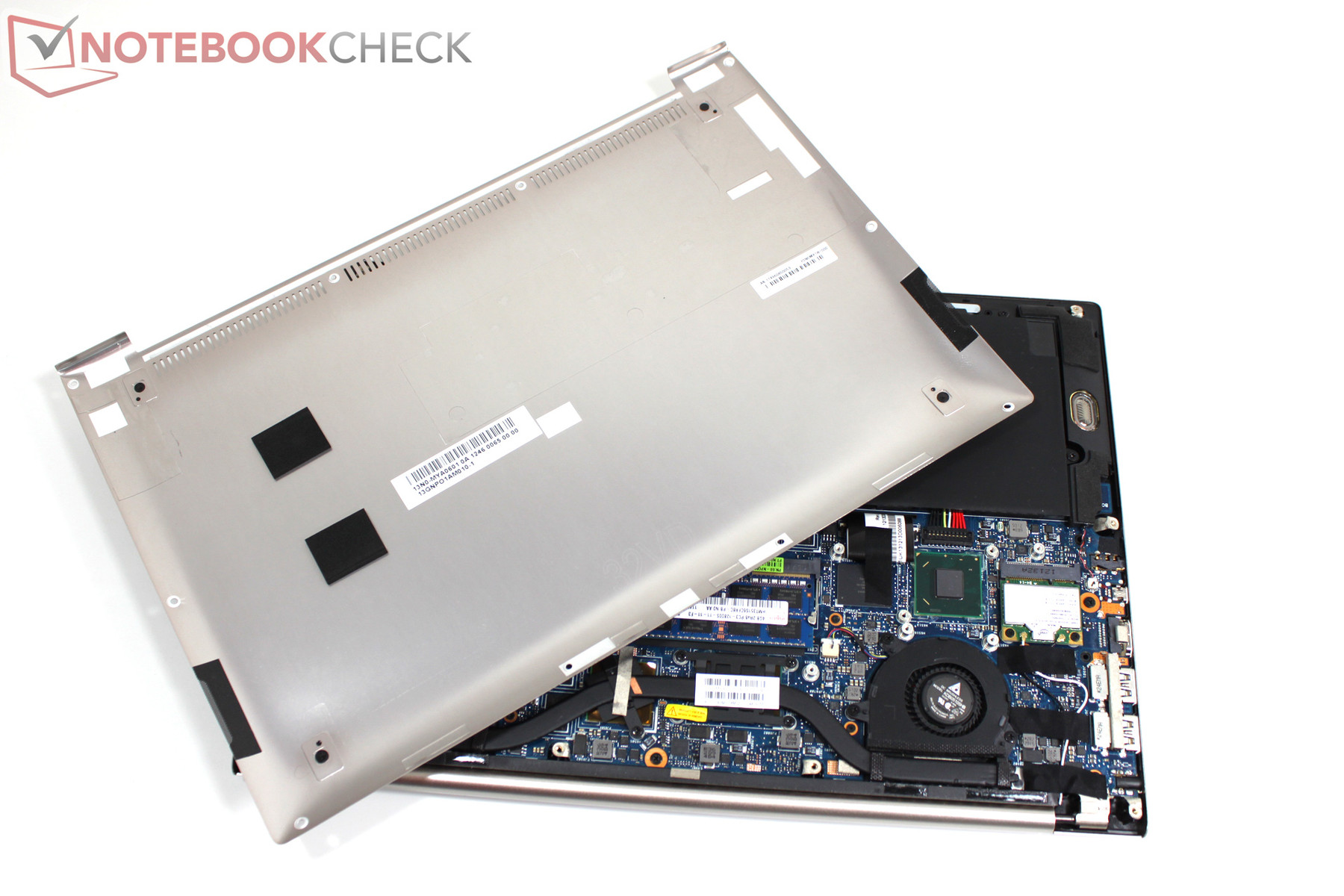
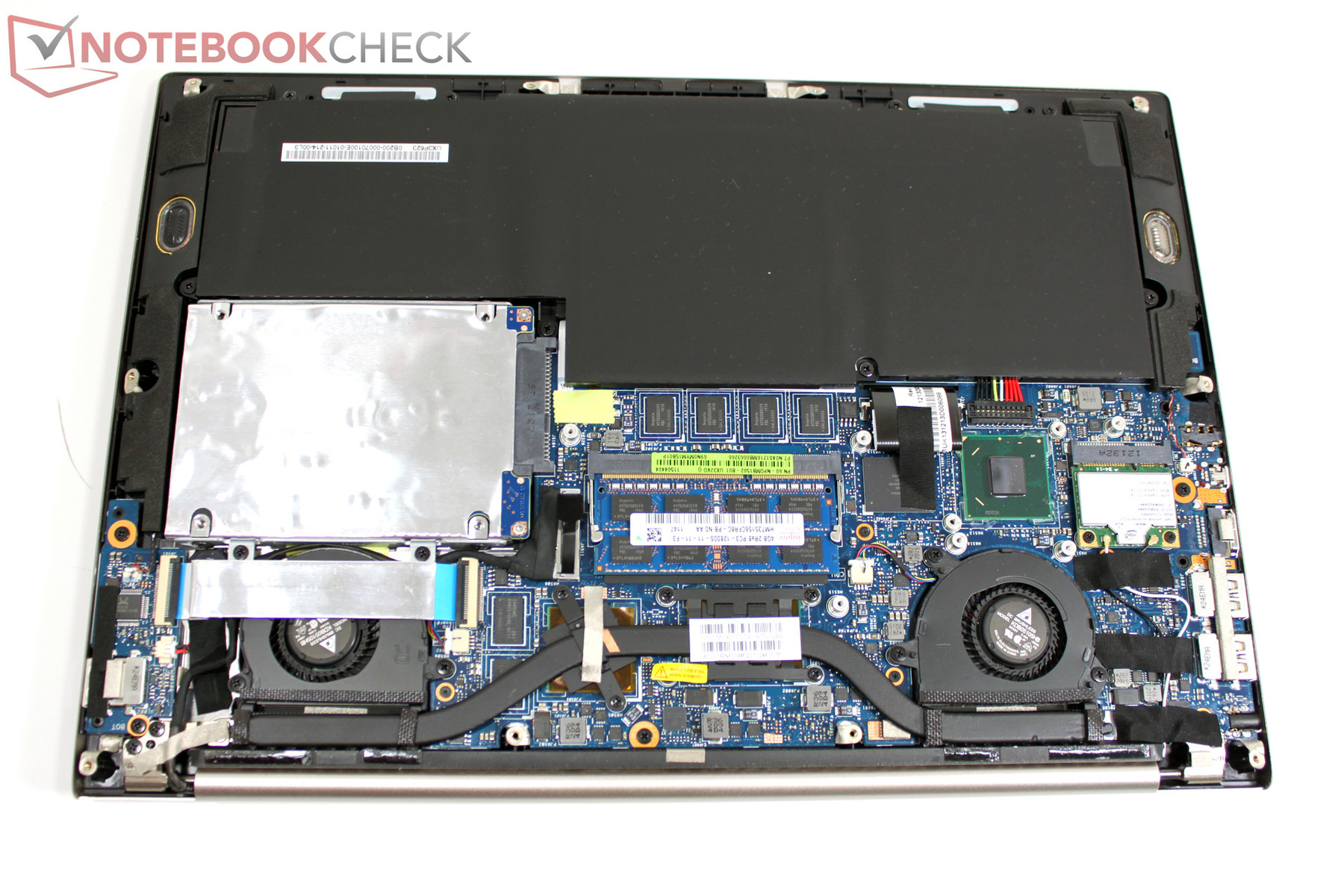
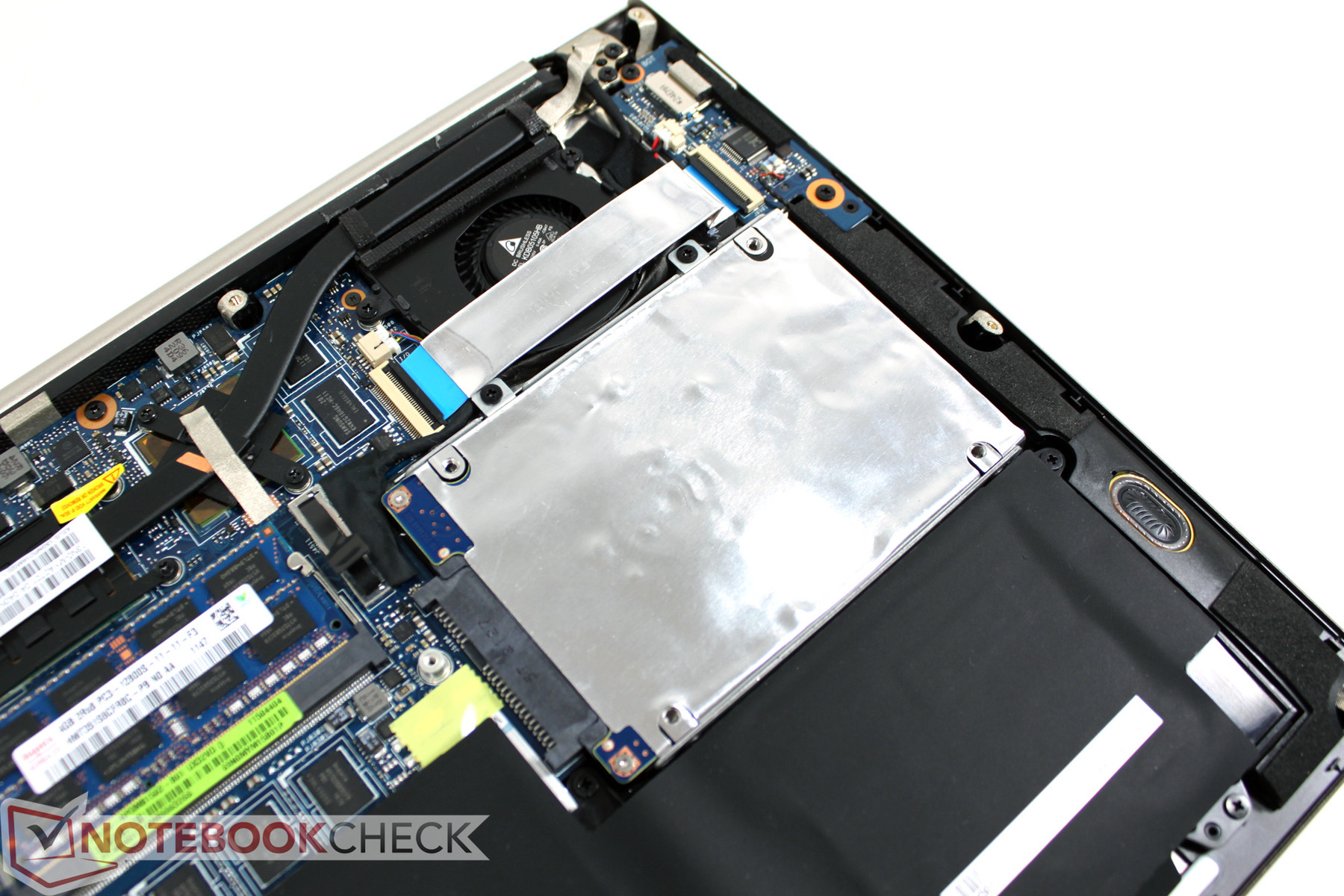
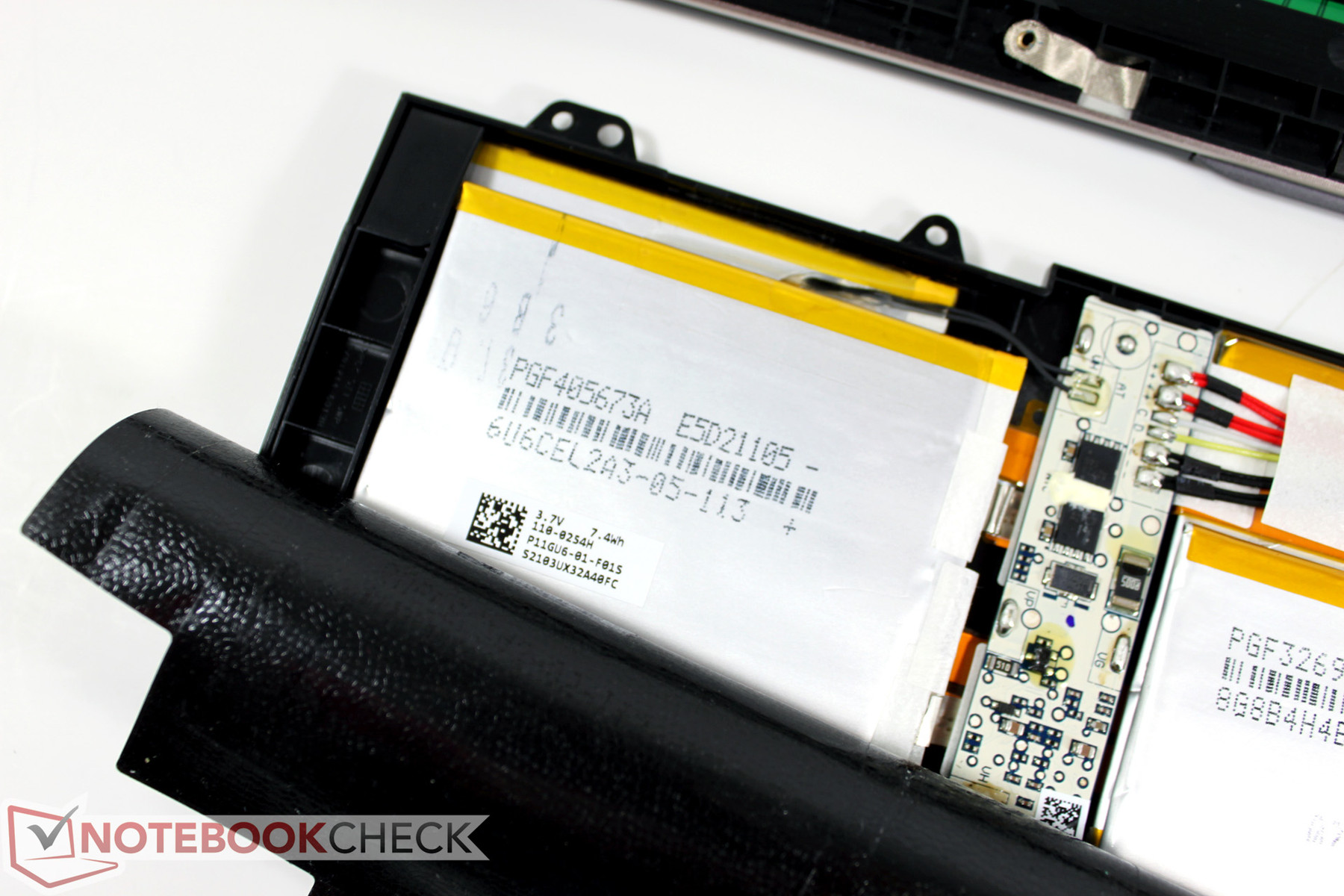
Atypical for ultrabooks, the Asus UX32VD allows access to the innermost areas provided one has the correct tools. After removal of the base plate, the battery, hard drive, and RAM modules can be removed or swapped effortlessly. The two extremely shallow cooling fans can also be removed for easy cleaning.
According to Asus, it will be possible for users to swap RAM modules and hard drives themselves without loss of warranty. In the right column, one can see the photographic progression of our disassembly process.
Warranty
As was previously the case, this upcoming generation of Zenbooks comes with a 24-month warranty including pick-up and return service (Austria and Germany).
Input devices
Keyboard
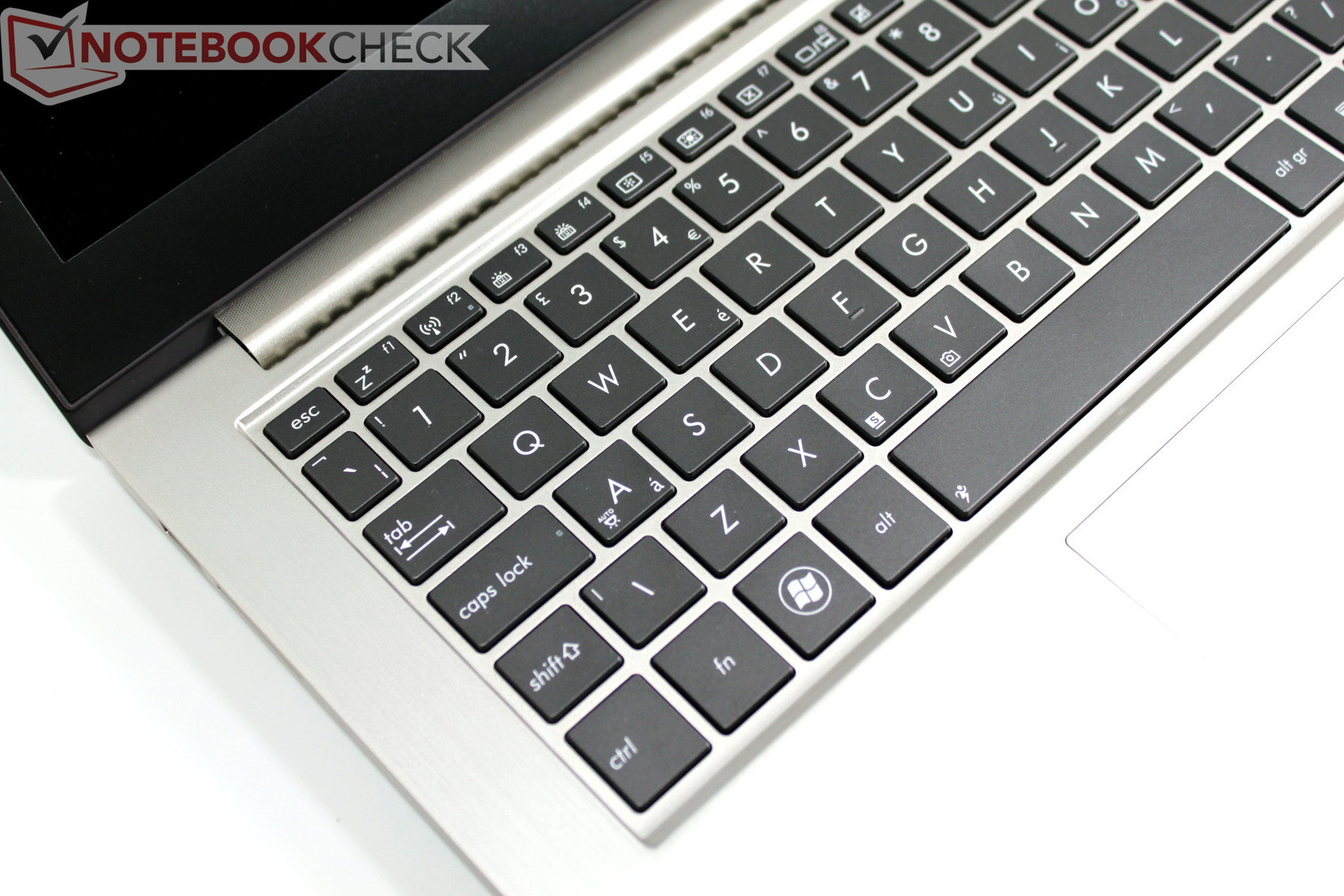
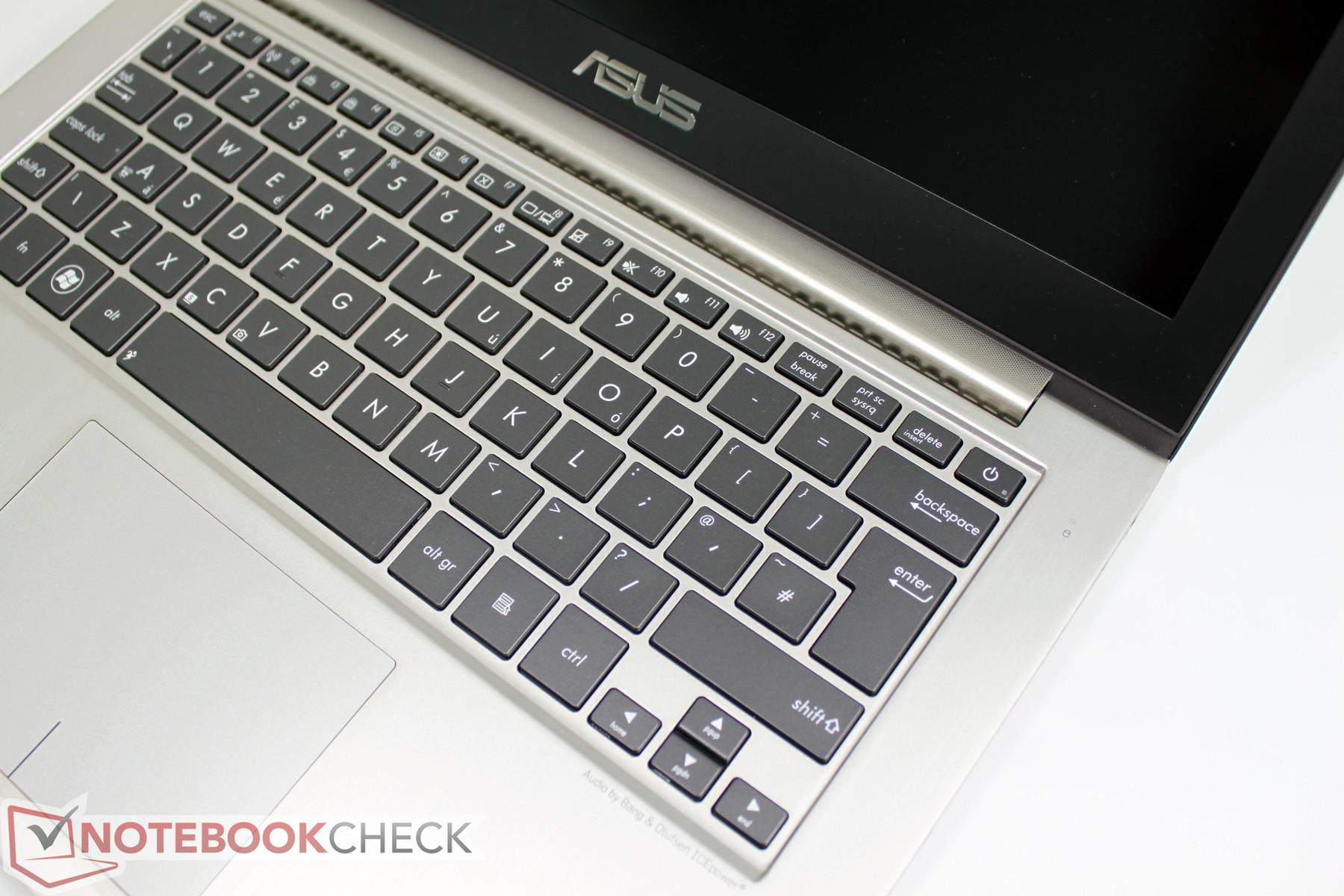
Asus makes mention of "improvements" to the keyboard which we recognize at first sight as the now integrated keyboard backlight. This feature can be useful, especially in dark rooms or on an airplane, and may help users maintain a proper typing orientation. Mention must be made of a thoughtful, albeit minor, feature - the ambient light sensor can automatically adjust illumination if desired.
We could not detect any layout changes other than our test unit sporting a different language layout. The typing experience is similar to its UX31 predecessor except for a marked springiness under stronger pressure. While this may not prove to be a drawback for typing, it certainly causes the keyboard’s impression of quality to suffer. The unibody casing of the UX31 series holds the keyboard in place a lot more firmly than the sandwich construction of the UX32 series.
Touchpad
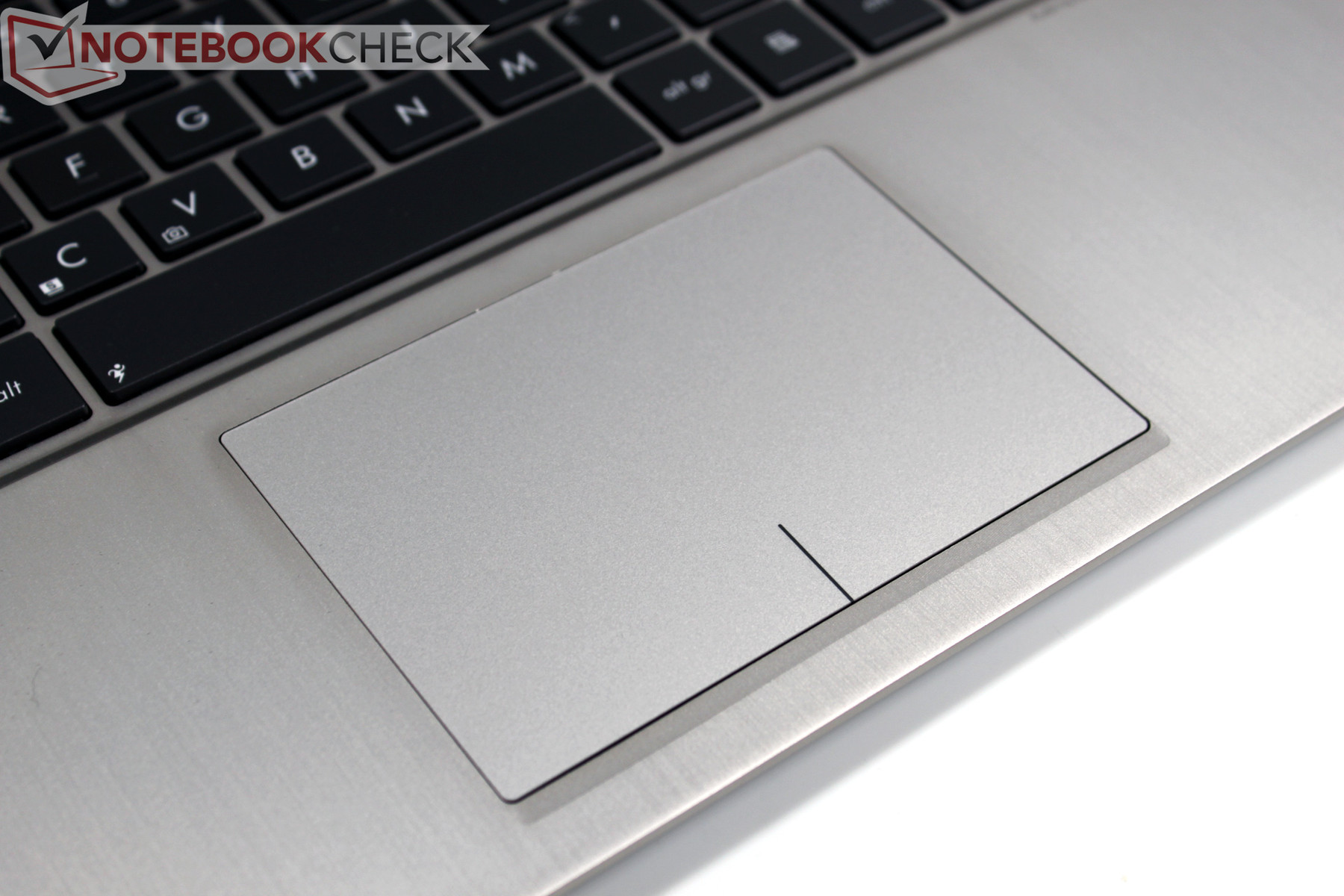
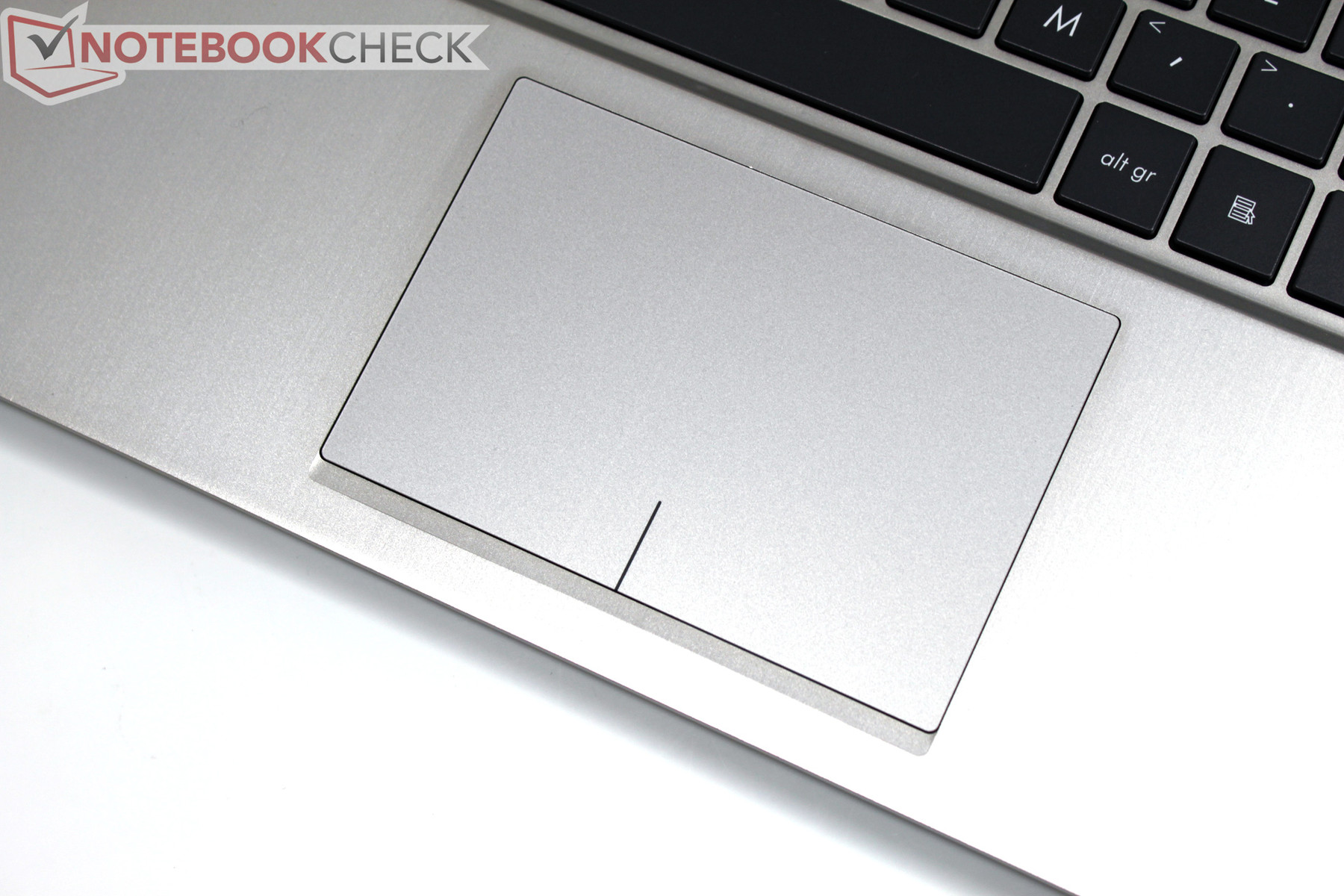
The touchpad remains visually identical to its predecessor. The multi-touch capable mouse replacement is relatively large with its 10.5 x 7.0 centimeter (4.1 x 2.8 inch) surface and is touch-sensitive across the entire surface. In the lower area, markings indicate areas for left and right clicking but the entire surface is nonetheless available to navigation as there are no actual buttons. Applying pressure on the lower area causes the entire touch pad surface to yield, activating a click.
Apple has used the same method for several generations of its MacBooks with the primary difference being that its operating system has much better support for various multi-touch gestures than Windows 7 and the drivers also react more crisply to input.
Driving the cursor with the touchpad worked very well nonetheless. We also liked its prompt reaction to two-finger rolling in the browser. Clicks are better activated by 'tap-to-click' as physically pressing the marked zones of the touchpad could move the cursor just before activation. Drag-and-drop also did not always work to our satisfaction.
Display
What does the perfect display for an ultra-portable notebook actually look like? High brightness, excellent contrast, a non-reflective display surface, high resolution for a crisp view, good viewing angles to be able to make out something from unfavorable or wide angles (perhaps not a good thing in Economy Class during air travel), and perhaps decent color space are all factors we consider necessary for a perfect display. This combination would create a good all-purpose display but has been largely absent among the myriad available notebooks on the market. The good news is that the wait is now over.
Asus equips the Zenbook UX32 with two options - a conventional HD display at 1366 x 768 pixels and the Full-HD 1920x1080 IPS panel that graced our test unit. This offers users a first class display. But wait, there is more! In our tests, we measured a satisfying maximum brightness value of 388 cd/m². While this is less than the maximum 470 cd/m² of the UX31 predecessor the difference is more than made up for by the non-reflective screen surface. On average, the display sports a still excellent brightness of 355 cd/m². Illumination at 88% is decent given the high brightness.
| |||||||||||||||||||||||||
Brightness Distribution: 86 %
Center on Battery: 358 cd/m²
Contrast: 1053:1 (Black: 0.34 cd/m²)
69.5% AdobeRGB 1998 (Argyll 3D)
96.9% sRGB (Argyll 3D)
67.9% Display P3 (Argyll 3D)
Full-HD on a 13 inch notebook sounds rather tempting at first but could also lead to problems with the display size of screen elements. At 166 dpi (dots per inch), the screen can display content in much more detail than the HD variant (118 dpi). The tradeoff is that unless one adjusts scaling, one will be confronted with tiny dialogs, fonts, and windows. Our test model therefore defaulted to a scale of 125% and the browser enlarged things by another 10%. With these settings it was possible to work comfortably for the most part, but there is still the possibility of software issues with scaled settings.
In our test, we could see some display problems in various third party tools. Typical problems were cut-off lettering or mixed scaling of dialog. Even in the best case scenario, some programs may simply not support scaling and one might have to deal with tiny icons and text.
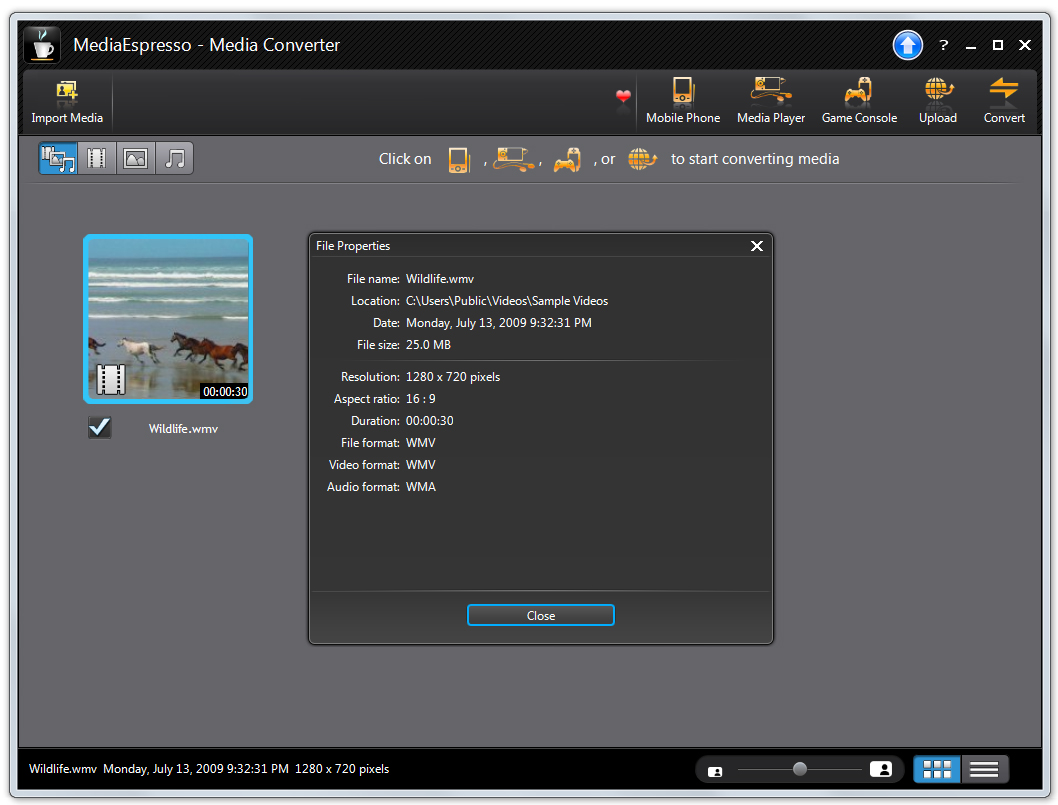
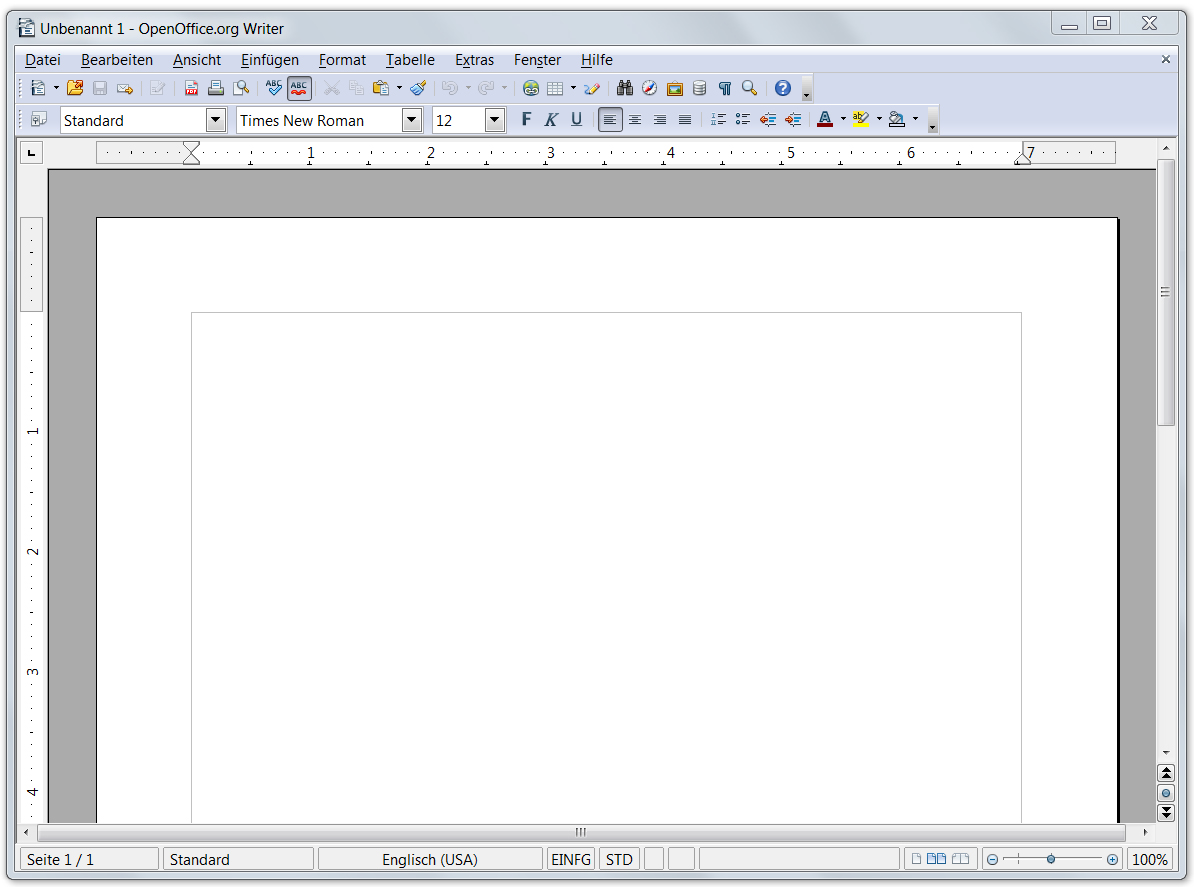
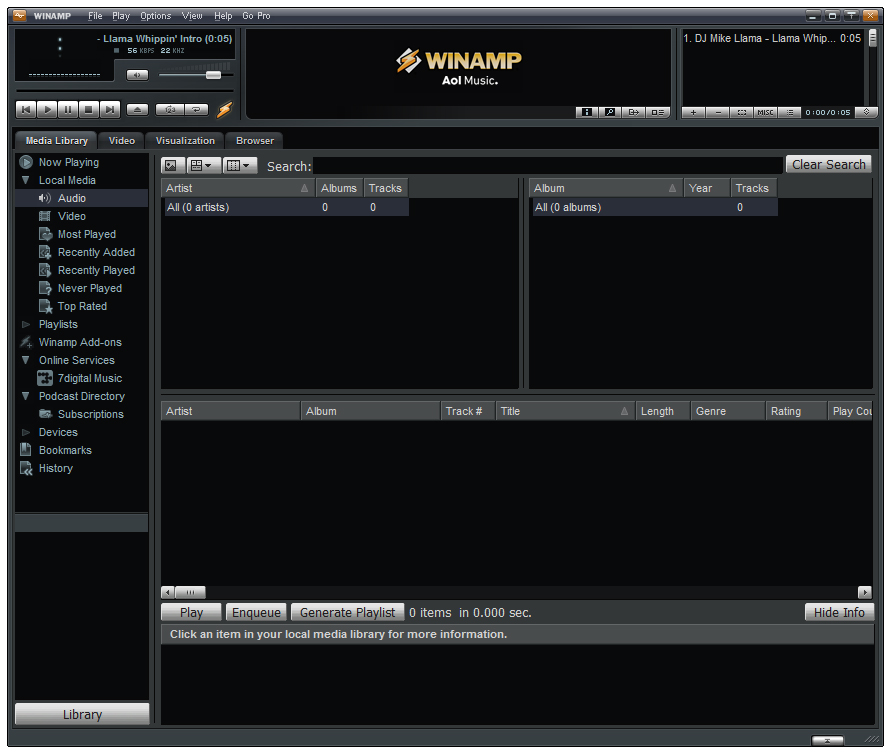
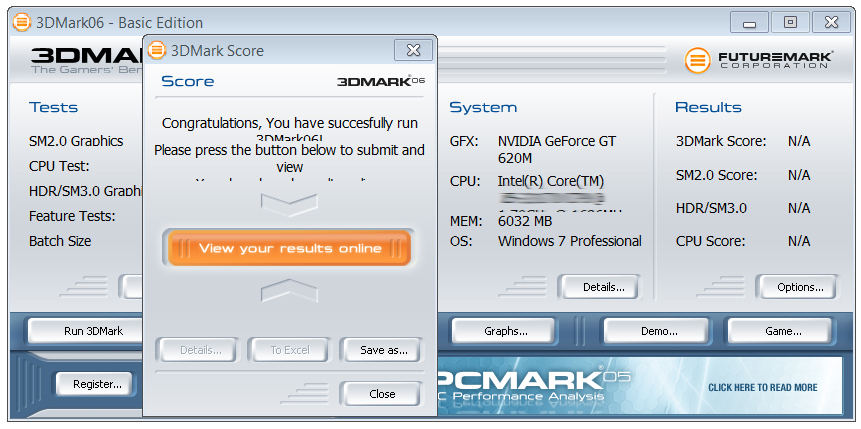

By contrast, the added value of a fabulously sharp native Full-HD resolution for the playback of movies or complex software, such as image editing or large spreadsheets with multiple tool bars, cannot be overstated. The following image shows the difference in the display without scaling (100%) as compared to the IPS display of the Lenovo Thinkpad X220 (1366 x 768, 12.5", 125 dpi).

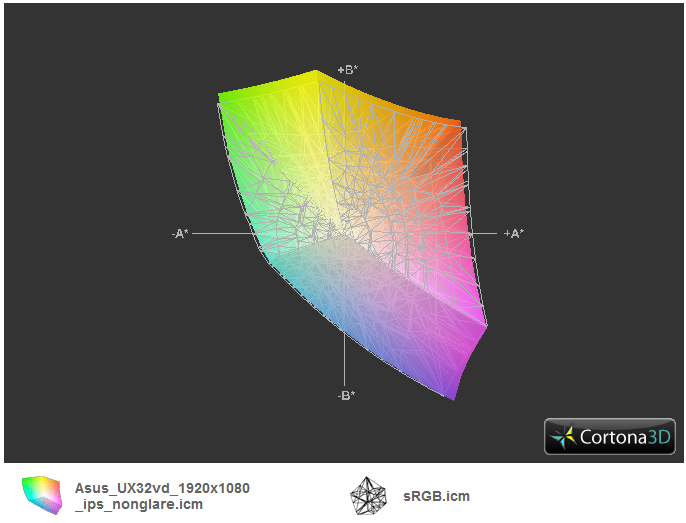
The predecessor may have received a top rating for display brightness, but the equally important contrast was significantly behind expectation. That is forgotten and now forgiven as with the new IPS display, Asus truly does everything right. With maximum brightness, we measured a black value of only 0.34 cd/m² in the central area of the screen. This provides a maximum contrast of 1052:1 with which the Asus UX32VD puts to shame virtually all other current notebooks. Another criterion also exceeded our expectation - color space. According to our measurements with the Spyder 3 Elite Colorimeter, the CMN1343 panel covers nearly the entire sRGB color space. This should satisfy even photographers or graphics professionals.
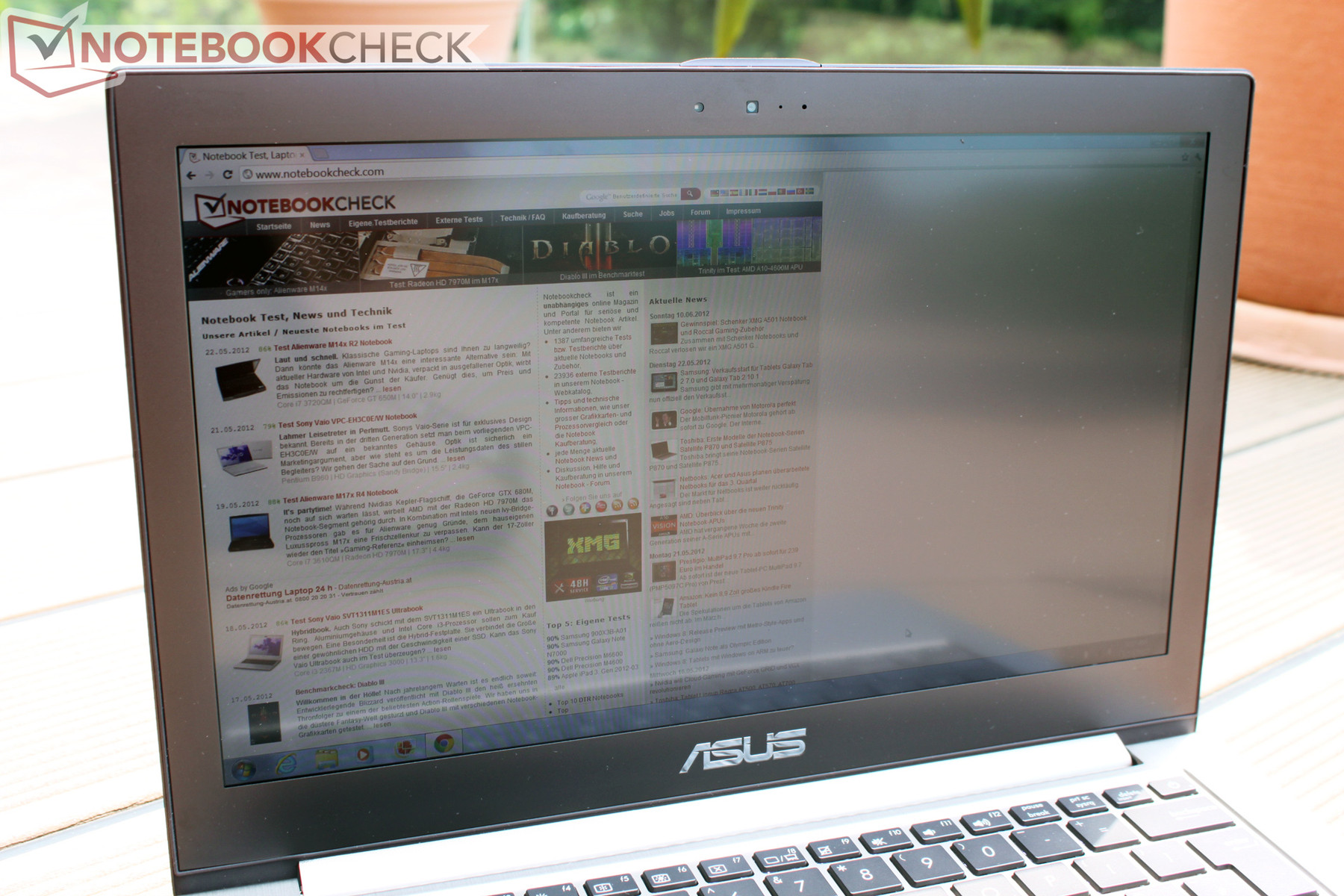
Going by the display test results, this IPS panel should have the prerequisites to do well in mobile use. Thanks to strong brightness and a non-reflective display surface, annoying reflections should be reduced to a minimum and the display should even be readable in direct sunlight. To further compound this, maximum display brightness is also available when running on batteries as long as one chooses the correct power profile.
As usual, our last point in the display test pertains to viewing angles. While in stationary use, the user mostly sits in a fixed position in front of the display. During mobile use, one often has to deal with less than advantageous positions, making it impossible to maintain the optimum vertical viewing angle. The best example of this scenario involves the use of a notebook on an airplane where fully opening the display is usually made impossible by the seat in front of the user. Thanks to the use of IPS technology (In Plane Switching), the display allows extreme viewing angles without significant distortion or warping of the displayed content. It is no surprise that a multitude of tablets rely on this solution for this very reason.
Performance
The Asus UX32VX also brings an essential change from the UX31 in regard to the integrated CPU, GPU, and RAM. Under the NDA, we are permitted to say that the new Zenbooks are equipped with Intel's latest ULV processor technology from its 3rd generation (Ivy Bridge) of the 'Core' family of processors. Following the already released quad-core Ivy Bridge Chips, the dual-core and ULV versions will become commercially available in the next few weeks from the time of review. Details about the CPU and its integrated GPU are still under NDA, but specifics will be added here as soon as possible. Given the trajectory of the Ivy Bridge quad-core CPUs, one can expect a moderate performance increase and substantial improvement of the integrated GPU for the dual-core models as well.
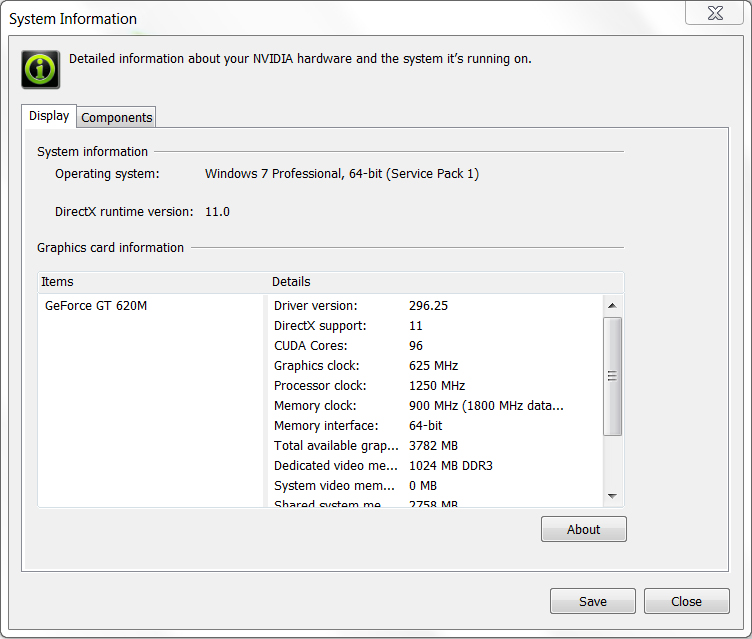
Fortunately, Asus also equips the Zenbook UX32VD with a dedicated GPU which provides us with a few benchmarks to analyze. The UX32VD uses Nvidia's GeForce GT 620M and features automatic switching between integrated and dedicated GPU courtesy of Nvidia's Optimus which worked flawlessly in our tests. All GPU-heavy programs were recognized reliably and automatically run with the dedicated GPU.
Processor
With the Intel Core i5-3317U, the Zenbook UX32VD possesses a brand new Ivy Bridge dual-core ULV processor. The chip is clocked from 1.7 GHz to 2.6 GHz (TurboBoost) and can process four threads simultaneously thanks to hyper-threading. Ivy Bridge processors are manufactured in the new 22 nm process (Sandy Bridge was 32 nm) while the integrated features remain the same (AES-IN, AVX, TurboBoost 2.0). As a member of the Ultra Low Voltage (ULV) series, the CPU, including the GPU, sports a TDP of just 17 Watts, a significant decrease in power consumption when compared to the standard voltage dual-core chip’s TDP of 35 Watts.
Depending on the benchmark used, the i5-3317U ULV CPU roughly matched the performance of standard Sandy Bridge Core i5-2410M and Core i5-2430M processors. In comparison to Sandy Bridge ULV processors, the i5-3317U matched the performance of the Core i7-2637M in the Dell XPS 13. At times, the i5-3317U even outperformed as it reached the performance level of the Core i5-2557M processor used in the UX31E. A thorough comparison of the new Ivy Bridge processors can be found in this special feature on Notebookcheck.
| Asus UX32VD GeForce GT 620M, 3317U, Hitachi Travelstar Z5K500 HTS545032A7E380 + 24 GB SSD Cache | Acer Aspire M3-581TG GeForce GT 640M, 2637M, Lite-On LMT-256M3M | Toshiba Portégé Z830-10N HD Graphics 3000, 2367M, Toshiba THNSNB128GMCJ | |
|---|---|---|---|
| Cinebench R10 | -2% | -49% | |
| Rendering Single CPUs 64Bit (Points) | 4369 | 4472 2% | 2233 -49% |
| Rendering Multiple CPUs 64Bit (Points) | 9247 | 8722 -6% | 4821 -48% |
| Cinebench R11.5 | |||
| CPU Multi 64Bit (Points) | 2.4 | 2.23 -7% | 1.33 -45% |
| wPrime 2.10 | |||
| 32m * (s) | 22.03 | 20.3 8% | 36.4 -65% |
| X264 HD Benchmark 4.0 | |||
| Pass 2 (fps) | 13.7 | 11.95 -13% | 7.5 -45% |
| WinRAR | |||
| Result (KB/s) | 2335 | 2286 -2% | 1535 -34% |
| Total Average (Program / Settings) | -3% /
-3% | -48% /
-48% |
* ... smaller is better
System Performance
We measured overall system performance and present the PCMark benchmark test results. In PCMark Vantage, our test configuration with the 3317U CPU, active GT 620M GPU, and conventional 320 GB hard disk scored 6129 points. Notebooks scoring in this range include office notebooks like the Dell Latitude E6220 (2540M / HD 3000), the HP Pavilion G6 (2410M / HD 3000), and Apple's 2011 MacBook Pro 13 (2620M / HD 3000).
It is easy to see the lack of a true solid state drive in these results. The previous generation’s Asus UX31 reached 9231 points with a 2557M CPU and HD 3000 GPU, a performance increase of approximately 50%. Based on the hardware specifications, this is predominantly due to the fast ADATA SSD that serves as the UX31’s storage device. The picture is similar in the more current PCMark 7. With 1934 points, the UX32VD matches the performance of the Samsung 530U3B (2467M / HD3000) and Acer's Aspire S3 (2467M / HD3000). Here too, the Asus UX31 can pull ahead significantly with 3462 points, an increase of approximately 80%.
| PCMark Vantage Result | 6129 points | |
| PCMark 7 Score | 1934 points | |
Help | ||
Storage
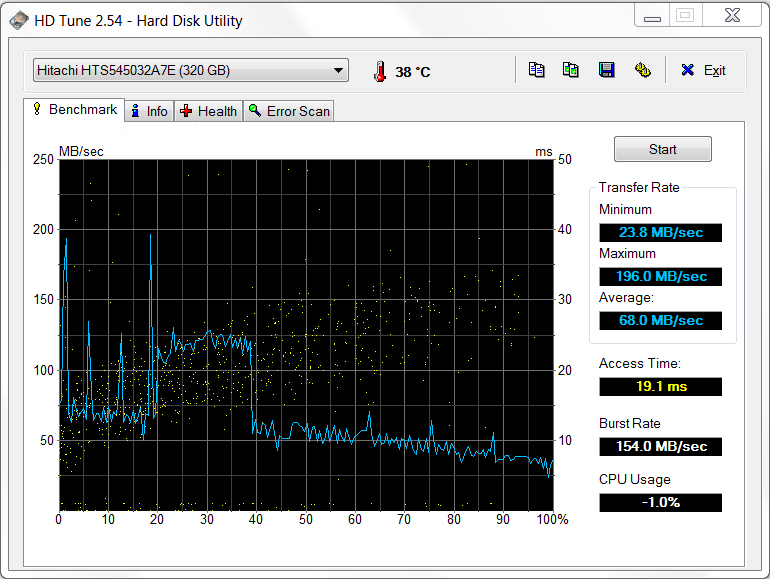
Ultrabooks are giving solid state drives mainstream appeal. The predecessor Zenbook UX31 used a fast SSD drive across all models, featuring either a 128 GB or 256 GB capacity. The sole drawback of SSDs is the price per GB of storage capacity. In Euros, conventional hard drives are about 10 times cheaper depending on the model. We found that Asus broke tradition and installed a conventional 320 GByte Hitachi hard drive in our Zenbook UX32VD. This should be considered a move by Asus to reach its intended price point for the UX32VD which should accordingly range well below that of the UX31 and the UX31’s successor UX31A.
In order to attain true ultrabook specification, Intel demands the installation of an SSD to guarantee quick, responsive performance. Like other ultrabook manufacturers, Asus attempts to resolve this issue through the use of a 32 GB SSD cache. During hard drive read and write processes, data is cached in the SSD cache and is readily available for quick retrieval by the traditional hard drive. This solution is markedly cheaper than a pure SSD drive in both the mSATA and 2.5" SATA form factors but this SSD cache is not directly accessible to the user.
The effects of the SSD cache can be seen in the HD Tune hard disk benchmark where the Hitachi HTS545032A7E scored a tuned maximum transfer rate of 200 MB/sec. By comparison, both mSATA and SATA SSD drives offer markedly better performances and are noticeably quicker in everyday use than the hybrid solution used here. In plain English, the UX32VD has a noticeable advantage over notebooks equipped solely with a traditional hard drive and is quick in its overall performance. However, the lack of a true SSD storage device limits the UX32VD and as such it will not match the performance of high-end ultrabooks featuring pure SSD devices. With this point, we have qualified the essential difference between the new UX31A series and the UX32 series, as the UX31A series exclusively implements SSD drives which correspondingly increases the overall price.

GPU: Nvidia GeForce GT 620M
The surprise in the Asus UX32VD is clearly the dedicated Nvidia GeForce GT 620M GPU. This chip could be either based on the old GF108 of the GeForce GT 525M in 40 nm technology or on the more modern GF117 chip in 28 nm technology. Both rely on the previous generation's Fermi architecture, but the GF117 has been optimized and draws considerably less power thanks to the new 28 nm process. Regrettably, it is non-trivial to determine which of the two versions has been installed. Because of the 64-bit bus connection to the GT 620M in our test machine, it is likely that the 28 nm version was installed. Performance should be identical for both variants and the only perceivable difference when playing games would be battery runtime. Thanks to Optimus, the battery runtime with the GeForce GPU deactivated should be the same for both versions.
Features provided by the GeForce 620M are PureVideo HD supporting a greater variety of codecs in comparison to Intel's GPU and the accessibility of the GPU cores for general processing tasks with CUDA, DirectCompute, and OpenGL.
In synthetic benchmarks, the GeForce GT 620M actually scored pretty well and places itself as expected a bit above the old GeForce GT 525M (as used in the XPS 15z, for example) which is based on the same Fermi architecture, albeit at a slower clock speed. A surprise is the GPU's very good score in 3DMark Vantage (on par with the GeForce GT 540M in the Asus U46SV for example) and its score in 3DMark 11 where it could keep up with an average GeForce GT 550M. This was quite a surprise as the 625 MHz GT 620M should slot in considerably below the GT 540M according to Nvidia. In our sample, the GPU reached a very notable 715 MHz as measured by GPU-Z’s sensor tab, significantly higher than the GT 540M at 672 MHz. This explains the strong scores.
| 3DMark 06 Standard Score | 7459 points | |
| 3DMark Vantage P Result | 4268 points | |
| 3DMark 11 Performance | 1141 points | |
Help | ||
Intel HD Graphics 4000
In addition to the dedicated GeForce GPU, the Zenbook UX32VD also features the Intel CPU's integrated HD 4000 GPU. Turbo Boost is available for the GPU as well, allowing the graphic component to vary clock speeds between 350 and 1150 MHz. We compare the performance of the HD 4000 in the ULV CPU with various other configurations below.
At 2578 points in the 3DMark Vantage GPU score, which minimizes CPU participation, the HD 4000 in the ULV CPU only remains minimally behind the HD 4000 in the 3320M standard voltage CPU found in the new Lenovo Thinkpad X230. Compared to the dedicated GeForce GT 620M, the HD 4000 achieves approximately 40% fewer points in this test. By comparison, the HD 4000 is a good 60% ahead of the HD 3000 in the Thinkpad X220T (2620M standard voltage CPU). Similarly, the HD 4000 in the UX32VD is more than double the performance of the HD 3000 in the UX31 (2557M ULV CPU). However, the HD 4000 found in standard voltage quad-core Ivy Bridge CPUs, as found in the MSI GT70, clearly stays ahead of the version found in dual-core ULV Ivy Bridge CPUs with a score of 3092 points, representing a 20% increase.
| 3DMark Vantage | |
| Asus UX32VD | |
| 1280x1024 P GPU no PhysX | |
| Lenovo ThinkPad X230 | |
| 1280x1024 P GPU no PhysX | |
| Asus UX32VD | |
| 1280x1024 P GPU no PhysX | |
| Lenovo ThinkPad X220T 4298-2YG | |
| 1280x1024 P GPU no PhysX | |
| Asus Zenbook UX31E-DH52B | |
| 1280x1024 P GPU no PhysX | |
| MSI GT70 | |
| 1280x1024 P GPU no PhysX | |
Gaming Performance
Are the terms “gaming” and “ultrabook” a contradiction? Not necessarily. On one hand, we can expect a significant performance increase from the integrated GPU in the upcoming Ivy Bridge dual-core processors. Naturally the performance increase in ULV chip variants will be less significant than the increase in standard voltage processor variants. On the other hand, increasingly efficient GPU architectures allow the integration of dedicated GPUs even in slender, mobile ultrabooks. In the following test, we examine the combination of the Ivy Bridge ULV CPU with the Nvidia GT 620M GPU in current games.
We could fluidly play the less demanding FIFA 12 at the maximum native Full-HD resolution and using high detail settings. This is not the case for Anno 2070, a heavy weight in terms of hardware requirements in spite of the leisurely pace of gameplay. At a resolution of 1366 x 768 pixels and using medium detail settings, the UX32VD still managed a fluid frame rate. Using a high detail setting at the same resolution dropped the frame rate noticeably to roughly 20 fps. With minor adjustments, this is still playable. Last but not least, we took a look at Diablo 3. Similar to Anno 2070, medium to high detail settings can be played fluidly at a resolution of 1366 x 768.
When comparing the performance of the Asus UX32VD in these three games to that of other notebooks, the UX32VD manages to match the performance level of notebooks equipped with the Nvidia GT 540M.
| low | med. | high | ultra | |
|---|---|---|---|---|
| Fifa 12 (2011) | 288.5 | 160.8 | 113.4 | 65.8 |
| Anno 2070 (2011) | 81.6 | 35.41 | 20.73 | 9.87 |
| Diablo III (2012) | 88.9 | 48.67 | 29.12 | 21.12 |
What added value does the included Nvidia GeForce GT 620M offer for gaming? We compared the integrated HD 4000 GPU to Nvidia's GPU in Diablo 3. Depending on the chosen resolution and detail settings, a sizable performance increase of roughly 100% can be observed. While the HD 4000 already falls below 30 fps with medium detail settings and only limited play is possible, the GT 620M manages to be playable at up to high detail settings.
The HD 4000 does manage considerable improvements over the HD 3000, which can be seen in the following comparison. The integrated HD 3000 of the Schenker A501 (2630QM) managed only 8.2 fps in Diablo 3 with high details. With 13.89 fps, the HD 4000 remains unplayable as well but represents a performance increase of 60%.
| Diablo III | |
| Nvidia GeForce GT 620M | |
| 1920x1080 High AA:on | |
| 1366x768 High AA:on | |
| 1366x768 Medium / low | |
| 1024x768 Low / off | |
| Intel HD Graphics 4000 | |
| 1920x1080 High AA:on | |
| 1366x768 High AA:on | |
| 1366x768 Medium / low | |
| 1024x768 Low / off | |
Emissions
System Noise
During our initial disassembly and inspection, we marveled at the two integrated fans. These fans performed as expected. During low office loads, like surfing the Internet or texting, the notebook stays practically silent and the hard drive is the only audible component, albeit only minimally and only when concentrating on noise detection. Under load, the Asus UX32VD can get a bit louder. Expressed in numbers, these noise levels are about 28 - 30.2 dB(A) during office work and up to 39.3 - 44.6 dB(A) under full load. This demonstrates that Intel's ULV CPU (Turbo Boost) and Nvidia's dedicated GPU are fully utilizing the cooling system’s capacity. Without fans, the generated heat could not be expelled. Considering the provided performance reserves, especially with a dedicated GPU in the thin ultrabook case, this is perfectly acceptable.
Noise level
| Idle |
| 28 / 30.2 / 30.2 dB(A) |
| HDD |
| 29 dB(A) |
| Load |
| 39.3 / 44.6 dB(A) |
 | ||
30 dB silent 40 dB(A) audible 50 dB(A) loud |
||
min:  , med: , med:  , max: , max:  Voltcraft sl-300 (15 cm distance) Voltcraft sl-300 (15 cm distance) | ||
Temperature
More so than the noise level, case temperatures show the chasm between energy savings mode and full load operation. Under a low load during office operation, we measure just 34°C (93°F) at the top rear area of the base unit. The bottom of the base unit also maintains this relatively harmless temperature. During the system stress test, we placed both CPU and GPU under full load for over an hour. As a result, not only do the fans make themselves heard but the surfaces are also noticeably hot to the touch.
We measured hot spots again in the rear area where both the components and the cooling system’s exhausts are installed. The maximum measured temperatures of up to 50.4°C (122.7°F) at the top and bottom of the UX32VD represent worrisome temperature values. In daily use, the surface temperatures should remain markedly lower since full utilization of CPU and GPU will only occur for short periods of time even during the use of complex software like video editing or gaming. After one hour of Anno 2070, surface temperatures remained narrowly below those of the stress test with a maximum of roughly 47°C (117°F) near the exhausts.
During our stress tests which simulate extreme scenarios, we were able to observe throttling of the CPU. The CPU and GPU reached core temperatures of over 90°C (194°F) upon which the CPU reduced its clock speed to 800 MHz until temperatures fell. In everyday use, we could not duplicate such limitations. Under load, the CPU raised clock speeds to its maximum specified Turbo clock speed.
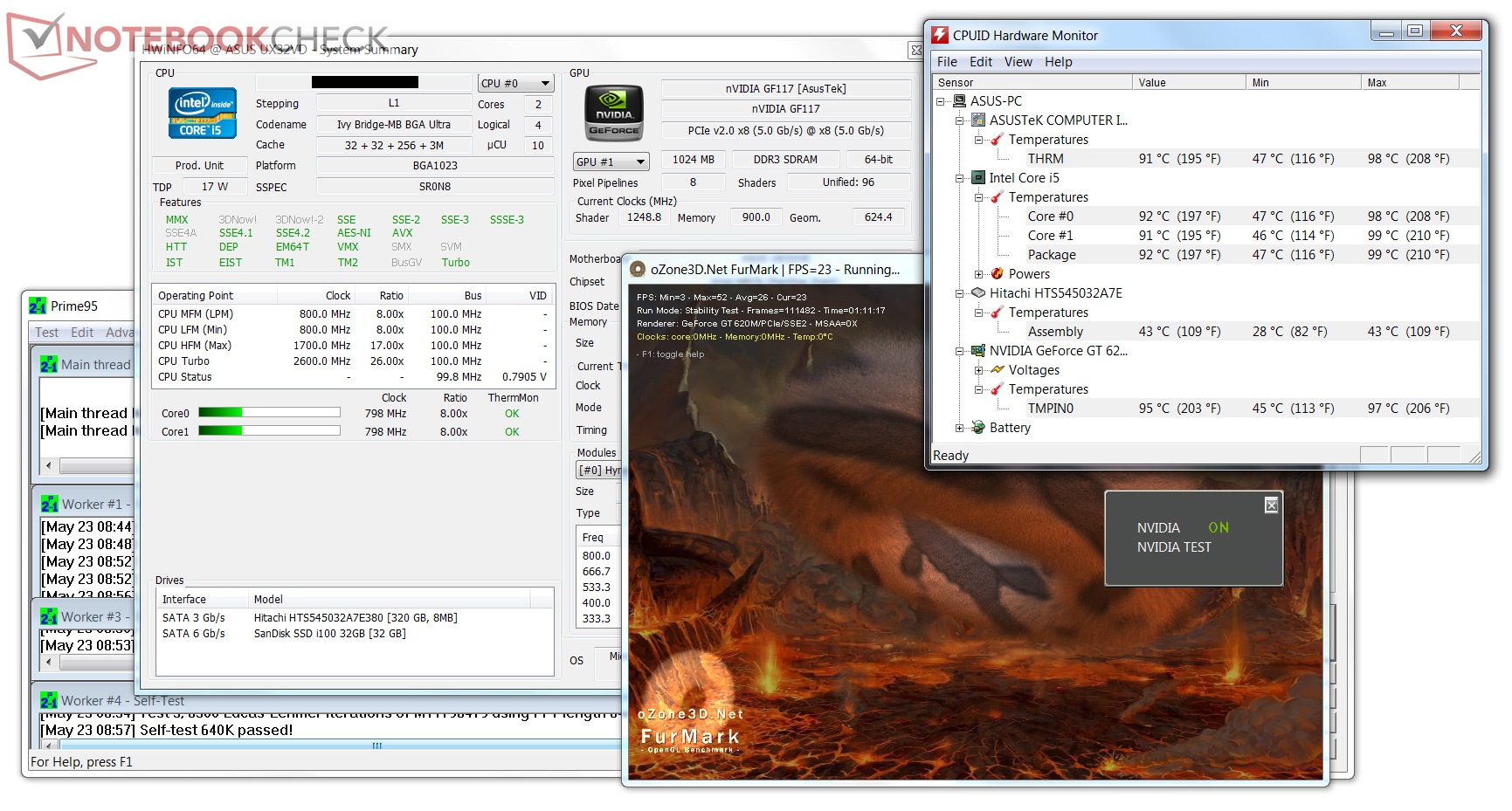
As a result of our stress tests as extreme scenarios, we were also able to observe a throttling of the CPU. CPU and GPU reached over 90°C core temperature after a short time, upon which the CPU reduced its clock speed to 800 MHz until temperatures fell.
In every day use, we could not duplicate any such limitations. Under load, the CPU raised clock speeds to its maximum Turbo clock speed, according to specifications.
(-) The maximum temperature on the upper side is 50.4 °C / 123 F, compared to the average of 35.9 °C / 97 F, ranging from 21.4 to 59 °C for the class Subnotebook.
(-) The bottom heats up to a maximum of 50.4 °C / 123 F, compared to the average of 39.2 °C / 103 F
(+) In idle usage, the average temperature for the upper side is 31.5 °C / 89 F, compared to the device average of 30.8 °C / 87 F.
(+) The palmrests and touchpad are reaching skin temperature as a maximum (33.7 °C / 92.7 F) and are therefore not hot.
(-) The average temperature of the palmrest area of similar devices was 28.2 °C / 82.8 F (-5.5 °C / -9.9 F).
Speakers
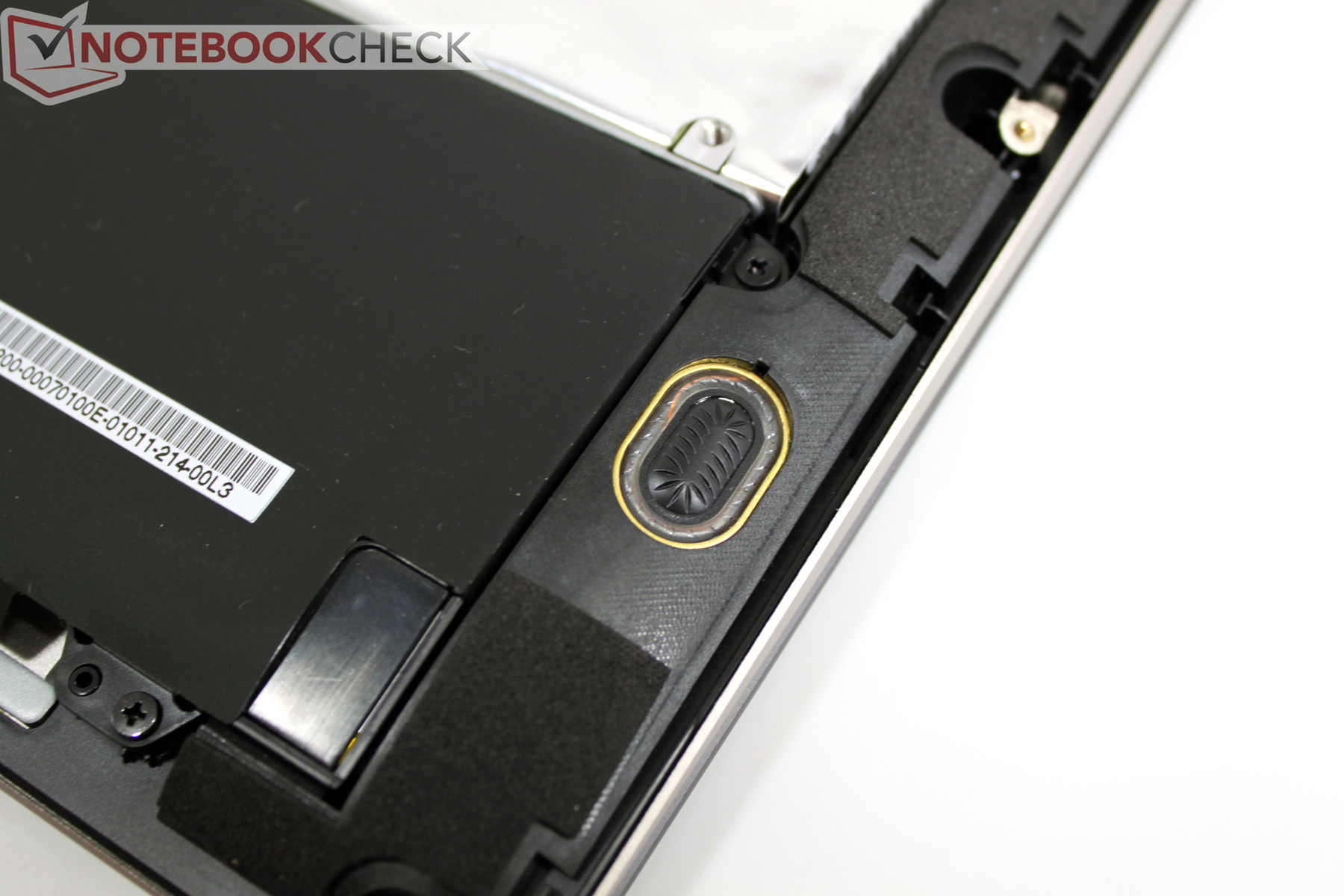
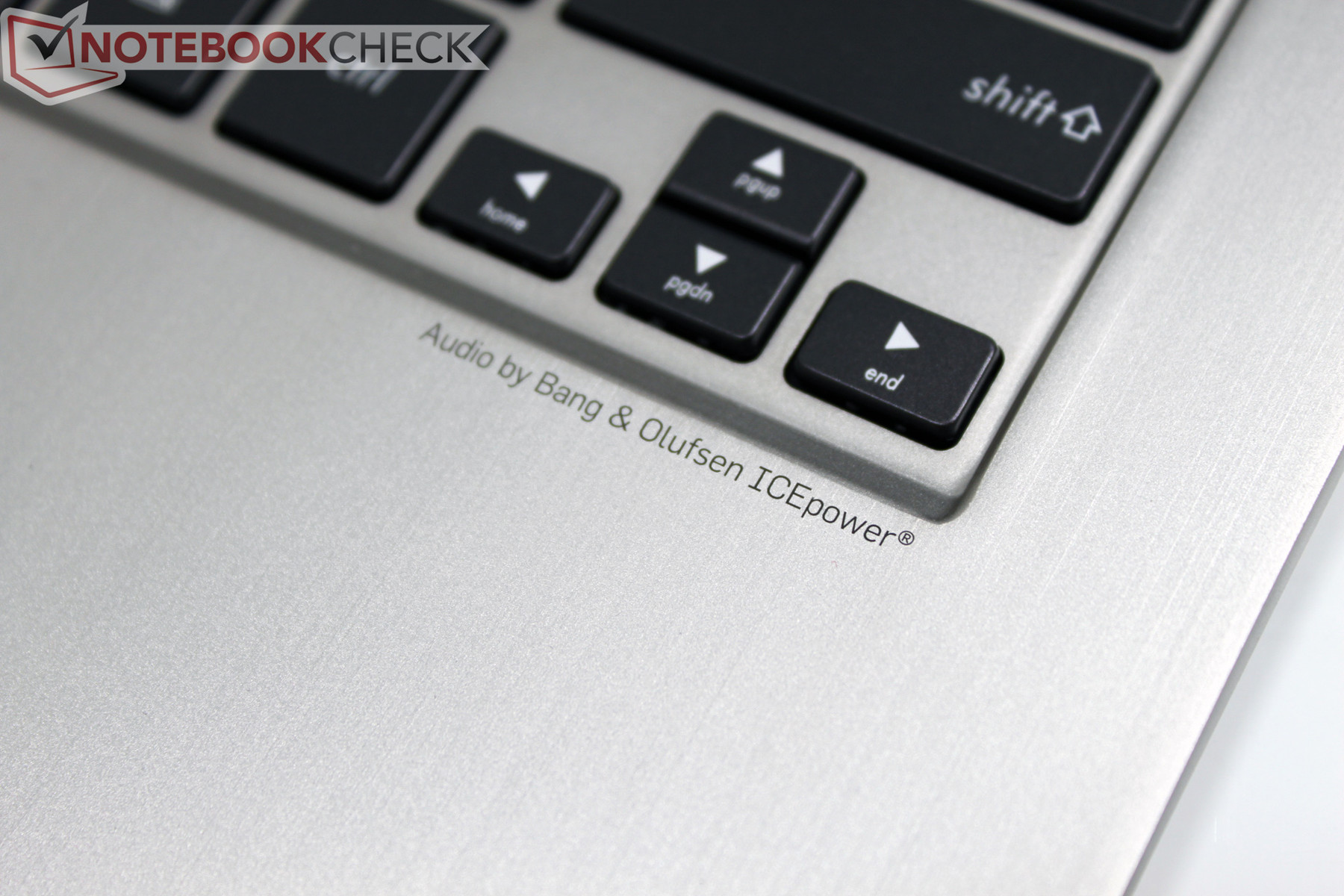
Bang & Olufsen's ICEpower provides fine audio enjoyment in the Asus Zenbook. In fact, the comparably large resonance chambers (15 cubic centimeters / 0.92 cubic inches) inside the notebook were surprising. At full volume, the notebook delivered generally good sound, giving a glimpse of fullness. We thought the narrow speaker openings on the side edges were less than optimal. Sitting directly in front of the notebook, the sound is audibly muffled by the wrist rest. Sitting to the side of the notebook clearly provides better sound.
Battery Life
Power Consumption
The included power supply may be nice and small, but a look at the specs reveals a respectable output power of 65 Watts. While one might consider this output power to be excessive, our measurements demonstrate that this is absolutely required.
Under the most favorable circumstances - without load, dimmed display, deactivated radios, and an aggressive energy savings profile - the Asus Zenbook UX32VD draws merely 6.1 Watts. At maximum brightness and a “balanced” power profile, the power consumption rises to 10.6 Watts. Activating the radios and keyboard backlight, we observed a maximum draw of 13.1 Watts in idle mode. In every case, the dedicated Nvidia GPU is deactivated. Optimus only switches it on as needed. By comparison, the Dell XPS 13 Ultrabook (Sandy Bridge) has comparable power consumption (6.5 – 10 Watts) but manages to come in below the peak draw of our Asus UX32VD (Ivy Bridge), a result likely due to the more frugal display used in the XPS 13.
Under load, the power draw rises significantly. With 3DMark 2006 running, consumption reaches a median value of 44.5 Watts and a maximum value in the stress test at 60.7 Watts. Dell's XPS 13 with its i7-2637M ULV CPU never exceeds 40 Watts in the same test. Here, the dedicated Nvidia GPU causes most of the increase in power consumption. Leaving the dedicated GPU deactivated and repeating the same measurement scenario with Intel's new integrated GPU, we arrived at a median draw of 35.2 Watts and a maximum draw of 43.4 Watts.
We took one more set of measurements with the integrated display panel turned off. The minimum power draw – without load, dimmed display, deactivated radios, and aggressive energy savings - dropped from 6.1 Watts to 5.7 Watts. At maximum brightness and with a “balanced” profile, the consumption dropped from 10.6 Watts to 5.7 Watts. With the radios and keyboard backlight also activated, the consumption dropped from 13.1 watts to 7.8 Watts. This demonstrates that approximately 5 Watts are consumed solely by the IPS display at maximum brightness. To reach the longest possible runtime, it would be wise to reduce the brightness while running on battery.
| Off / Standby | 0 / 0.2 Watt |
| Idle | 6.1 / 10.6 / 13.1 Watt |
| Load |
44.5 / 60.7 Watt |
   
| |
Key:
min: ,
med: ,
max: Voltcraft VC 940 | |
Battery Life
For a good rating as a mobile subnotebook, a decent battery runtime is required. At most, a runtime of 7 hours can be expected. We measured this using BatteryEater's Readers Test with minimal display brightness, deactivated radios, and using the 'power saver' power profile. The opposite of this is the Classic Test in which a 3D scene is rendered using the dedicated GPU. With maximum brightness, active radios, and using the 'High Performance' power profile, we measured a runtime of 161 minutes or roughly 2.5 hours.
A value that matches every day use is given by the Wi-Fi surf test. Here, we use adjusted brightness to ~150 cd/m² and used a script to surf different websites. At 258 minutes or roughly 5 hours of runtime, the Asus UX32VD delivers good mobility and almost matches its predecessor UX31.
The UX32VD’s performance on battery power matches its performance while on AC power. The 3DMark 2006 test we ran in battery mode showed only slightly weaker results (7210 points on battery, 7459 points on AC power).
Verdict
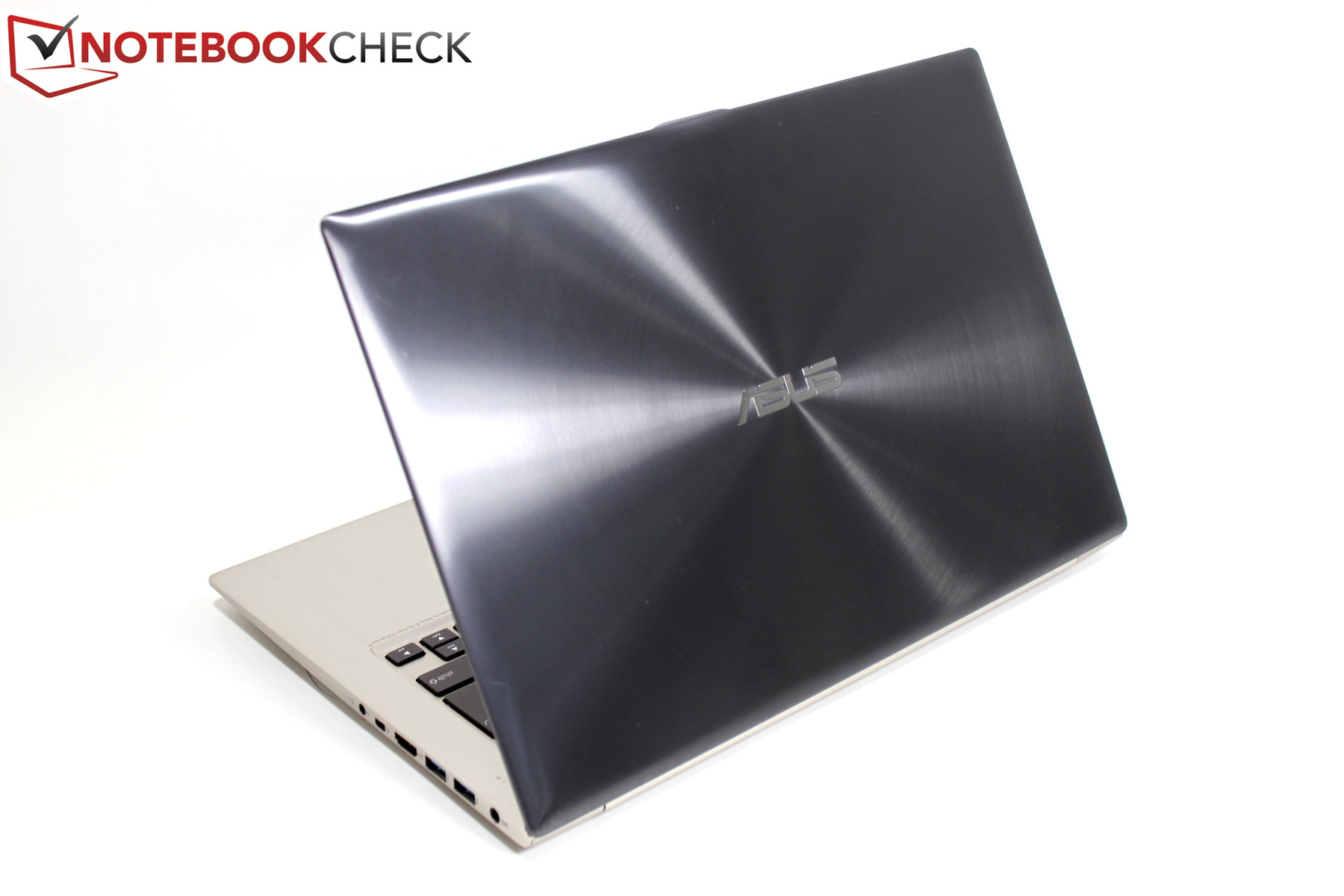
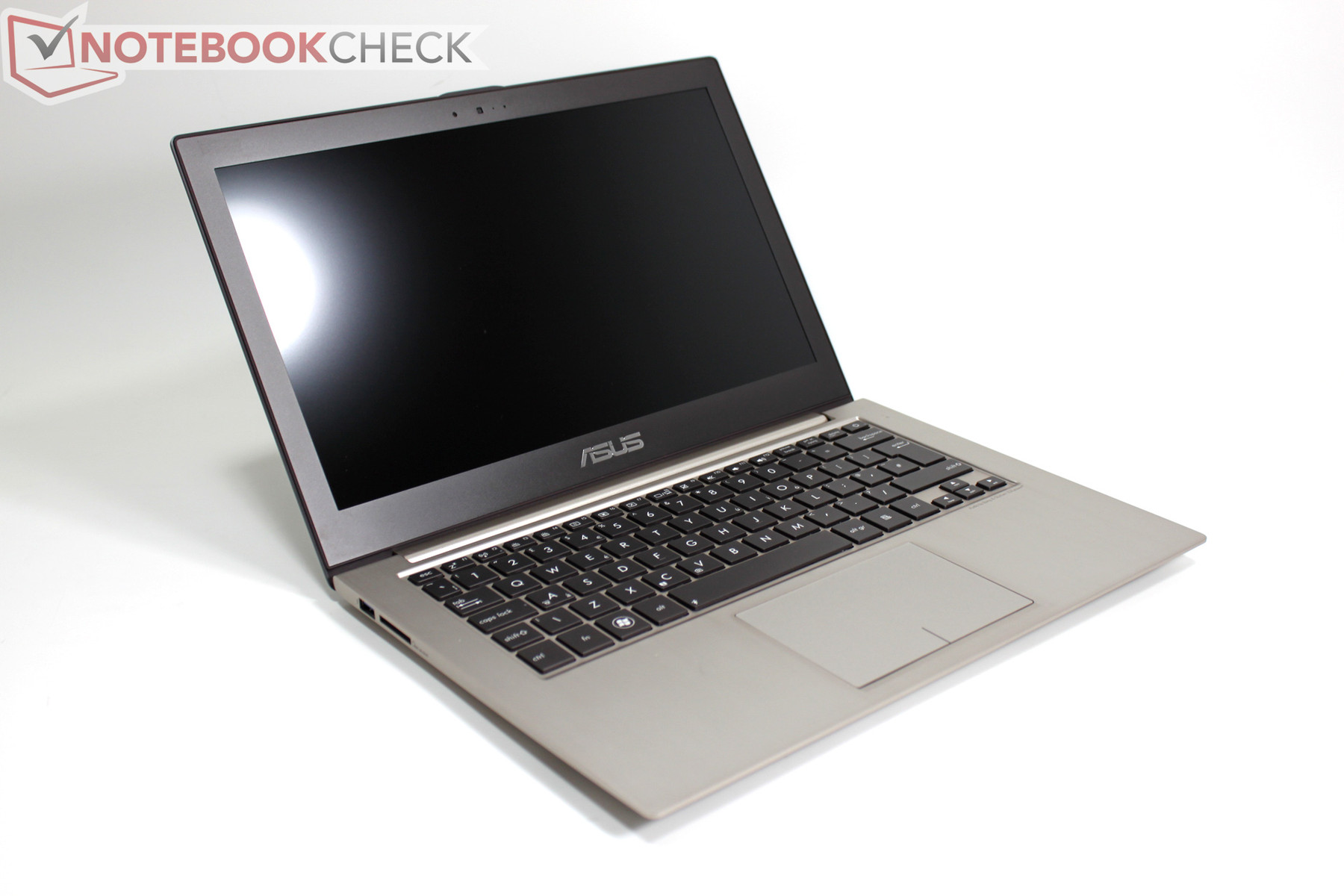
The previous generation Asus Zenbook UX31 delivered a very good overall result a few months ago. The few points of criticism mainly focused on the display. While it outclassed the competition with a high HD+ resolution (1600x900) and good brightness, the reflective display surface and low contrast prevented it from being truly excellent.
With the Zenbook UX32VD, we have the next generation of Asus Zenbook. While the UX32VD looks rather similar, its details diverge from the UX31 significantly. Asus uses an aluminum-plastic composite alternative to the unibody of the UX31. Visually it works, but haptics and stability cannot match the UX31's unibody design. With regard to interfaces, the UX32VD shines with a 3rd USB 3.0 port and a full size HDMI connector. LAN and VGA are available through included adapters.
The keyboard now features an integrated backlight, a welcome addition in reduced lighting and advantageous when traveling. The typing feel is marred by significant give of the keyboard as its mounting is not nearly as solid as it was in the unibody model.
The most important feature of the Zenbook UX32VD is the display, a Full-HD, non-reflective panel with 355 candela average brightness, contrast over 1000:1, and first class viewing angles thanks to IPS technology. These factors combine to yield an A+ performance in the display category.
Regarding performance, the user gets to enjoy an overall performance increase. Intel's new Ivy Bridge processor generation provides more power under the hood of the UX32VD. Additionally, the ultrabook integrates a dedicated GeForce GT 620M GPU. Even though this is an entry level GPU, its 96 cores can also be used for software that benefits from intensive parallel processing, advantageous for media conversions and of course for 3D software like games. Sacrificing an SSD is painful for enthusiasts, but will hopefully push the Zenbook UX32VD into exciting price regions.
Lastly, one can enjoy battery runtimes that remain roughly at the same level of the UX31 series, which means working off AC power for a duration of 4 to 7 hours.
With four options in the current series of Zenbooks, each potential buyer must consider individual needs and the desired price point. An elegant unibody chassis, SSD, and Full-HD IPS are available in the Zenbook Prime UX31A but the entire package is limited by Intel's integrated GPU. The UX32VD offers a bit more graphics power, but sacrifices the noble unibody case and makes do with only an SSD cache. For bargain hunters, there is the UX32A which comes without a dedicated GPU and uses a conventional HD (1366x768) display. In this case though, one sacrifices the most noteworthy feature of the new Asus Zenbooks - the great FHD IPS display.
 Add as a preferred source on Google