




Turtle Beach Command Series KB7 keyboard + KP7 keypad review
The touchscreen adds potential, and complications.
The Command Series KB7 keyboard from Turtle Beach is a smart solution to the size limitations of a TKL keyboard, or it would have been if the software wasn’t holding it back.Vineet Washington Published 🇪🇸 🇵🇹 ...
Verdict - Solid low-profile Hall effect keyboard, but display needs refinement
If the Command KB7 is taken into consideration without the touchscreen display, it’s a solid low-profile magnetic gaming keyboard. However, the Command Touch Display is a big part of it, and the entire Command Series. Even with all the extra inputs and customization it offers, the software needs more refinement. There have been numerous updates through the testing window, but some issues still persist that make the experience inconsistent.
Swarm II app offers easy personalization options for the keyboard and the display, but on multiple occasions it became unresponsive and needed a reinstall. The update process is not seamless either. As for the KP7 keypad, it's a slide-in numpad and a set of extra buttons for those who need them, but together with the KB7 keyboard, it becomes a $300 package, making it hard to justify.
Pros
Cons
Price and availability
The Command Series KB7 keyboard is priced at $200, and the KP7 keypad is priced at $100. They are available via the Turtle Beach website and Amazon.

Specifications
| Size | 399x256x31 mm (with palm rest) |
| Weight | 1,120 g (with palm rest), 858 g (without palm rest) |
| Case | Aluminum |
| Connectivity | Wired |
| Polling rate | 8,000 Hz (8K) |
| Layout | TKL |
| Switch Type | Titan Hall effect low-profile |
| Keycaps | PBT low-profile |
| Lighting | per-key RGB + base RGB strip |
| Customization software | Swarm II |
Unboxing and accessories
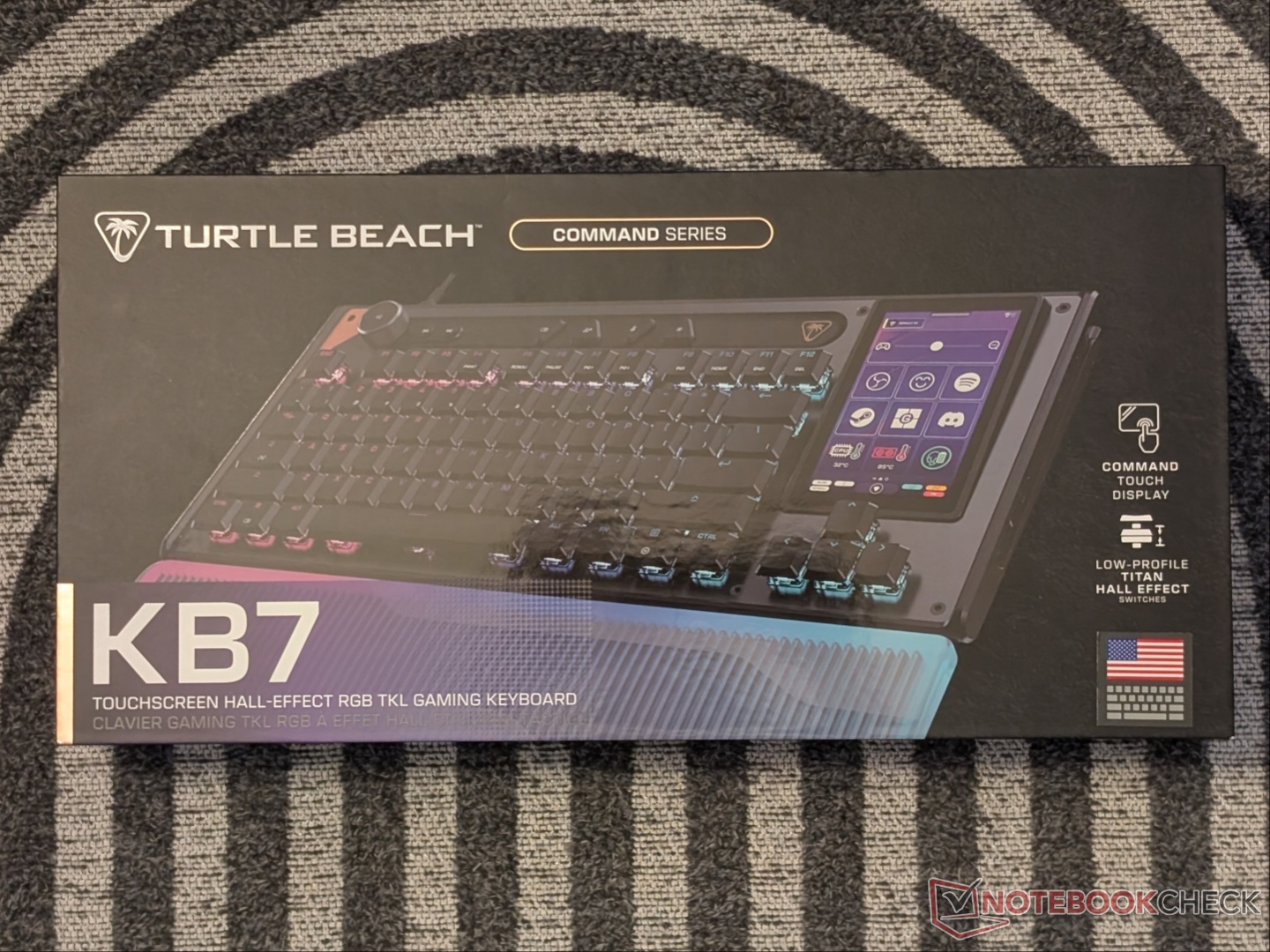
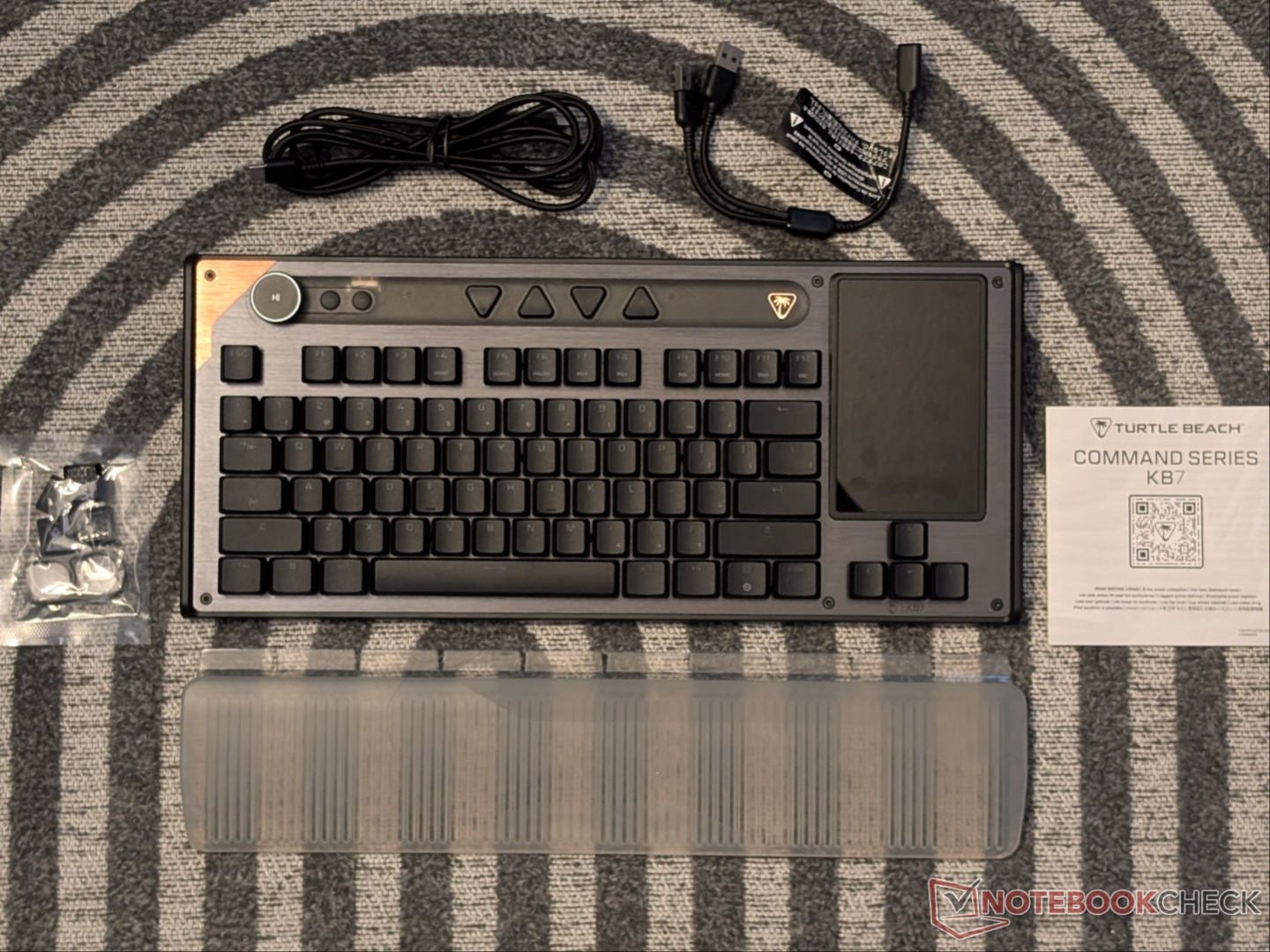
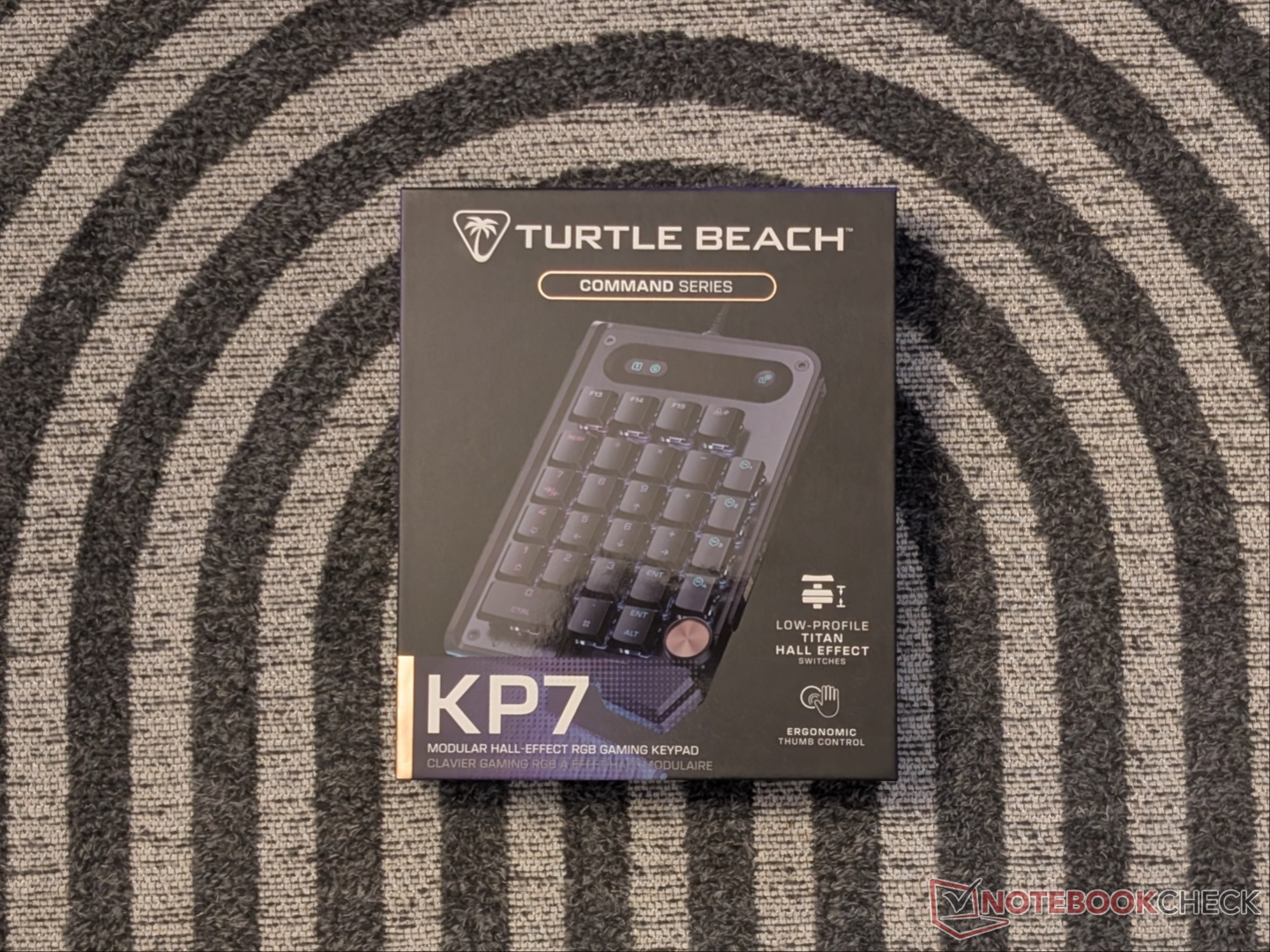
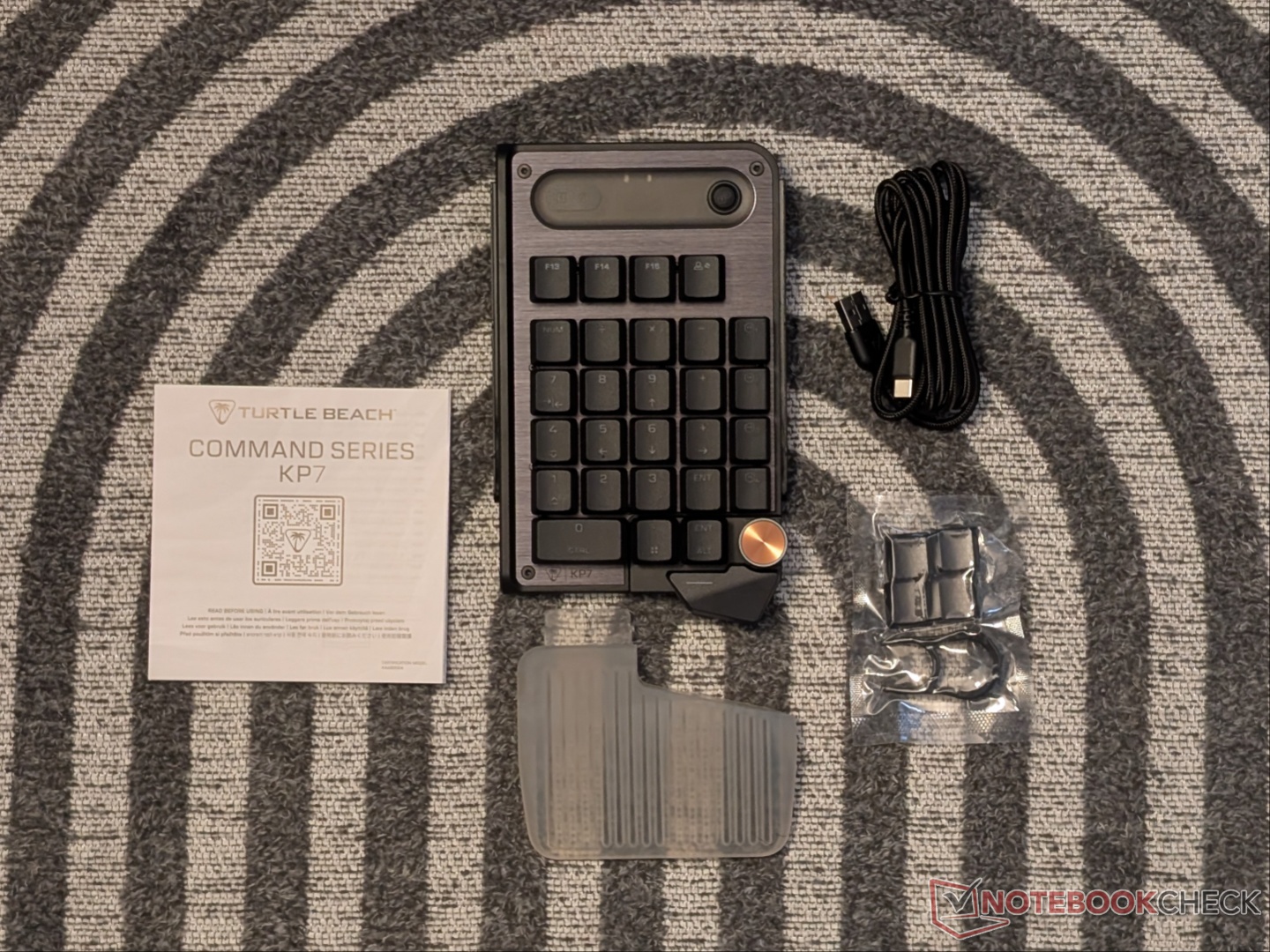
A simple and straightforward unboxing experience for the KB7 and the KP7, with minimal plastic. Turtle Beach includes a wrist rest, some extra keycaps, a USB-A to USB-C cable, a split USB cable for using the KP7 separately, and a switch puller, along with the documentation.
Design and build quality
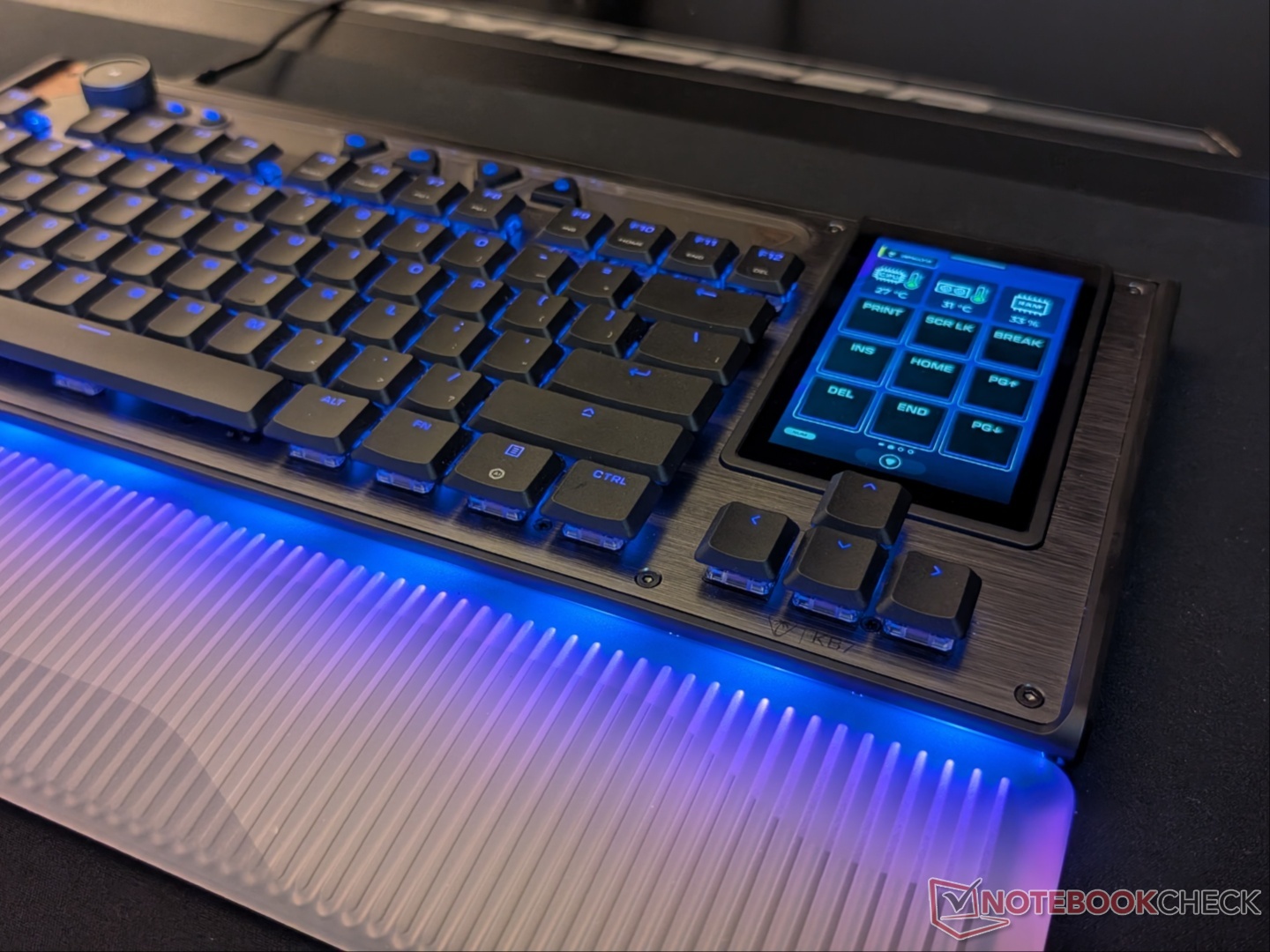
Turtle Beach calls it a compact, low-profile TKL design, but the Command KB7 is not exactly compact. The space around the sides and the gap between the action bar and function row add to the non-compact perception. There are brown accents made to look like there’s a touch of wood on the aluminum top plate. The aforementioned action bar houses a volume dial with a few other controls. Where the navigation keys would be on a traditional TKL keyboard, there’s a 4.3-inch Command Touch Display that can perform multiple functions. A unique and smart idea, but we’ll talk about the implementation later. Beyond the volume dial is the USB-C port for the wired connection, as well as a USB-A port.
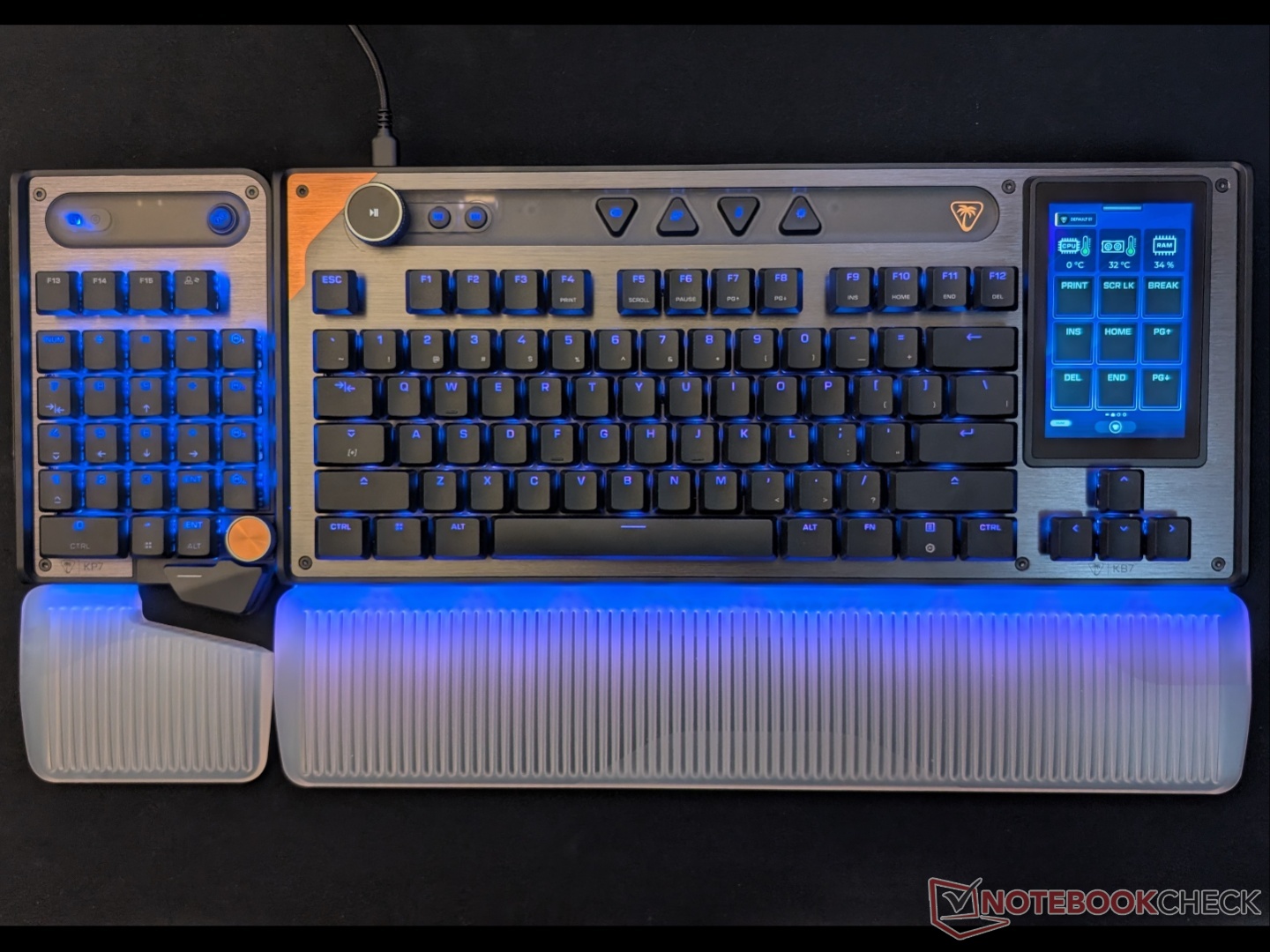
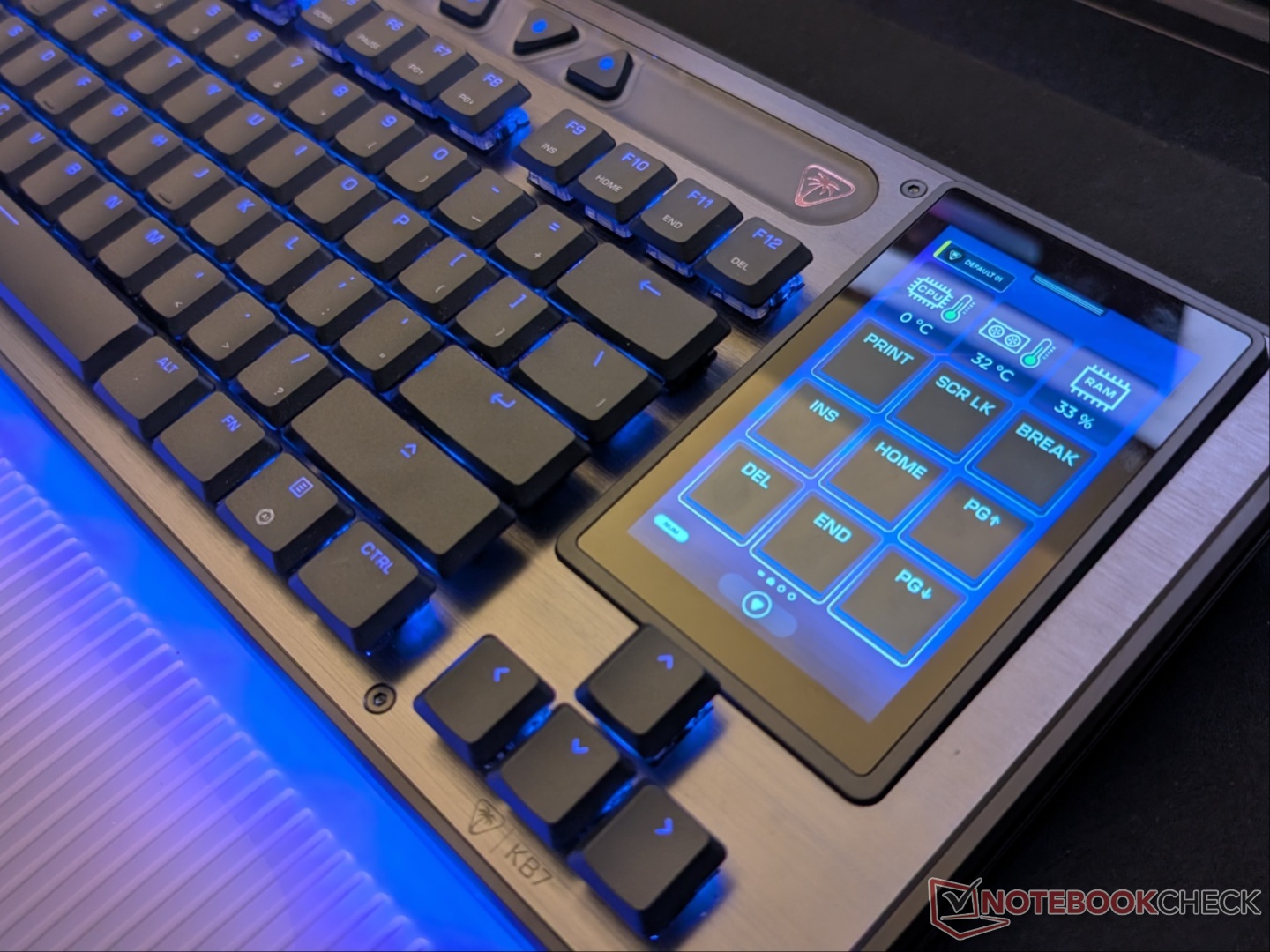
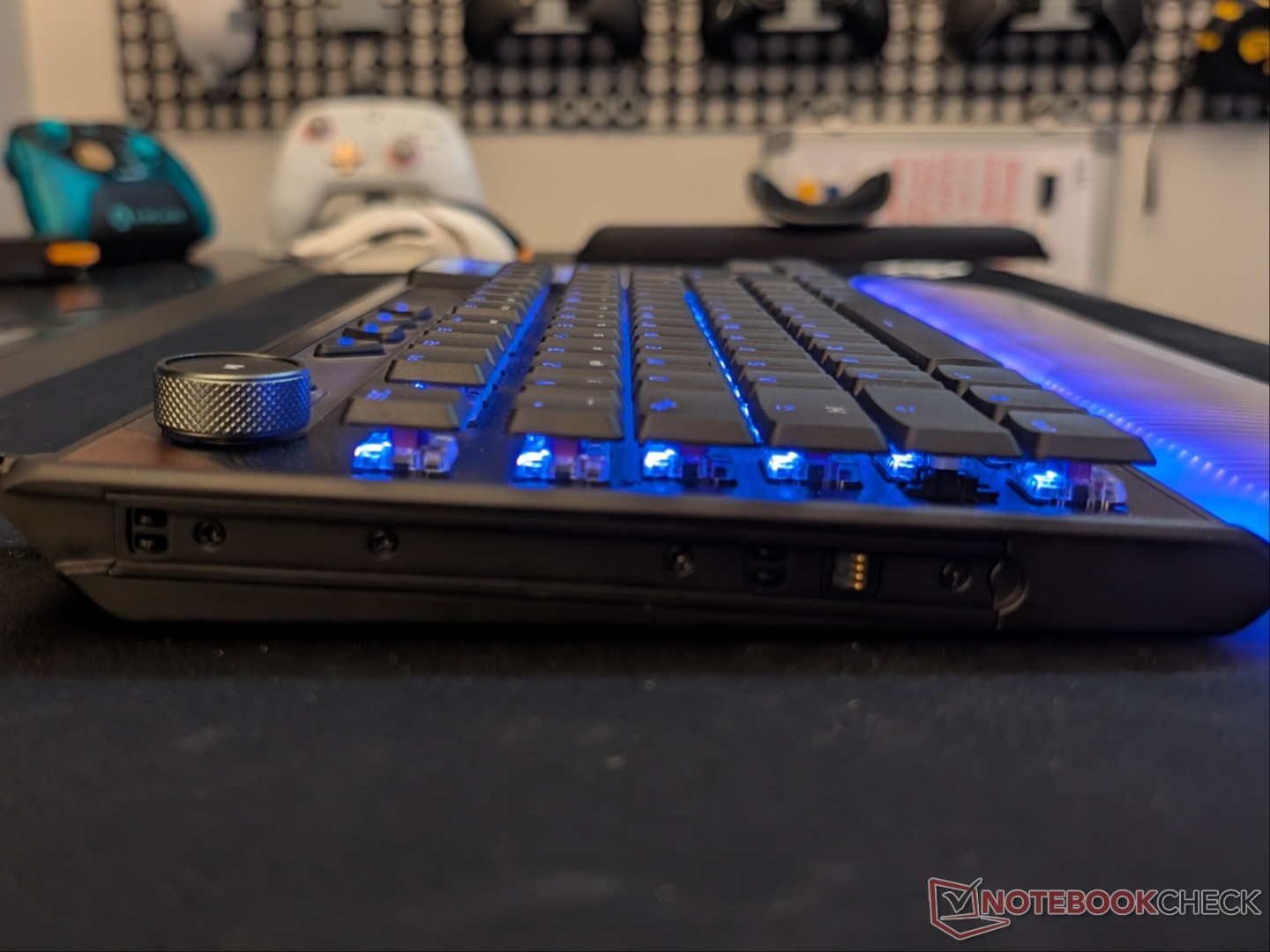
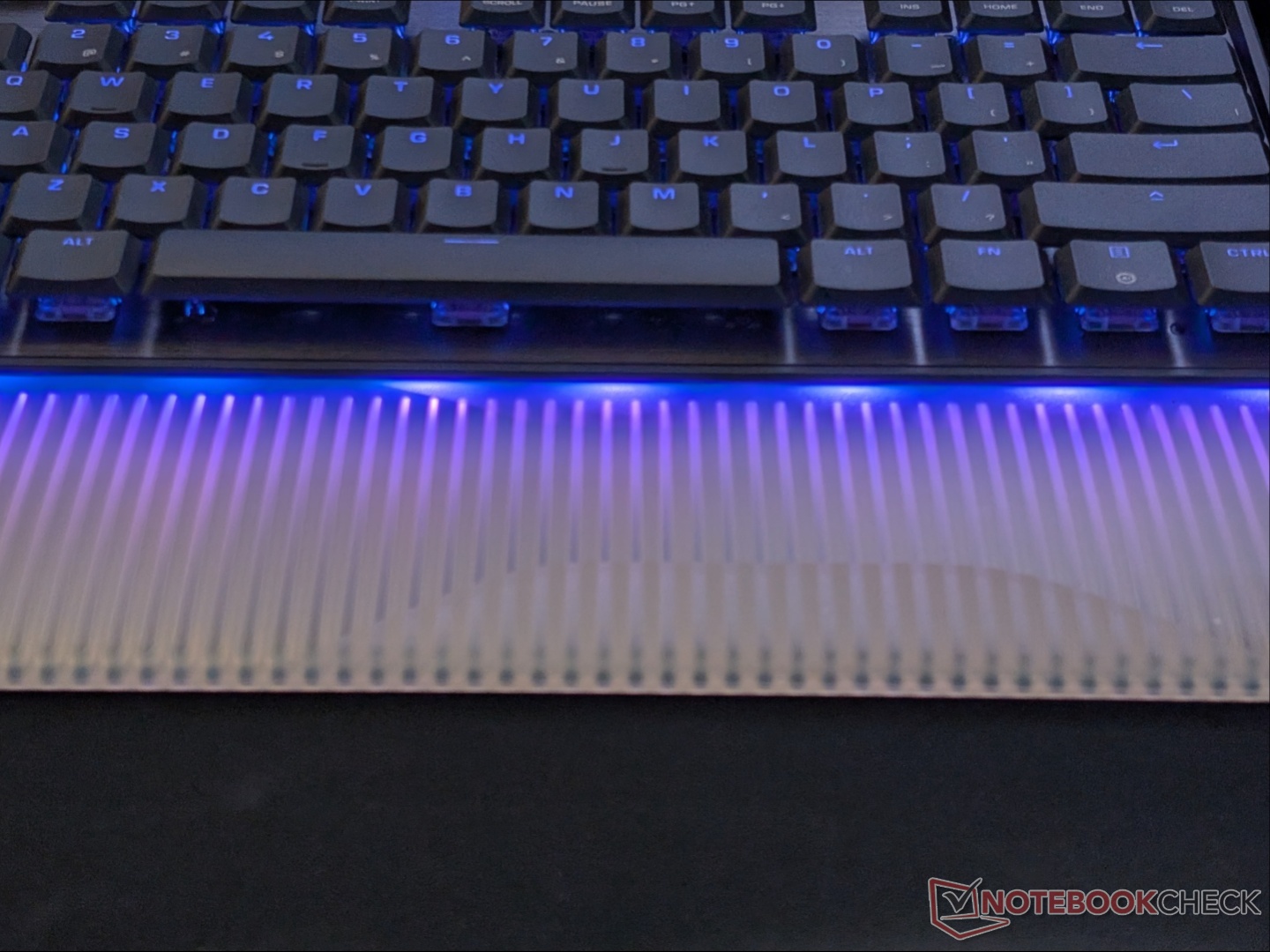
The Command KB7 comes with per-key RGB lighting that extends to the base/front where the wrist rest connects. Turtle Beach bundles a silicone wrist rest, and the light shines through it when connected. There are no magnets, it just clicks into place. At the bottom are adjustable feet with two levels.
Another key feature of the Command KB7 is compatibility with the KP7 Keypad. There are Switch-style rails and connectors on either side for the accessory to slide in. Speaking of the accessory, the KP7 comes with its own macro keys, a small display, dial, and small wrist rest. It can be used with the KB7 or in standalone mode with the included USB-C cable.
Features and capabilities
The feature that stands out the most, even more than the Hall effect switches, is the large touchscreen. The Command Touch Display offers a number of additional programmable buttons, as well as on-the-fly adjustments for the switches. It adds a lot of functionality to the TKL form factor. Customization for the display is controlled by Swarm II. You can set macros, shortcuts, have a standard numpad, adjust volume and brightness, and more with the Command Touch Display.
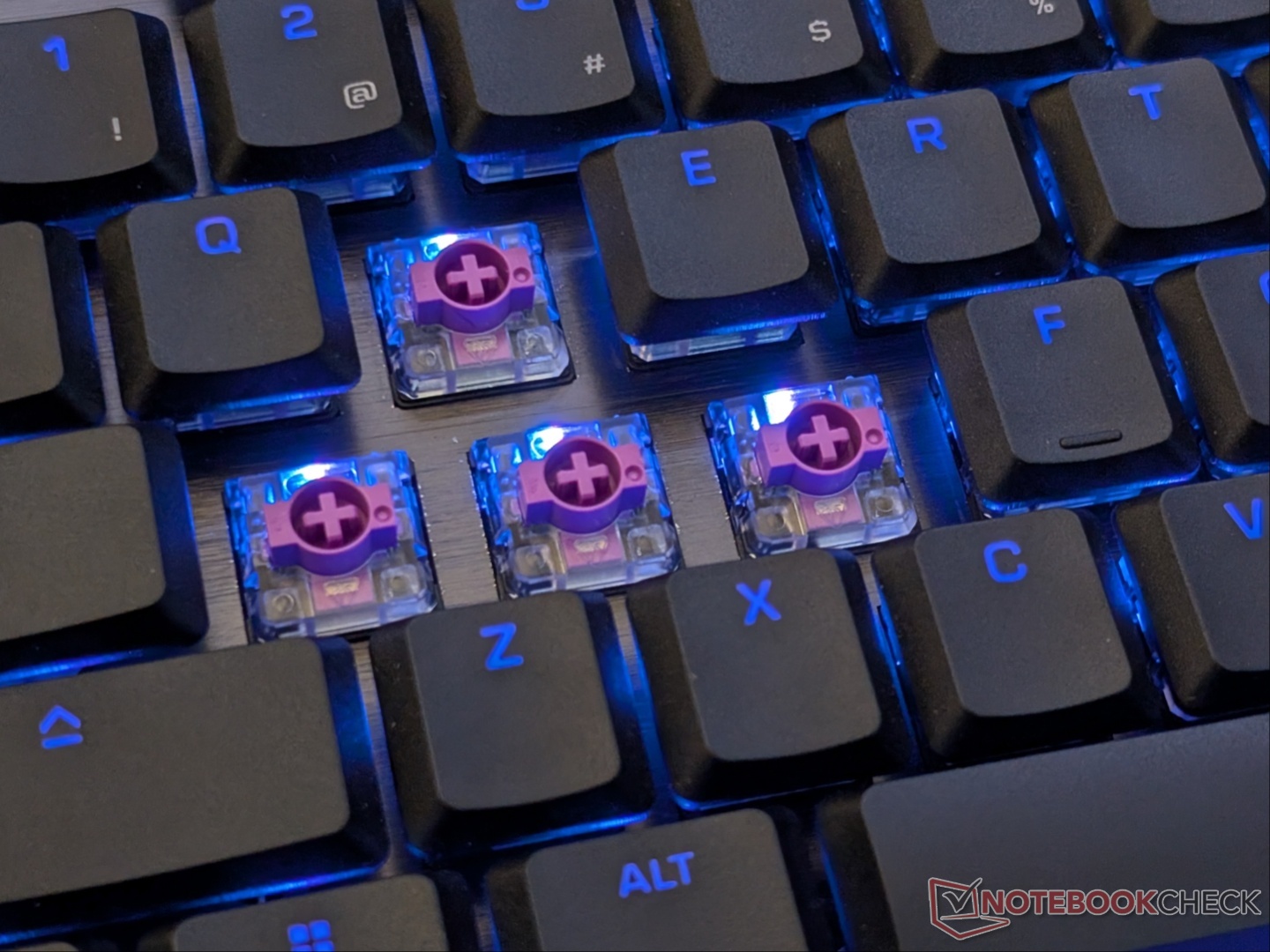
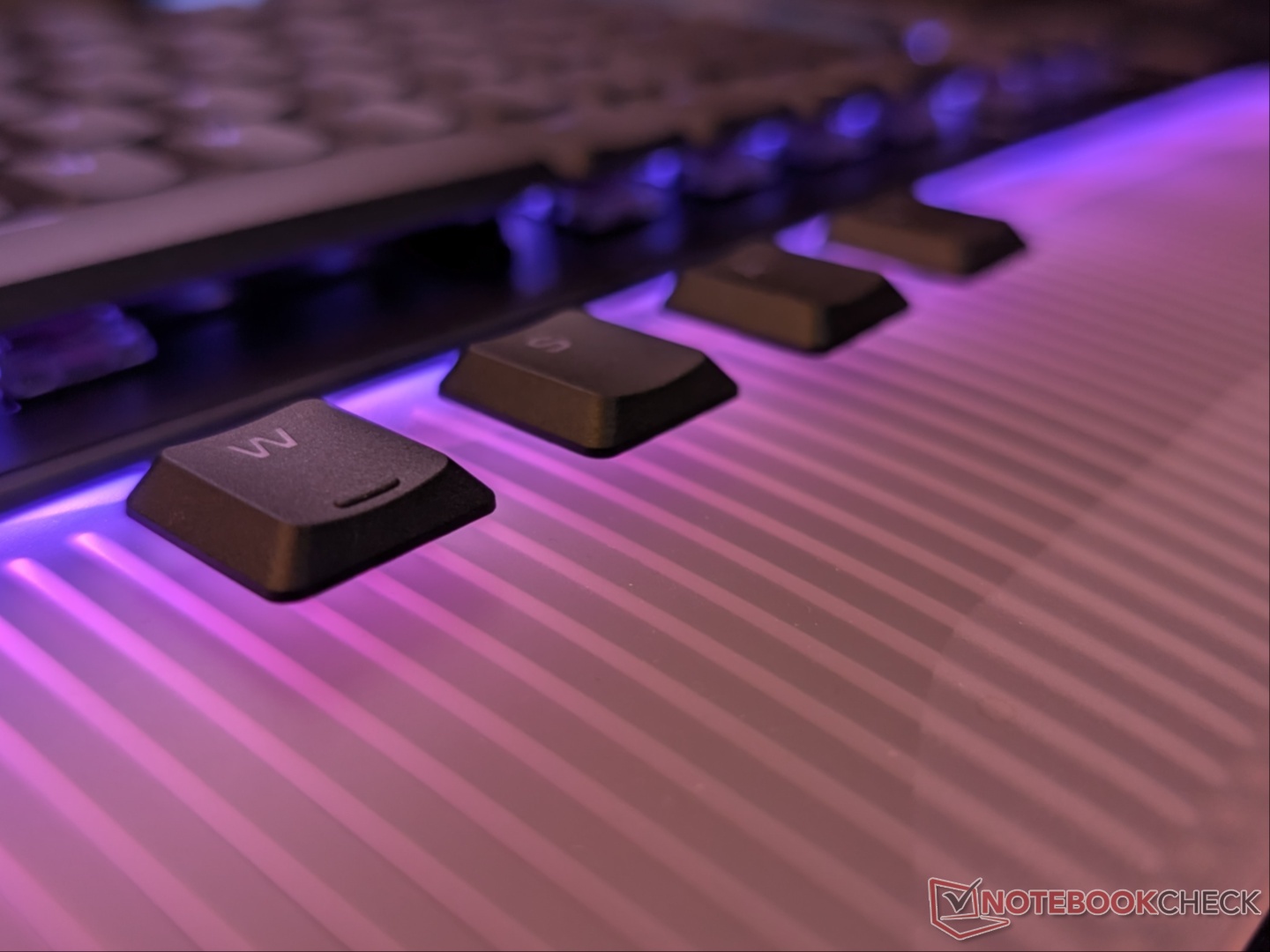
Coming to the switches, the Command Series KB7 uses Titan low‑profile Hall effect switches that allow adjustable actuation from 0.1mm to 3.2mm. It also supports features like Rapid Trigger and ReacTap, but analog controls and multi-point input were not available at the time of publishing. 8K polling rate, per-key RGB lighting, and dedicated media controls are present as well.
Performance and software
Let’s start with the positives because the list of shortcomings is longer. The Command Touch Display allows for nearly endless customizability. Streamers would essentially have a Stream Deck with all key shortcuts easily accessible. You can adjust key actuation on-the-fly, as well as enable RapidTrigger and ReacTap through the display. Having shortcuts to launch apps or open websites is a welcome feature.
No issues with gaming or typing either, and since it’s wired, you don’t have to worry about battery life. The included wrist rest, though not the softest, is comfortable. Without the feet, the KB7 is a bit too flat for me personally, but the highest position works perfectly. As for how it sounds, here’s a sound test.
The similarly designed KP7 keypad is a set of extra buttons and profiles for even more inputs. Interestingly, the volume dial on the keypad also allows muting audio, but the dial on the KB7 does not.
Now for the grievances. The initial impressions of the Command KB7 were not positive. The software experience was terrible, it took multiple attempts to update, and the shortcuts didn’t work as they should. Over the course of testing, there were six updates to Swarm II and three firmware updates for the keyboard that solved a lot of the issues. However, there are still several shortcomings with the overall experience.
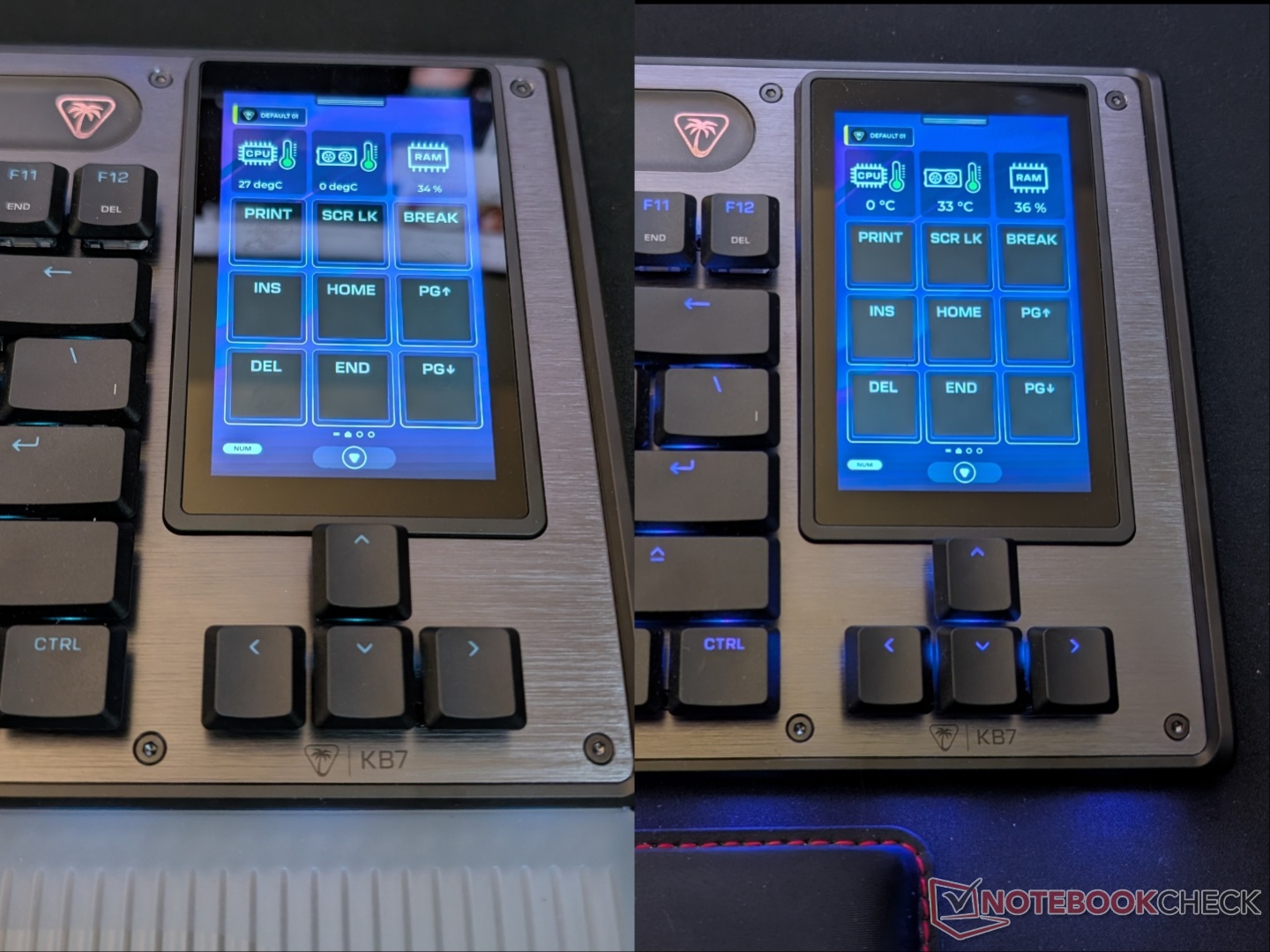
Starting with the Command Touch Display, I was excited to see the option for PC monitoring shortcuts, but unfortunately, the CPU monitoring doesn’t work. It shows a constant temperature reading regardless of what’s actually happening. GPU and RAM temps do update in real time. Even changing the display’s brightness resets the monitoring shortcuts, which then sometimes get stuck at 0 degrees. Notably, Swarm II needs to be running for monitoring to work (which it was throughout testing). And, there’s no option to change the polling rate so you’re locked at 8K.
Updating the keyboard was also not seamless. Swarm II notifies that the first update will be a two-step process and that it can take long. However, every firmware update has been like that, with the entire process taking about 8-10 minutes, requiring multiple reconnections.
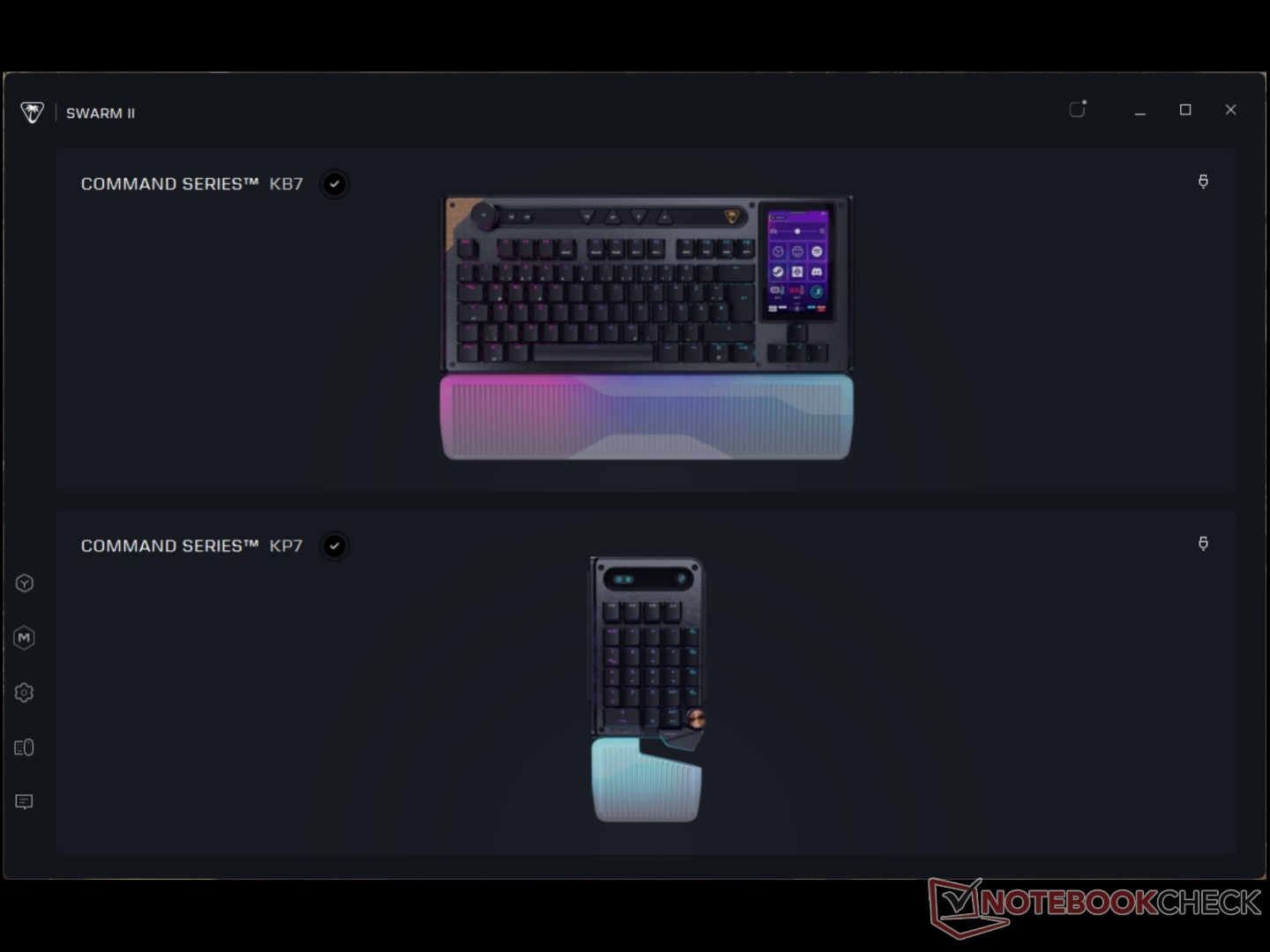
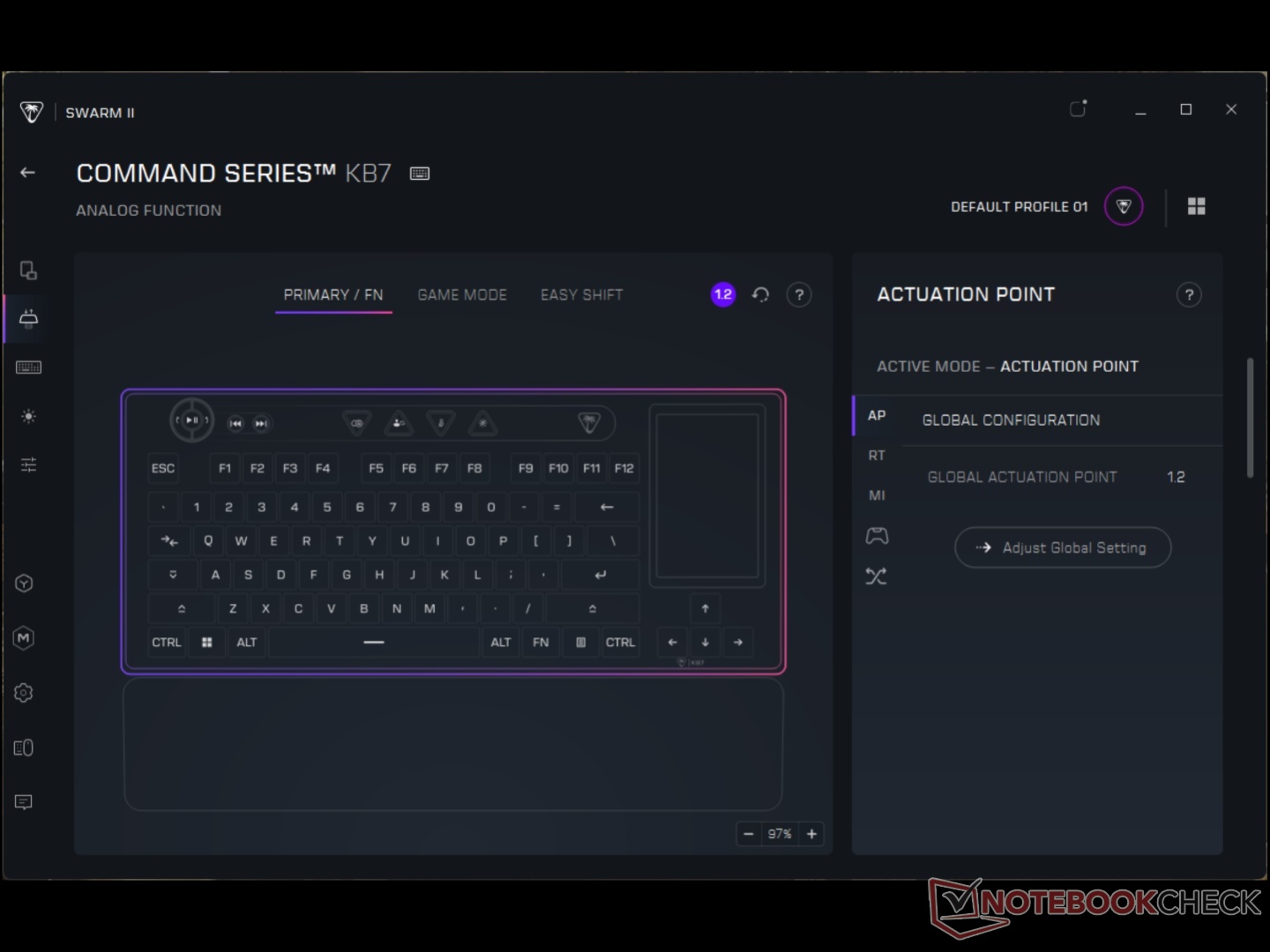
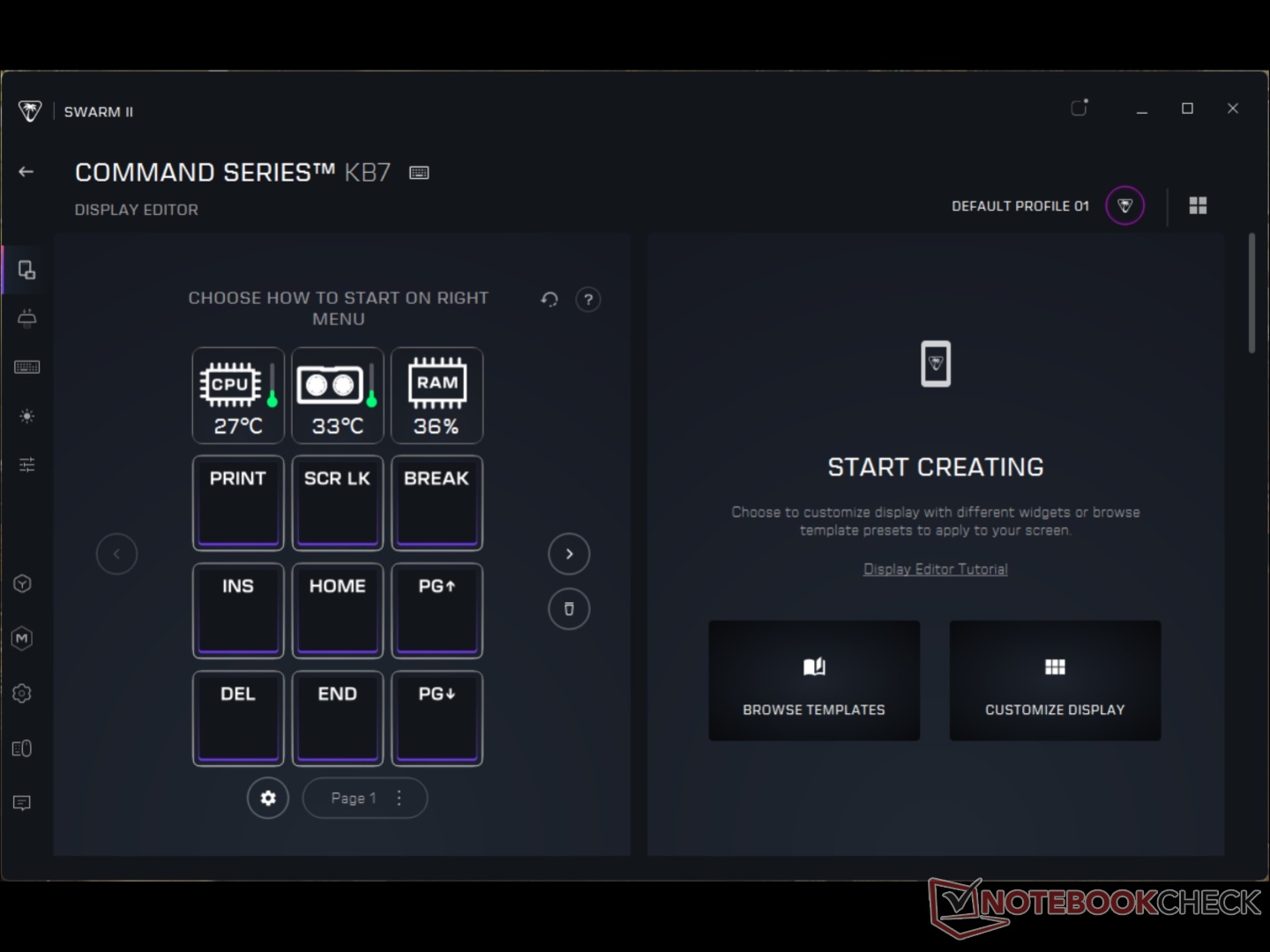
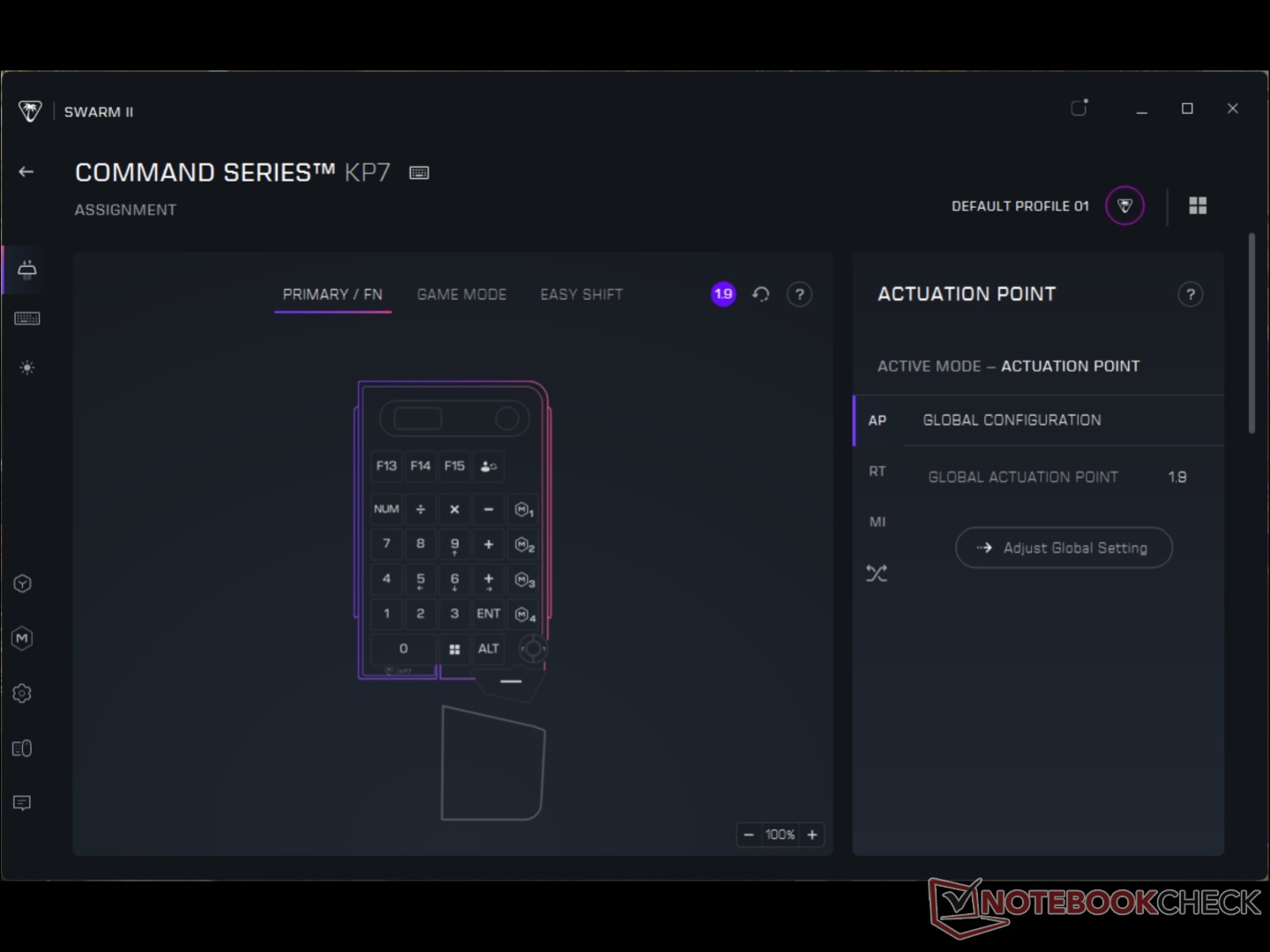
There are some redundancies as well, like the physical volume dial and on-screen option. There’s a slider for the backlight brightness (on the display), but also a dedicated menu button for it (on the display), as well as a physical button to turn it on/off. The Fn row has secondary inputs for navigation buttons, but there’s a navigation page on screen. That one’s understandable, though, in case some one want’s to replace the on-screen buttons. Similarly, the KP7 keypad has a numpad and a volume dial which becomes redundant if you’re using the KB7’s volume dial and the on screen numpad.
The backlight is quite dim on the KB7 but much brighter on the KP7. The preset colors, however, don’t match. Lastly, using Shift + Del with the Del on the touchscreen feels weird, and the action bar buttons are loud and annoying.
Transparency
The selection of devices to be reviewed is made by our editorial team. The test sample was given to the author by the manufacturer free of charge for the purposes of review. There was no third-party influence on this review, nor did the manufacturer receive a copy of this review before publication. There was no obligation to publish this review. As an independent media company, Notebookcheck is not subjected to the authority of manufacturers, retailers or publishers.
 Add as a preferred source on Google


