




Premium low-profile mechanical keyboard made affordable: Akko Air 01 review
Premium keyboad, sensible pricing.
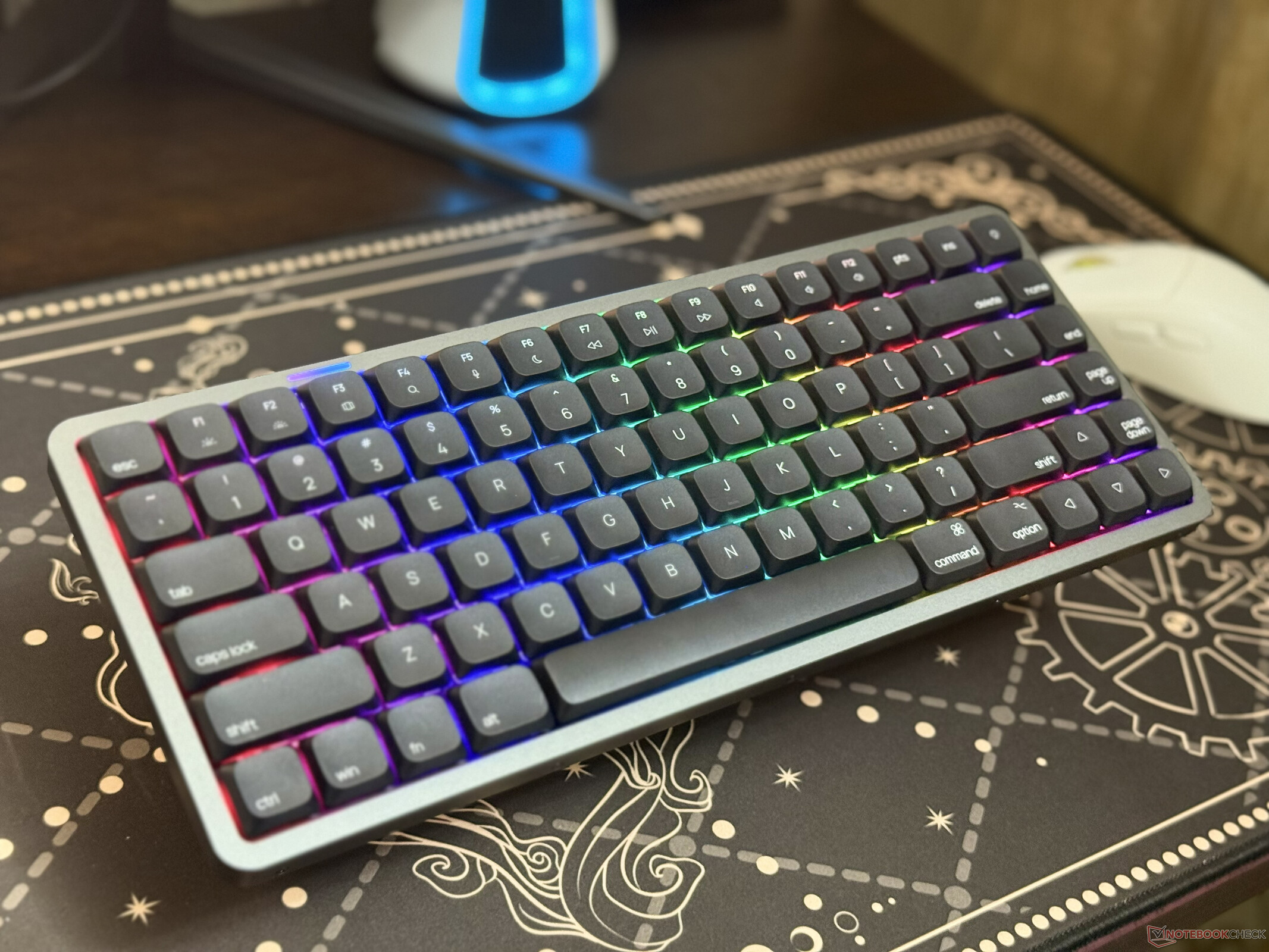
The Akko Air 01 is a mechanical low-profile keyboard with a Mac-first layout, but it has proper Windows support. The 75% wireless keyboard has a gasket mount style, a premium aluminum chassis, hot-swappable switches, and a slim design. It retails for $99.99, making it pretty affordable.Abid Ahsan Shanto Published 🇳🇱 🇫🇷 ...
Verdict – Premium build, smooth typing, and excellent value
The Akko Air 01 gets more right than wrong. It comes with a premium aluminum chassis, can deliver a comfortable typing experience, and the hot-swappable low-profile switches are good to see at this price range. The battery life is solid, and the RGB strip on the top is a sleek touch.
It's not without flaws, though. The lack of QMK/VIA support puts it behind some competitors, and the software still has a few rough edges. The fixed typing angle won't suit everyone either.
Overall, it's a well-built low-profile mechanical keyboard that's a solid competitor to Lofree Flow, Keychron K3 Max, and NuPhy Air.
Pros
Cons
Price and availability
Akko is selling the Air 01 with a retail price of $99.99, and it's available in two colorways: Cloudy White and Ink Black. There are five switch options, and all of them are Kali low-profile switches. It's available on Amazon and the official store.

Table of Contents
- Verdict – Premium build, smooth typing, and excellent value
- Specifications
- The Akko Air 01 features a premium build, compact 75% form factor, and sleek keycaps
- The keyboard's typing experience is good, and the battery life is decent
- There's no QMK/VIA support, and the software needs some work
- Polling rate maxes out at 1kHz, and that's fine
Akko launched the Air 01 as the company's first low-profile mechanical keyboard, and it's competing against the likes of NuPhy Air75 V3. However, compared to the competition, it's more affordable, retailing for under $100.
While being more affordable than the competition usually means making compromises, the Akko Air 01 is built well. It's also packed with features, and the wireless keyboard has what it takes to offer a comfortable typing experience, but it's still not perfect.
Specifications
| Dimensions | 131x319x21mm |
| Connectivity | Tri-mode (2.4GHz, Bluetooth 5.0, and wired) |
| Layout | 75% |
| Number of keys | 84 keys |
| Mount type | Gasket mount |
| Weight | around 612 grams |
| Switch compatibility | 2-pin (Kalih low-profile only only) |
| Battery size | 4,500mAh |
| Backlight | RGB (north facing) |
The Akko Air 01 features a premium build, compact 75% form factor, and sleek keycaps
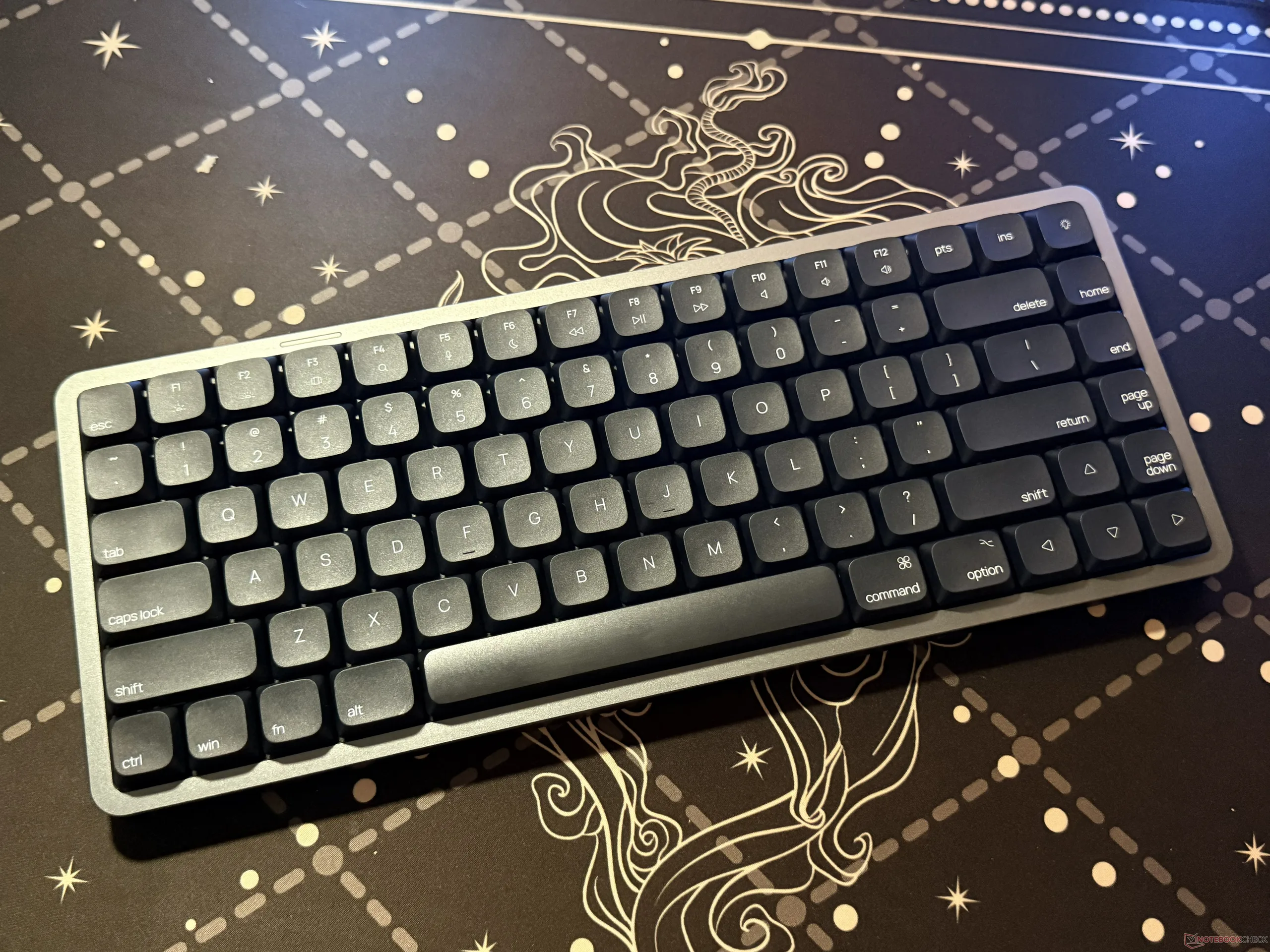
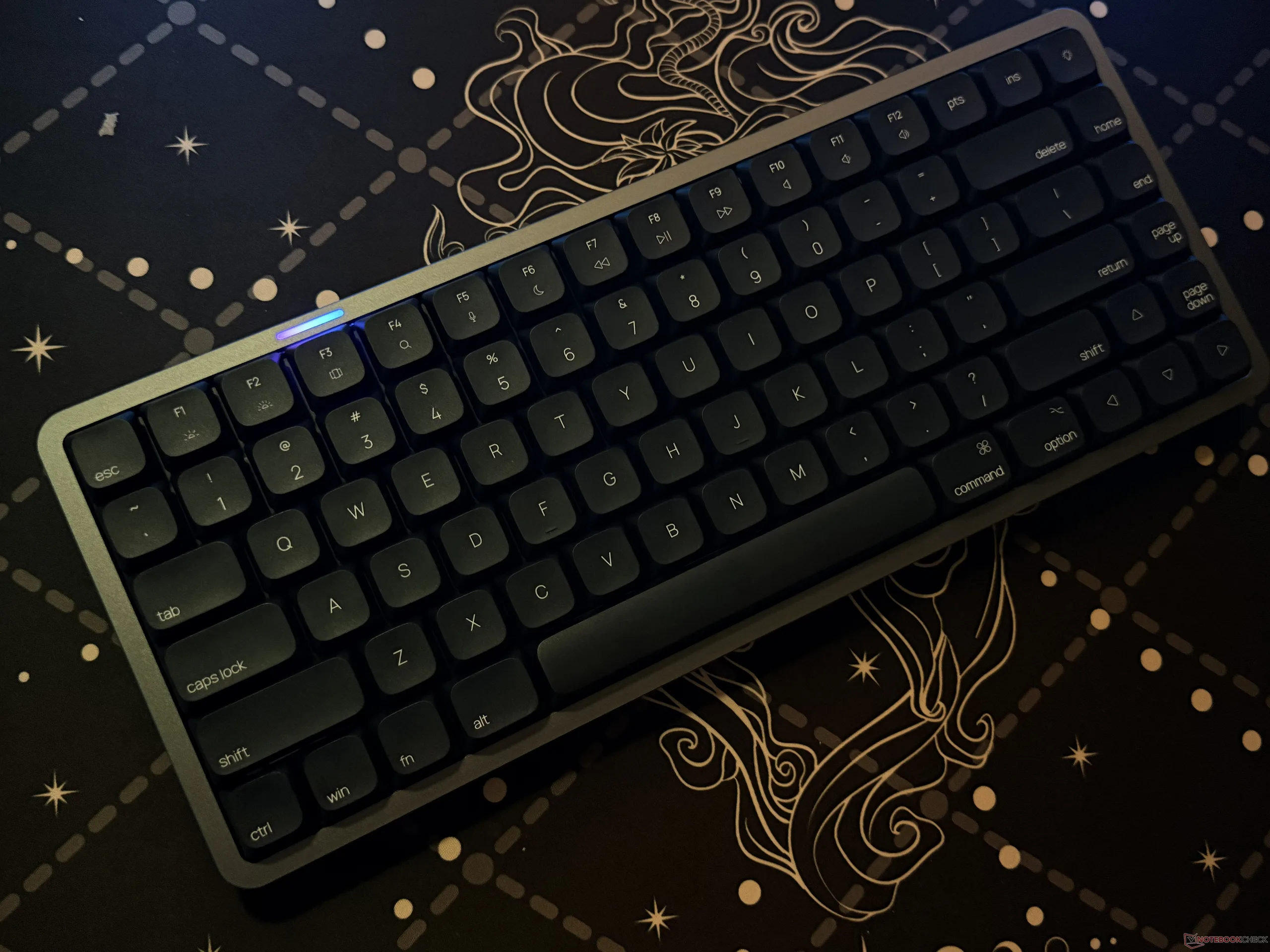
A big highlight of the Air 01 is how premium it looks and feels. The wireless keyboard features a full aluminum chassis, which not only makes it lightweight but also gives it an elegant metallic look.
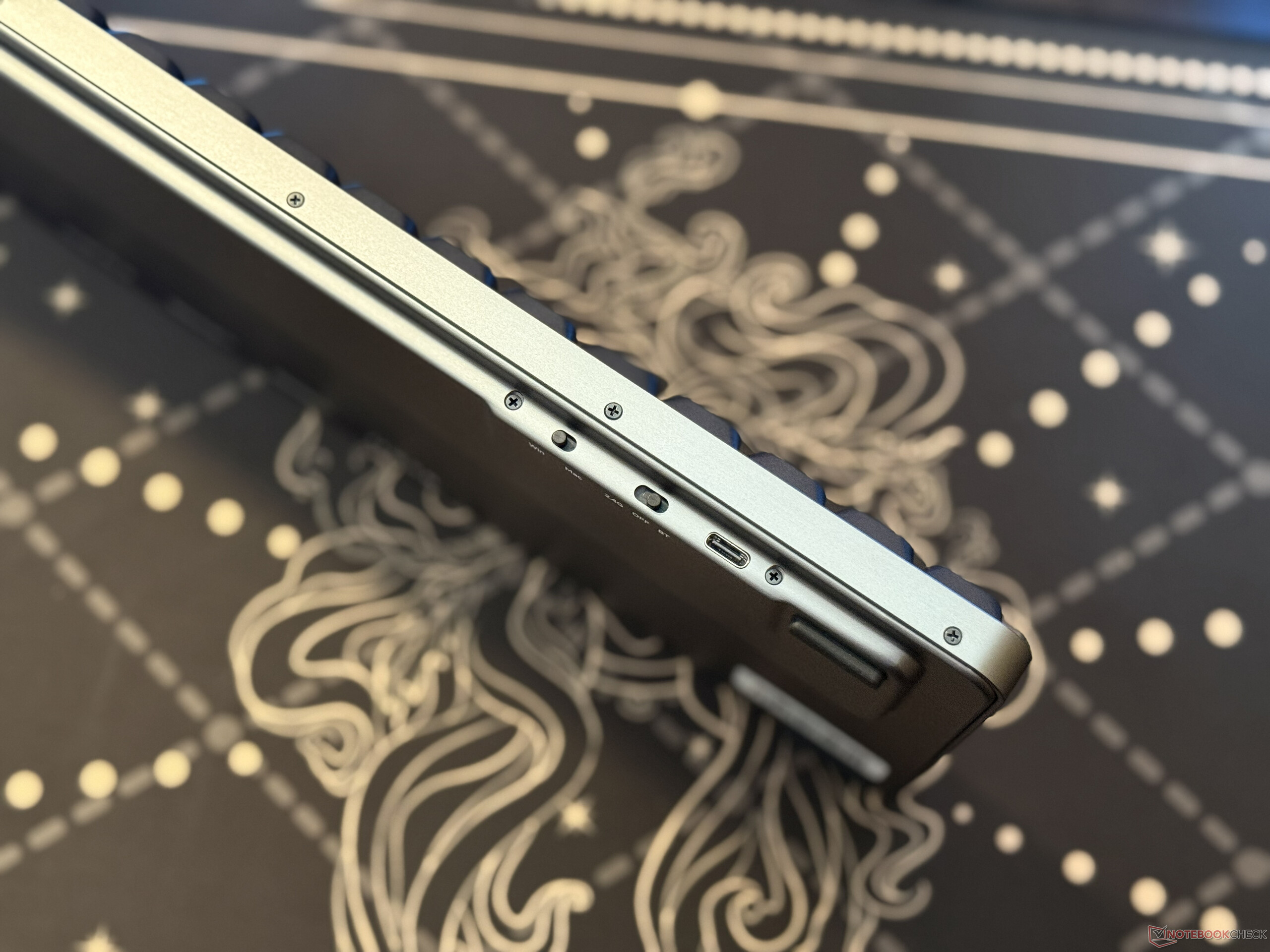
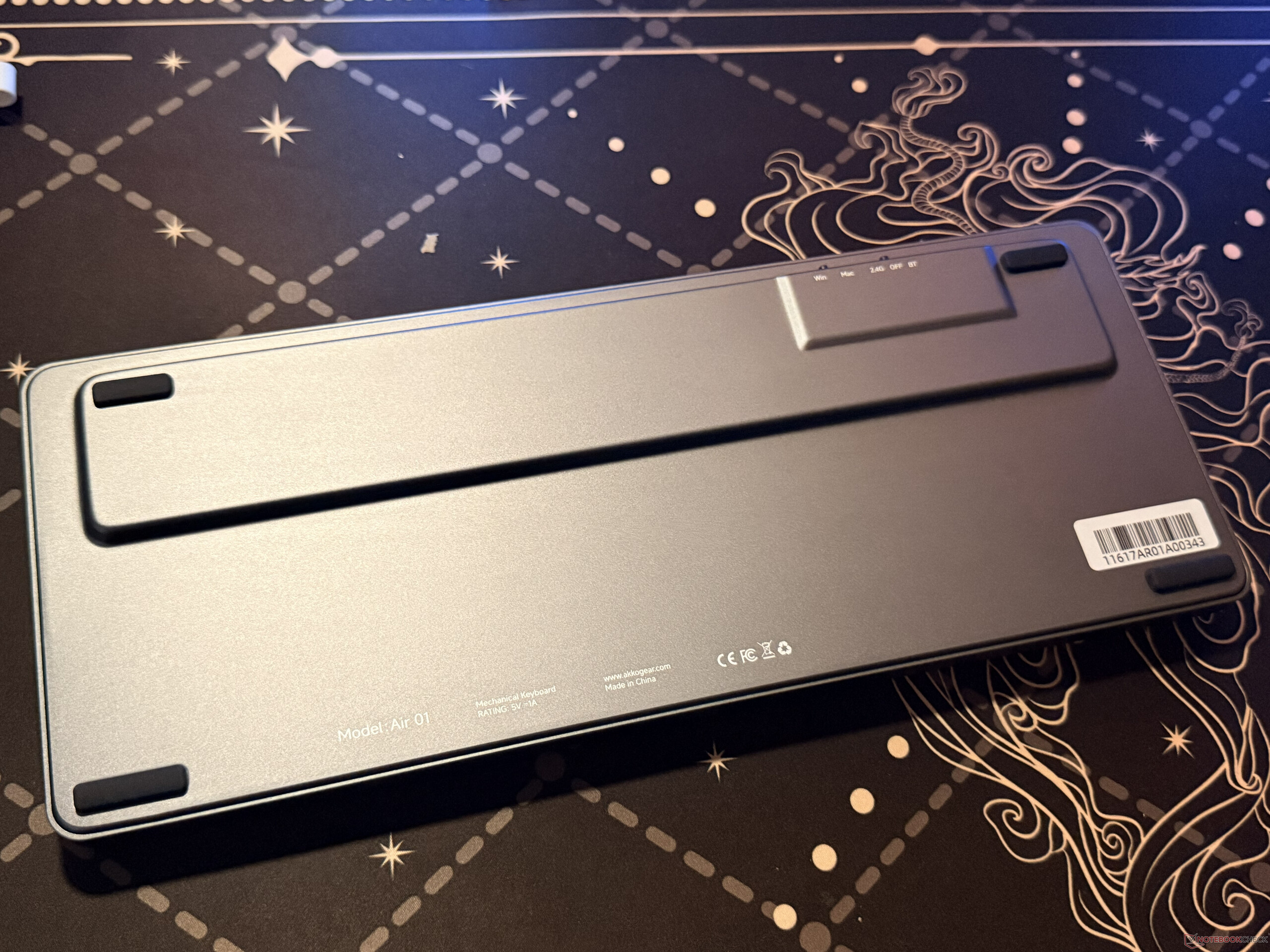

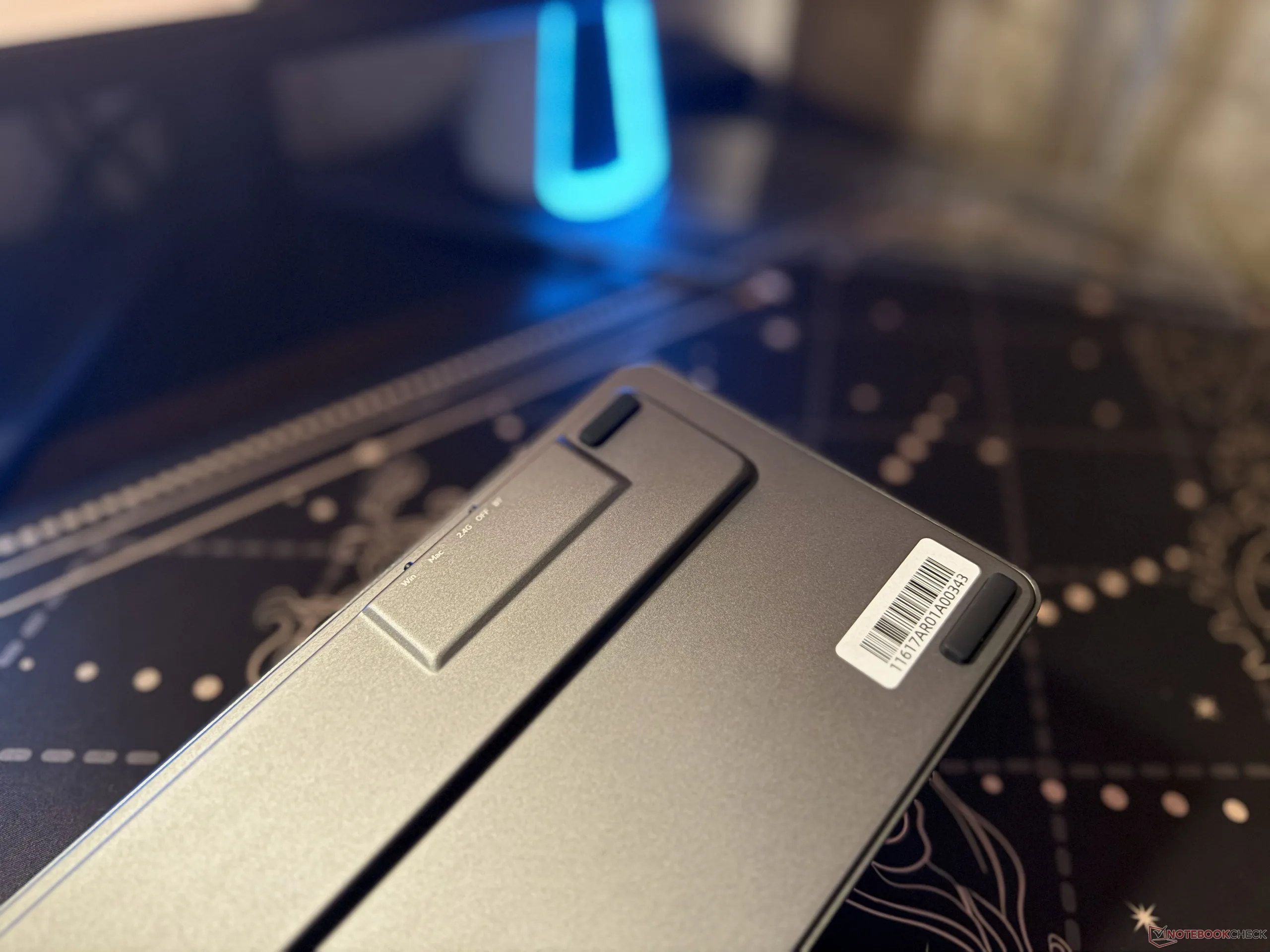
Of course, the overall look would've been a bit more sleek if Akko had managed to hide the screws on the bottom instead of placing them on the side. However, it's possible that the company has gone through this route to keep the form factor slim and compact.
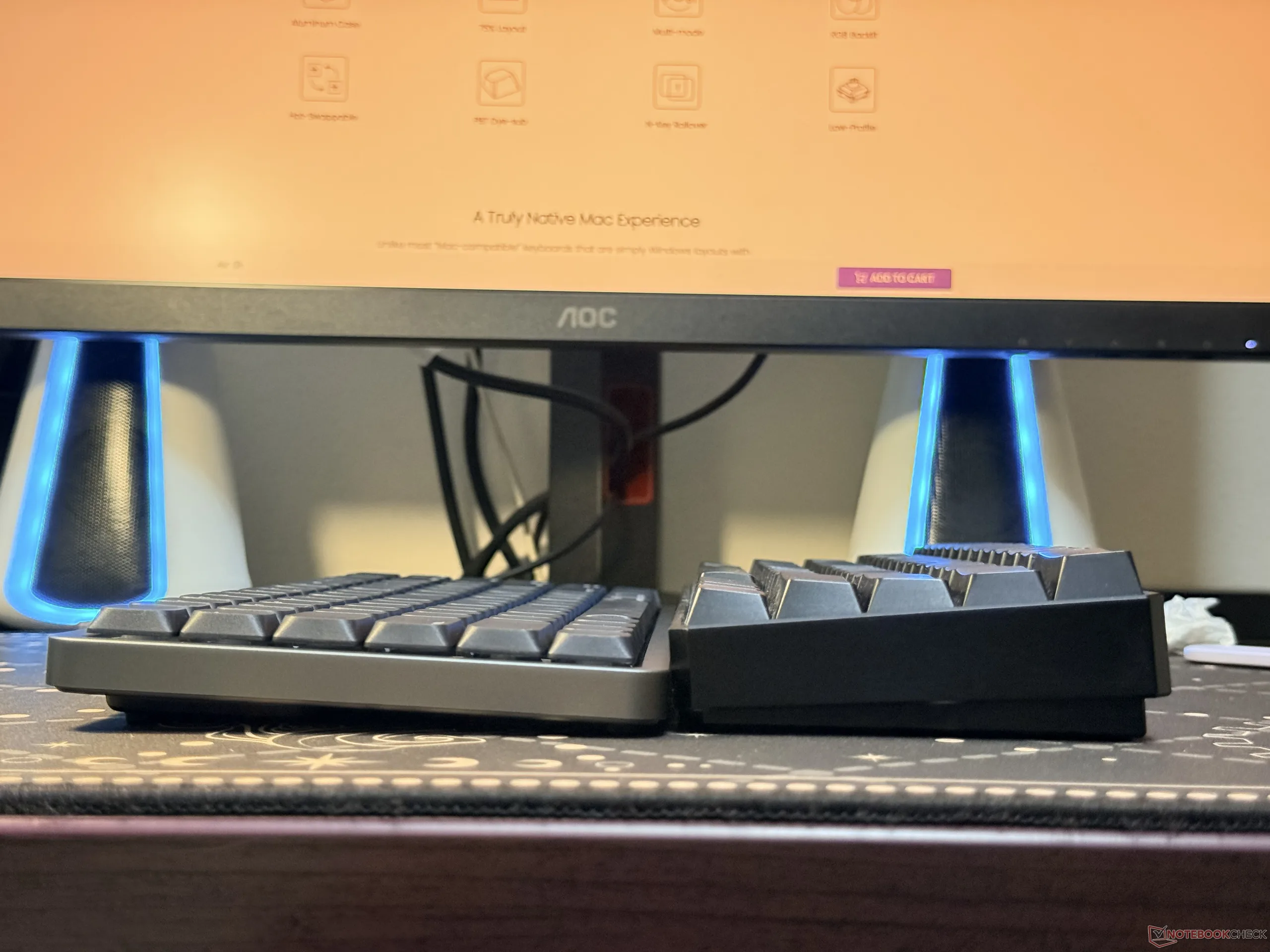
Speaking of the form factor, the Akko Air 01 measures around 21mm thin, and it's 319mm in length, while the width is about 131mm. So, in comparison, the wireless keyboard is smaller than a quarter-dollar coin in height. The thinnest part is also shorter than a regular mechanical switch.
As for the keycaps, they look sleek, and the Mac legends go well with the aluminum build. Now, while the Air 01 is a Mac-first keyboard, Akko includes extra keycaps to convert to the Windows layout. The company also includes the following in the box:
- 1x keycap remover
- 1x switch puller
- 1x 2.4GHz dongle
- 1x USB-C to USB-A converter
- 1x USB-A to USB-C cable
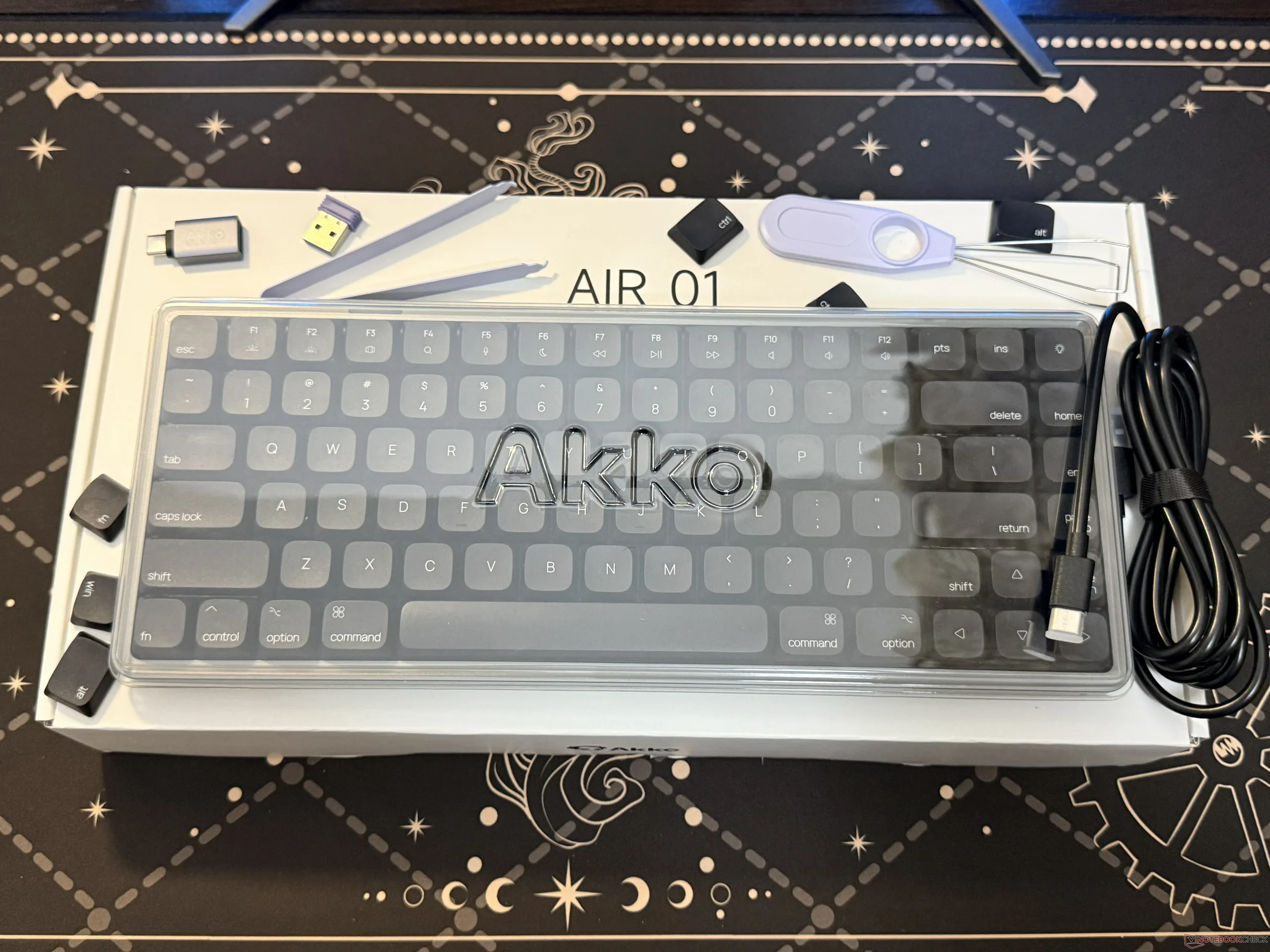
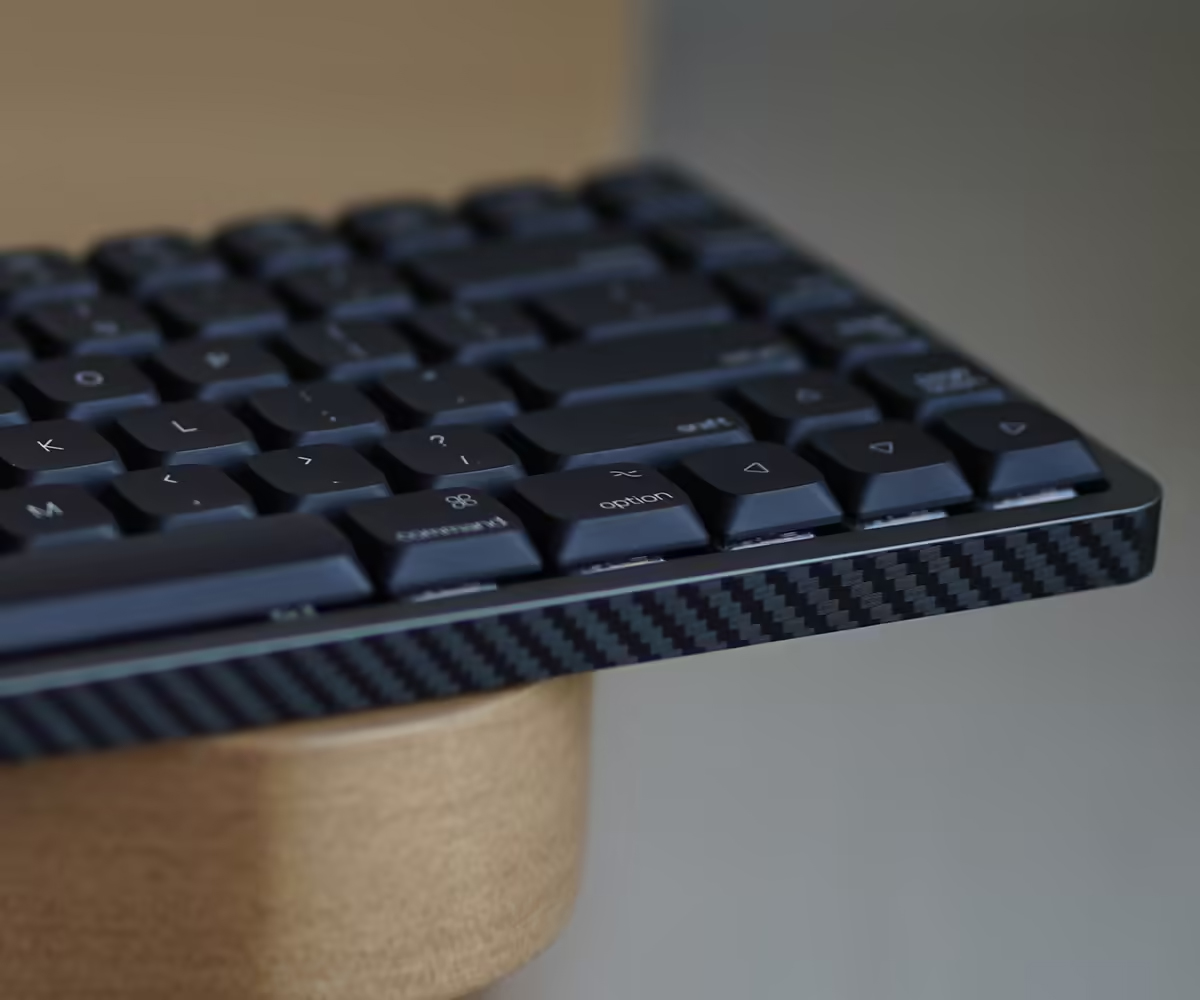
Although it's good to see that Akko offers all the essentials with the keyboard, seeing a couple of extra switches in the box would've been nicer. It's also worth noting that Akko is offering carbon-fiber side-stickers to customize the look and hide the screws I complained about earlier. But these stickers will only be included in the package until supplies last.
The keyboard's typing experience is good, and the battery life is decent
Akko is offering the Air 01 with Kalih Cloud (linear), Kalih Drift (tactile), Kalih Summer (clicky), Kalih Winter (Tactile), and Kalih Deep Sea Island Pink (linear) switches. All are low-profile mechanical switches. The review unit comes with the Kalih Cloud switches, and they have a total travel length of around 2.8mm.
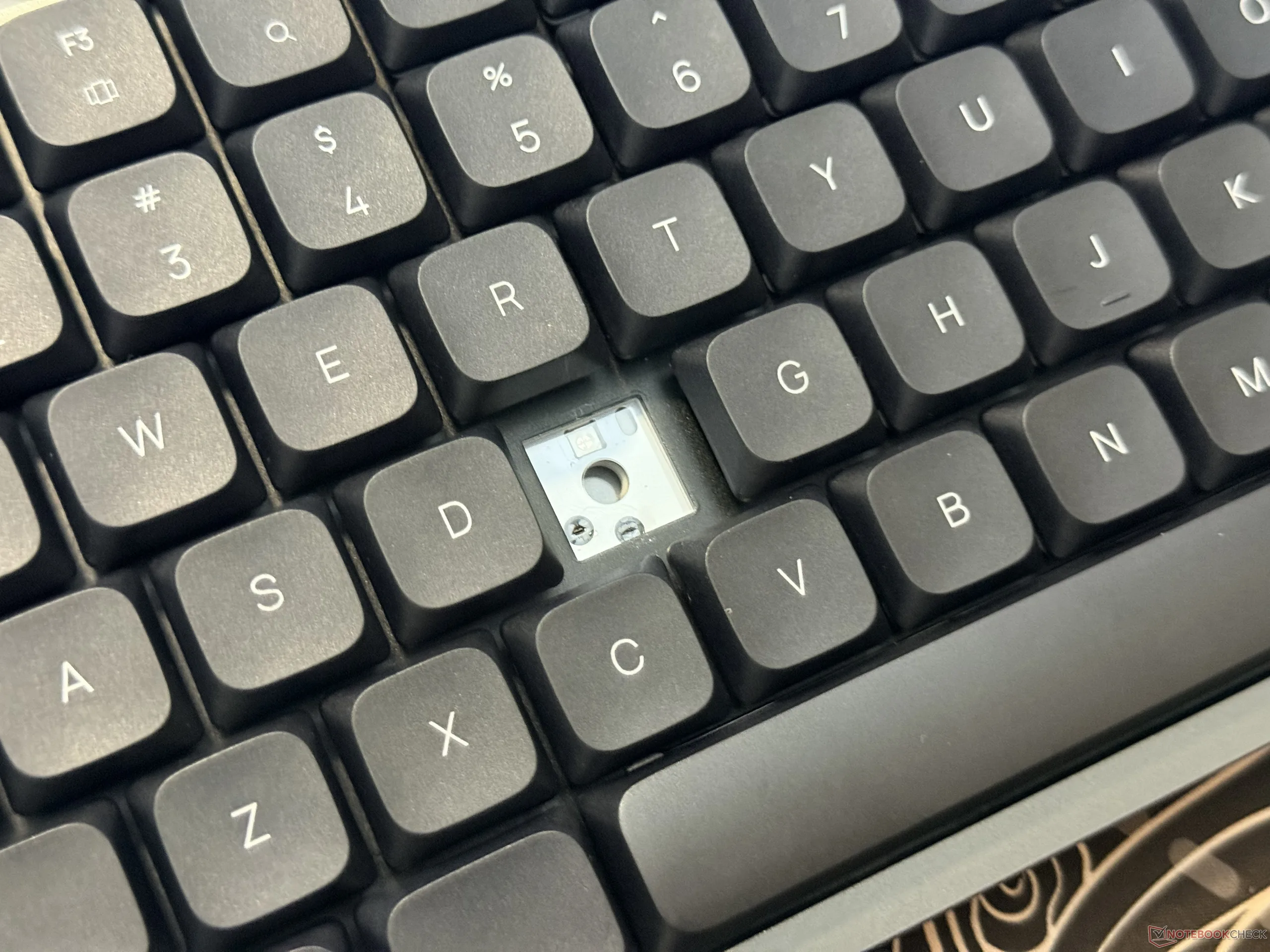
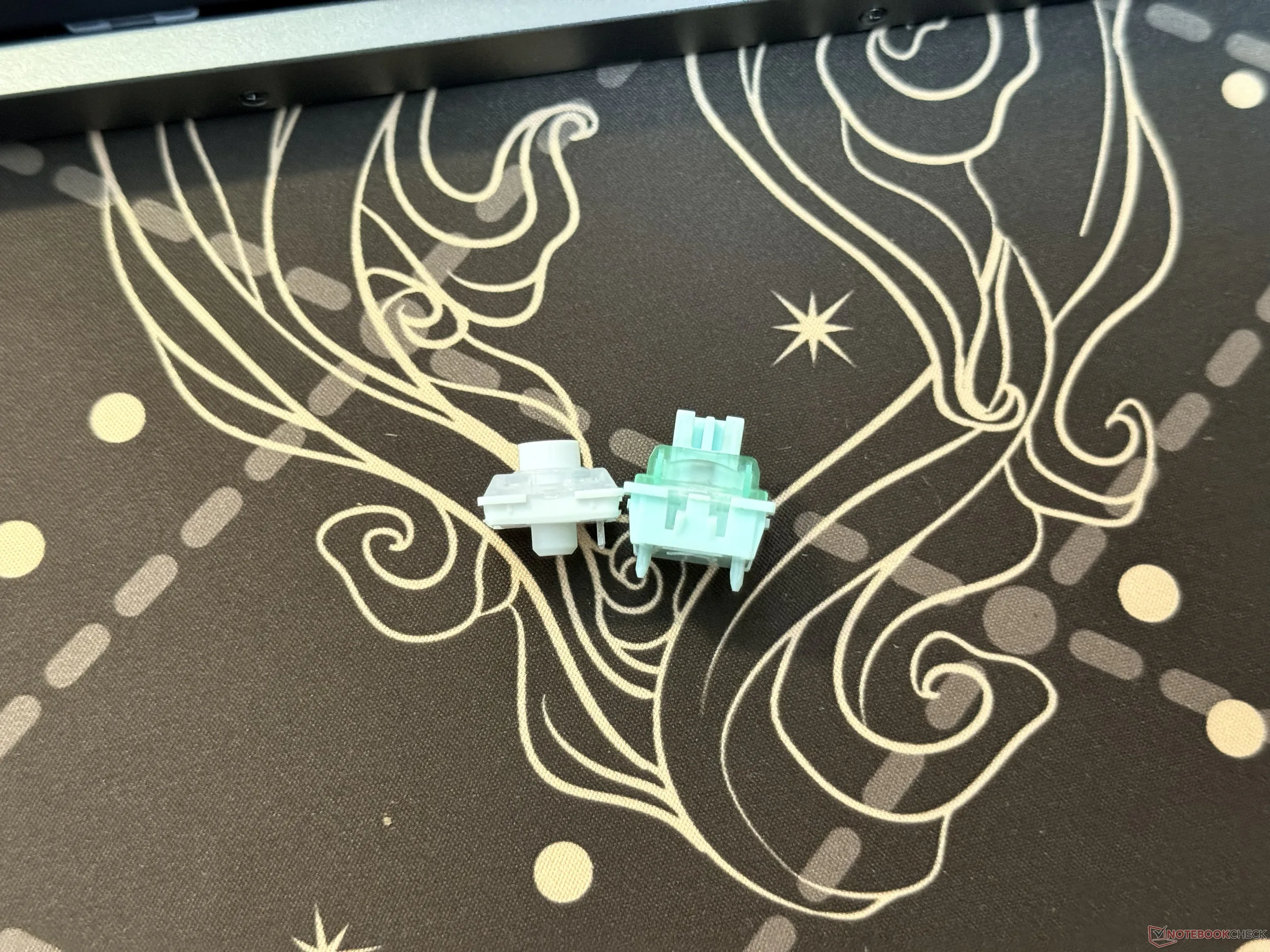
The Kalih Cloud switches felt smooth to type with, and the pre-lubed stabilizers made the overall experience even better. It's also worth mentioning that the Akko Air 01 doesn't have adjustable feet, meaning that the angle isn't customizable. This might be an issue for those coming from regular-sized keyboards, but it's possible to get used to the height over time.
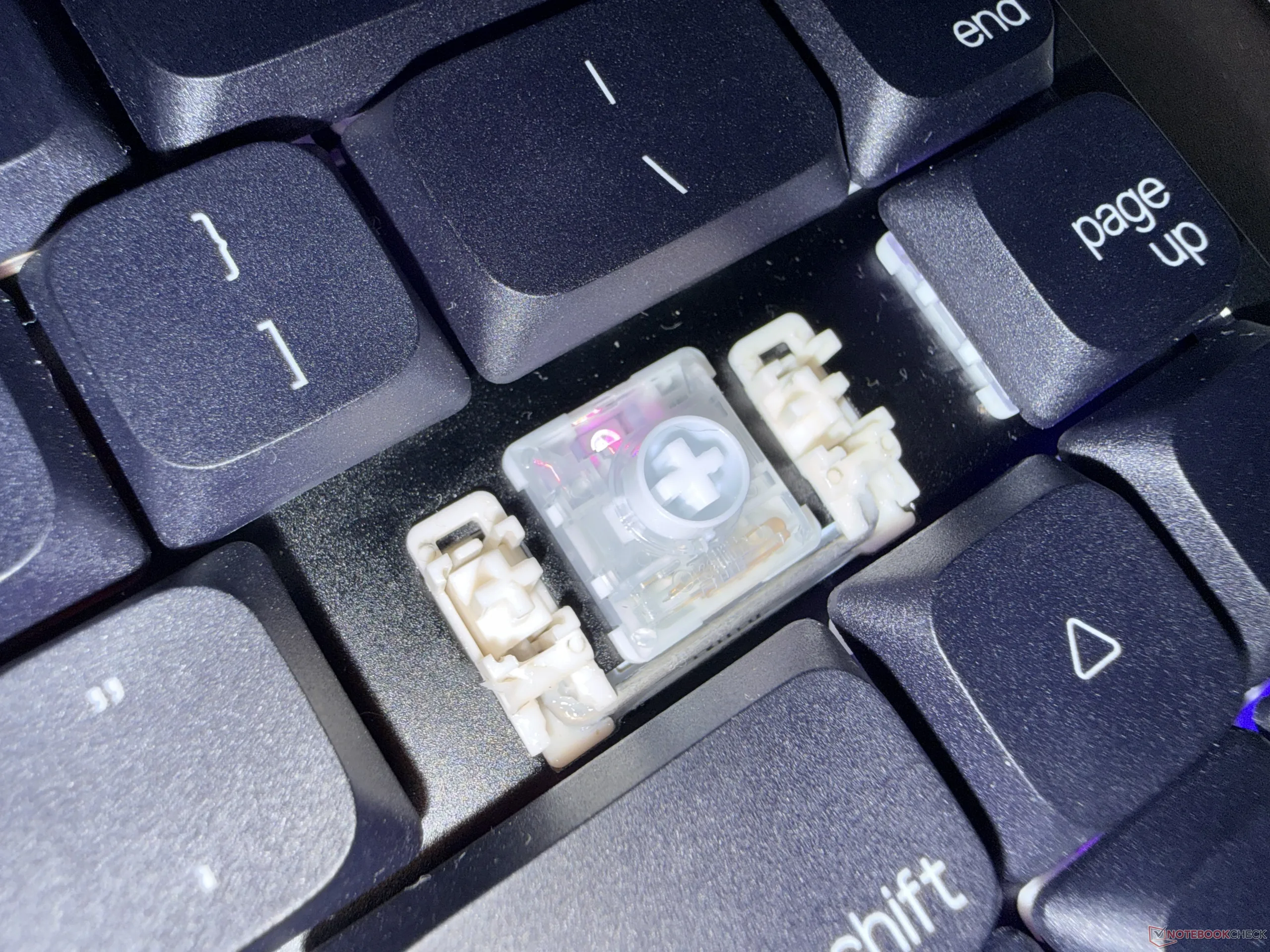
As for how the keyboard sounds, the Akko Air 01, with the Kalih Cloud, has a clean, smooth, and thocky sound profile. The sound test in the video below gives a better idea of what to expect during everyday typing.
While the keyboard is slim, Akko managed to pack a 4,500mAh battery inside the Air 01. There are no battery life claims, but I found it to offer decent runtime. Specifically, with the RGB lights set to level 1 brightness, the battery dropped by about 10% per day during regular use.
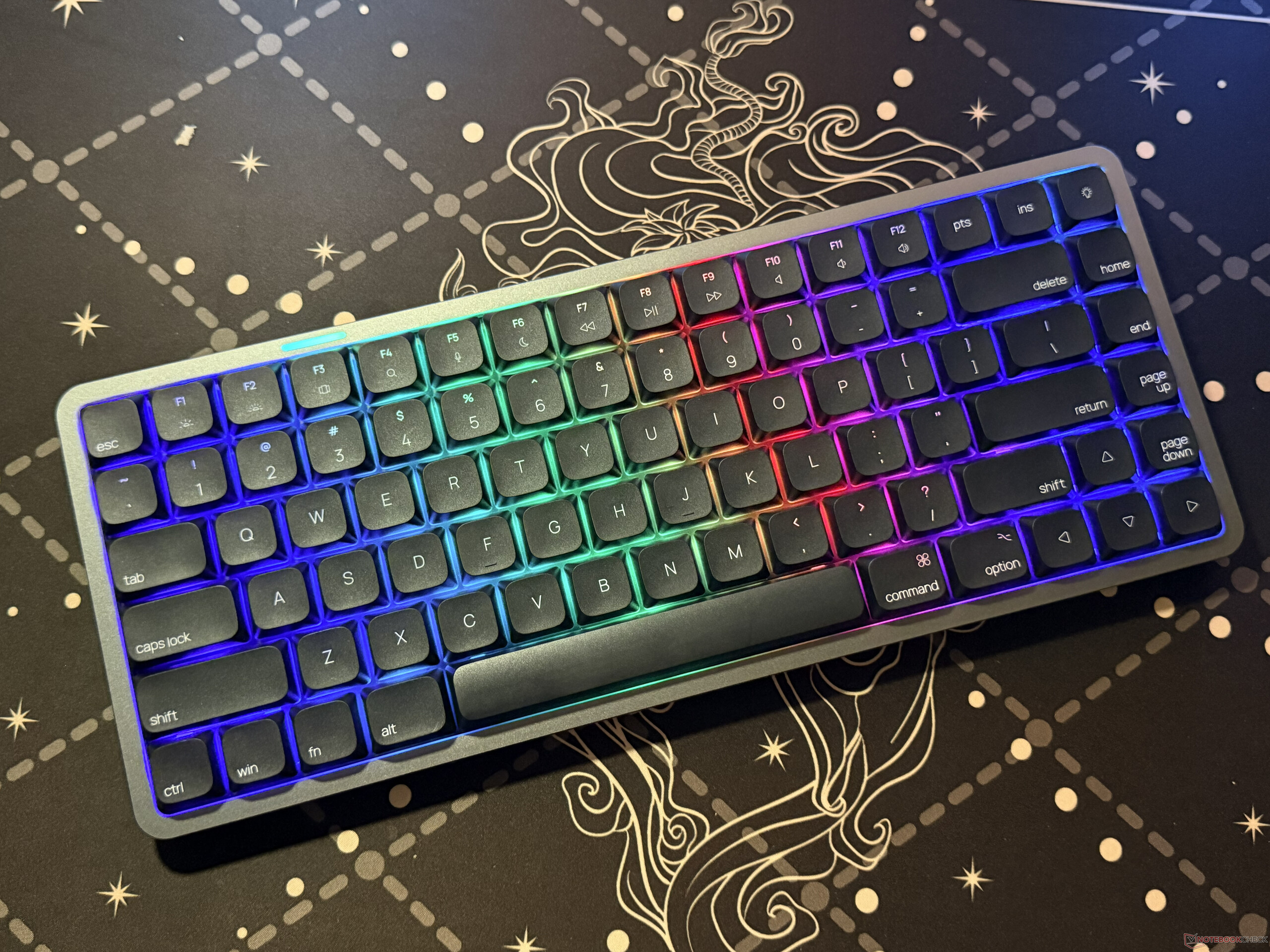
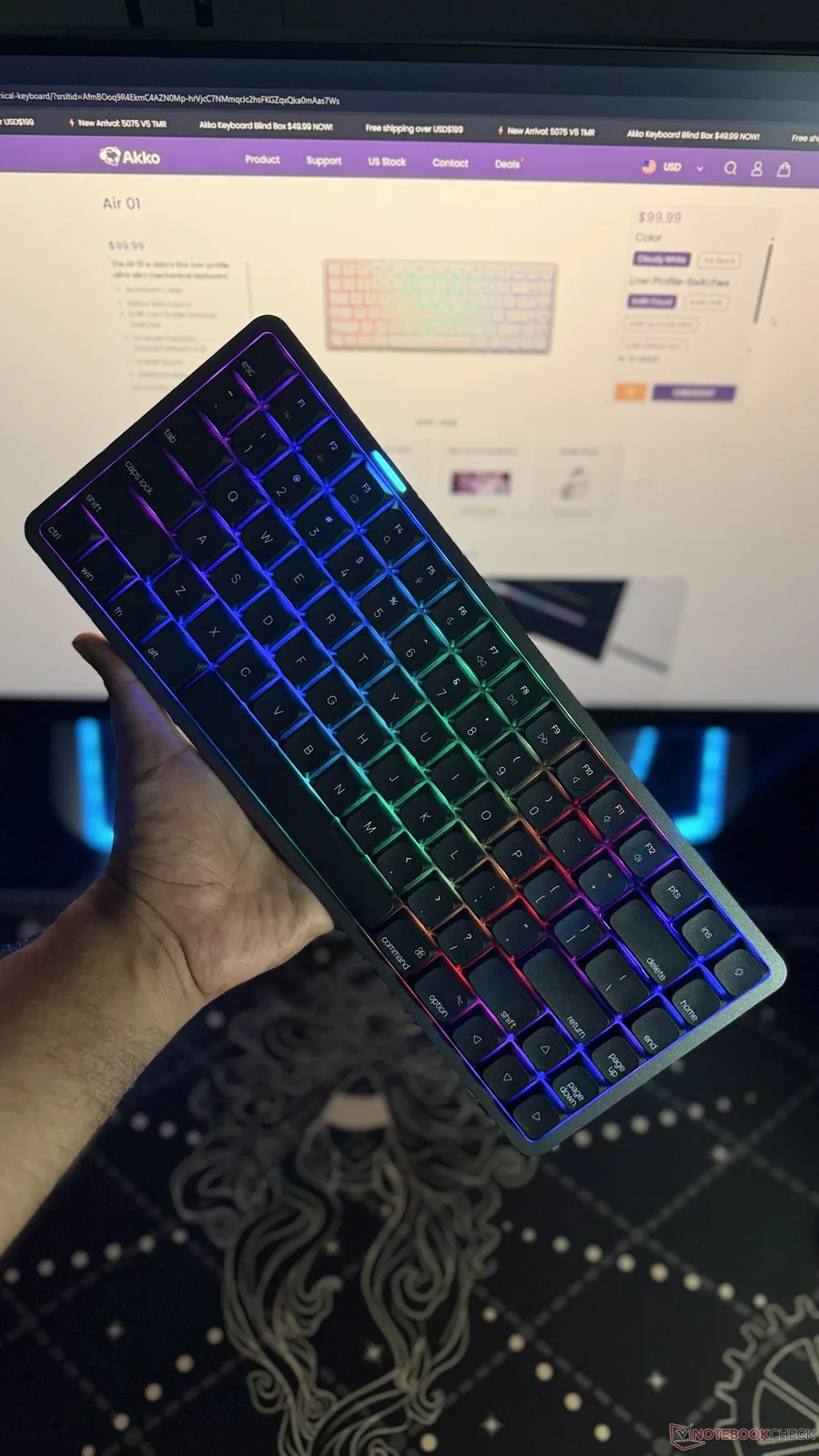
On the note of the RGB lights, the LEDs are north-facing, and they can get bright enough for most lighting conditions. The included keycaps have shine-through legends, and the RGB strip on the top is a sleek touch.
There's no QMK/VIA support, and the software needs some work
The Akko Air 01 doesn't have QMK/VIA support, but the good part is that it's easy to remap keys through the driver, which is available in both web-based and downloadable forms. Through the driver, it's also possible to bind two selected keys, change FN settings, and set up macros.
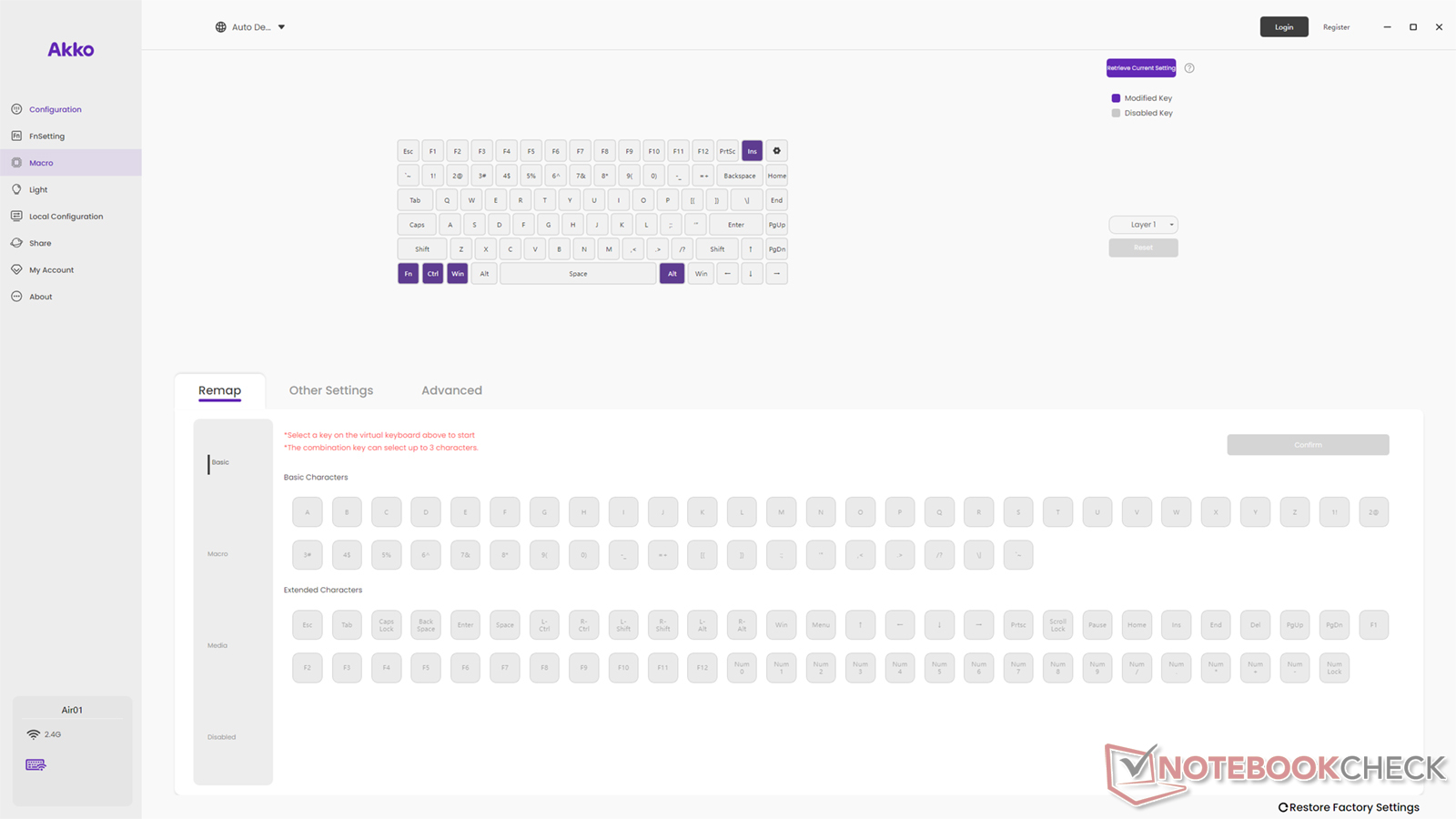
Users can also customize the RGB lights of the keys and the light strip, but for some reason, the light strip setting for this review unit resets after the keyboard goes to sleep. The good part is that there are multiple light effects, and they can be switched through the FN keybinds as well.
Another notable aspect is that the customized settings, including the remapped keys, reset after a firmware upgrade. Other than that, during the time of this review, the software is relatively stable.
Polling rate maxes out at 1kHz, and that's fine
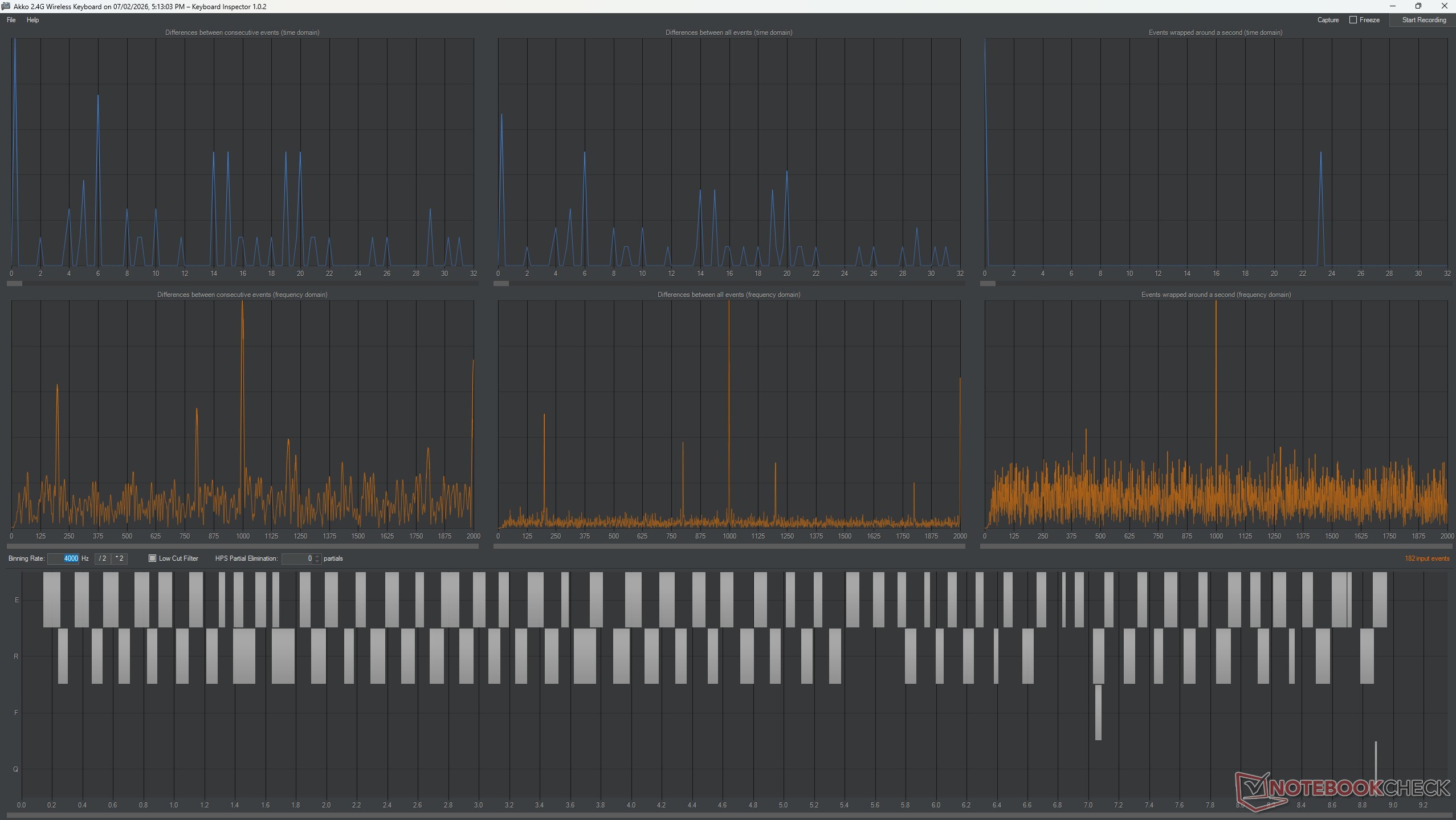
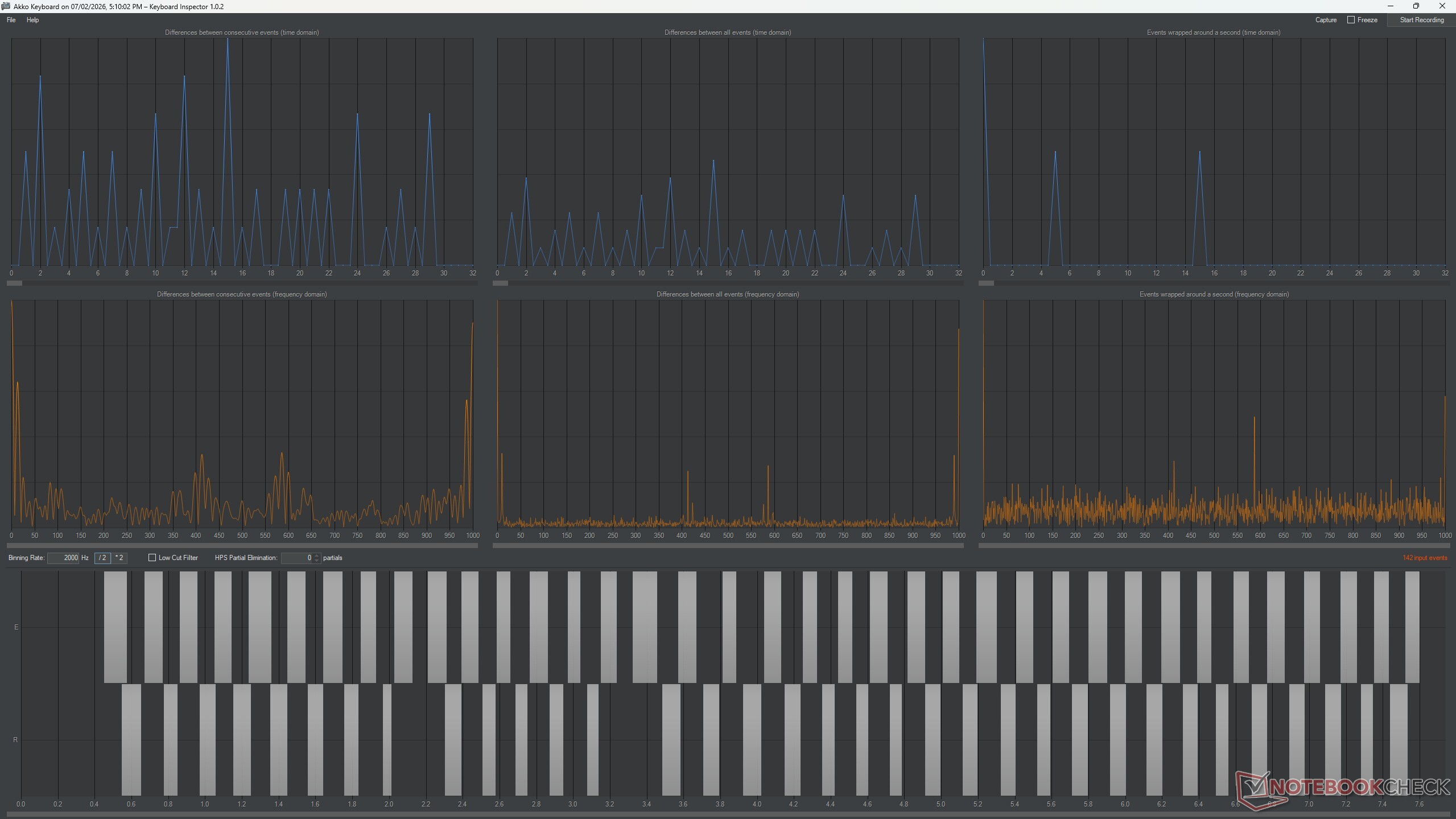
Akko isn't making big claims about the keyboard being super fast, and it's because the polling rate of the Air 01 maxes out at 1kHz. The snapshots below show the polling rate test in both the wired and 2.4GHz modes, and the experience was smooth on both. So, it's good enough for semi-competitive gaming, but it wouldn't be able to compete with rapid trigger 8kHz keyboards.
Transparency
The selection of devices to be reviewed is made by our editorial team. The test sample was given to the author by the manufacturer free of charge for the purposes of review. There was no third-party influence on this review, nor did the manufacturer receive a copy of this review before publication. There was no obligation to publish this review. As an independent media company, Notebookcheck is not subjected to the authority of manufacturers, retailers or publishers.
 Add as a preferred source on Google


