




Lofree Hyzen Magnetic Mechanical keyboard review: Best of both worlds?
A unique switch concept with decent execution.
The Lofree Hyzen keyboard offers something that no other keyboard on the market does. And that’s why it demands a premium price that is mostly justified.Vineet Washington Published 🇳🇱 🇫🇷 ...
Verdict - An innovative hybrid keyboard just short of perfect
Disclaimer: Our review was delayed because the pre-production unit had some QC issues and the final retail unit arrived just over a week ago. Fortunately, most of the issues were fixed in the retail unit.
For its hefty price tag, the Lofree Hyzen does have a lot to offer. The build quality is excellent, and the Fn row toggle is a smart workaround for the compact form factor. Being able to switch between magnetic and mechanical modes is a bonus, but you could theoretically tune a profile on any magnetic keyboard to match the mechanical actuation/ reset points. However, that wouldn’t feel “tactile” since there won’t be a metal leaf to give it the distinguished bump. The Nexus hybrid switches do have the metal leaf, but the bump is very subtle.
Overall, the Hyzen stands above your Razers, Corsairs, and Logitechs, not just in price but also in performance. Despite the few shortcomings, it is a top-tier gaming keyboard.
Pros
Cons
Price and availability
At the time of publishing, the Lofree Hyzen has a successfully funded Kickstarter campaign, but is not available via retailers. Lofree tells us it will be available sometime in August. The Tri-mode model is priced at $299 while the wired model comes in at $279. There are two color options, namely Space Gray and Silver.
Specifications
| Size | 330.9x142.3x48.4mm |
| Weight | 3,130 g |
| Case | CNC aluminum |
| Connectivity | 2.4 GHz, Bluetooth 6.0, wired USB C |
| Polling rate | up to 8,000 Hz (8K) in 2.4 GHz and wired mode |
| Layout | 65% |
| Switch Type | Hybrid Nexus switch (hot-swappable) |
| Keycaps | transparent PC (Polycarbonate) |
| Lighting | per-key RGB + base RGB strip |
| Battery | 10,000 mAh |
| Claimed battery life | 80 hours (likely Bluetooth), up to 12 hours (max load) |
| Customization software | Lofree web driver |
Unboxing and accessories
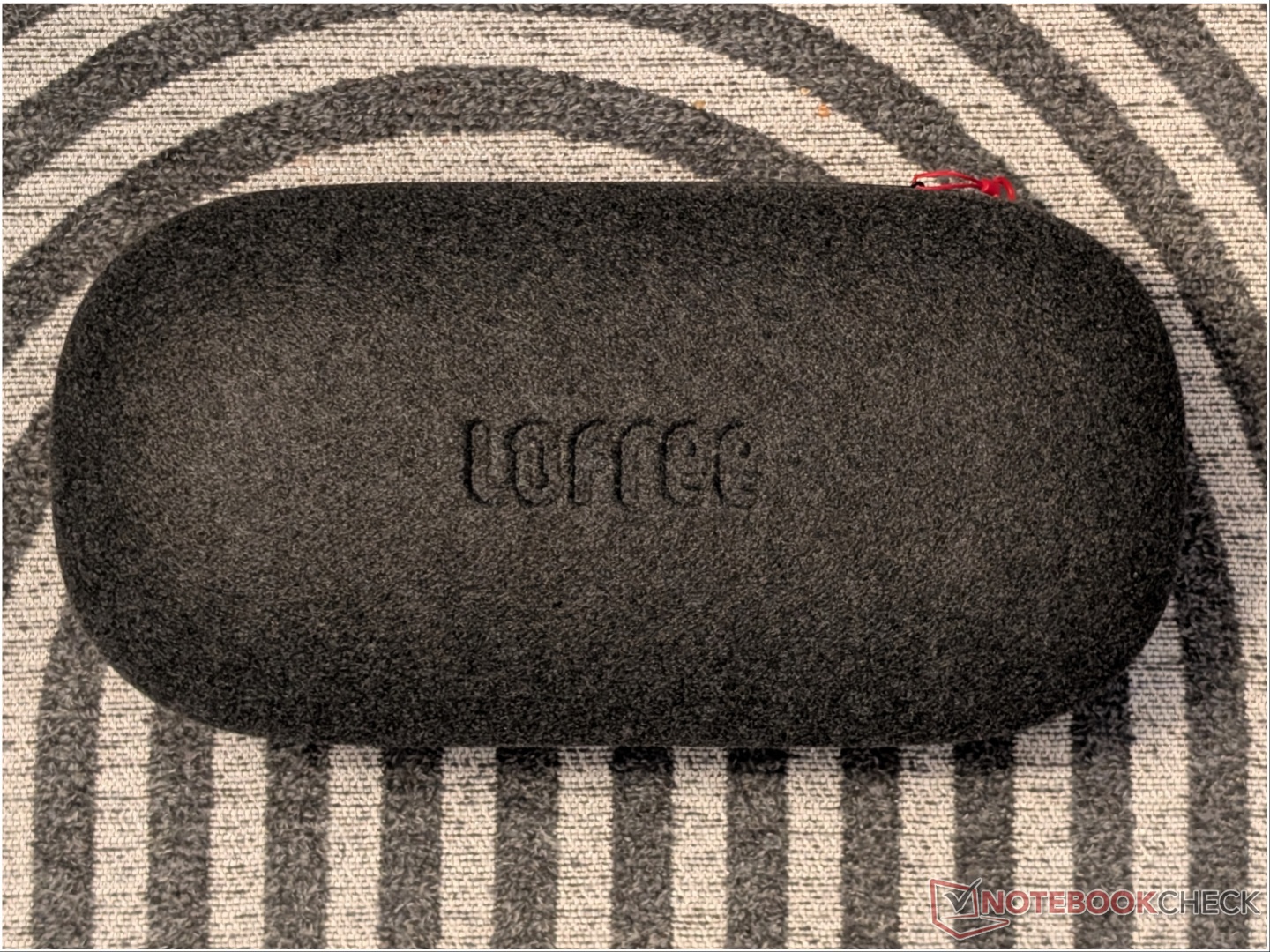
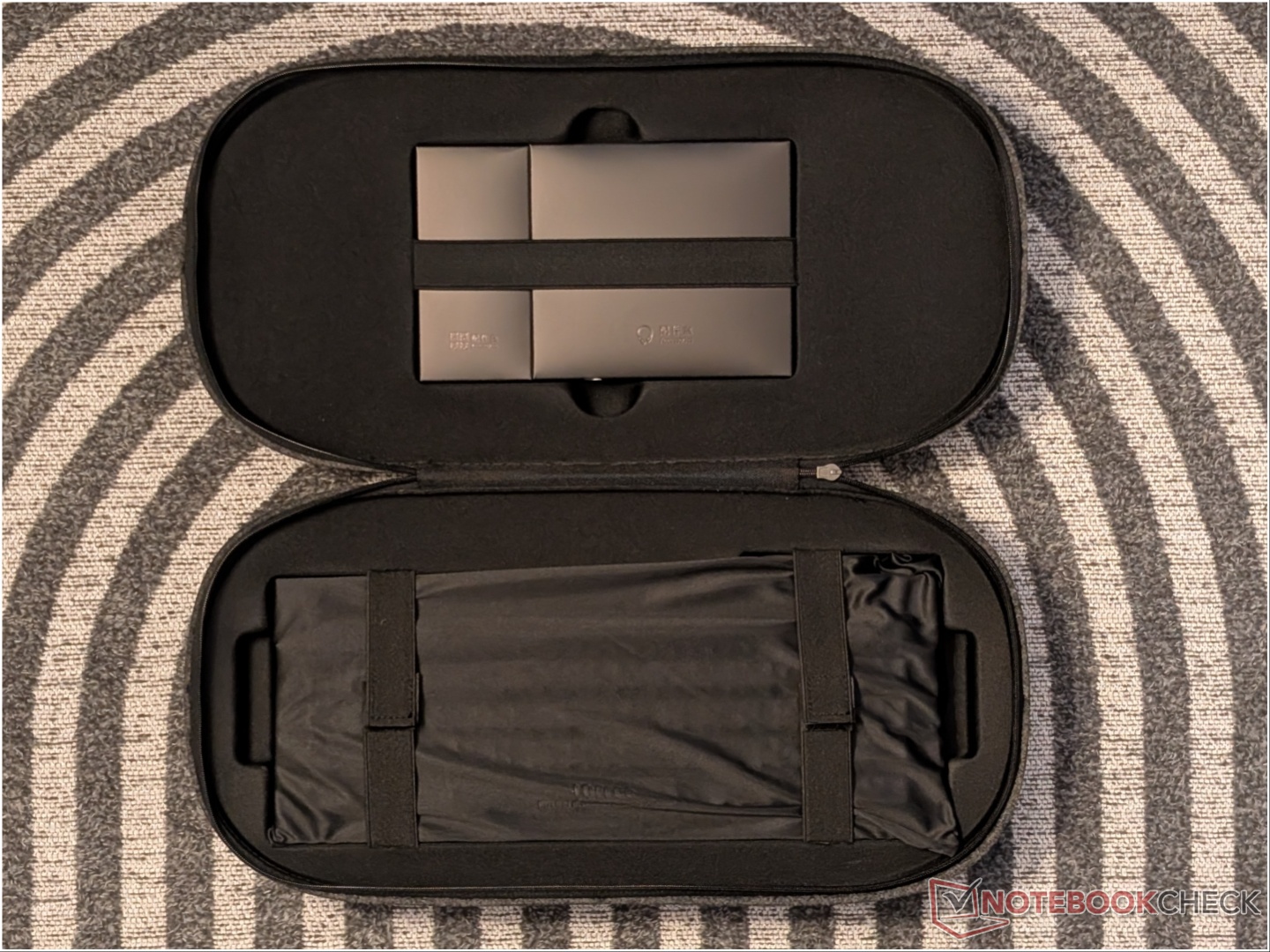
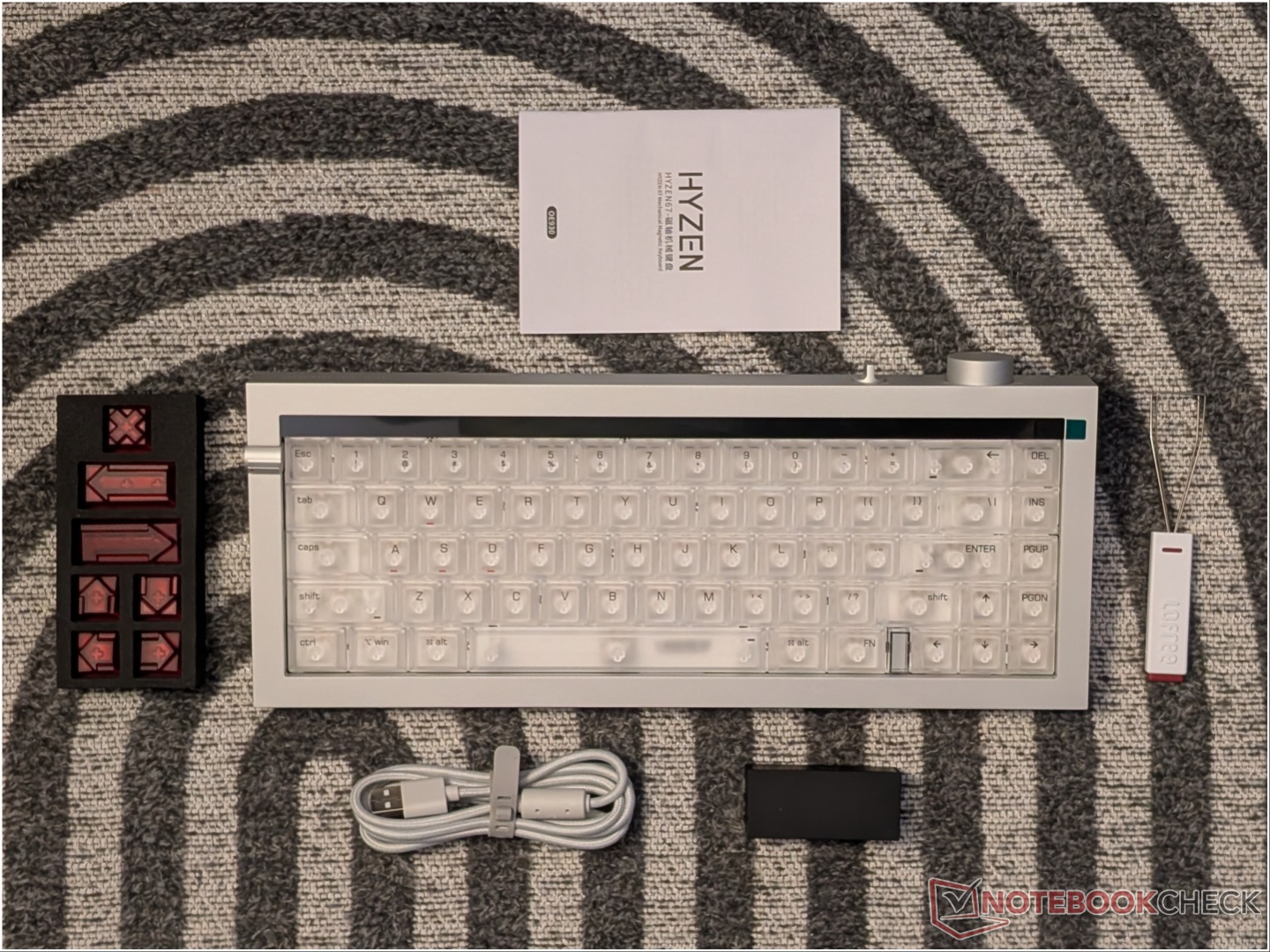
The Lofree Hyzen packaging offers a premium unboxing experience. Wrapped in a soft cloth and placed inside a pill-shaped hard case with Velcro straps is the Hyzen keyboard and all the accessories. Lofree provides a color-matched braided USB cable, a black dongle (regardless of the keyboard color), some extra key caps, and a key puller.
Design and build quality
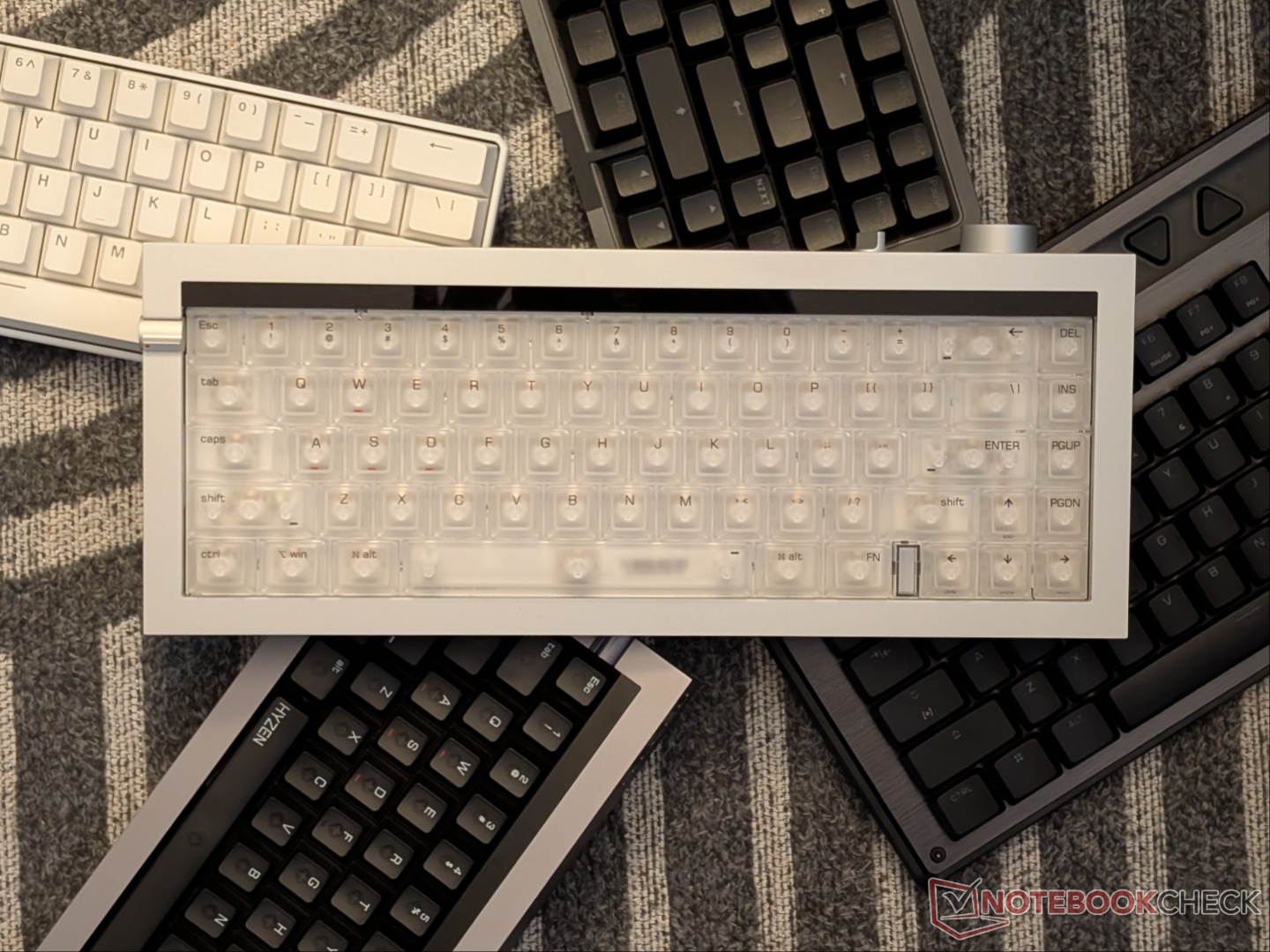
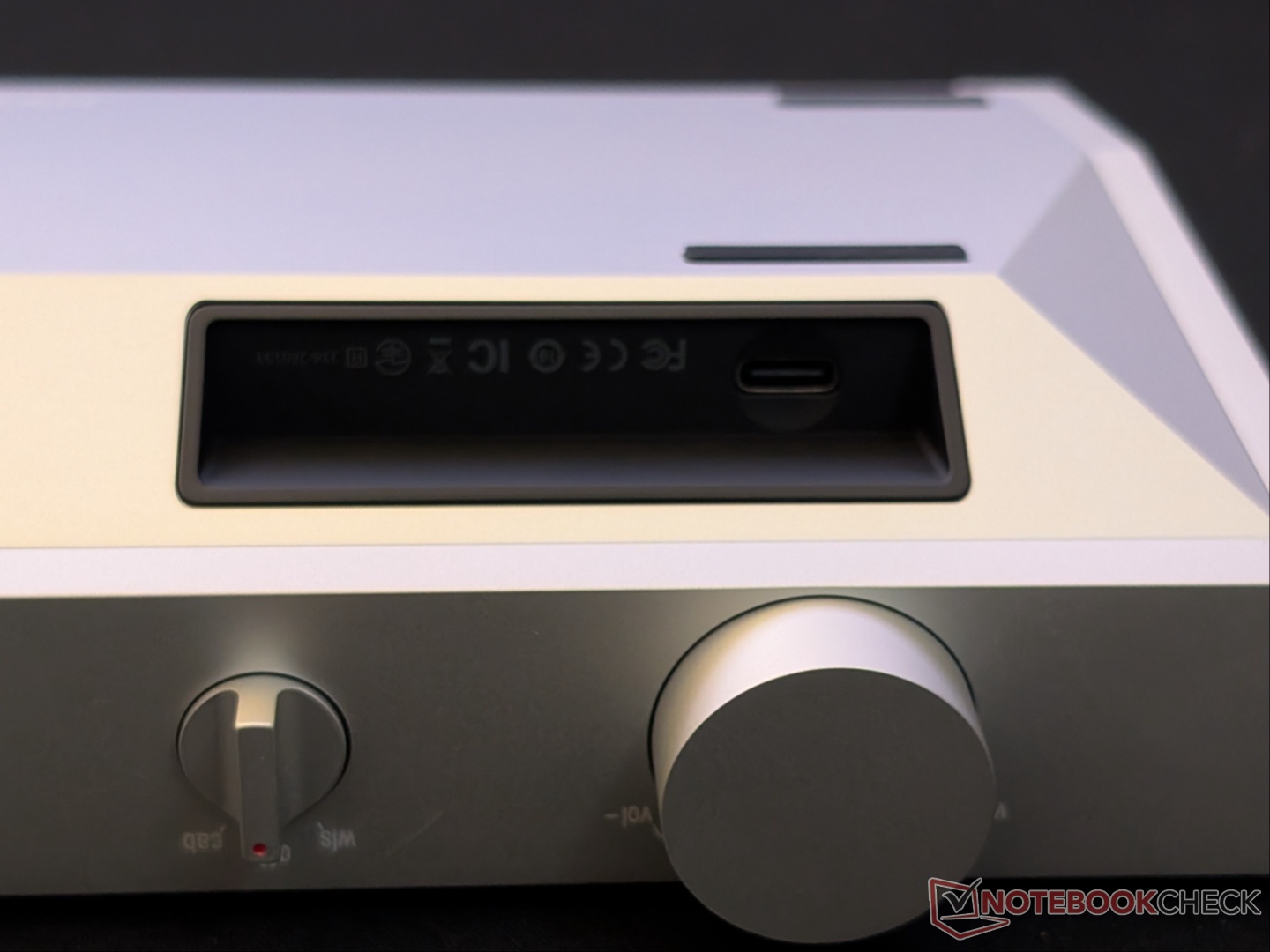
Despite the 65% layout, the Hyzen comes with dedicated arrow keys, navigation keys, and a toggle for the function row. It has sharp edges, and the case has been CNC-milled from a single block of aluminum. Everything feels premium and weighty, with no creaking, rattling, or pinging anywhere. There is a three-way toggle for power and connectivity modes, as well as a dial for volume control on the top right. The USB port is located below the volume dial and is a bit hard to access without lifting the keyboard.
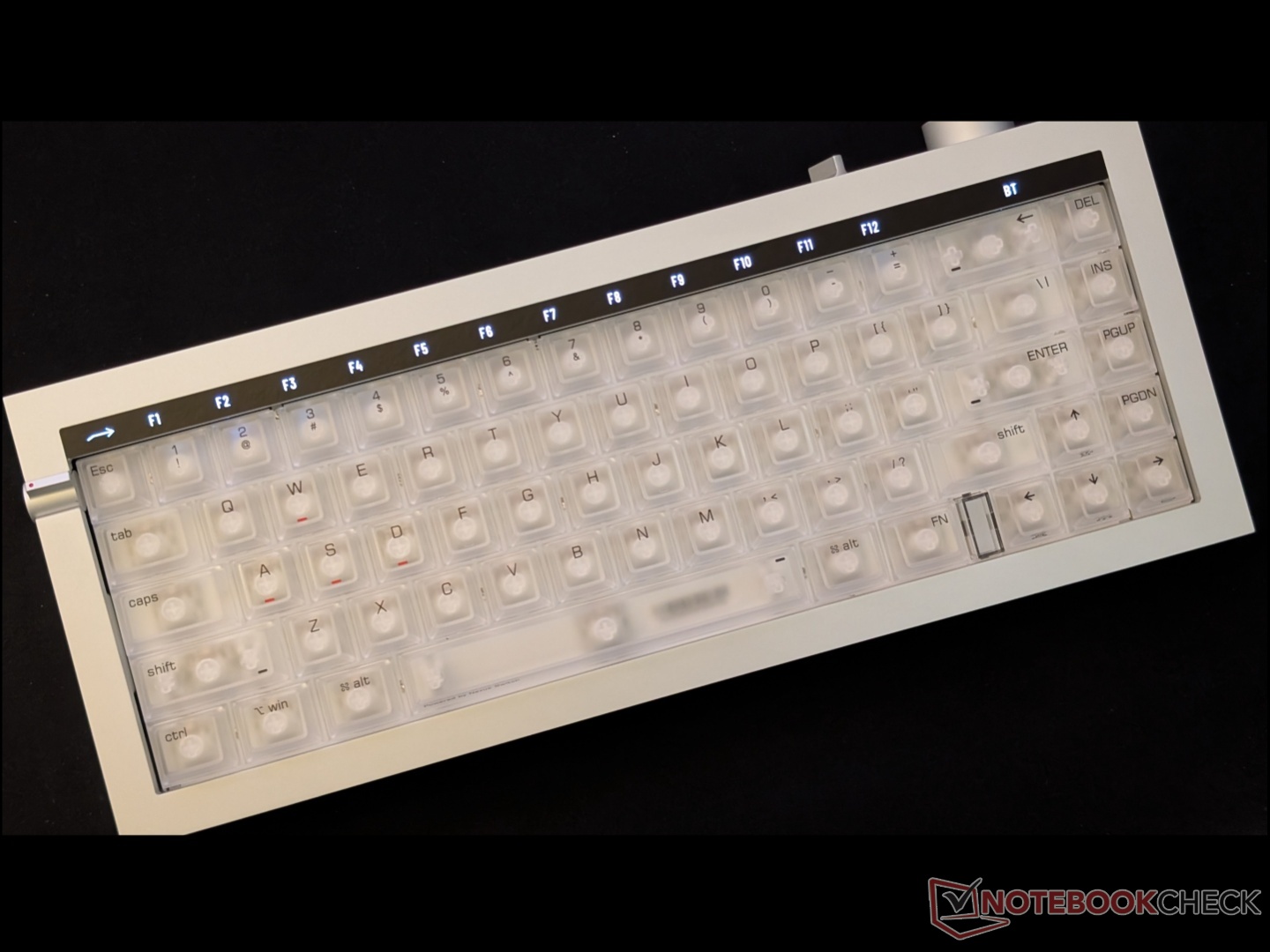
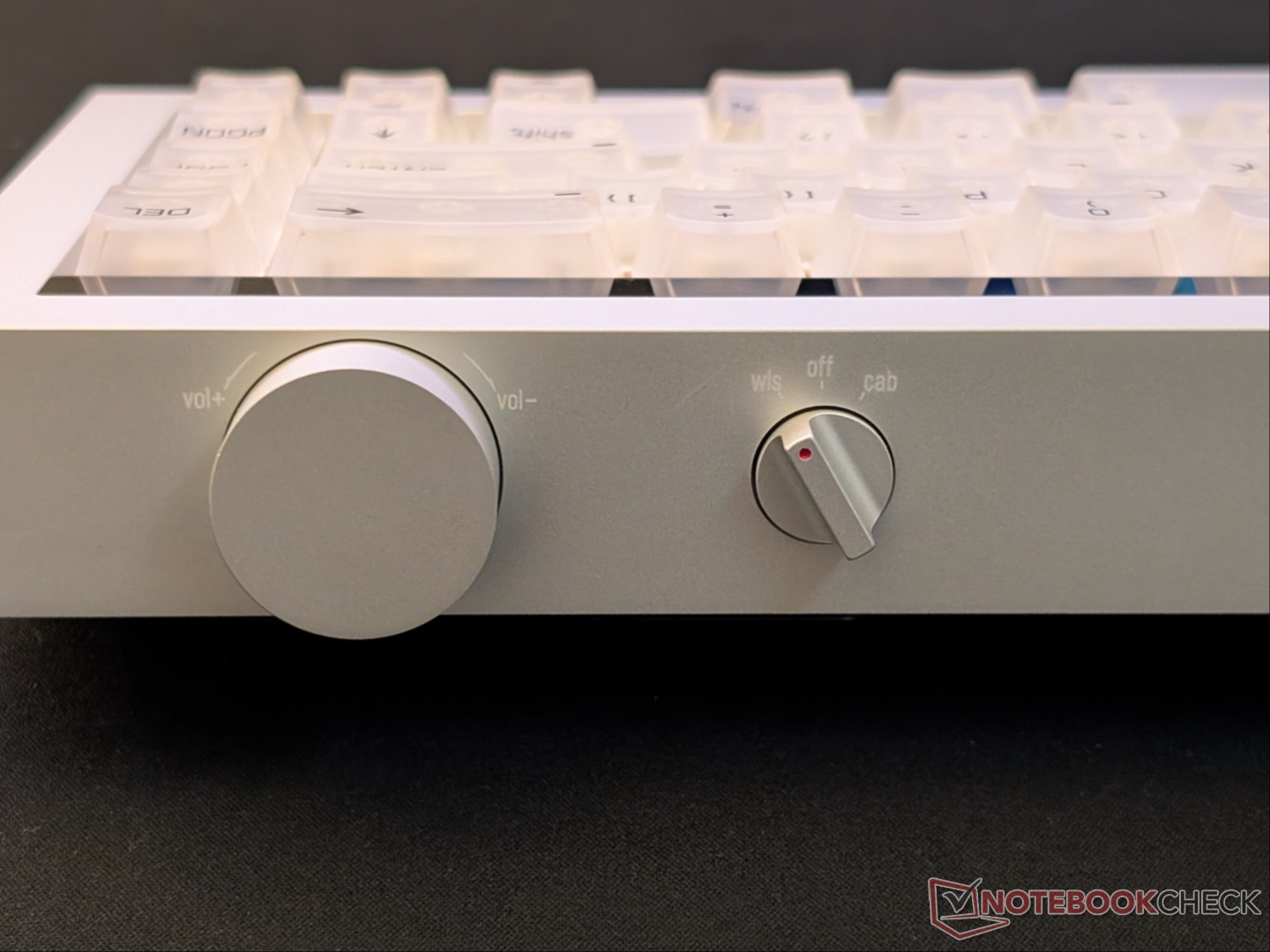
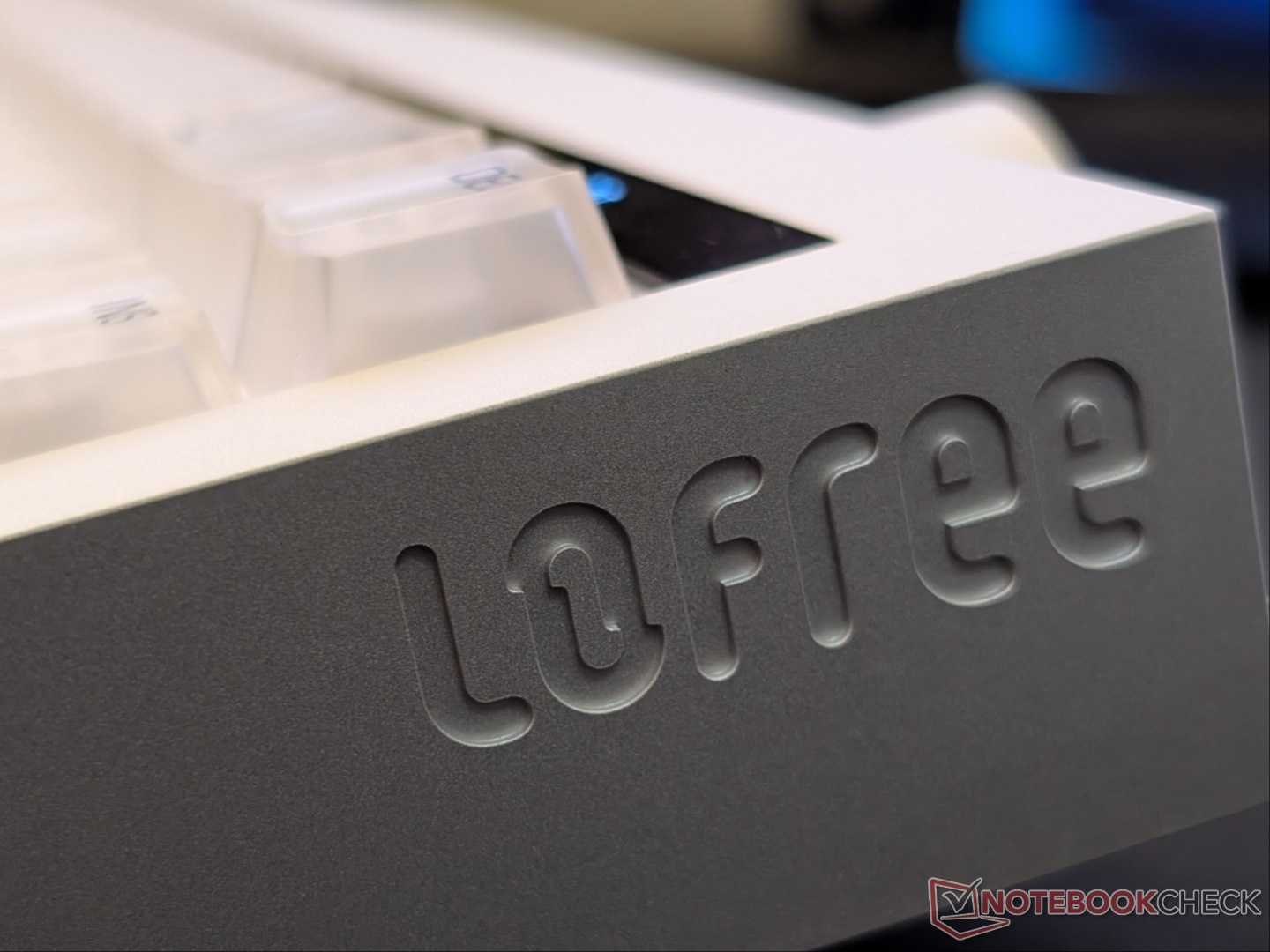
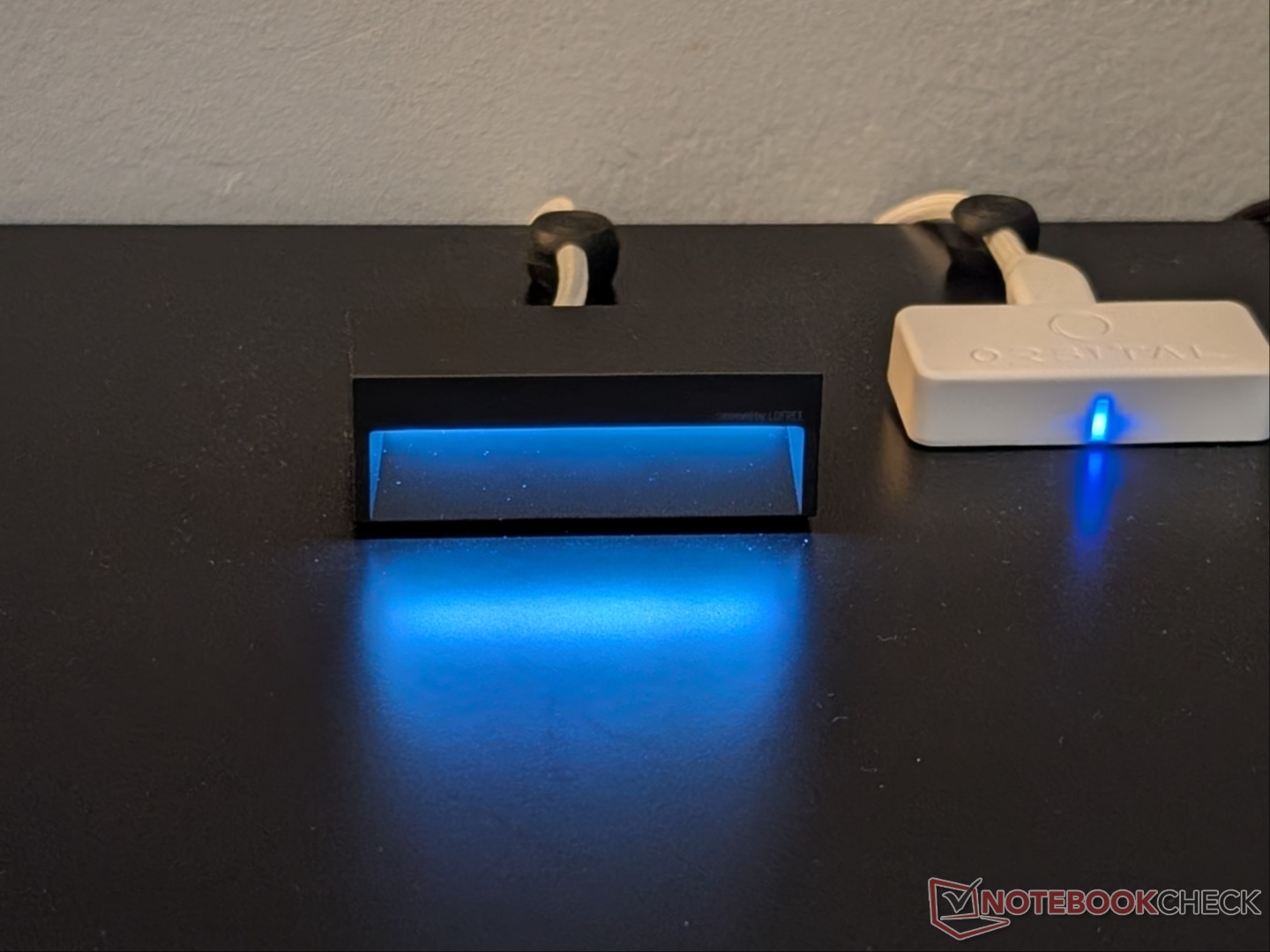
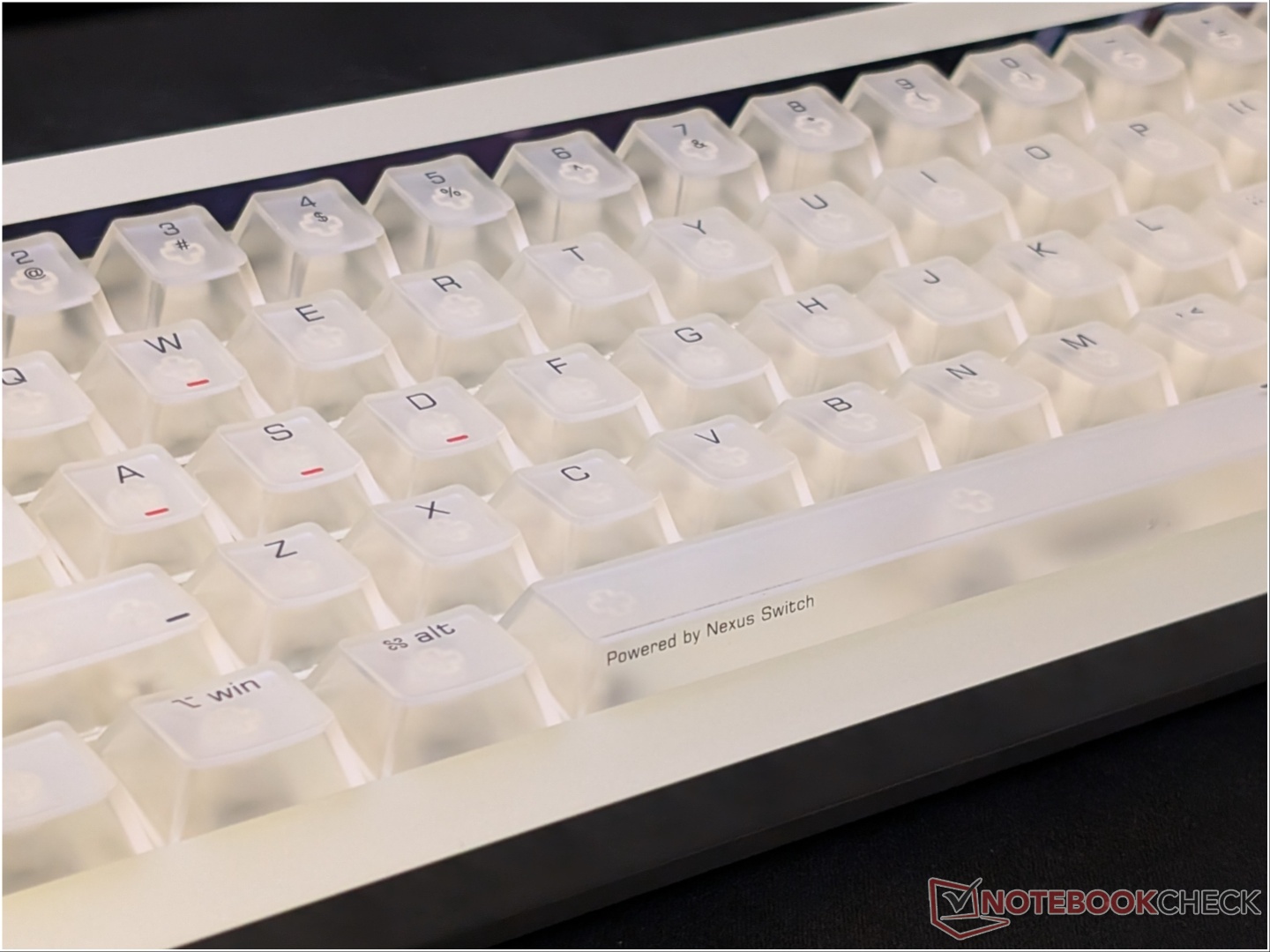
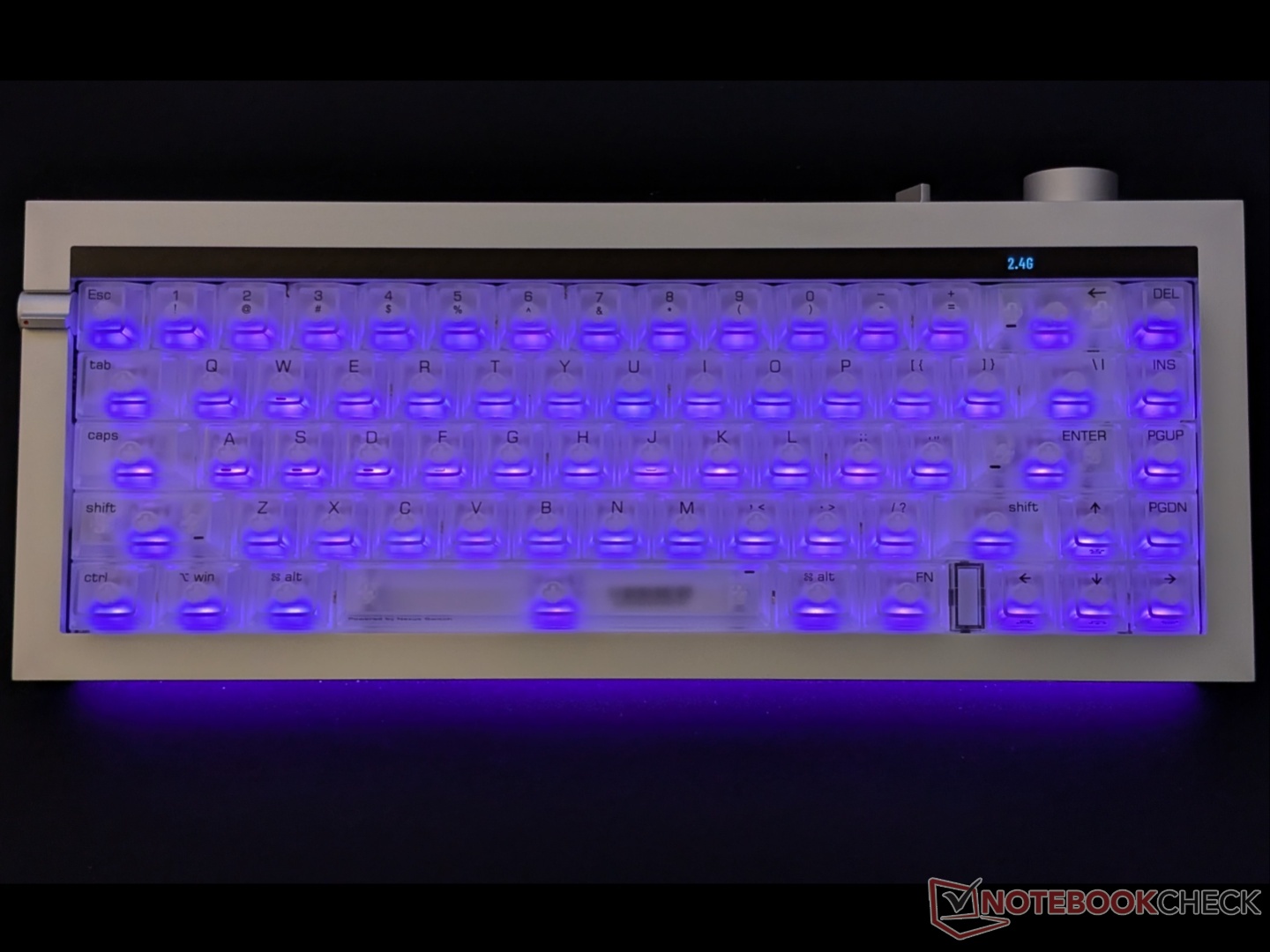
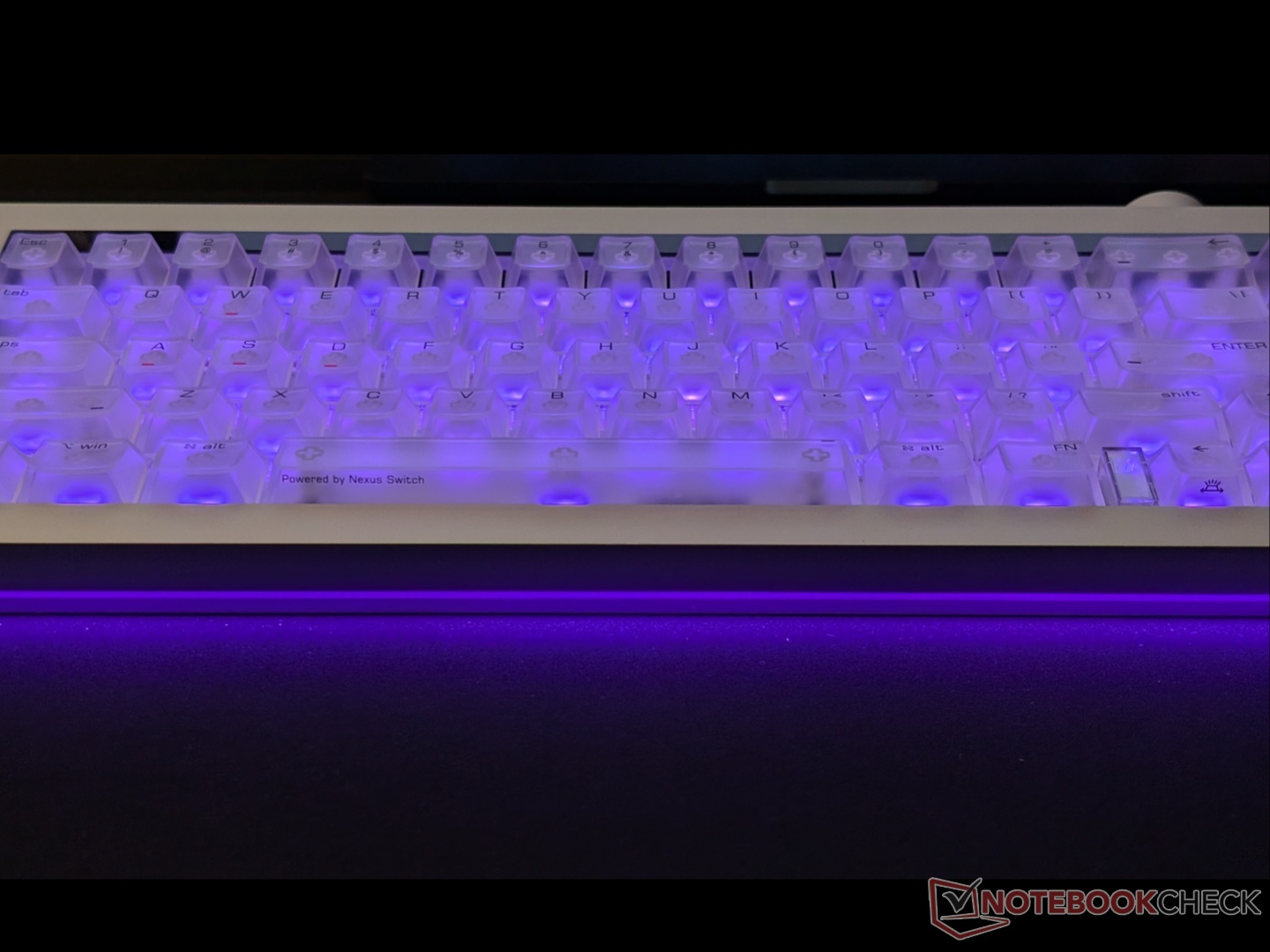
Lofree is using frosted/ translucent keycaps that partially reveal the switches underneath, as well as the bright RGB lighting. There is also an RGB light strip running across the front (facing the user). Overall, the Hyzen has excellent build quality, with the one shortcoming being the fixed typing angle; more on that later.
Features and capabilities
Magnetic switches are nothing new, as they have taken over the gaming keyboard market over the past couple of years. The Lofree Hyzen, however, stands out due to its hybrid mechanical magnetic Nexus switches, designed in partnership with Kailh. These switches integrate magnetic shaft mechanics into traditional mechanical switches, which enables tactile feedback coupled with customizable actuation. The Nexus switches sit on top of a TMR PCB, allowing for higher sensitivity and improved accuracy, even when compared to Hall effect switches. You can switch between magnetic mode and mechanical mode through a keyboard shortcut.
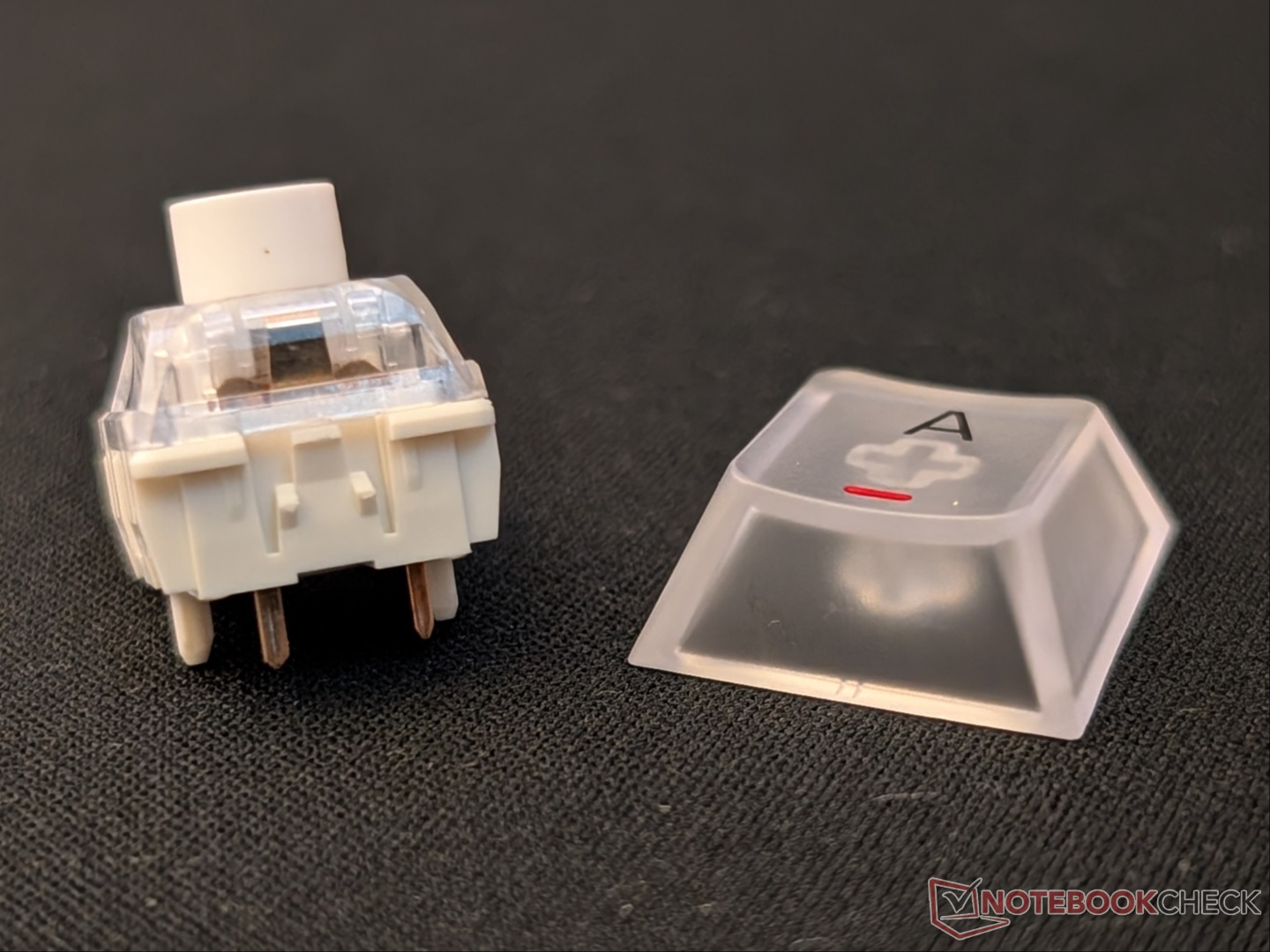
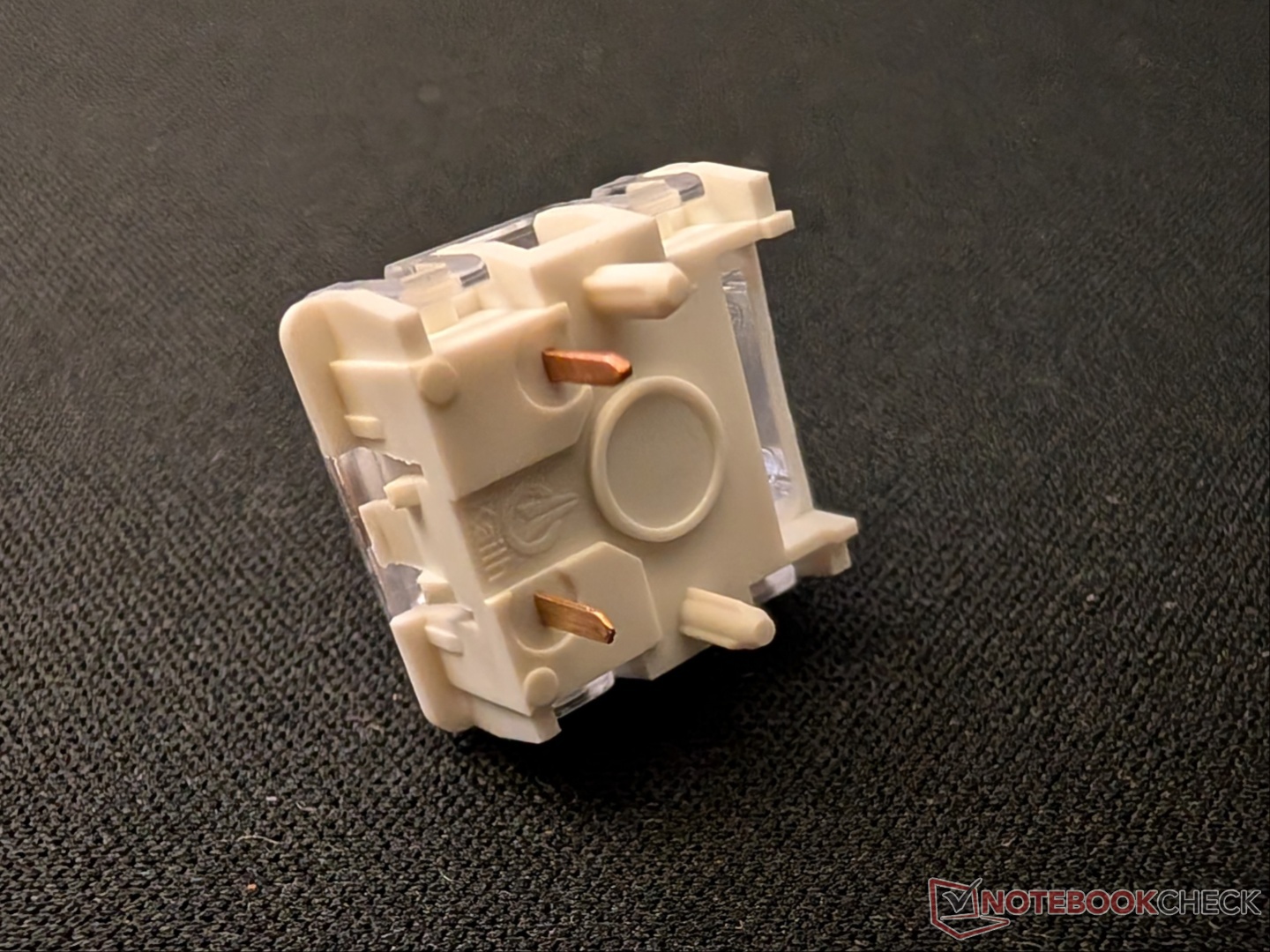
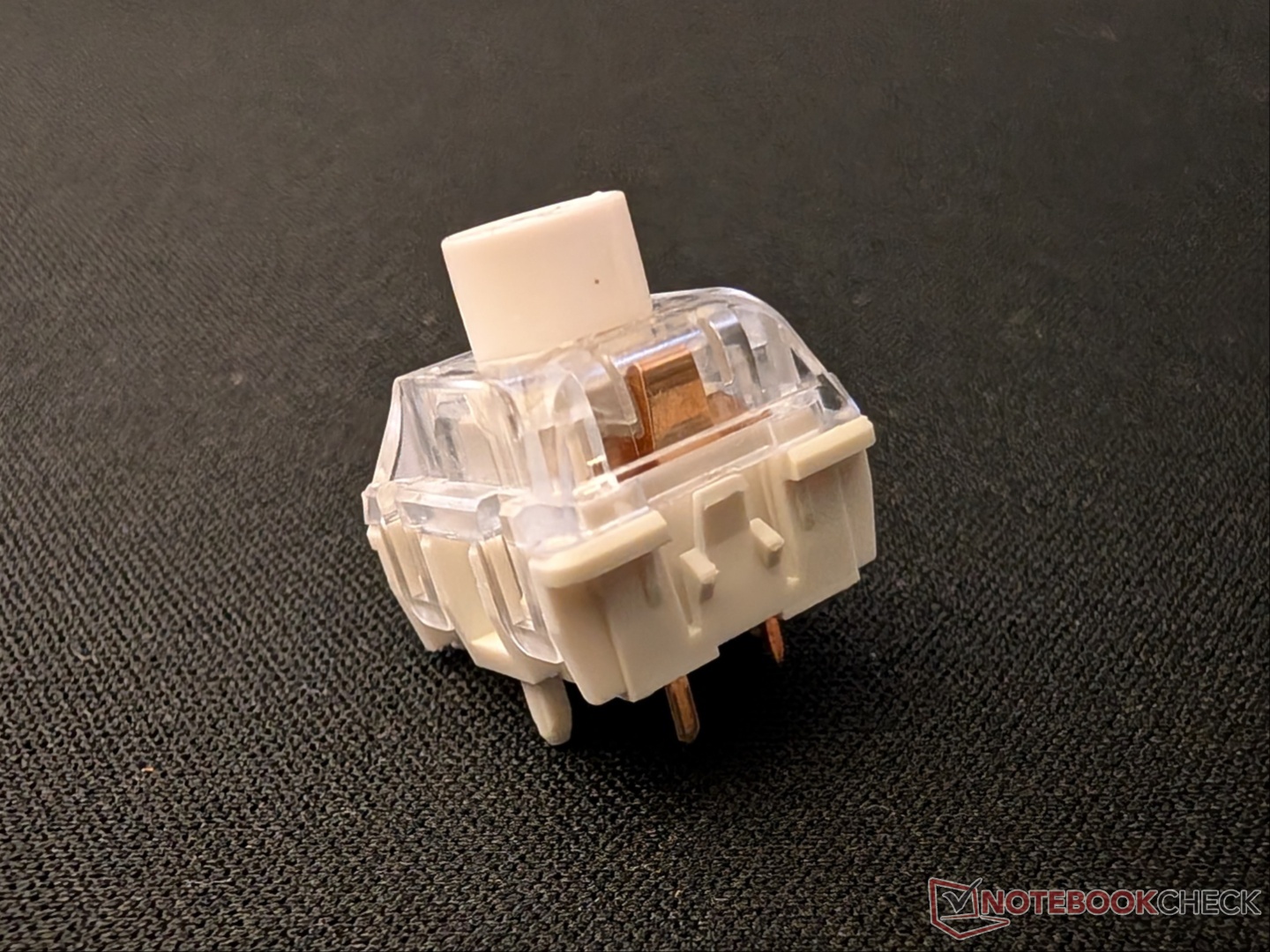
Thanks to its magnetic nature, the Hyzen supports actuation adjustments of 0.1mm, along with other features like Rapid Trigger, SOCD, and Dynamic Keystrokes (DKS). No analog inputs here, unfortunately.
There are three connectivity options, i.e., 2.4 GHz, Bluetooth, and wired, with shortcuts to switch between the wireless options. Lofree advertises true 8K polling in wired and 2.4 GHz modes. The customization is handled through a web driver, so there’s no need to install a desktop app, but as expected, it does not support QMK/VIA. There is a massive 10,000 mAh battery backing all these features, which, along with other components, gives the Hyzen its 3.1 kg weight.
Performance and software
Lofree says you can switch between mechanical and magnetic modes with the Enter + Fn keyboard shortcut, but that essentially cycles between profiles. You can customize each of the seven profiles that are represented by different colors shining through the glass window between Fn and the left arrow key. But you can’t switch between the two modes within the same profile without going into the web driver. The aforementioned window also acts as a separation between the two keys, which is often missing on 65% keyboards.
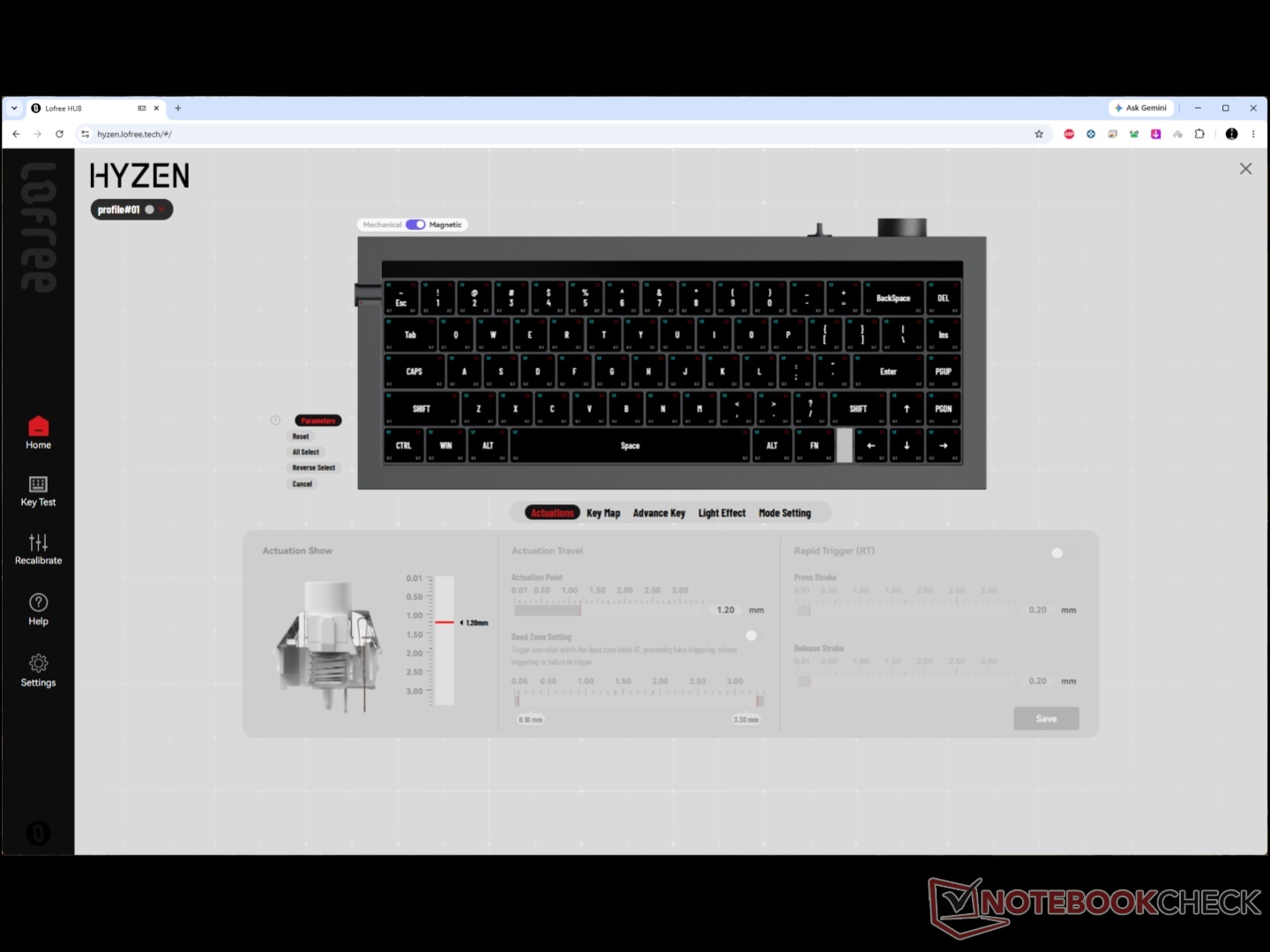
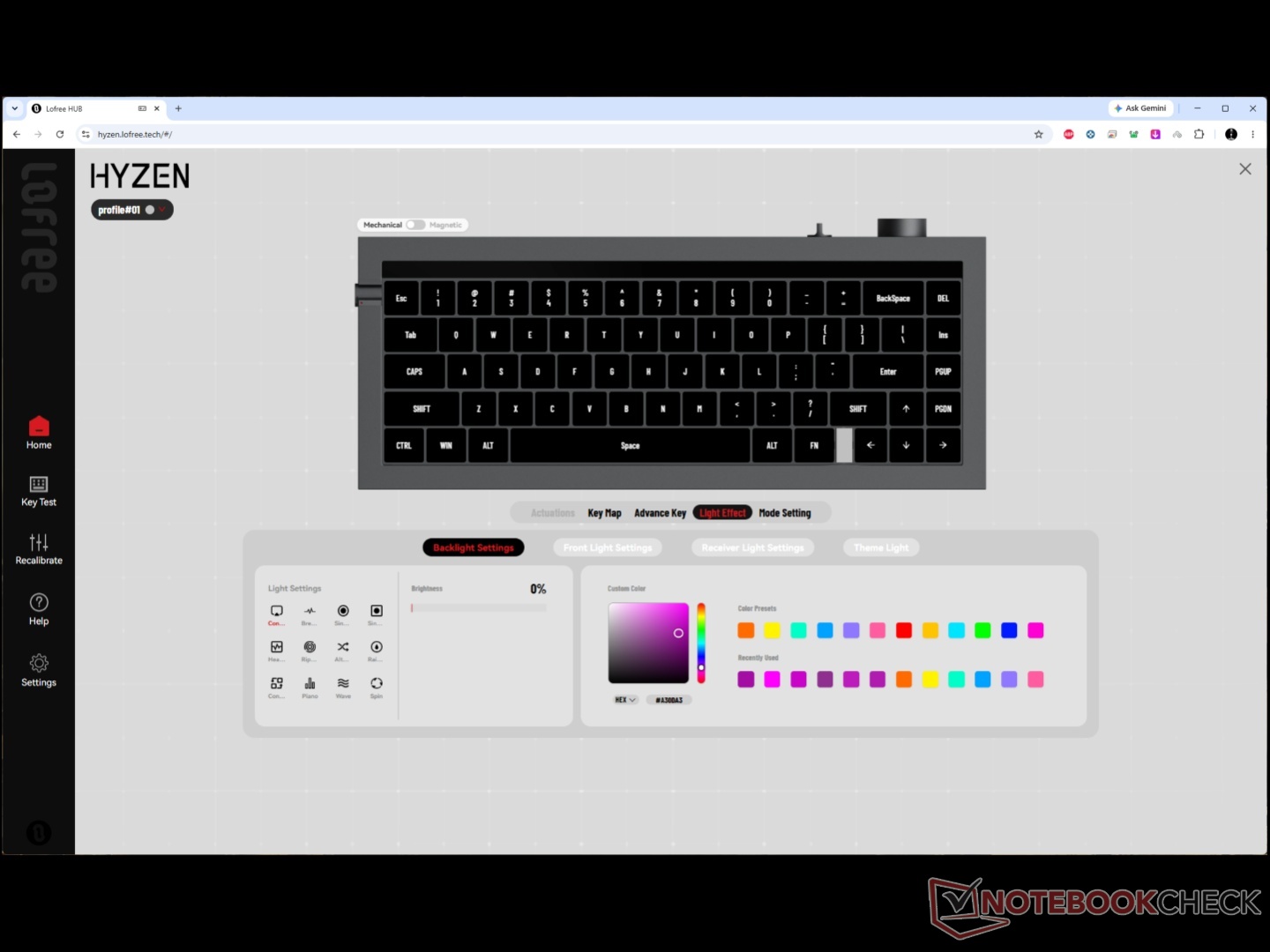
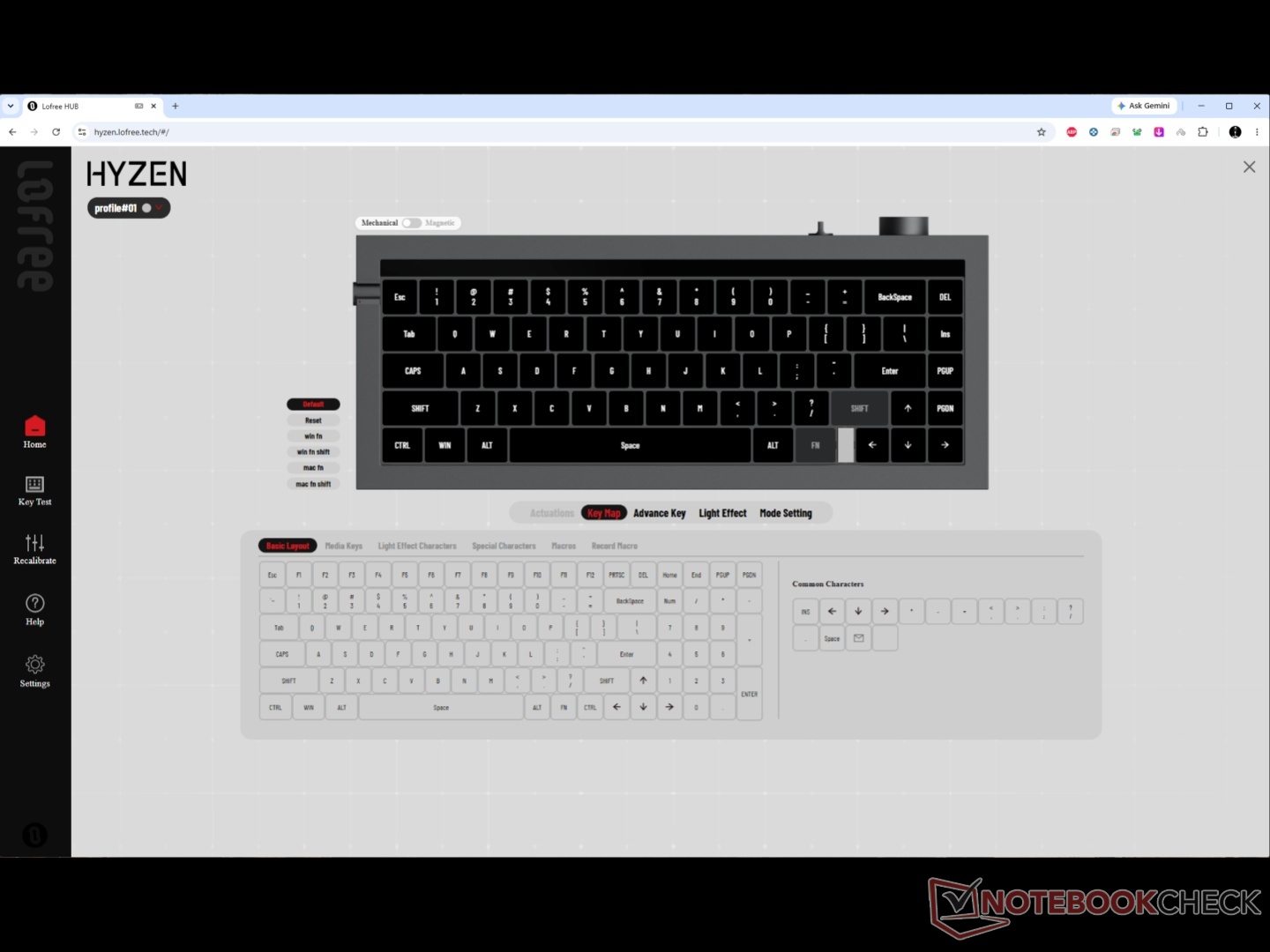
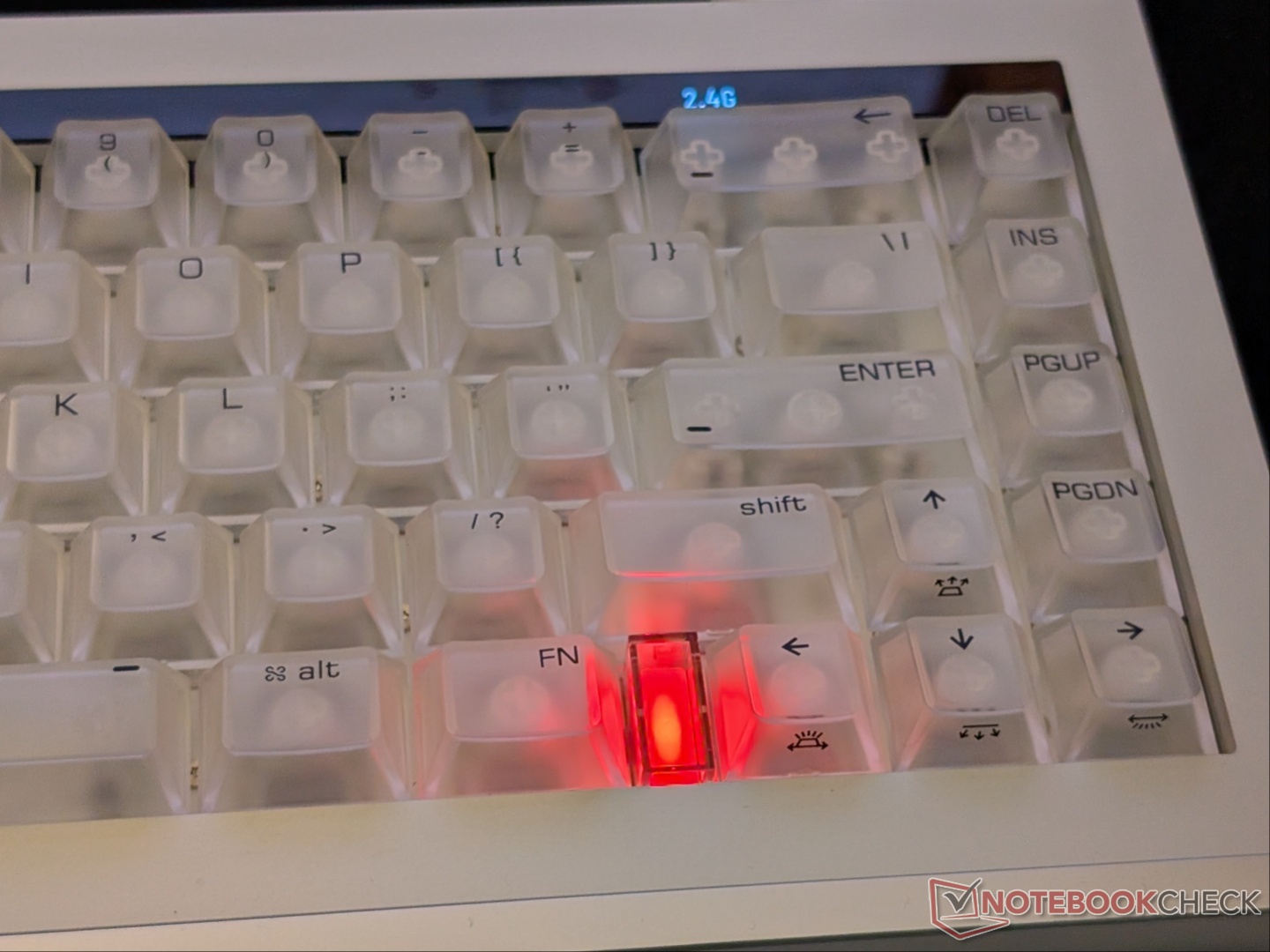
That said, the typing feel in mechanical mode and gaming experience in magnetic mode are excellent. In mechanical mode, the keys actuate halfway through the keystroke, but the tactile bump is very subtle. Regardless, the sound is on the satisfying ‘creamy/thocky’ side without any pinging, thanks to multiple layers of dampening. Holding down the Fn key activates the Fn row without having to use the toggle. With the toggle in the 'on' position, pressing the Fn key shows the available shortcuts. This unfortunately makes accessing the media controls a two-stage process.
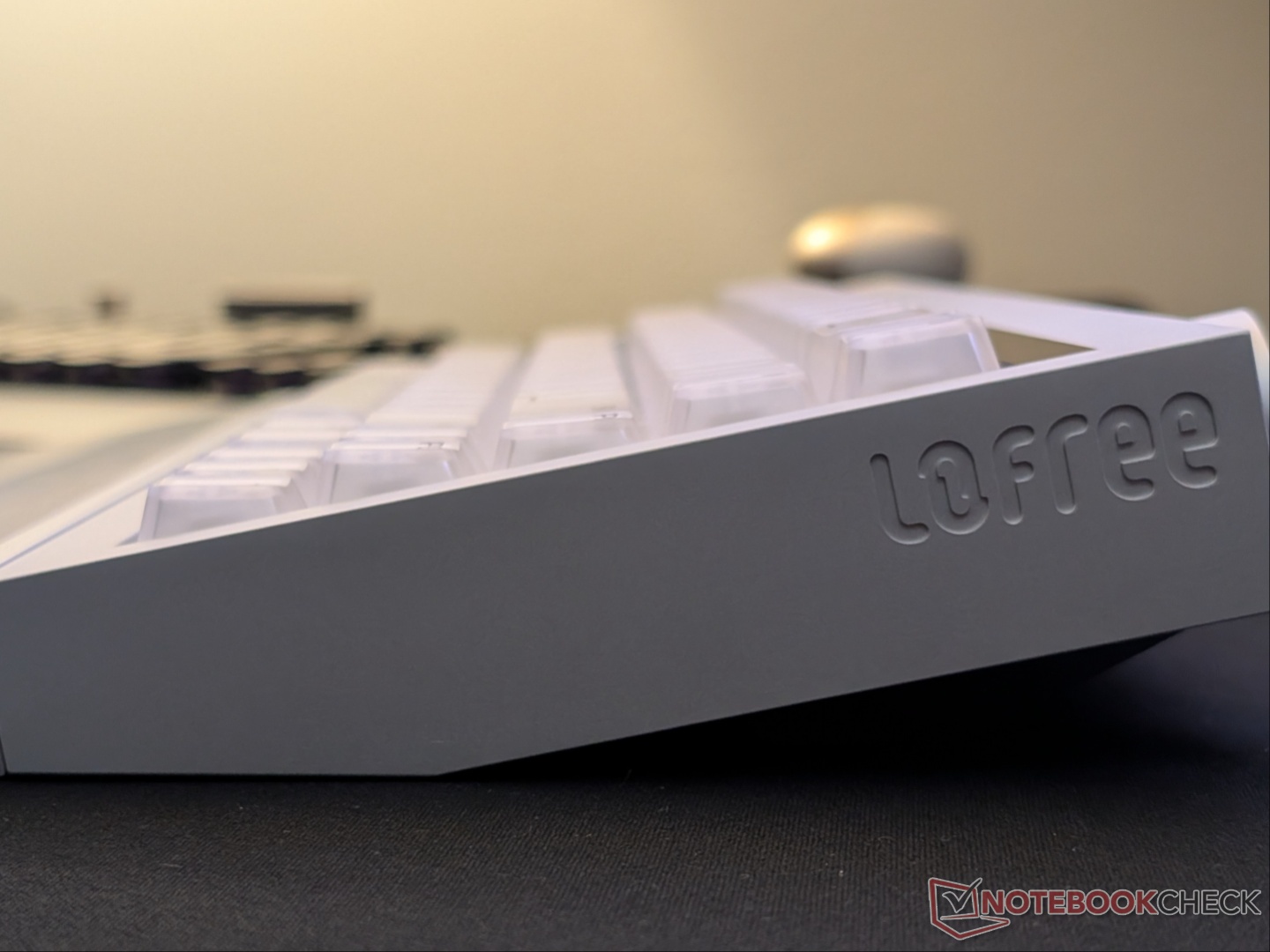
Despite the fixed 12-degree angle, typing is comfortable with or without a wrist rest. That said, it would’ve been ideal to have adjustable feet with such a premium keyboard. Those who prefer a flatter angle are unfortunately out of luck, while those who like it steeper can just place something underneath.
Gaming in magnetic mode is just as satisfying. Switching to quicker actuation and reset points makes inputs faster than traditional mechanical keyboards. There were no missed inputs during our testing in 2.4 GHz mode at 8K polling. Rapid Trigger, DKS, and SOCD work as advertised.
Coming to battery life, we used the Hyzen in both Bluetooth and 2.4 GHz modes. It lasted about a week on average, sometimes less. The massive battery takes quite a while to fully charge via the awkwardly located USB-C port. The front/base RGB strip drains the battery much more quickly than the backlight, which we realized (and confirmed by Lofree) when the keyboard demanded recharging after just two to three days. It would’ve been ideal if Lofree incorporated a battery percentage indicator somewhere, since the web driver is the only way to know the exact value.
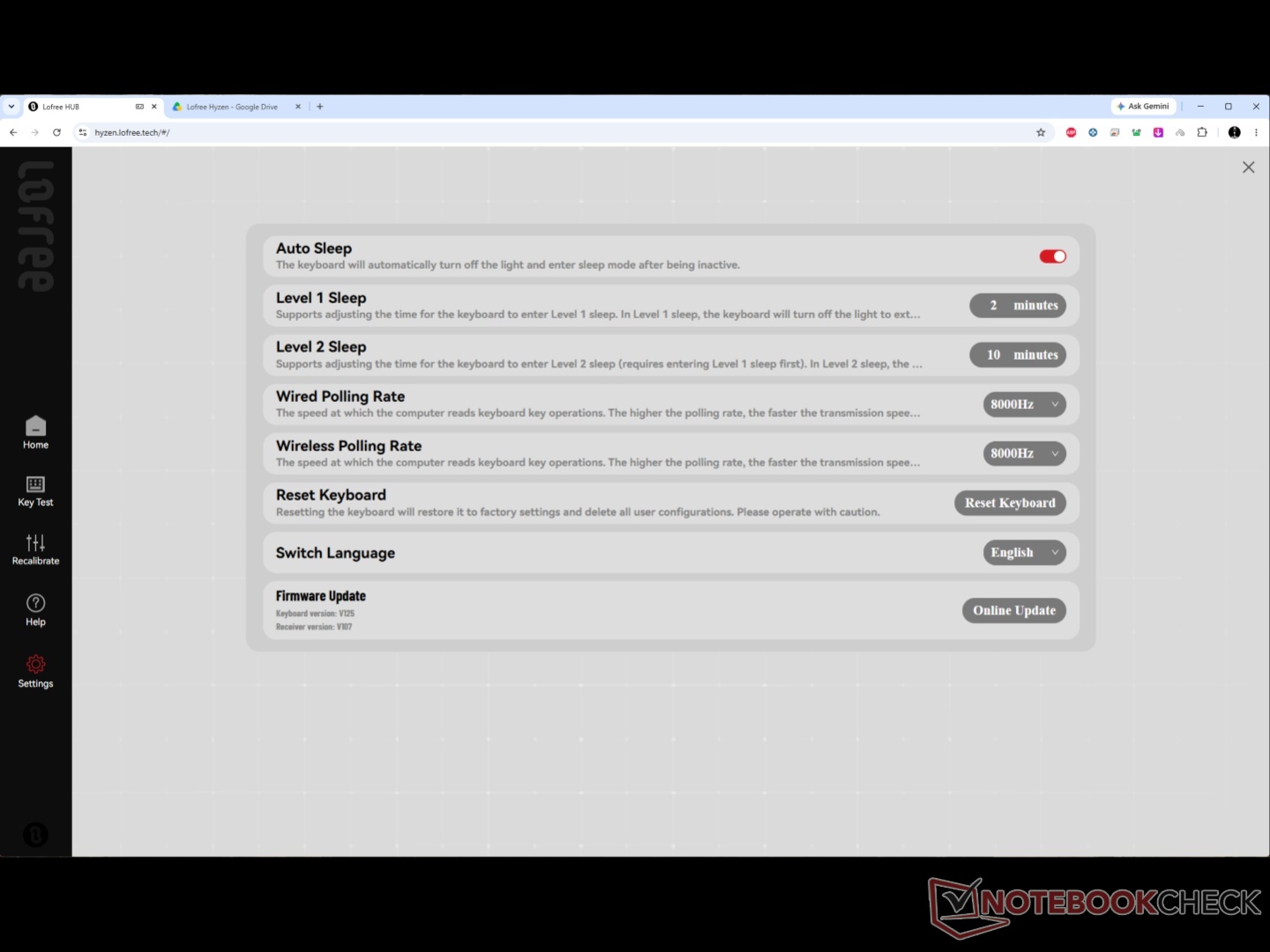
The web driver itself is easy to use. Remapping and actuation adjustments can be done there, while the lighting customization can be done through shortcuts as well. Interestingly, there are two sleep stages, and they can be customized. Lofree also allows customizing the RGB lighting on the receiver, but when the keyboard sleeps or is disconnected, it goes back to its default state (solid white), staying on even when the keyboard isn’t.
Transparency
The selection of devices to be reviewed is made by our editorial team. The test sample was given to the author by the manufacturer free of charge for the purposes of review. There was no third-party influence on this review, nor did the manufacturer receive a copy of this review before publication. There was no obligation to publish this review. As an independent media company, Notebookcheck is not subjected to the authority of manufacturers, retailers or publishers.
 Add as a preferred source on Google


