




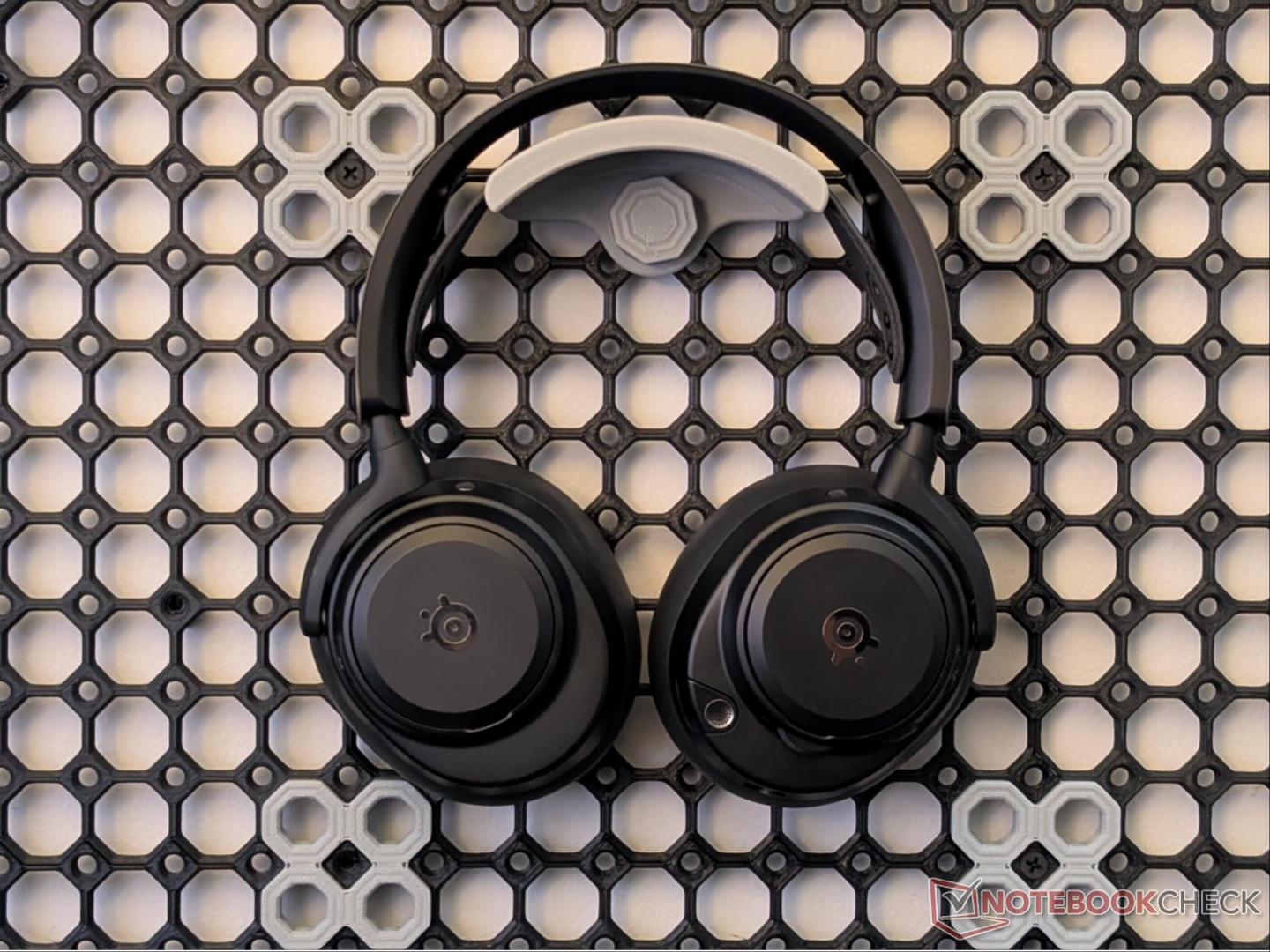
SteelSeries Arctis Nova Pro Omni review: Endgame gaming headset, potentially
Expensive package but with features to back it up.
The Arctis Nova Pro Omni builds on the strong foundation of the popular Arctis Nova Pro Wireless headset. They improve on all key features, including sound quality, battery life, and connectivity, but with a slightly higher price tag.Vineet Washington Published 🇳🇱 🇫🇷 ...
Verdict - Compelling all-platform gaming headset
With the Omni, there is no longer a separate PS/PC or Xbox/PC version since this one device is capable of working with all platforms at the same time. Along with that, it gets Hi-Res certification, which, in all fairness, is not very useful in gaming, but that doesn’t overshadow the other upgrades and the overall user experience.
The Arctis Nova Pro Omni headset is a premium offering that improves on an already excellent headset, without a major price increase. Swappable batteries allow for minimal downtime, and personalization through Sonar is extensive. The Arctis Nova Pro Omni is a strong contender for the ‘Endgame headset’ title.
Pros
Cons
Price and availability
The Arctis Nova Pro Omni by SteelSeries is an expensive headset priced at $400. It is available via the official website and Amazon in Black, White, and Midnight Blue colors.

Specifications
| Drivers | 40 mm Neodymium Magnetic |
| Frequency response range | 10 Hz to 40 kHz |
| ANC | Yes |
| Transparency | Yes |
| Microphone | ClearCast Pro, Omnidirectional |
| Connectivity | 2.4 GHz and Bluetooth 5.3 |
| Compatibility | PC, PS4/PS5, Xbox Series, Mac, Switch/Switch 2, Android, iPhone, Meta Quest 2/3 |
| Battery | Two swappable 670 mAh batteries |
| Claimed battery life | Up to 60 hours with both batteries/ 50 hours Bluetooth (ANC off) |
| Weight | 339 grams |
| Software | Sonar, SteelSeries Arctis Companion app |
Unboxing and accessories
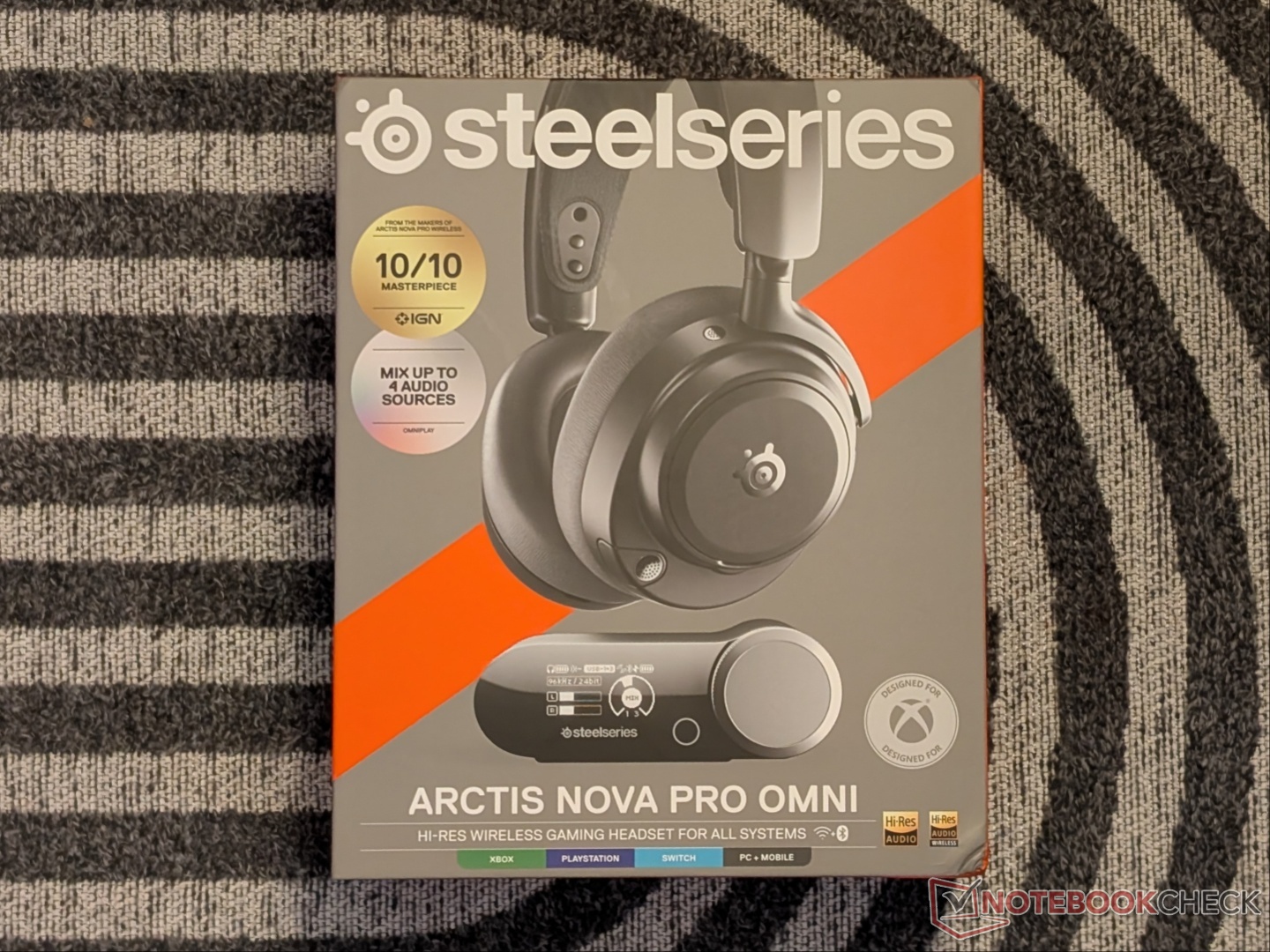
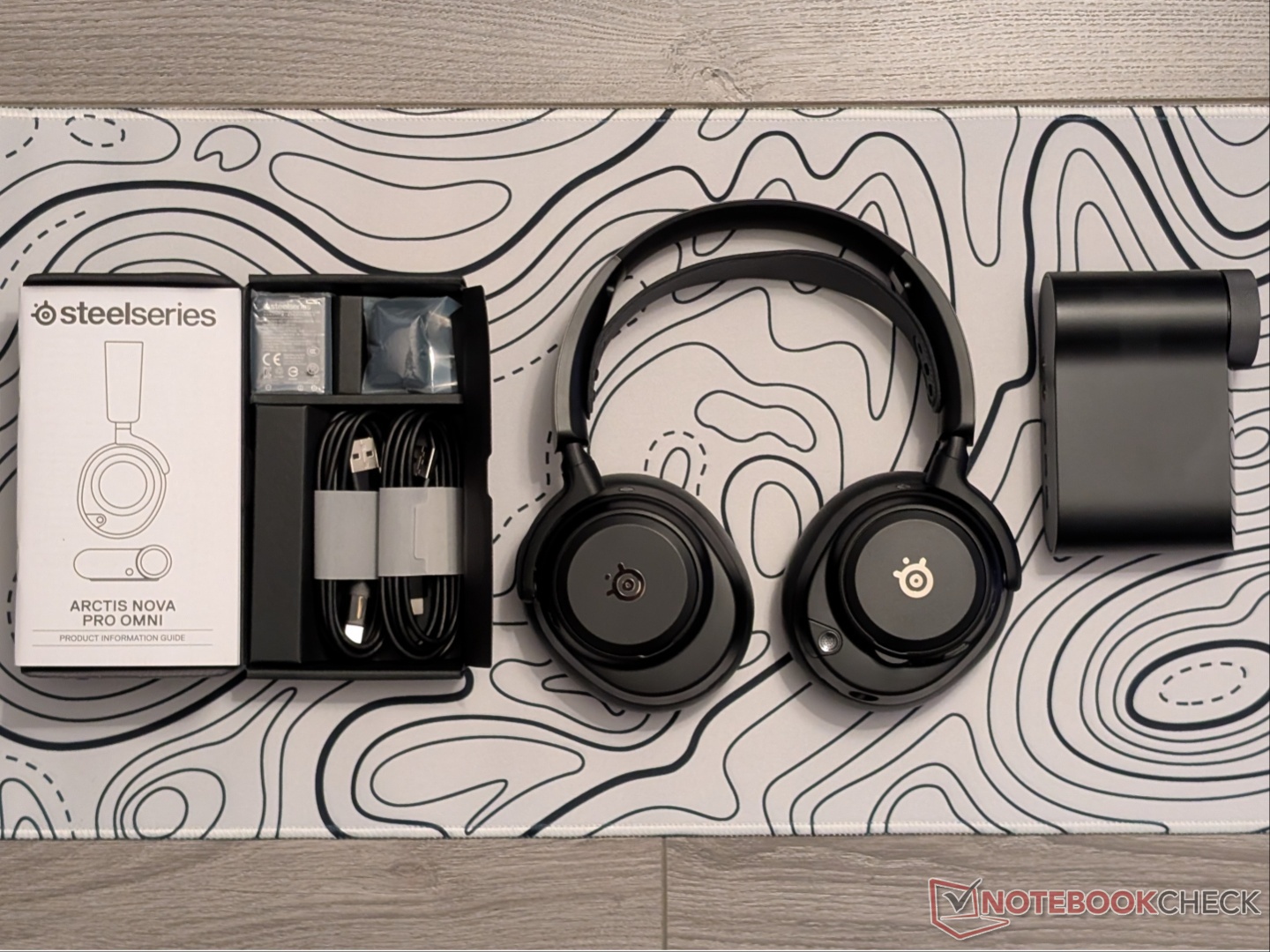
The retail box for the SteelSeries Arctis Nova Pro Omni includes the headset itself, the hub, two USB cables, a second battery, a pop filter, and documentation. There is also a carry bag/pouch that the headset comes in, but no 3.5mm cable or additional set of ear cushions.
Design and comfort
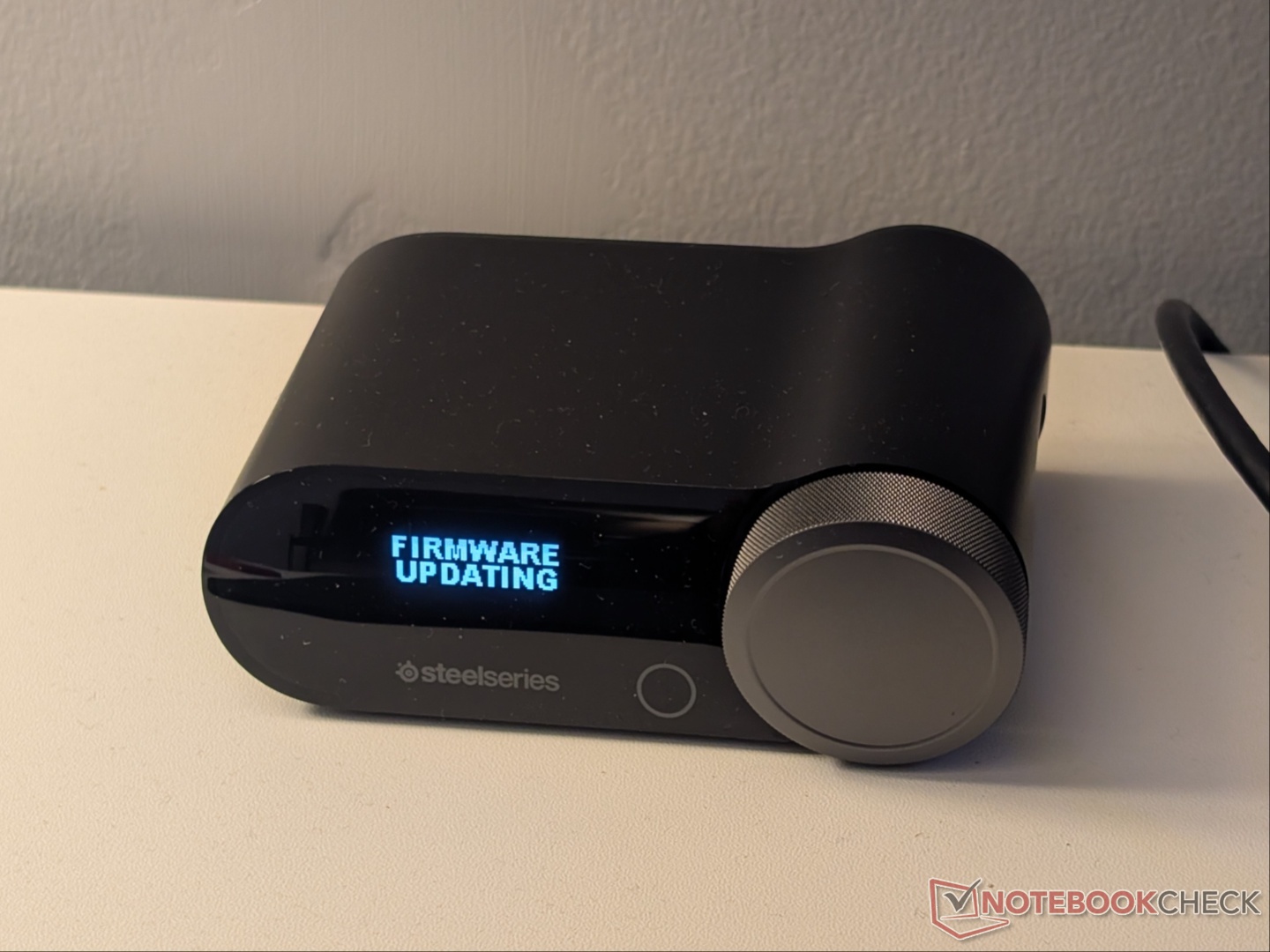
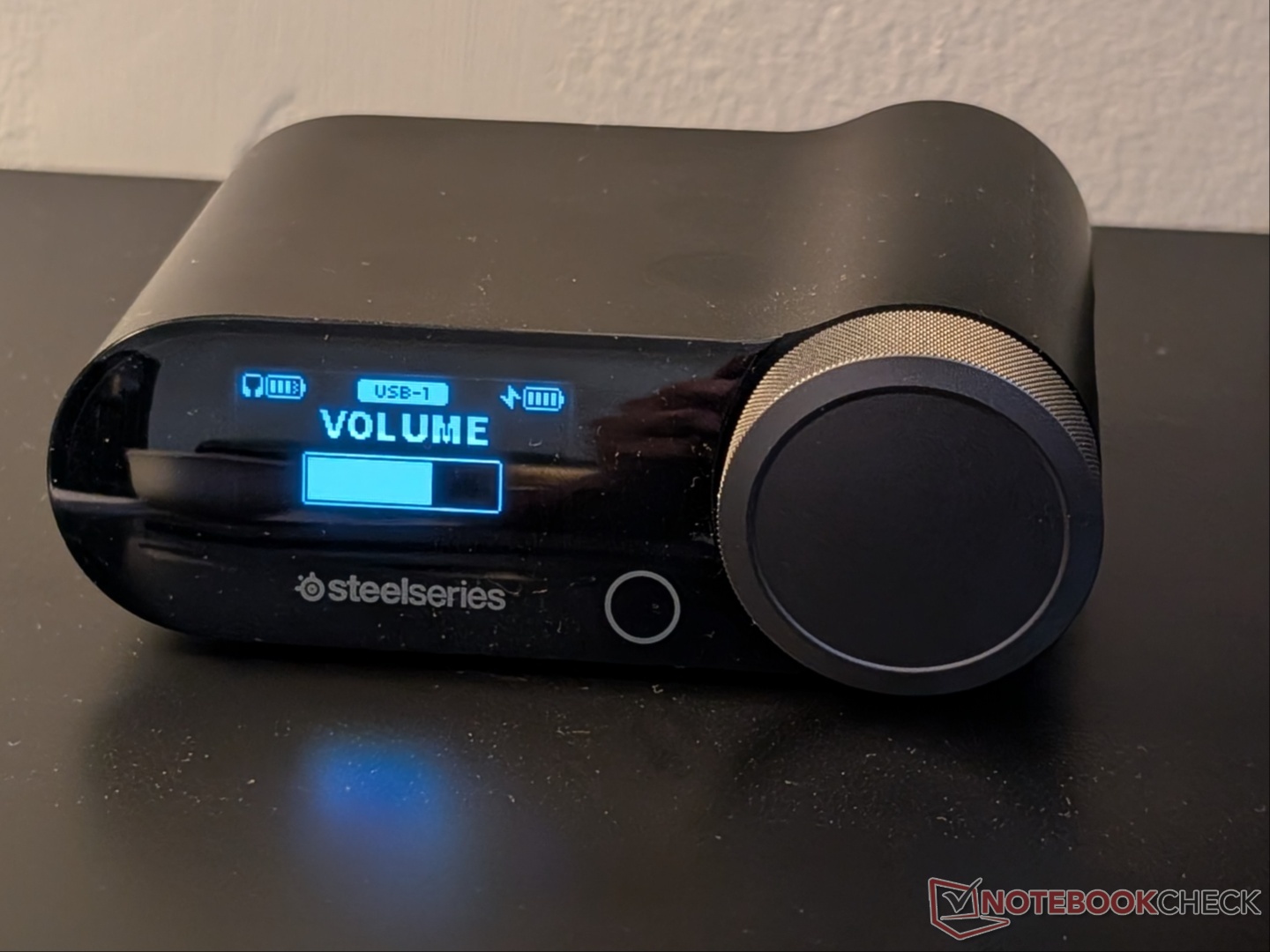
In terms of overall shape and design, nothing has changed from the Nova Pro Wireless or the Nova Elite, although the latter did come in a unique Sage & Gold colorway. With the Nova Pro Omni, there are three color options, namely Black, White, and Midnight Blue. The GameHub remains the same as well, but the dial now has a textured/ribbed pattern for easier operation. Also, the color of the dial is dependent on the color of the headset.
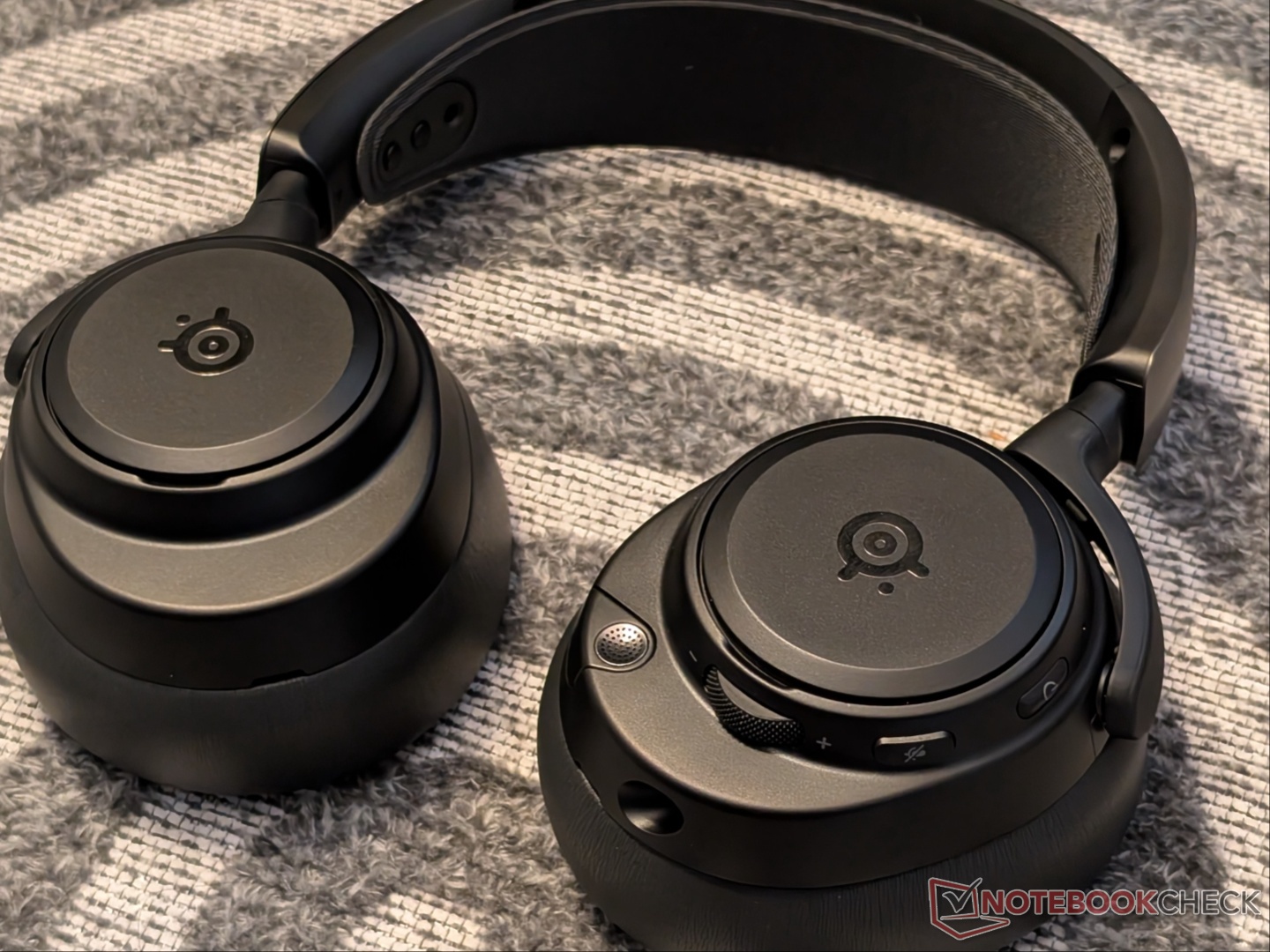
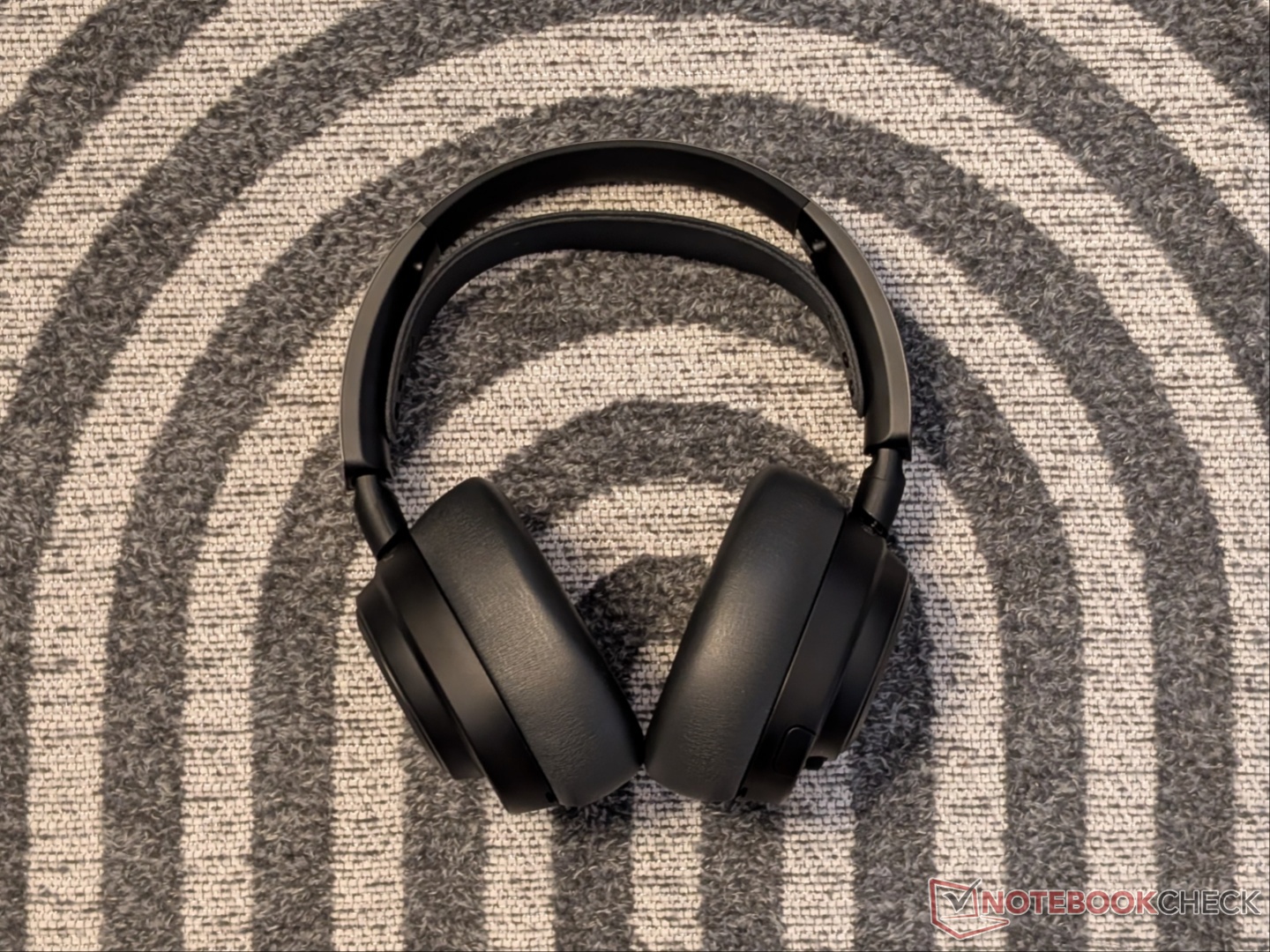
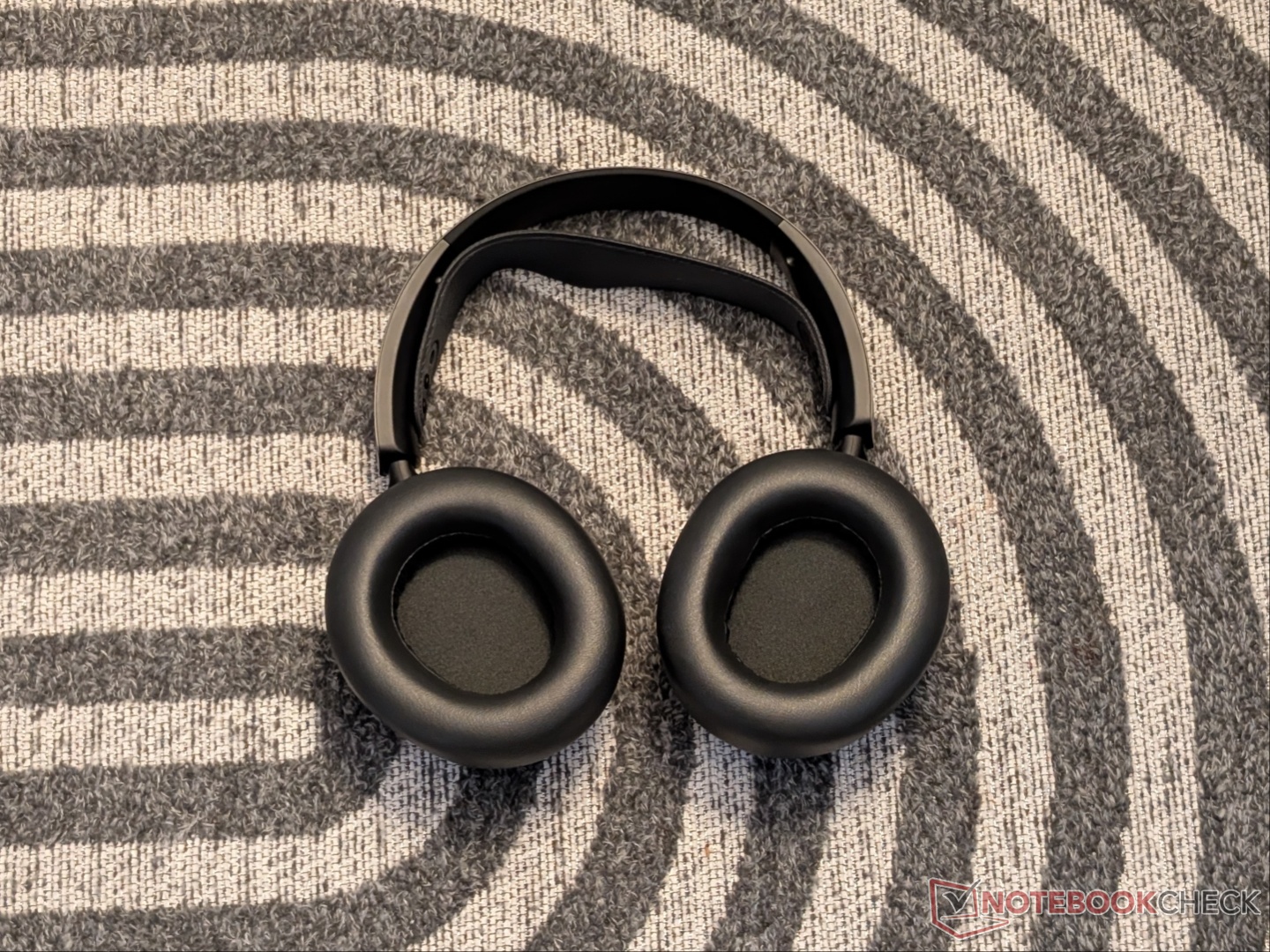
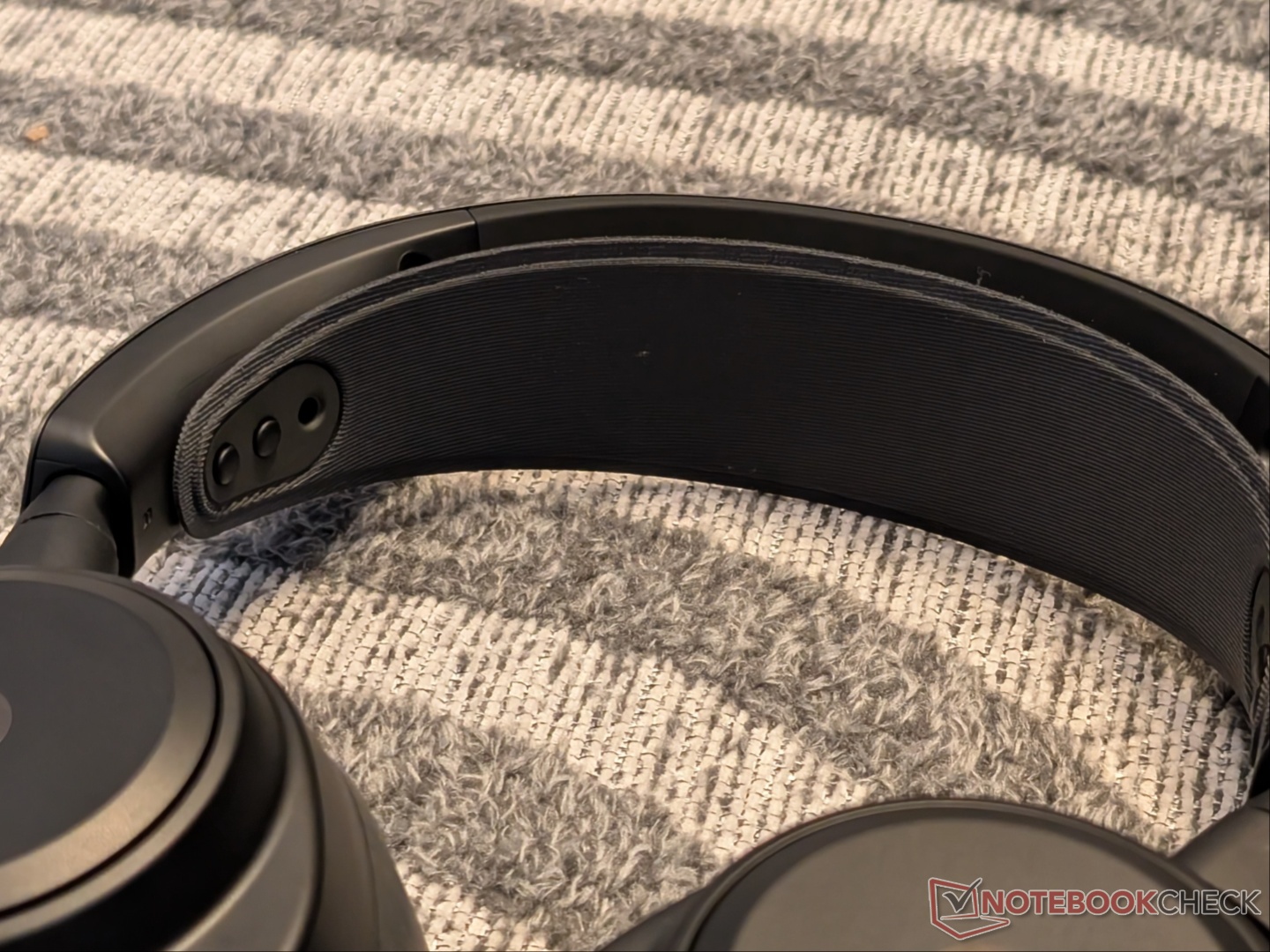
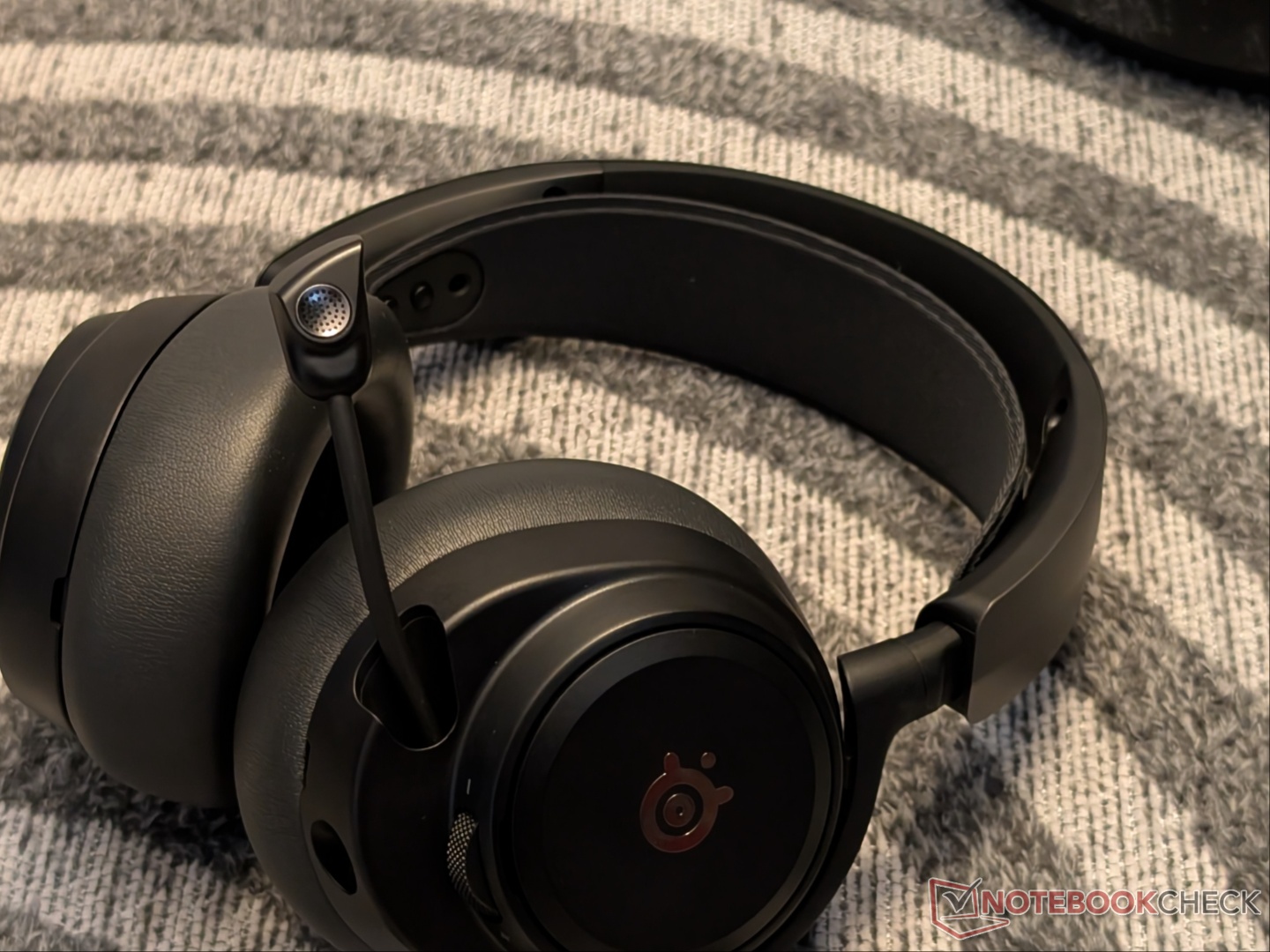
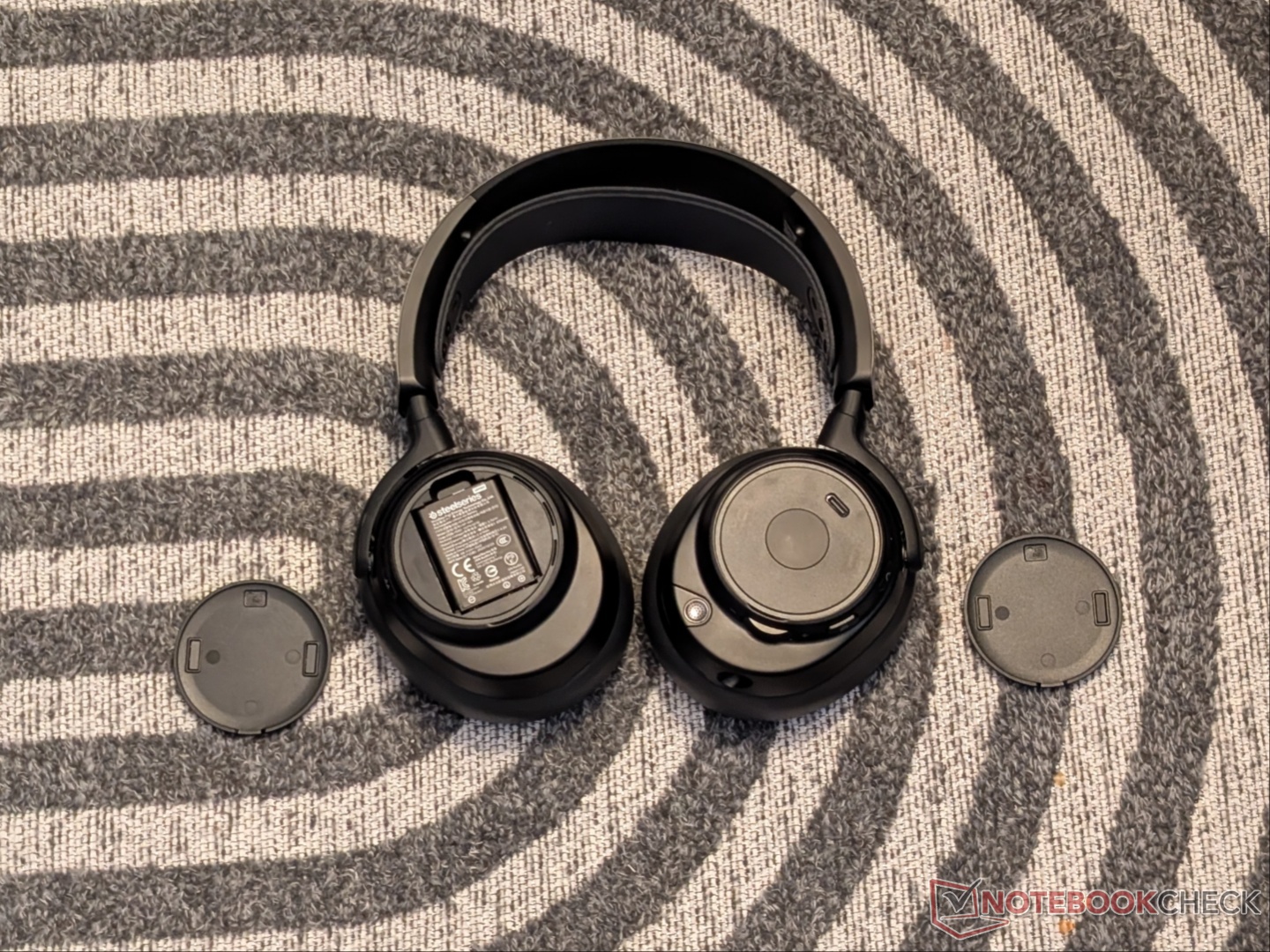
Like its predecessors, the Nova Pro Omni comes with a metal and elastic headband combo. The elastic band offers two levels of tension and flex adjustment (technically four levels since the holes in the headband don’t need to sit around both pegs) while the metal band allows step-less adjustment of the overall height. Personally, I prefer defined steps, but this design gives a greater level of adjustability. The earcups swivel 90 degrees as well so they can lay flat around your neck when not being used actively.
As for comfort, the leatherette cushions are soft yet deep enough for the ear to not come in contact with the drivers. But they are not large enough to go around the ear completely. Thanks to the elastic band adjustment, the Nova Pro Omni remains comfortable over long durations despite the 339-gram weight. Even with glasses on, the clamping pressure doesn’t impede comfort.
Features and capabilities
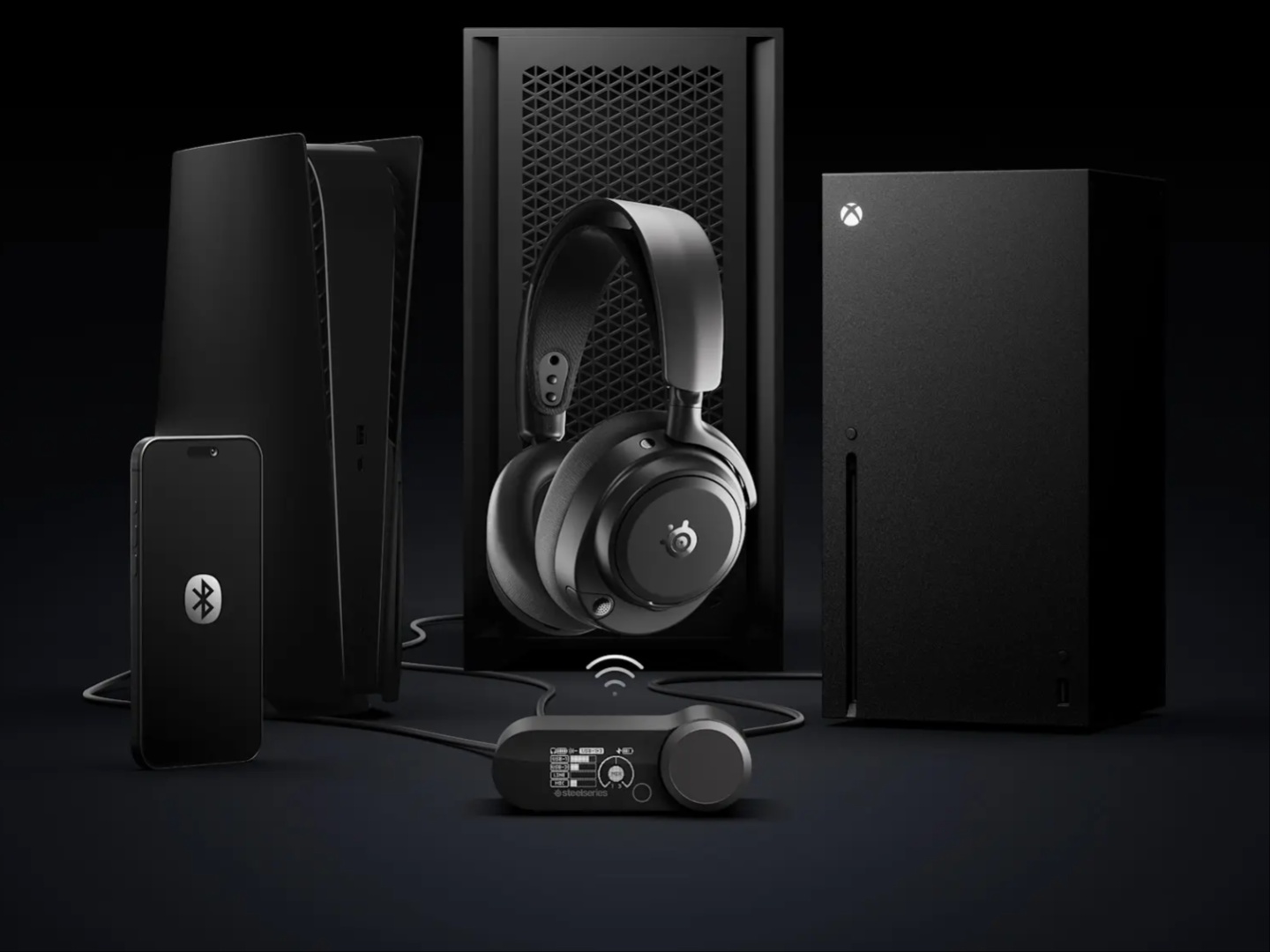
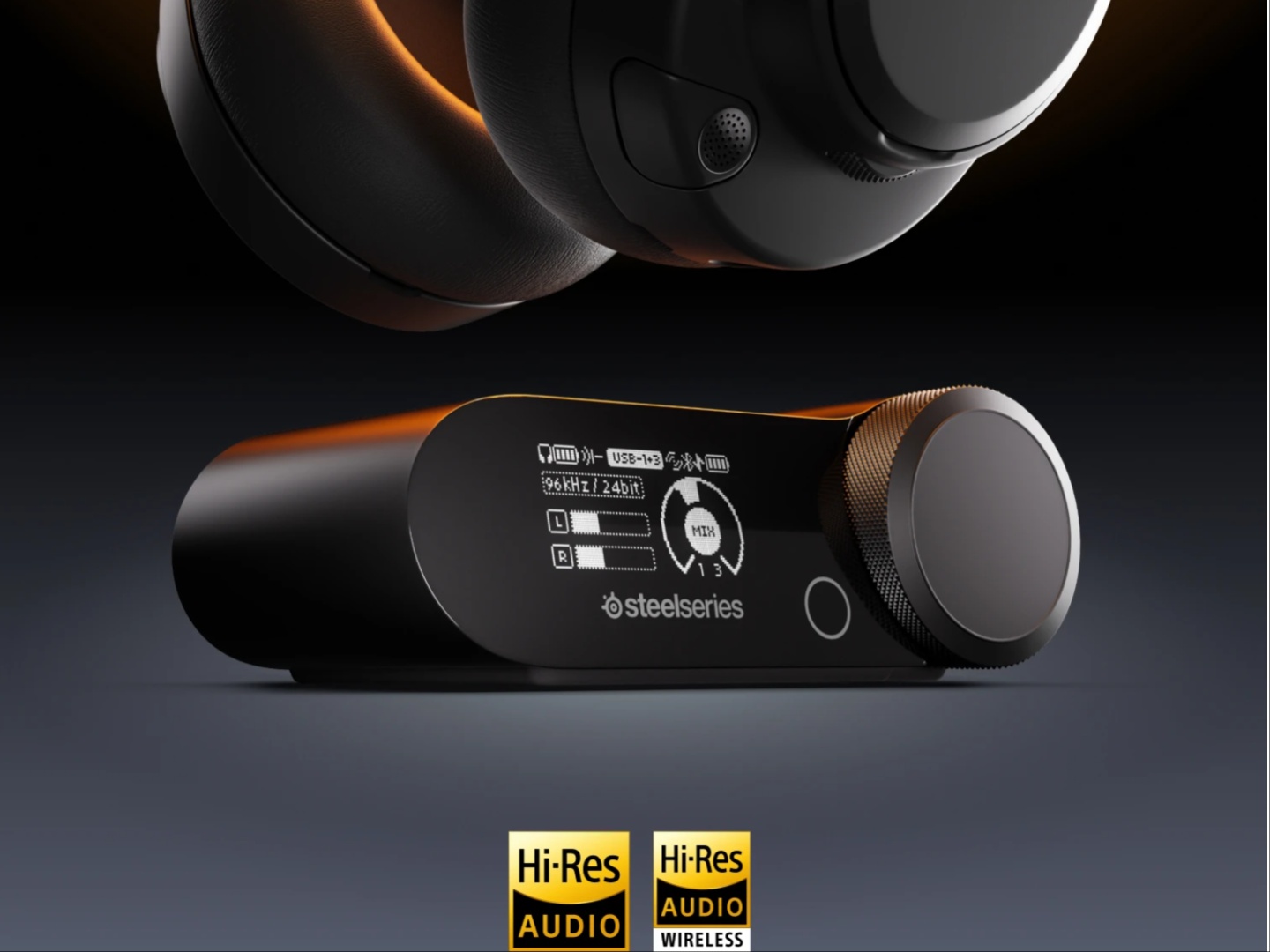
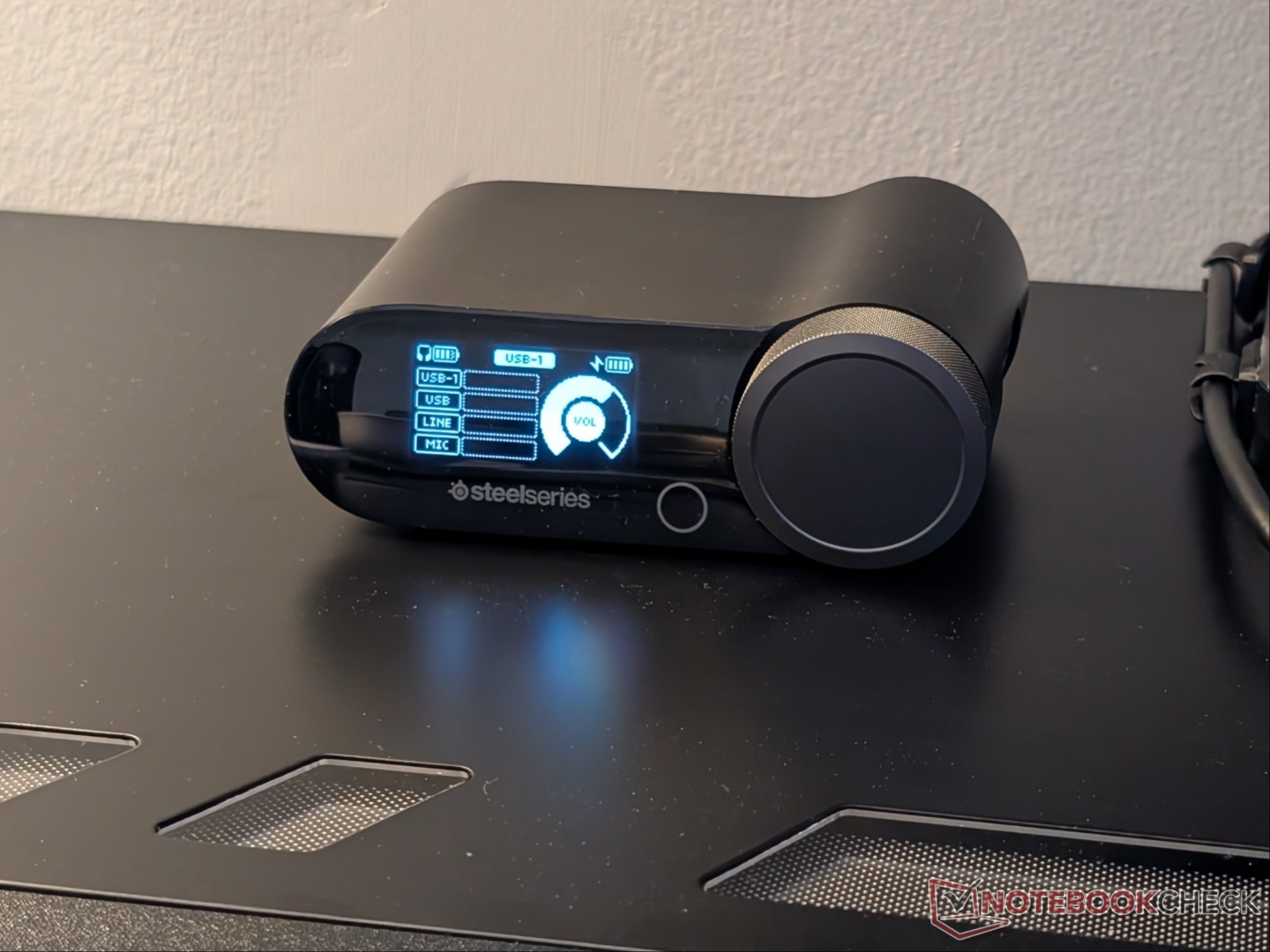
The SteelSeries Arctis Nova Pro Omni essentially brings upgraded features of the Nova Elite to a more approachable price point. You get Hi-Res Audio Wireless certification, 96kHz/24-bit processing, multi-device/multi-platform connectivity (up to four sources simultaneously including Bluetooth), and more.
The headset is powered by 40 mm Neodymium Magnetic drivers with a frequency response range of 10 Hz to 40,000 Hz. With the Arctis Nova Pro Wireless, this range was only possible in wired mode. The Nova Elite, however, features a combination of brass and carbon fiber for the drivers, so the sound may be a bit more refined than the Nova Pro Omni. For communicating with your team, the microphone has received an upgrade as well to the ClearCast Pro and is now omnidirectional. It also has AI noise rejection built in.
SteelSeries boasts up to 60 hours of battery life with the two hot-swappable batteries when ANC is off. You can get four hours of playtime with a quick 15-minute charge. Both these numbers are upgrades over the Arctis Nova Pro Wireless. Of course, there is no backup battery like the Glorious Model D3 Wireless, so you will lose connection while swapping batteries.
Performance and software
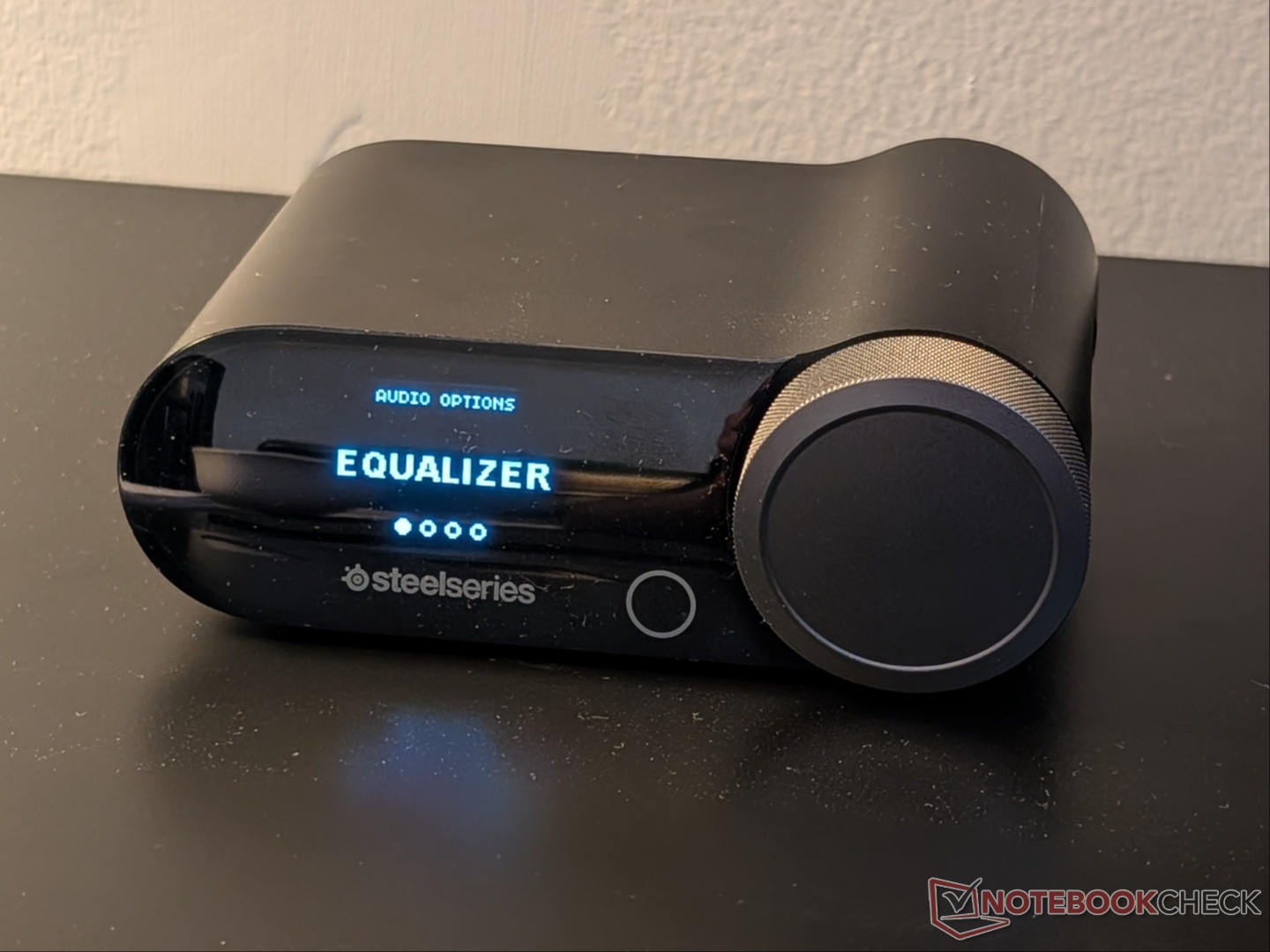
Simply put, the Arctis Nova Pro Omni sounds excellent despite the closed sound stage. While the default 'Flat' EQ is pretty mid, Sonar EQ customization unlocks the true capabilities of the headset. Coming from the ROG Delta IIs that have larger drivers, the Nova Pro Omni sound a bit better thanks to the wider frequency response range. Cyberpunk 2077, Hellblade: Senua's Sacrifice, Senua's Saga: Hellblade II, and Battlefield 6 were some of the games that sounded excellent, especially due to the spatial audio implementation. In shooters, positional audio is accurate with strong bass representation for an impactful gaming experience.
The Arctis Nova Pro Omni boasts Hi-Res Wireless certification, which enables up to 96kHz/24bit audio over the 2.4 GHz connection, but the big caveat is that there aren’t many games that actually come with Hi-Res audio files. In fact, games normally come with compressed audio to save memory bandwidth.
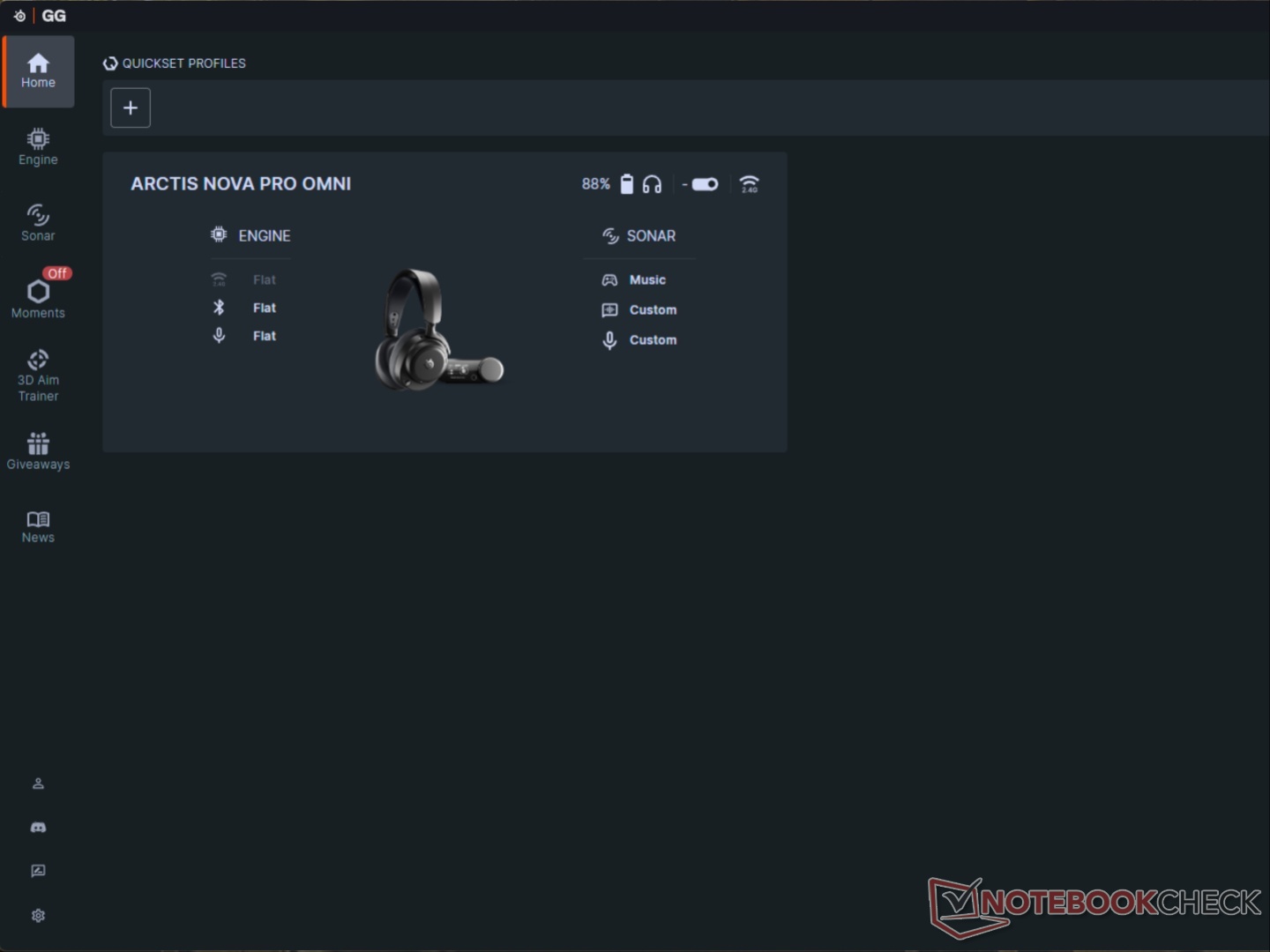
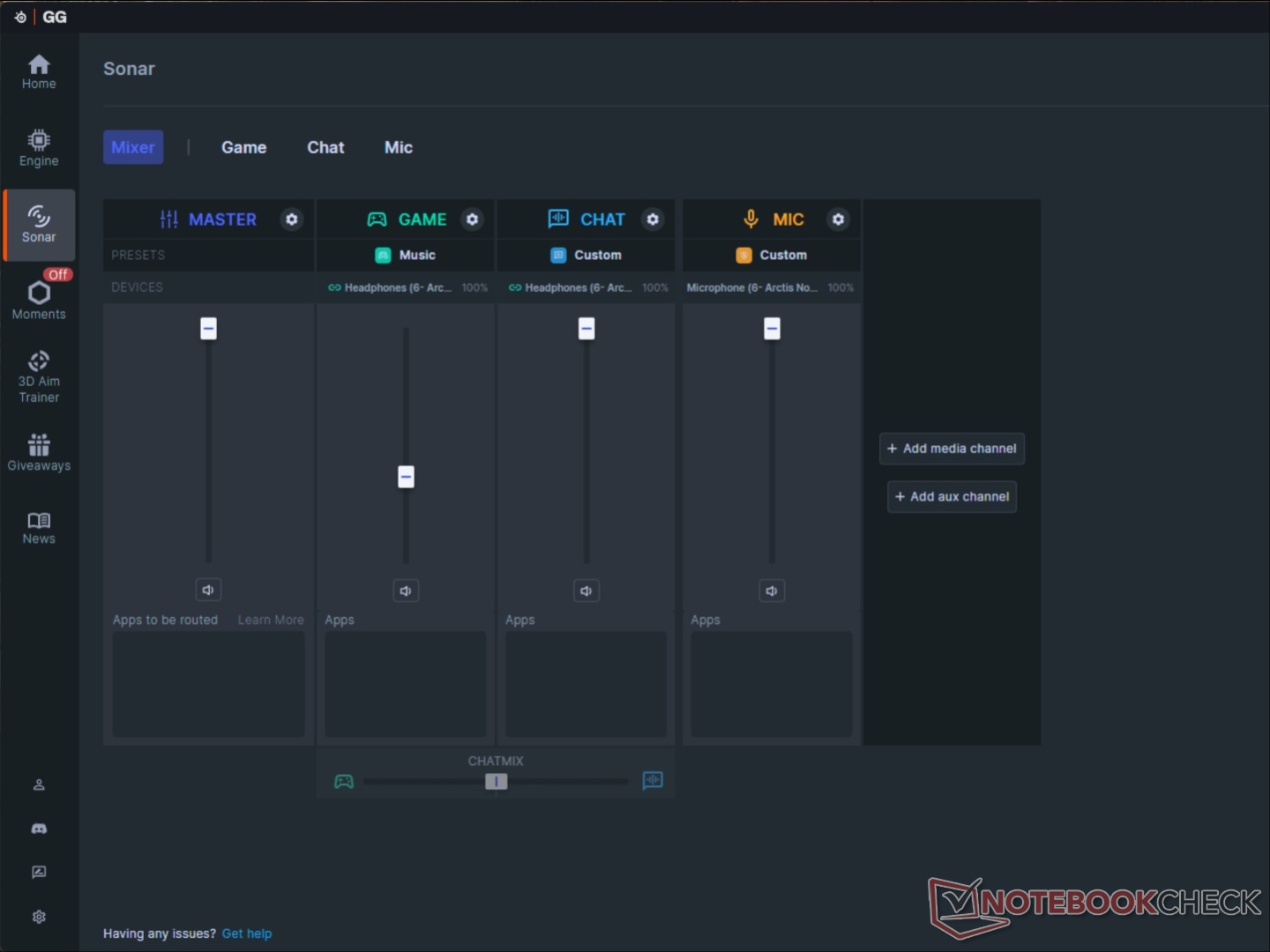
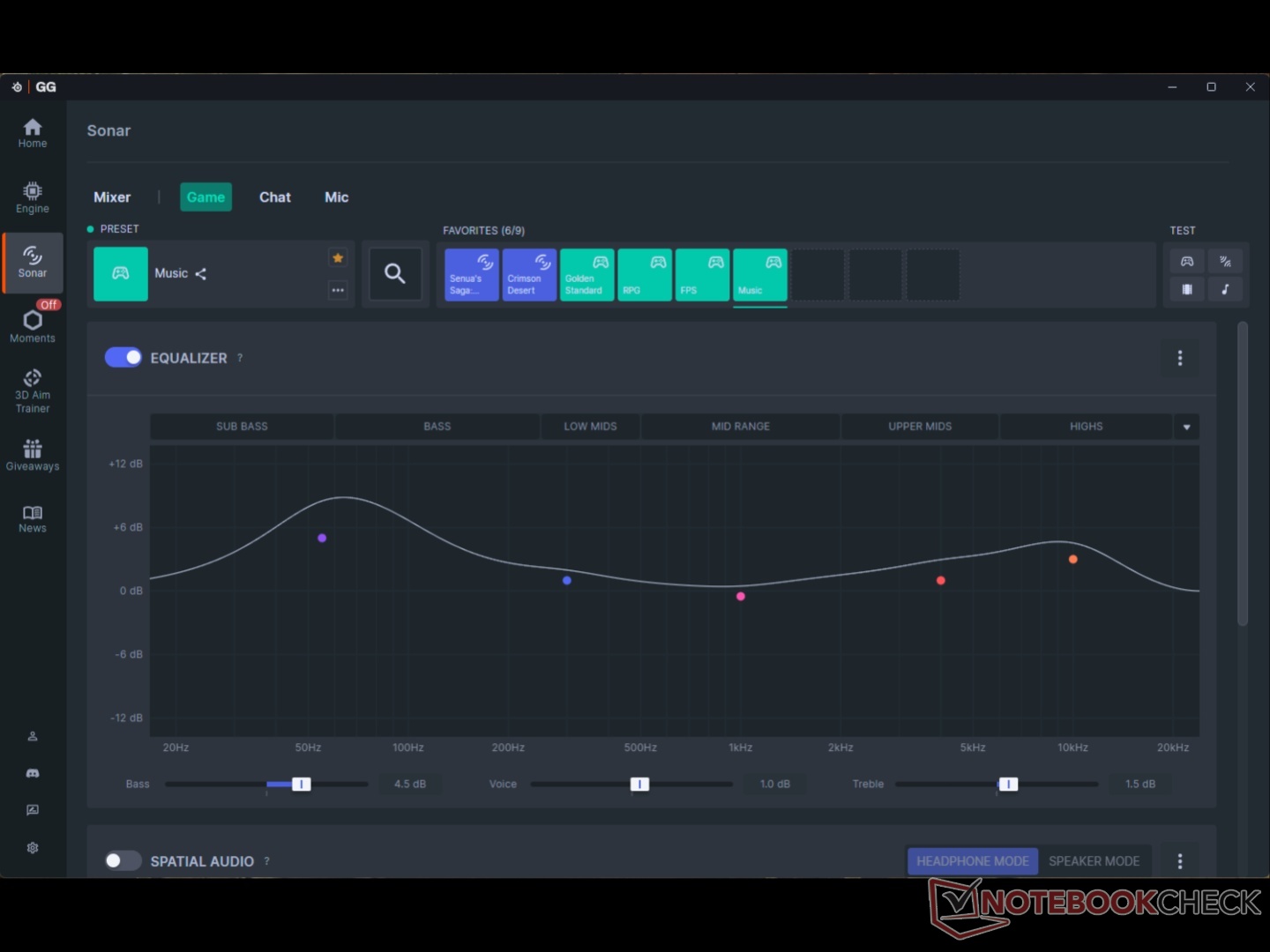
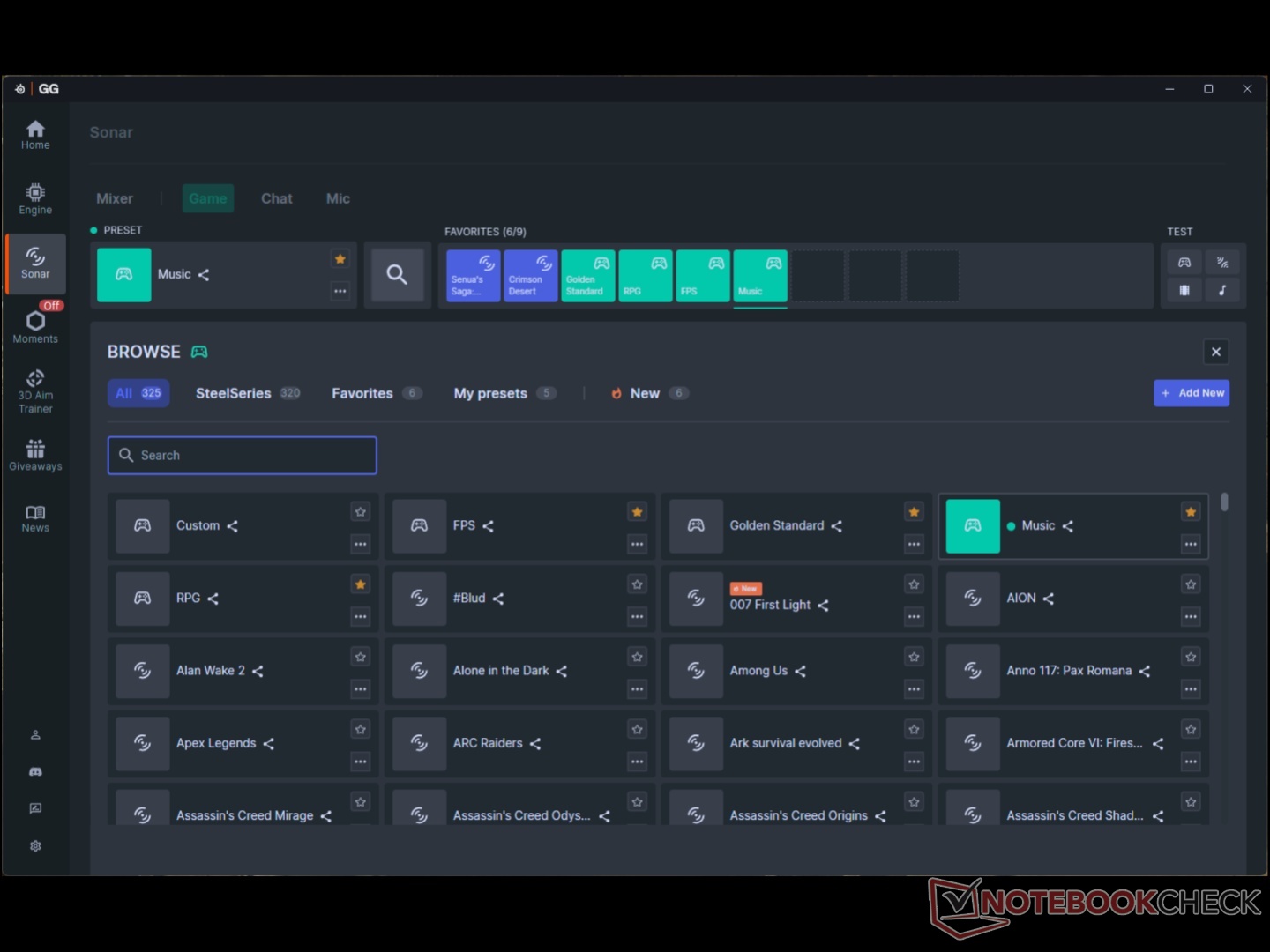
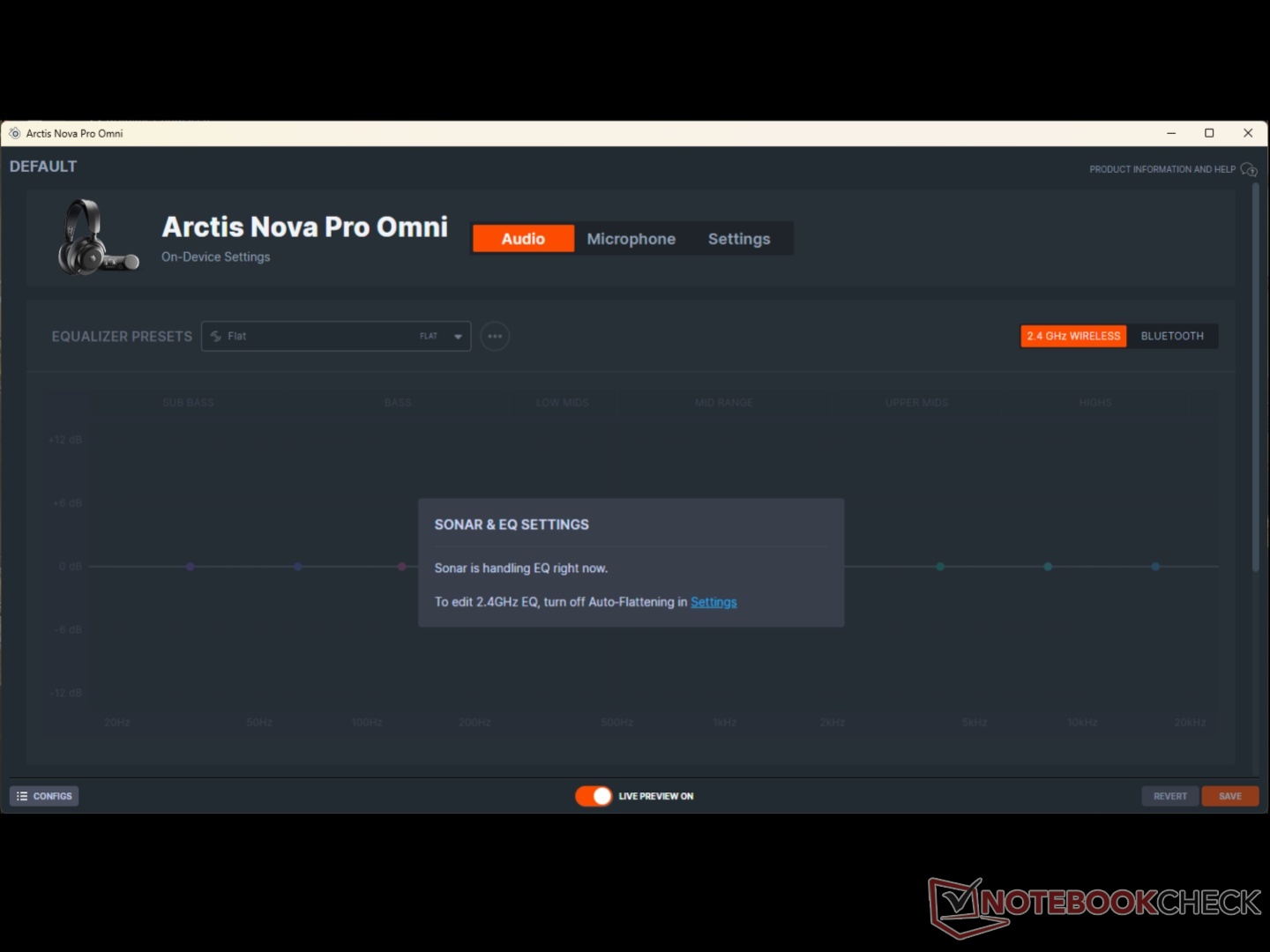
Thanks to the highly customizable software – Sonar – and some user-defined presets, we saw significant improvements over the default ‘Flat’ EQ in both gaming and music listening. Sonar also has presets for most games, and those are actually pretty well tuned. That’s arguably the strongest and also a weak point for the Nova Pro Omni headset. The freedom of personalization will be much appreciated by audiophiles, but it can be overwhelming for casual users. Then again, casual users would probably not spend $400 on a gaming headset. Sonar also needs to be running to be able to take full advantage of the mixer, and it creates multiple additional output devices.
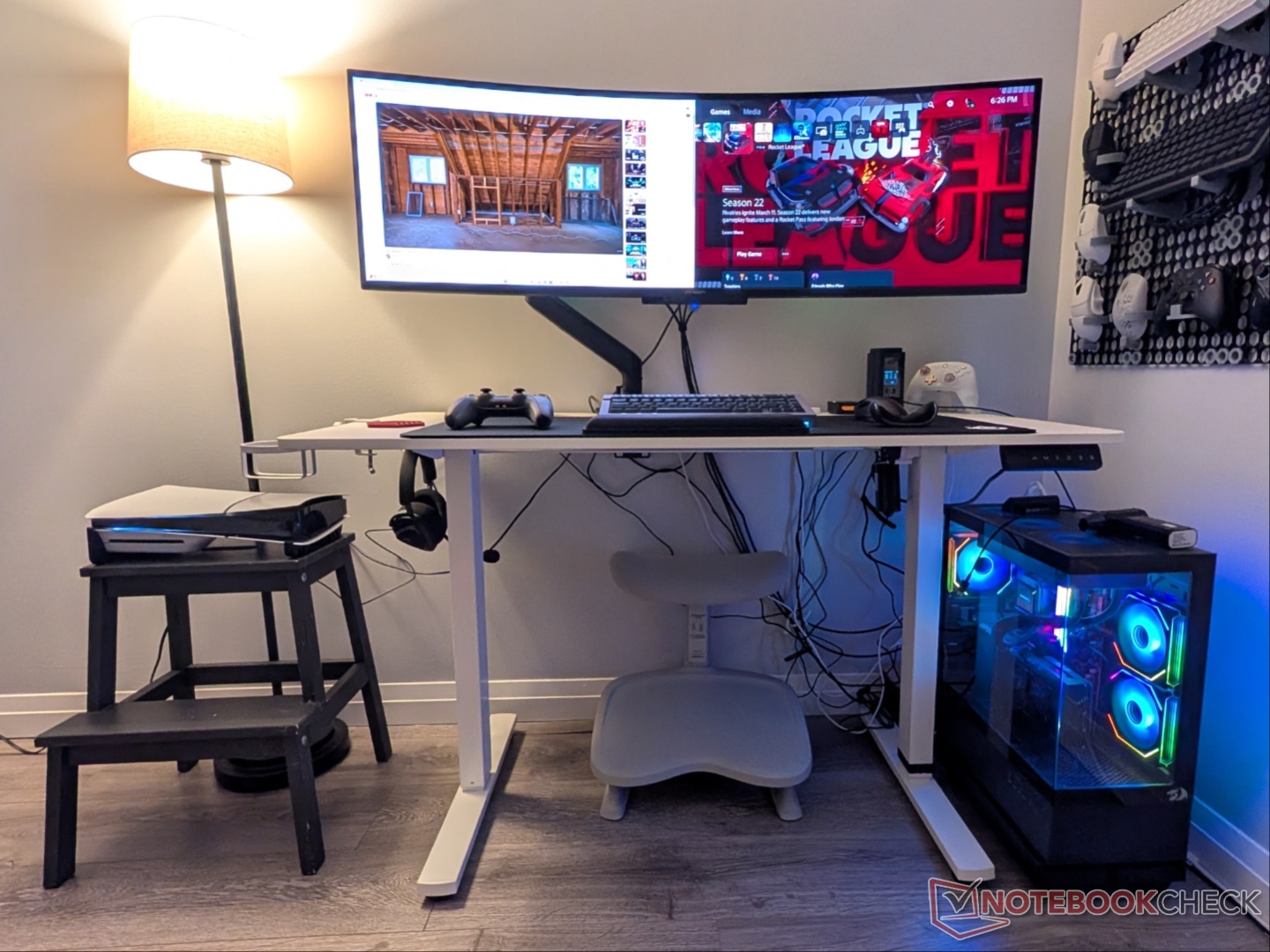
Multi-device/multi-platform connectivity works as advertised. We had the GameHub connected to a Windows PC via USB 1 and a PS5 connected via USB 2. All the while, a Pixel 9 Pro XL was connected via Bluetooth, with seamless audio coming from all three sources. One thing to note is that to make full use of the 2.4 GHz multi-device connectivity, your devices need to be in the same room, and that’s not always possible.
While the battery life claims fall a bit short of actual runtime, the swappable batteries make it a non-issue. After a couple of attempts, you can swap the batteries without taking the headset off, and it turns back on automatically. The hide-away mic works great as well, and team members over Discord found my voice to be clear, non-nasally, and without any background noise.
Transparency
The selection of devices to be reviewed is made by our editorial team. The test sample was given to the author by the manufacturer free of charge for the purposes of review. There was no third-party influence on this review, nor did the manufacturer receive a copy of this review before publication. There was no obligation to publish this review. As an independent media company, Notebookcheck is not subjected to the authority of manufacturers, retailers or publishers.
 Add as a preferred source on Google


