




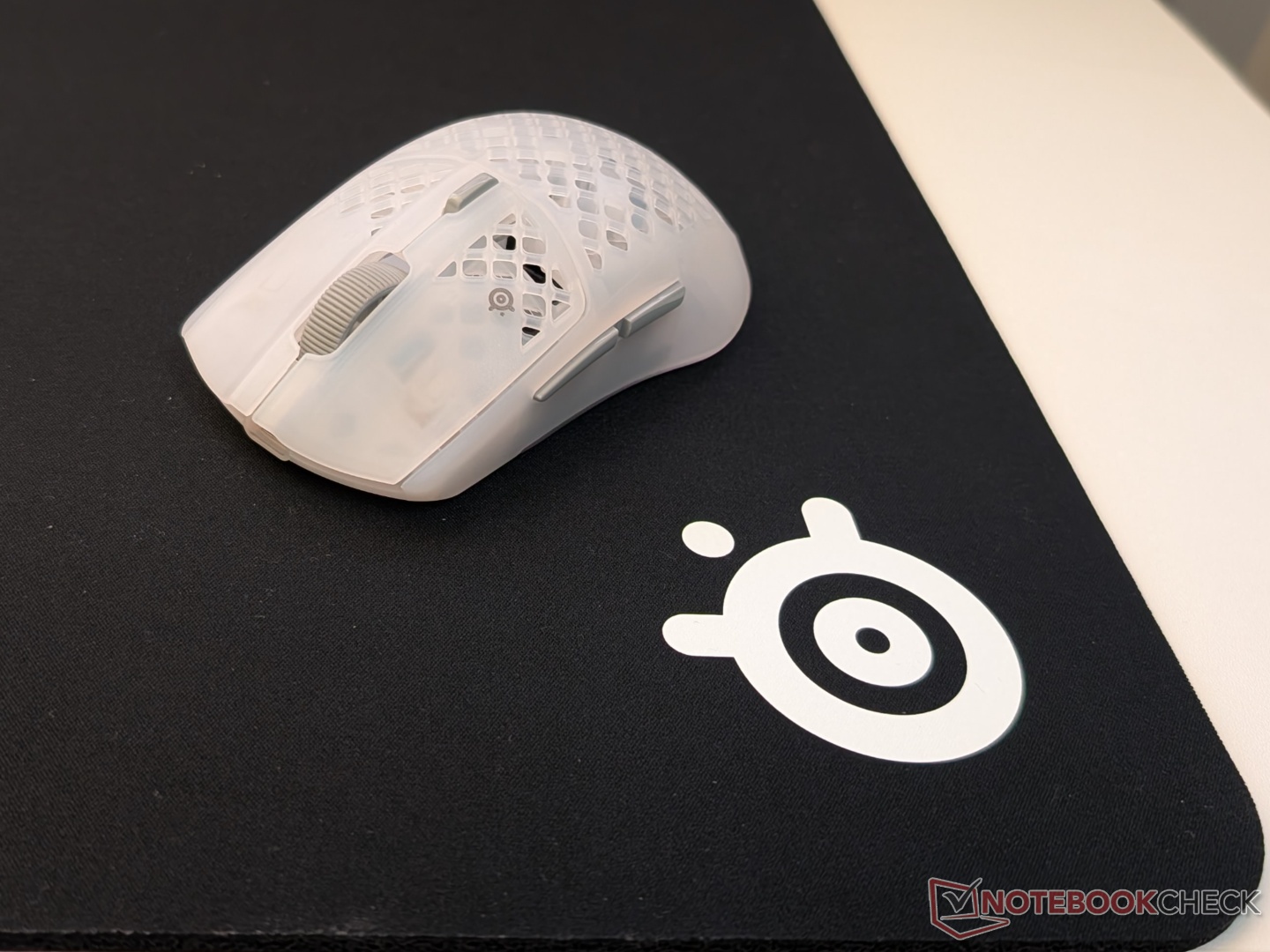
SteelSeries Aerox 3 Wireless Gen 2 gaming mouse and QcK Heavy mousepad review
A minor upgrade from its predecessor.
The Aerox 3 Wireless Gen 2, as the name suggests, is an iterative upgrade over the original. There’s not a lot going on with the mouse, but the QcK Heavy mousepad is a more unique offering.Vineet Washington Published 🇳🇱 🇫🇷 ...
Verdict - Pricey mouse for what it offers, but great value mousepad
8K polling rate has become the norm these days with gaming mice. Whether or not gamers use it is a separate conversation. Maxing out at 4K, the SteelSeries Aerox 3 Wireless Gen 2 places itself in the middle of the pack, which makes the $100+ price point hard to digest. It is a solid mouse overall with a lightweight form factor, good battery life, and solid performance, but nothing to stand out amongst fierce competition.
The QcK Heavy mousepad is a much better value in comparison. It is comfortable, durable, and easy to clean, making it a solid recommendation for those looking at ‘control-focused’ mousepads.
Pros
Cons
Pros
Cons
Price and availability
The Aerox 3 Wireless Gen 2 is priced at $110 and is available in Shadow, Ghost, and Magenta Haze colors via Amazon and the official website. The QcK Heavy mousepad comes in medium, large, and XXL sizes, with only the large and XXL available in black, white, and magenta colors. They are priced at $20, $30, and $35, respectively. At the time of publishing, both are slightly discounted.

Mouse specifications
| Size | 120.55 mm x 57.91 mm x 21.53 mm |
| Weight | 68 g |
| Shape | Ergonomic, right-handed |
| Sensor | SteelSeries TrueMove Optical Sensor (26,000 DPI) |
| Max Speed (IPS) | 400 IPS |
| Max Acceleration (G) | 40G |
| Polling rate | up to 4,000 Hz (4K) in 2.4 GHz mode |
| Buttons | 6 |
| Switch Type | Mechanical |
| Switch durability | 80 million clicks |
| Connectivity | 2.4 GHz, Bluetooth, Wired |
| Claimed battery life | 2.4 GHz (1K polling) - up to 120 hours (4K polling – 35 hours), up to 200 hours on Bluetooth |
| Feet | 100% PTFE |
| Customization software | SteelSeries GG |
Mousepad specifications
| Sizes | Medium (320 mm x 270 mm), Large (450 m x 400 mm), XXL (900 mm x 400 mm) |
| Thickness | Medium – 6 mm, Large – 6 mm, XXL – 4 mm |
| Material | Micro-woven cloth |
| Base | Non-slip rubber |
Design and ergonomics
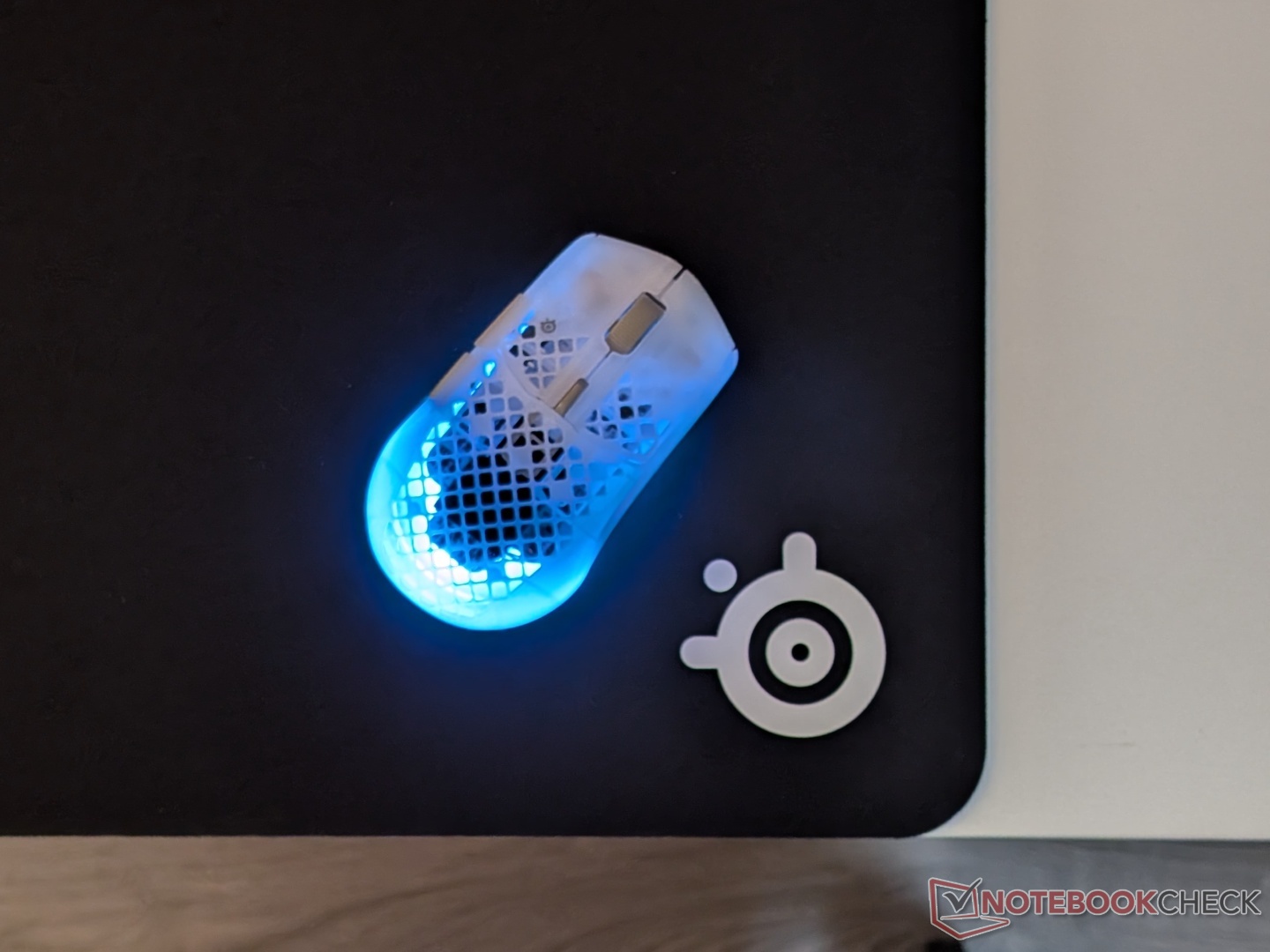
In line with the rest of the Aerox gaming mice, the Aerox 3 Wireless Gen 2 does little to differentiate itself visually from its predecessor. It has the same shape, dimensions, and perforations on the ABS plastic shell. The new semi-transparent body, however, diffuses the RGB lighting, which makes the whole mouse seem like it's glowing. Besides that, it retains the 68-gram weight, IP54 rating, and mechanical switches.
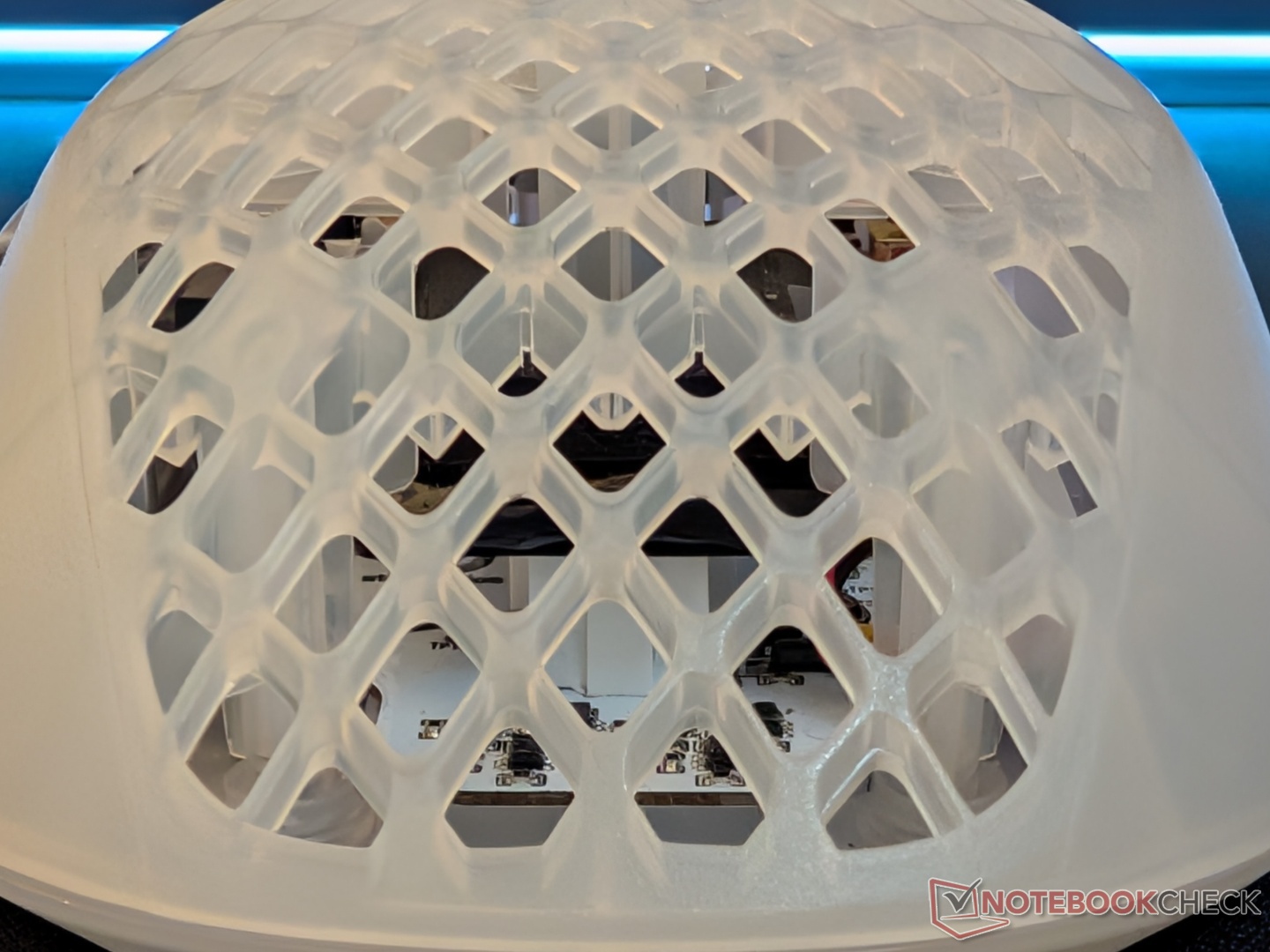
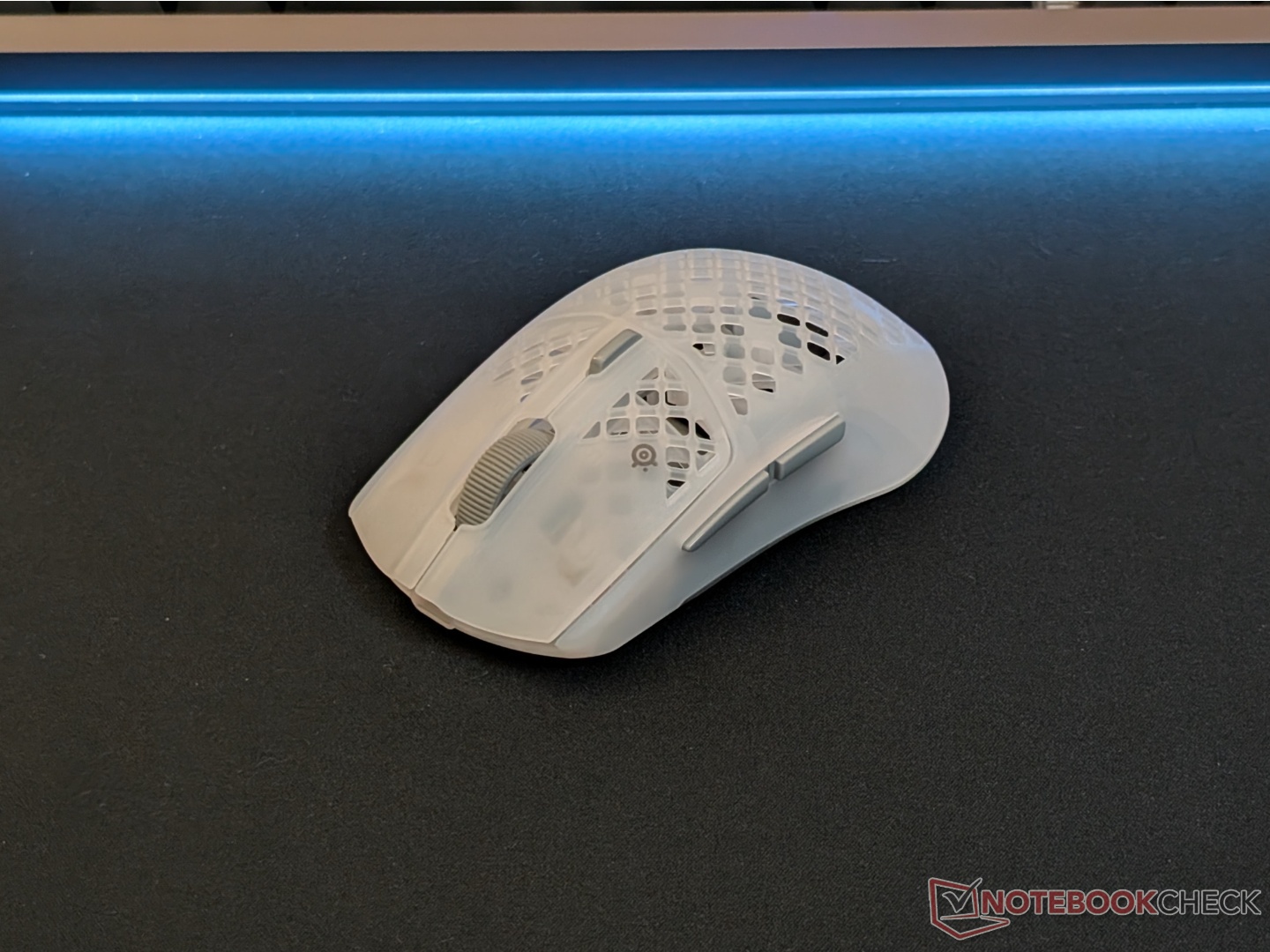
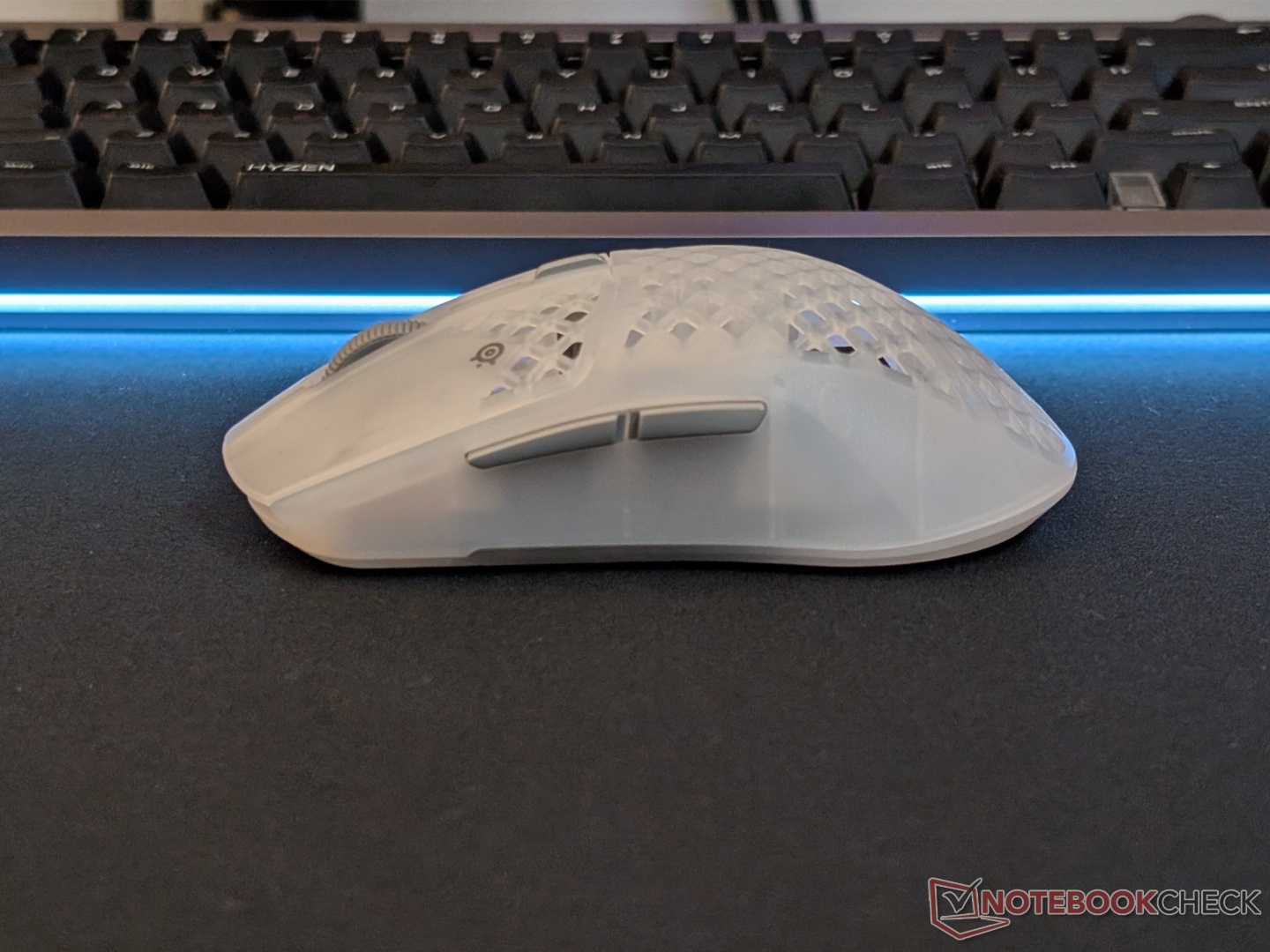
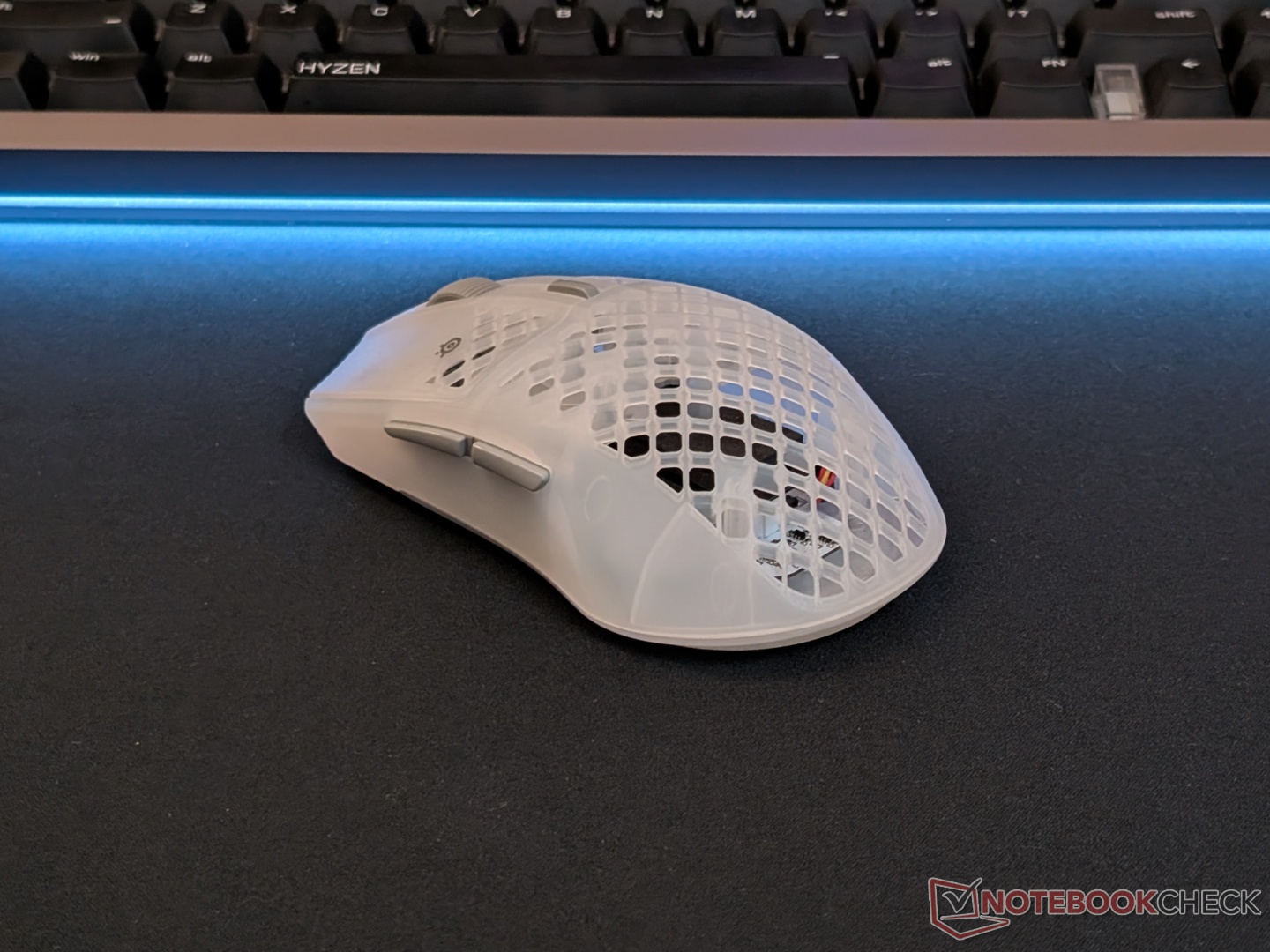
SteelSeries calls it an ergonomic right-handed mouse, but those with larger hands will find it to be a bit too compact. In its specifications, the ‘palm’ grip style has been omitted when compared to the original Aerox 3, even though the design remains the same. Maybe SteelSeries realized that the Aerox 3 lineup is too compact for palm grip styles.
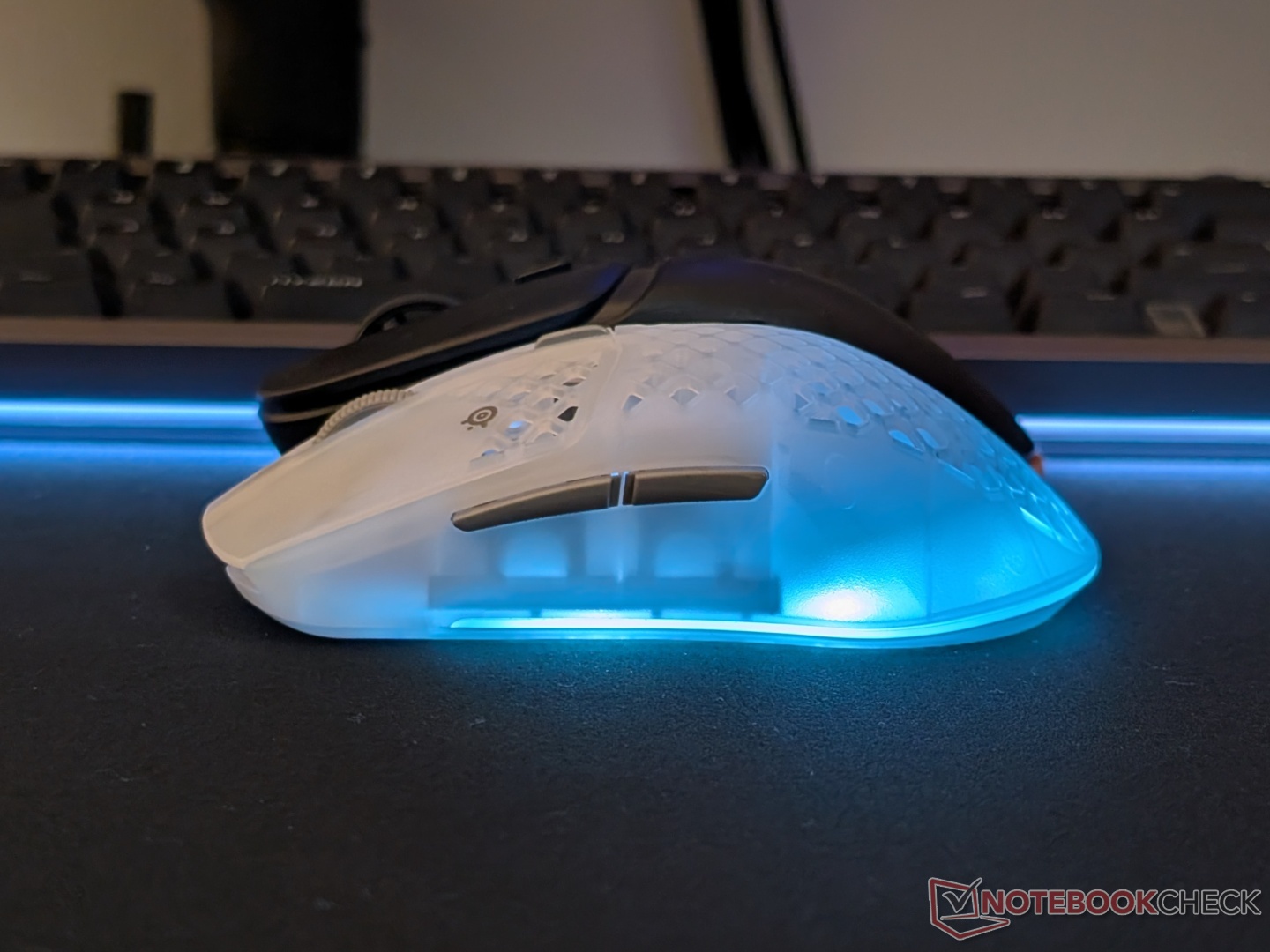
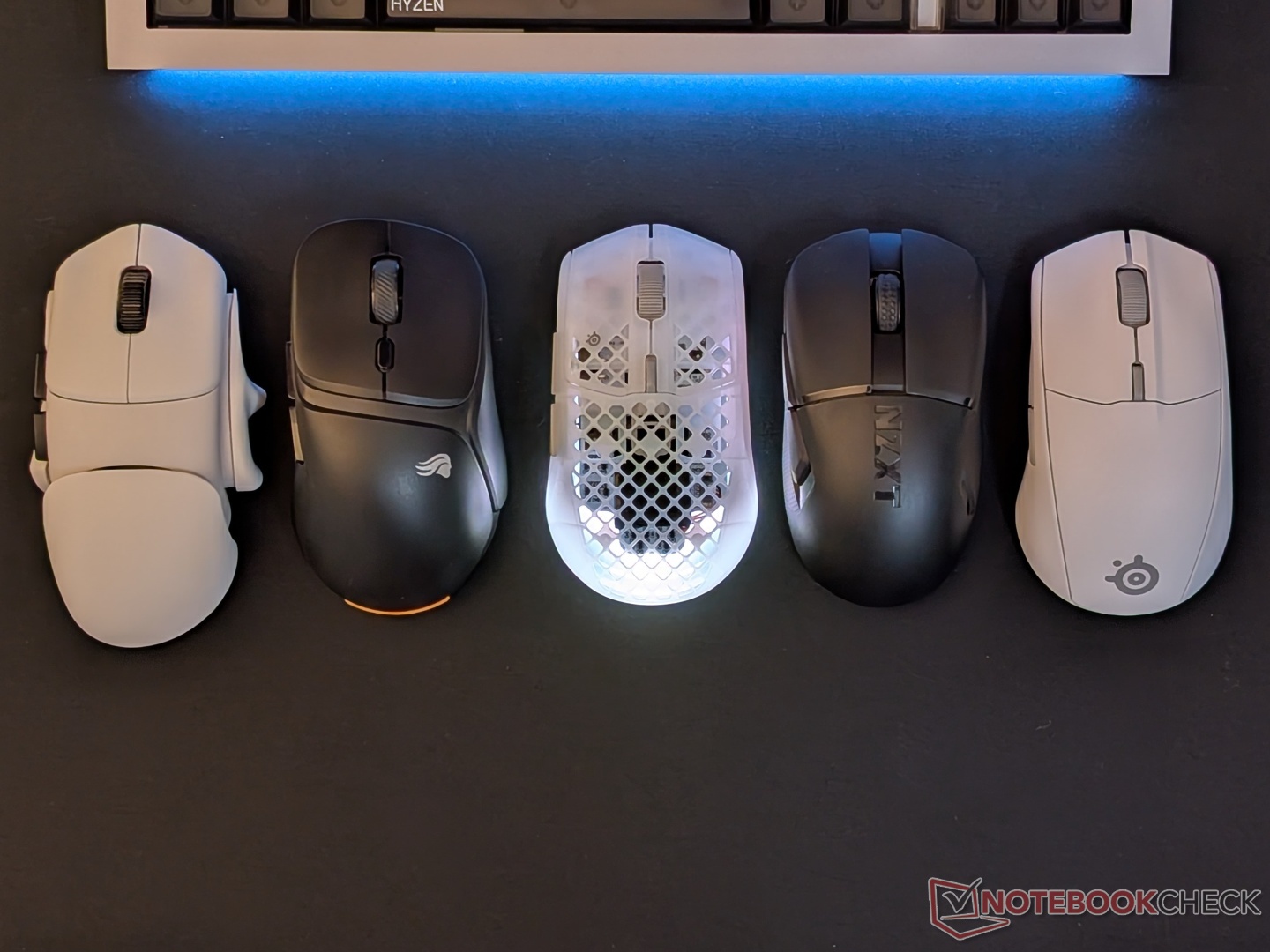
The three-way connectivity button is at the bottom and fairly easy to toggle. The scroll wheel is accurate with defined steps, and the two side buttons are easy to use.
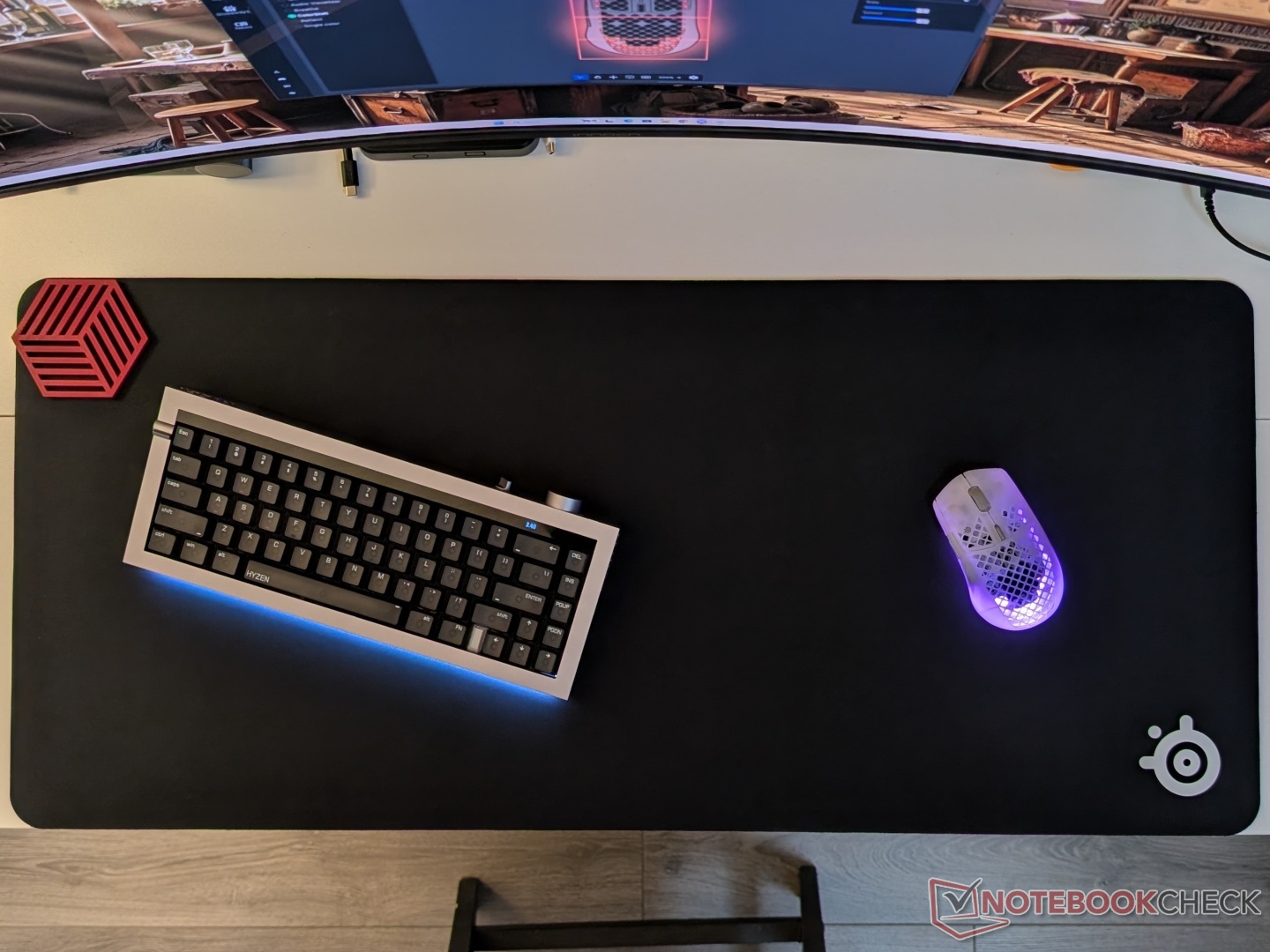
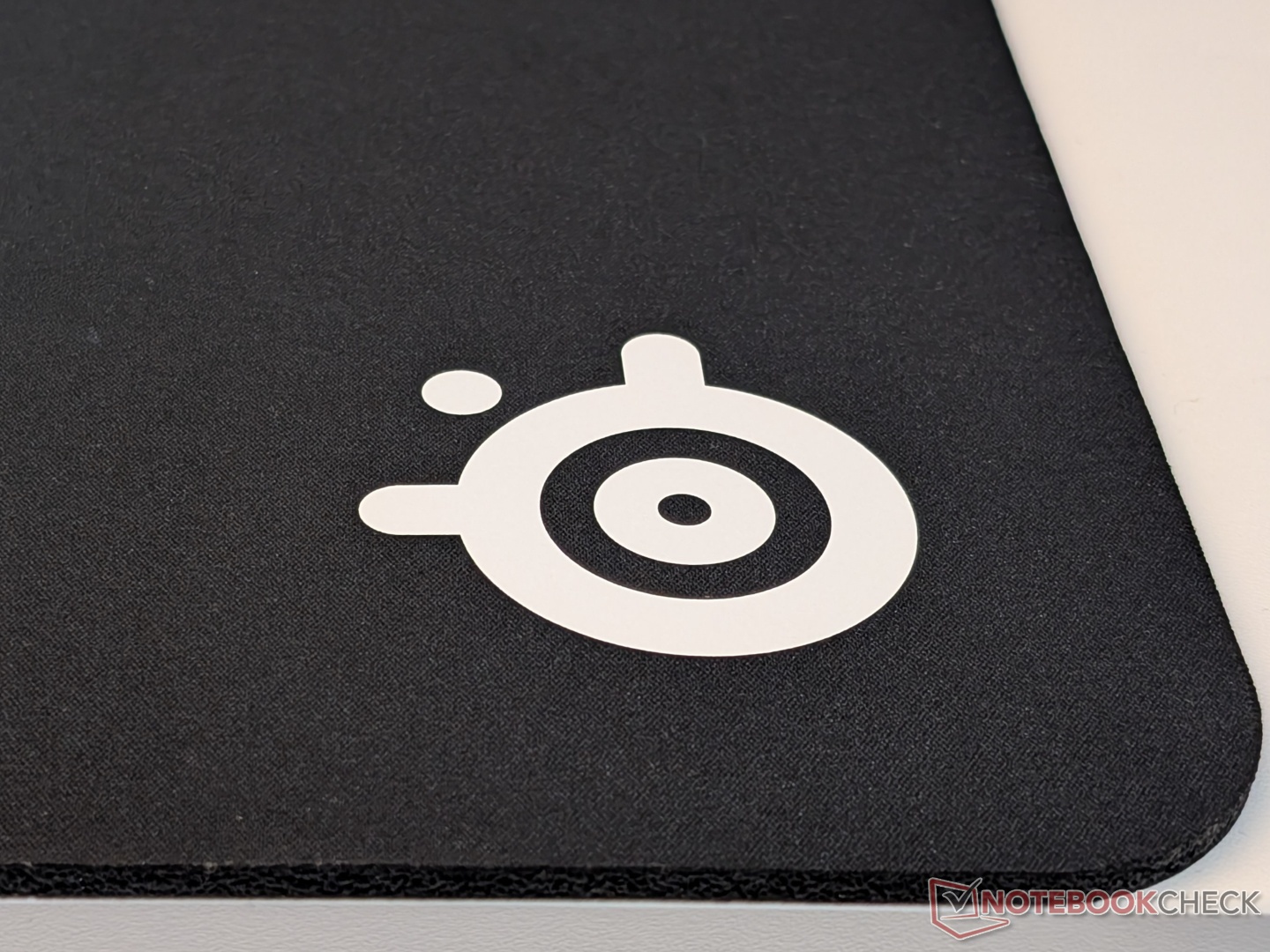
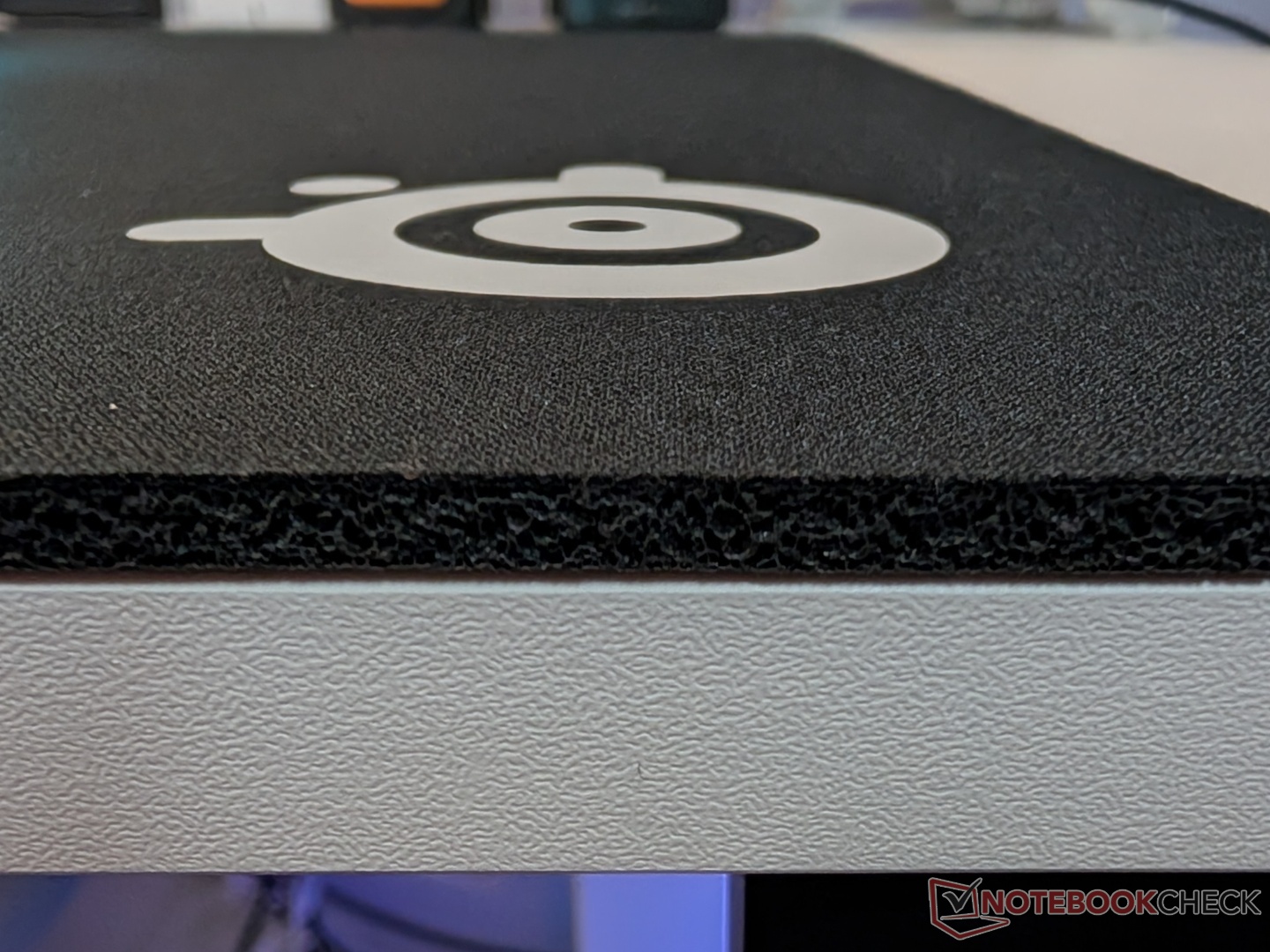
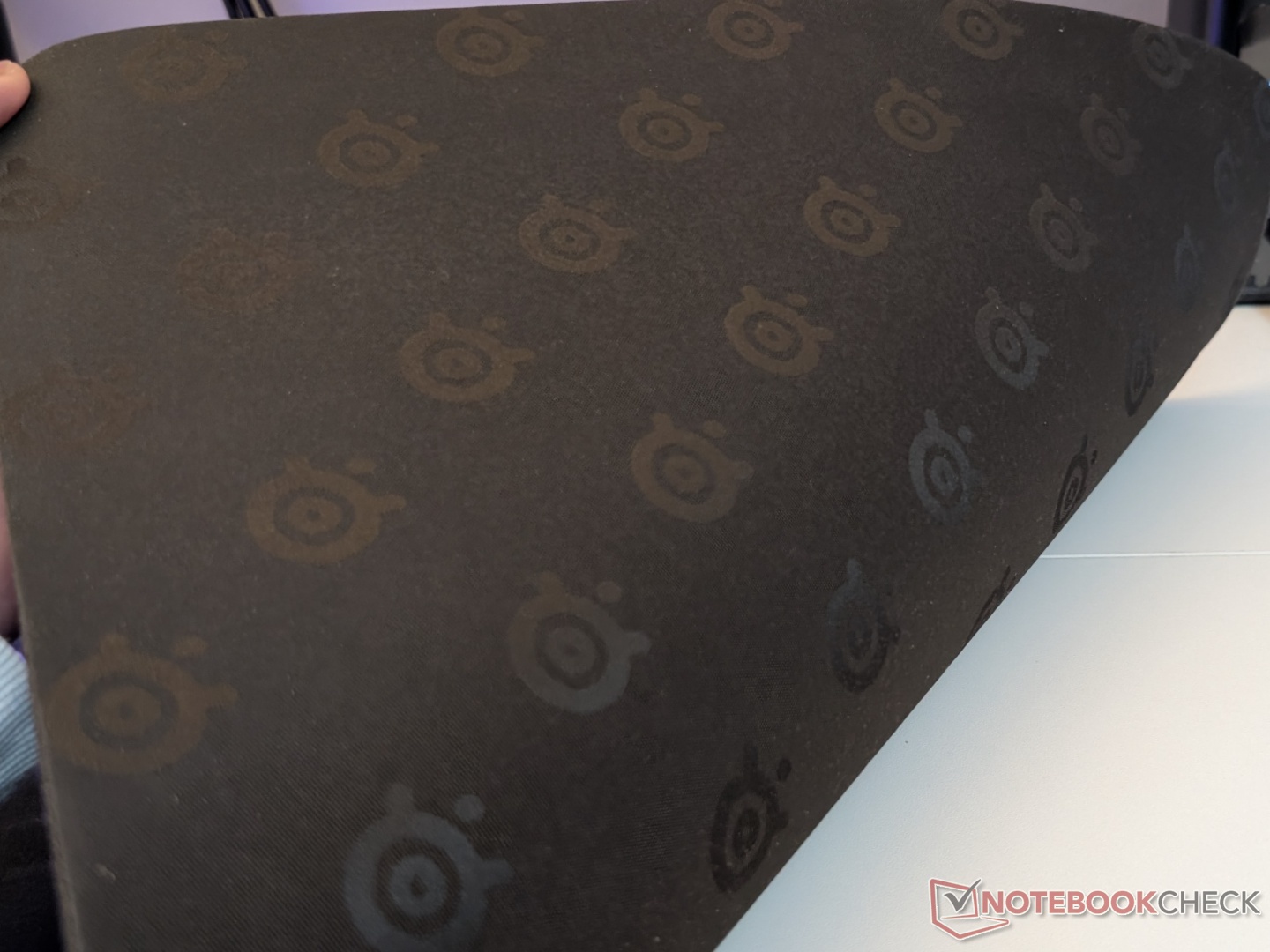
Coming to the QcK Heavy mousepad, we checked out the black XXL version. It feels like a thin piece of foam, even though it’s a cloth mousepad. There is no stitching around the edges, so nothing irritates your wrist, which feels very comfortable. It also stays in place thanks to the rubberised bottom. The prominent white SteelSeries logo at the bottom right is a nice accent to the all-black mousepad.
Sensor performance
SteelSeries has upgraded the sensor to the TrueMove Optical from the TrueMove Air, and it is now capable of up to 26,000 DPI/CPI. Another upgrade is the 4K polling rate, up from 1K on the original Aerox 3. Interestingly, this is the only gaming mouse in SteelSeries’ arsenal that goes over 1K polling up to 4K, when 8K is becoming the industry norm.
For some objective testing, we used MouseTester and Razer’s polling rate testing tool to get data on different key points:
DPI variation
To measure variation in measured versus set DPI, the Aerox 3 Wireless Gen 2 was moved 10 cm horizontally at a consistent speed across different DPI settings. All tests were done with the 2.4 GHz wireless connection at 1,000 Hz and then at 4,000 Hz polling rate. An average from three readings was used for each DPI test. We found that the measured DPI was higher than the set DPI in all ranges, but by just over 6%, indicating negligible DPI variation.
At 1K polling rate
| Set DPI | Measured DPI (average of three) | Variance (%) |
|---|---|---|
| 400 | 413 | +3.17 |
| 800 | 806 | +0.79 |
| 1200 | 1262 | +5.14 |
| 2400 | 2430 | +1.24 |
| 6400 | 6479 | +1.23 |
| 13000 | 13039 | +0.30 |
| 26000 | 26378 | +1.45 |
At 4K polling rate
| Set DPI | Measured DPI (average of three) | Variance (%) |
|---|---|---|
| 400 | 425 | +6.25 |
| 800 | 815 | +1.88 |
| 1200 | 1265 | +5.42 |
| 2400 | 2432 | +1.33 |
| 6400 | 6418 | +0.28 |
| 13000 | 13160 | +1.23 |
| 26000 | 26219 | +0.84 |
Speed-related Accuracy Variance (SRAV)
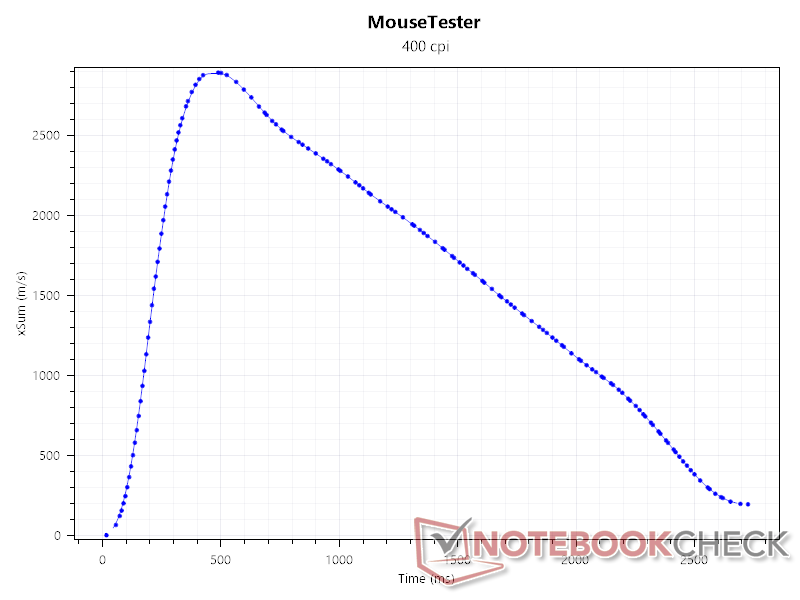
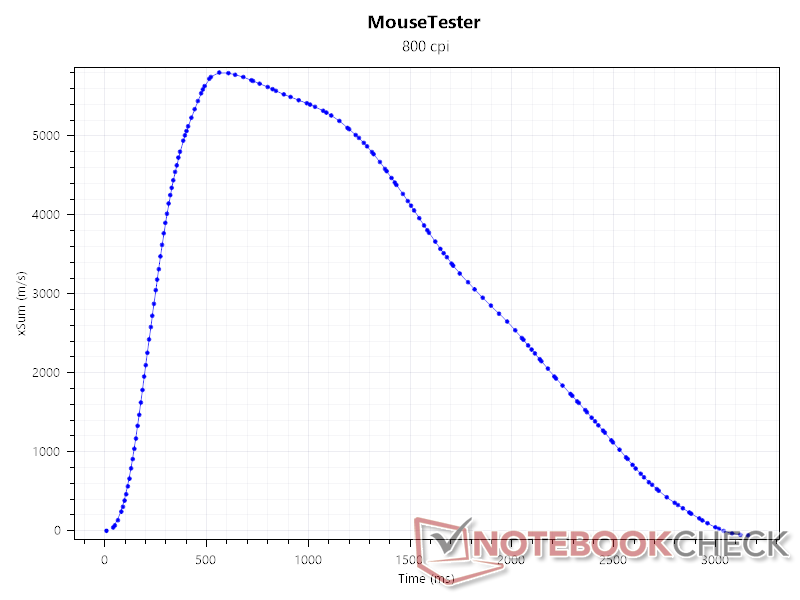
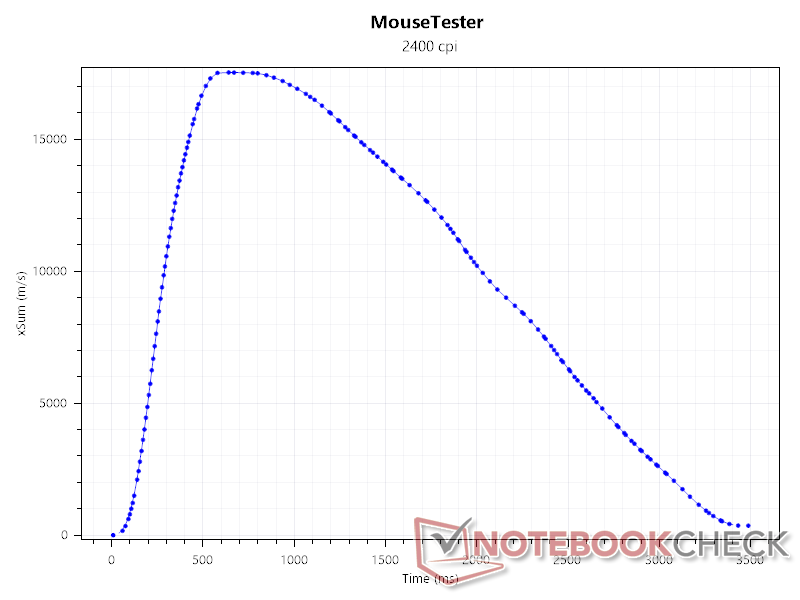
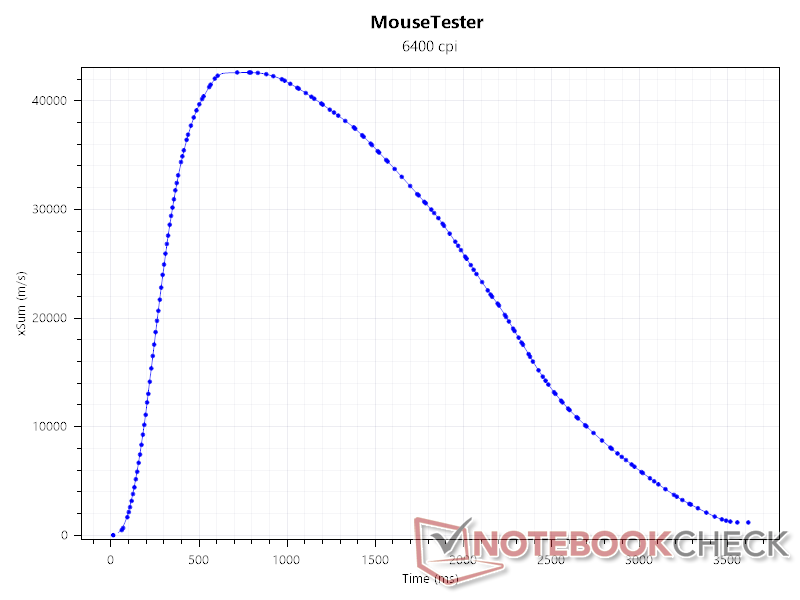
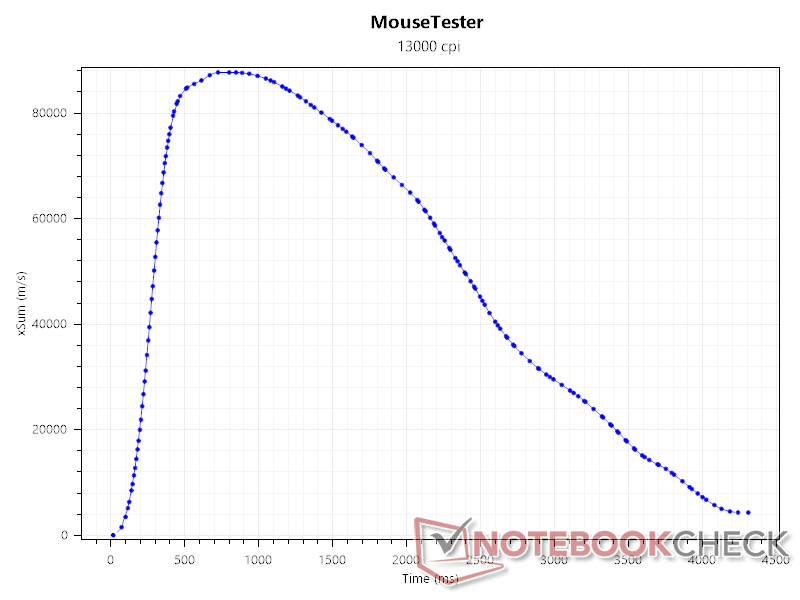
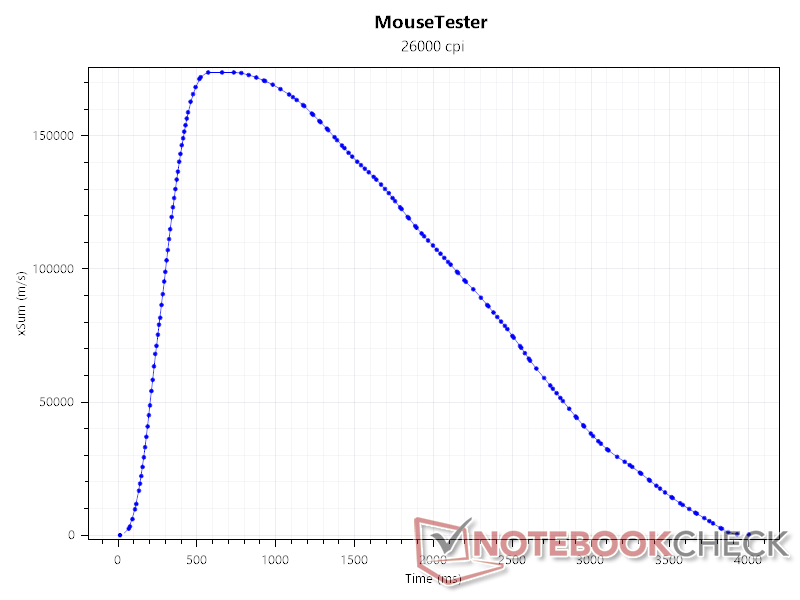
This test helps identify if there is any acceleration or deceleration baked into the mouse. The associated setting in SteelSeries GG was turned off, and the mouse was rapidly accelerated horizontally, then slowly brought back to the starting position. There was no inherent acceleration or deceleration at any of the DPI settings.
Sensor count
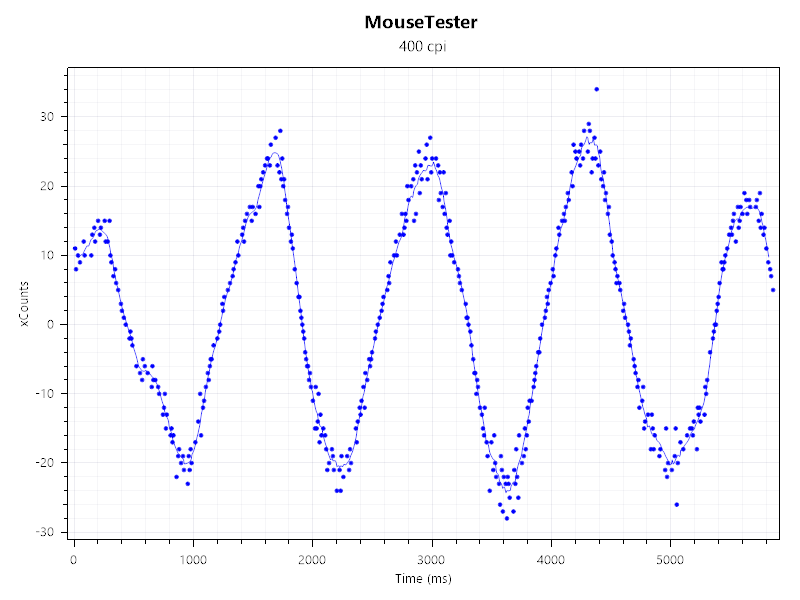
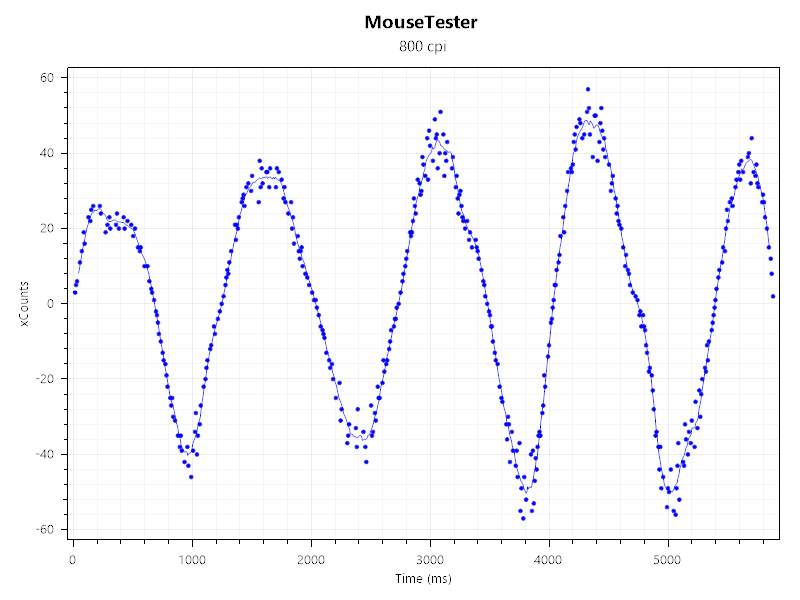
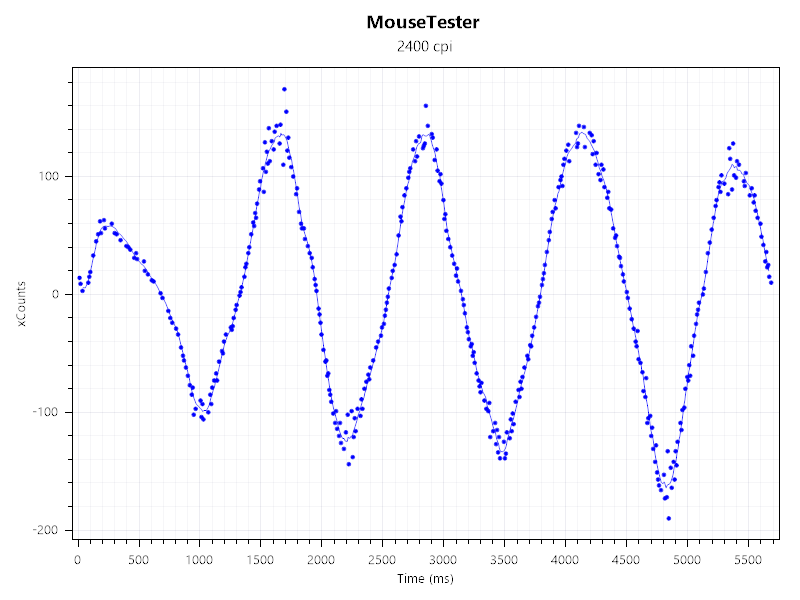
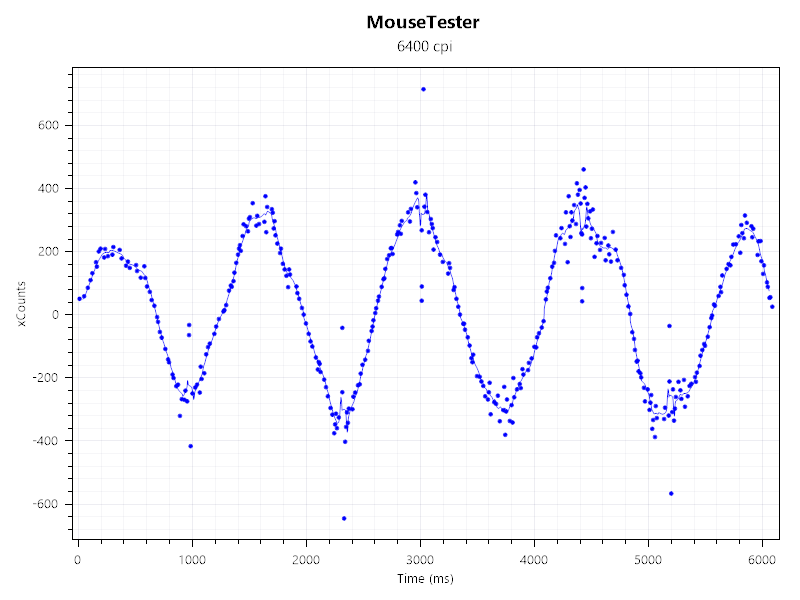
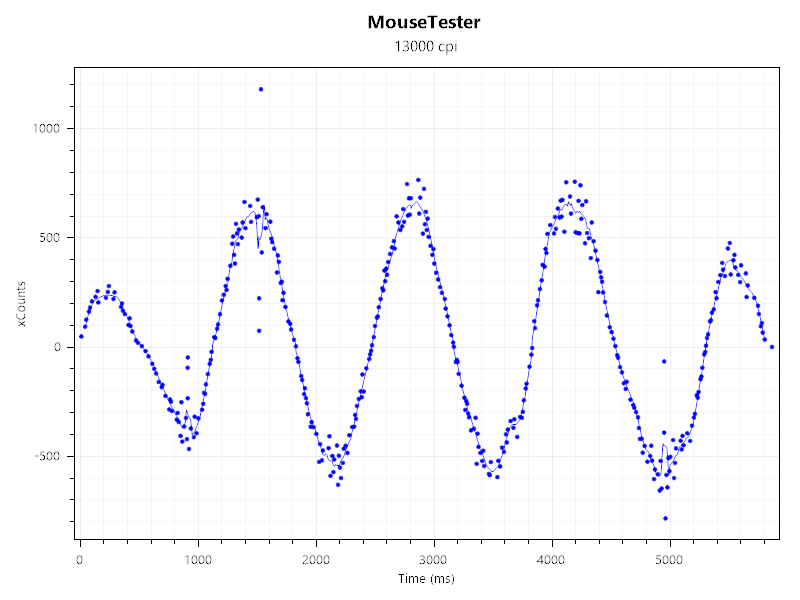
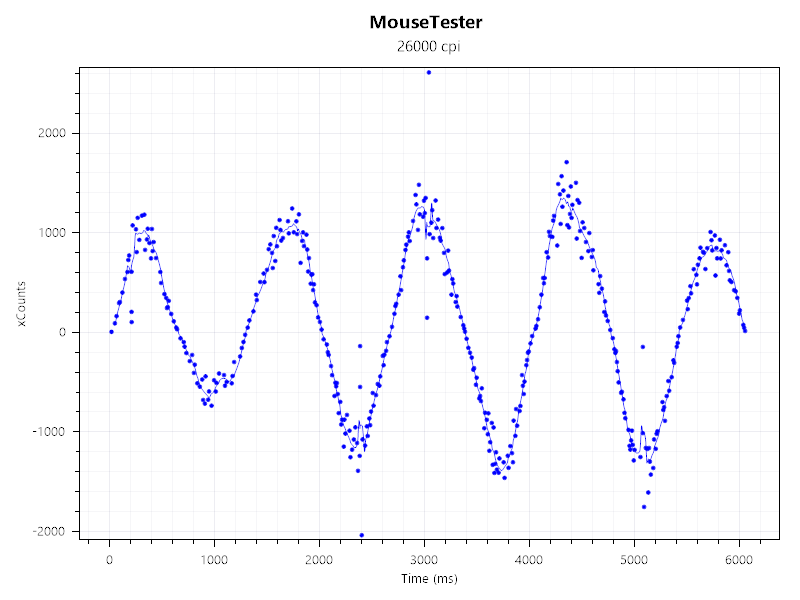
For this test, we moved the mouse in a circular motion, completing four loops at a consistent speed, and found nothing alarming about the sensor count either. The Aerox 3 Wireless Gen 2 had no issues tracking inputs at the different DPI settings. The few anomalous readings can be attributed to the mousepad/test surface.
Polling rate
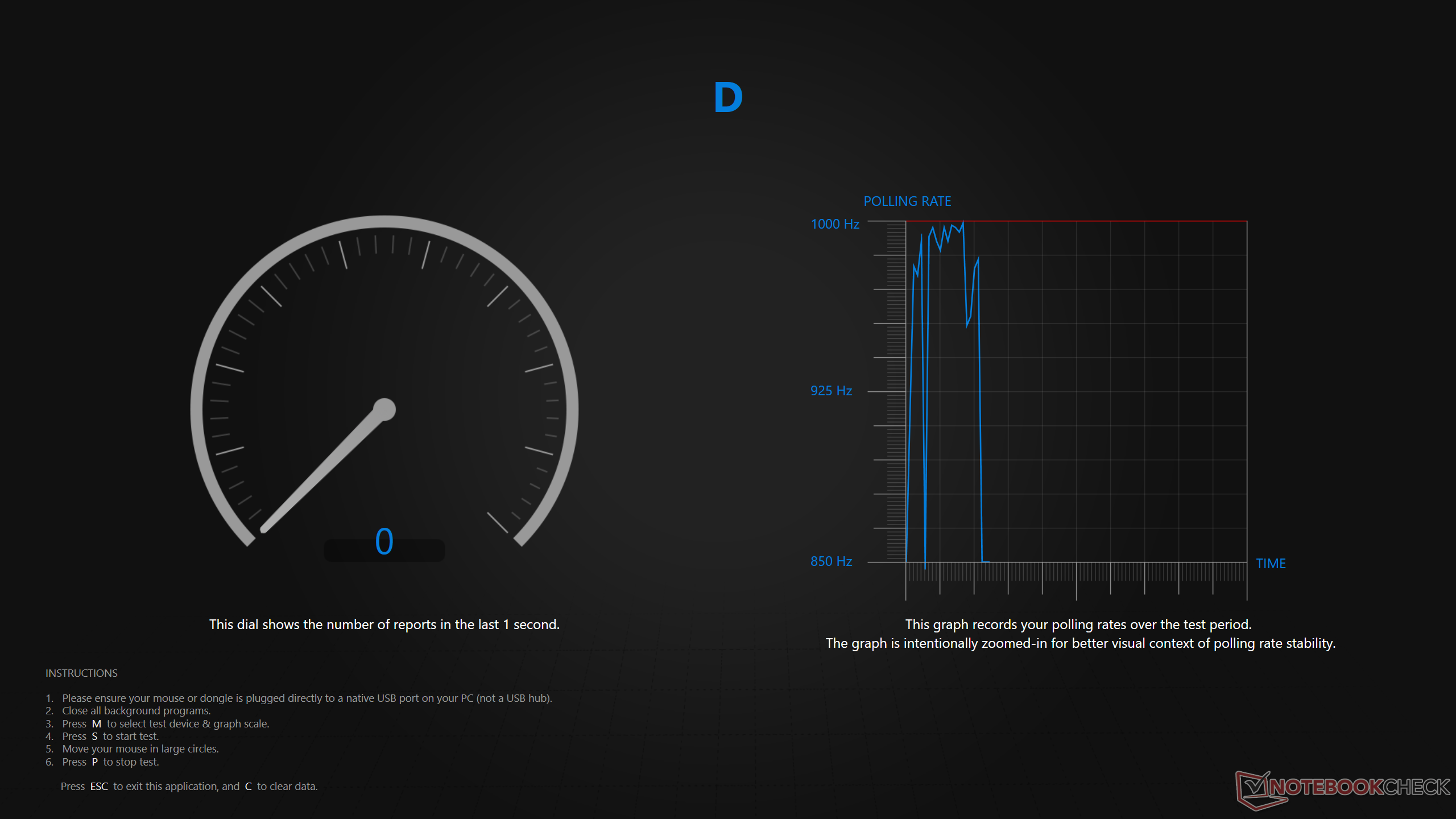
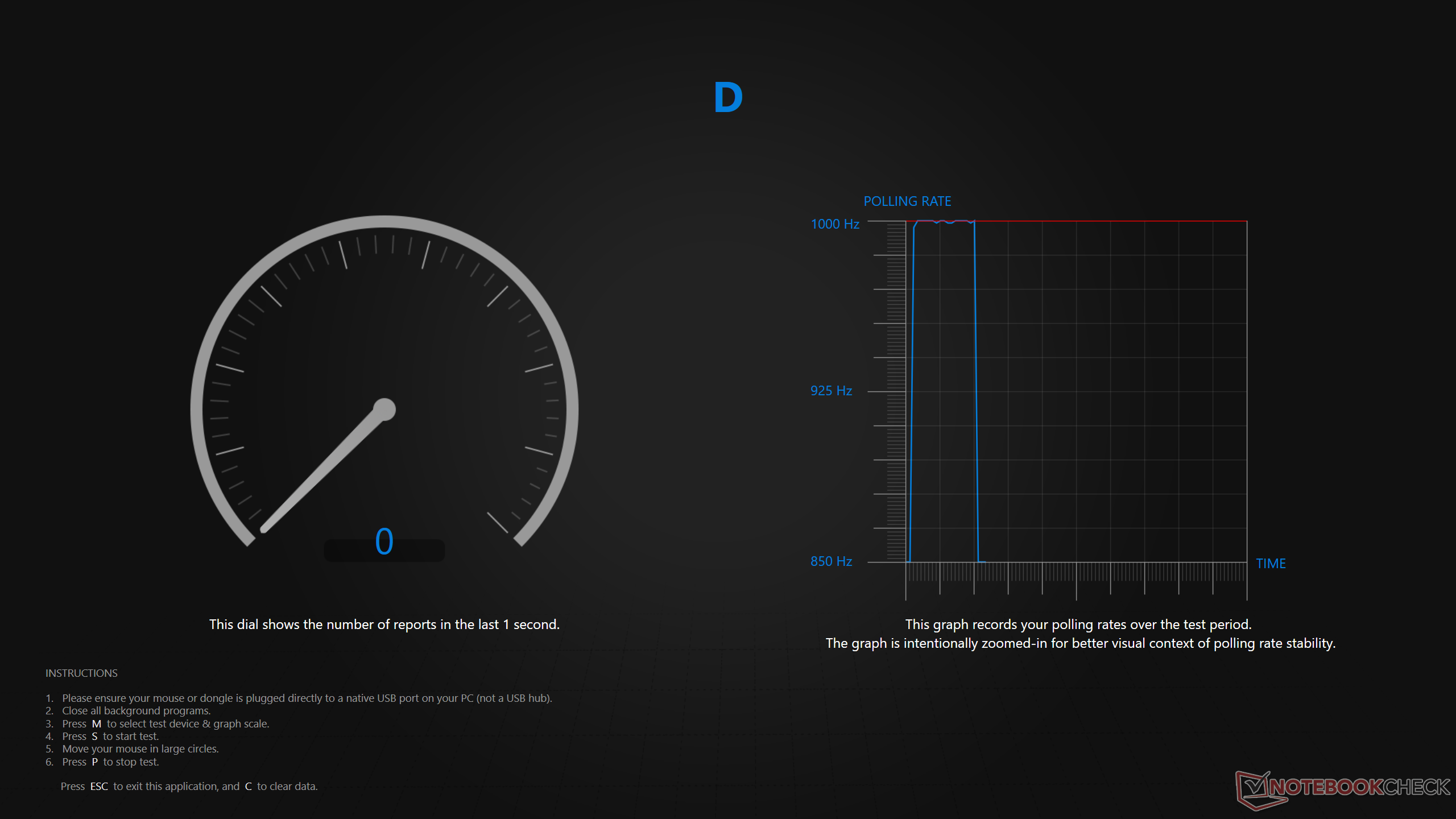
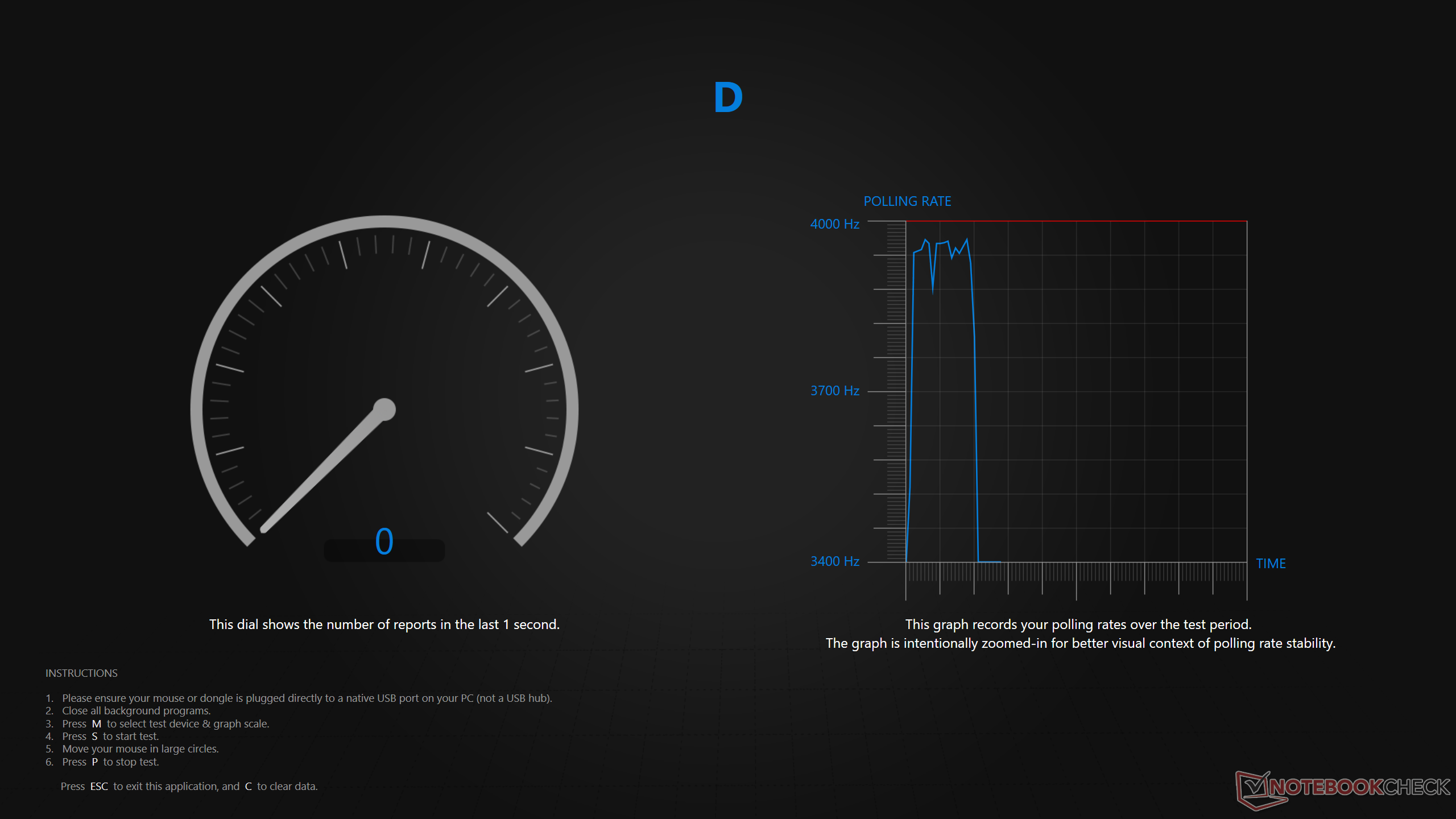
Since the mouse supports up to 4K (4,000 Hz) polling rate in 2.4 GHz mode, we used Razer’s polling rate testing tool. In wireless mode at 1K, the polling rate peaked at 999 Hz, while in 4K, it peaked at 3,967 Hz. In wired mode, the Aerox 3 goes up to 1,000 Hz only, but the polling rate was much more consistent than the wireless connection.
Mousepad usability
As for the QcK Heavy mousepad, it is meant for control/accuracy and not speed, due to its fine-textured surface. Especially coming from the NZXT Zone Elite mousepad that has an ultra-smooth surface, the difference is night and day. Those who prefer the relatively higher friction will find the QcK Heavy to be ideal. Regardless, it is very comfortable and doesn’t eat into the wrist, as some other mousepads that have stitched edges do. Despite its 4 mm thickness, it's soft enough not to feel too thick.
Software
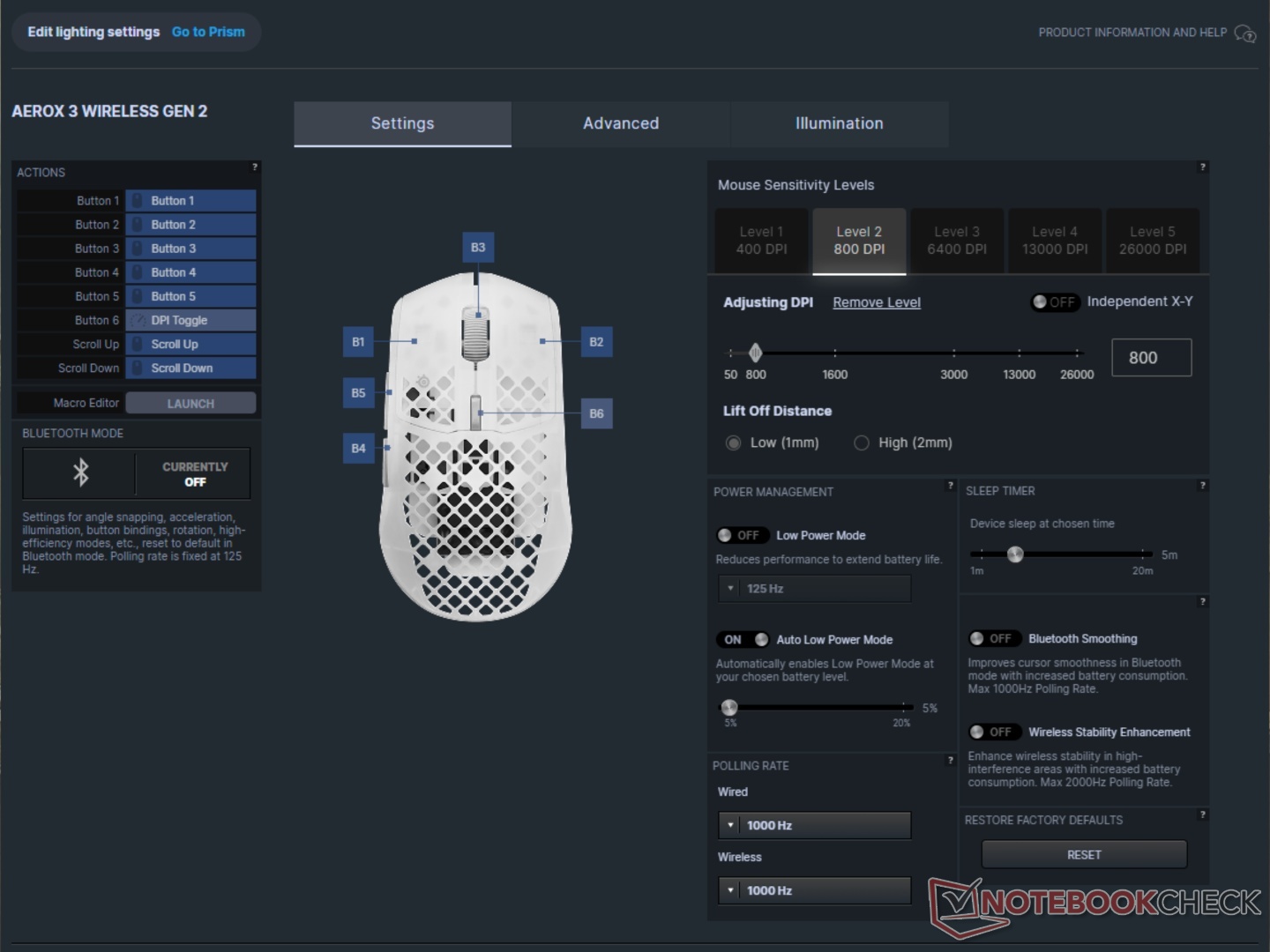
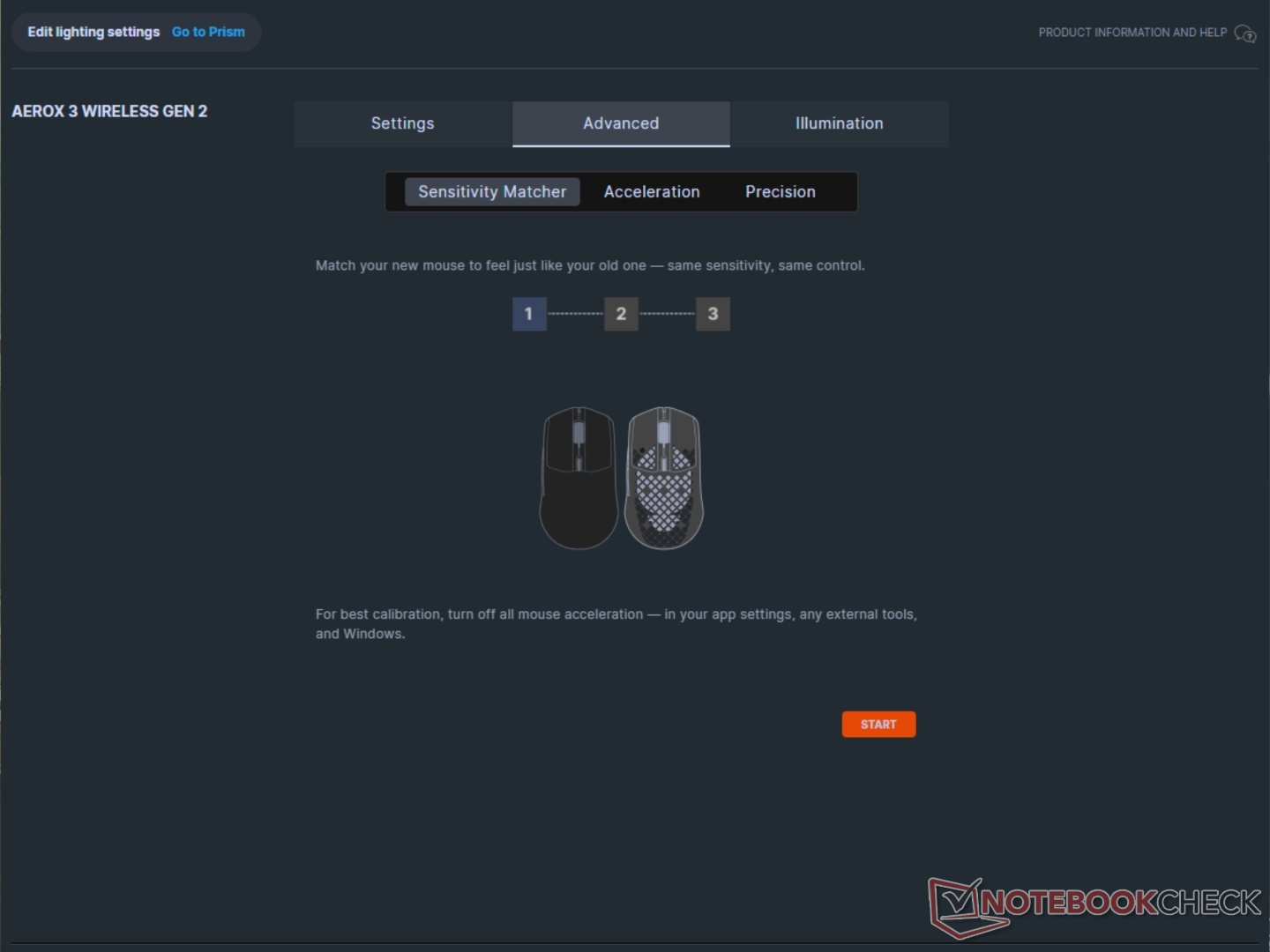
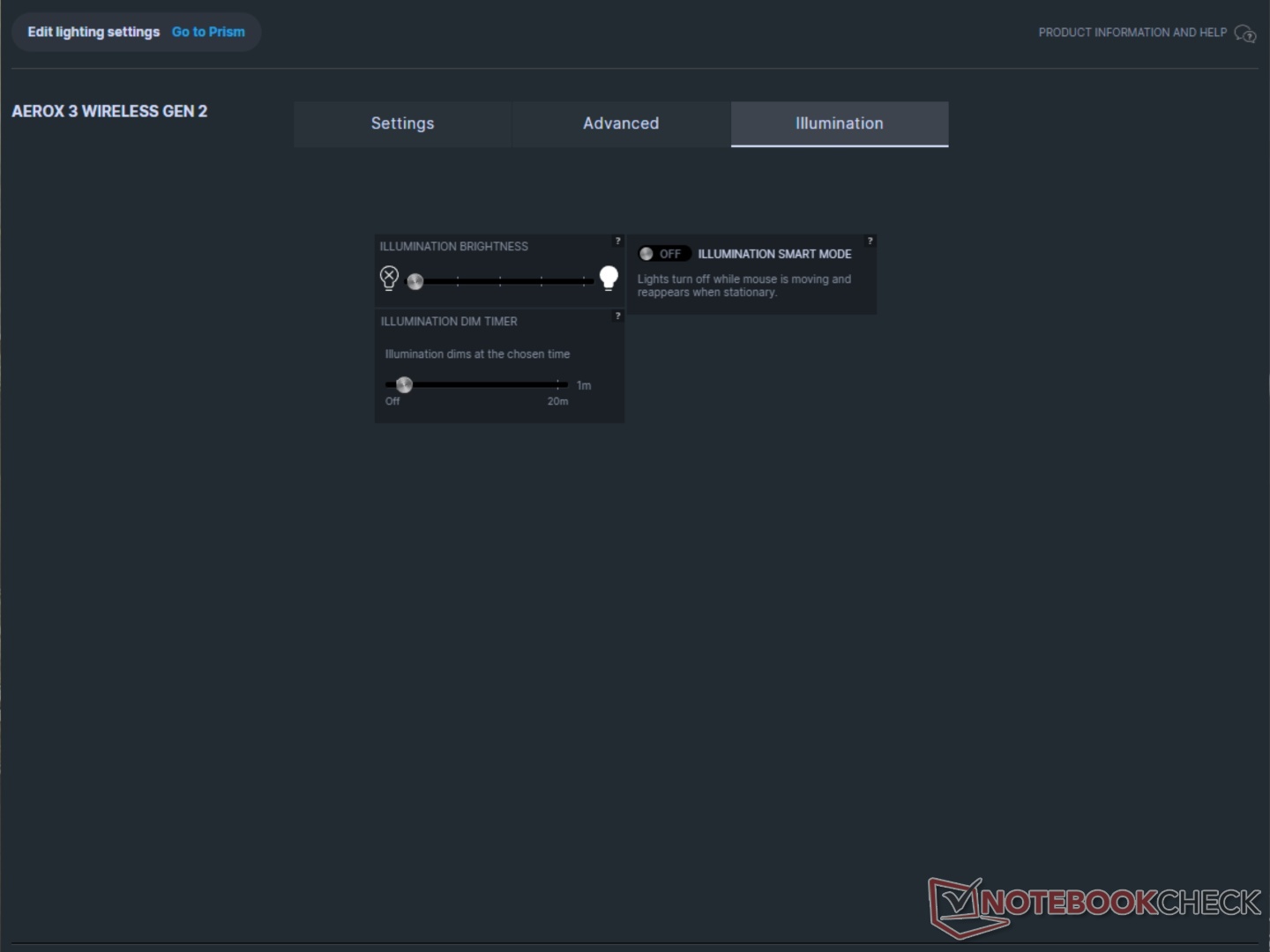
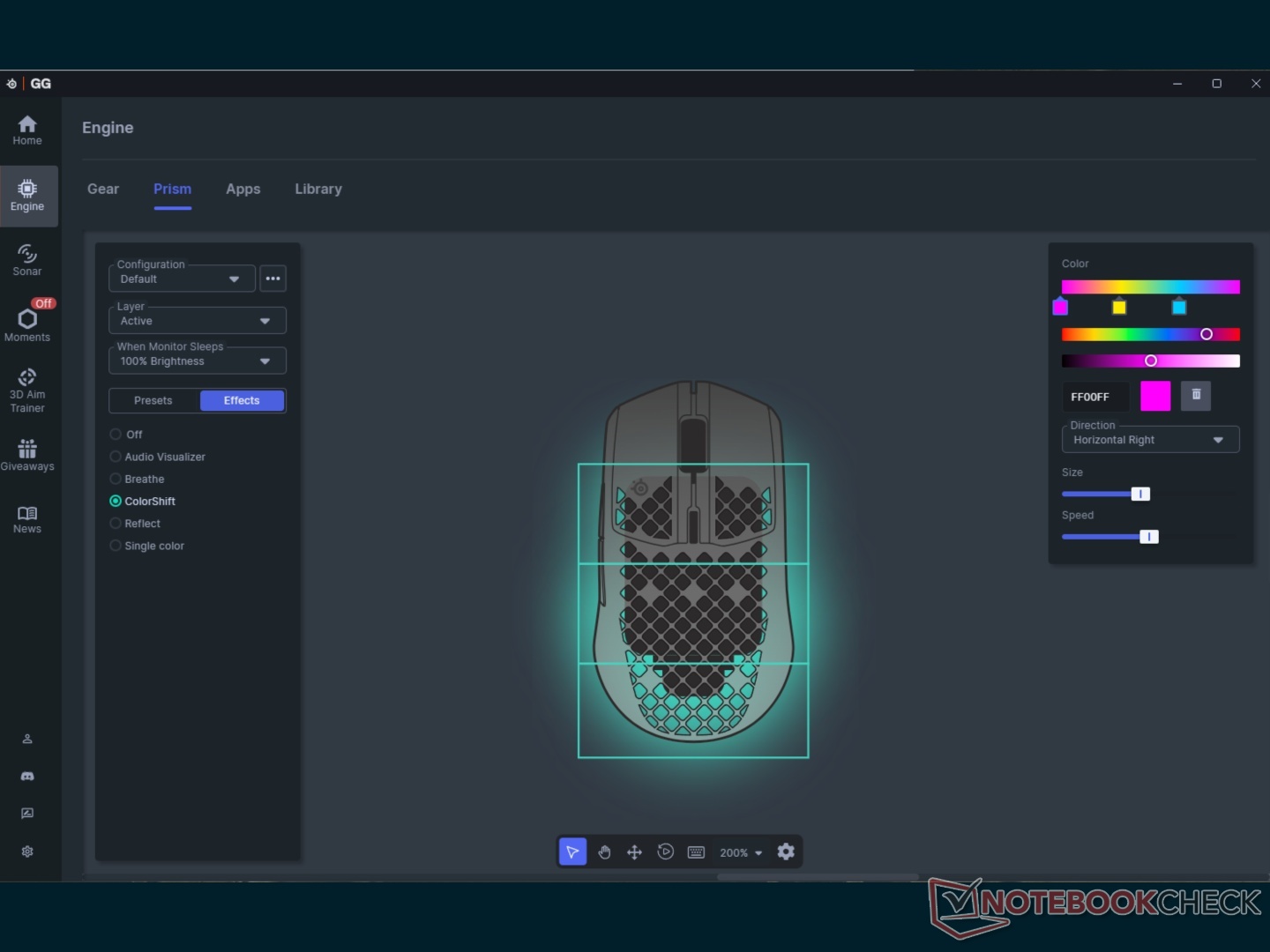
SteelSeries GG is the one-stop shop for all customization. The ‘Engine’ handles the performance settings while ‘Prism’ handles the lighting. Engine has an industrial design, but it is easy to use and shows real-time results. It also features global settings for lighting, which can be customized per zone via Prism.
Battery life
SteelSeries advertises up to 120 hours at 1K polling rate and 200 hours on Bluetooth with RGB turned off. We used the Aerox 3 with a combination of the two and found that it lasted about a week before dropping to below 5%. Switching to 4K polling will drain the battery in less than two days. It does charge back up to full very quickly.
Transparency
The selection of devices to be reviewed is made by our editorial team. The test sample was given to the author by the manufacturer free of charge for the purposes of review. There was no third-party influence on this review, nor did the manufacturer receive a copy of this review before publication. There was no obligation to publish this review. As an independent media company, Notebookcheck is not subjected to the authority of manufacturers, retailers or publishers.
 Add as a preferred source on Google


