




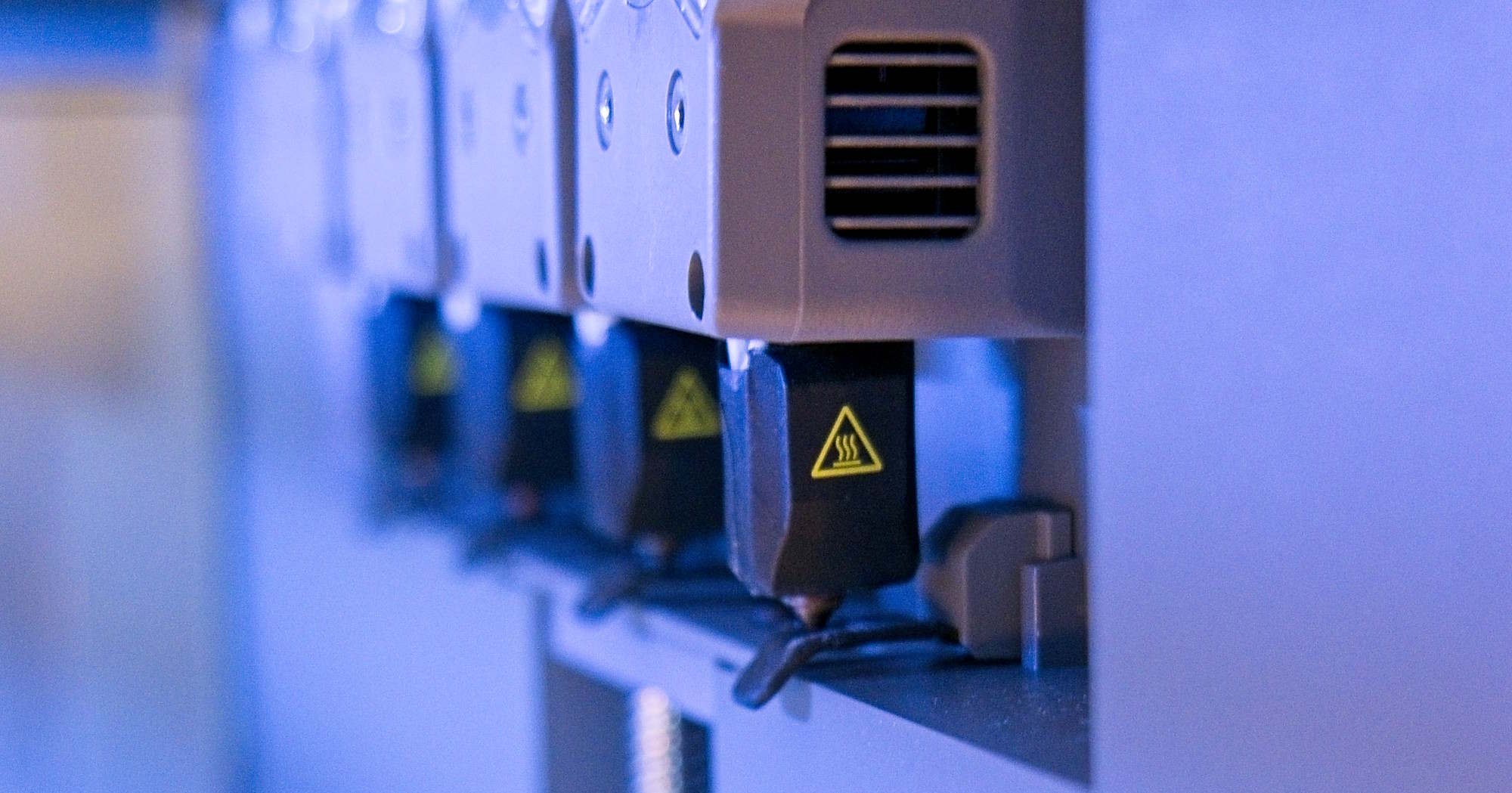
Four print heads, less waste: Creator 5 Pro tested
A team of four.
Featuring four modular print heads, the Flashforge Creator 5 Pro promises fast and precise multi-color and multi-material 3D printing. Our review examines how well its tool-changing system performs in practice, highlights its practical limitations, and reveals who this printer is best suited for.Silvio Werner (translated by Silvio Werner) Published 🇩🇪 🇳🇱 ...
The Creator 5 Pro Is a Good Choice for Fans of Multicolor Printing
The Flashforge Creator 5 Pro is a very good 3D printer—especially, though not exclusively, for complex multi-color or multi-material projects. Depending on the configuration, its four modular print heads render certain prints far more practical, or even achievable in the first place. Conceptually, the four-head layout delivers clear efficiency advantages and short travel paths without the added mechanical complexity of external filament systems. However, users are capped at a maximum of four filaments, and there is currently no official filament dryer—though virtually any third-party dryer works without issue.
Print quality remains top-tier even when switching between multiple nozzles, holding up well across both large-scale builds and fine, detail-critical models. Nevertheless, prospective buyers should evaluate whether they truly require a dedicated toolchanger, as the Creator 5 Pro is a specialized machine. For many home users, an option like the Bambu Lab X2D with its dual non-equivalent nozzles may be the more practical choice.
Otherwise, the Creator 5 Pro exhibits few real weaknesses: its lengthy startup routine, manual filament handling, and lack of a native dryer are all easy enough to live with. A more polarizing drawback is that the printer purges directly into the build chamber. The Snapmaker U1 stands out as a viable alternative, though it commands a higher price point even without an enclosure, leaving it with an open build volume out of the box.
Pros
Cons
Price and Availability
The Flashforge Creator 5 Pro is available on Amazon. It is currently priced at 849 dollars.

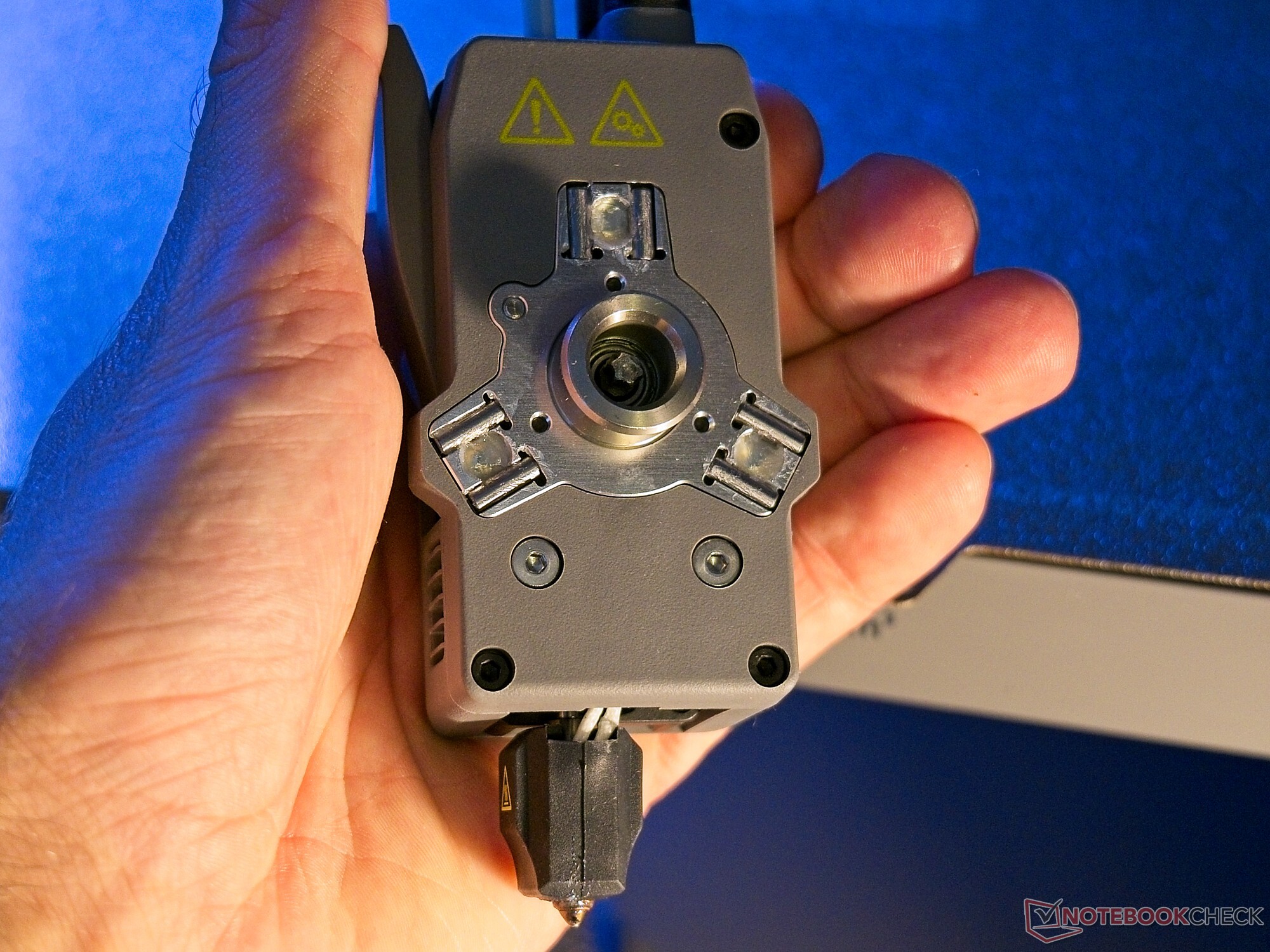
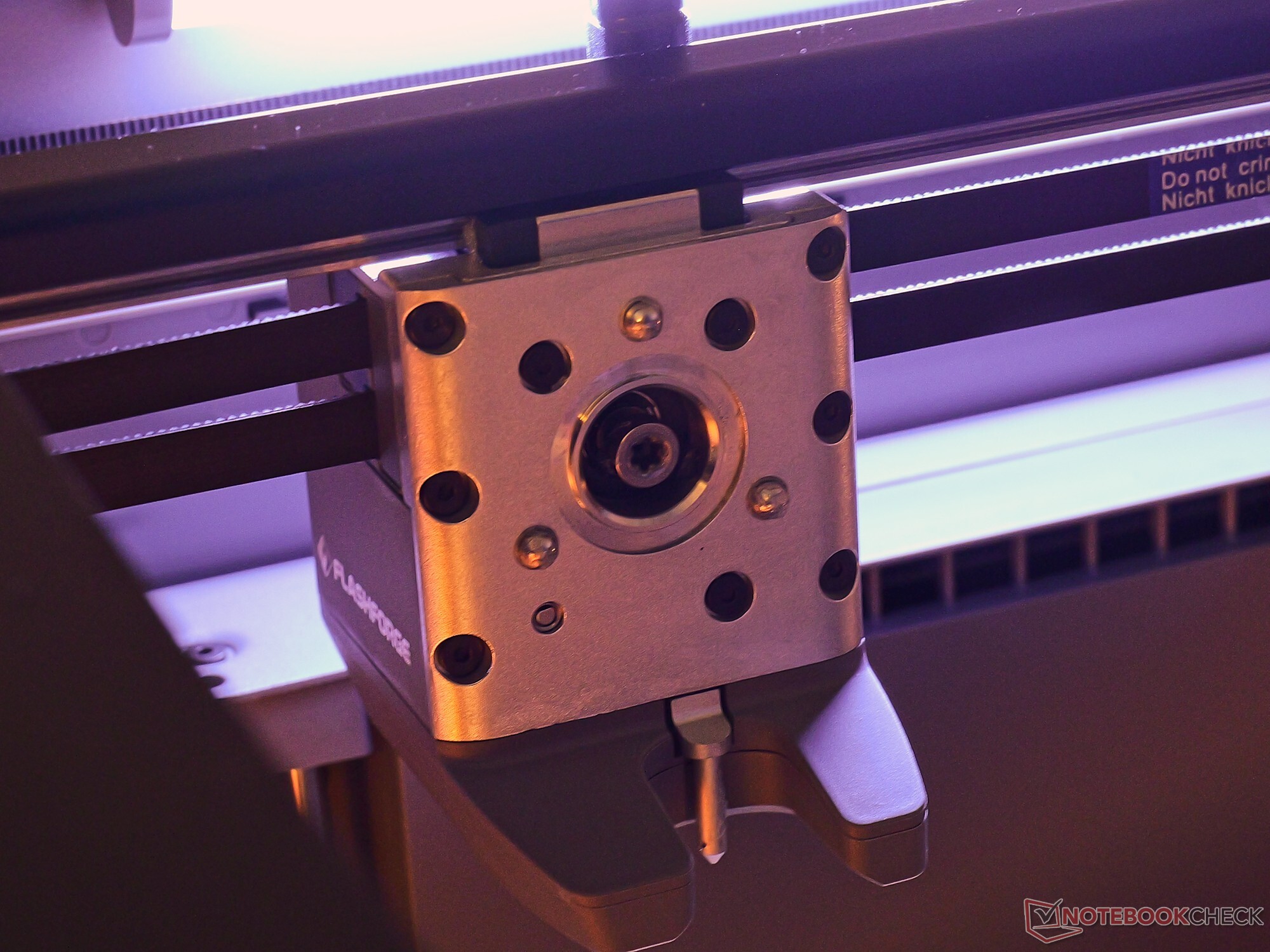
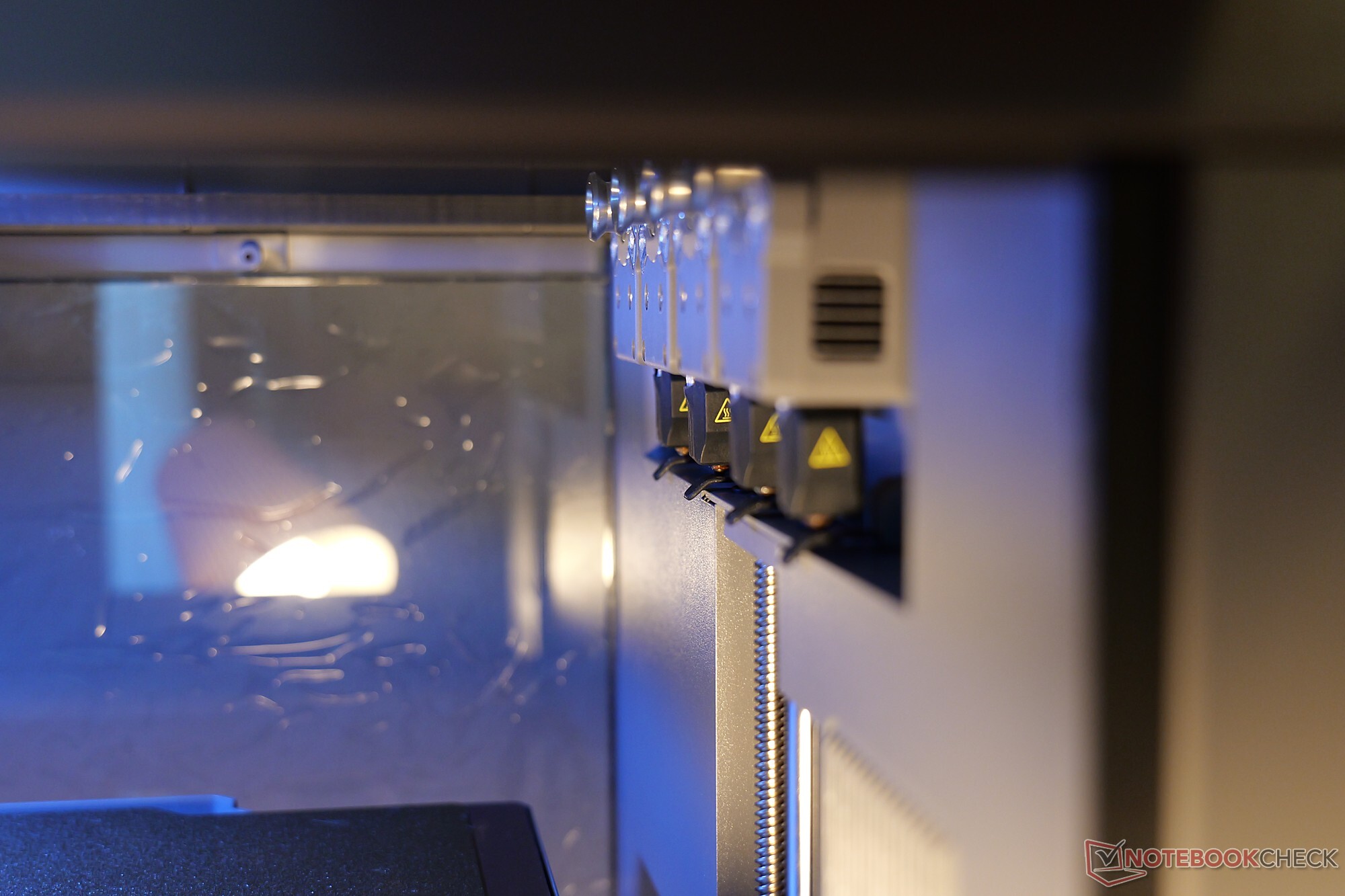
The Flashforge Creator 5 Pro is an enclosed 3D printer with a toolhead that holds one of four print heads.
Specifications
| Flashforge Creator 5 Pro | 3D Printer |
| Technology | FDM |
| Build volume | 256 x 256 x 256 mm |
| Dimensions | 520 x 443 x 710 mm |
| Footprint | 600 x 700 x 800 mm, our recommendation (fits on a 500 x 500 plate) |
| Weight | 18 kilograms |
| Motion system | CoreXY |
| Extruder | Direct Drive |
| Print bed used | magnetic, flexible Textured PEI Plate |
| Temperatures | print nozzle 320°C, heated bed 120°C, build volume 60°C |
| Connectivity | Wi-Fi, USB (manufacturer’s specifications) |
| Controls | touchscreen, desktop and smartphone app |
| Special features | tool changer with four print heads |
Who Needs a Tool Changer?
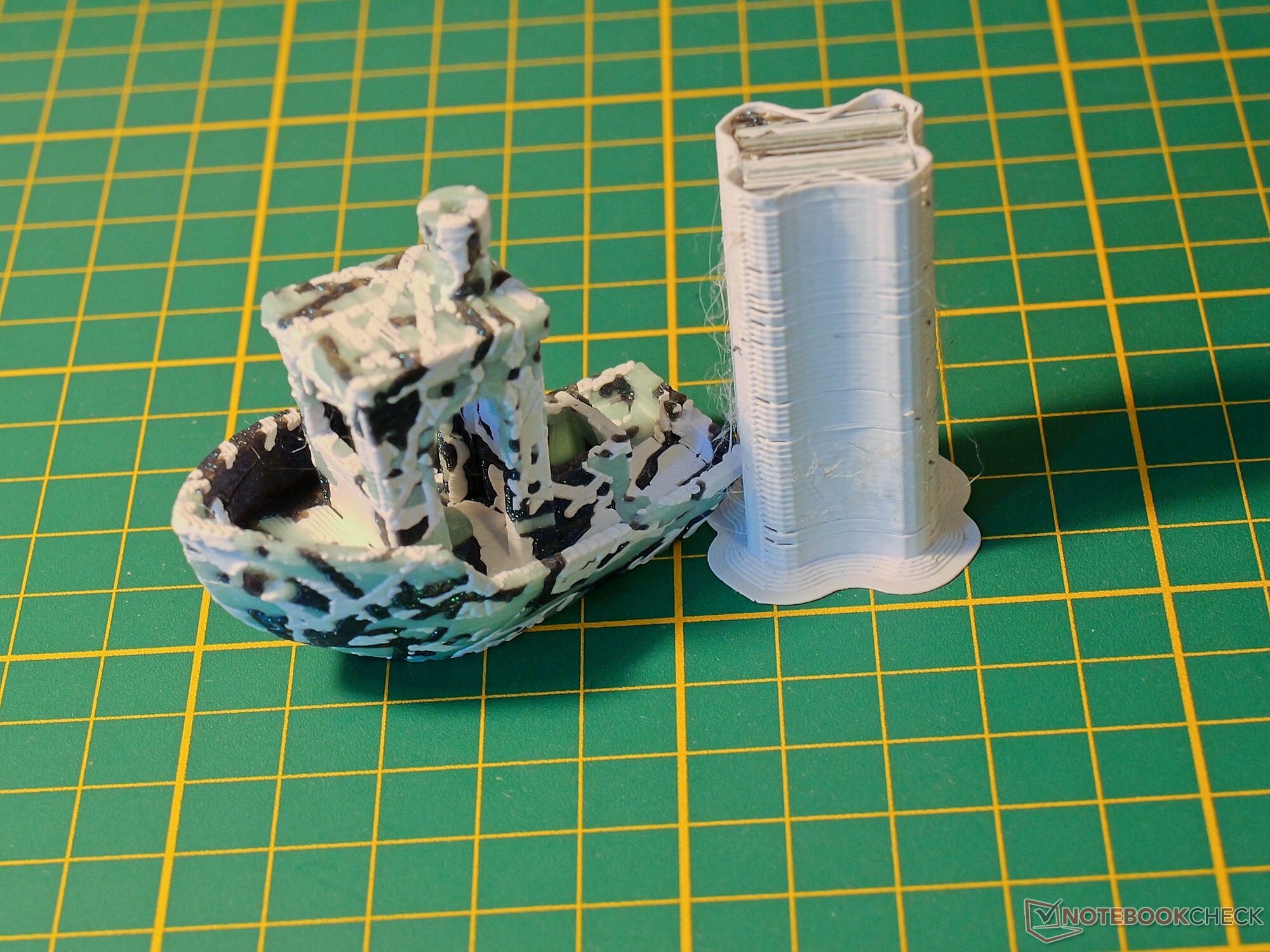
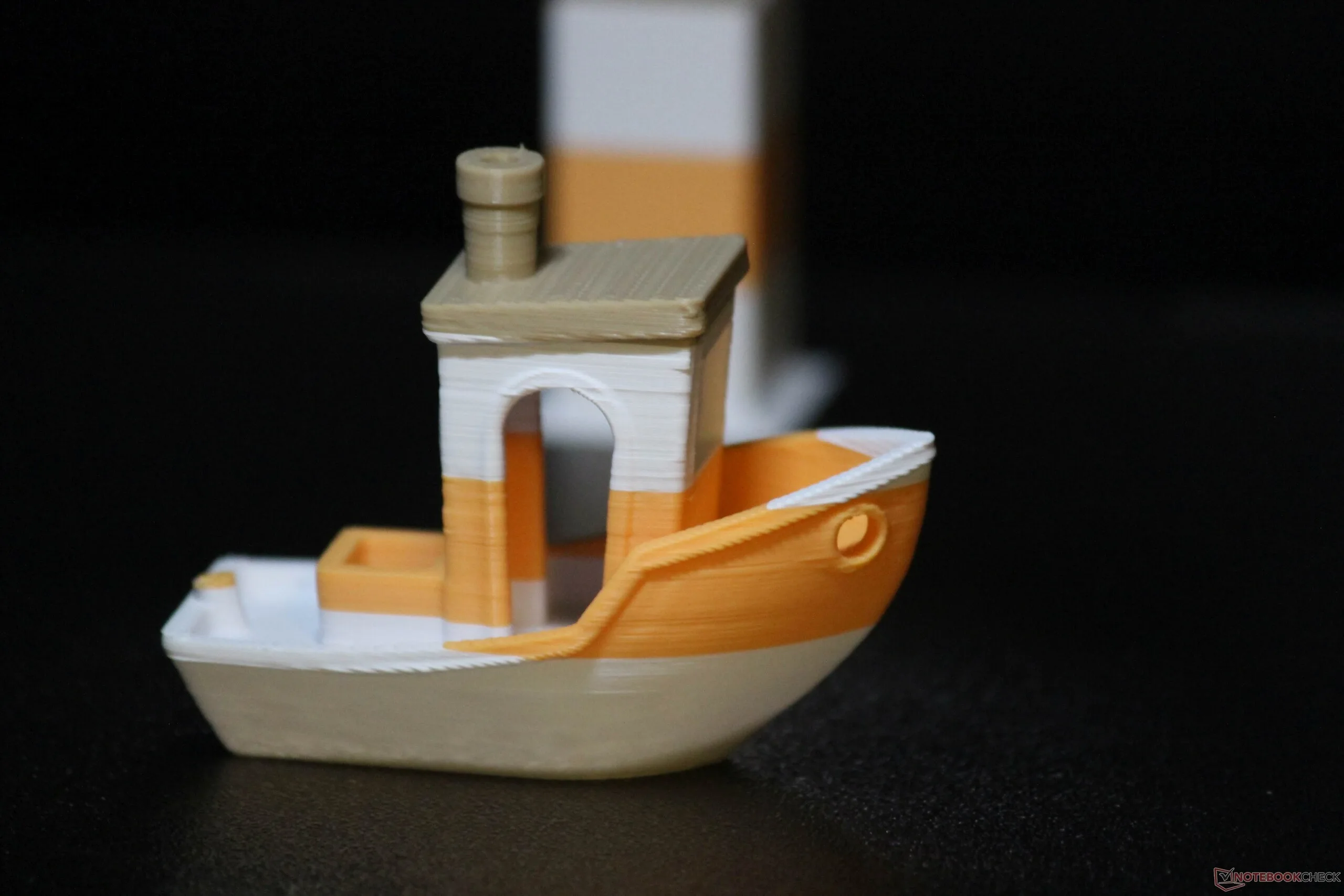
The Flashforge Creator 5 Pro is a 3D printer with a single toolhead and four modular print heads. Before we discuss the device itself, it’s important to place it and alternatives such as the Snapmaker U1 within the wider world of 3D printing—because this is highly relevant to the purchasing decision. In effect, this already involves working through a decision tree. The Flashforge Creator 5 Pro is a 3D printer capable of multi-filament printing. This means it can print with multiple colors or filament types without manual intervention. The Creator 5 Pro uses four print heads, each loaded with one filament. The filament must be loaded manually. However, thanks to the four print heads, four filaments can be used in a single print run.
Other printers take a different approach: Here, the filament for one or more nozzles is changed during printing via a feed system equipped with a filament cutter. Provided that a suitable filament feed system is available, printers with just one print nozzle can therefore handle a double-digit number of filaments. This means that anyone who wants to use more than four filaments in a single print will not be satisfied with the Creator 5 Pro—at least for now. That said, such cases are relatively rare. The use of four separate print nozzles offers major advantages, however. It completely eliminates the time- and material-intensive process of flushing the nozzle during color changes—although, by design, a head still has to be primed before use (we’ll return to the subject of priming and waste later). To change colors, the toolhead merely has to pick up a different print head.
Conceptually, there is another advantage: The Flashforge Creator 5 Pro is a 3D printer characterized by “short” and “direct paths.” The filament is pulled directly from the spool through the extruder and does not first pass through the gears of an external multi-material system. This reduces the number of potential sources of error, although in practice we have also found the filament feed systems of the Bambu Lab X2D, the Creality K2 Combo, and the Bambu Lab A2L to be very reliable. With the Flashforge Creator 5 Pro, the filament also has a small bend radius depending on the position of the print head—and always when it is in the storage position. However, this did not cause any problems during testing. Another advantage, particularly when compared with the Bambu Lab X2D, also falls into the category of specialized applications: All four print heads have an identical design, which can be advantageous when printing with multiple filaments made from flexible materials such as TPU.
Setup and Hardware
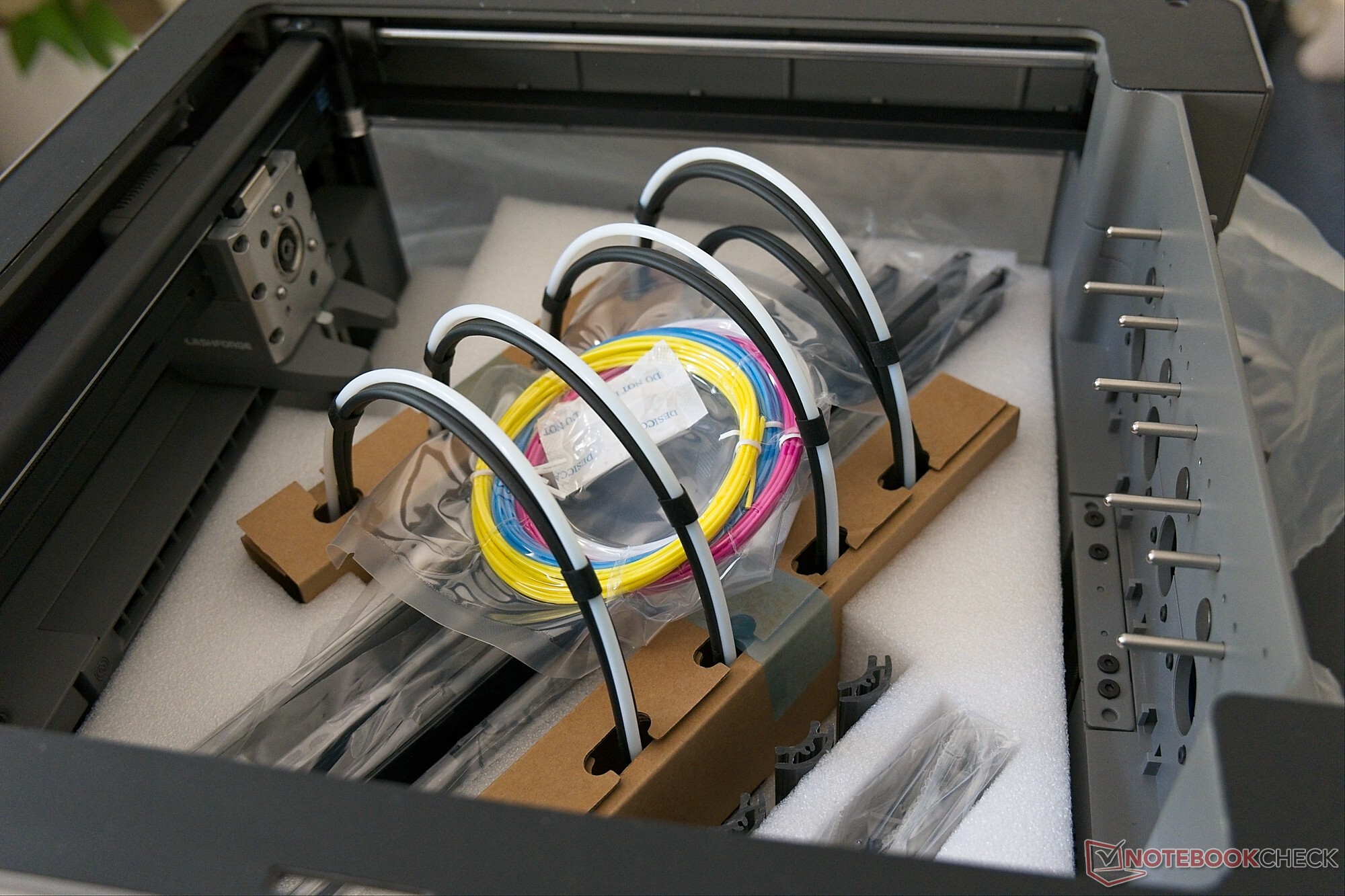
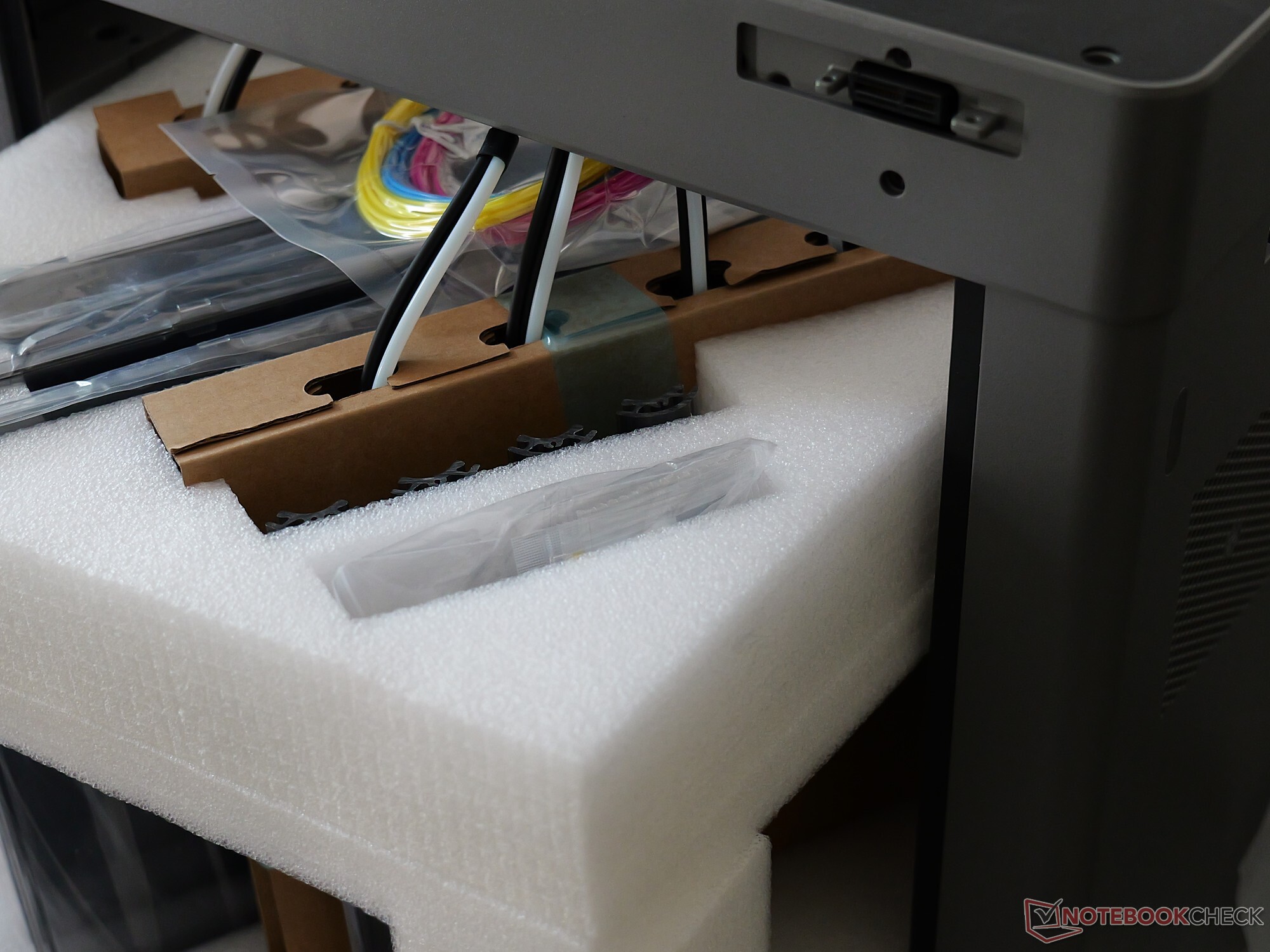
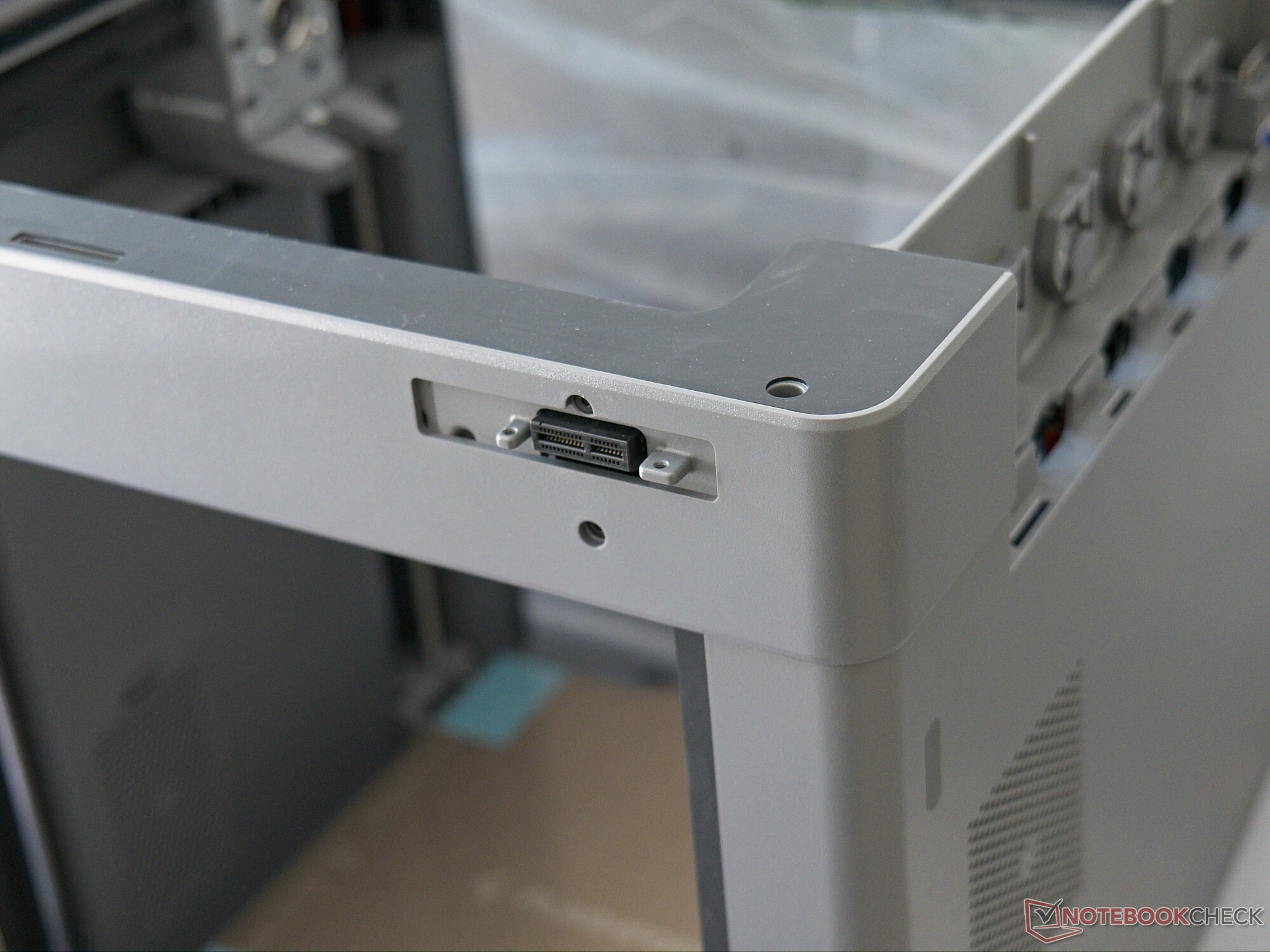
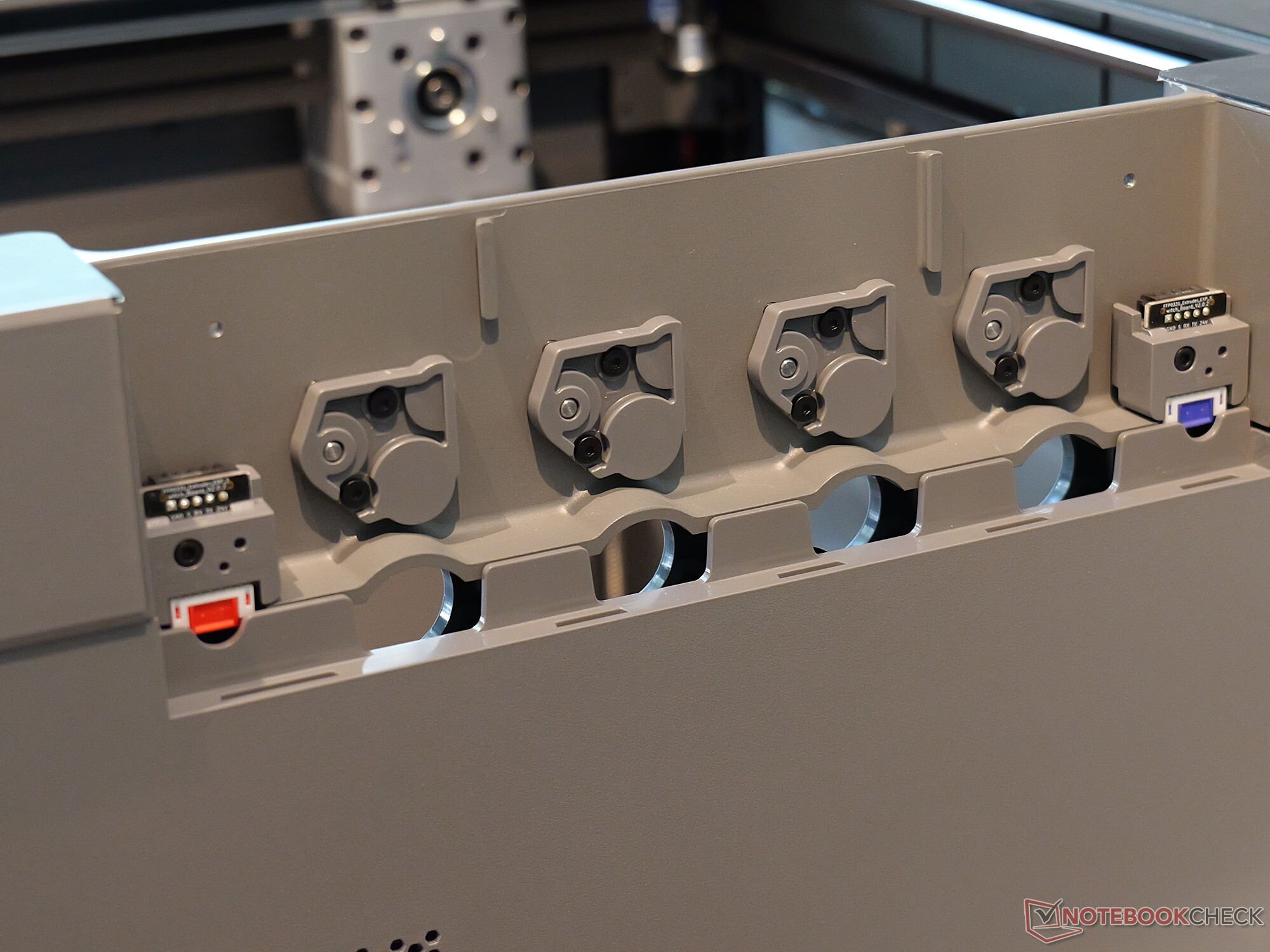
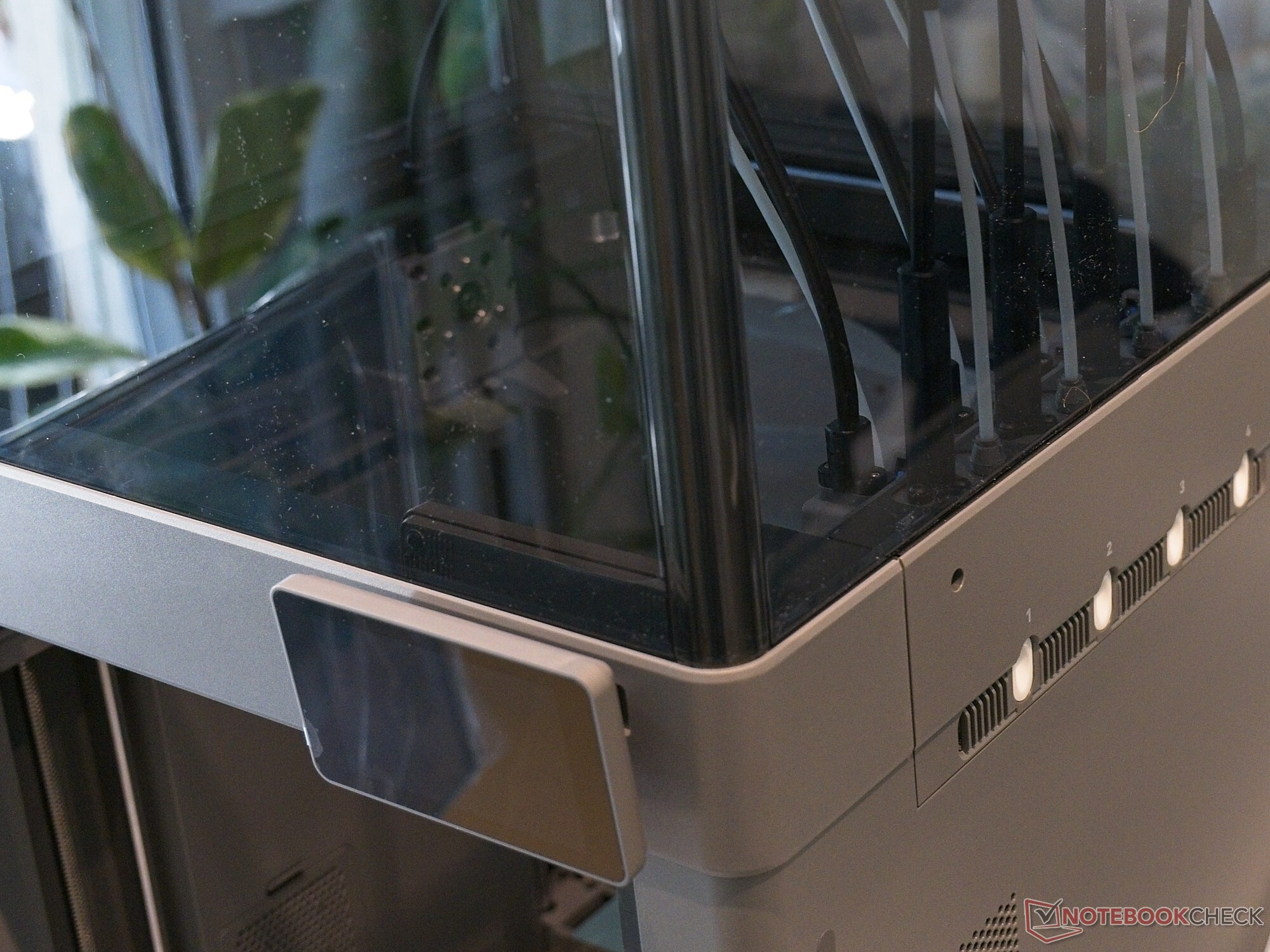
The Flashforge Creator 5 Pro is delivered in a single package. As an enclosed 3D printer, it does not require assembly in the conventional sense. However, the module that already contains all four print heads still has to be installed. The four filament holders and the screen must also be attached, and the shipping restraints must be removed. The plastic top cover also needs to be assembled. Assembly is straightforward. As usual, calibration follows installation; I connected the Flashforge Creator 5 Pro via Wi-Fi. At 73 centimeters (28.74 inches), the Flashforge Creator 5 Pro is quite tall, primarily because of the curved PTFE tubes. The top cover is easy to remove, making the build chamber readily accessible not only from the front but also from above. To allow the filament spools to be mounted comfortably, at least 60 centimeters (23.6 inches) of width and around 70 centimeters (27.6 inches) of depth should be available.
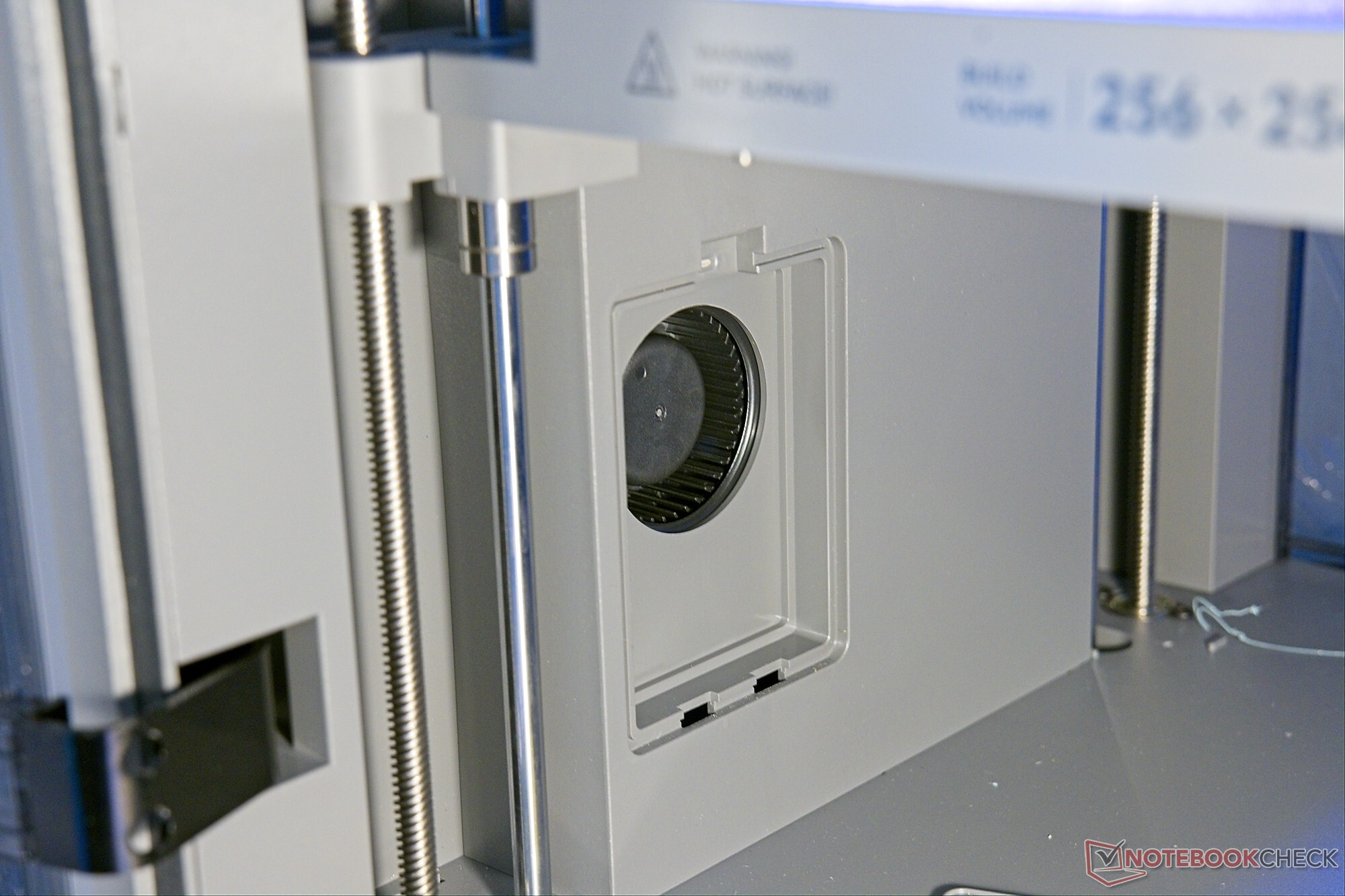
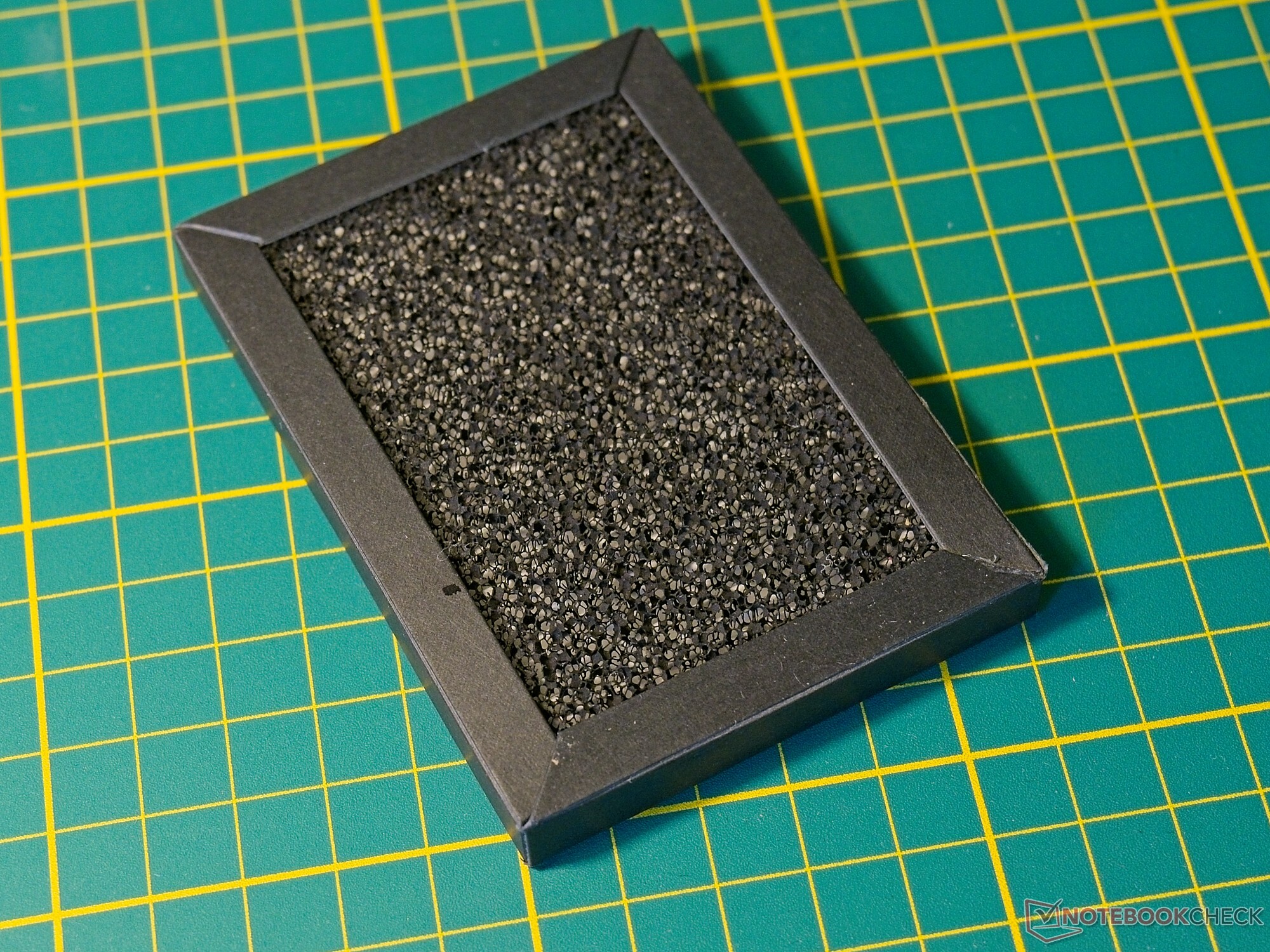
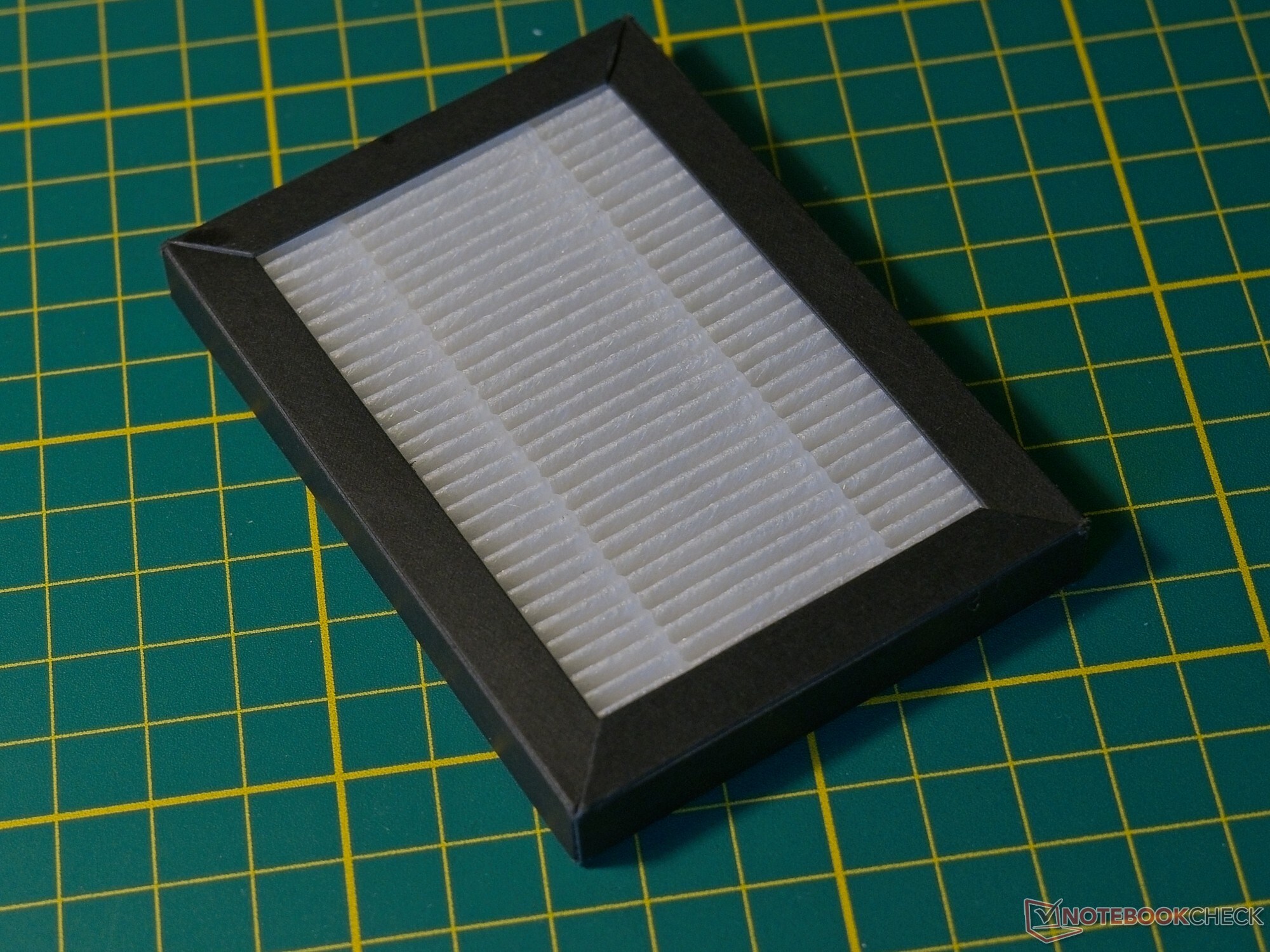
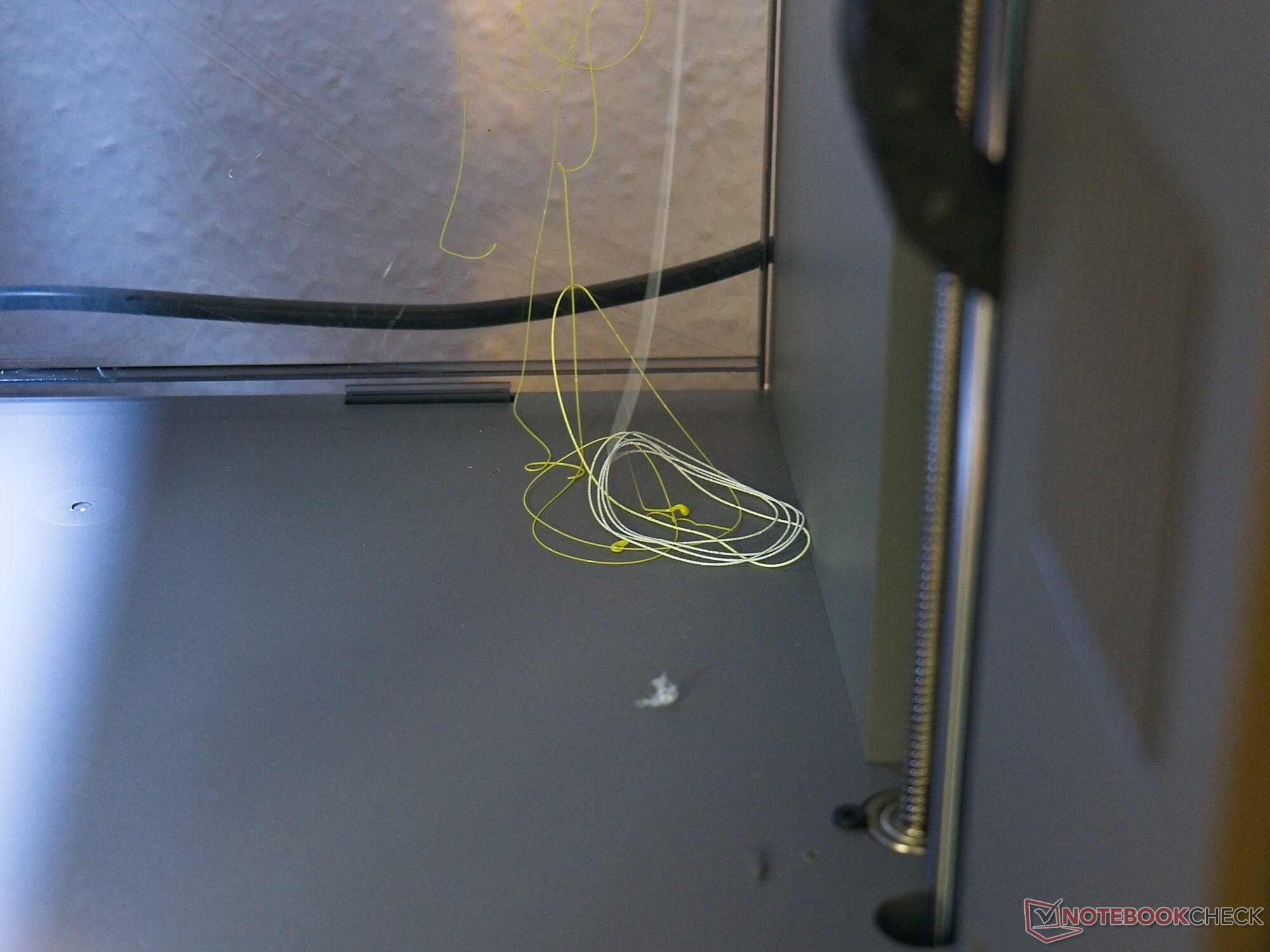
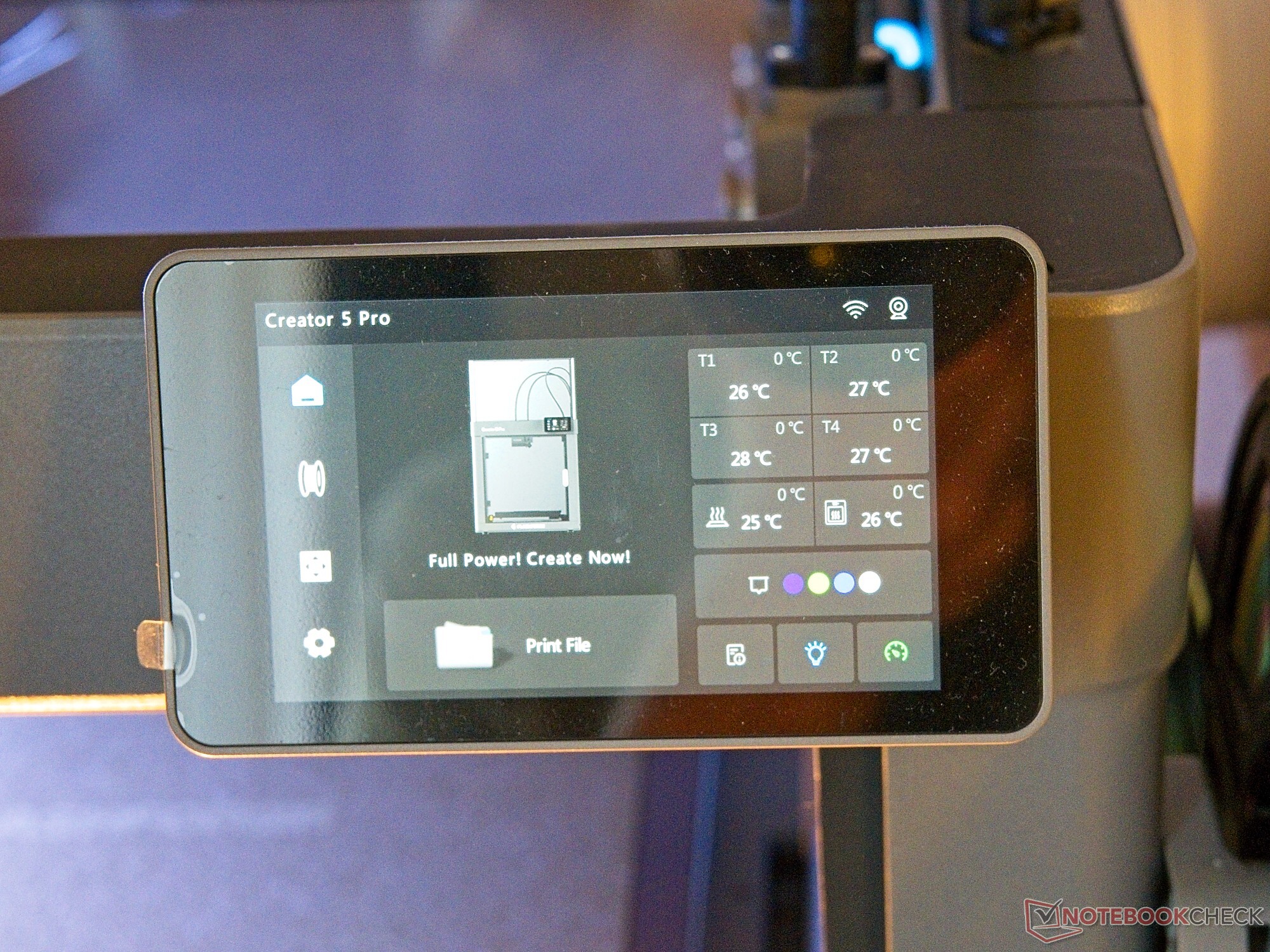
There is nothing to criticize about the hardware itself: The build quality is good, and the touchscreen is easy to read. The built-in camera has a resolution of 1,280 x 720 pixels and is quite usable. An LED strip provides illumination for the build chamber. There is one notable peculiarity, however: During purging, the Creator 5 Pro extrudes material directly into the build chamber. Normally, purge waste is ejected from the printer or directed into an external container. This does not look particularly elegant, but the waste does not land on the print bed. Functionally, there is nothing to complain about—at least since the firmware update, as the purge waste could previously end up in one of the fans. Since purging inside the enclosure also provides a practical advantage—namely, a smaller effective footprint—this does not result in a direct downgrade. However, the Creator 5 Pro does not offer genuine automatic cleaning for the print nozzles. Although it features exhaust-air filtration with an activated-carbon pad, some odor remains noticeable during printing.
Everyday Use
In everyday use, there are essentially few surprises to report: The OrcaSlicer fork used here, FlashPrint Studio, runs smoothly. Interestingly, the software does not display the number of tool changes—information that is, notably, available in the standard version of OrcaSlicer. During testing, we primarily used FlashPrint Studio rather than the smartphone app. Although an online model catalog is available, it is still fairly limited.
There is a minor peculiarity when loading filament: The filament is inserted first, but a small lever on the corresponding print head must then be operated manually. As a result, loading flexible A95 TPU did not work on the first attempt. In this case, the PTFE tube had to be detached from the print head and the material fed in directly from above. In practice, however, this is not a major issue.
One thing becomes apparent during the very first startup: The Flashforge Creator 5 Pro takes quite a long time before printing actually begins. For a print using all four filaments, we measured a preparation time of 28 minutes, partly because of the very thorough bed leveling and automatic flow calibration. However, when performing subsequent prints on the same print bed with the same material, bed leveling and flow calibration can safely be disabled—reducing the preparation time to around 10 minutes.
General Print Quality
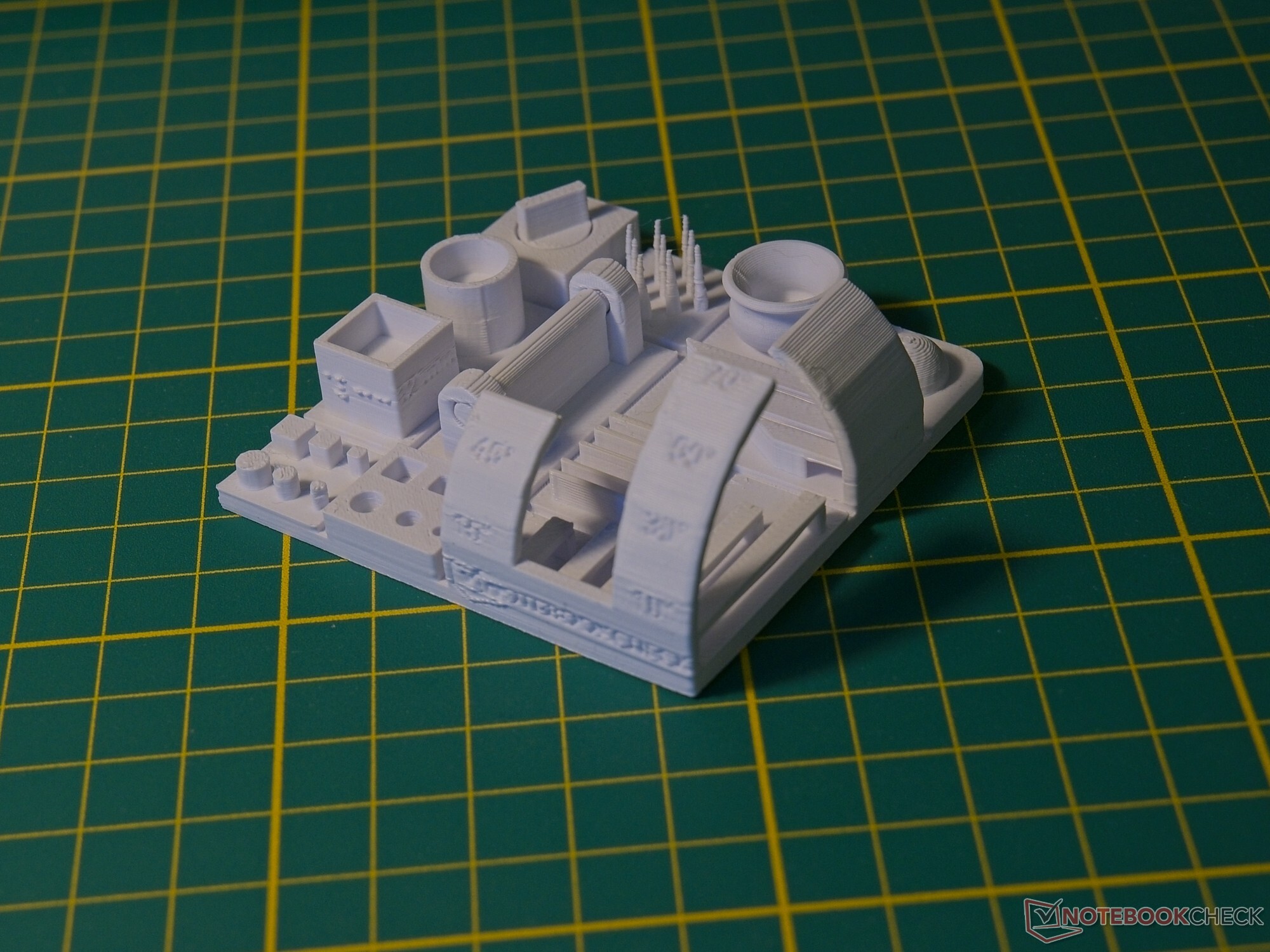
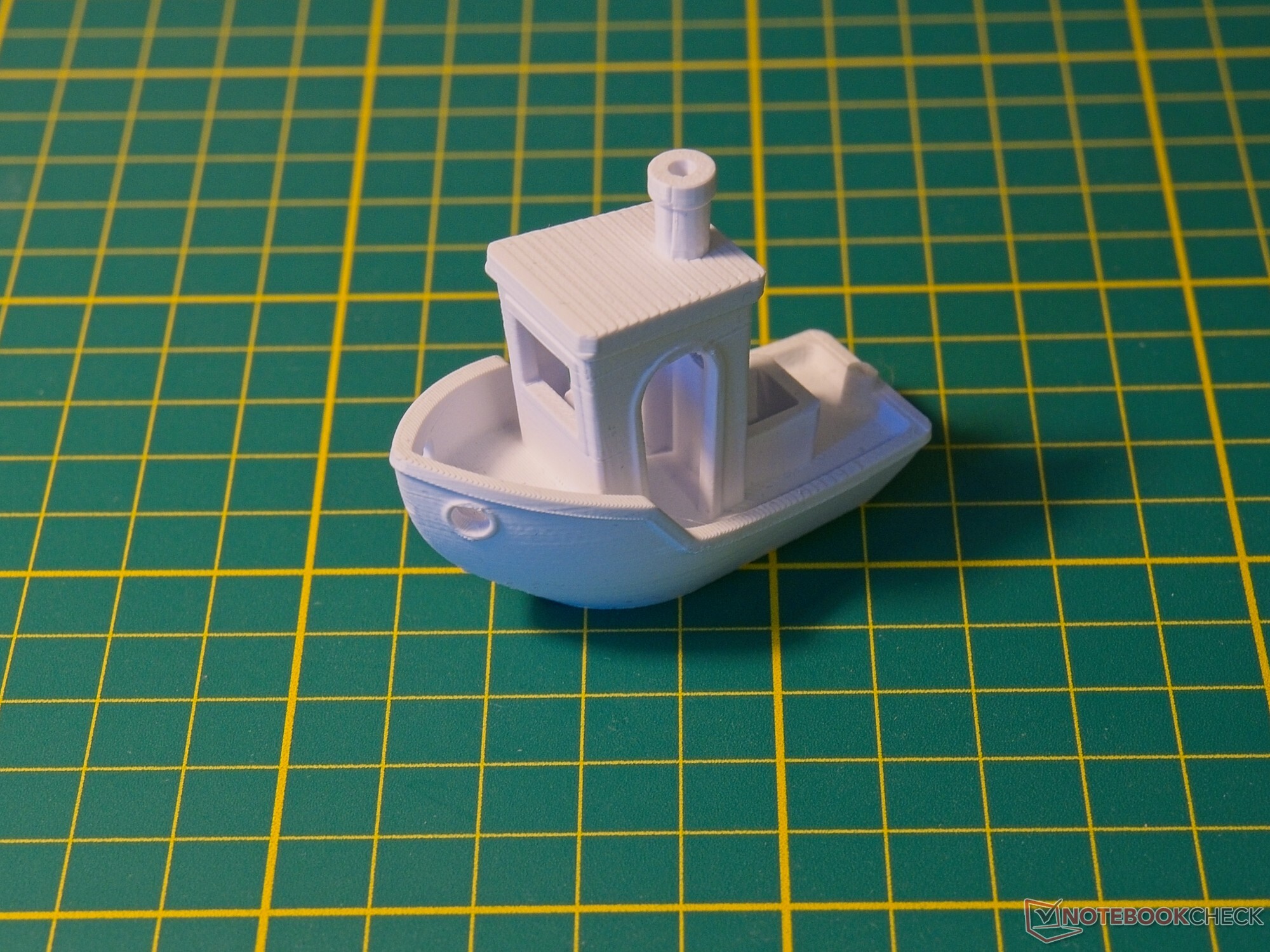
There is little to complain about when it comes to print quality: In single-filament printing, our NBC test model was printed without issue and also showed clean transitions. Fine details were reproduced precisely with PLA, and the print exhibited no significant stringing. The default settings delivered the best overall results: Although reducing the speed and layer height made numbers and text even easier to read, it also introduced slight imperfections at fine transitions.
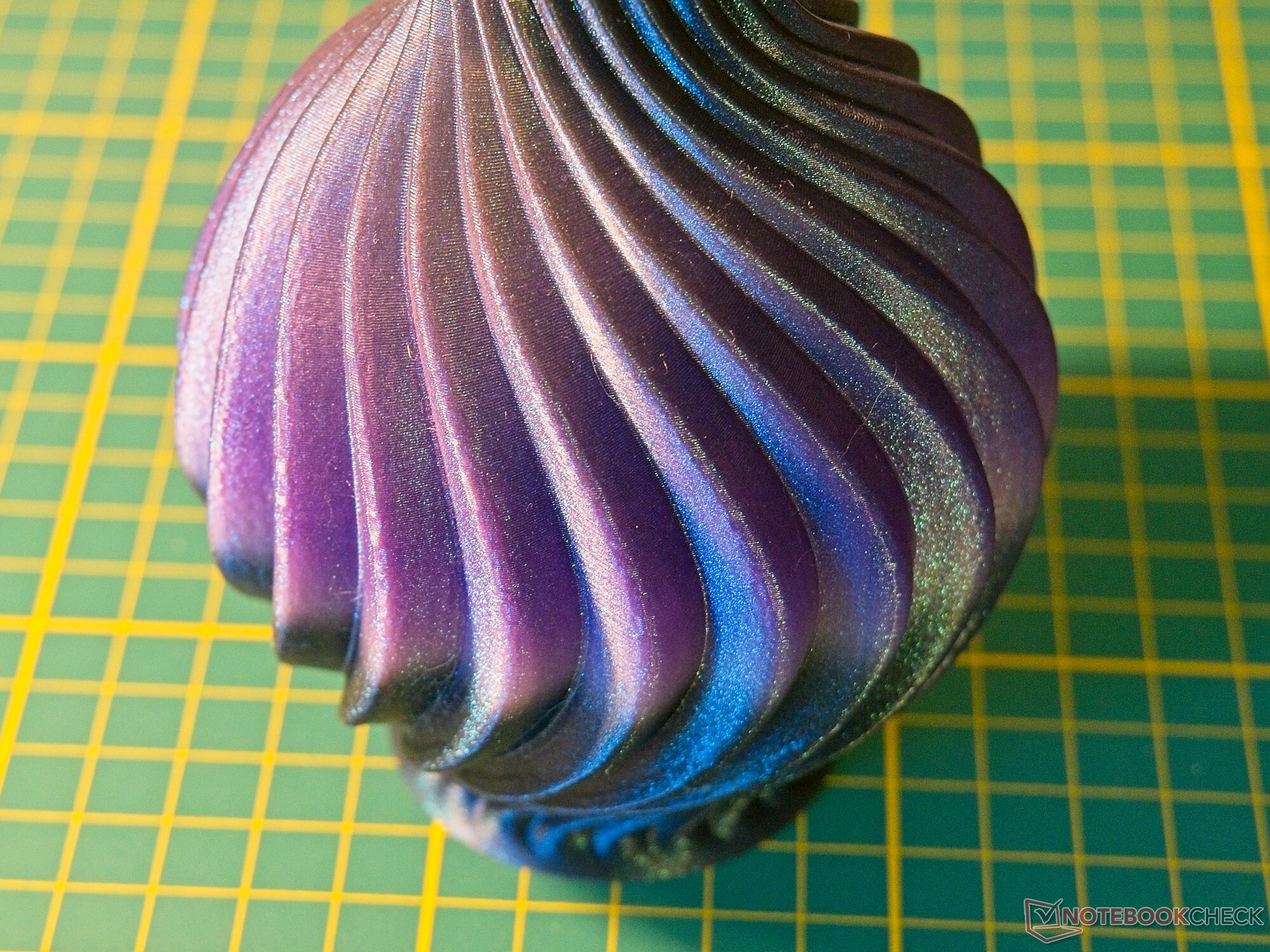
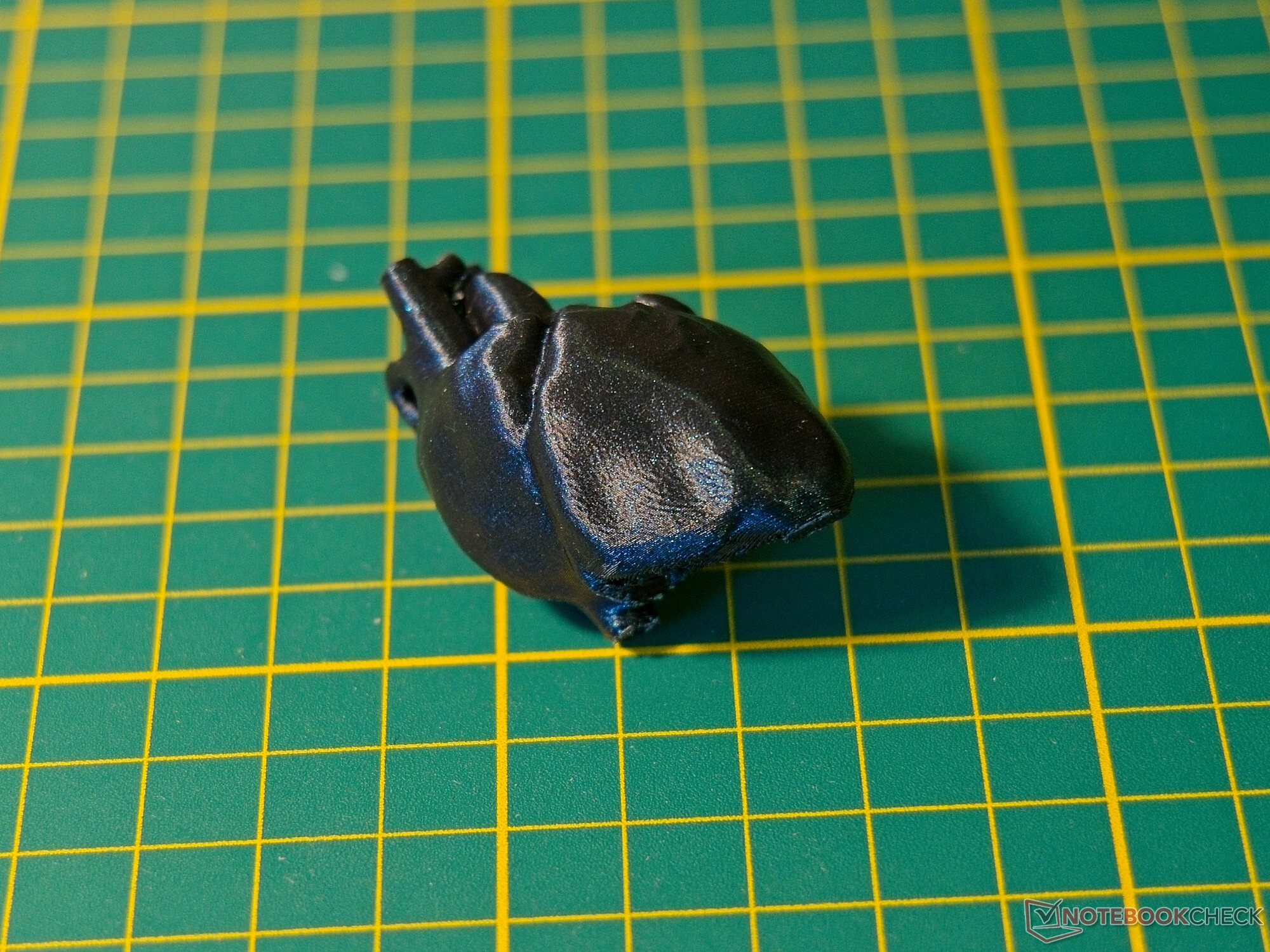
A larger, vase-shaped object was also produced without issue—Flashforge’s Burnt Titanium PLA provided not only high print quality but also an excellent appearance. Even a very small anatomical model of a heart was produced with impressive detail using a reduced layer height and adjusted speed.
We also printed with undried TPU—with correspondingly poor results, which of course cannot be blamed on the printer itself. With dried material and the default settings, the TPU print was generally usable. Printing at a reduced speed is recommended, however: In practice, simply switching the printer to Silent Mode (50%) is sufficient.
In Its Element: Multi-Filament Prints
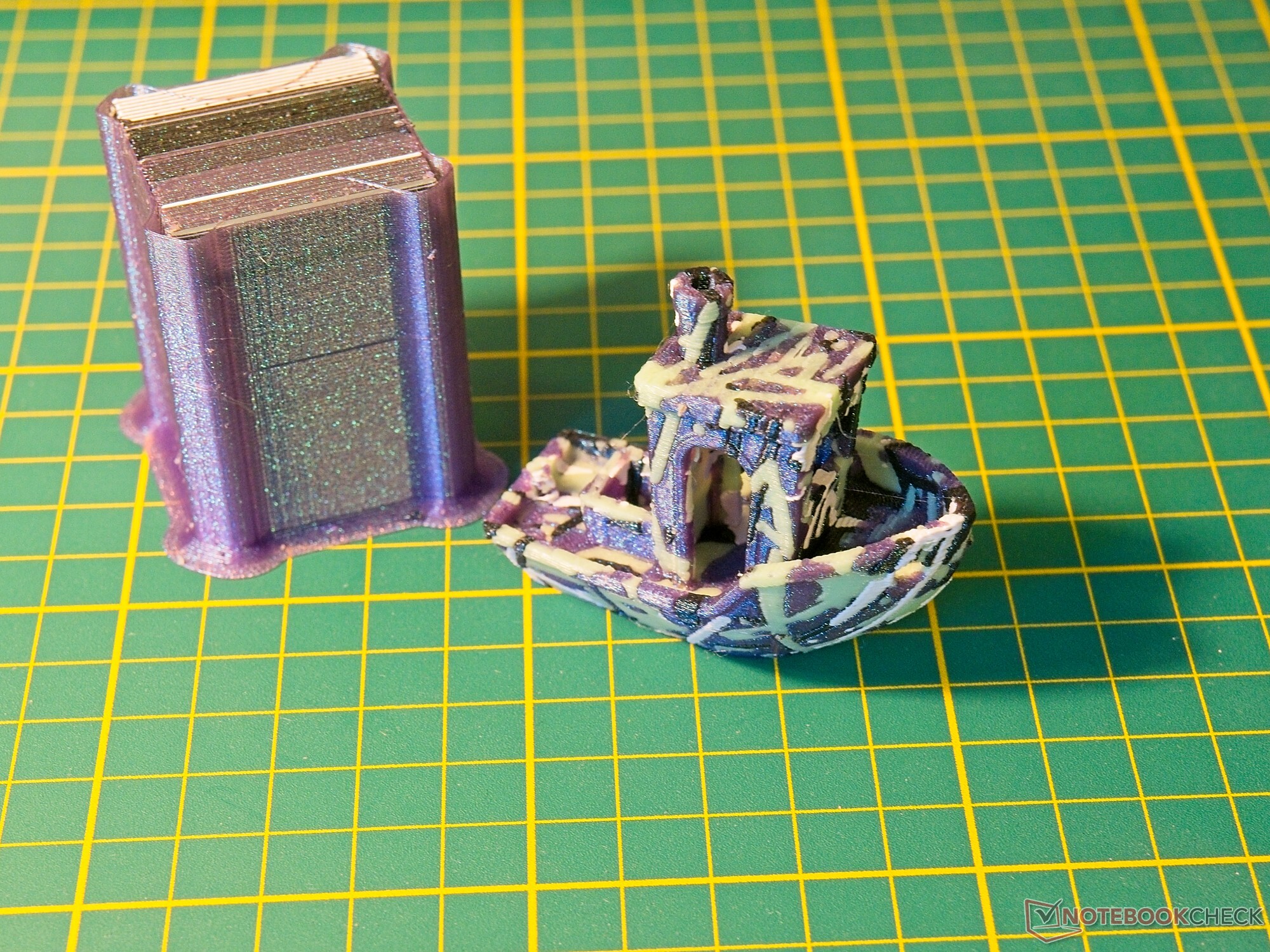
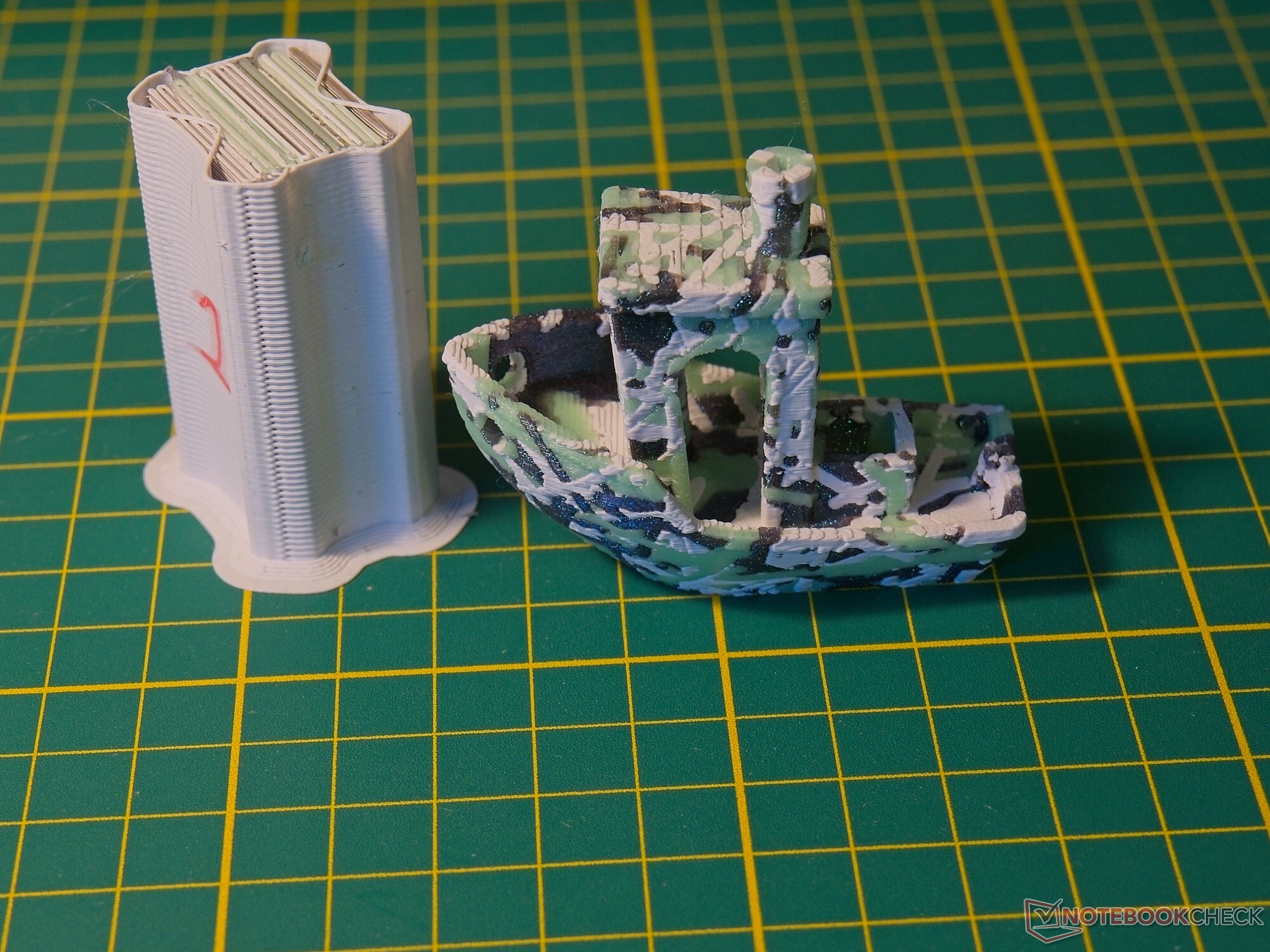
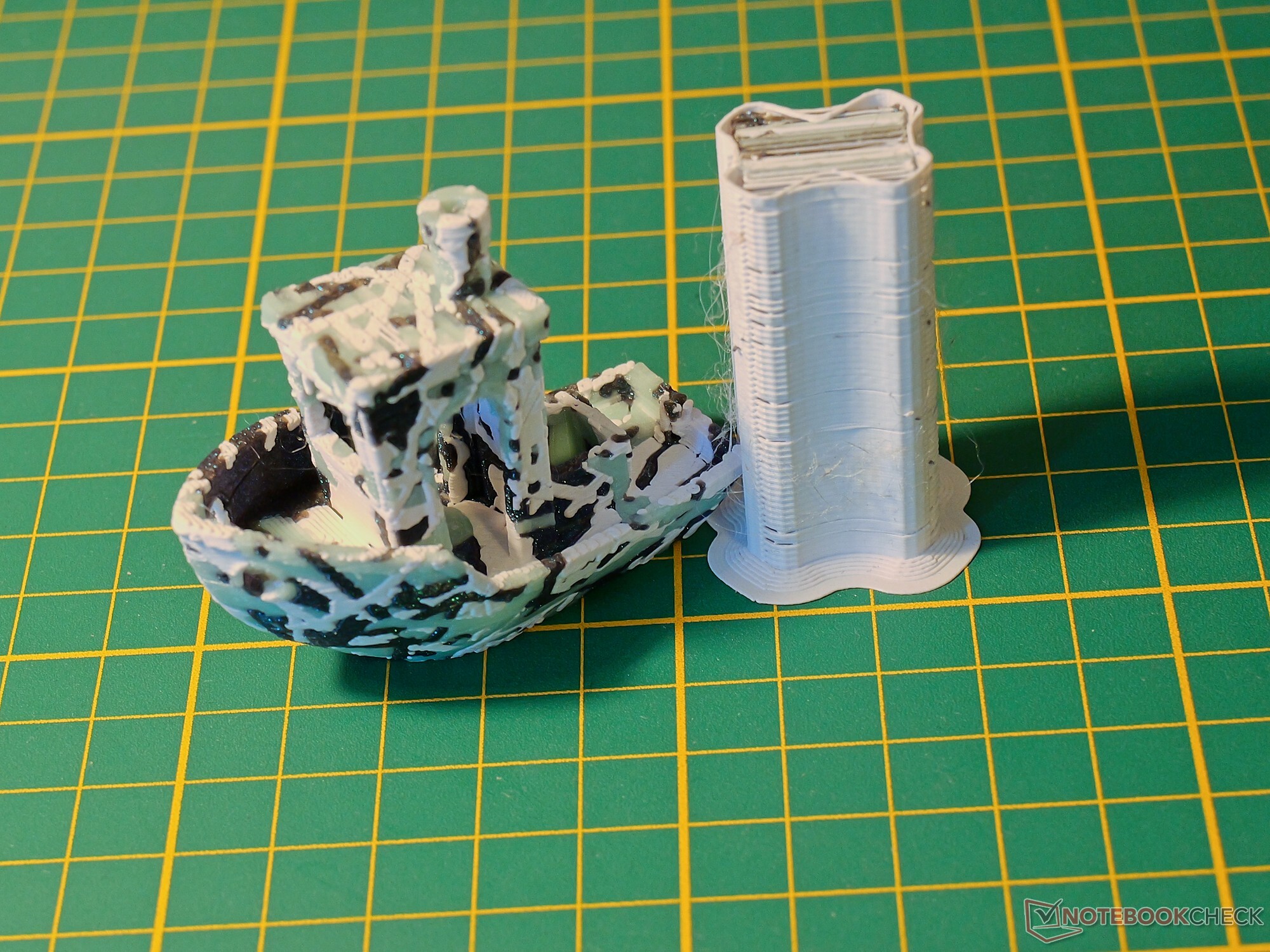
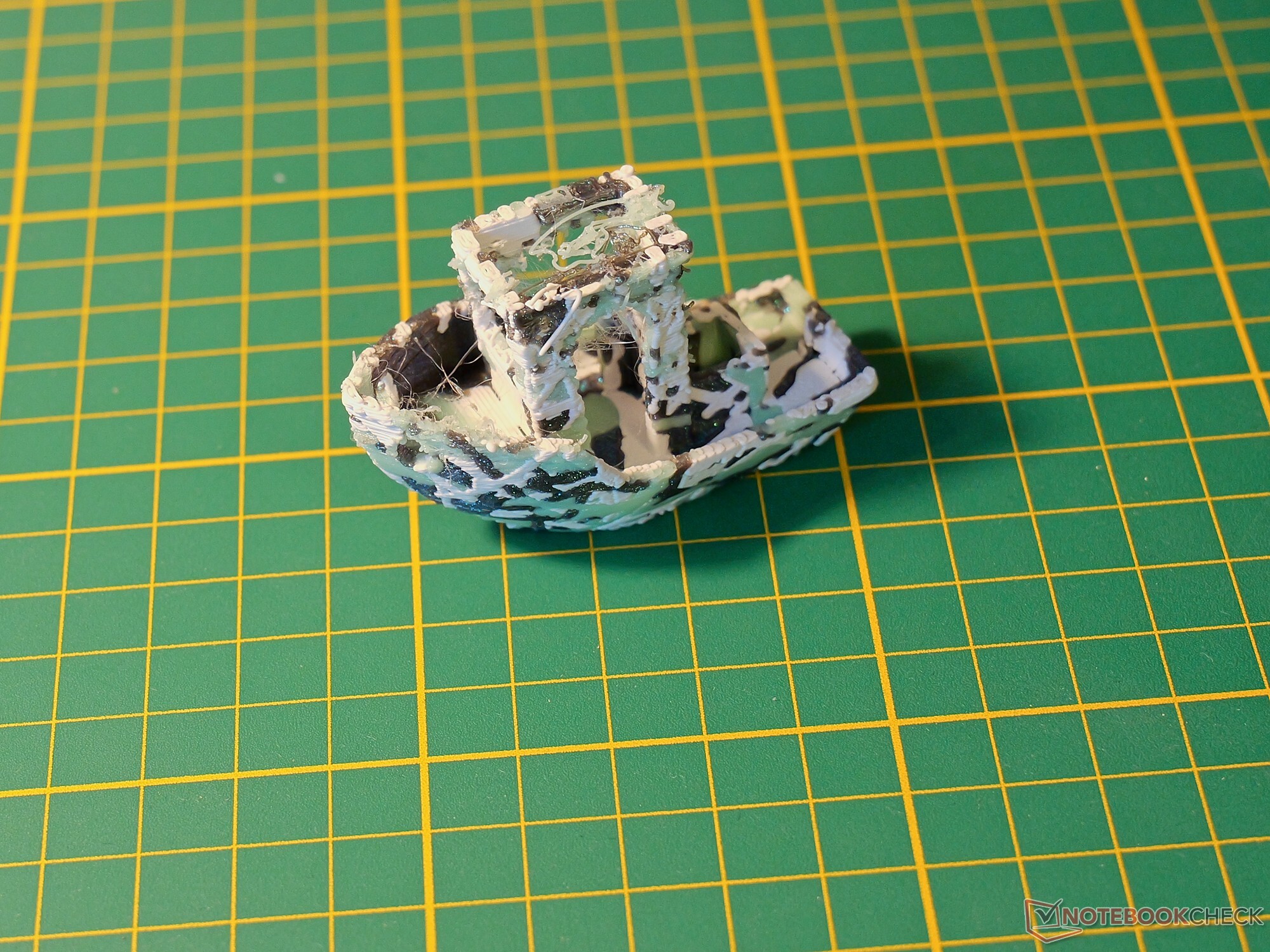
We evaluated printing with multiple filaments particularly thoroughly. In general, multi-material printing works without issue even with extremely demanding models—that is, objects in which all four filaments are used within a single print layer (we have previously examined this topic in a comparative test). It is noticeable, however, that the priming tower is very large with the default settings, resulting in substantial material waste. For a four-color Benchy, the factory settings produced a hefty 36 grams of waste for a model weighing just 16 grams. Without any visible loss of print quality, however, the waste for this specific model could be reduced in two optimization steps—first to 15 grams and then to just 8 grams. This is a very good figure for a complex four-color model printed on a tool changer—and an outstanding one for multi-material 3D printers in general. Prints like this—in this case involving more than 700 tool changes—can be produced with single-nozzle printers only at considerable cost in terms of time and material. Bambu Lab calculates a print time of more than 18 hours for this model using only one print nozzle; with optimized settings, the Creator 5 Pro completed the print in just 3 hours and 41 minutes. In principle, the Creator 5 Pro can even dispense with the priming tower entirely—although this requires the model to have enough infill for the nozzle to be cleaned within the object’s infill. This worked without issue in the Benchy’s hull, but was no longer possible higher up in the cabin area.
Transparency
The selection of devices to be reviewed is made by our editorial team. The test sample was given to the author by the manufacturer free of charge for the purposes of review. There was no third-party influence on this review, nor did the manufacturer receive a copy of this review before publication. There was no obligation to publish this review. As an independent media company, Notebookcheck is not subjected to the authority of manufacturers, retailers or publishers.
 Add as a preferred source on Google


