




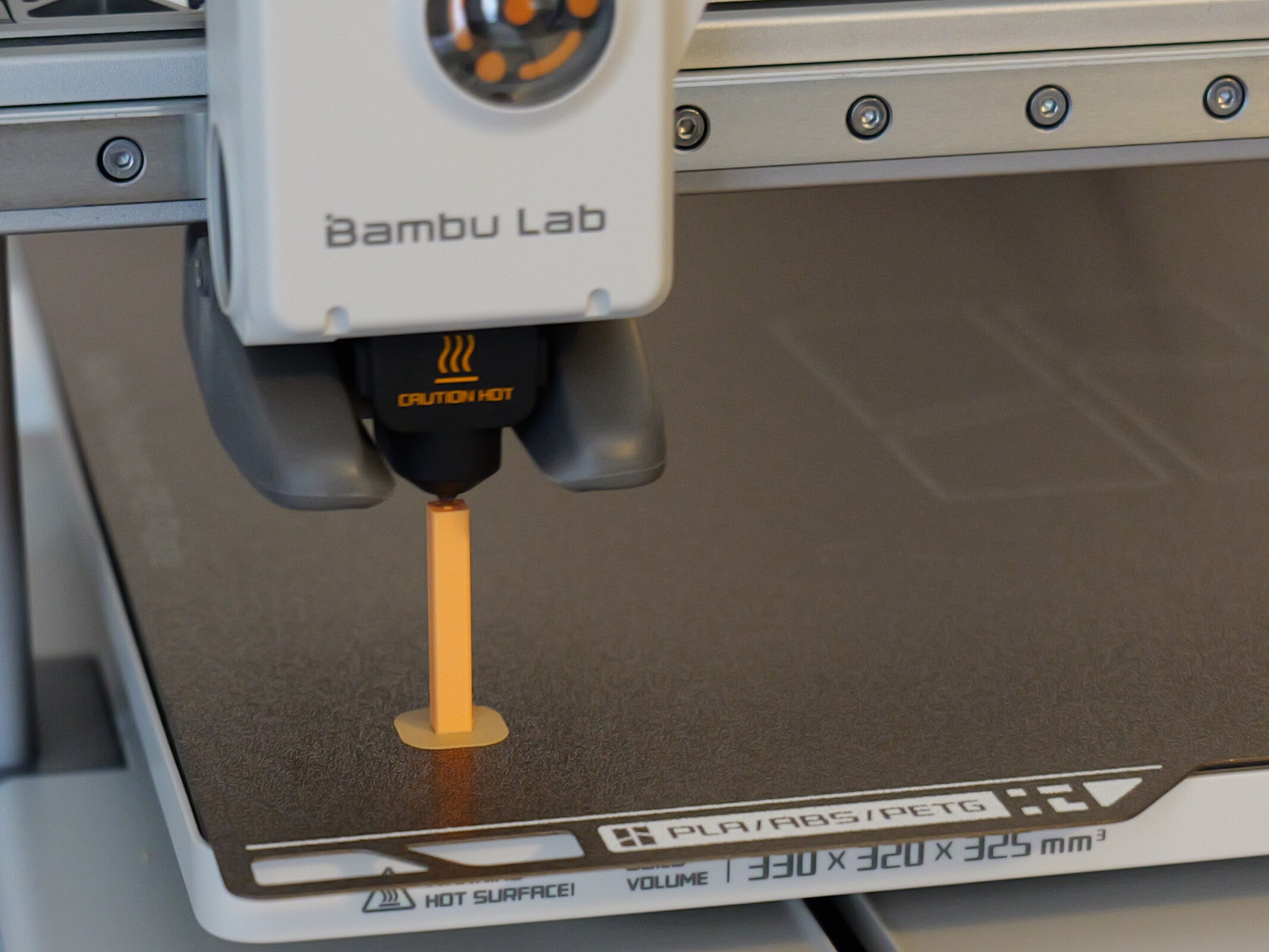
Bambu Lab A2L review: Large build volume and high quality at a fair price, plus a plotter option
For the big picture.
The Bambu Lab A2L offers a large build volume, excellent print quality, and optional multicolor printing at a fair price. In this review, we explain why this 3D printer is particularly appealing to makers and cosplayers—and where its camera and open-frame design impose limitations.Silvio Werner (translated by Silvio Werner) Published 🇩🇪 🇪🇸 ...
The Bambu Lab A2L prints big, prints well, and is relatively affordable
The Bambu Lab A2L is a good choice for anyone looking for very solid print quality and a large build volume. At $469 without the AMS Lite and $569 euros with it, the price is perfectly reasonable. Since the surcharge for the Combo version is modest, it is almost always worth choosing if multicolor printing is of interest. The Cutting Upgrade Kit is a real bonus: In many cases, it eliminates the need for a separate plotter, and transfer film can also be used to customize clothing.
The overall package is a good fit for target groups such as makers and cosplayers. The open build chamber is unlikely to be a problem for these users. Specifically, however, the lack of an enclosed build chamber, filament drying in the AMS Lite, and build-chamber heating means that technical filaments are out of the question. The only truly annoying aspect is the camera. It is barely suitable even for basic monitoring and offers no AI features whatsoever. Anyone looking for alternatives with an open build chamber will quickly come across the significantly more expensive Ender-5 Max or the Kobra 3 Max (Combo). The latter is currently priced on par with the A2L but goes one step further with a build volume of 420 x 420 x 500 millimeters.
Pros
Cons
Price and availability
The Bambu Lab A2L is sold for $469, both by Bambu Lab itself and by numerous retailers. The Combo version costs $569, while the printer with the Cutting Upgrade Kit is priced at $629.
The Bambu Lab A2L is a modern bed slinger with a modular toolhead, a single nozzle, and plenty of space. In the Combo version, the AMS Lite enables multicolor printing, while plotter and drawing functions can be added later.
Specifications
| Bambu Lab A2L Combo | 3D Printer |
| Technology | FDM |
| Print Volume | 330 x 320 x 325 millimeters |
| Dimensions | 544 x 529 x 505 millimeters |
| Footprint | 750 x 750 x 800 millimeters with AMS Lite and spool holder—our recommendation |
| Weight | 12.8 (without AMS Lite) |
| Motion System | Bedlinger |
| Extruder | Servo extruder motor |
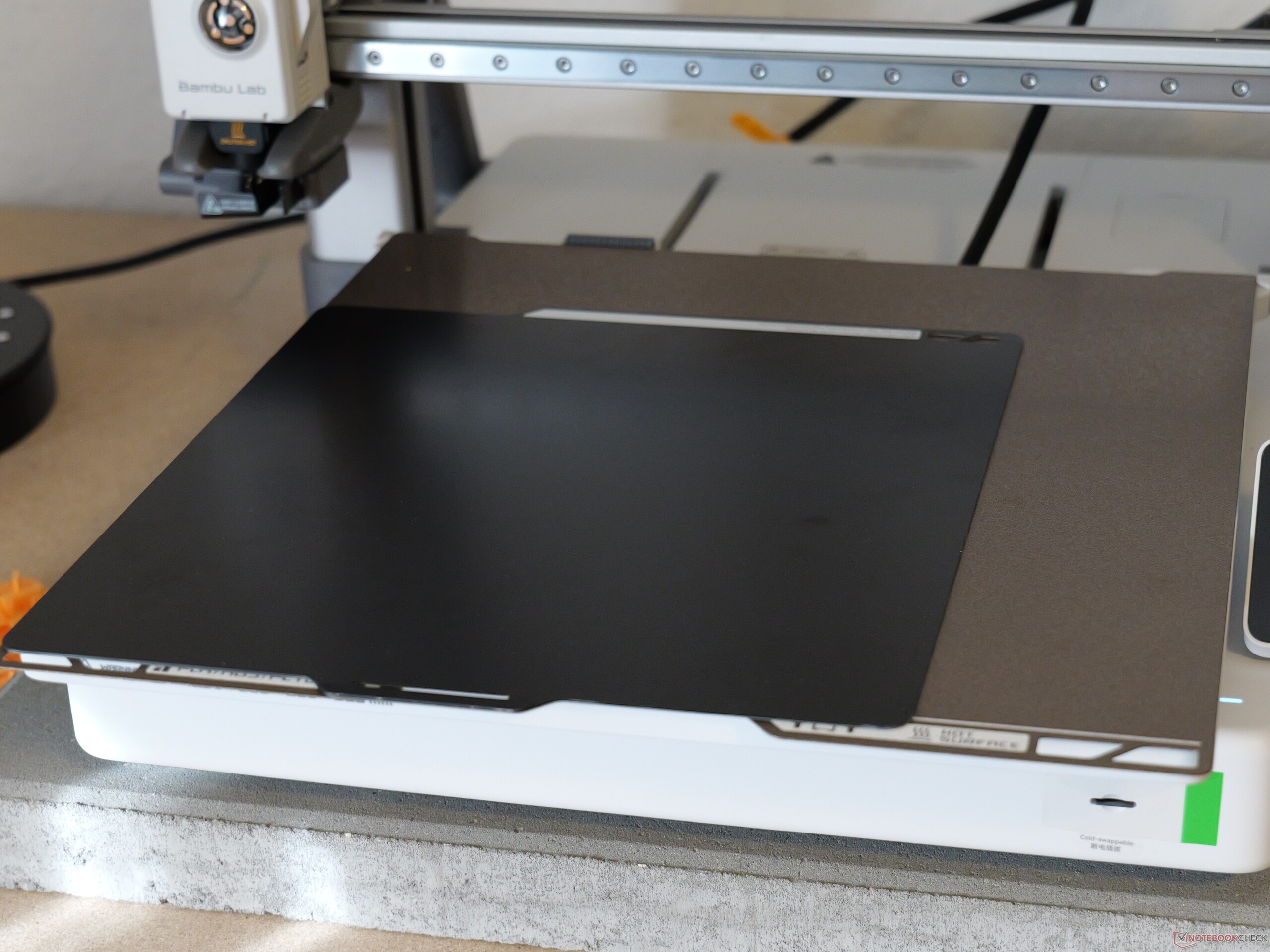
| Print Bed | Magnetic, flexible Textured PEI Plate, Cutting Platform |
| Temperatures | 300°C, heated bed 80°C |
| Connectivity | Wi-Fi, microSD memory card slot |
| Controls | Touchscreen, desktop and smartphone app |
| What’s Included | Basic tools, small amount of filament |
Assembly required, but straightforward
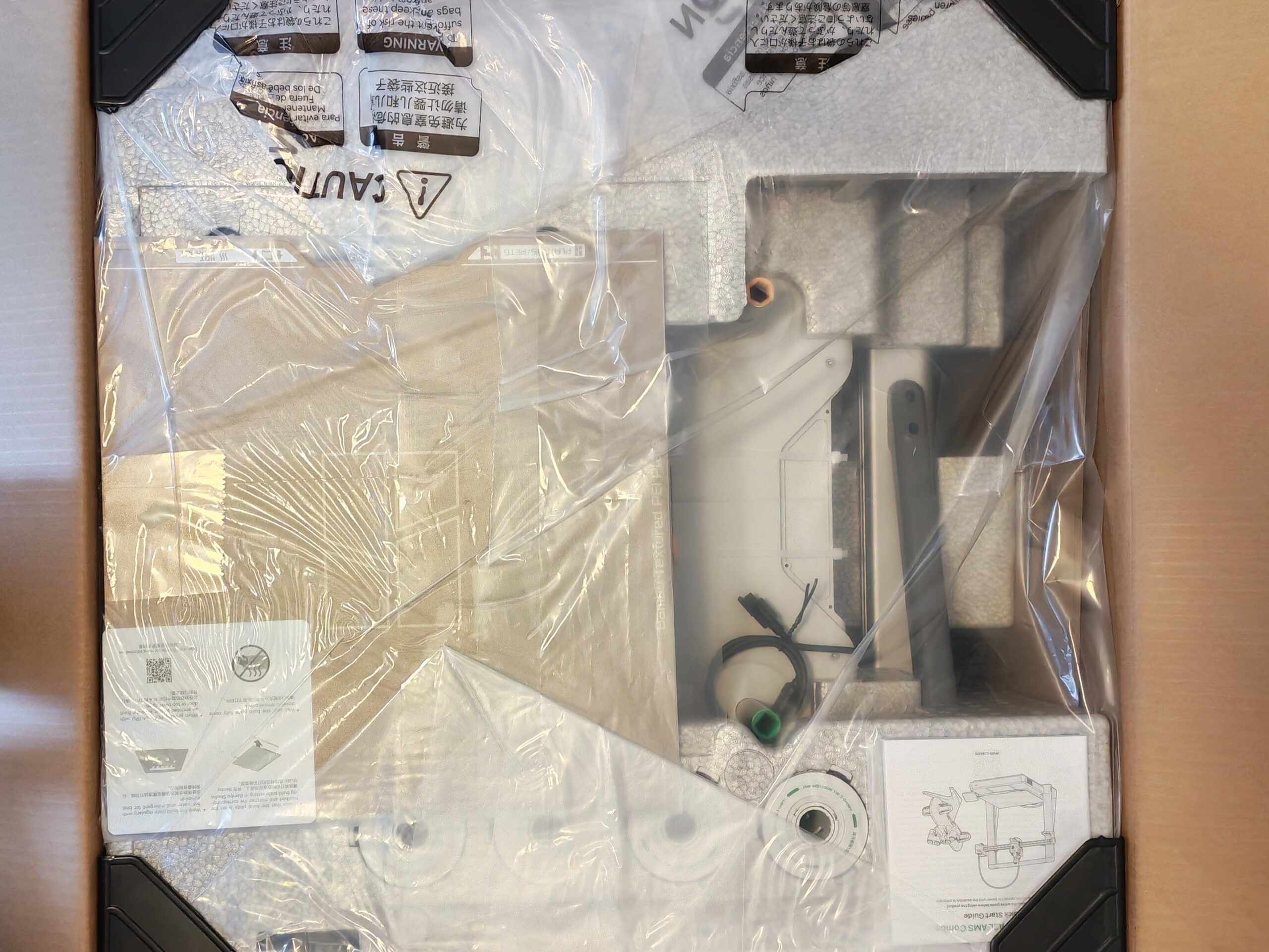
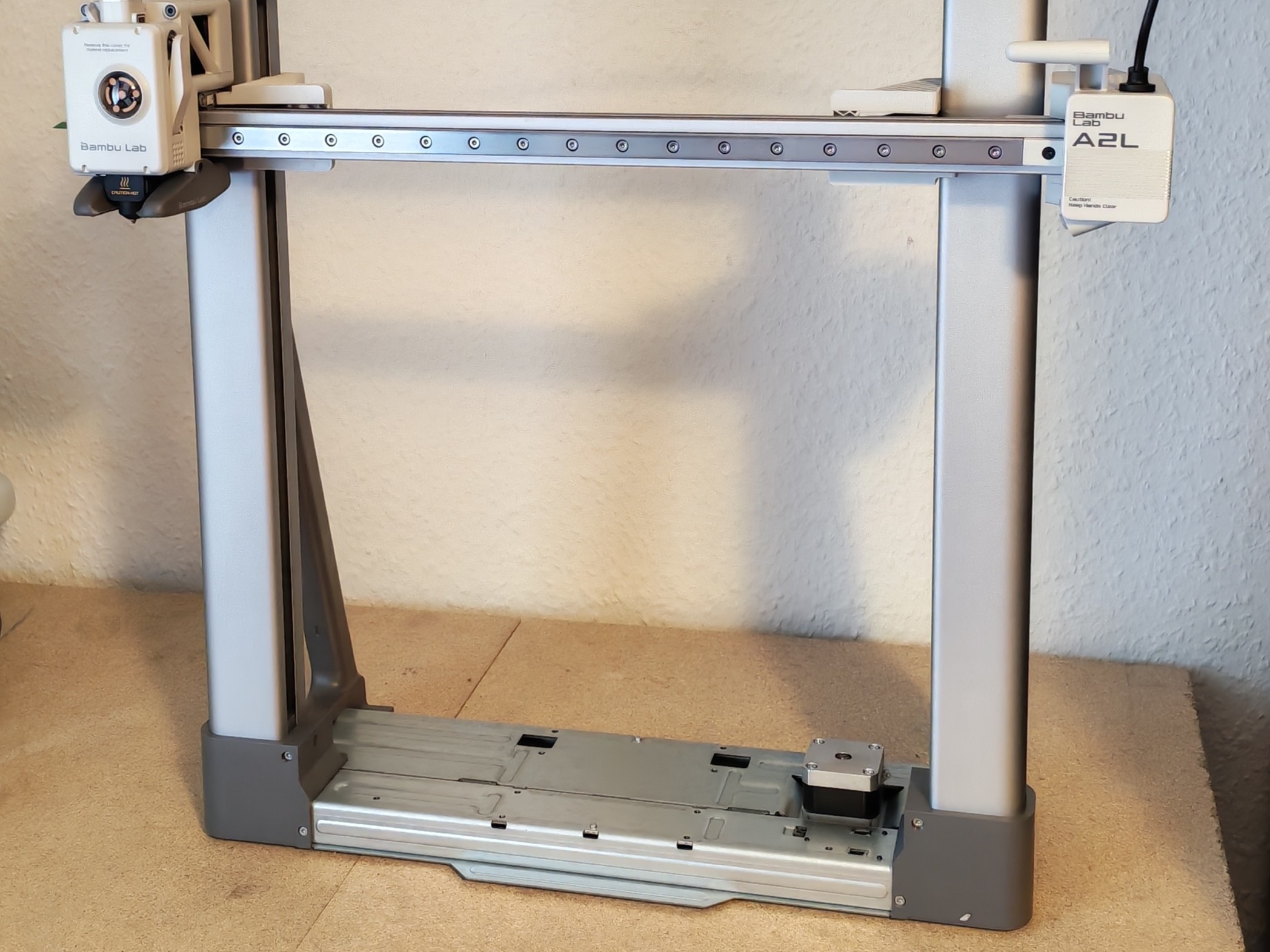
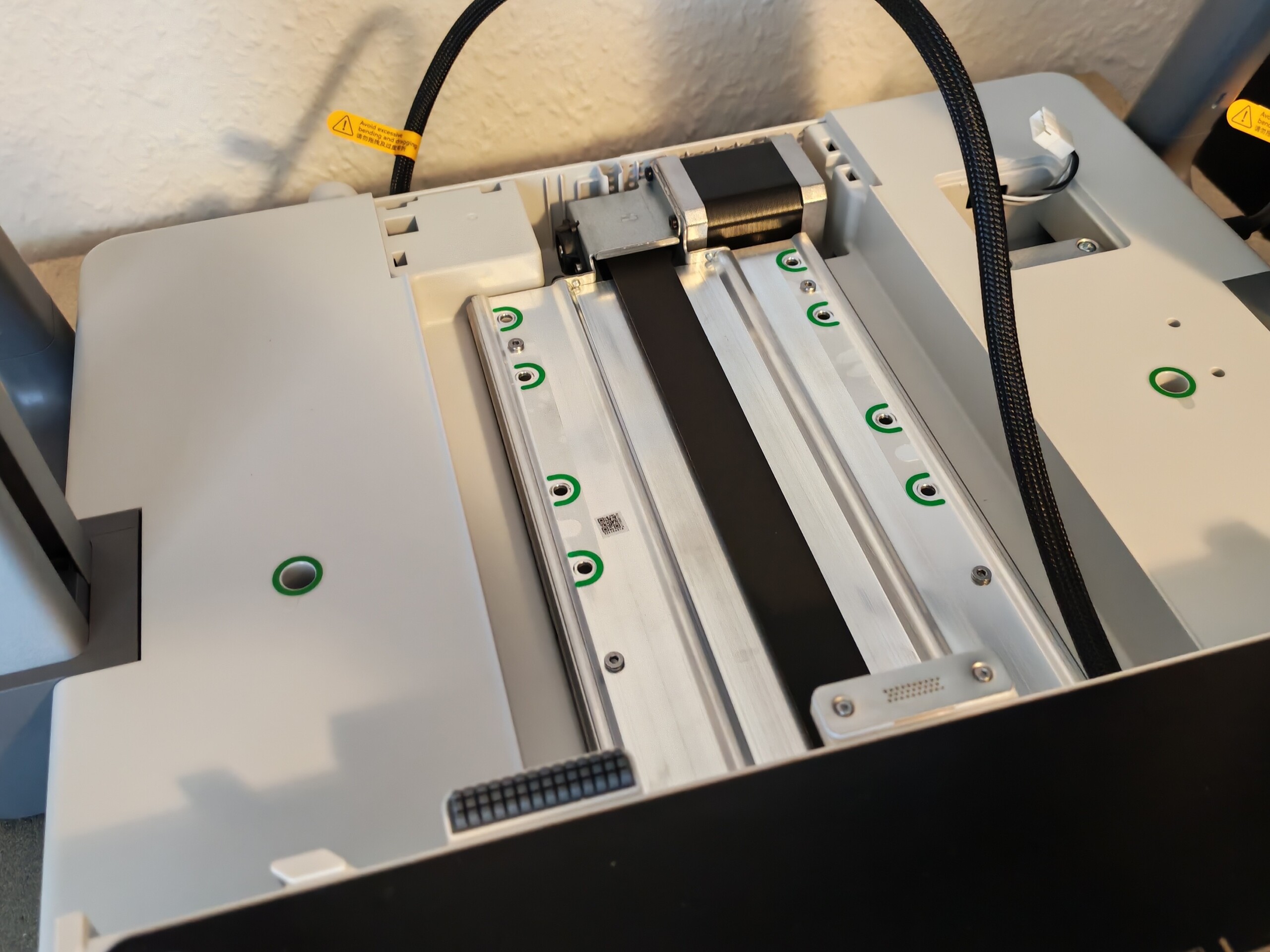
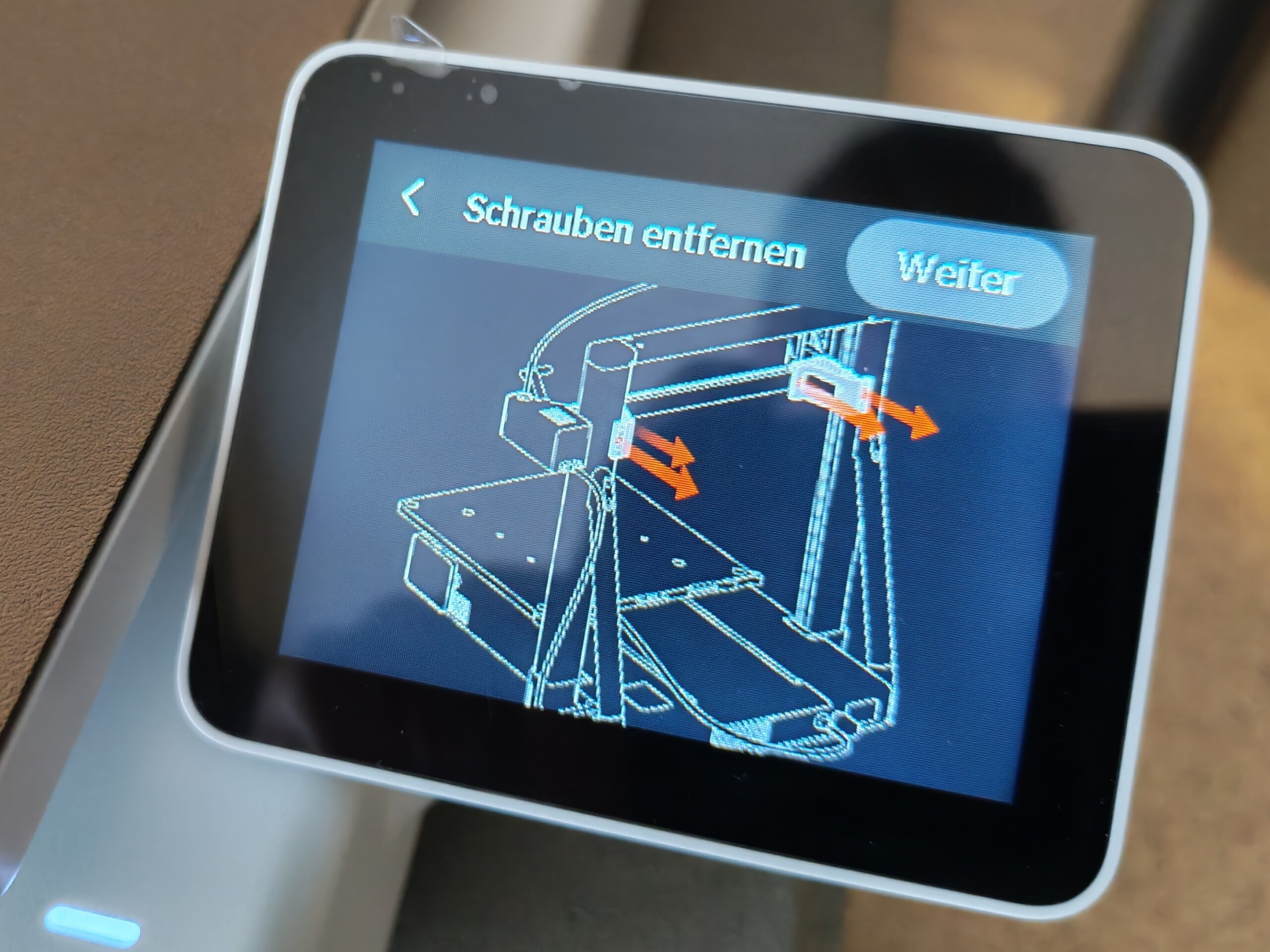
Despite its large build volume, the A2L comes in a surprisingly compact box. The reason is simple: Some assembly with screws is required. You have to assemble the base and gantry yourself, unlike with enclosed systems such as the Bambu Lab X2D or Creality K2 Combo. However, the process is not complicated and requires hardly any DIY skills. Steps that are critical to the actual print result, such as tensioning belts, are not necessary. A little finesse is helpful only when oiling the heated bed’s guide rail. A detailed video guides you through the assembly process step by step. The AMS Lite included with the Combo version is mostly plugged together rather than truly assembled. Initial setup is completely trouble-free and concludes with a few automatic calibration routines. All necessary tools are included.
The A2L is a bed slinger
The A2L is a classic open-frame bed slinger. Since we have primarily tested enclosed CoreXY printers in recent years, the difference is immediately apparent: Here, the print bed moves back and forth along the Y-axis, while in a CoreXY printer the head handles movement along the X- and Y-axes and the bed only moves up and down. In theory, moving a heavy print bed is always something of a disadvantage. We will shortly examine how this does—or does not—affect the A2L in practice.
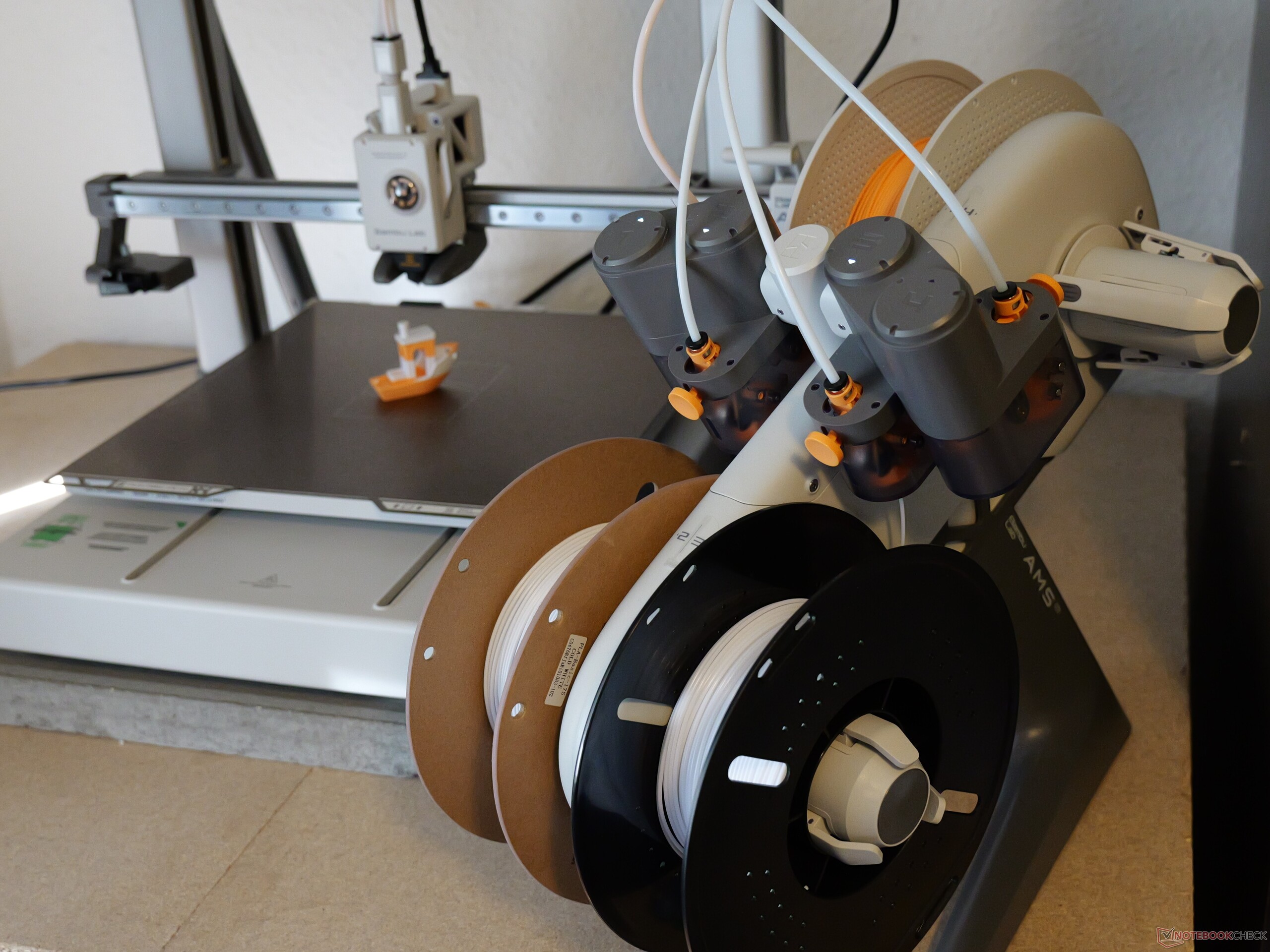
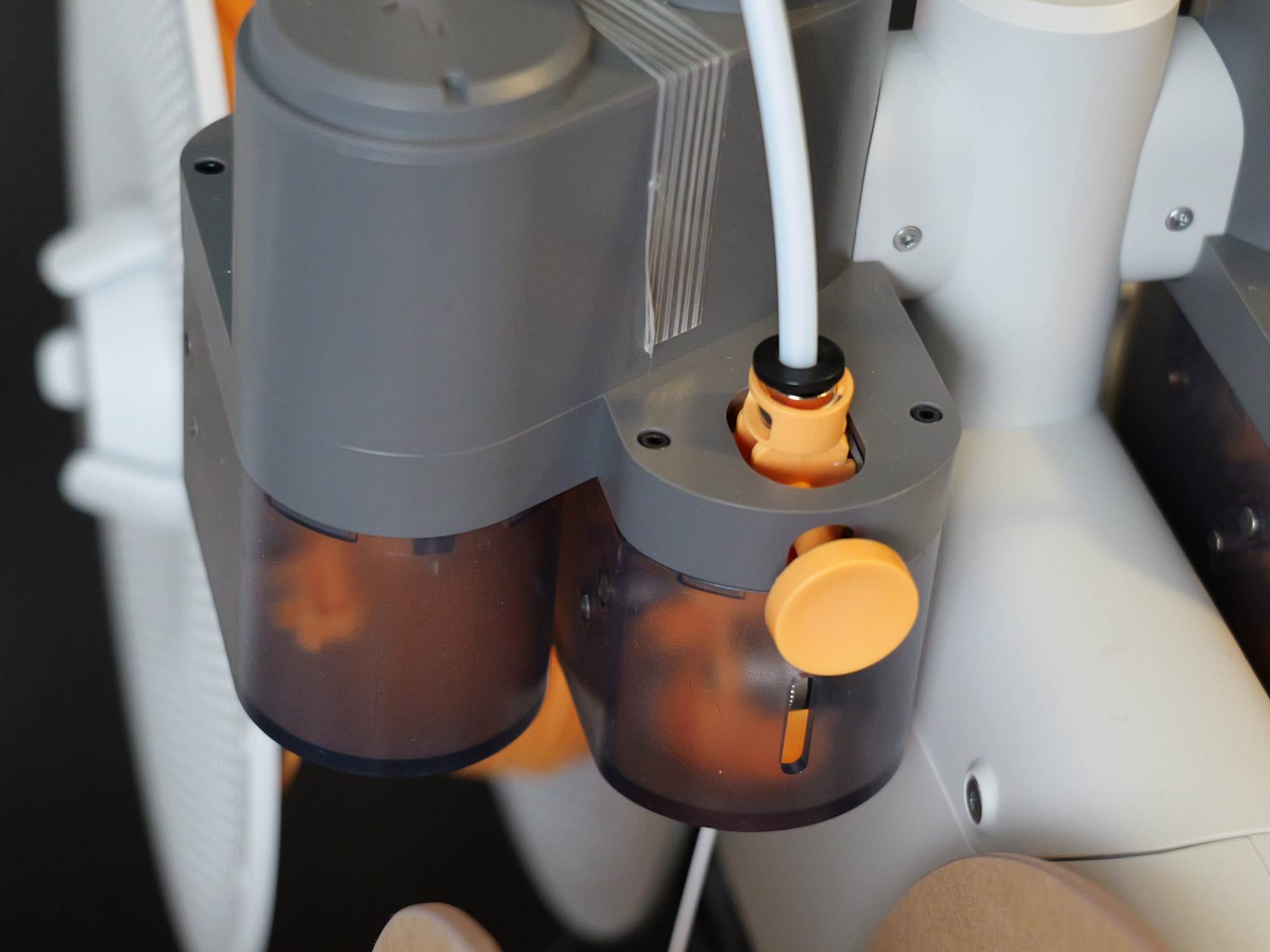
The printer receives filament either directly from a spool or via one or more AMS units. Like the printer itself, the included AMS Lite has an open design and therefore offers no drying function. Unlike the AMS 2 Pro, for example, it is connected via four PTFE tubes rather than a single tube.
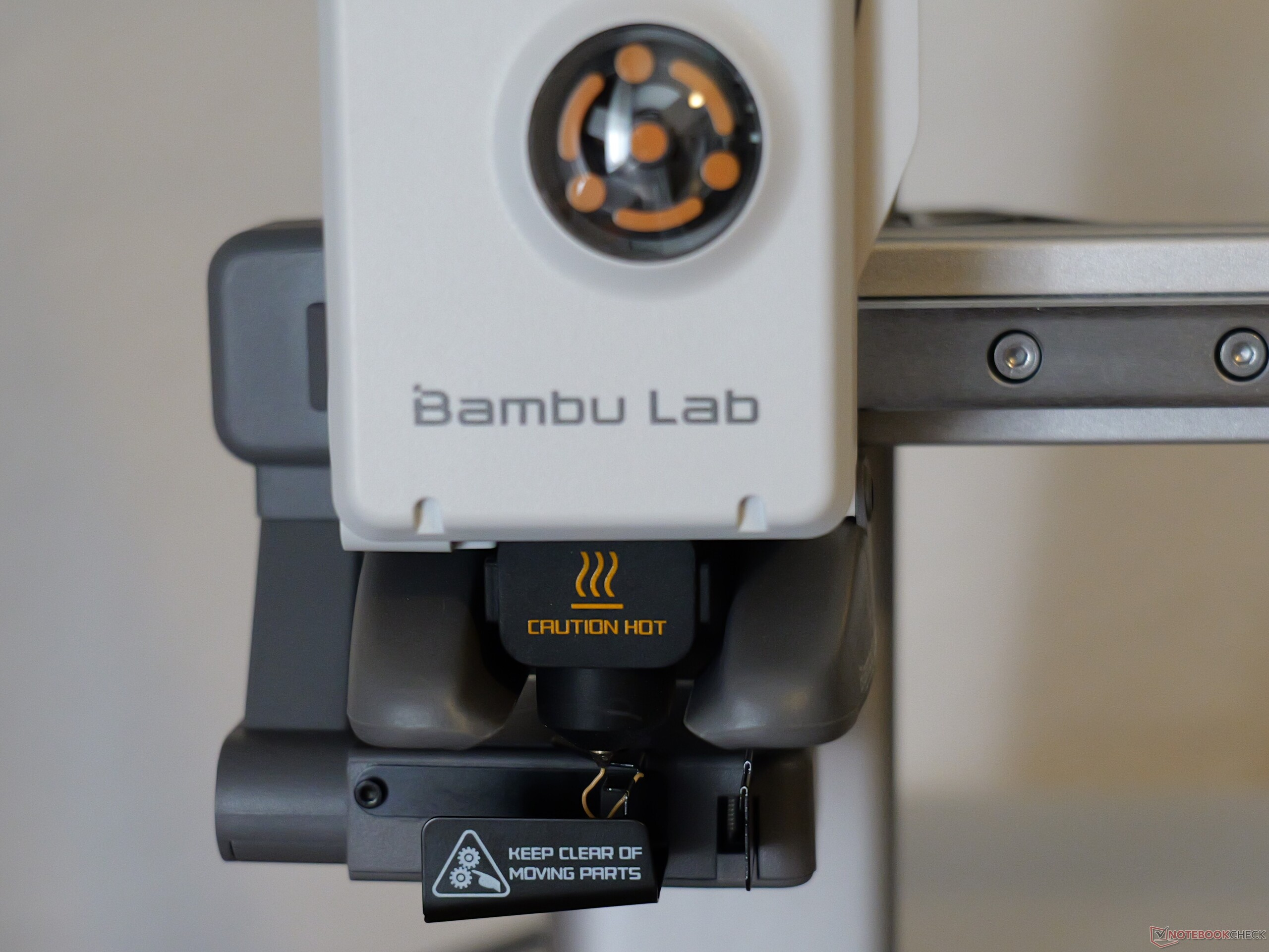
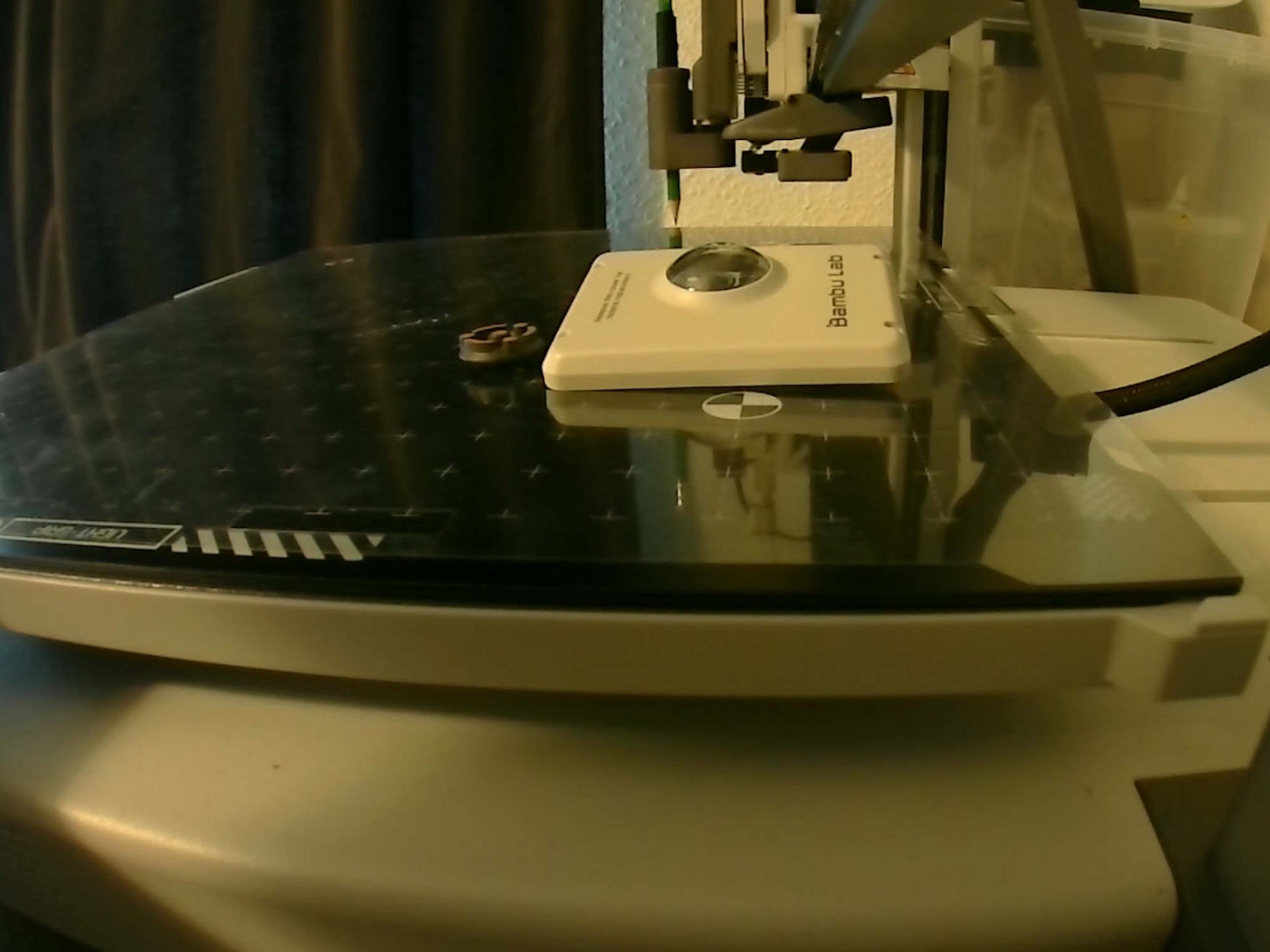
A two-part nozzle wiper is located at the rear. During purging, the printer ejects filament waste off the left side; the positioning seems sensible yet also somewhat awkward. The same applies to the camera: 1080p sounds good on paper, but the low frame rate and lack of AI detection make it almost superfluous. The 3.5-inch touchscreen has a rather coarse resolution of 240 x 320 pixels, but it is easy to use. The A2L comes with a standard stainless-steel nozzle; a hardened-steel nozzle should be used for reinforced or abrasive filaments.
The large build volume is practical
One of the A2L’s most important selling points is undoubtedly its large build volume. It offers 330 x 320 x 325 millimeters of space. Compared with the standard A1 (256 x 256 x 256 mm), this may initially seem like a modest increase, but area scales with the square and volume with the cube. The build area increases from 655.4 cm² to 1,056 cm². Accordingly, with dimensions of 544 x 529 x 505 millimeters, the A2L also takes up a considerable amount of desk space.
Regardless of the specific printer, anyone with the space and budget will benefit significantly from a large build volume and, in my opinion, should choose a larger printer when in doubt. A large build volume is not only useful for individual large parts. The build plate can also be filled with small parts, which makes batch production considerably easier.
The AMS Lite automatically identifies Bambu filaments via RFID. It connects to the A2L by cable and operated entirely without incident during testing. The system even handled a deliberately induced error—namely, tangled filament—without complaint: Once the filament had been untangled, the A2L simply continued printing. Visually, the printer and AMS have a friendly, slightly playful appearance without looking cheap or toy-like.
High-level print quality
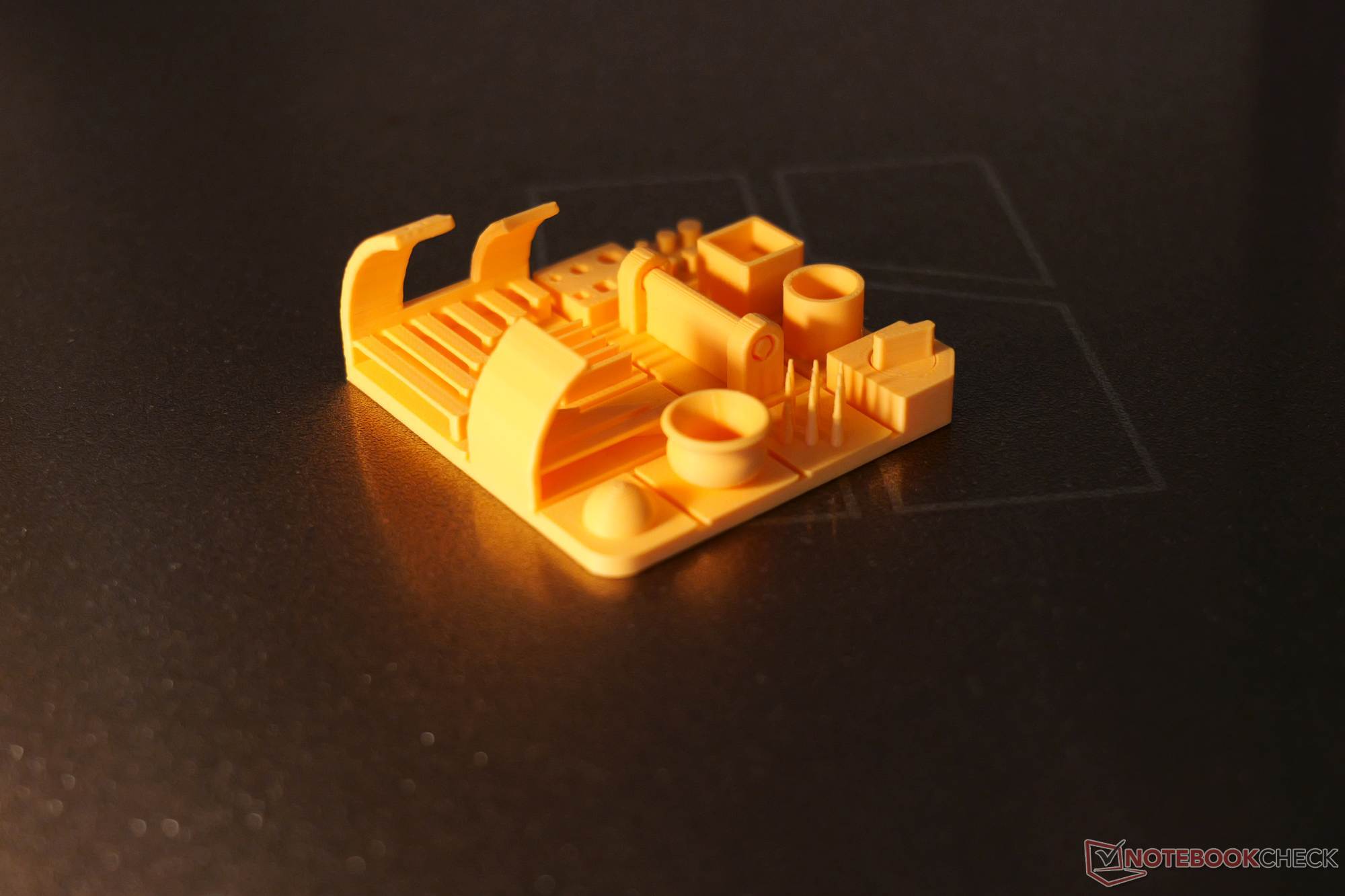
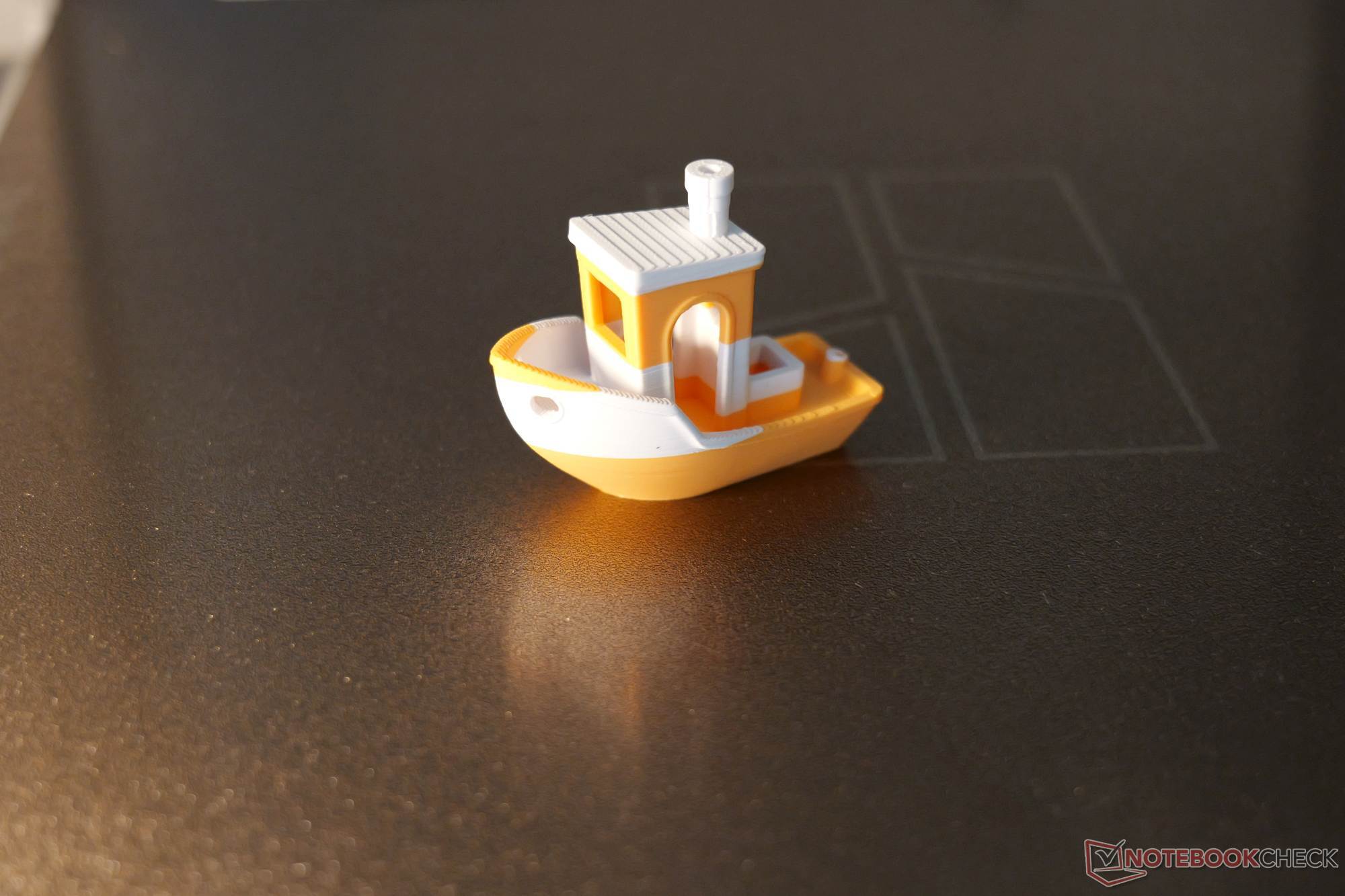
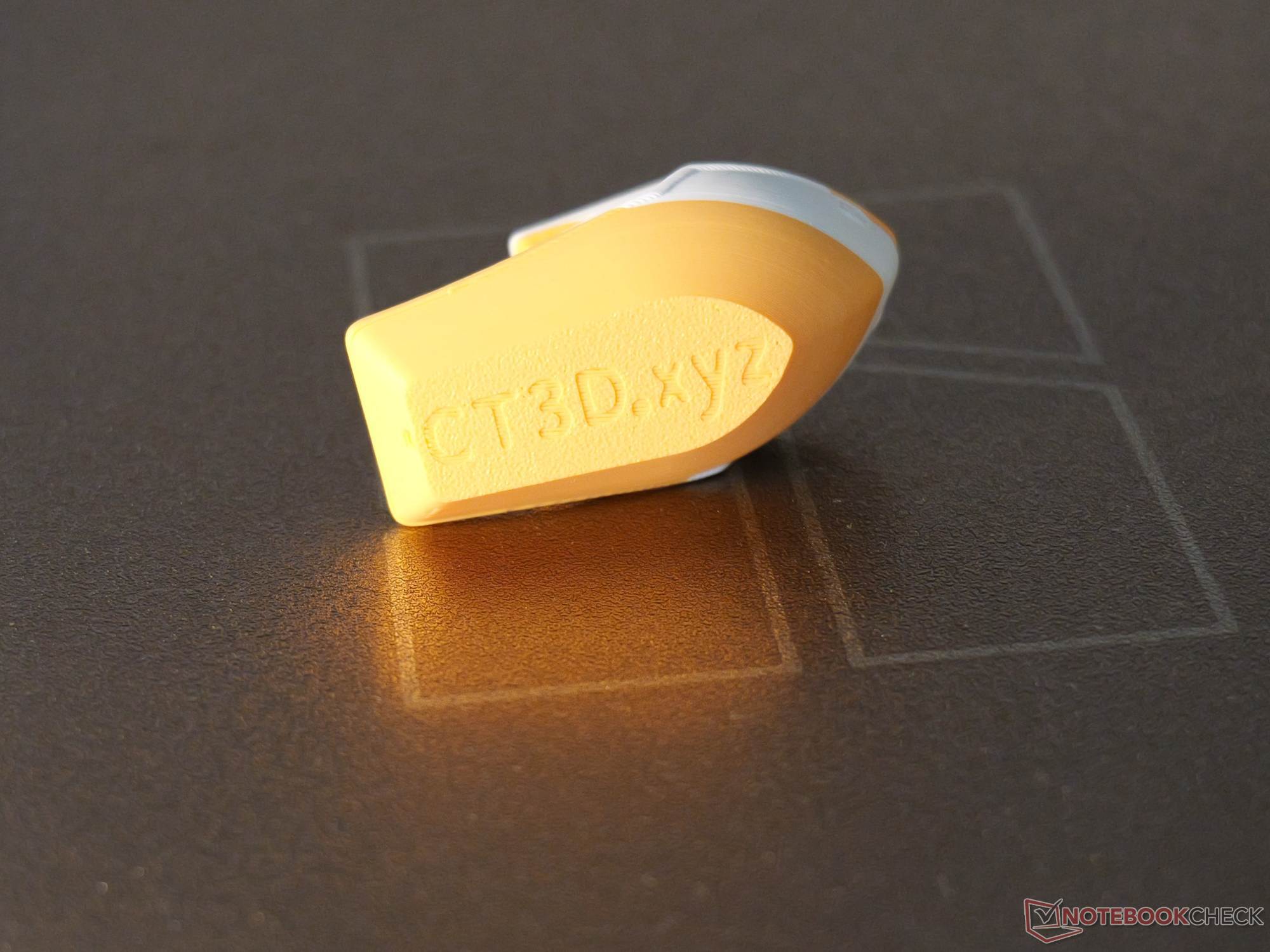
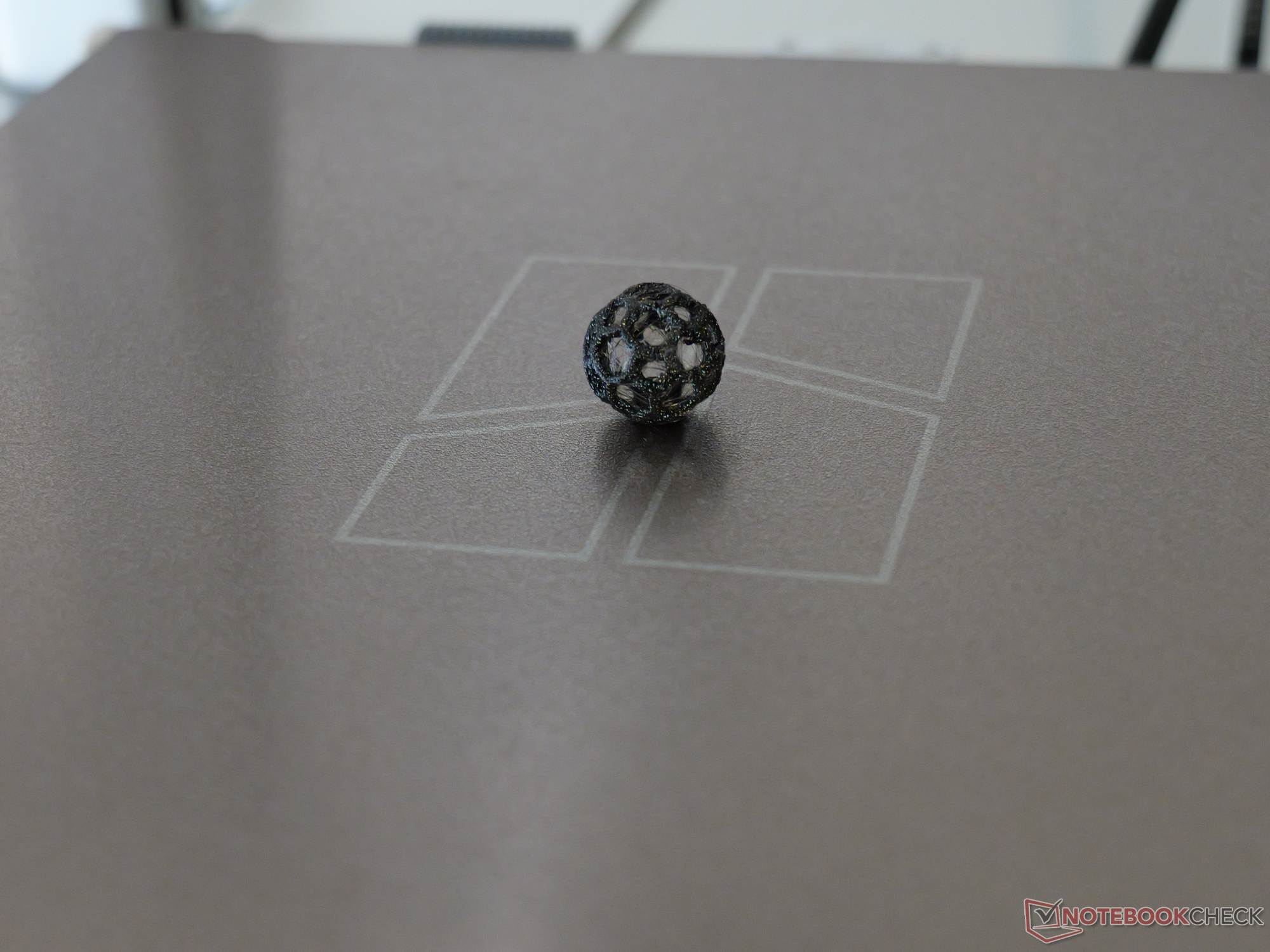
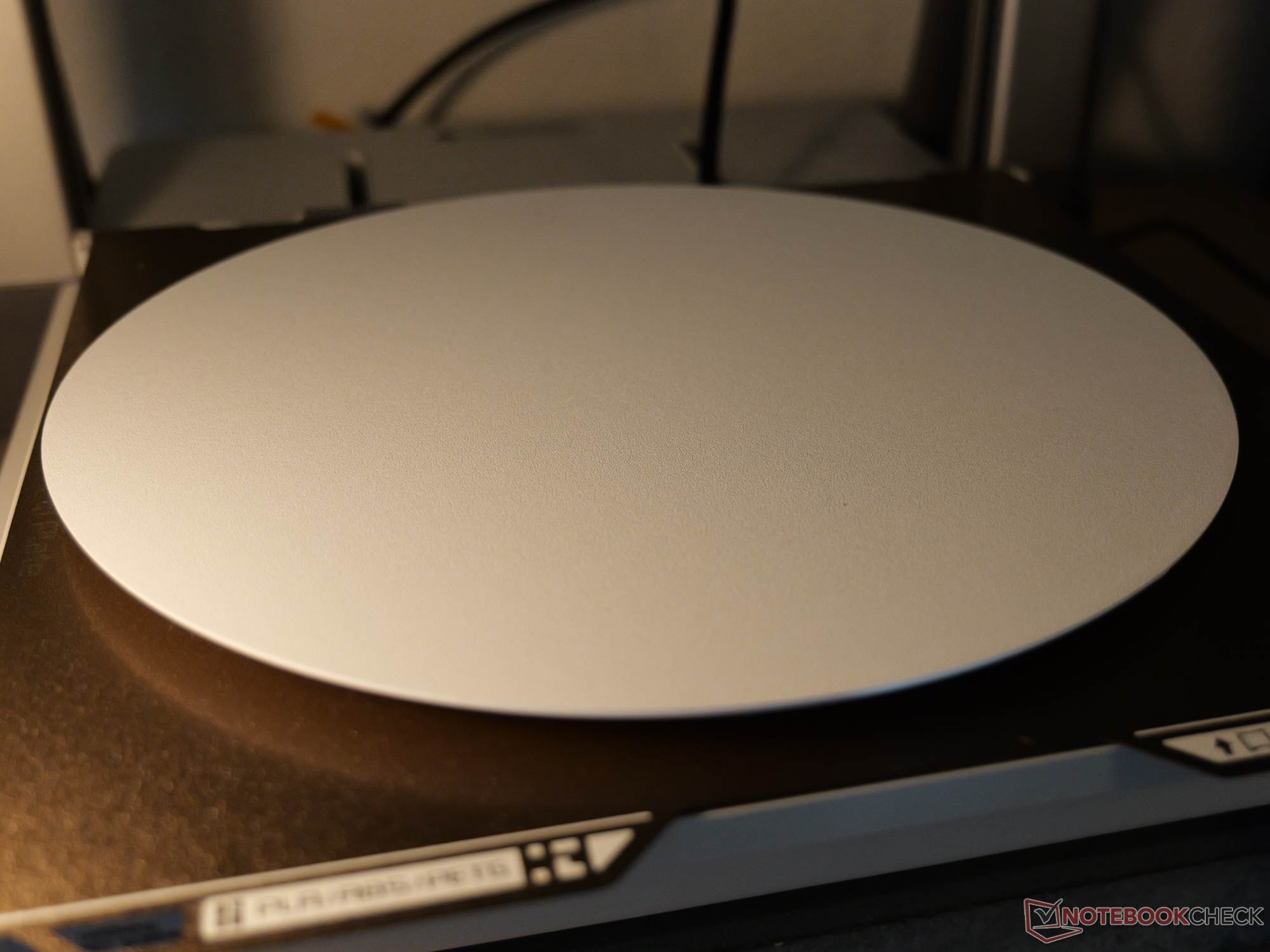
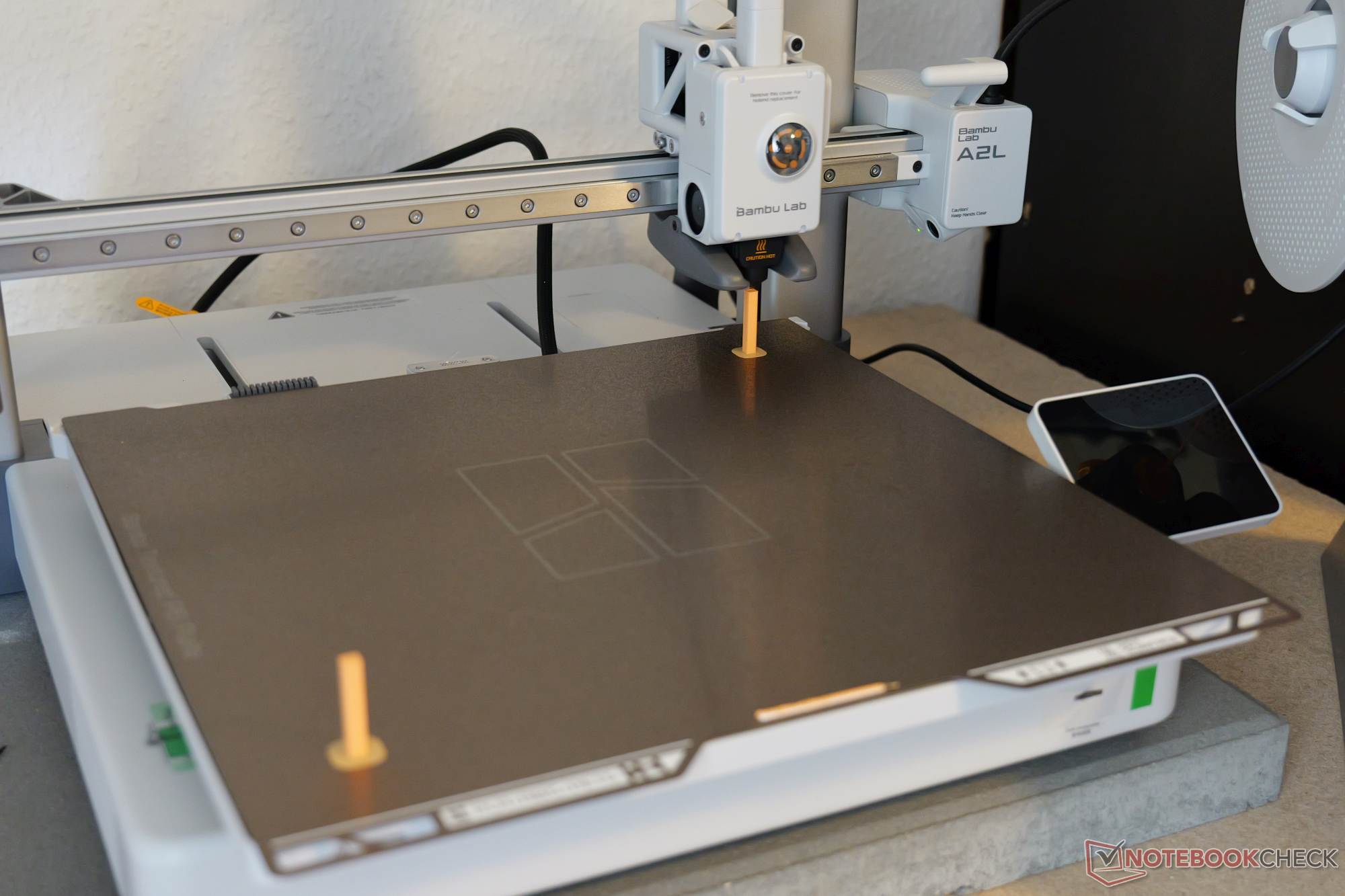
There is little to criticize about the final results. Our NBC test print completed cleanly: Overhangs printed successfully without support structures, and movable elements could be moved without force immediately after printing. Fine lettering remained legible, and stringing was minimal even on pointed geometries. The threaded test print showed no issues, and the same was true of the Benchy. Additional test prints were made to assess the large build volume. A round plate with a diameter of 300 mm showed no first-layer or warping issues, and the print was uniform throughout. In addition, five 20-mm calibration cubes were printed—one in each of the four corners of the build plate and one in the center. There were no visual differences, and the dimensional deviations were within our measurement tolerance.
We also printed two very tall, narrow towers in the front-left and rear-right corners. The idea behind this test and the calibration-cube test was to provoke errors caused by the print bed moving rapidly over a long distance, although these were extreme scenarios with limited real-world relevance. No errors could be induced. Whether this is due to the advertised adaptive vibration compensation or the special granule-filled dampers cannot easily be determined in isolation. What matters is that the final result is good. One genuine risk, at least in such unrealistic extreme cases, is that tall prints may topple over during printing if they have to be positioned on their smallest surface. Compared with the X2D, for example, the A2L’s maximum toolhead acceleration of 10,000 mm/s² is only half as high.
We printed with PLA Pure from Bambu Lab as well as inexpensive PLA, PETG, and TPU from third-party manufacturers. Although TPU is not officially supported by the AMS Lite, it can be printed without issue using the external spool holder. Because the printer is open, it naturally cannot maintain a stable temperature in the build chamber, but this is not a problem with standard filaments. Drafts should nevertheless be avoided. The design also means that there is no exhaust-air filtration. Multicolor printing worked without incident: Color changes were reliable, and the layers adhered cleanly to one another. The fact that every change requires not only priming but also extensive purging—with the corresponding filament waste—is a common issue for 3D printers with only one print nozzle.
Plotter and pen module offer real added value
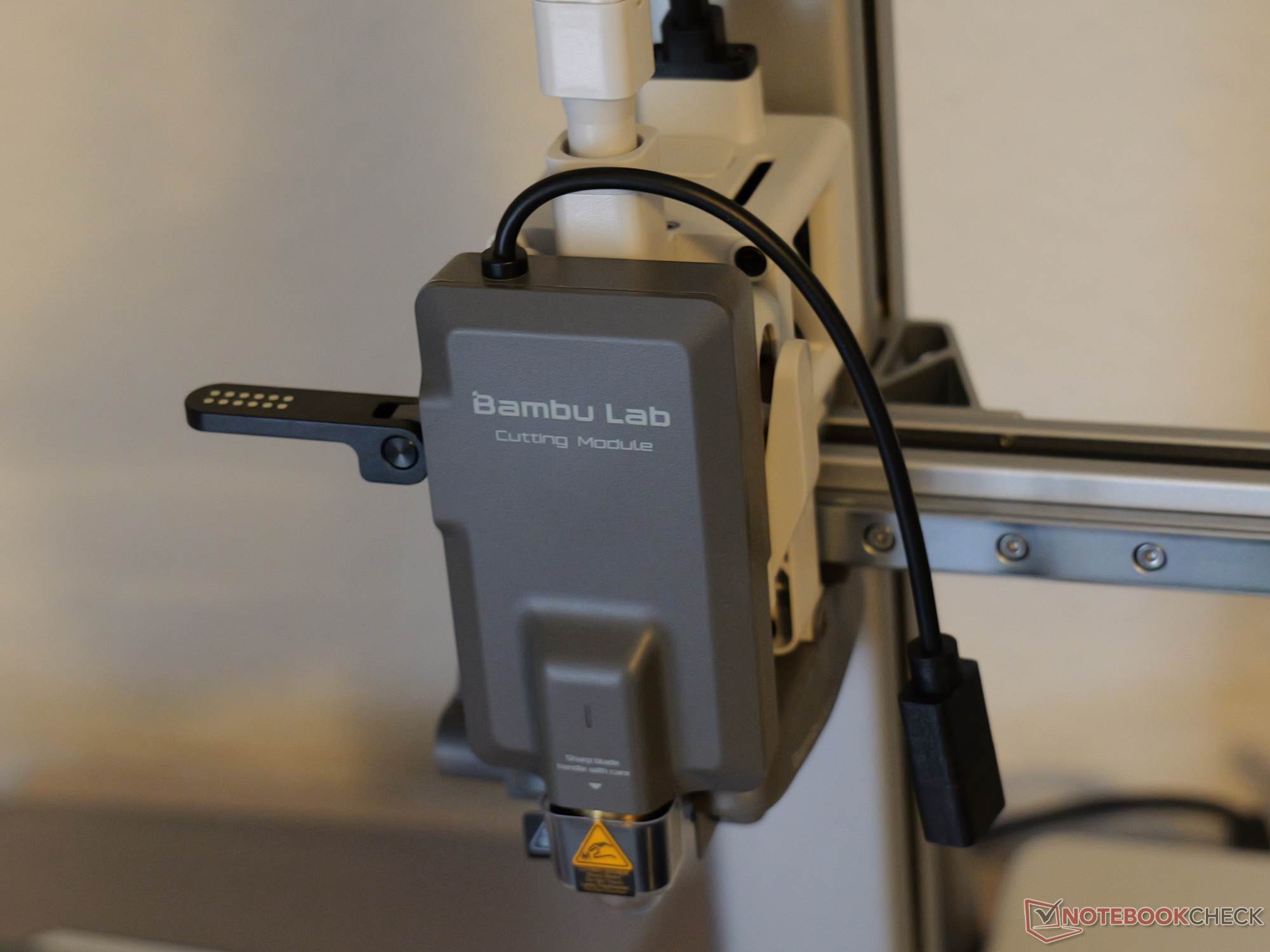
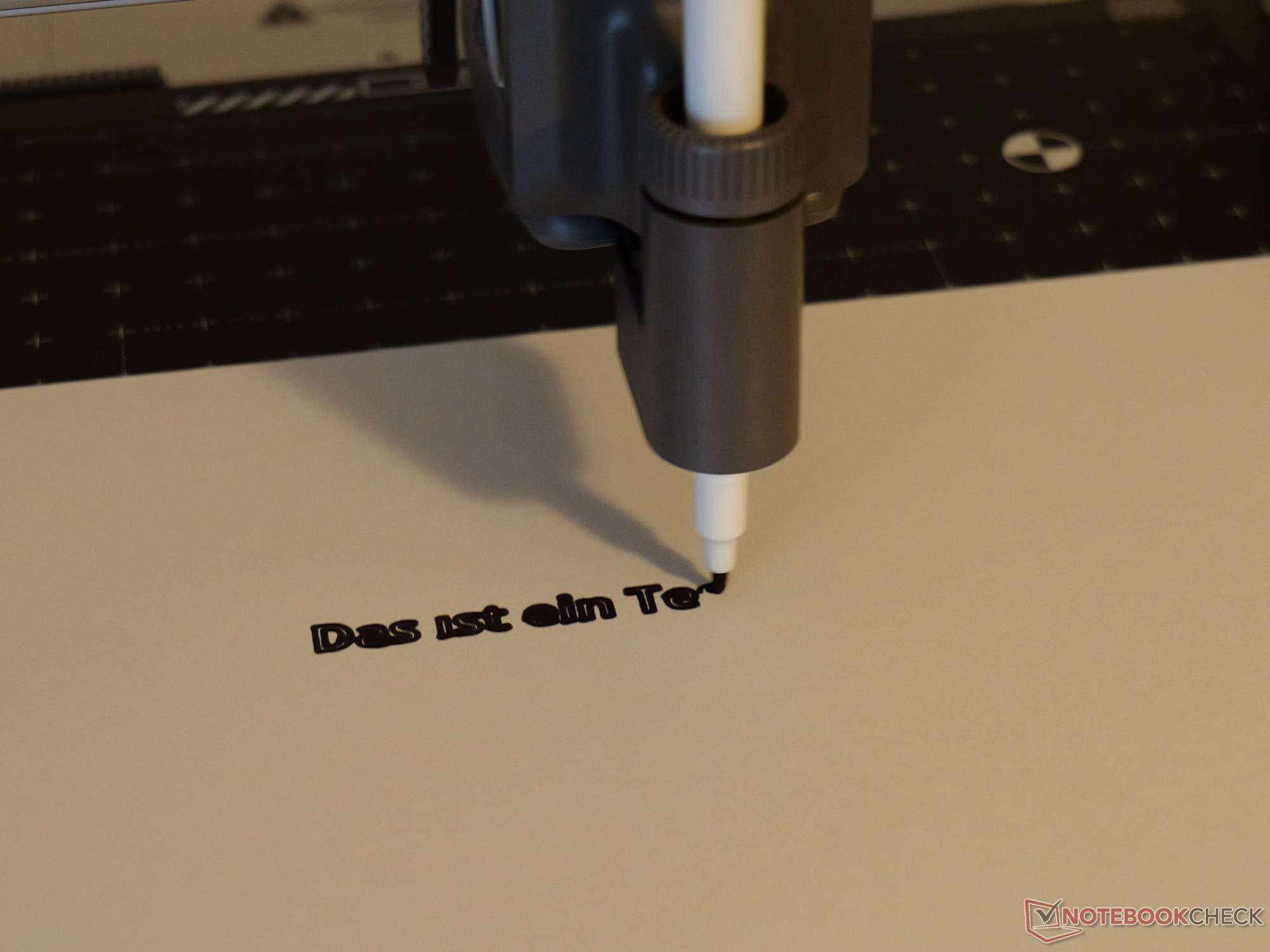
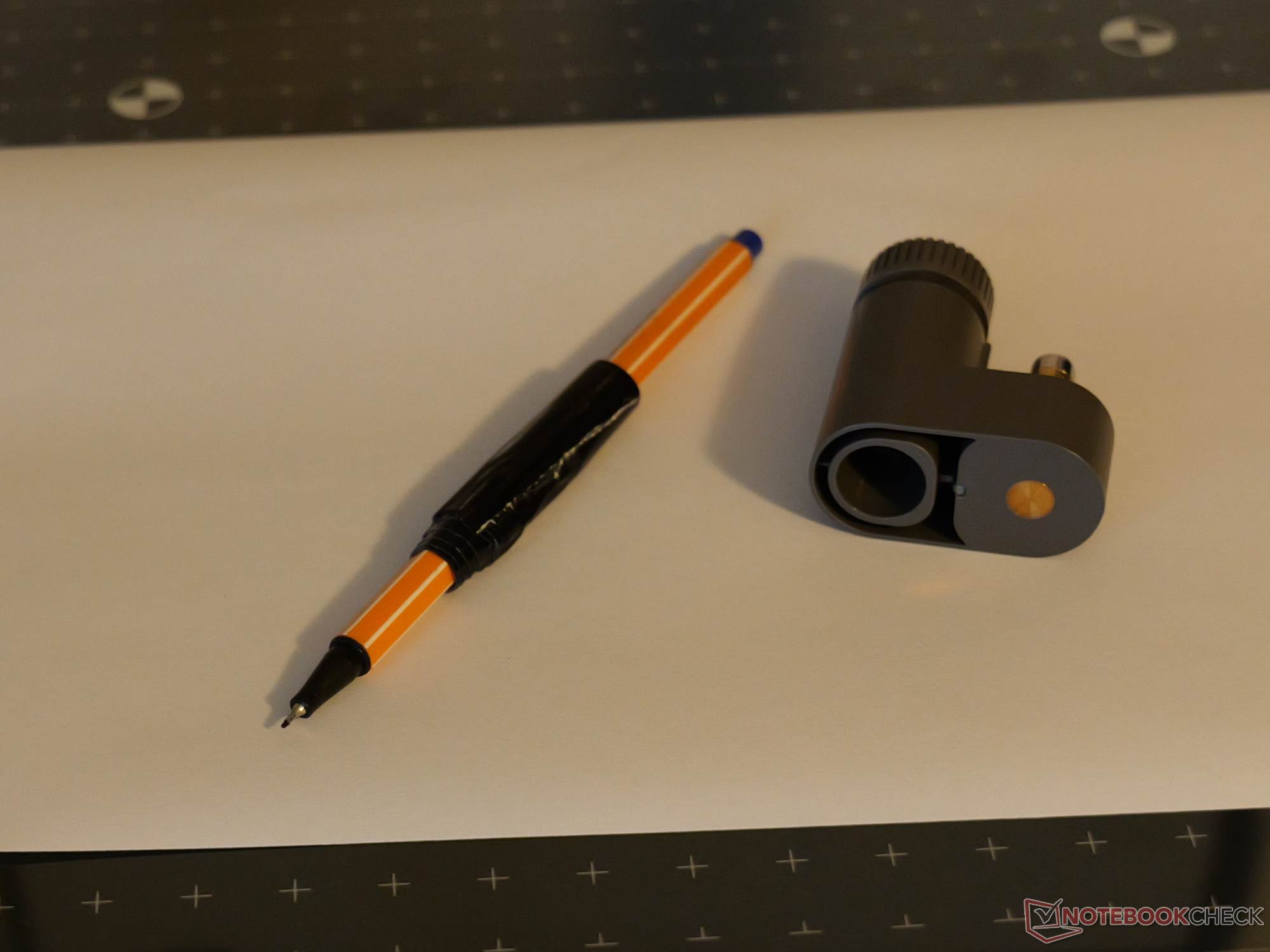
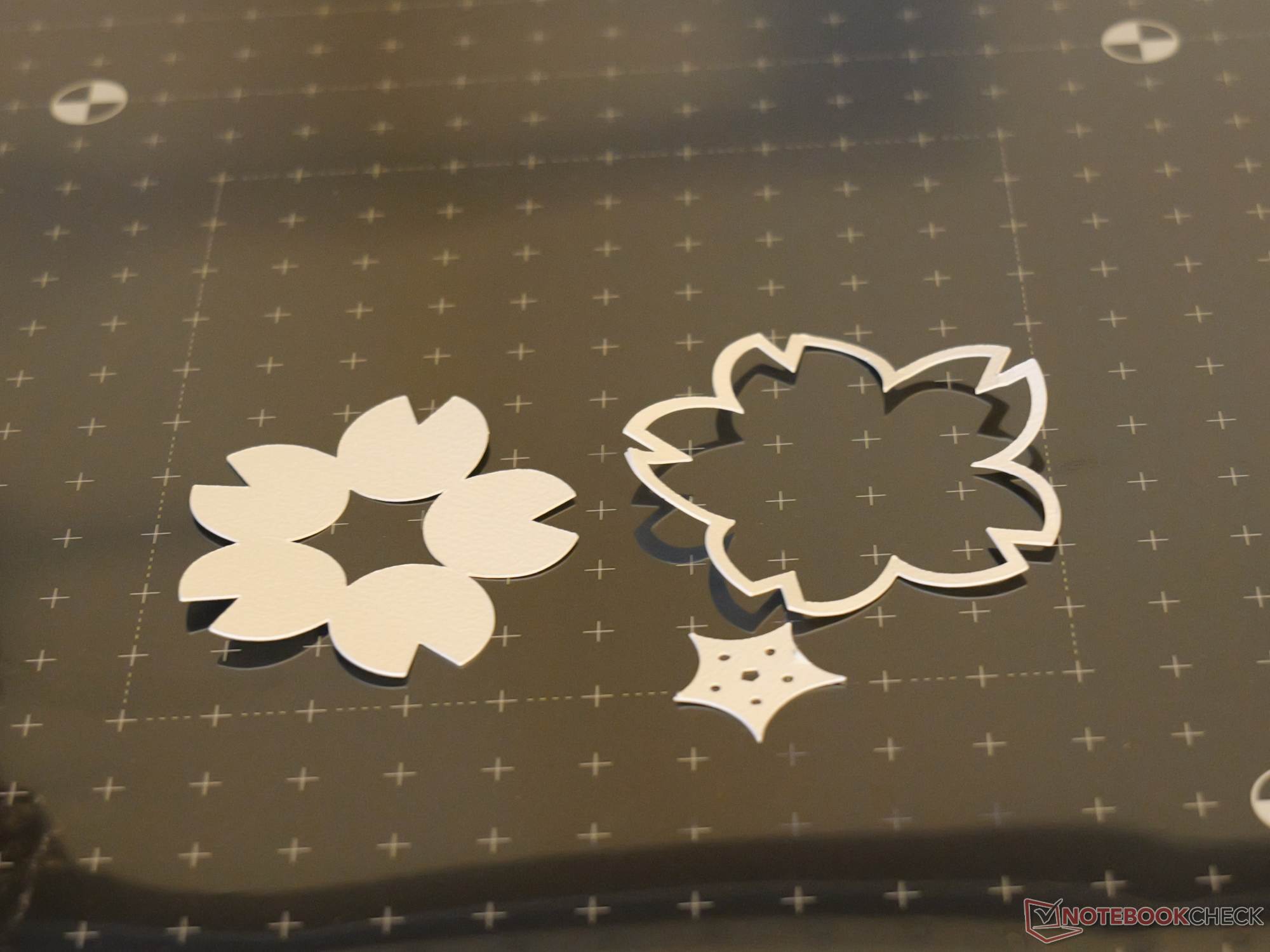
The optional Cutting Upgrade Kit, priced at $70, transforms the A2L into a plotter for paper and cardstock or into a drawing robot. We will examine this feature in greater detail separately. Fine positioning using a smartphone photo in the Bambu Handy app works surprisingly well in everyday use. The pen holder is primarily designed for thicker pens, but a fineliner wrapped in fabric tape also worked. Cutting and drawing use a double-sided adhesive mat. This can be tricky with thin paper, as the paper tends to curl when removed.
This is where the large build volume fully plays to its strengths, as DIN A4 sheets fit on the plate. The feature is controlled via Bambu Suite rather than Bambu Studio. Bambu Lab does not offer a laser module. It is understandable that the manufacturer omitted one from an open printer because it lacks an enclosure and filter, but Bambu Lab could have used this opportunity to take a bold step forward in terms of modularity.
Transparency
The selection of devices to be reviewed is made by our editorial team. The test sample was given to the author by the manufacturer free of charge for the purposes of review. There was no third-party influence on this review, nor did the manufacturer receive a copy of this review before publication. There was no obligation to publish this review. As an independent media company, Notebookcheck is not subjected to the authority of manufacturers, retailers or publishers.
 Add as a preferred source on Google


