




Bambu Lab A2L: How well can this 3D printer cut and print?
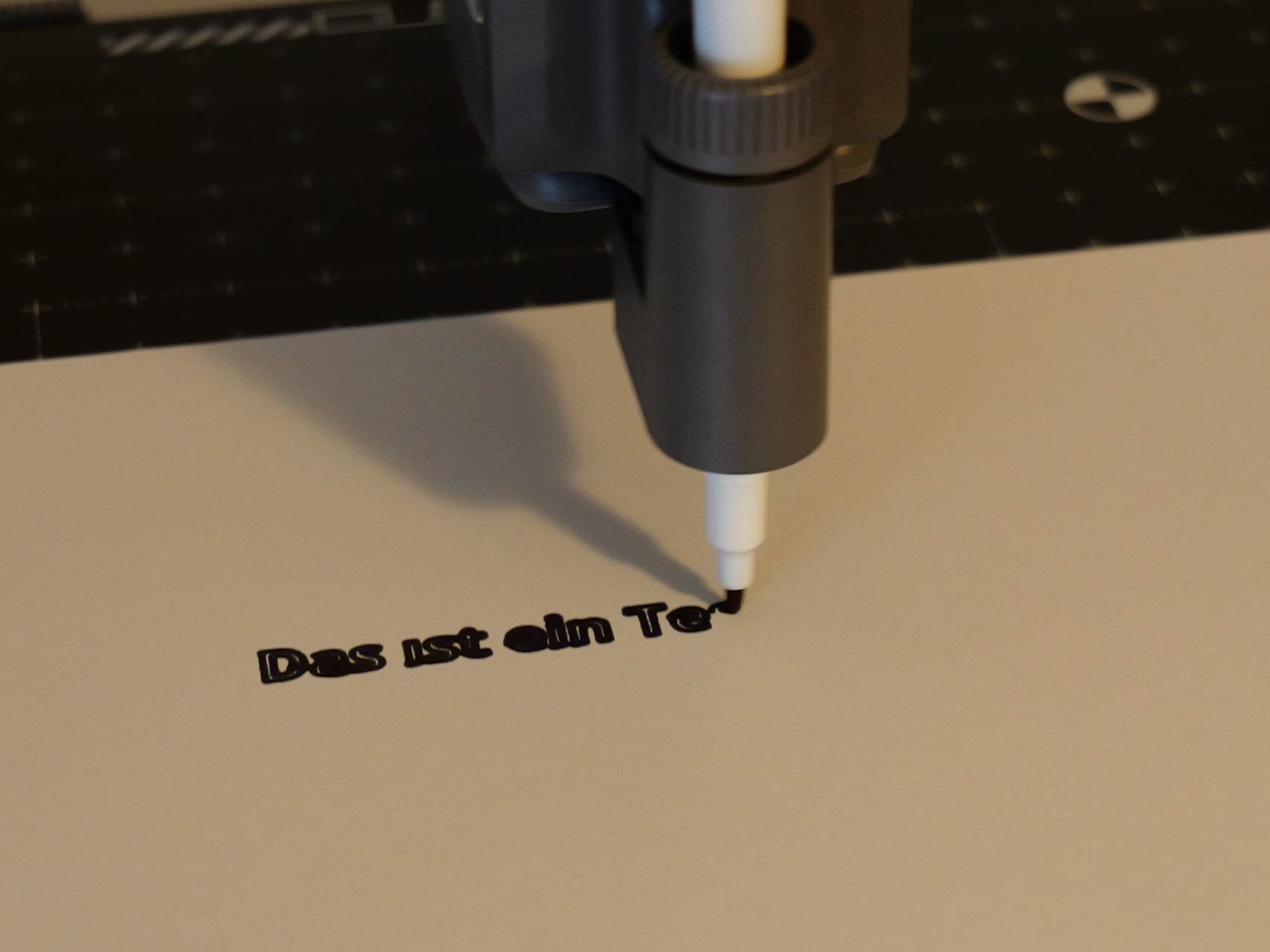
In our in-depth review of the Bambu Lab A2L, we’ve already discussed the Cutting Upgrade Kit, available for $69, which we’d like to examine in a little more detail. It makes perfect sense for Bambu Lab to offer an additional module with cutting and plotting functions for a 3D printer: a 3D printer must be able to move precisely to specific positions and execute movements quickly, which is necessary for both filament printing and plotting. Installation is very simple; all you need to do is remove a cover and the filament movement indicator. The module is then slid into place, secured with a lever, and connected via a cable.
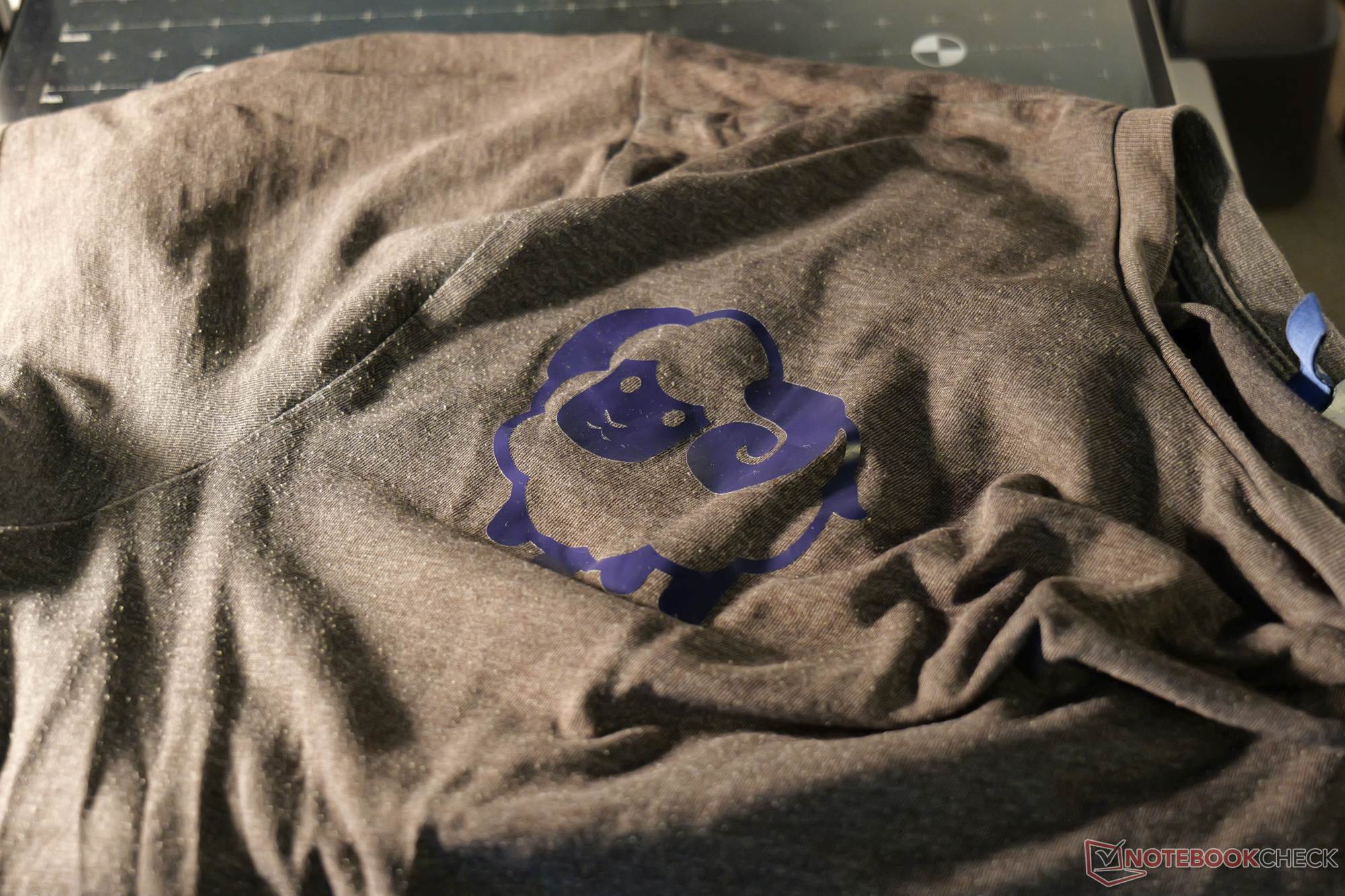
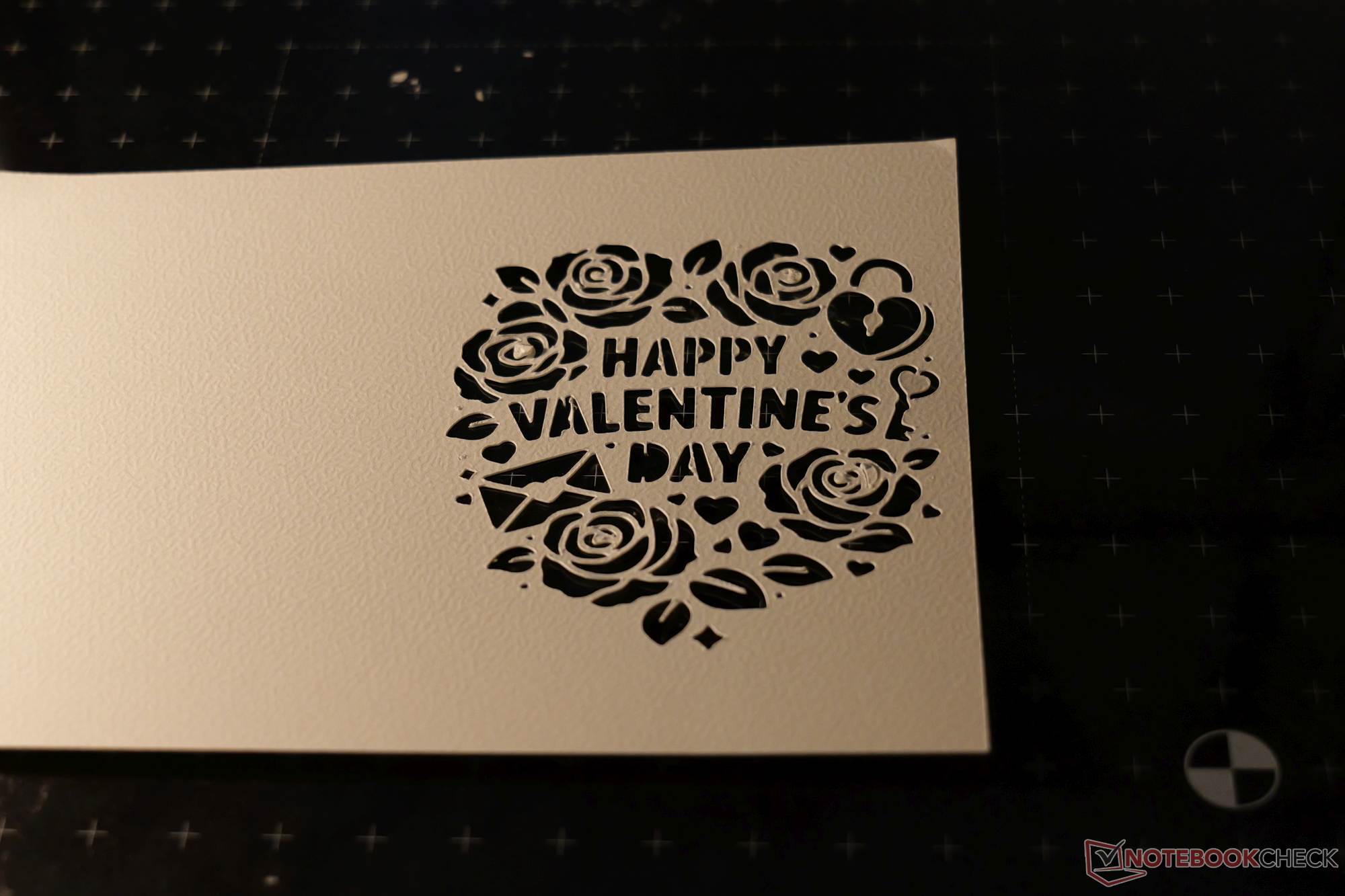
The Cutting Upgrade Kit itself is also modular: The blade holder can be easily removed and replaced with the pen holder. The package includes two replacement blades and two fairly thick fiber-tipped pens. We tested it by cutting paper, thicker cardboard, and iron-on transfer film. All three work well; however, thin paper sticks very strongly and curls significantly after being peeled off, even when using the low-adhesion side. In practice, though, depending on the specific task, you can also use a plastic sheet as a base and secure the paper to it with adhesive tape.
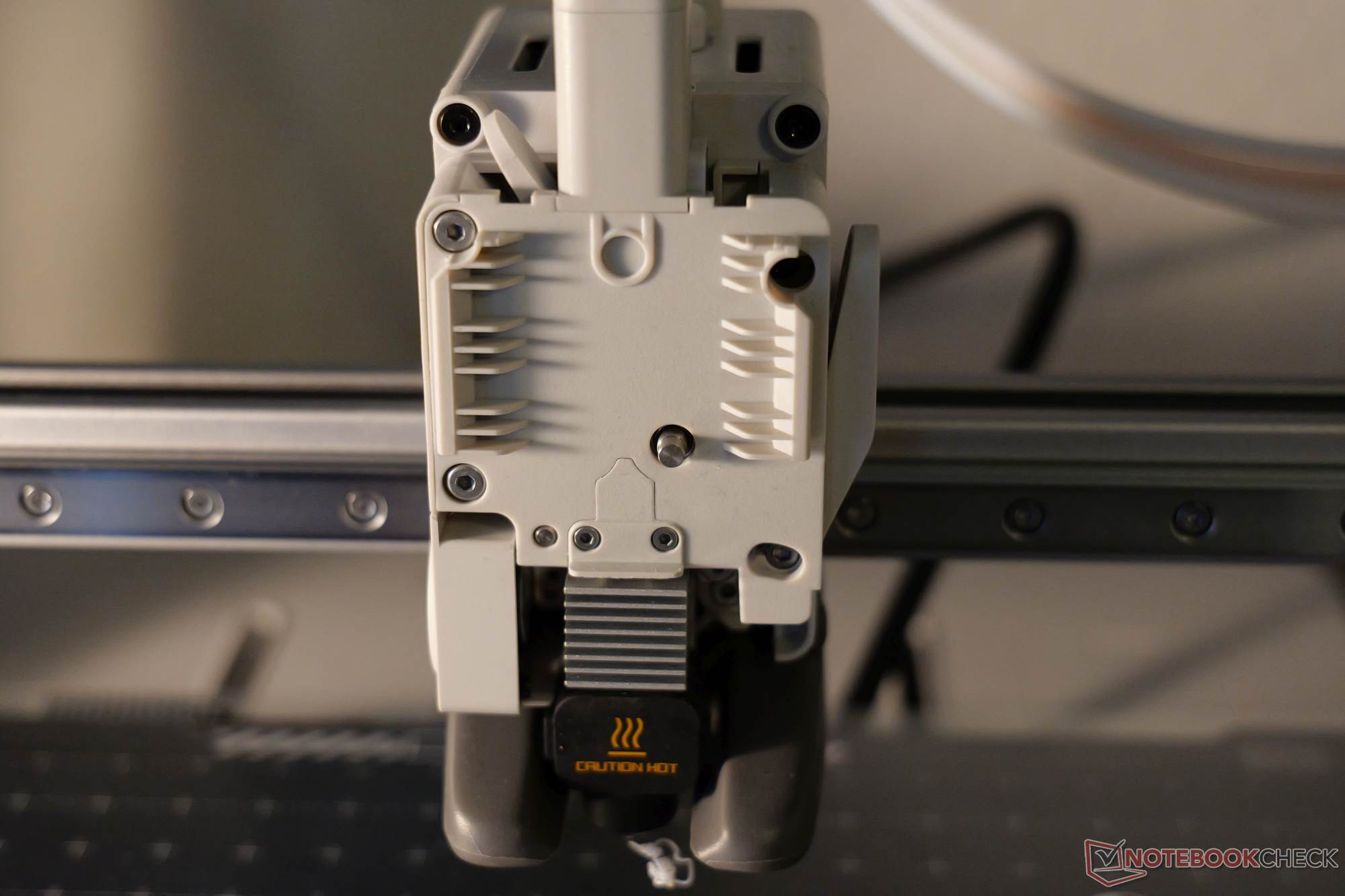
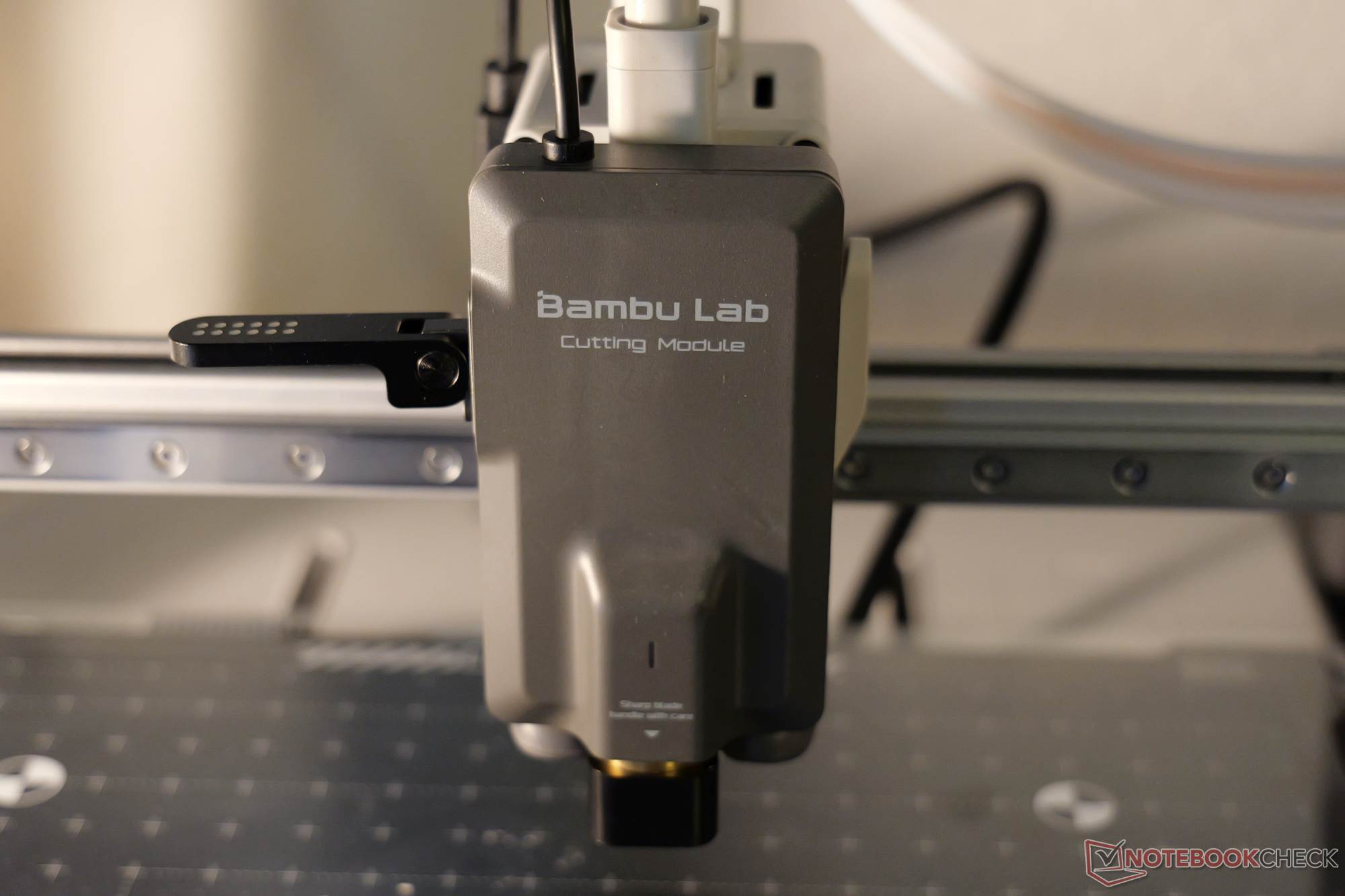
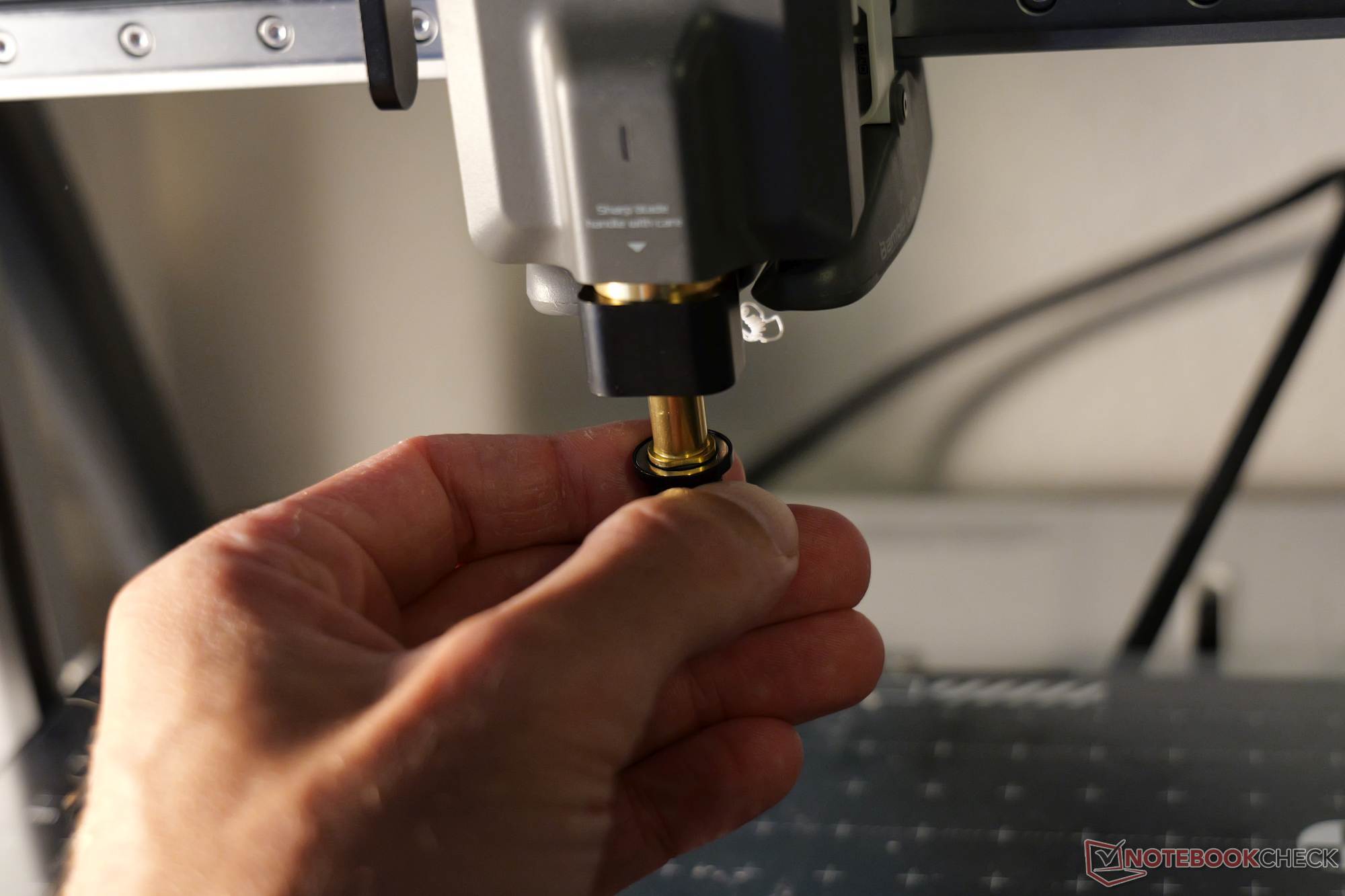
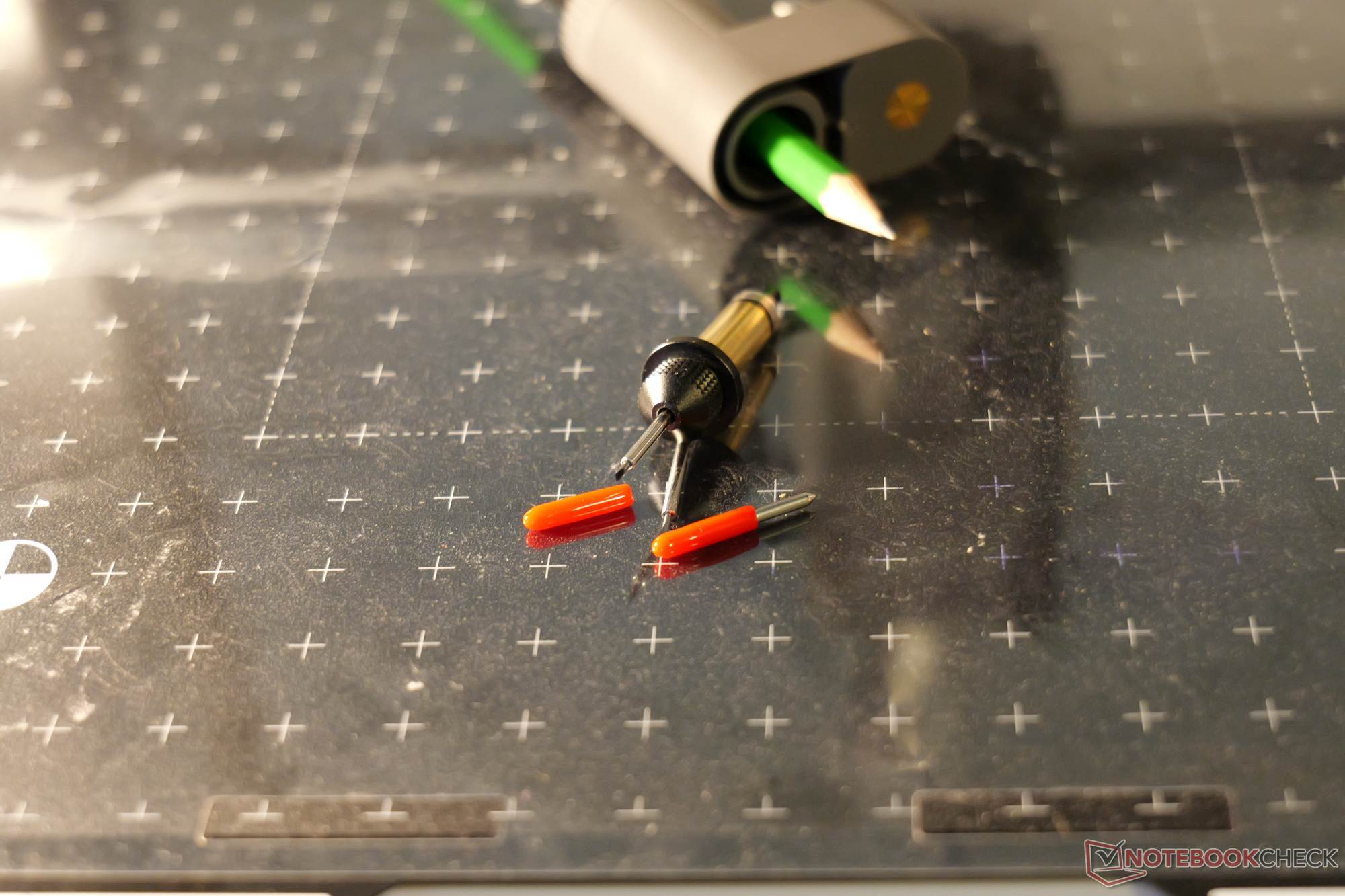
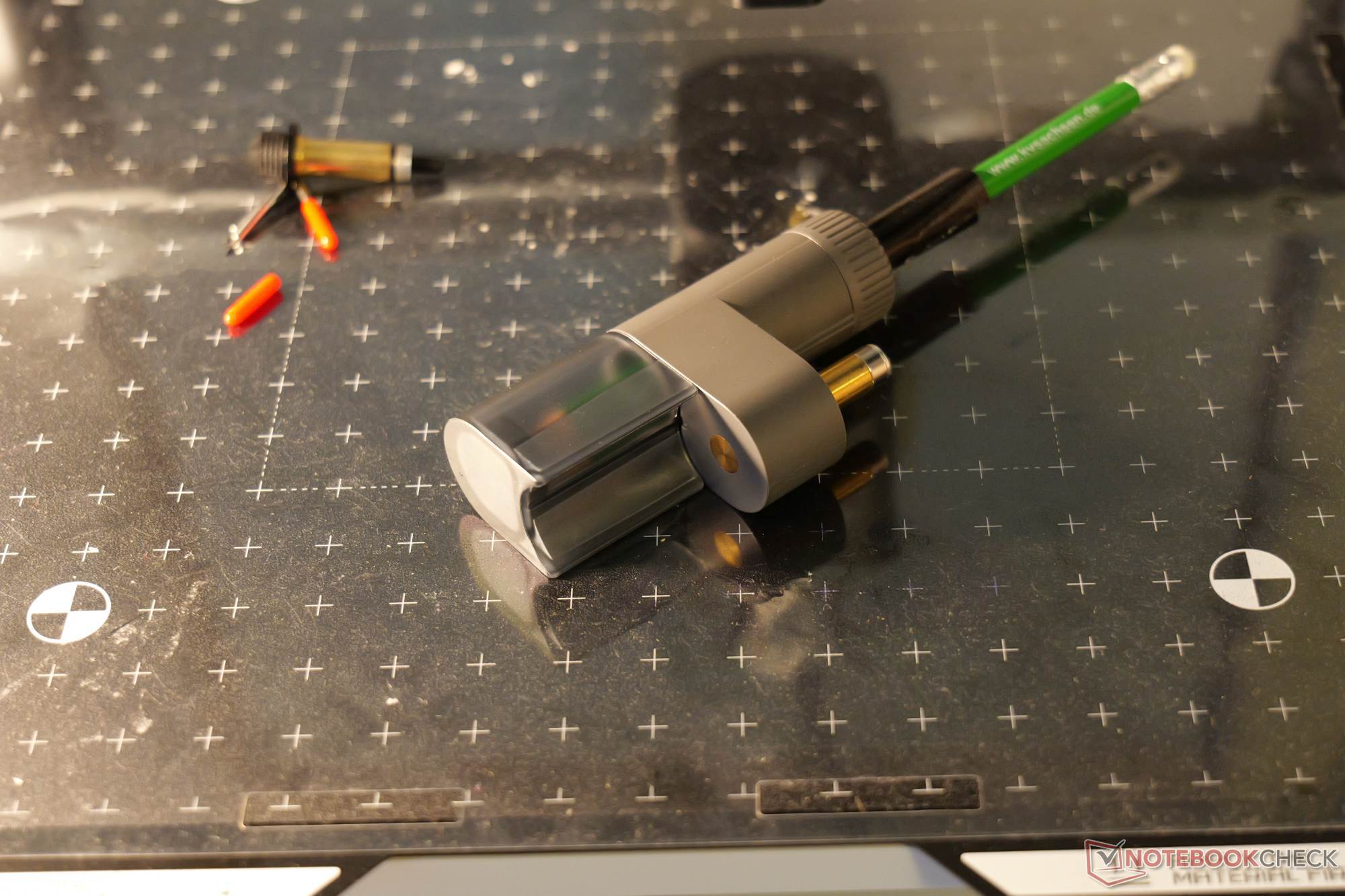
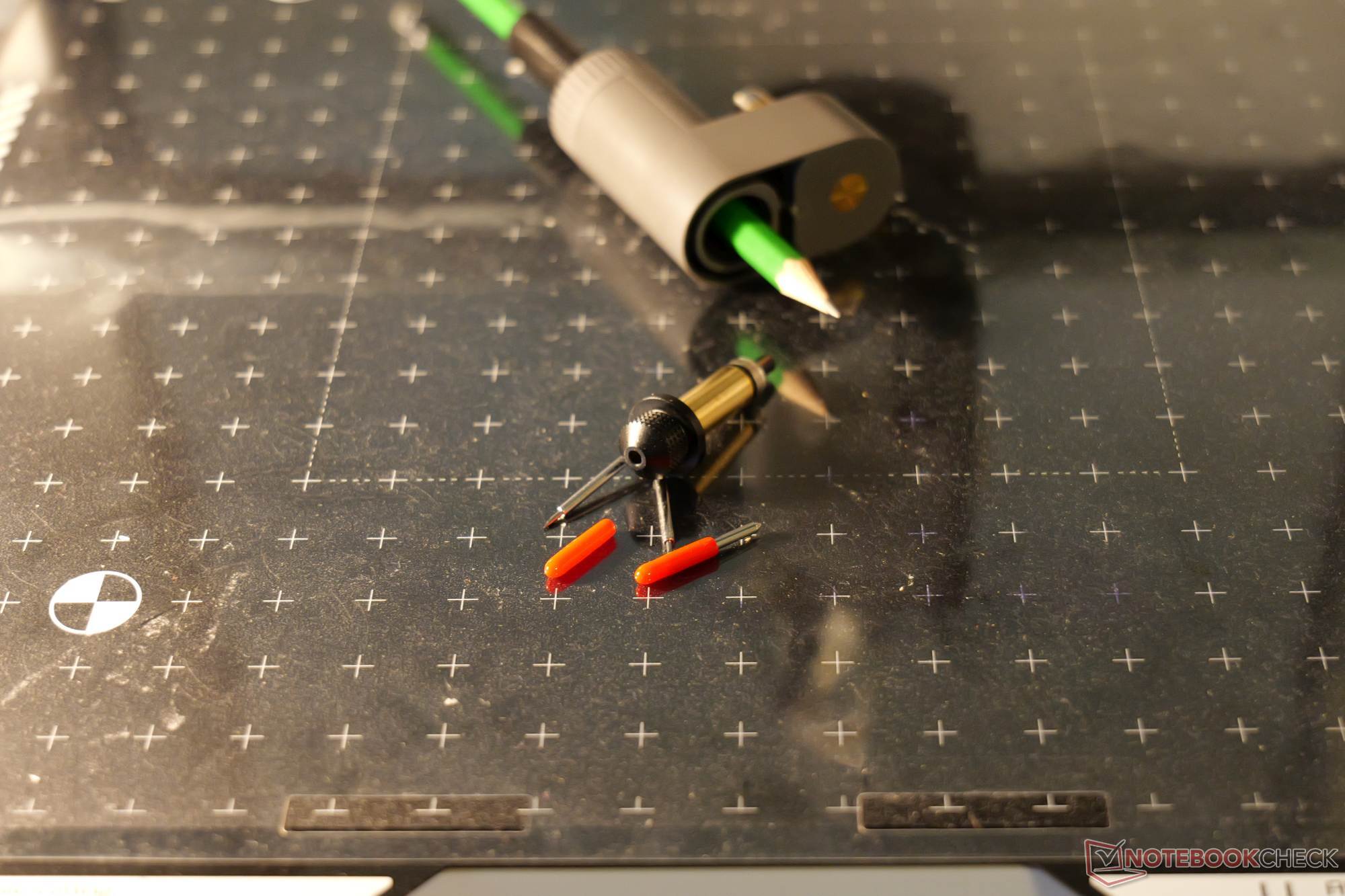
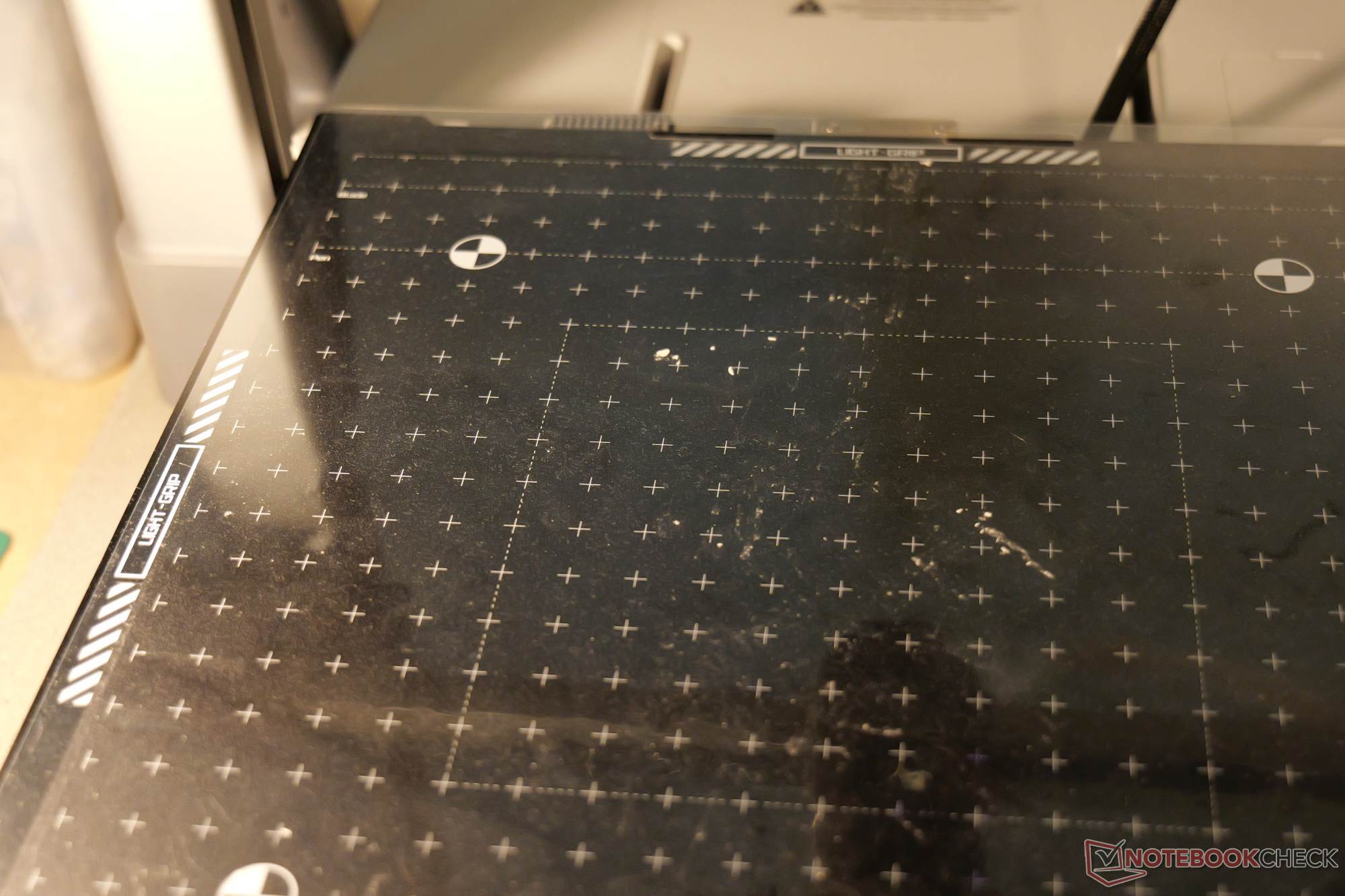
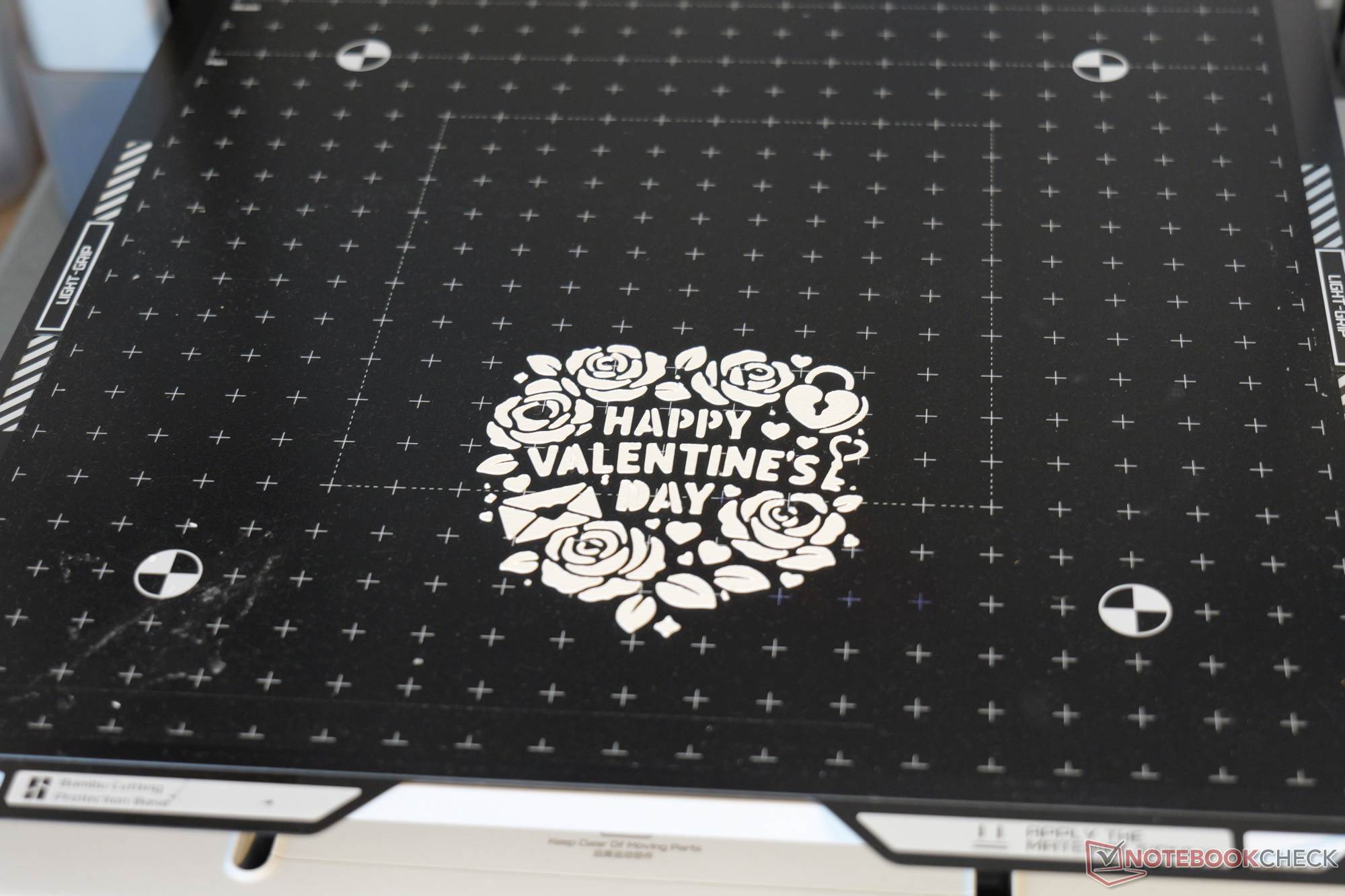
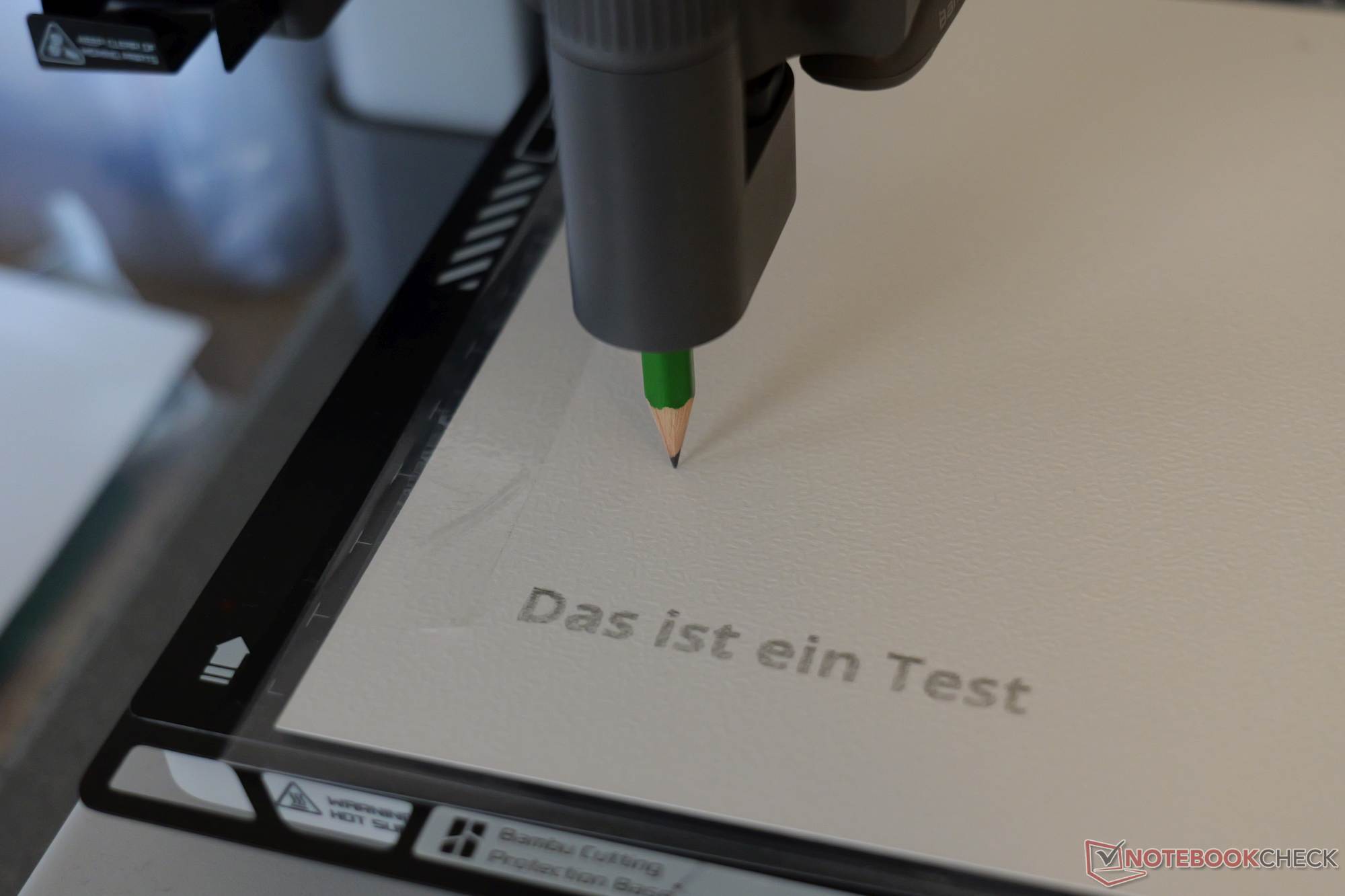
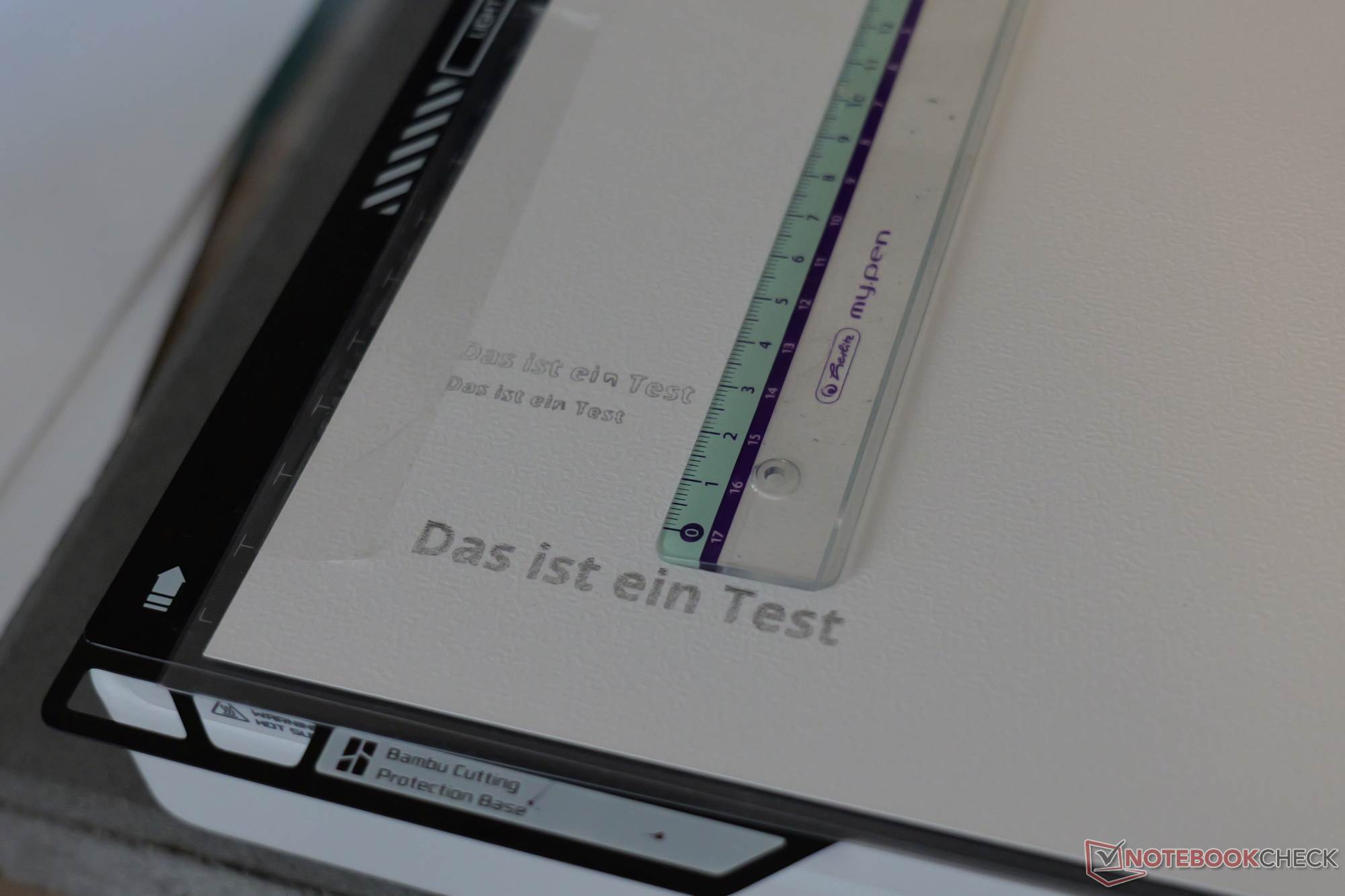
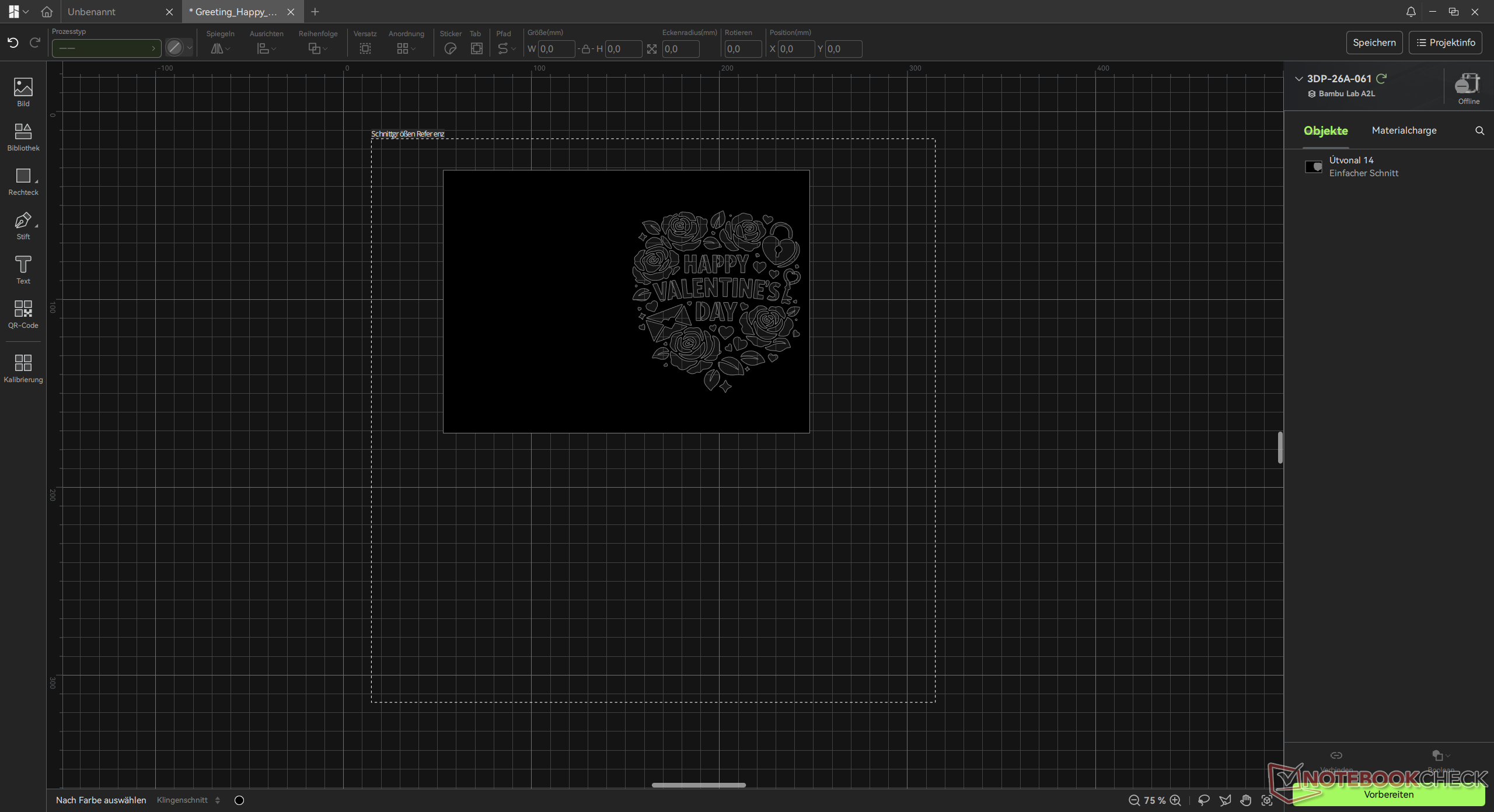
Much like a print bed, the cutting plate is a consumable item that shows wear relatively quickly. The drawing feature works seamlessly: the pen is set against a plastic cap stop and tightened into place. Out of the box, however, the holder only secures thicker pens. You can remedy this with a 3D-printed adapter or by wrapping fabric tape around the barrel, though tape quickly becomes wasteful if thin pens are used regularly. The tool’s leveling or calibration is performed automatically and apparently works quite well. A fineliner and a pencil were also used in the test, and neither tip broke. The software used is Bambu Suite. Cutting templates can also be downloaded online, though the selection isn’t particularly large. In principle, there are virtually no limits to your own creativity. The arrangement of cuts or drawings on the material is cleverly designed: Using the Bambu app, you can take a photo of the cutting mat with the material on it. This ensures proper positioning and also allows you to make effective use of scraps.
At $69, the Cutting Upgrade Kit is comparatively affordable given the added value it offers, and the quality of the final results is good. A possible standalone alternative would be the Cricut Joy 2, available on Amazon for 139. For that price, however, customers also receive a substantial supply of consumables. It also features a folding function, and the Cricut Joy 2 can make cuts up to 4 ft long but only 4.5 inches wide.
 Add as a preferred source on Google


