




Asus ProArt displays finally gain better support for Mac devices
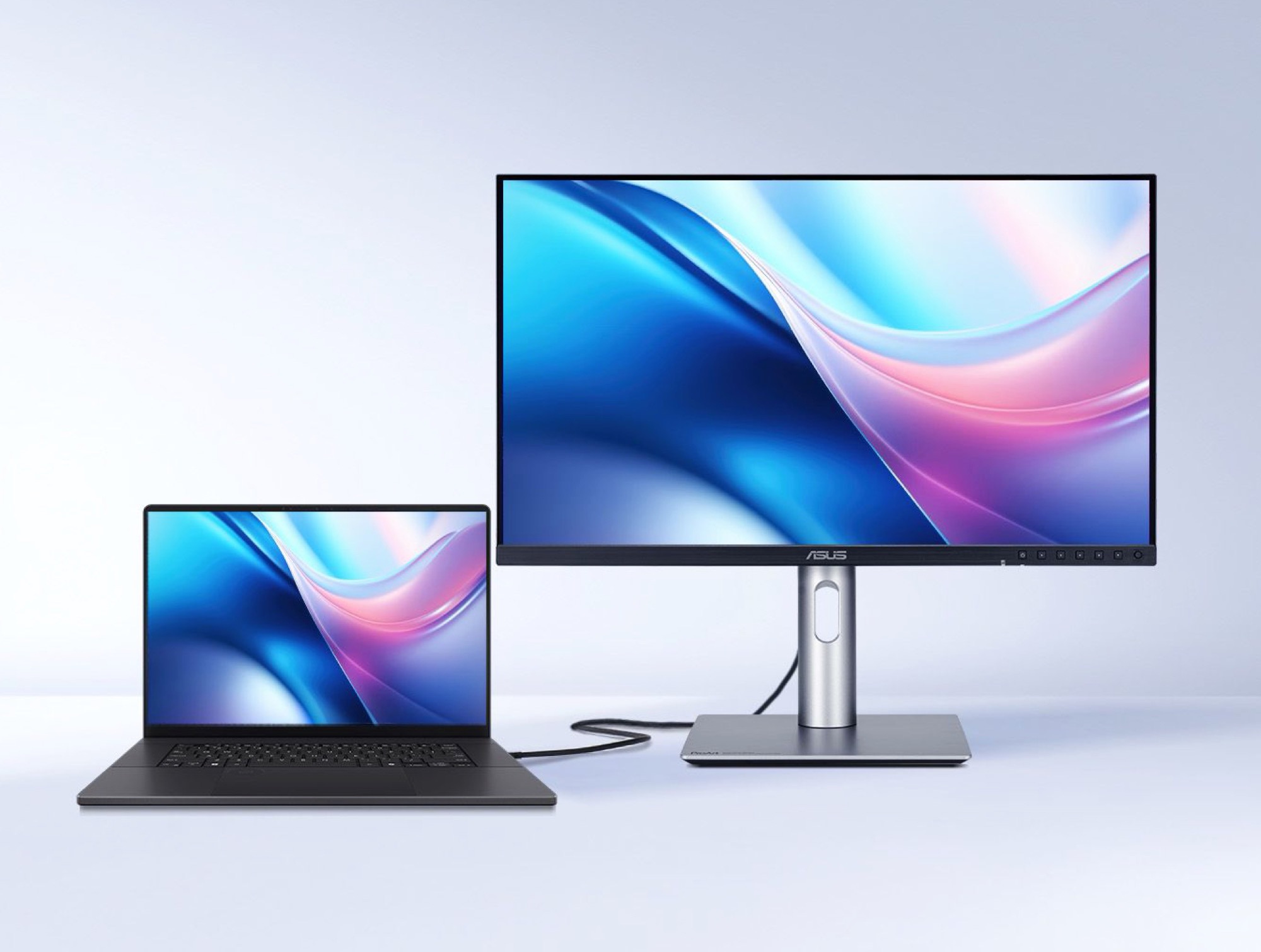
Until now, anyone pairing an Asus ProArt monitor with a Mac had to settle for limited support. Whilst ProArt displays already worked with Mac devices – and features like the integrated USB hub remained functional – third-party solutions were required if you wanted to install firmware updates or adjust monitor settings from a Mac.
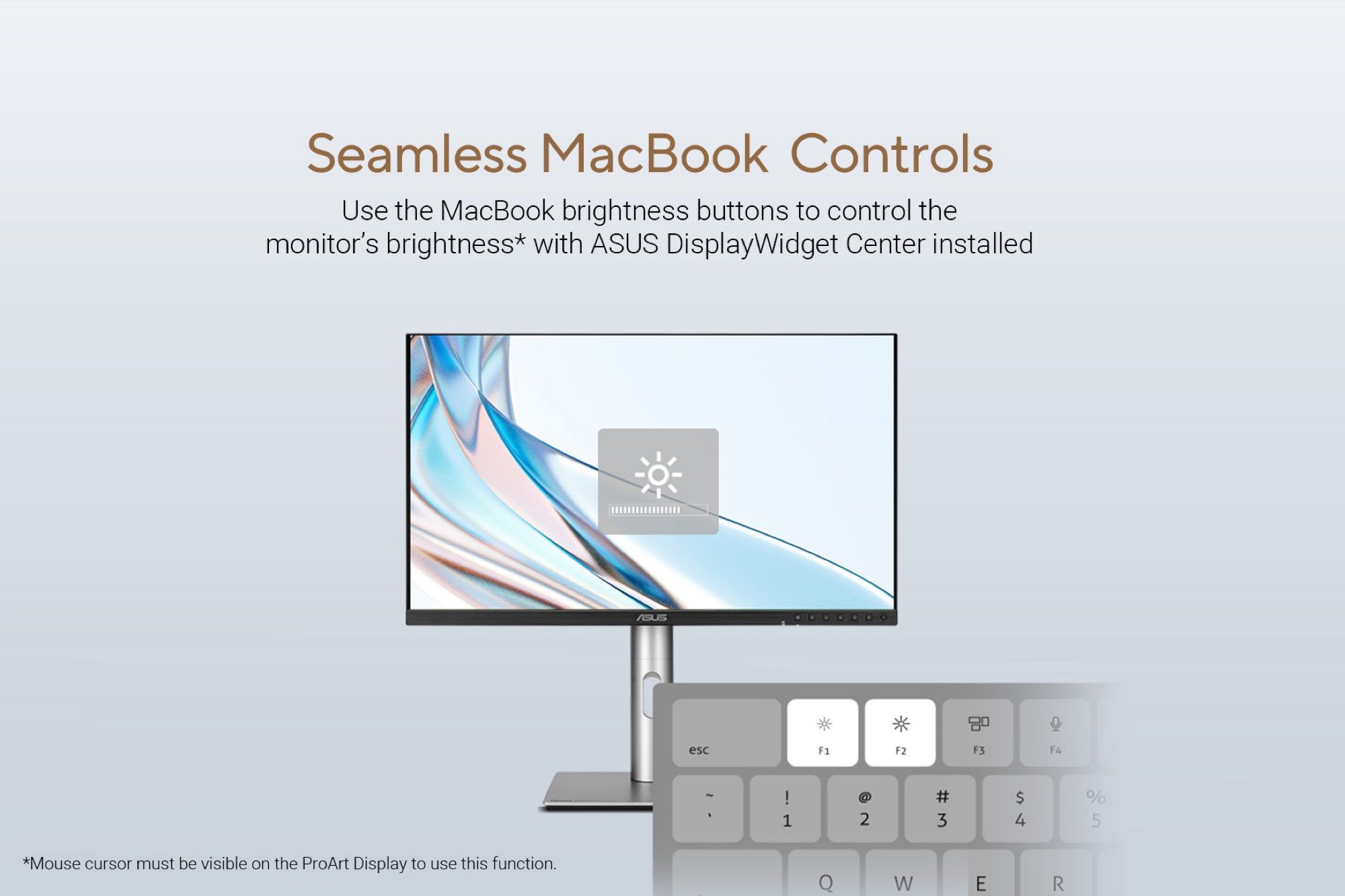
That has now changed with the introduction of the Asus DisplayWidget Center for macOS. The downloadable software lets you adjust a ProArt display’s brightness using the corresponding function keys on an Apple keyboard and manage monitor settings without relying on the often cumbersome on-screen display menus.
The software will reportedly also streamline window management across multiple monitors by letting you move windows directly to the desired display using keyboard shortcuts. Another notable feature is the option to automatically switch display modes based on the app currently being shown. Additionally, the DisplayWidget Center includes several measures to prevent OLED burn-in.
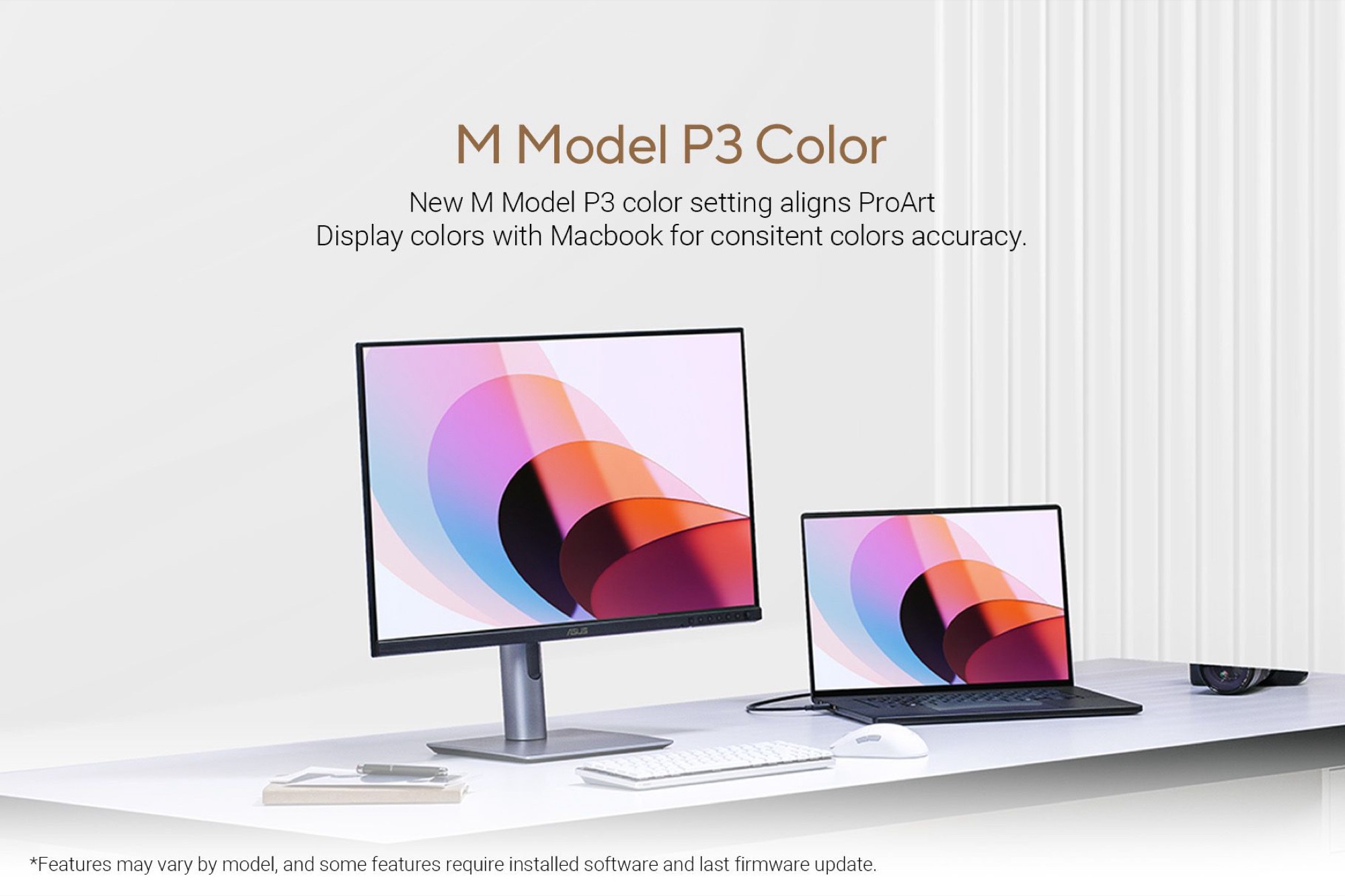
Selected ProArt monitors are also set to receive a firmware update that enables them to synchronise their DCI-P3 gamut output with the display on a MacBook Pro or MacBook Air (prices start at around $800 on Amazon). This helps external monitors and MacBook displays colour-match as closely as possible without the need for tedious manual calibration.

Source(s)
 Add as a preferred source on Google


