




A password alone isn't enough: How to really secure your accounts
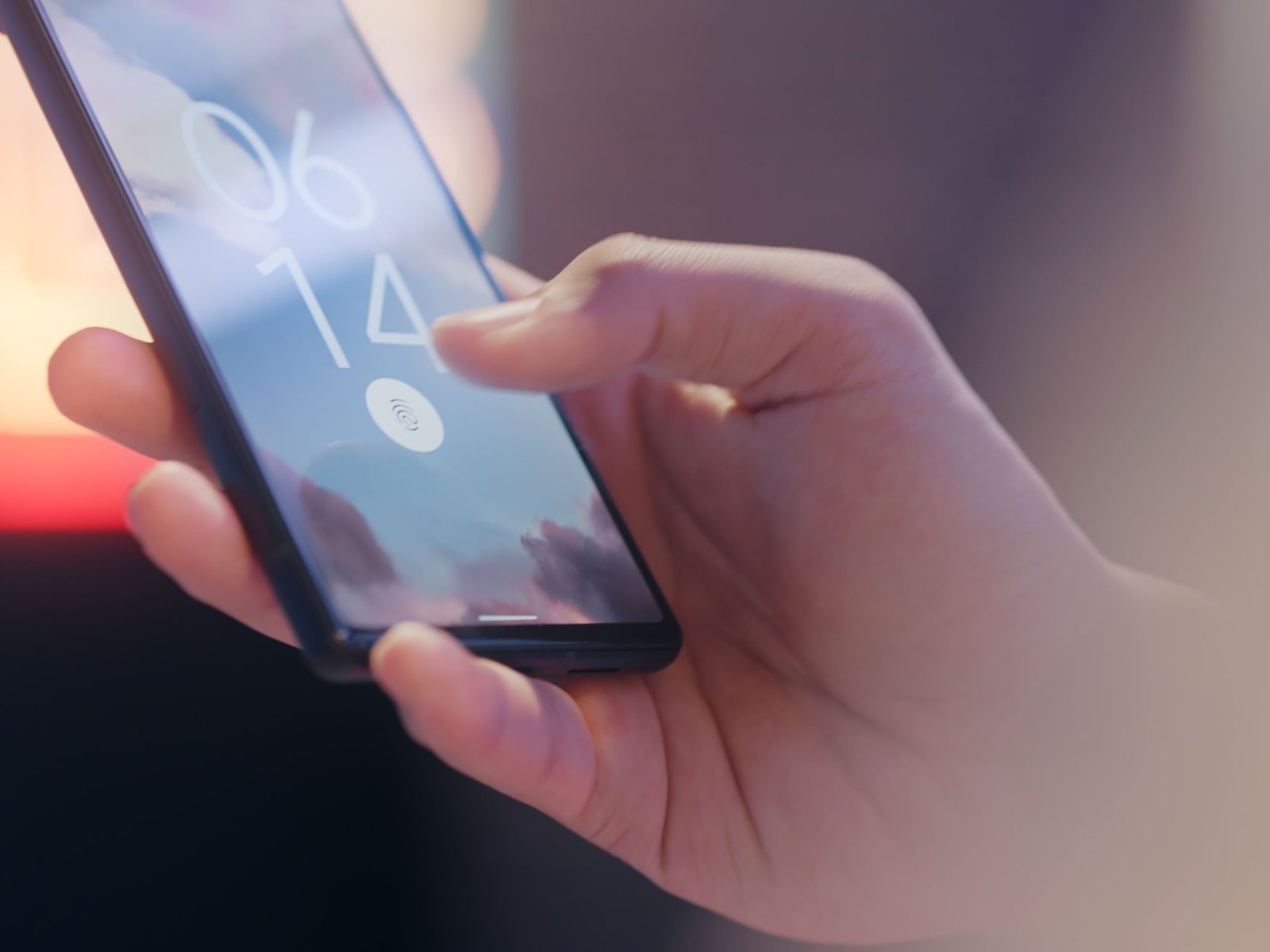
Do you know that feeling when yet another report about a data breach comes out and you wonder if your password was among those compromised? That concern is justified. Billions of login credentials from past breaches are circulating, and modern phishing sites are stealing passwords in real time. A strong password is important, but it’s just one hurdle. If it’s compromised, your account is wide open. The good news: With two-factor authentication, or better yet a passkey, you can make your accounts a lot more secure in a few minutes. The BSI recommends exactly that.
Why a password alone is no longer enough
Passwords have three vulnerabilities that even the most complex password cannot protect against. First, data breaches: If a service is hacked, millions of login credentials end up in circulation, and anyone who reuses the same password loses multiple accounts at once. Second, phishing: A deceptively genuine login page asks for your password, and you voluntarily enter it. Third, SIM swapping: Fraudsters take over your cell phone number and use it to intercept even SMS codes. According to the FBI, losses totaled around $26 million in 2024 alone, and SIM swapping remains one of the most frequently reported types of attacks. Two-factor authentication adds a second hurdle that an attacker cannot easily overcome.
An overview of the methods, from SMS to passkeys
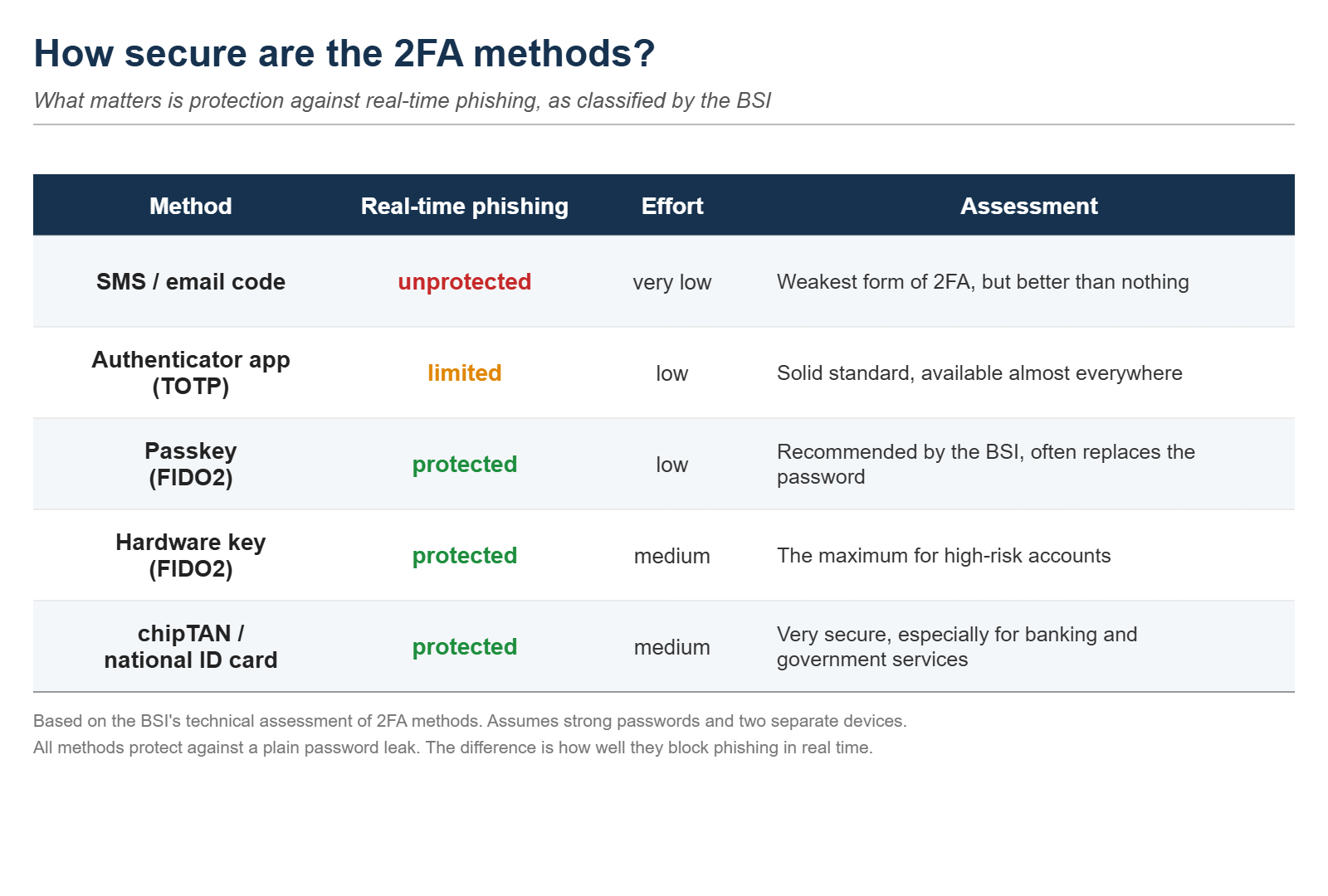
Not all two-factor authentication methods are created equal. A code sent via text message or email is the best-known option and better than nothing, but it is also the weakest. An authenticator app on your phone generates a fresh code every 30 seconds, the so-called TOTP, locally on the device and without touching the cellular network. This makes it immune to SIM swapping. Passkeys take it a step further: Instead of a code, you store a cryptographic key on your device, unlocked via fingerprint, facial recognition, or PIN. The private key never leaves your device, as described by the FIDO Alliance. A hardware key, such as a YubiKey, is a small USB or NFC dongle that implements the same principle in hardware. And in Germany, there are two additional highly secure methods, chipTAN and the national ID card, specifically for banking and government agencies.
What really protects, according to the BSI
Why is one two-factor authentication method more secure than another? The BSI has conducted a technical evaluation of common methods, and the key difference is real-time protection against phishing. With SMS and email, an attacker can easily forward the code via an intermediary server while you’re unsuspectingly typing it into their fake website. According to the BSI, authenticator apps also do not provide reliable protection against such real-time attacks or data leaks. Passkeys and hardware keys, on the other hand, are tied to the website’s actual address. They simply do not work on a fake site, rendering the phishing attempt ineffective. According to the BSI, chipTAN and the national ID card are even resistant to all attacks considered. The BSI makes one basic assumption here: a strong password as a foundation and two separate devices.
Set up passkeys in a few minutes
Passkeys are the easiest way to achieve high security because you typically unlock them with what you already use anyway: your fingerprint or your face. They work on iPhones running iOS 16 or later, on Android devices running version 9 or later, and on Windows 10 and 11, in all current browsers. They’re supported by Google, Apple, Microsoft, Amazon, PayPal, and GitHub, among others, and the list is growing rapidly. According to the FIDO Alliance, there will be around five billion active passkeys worldwide by 2026, and awareness has now reached 90 percent.
Here’s how to set them up: On Google, go to g.co/passkeys; on Apple, go to appleid.apple.com; on Microsoft, go to account.microsoft.com; and create a passkey there with just a few clicks. After that, you confirm logins with your fingerprint or face and stop typing passwords. On a shared computer, the Authenticator app is a good alternative: install an app like Google Authenticator, Microsoft Authenticator, or the open-source Aegis; go to the “Security” section of the service and scan the QR code it shows. That is all, an app instead of an SMS code.
A hardware key for your most sensitive account
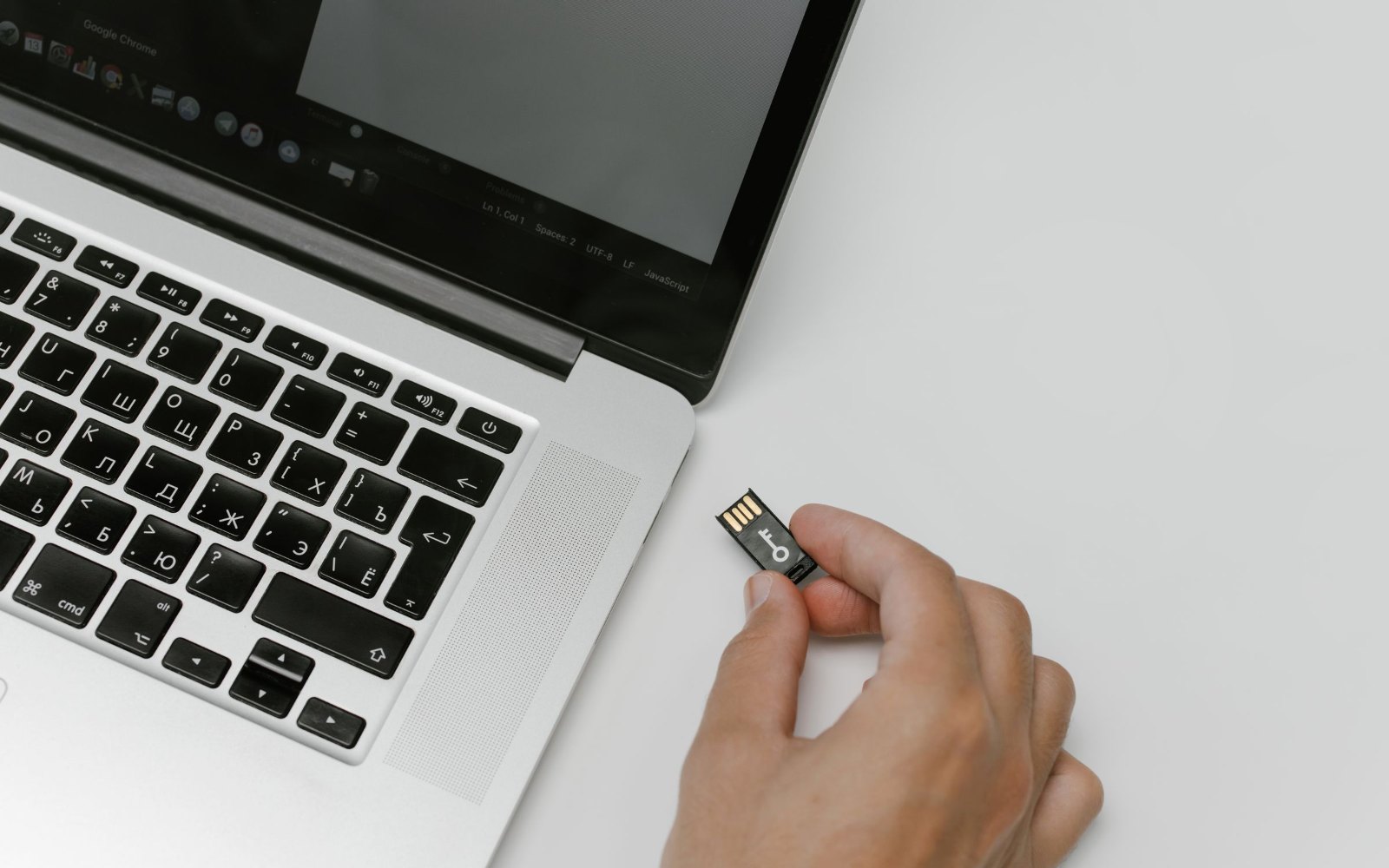
If you want to provide maximum security for your most important account, say the email inbox where all password resets land, reach for a hardware key. These are FIDO2 tokens like the YubiKey (available here on Amazon) or Google’s Titan Key, which you briefly plug in or hold up to your phone via NFC when logging in. They’re just as resistant to phishing as passkeys, but they’re a separate device that no one can copy remotely.
Some context, because it made headlines in 2024: Researchers demonstrated with the EUCLEAK attack that certain YubiKeys from the 5 series with firmware versions prior to 5.7 can be cloned. That sounds dramatic, but it’s hardly relevant for ordinary users. The attack requires physical access to the device and expensive specialized lab equipment; it is not a remote attack. Yubico has patched the vulnerability with firmware version 5.7. In practical terms, this simply means: make sure to buy a current model. One more tip: get two keys, one as a spare.
Don’t forget recovery, and here’s who should do what
The most common vulnerability isn’t two-factor authentication itself, but the recovery process. If a service lets you log back in via a simple email after losing your phone, the entire two-factor security is compromised. The BSI therefore recommends a two-step recovery process. Store the backup codes that every service offers during setup in a safe place, either offline or in a password manager. With hardware keys, the second key serves precisely as this backup.
So, what’s best for whom? For most accounts, a passkey offers the best balance of security and convenience, and often eliminates the need for a password entirely. Where passkeys aren’t yet available, use an authenticator app instead of SMS. And secure your most sensitive account with a hardware key. The effort is minimal, but the difference is significant.
Source(s)
 Add as a preferred source on Google


