Review mySN MG7.c Notebook

After months of waiting the mySN MG7.c has finally been made available in the last few weeks. According to initial information the notebook was to have an ATI Mobility Radeon HD 5770 which, thanks to its GDDR5 video memory bridges the gap between the middle class (Radeon HD 5650) and the upper class (Radeon HD 5850 and HD 5870, each GDDR5). However the intonation here lies on the "was to have" wording, as shortly before it was revealed the mySN MG7.c would actually be equipped with the ATI Mobility Radeon HD 5730, a higher-clocked variant of the HD 5650.
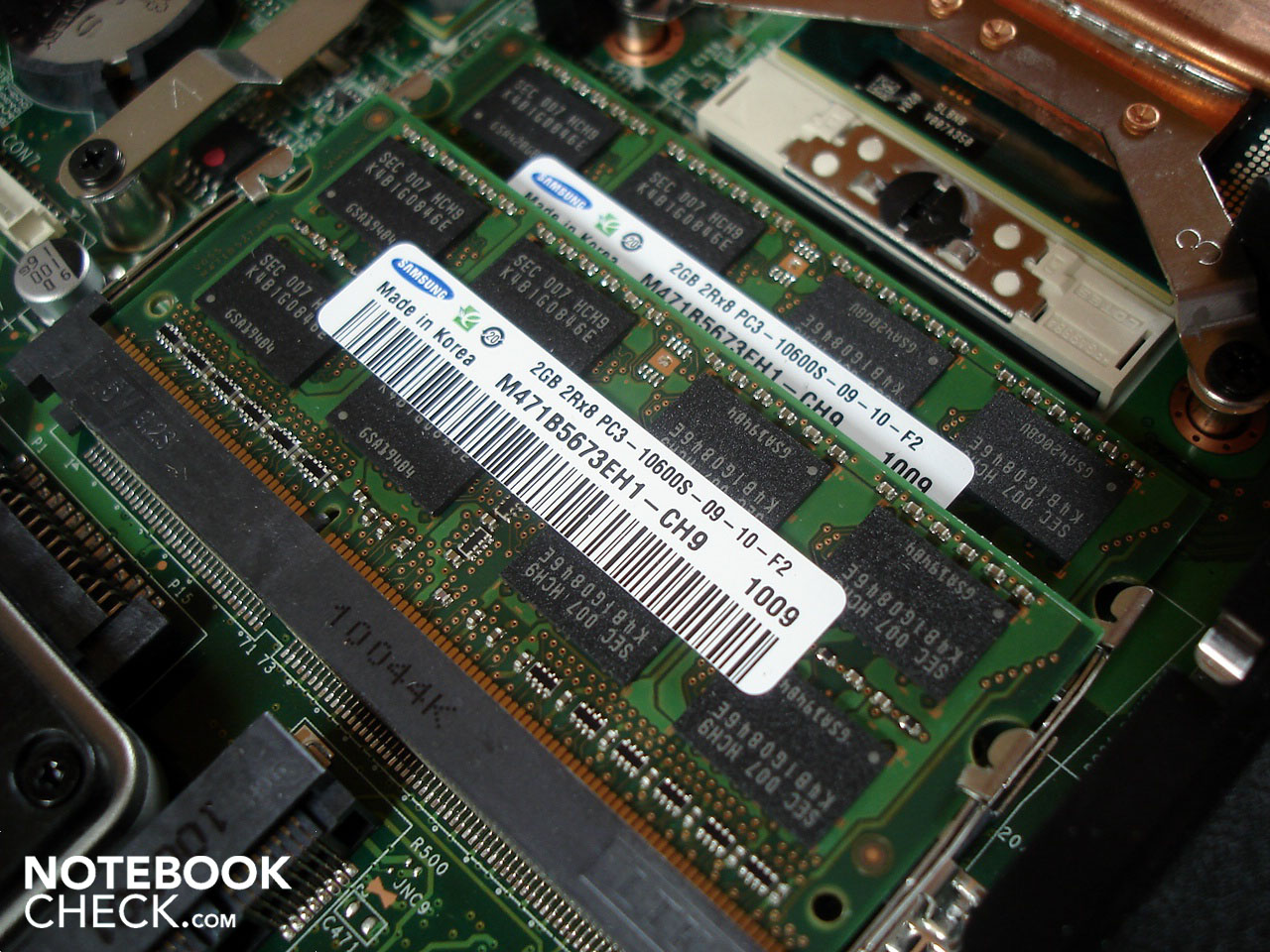
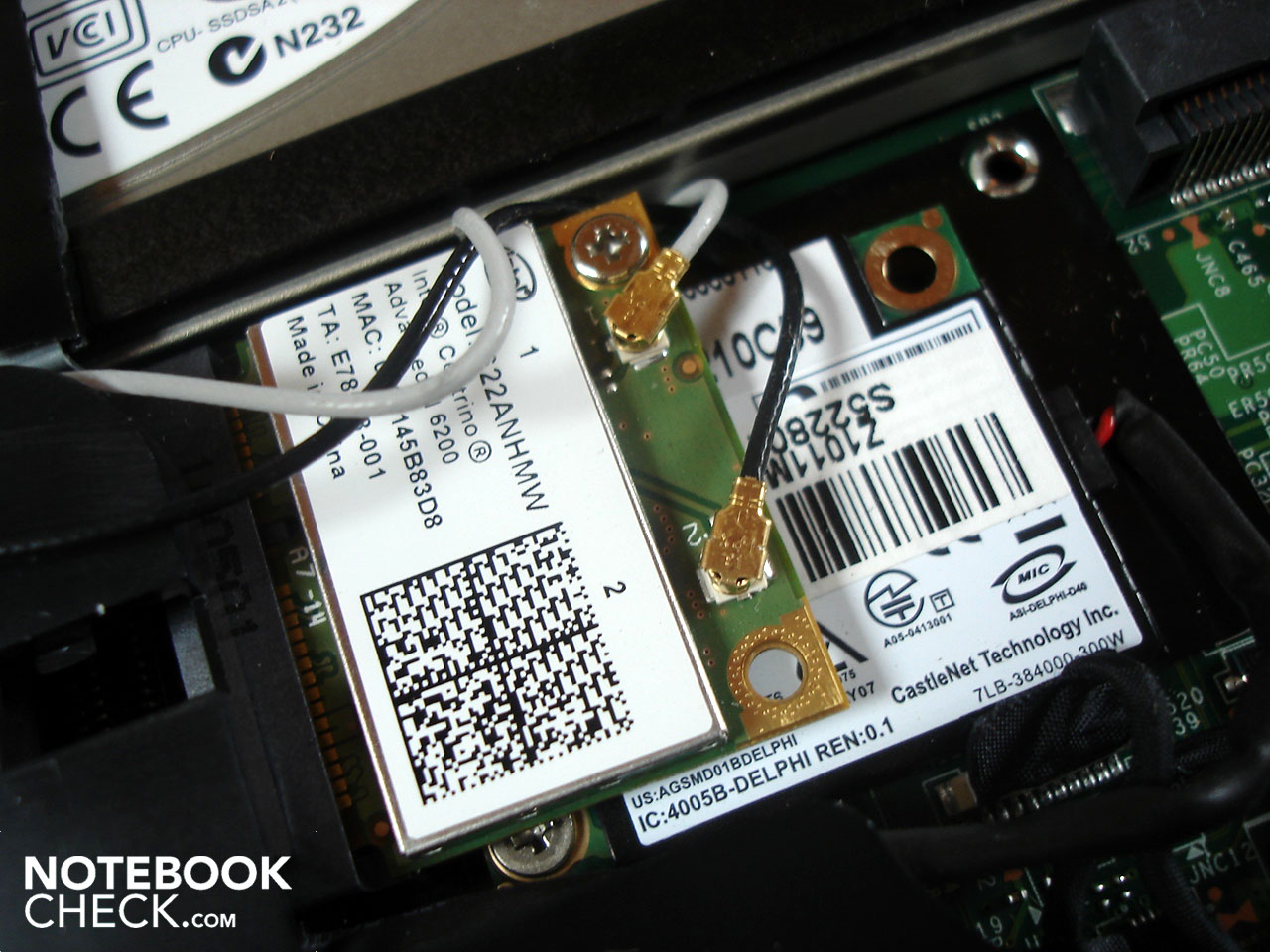
Meddling aside, Schenker allowed a great deal of latitude when it comes to configurating their 17-incher (1600 x 900). Starting with the processor, either Intel's Core i3 or Core i5 is available. Two to eight GB of DDR3-RAM is possible as well as hard drives ranging from 80 GB SSDs to 500 GB HDDs. Since the mySN MG7.c is outfitted with two hard drive bays, up to 1 TB of storage space can be had. Bluetooth is integrated as standard though a WLAN module costs extra. Buyers have the pick of the Windows 7 litter when it comes to operating systems and the standard warranty of 24 months is able to be extended all the way to 36 or 48 months.
The mySN MG7.c starts at 789 euros, but during configuration the price increases quickly to over 1000 Euros. A Core i5-430M, 4 GB DDR3-RAM, 500 GB HDD (5400 rpm), WLAN and Windows 7 Home Premium 64-bit will run you around 1050 euro. This price is about 150 euros more than a similarly equipped MSI GE700. Schenker supplies an original Windows-DVD (one could also burn a recovery DVD) and a premium software suite with various programs. Pickup and return service is also included, a nice touch.
Our test system was outfitted by Schenker with a Core i5-520M, 4 GB of DDR3-RAM, an small 80 GB SSD in combination with a 7200 rpm 500 GB HDD. WLAN and Windows 7 Home Premium bring the cost right to 1361 euro.
Case
Though Schenker's primary client for its barebones gaming notebooks is the well-known manufacturer Clevo, the mySN MG7.c uses the new MS-1733 chassis from MSI as its foundation. This is a good start as the old MSI-chassis in our previous tests did not leave an excellent impression upon us, to put it mildly (see the Medion X7811, MSI GX740 and MSI GT740). Above all the stability, keyboard and temperature/noise development showed some healthy weaknesses inherent in the design.
Stability-wise hardly anything has been improved. As with many notebooks, the display lid is easy twisted and deformed when pressure is applied. The same goes for the palm rest and the area above the keyboard. The craftsmanship is, in comparison, well-executed and the magnetic hook holding the outer lid down in transport functions well. The hinges do an admirable job, though when the base unit is open the display still wobbles a bit, which is annoyingly transmitted through the rest of the case.
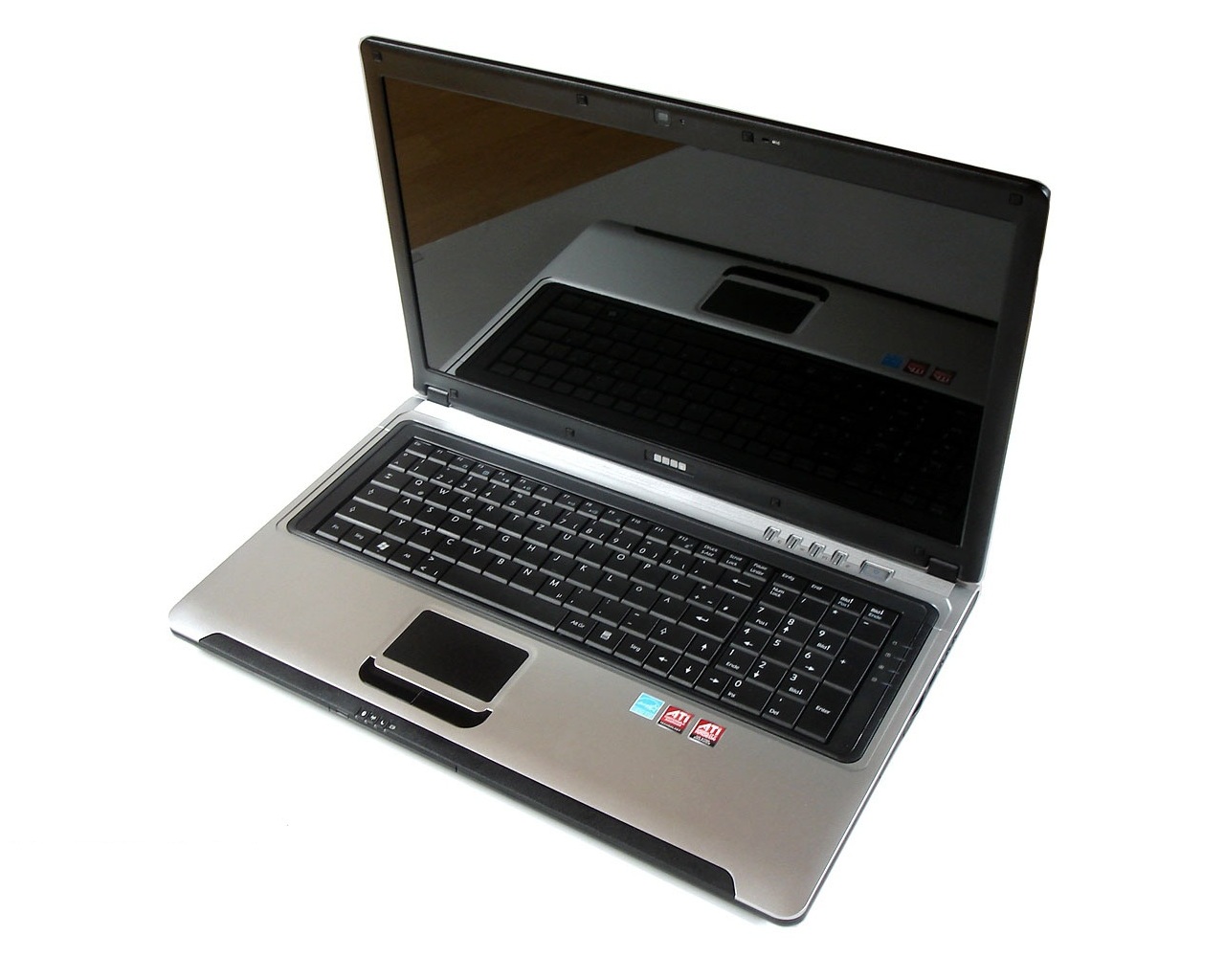
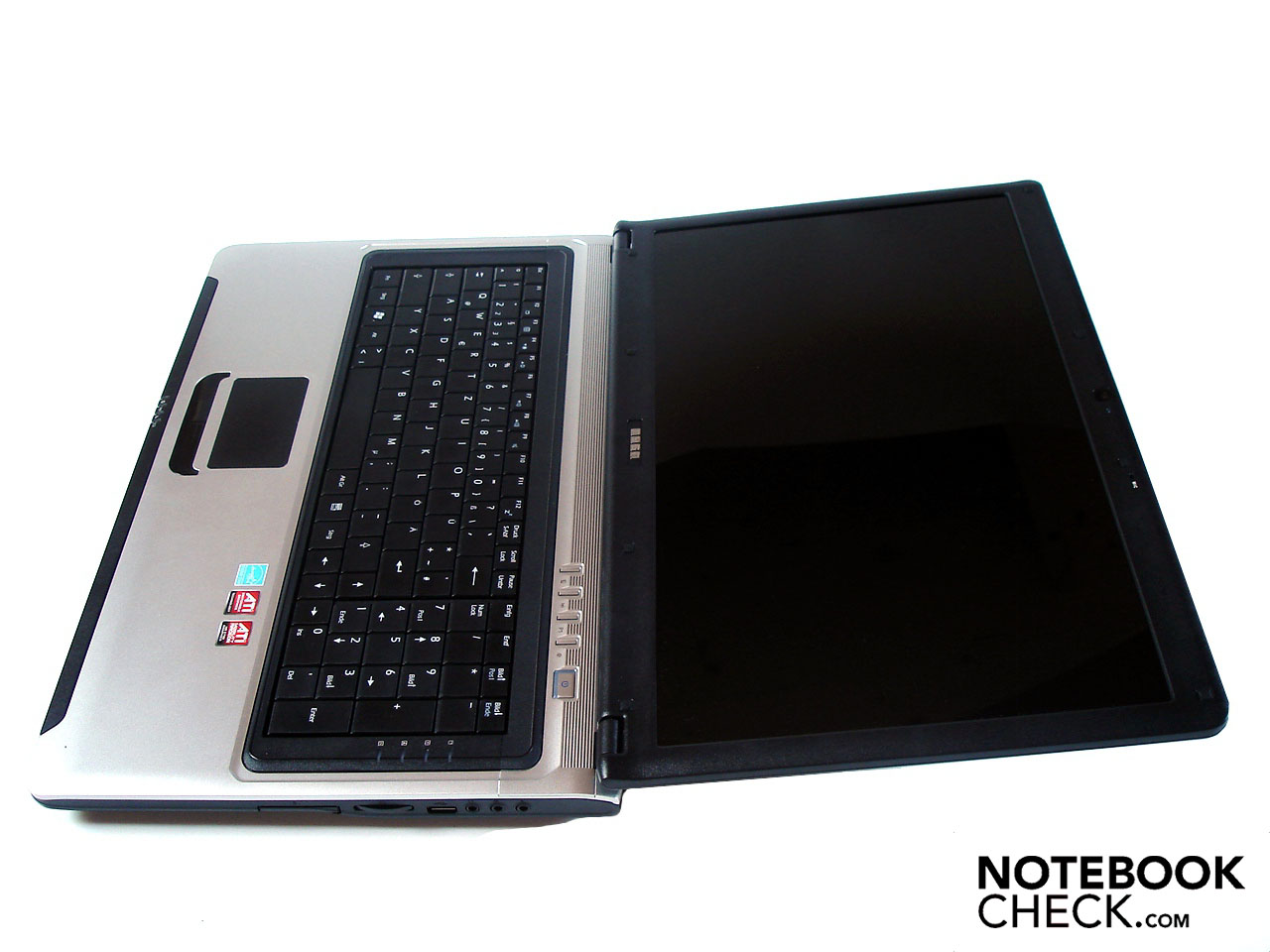
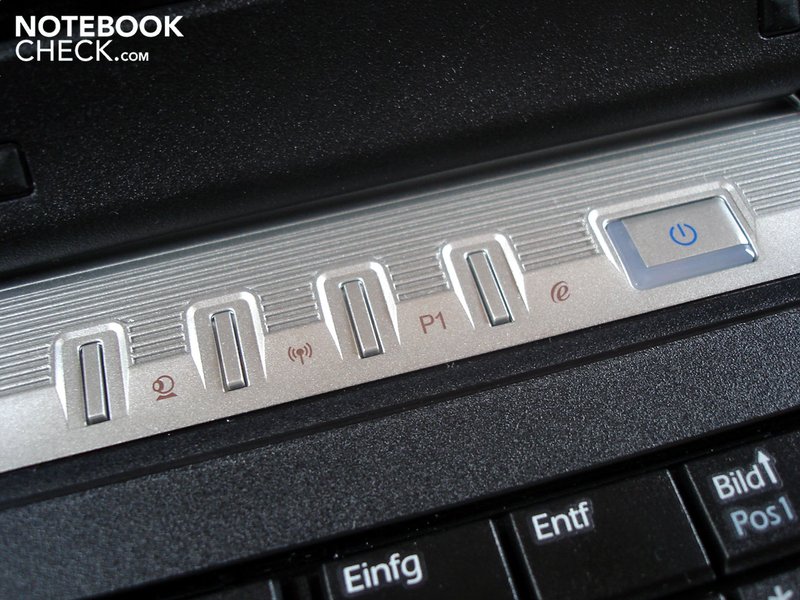
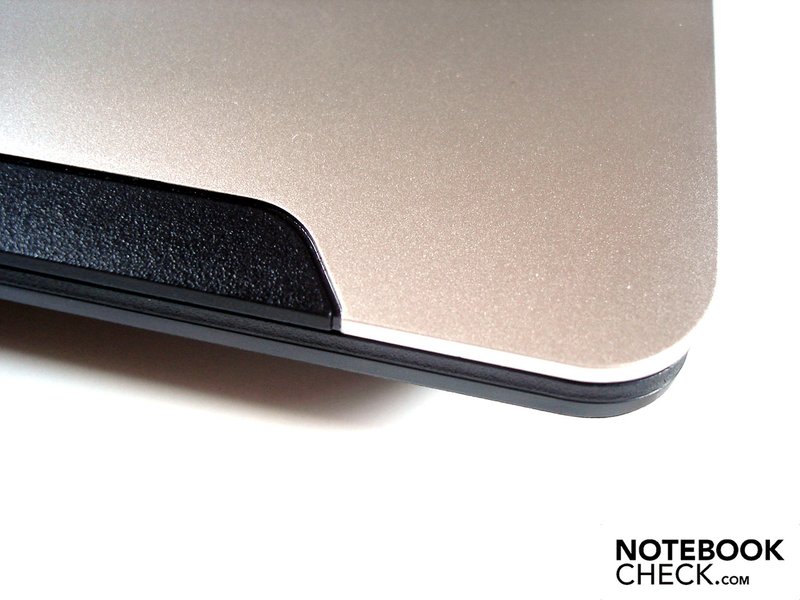
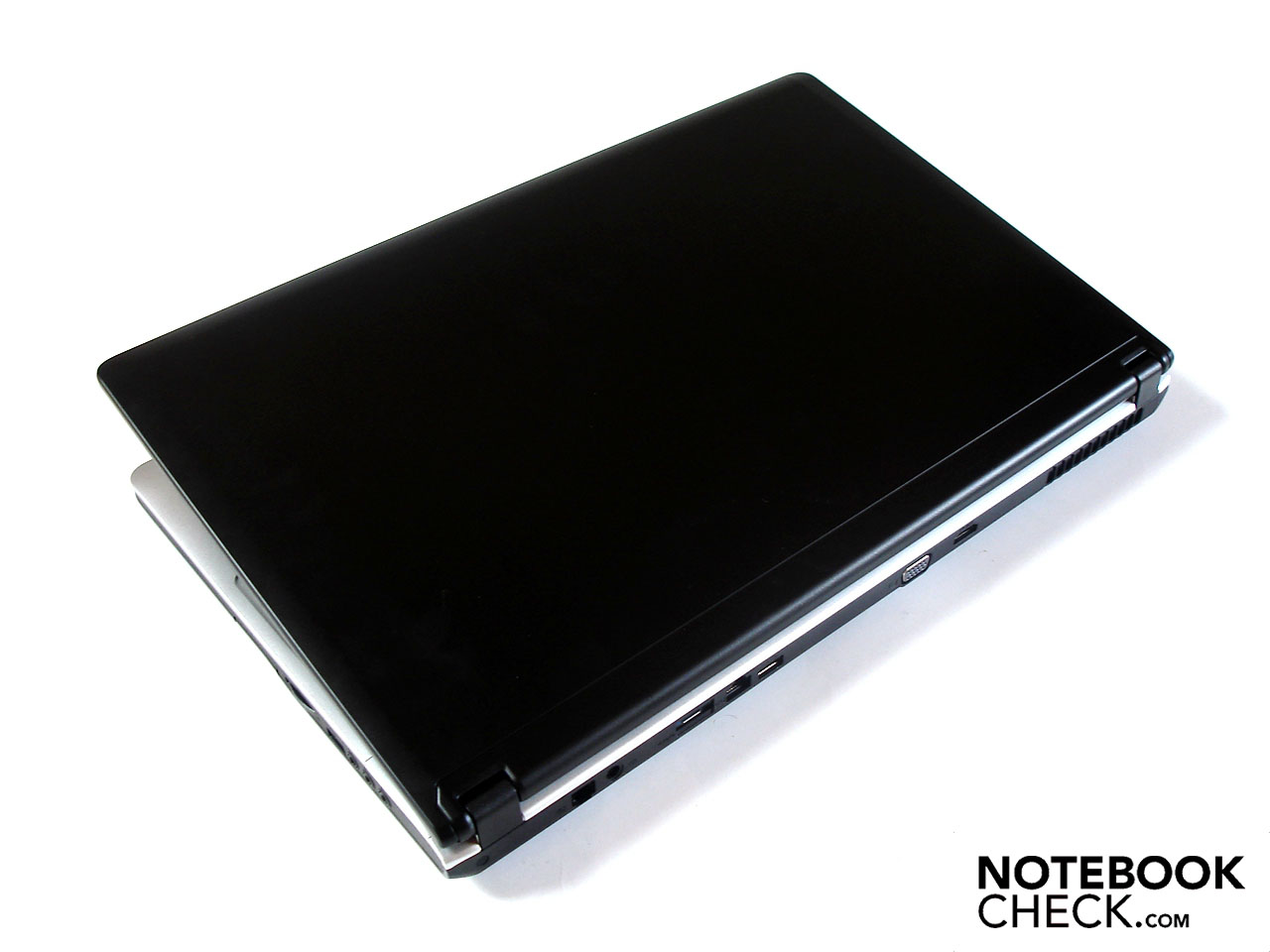
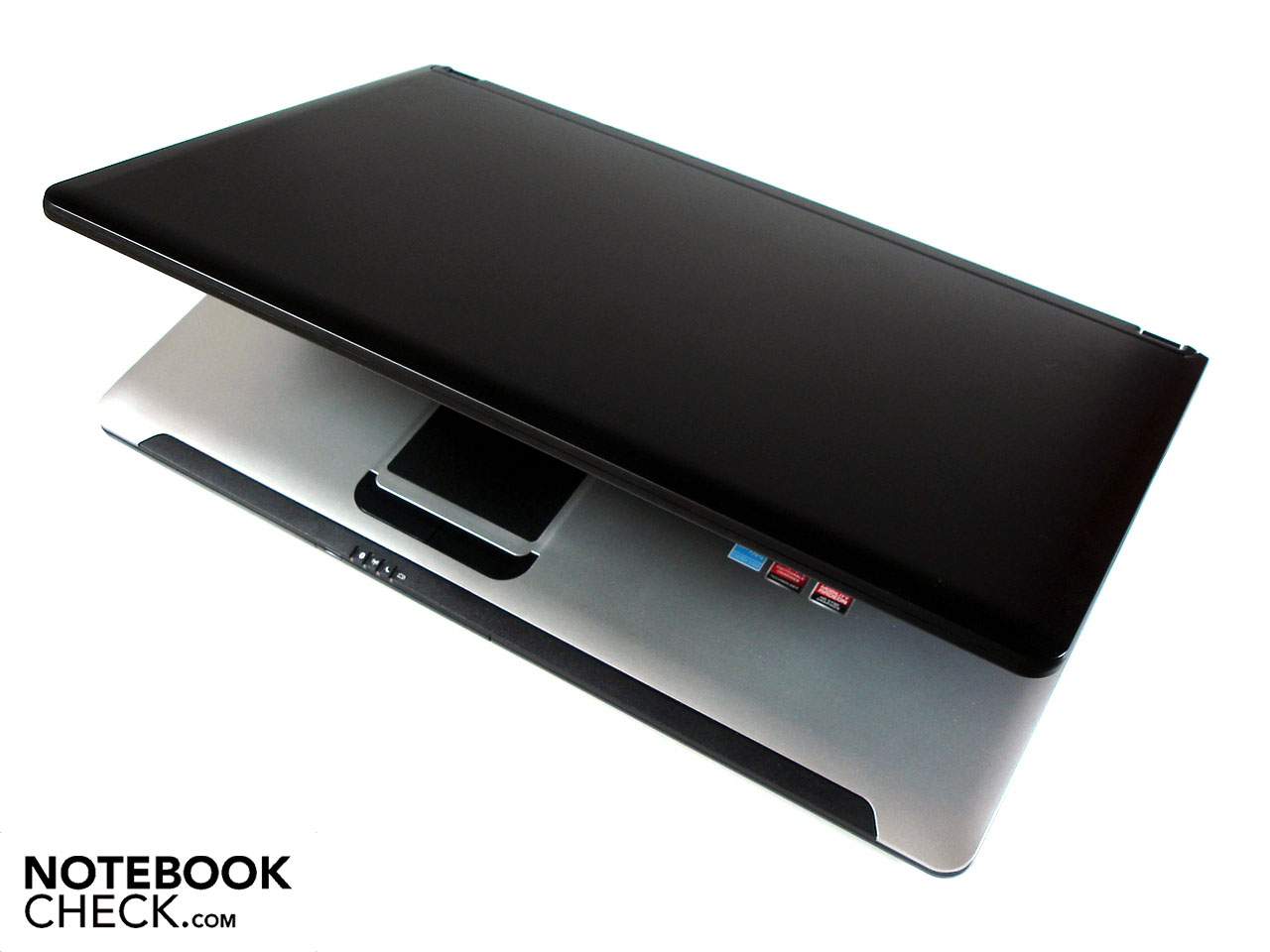
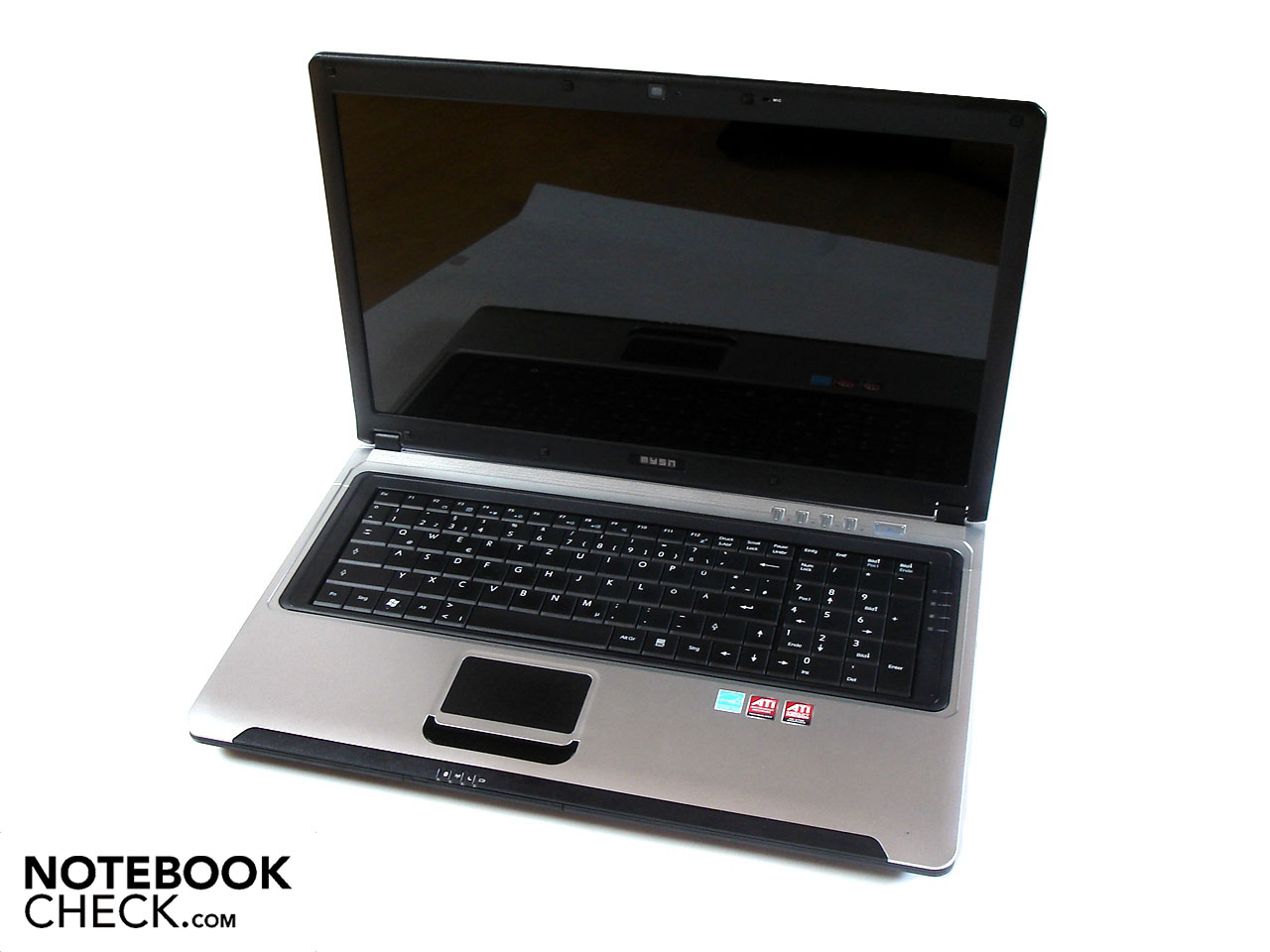
On the design side of things, MSI has done a bang-up job. The matte black notebook lid lends the mySN MG7.c an unmistakable countenance. Opening the notebook the user is confronted with a matte silver work surface which optically smacks of premium quality. The black keyboard trim around the keyboard as well as a black strip under the touch pad are nice accents. In all the optics look a bit too cheery but we still found the design to be more dignified than MSI's previous offerings.
With a weight of around 2.95 kg and dimensions of 414 x 267 x 41 mm (W x D x H) the mySN MG7.c is rather compact and is pretty transportable despite its 17-inch size.
Connectivity
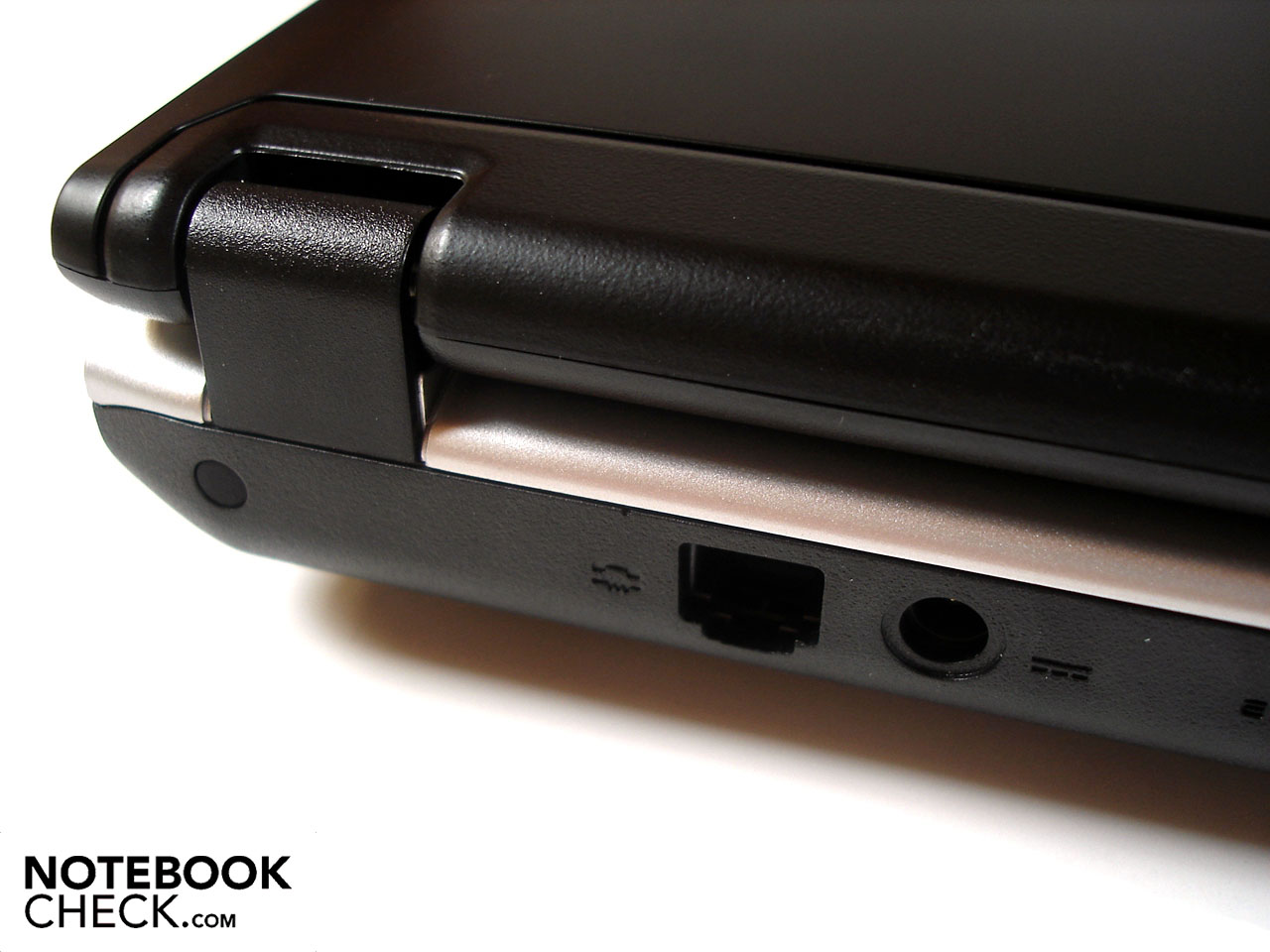
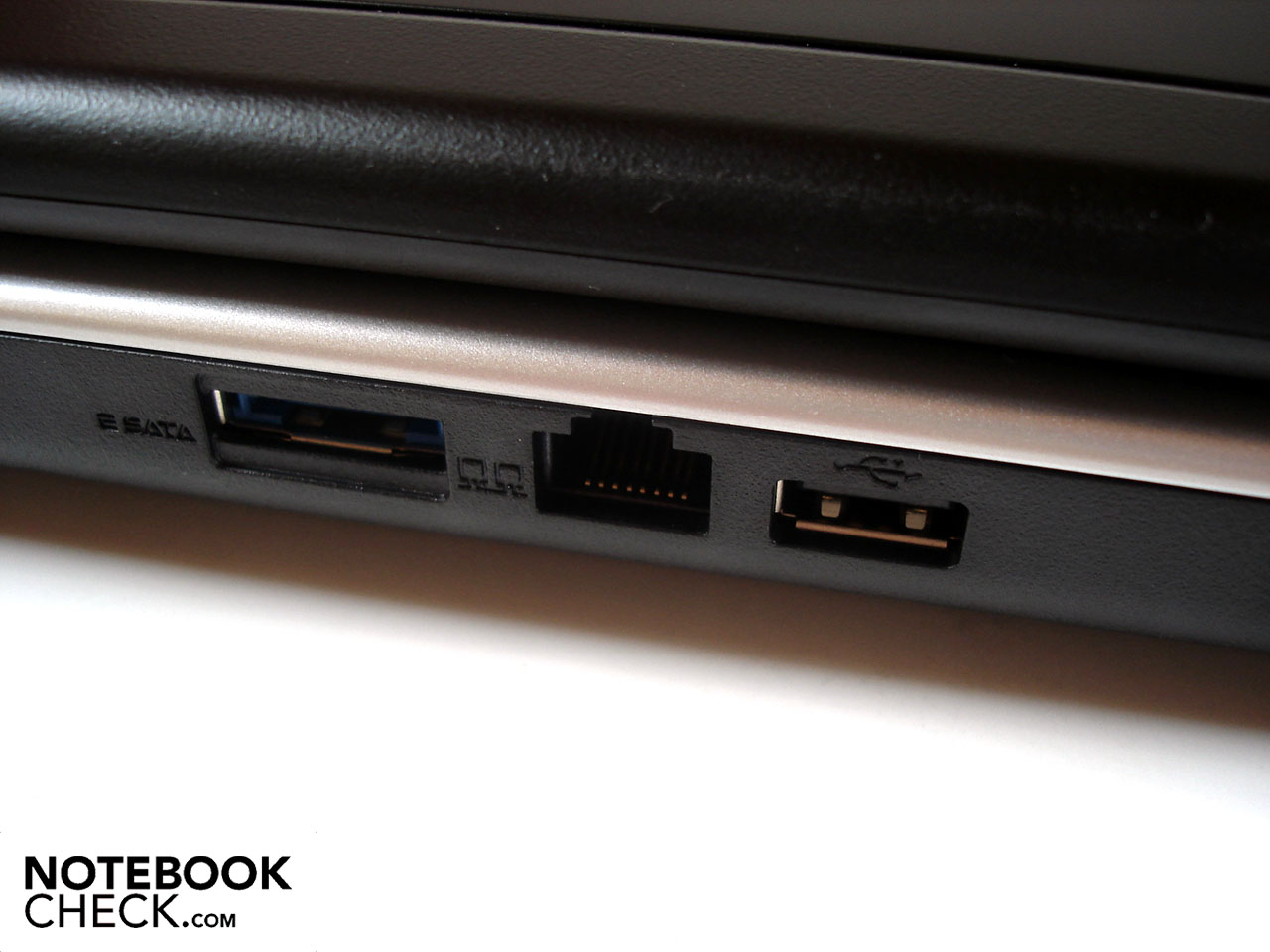
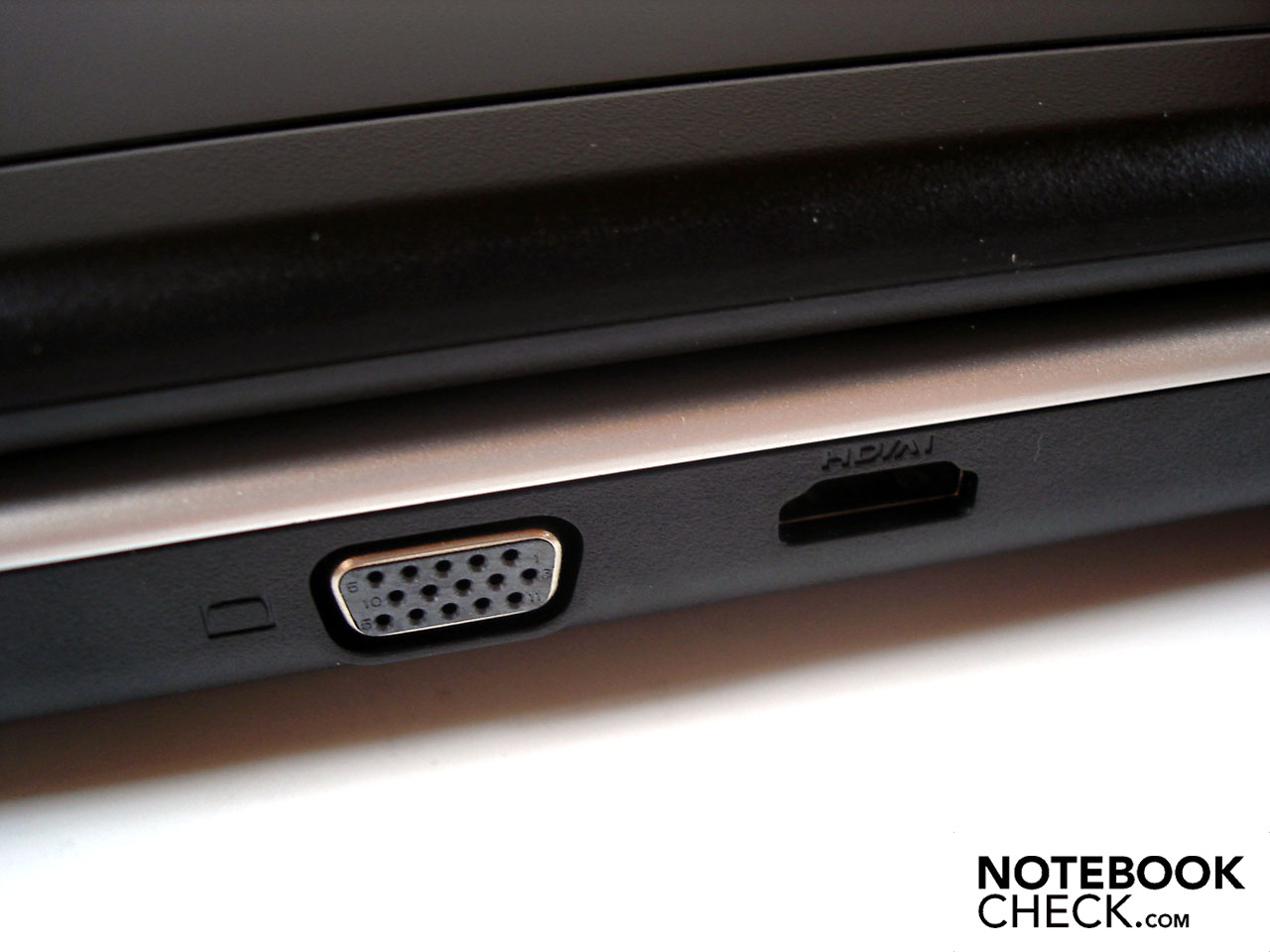
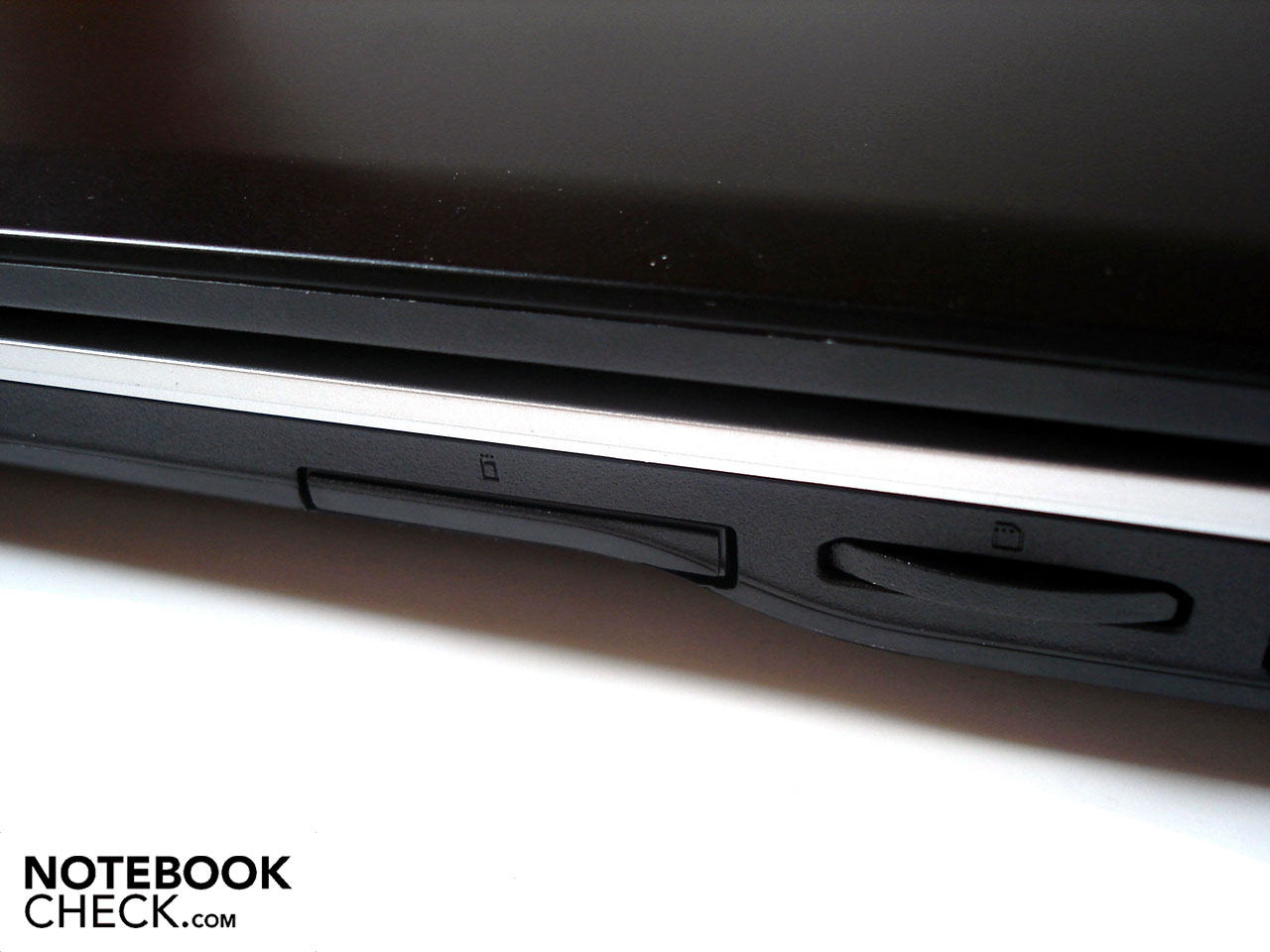
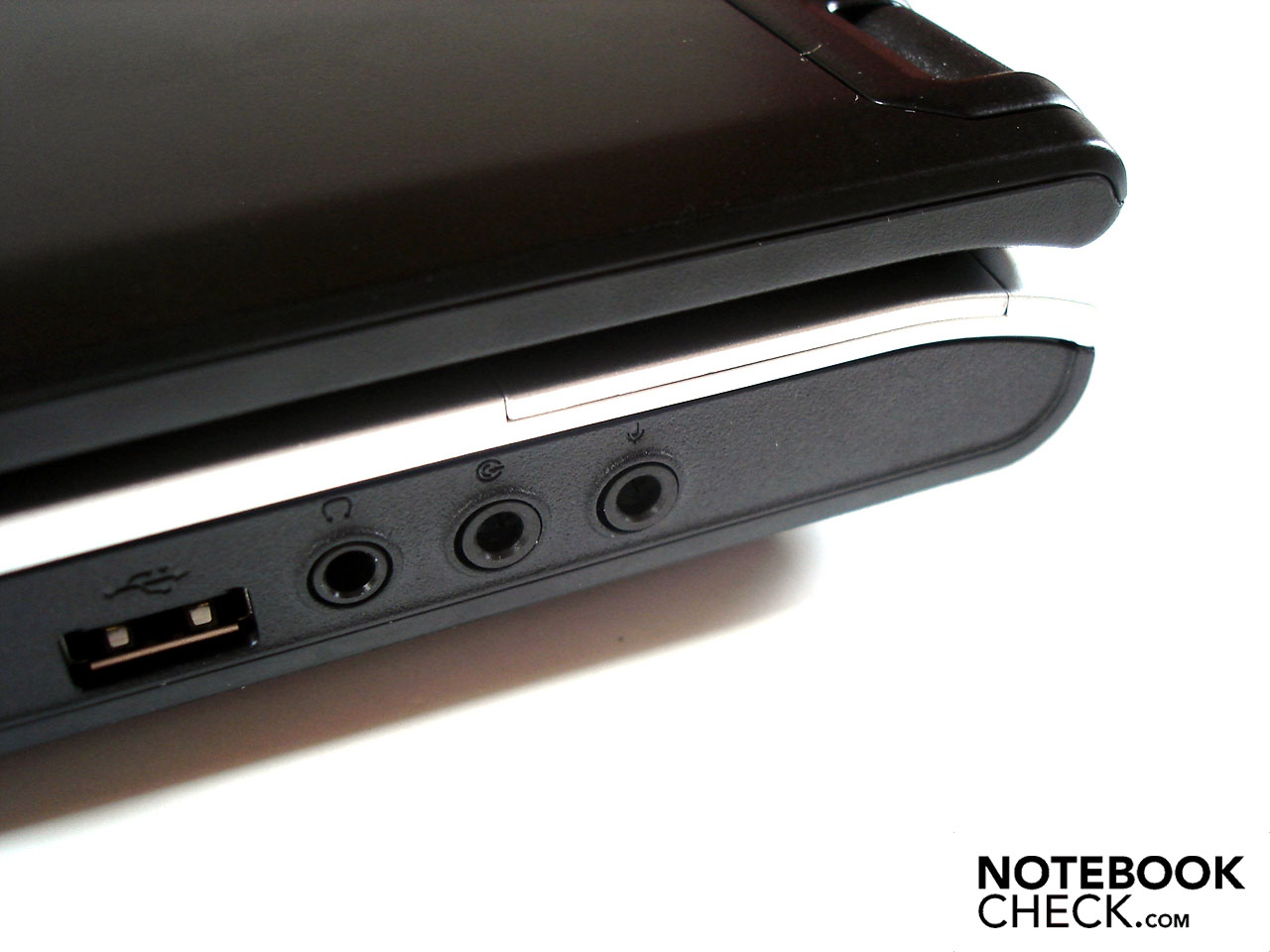
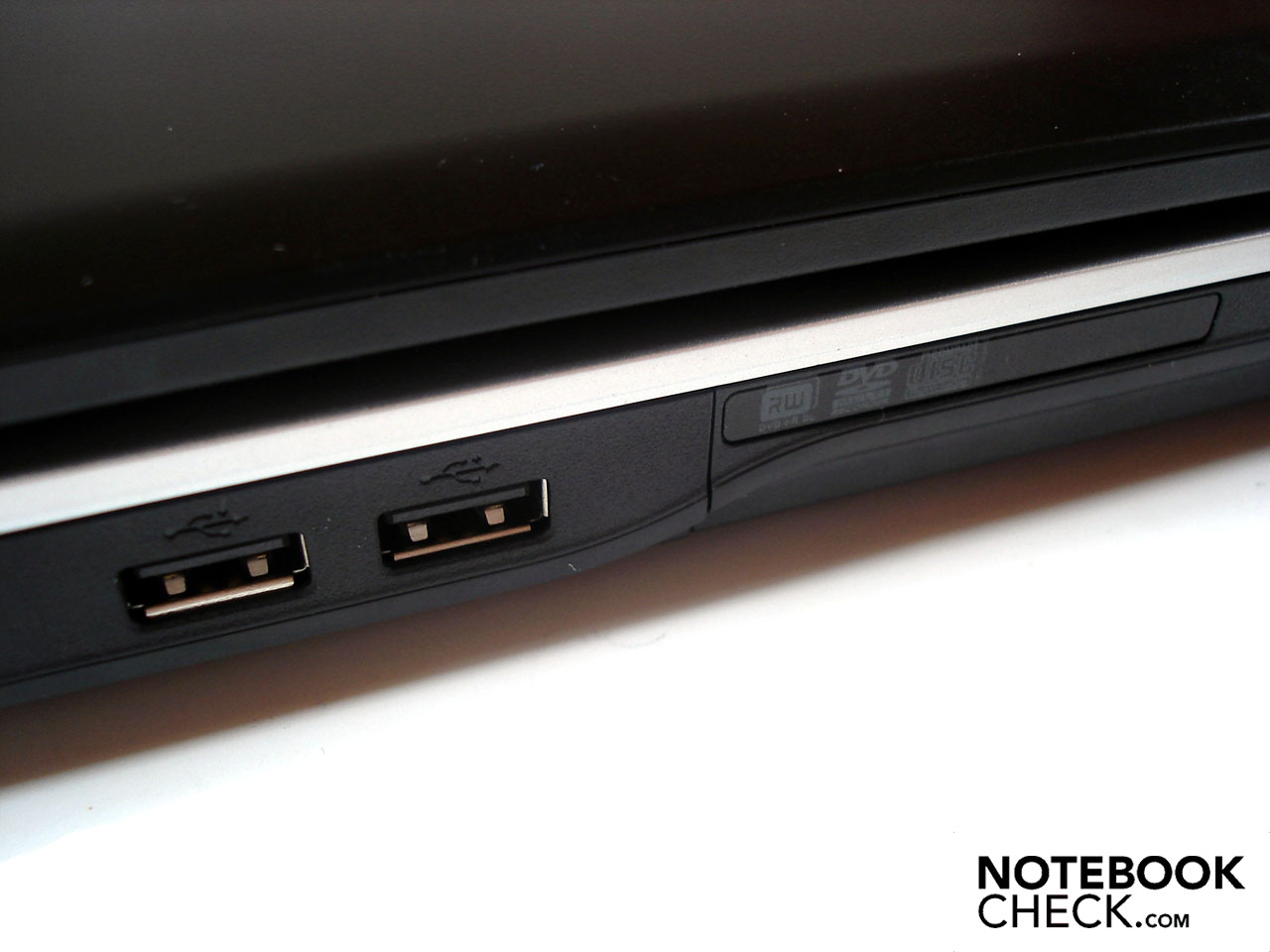
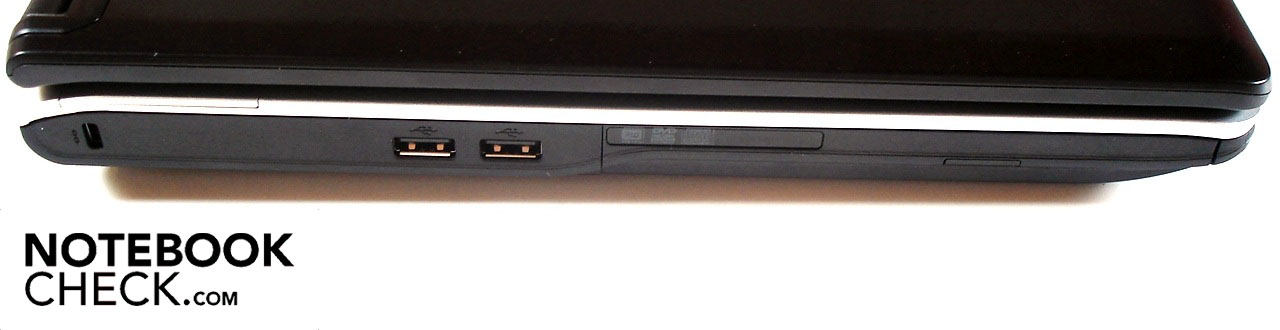
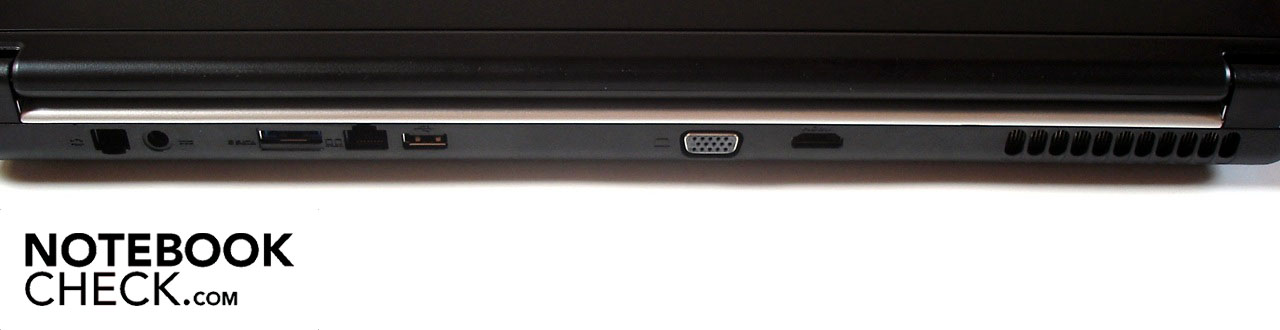
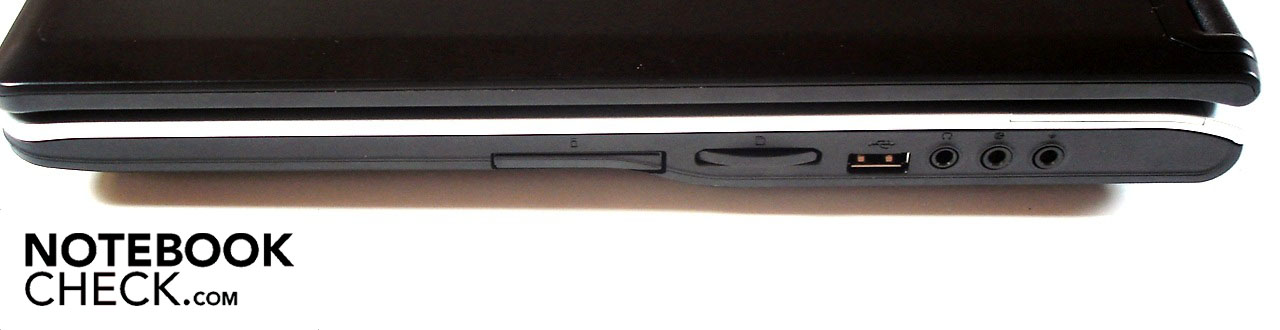
Certainly a positive feature of the mySN MG7.c is its elaborate connectivity. Though buyers will have to do without Firewire or advanced USB 3.0 ports, everything else one could want can be found tucked away in its sides. Four USB 2.0 ports (1 at the back, 2 on the left and 1 on the right) are available as are connections for eSATA, a multi-in-one card reader as well as an ExpressCard port. Headphones or loudspeakers can connect via the audio in- or out, external monitors via VGA or HDMI. Connection to the World Wide Web is possible via RJ-45 Gigabit LAN or RJ-11 modem. A Kensington lock is on board for security.
The positioning of all these ports and connections was also very favorable. Because on either side of the front half there aren't any connections is rather unlikely that the space for the mouse is limited by cables. As is the trend with desktop-replacements, the majority of ports are located on the back which can occasionally be tricky, but, is advantageous in stationary use.
Software and Accessories
Software
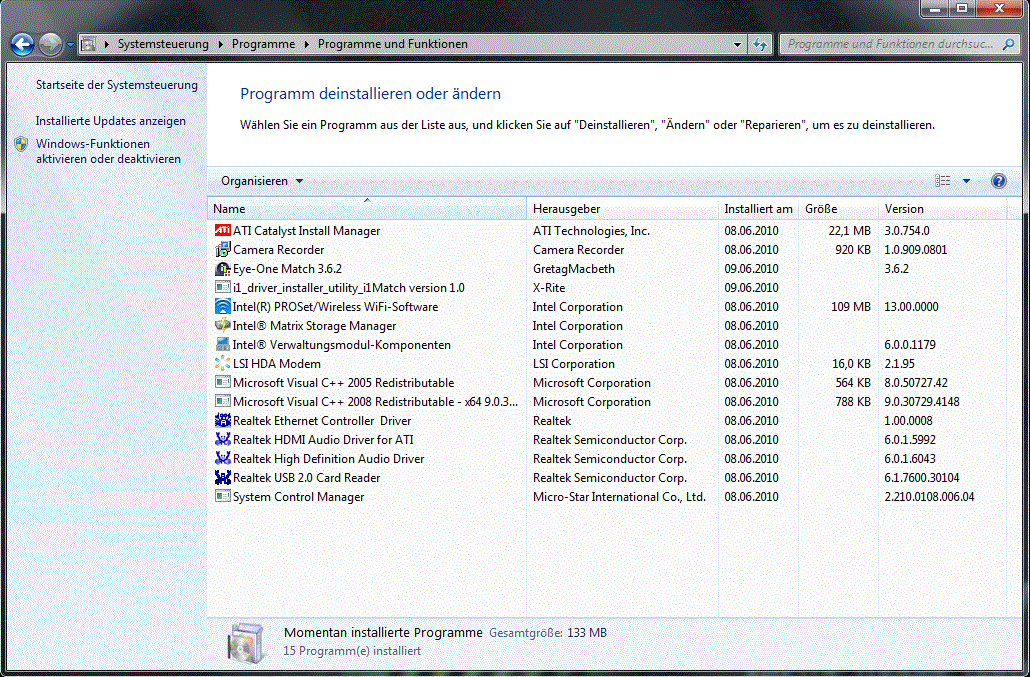
It is an absolute pleasure to have a notebook before yourself that isn't overloaded with useless and resource-intensive software, the so-called bloatware so famously delivered with "big name" computers from Toshiba, Sony, Asus, and Acer. Schenker only goes as far as installing drivers to ensure a clean system, which saves the user from having to spend time reinstalling the OS or uninstalling all of the bloatware.
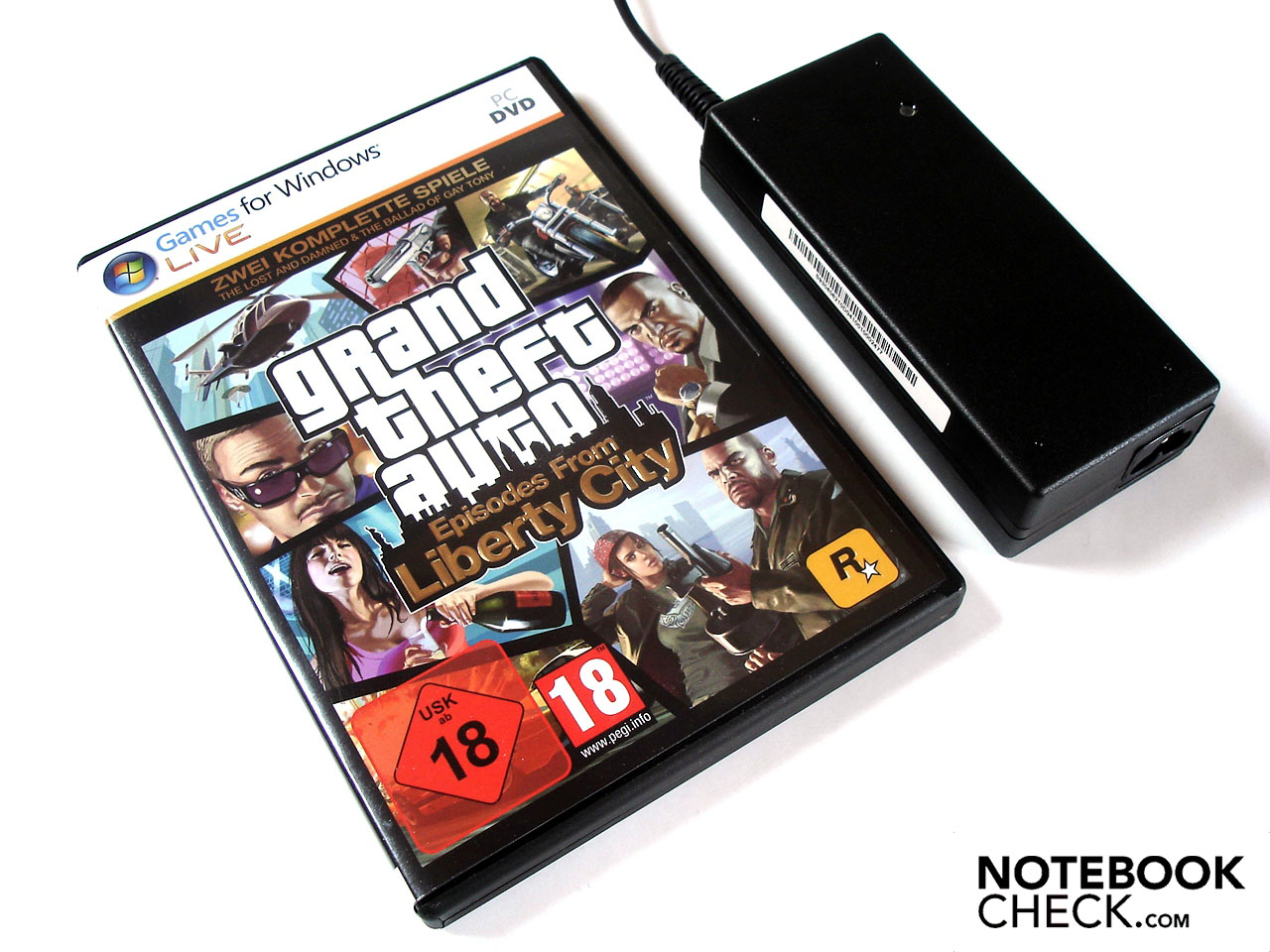
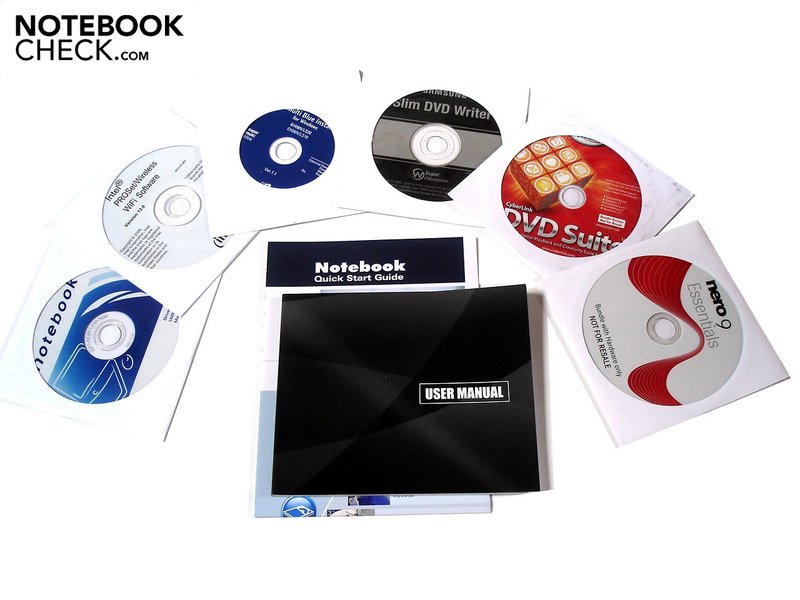
Although Schenker sticks to the minimum when it comes to the software installation (in a positive sense), a look into the shipping carton reveals even more delight on account of a premium software suite. Apart from the usual users guides and driver/tool DVDs and CDs arrive discs loaded with the following: Nero 9 Essentials, Nero Software-Suite, Cyber Link DVD-Suite and Power DVD 9.
Input Devices
Keyboard
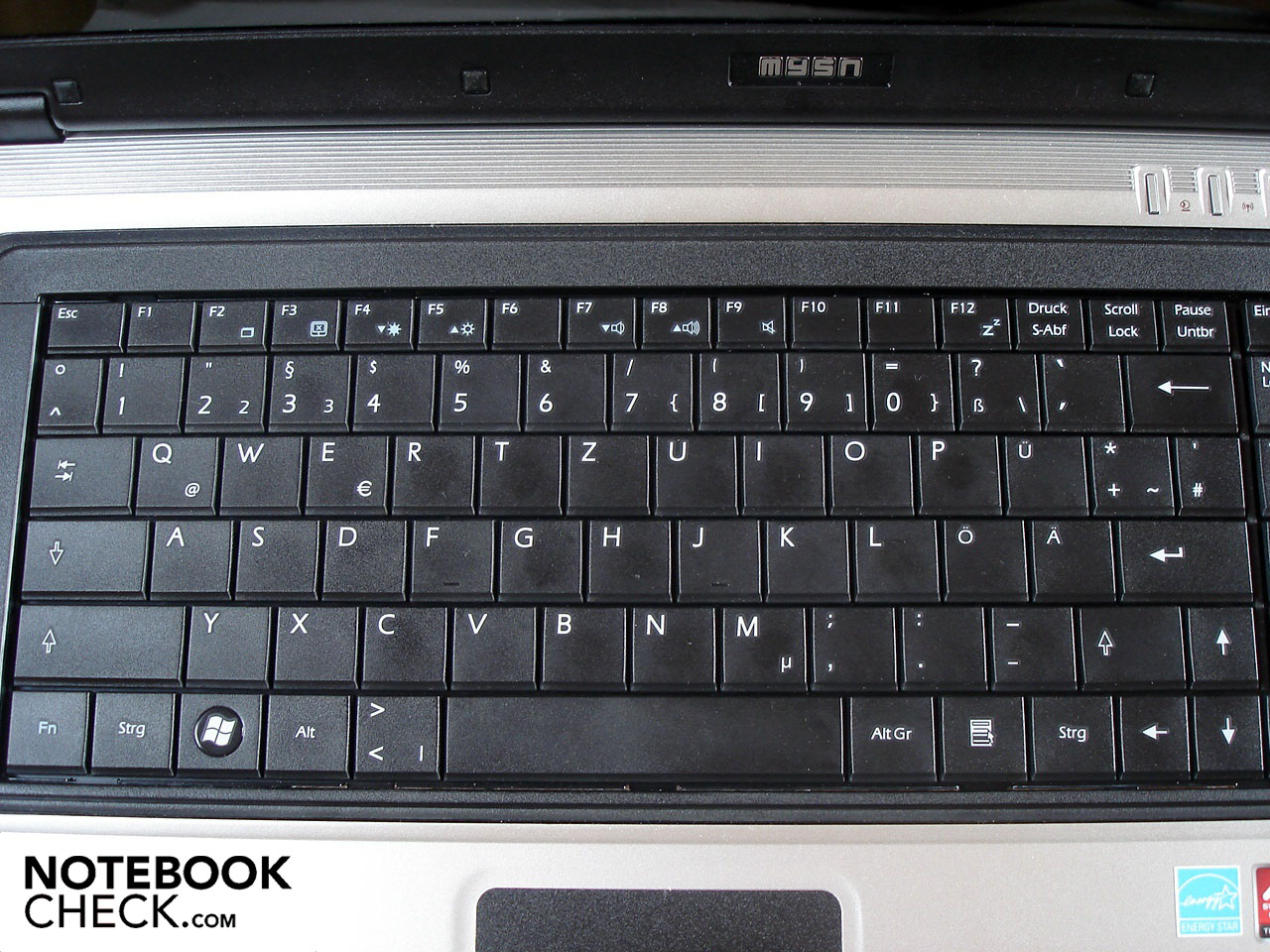
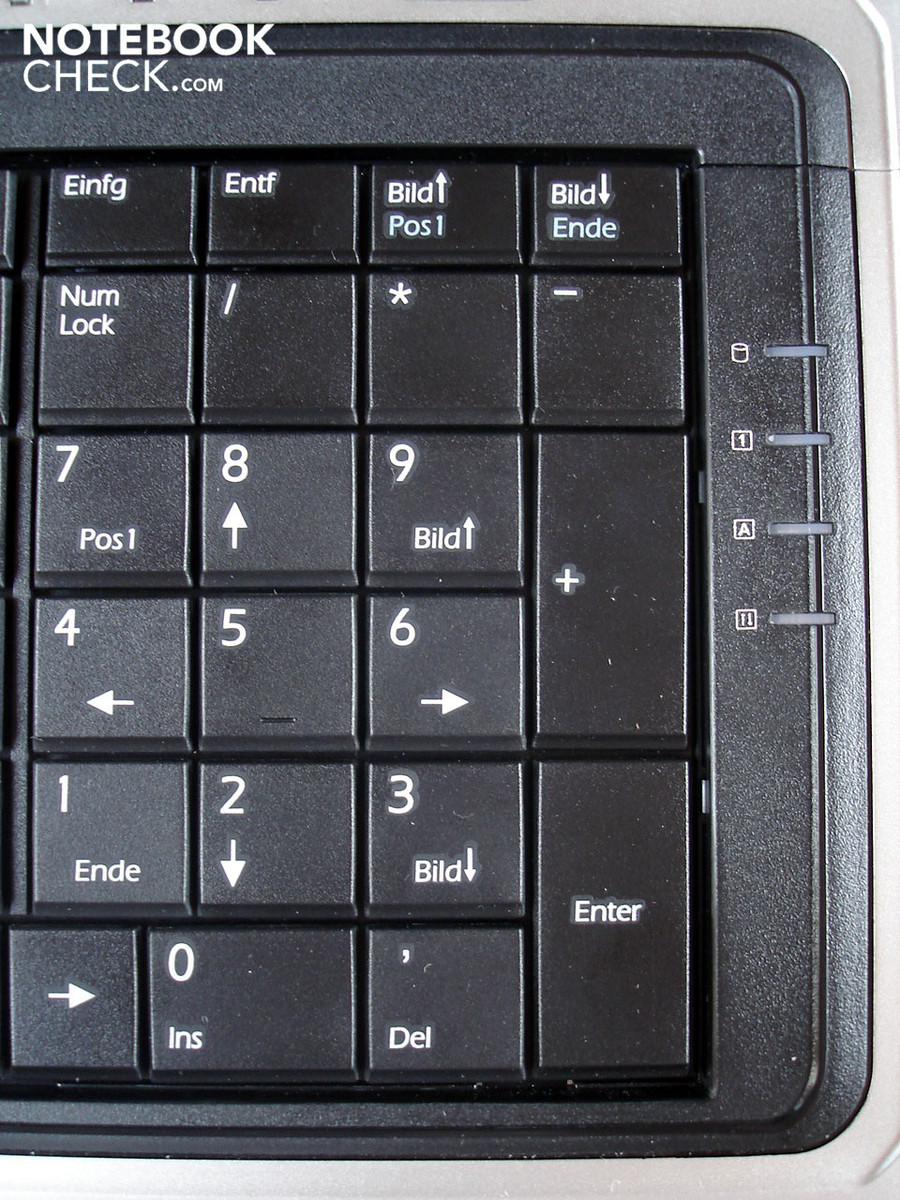
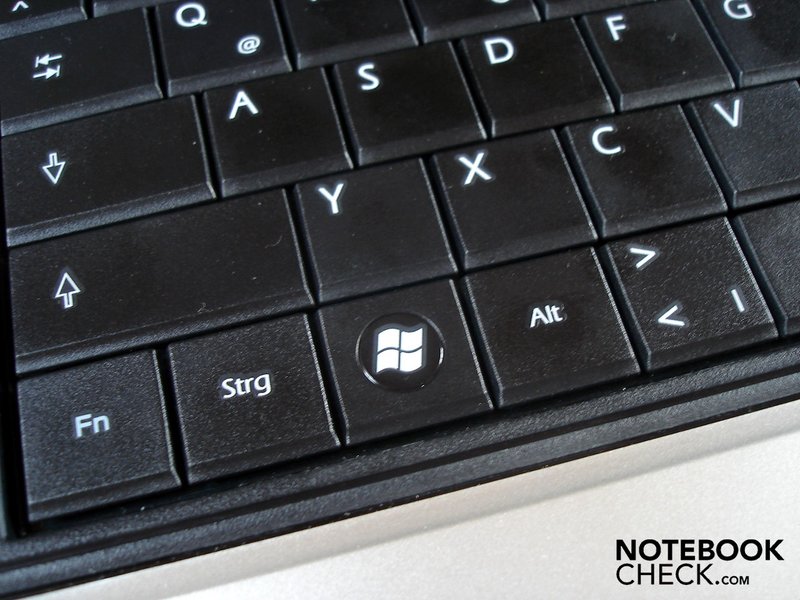
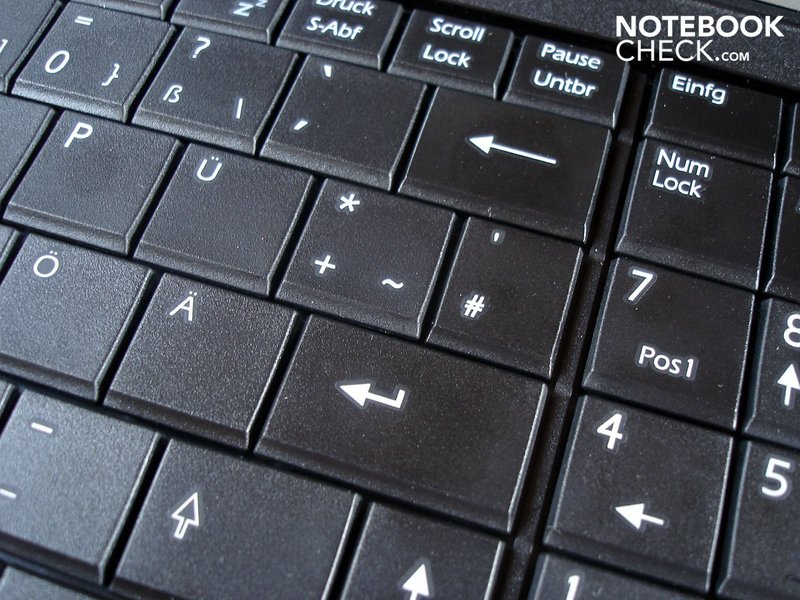
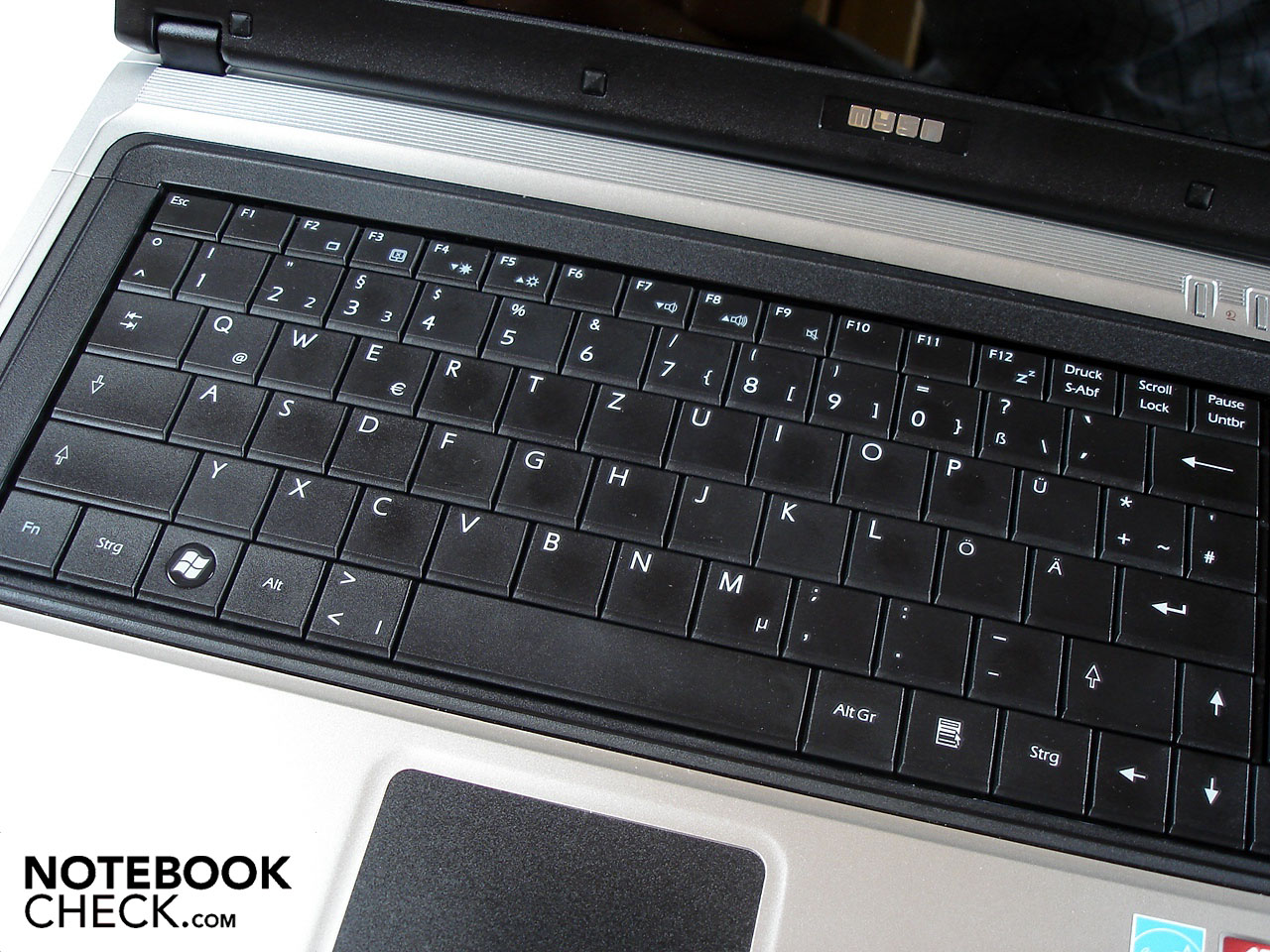
The old chassis from MSI contains the worst keyboard that can be found on the market. Irrespective if your talking about the layout, stability or pressure point, every aspect of its execution is misplaced. The layout featured various keys in strange locations (i.e. Fn, „><|“ and „'#“). Others are narrow and poorly positioned (like the right shift and return). Surely it would take a while to get used to the uniqueness of the layout.
Busy typists won't find themselves particularly at home with the mySN MG7.c, though this criticism does not apply so much on the short key stroke and moderate pressure point. The stability is the limiting factor here, as there is a distinct give on the right hand side above the numeric pad. When very high pressure is applied, the affected area creaks. The sound reflects the seemingly cheap build quality.
Touchpad
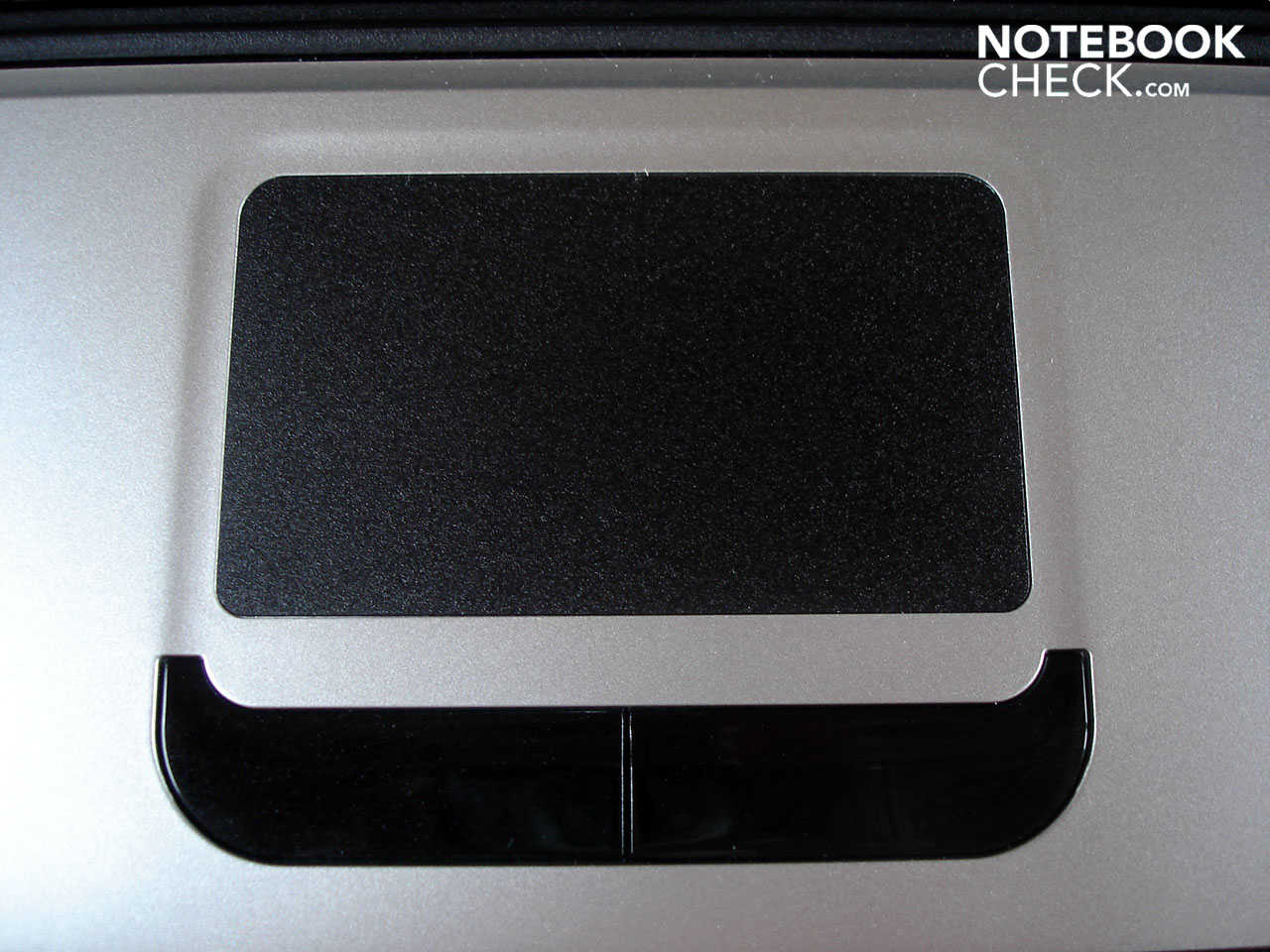
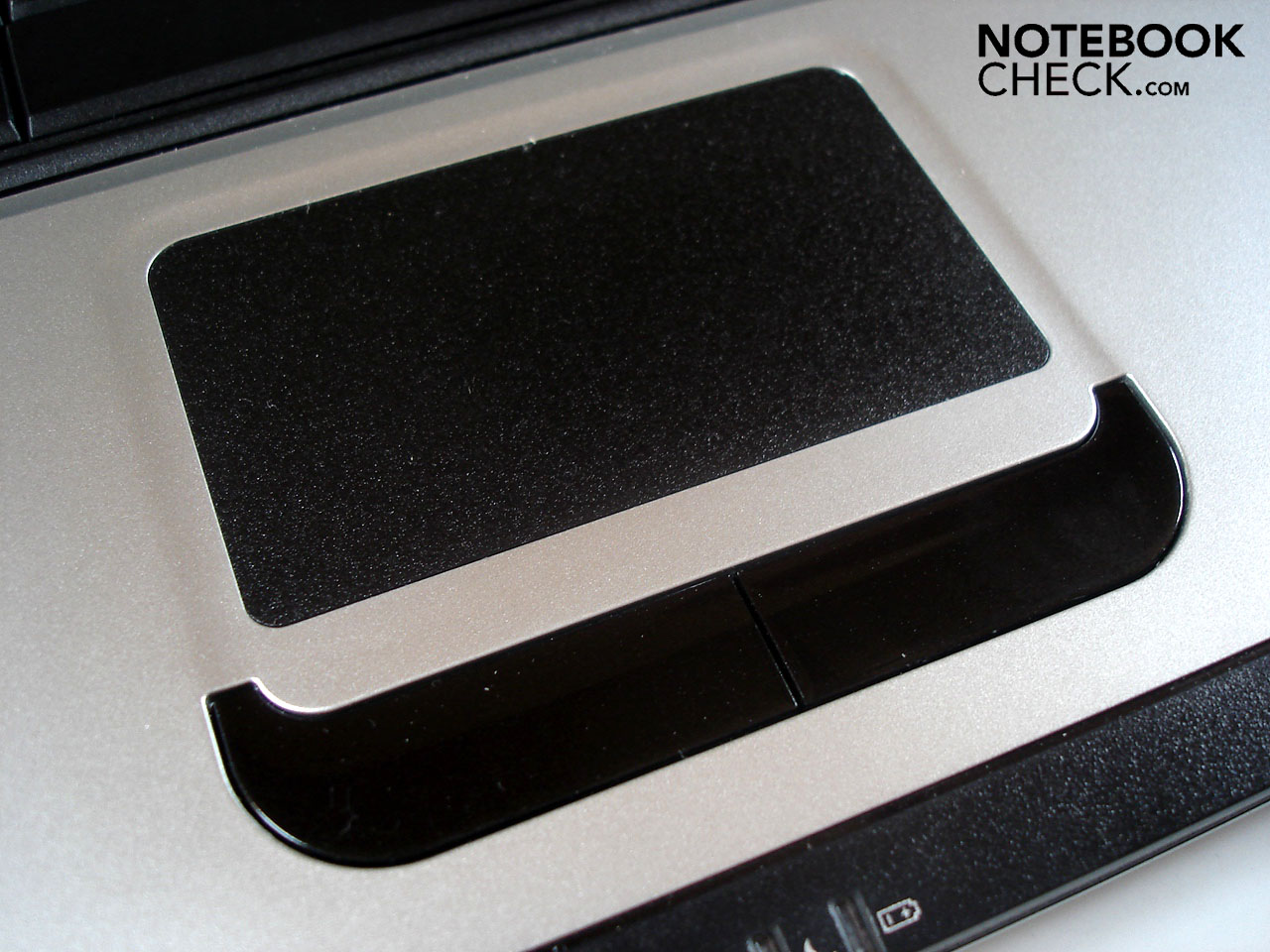
We now come to the black and minimally sunk touchpad, which by the order of its dimensions could be larger. Precision-wise the pad does not leave much to be desired, though with large or damp fingers we had to fight through interruptions and speed incursions. The lightly roughened surface is an excellent compromise between feedback and smoothness. So that the touchpad doesn't interrupt your gaming experience, it can be turned off via (Fn + F3). Both of the individual touchpad buttons are a little clamorous when at work but respond properly when used.
Display
MSI is among the last of the few remaining manufacturers that still produce displays in the 16:10 format. With the MS-1733 chassis they have moved away from this rule and joined in with the current 16:9 trend. The resolution of 1600 x 900 was cleverly chosen and allows a sufficiently large work surface though at the same time not over-burdening the graphics card in current games.
| |||||||||||||||||||||||||
Brightness Distribution: 91 %
Contrast: 222:1 (Black: 0.93 cd/m²)
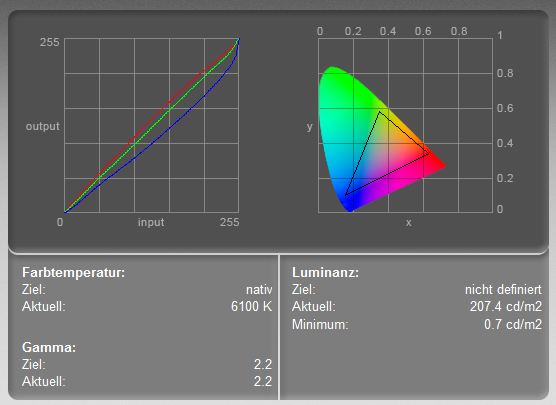
The CMO1711 display panel (LED back-lit) at work in the mySN MG7 c. offers good brightness values with an average of 195.8 cd/m². For games and films this is adequate, though when working one should reduce the brightness a little. Illumination at 91% guarantees a balanced picture; though the rest of the values leave much to be desired. A black value of 0.93 cd/m² is somewhat high and a contrast of 222:1 is downright disappointing. The reflective display makes these values seem subjectively hidden and the colors look good.
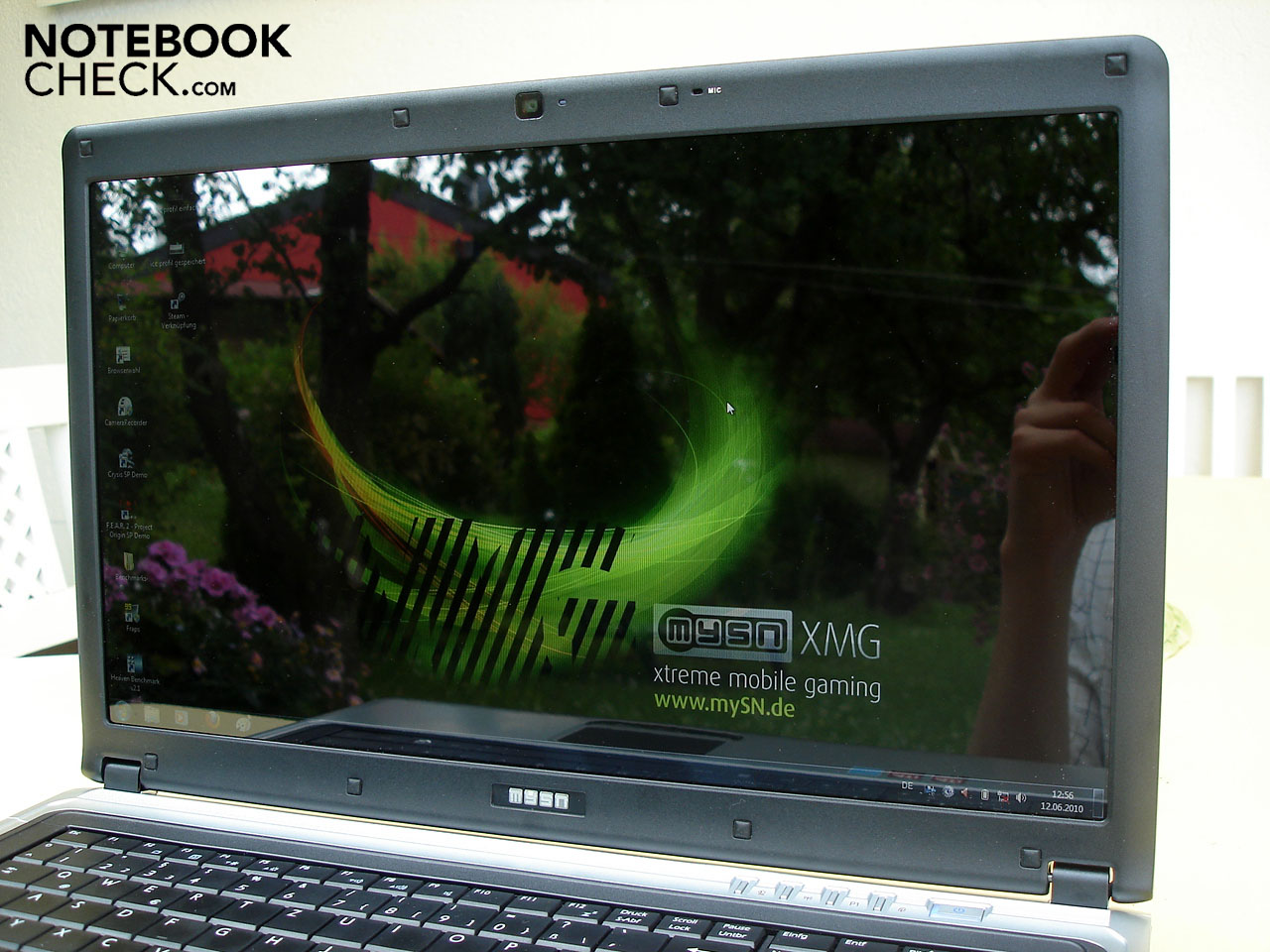
An inherent con in using a glare-type display is the limited outdoor use. With strong direct or indirect sunlight shining on the surface it is often very difficult to recognize anything being displayed which in turn unnecessarily burdens the eyes. Even in interior situations reflections are still possible, though they will naturally be of less intensity than their outdoor counterparts.
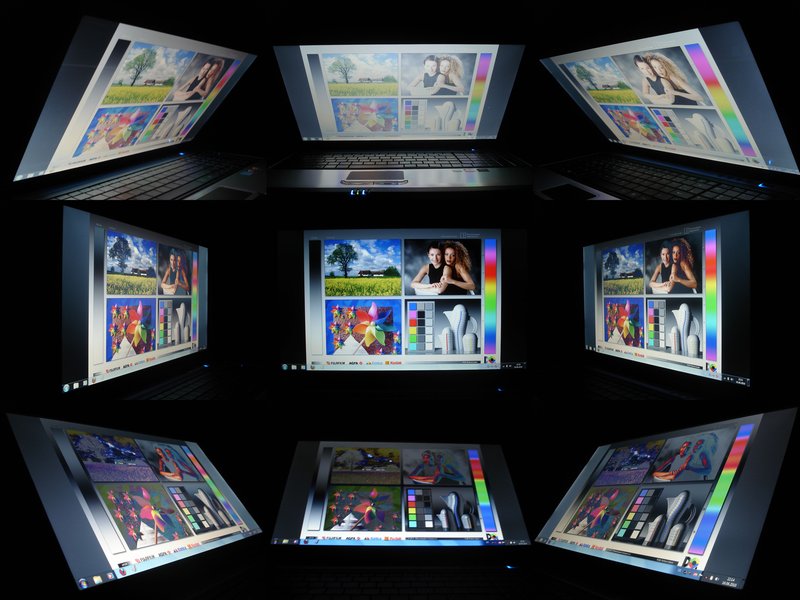
With respect to the stability of the viewing angle, there are no surprises: from the horizontal everything is very well-mannered while from the vertical the view is deeply limited. Even when sitting in an optimal seating position certain display areas are continually gray in appearance. This is not only annoying in dark scenes in games or films but makes (semi) professional picture and video editing tedious.
Performance
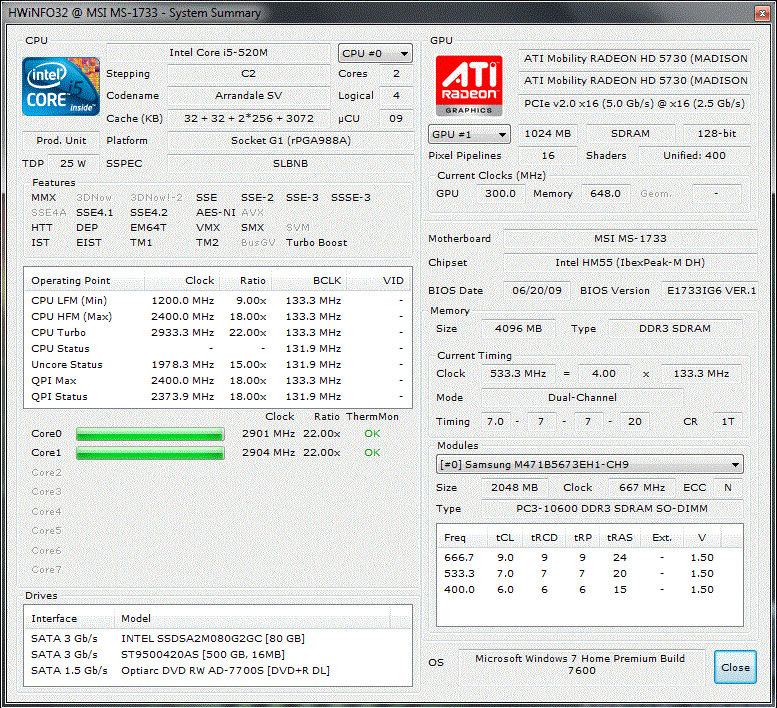
On processor duty we have a Core i5-520M from Intel, offering a convincing price/performance ratio while striking a harmonious balance with the graphics card. The Core i5-520M is a dual-core CPU with a stock clock frequency of 2.40 GHz. With Turbo-Boost technology the clock speed is automatically raised to up to 2.93 GHz (provided that all four cores are not under load and it is thermally feasible).
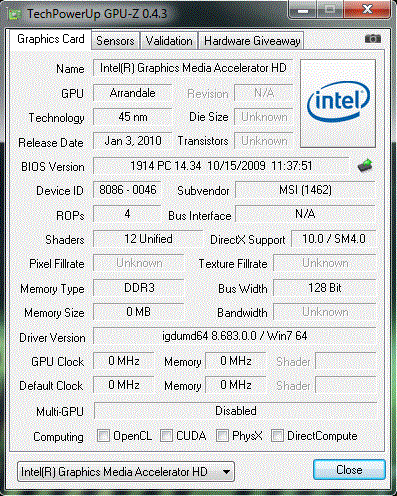
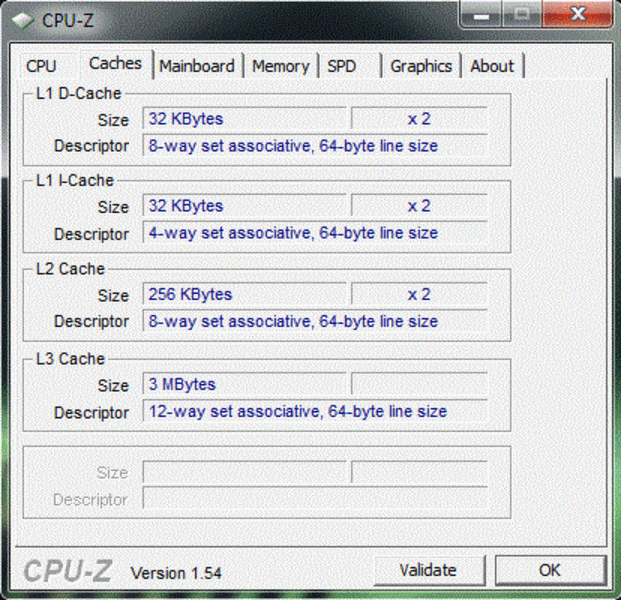
Hyperthreading simulates the presence of two additional CPU-cores so that the CPU is able to process up to four threads simultaneously. Games will be able to profit from this technology very little, though the benefits will be clear in certain applications and benchmarks (like Cinebench) which are able to utilize the theoretical potential of multiple threads. 512 KB L2 and 3 MB of L3 cache cement the Core i5-520Ms position in the upper-middle CPU class. Energy consumption is rather high at 35 Watts, though this is attributable to (among other reasons) the on-board GMA HD graphics chip. This chip, while being much perkier than its GMA 4500 MHD predecessor, isn't quite at the same level as Nvidia's GeForce 9400M (ION).
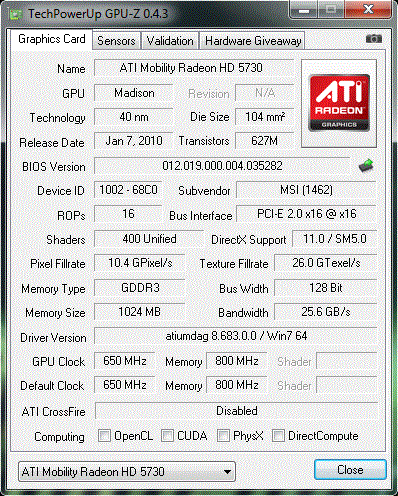
However, what would a self-proclaimed gaming notebook be without a dedicated graphics card? Following this line of thought, a Mobility Radeon HD 5730 was partnered with the Core i5-520M. With 400 unified shaders, a core frequency of 650 MHz and a memory clock of 800 MHz the HD 5730 looks promising when it comes to gaming. While the 1024 MB of on-board video memory is sufficient, a bandwidth of 128-bits is disappointingly meager. In combination with the DDR3-VRAM the architecture begins to look like a bottleneck: limited by its own technology, the Radeon HD 5730 falls in the upper-middle class of mobile graphics solutions. Thanks to the modern 40nm process and the efficient design, energy consumption measured at 26 Watts is more than manageable for the DirectX 11 capable card.
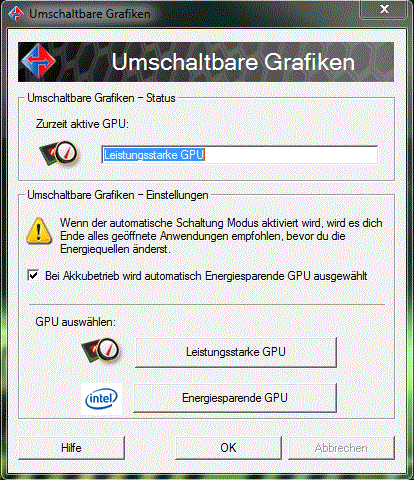
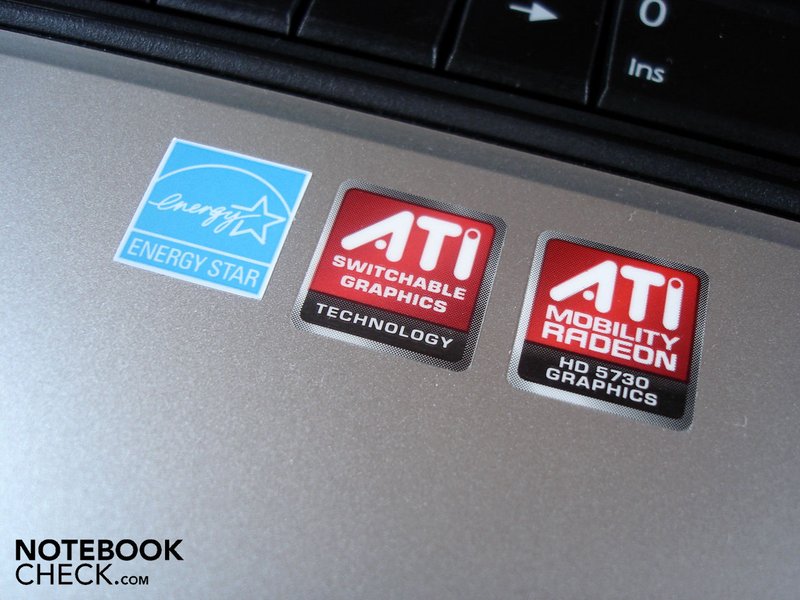
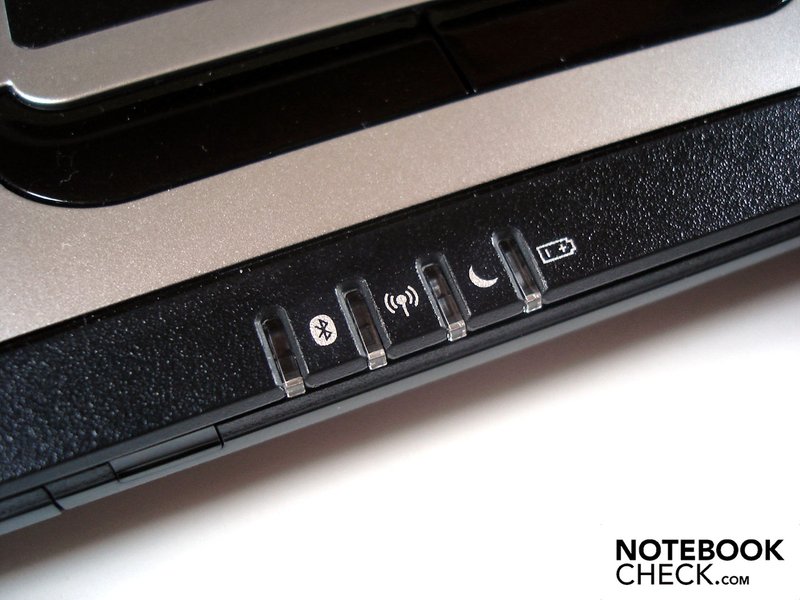
A further highlight of the mySN MG7.c is the integration of "Switchable Graphics", which gives the option to switch between integrated and dedicated video cards. Depending on the scenario at hand, the user can place the focus on energy conservation (Intel GMA HD) or graphics performance (HD 5730). An advantage of this technology is the low susceptibility to error, as the graphics card that is active is exactly the one that was selected. The disadvantage is that although switching from one to another is easily done from the desktop (right-click and then "configurable switchable graphics") the process takes a few seconds and the majority of the open applications (i.e. games) have to be closed.
Opposite this, Nvidia's Optimus technology can dynamically switch between graphics solutions without noticeable signal loss, though this is relatively driver-dependent. If the driver does not recognize a certain 3D-application the dedicated graphics card will remain inactive and the conversion will have to be done manually. In practice, neither of the two technologies escapes criticism unscathed.
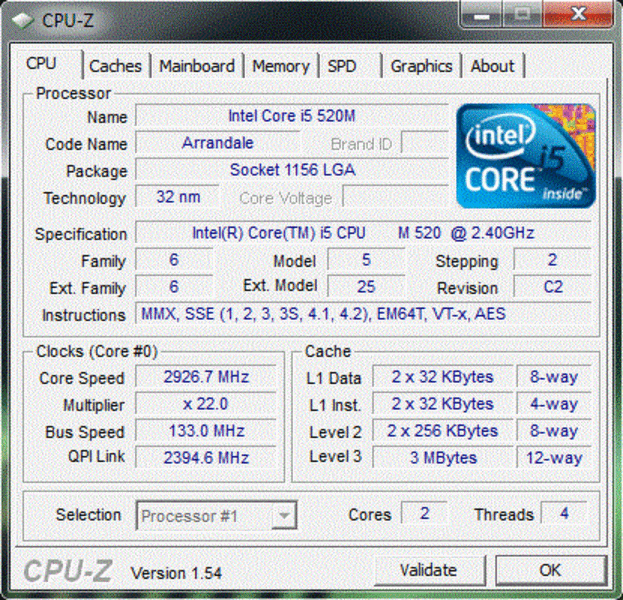
In the application benchmarks both the processor and graphics cards put up good figures. In the Single-core Rendering Test from Cinebench R10 (64-bit) the Core i5-520M with 3859 points can't quite keep pace with the Core i7-620M, the fastest dual-core chip, though it is a touch ahead of the much loved Core i7-720QM and its 3702 points. When it comes to multi-core rendering where all cores are stressed, the Core i5-520M sits behind both the Core i7-620M (9074 points) and the Core i7-720QM (9889 points).
| PCMark Vantage Result | 10721 points | |
Help | ||
Within the graphics benchmarks, we were most interested in the comparison to the somewhat slower clocked Radeon HD 5650. In order to keep the CPU influence down to a minimum we decided to use the Acer TravelMate 5740G, equipped with a Core i5-520M.
In 3DMark 03 the Radeon HD 5730 distances itself around 8% from the Radeon HD 5650 with a score of 22899 points vs. 21115 points. In 3DMark 05 this distance shrinks by a small margin to 6% with 14387 points vs. 13564 points. With 7226 points vs. 6715 points the margin once again opens up to 8% in 3DMark 06. It is only first when using 3DMark Vantage that the HD 5650 manages 3406 points vs. the HD 5730s 3786 points, which is a difference of 11%. The bottom line here is that while a performance difference of 8% isn't exactly earth-shattering, it certainly is measurable.
| 3DMark 03 Standard | 22899 points | |
| 3DMark 05 Standard | 14387 points | |
| 3DMark 06 Standard Score | 7226 points | |
| 3DMark Vantage P Result | 3786 points | |
Help | ||
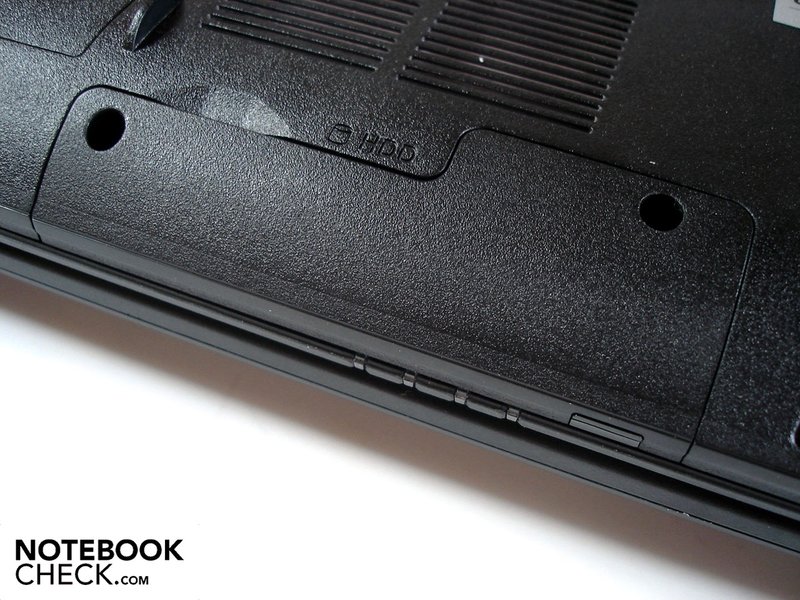
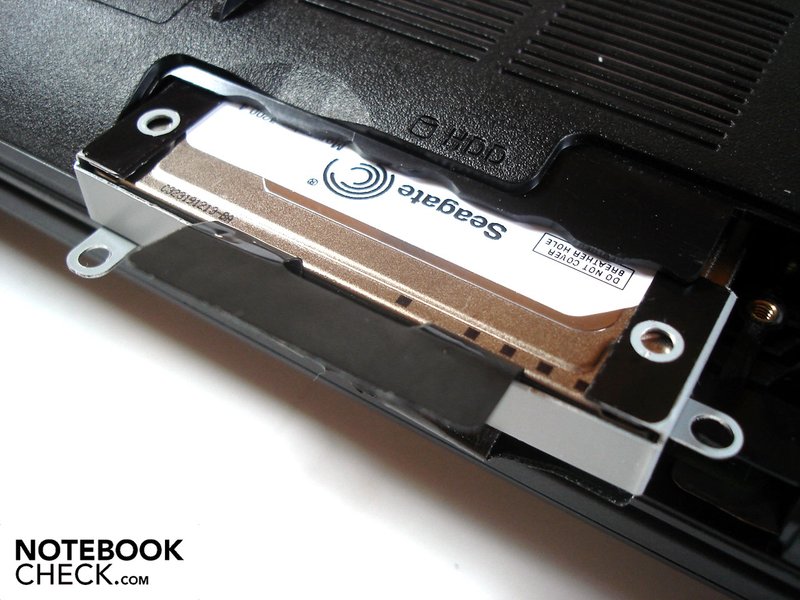
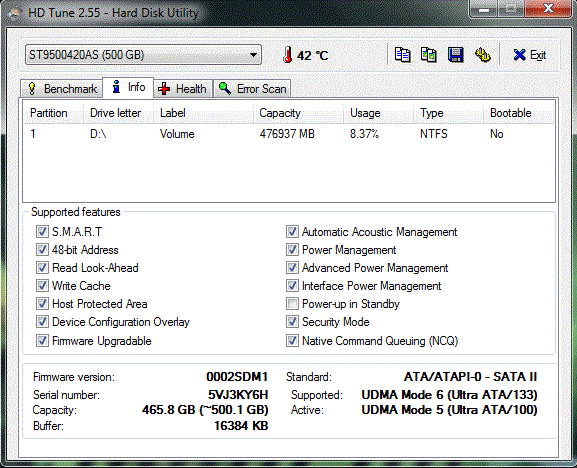
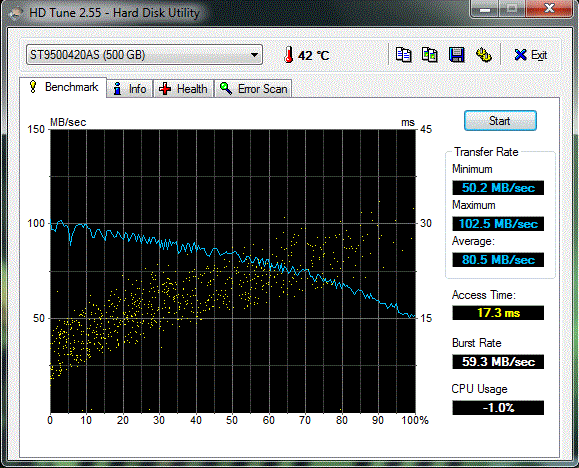
As mentioned at the outset, there is space in the mySN MG7.c for up to two hard drives. In our test model there was a standard hard drive from Seagate (ST9500420AS) with a 500 GB capacity, which provides enough room for mass storage. The average throughput rate of 80.5 MB/sec is very good thanks to a 7200 rpm speed and access time of 17.3ms.
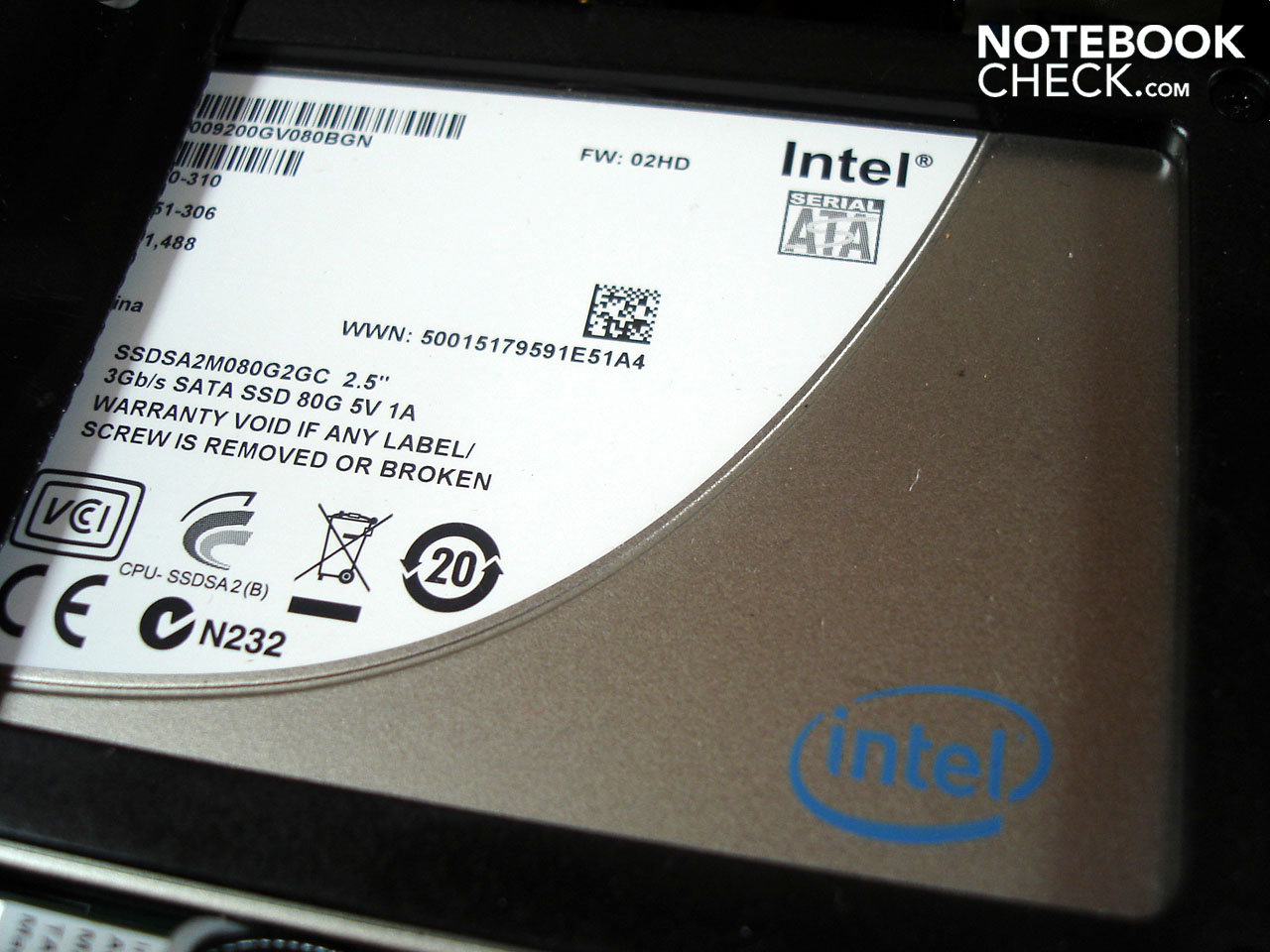
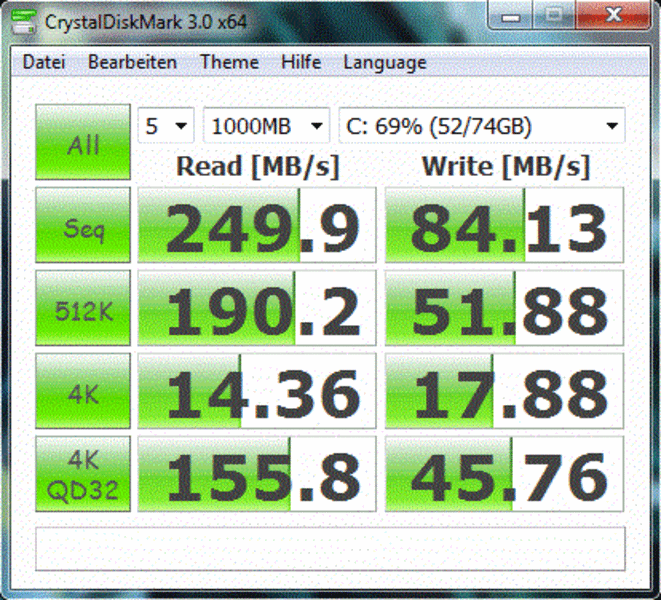
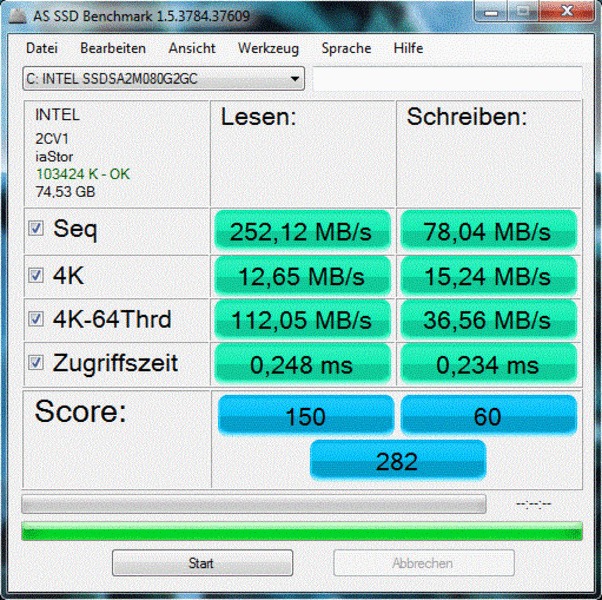
As a further delicacy, Schenker has included an 80 GB SSD from Intel (X25-M G2), which is in charge of the OS. With read rates of around 250 MB/sec the speeds are simply phenomenal (writing rate: ~80 MB/sec). The largest difference between the HDD and the SSD is the access time: 0.2 ms for the SSD vs 17.3ms for the HDD. It might not seem like much, but it makes a world of difference.

Conclusion: Performance
Those who don't find themselves working with applications on a daily basis that require multi-core support will find that the Core i5-520M is a potent processor that, thanks to modern features like Hyperthreading and Turbo Boost, is also future-proofed to a certain extent.
ATIs Mobility Radeon HD 5730 is an excellent supplement; as the graphics benchmarks bestow upon the GPU an above-average performance. The option to switch between integrated and dedicated graphics cards also helps to keep the energy consumption in check. The proverbial cherry on top of this whole thing was the hybrid hard drive setup of HDD and SSD. With the HDD one has enough room for films, games and music. The SSD provides for a short starting, loading and copying times.
Gaming Performance

Anno 1404
As long as one does not go crazy with the resolution settings, the game can be played fluently at very high detail. At our benchmark resolution of 1280x1024 we scored a pristine 38.9 fps with 4xAF turned on. The Packard Bell TJ75-JO-070GE (i5-430M, HD5650) reaches only 30 fps at the same settings. This makes the mySN MG7.c almost 30% faster. Even at the native resolution of 1600x900 the performance is just enough for details set to high.
| Anno 1404 | |||
| Resolution | Settings | Value | |
| 1280x1024 | very high, 0AA, 4AF | 38.9 fps | |
| 1024x768 | low, 0AA, 0AF | 109.3 fps | |
F.E.A.R. 2
The continuation of the successful horror shooter series is now in development and should provide new thrills with a Co-op mode. In the meantime we are testing with the slightly aged second chapter. At 1920x1080, maximum details and 4xAA, a just playable frame rate of 28.4 fps is realized. The Acer Timeline X 4820G (i5-430M, HD 5650) and its score of 26.5 fps falls just a hair behind.
| F.E.A.R. 2 | |||
| Resolution | Settings | Value | |
| 1920x1080 | high, all on, 4xAA, biliniarAF | 28.4 fps | |
| 1280x1024 | high, all on, 4xAA, biliniarAF | 53.8 fps | |
| 1024x768 | medium, all on, 2xAA, biliniarAF | 80.3 fps | |
Shift
Opposite Fear 2, high details and 4xAA at a resolution of 1920x1080 are not recommended here: 21 fps is simply too few in order to experience the tracks and racing. With the HD 5650 the rate drops down a few notches to 19; bringing the resolution to 1366x768 smooths things out to 33.2 fps.
| Need for Speed Shift | |||
| Resolution | Settings | Value | |
| 1920x1080 | all on/high, 4xAA, triliniarAF | 21 fps | |
| 1366x768 | all on/high, 4xAA, triliniarAF | 33.2 fps | |
| 1024x768 | all on/med, 2xAA, triliniarAF | 46.3 fps | |
Risen
This role-playing game hasn't exactly glanced over offerings in the graphics department, and as such, the hardware requirements at demanding settings shouldn't pass one by. At a resolution of 1920x1080, high details and 4xAF both the HD 5650 (16.7 fps) as well as the HD 5730 (18.4 fps) were in over their heads. At a moderate resolution of 1366x768 the average frame rate at high detail just made it over the critical point of 25 fps.
| Risen | |||
| Resolution | Settings | Value | |
| 1920x1080 | high/all on, 0xAA, 4xAF | 18.4 fps | |
| 1366x768 | all on/high, 4xAF | 27.6 fps | |
| 1024x768 | all on/med, 2xAF | 39 fps | |
Modern Warfare 2
In comparison to newer shooters such as Bad Company 2, Modern Warfare 2 is a little more hardware-friendly. On these grounds, it is little wonder that the mySN MG7.c was able to display at 25 fps at high details, 4xAA and full-HD resolution. The HD5650 trails a bit here at 23.4 fps; those looking for a really fluid experience should take the resolution or the detail settings down a few notches.
| CoD Modern Warfare 2 | |||
| Resolution | Settings | Value | |
| 1920x1080 | all on/max vsync off, textures extra, 4xAA | 25 fps | |
| 1366x768 | all on/high vsync off, high textures, 4xAA | 37.7 fps | |
| 1024x768 | all on/med vsync off, normal textures, 2xAA | 47.6 fps | |
Bad Company 2
Demanding quality settings such as high details, 4xAA and 8xAF should not be expected of the HD5730. At a resolution of 1920x1080 the system can only put up 18.4 fps in Bad Company (HD5650: 14.9 fps). At 1366x768, halving the anisotropic filtering and deactivating the anti-aliasing doubled the frame rate to a passable 33.7 fps.
| Battlefield: Bad Company 2 | |||
| Resolution | Settings | Value | |
| 1920x1080 | high, HBAO on, 4xAA, 8xAF | 16.3 fps | |
| 1366x768 | high, HBAO on, 1xAA, 4xAF | 33.7 fps | |
| 1366x768 | medium, HBAO off, 1xAA, 1xAF | 50.9 fps | |
Metro 2033
The creators of Metro 2033 went through a lot of trouble to accurately reproduce the original novel, though when it came to optimizing the engine the developer 4A Games certainly did not have enough time left. Even the most powerful desktop graphics cards have problems running this game at high detail in DirectX 11 mode. Naturally, the notebook graphics card on hand is at a disadvantage. At the native resolution of 1600 x 900, high details (AAA & 4xAF) and DirectX 10 mode only a meager 14.8 fps were possible. A fluent gaming experience is almost possible, but only at the expense of reducing resolution and detail. At a resolution of 1366 x 768 with medium details (AAA & 4xAF), 28 fps (HD 5650: 26.4 fps) was possible.
| Metro 2033 | |||
| Resolution | Settings | Value | |
| 1600x900 | High DX10, AAA, 4xAF | 14.8 fps | |
| 1360x768 | Normal DX10, AAA, 4xAF | 28 fps | |
| 800x600 | Low DX9, AAA, 4xAF | 61 fps | |
Dirt 2
At the standard resolution of 15-inch notebooks (1366 x 768) the Radeon HD 5730 did not have any difficulties reproducing the slick racing title. We measured a very good 38 fps at high details and 2x AA activated. Bringing the resolution up to 1920 x 1080 and the details to very high with double anti-aliasing and the performance breaks down to a disappointing 20.6 fps. As the Radeon HD 5650 runs the same test at a palpably slower 14 fps, one wonders if DirectX 11 mode was even turned on.
| Colin McRae: DIRT 2 | |||
| Resolution | Settings | Value | |
| 1920x1080 | Ultra Preset, 4xAA | 20.6 fps | |
| 1360x768 | High Preset, 2xAA | 38 fps | |
| 1024x768 | Medium Preset, 0xAA | 60.2 fps | |
Crysis
Next to Metro 2033, Crysis is the second title in our benchmark suite in which the Radeon HD 5730 was already pushed to its limits at moderate graphics detail. Crysis runs fluently at high details, though only at very low resolutions like 1024x768 (30.9 fps). The Radeon HD 5650 is about four fps slower at the same settings. Those who absolutely have to play at the native resolution of 1600 x 900 will find great difficulty even at medium detail settings.
| Crysis - GPU Benchmark | |||
| Resolution | Settings | Value | |
| 1920x1080 | Very High, 0xAA, 0xAF | 8.5 fps | |
| 1024x768 | High | 30.9 fps | |
| 1024x768 | Medium, 0xAA, 0xAF | 54.8 fps | |
Conclusion: Gaming-Performance
At low resolutions like 1366x768 the Radeon HD 5730 is more than powerful enough to render current titles with high and sometimes very high details completely fluently. The higher the resolution is set, the greater of a bottleneck the 128-bit memory interface becomes. Users at the native resolution of 1600 x 900 will need to sacrifice a bit on detail quality (AA & AF) and be satisfied with medium details. The ATI card is not at all at home when at full-HD resolutions, a testament to the fact that many titles were unplayable at these high resolutions.
In comparison to the Radeon HD5650, the Radeon HD5730 carries an 11% performance advantage, more than was shown in the synthetic benchmarks. The average gamer should not have issue with the performance of the Radeon HD 5730, though gaming connoisseurs should reach for something from the high-end shelf like the GeForce GTX 260M/GTX 280M/GTX 285M (each DDR3) or the Radeon HD 5850/HD 5870 (each GDDR5).
| low | med. | high | ultra | |
|---|---|---|---|---|
| Crysis - GPU Benchmark (2007) | 54.8 | 30.9 | 8.5 | |
| Crysis - CPU Benchmark (2007) | 52.1 | 25.9 | 7.8 | |
| F.E.A.R. 2 (2009) | 80.3 | 53.8 | 28.4 | |
| Anno 1404 (2009) | 109.3 | 38.9 | ||
| Colin McRae: DIRT 2 (2009) | 60.2 | 38 | 20.6 | |
| Need for Speed Shift (2009) | 46.3 | 33.2 | 21 | |
| Risen (2009) | 39 | 27.6 | 18.4 | |
| CoD Modern Warfare 2 (2009) | 47.6 | 37.7 | 25 | |
| Battlefield: Bad Company 2 (2010) | 50.9 | 33.7 | 16.3 | |
| Metro 2033 (2010) | 61 | 28 | 14.8 |
Emissions
System Noise
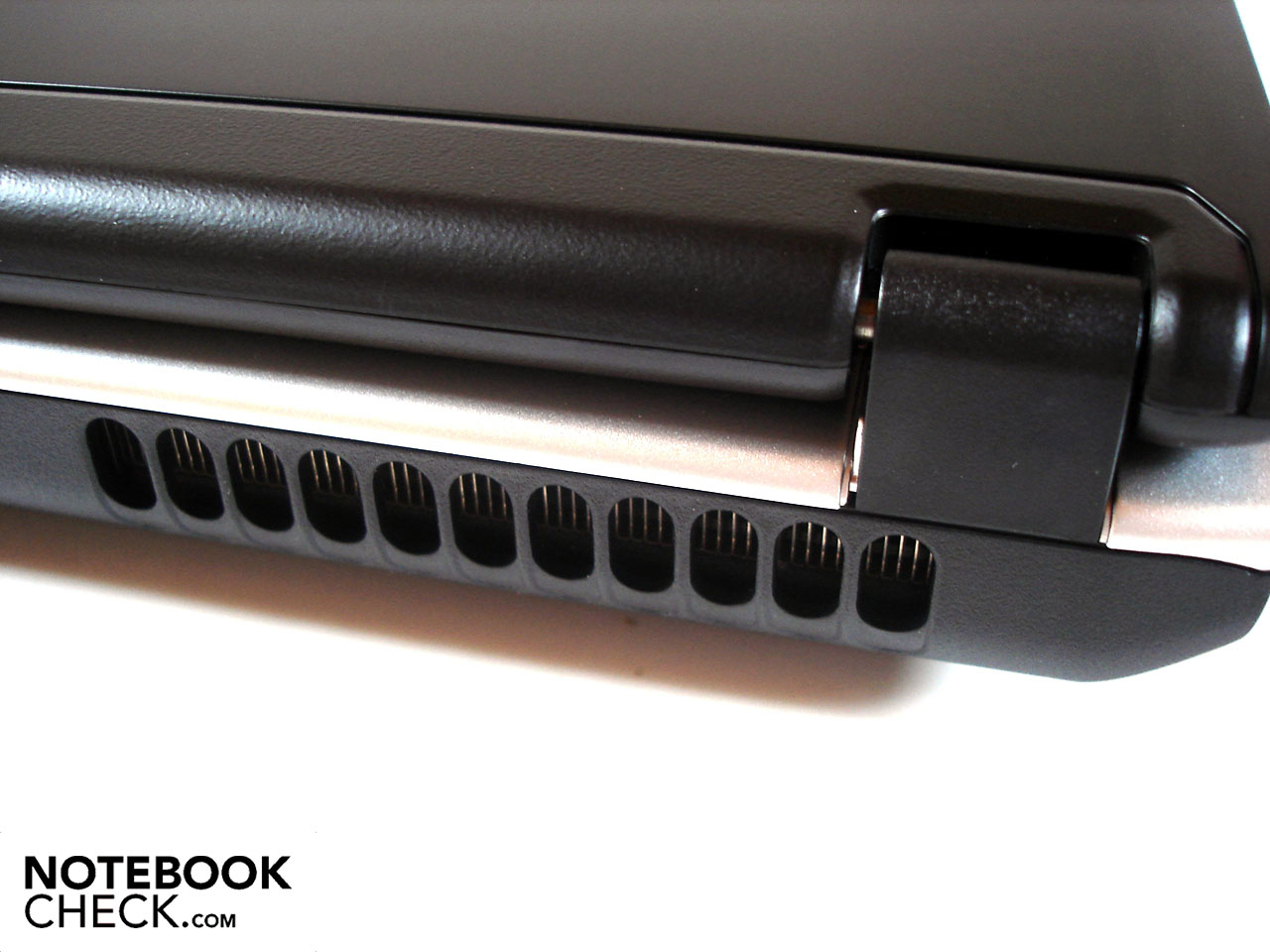
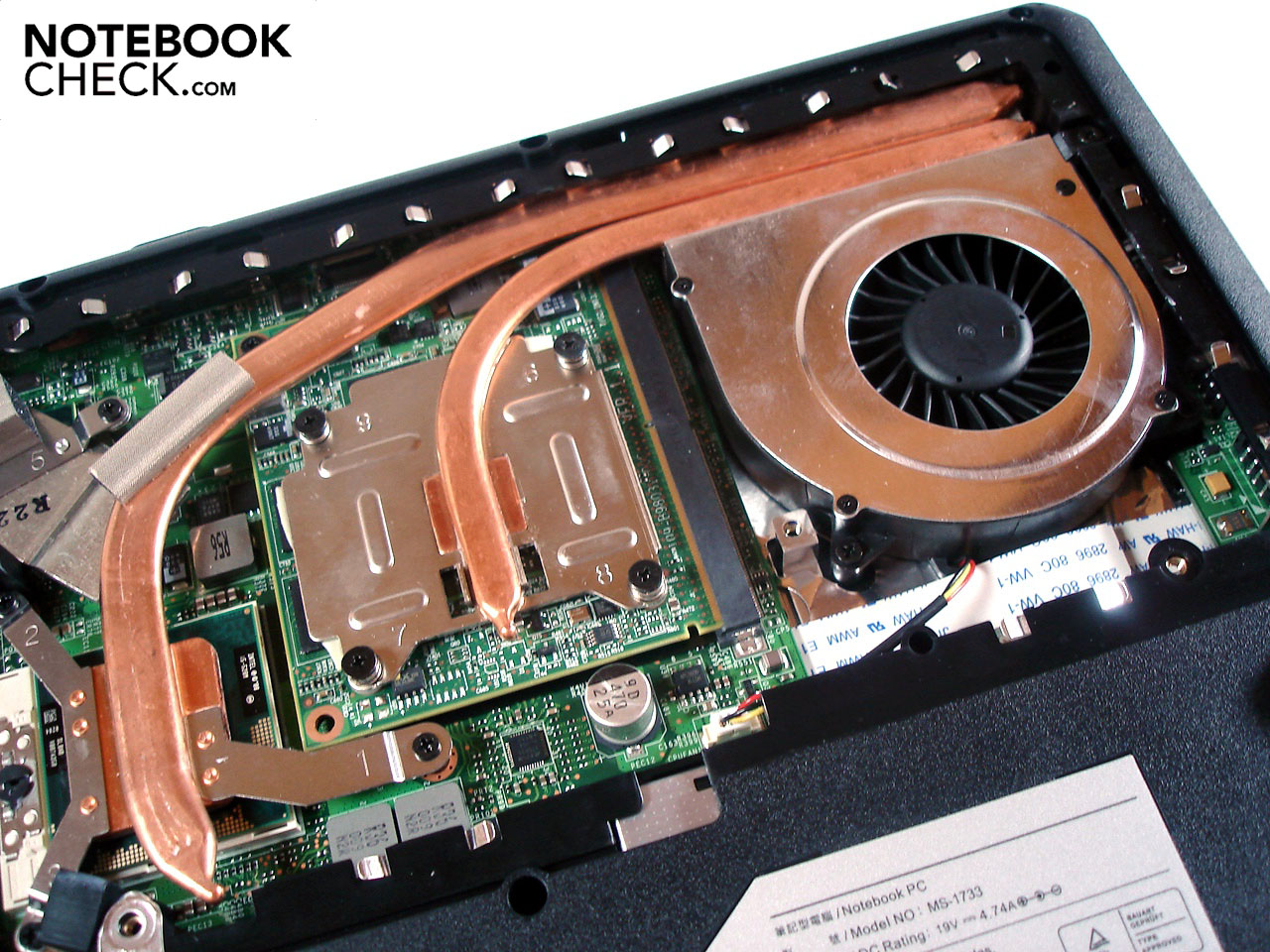
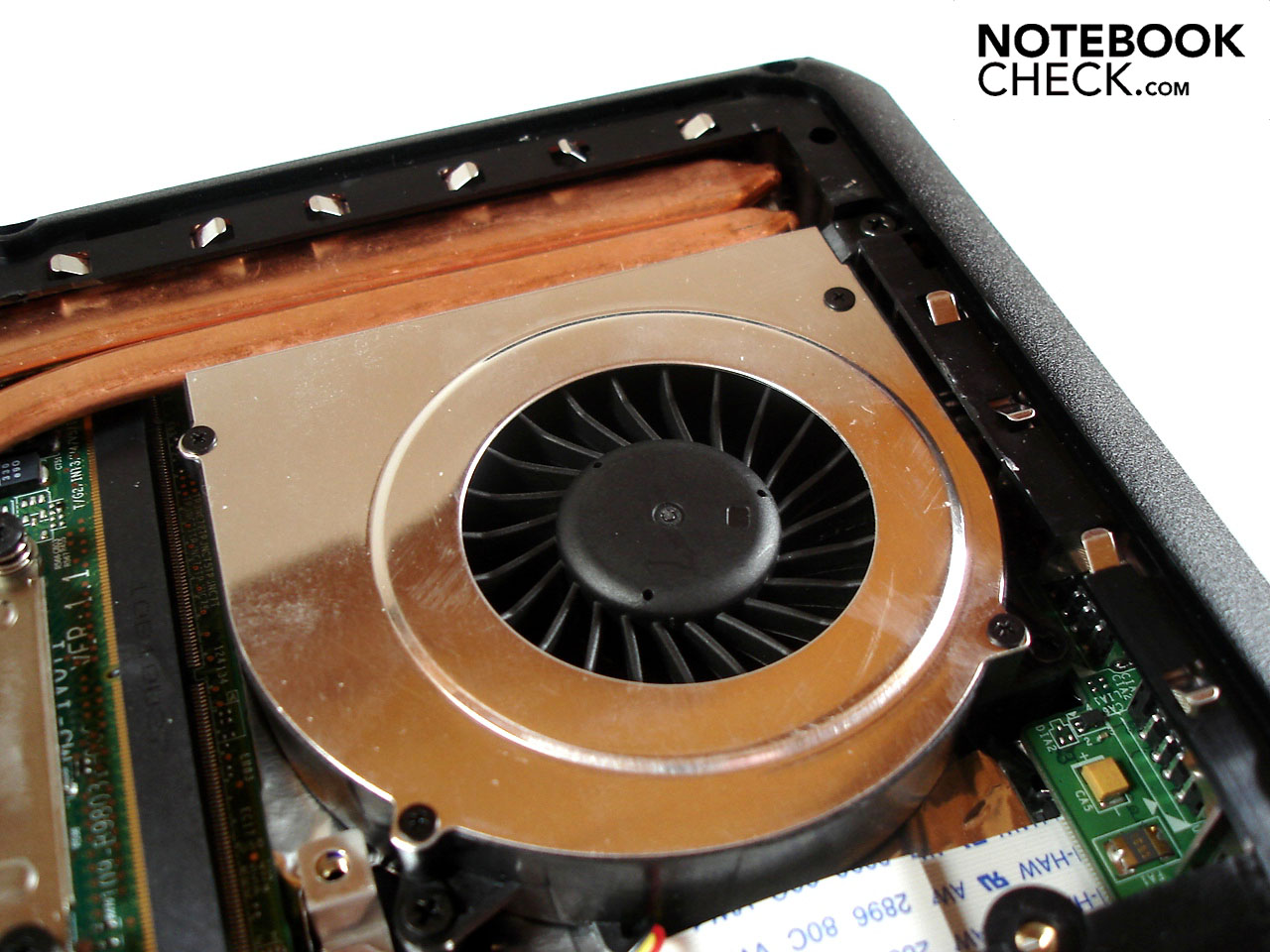
A single case fan in the mySN MG7.c is responsible for exhaust heat from both the processor and graphics card. As such, the cooling system goes to work when the system is under stress. In the middle of a 3DMark test we were able to record a noise level of 40.2 dB(A) from a distance of 15 centimeters away. During idle operation the fan acts a bit more civilized, though at 33.1-35.3 dB(A) it is still certainly audible. All things considered this isn't too bad, since many other gaming notebooks like the Medion Akoya X7811 fare worse in the cooling-noise department.
Noise level
| Idle |
| 33.1 / 33.1 / 35.3 dB(A) |
| HDD |
| 33.1 dB(A) |
| DVD |
| 38.6 / dB(A) |
| Load |
| 40.2 / 44.4 dB(A) |
 | ||
30 dB silent 40 dB(A) audible 50 dB(A) loud |
||
min:  , med: , med:  , max: , max:  (15 cm distance) (15 cm distance) | ||
Temperature
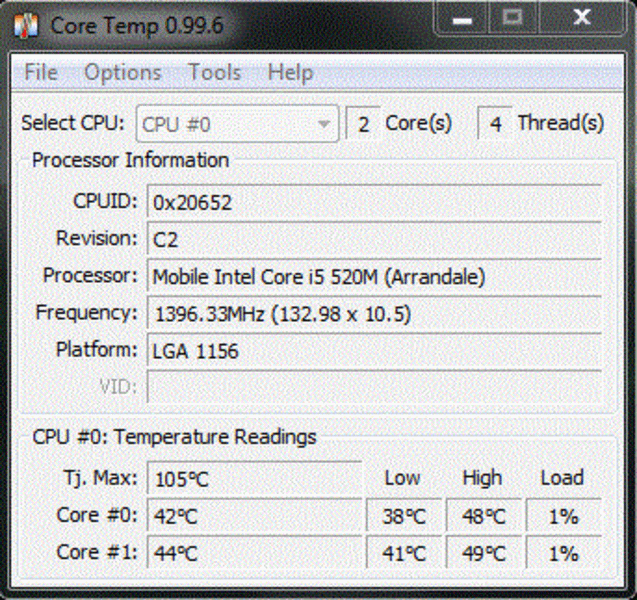
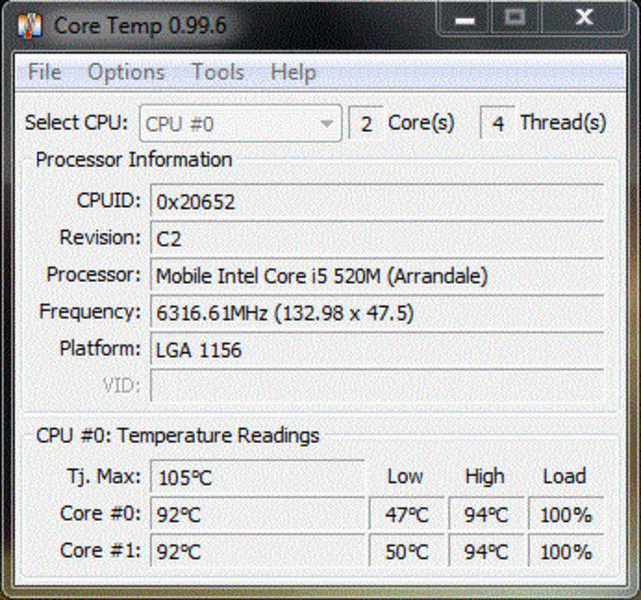
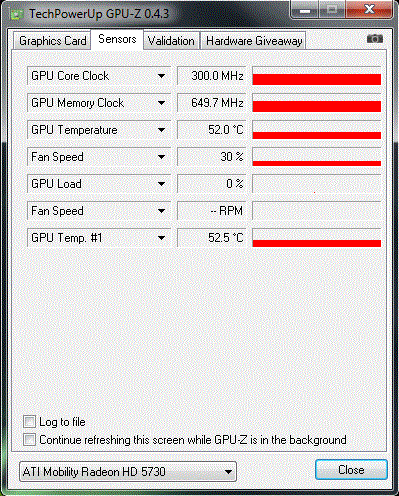
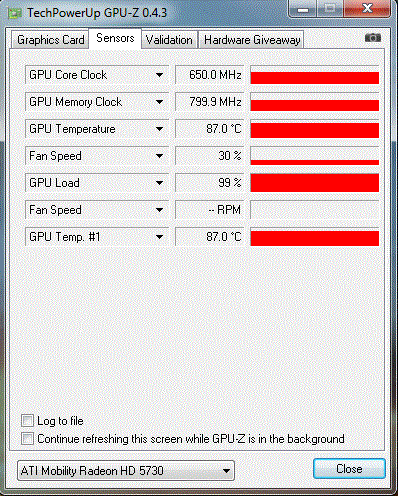
Historically, gaming notebooks from MSI have had to fight the development of high temperatures. Temperatures of 100°C for the processor and graphics were unfortunately not uncommon. In the case of the MS-1733 bare-bones under full stress (several hours of Prime and Furmark), very high temperatures to the tune of 87°C for the GPU and a maximum of 92°C for the CPU were seen as the maximum serviceable temperatures for notebooks.
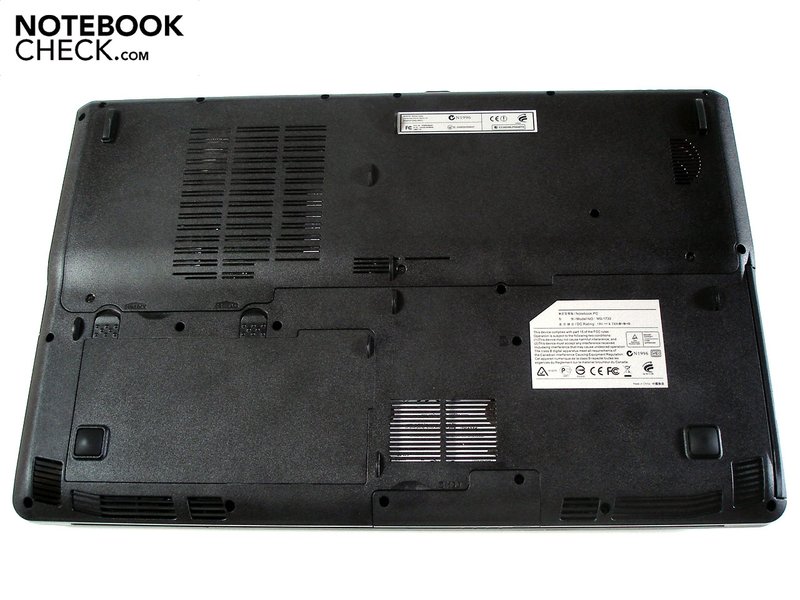
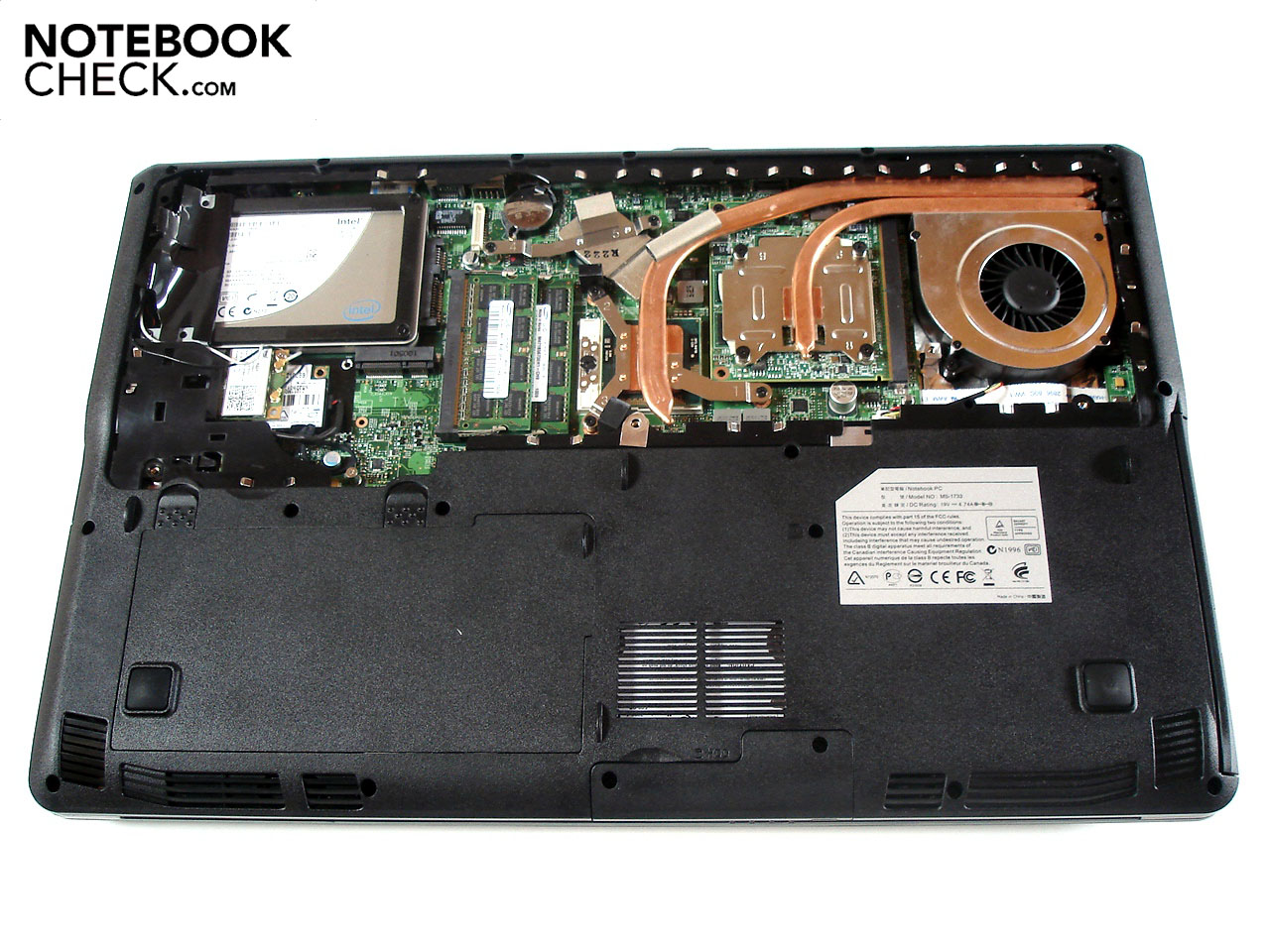
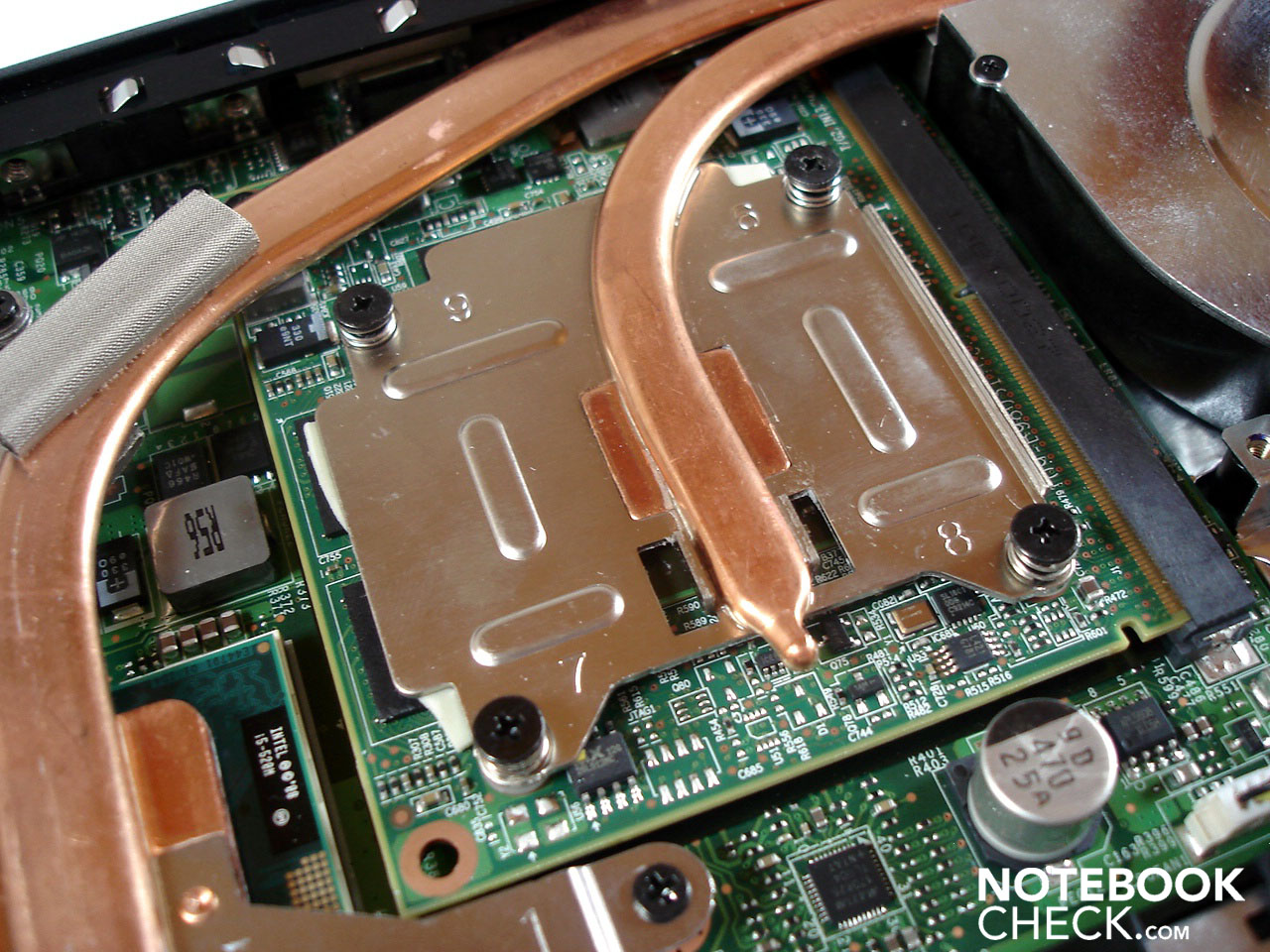
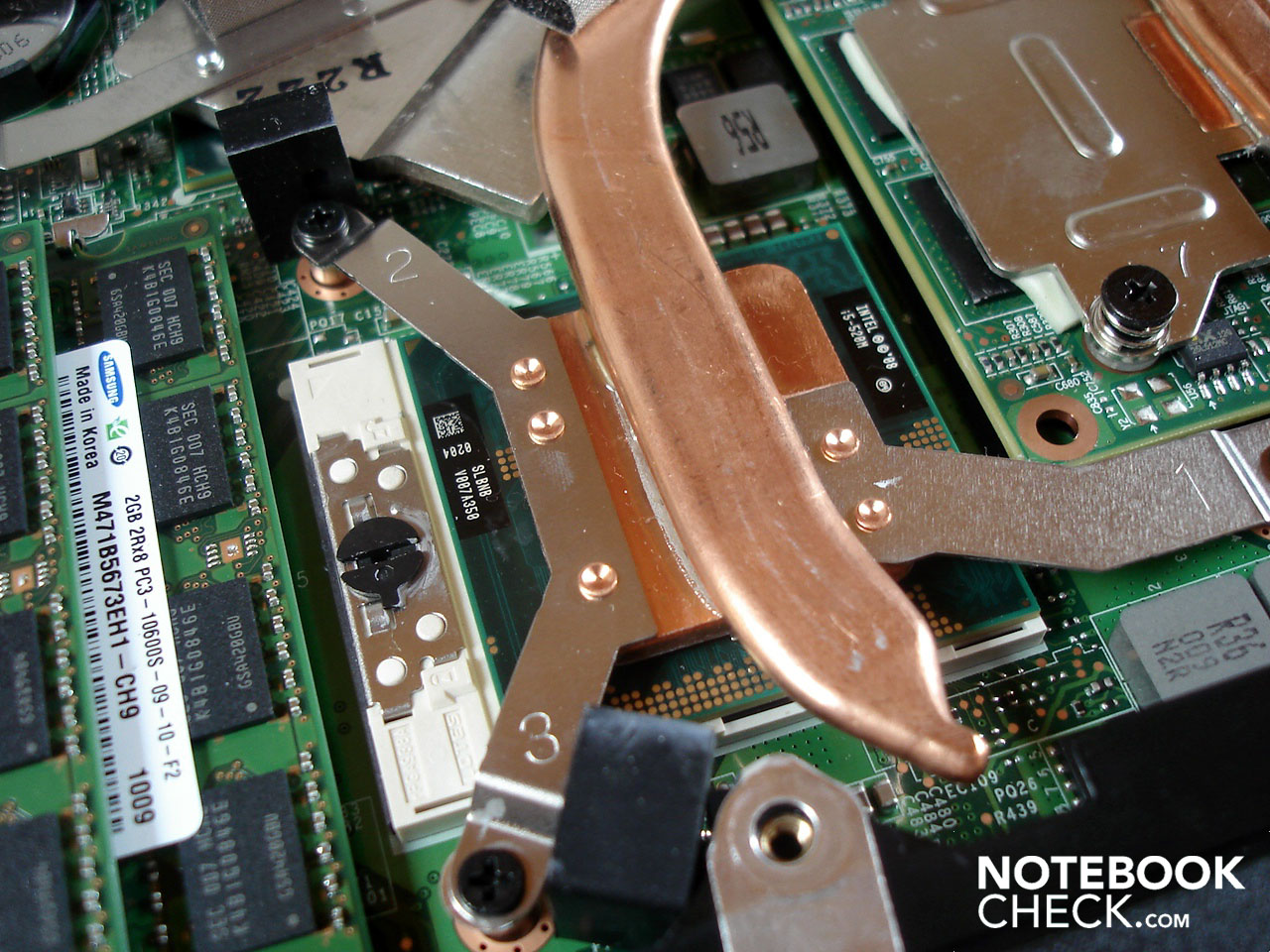
Over the years dust will begin to accumulate on the cooling system and temperatures will start to rise, though since the cooling system is user-accessible, a cleaning shouldn't be a problem at all. At idle, temps of 44°C for the CPU and around 52°C for the GPU are certainly modest.
Surface temperatures were a most impressive feature of the mySN MG7.c, especially at idle. A maximum of 28.6°C and 29.8°C were registered on the top side and bottom, respectively. These figures speak for a relatively cool notebook; under full stress the area around the exhaust vent at the rear heats up the top and bottom sides to 47.1°C. Operating the notebook on one's lap can become uncomfortable after a while due to the temperatures. Under stress only the palm rest remains cool at 30.0°C
(-) The maximum temperature on the upper side is 47.1 °C / 117 F, compared to the average of 40.4 °C / 105 F, ranging from 21.2 to 68.8 °C for the class Gaming.
(-) The bottom heats up to a maximum of 46.6 °C / 116 F, compared to the average of 43.2 °C / 110 F
(+) In idle usage, the average temperature for the upper side is 26.5 °C / 80 F, compared to the device average of 33.9 °C / 93 F.
(+) The palmrests and touchpad are cooler than skin temperature with a maximum of 30 °C / 86 F and are therefore cool to the touch.
(±) The average temperature of the palmrest area of similar devices was 28.8 °C / 83.8 F (-1.2 °C / -2.2 F).
Loudspeakers
The mySN MG7.c possesses two loudspeakers located under the front side of the notebook, a rather unusual position. The sound itself is rather purposeful and not really remarkable in any way. On the one hand the various tonal areas are relatively hollow and dull and on the other the sound presence, precision and volume are missing altogether. Add to this that the bass is very softly strung. When possible, a connection to an external sound system shouldn't be disregarded but for mobile film or gaming sessions the integrated speakers are sufficient.
Battery Life
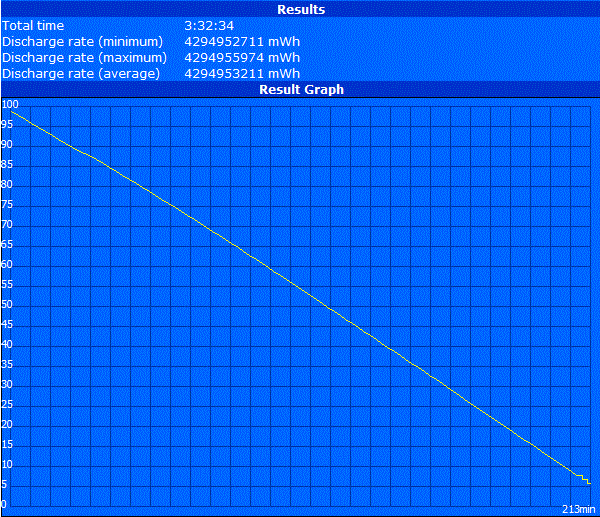
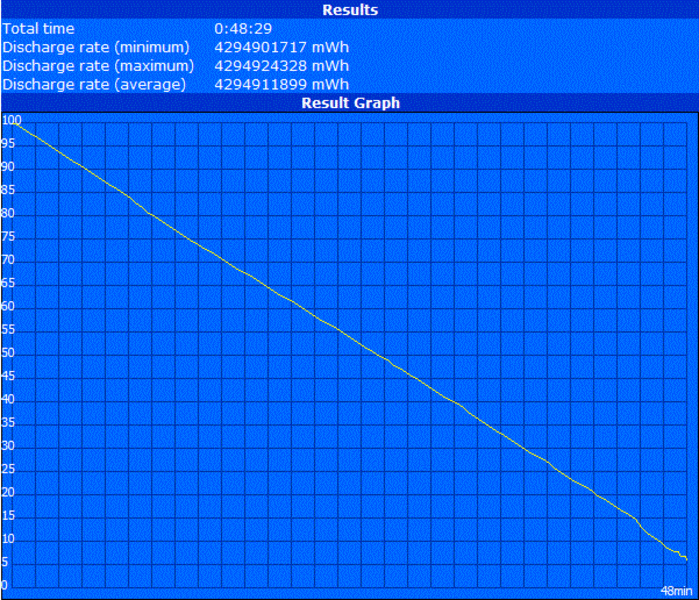
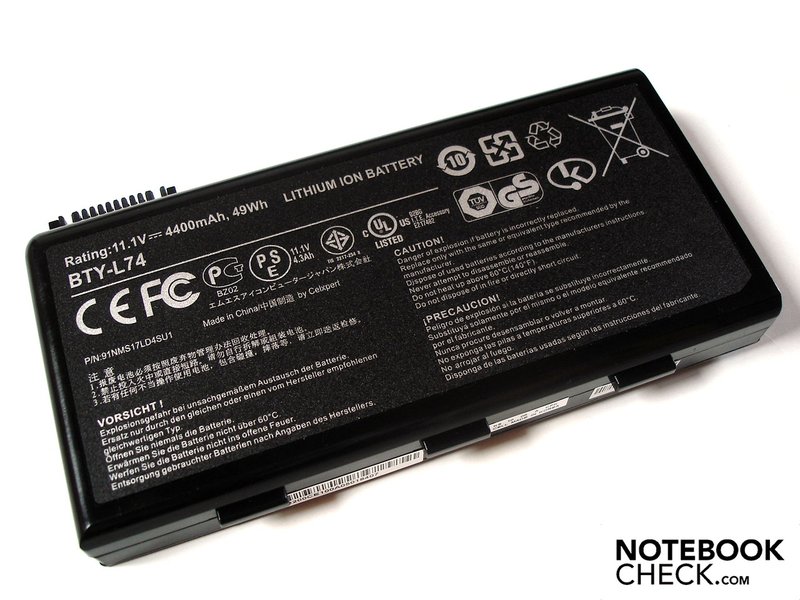
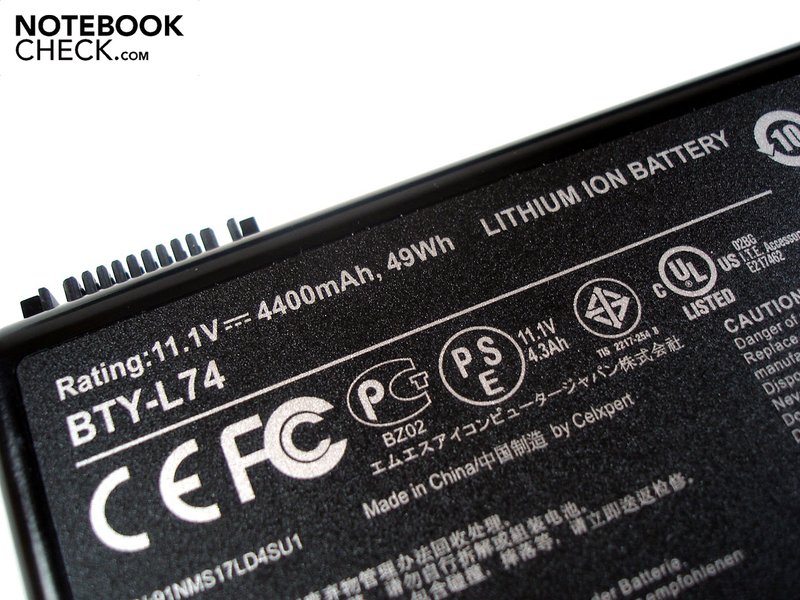
As previously stated, the mySN MG7.c has switchable graphics. A notebook can only really profit from such a feature when it is working in conjunction with a performance-oriented battery. In this respect the mySN MG7.c stumbles a bit here, as the supplied 6-cell battery is rather weak with only a 49 Wh capacity. That said, though battery life is certainly a consideration in a gaming notebook, similarly powerful models like the Acer Aspire 7745G or the Acer Timeline X 4820TG can't quite measure up to the Schenker notebook.
Now for the numbers. If the notebook is hardly stressed (Readers Test from Battery Eater), minimal brightness and maximum energy-saving options are turned on a good three hours and 33 minutes are possible. When internet surfing via integrated WLAN with maximum brightness and moderate energy options on, two hours and 50 minutes were possible. DVD playback revealed about two hours of battery life, give or take. For the same test under stress we activated the dedicated graphics and carried out the Battery Eater Classic Test with maximum brightness and deactivated energy-saving options: a paltry 48 minutes was possible.
The energy consumption of the mySN Mg7.c toes a moderate line. 12.0-20.7 Watts (GMA HD) and 19.9-25.5 (HD 5730) during idle operation and 56.1-88.2 (HD 5730) under stress are acceptable values for a notebook such as this.
| Off / Standby | 0.3 / 0.3 Watt |
| Idle | 12 / 17.4 / 20.7 Watt |
| Load |
56.1 / 88.2 Watt |
   
| |
Key:
min: ,
med: ,
max: | |
Verdict
With the mySN MG7.c Schenker has managed a balanced and in many respects a convincing gaming-notebook. For gaming at very high resolutions or detail levels the power of the Radeon HD 5730 is not sufficient for demanding titles. Average gamers will be satisfied with the on-tap performance, no doubt. Thanks to switchable graphics energy consumption can be reduced at the touch of a button, improving battery life. Temperature and noise are in order when the notebook is at idle, though under stress both noise and heat become more apparent.
The MSI case leaves a two-fold impression. On the one hand the sheer number of connections and their well thought-through placement plus the weight and size leave little to be criticized. On the other hand the spongy, unstable keyboard with its misplaced layout and ramshackle key noise is simply disappointing. The display could also be improved; though the reflective surface lends vibrant colors to games, the vertical viewing angle is extremely limited. Furthermore, the contrast and black values aren't anything to write home about.
 Add as a preferred source on Google