Review Acer C720-2800 Chromebook
Just when it seemed like the netbook movement was history, along comes a platform that thoroughly embraces the concept. Google’s Chrome OS is nothing if not lightweight and basic, and perhaps best of all, it’s completely license-free, making it possible for OEMs to assemble notebooks at tablet-like prices. But it’s also young, bare, and rough around the edges, still unable to compare with the likes of Windows and Mac OS in terms of anything but the most basic functionality. The challenge for the manufacturer has been to find the balance between price and performance that most closely approximates the needs of this relatively tricky market.
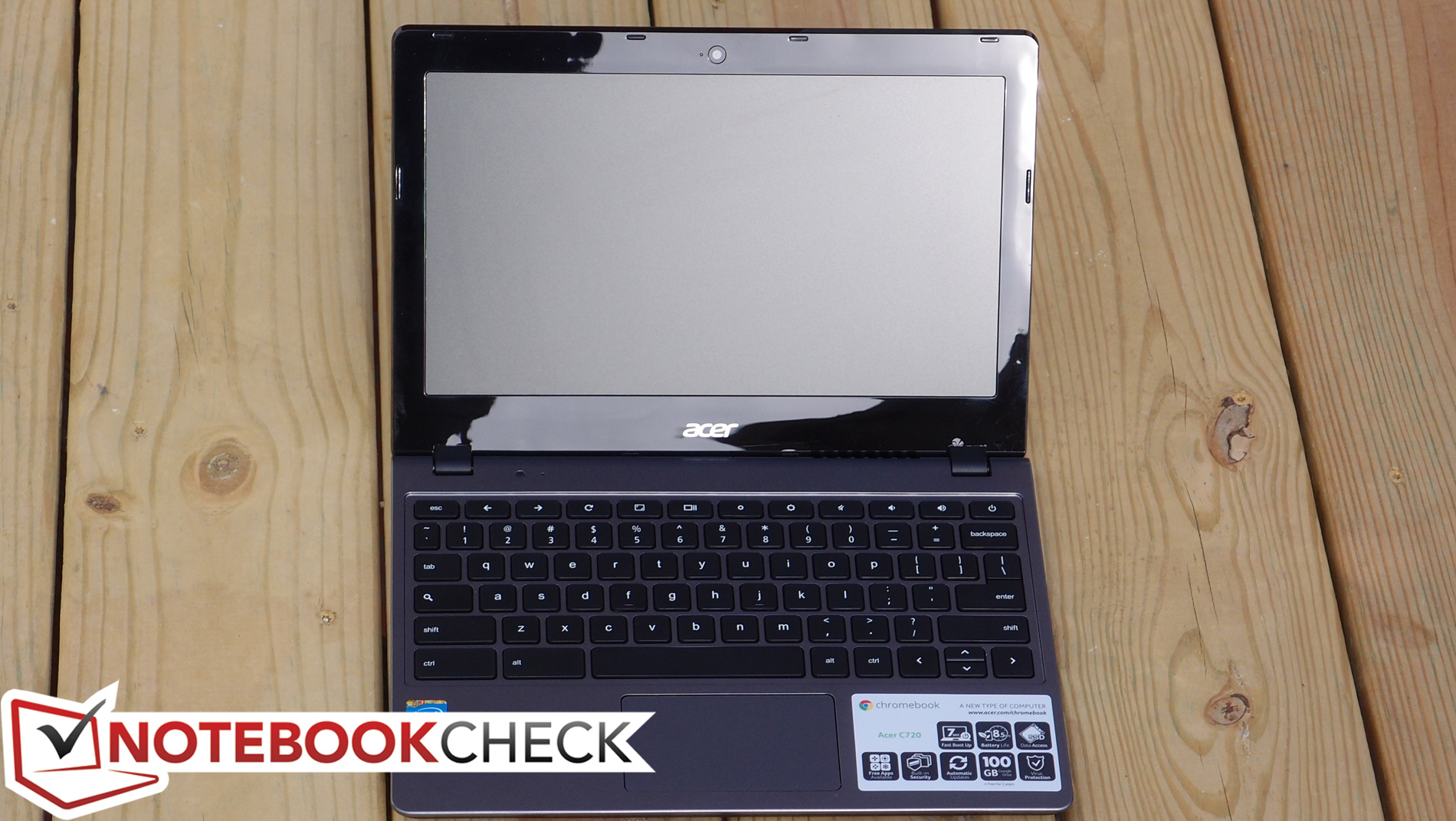
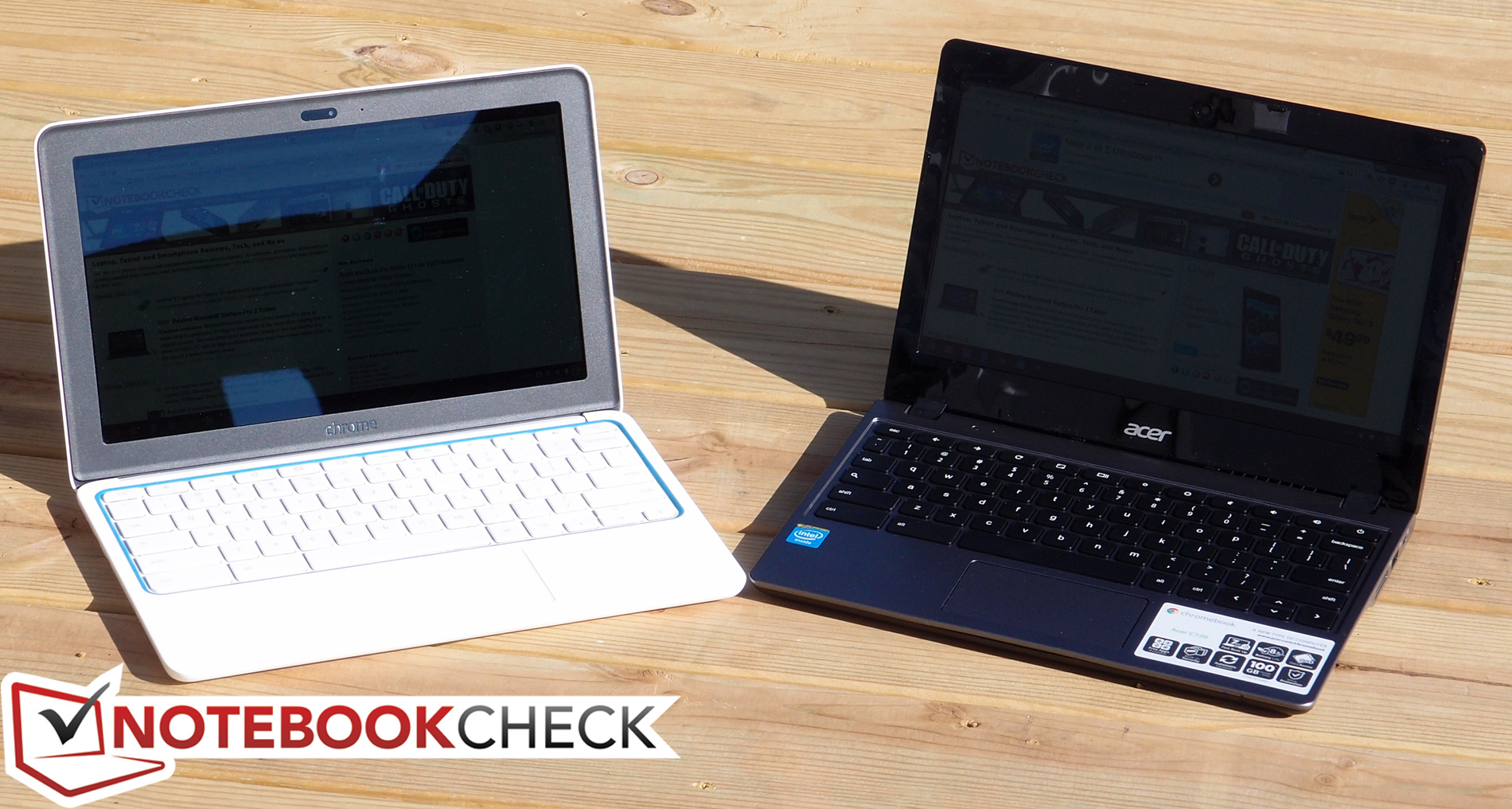
Unlike the HP Chromebook 11 which we just finished reviewing last week, the Acer C720-2800 Chromebook is much less concerned with first impressions and ergonomics and instead more heavily focused on performance and battery life. Gone are the surprisingly good keyboard and IPS screen, replaced instead by run-of-the-mill iterations of each. Likewise, the flashy high-gloss white plastic exterior and magnesium frame have been exchanged for a considerably more traditional dark grey and black plastic casing—far more understated and, likewise, not as sturdy.
In terms of its innards, however, things are a bit more interesting. In place of the ARM-based chipset—and its accompanied fanless passive cooling design—is an Intel Celeron 2955U 1.4 GHz CPU with 4 GB DDR3L RAM (twice that of the Chromebook 11). Meanwhile, Acer crams a 45 Wh battery in as well, which is 50% larger than that of the HP. Considering its TDP of 15 W (as compared to the Samsung Exynos GAIA’s roughly 8 W), it will be interesting to see how this manifests in the way of battery life. All of this is available for an MSRP of just $249, which is impressive. So which approach makes more sense in the end? And can either be expected to satisfy in the wake of the modern Ultrabook and tablet markets?
Case
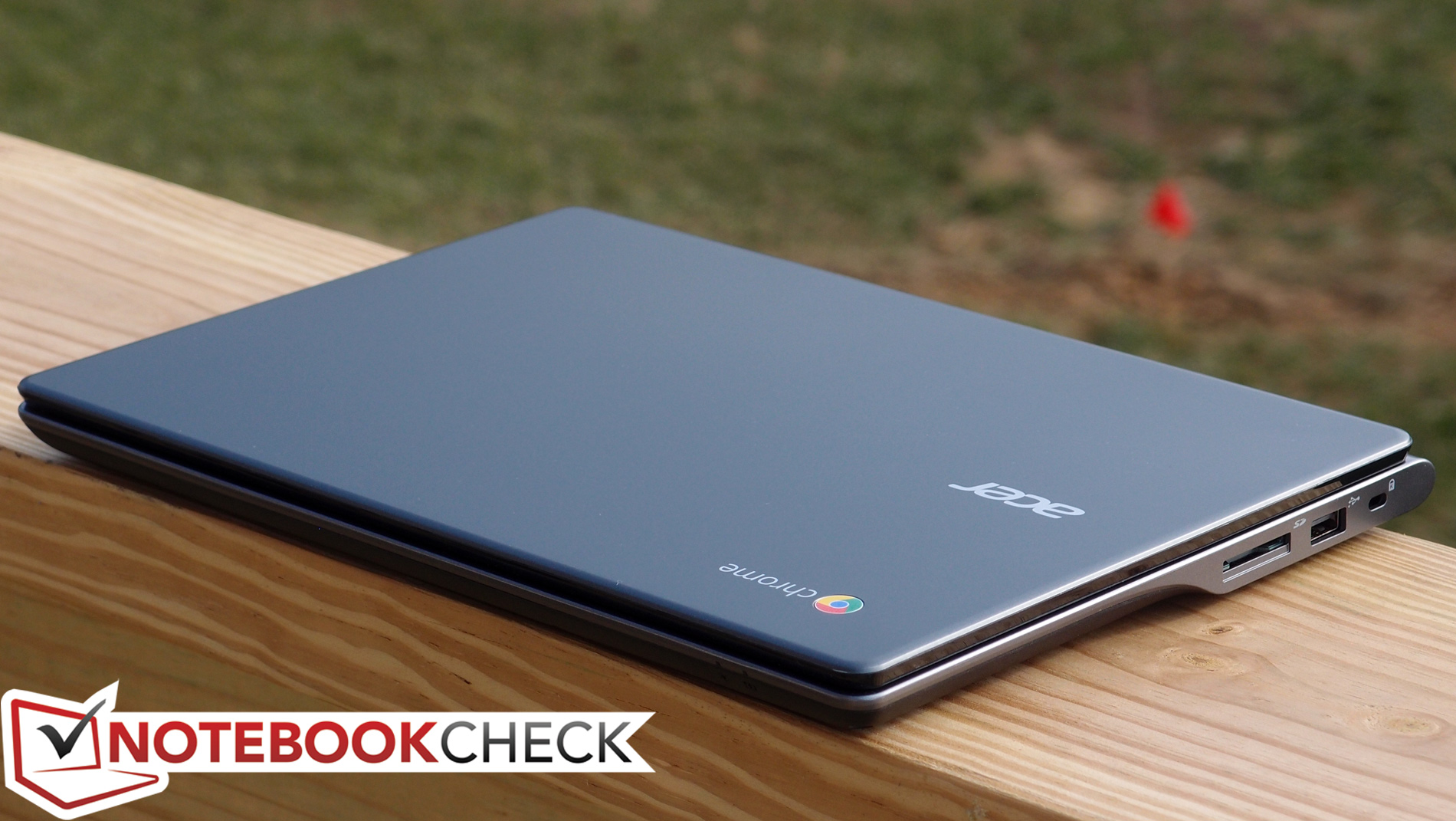
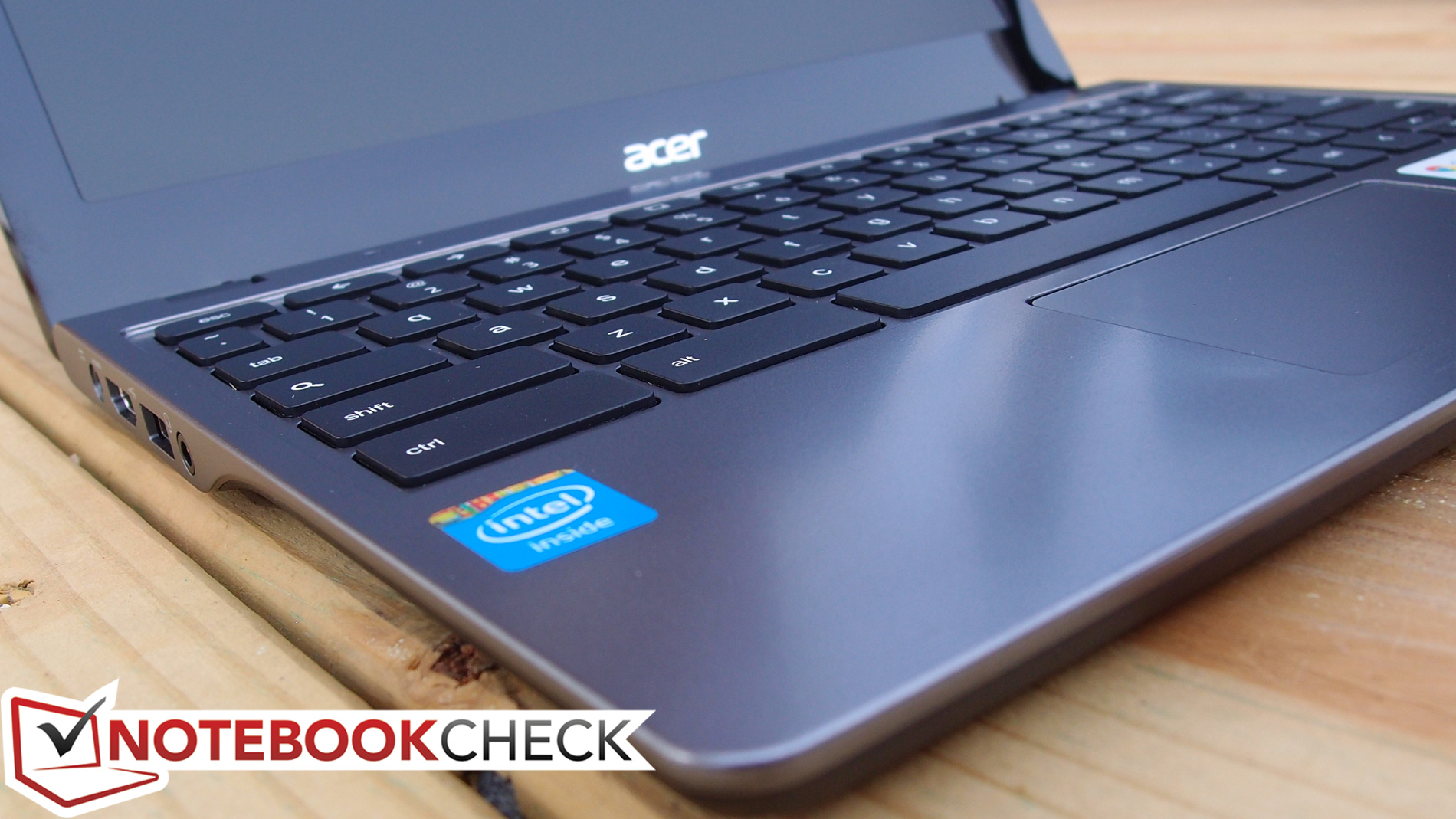
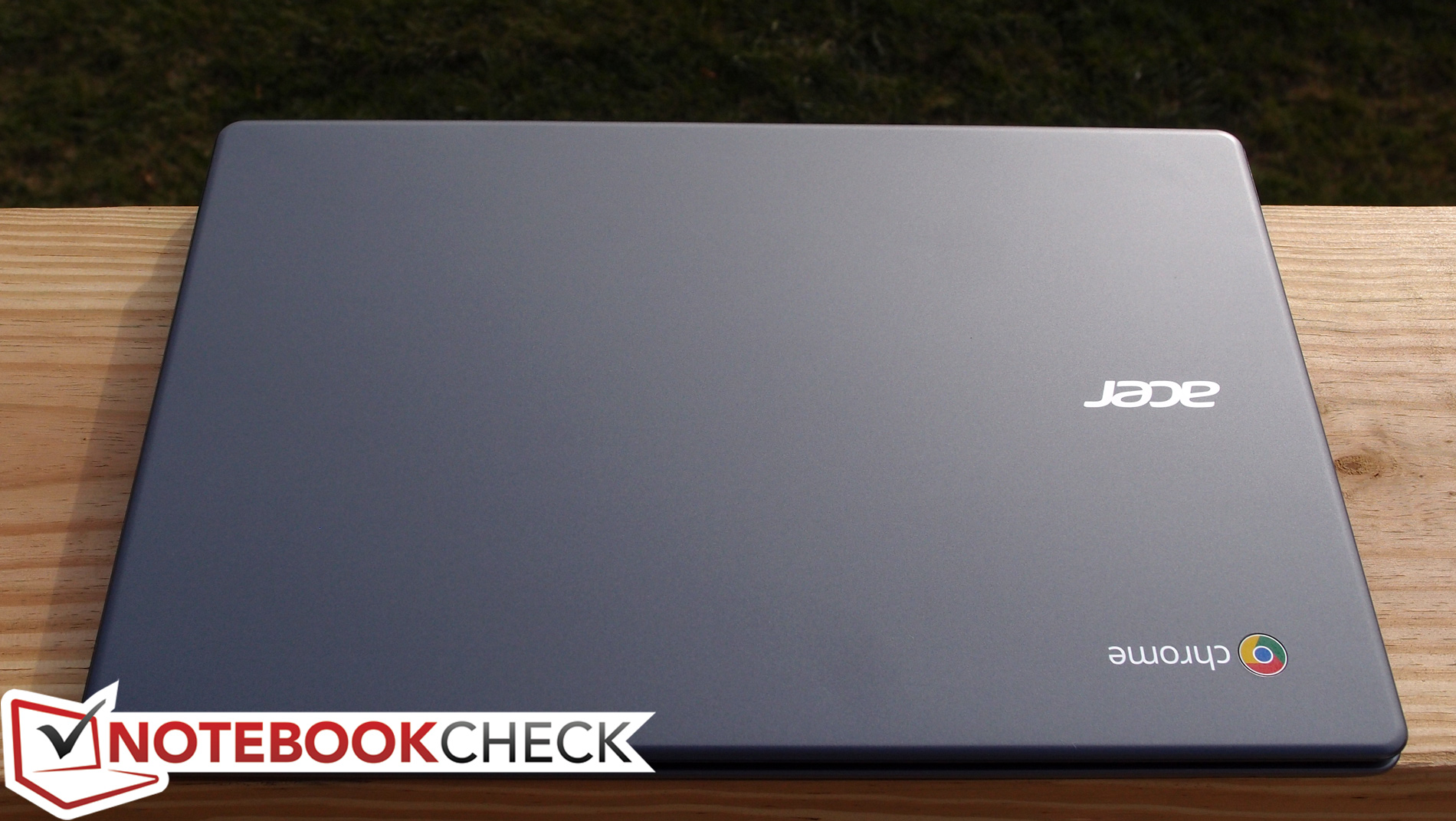
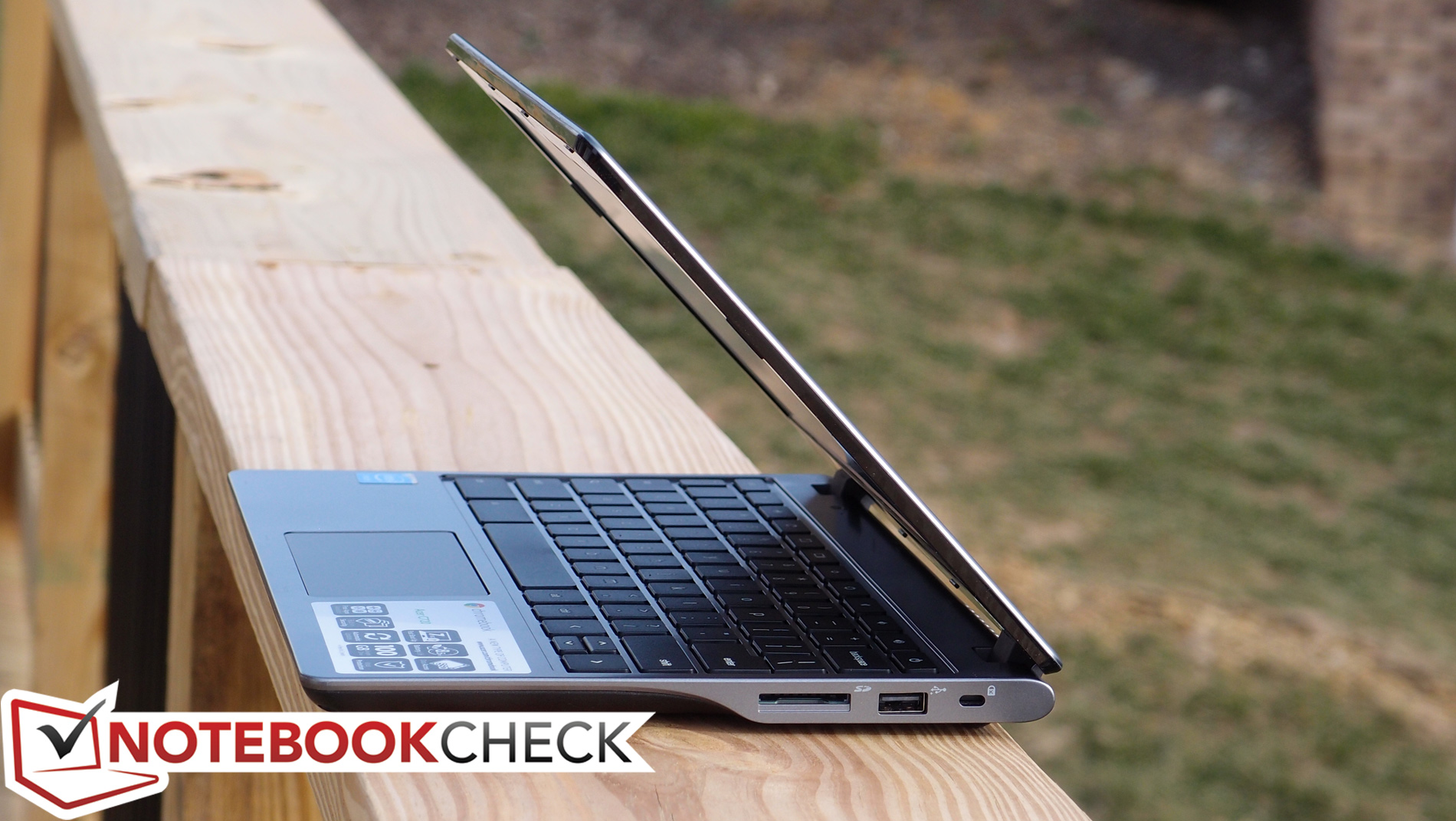
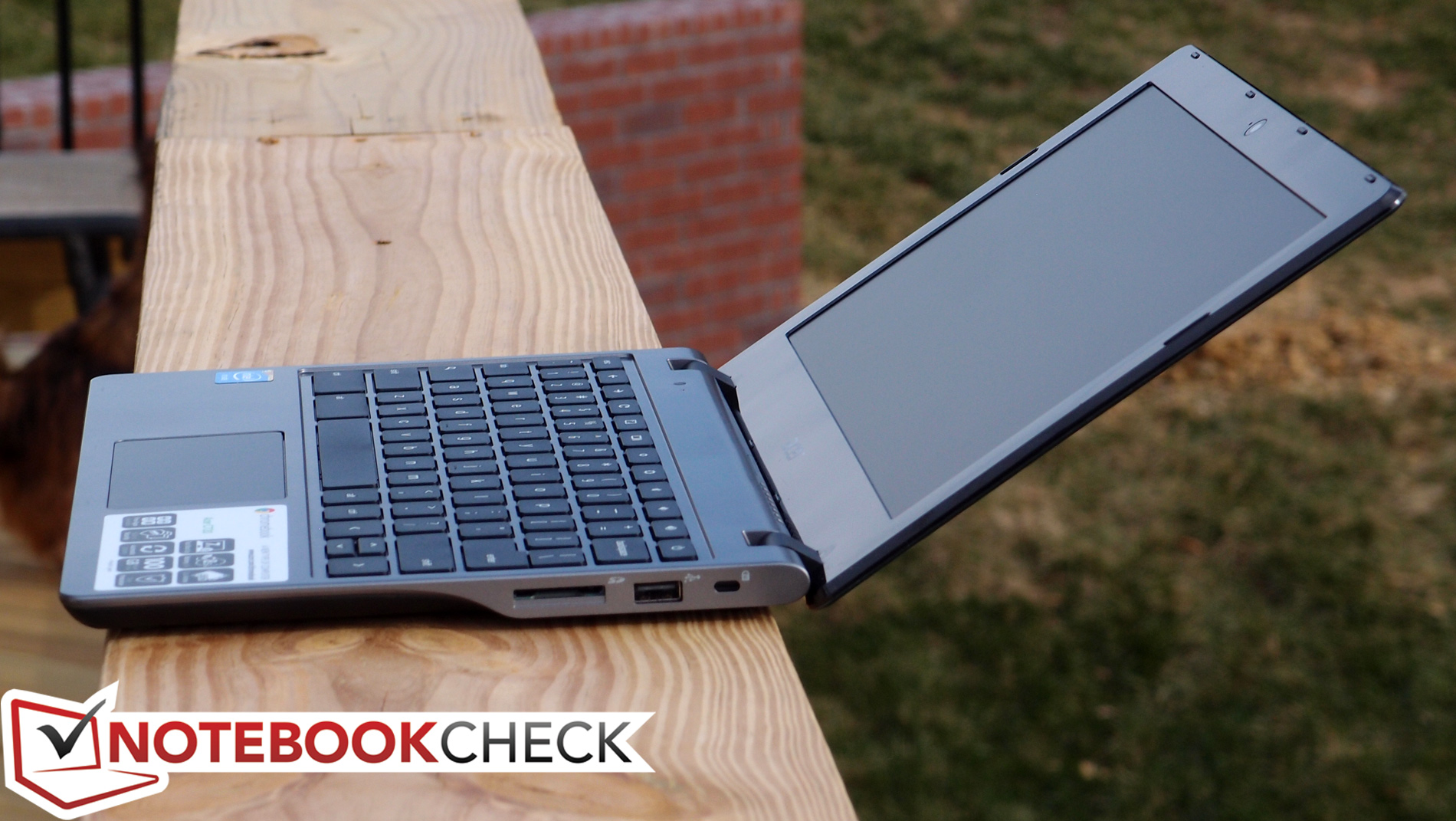
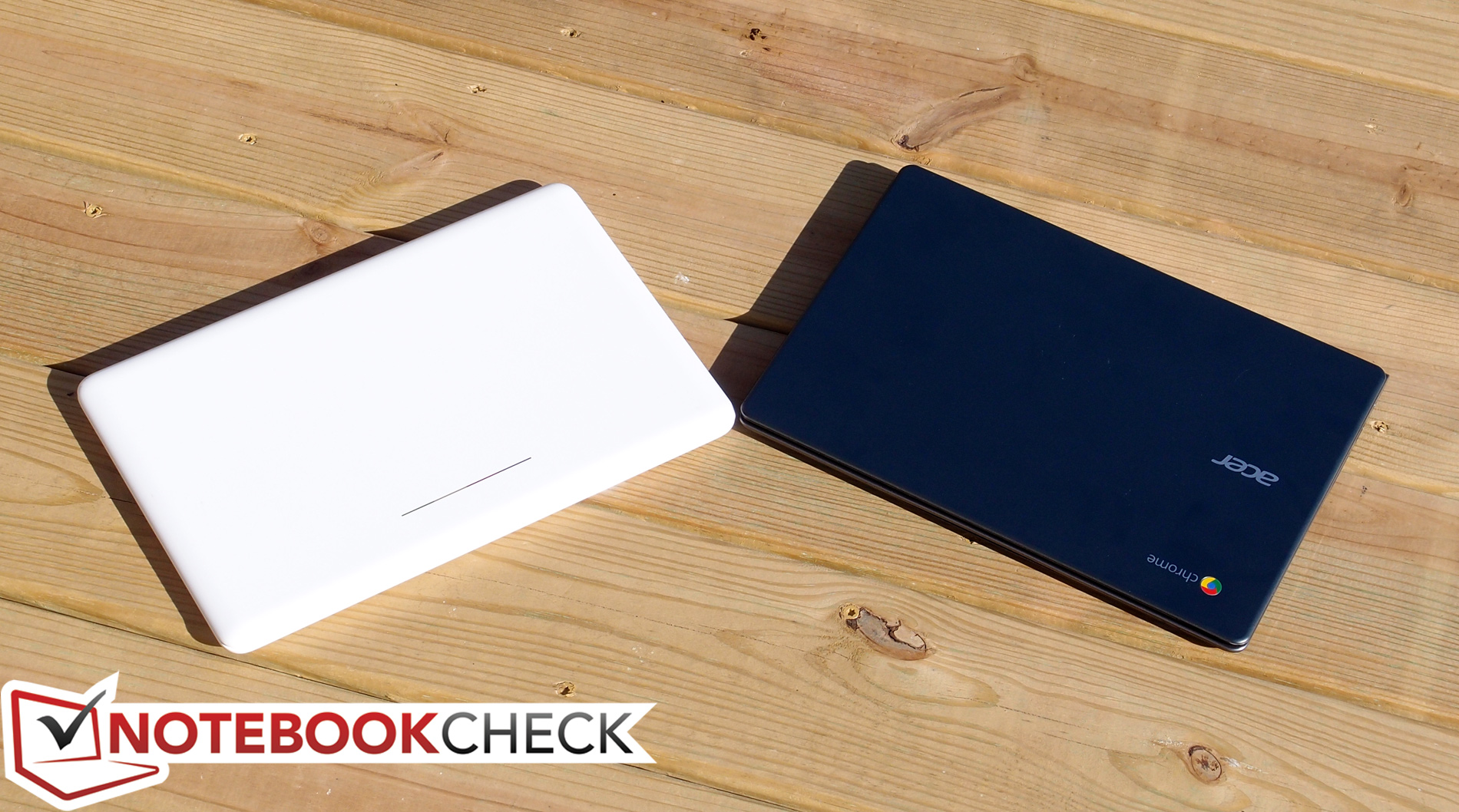
In stark contrast to the Chromebook 11 (and much more similar to that of past Chromebooks), the Acer C720’s case makes no attempts to hide the machine’s inexpensive nature. Unlike the sleek, Macbook-like white glossy plastic that surrounds the Chromebook 11’s magnesium core, the C720 shrugs its shoulders with an undistinguished outfit of matte grey and black plastic. The only gloss to be found anywhere on the unit is the shiny plastic display bezel, and like most shiny black plastic parts, it loves to hang onto fingerprints.
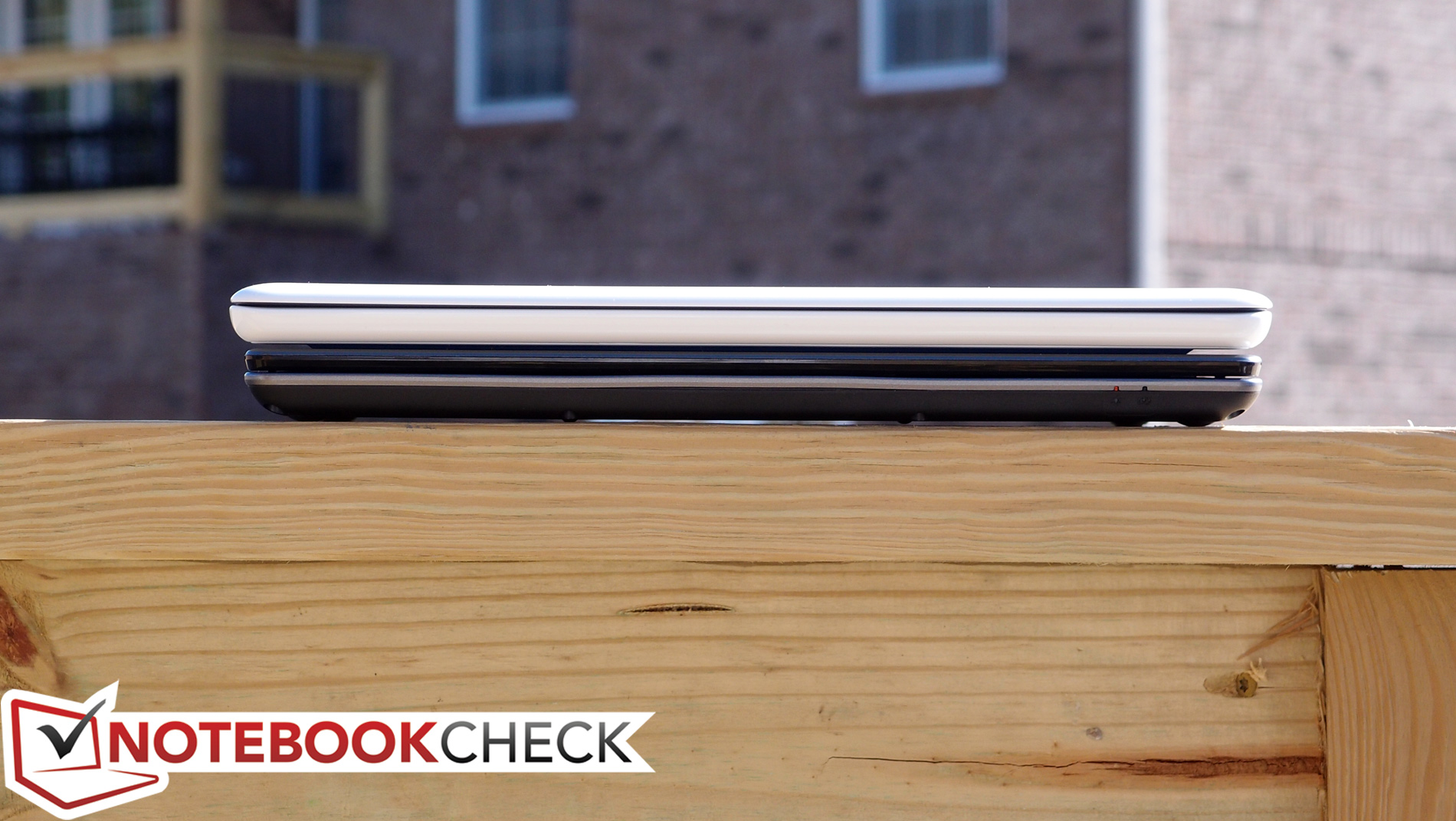
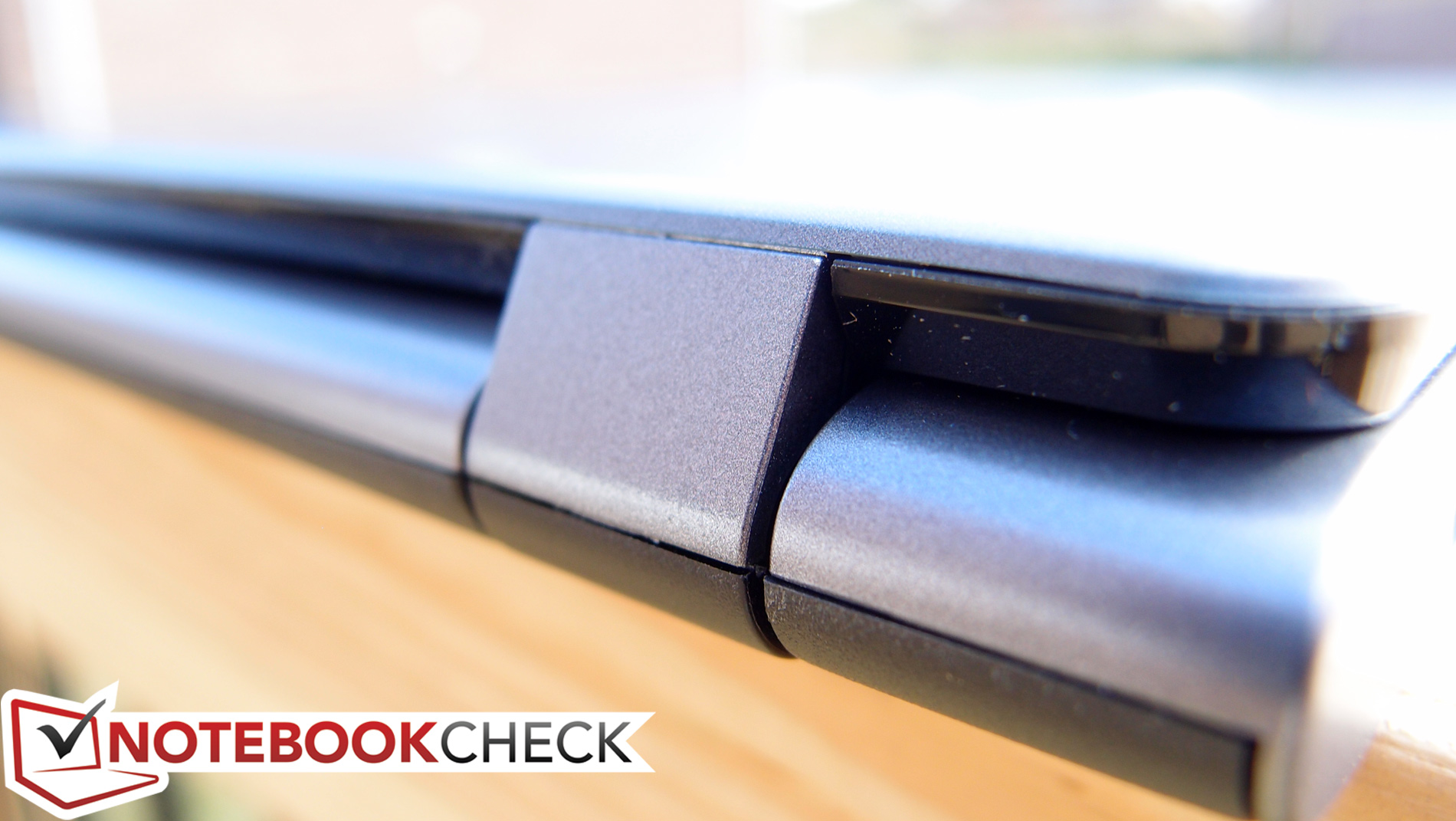
There is also a notable amount of flex detectable on the base unit while it’s resting on a hard surface (the Chromebook 11 felt comparably solid with very little give). It’s just a slight bit heavier than the HP, at 1.198 kg (versus 1.044 kg), and quite a bit thicker at 24 mm. Fortunately, the hinges holding the display do a good job of preventing wobble during typing and feel sturdy enough, so although the machine lacks the solidity of the Chromebook 11, at least the basics are covered.
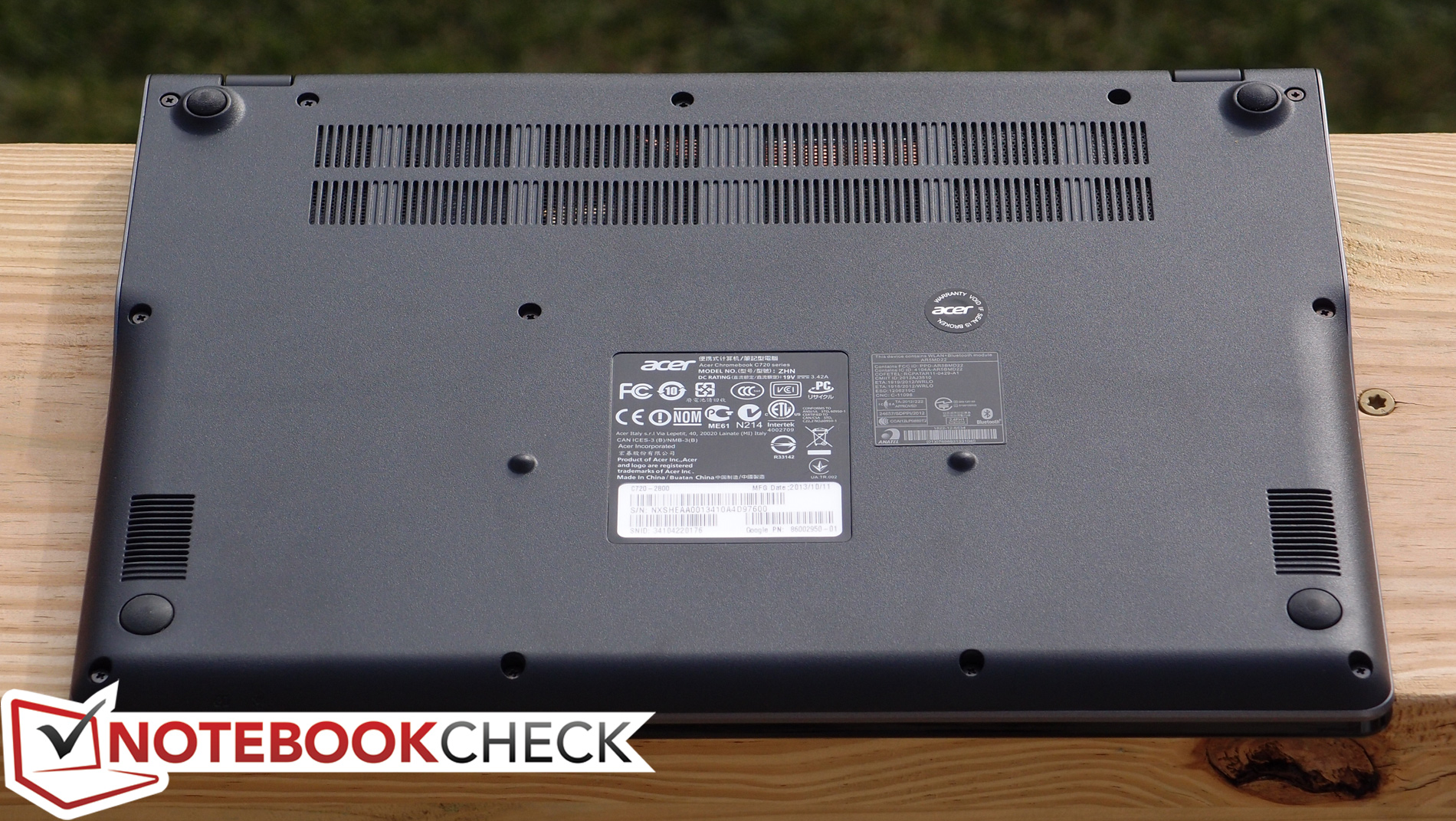
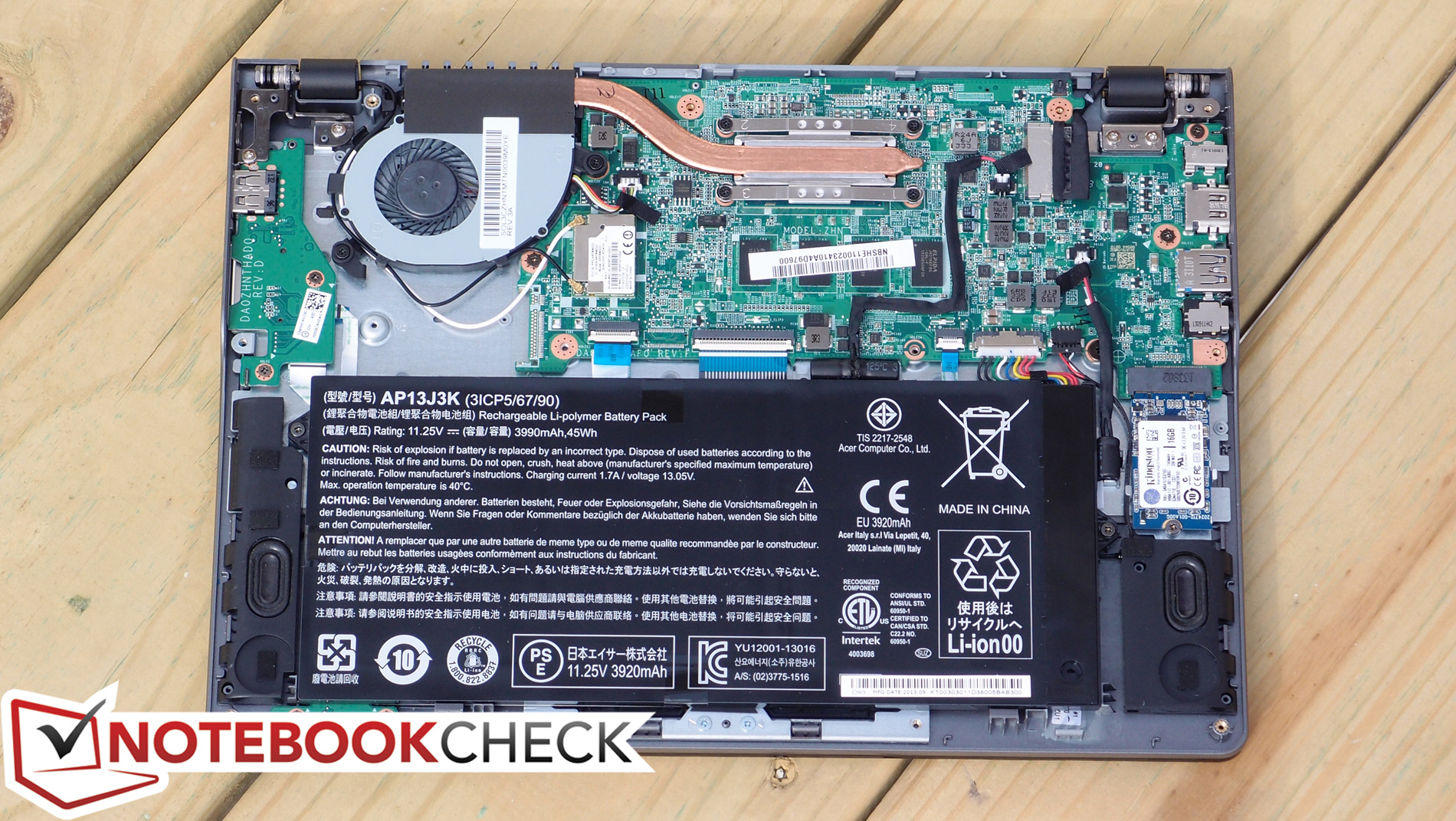
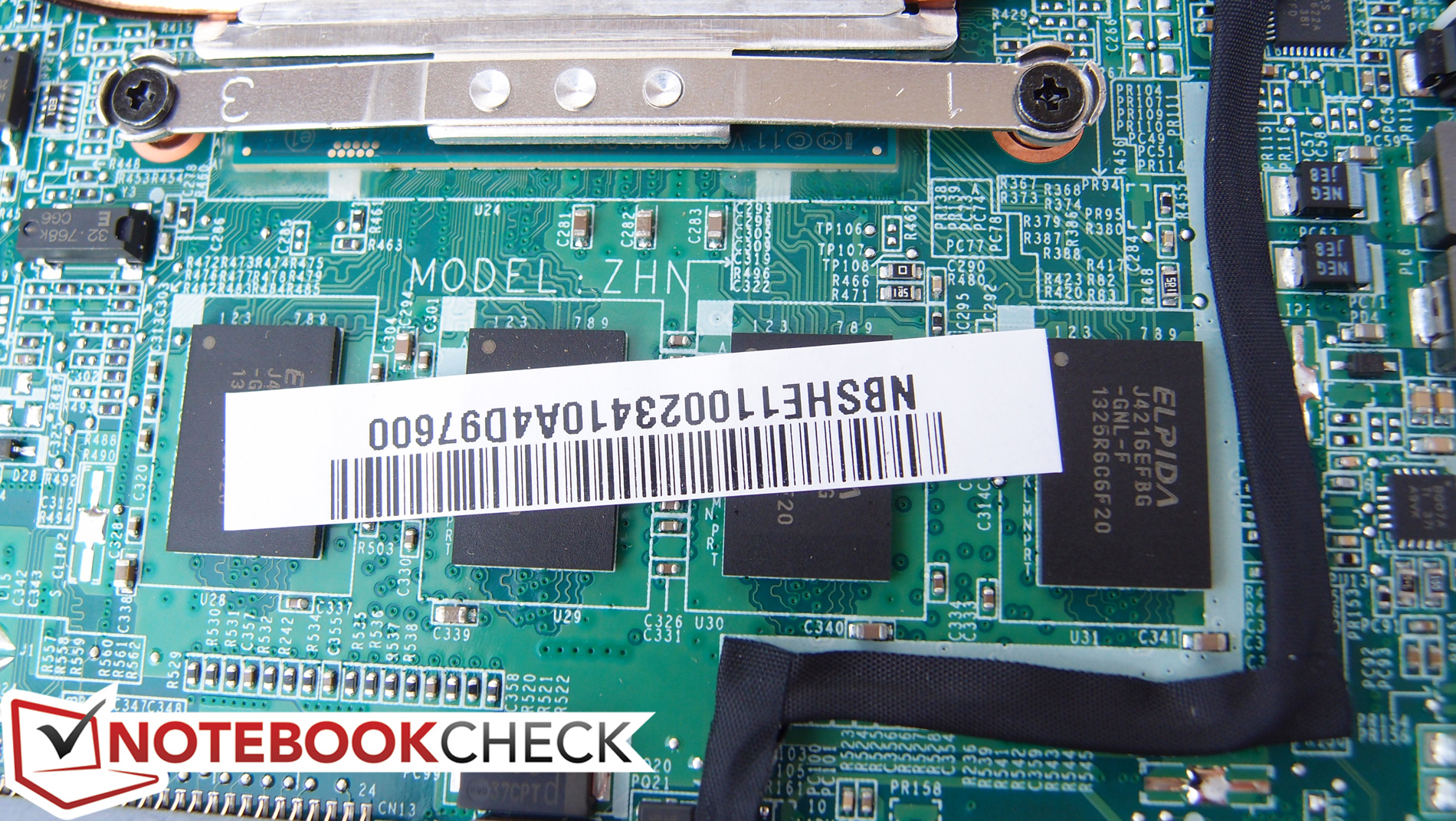
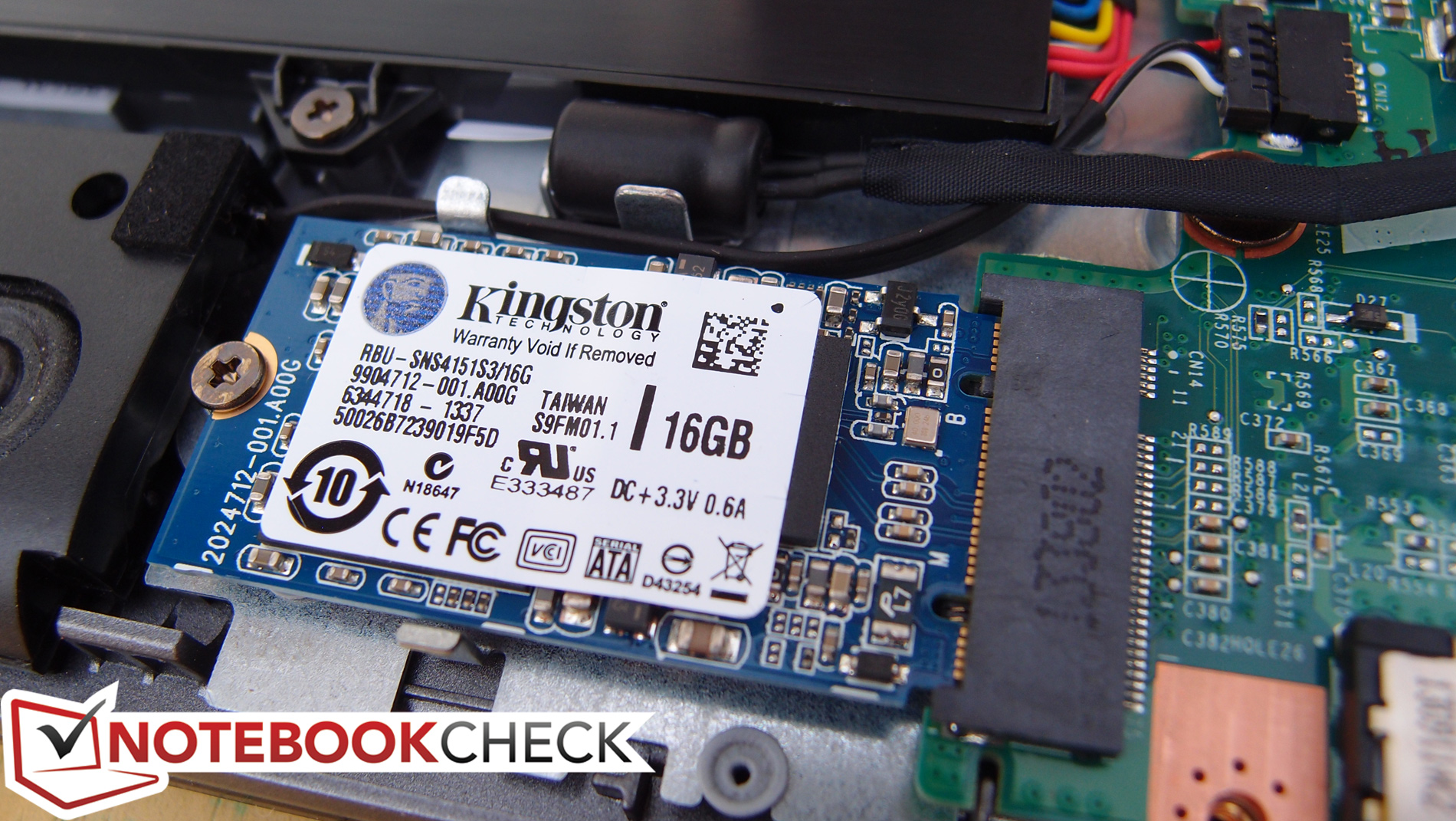
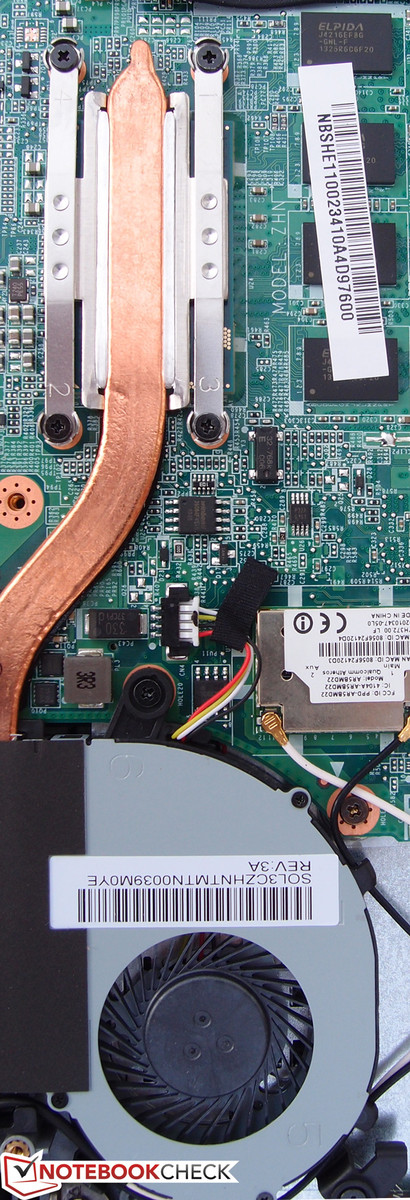
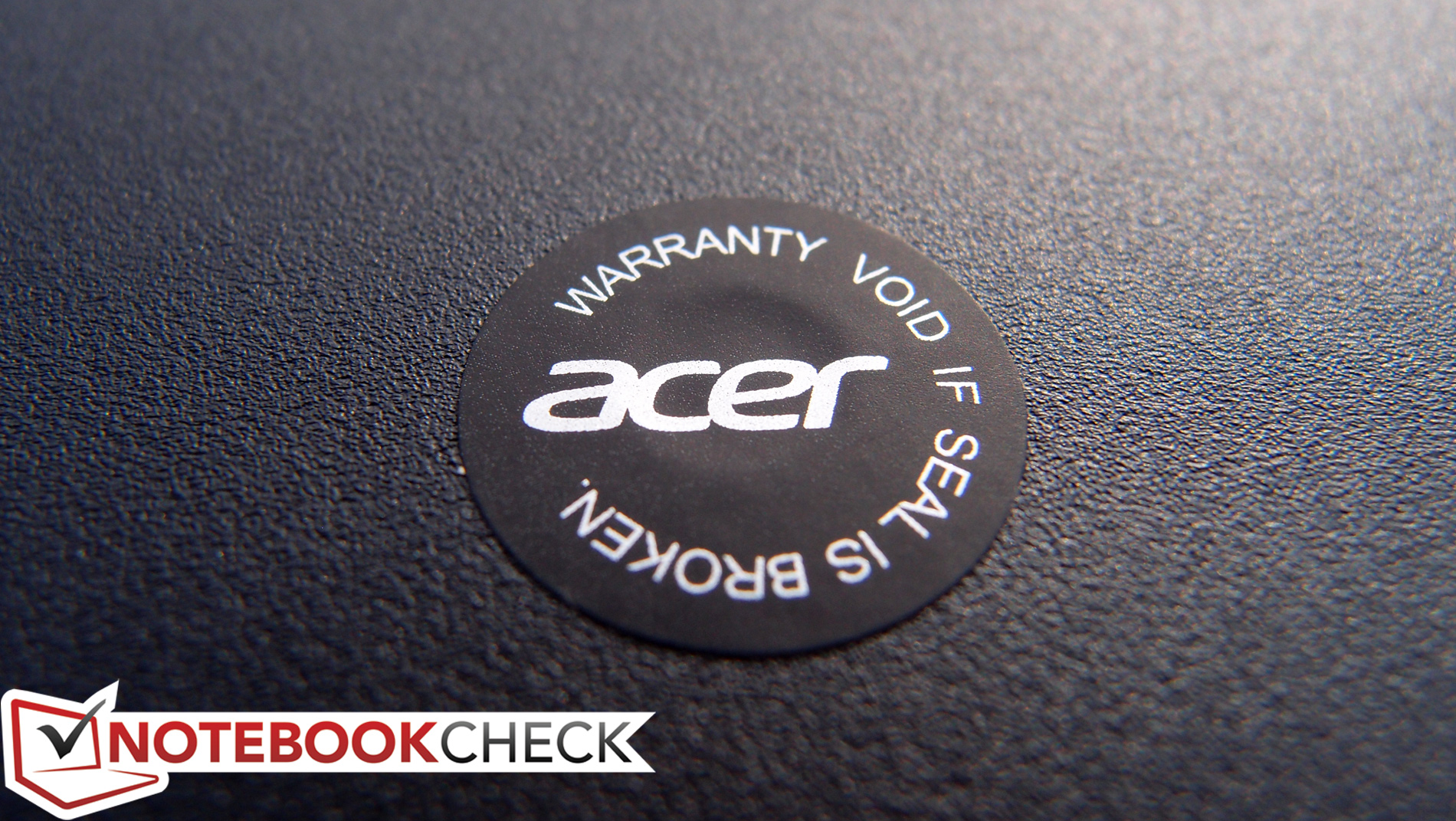
Emphasizing the utilitarian approach of the C720 are thirteen screws on the bottom of the notebook which can be removed, along with the bottom panel, to provide access to the internal components (battery, m.2 SSD, wireless card, and heatsink/fan among them). The RAM is unsurprisingly soldered to the mainboard, precluding any possibility of upgrades. Unfortunately, while this disassembly process is easy enough, one of the aforementioned screws rests beneath a “Warranty void if seal is broken” sticker, so keep that in mind if you plan on servicing yourself. Nevertheless, this is all in contrast to the Chromebook 11’s nightmarishly prohibitive plastic clip (“no screws are visible”) construction, something which certainly looks nicer, but which also makes maintenance a real trial.
Connectivity
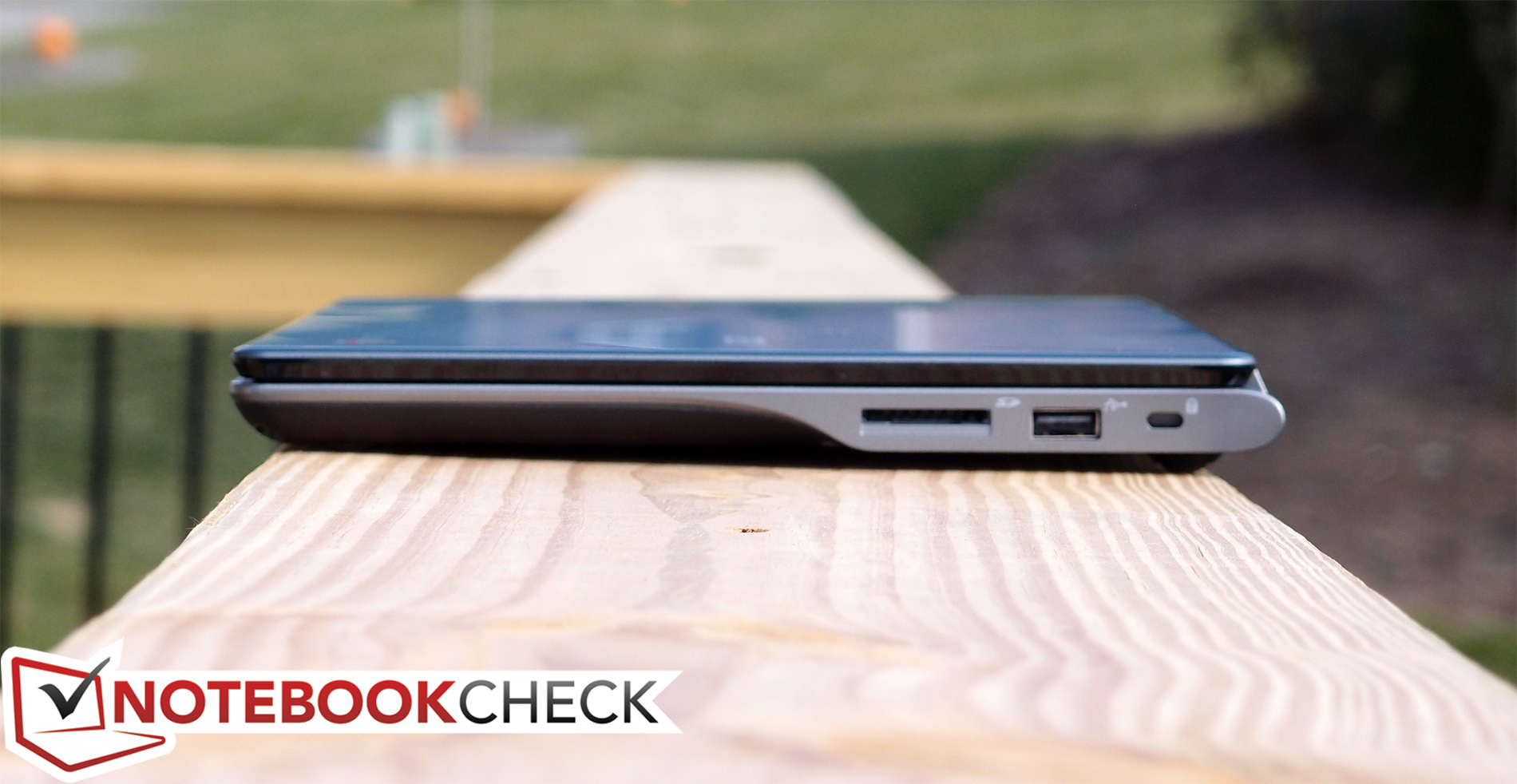
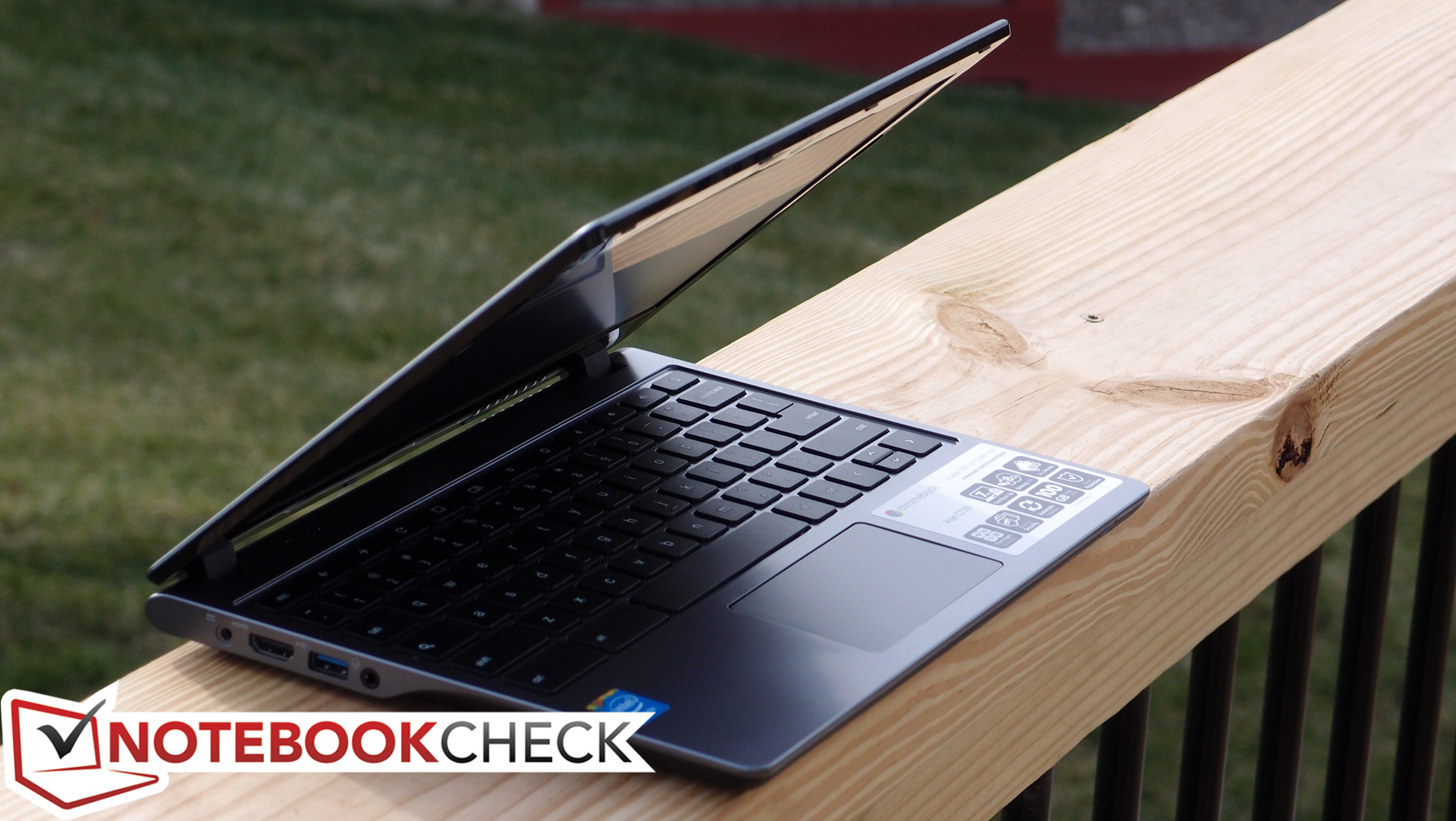
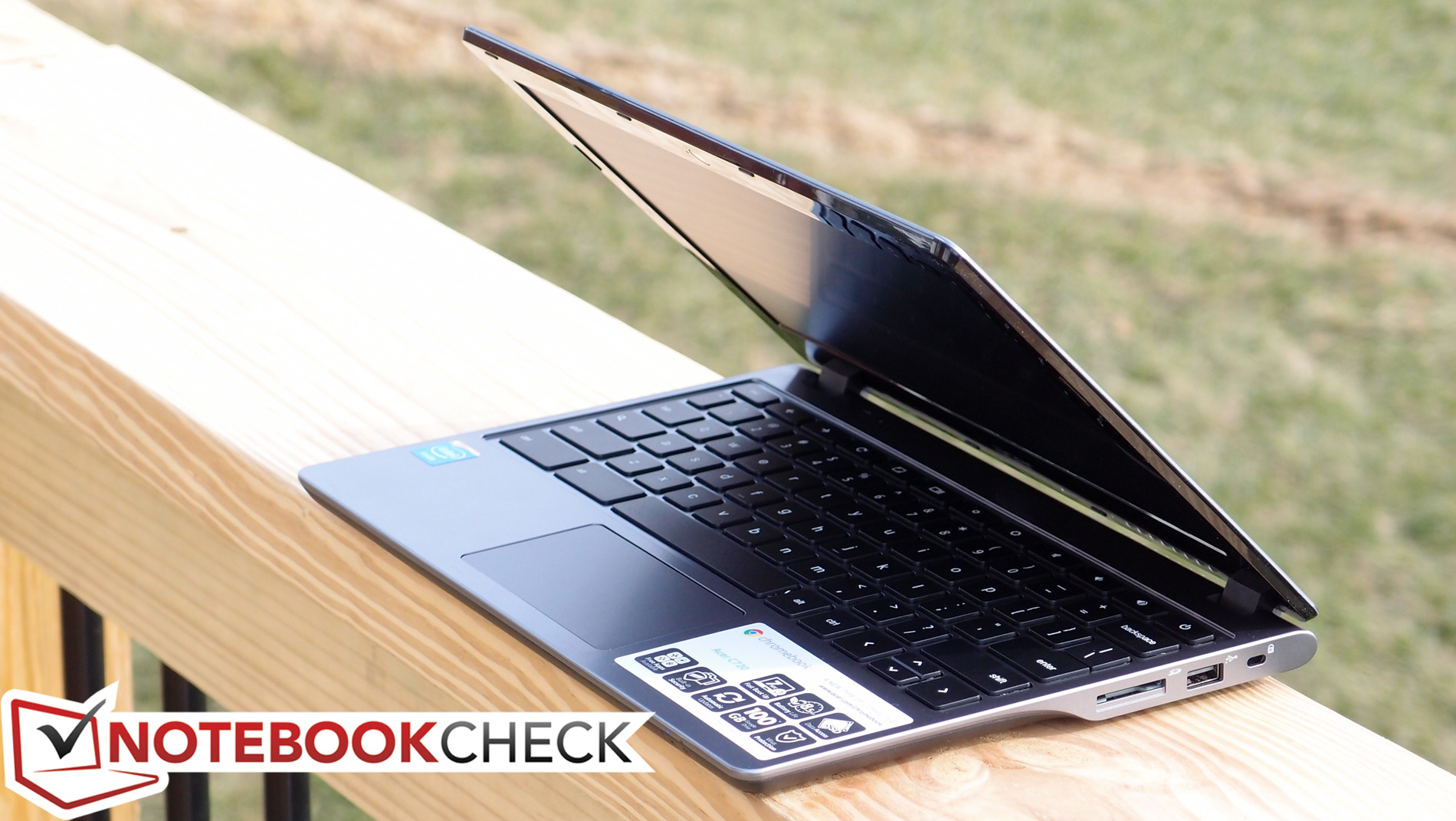
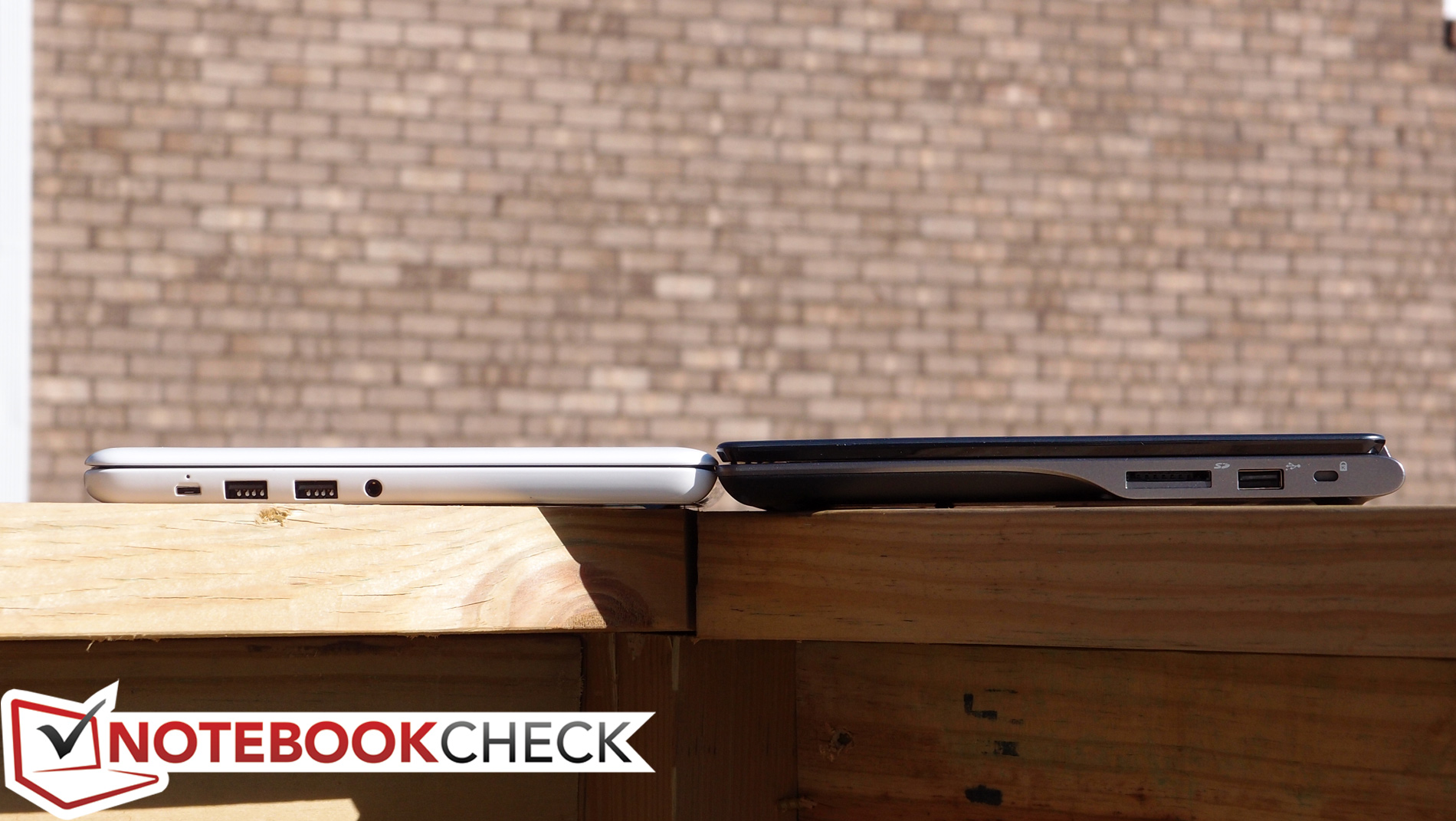
HP’s Chromebook 11 ditched the standard array of ports and regressed to the absolute bare minimum, but the Acer C720 doesn’t agree with that approach. Once again favoring function over form, it features two USB ports (one of which is USB 3.0), HDMI, a card reader, audio output, and even a Kensington Lock (which was also missing from the HP). The ports are all situated on the left and right sides of the machine near the rear, making for easy access; only the left side feels a bit scrunched, with the HDMI and USB 3.0 port just a bit too close to accommodate some larger connectors. Also returning is a proprietary charging port—though while the HP Chromebook 11’s Micro USB port is a novel idea, most modern Micro USB chargers don’t provide the requisite 3 amps to power it anyway.




Communication
The Acer C720 features a dual-band 802.11 a/b/g/n WLAN adapter capable of up to 300 Mbps—identical in functionality to that of the Chromebook 11. Bluetooth 4.0 + HS is also included for short-range connectivity. We had no trouble connecting to our networks and found signal strength to be adequate in all scenarios throughout our time with the machine. As is to be expected for its size and class, the C720 omits a physical Ethernet port.
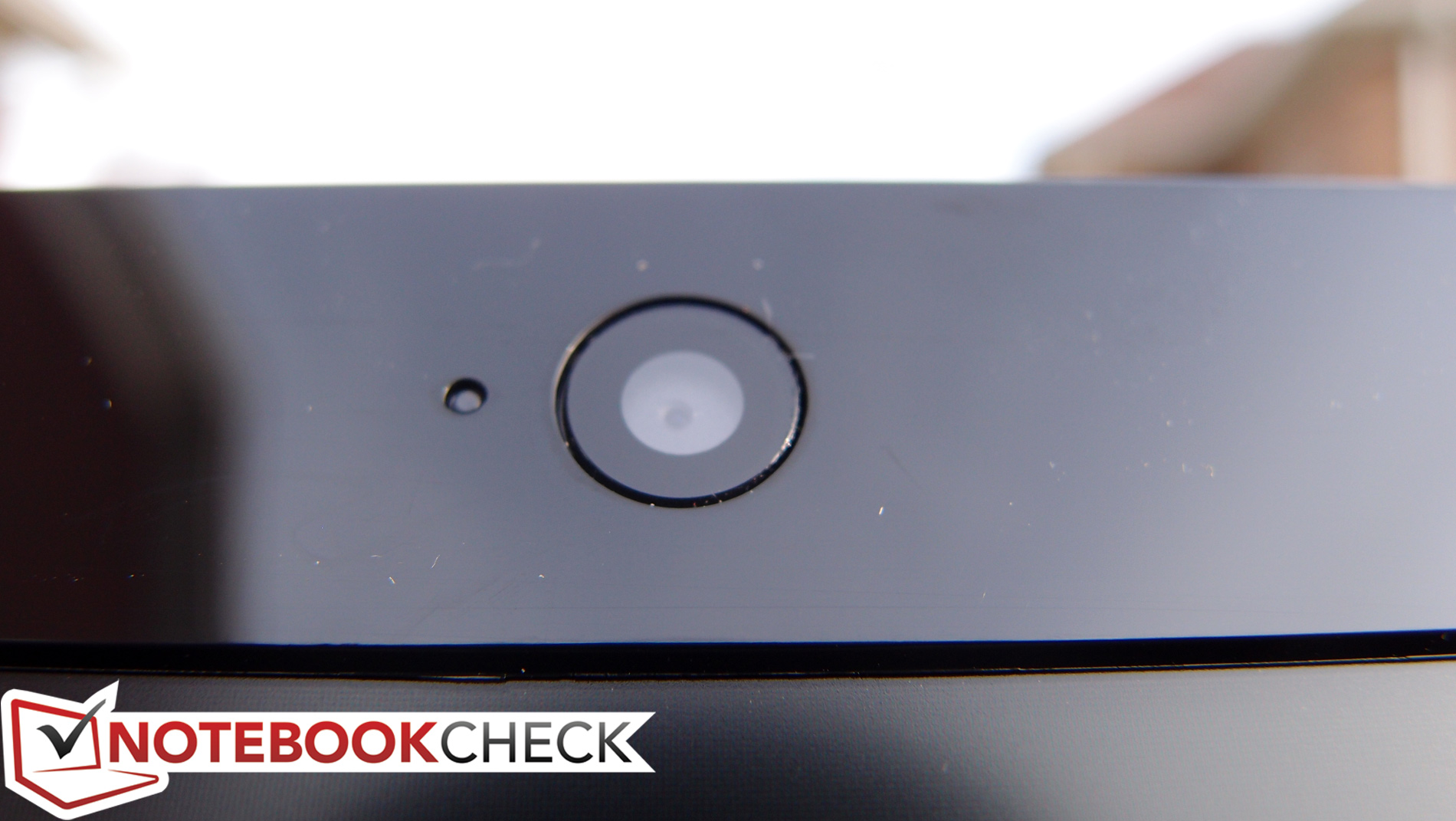
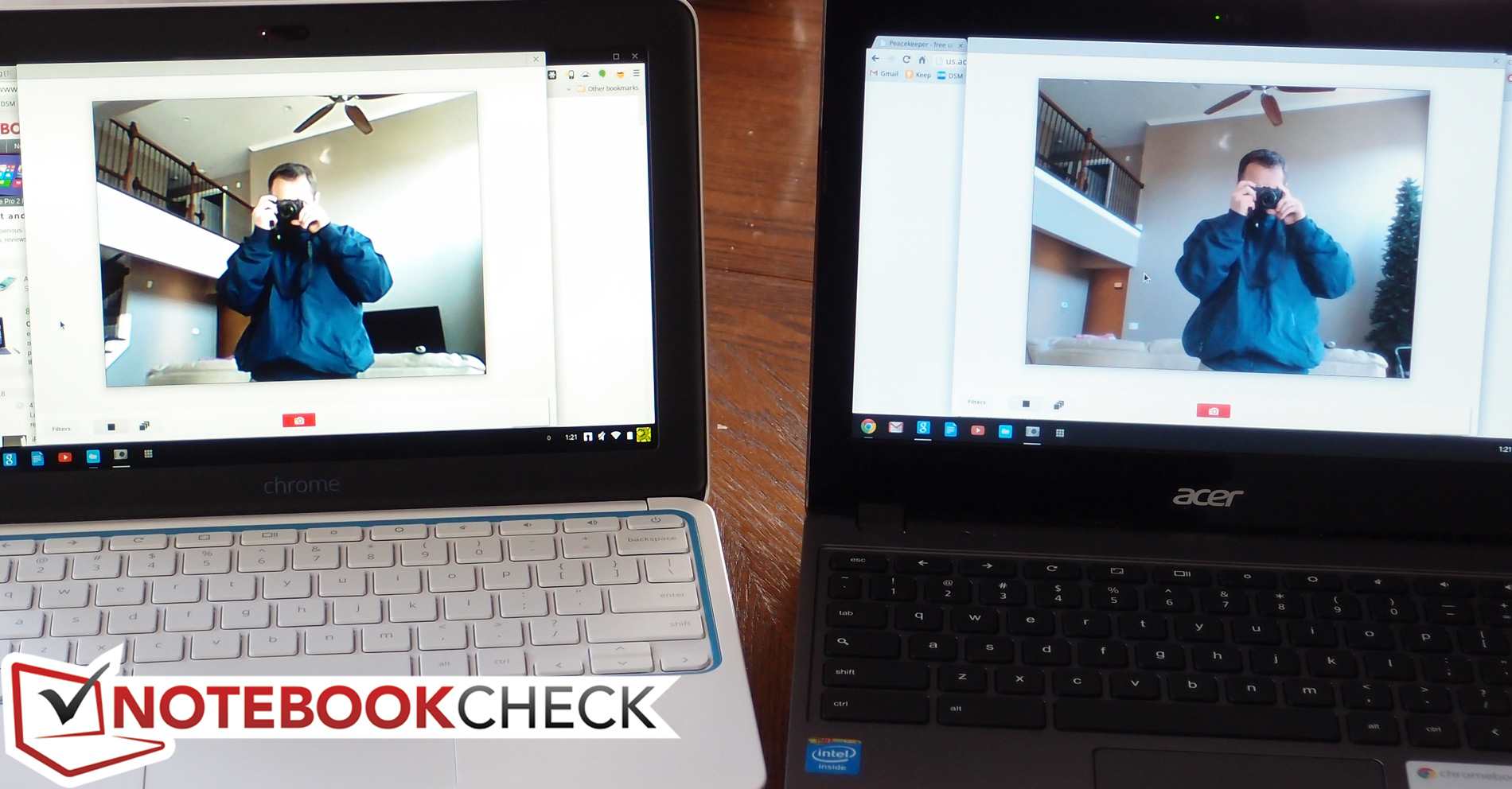
Users who are into video conferencing will be pleased to hear that the C720 Chromebook’s webcam does a much better job than that of the HP Chromebook 11. The frame rate is smooth (and appears to be twice as fast), the color isn’t bad (as compared to the Chromebook 11’s overblown contrast), and the clarity is far superior. Recorded audio is still only monaural, but for a tiny notebook, it’s just fine.
Accessories and Warranty
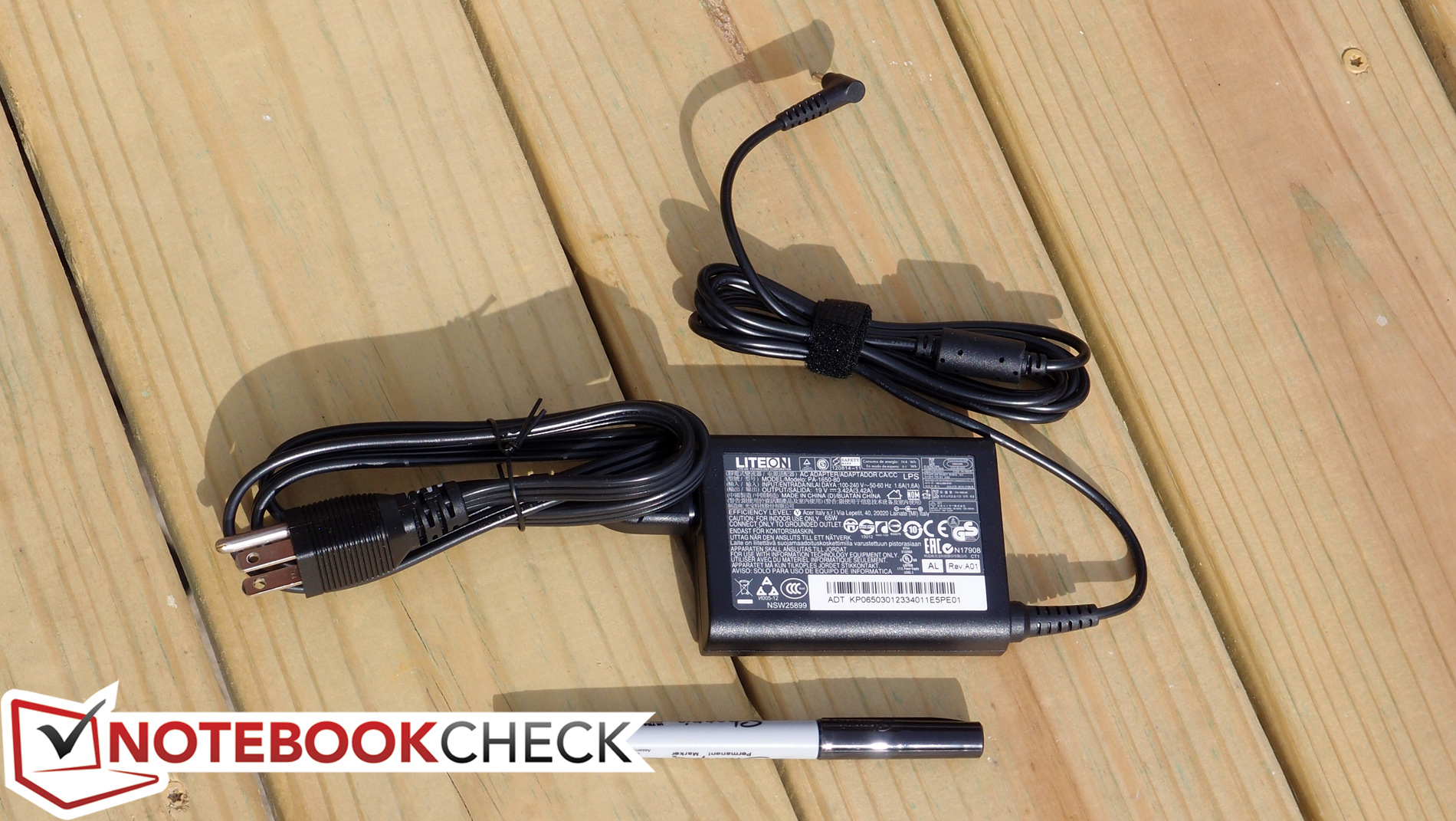
The only accessories you’ll receive with the C720 are the rather small AC adapter (weighing in a 300 g) and a 32-page Quick Guide to help get you better acquainted with the machine (and Chrome OS). In addition to that, you’ll find a standard 1-year limited warranty (with 90 days software support) covering the unit.
Chrome OS
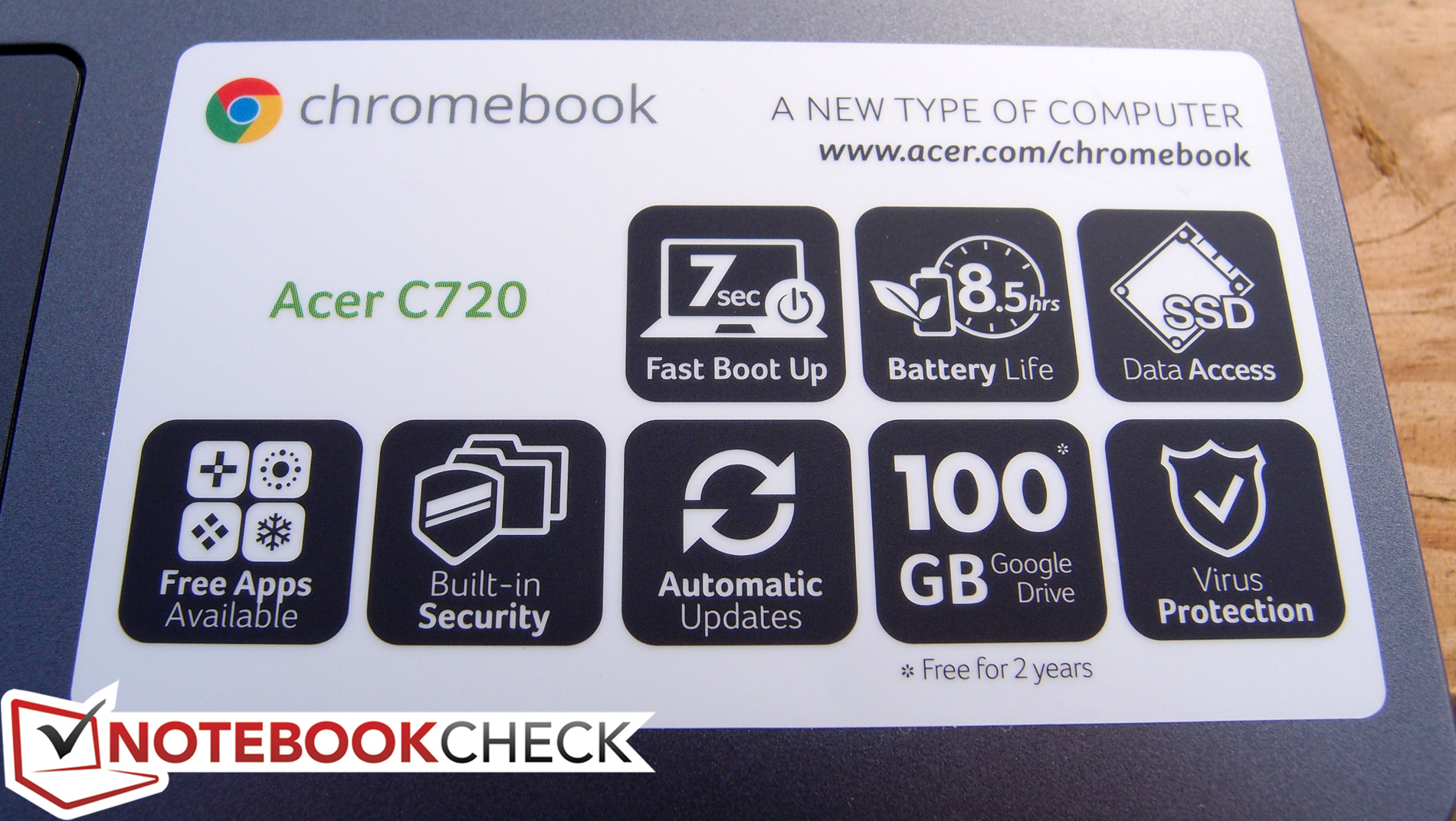
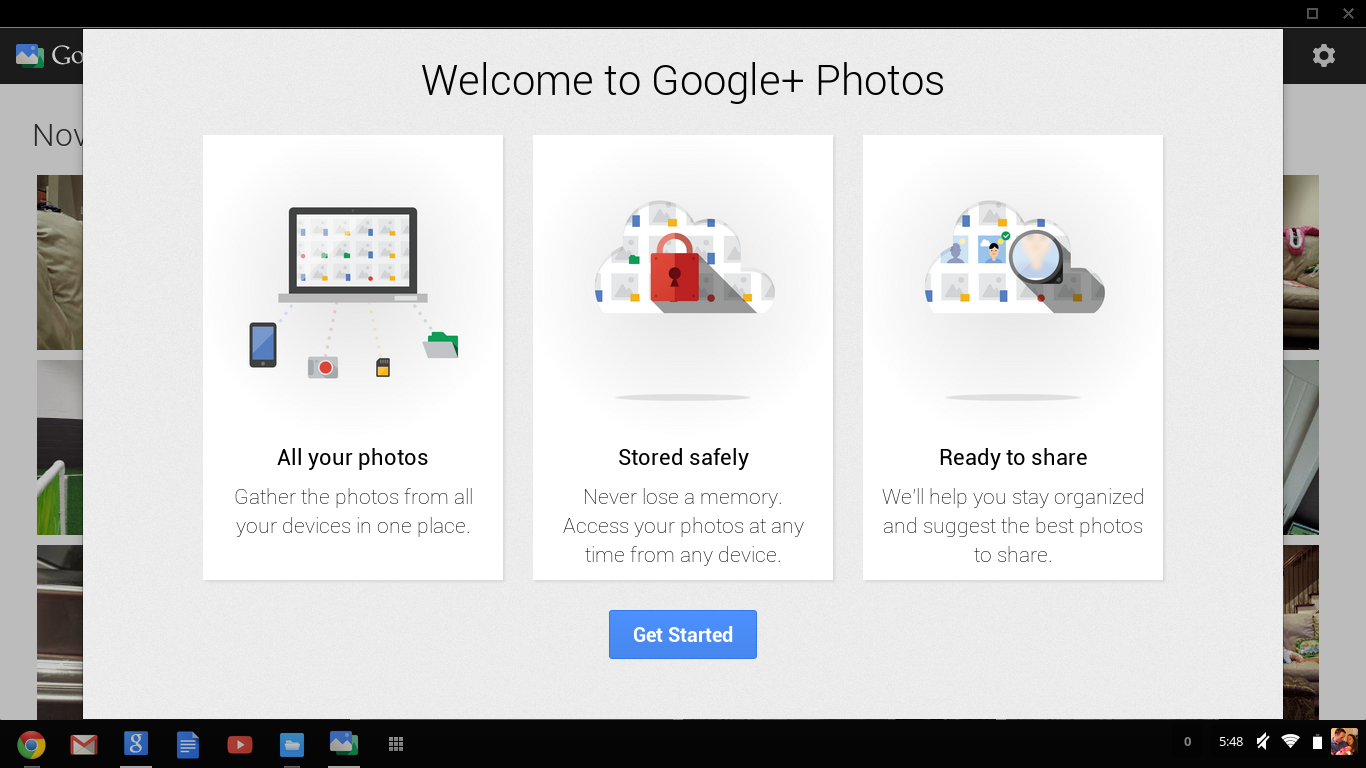
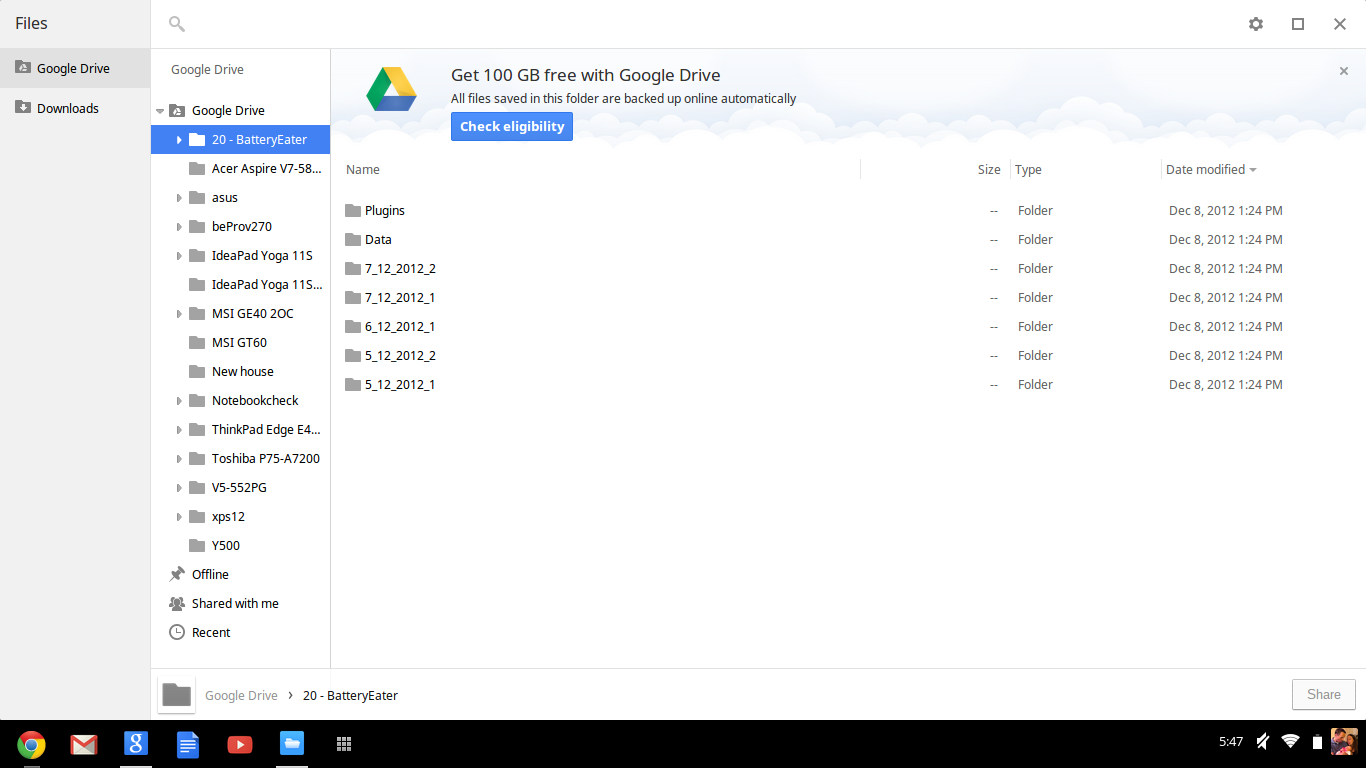
There’s no reason to reiterate what we’ve written multiple times previously here (including last week in our review of the Chromebook 11), but to provide a brief summary: Chrome OS—while quick and simple—is also undeniably bare, rough around the edges, and of limited capability in its current form. The Acer C720 Chromebook, like all Chromebooks, functions first and foremost as a basic web browsing machine, with a number of other supplemental features available in abbreviated form. It is not possible to run standard x86 applications on the machine; instead, everything must come from the Google Play Store. Furthermore, like all Chromebooks, the vast majority of the functionality requires internet access, and that fact is emphasized by the tiny amount of local storage available for your data (just 9.3 GB in this case—a bit more than the HP Chromebook). That’s because Google expects you to use Google Drive for the bulk of your storage needs, for which you’re granted 100 GB of space for 2 years at no additional cost.
There are pros and cons associated with this approach, but for a much more detailed exploration of Chrome OS and our take on its current state, see our HP Chromebook 11 review from last week. The bottom line is, as we said it then, the Acer C720 Chromebook may meet your most basic computing needs, but don’t expect it to replace a full-blown notebook.
Input Devices
Keyboard
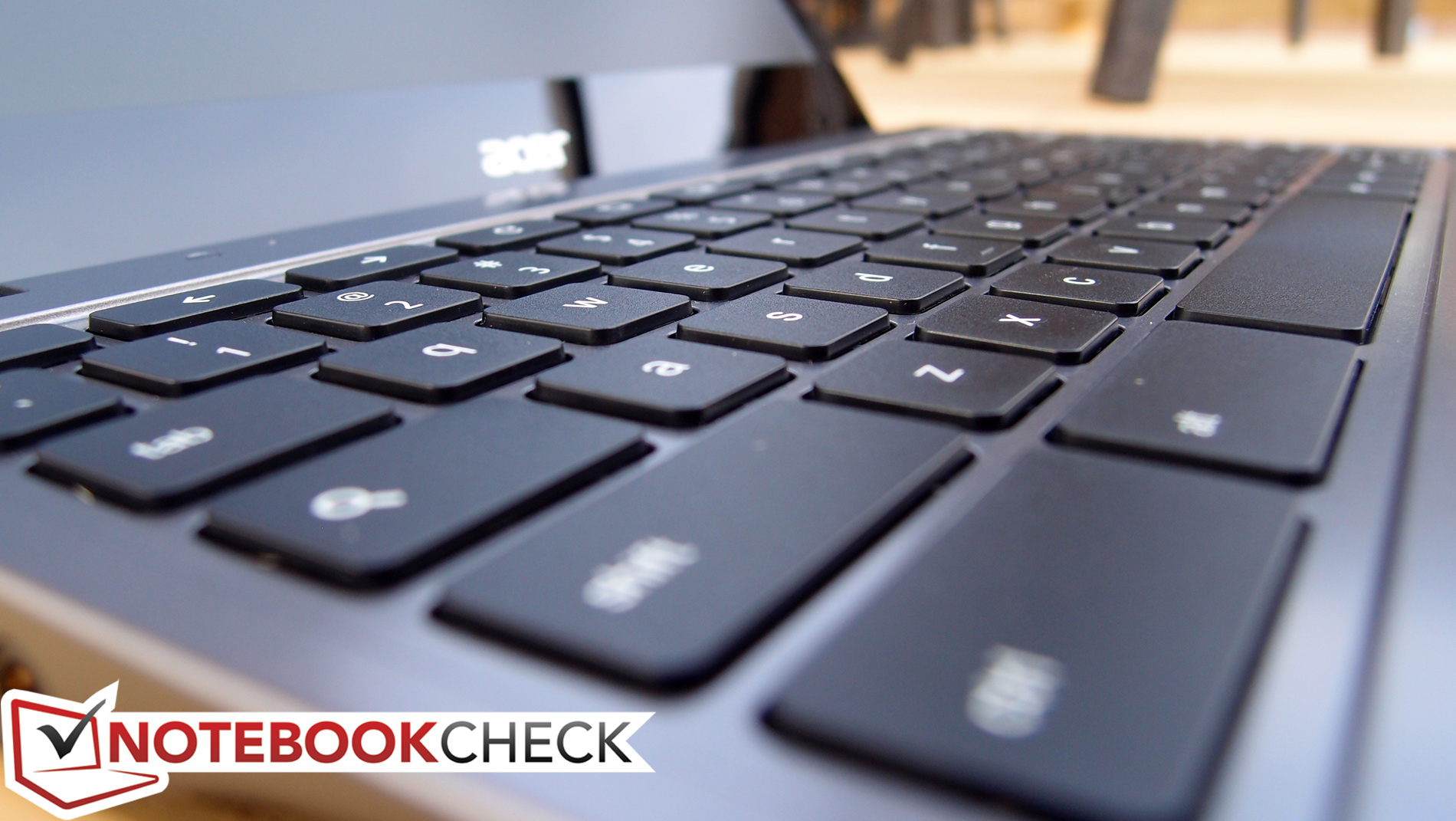
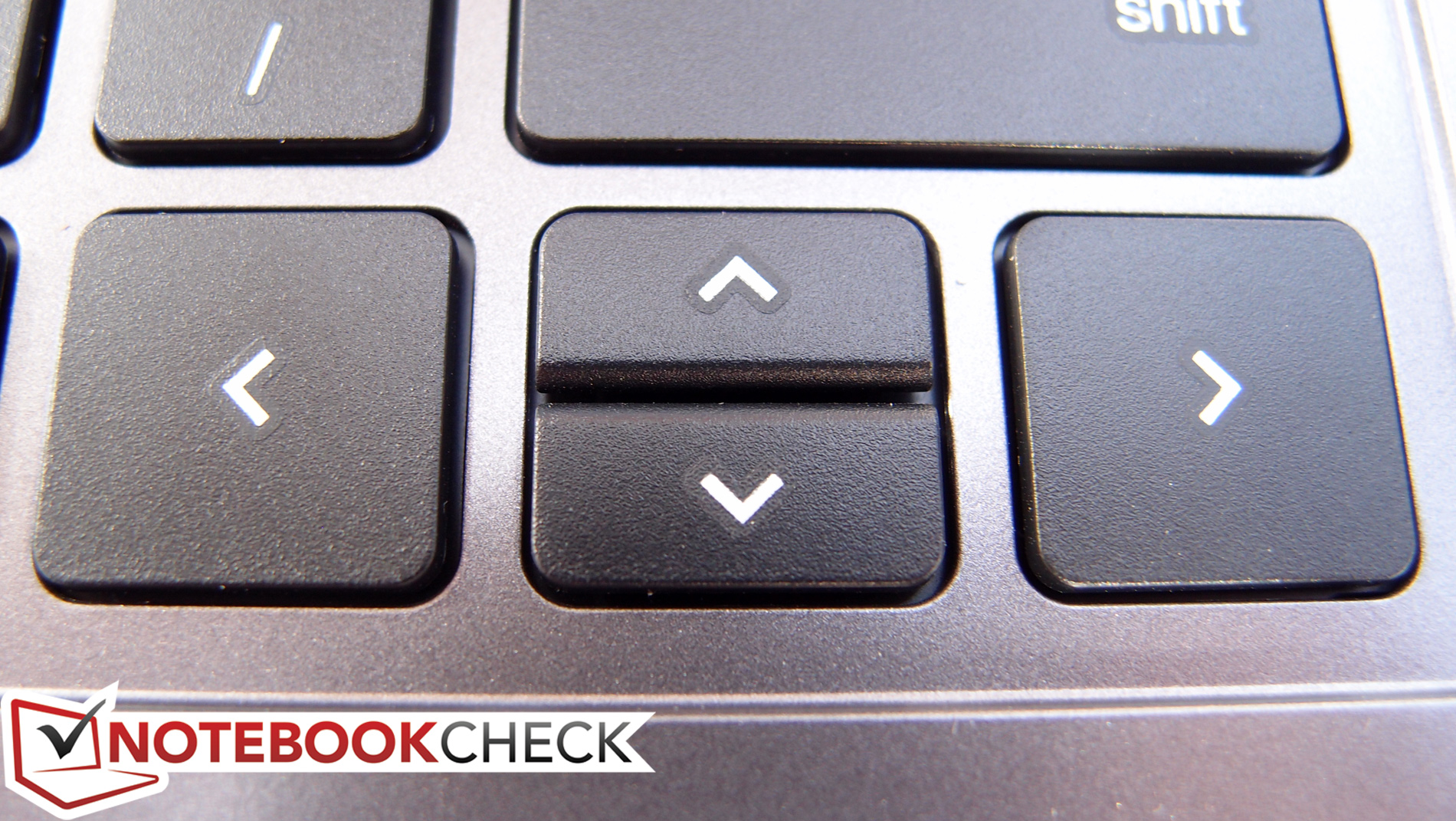
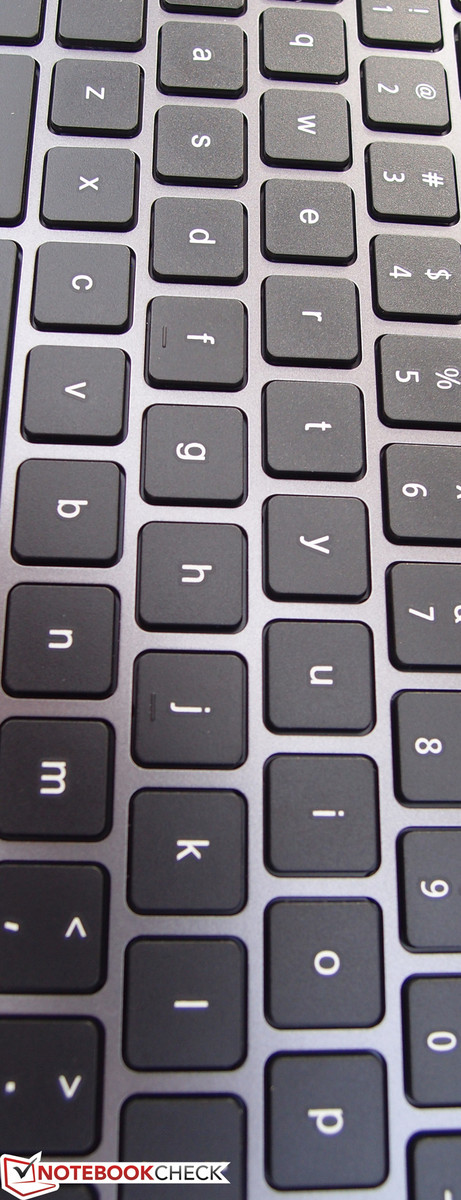
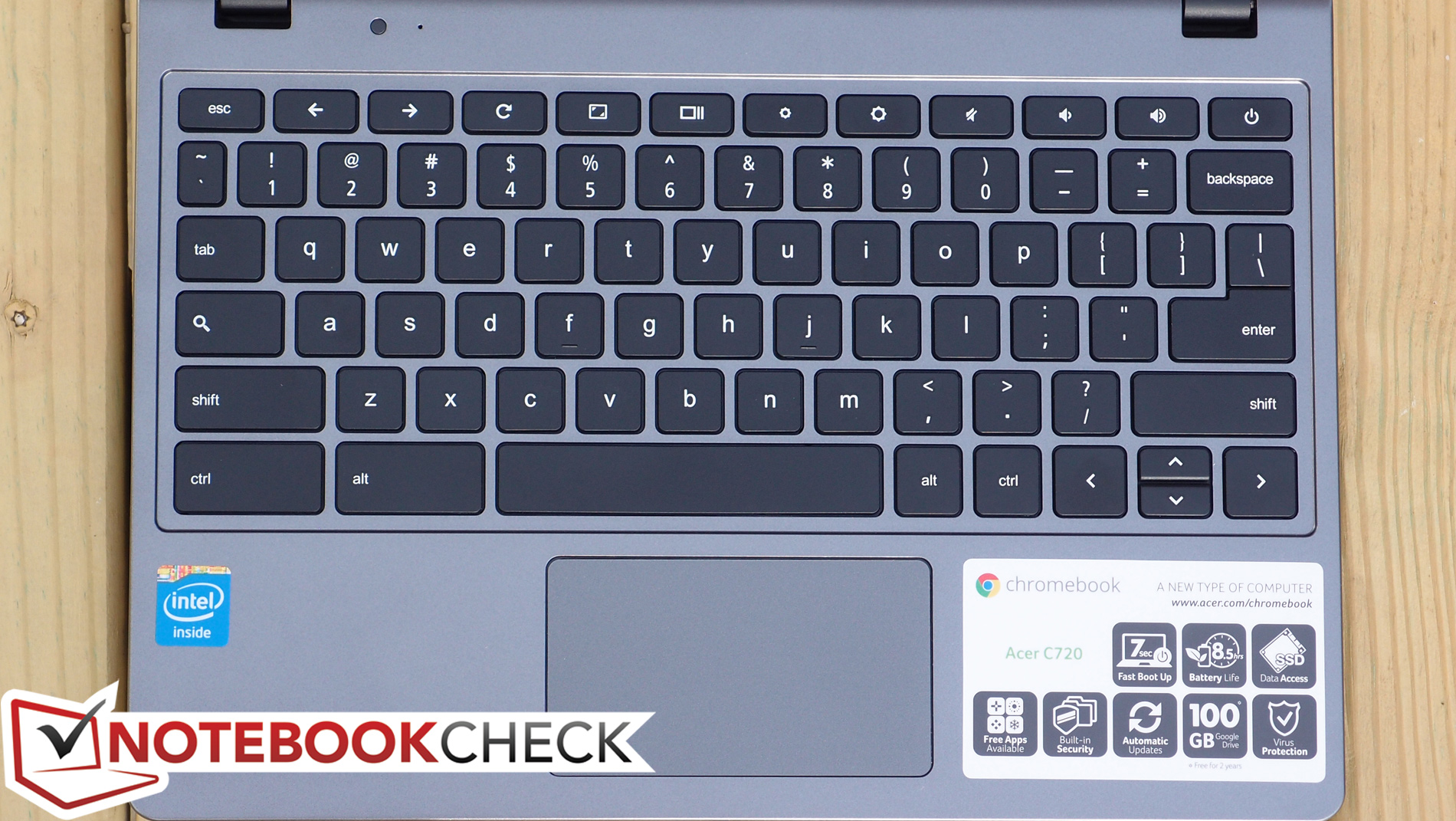
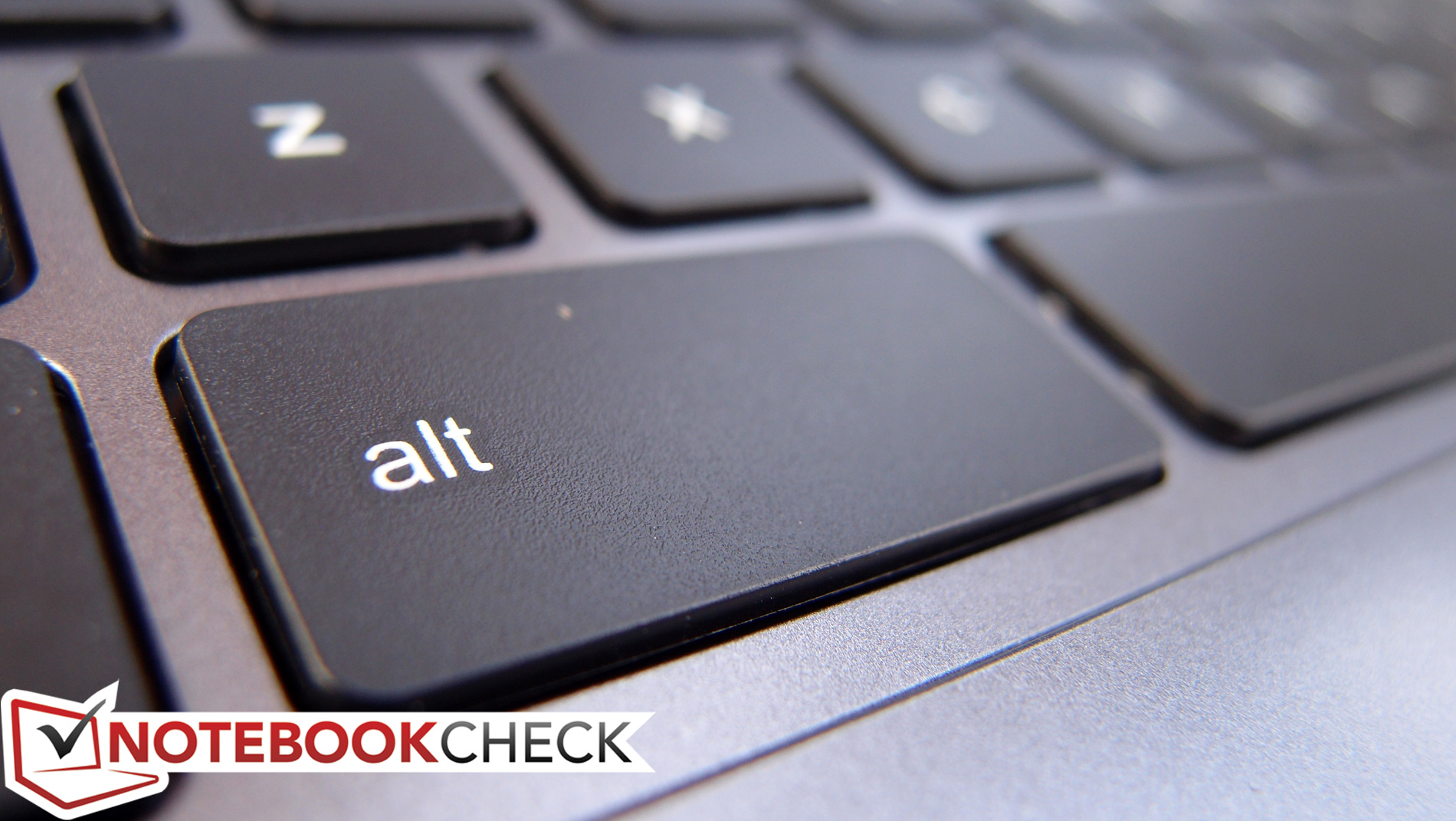
The keyboard is the next area of compromise for the C720, and it’s a common one in budget notebooks. The HP Chromebook 11’s keyboard was a pleasant surprise, with crisp feedback and a comfortable stroke—but the Acer C720’s devolves into traditional netbook fare, with clattery keys (that flaunt the cheap plastic they’re made of) coupled with an extremely short stroke with a slightly spongy stop. It’s surely possible to adjust to these conditions for quicker and more accurate typing, but going back and forth between even the Chromebook 11’s keyboard and that of the C720, there’s simply no comparison.
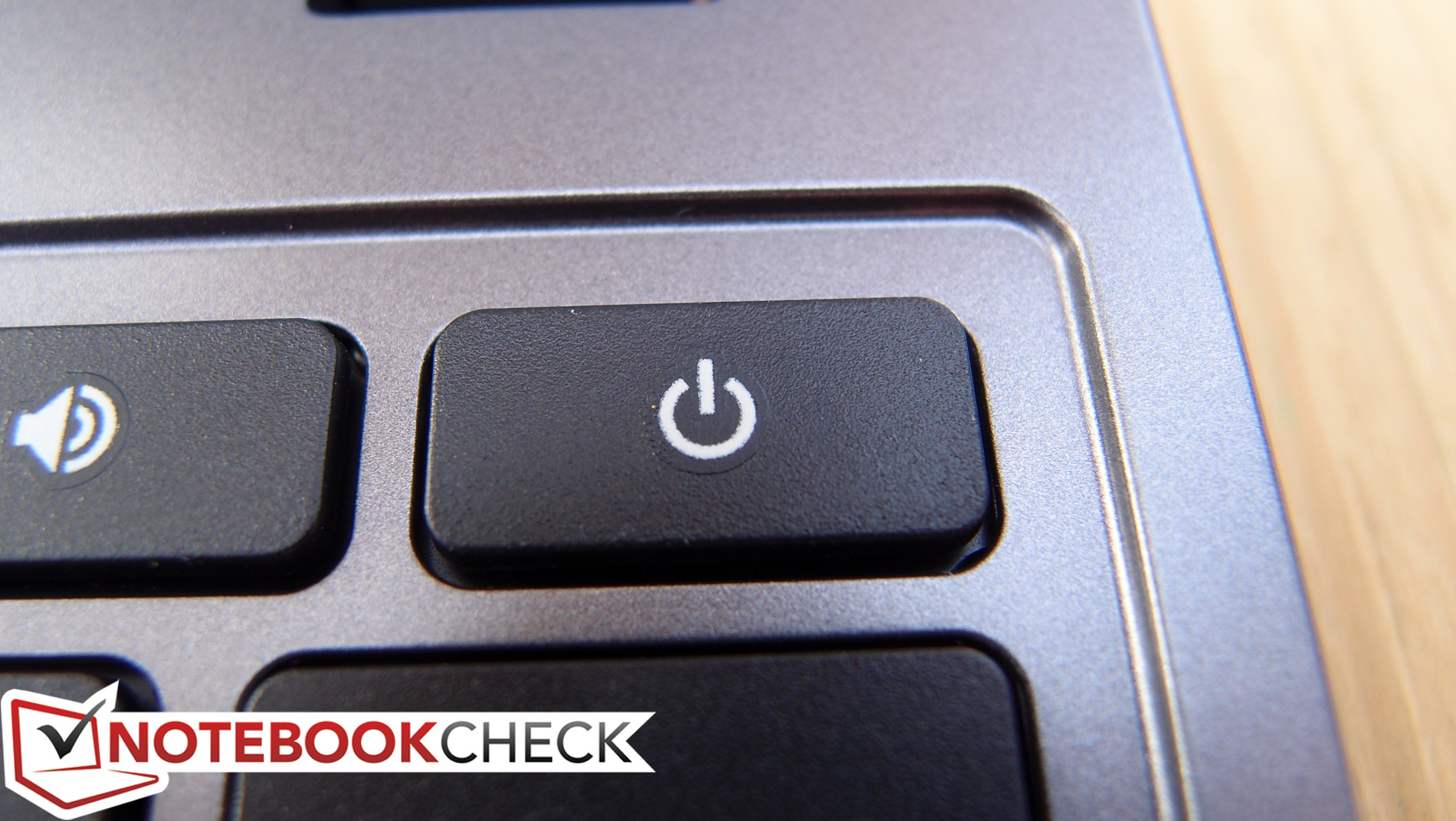
The same Chrome OS customizations you’ll find on the Chromebook 11 (and nearly every other Chromebook in existence) also apply to the C720, with the function key row at the top wholly dedicated to hardware control buttons (such as brightness, audio, and power), and oversized CTRL and ALT keys filling the spaces on the left side. Again, for more information, check out our previous Chromebook reviews.
Touchpad
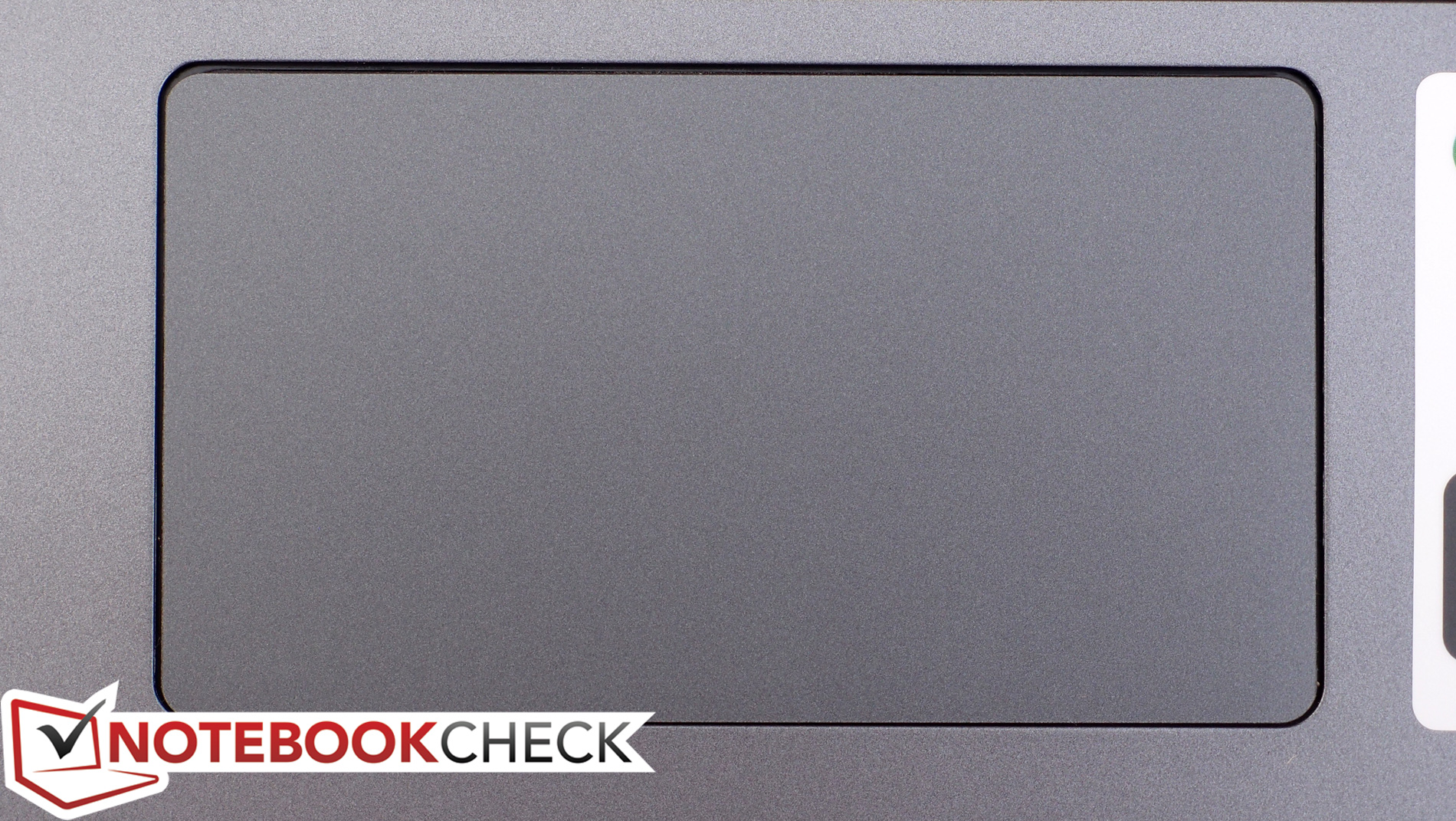
The C720’s touchpad is produced by Cypress, and we had no problems with it throughout our testing. Of particular note are the gestures, which functioned flawlessly, allowing us to two-finger flick, scroll, and right-click at will without so much as a hiccup. Our same Chrome OS-based complaints about the lack of customization options still apply, but out of the box, the default configuration seems to work reasonably well.
The surface of the touchpad features a very smooth finish, as opposed to the slightly rougher and more matte (but still smooth) finish on the Chromebook 11. Much like the keyboard, depressing the integrated buttons produces a plasticky click, serving as a frequent reminder of the budget construction. Forgiving that, however, there isn’t much else to criticize here: this is a touchpad that works as it’s supposed to.
Display
The Acer C720’s 11.6-inch 1366x768 resolution (135 PPI) display features a matte finish, which is always appreciated. Unlike the Chromebook 11’s IPS panel, the C720’s is a standard TN panel, but apart from some brightness and contrast deficiencies, it isn’t bad—especially for a low-cost notebook.
| |||||||||||||||||||||||||
Brightness Distribution: 95 %
Center on Battery: 233.8 cd/m²
Contrast: 375:1 (Black: 0.624 cd/m²)
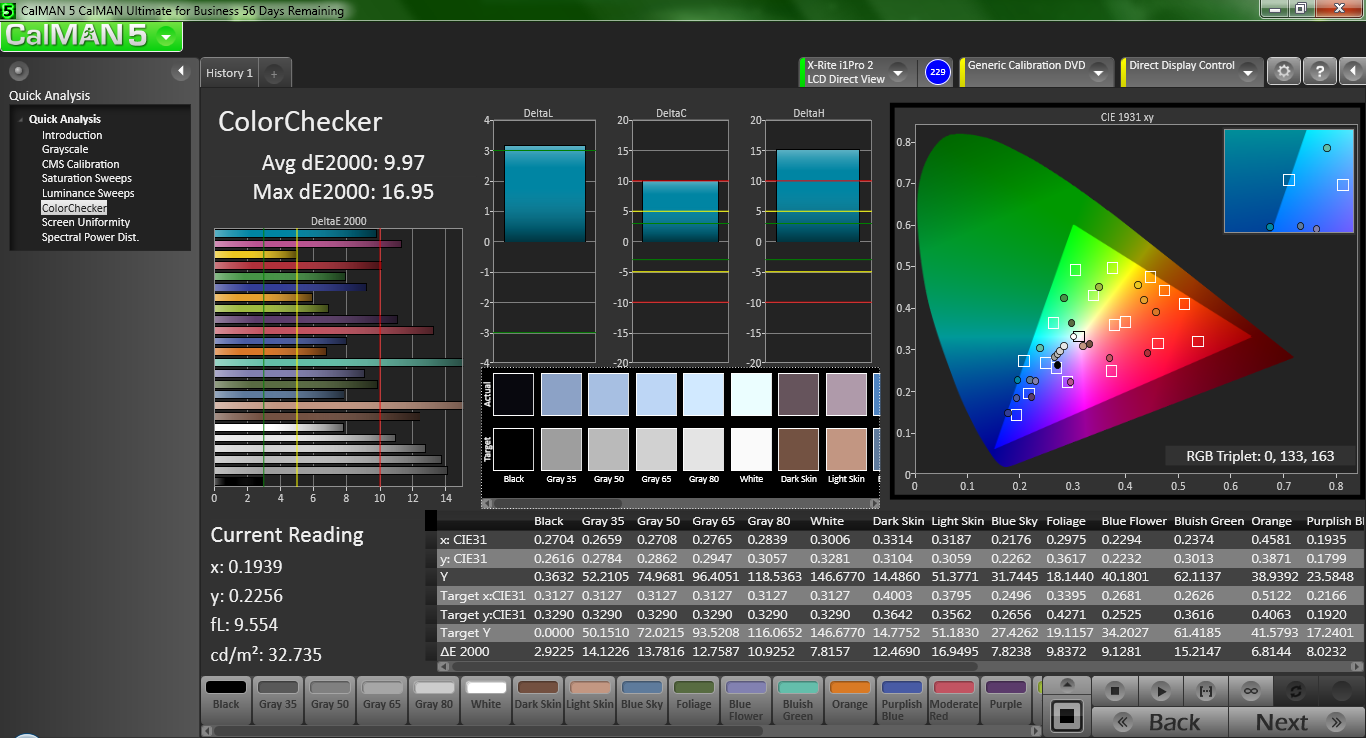
ΔE ColorChecker Calman: 9.97 | ∀{0.5-29.43 Ø4.69}
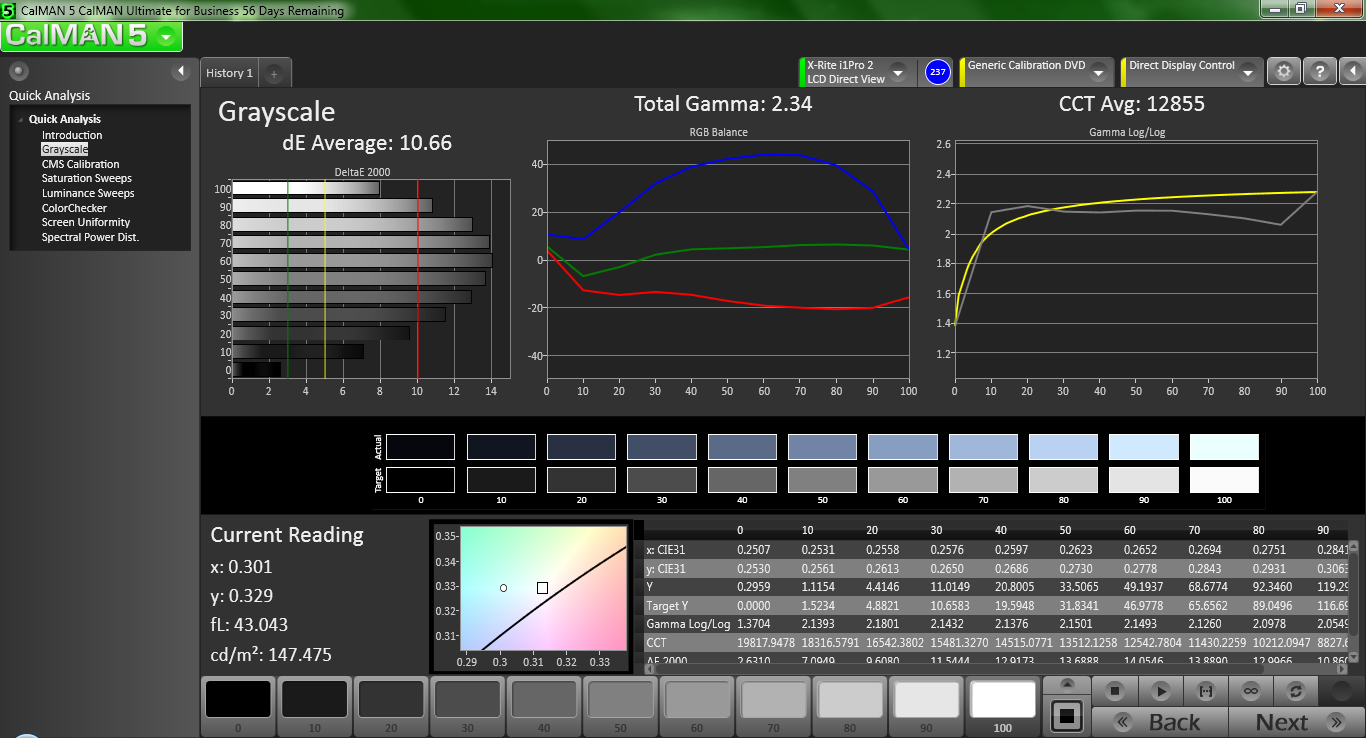
ΔE Greyscale Calman: 10.66 | ∀{0.09-98 Ø4.94}
Gamma: 2.34
CCT: 12855 K
The average brightness of 228 cd/m² is hardly impressive (the Chromebook 11 boasted 300 cd/m² by comparison), but given the lack of a glossy finish, it’s sufficient in most environments. The excellent 94.5% brightness distribution means that the screen appears nearly perfectly uniform. The black value of 0.624 cd/m² factors out to a mediocre contrast ratio of just 375:1.
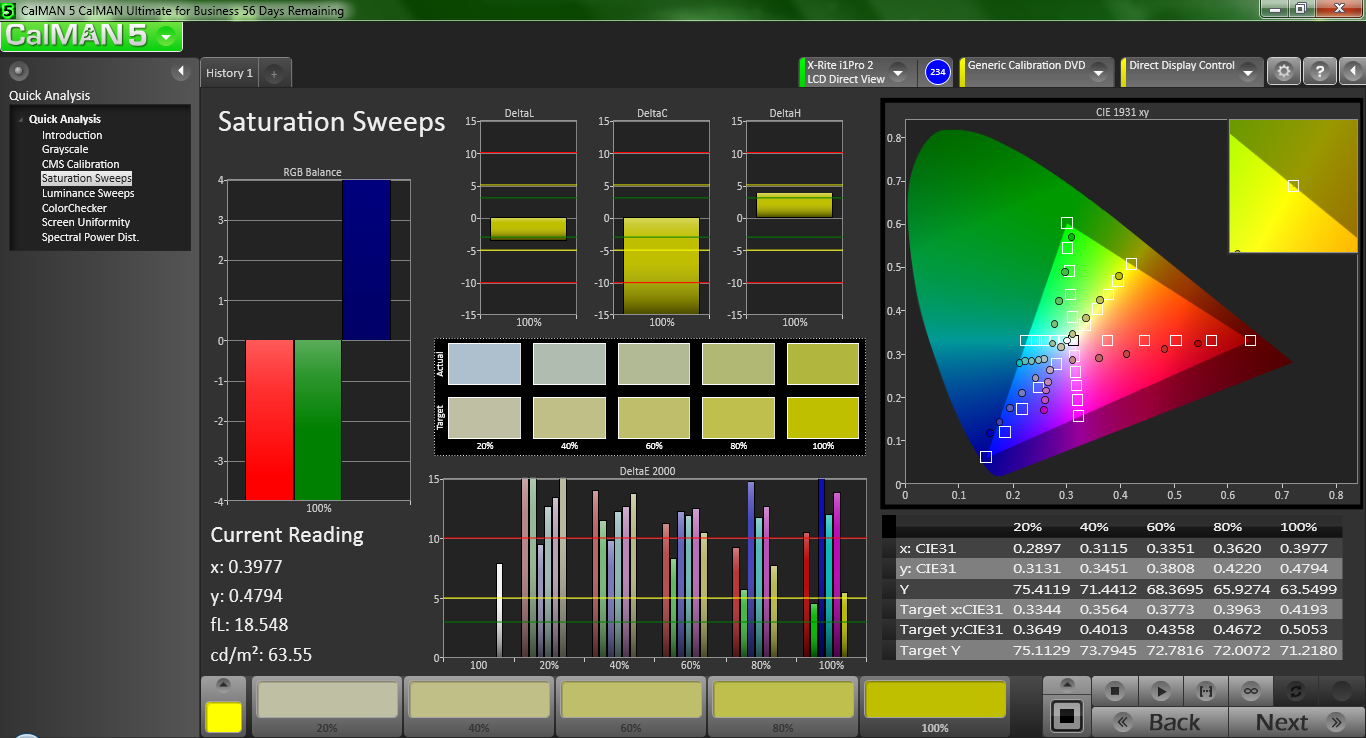
Although color accuracy isn’t likely to be of paramount importance to the C720’s target market, we performed color analysis on the panel as always using CalMAN 5. The average deltaE2000 of 9.97 is regrettably pretty far off the mark, meaning that colors are noticeably misrepresented in some cases. In fact, nearly all colors were significantly deviant, with Light Skin and Bluish Green leading the pack. Subjectively speaking, the panel’s performance is tolerable, but with a noticeably bluish tint (as communicated by the extremely high CCT average of 12855).
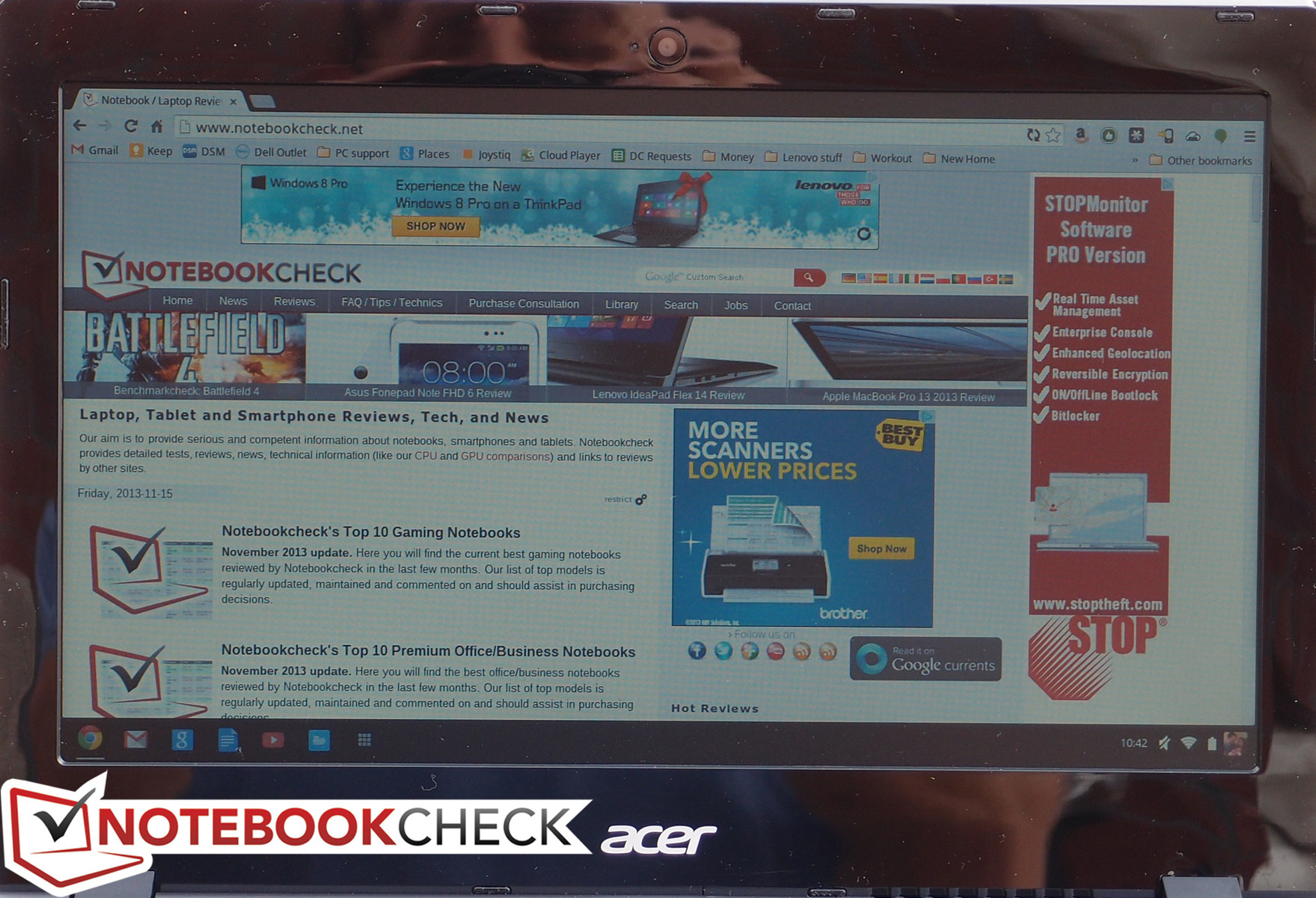
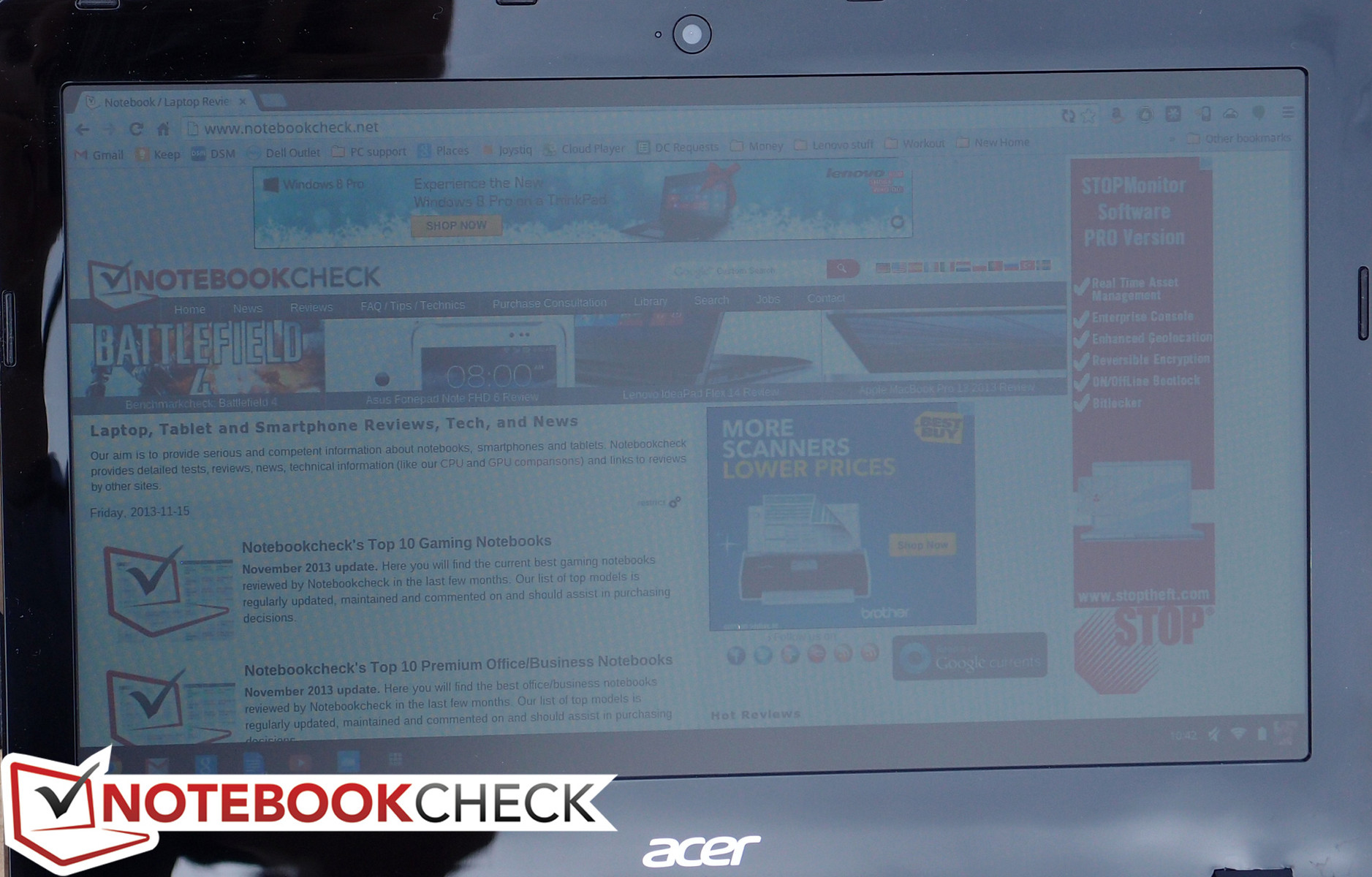
Outdoors, the panel appears a bit washed out thanks to its low contrast ratio and middling brightness. However, unlike the Chromebook 11, reflections were not a problem, nullified by the screen’s matte finish. Operation in the shade is comfortable, while working in the sun is possible yet distracting. Finally, the viewing angles are standard fare for a TN panel: that is to say, a far cry from the Chromebook 11’s IPS results, with color inversion quickly setting in on the vertical axis (though horizontal angles are not bad).

Performance
If our analysis stopped here, the HP Chromebook 11 would have taken the crown without a second thought. Fortunately, we’ve only just begun: and it’s at this point that the tables begin to turn. Far removed from the ARM-based chipset of the Chromebook 11, the Acer C720 features an Intel Celeron 2955U dual-core CPU clocked at 1.4 GHz. This Haswell-based processor was only just introduced in fall 2013, and it’s manufactured using a 22nm SOI. The integrated HD Graphics offer 10 Execution Units clocked at 200 – 1000 MHz and should easily outperform the efforts of the Chromebook 11’s ARM Mali-T604 GPU. What will be of particular interest, however, is the overall effect on battery life, since the TDP of the Celeron 2955U is 15 W versus the 4 to 8 W max consumption of the Samsung Exynos 5250 SoC found in the HP Chromebook 11.
In terms of memory, two Elpida brand DDR3L-1600 MHz SODIMMs provide a total of 4 GB of RAM. This is double that of the HP Chromebook 11, and while it’s high by Chrome OS standards, it’s nice to have a bit of room for growth when the memory is permanently affixed to the board. We experienced no slowdown even with many browser windows loaded, and multitasking was a breeze on the C720.
Video Playback Performance
Our video playback tests consist of 720p and (when possible) 1080p versions of Big Buck Bunny on YouTube, which is encoded in H.264/MPEG-4 (Blu-ray) format. Throughout our tests, we’re happy to report that we experienced absolutely no stuttering or hiccupping once things got underway and other processes stepped aside, which is a testament to the Celeron 2955U’s video decoding capability. Watching the latest Super Mario 3D World trailer in 1080p afterward produced the same findings.
Chrome OS’ handling of video output to an external monitor has improved considerably even over the course of the past few months. Previously, we experienced issues with such items as overscan and occasional problems with output resolution. We had no such problems with the Acer C720; our Samsung 55” LED television connected without any hassle, and we were able to extend the desktop to it at full 1080p resolution (even though the native resolution of the notebook’s panel is just 720p). There is still no option available for external monitor only, which is a bummer seeing as it certainly takes additional processing power (and not to mention battery) to power both the notebook panel and the external video output simultaneously, but that’s a relatively small complaint now that video output it happening properly at full resolution.
System Performance
Unlike our experience with the HP Chromebook 11, the Acer C720 never seemed sluggish throughout our time with the system. On the contrary, during general operation, things zipped to and fro and applications loaded quickly.
Our benchmarks reinforce these impressions. In the SunSpider 1.0 JavaScript Benchmark, the C720 manages an impressive 345.1 ms (lower is better)—less than half that of the Chromebook 11 (704.4 ms) and even better than the Pavilion 14 Chromebook (551.8 ms), though still a bit behind the Chromebook Pixel (225.2 ms).
In Futuremark Peacekeeper, which assesses browser rendering and video playback performance, we recorded an equally good score of 2871, which is once again far better than the Chromebook 11 (1069) and the Pavilion 14 Chromebook (1474), but still below the Chromebook Pixel’s 3613.
Finally, we tested JavaScript performance using Octane v1. Here, we received a score of 10661, which is over double that of the Chromebook 11 (5323) and far better than both the Pavilion 14 Chromebook (5444) and the Microsoft Surface Pro first generation (5124). The Chromebook Pixel once again comes out on top with a score of 13171.
Emissions
System Noise
The Chromebook 11’s ARM chipset afforded it the option of a fanless design, but for the x86 (and much more powerful) Acer C720, it’s back to active cooling once again. With active cooling comes the associated fan noise—but fortunately, the C720 is still nearly silent in nearly all by the most taxing scenarios. We recorded just 30.4 dB(A) while idle with almost no variance. Meanwhile, under load, the notebook still manages to keep it reasonable, with just 32.1 dB(A) on average, and an overall maximum of only 36.7 dB(A)—which is still quiet by notebook standards.
Noise level
| Idle |
| 30.3 / 30.4 / 30.5 dB(A) |
| Load |
| 32.1 / 36.7 dB(A) |
 | ||
30 dB silent 40 dB(A) audible 50 dB(A) loud |
||
min:  , med: , med:  , max: , max:  BK Precision 732A (15 cm distance) BK Precision 732A (15 cm distance) | ||
Temperature
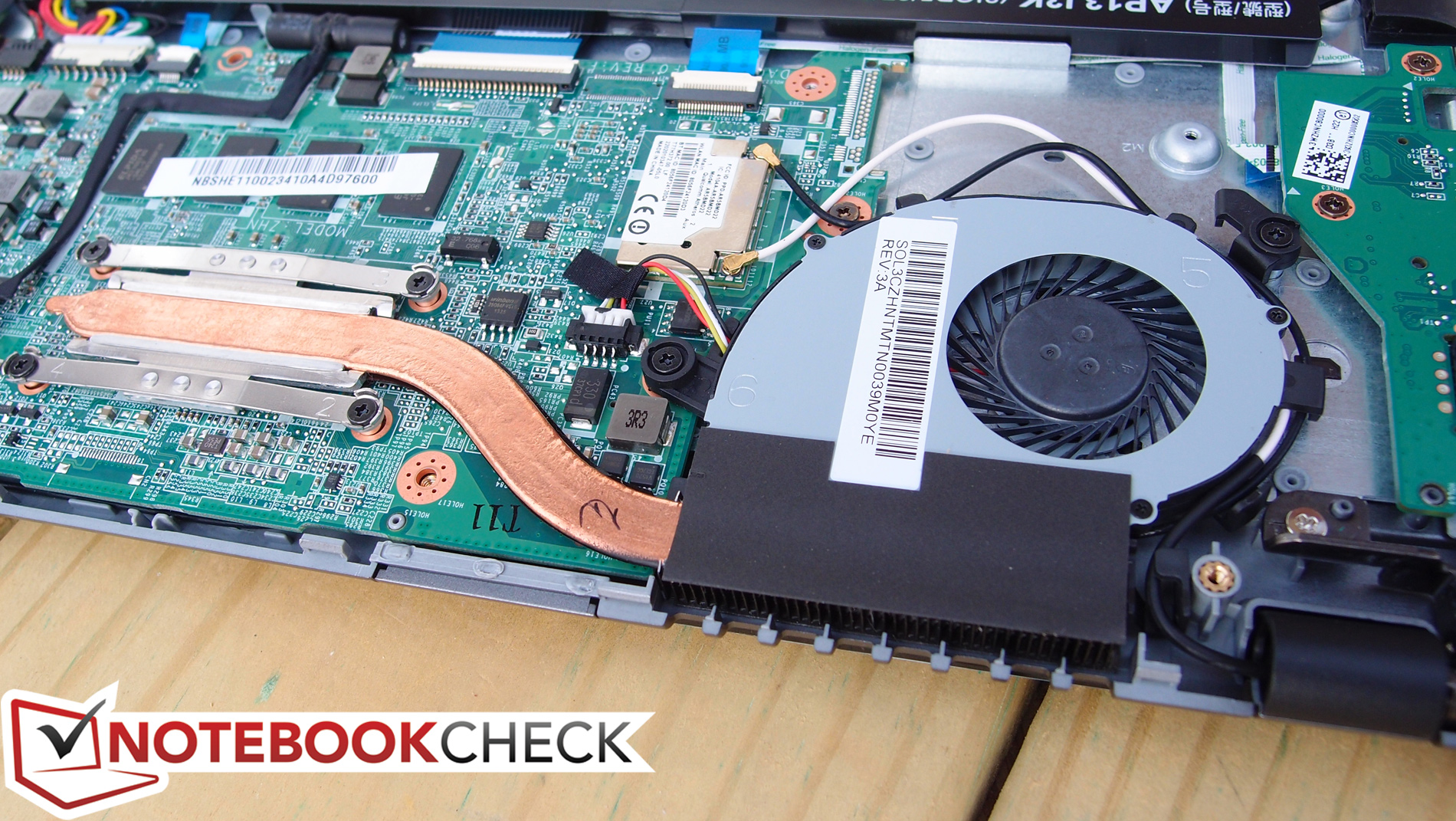
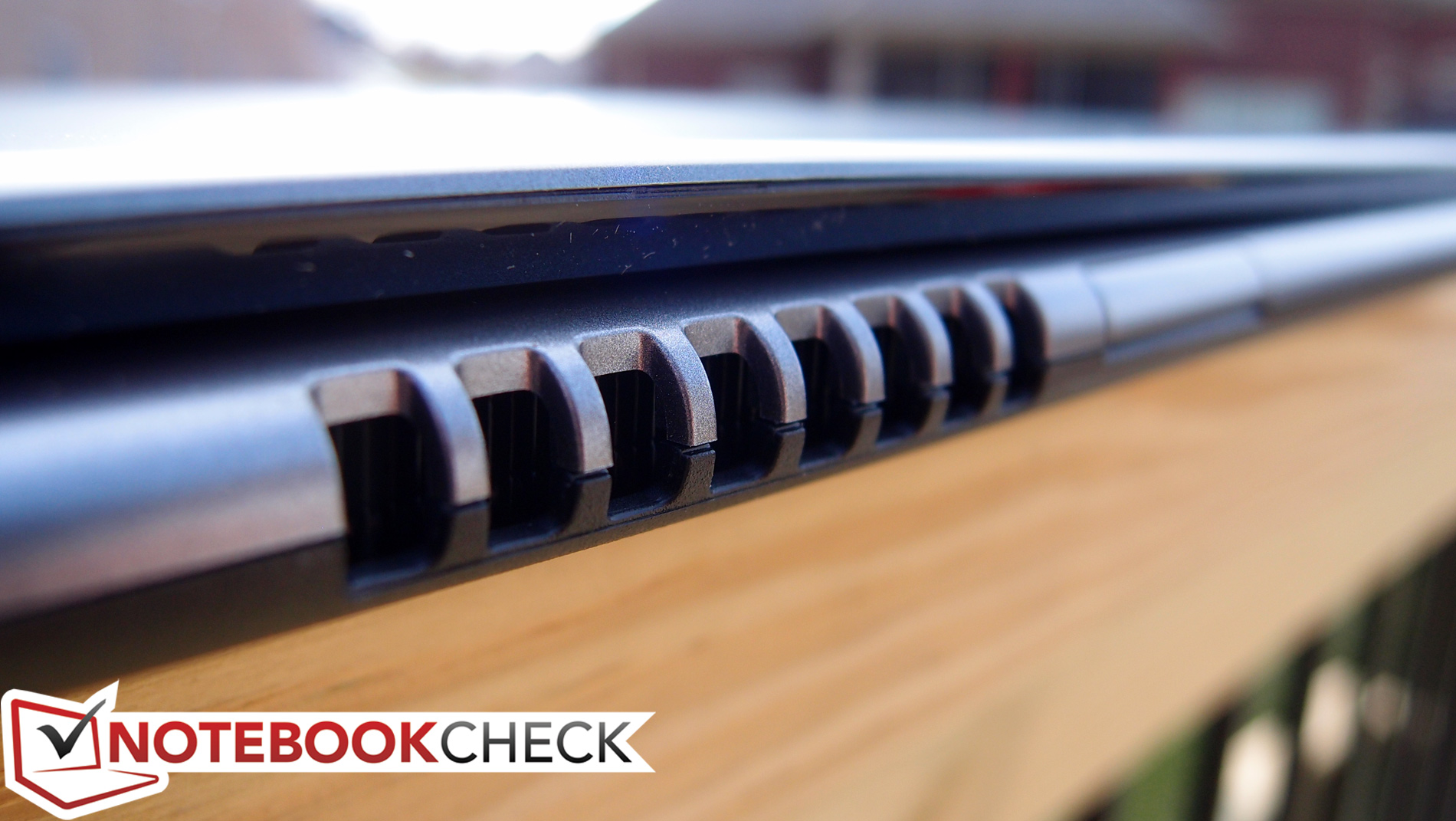
The single fan on the right side of the C720’s rear expels all of its heat, and it does a reasonable job of keeping the machine cool with the exception of the rear center (of the bottom) while under load—which we measured at 47 degrees C. This is in spite of the average temperatures reaching just 29.6 degrees C and 31 degrees C on the top and bottom, respectively—which are good values for load measurements. The machine does get undeniably warm under these conditions—with temperatures under the left side reaching anywhere from 9 to 11 degrees C higher than those under the right—but it’s still within tolerable levels. Idle measurements, meanwhile, aren’t even a remote concern, with averages of 26 and 27 degrees C across the top and bottom of the machine, and the hottest point (again, the rear center of the bottom) reaching just 32 degrees C.
(+) The maximum temperature on the upper side is 36.4 °C / 98 F, compared to the average of 35.9 °C / 97 F, ranging from 21.4 to 59 °C for the class Subnotebook.
(-) The bottom heats up to a maximum of 47 °C / 117 F, compared to the average of 39.2 °C / 103 F
(+) In idle usage, the average temperature for the upper side is 26.3 °C / 79 F, compared to the device average of 30.8 °C / 87 F.
(+) The palmrests and touchpad are cooler than skin temperature with a maximum of 25.6 °C / 78.1 F and are therefore cool to the touch.
(+) The average temperature of the palmrest area of similar devices was 28.2 °C / 82.8 F (+2.6 °C / 4.7 F).
Speakers
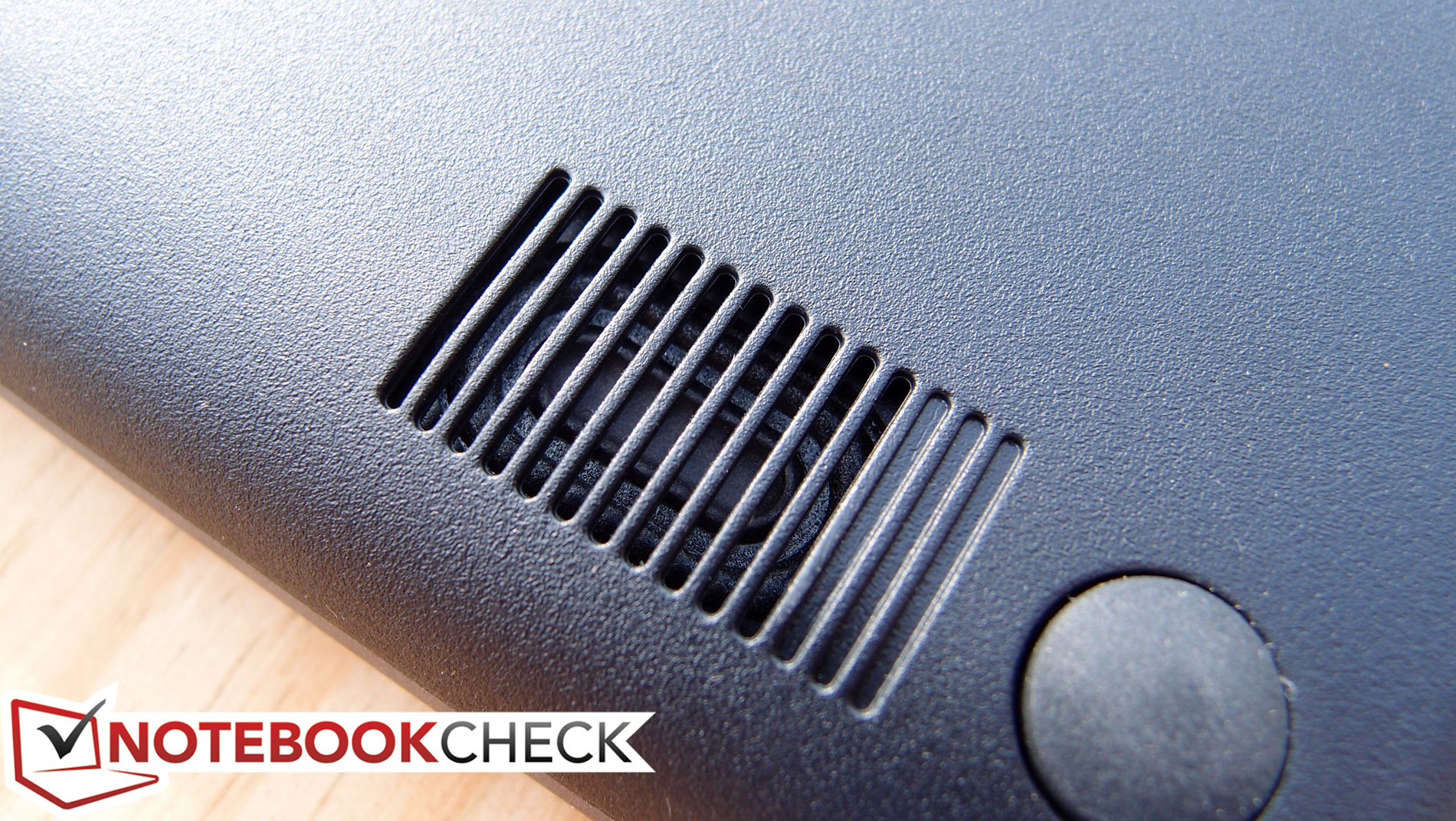
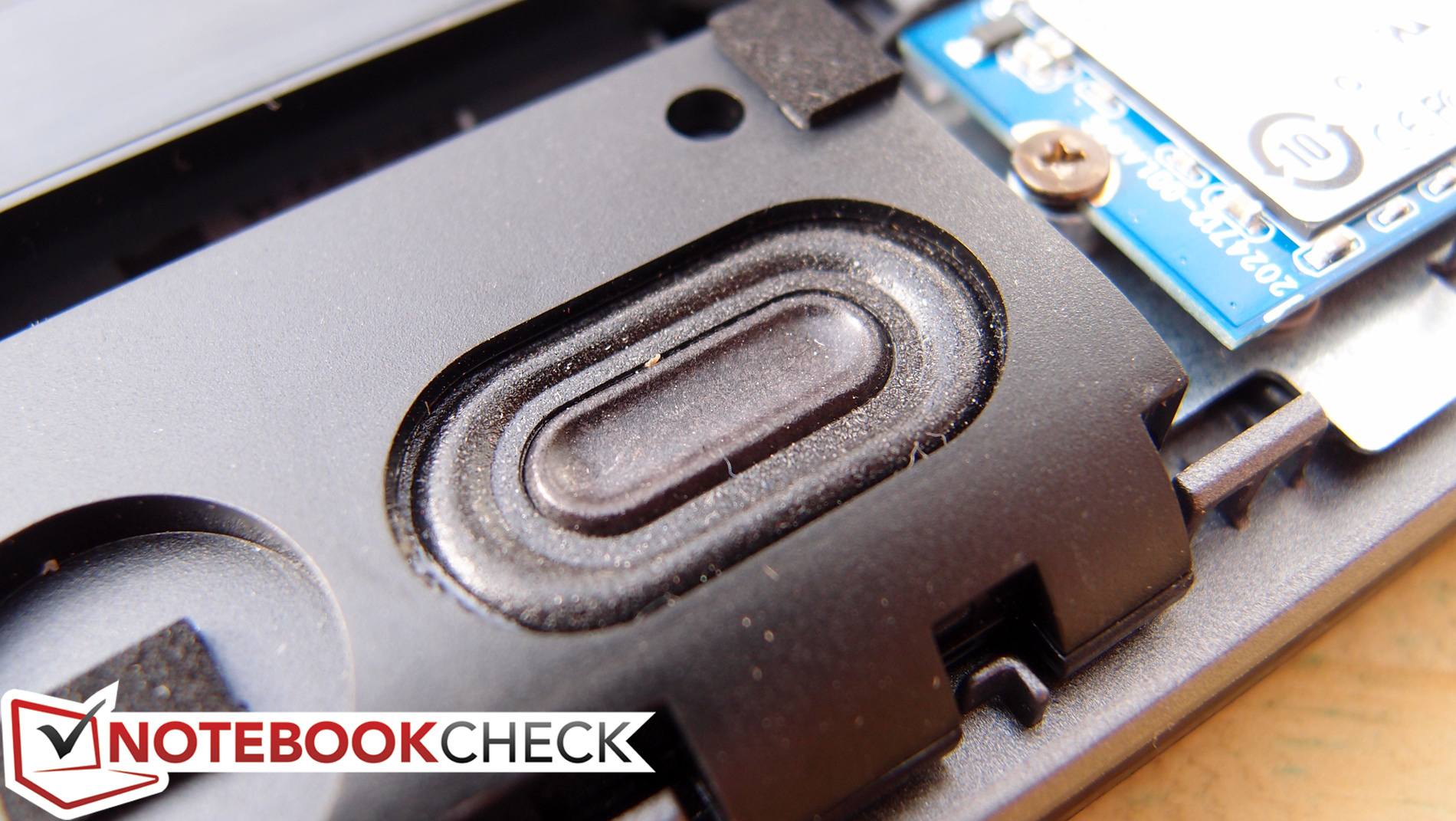
If anything about the HP Chromebook 11 impressed us, it was the under-keyboard speakers, which blasted out clear and loud audio with surprisingly accurate balance. The Acer C720’s, on the other hand, are thoroughly mediocre, managing to get the job done in terms of volume, but not much else. The speakers are bottom-mounted and down-firing as is often the case with ultraportable models; their sound is fairly well projected when resting on a hard surface, but the low frequency reproduction is as unremarkable as ever, and the shape of the sound in general can’t approach the fullness of the Chromebook 11’s design.
Battery Life
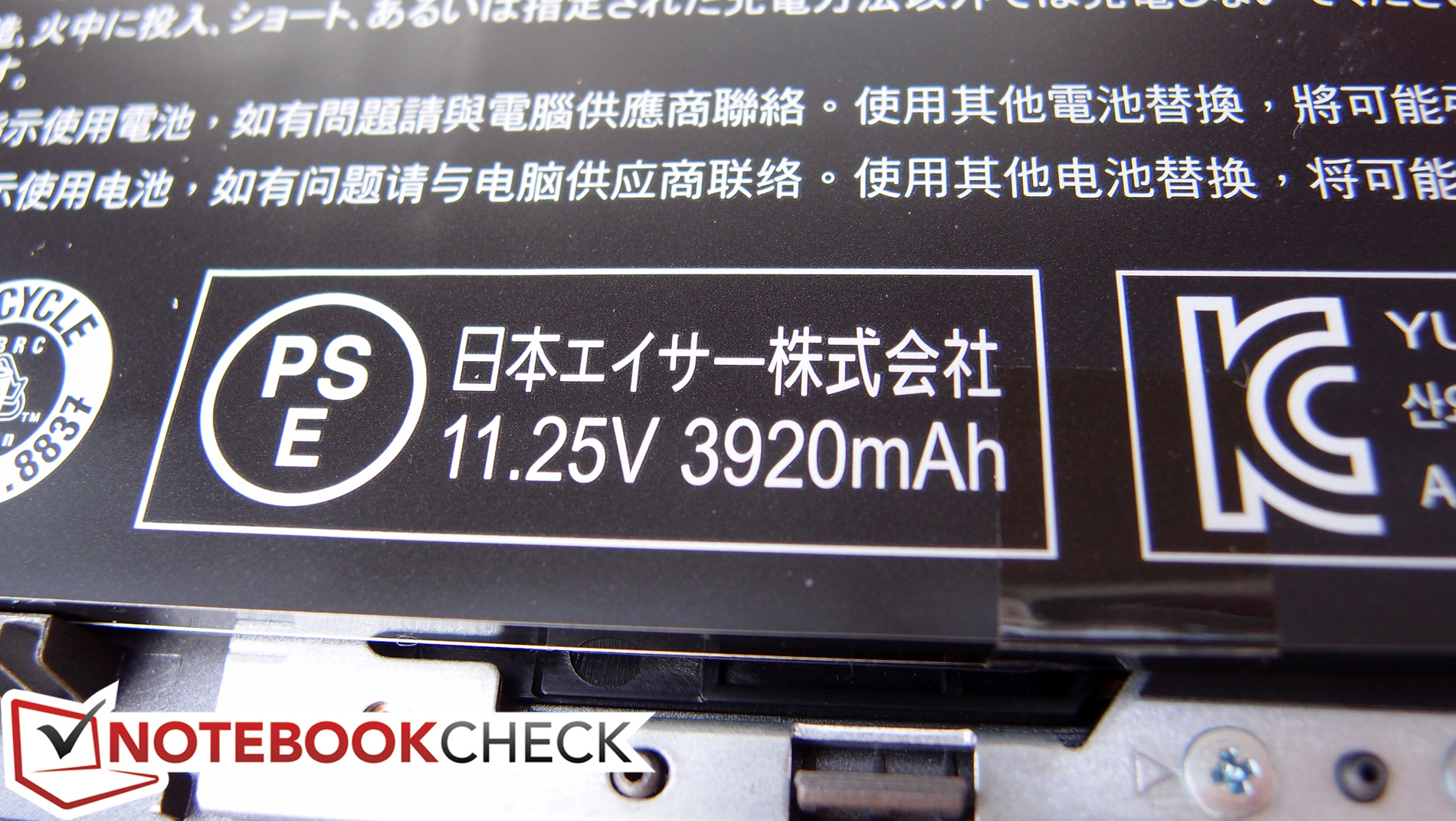
Coming back again to the topic of practical basics, however, we find yet another utilitarian area where the Acer C720 dominates. Our battery life measurements place the C720 at the front of the Chromebook pack, far ahead of the HP Chromebook 11 even better than many high-priced Ultrabooks.
Though conventional battery life measurements are made impossible by Chrome OS’ inability to run tools such as Battery Eater Pro, we are able to approximate these conditions using an assortment of manual approaches. During all battery tests, we disabled all screen dimming, timeouts, ambient light sensors, and sleep.
First, during the full load test (minimum runtime), we looped two 1080p YouTube videos side-by-side in separate windows and measured the time until the system shut off due to low battery. This resulted in a runtime of 3 hours and 19 minutes, which is quite good. Next, for our more realistic Surfing with Wi-Fi test, we adjusted screen brightness to as close to 150 cd/m² as possible (setting 13/16) and executed the Notebookcheck web browsing simulation script. Here, the C720 managed a whopping 9 hours and 4 minutes before finally giving up. That’s one of the best results we’ve seen for any Chromebook to date, and it even trumps that of many far pricier Ultrabooks.
Verdict
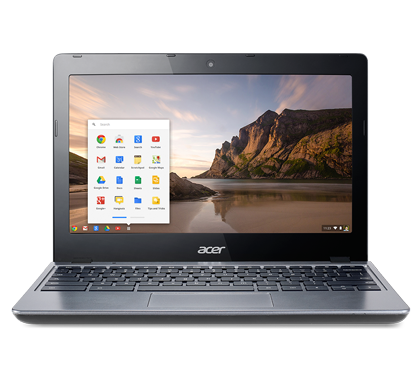
Devoid of the flashy exterior and attractive screen of the HP Chromebook 11, the Acer C720-2800 Chromebook might look just like every other Chromebook that’s come our way to date. In some regards, it is: the case quality is lower tier (and slightly flimsy in certain spots), the screen is uninspiring but capable enough, and the keyboard is hardly even mentionable in the same breath, with clattery operation and a thoroughly budget feel. Other minor complaints also apply, such as the quality of the audio in comparison to the HP.
But beyond first impressions, the C720 Chromebook gets it right. Spend a little time with it and you’ll begin to appreciate the all-day battery life, snappy general performance and smooth video playback capabilities, and easy maintenance. It’s also quiet in spite of its active cooling design, and it does a reasonably good job of managing temperatures under most conditions. In other words, forgiving the build quality, disappointing keyboard, and unremarkable screen, the C720 begins to look pretty enticing indeed.
There is still the question of purpose, however, and if the C720 is meant to replace another machine, users might find it difficult depending on Chrome OS for all of their needs. Despite great strides made to reach this point in its development, the operating system is still purely in its infancy, and certain aspects of it are incredibly bare in comparison to Windows and Mac OS counterparts.
Perhaps, then, it would be better off viewing the Acer C720-2800 Chromebook as an alternative to a tablet or netbook than a replacement for a full-blown computer. Approached from this perspective, it serves as a logical candidate for someone who is in need of a basic web browsing and word processing device, but who prefers the luxury of a physical keyboard and touchpad to the popular modern alternative of touch input. Judging by those requirements, it makes a lot of sense for just $249.
 Add as a preferred source on Google