




Over 21 hrs of battery life: How to maximise it on an OLED screen laptop
In most cases, the battery life of a laptop can be pretty much determined by two factors: The screen brightness and the efficiency of the processor, as well as how much you use it. At least unless you factor in things like backlit keyboard and GPUs.
With an OLED screen, it gets a little bit more complicated. If your laptop has one, then the battery life you get out of it heavily depends not just on the screen brightness, but also on the content that is displayed on the screen. An OLED screen works differently than a classical LCD.
With an LCD, no matter what is on the screen, the power consumption is consistent, as it mainly depends on the CCFL (if you are old) or LED backlight. Lower the brightness, and the power consumption goes down. With an OLED screen, the pixels them self produce light. If they display something white, then they consume much more energy than when they display something black, as they are pretty much turned off. This basically means that using dark mode is mandatory on OLED screens if you care about battery life.
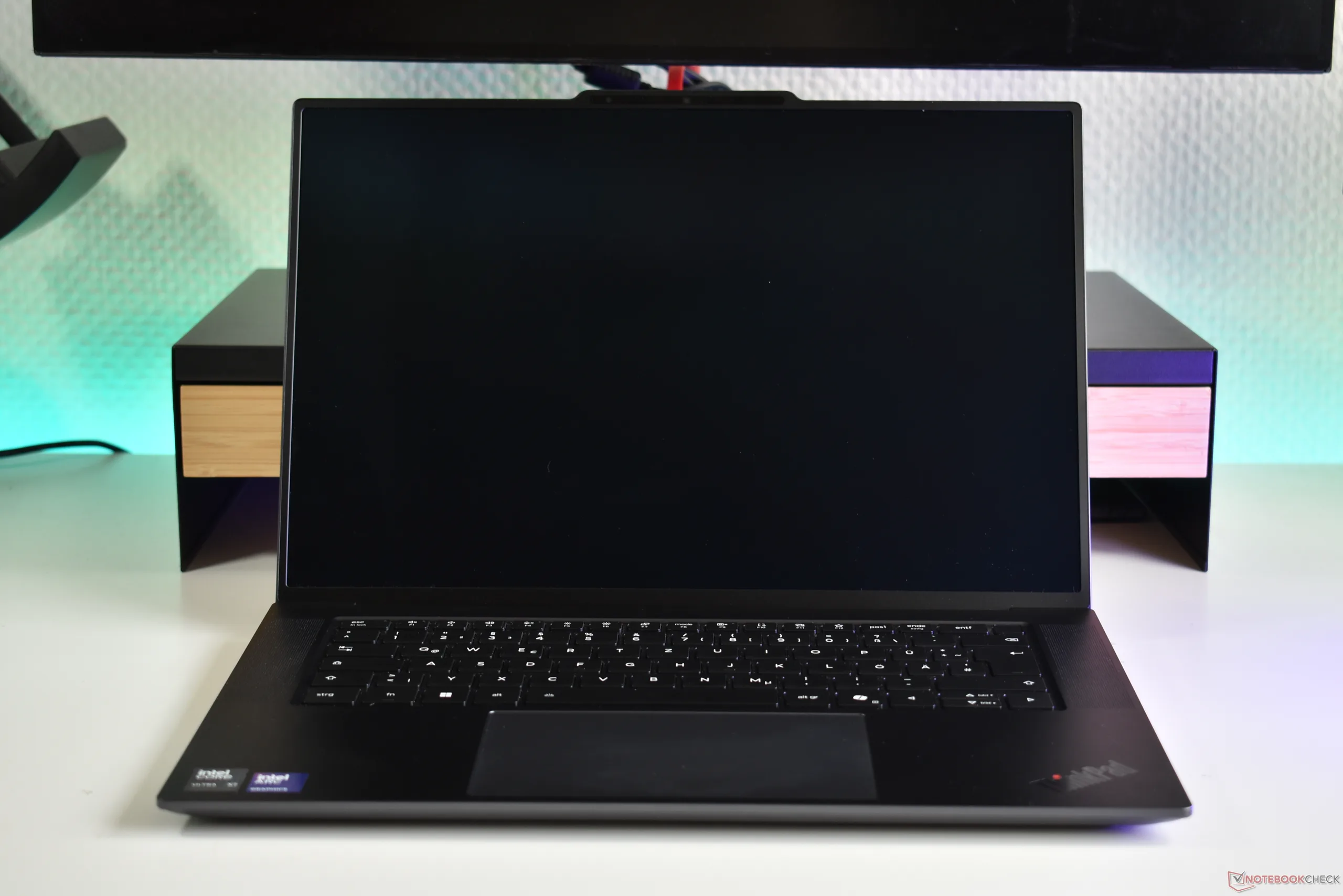
We recently tested the Lenovo ThinkPad X9-15p Gen 1 Aura Edition, a 15.3-inch device with a 2.8K (2,880 x 1,800) OLED screen. We were able to test the battery life with the maximum screen brightness in multiple settings. Of course, this includes dark and light mode, but also different refresh rates. Lenovo ships the device with the standard refresh rate of 60 Hz, but the screen offers up to 120 Hz. It also has a Variable Refresh Rate (VRR) of between 30 to 120 Hz.
The results were interesting. Of course, with light mode enabled, the battery life more than halved in our Wi-Fi/websurfing test, barely surpassing nine hours. Here, the VRR mode suprisingly did better than keeping it at 60 Hz, but the difference was small. With dark mode enabled, the device achieved over 21 hrs in the same test. Interestingly, this was only true with a refresh rate of 60 Hz, as the ThinkPad laptop achieved just a bit over 20 hrs in the VRR mode.
Overall, use dark mode and 60 Hz if you want the best battery life. 30 to 120 Hz VRR will likely cut down the battery life, but the difference is much smaller than if you enable light mode.
 Add as a preferred source on Google


