




OriginOS 7 leaks in full, revealing everything coming to Vivo smartphones
A large collection of OriginOS 7 images and videos has surfaced through a Telegram channel thegwchr. , offering our clearest look yet at Vivo’s next software update, which is based on Android 17. The update introduces Light and Shadow Aesthetics, which appears to be Vivo’s take on Apple’s Liquid Glass. Translucent surfaces, live blur and responsive lighting appear throughout the interface, alongside major changes to the Control Center, Lock Screen, wallpapers, system apps and multitasking.
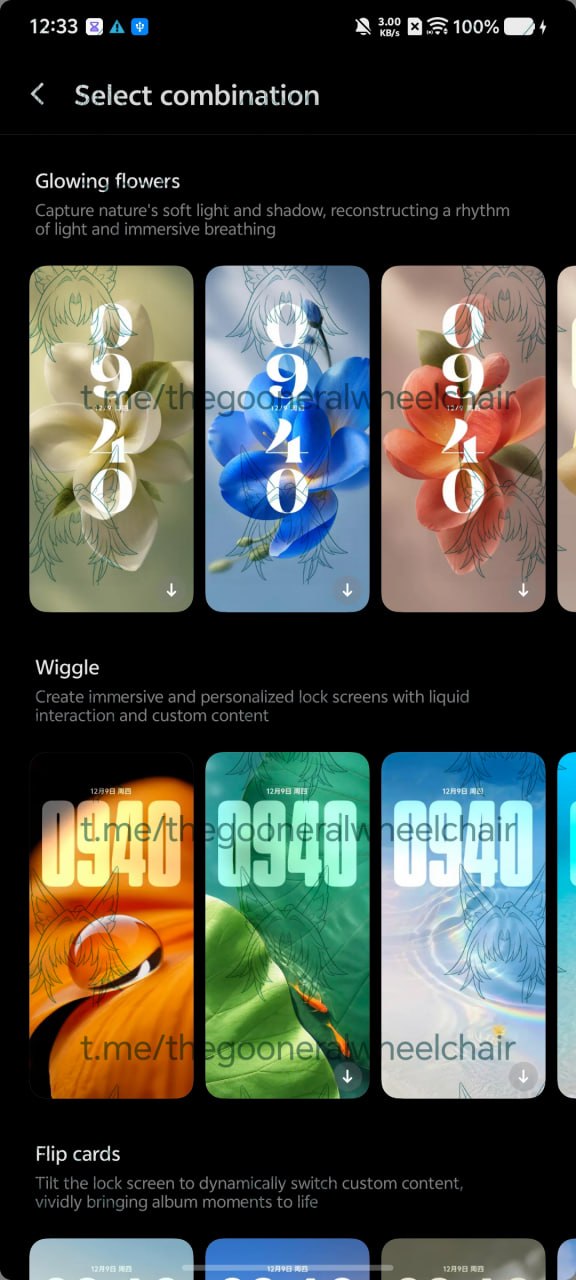
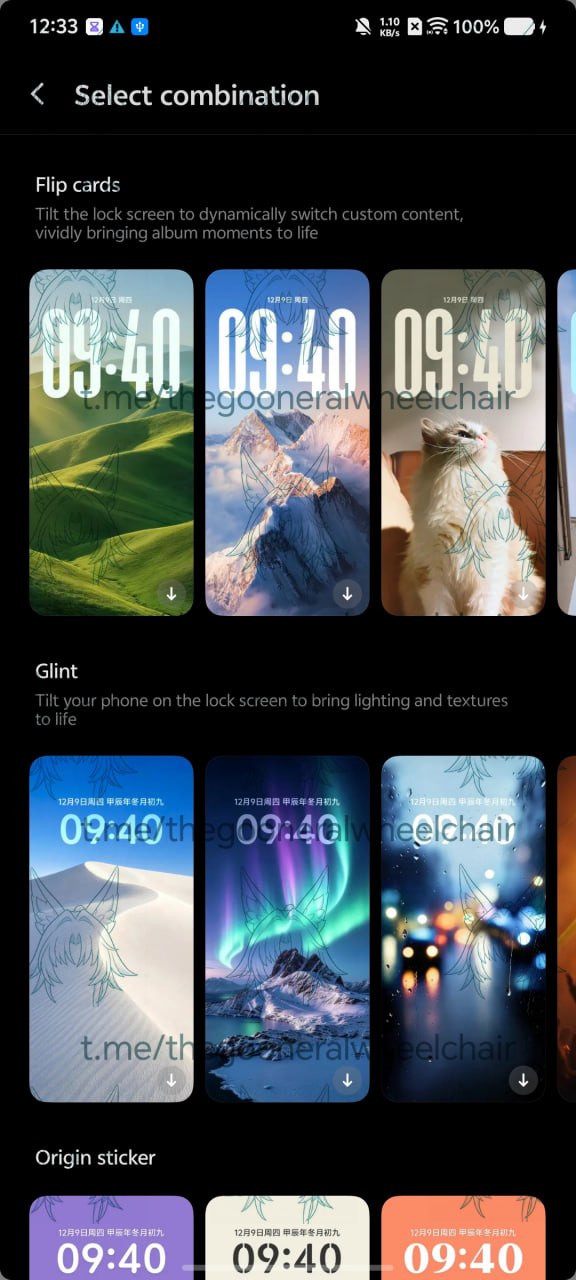
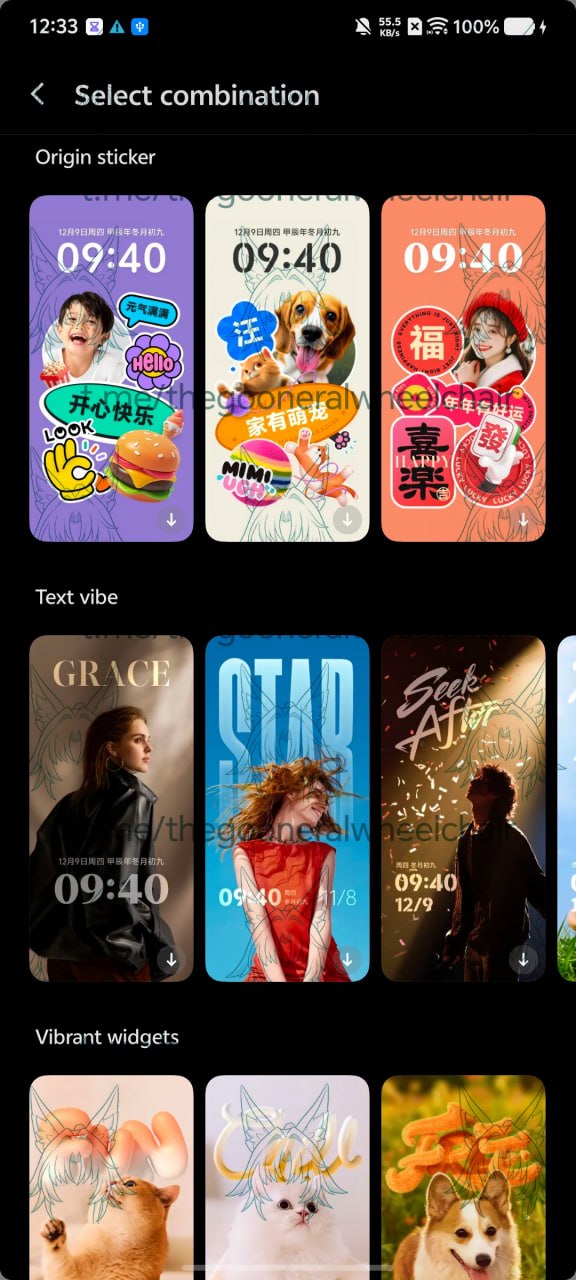
Vivo has added a new wallpaper collection alongside a much wider range of Lock Screen combinations in the upcoming OriginOS 7. Glowing Flowers uses floral wallpapers with shifting light and shadow to create a gentle breathing animation. Wiggle adds liquid-like movement to selected parts of the wallpaper, making them bend and wobble during interaction. Users can redraw the affected areas themselves or choose from presets selected automatically by the software. Flip Cards switches between selected album photos when the phone is tilted, while Glint shifts the wallpaper’s lighting and textures as the device moves. Origin Sticker combines photos with colourful stickers and cut-out elements, while Natural and Lights pair pictures from the user’s album with different personalised clock layouts. Text Vibe, Vibrant Widgets and Trendy Labels also return from OriginOS 6 with updated designs.
The Control Center receives one of the most useful changes. Users can resize individual Quick Settings tiles, move them to different positions and rearrange the entire panel instead of following a fixed layout. Different themes can also be applied to the tiles, giving users more control over both the appearance and placement of their shortcuts.
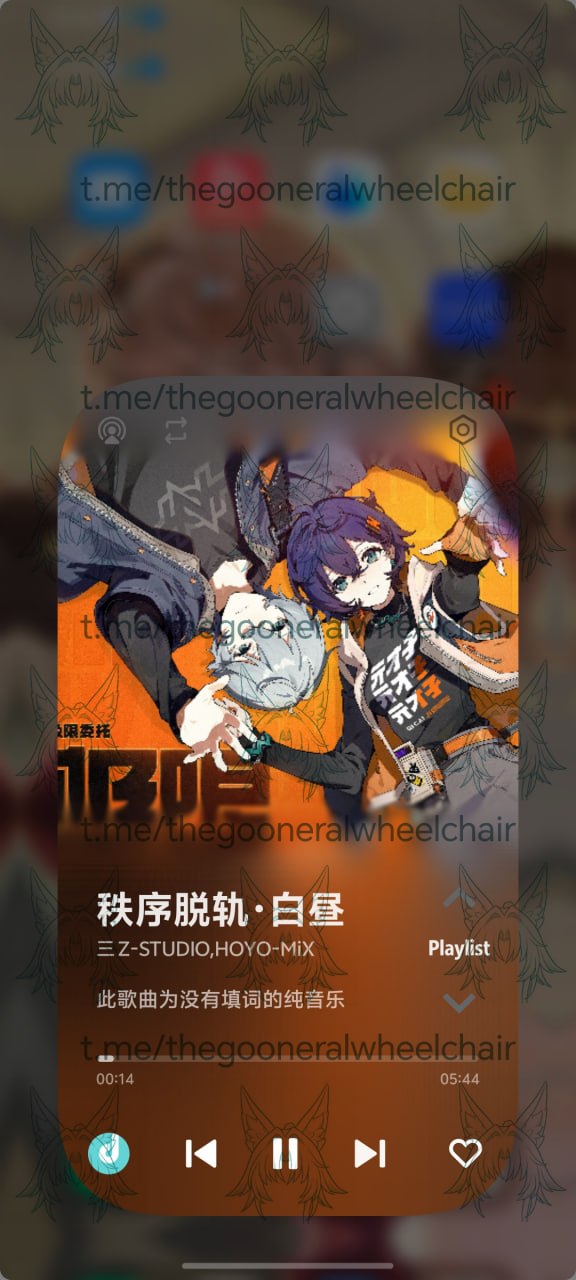
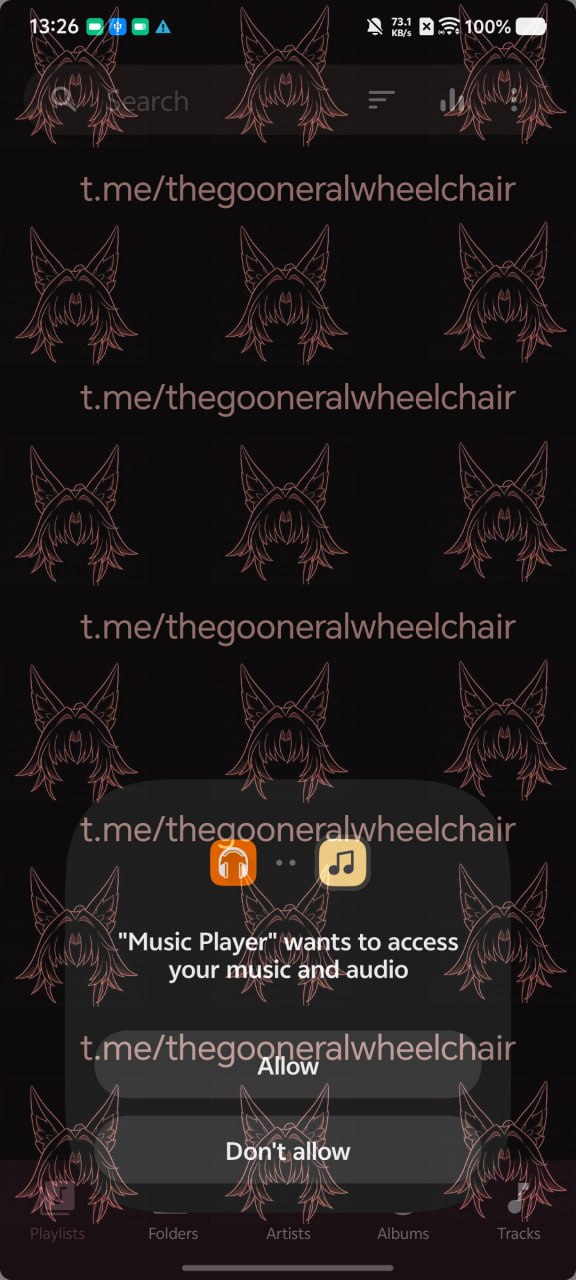
There's also a new OriginPlayer, with a redesigned interface that matches the rest of the update. It is now no longer limited to Tencent’s QQ Music as a full-screen player on the losckreen, allowing other supported music apps to use it as well. However, music playback still does not appear inside Live Updates despite the arrival of the new player.
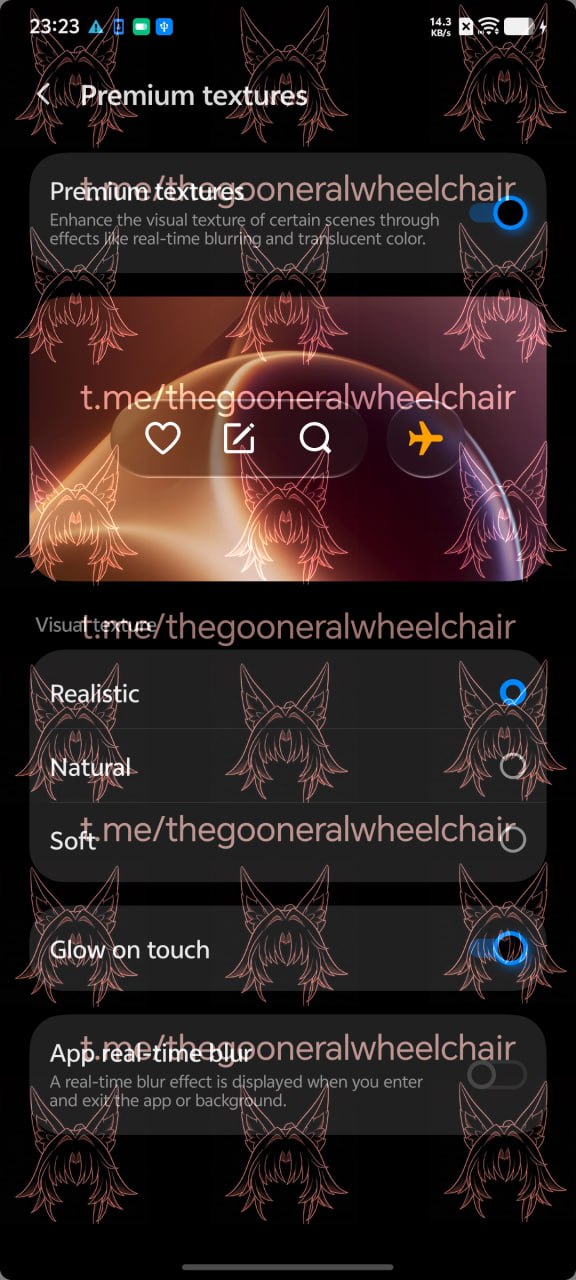
A new Premium Texture setting adds real-time blur, translucent colours and more detailed lighting to supported parts of the interface. Users can choose between three Visual Texture styles. Realistic delivers Vivo’s full Liquid Glass appearance, Natural uses a frosted finish and Soft applies a simpler blurred effect. A leaked demonstration shows a folder changing its colour, blur and lighting as it is moved around the Home Screen. Holding a number in the Lock Screen keypad is enlarged with glass and lighting effects, while buttons produce a ripple when pressed. Vivo says pixel-level adjustments will help keep text readable over complicated backgrounds.
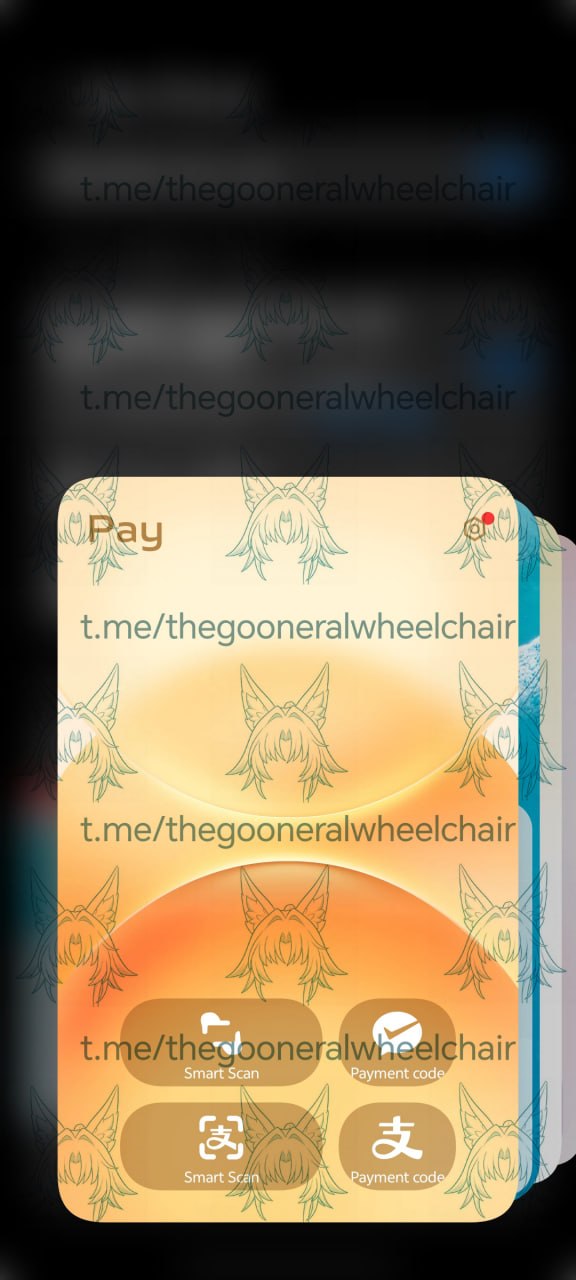
Several smaller parts of OriginOS have also been redesigned. The system updater, Game Cube and contextual dialogue boxes receive new interfaces, while holding an app icon triggers a new animation when its options appear. Super Pocket now arranges its content as stacked cards instead of using the previous free-scrolling layout, and the Lock Screen editor has gained an emissive reflection effect similar to ColorOS 16. Stickers can also be placed directly on the Home Screen, with users able to create their own from photos by letting the software detect and cut out the main subject.
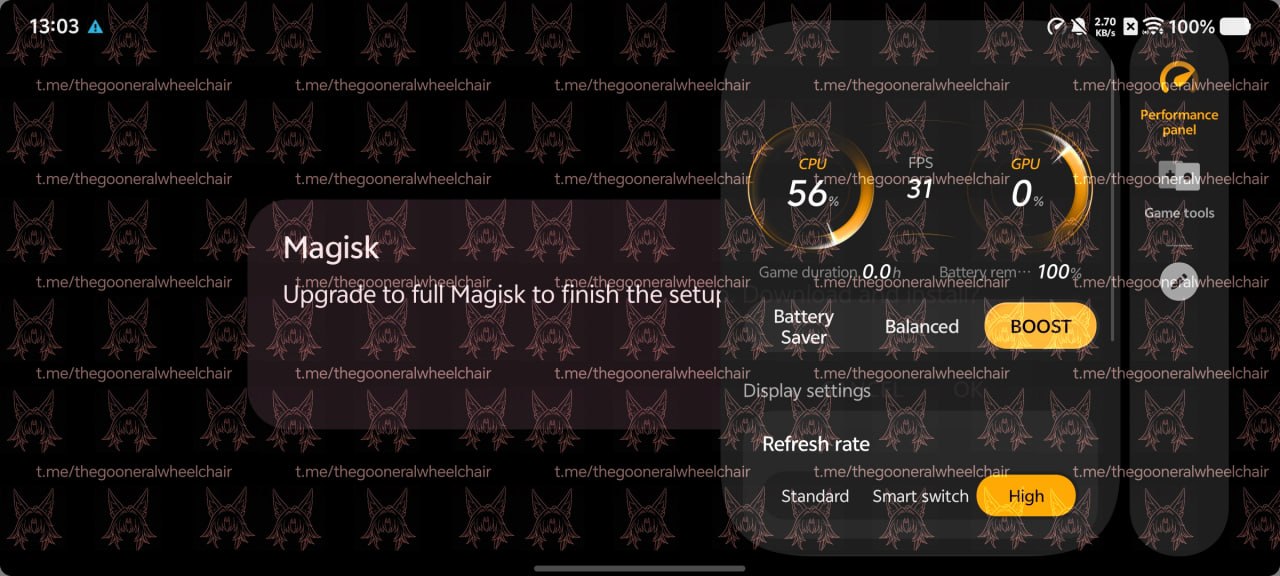
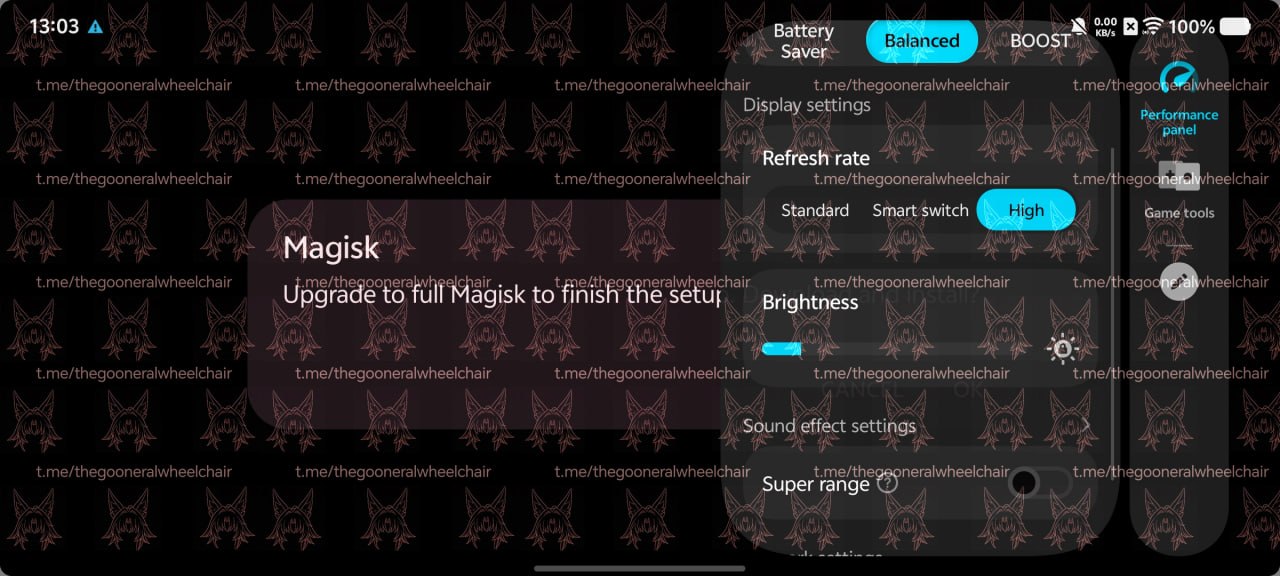
OriginOS 7 is also bringing Atomic Workbench, previously available on Vivo’s foldables, to regular smartphones. It can keep multiple apps visible along the side or top of the screen, making it easier to move between active apps. Vivo also claims 14% faster rendering, 19% faster page switching, up to 12% faster app opening and 20% lower power consumption during demanding interface animations.
Vivo will officially unveil OriginOS 7 at its Developer Conference in China on September 16. For now, the features shown are tied to the Chinese version, and Vivo has not confirmed how many will reach the global release. The final feature set outside China could therefore look quite different.
Source(s)
thegwchr. on Telegram
 Add as a preferred source on Google


