




New ROG Xbox Ally update brings docking improvements, Auto SR preview, and more
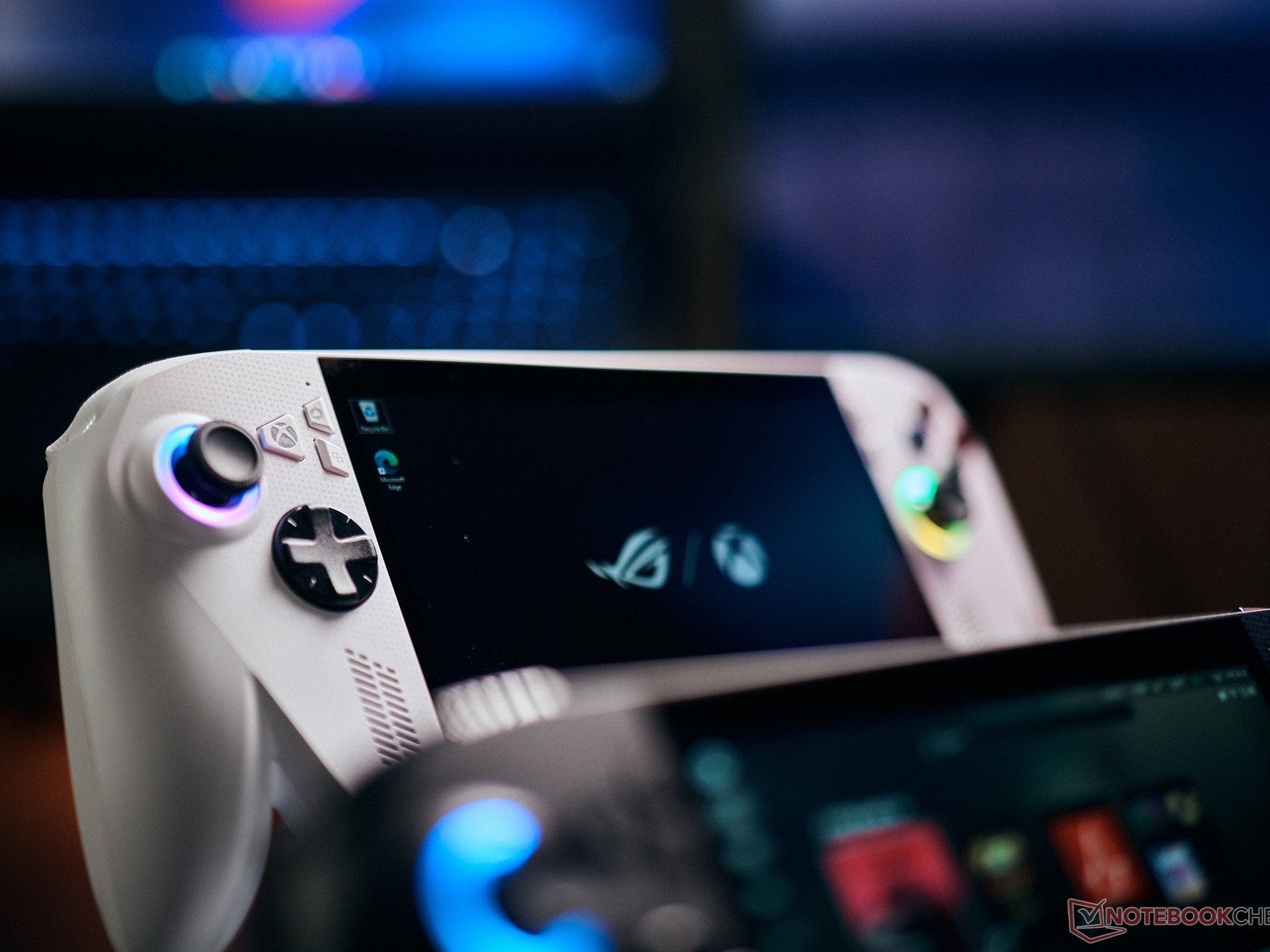
The ROG Xbox Ally and ROG Xbox Ally X have received several updates since their release, and the latest one, which was released today, focuses on improving docked gameplay, adding new features, and making the overall experience smoother and more console-like, especially when connected to a TV.
What does the update offer?
One of the biggest changes is how docking works. When you connect the ROG Xbox Ally to a TV, the system now automatically switches the display to the external screen and turns off the handheld display. This makes the transition seamless and avoids the need to manually adjust settings.
On top of that, modern smart TVs from brands like Samsung, LG, and Vizio will automatically enable gaming features such as low-latency modes and optimized display settings. There’s also a new Display Widget inside Game Bar. This lets you quickly adjust resolution, refresh rate, and projection settings using a controller, without leaving your game.
The update also improves controller handling. When you connect an Xbox controller while docked, the built-in controls on the handheld are disabled automatically. Another useful addition is the Gamepad Cursor feature, which lets you control apps and menus that don’t normally support controllers, like web browsers or other launchers.
Auto Super Resolution (Auto SR) is also now available in preview for Xbox Insiders on the ROG Xbox Ally X. This feature improves image quality by upscaling games, making them look sharper on bigger screens while keeping performance stable. Instead of choosing between better visuals or smoother gameplay, Auto SR tries to deliver both.
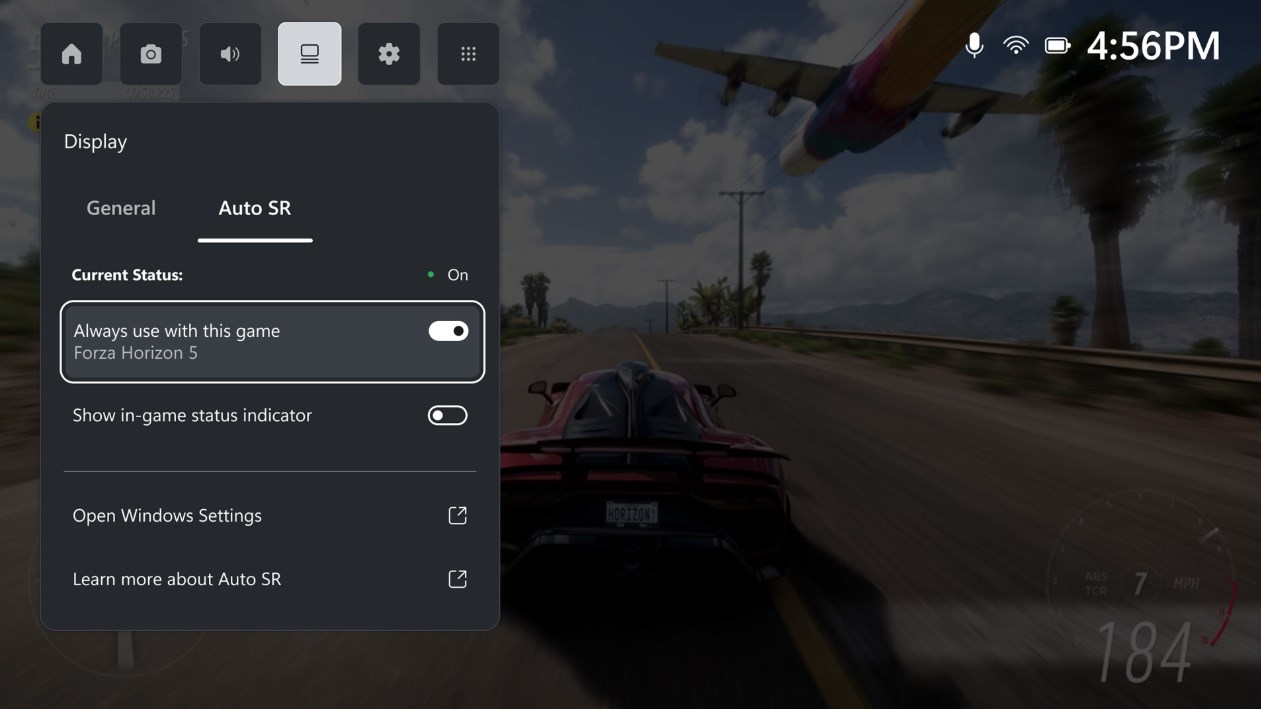
The update also brings improvements for audio with support for Bluetooth LE Audio. This brings better sound quality, lower latency, and improved battery life when using compatible headsets. It even allows high-quality stereo audio during voice chat, which is a big upgrade over standard Bluetooth.
On the software side, the Xbox PC app now lets you bring games from different launchers into one library. You can add, edit, and launch them directly from one place, making things much more convenient.
Source(s)
 Add as a preferred source on Google


