




New MSI Raider 16 Max "Apex" mode makes power profile options even more confusing
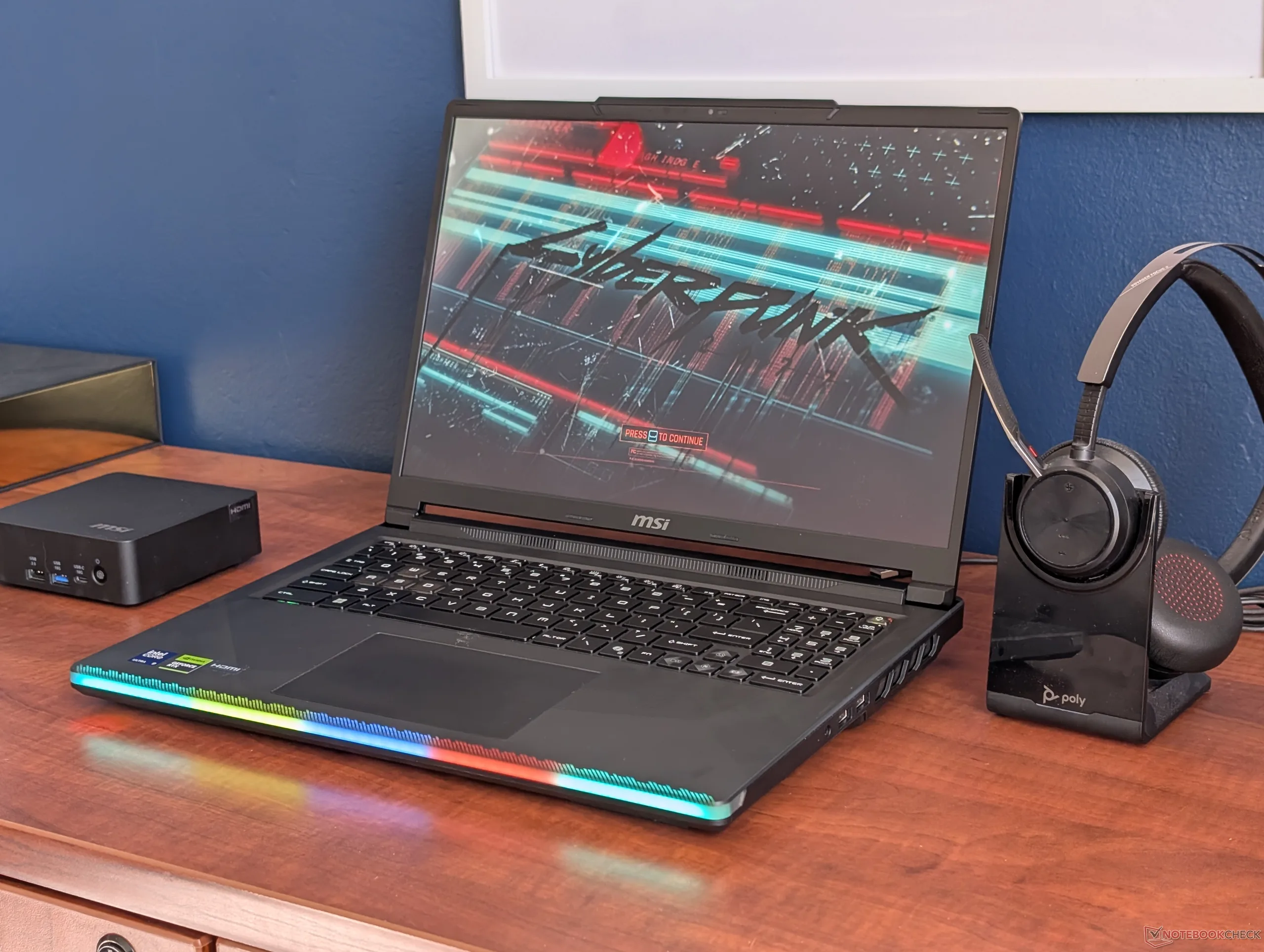
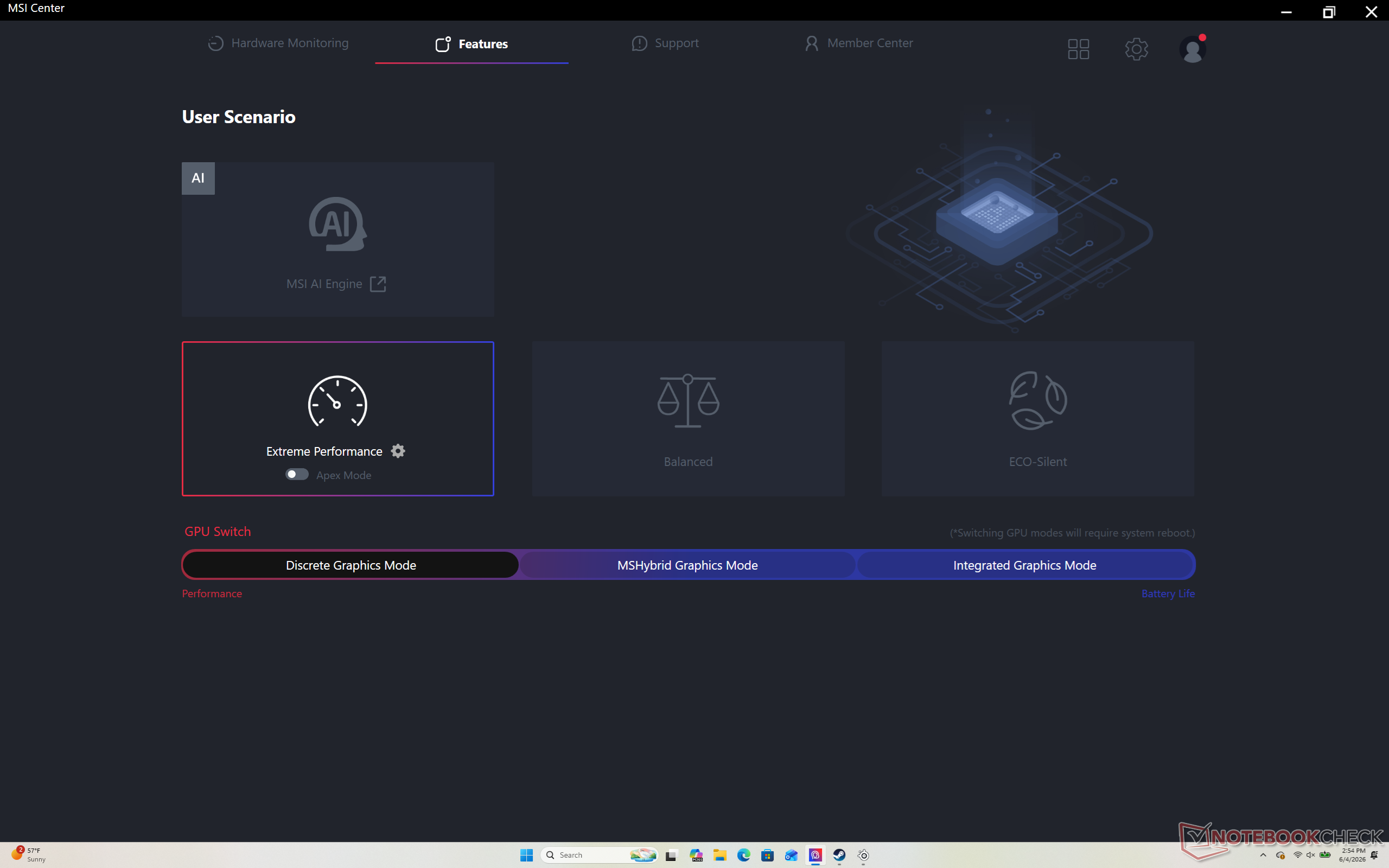
MSI laptops come pre-installed with the MSI Center software which is a centralized UI for monitoring system vitals, changing between discrete and integrated graphics modes, updating drivers, finding system support, and changing between different power profiles. The latter in particular is especially important as MSI integrates unique power profiles on top of the traditional Power Saver, Balanced, and Performance modes on Windows. This year, however, MSI has introduced yet another power profile mode on top of their existing ones for even more confusion.
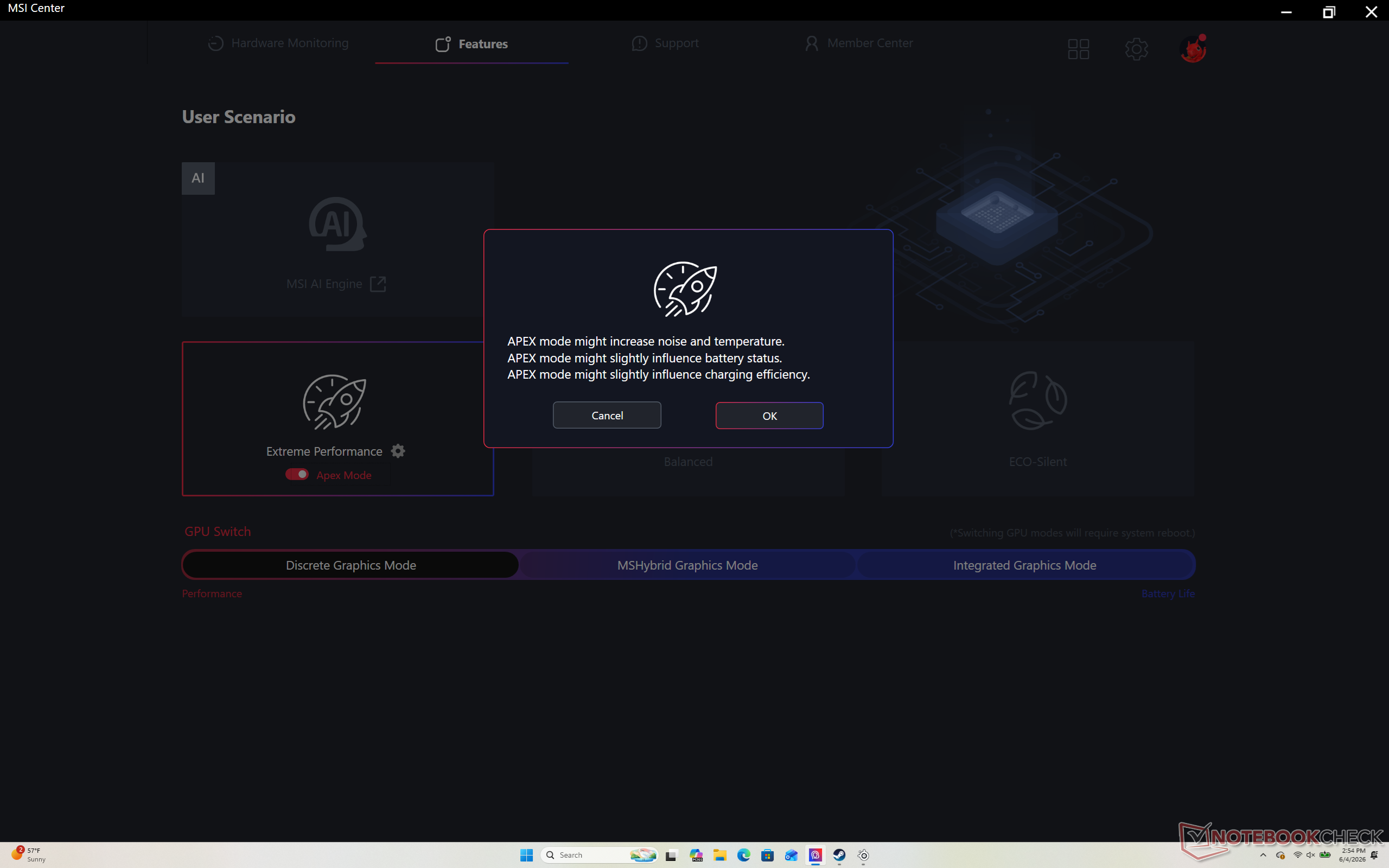
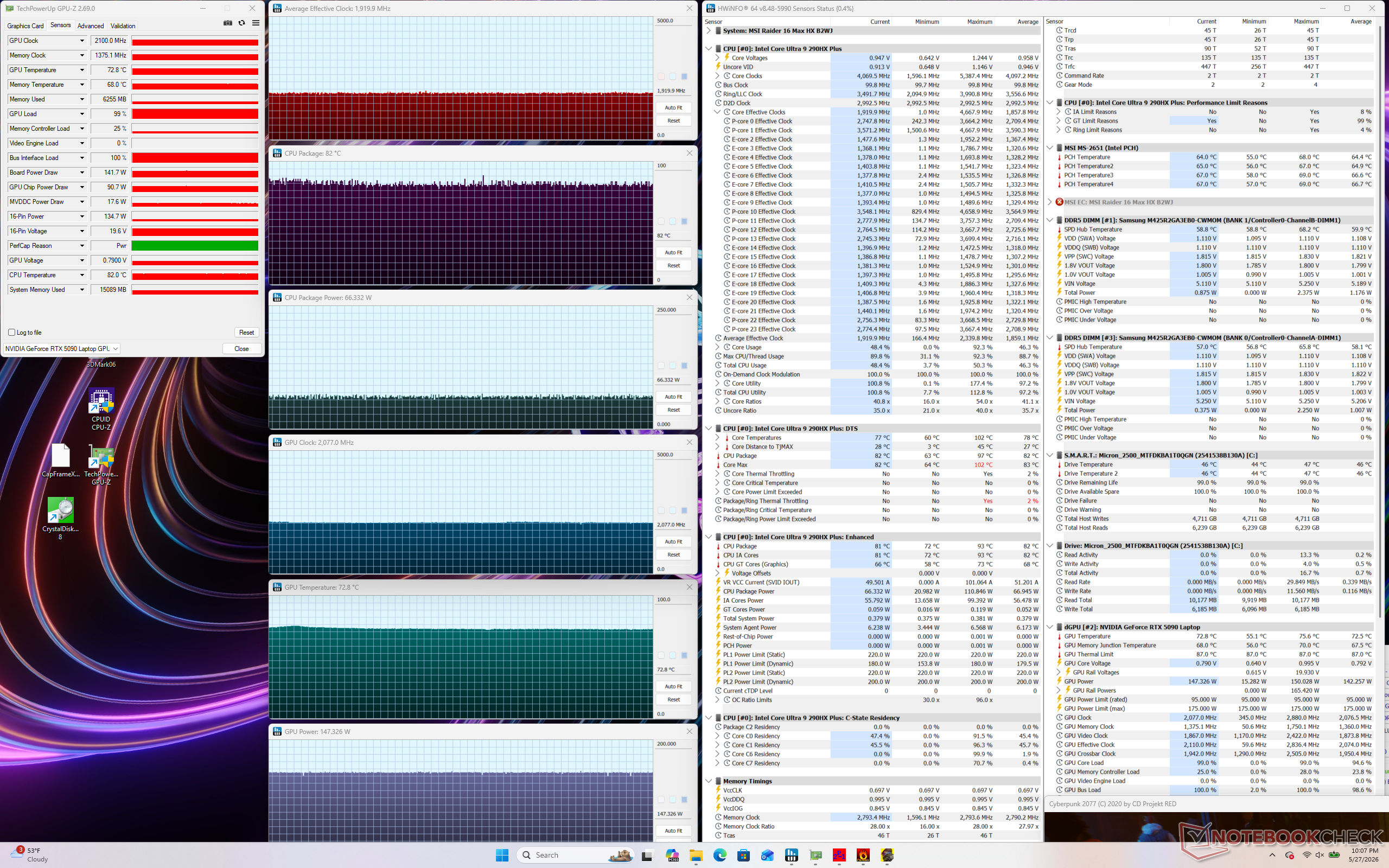
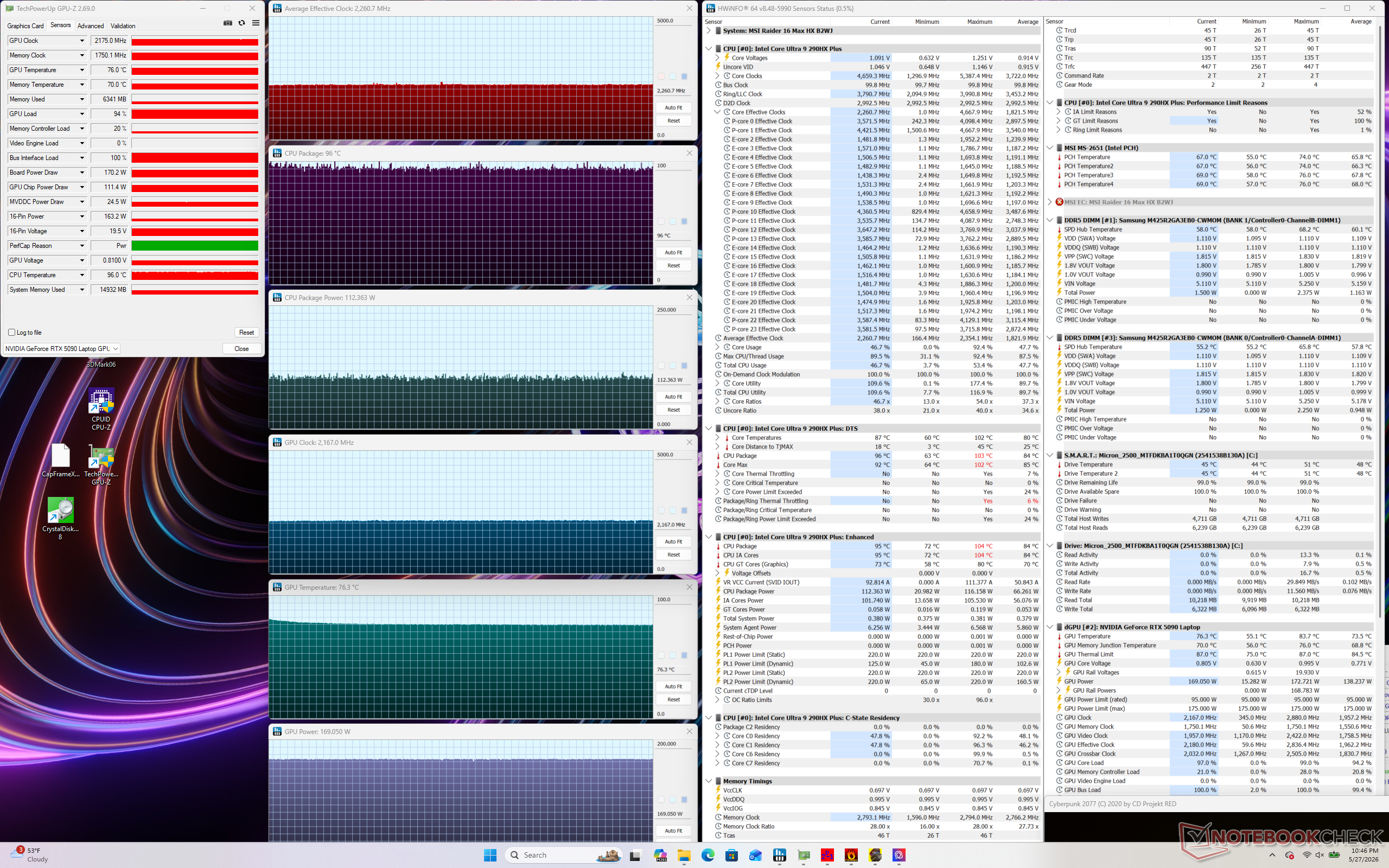
Previously, MSI Center would traditionally offer Eco Silent, Balanced, Extreme Performance, and Cooler Boost power profile modes. Now, a new one has joined the list called Apex. When compared to Extreme Performance mode, Apex mode raises the GPU TGP ceiling from 147 W to 169 W for an approximate 7 percent boost in graphics performance as shown by our Time Spy table and screenshots below. The problem, however, is that both the new mode and its effects are easy to miss and poorly communicated to the user. It's not obvious that Apex mode is a step up from Extreme Performance mode while the small button to toggle it is so easily overlooked in the settings menu. The layperson or average gamer who may not be familiar with the MSI ecosystem would arguably have almost no way of knowing about the performance implications of "Apex" mode.
We recommend enabling Apex mode when gaming to get more out of your system and if you don't mind the louder fan noise when compared to Extreme Performance mode. More performance comparisons and measurements can be found on our review of the Raider 16 Max HX.
| MSI Power Profile | Physics Score | Graphics Score | Combined Score | Average TGP (W) |
|---|---|---|---|---|
| Extreme Performance | 16870 | 23905 | 22497 | 147 |
| Apex | 16938 | 25594 (+7%) | 23771 (+6%) | 169 |
 Add as a preferred source on Google


