




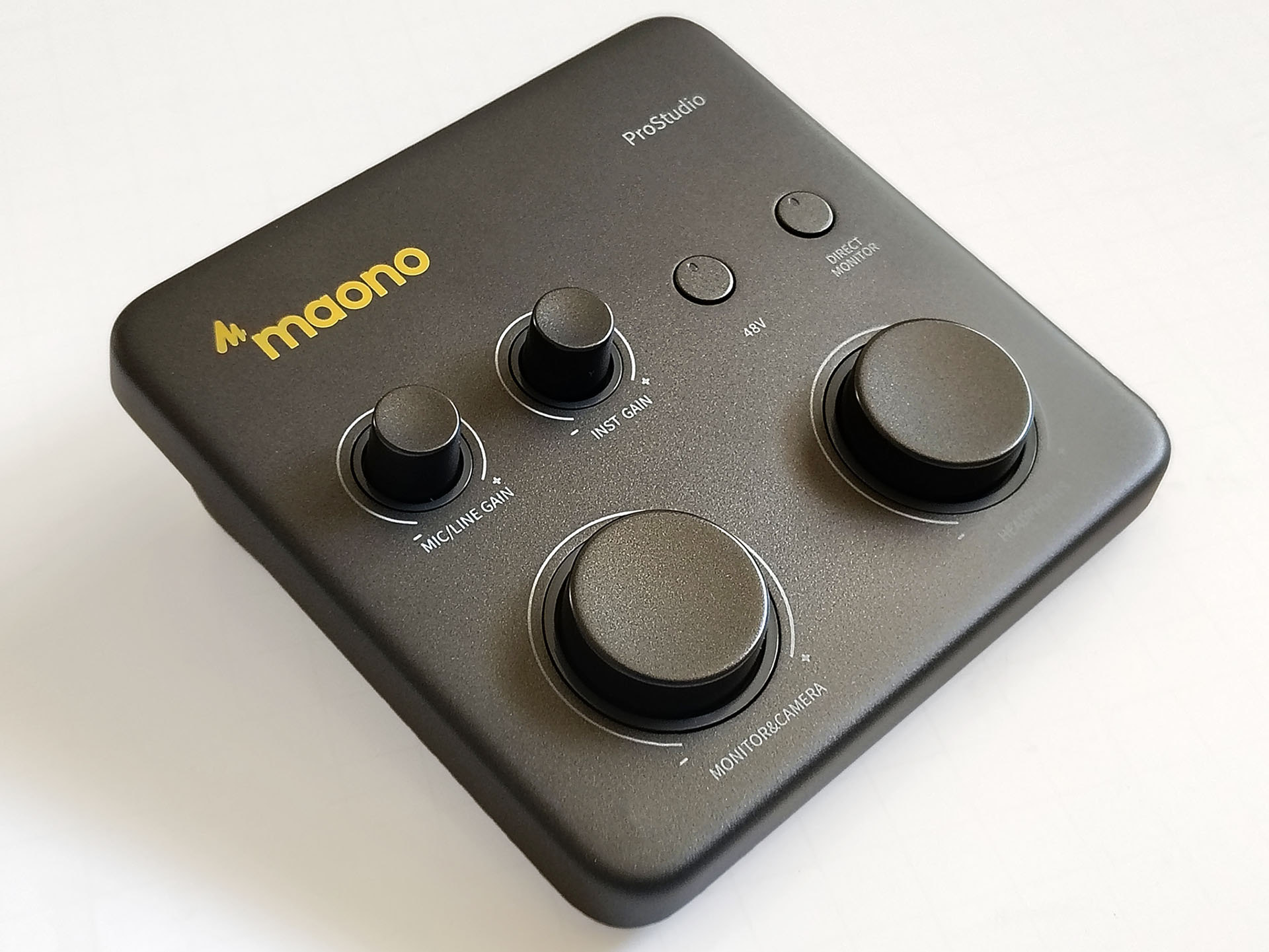
Maono P1 hands-on: A compact mobile audio interface for gamers, podcasters, and musicians
Mobile mixing.
The Maono P1 audio interface offers creators and gamers a capable audio interface that can be used to make broadcasts from laptops and phones. The mixer provides high mic gain, a low noise floor, and high-resolution music output.David Chien Published 🇳🇱 🇫🇷 ...
Verdict – A quality portable mixer
The Maono P1 debuted alongside the P2 and gives musicians, gamers, and podcasters an easy‑to‑use audio interface for phones and computers. It mixes XLR, instrument, and virtual audio sources for streaming or recording, though its single XLR input can be limiting for performances with multiple singers.
Still, the P1’s high mic gain boosts quieter microphones, and its low noise floor reduces the need for noise filtering in post‑production. The desktop app includes sound effects and VST plugin support, making the P1 a good choice for entry‑level creators.
Pros
Cons

The Maono P1 is for livestreamers, musicians, and gamers who are looking for an easy-to-use audio interface for live broadcasts and recordings.
Specifications
| Inputs | 1 1/4” Mic/XLR combo jack with phantom power |
| 1 1/4” Hi-Z TS input for instruments | |
| Outputs | 1 USB-C port for PCs and power |
| 1 USB-C OTG port for phones | |
| 1 1/8” headphone jack | |
| 1 1/8” audio-out jack for cameras | |
| 2 1/4" speaker-out jacks | |
| Microphone preamp | Up to +70 dB with auto-gain |
| Power requirement | USB-C (5 V, 1A) |
| Compatibility | Windows, macOS, Android |
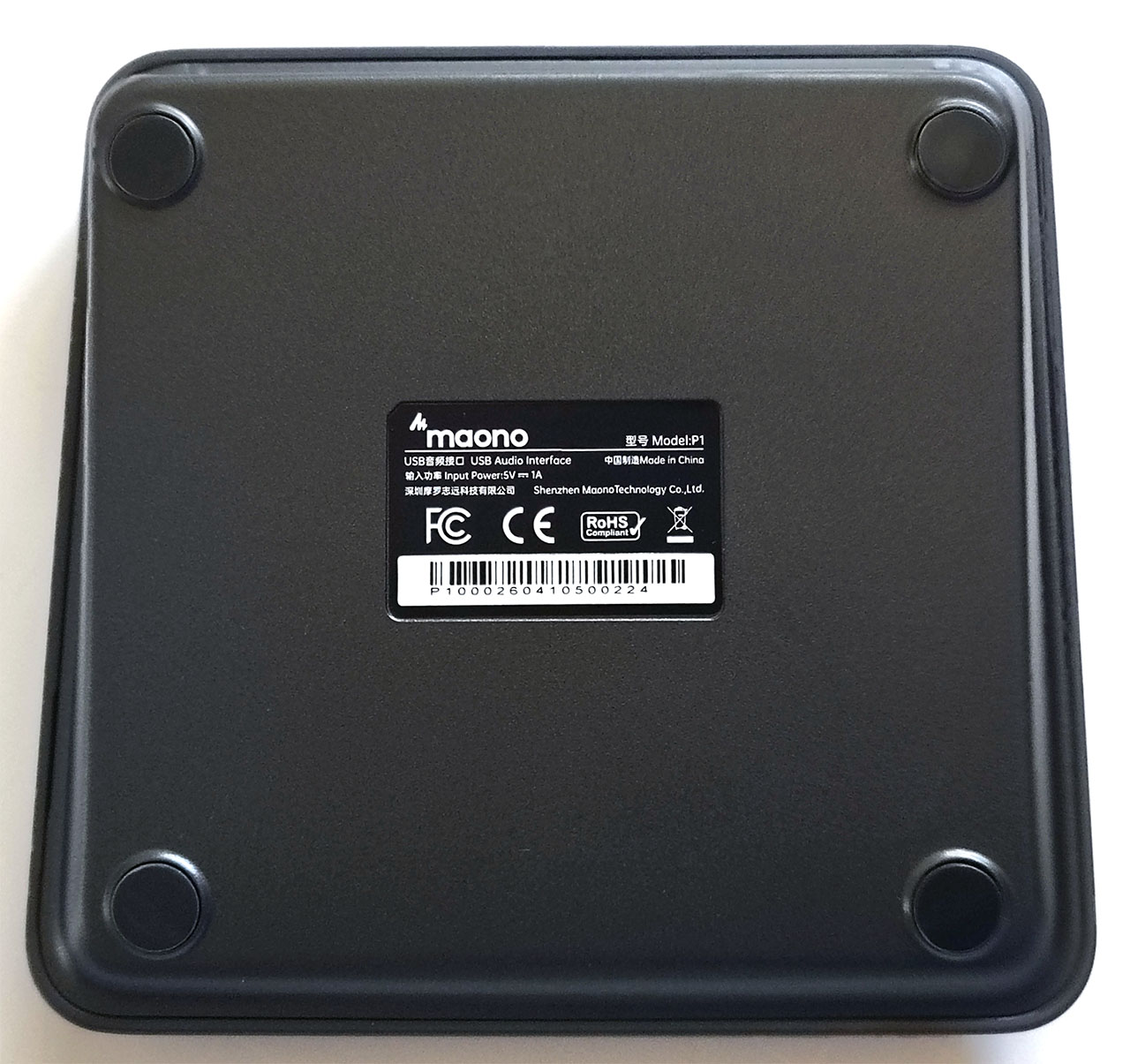
| Dimensions | 13.0 x 12.7 x 4.4 cm |
| 5.1 x 5 x 1.7 in. | |
| Weight | 490 g (1.08 lbs.) |
Packaging
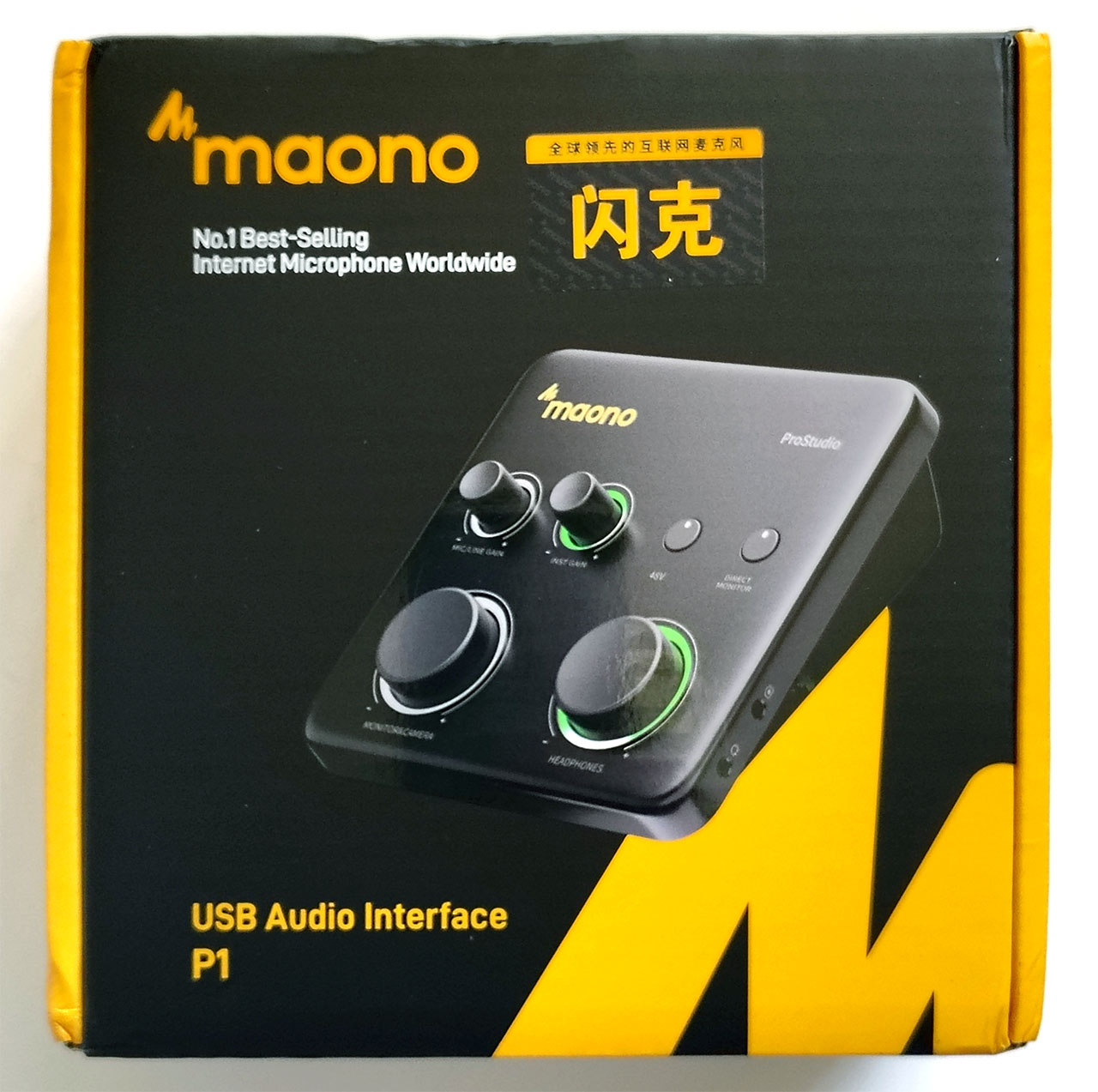
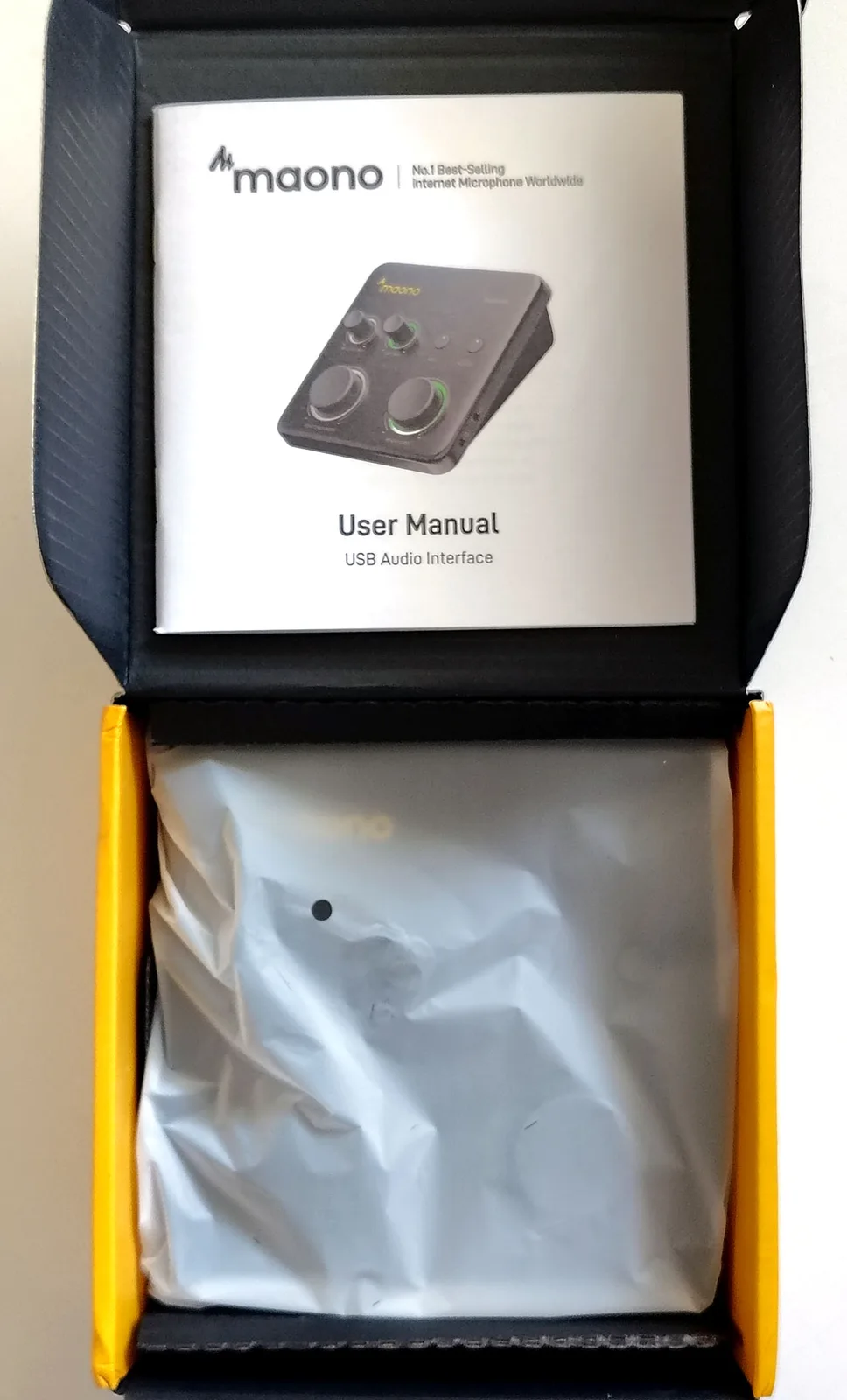
The audio mixer was packaged with a manual and a 1.78 m (5 ft. 10 in.) USB-A+C to USB-C cable.
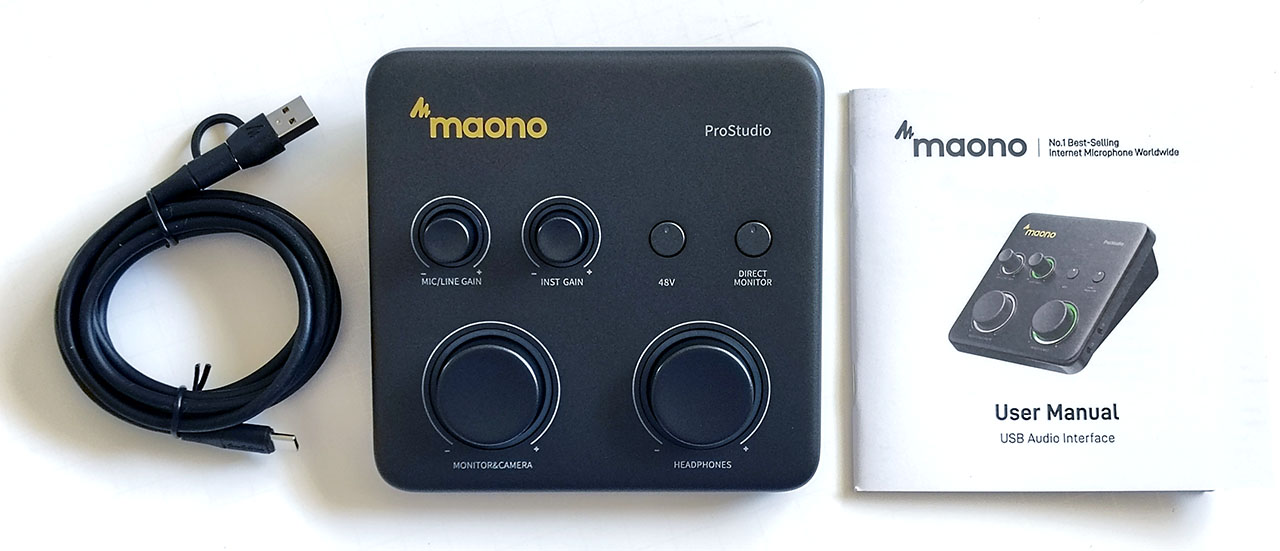
Design
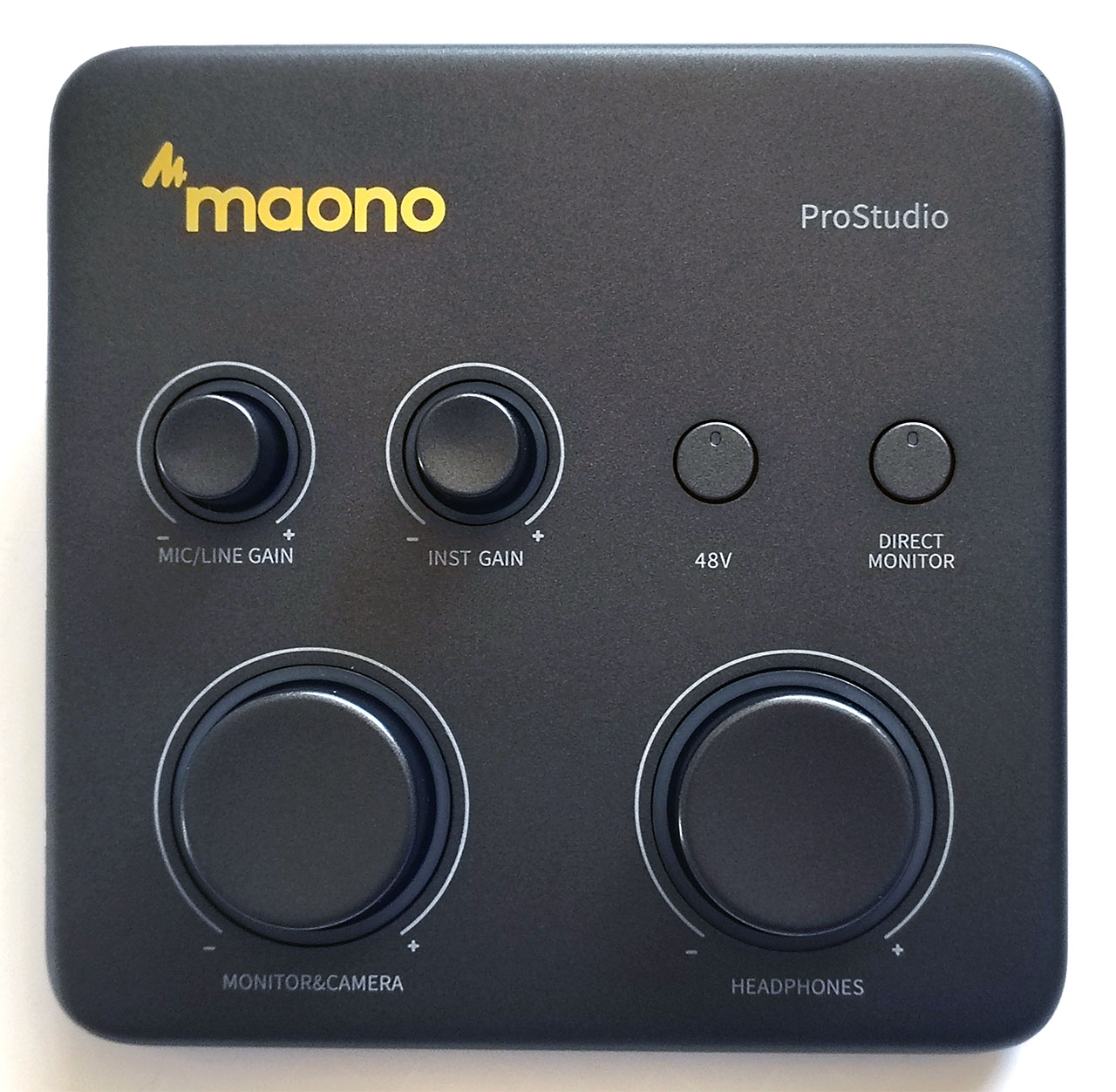
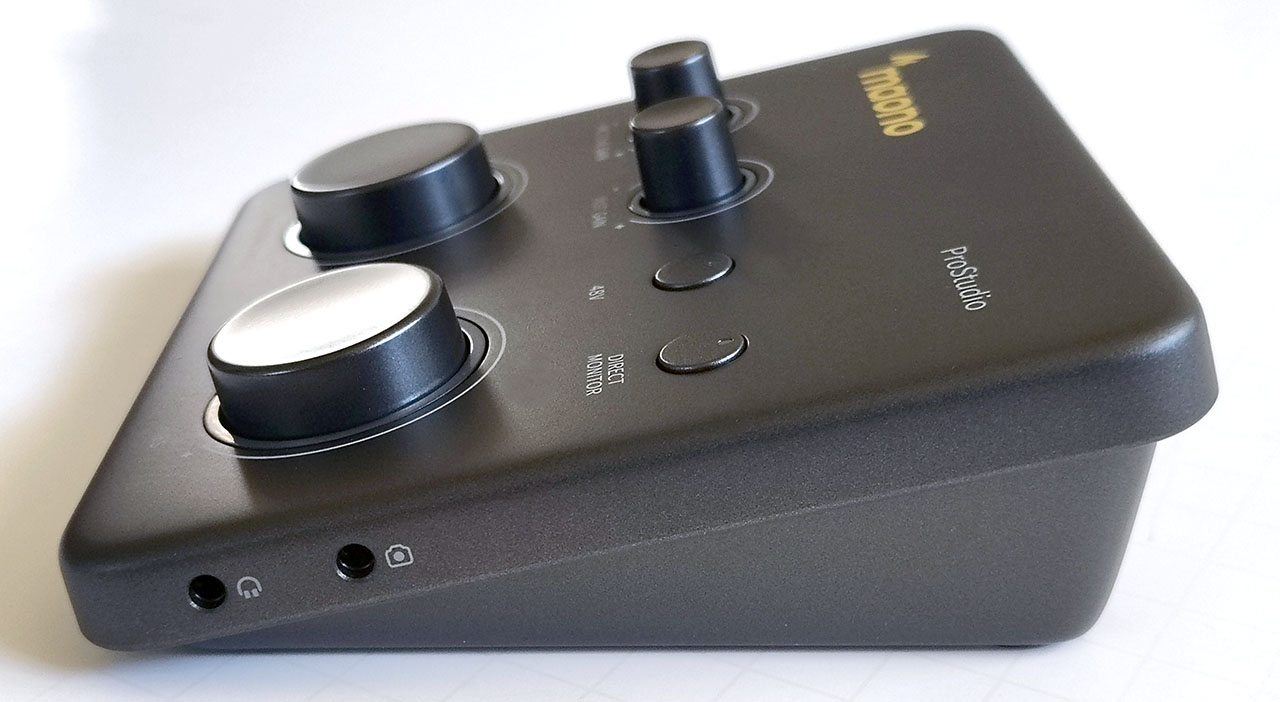
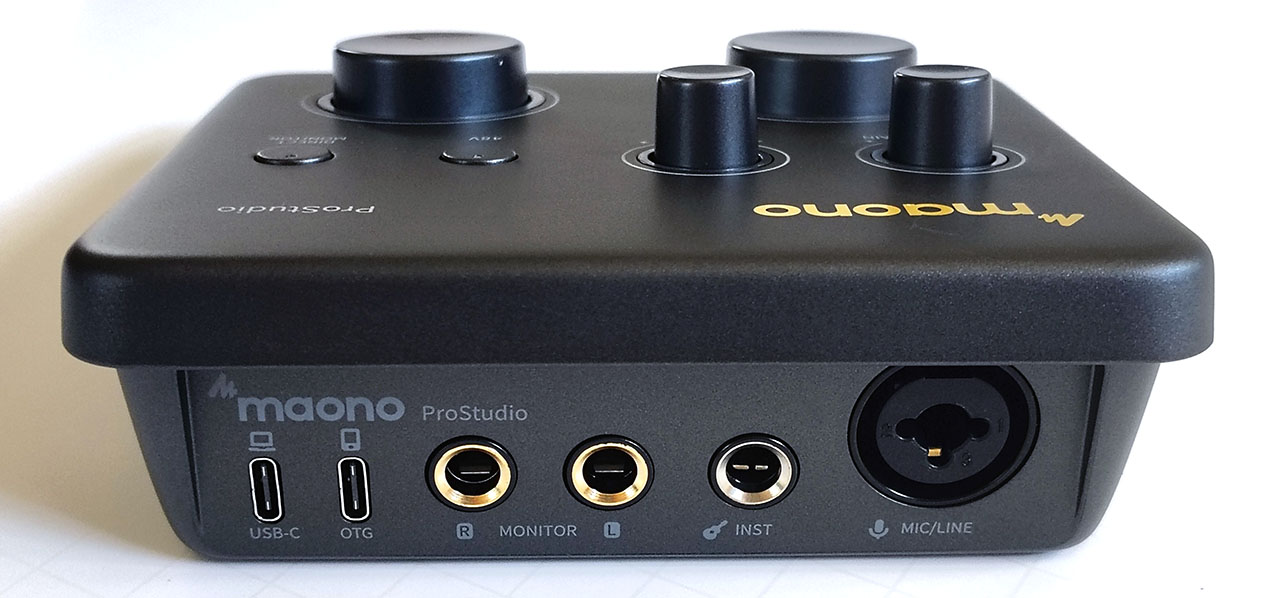
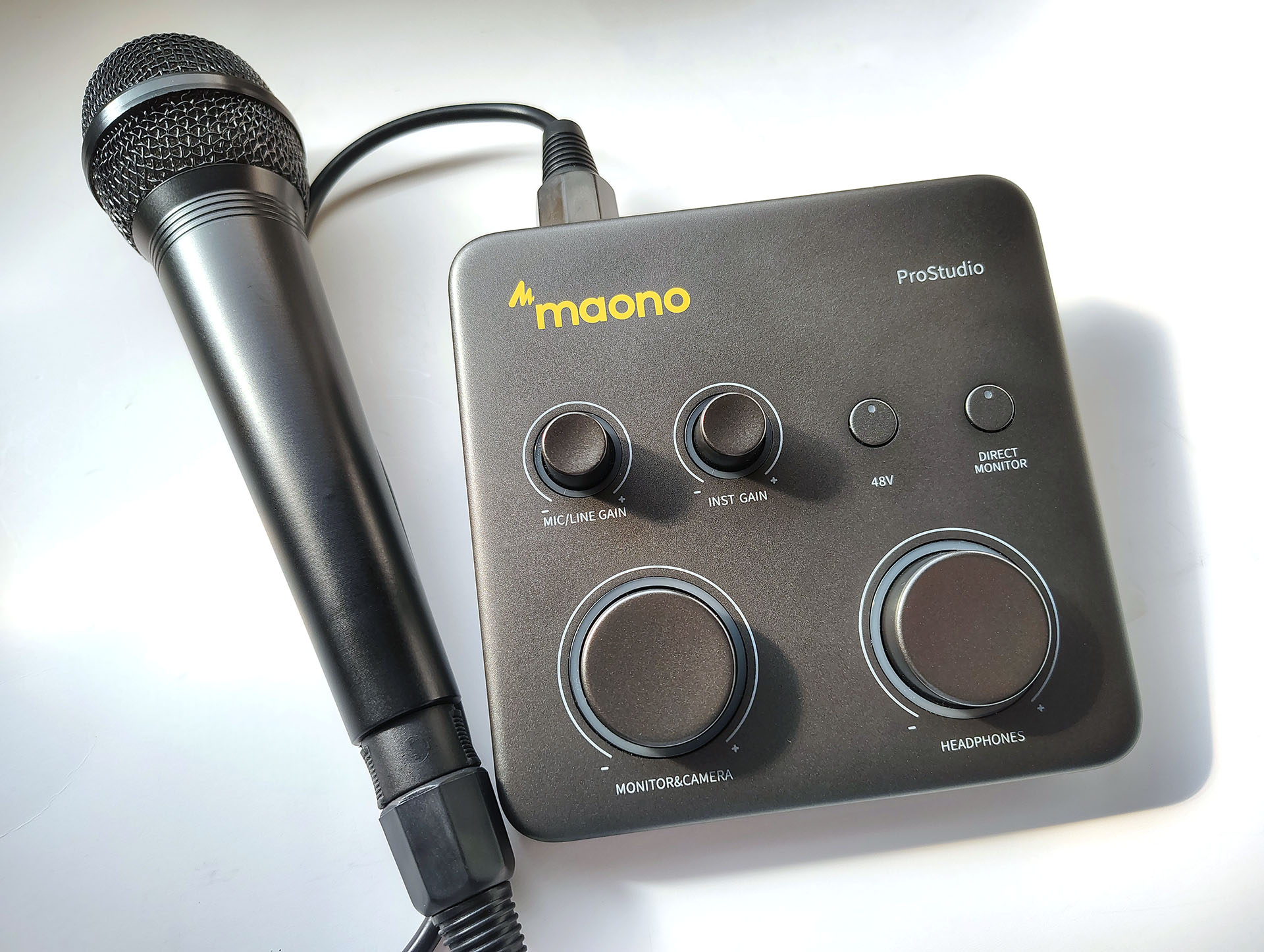
The Maono P1 design is highlighted by two large knobs, two small knobs, and two buttons surrounded by a solid metal cover. The dials and buttons produce an audible click when pressed, and the dials turn with audible click stops. The dials do not have physical stops at 0% or 100% and can be turned in either direction continuously.
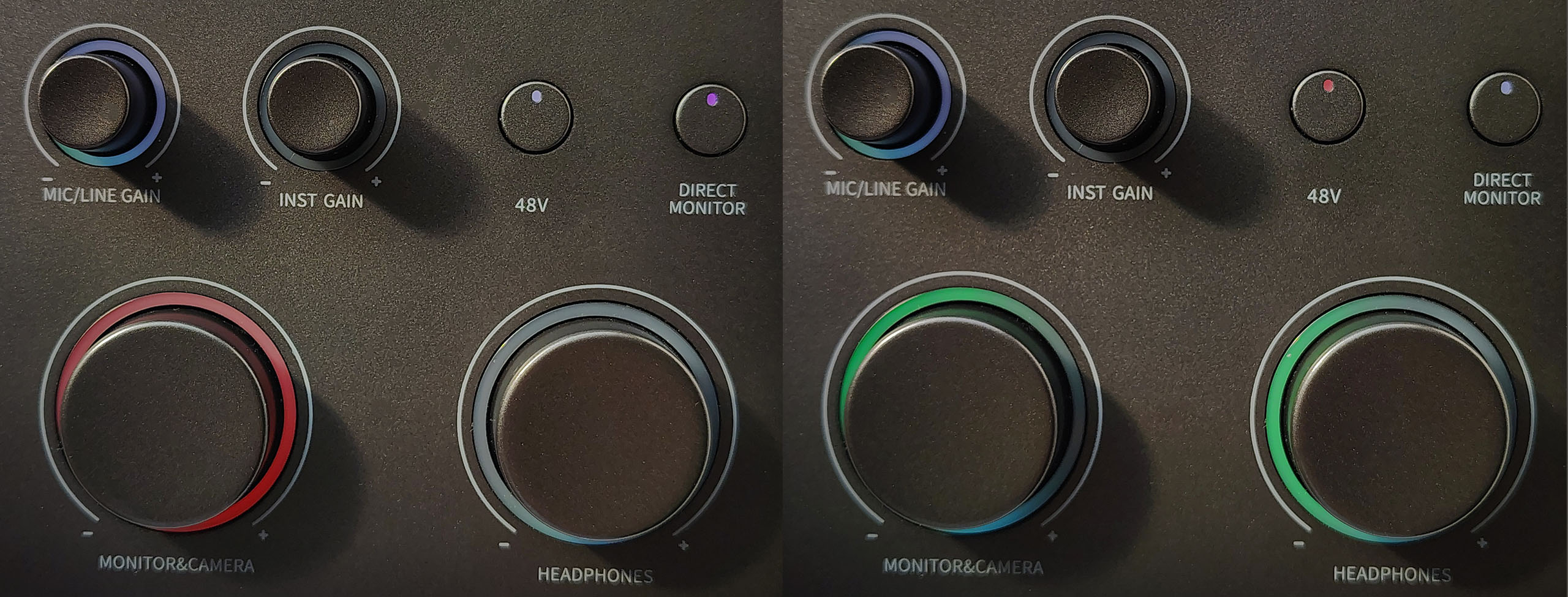
The buttons have status lights to indicate their current state. The dials are surrounded by ring lights that increase in brightness as they are turned up, and when not being operated, they indicate the current volume level. The status and ring light colors can be hard to distinguish in bright lighting because they use soft shades. The dials cannot be adjusted from 0% to 100% volume with just one turn; instead, they require two to three turns.
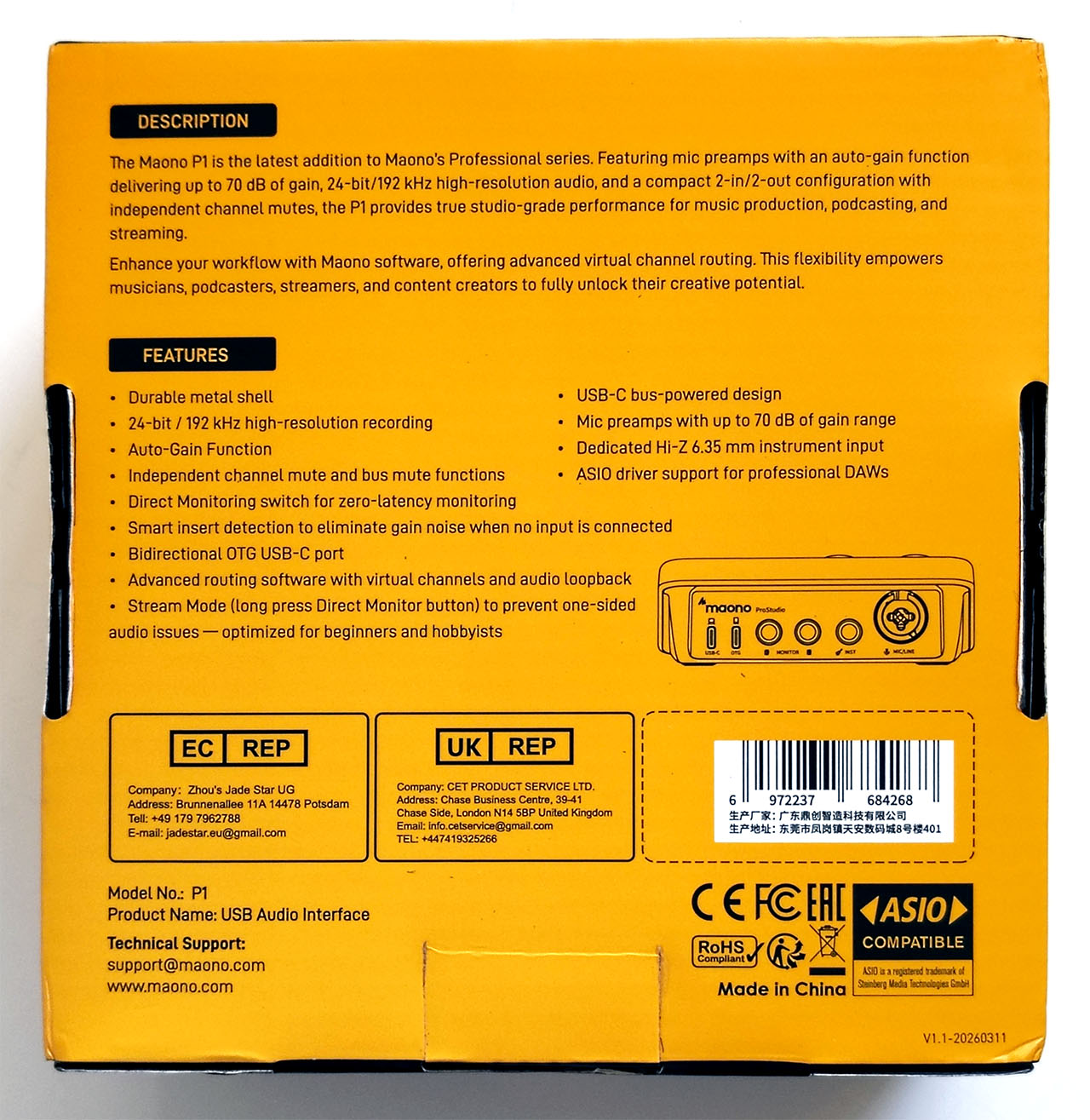
The right side has 3.5 mm outputs for headphones and camera audio. Both produced no audible hiss when the volume was turned up with no inputs connected. The rear has two audio inputs, a stereo speaker output, and two USB-C connectors.
Setup
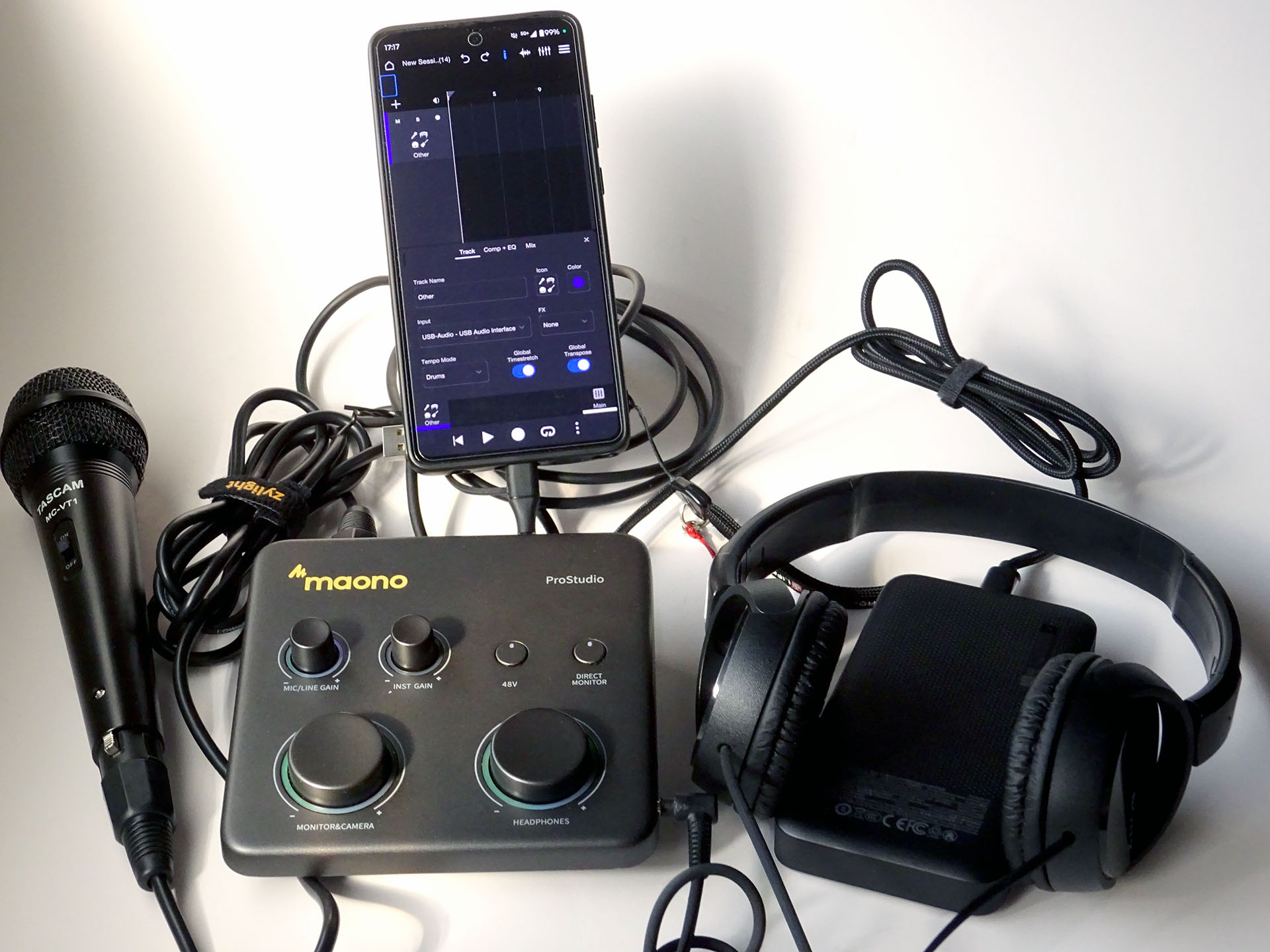
For this review, a Sony ZX-110 headphone, a Tascam MC-VT1 microphone, and a Surface Pro 6 were used with the Maono. This inexpensive setup fits easily into a backpack for recording or streaming podcasts and musical performances on the go. A USB-C power bank like the Cuktech 15 Air can be used to power the Maono P1 when it is used with a smartphone.
In use
The Maono P1 instantly appeared as a sound device when plugged into a computer or phone. Popular audio software such as Adobe Audition or OBS for the PC could immediately record or broadcast audio from the interface.
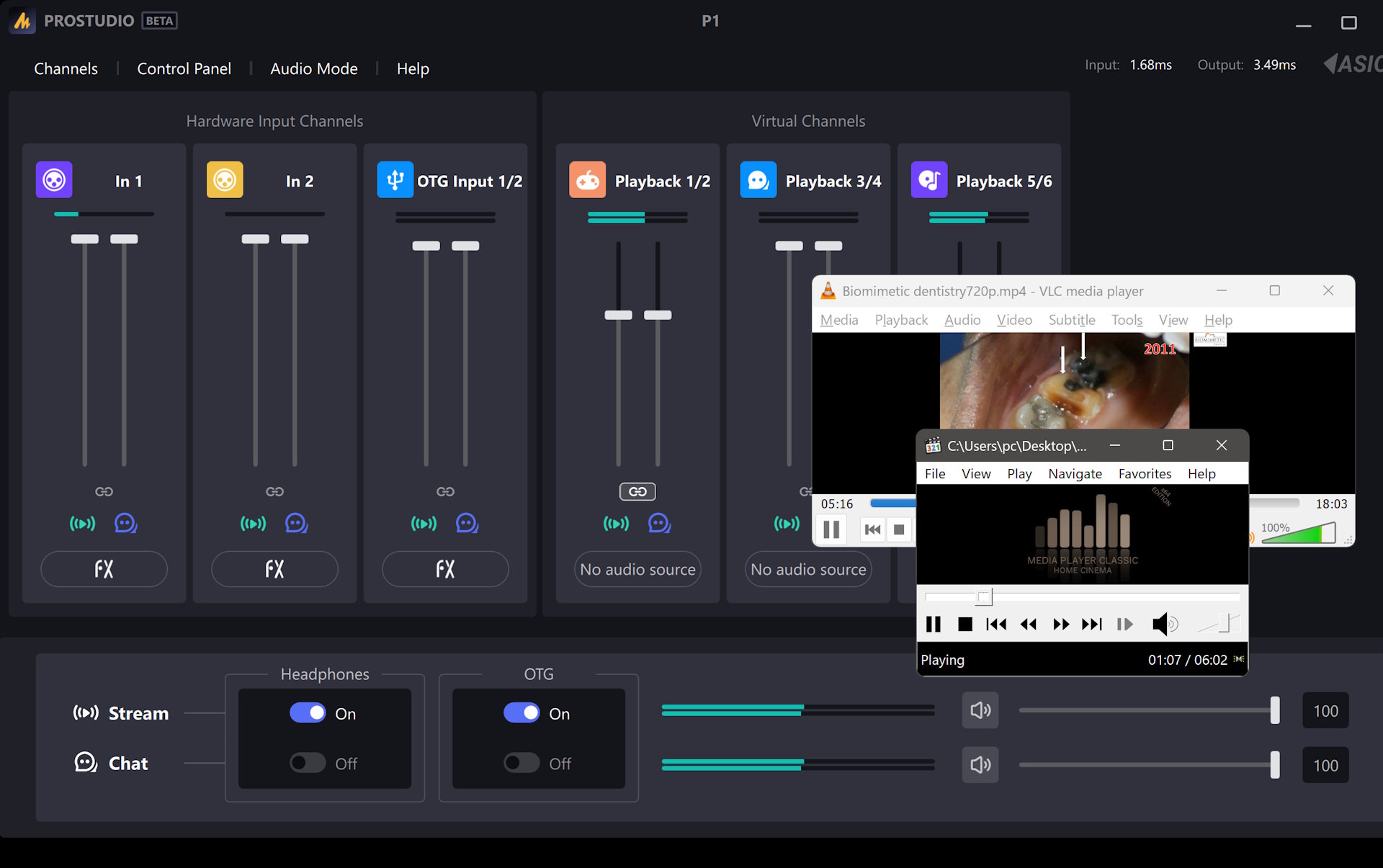
Its ProStudio 2 computer app can route sound from different applications and sources to the outputs, process input channels using VST plugins, or generate a handful of sound effects for live broadcasts, such as applause and cheering. No equivalent smartphone app is available.
Although the P1 can output sound up to 24-bit, 192 kHz with computers, it was limited to 48 kHz with the Android phone tested.
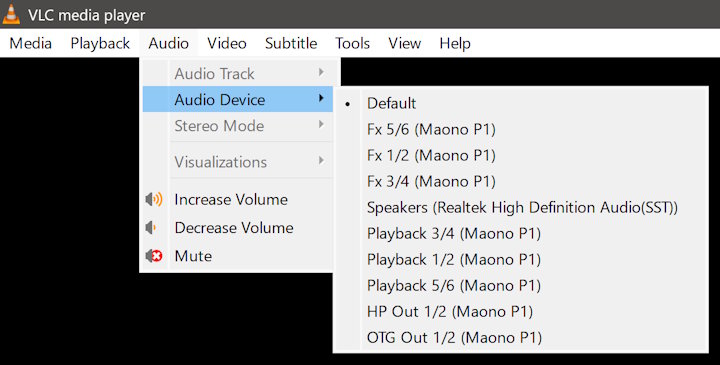
A single USB‑C cable provides both power and data when a computer is connected to the P1’s PC USB‑C port. This process is more complicated on Android phones due to variations in power output, OTG support, and other factors.
The manual instructs phone users to connect a power supply to the PC USB‑C port and the phone to the OTG port. However, phones that supply enough power can also be connected directly to the PC USB‑C port without an external power source. In testing, the Moto G Stylus 2024 worked only with this latter method, as the former did not work.
Noise floor
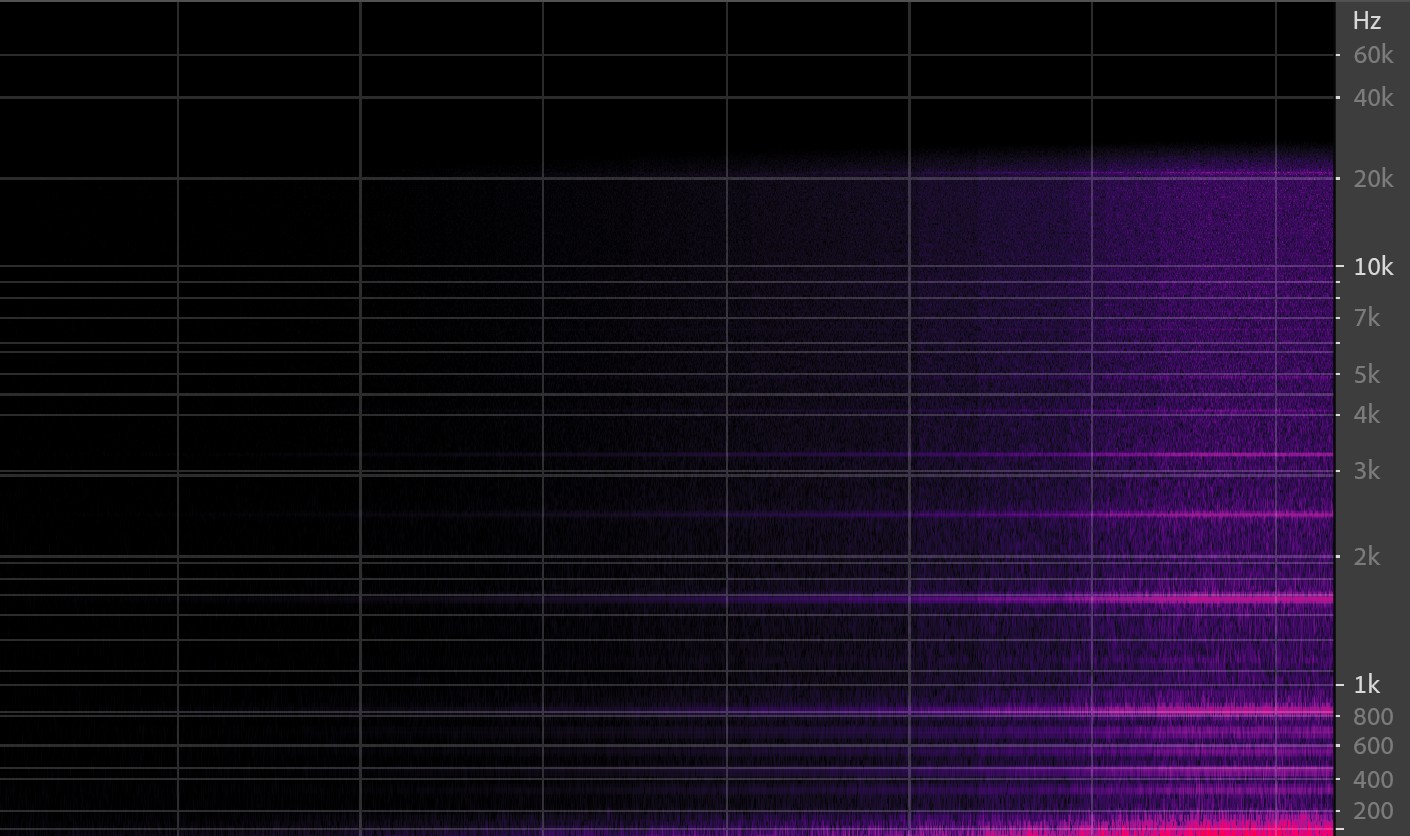
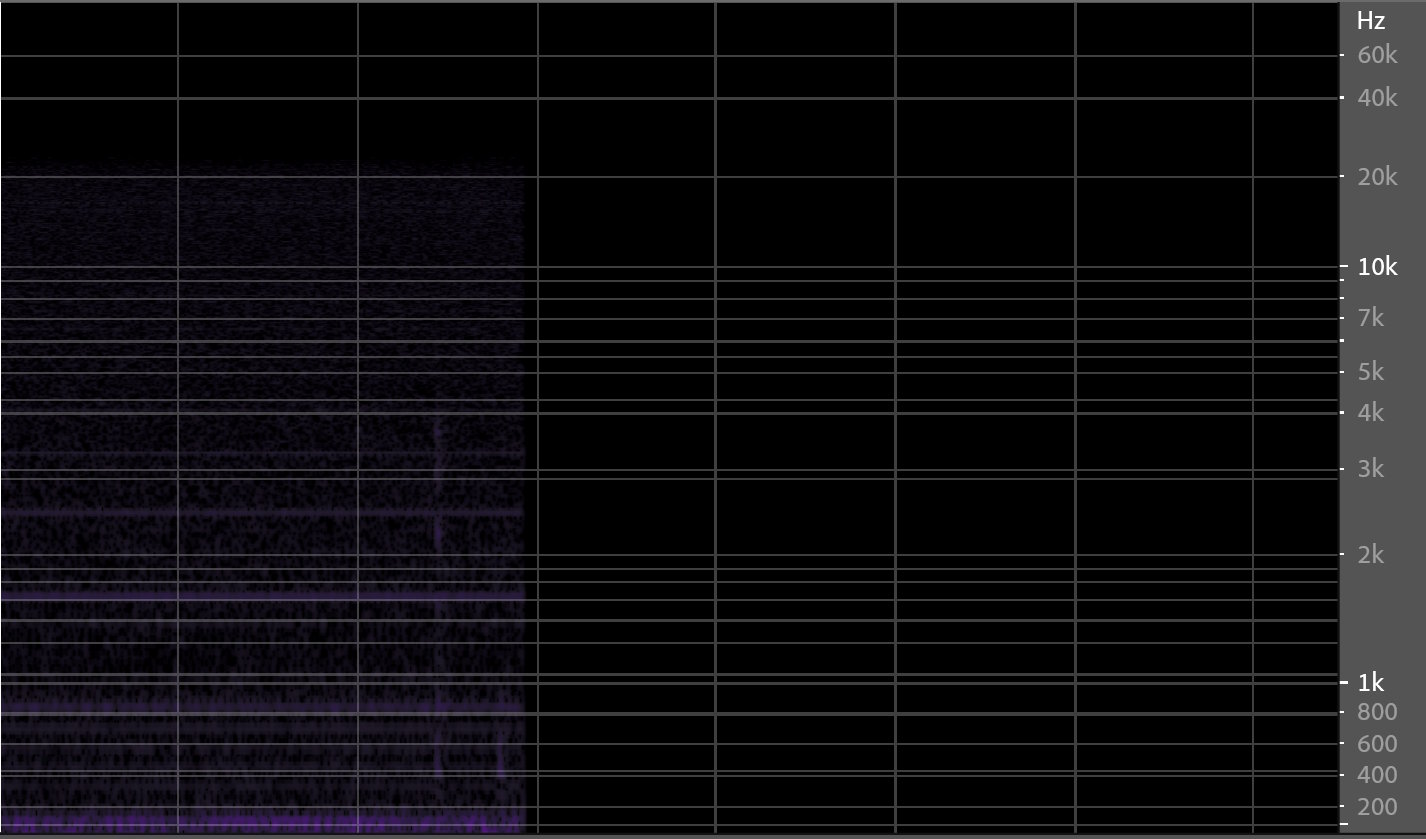
When the XLR/mic volume was adjusted from 0% to 100% in a quiet room, the noise floor rose from -92~ dB to -42~ dB. When the mic was muted using its switch, not the P1's mute button, mild hiss could be heard when the XLR volume was above 75%. When muted on the P1 itself, no noise was detectable.
The Hi-Z instrument input was similar, and in general, the hiss was not an issue when recording performances.
ASIO delay
The ASIO delay varied with sampling rate and buffer size.
Buffer size – Input / Output (ms) at 192 kHz:
4096 – 22.83 / 26.5 ms
2048 – 12.17 / 14.5
1024 – 6.83 / 8.5
512 – 4.17 / 5.5
256 – 2.83 / 3.5
128 – 2.17 / 3.5
64 – 1.83 / 3.5
32 – 1.67 / 3.5
At 44.1 kHz:
8 – 1.68 / 1.5
Audio samples
Samples were captured at 24-bit, 192 kHz in ASIO mode using Adobe Audition with a Tascam microphone connected to the XLR input and a guitar connected to the Hi-Z instrument input. Peaks were set between -6 dB and -9 dB with the mic positioned an inch away. Long pressing the XLR/Mic gain dial initiates auto-gain. Two guitar recordings were allowed to exceed 0 dB to test how the Maono handles signal overloading.
XLR Microphone input samples
Manual gain
Auto gain
Overloaded gain (caution - loud)
1/4" Hi-Z input samples
Guitar samples were provided by Lake Covey (@lockeay.acc), an up-and-coming guitarist in Southern California.
Regular tempo
Fast tempo
Slow tempo
Overloaded guitar sample
Conclusion
The Maono P1 is a strong budget audio interface for podcasting, mobile music recording, and gaming streams, though its single XLR input can limit advanced use cases.
Transparency
The selection of devices to be reviewed is made by our editorial team. The test sample was given to the author by the manufacturer free of charge for the purposes of review. There was no third-party influence on this review, nor did the manufacturer receive a copy of this review before publication. There was no obligation to publish this review. As an independent media company, Notebookcheck is not subjected to the authority of manufacturers, retailers or publishers.
 Add as a preferred source on Google


