




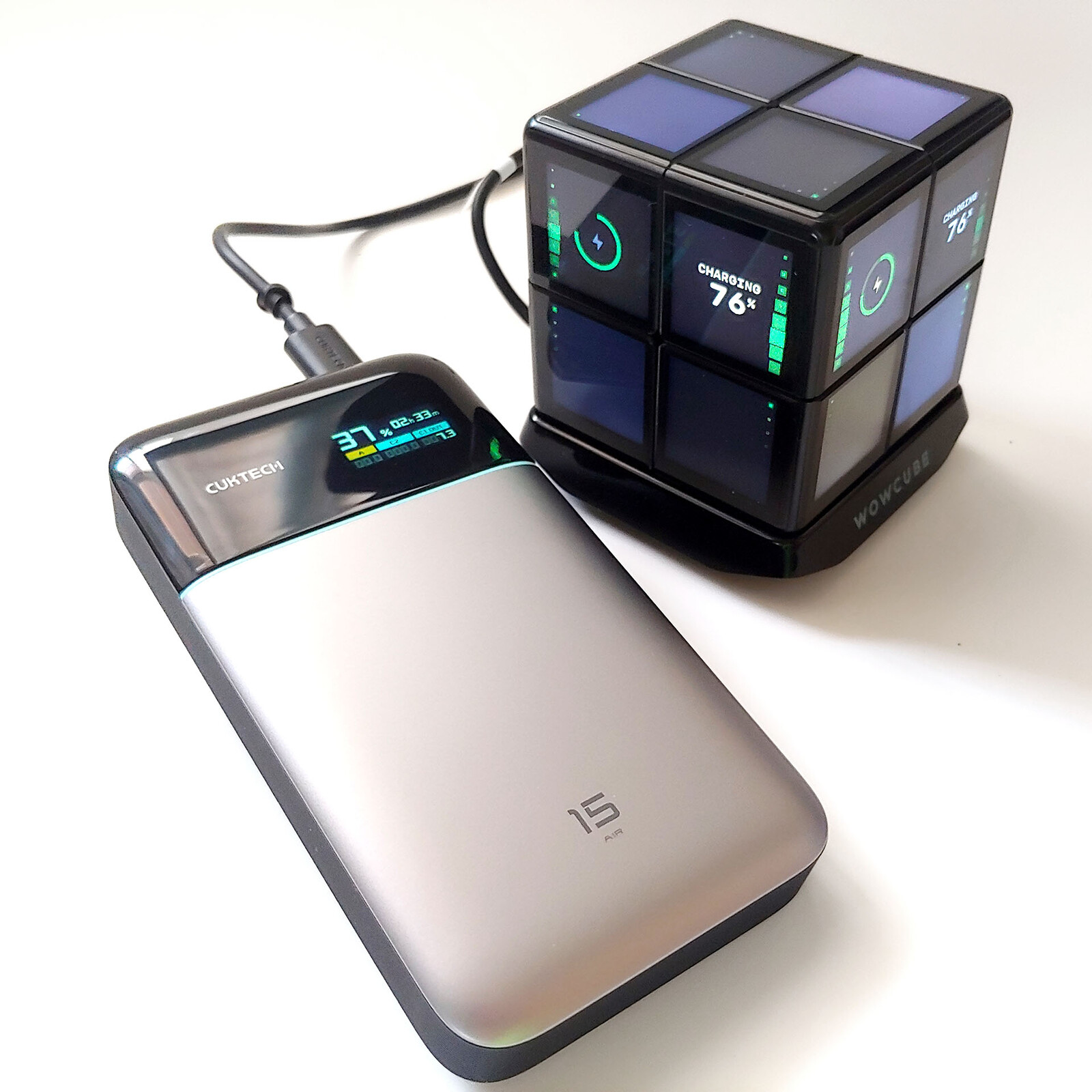
Cuktech 15 Air power bank hands-on review: Handy 15,000 mAh charger with a useful status display
Handy display.
The Cuktech 15 Air offers fast charging of up to three USB devices simultaneously. Users can monitor each port on its color display, and the runtime estimate lets mobile livestreamers and podcasters plan exactly how long they can keep broadcasting.David Chien Published 🇫🇷 🇪🇸 ...
Verdict – A handy power bank
The Cuktech 15 Air fast‑charges up to three devices with 65W output and supports 100W input for rapid recharging. Its color display shows real‑time battery status, time‑to‑empty, and per‑port power data.
It lacks detailed USB PD/QC info, cannot recharge via USB‑A, and its time estimate becomes unreliable above 95% or below 2%. Nonetheless, the estimated time-to-empty is very useful for podcasters and livestreamers who want to know how much longer they can continue broadcasting from remote locations.
Pros
Cons

The Cuktech 15 Air power bank is for users who need additional runtime on the go and want to see a remaining time estimate when powering live event broadcasts.
Specifications
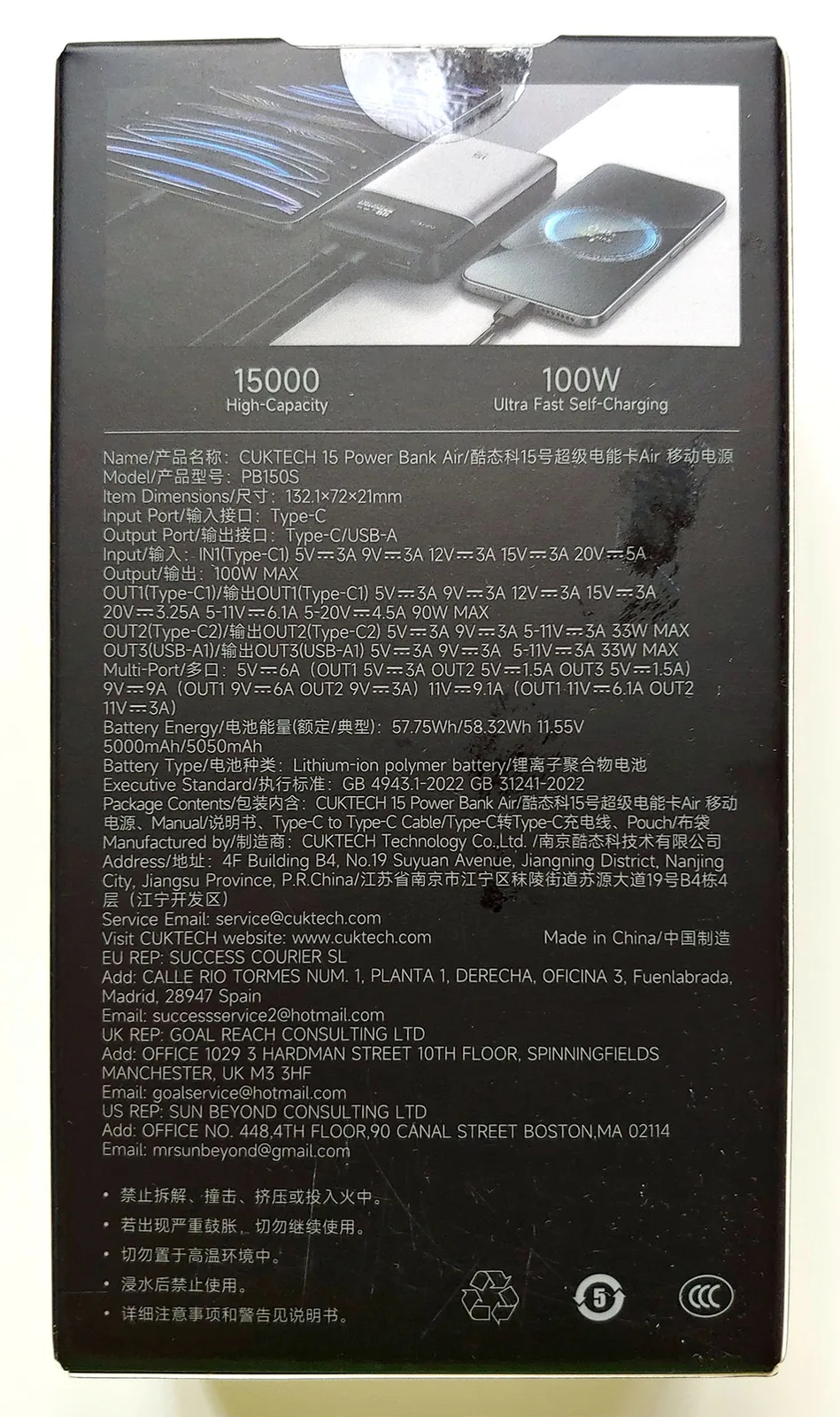
| Charging Output | Up to 65W total |
| USB-C 1: 65W | |
| USB-C 2: 27W | |
| USB-A 1: 18W | |
| Charging Input | Up to 100W (USB-C 1 port only) |
| Battery Type | Silicon-carbon Lithium-ion |
| Capacity | 15,000 mAh (three 3.8V, 5,000 mAh cells) |
| Display | Color LCD showing charge level, estimated time to 0%, and per-port V/A |
| Cable | 35 cm (1.15 ft.) USB-C cable (PD 3.1, 6A) |
| Dimensions | 13.2 x 7.2 x 2.2 cm (5.20 x 2.83 x 0.87 in.) |
| Weight | 310 g (10.9 oz.) |
Packaging
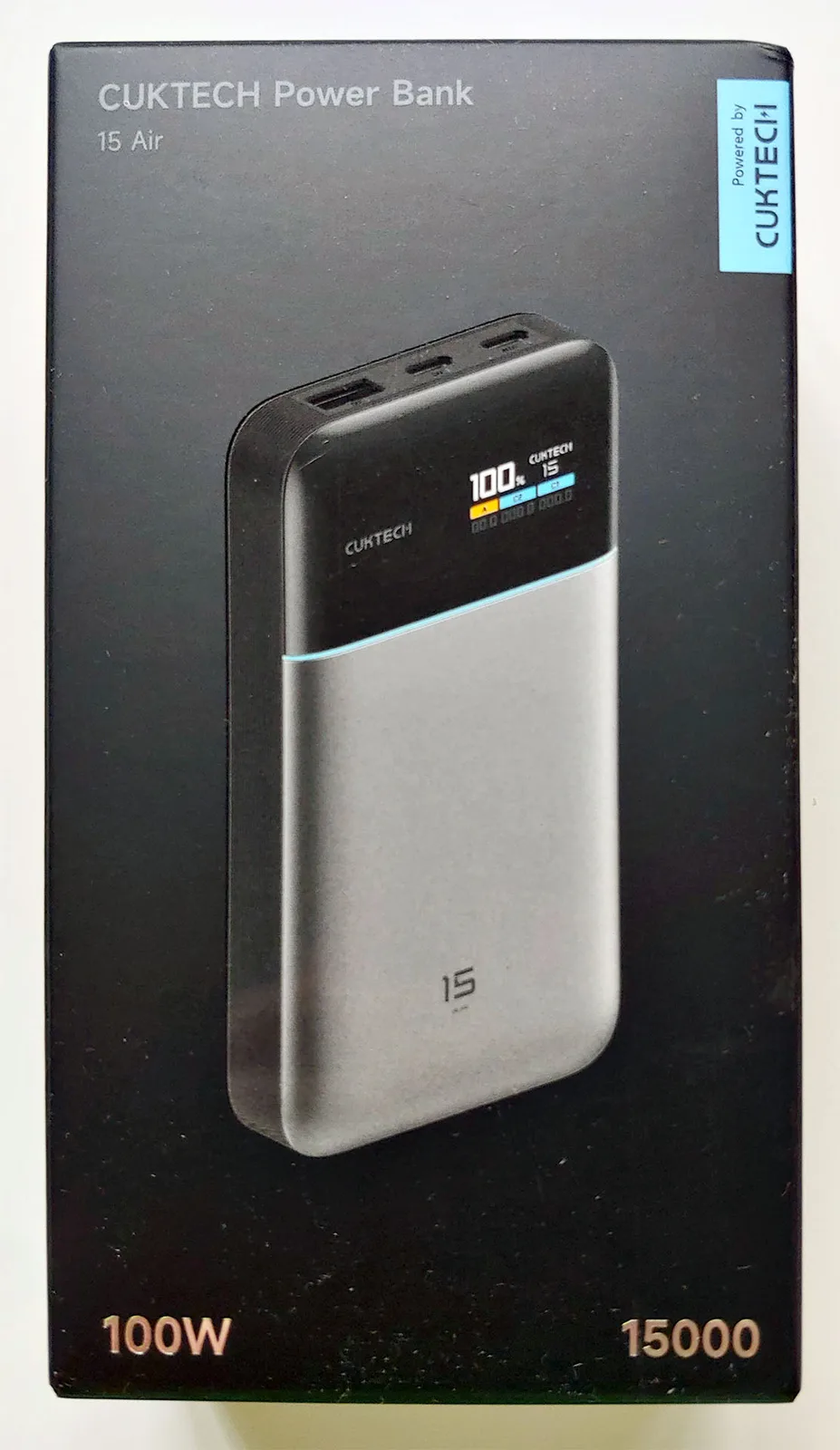
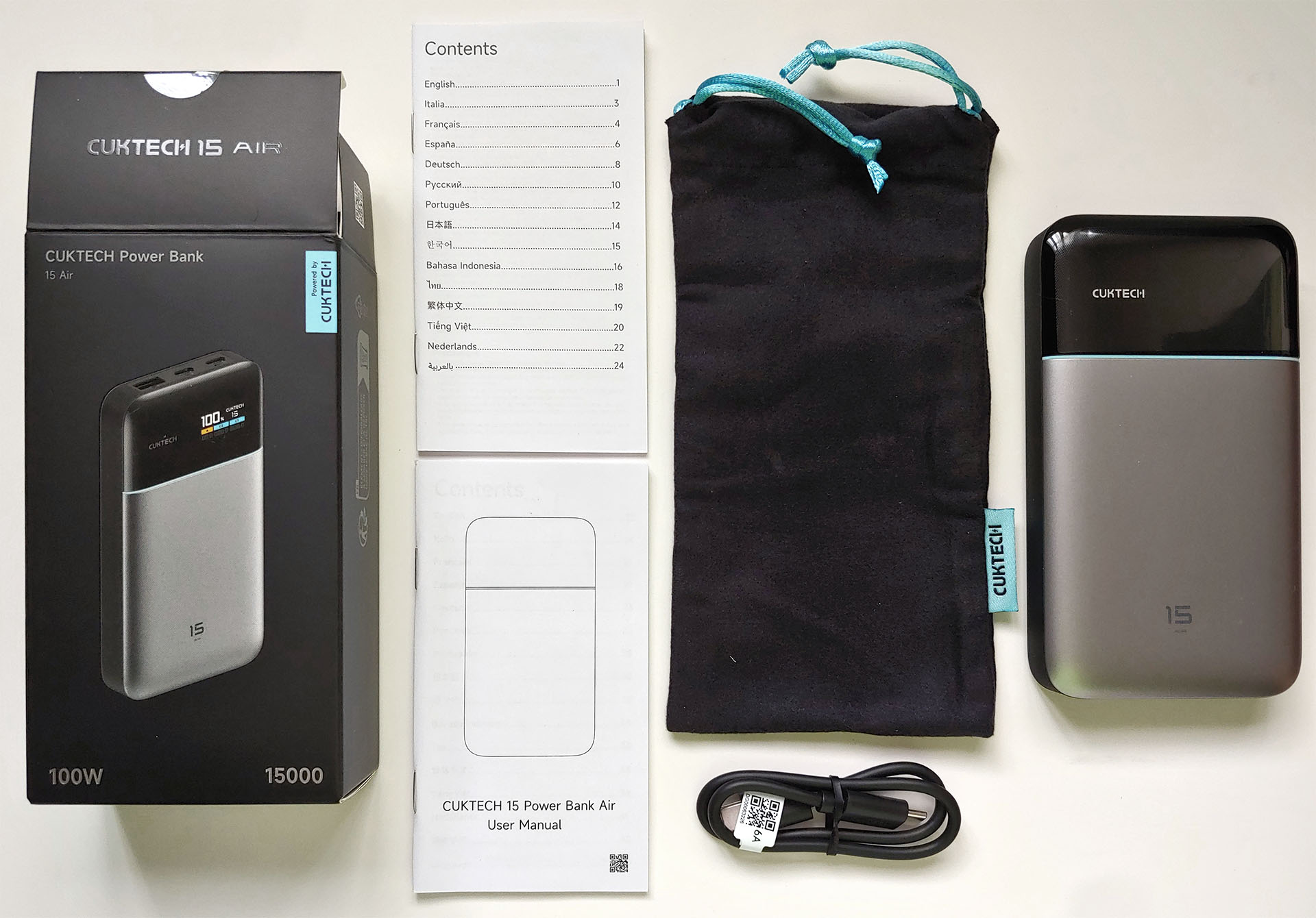
The portable charger comes with a PD 3.1 6A USB-C cable, a soft pouch, a quick start guide, and a regulatory leaflet.
Design
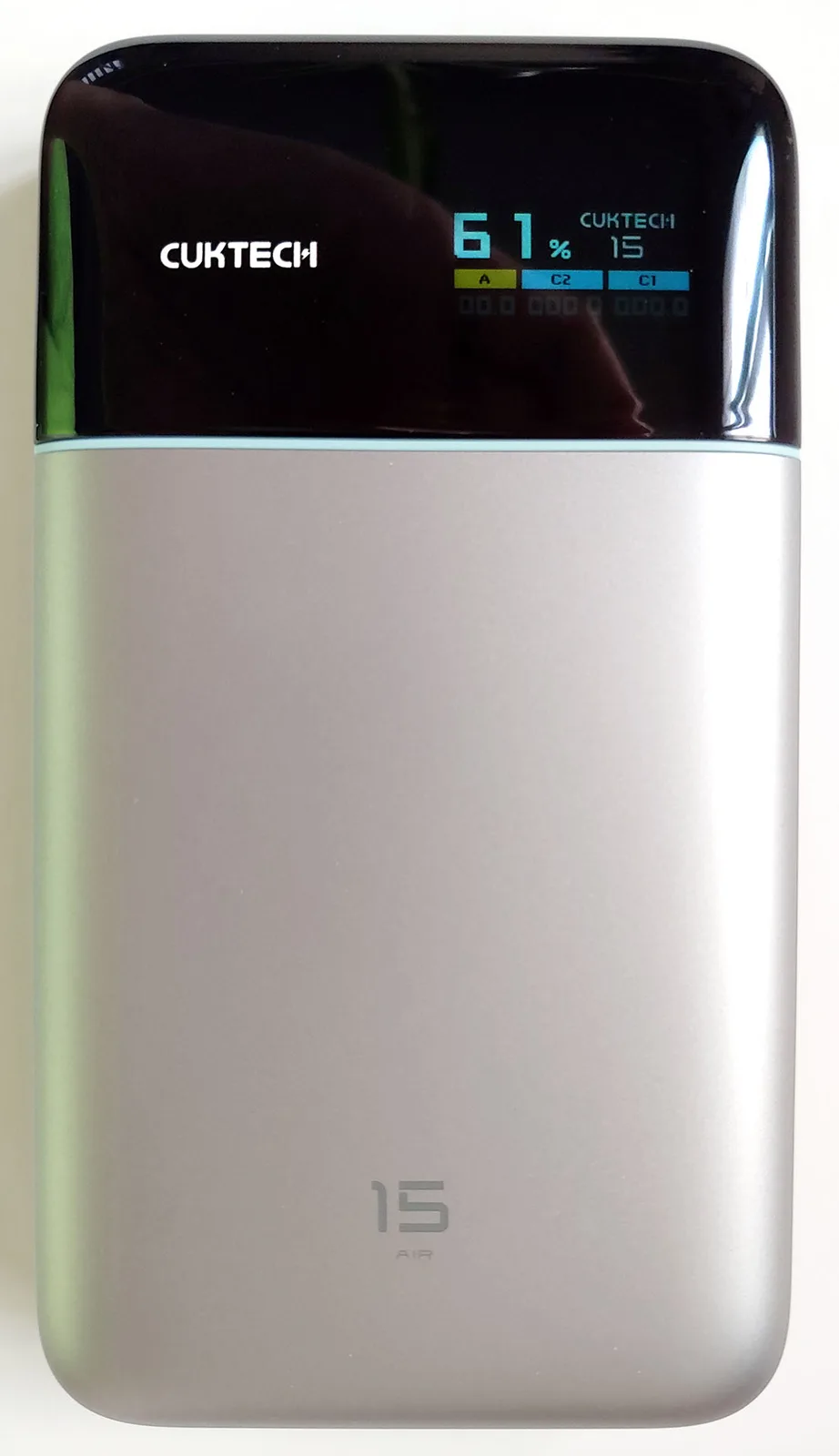
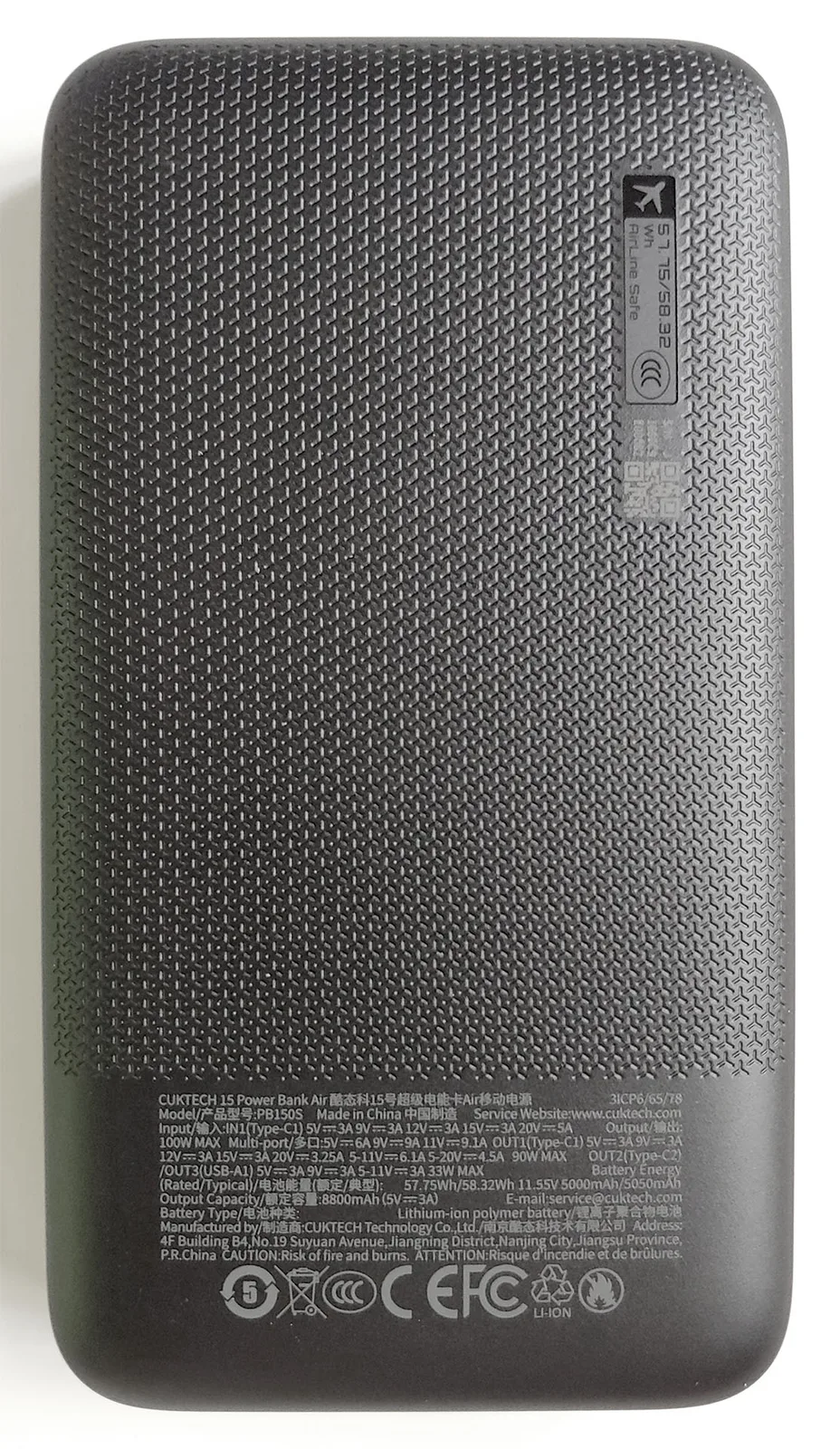
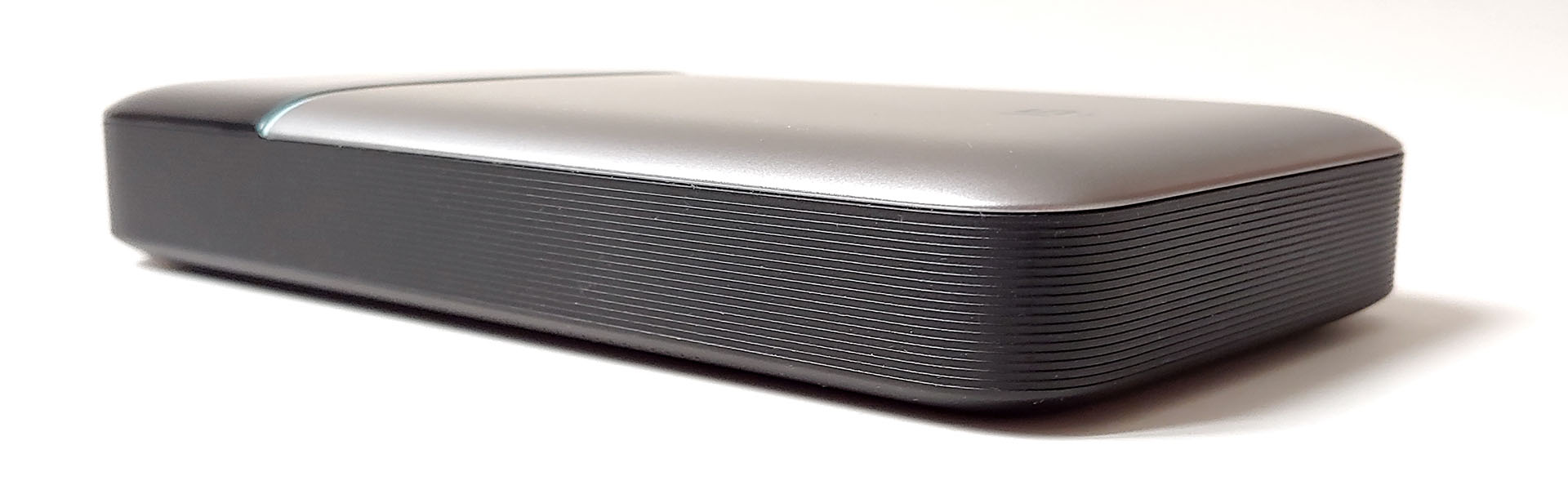
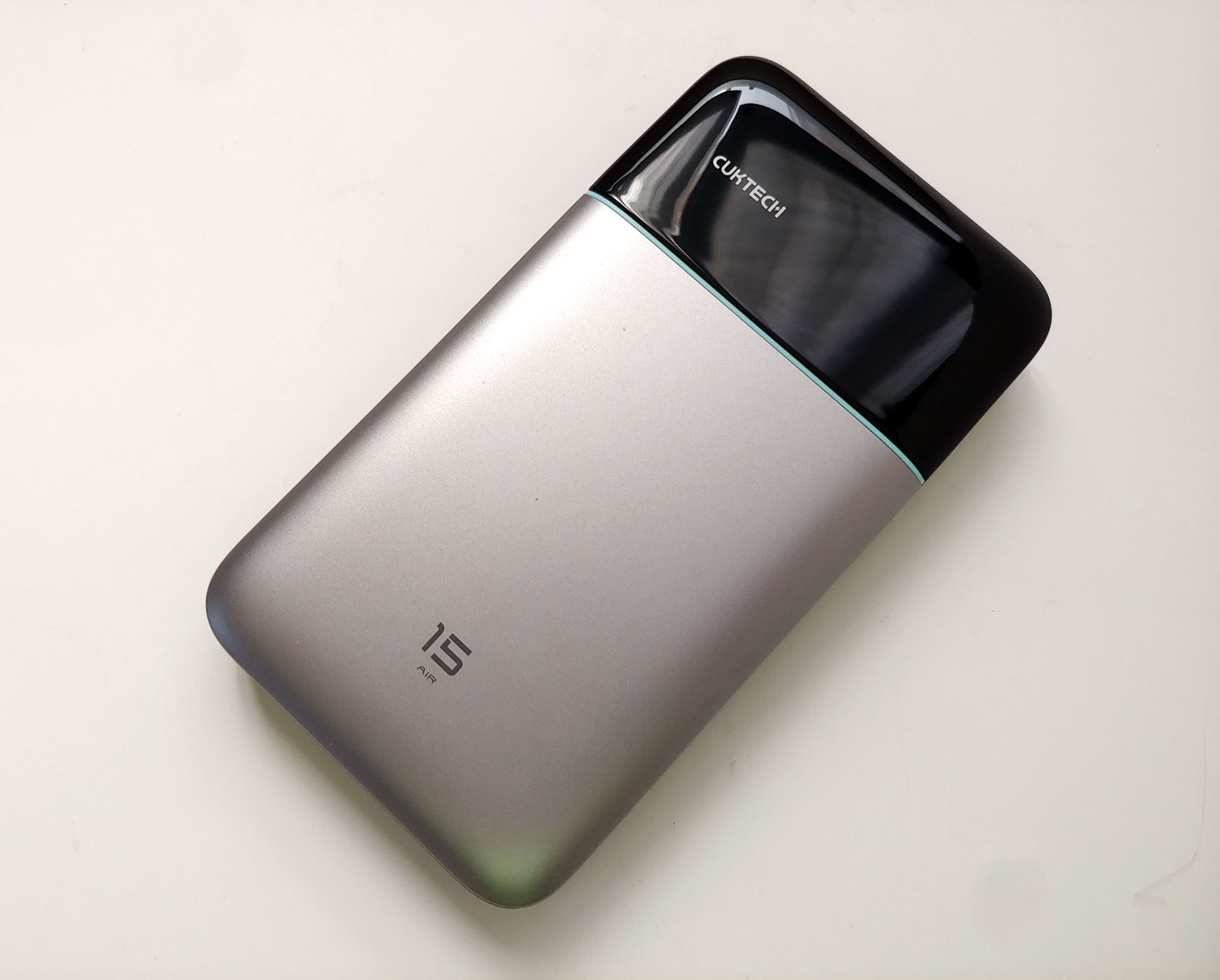
The power bank has a simple design with curved edges and flat sides, so it can stand on any of its six sides. The front color display has a visible area measuring 22 x 11 mm (0.9 x 0.4 in.).
A single flush power button sits on the right edge. The button measures 11 x 4 mm (0.43 x 0.16 in.), so those wearing winter gloves may have trouble activating it.
A short press turns the unit on with a firm, audible click, and a very long press turns it off. Each press cycles the display through its various screens, and a long press when viewing the home screen rotates it 180 degrees.
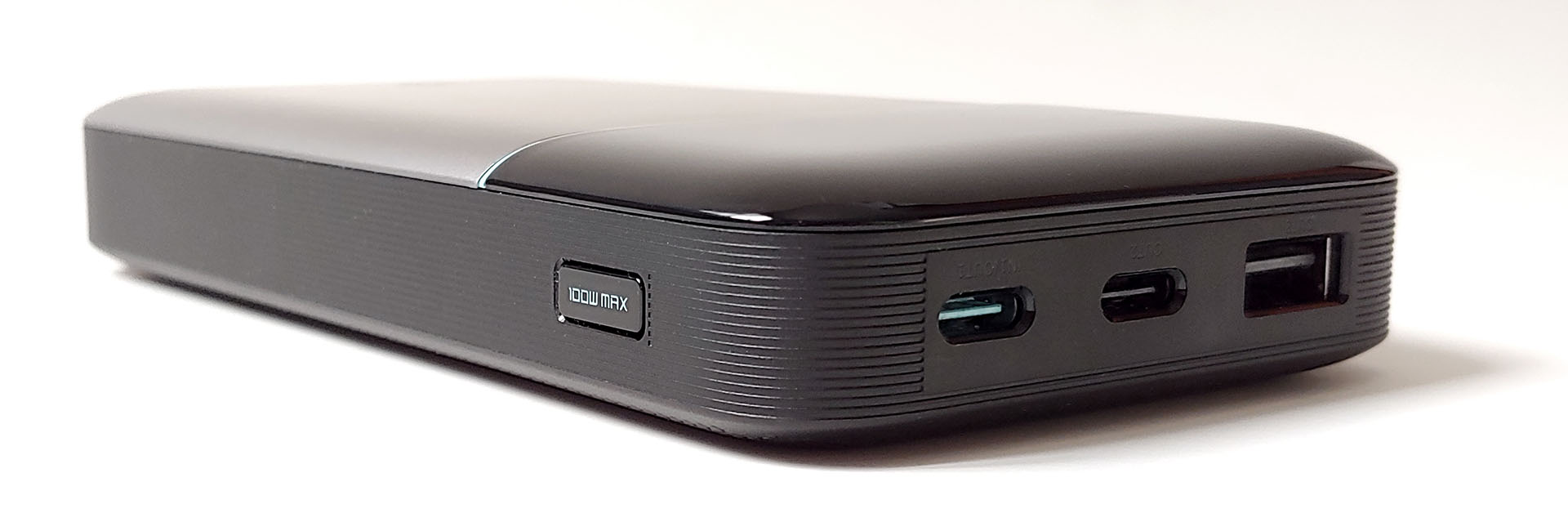
Three USB ports are located along the top edge—one USB-A port and two USB-C ports. Only the USB-C 1 port can output the maximum 65 watts and be used to recharge the power bank.
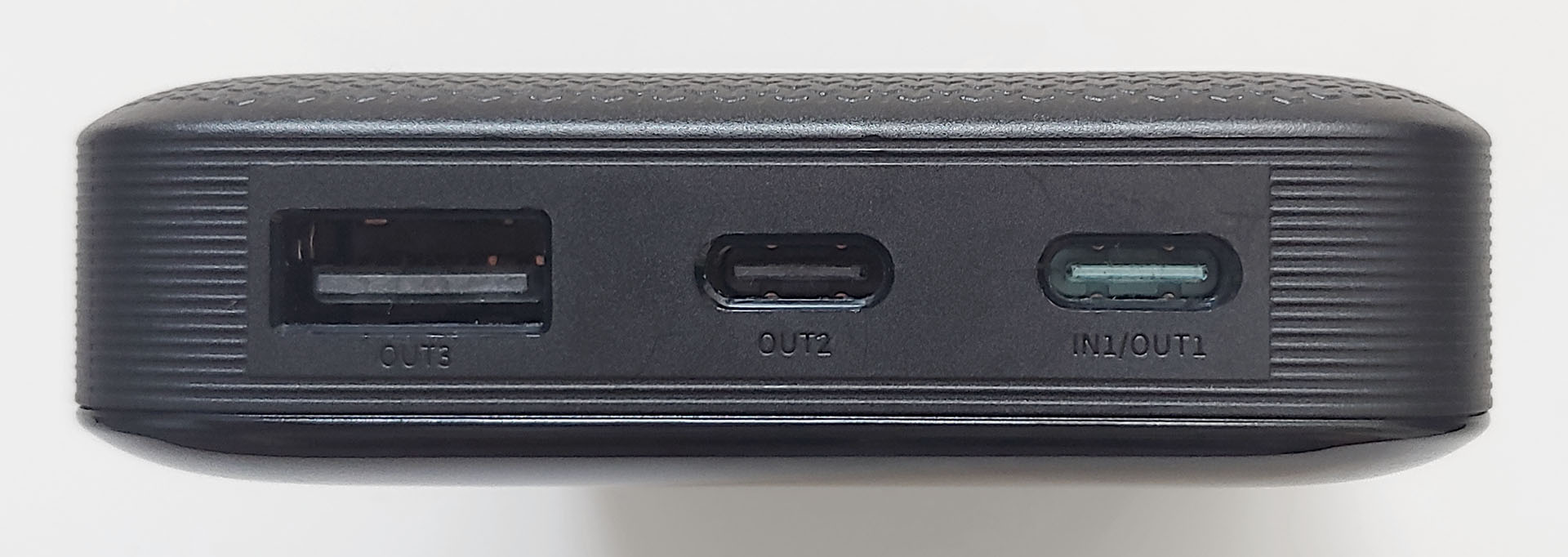
The 15 Air weighs about one‑third more than a top‑end smartphone. It isn’t drop‑ or water‑resistant, but the textured sides and rear improve grip. Its center of gravity is centered left‑to‑right and is about 1 cm (0.4 in.) below the midline. The power bank also lacks extras such as a flashlight.
In-use
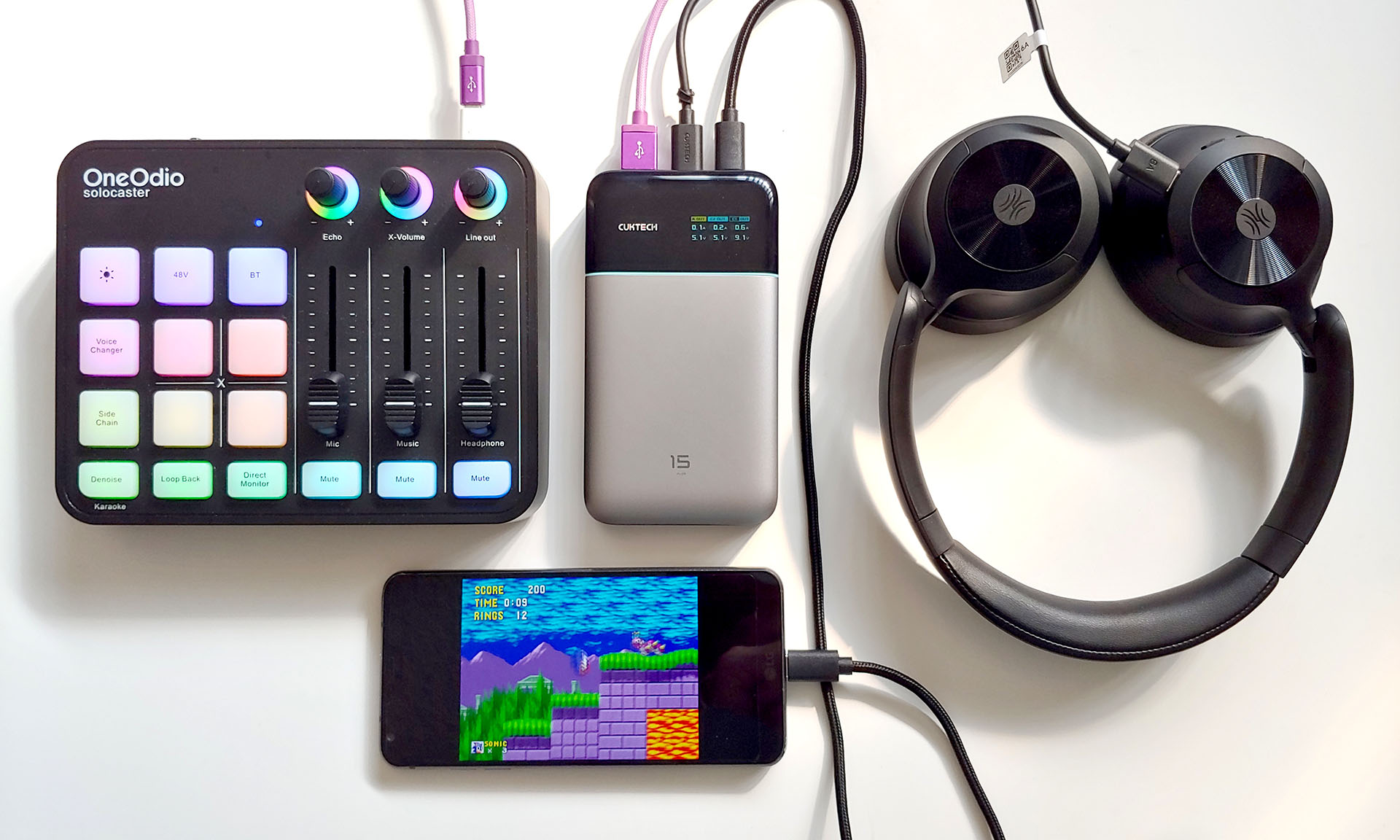
Charging devices with the Cuktech 15 Air is as simple as connecting a cable, and it will automatically turn on and start charging. The power bank can output a maximum of 65W across all three ports, so an external device can receive the maximum 65W from the USB-C 1 port only when no other ports are in use. The power bank had no issue simultaneously charging or powering a variety of devices, including smartphones, radios, headphones, audio mixers, toys, and game controllers.
Menus
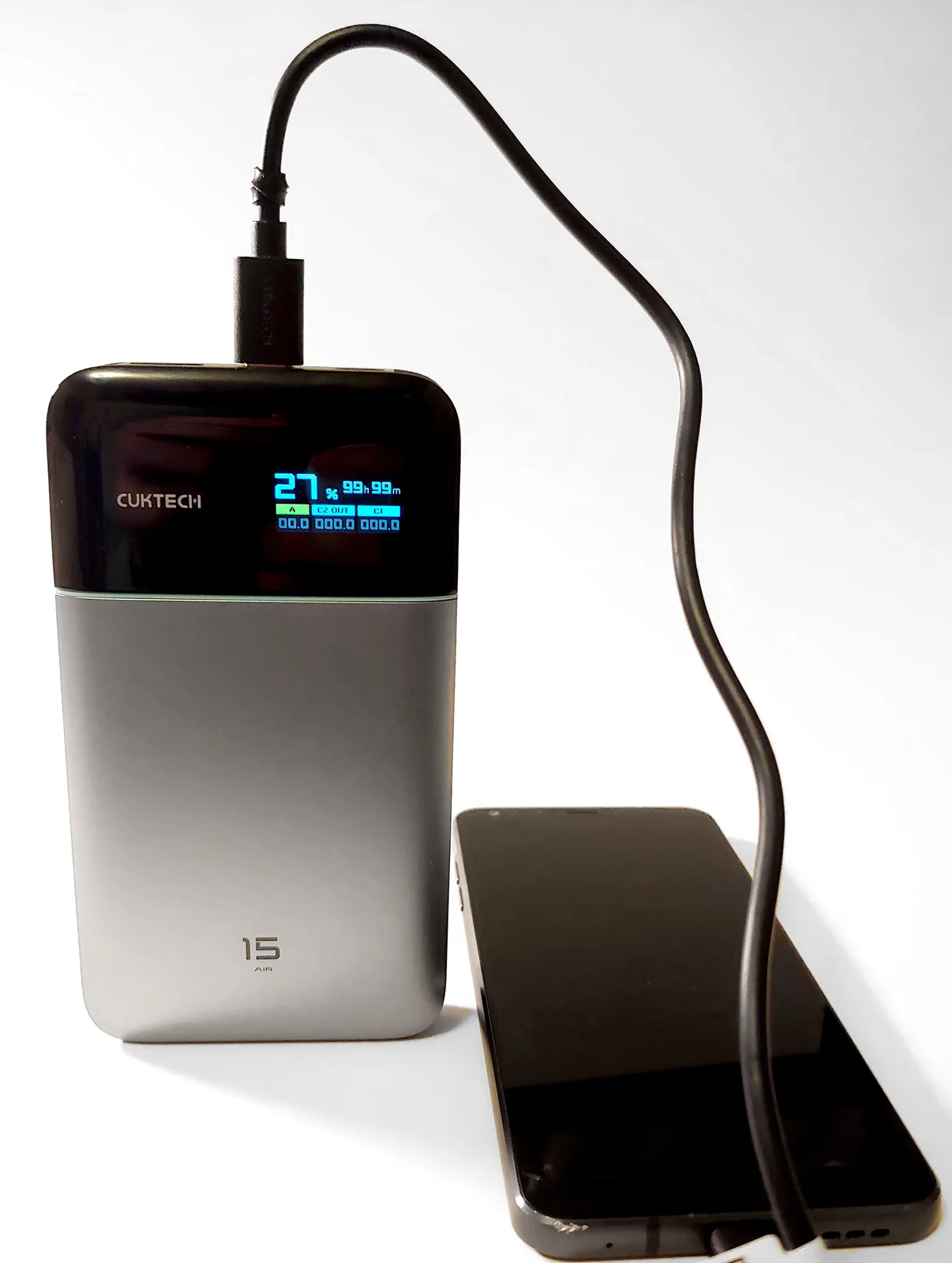
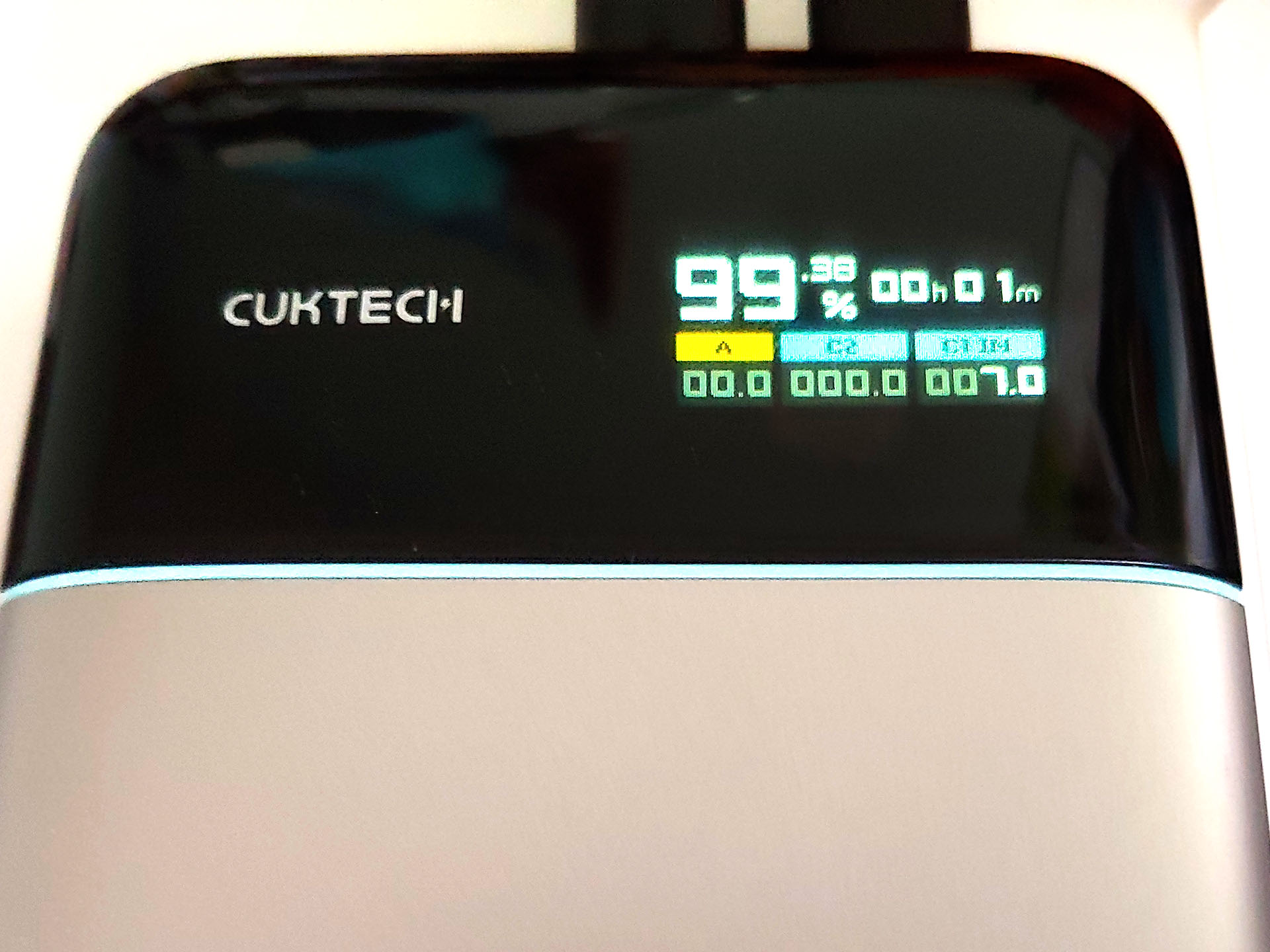
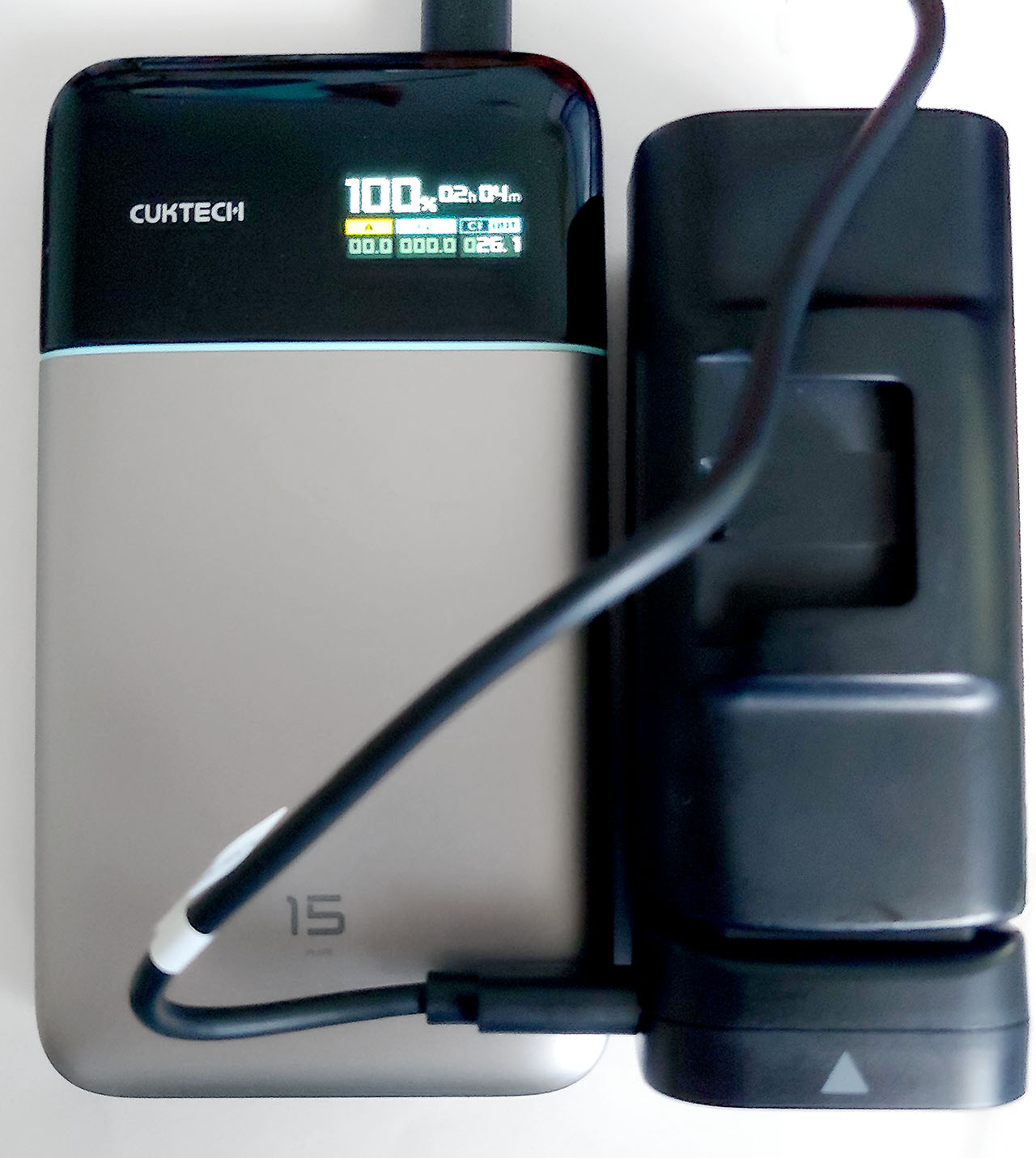
The home screen displays the battery level as a percentage, the estimated time until the power bank is fully recharged or until fully depleted, and the individual power draw for each of the three USB ports.
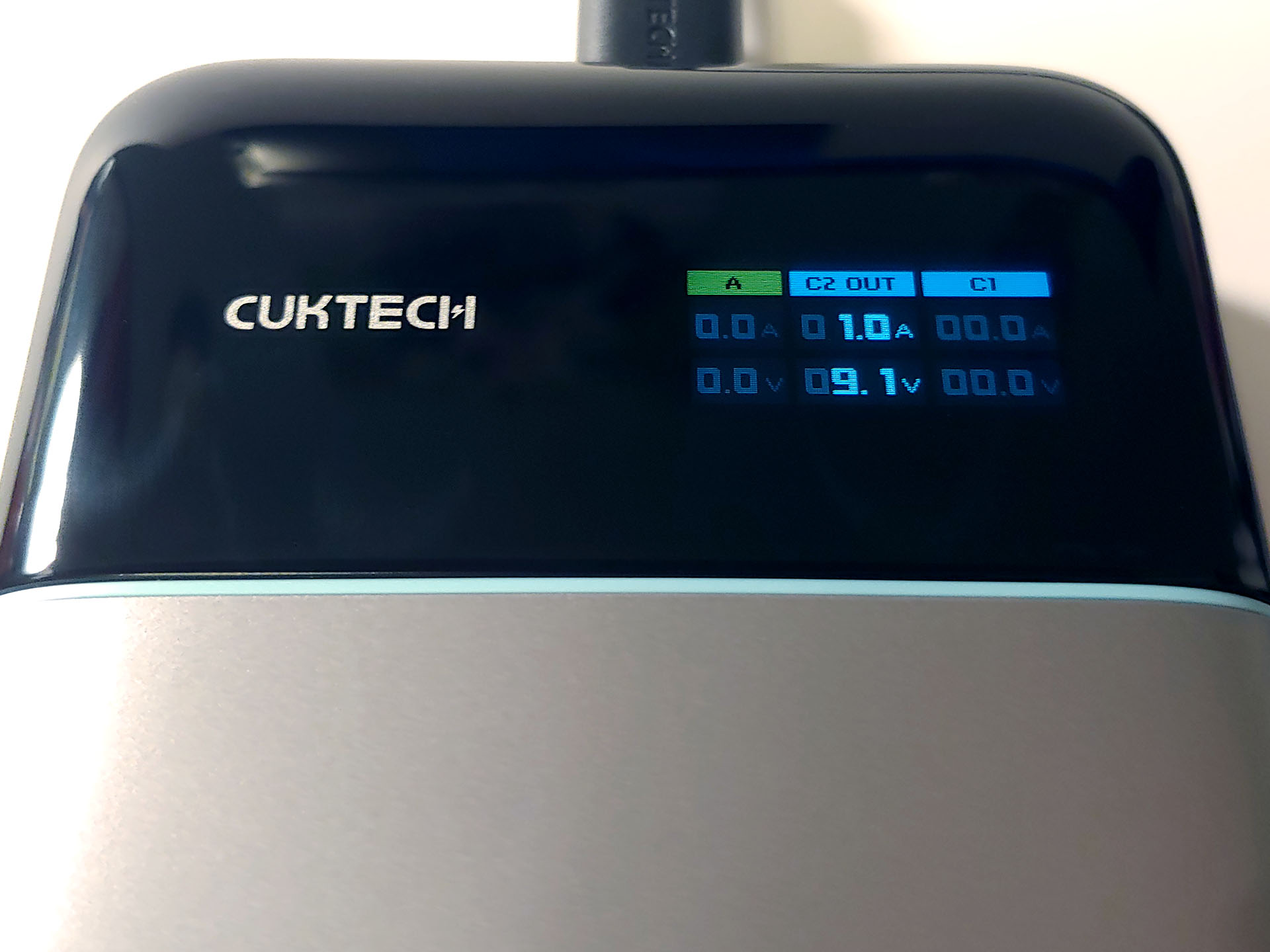
A press of the button shows the second status screen, which lists the real-time amps and voltage for each port.
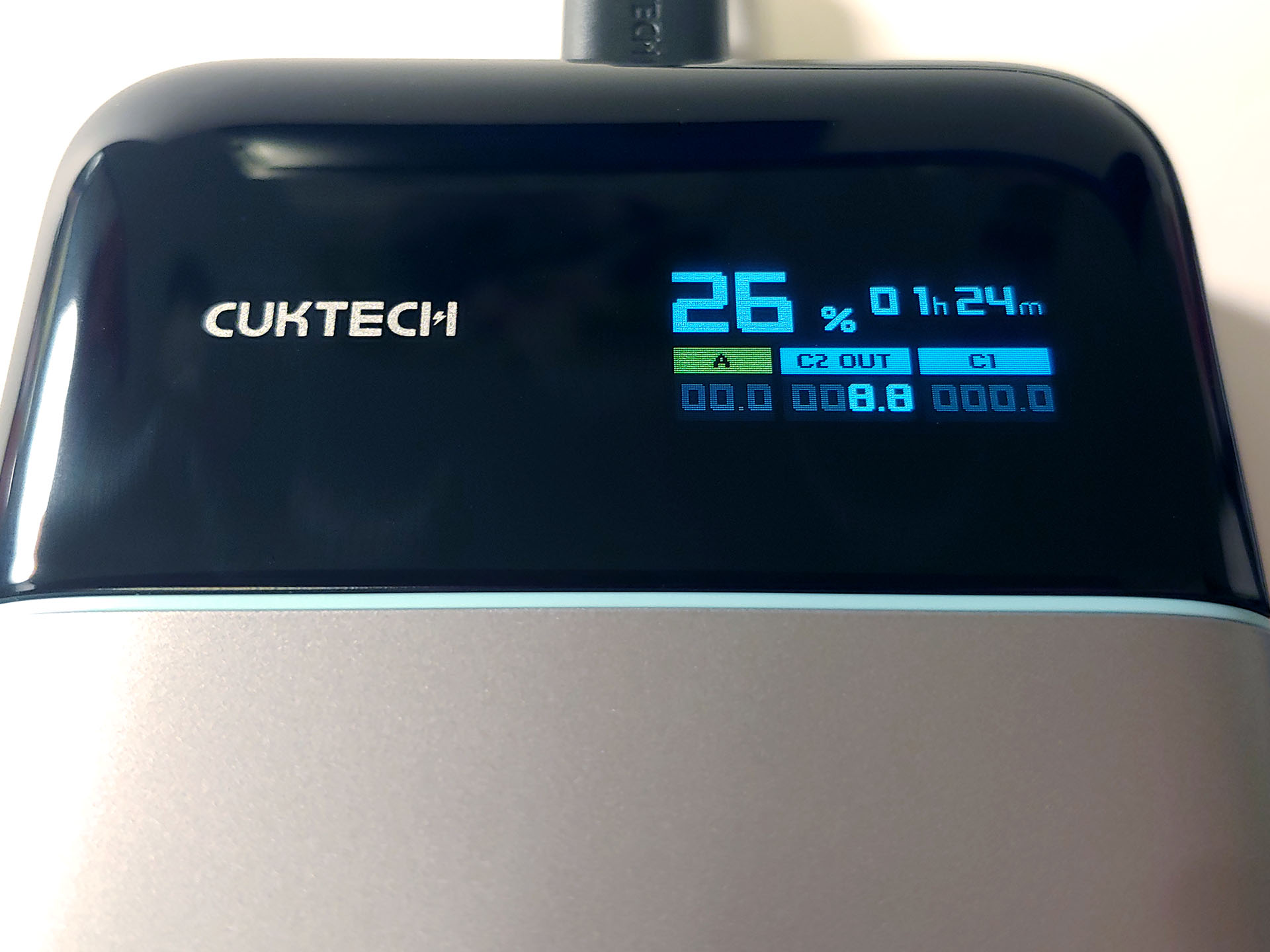
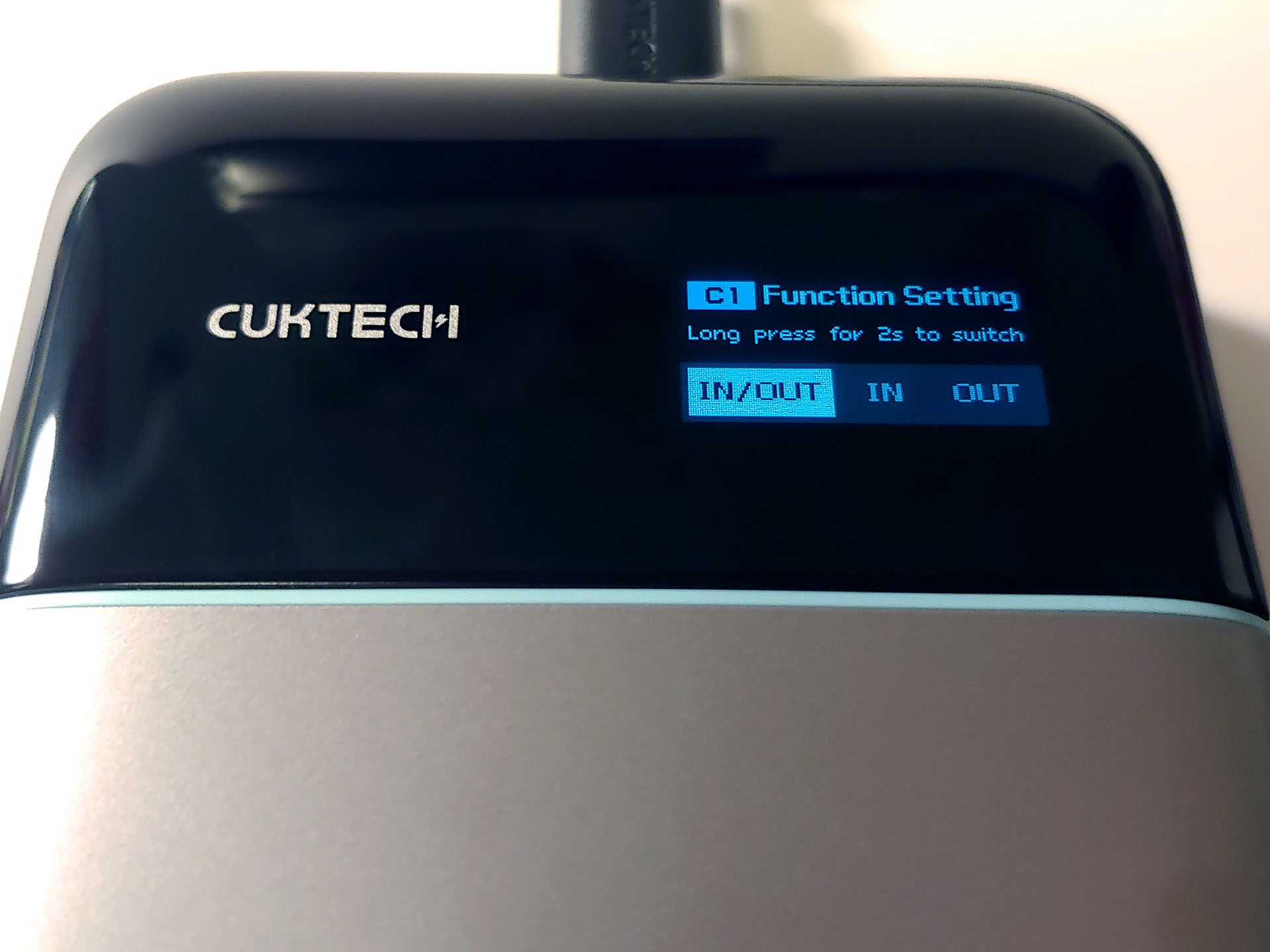
Another press displays the USB-C 1 port setting, which can be set to only accept power input, only provide power output, or both. The USB-C 2 and USB-A ports only output power.
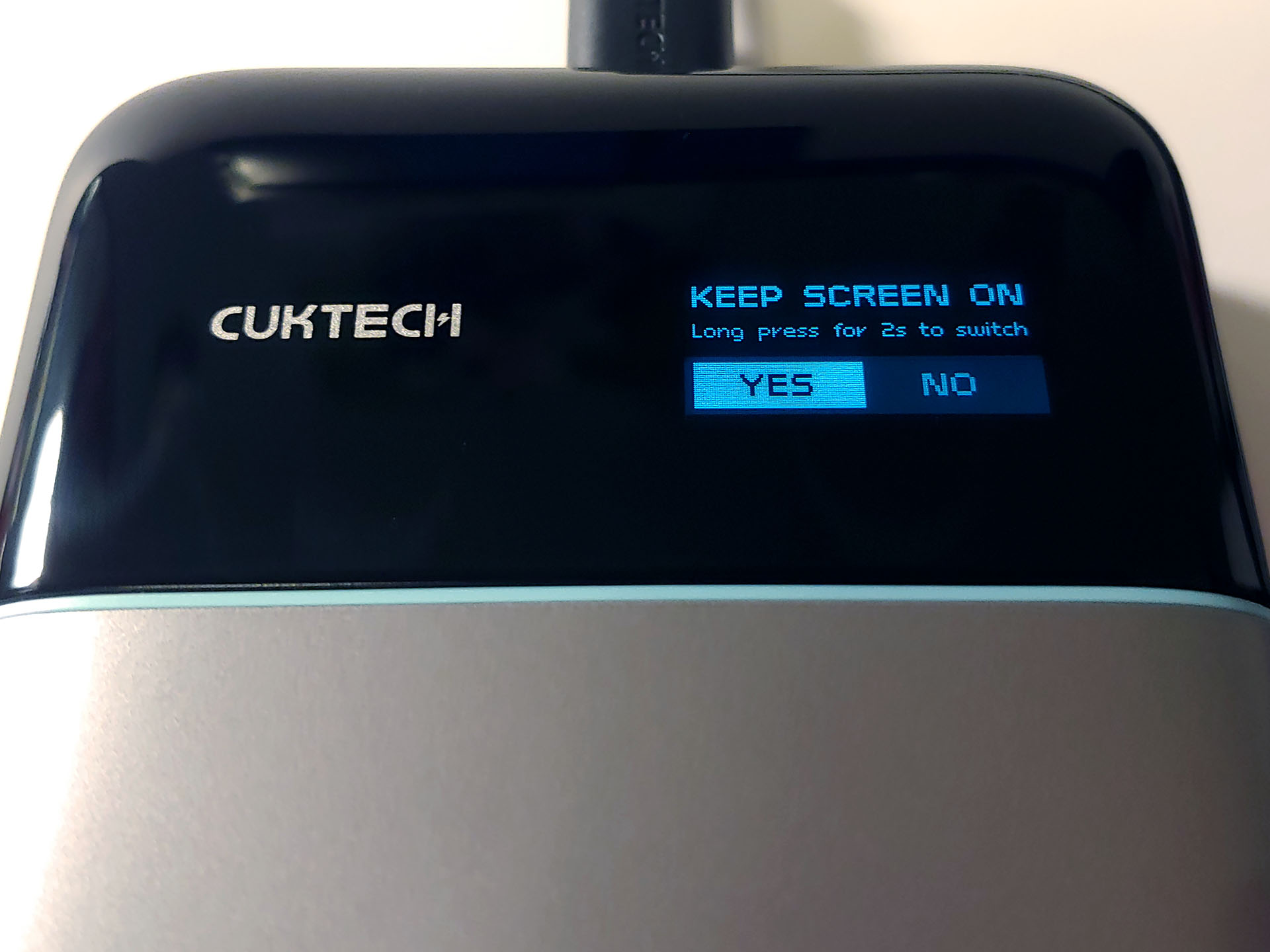
Yet another press displays the screen sleep mode, allowing the screen to automatically go dark during power bank use to save power or to remain on. A two-second long press of the button cycles through the available options in each screen.
Charging and powering devices
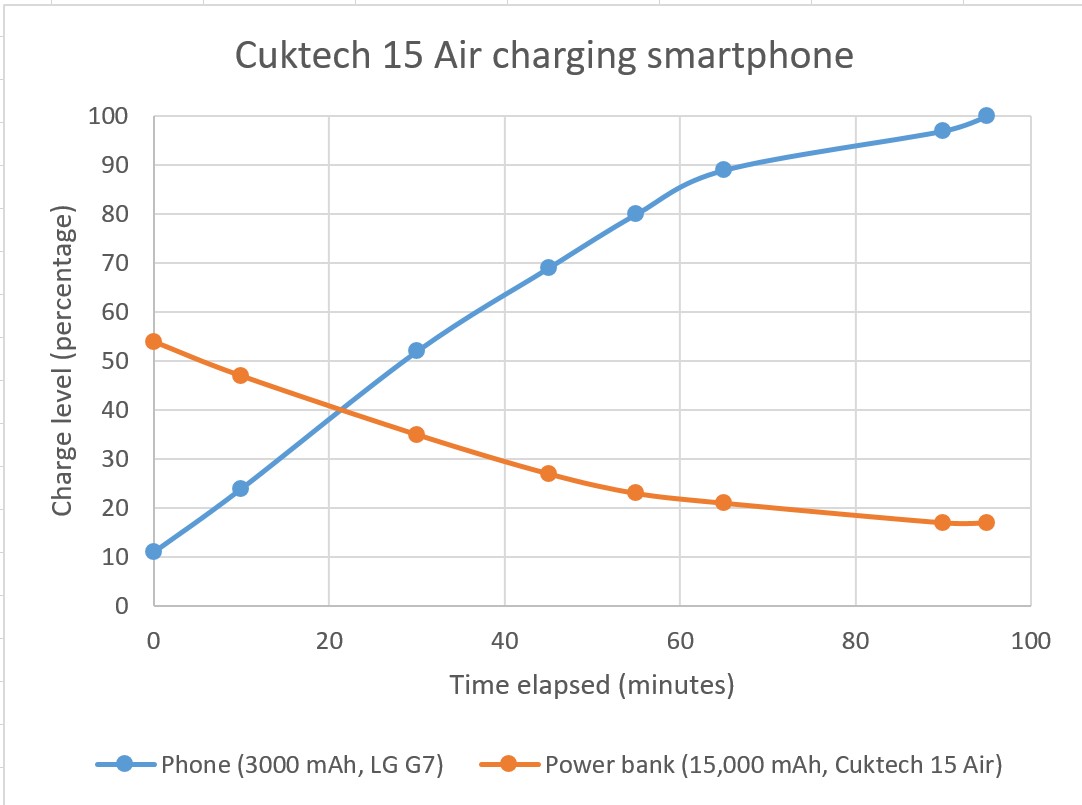
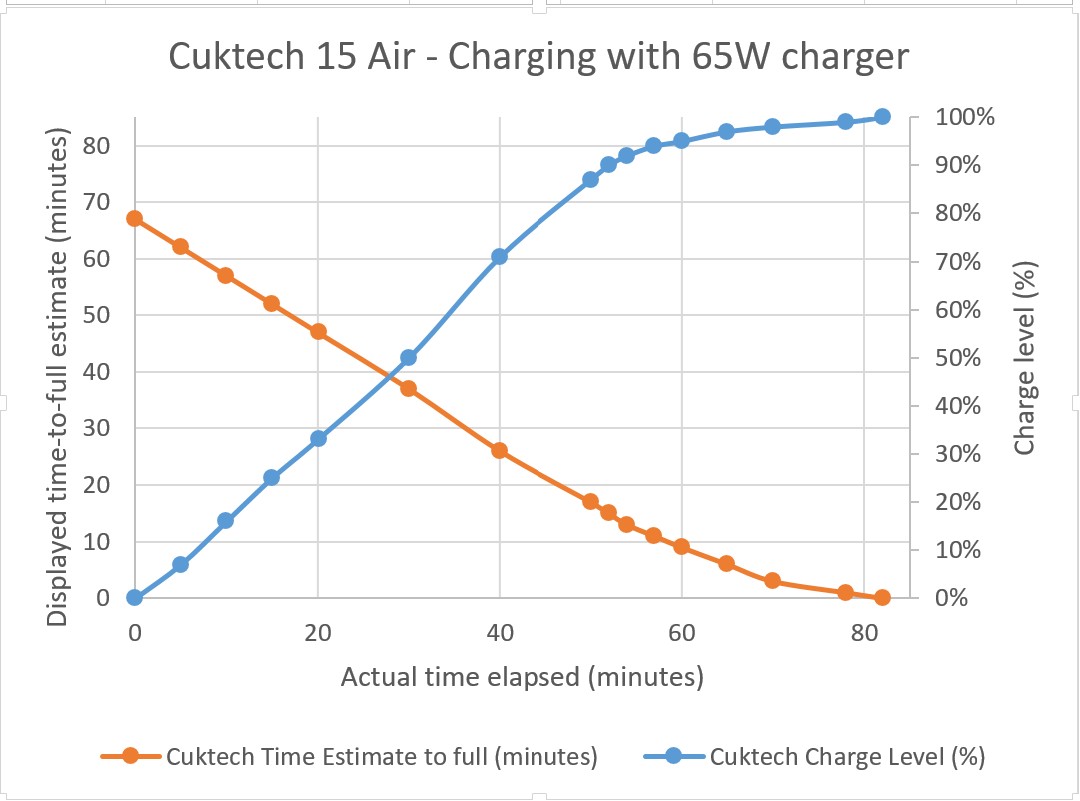
The Cuktech 15 Air fast-charged electronics and other power banks with no issue and at the same rate as when charged from their OEM AC adapters. Most devices with lithium-ion batteries will charge at a faster rate from 0% to 80–90%, then slower until 100% for safety, whether using the Cuktech or OEM AC adapter.
The 15 Air also powered electronics during constant use, such as laptops and audio mixers. This allows creators and podcasters to extend their live broadcast times when using their smartphones and portable audio mixing equipment outdoors or away from AC power.
Some of the energy drawn from the power bank is unavoidably lost during charging. After charging an LG G7 (3,000 mAh battery) from 20% to 100% twice, the 15 Air (15,000 mAh battery) dropped from 100% to 53%. Approximately 4,800 mAh was added to the phone, while 7,050 mAh was drawn, leaving 2,250 mAh (~32%) lost.
Recharging the Cuktech
Recharging the power bank is as simple as connecting the USB-C 1 port to a power source, accepting up to 100W for fast charging. The case reached 39.1°C with an ambient temperature of 26.4°C (102.3°F at 79.5°F) during recharging. The charger can also simultaneously output power from the USB-C 2 and USB-A ports while being recharged.
When charging other devices or being recharged, the main screen will display the estimated time-to-empty or time-to-full. The estimates were noticeably inaccurate when the 15 Air was charged past 95% or discharged below 2%, with the charging process taking several minutes longer to complete or the unit running out of power and shutting down minutes earlier.
Conclusion
The Cuktech 15 Air conveniently fast-charges up to three devices at once and pairs well with portable gaming devices and electronics, but those looking for additional features such as magnetic mounting will need to look elsewhere.
Transparency
The selection of devices to be reviewed is made by our editorial team. The test sample was given to the author by the manufacturer free of charge for the purposes of review. There was no third-party influence on this review, nor did the manufacturer receive a copy of this review before publication. There was no obligation to publish this review. As an independent media company, Notebookcheck is not subjected to the authority of manufacturers, retailers or publishers.
 Add as a preferred source on Google


