




Keychron's latest semi-affordable mechanical keyboards boast 760-hour battery life and updated minimalist designs
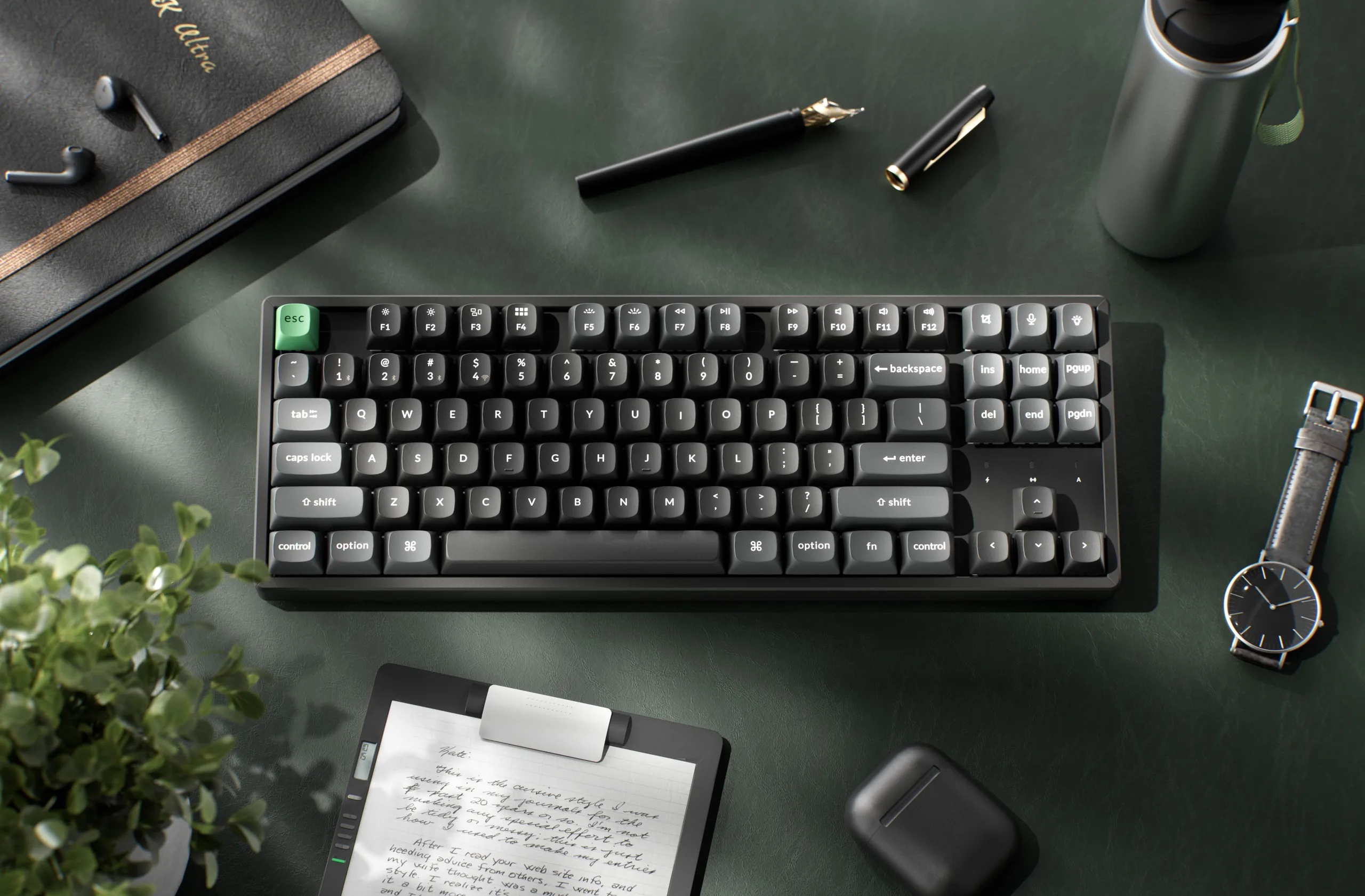
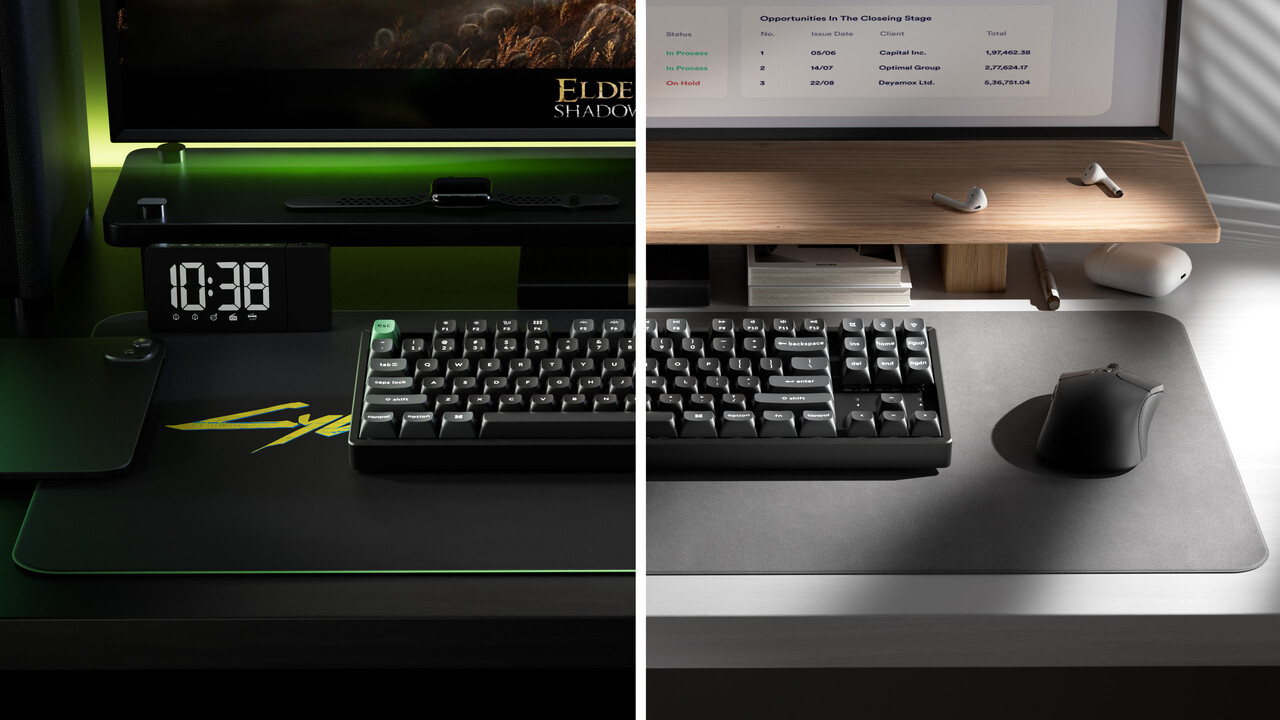
Hot on the heels of the new Keychron K3 Ultra low-profile keyboard that we are in the process of reviewing, Keychron has announced that its K8 and K2 keyboard models would be getting the same firmware and hardware upgrades while keeping the price of the new wireless mechanical keyboards fairly affordable. The K8 Ultra 8K and K2 Ultra 8K are launching on Keychron's online store at $119.99, which is by far not cheap, but it is on the more affordable side when it comes to premium mechanical keyboards. Keychron's claims about battery life and its highly customisable designs make the new keyboards viable contenders at the price.
It should be noted that the new K Ultra keyboards cost $5 more than Keychron's gasket-mounted V1 Ultra (curr. $114 on Amazon), and that keyboard features full-POM switches, identical keycaps, and a programmable knob, all of which may be better features for your needs.
Keychron K2 Ultra and K8 Ultra specs
| Keychron K2 Ultra | Keychron K8 Ultra | |
|---|---|---|
| Form factor and size | ANSI US, 75% layout, 311.5 × 121.54 mm with 22.85 mm front height | ANSI US, TKL layout, 359.2 × 129.2 mm with 25.55 mm front height |
| Case materials | ABS bottom case, aluminium frame | ABS bottom case, aluminium frame |
| Weight | 1084 g | 1299 g |
| Plate material and mounting style | Steel plate, tray mount | Steel plate, tray mount |
| Connectivity | USB type-C, 2.4 GHz, Bluetooth 5.2 | USB type-C, 2.4 GHz, Bluetooth 5.2 |
| PCB and switch style | 3-pin, 5-pin hot-swap PCB for MX-style mechanical switches | 3-pin, 5-pin hot-swap PCB for MX-style mechanical switches |
| Default switch options | Keychron Apex Red (linear), Brown (tactile), and Banana (sharp tactile) | Keychron Apex Red (linear), Brown (tactile), and Banana (sharp tactile) |
| Keycap material and profile | Double-shot PBT in Keychron OSA profile | Double-shot PBT in Keychron OSA profile |
| Customisation software | Keychron Launcher | Keychron Launcher |
| Battery life | 760 hours (no backlighting), 225 hours (with backlight set to low) claimed battery life | 760 hours (no backlighting), 225 hours (with backlight set to low) claimed battery life |
| Backlight | South-facing RGB backlighting | South-facing RGB backlighting |
| Polling rate | 8,000 Hz over wired and 2.4 GHz, 125 Hz over Bluetooth | 8,000 Hz over wired and 2.4 GHz, 125 Hz over Bluetooth |
| Included accessories | USB Type-A 2.4 GHz dongle, dongle extender, USB Type-C cable, USB Type-A-to-C adaptor, Windows modifier keycaps, keycap and switch puller, screwdriver, hex key | USB Type-A 2.4 GHz dongle, dongle extender, USB Type-C cable, USB Type-A-to-C adaptor, Windows modifier keycaps, keycap and switch puller, screwdriver, hex key |
| Price | $119.99 | $119.99 |
| Availability | Keychron online store | Keychron online store |
Keychron K2 Ultra and K8 Ultra highlights
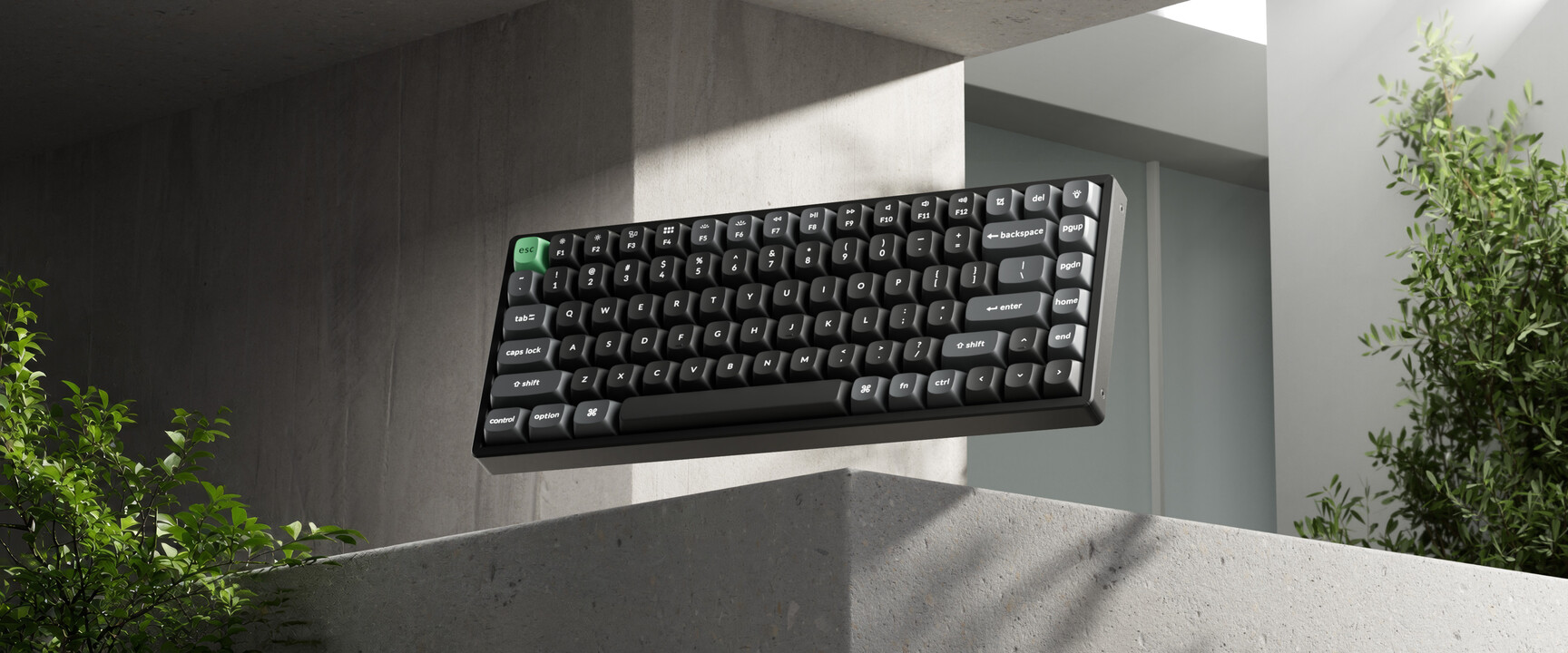
The Keychron K2 Ultra 8K and K8 Ultra 8K are effectively the same keyboard design in different form factors, with the K8 Ultra offering a traditional TKL layout, much like the Keychron C1 Pro 8K we reviewed not too long ago, while the K2 Ultra takes the more compact 75% form factor. Both new Ultra keyboards feature case designs intended to keep the keyboards affordable.
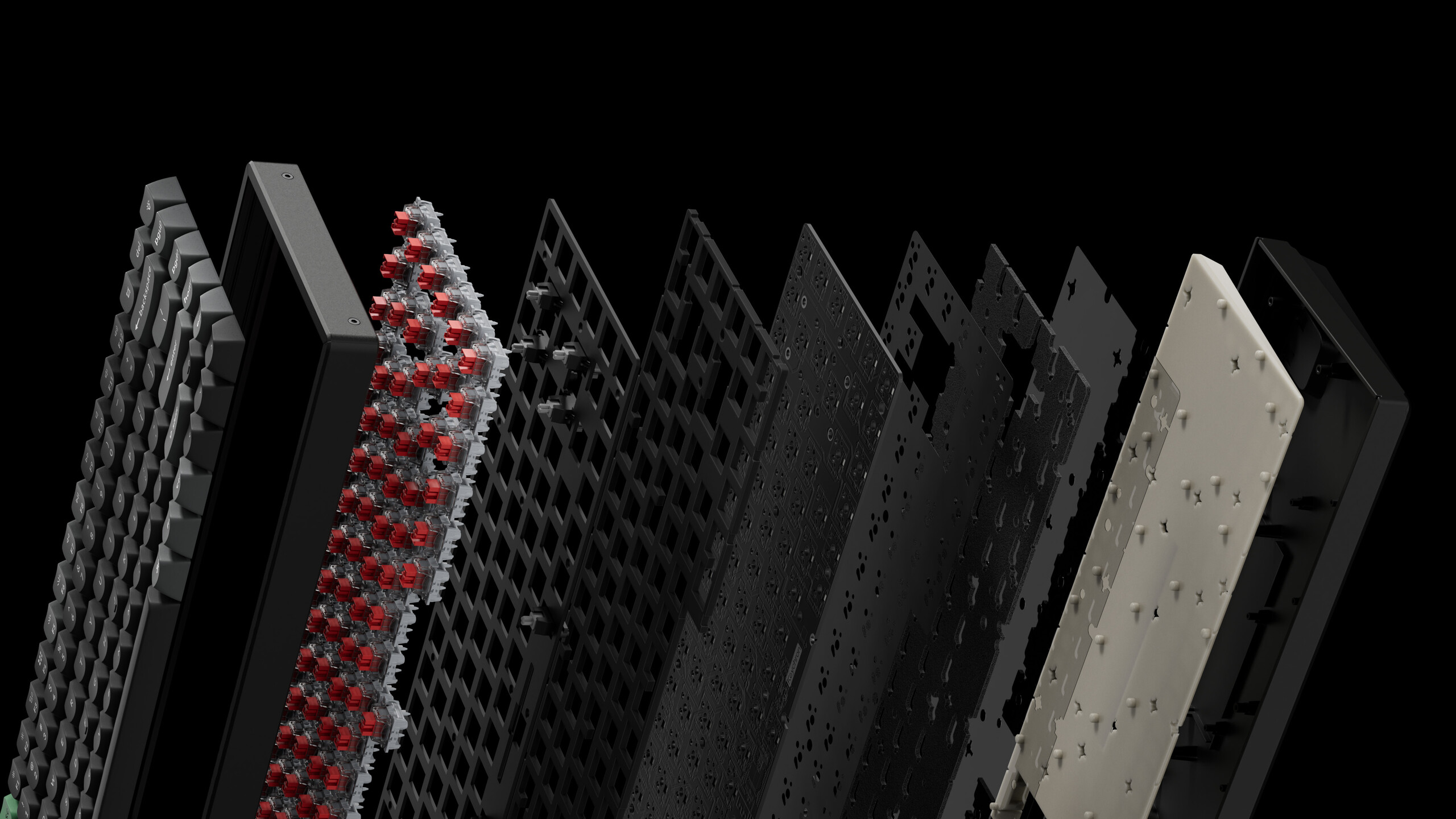
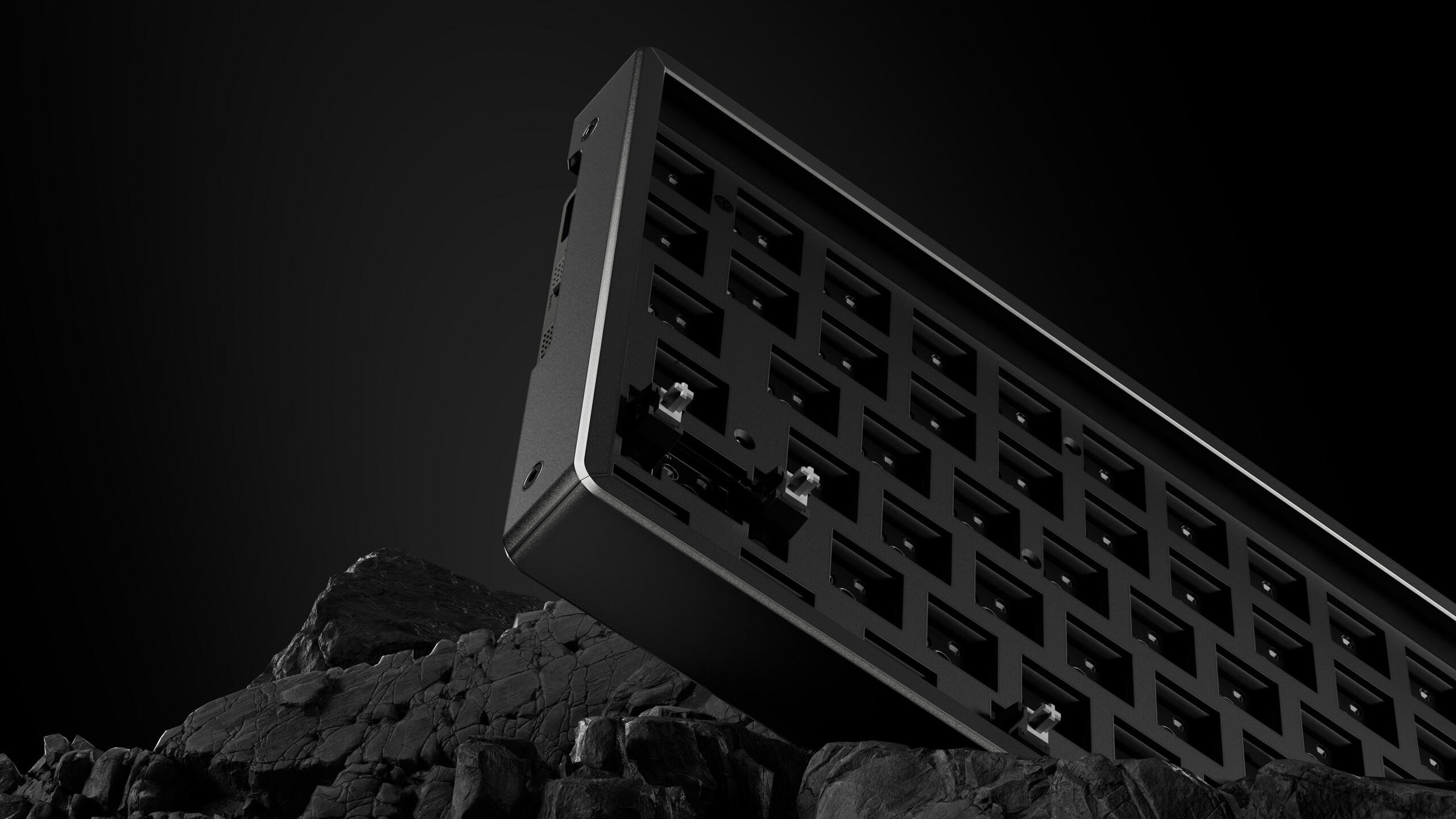
The bottom cases of the new keyboards are injection-moulded ABS, but they come with a bolt-on aluminium frame around the top half of the case — an add-on that previously cost extra on the K Max series keyboards and that both serves to make the keyboards look and feel more premium when in use and give them some added rigidity and durability.
Firmware upgrades unlock massive battery life improvements
Keychron has put the same 4,000 mAh-capacity battery in the K2 Ultra and K8 Ultra as it did in the Q13 Max we reviewed in 2025. In the case of the Q13 Max, that battery capacity delivered a respectable 83 hours with backlighting at medium brightness. With the move to ZMK firmware instead of QMK, Keychron claims that the K8 Ultra and K2 Ultra are capable of up to 760 hours on a single charge with no backlighting and up to 225 hours with backlighting enabled.
This improvement is due to ZMK being designed specifically for wireless applications, as opposed to QMK, where wireless connectivity was more or less added as an afterthought. The efficiency claims have so far proven true in our review of the Keychron Q1 Ultra, which was able to make it through an entire workday without dropping from 100% charge.
Keycaps, design, and switch details
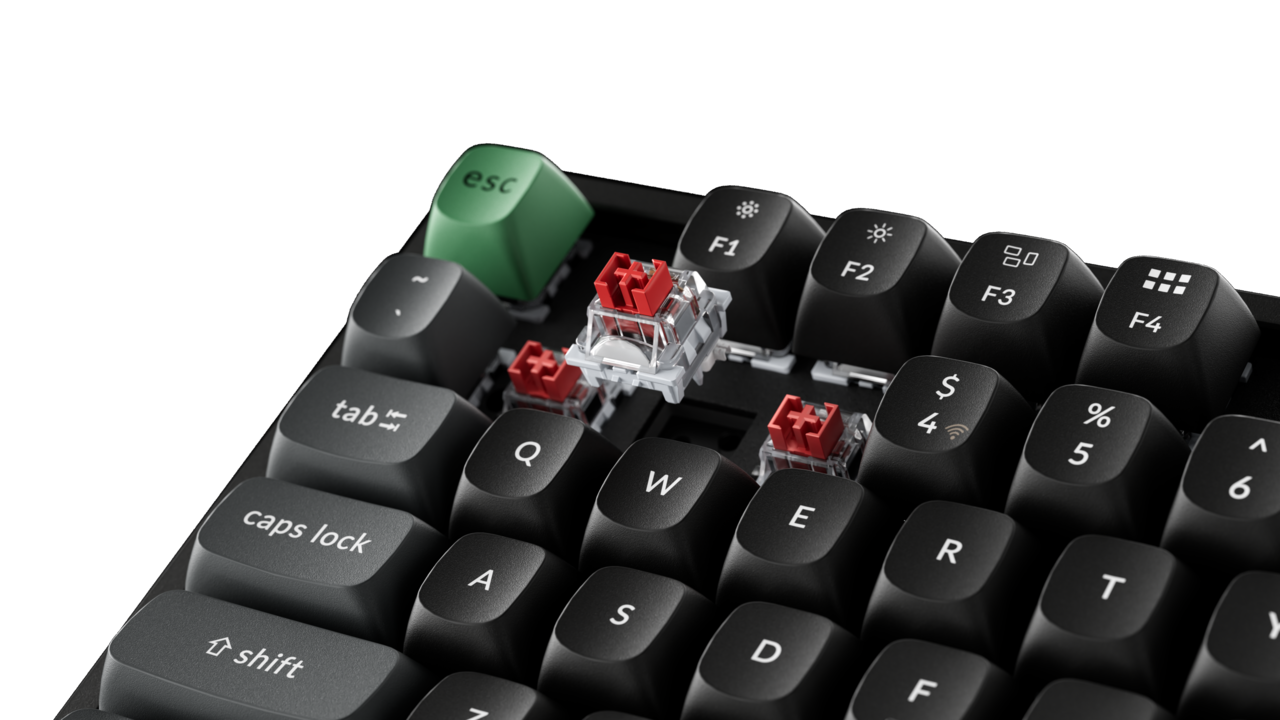
Keychron has equipped the K8 Ultra and K2 Ultra with a steel plate and double-shot PBT keycaps in the OSA profile. We have previously praised this keycap design in our review of the Keychron K4 HE, as the keycaps share the same height and cylindrical tops as a traditional OEM profile, but they have a more unique look.
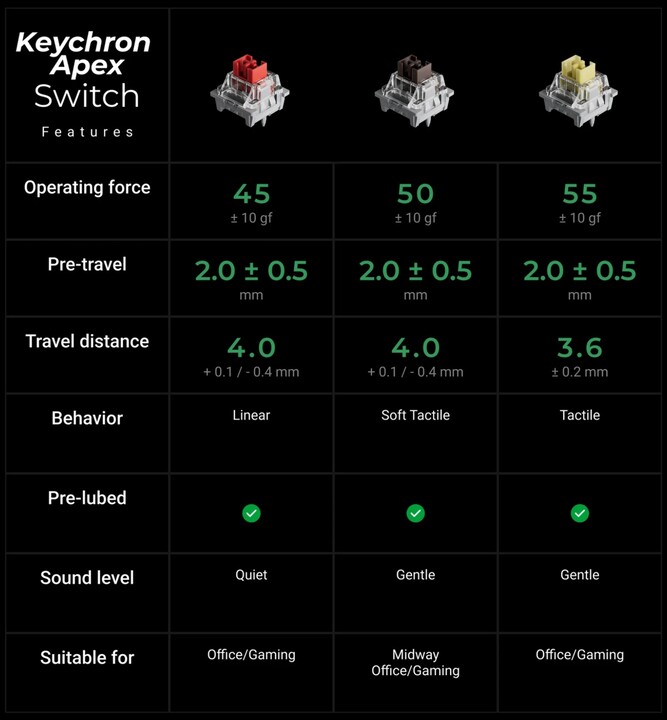
The new K Ultra keyboards are launching alongside Keychron's new Apex switch series, which is a new switch design from Keychron featuring a box stem and a clear top, as opposed to the traditional MX stem and the opaque top and light guide in the slightly less recent Silk POM switches we tested in the Q1 Ultra. The new Apex switches come in Keychron's usual variety of Red linear (45 gf actuation force, 4 mm travel), Brown tactile (50 gf actuation force, 4 mm travel), and Banana tactile (55 gf actuation force, 3.6 mm travel with a sharper tactile bump).
The K2 and K8 Ultra are also customisable and programmable in Keychron Launcher, which allows you to do everything from configure macros to remap keys, and tweak per-key RGB backlighting. That RGB backlighting is, however, south-facing, which means it may prove challenging to find shine-through keycaps that actually illuminate the legend on the keycaps.
Source(s)
Keychron
 Add as a preferred source on Google


