




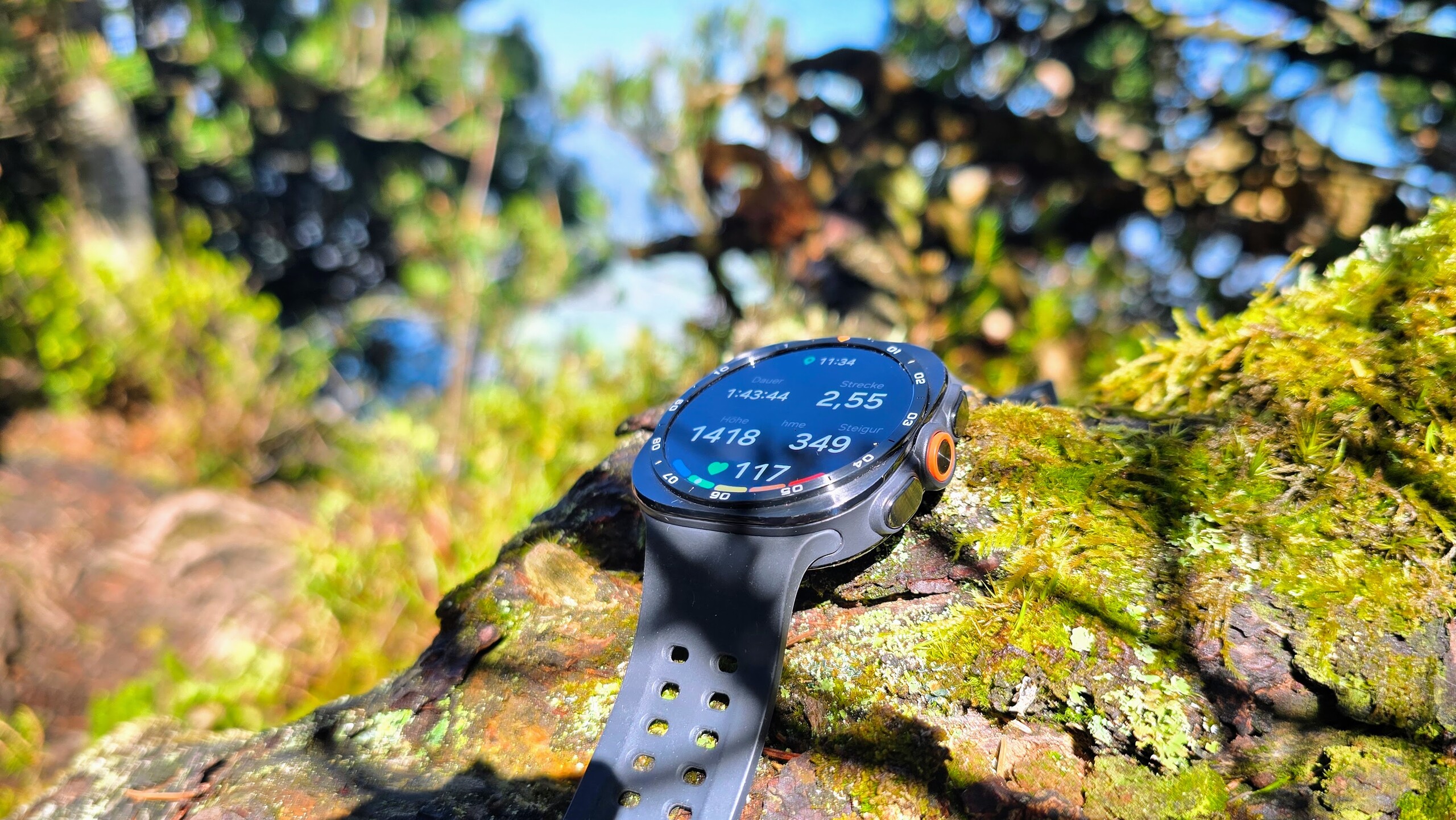
Conclusion - Samsung takes the Ultra to new heights
Samsung manages to set the Galaxy Watch Ultra2 apart from the regular Galaxy Watches. The Ultra2’s main selling points are its longer battery life and brighter display. Samsung is currently in a league of its own when it comes to peak brightness, surpassing Apple and Huawei.
Overall, the Galaxy Watch Ultra2 offers an exceptionally strong package. The significantly faster processor makes it more responsive, and the app selection is very good, as are the customization options. The Samsung smartwatch also impresses with its measurements. However, it’s a shame that the ECG and blood pressure features are still only available when paired with a Samsung smartphone.
If you’re looking for even longer battery life, take a look at the Huawei Watch GT 7 or Huawei Watch Ultimate 2 - but their app selection is significantly more limited.
Pros
Cons
Price and availability
The Samsung Galaxy Watch Ultra2 is available in just one size and configuration. Two colors are available: gray and silver. The smartwatch has an MSRP of 749 euros. Samsung sells the Galaxy Watch Ultra2 in its own online store, but the watch is also listed at major retailers such as Amazon.
Samsung offers an insurance package for the smartwatch called Samsung Care+. For 6 euros per month, the watch is insured against all types of damage. For 7 euros per month, theft is covered in addition to damage. Samsung provides a 24-month warranty.

Table of Contents
- Conclusion - Samsung takes the Ultra to new heights
- Case and features – Galaxy Watch Ultra2 with titanium case
- Setup and operation - Samsung relies on two apps
- Health and Fitness - Samsung focuses on Energy Score
- Display - Over 5000 cd/m² on the Galaxy Watch Ultra2
- Performance and battery life - Snapdragon power for the Galaxy Watch Ultra2
- Possible alternatives compared
Samsung has introduced a new generation of Galaxy Watch. After the Galaxy Watch Classic received a major update last year, this year it’s the Ultra’s turn. The first Ultra received only a new color in 2025; Samsung now says it has significantly improved the display, performance, and battery life.
It is also newly certified as a diving device. Cyclists and runners are also set to benefit from new sports features. With the first Galaxy Watch Ultra, we criticized its fit on narrower wrists and the limited added value compared with the standard Galaxy Watch models.
Case and features – Galaxy Watch Ultra2 with titanium case
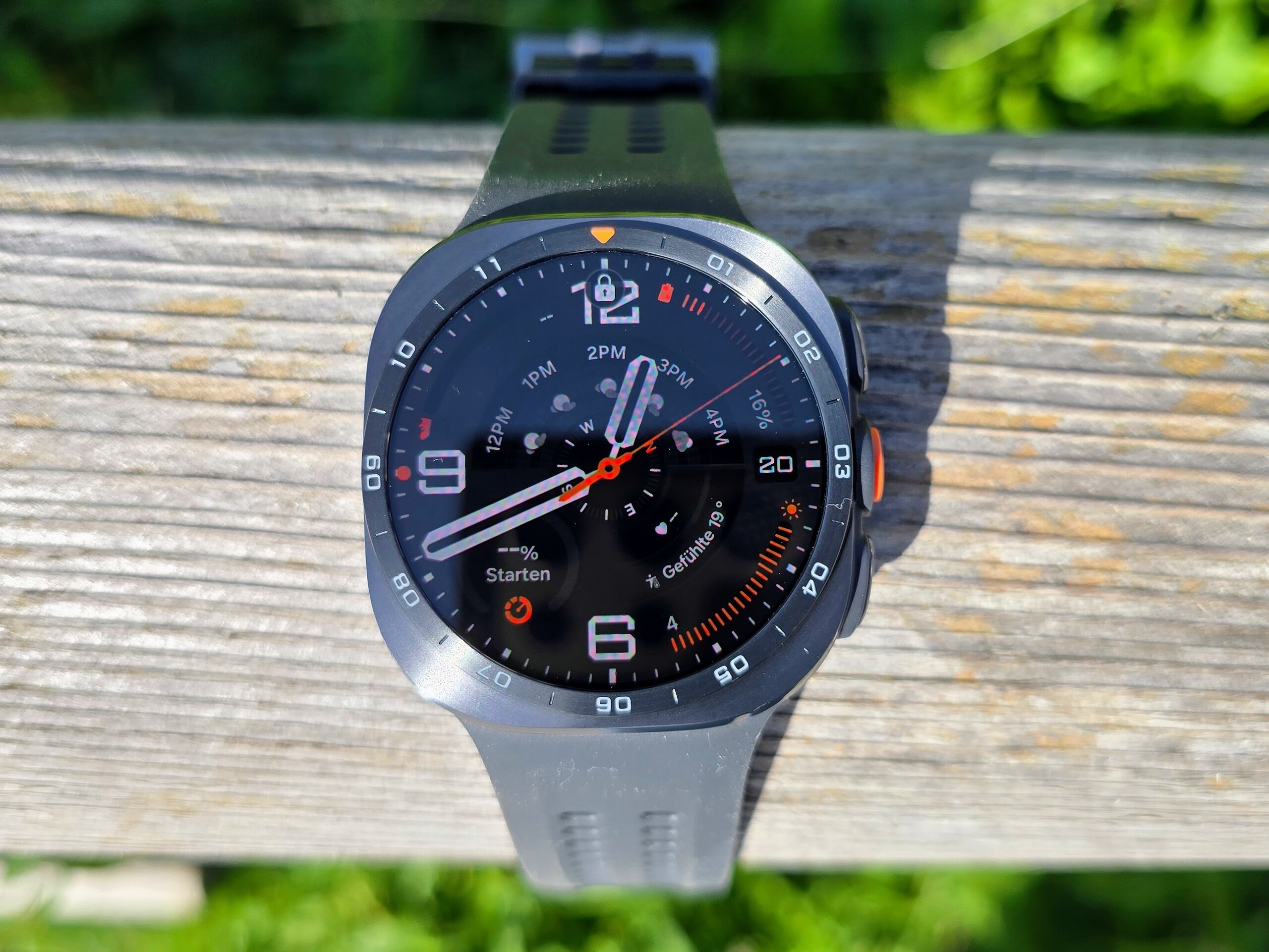
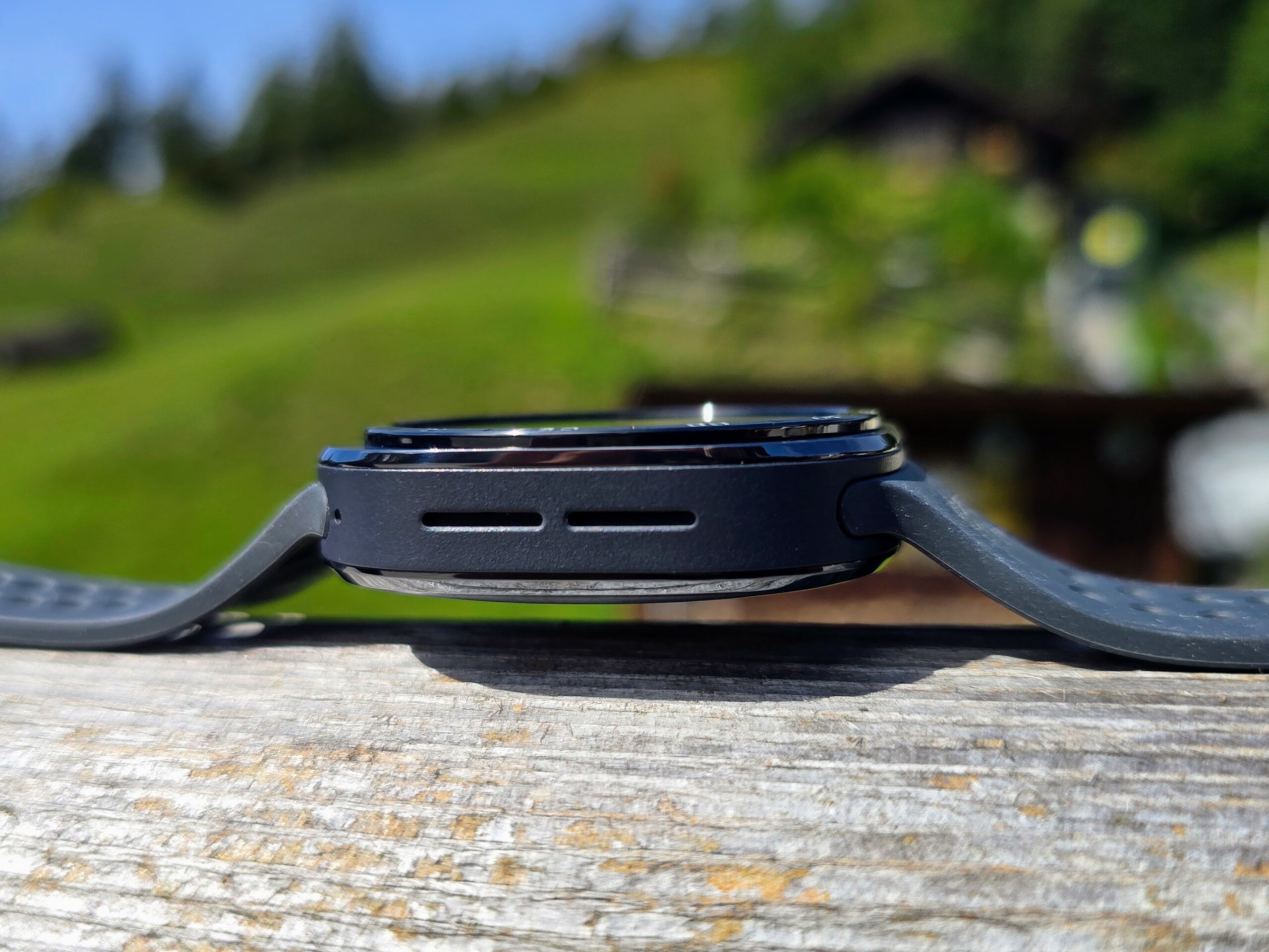
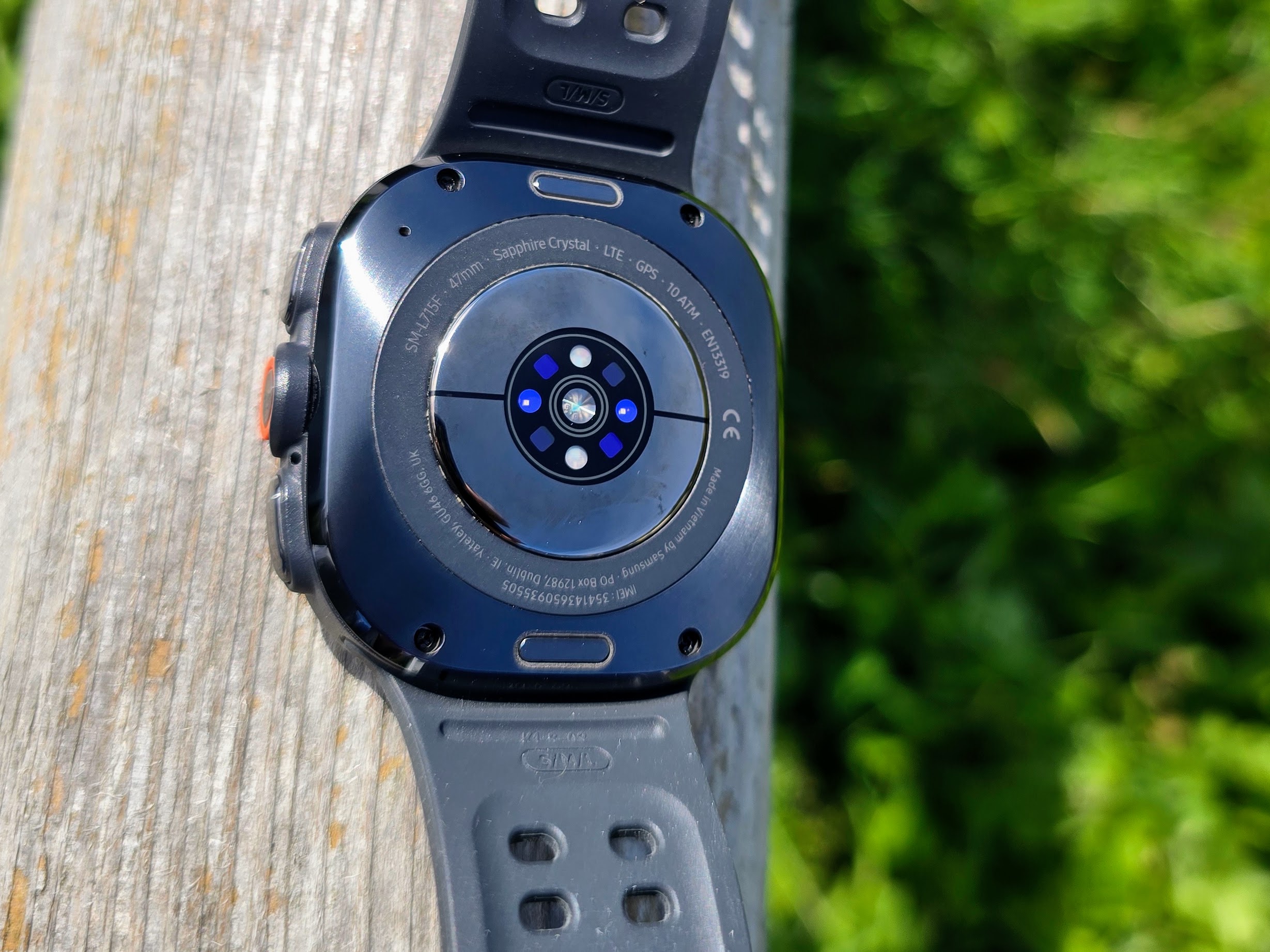
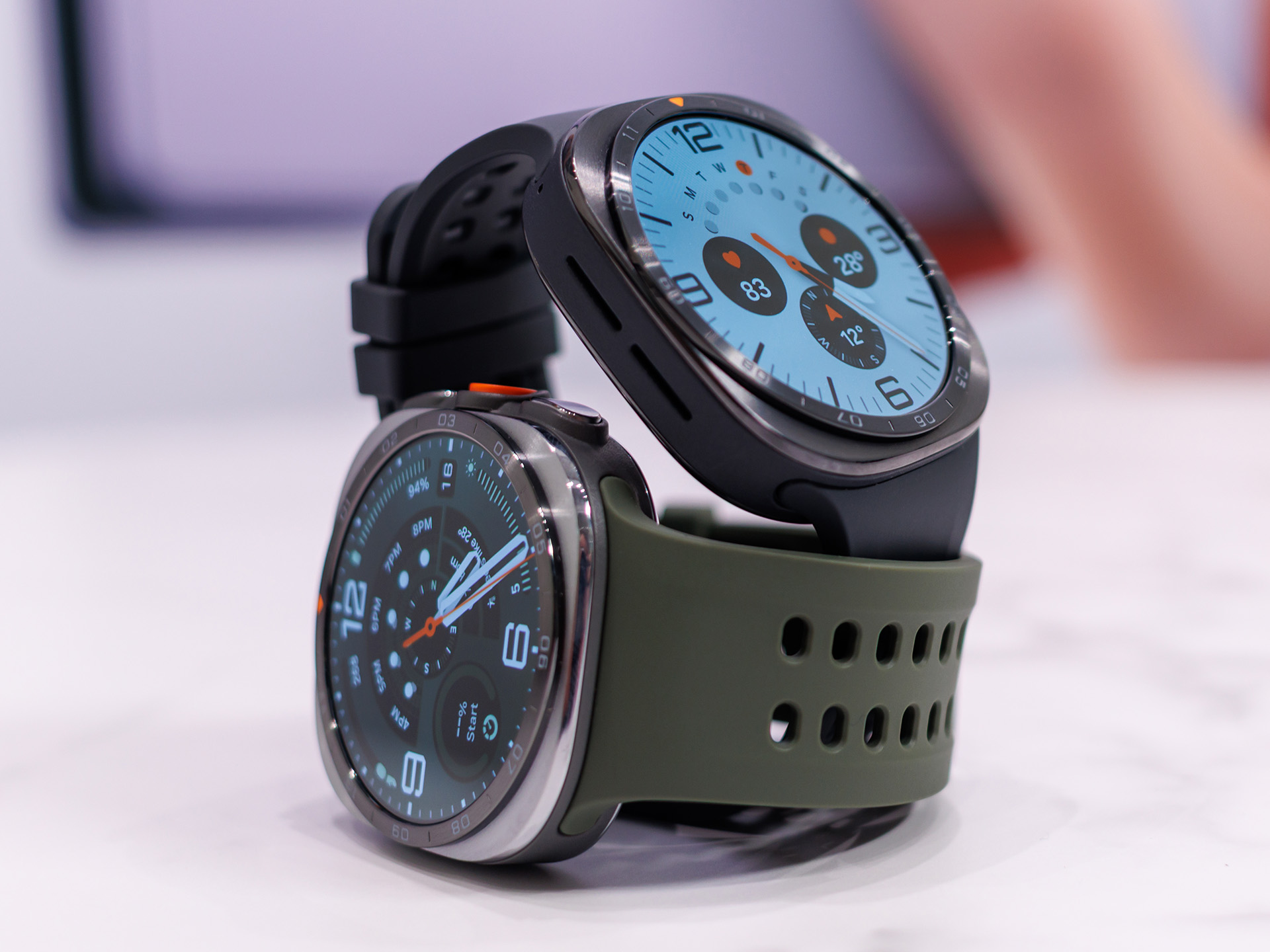
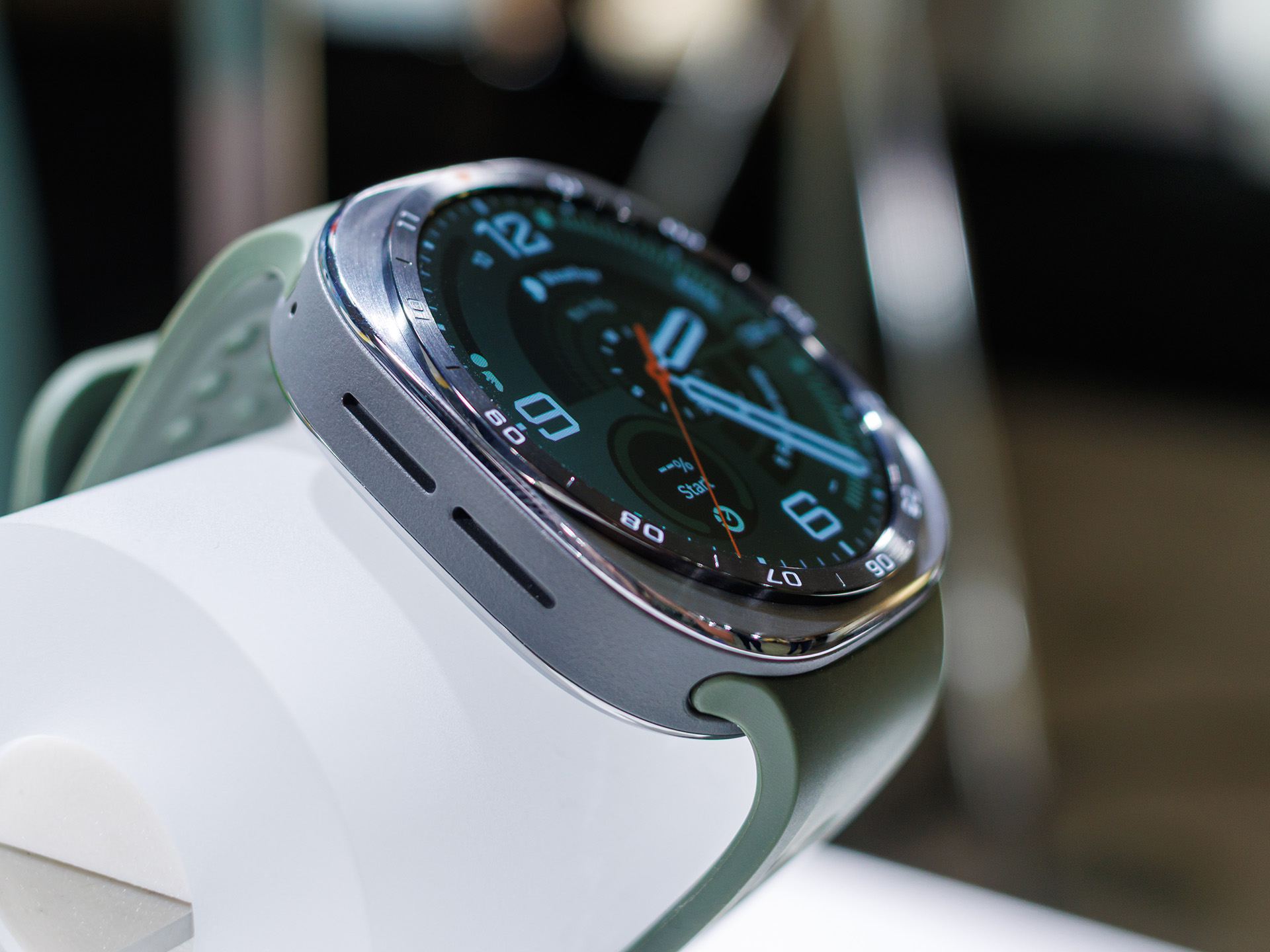
Samsung gives the Galaxy Watch Ultra2 a titanium case measuring 47 millimeters across. Its size and design are therefore the same as the previous version. However, the manufacturer seems to have worked on the underside, so the smartwatch fits noticeably better and wobbles less. Samsung also uses fewer two-tone elements on the case. The watch looks more harmonious and premium, partly because the main part of the case is no longer so rough in texture.
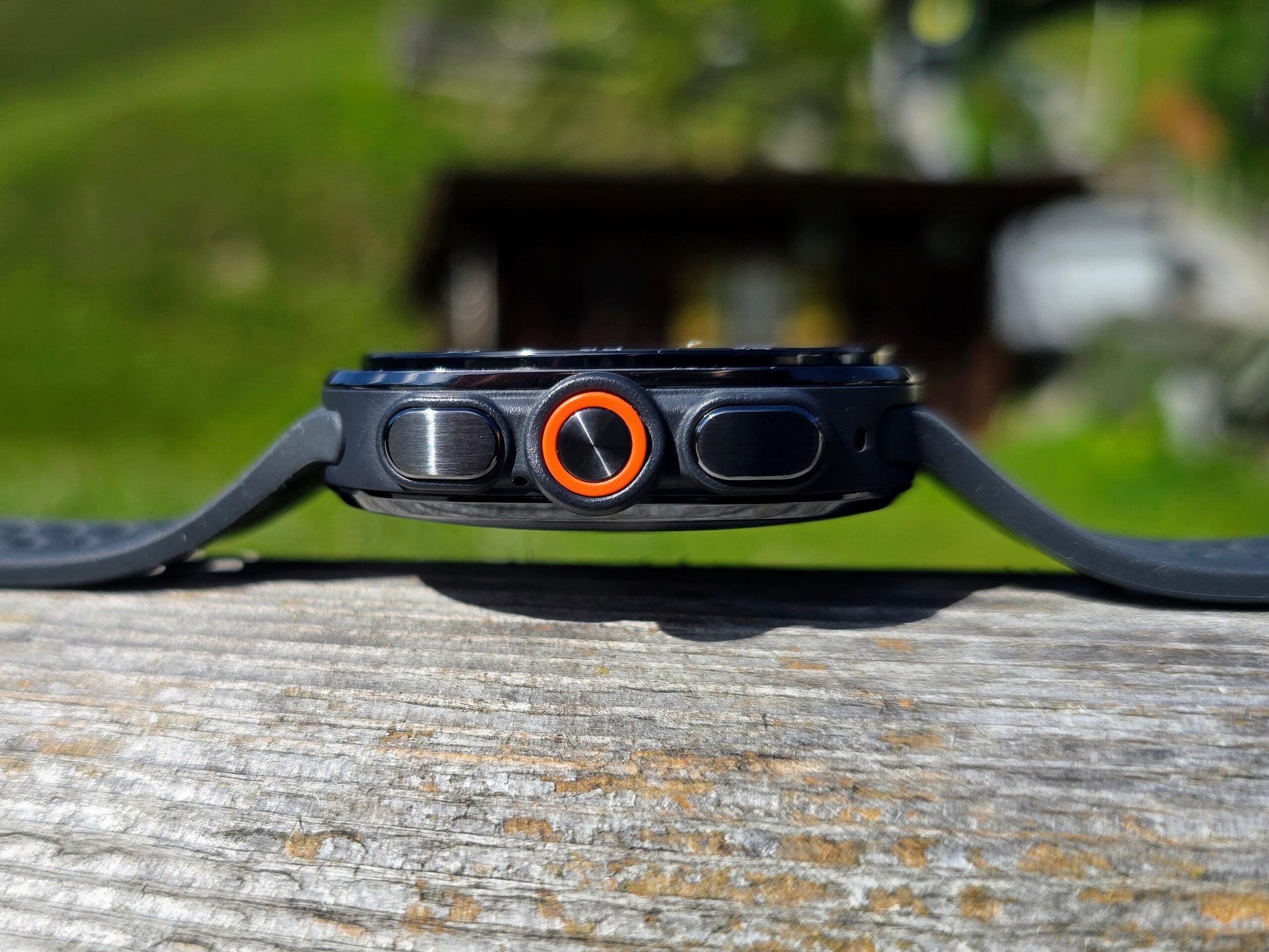
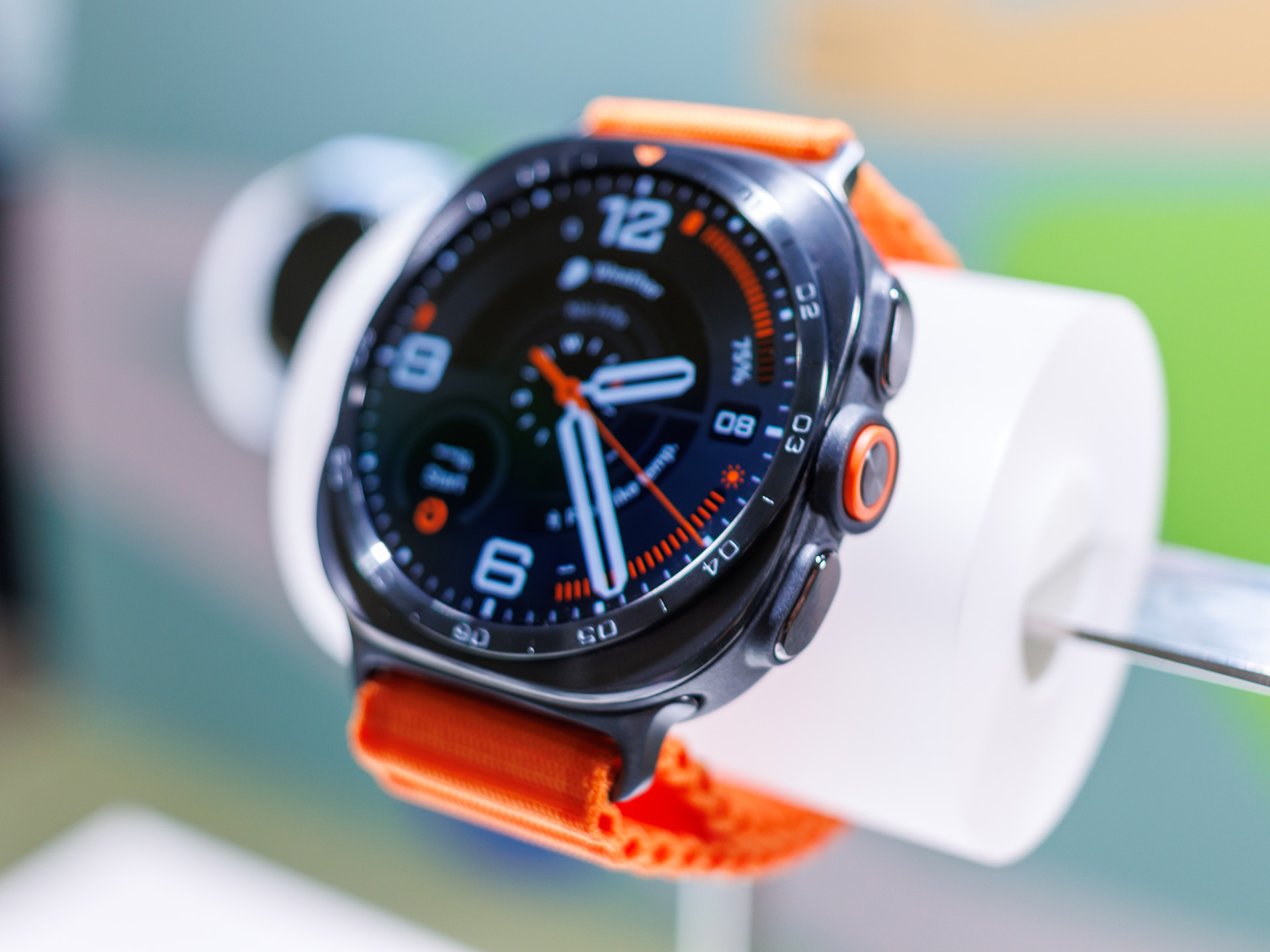
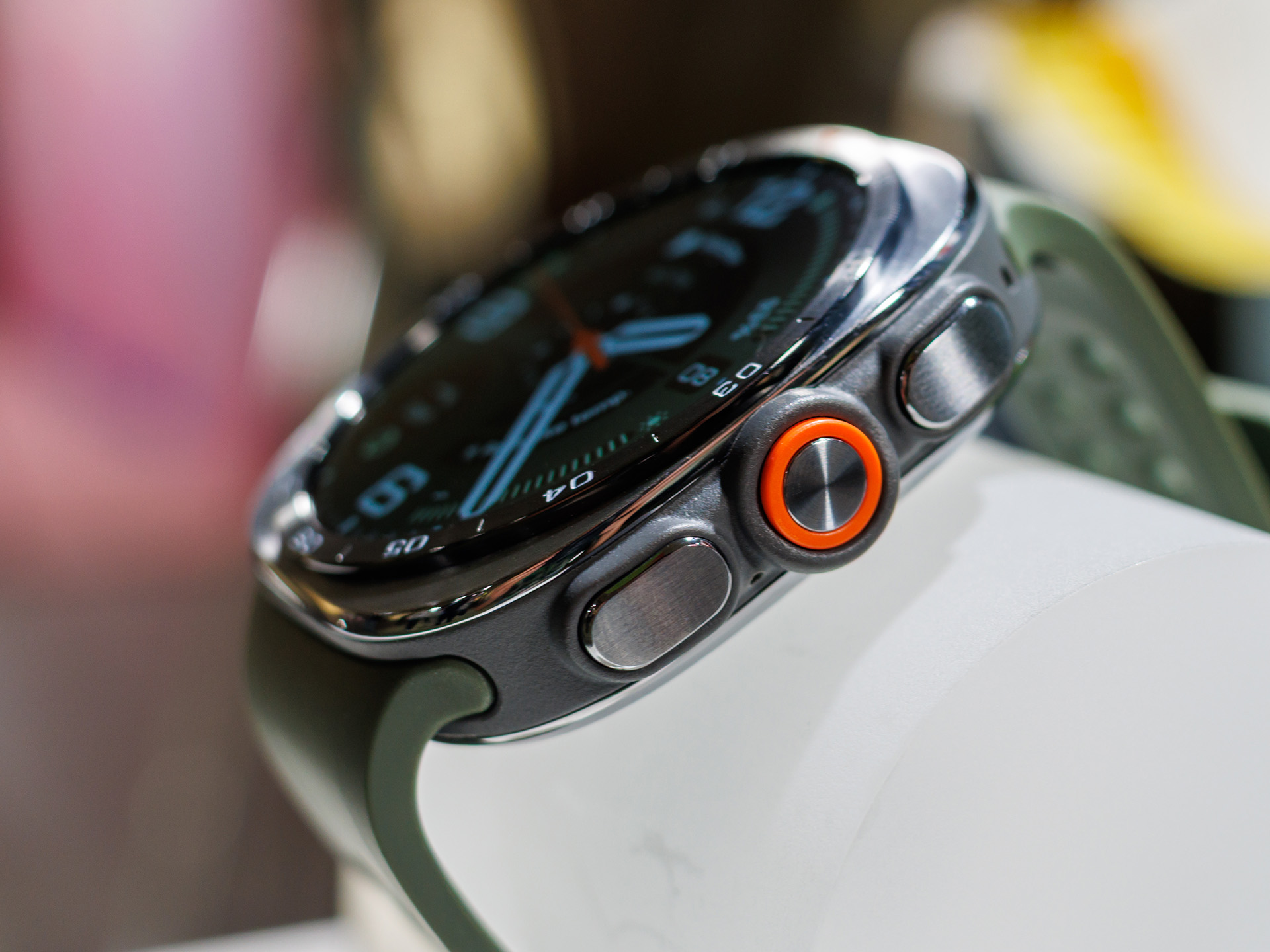
Samsung continues to use three buttons on one side of the Galaxy Watch Ultra2's case - one more than on the regular models. Most of the buttons are integrated into the case. A labeled, non-rotating bezel sits slightly raised above the display. The Watch Ultra2 does not have a physical crown.
Without the band, the Galaxy Watch Ultra2 weighs 61.5 grams. With the band, it weighs 85.7 grams. The band has a double clasp and is 24 millimeters wide. It can easily be changed without tools. Samsung uses a proprietary connector for it. Unlike many current smartwatches, the end of the band is not tucked between the band and the skin.
Sustainability - Samsung offers 5 years of software updates
Samsung does not provide information about the smartwatch’s carbon footprint. However, the packaging is plastic-free. The manufacturer also promises software updates until July 2031.
Setup and operation - Samsung relies on two apps


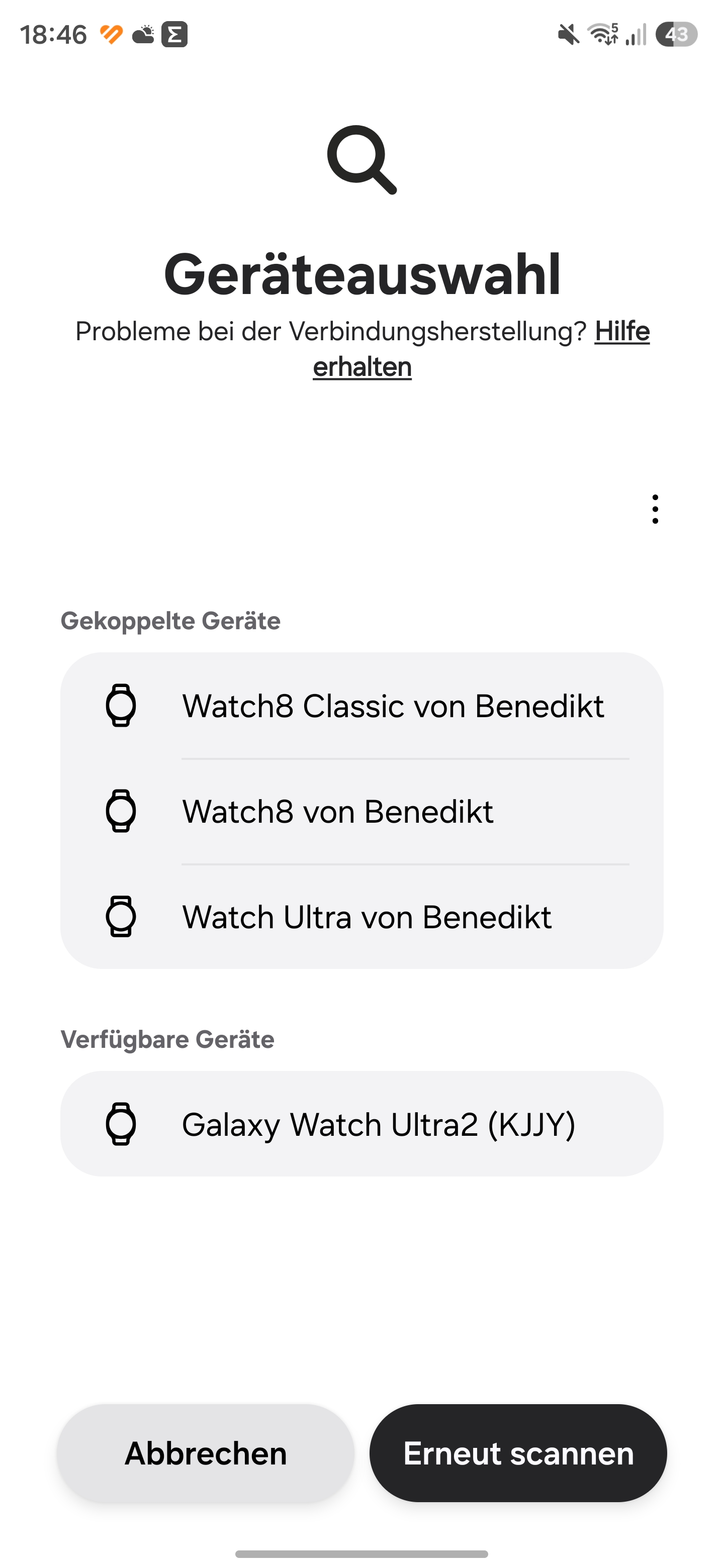
Samsung continues to use two apps for its own smartwatches. The Galaxy Wearable app is required to set up the Galaxy Watch Ultra2. All health data is collected and analyzed in the Samsung Health app. We use a Samsung Galaxy S24 Ultra in our test. The Galaxy Watch Ultra2 does not automatically appear as a device to set up on it, so you have to search for it in the Wear app.
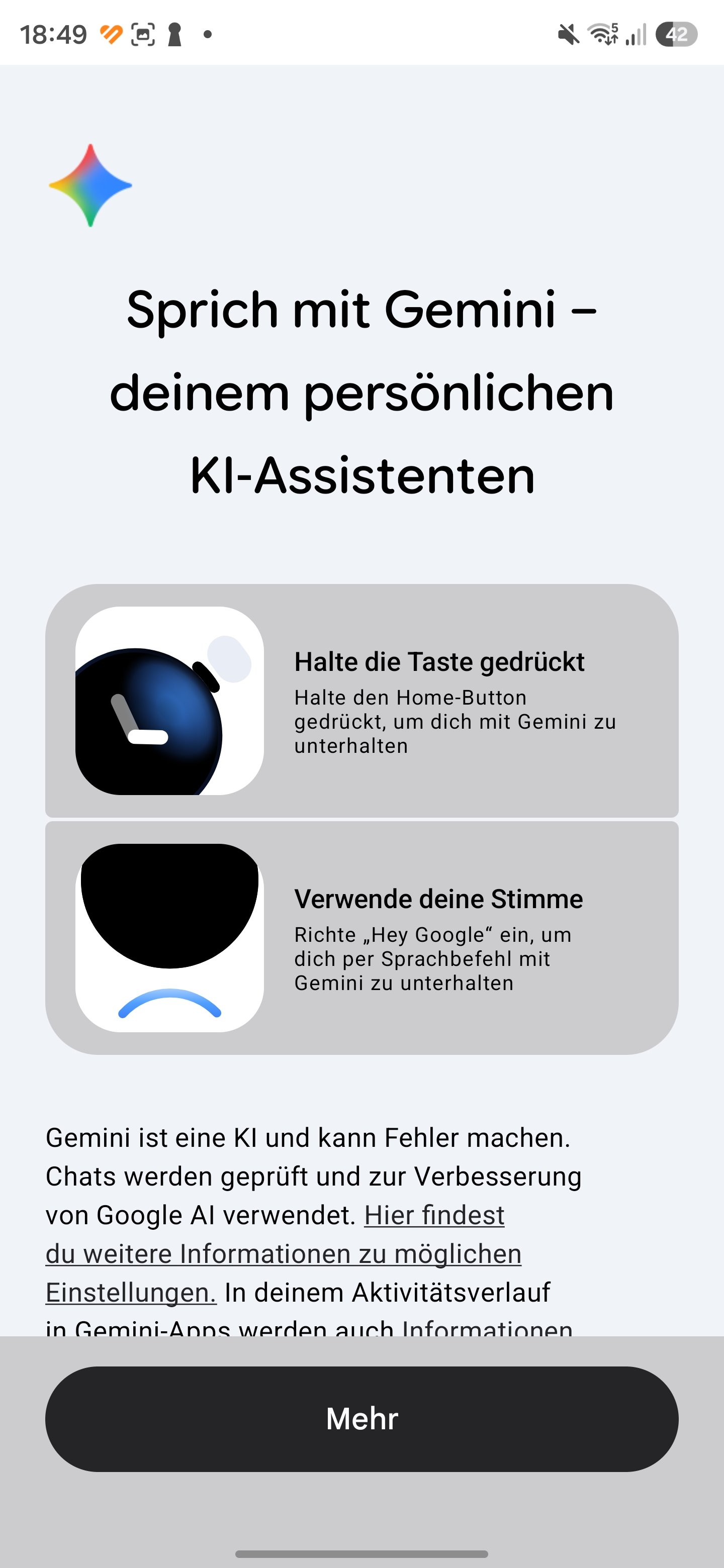
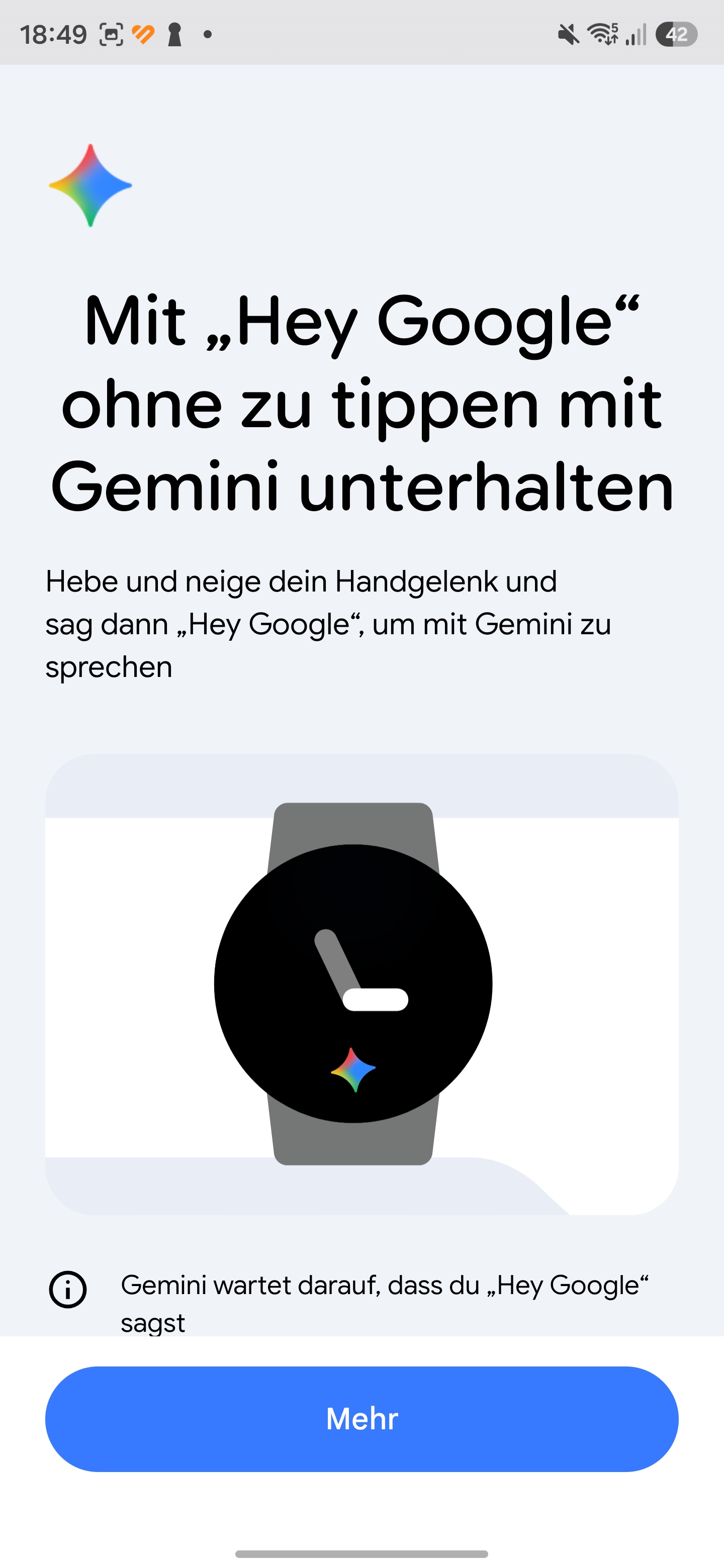
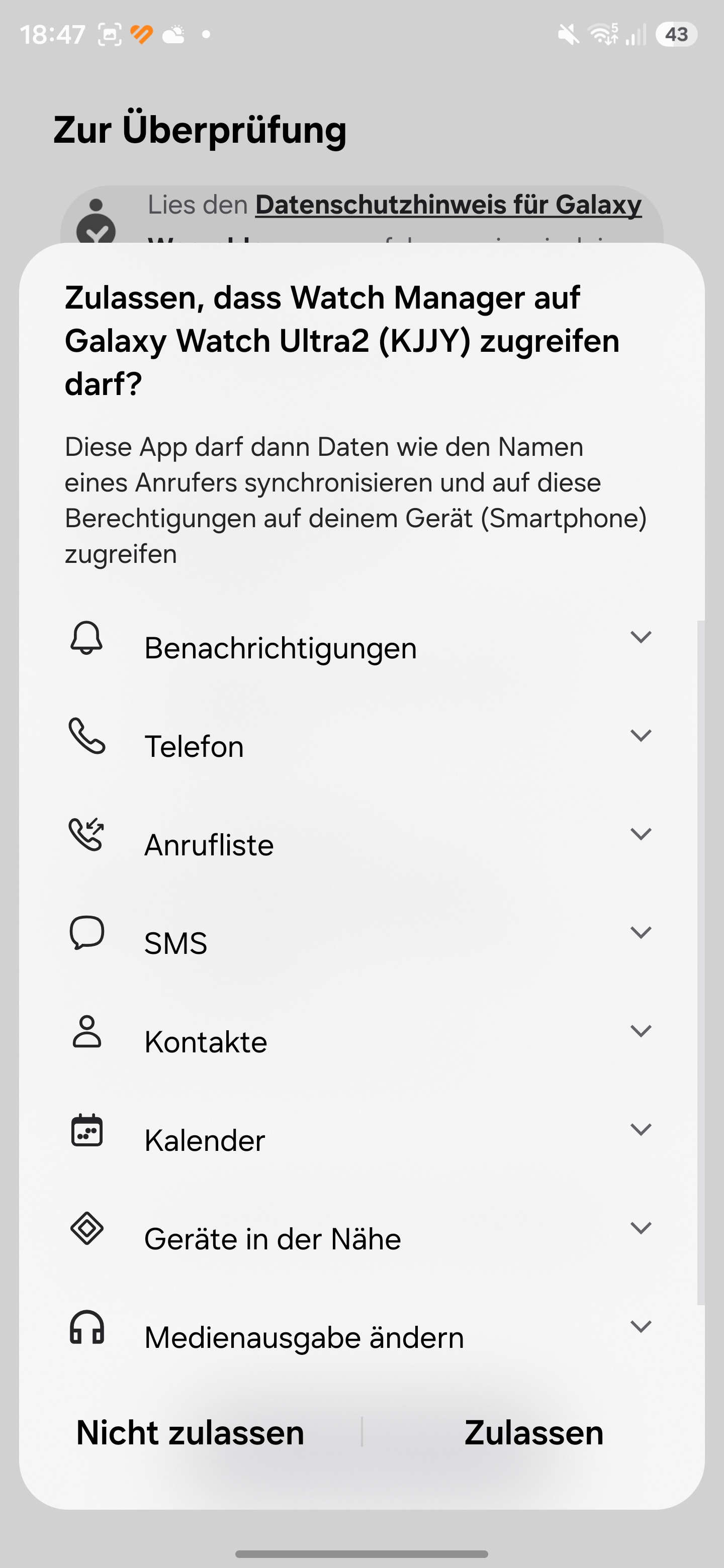
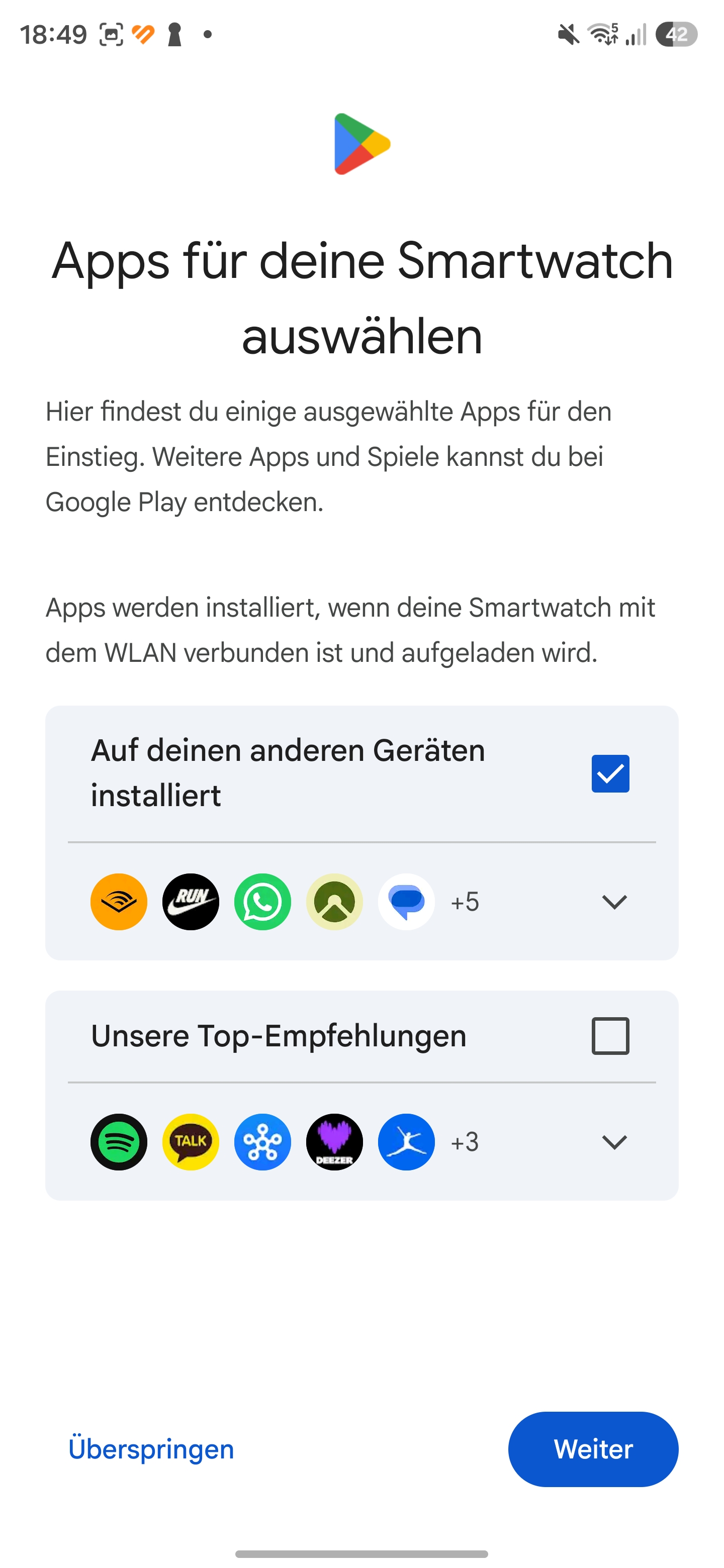
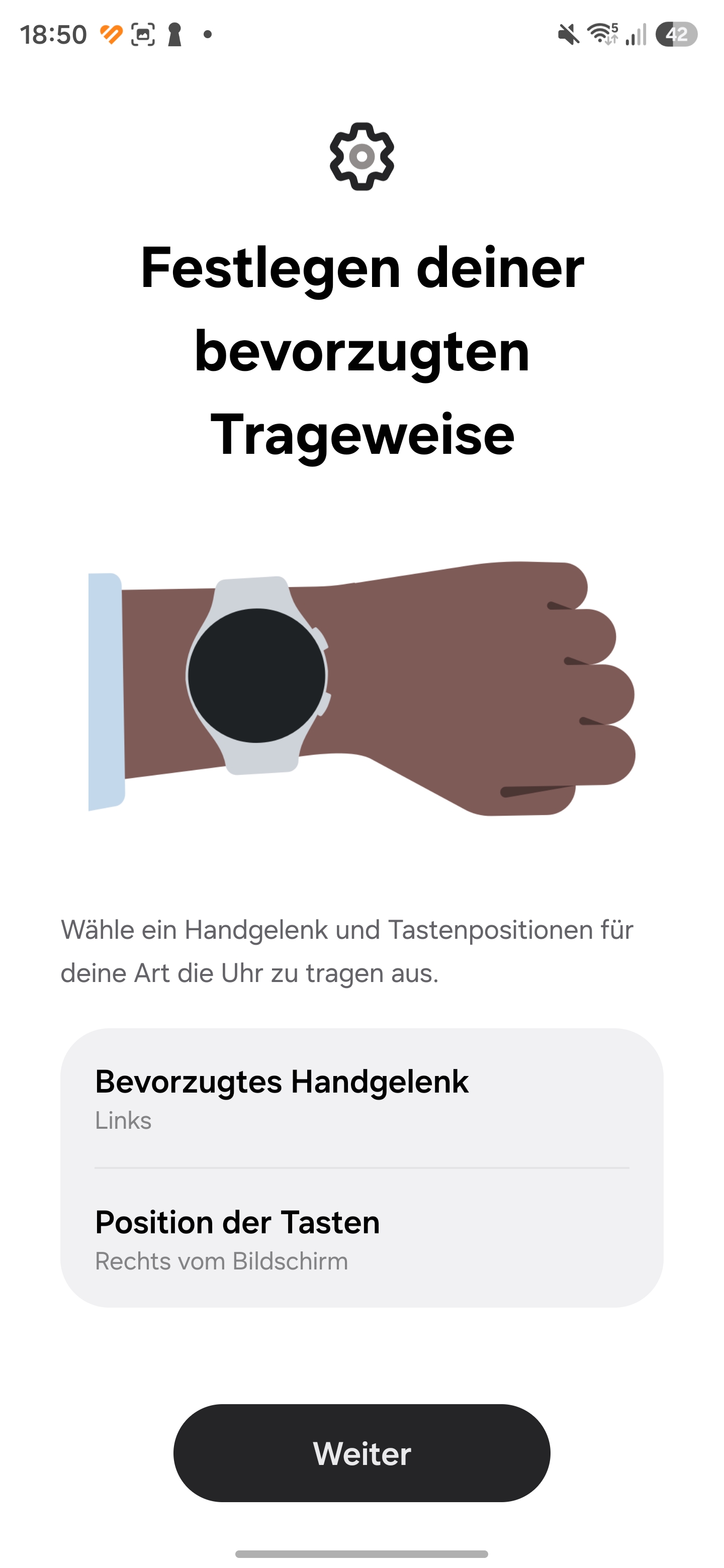
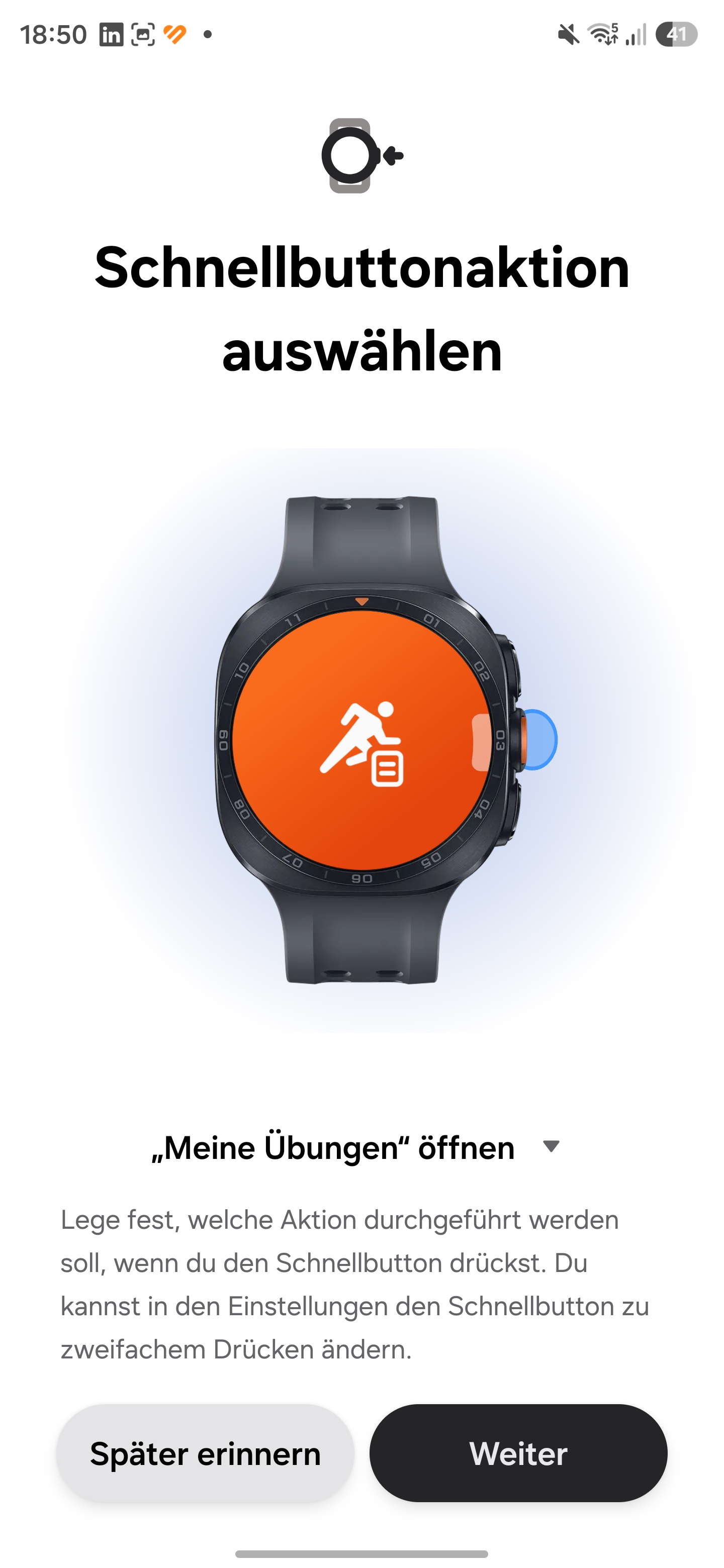
The app downloads additional resources and starts the setup process. Several permissions must be granted during setup. The Google account is also linked to the smartwatch. During setup, features are explained, such as voice control with Gemini. Initial settings are also configured, such as the wearing direction and the assignment of the quick button.
At the end of the setup, there is a short tutorial on the smartwatch that shows how to use it and highlights important features.
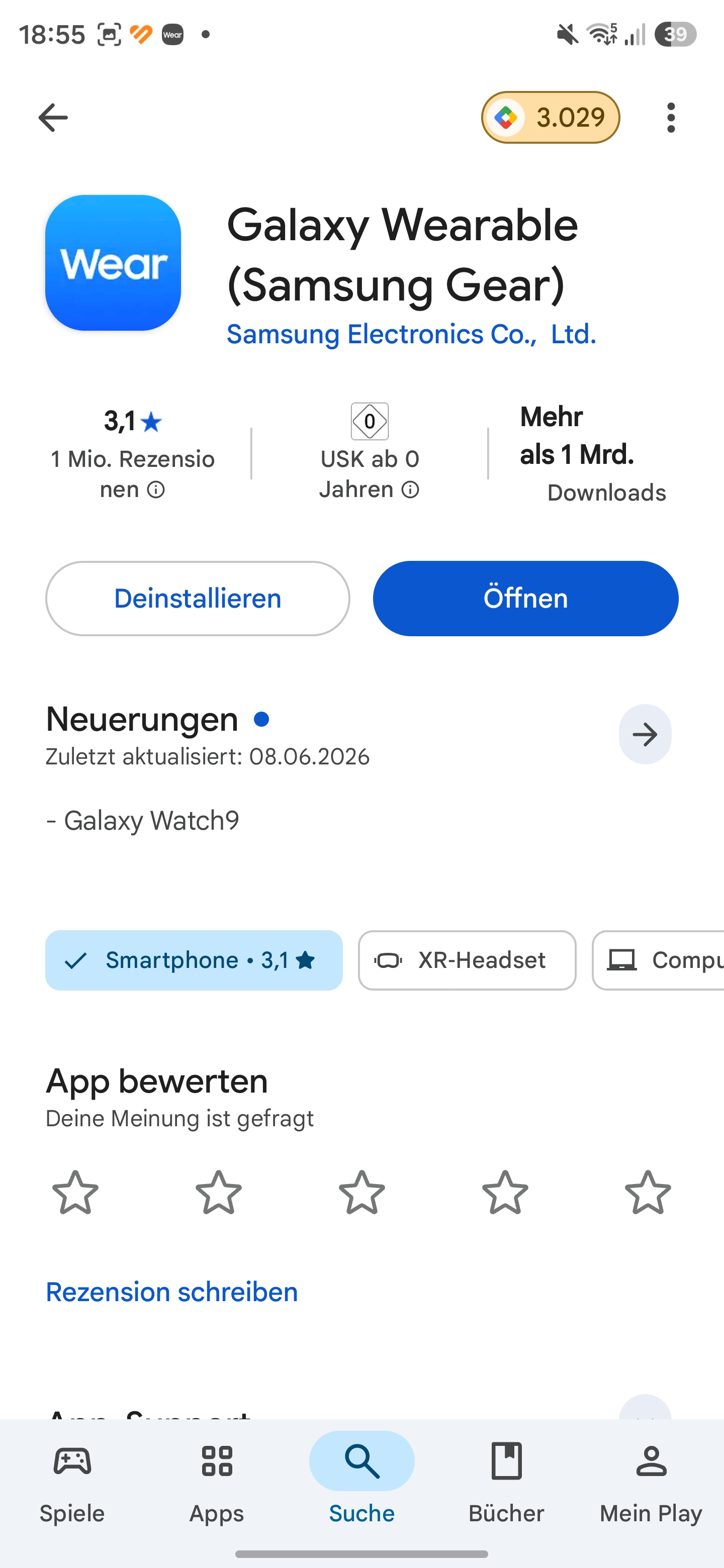
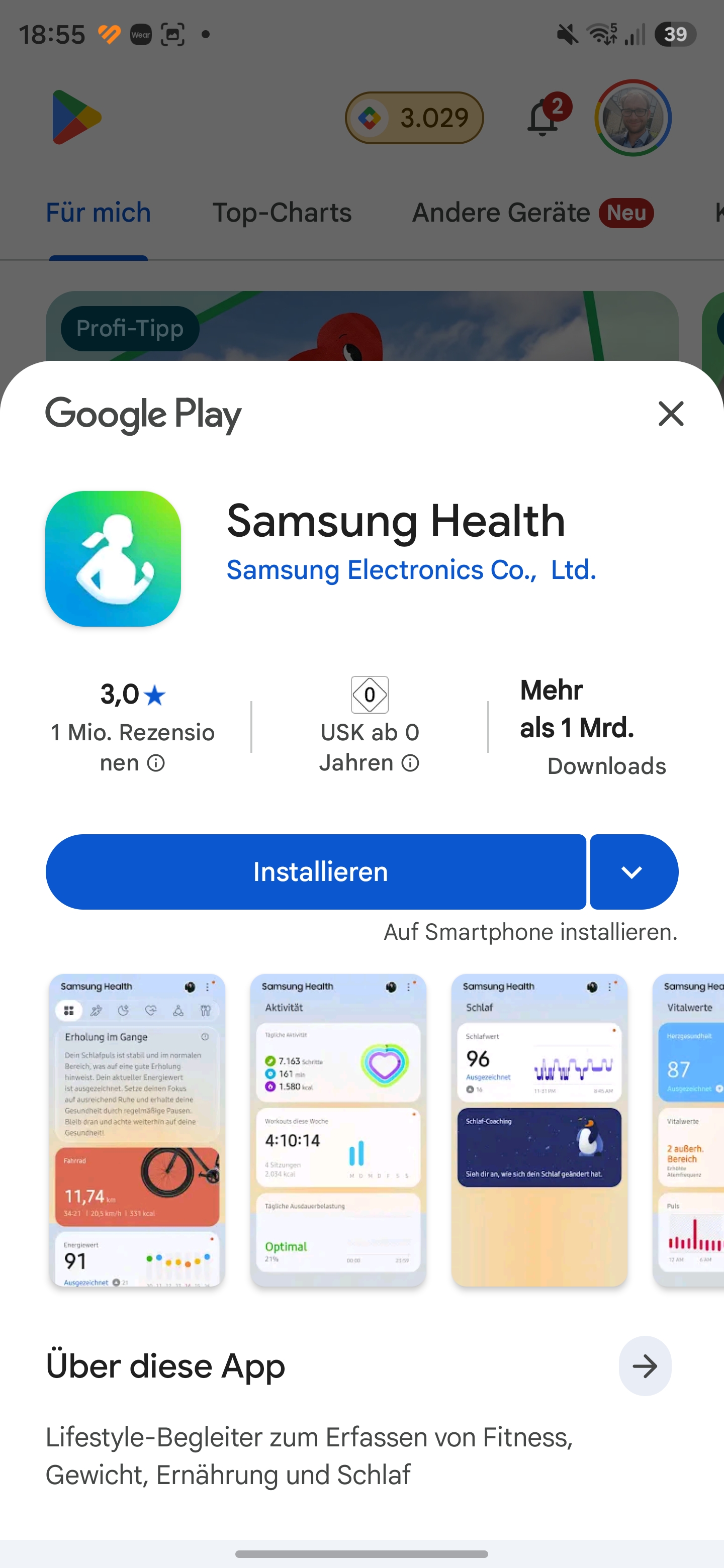
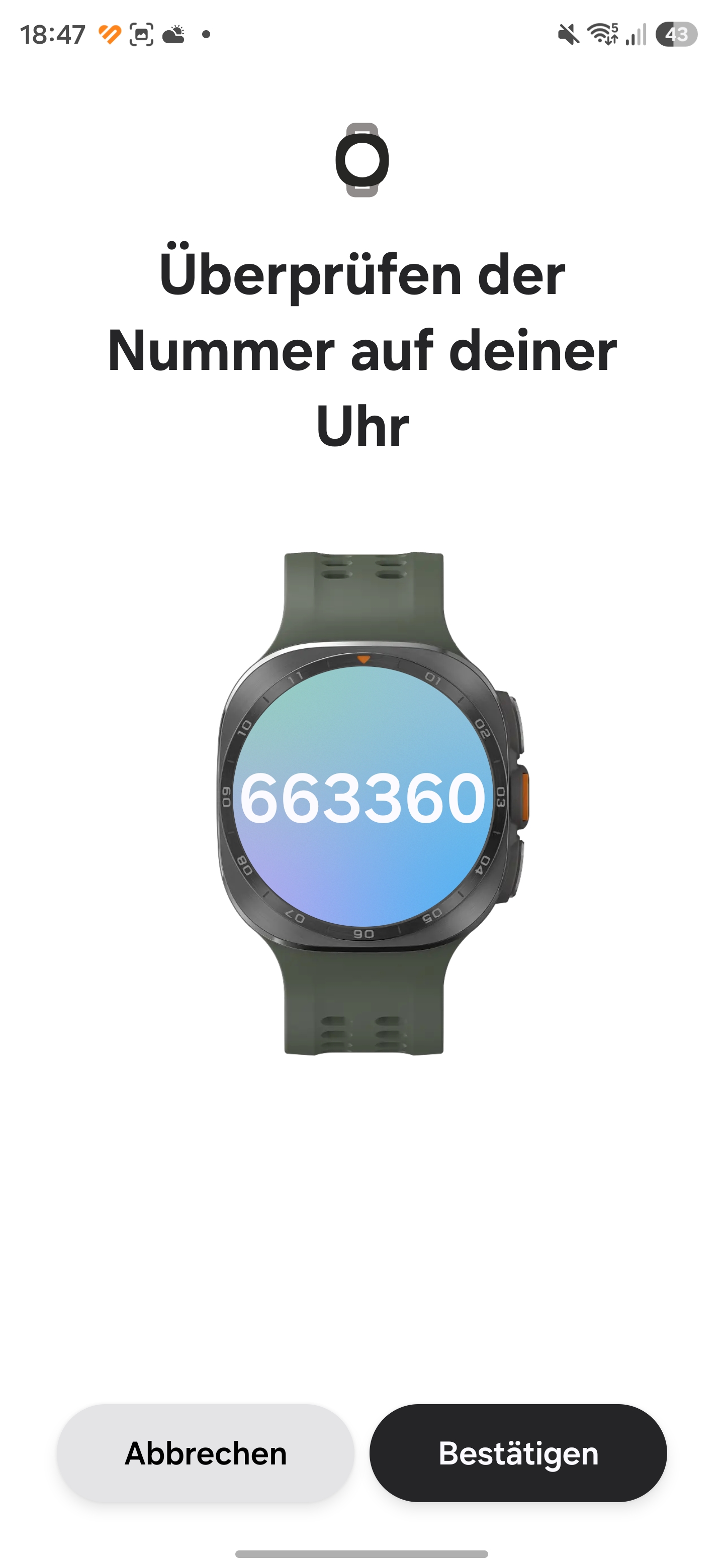
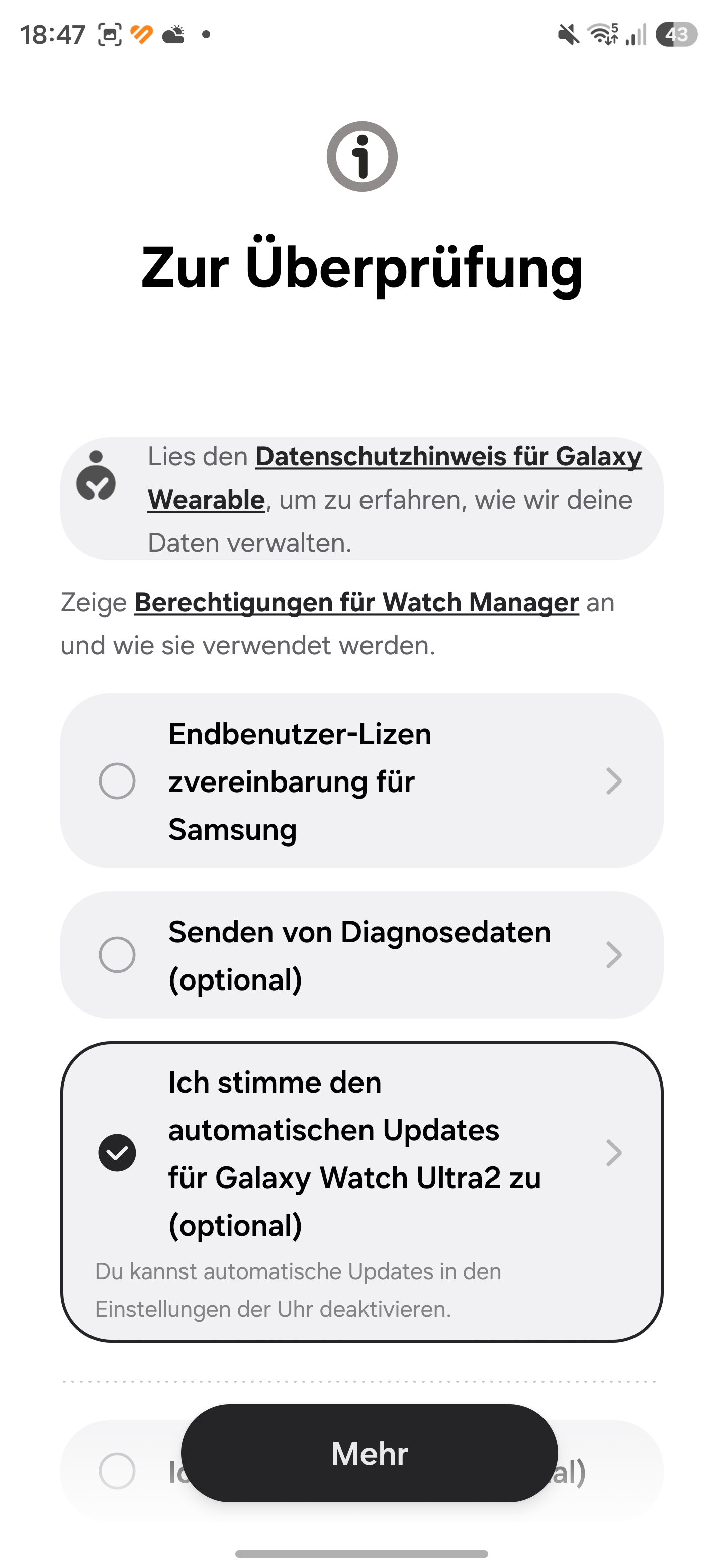
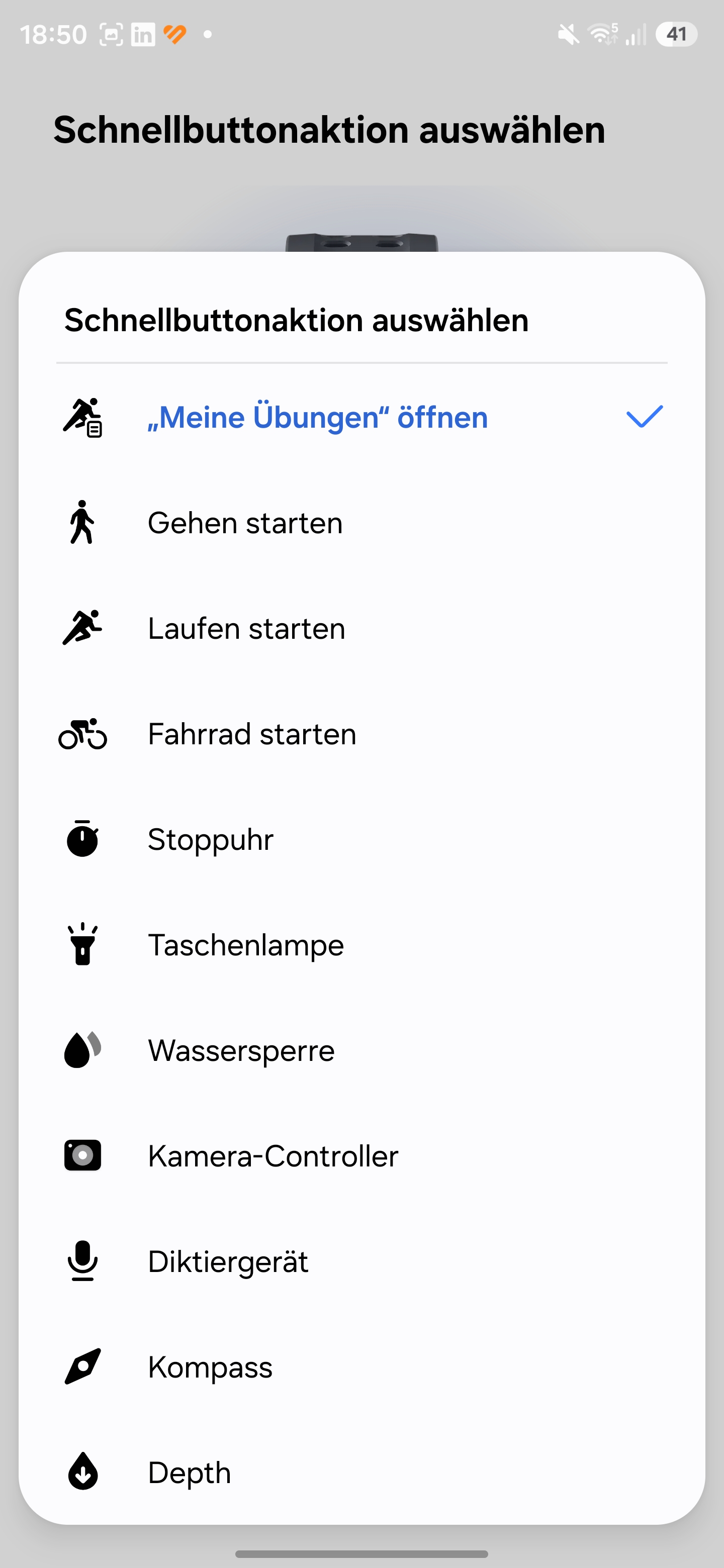
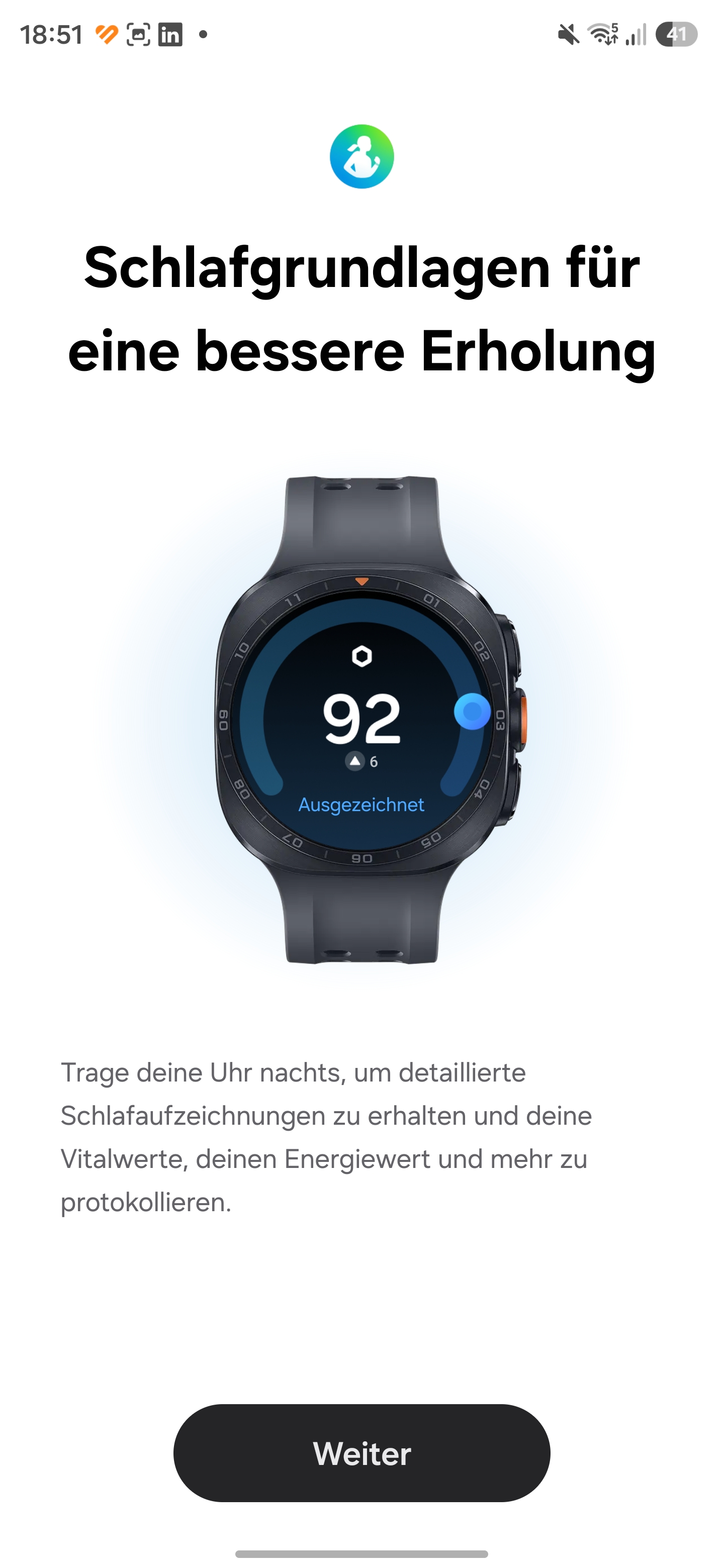
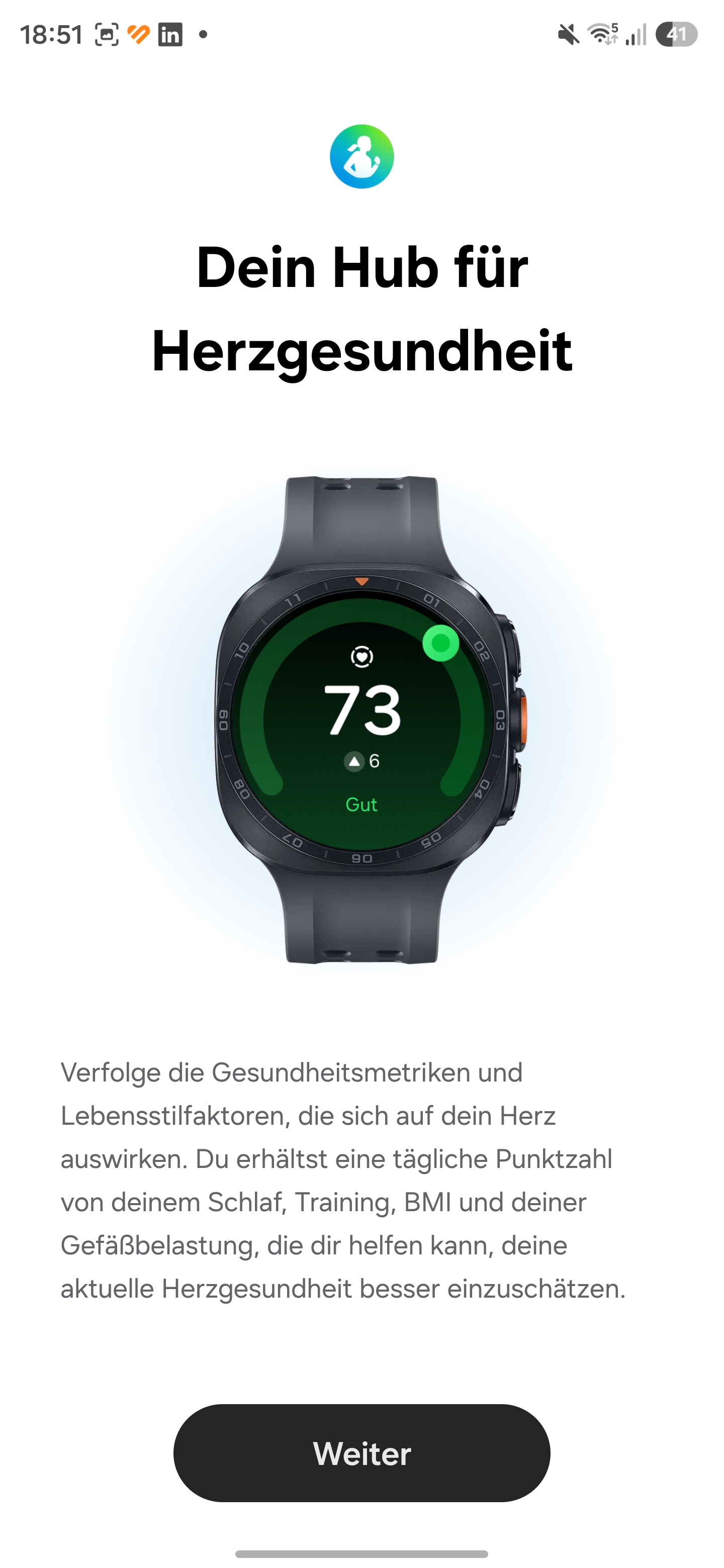
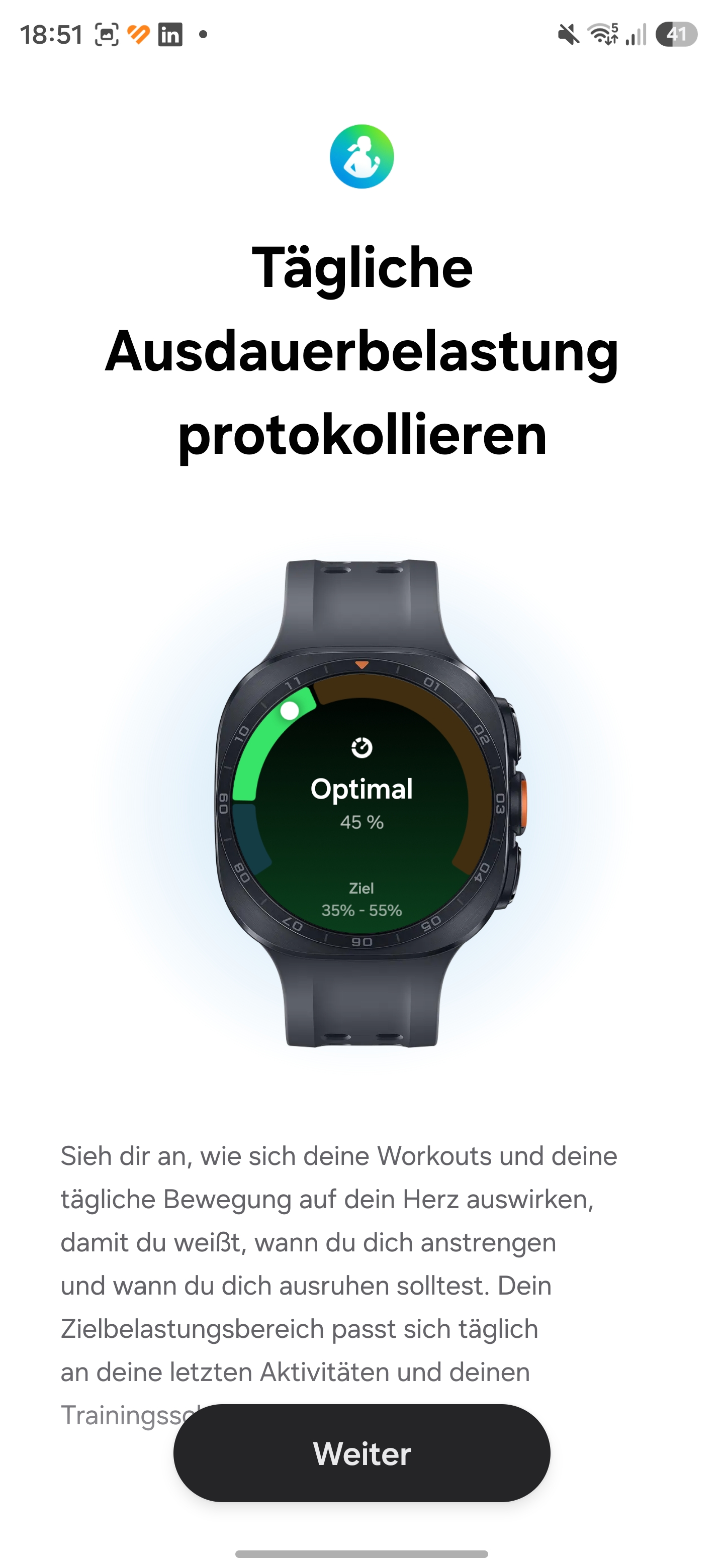
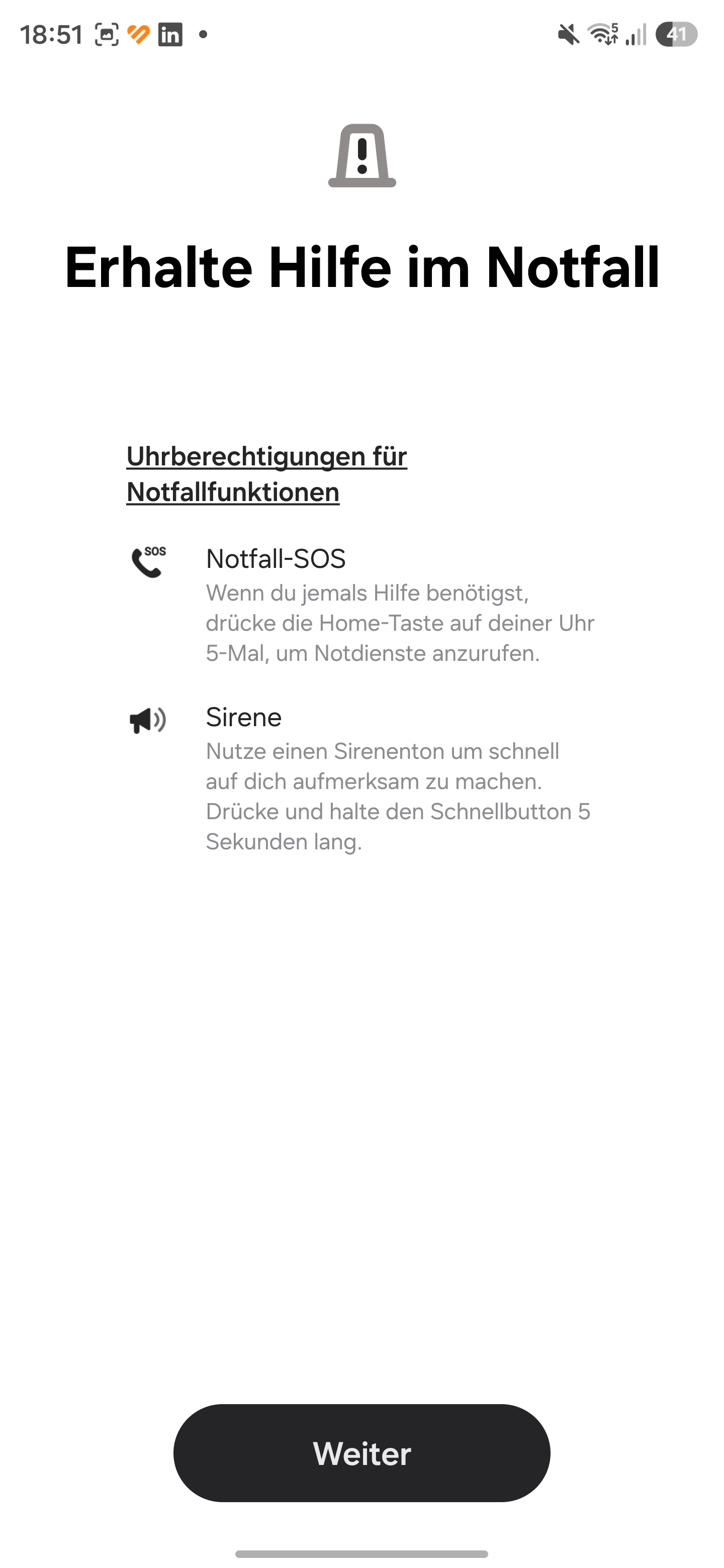
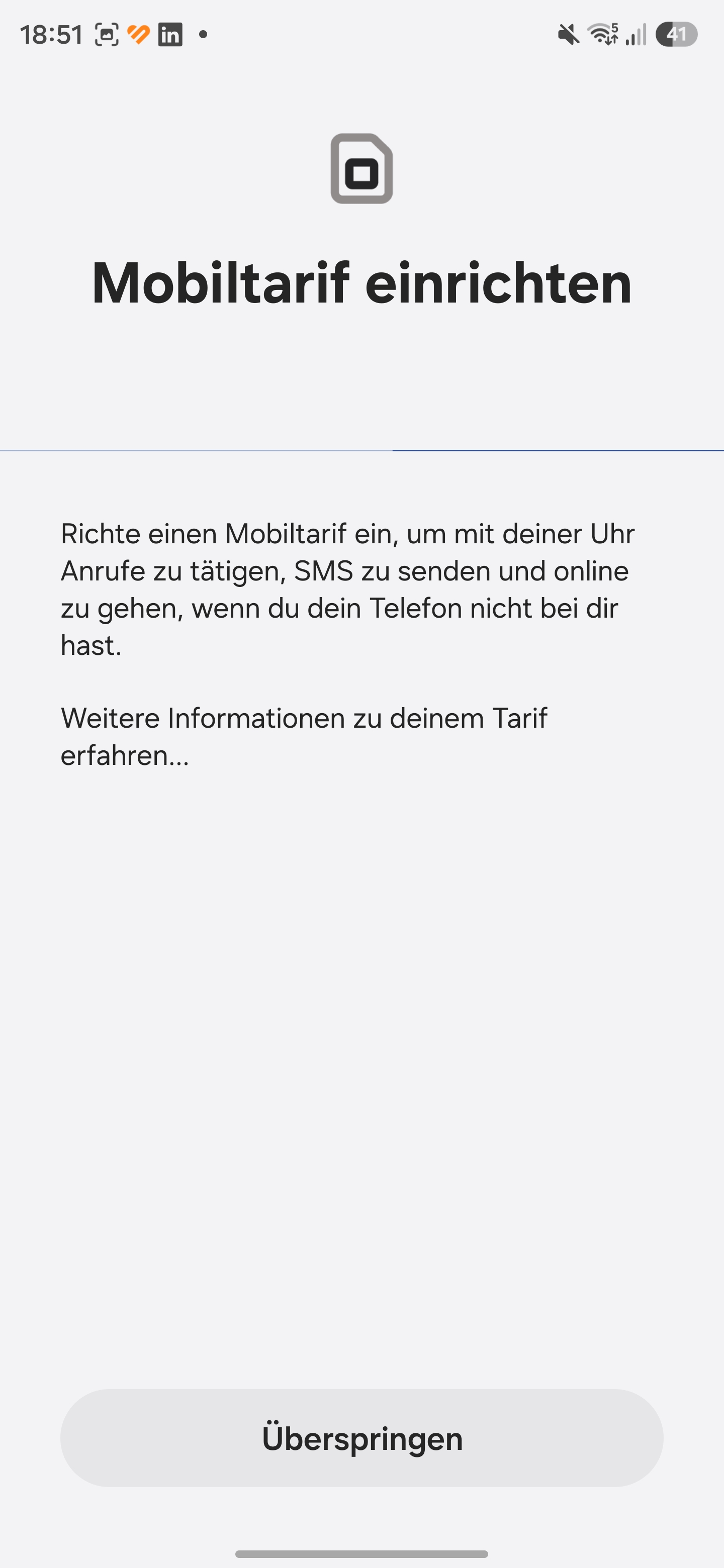
The division between the apps extends to how the watch is operated. Settings for the display, notifications, or app overview are configured in the Wear app. Settings for workouts and health measurements, on the other hand, are configured in the Samsung Health app. An additional app, Samsung Health Monitor, is required to use the ECG and blood pressure features. Samsung offers a wide selection of free watch faces that can be customized.
Thanks to Wear OS, the app selection is huge. There are map providers, well-known music streaming services, apps for smart home control, and much more. This is a clear advantage over other smartwatches in the Android camp. The smartwatch can play music through its built-in speakers, but can also connect to headphones without a smartphone. Thanks to eSIM, data connections are possible without a paired smartphone nearby.
The Health app offers an overview page with tiles for all features. The categories are also arranged as tabs for a better overview.


Telephony and notifications – Samsung with the best overall package
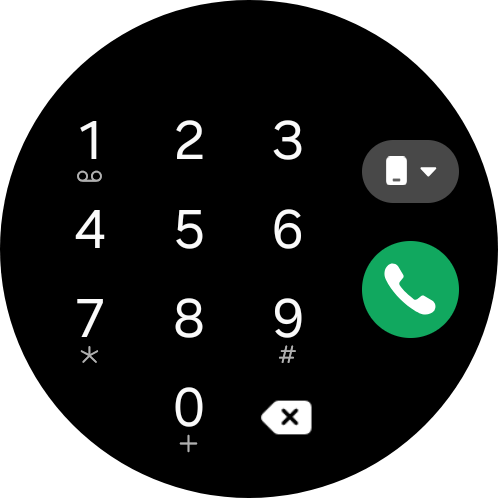
The Samsung Galaxy Watch Ultra2 has built-in microphones and a speaker, making it suitable for phone calls. Thanks to its own eSIM, it can also make calls without a paired smartphone. Call quality is good. There is no interference on either end of the connection.
The smartwatch provides access to all contacts on the paired smartphone or in the linked Google account. Call logs are also displayed. Manual entries can be made using a keyboard.
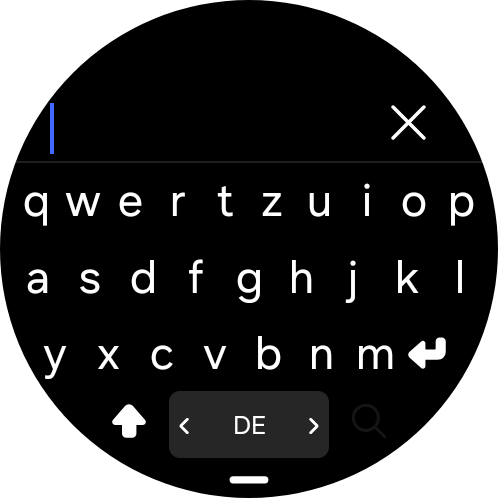
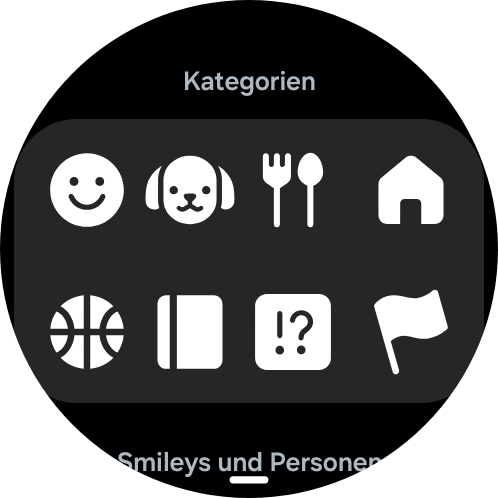
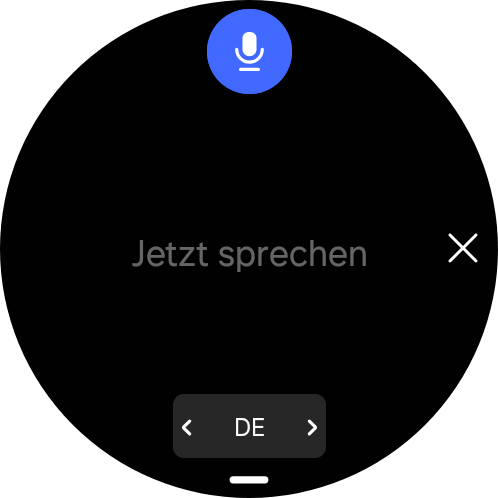
In our test, the Galaxy Watch Ultra2 reliably displays notifications. Notifications can be customized individually for each app. Replies can be sent using the QWERTY keyboard, emojis, drawing, or voice input. Entries are generally recognized correctly. The keyboard software also provides useful suggestions to speed up typing.
The Galaxy Watch Ultra2 can display emojis and images in chats. If the WhatsApp app is installed, voice messages are also possible. Overall, Samsung currently offers the most compelling package in this area.

Voice Assistant - Bixby and Gemini on the Galaxy Watch Ultra2
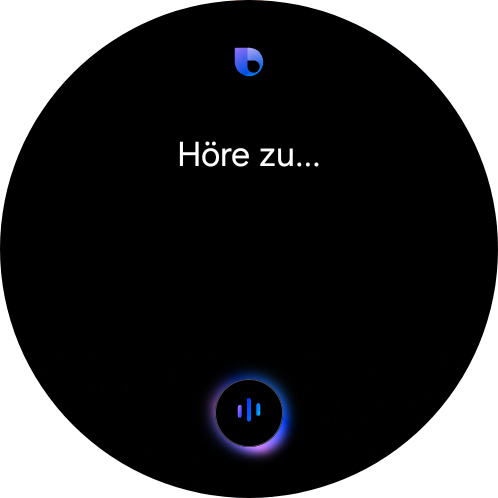
Samsung continues to rely on its own voice assistant, Bixby. It has been significantly upgraded. Samsung intends it to access device functions, but it can also search the internet for information. Answers are displayed on the screen and spoken aloud.
Despite the improvements, Bixby is nowhere near matching the range of features offered by Google Gemini, which is also installed. Gemini can access various services, such as Calendar or Google Maps. Those who use the relevant services get a seamless overall experience. It understands even long and complicated prompts, and response times are short.
ChatGPT, Claude, and Alexa are not available on Wear OS, or are only offered through third parties.
Health and Fitness - Samsung focuses on Energy Score
Health and fitness information is available in the Samsung Health app. Samsung focuses on the central Energy Score. This is a number between 1 and 100, supplemented by a word rating. The score is made up of various parameters: average sleep duration, sleep schedule consistency, sleep regularity, sleep duration, activity on the previous day, activity consistency, sleep heart rate, sleep HRV, and skin temperature during sleep.
The score is intended to help assess performance during the day. After a poor night’s sleep or a hard workout the day before, a break is recommended. The Health app provides an overview of vital signs and lists the normal range as a reference. Unlike many other smartwatches, the Galaxy Watch Ultra2 can also measure noise exposure and issue warnings before hearing damage occurs.
The Samsung Health app provides an overview of vascular strain. Sleep time, Active time, and stress measurements are included in this index. The antioxidant index is still in beta. It is intended to measure free radicals in the metabolic process that are caused by unhealthy lifestyle habits.
In addition to simply measuring stress, users can also keep a mood journal. The software also offers meditation exercises and breathing training.


Activity goals - Galaxy Watch Ultra2 measures endurance load
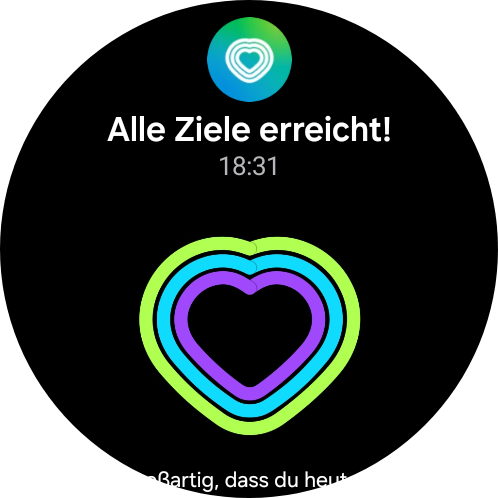
Samsung uses the familiar rings or hearts for activity goals. The rings represent steps, active time, and activity calories. Additional charts show activities throughout the day, with information on workouts completed, floors climbed, active hours, workout time, and distance covered.
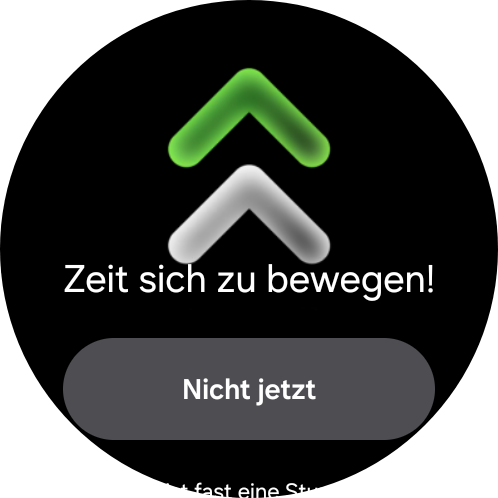
The software also offers an analysis of daily endurance load. This value is intended to help achieve the right level of activity for the day. The aim is to steadily increase activity without overexertion. If desired, the watch also reminds you to get up regularly, for example, from your desk.
Food intake can be logged via the Health app.


Heart rate, heart rhythm, and blood oxygen saturation
The Samsung Galaxy Watch Ultra2 offers extensive options for measuring health metrics. As usual, it can measure heart rate and blood oxygen saturation. To record an ECG and measure blood pressure, the Galaxy Watch Ultra2 must be connected to a Samsung smartphone. It’s a shame that Samsung continues to keep these features so exclusive. The smartwatch also has to be calibrated using a blood pressure monitor before measuring blood pressure—and this needs to be done regularly. It is more of an estimate. Only the Huawei Watch D series can take a true measurement without calibration.
To better assess the Galaxy Watch Ultra2’s readings, we compare them with those from reference devices. We have compiled in this article what you need to bear in mind when measuring with smartwatches in general.
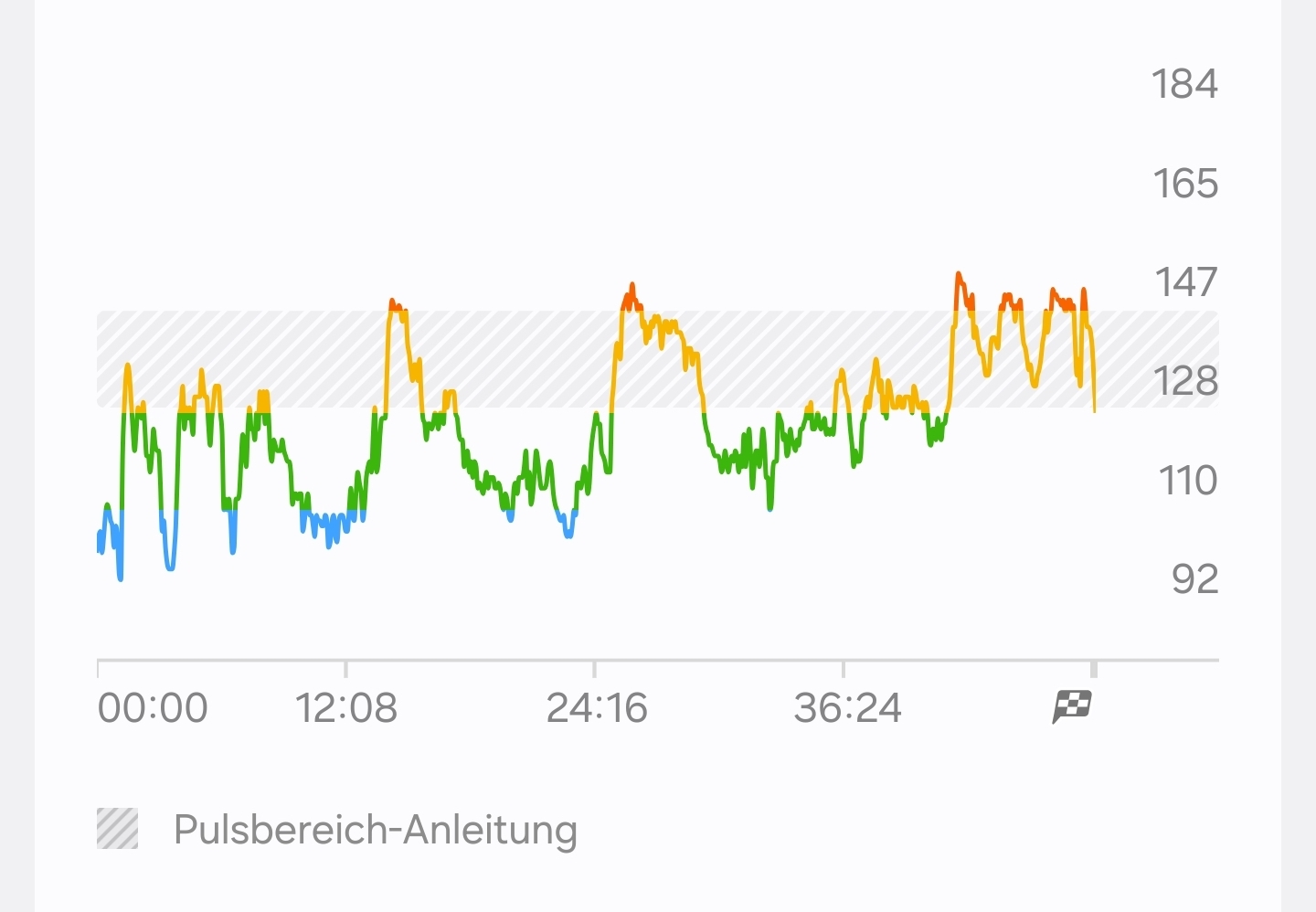
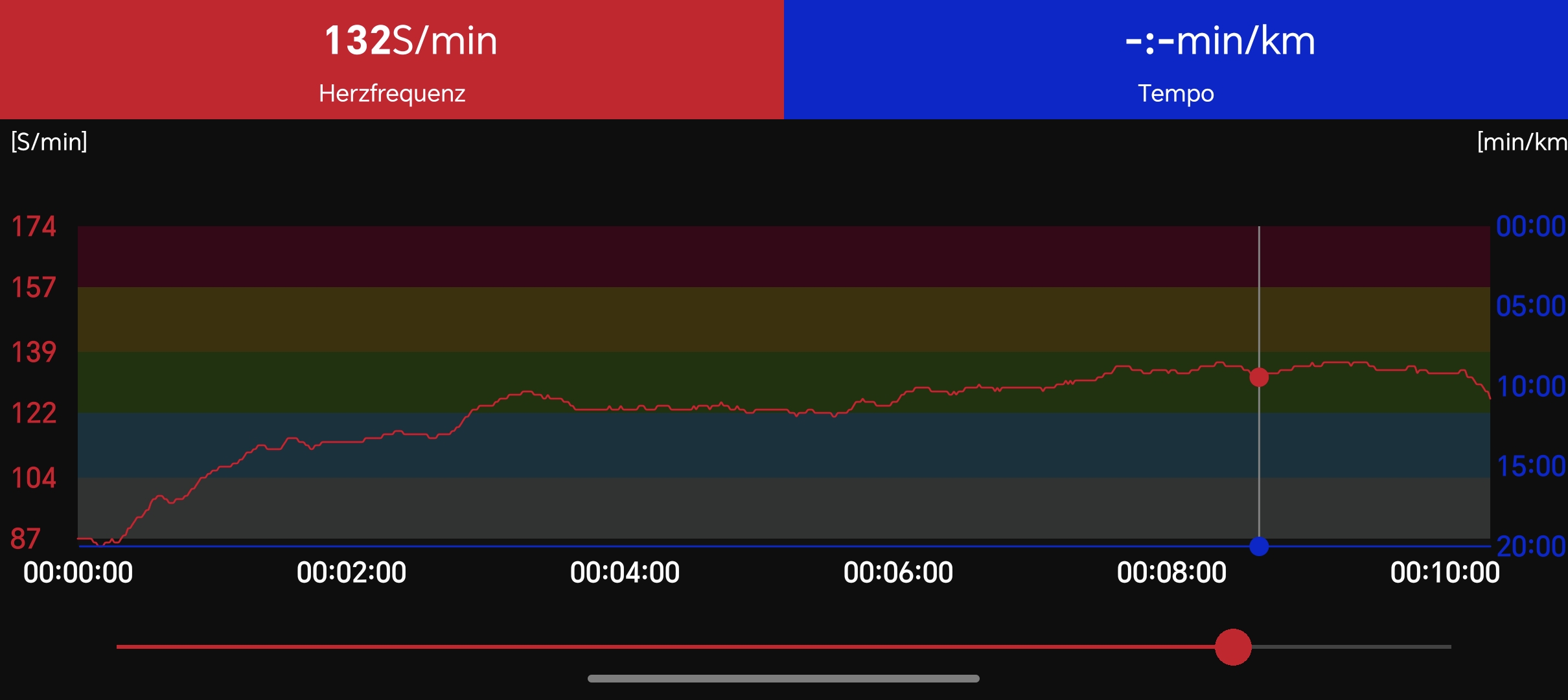
A Polar H10 chest strap serves as the reference device for heart rate measurements. The two devices differ by just one beat per minute when measuring resting heart rate, an error of 1.82 percent. We measure exercise heart rate at three different times. Averaged across three measurements, the error is 0.25 percent. The largest error in a single measurement is one beat per minute.
A Braun Pulse Oximeter 1 serves as the reference device for measuring blood oxygen saturation. Averaged across three measurements, the error is 0.7 percent. The largest error in a single measurement is three percentage points.
The blood pressure readings are similarly impressive. Averaged across three measurements, the systolic reading has an error of 0.28 percent, while the diastolic reading has an error of just 0.01 percent. The largest error in a single measurement is two mmHg.
Sleep tracking - Samsung determines the sleep score and sleep animal
The sleep tracking on the Samsung Galaxy Watch Ultra2 is very comprehensive. The many details are brought together in a sleep score. The numerical score is supplemented by a word rating and a correspondingly colored cloud. The score is influenced by actual sleep duration, the proportions of the sleep stages, and sleep latency.
Times for the sleep stages are provided and compared with typical ranges. The data is supplemented with heart rate, blood oxygen saturation, skin temperature, and respiratory rate. When paired with a smartphone, the software is also supposed to detect snoring.
The app offers tips for improving sleep, creates sleep logs, and recommends bedtimes. In combination with a questionnaire, the software creates a sleep profile - a sleep animal. The Samsung smartwatch does not include a smart alarm.


Workout recording - Galaxy Watch Ultra2 with diving capability and workout navigation

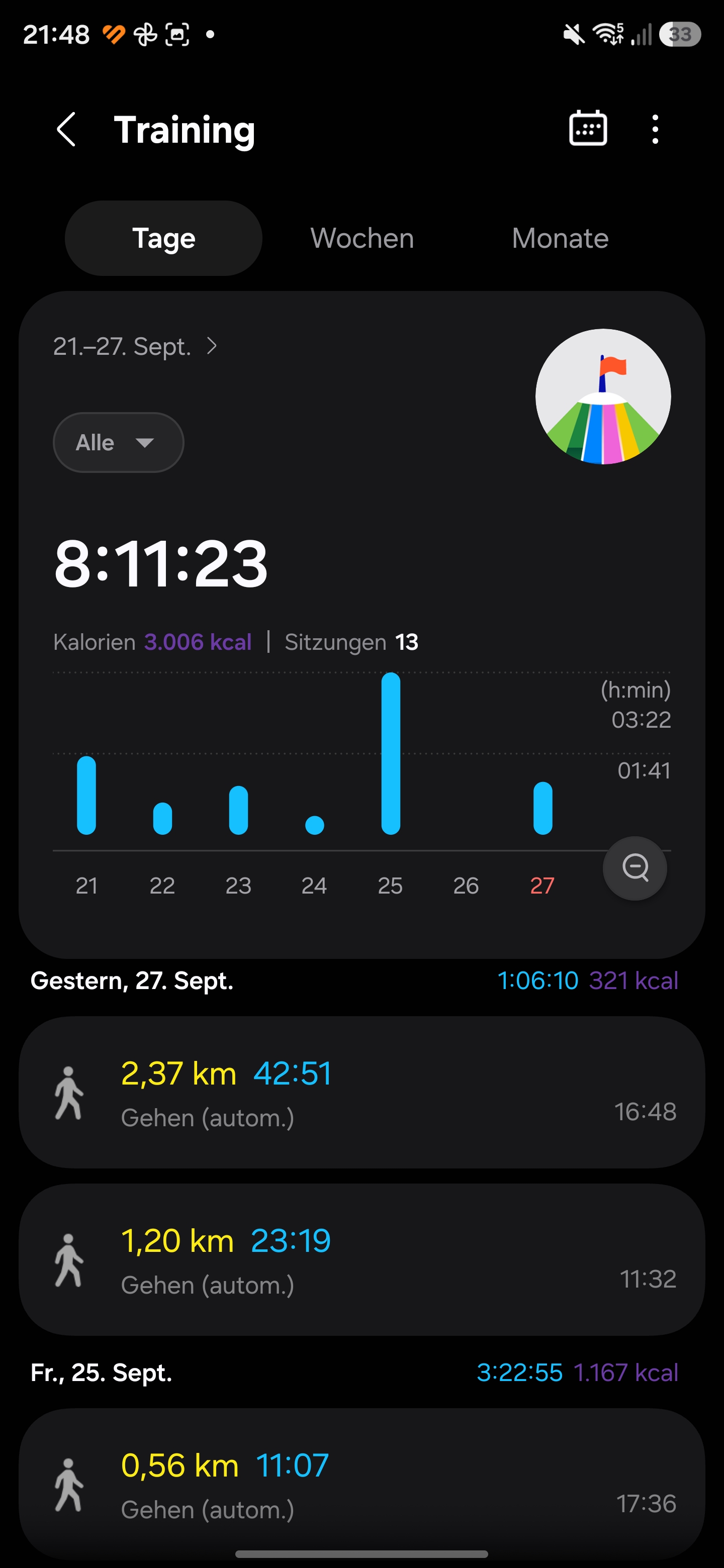
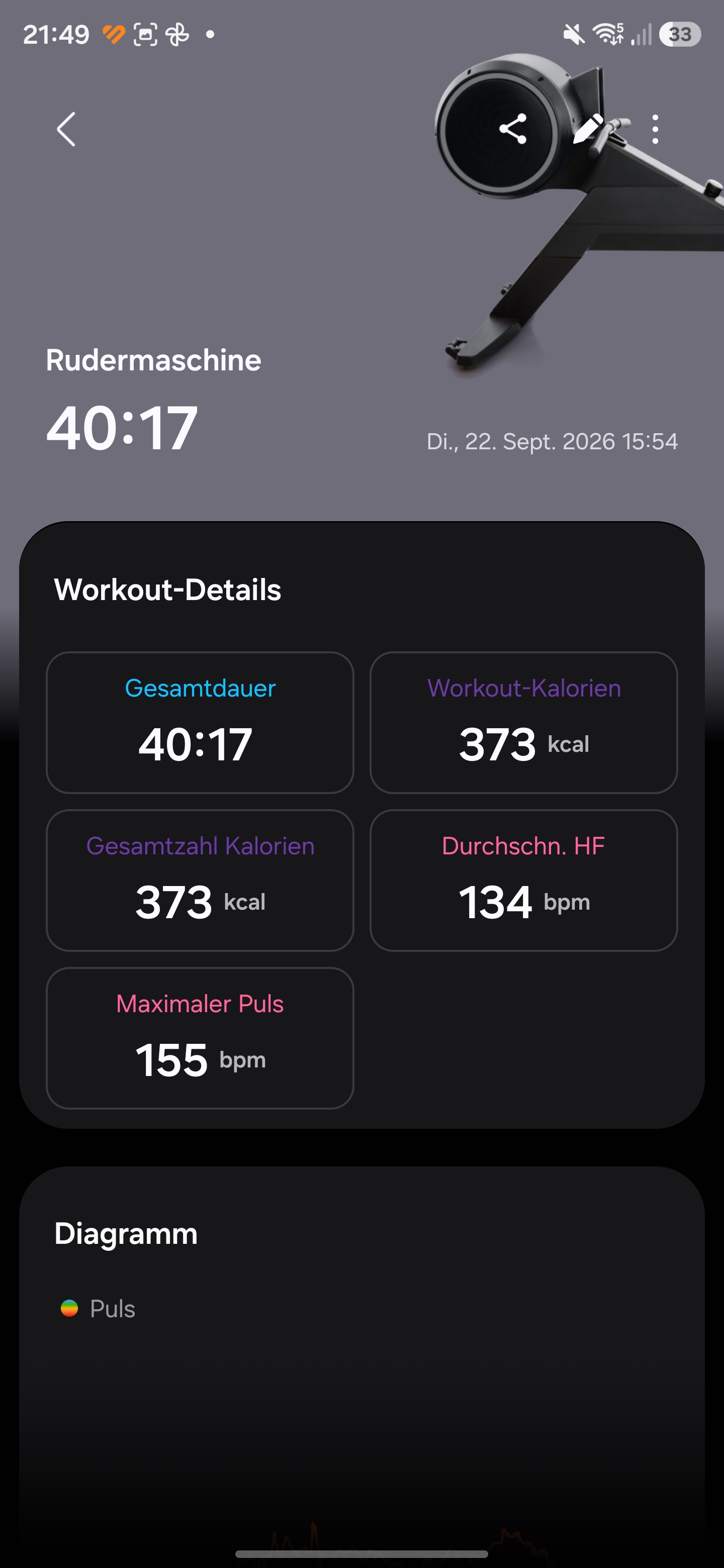
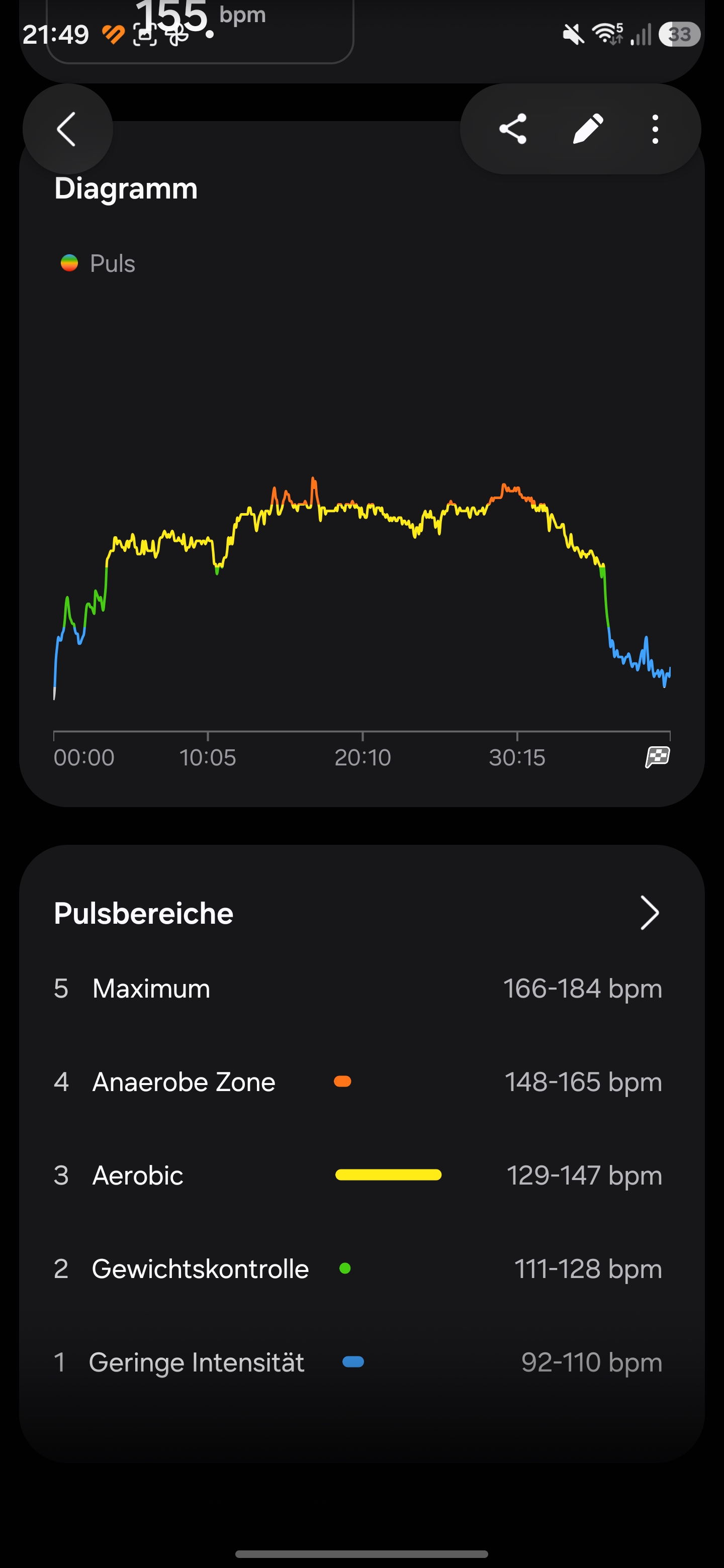
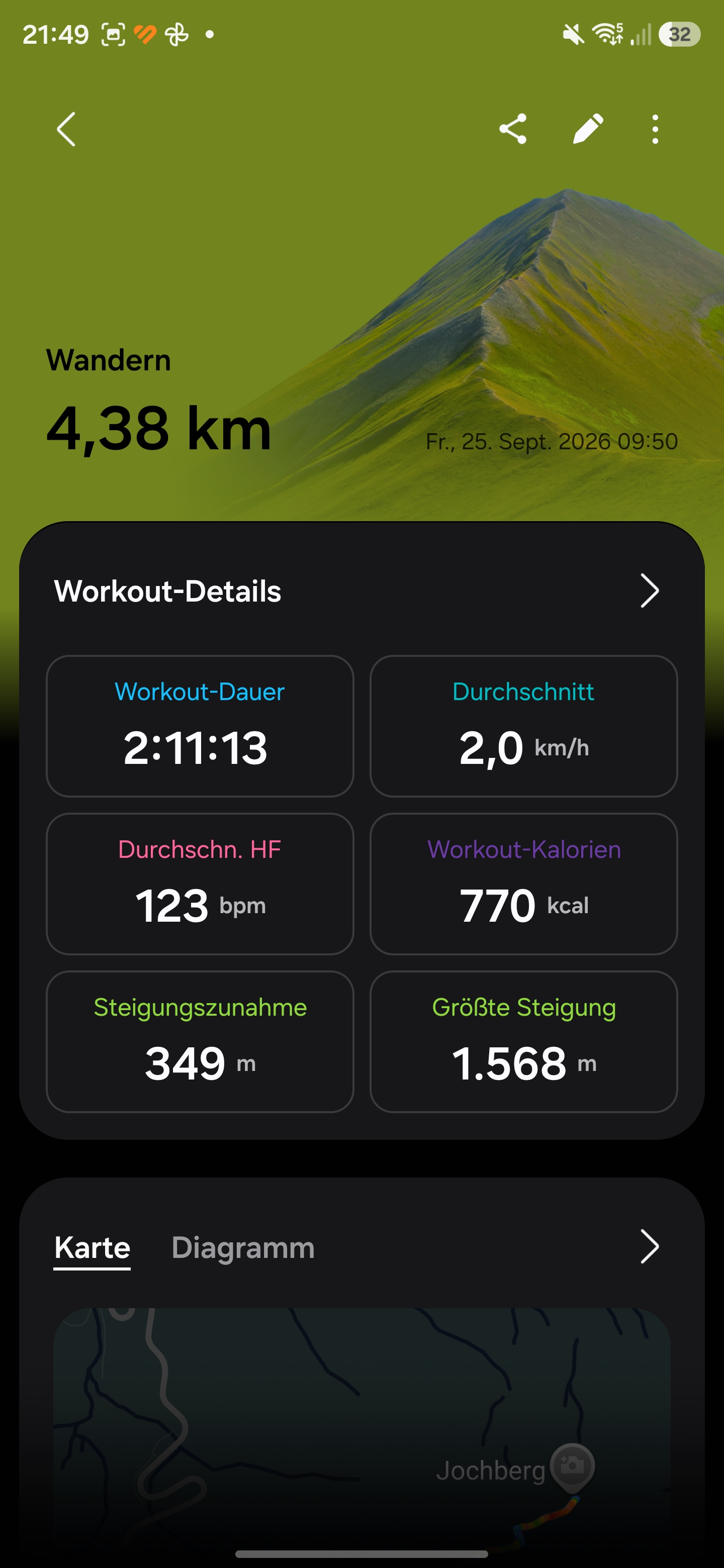
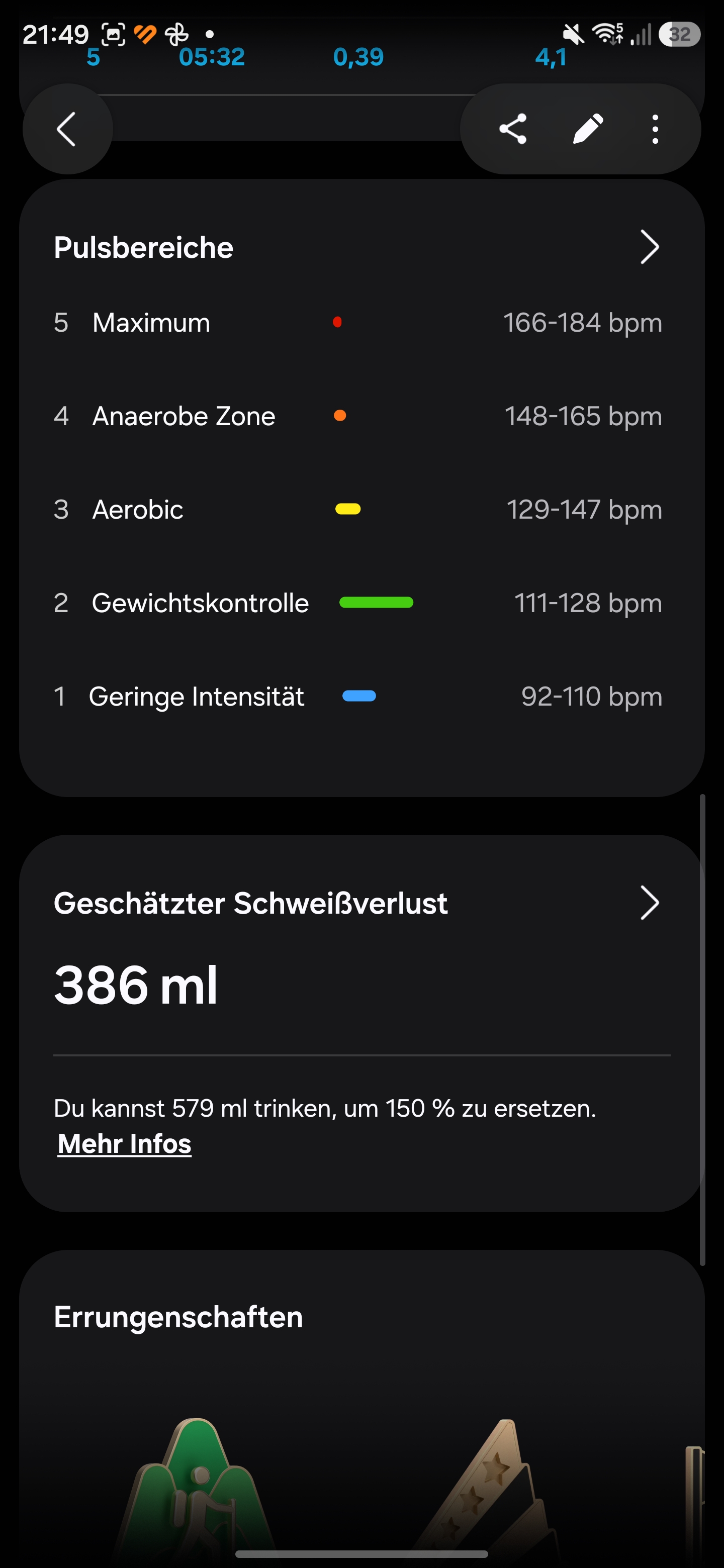
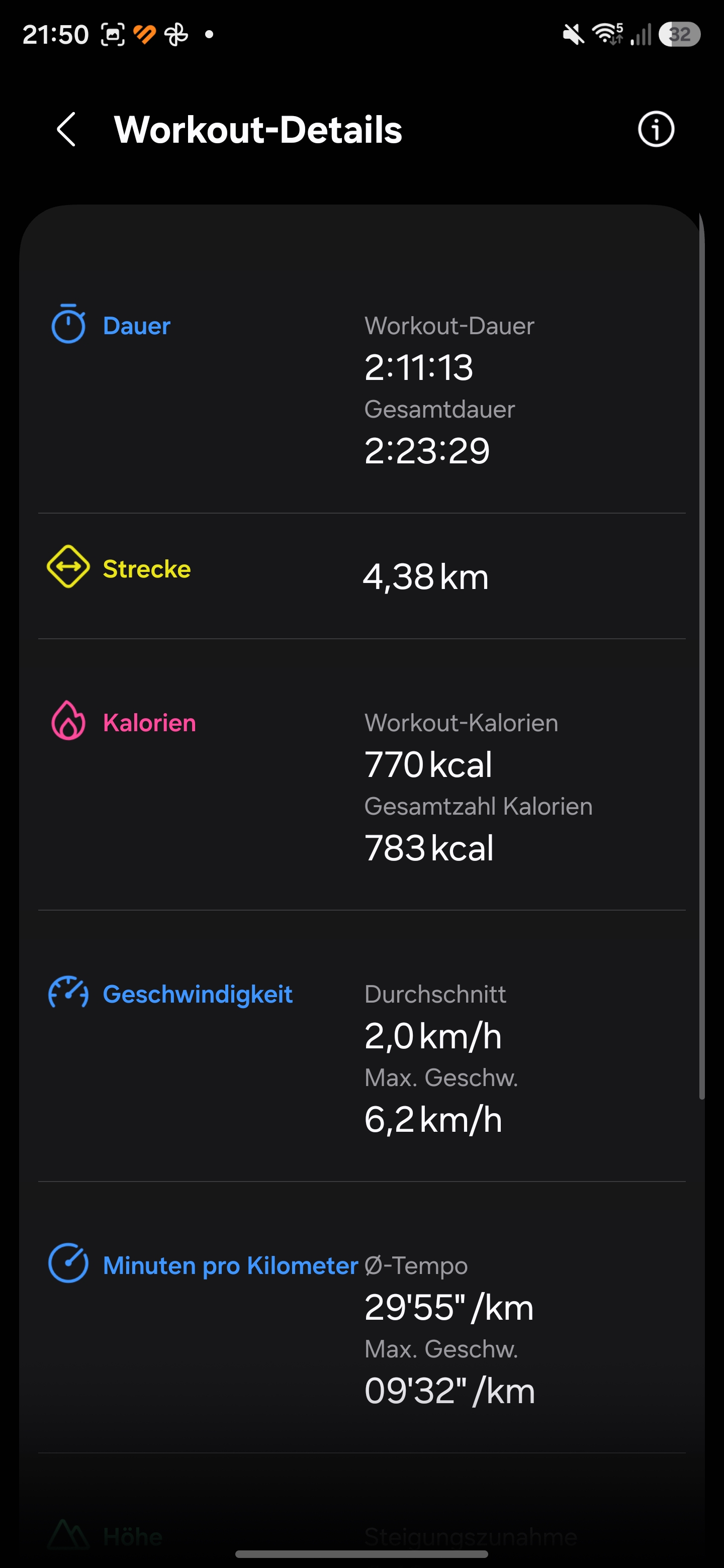
The Samsung Galaxy Watch Ultra2 is also suitable as a training partner. Workouts can be started quickly using the Quick Button. Goals can be adjusted for every sport. Workouts can be based on time, calories burned, or distance. There are also virtual pacers and interval workouts.
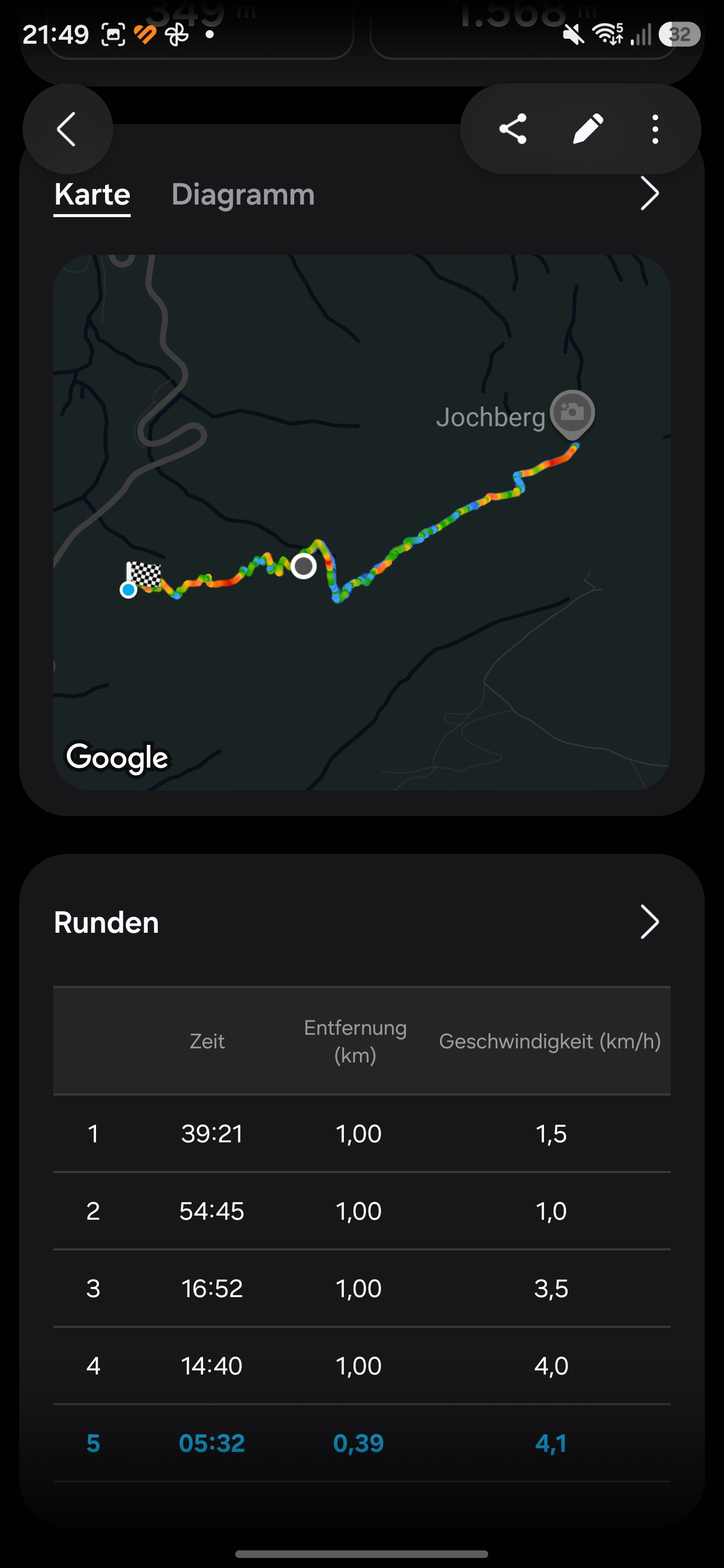
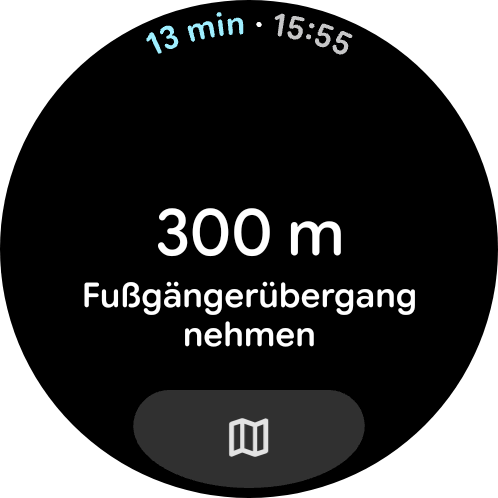
Routes can be completed during workouts. Samsung touts turn-by-turn notifications and live information about elevation changes along the route - similar to Huawei's Watch GT 7 Pro.
The Galaxy Watch Ultra2 has been certified as a diving device. Samsung rates it for pressures of up to 10 ATM, equivalent to a water column of about 100 meters. Diving in the ocean is also said to be possible with the smartwatch.
Automatic workout detection is particularly well implemented. In testing, workout start and end times are accurately detected across various sports.
Fall detection and an emergency siren that can be triggered using the Quick Button are designed to make workouts safer.
GNSS and Navigation - Galaxy Watch Ultra2 with precise positioning
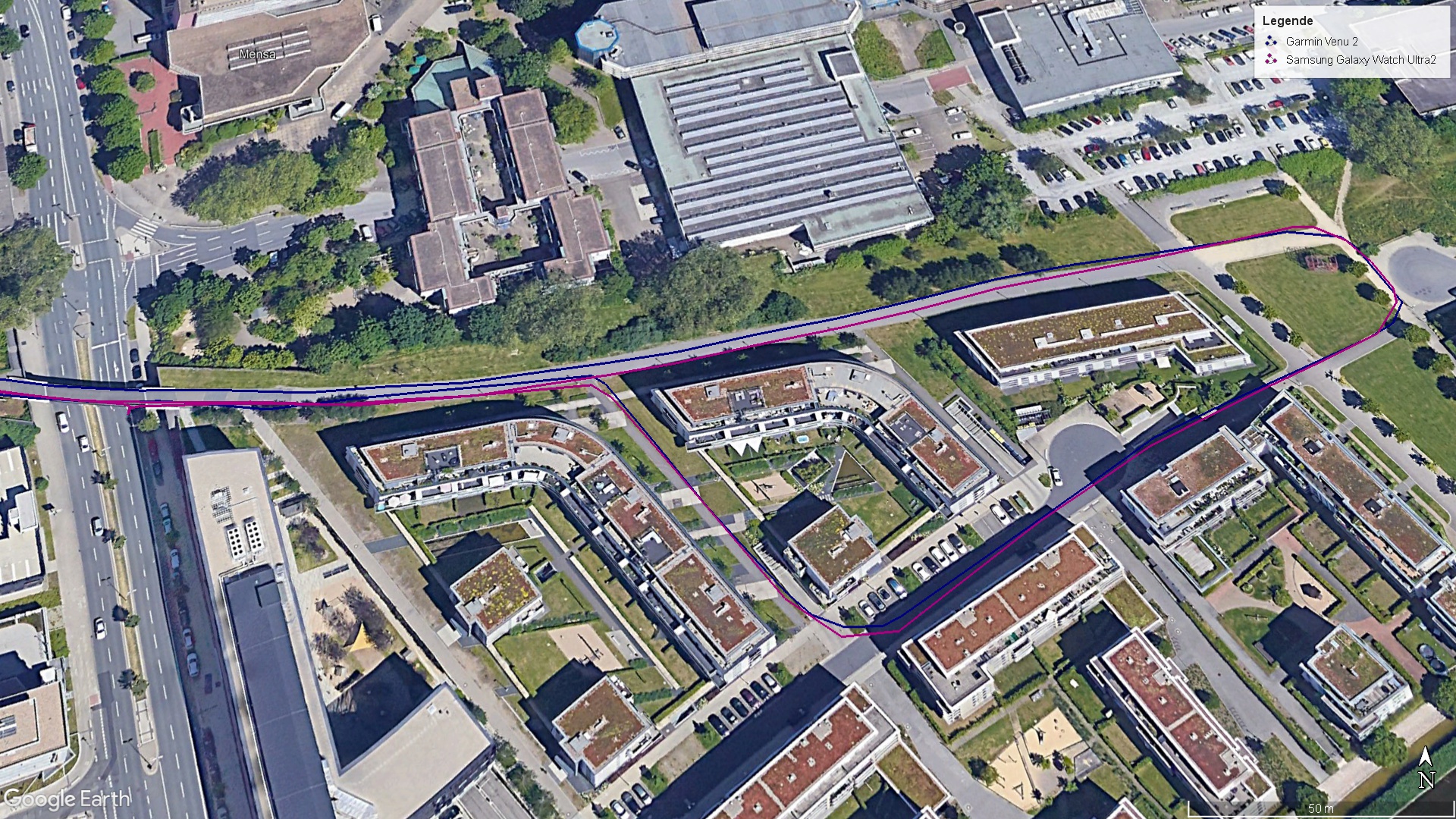
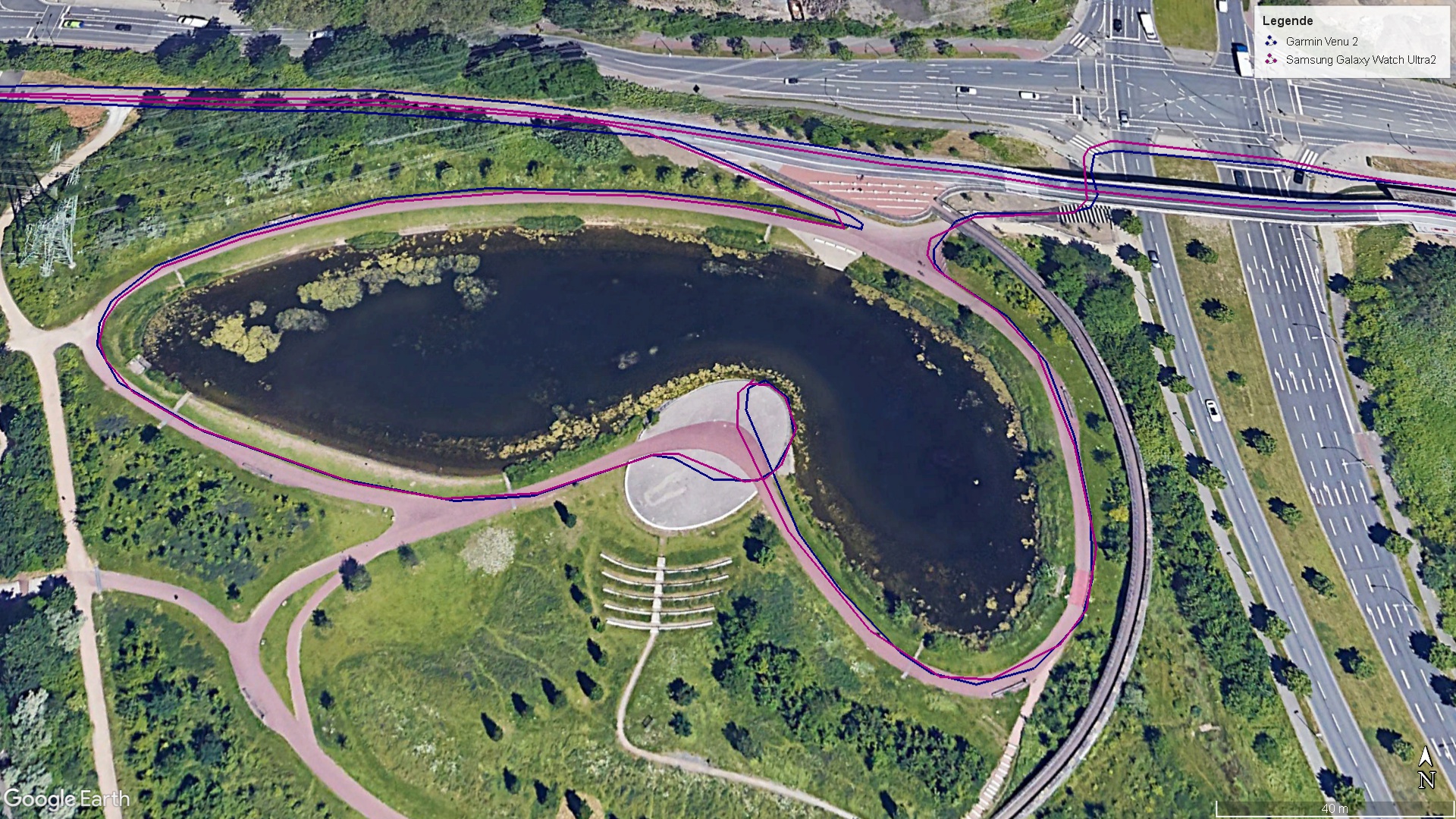
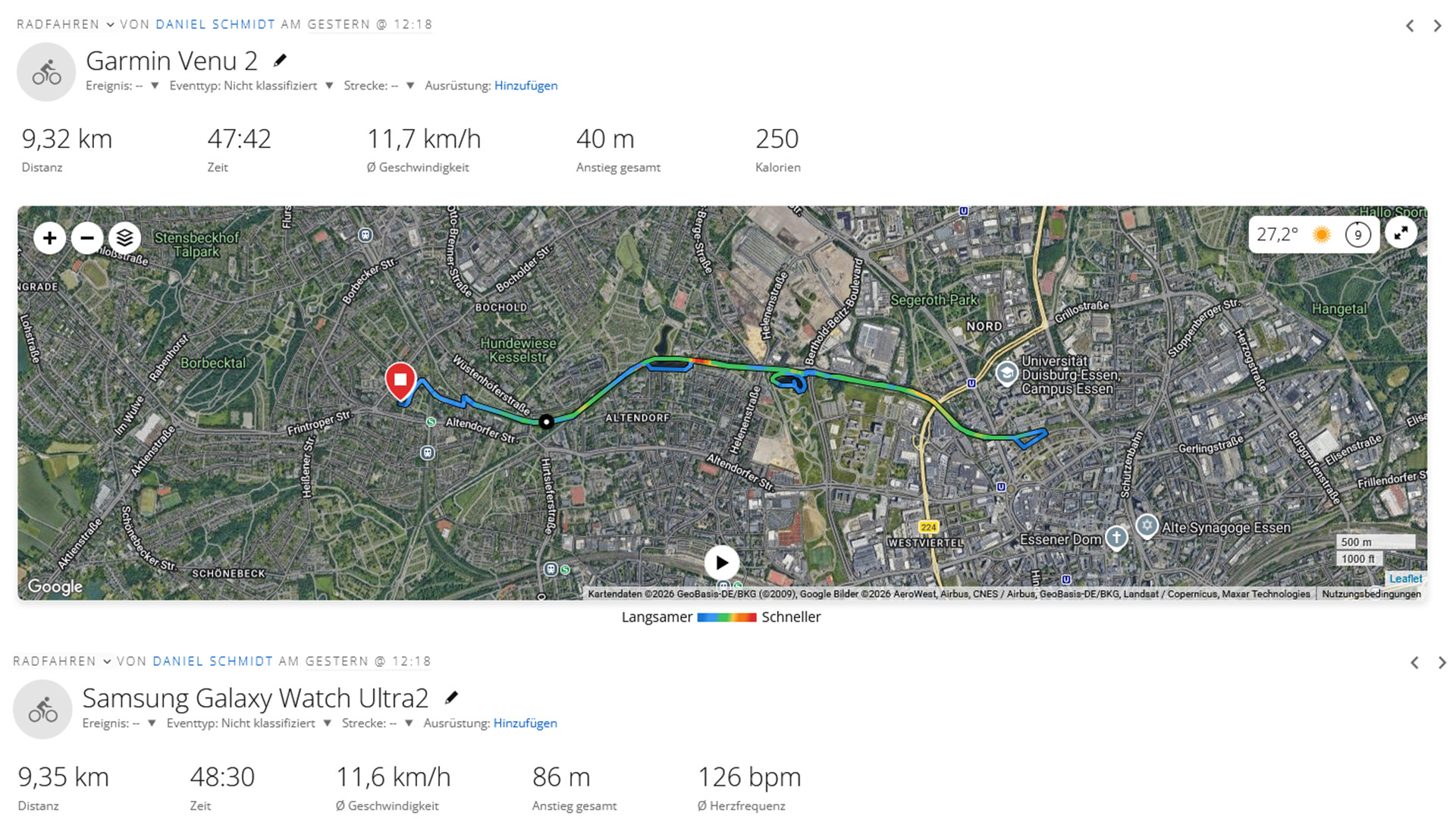
The Samsung Galaxy Watch Ultra2 supports all common satellite connections in dual-band. Routes are recorded reliably and accurately. Workout routes can be exported as GPX files. Routes can also be imported and followed during workouts.
Workouts also support backtracking, even without a data connection.
Navigation with Google Maps works smoothly in everyday use. In our test, the satellite connection was established quickly and remained stable throughout.

Display - Over 5000 cd/m² on the Galaxy Watch Ultra2
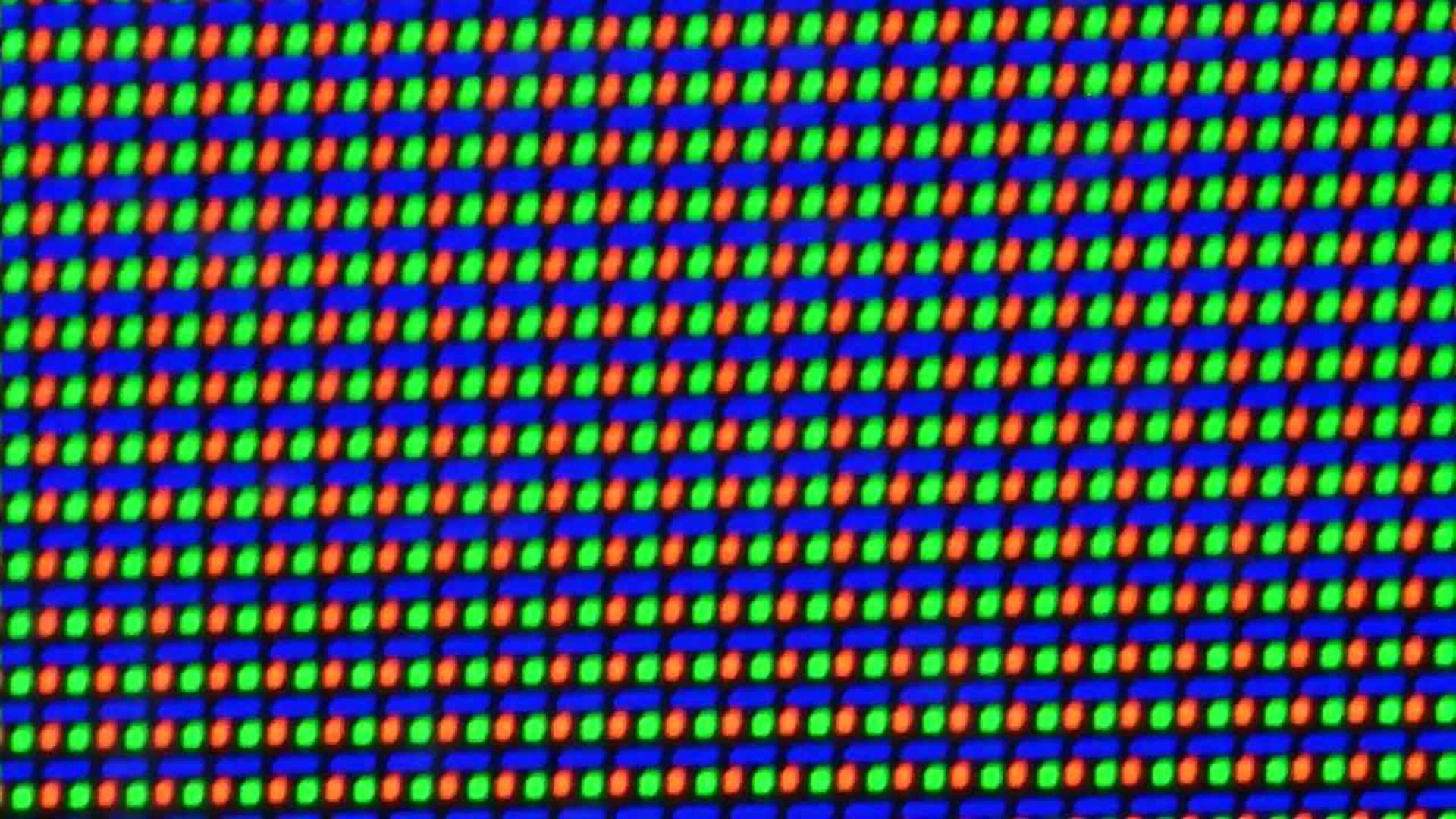
The display is a highlight of the new Samsung Galaxy Watch Ultra2. While the previous smartwatch was already very bright, Samsung has significantly increased the peak brightness once again. The increase in size of the Super AMOLED display is minimal, at 1.52 inches compared with 1.47 inches. However, peak brightness has risen from 3,000 to 5,000 cd/m².
We can confirm this figure in our measurements. The test device reaches 5,053 nits with the ambient light sensor enabled. Without the sensor, it can only reach 571 cd/m². The smartwatch’s display is easy to read at all times. Its high brightness overcomes distracting reflections.
With a minimum brightness of 5.51 nits, the smartwatch is also very comfortable to use in the dark without causing glare. The display’s color scheme is adjusted in the dark.
| Samsung Galaxy Watch Ultra2 | Apple Watch Ultra 2 | Samsung Galaxy Watch Ultra | Huawei Watch Ultimate 2 | Amazfit T-Rex Ultra 2 | Samsung Galaxy Watch9 | |
|---|---|---|---|---|---|---|
| Response Times | ||||||
| PWM Frequency (Hz) | 60 | 60 | 60 | 60 | 60 | 60 |
| PWM Amplitude * (%) | 41.98 | 25.32 | ||||
| Screen | -42% | -37% | -27% | -48% | -37% | |
| Brightness middle (cd/m²) | 5053 | 2947 -42% | 3192 -37% | 3675 -27% | 2642 -48% | 3162 -37% |
| Black Level * (cd/m²) | ||||||
| Total Average (Program / Settings) | -42% /
-42% | -37% /
-37% | -27% /
-27% | -48% /
-48% | -37% /
-37% |
* ... smaller is better
Screen Flickering / PWM (Pulse-Width Modulation)
| Screen flickering / PWM detected | 60 Hz | 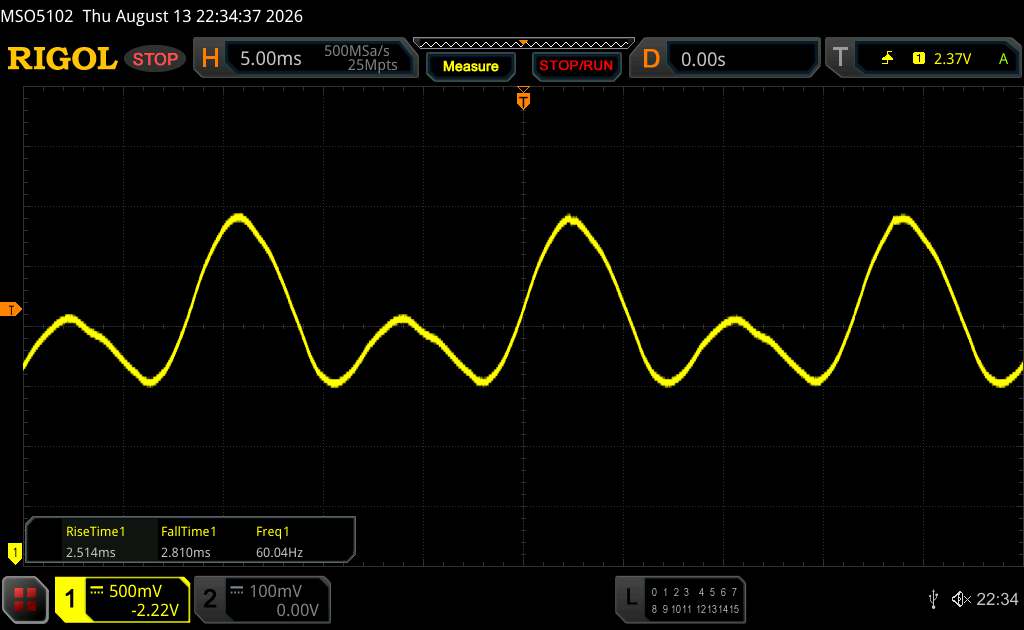 | |
The display backlight flickers at 60 Hz (worst case, e.g., utilizing PWM) . The frequency of 60 Hz is very low, so the flickering may cause eyestrain and headaches after extended use. In comparison: 52 % of all tested devices do not use PWM to dim the display. If PWM was detected, an average of 7614 (minimum: 5 - maximum: 343500) Hz was measured. | |||
Performance and battery life - Snapdragon power for the Galaxy Watch Ultra2
Samsung switches to a different SiP for the Galaxy Watch Ultra2 compared to its predecessor. Instead of its own Exynos chip, it uses the Qualcomm Snapdragon Wear Elite. The performance difference is clear in benchmarks, but it is also noticeable in everyday use. Navigating the OS is very smooth.
The difference is especially noticeable with more demanding tasks, such as downloading apps from the Play Store or starting navigation.
During testing, the smartwatch received an update. The screen froze briefly only during this time. Aside from that, the smartwatch ran very smoothly and quickly.
| Octane V2 - Total Score | |
| Samsung Galaxy Watch9 (Samsung Browser V5.2) | |
| Average Qualcomm Snapdragon Wear Elite SW6100 (20342 - 21546, n=2) | |
| Samsung Galaxy Watch Ultra2 | |
| Samsung Galaxy Watch Ultra (Samsung Browser 3.2) | |
| Google Pixel Watch 2 LTE (Samsung Browser 3.0) | |
| Apple Watch Series 11 42mm (Apple Watch) | |
| Apple Watch Ultra 2 | |
| Sunspider - 1.0 Total Score | |
| Google Pixel Watch 2 LTE (Samsung Brwoser 3.0) | |
| Apple Watch Ultra 2 | |
| Apple Watch Series 11 42mm (Apple Watch) | |
| Samsung Galaxy Watch Ultra (Samsung Browser 3.2) | |
| Samsung Galaxy Watch Ultra2 | |
| Average Qualcomm Snapdragon Wear Elite SW6100 (224 - 247, n=2) | |
| Samsung Galaxy Watch9 (Samsung Browser V5.2) | |
| Mozilla Kraken 1.1 - Total | |
| Apple Watch Series 11 42mm (Apple Watch) | |
| Apple Watch Ultra 2 | |
| Google Pixel Watch 2 LTE (Samsung Browser 3.0) | |
| Samsung Galaxy Watch Ultra (Samsung Browser 3.2) | |
| Samsung Galaxy Watch Ultra2 | |
| Average Qualcomm Snapdragon Wear Elite SW6100 (1833 - 1988, n=2) | |
| Samsung Galaxy Watch9 (Samsung Browser V5.2) | |
| Speedometer 2.0 - Result 2.0 | |
| Samsung Galaxy Watch9 (Samsung Browser V5.2) | |
| Average Qualcomm Snapdragon Wear Elite SW6100 (65.4 - 66.8, n=2) | |
| Samsung Galaxy Watch Ultra2 | |
| Apple Watch Series 11 42mm (Apple Watch) | |
| Apple Watch Ultra 2 | |
| Samsung Galaxy Watch Ultra (Samsung Browser 3.2) | |
| Google Pixel Watch 2 LTE (Samsung Browser 3.0) | |
* ... smaller is better
Battery life - Galaxy Watch Ultra2 lasts two days
Samsung equips the Galaxy Watch Ultra2 with a larger 800 mAh battery and advertises a battery life of up to 60 hours. That is a very good figure for a smartwatch with WearOS. In our test, we enable all measurements, use the always-on display, and automatic workout detection. The smartwatch was worn 24/7, including during workouts. We simply did not use an eSIM.
Depending on how intensively we use it, we get two nights and two to three days of use on a single charge. 48 hours are also possible with short phone calls and workouts before the smartwatch has to be put back on the charger. If the smartwatch is used only with an eSIM and without a paired smartphone, battery life will be significantly shorter.
Charging is wireless, although the Galaxy Watch Ultra2 refuses various Qi charging pads and, in our test, would only charge on the included charging pad. In 30 minutes, the smartwatch charges from 10 to 40 percent. After 75 minutes, it reaches 85 percent. The smartwatch takes about 90 minutes to fully charge. In our test, we use an Anker 335 power adapter.
While charging, the time, charge level, and remaining charging time are displayed.


Possible alternatives compared
Image | Model | Price | Size | Weight | Battery Capacity | Display |
|---|---|---|---|---|---|---|
1.  | Samsung Galaxy Watch Ultra2 Snapdragon Wear Elite SW6100 | List Price: 749€ | 1.52" | 85.7 g | 800 mAh | 1.52" 498x498 Super AMOLED |
2.  | Apple Watch Ultra 2 S9 | List Price: 899€ | 1.92" | 70 g | 564 mAh | 1.92" 502x410 326 PPI OLED |
3.  | Samsung Galaxy Watch Ultra Exynos W1000, Mali-G68 MP2 | List Price: 699€ | 1.50" | 93 g | 590 mAh | 1.50" 480x480 AMOLED |
4.  | Huawei Watch Ultimate 2 | List Price: 999€ | 1.50" | 80.5 g | 867 mAh | 1.50" 466x466 310 PPI AMOLED |
5.  | Amazfit T-Rex Ultra 2 | List Price: 550€ | 1.50" | 89.2 g | 870 mAh | 1.50" 480x480 322 PPI AMOLED |
6.  | Samsung Galaxy Watch9 Snapdragon Wear Elite SW6100 | List Price: 439€ | 1.50" | 34 g | 445 mAh | 1.50" 480x480 Super AMOLED |
Transparency
The selection of devices to be reviewed is made by our editorial team. The test sample was provided to the author as a loan by the manufacturer or retailer for the purpose of this review. The lender had no influence on this review, nor did the manufacturer receive a copy of this review before publication. There was no obligation to publish this review. As an independent media company, Notebookcheck is not subjected to the authority of manufacturers, retailers or publishers.
This is how Notebookcheck is testing
Every year, Notebookcheck independently reviews hundreds of laptops and smartphones using standardized procedures to ensure that all results are comparable. We have continuously developed our test methods for around 20 years and set industry standards in the process. In our test labs, high-quality measuring equipment is utilized by experienced technicians and editors. These tests involve a multi-stage validation process. Our complex rating system is based on hundreds of well-founded measurements and benchmarks, which maintains objectivity. Further information on our test methods can be found here.
No comments for this article
 Add as a preferred source on Google


