




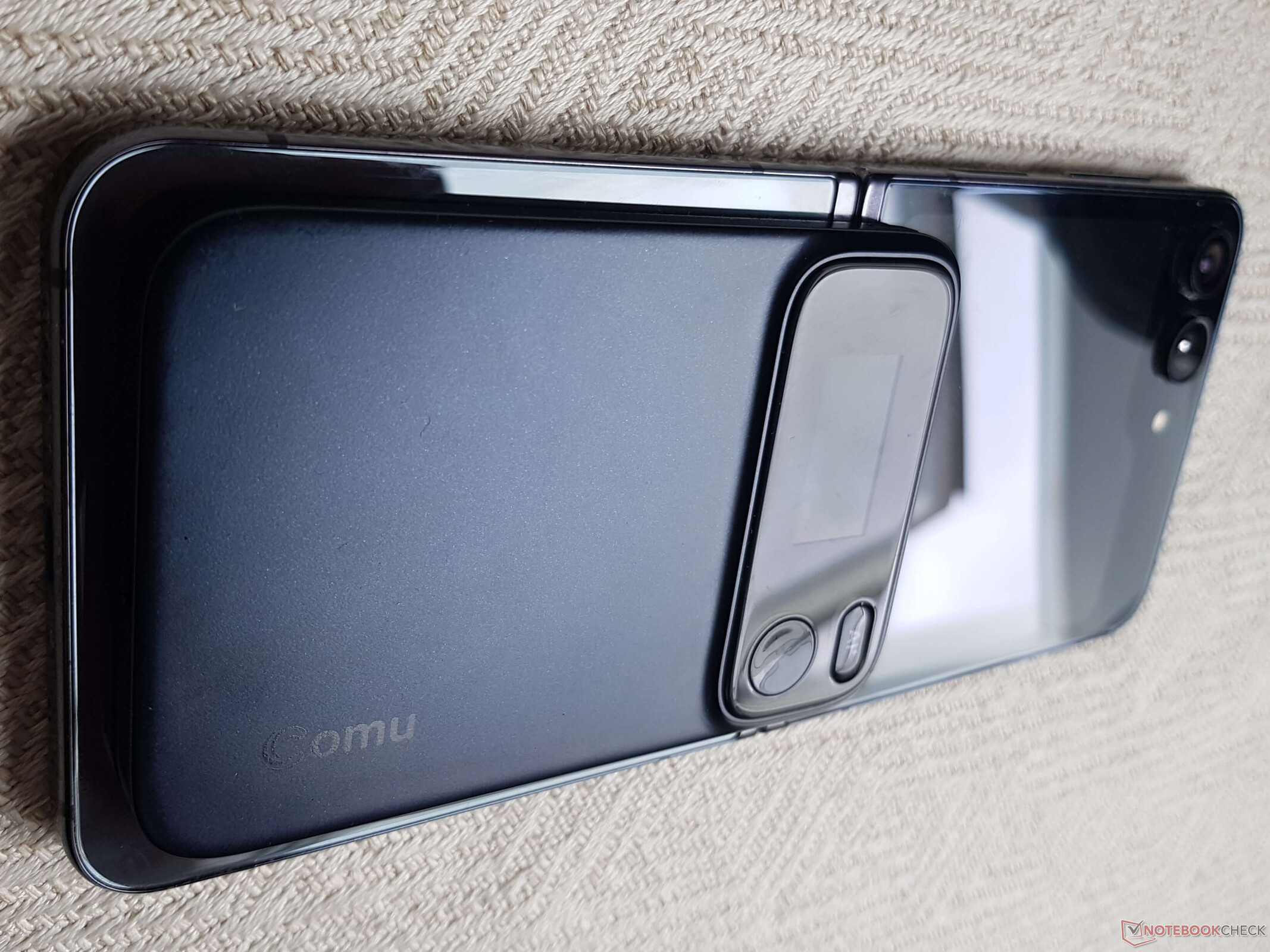
Comu Action Pro: AI assistant put to the test
AI workmate
The Comu Action Pro records conversations, transcribes them, and uses AI to generate summaries, emails, and other content. Our hands-on test shows how reliably this compact AI gadget works and where the app and voice input still have weaknesses.Marc Zander (translated by Marc Zander) Published 🇩🇪 🇳🇱 ...
Test Summary for the Comu Action Pro AI Assistant
The Comu Action Pro is the successor to the Comulytic Note Pro. While the manufacturer based the naming of its predecessor on competitors like Plaud, the new name is initially misleading, as the name subconsciously leads one to expect an action cam rather than an AI assistant. But even without the “Note” in its name, the gadget offers a wide range of possibilities for both professional and personal use. The AI button, which processes prompts via voice input, adds to the convenience. However, you should speak clearly and slowly here, otherwise the prompt will contain numerous misunderstood words. The developers promise to continuously improve speech recognition for the 113 included languages. Alternatively, you can enter prompts in the app using the on-screen keyboard. Recorded conversations are automatically transcribed and summarized. Since the app’s core functionality is identical to that of the Comulytic Note Pro, the successor doesn’t reinvent the wheel, but it does include a few additional features to further simplify your workflow using AI, such as creating PowerPoint presentations and follow-up emails or meetings. The goal is to move away from being merely an AI recorder or AI dictation device and toward becoming a true companion for workflows.
Pros
Cons
You can get the Comu Action Pro AI transcription device here
The device is currently available in the manufacturer’s own online store. At the time of our test, the Comu Action Pro is available at $179.99, that's a 30 percent discount (the recommended retail price is $256.99). Shipping is currently available only to the United States and the United Kingdom, but is expected to be expanded to the EU. The device is available in black, silver, and cherry red. The Comu Action Pro is also available on Amazon.com for $256.99.
Why use a dedicated AI device instead of a smartphone and manual AI use?
The question many people ask themselves: What’s the advantage of an AI dictation device or AI assistant gadget when I can actually do everything with my smartphone? An audio recorder is built in, and you can upload the audio file to your favorite AI app and then have it processed using prompts. This involves many steps. Additionally, a call might come in during recording, which would then be recorded as well, or other disruptive factors might arise. An AI assistant, on the other hand, handles everything in a single device – very quickly, with just the press of a button and using a single app. Furthermore, multiple AI agents are integrated, and the app automatically selects the most suitable one or even a combination of several AI agents, which isn't so easy to do manually.
You can follow along with the transcription as the conversation unfolds (including live translation), phone calls are recorded in full, and prompts are provided for many professions and use cases. A gadget comes at a price and is an additional device. However, anyone who uses it frequently will quickly come to appreciate it. And in business meetings, you’ll often be perceived as more professional than someone who fumbles around with their smartphone until everything is set up. Whatever you decide to do, it’s important to obtain consent for the recording from everyone present (preferably in writing) to ensure you’re legally covered.
Technical Details of the Comu Action Pro
| Internal storage capacity: | presumably 64 GB |
| Microphones: | 6-mic array: 4x omnidirectional, 1 directional microphone, 1 bone-conduction microphone |
| Battery capacity: | 1,000 mAH capacity, up to 70 hours of recording time according to the manufacturer |
| Screen: | AMOLED, size 1.02 inches (approx. 2.6 cm) |
| Connectivity: | Bluetooth Low Energy, Wi-Fi |
| Weight: | approx. 52 grams |
| Dimensions: | 6 × 0.7 × 9.1 cm (W × D × H) |
Comu Action Pro: What’s Included and Initial Setup
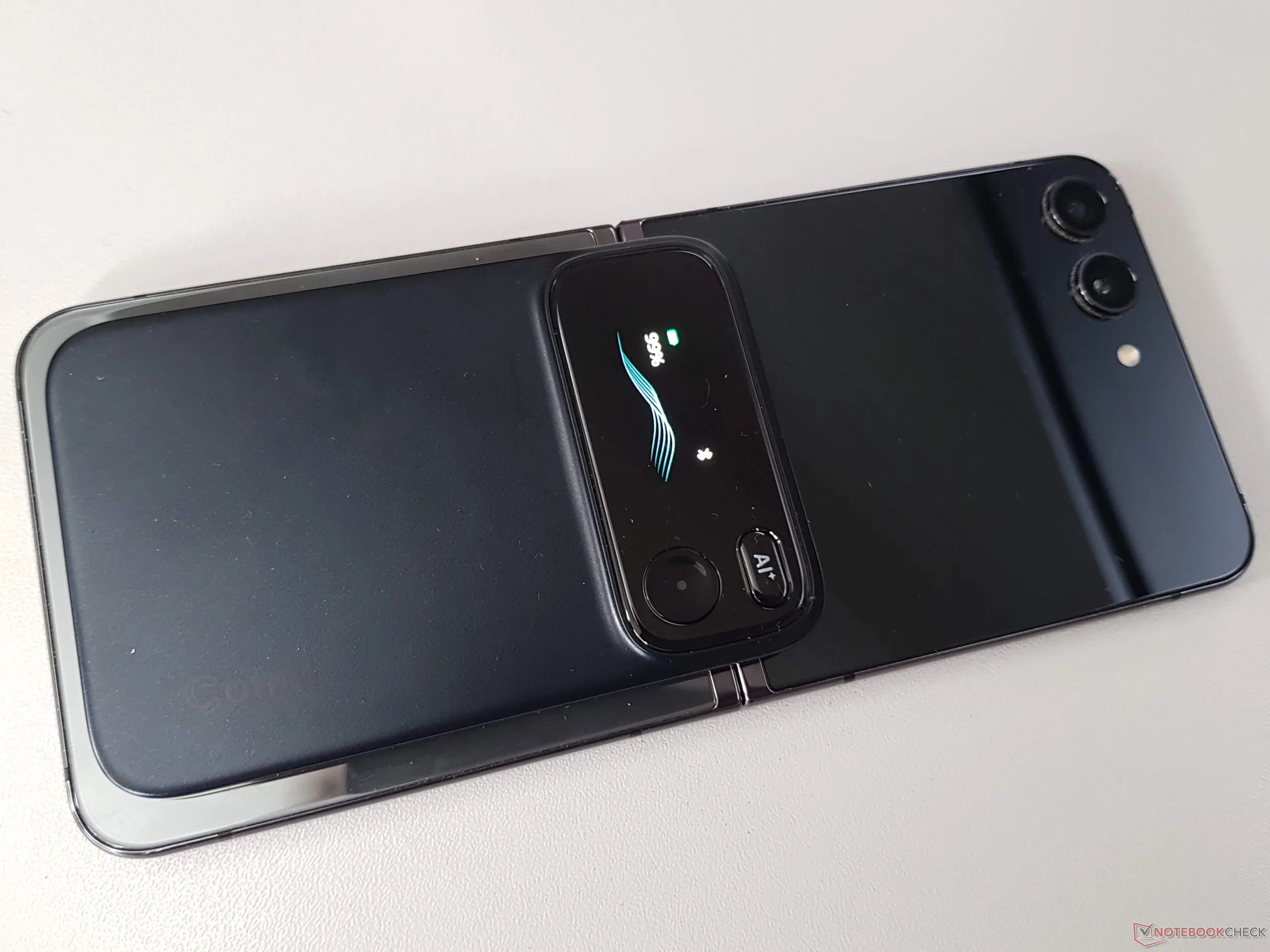
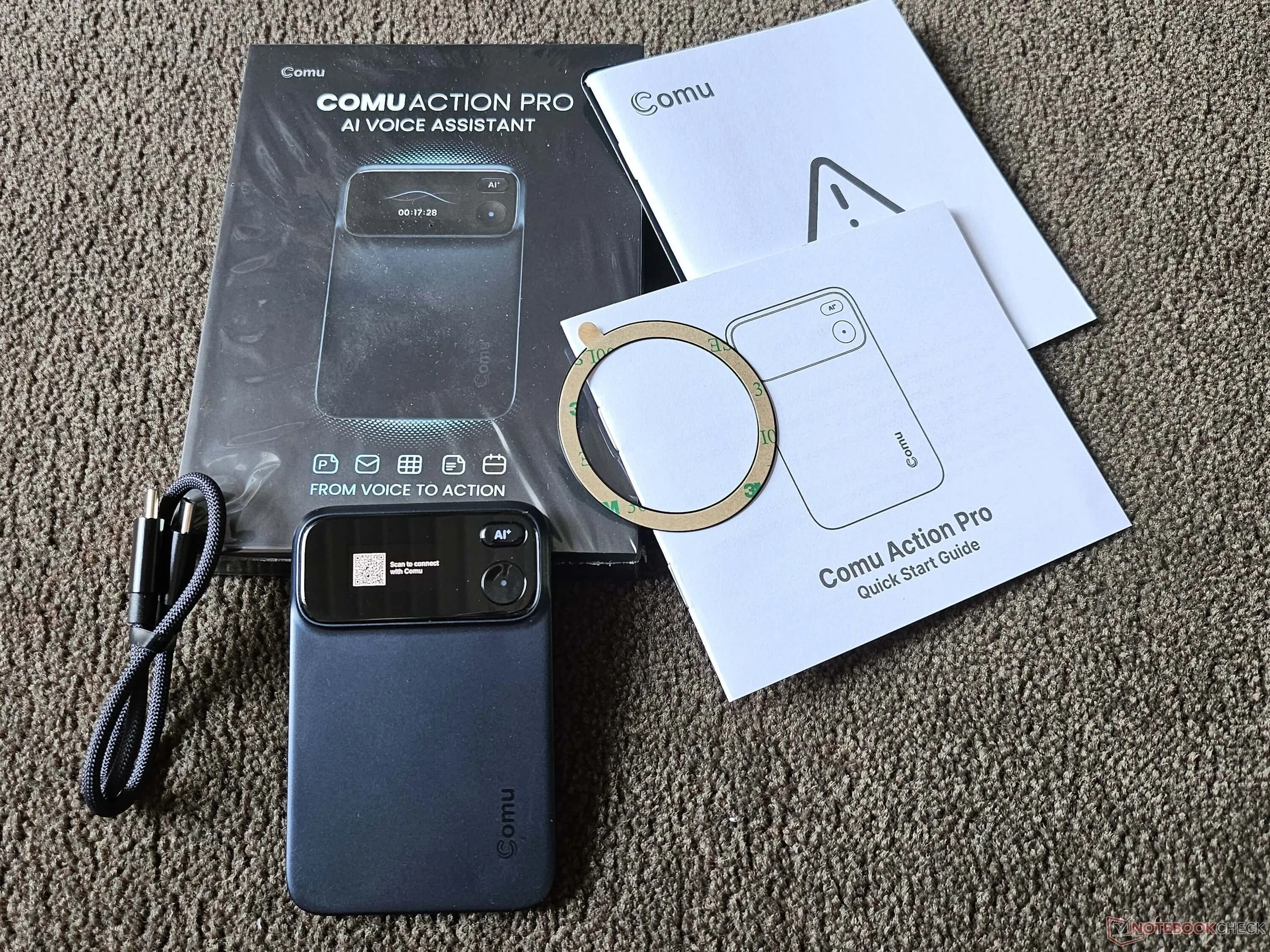
In addition to the device, the small box contains a short USB-C-to-USB-C cable for directly connecting the AI assistant—which attaches magnetically to the smartphone—to the smartphone for charging. It also includes a quick start guide and a magnetic ring to attach to the back of the smartphone if it is made of glass, for example, and is not magnetic.
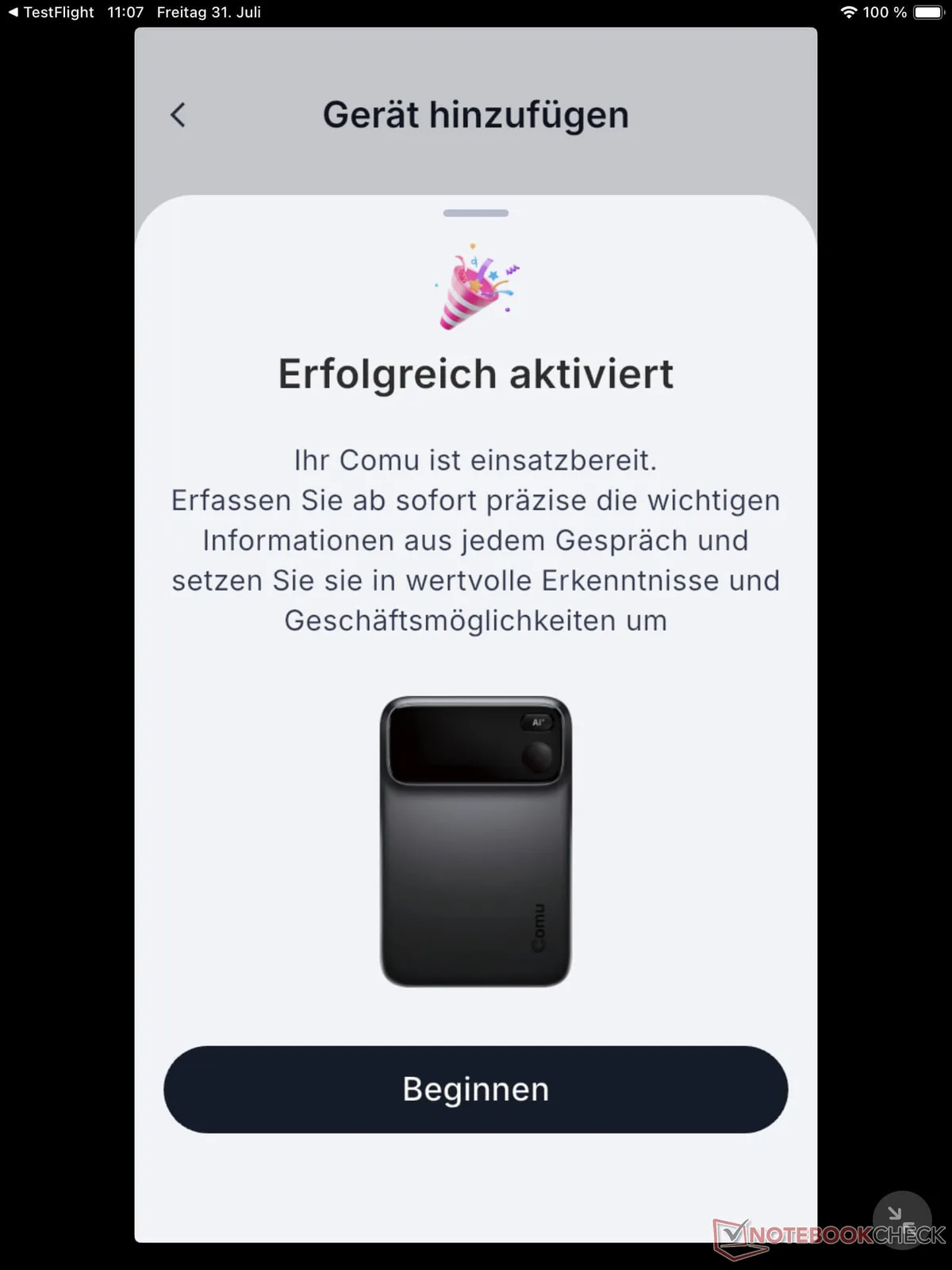
When setting up the device for the first time, simply scan the QR code (found on the device and in the quick start guide) and you'll be taken directly to the App Store or Google Play Store. Setup is automatic; firmware updates are displayed immediately and can be installed via Bluetooth or Wi-Fi. Convenient and easy to use.
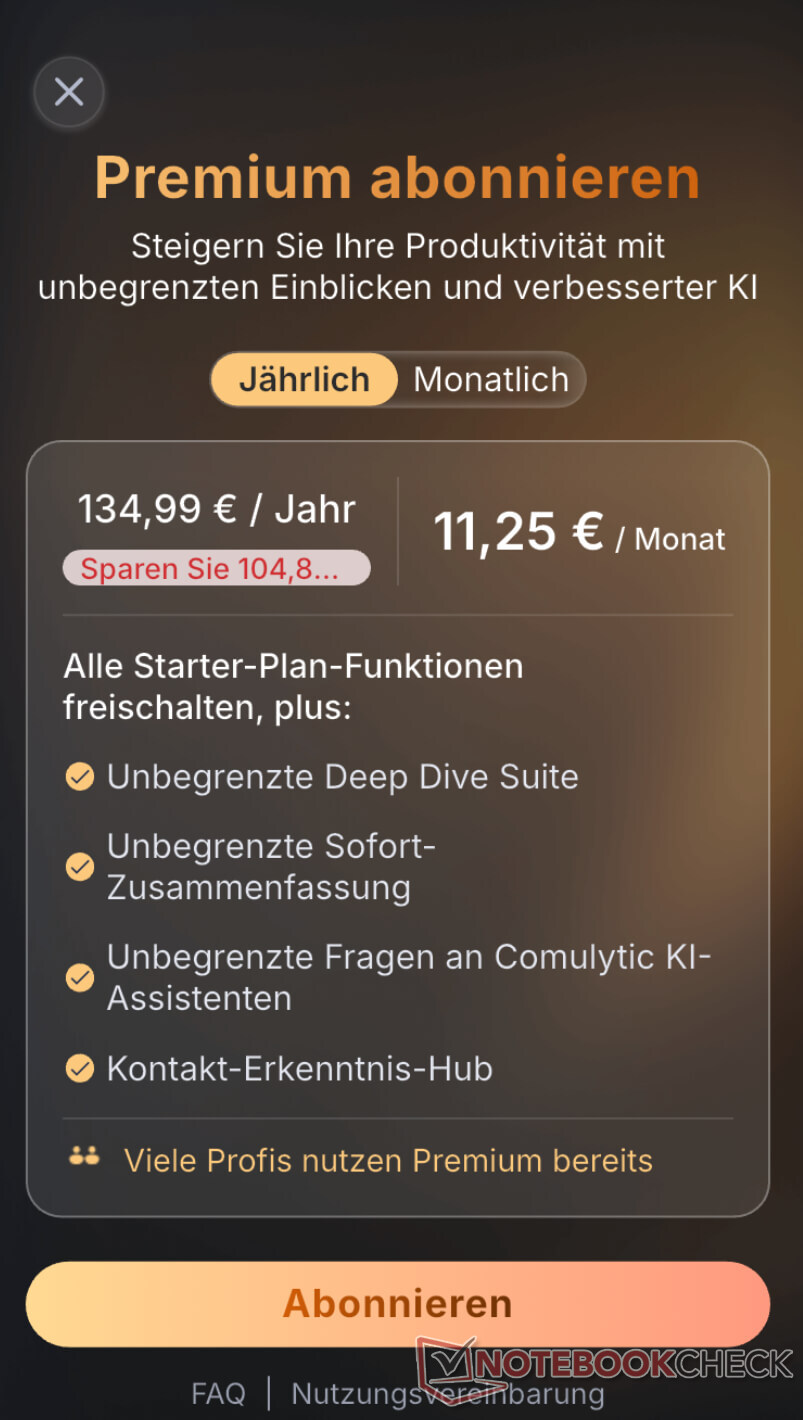
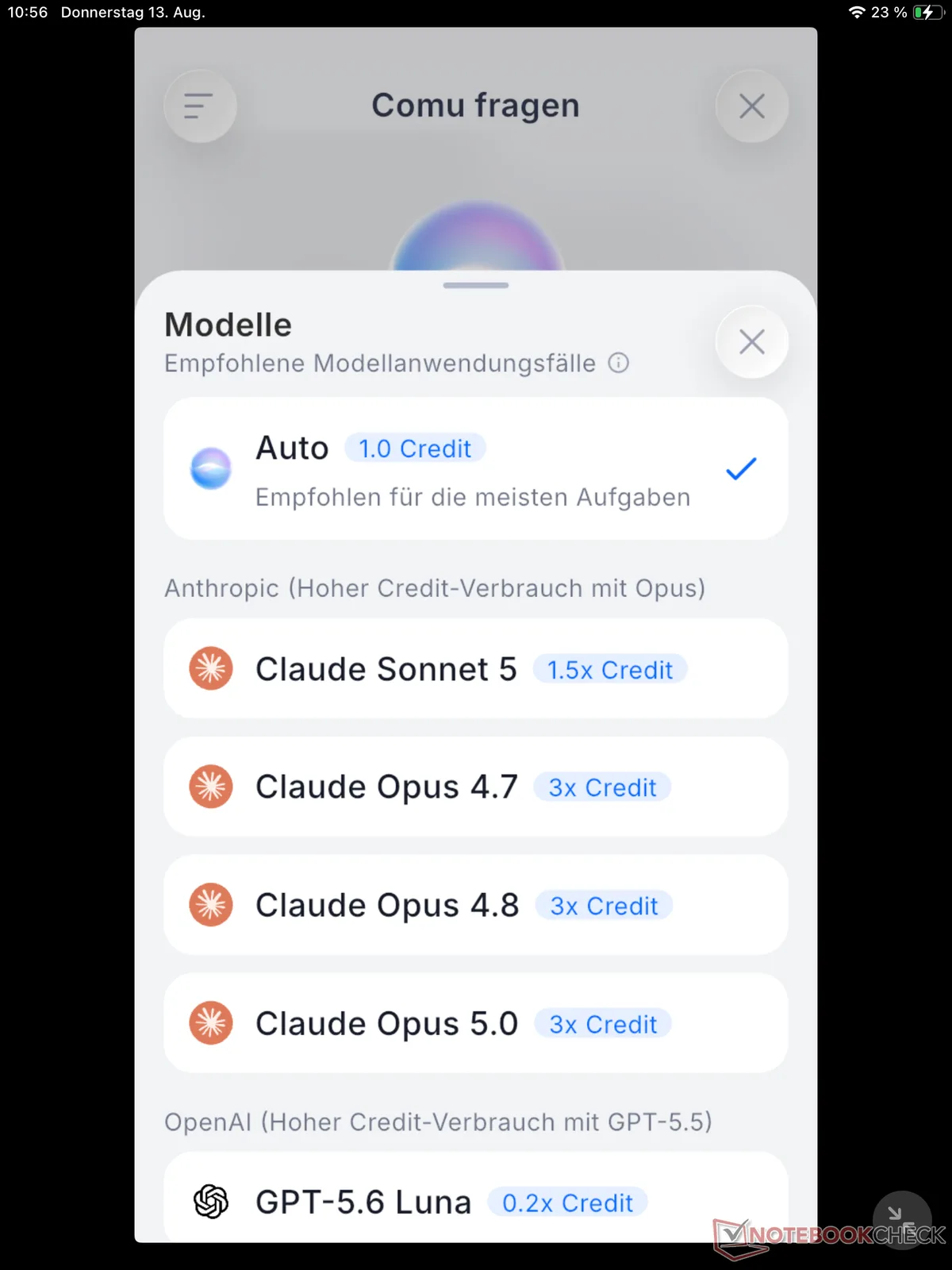
There are currently two subscription plans available: Starter and Premium differ only in the AI agents used (both paid plans also have access to Claude) and the number of real-time translations (Starter: only once per month, others: unlimited), instant summaries (Starter: only 10 per month; others: unlimited), and access to detailed AI analyses (Starter: only 3 times per month, others: unlimited). Anyone who really wants to use Comu Action Pro in their day-to-day work will therefore need a subscription: Premium costs 14.99 U.S. dollars per month, or 120 U.S. dollars per year. Overall, the subscription is identical to that of its predecessor, Comulytic Note Pro.
The Comu Action Pro in a Real-World Test
The Comu Action Pro does not require the app to start recording. Pressing the round button on the device immediately starts recording, which is clearly indicated by the oscillating graphic with a seconds counter that briefly appears on the very small screen during recording. A blue dot in the center of the button remains lit continuously throughout the recording. To pause during recording, simply click the button; clicking it again resumes recording. To stop recording, press and hold the button for at least two seconds.
My first test was a conversation in English involving several people. There were four speakers in total, all of whom were recognized accurately. Speech recognition errors were also rare; for example, the Linux distribution CashyOS was recognized as just CashOS, and the PS5 was once misidentified as KS5. However, when you’re in the flow of the conversation, you can easily overlook or correct these errors. The AI summary in German was well-structured and provided a good overview of the discussion.
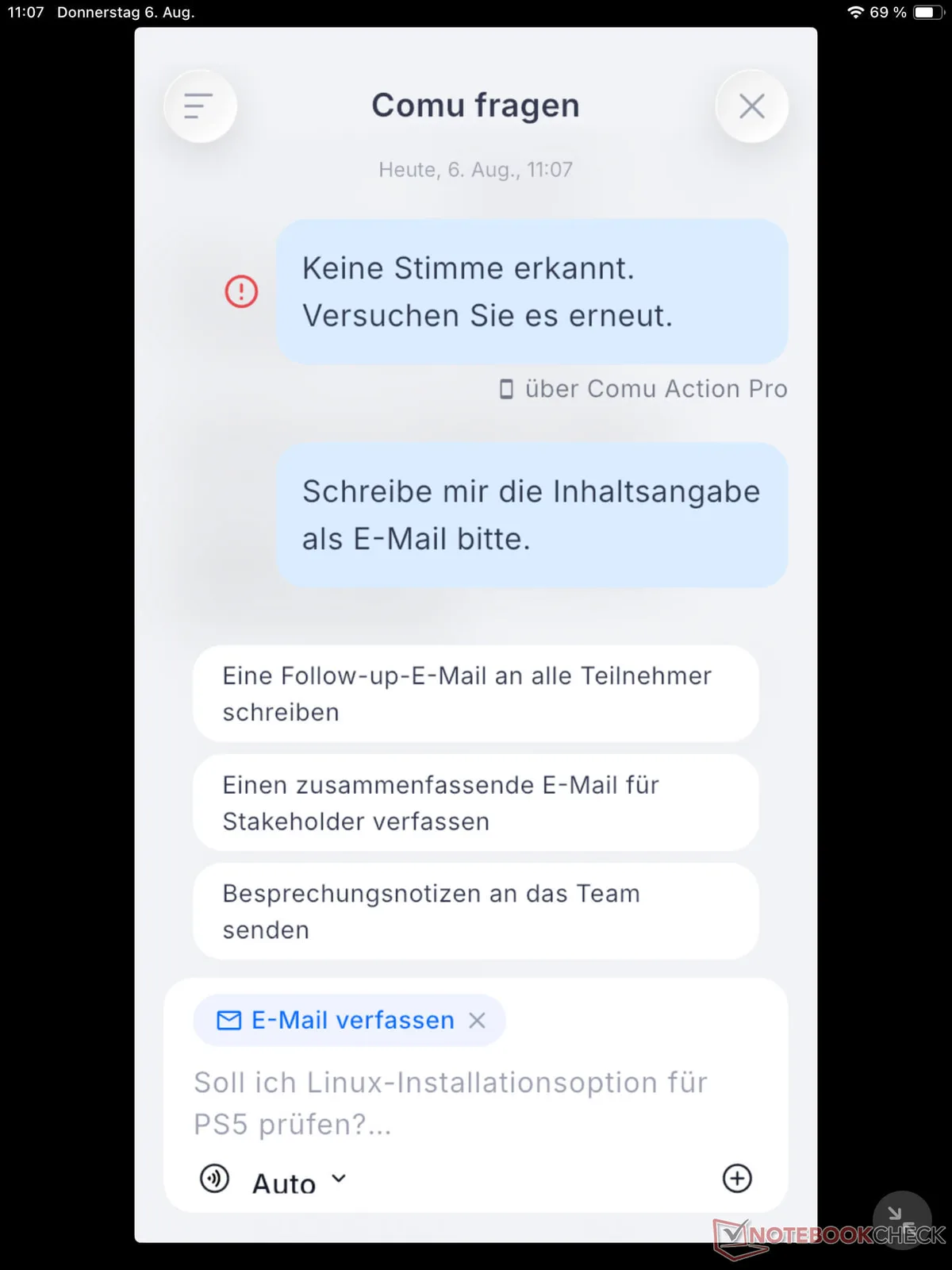
If you hold down the AI button on the device, you can use voice input to formulate a prompt. I chose: “Please draft an email based on the summary overview.” Apparently, I released the button too quickly, because it no longer recognized the word “email.” Instead of executing the command directly, the AI generated several alternative prompts based on the context, which you can select with a click in the app. In an update, the developers promise that users will be able to resume recording for several seconds even after stopping the recording, so that no words are cut off.
For the follow-up, the AI then suggests several topics from the discussion, which you can deselect using checkboxes if you don’t want them to be included in the email. 15 seconds later, I had my desired pre-formulated email. It contained usable paragraphs but required some manual fine-tuning.
My second test was a book review written by two people in German. The transcript had a lot of grammatical errors, especially regarding capitalization; for example, the word “Männer” appeared instead of “Meinung,” which is phonetically completely different. Overall, however, the transcript was usable. Even better was the AI summary, which was nearly error-free. Using voice input, I gave the prompt: “Create a paragraph of no more than 50 words from the book review that summarizes the book and includes various quotes from the reviewers.” The AI recognized: “Create for me, from the book review, a paragraph of no more than fifty words that summarizes the book and disadvantages the versatives of the bot’s memory.”
Although the prompt was practically unusable due to its wording, Comu generated a text that still needed improvement. So I typed out an error-free prompt and asked Comu Action Pro to please create a short marketing text based on the content of the book review; it was executed excellently and could have been used exactly as is in an ad or on a flyer for the book. This example shows that, depending on the quality of the prompt, AI can produce significantly better results. So the quality of the result also depends on you, and you can’t put all the blame on the AI.
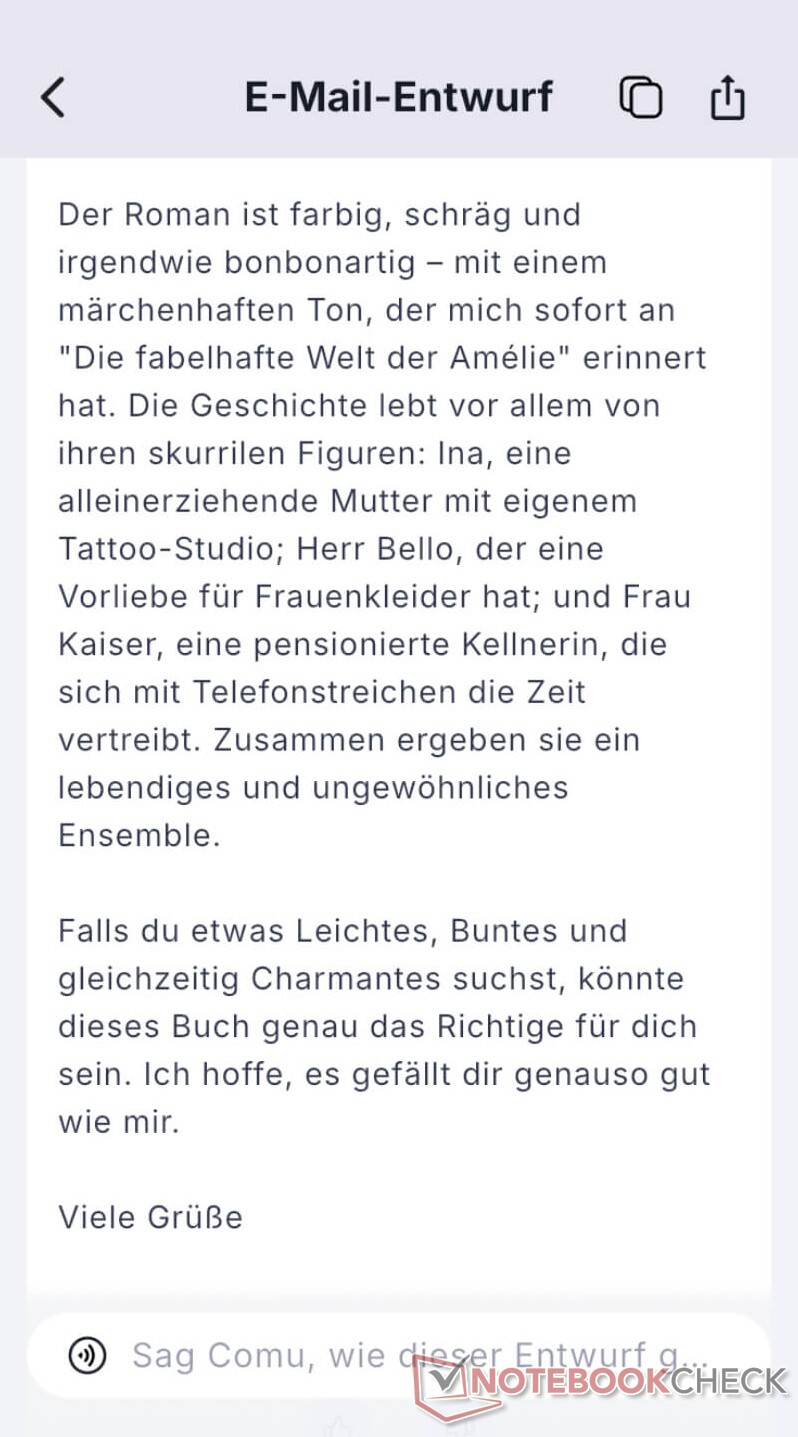
I formulated my next prompt slowly and with very clear intonation and pronunciation. It was understood 100% correctly (as were all subsequent prompts), so I have to attribute the previous errors to my mumbling. The AI perfectly fulfilled my request to draft an email based on the book review that I could send to people to recommend the book to them. I could send the email without any further changes. My request for a PowerPoint presentation with ten slides was handled quickly: First, the app’s AI asked me about the target audience and the color scheme for the slides, listed the topics for the ten slides with the option to change or edit them, and then created the file, which took about three minutes. The PowerPoint file was visually appealing, included illustrations (whose copyright status I couldn’t verify or confirm), and served as a solid foundation that could be used only after a few tweaks, since, unfortunately, sentences were often cut off and marked simply with “...”.


Comu Action Pro Compared to Comulytic Note Pro and Plaud Note Pro
When comparing the Comu Action Pro with its predecessor, the Comulytic Note Pro (which we tested here), and the Plaud Note Pro (click here for our hands-on review), the difference in size is immediately apparent: The Comu Action Pro is only slightly wider and taller, but significantly thicker than the other two credit-card-sized AI assistants, which makes it slightly less convenient to handle when magnetically attached to a smartphone. According to the manufacturer, this is primarily due to the larger battery and the built-in USB-C port.
Compared to the Comulytic Note Pro, there are fewer differences, as both rely on the same app as their foundation. However, the Comu Action Pro offers more features in this regard. On the device itself, the AI button is the most significant new feature: Voice-based input of AI prompts rounds out the AI gadget and unlocks a wide range of additional AI functions.
Compared to the Plaud Note Pro, voice-activated prompt entry is also a major advantage. To be fair, however, it’s worth noting that the Plaud app offers a wide range of pre-built AI tasks for various professional fields, covering a multitude of tasks.

Comu Action Pro - Your Personal AI Assistant
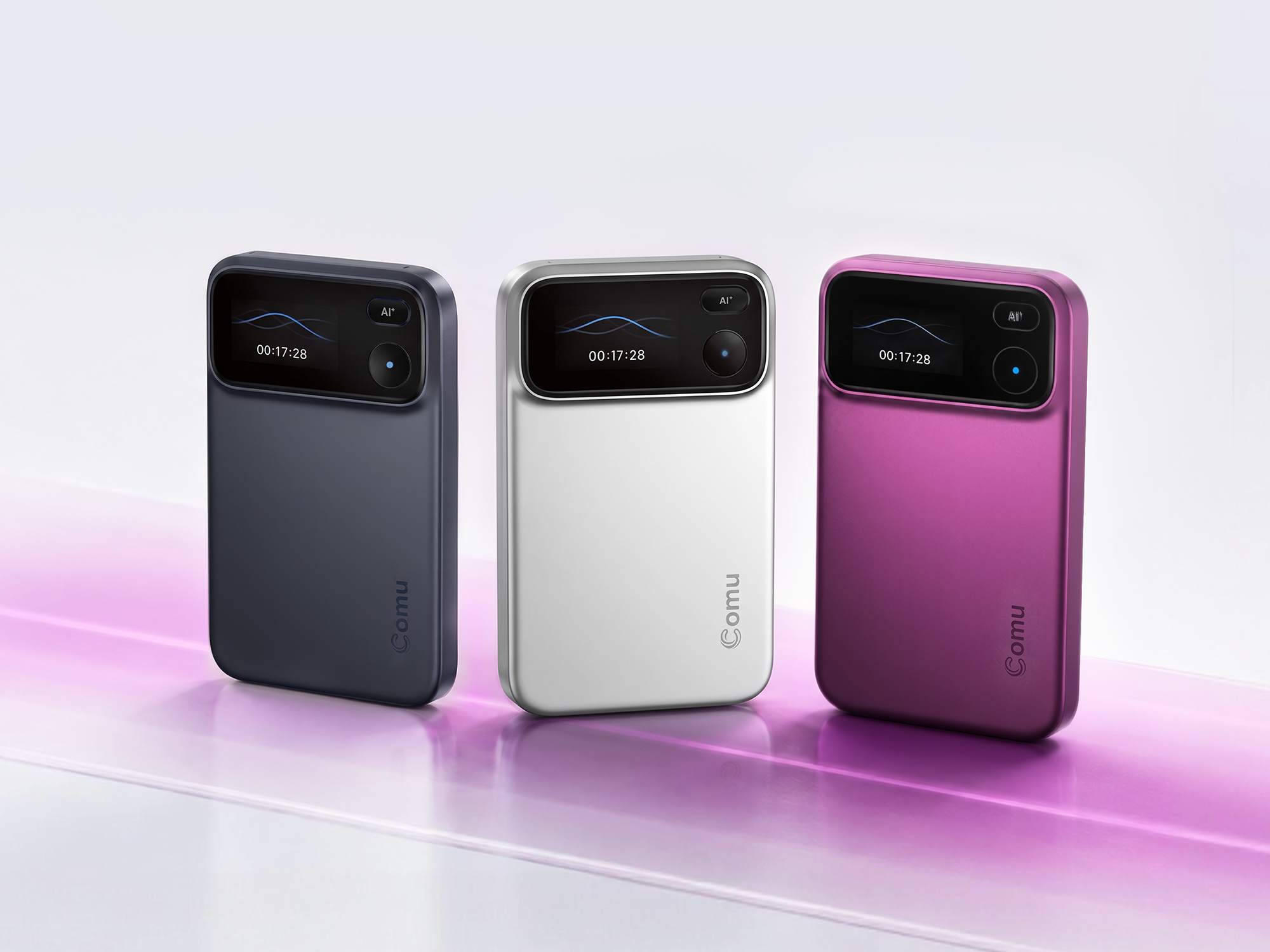
Boost your productivity with the Comu Action Pro—your personal, pocket-sized AI assistant. The Comu Action Pro was developed specifically for professionals on the go and instantly turns spoken words into action. With a single press of the AI button, it records conversations and automatically generates ready-to-use slides, documents, emails, and summaries. In addition to unlimited real-time transcription, the device guarantees a high level of data protection through strict compliance with SOC II, GDPR, and HIPAA standards.
From August 12 to September 13 2026 our readers get a special price of $169.99 (a 33,85% discount off the retail price). Please use the following code: COMUPR201
Transparency
The selection of devices to be reviewed is made by our editorial team. The test sample was given to the author by the manufacturer free of charge for the purposes of review. There was no third-party influence on this review, nor did the manufacturer receive a copy of this review before publication. There was no obligation to publish this review. As an independent media company, Notebookcheck is not subjected to the authority of manufacturers, retailers or publishers.
 Add as a preferred source on Google


