





Homture Magic Frame hands-on review: Fun animated photos thanks to AI
Easy to love.
The Homture Magic Frame replaces printed photos with a slideshow of images on a digital picture frame, with the ability to animate, colorize, and restore photos with AI. Family and friends can conveniently upload photos from afar.David Chien Published 🇳🇱 🇫🇷 ...
Verdict – Easy-to-love
The Homture digital picture frame is simple to set up and use, enabling owners to quickly upload and enjoy their cherished photos. Photos can be colorized and animated with AI, turning static images into short, attention-grabbing videos. An unlimited number of photos can be uploaded to cloud storage for display.
The picture frame is an online device and without an SD card slot or USB port, so new photos cannot be added offline. The display experiences the typical LCD color and brightness shift when viewed off-angle, and the glossy screen strongly reflects sunlight.
Even so, the ability for friends and family to quickly add images remotely and the quick response of the simple interface makes it a friendly digital picture frame for users of all ages.
Pros
Cons
Price and availability

The Homture Magic Frame displays an unlimited stream of photos that can be animated with AI and remotely updated by friends and family with new photos.
Specifications
| Display | 10.1" 1,920 x 1,200 pixel LCD touchscreen |
| Power | 5V 2A AC adapter |
| Storage Capacity | 64 GB local, unlimited cloud storage |
| Connectivity | 2.4 GHz and 5 GHz Wi-Fi |
| Display Modes | Static |
| Slideshow | |
| Motion-triggered | |
| Frame | Textured plastic |
| Dimensions | 26.5 x 18.2 x 2.5 cm (2.9 cm with folded stand) |
| 10.4 x 7.2 x 0.98 in. (1.14 in. with folded stand) | |
| Weight | 0.5 kg (1.1 lbs.) |
Packaging
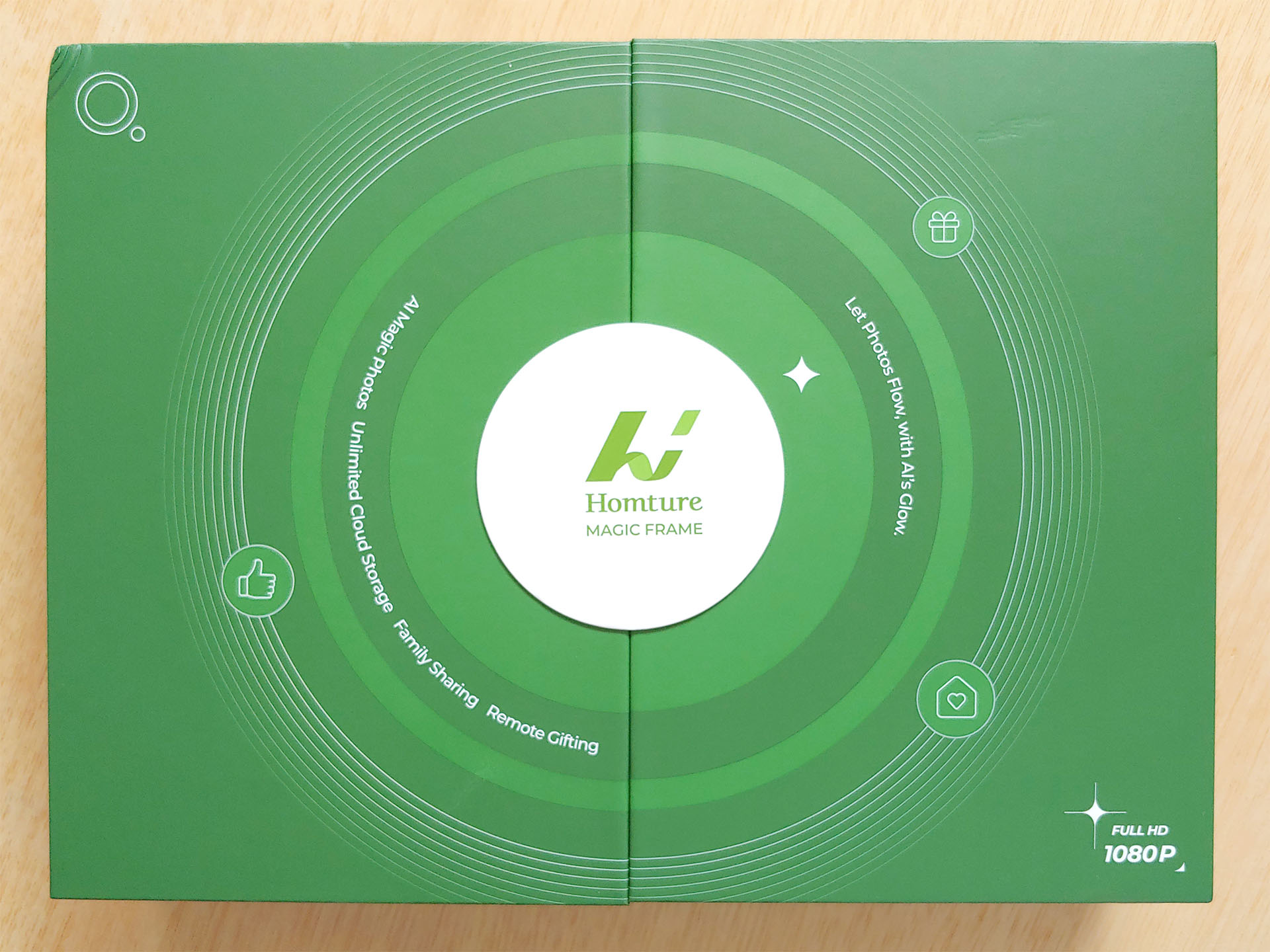
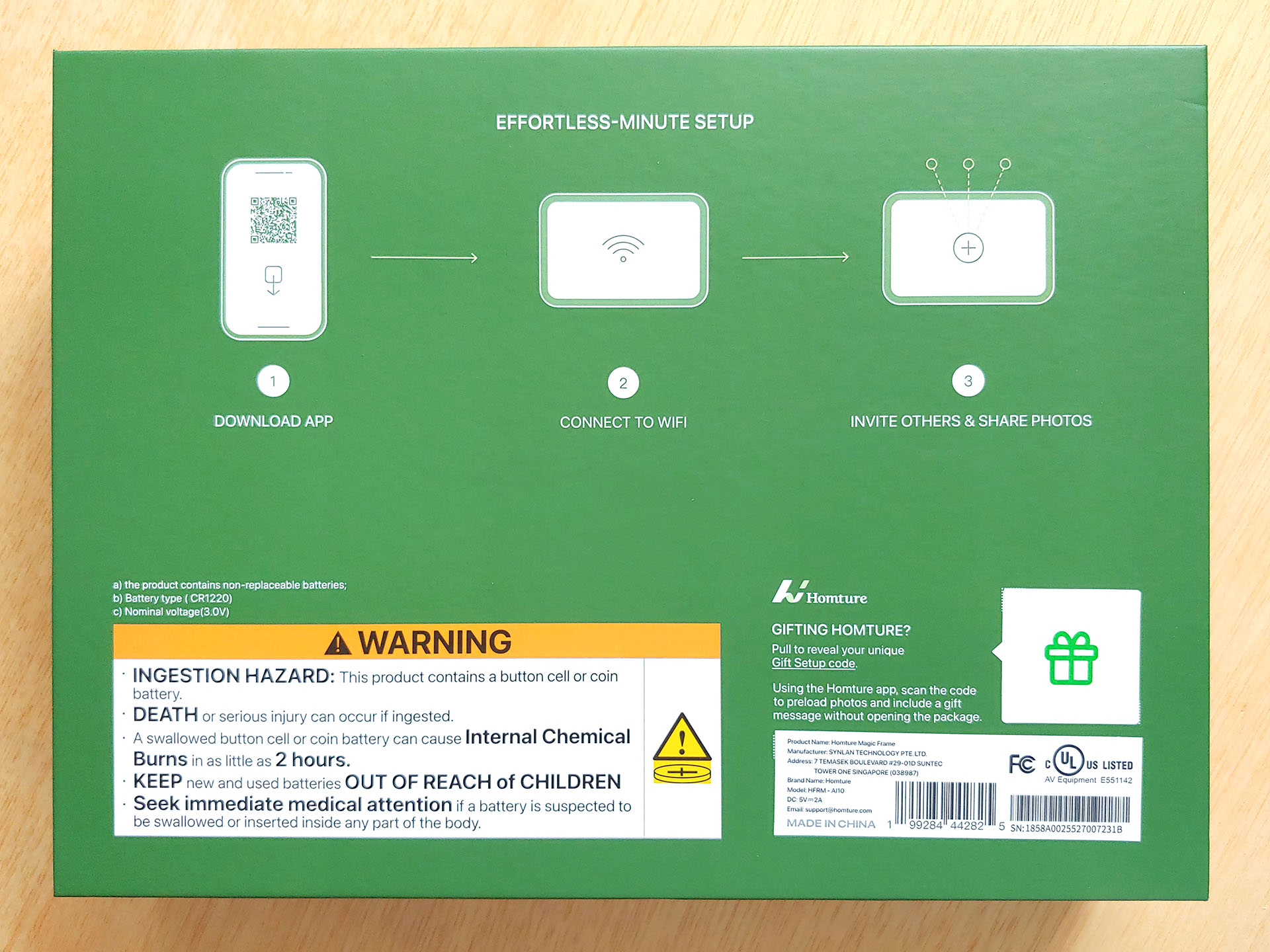
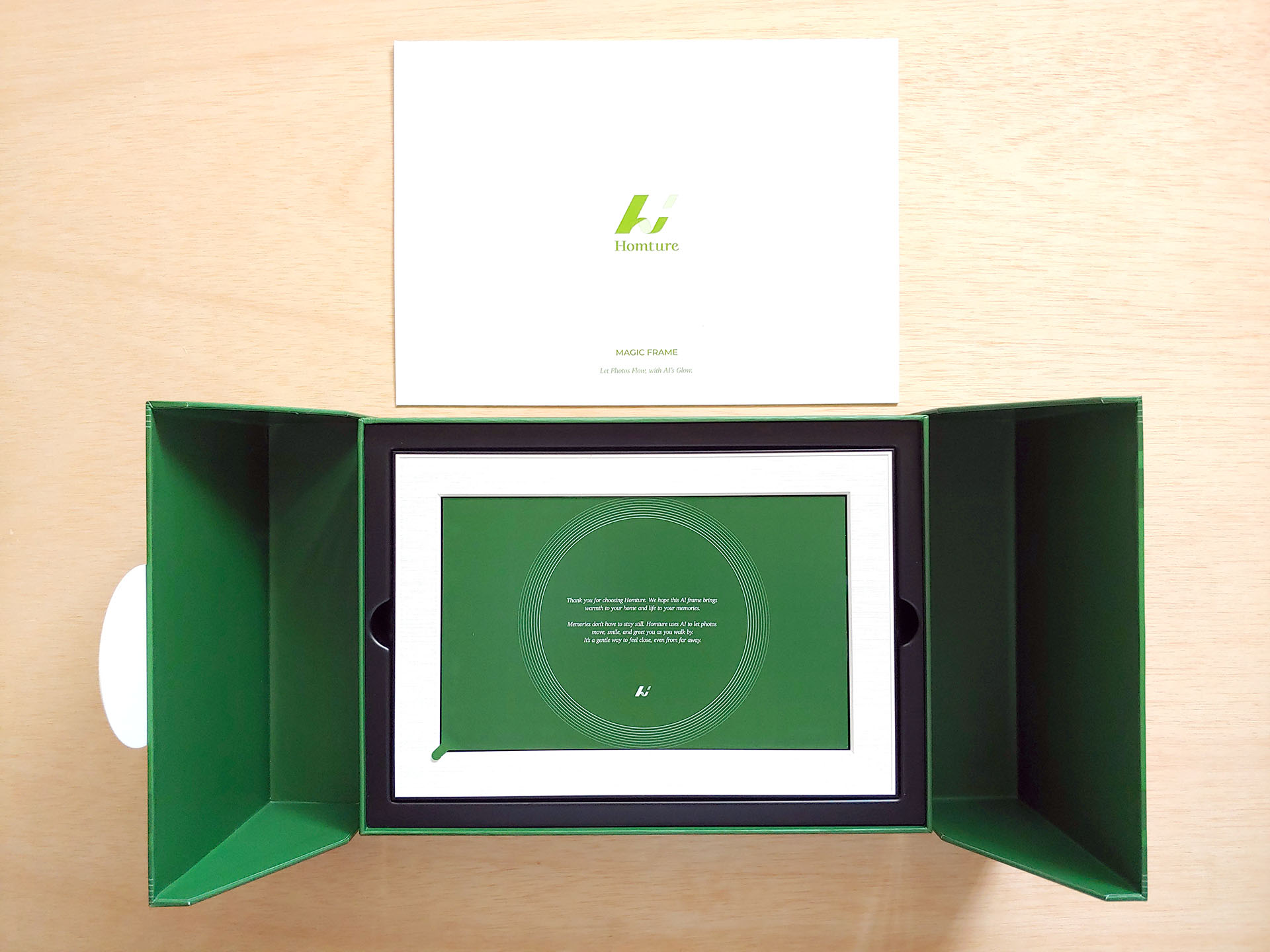
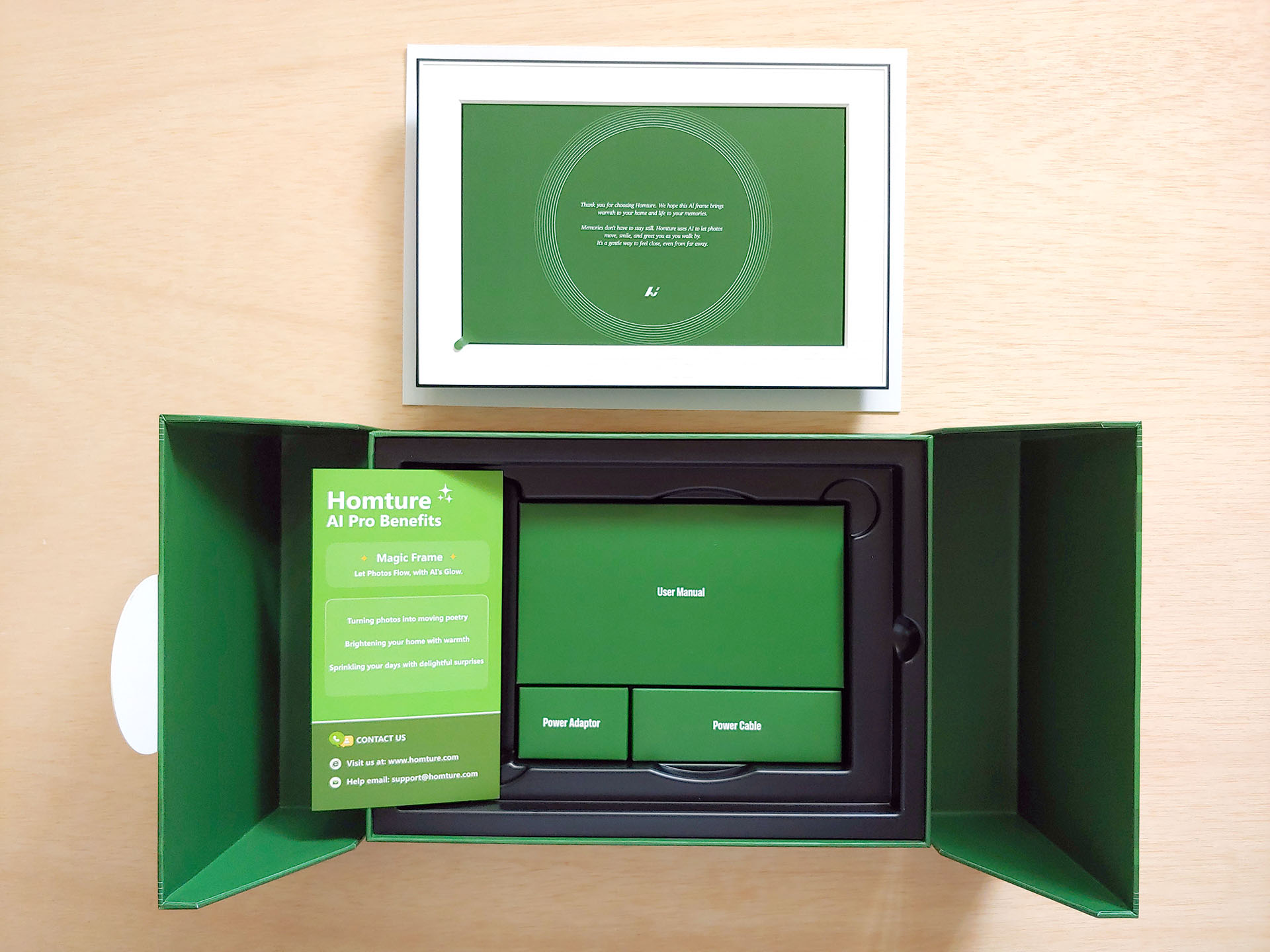
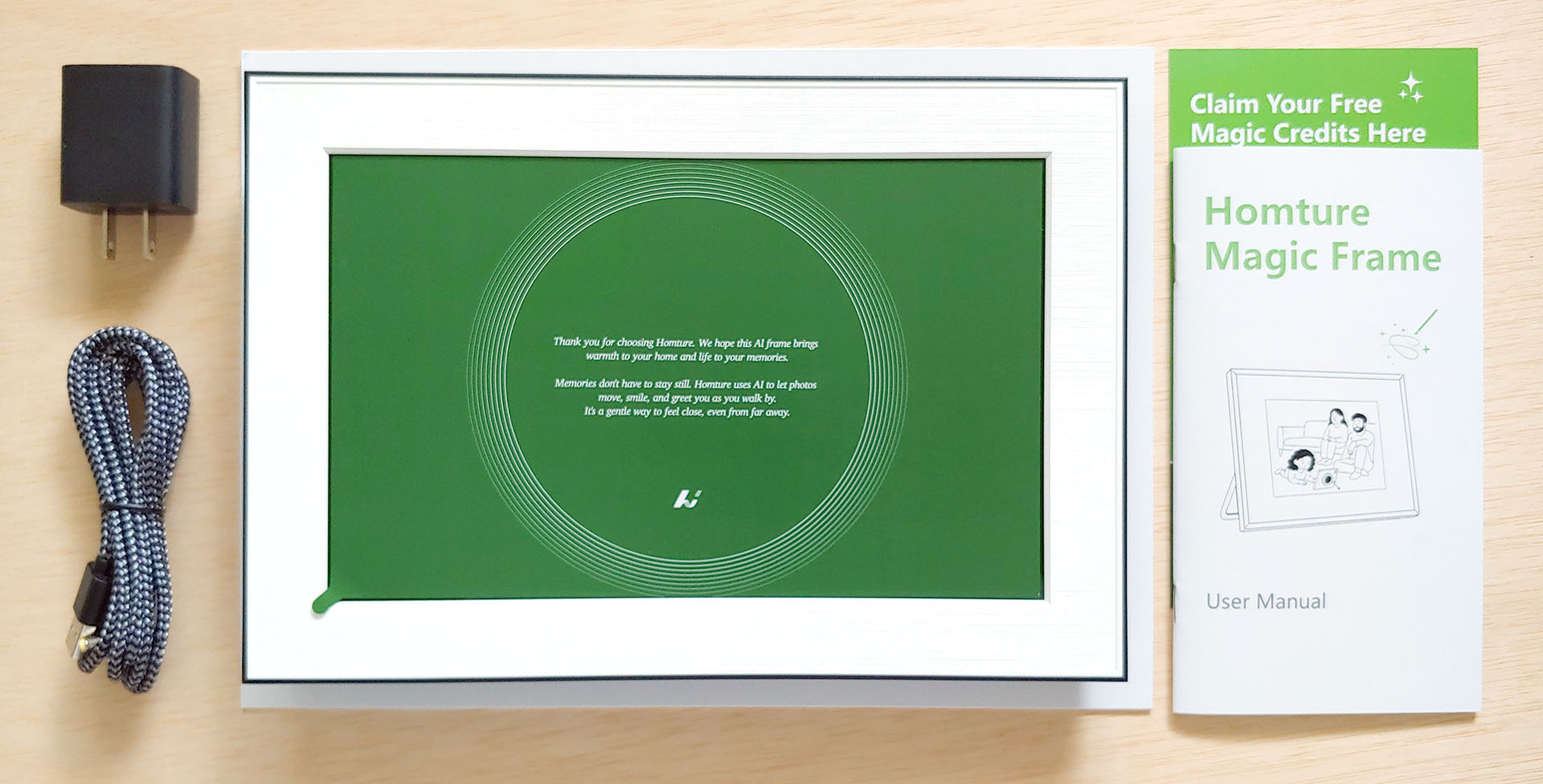
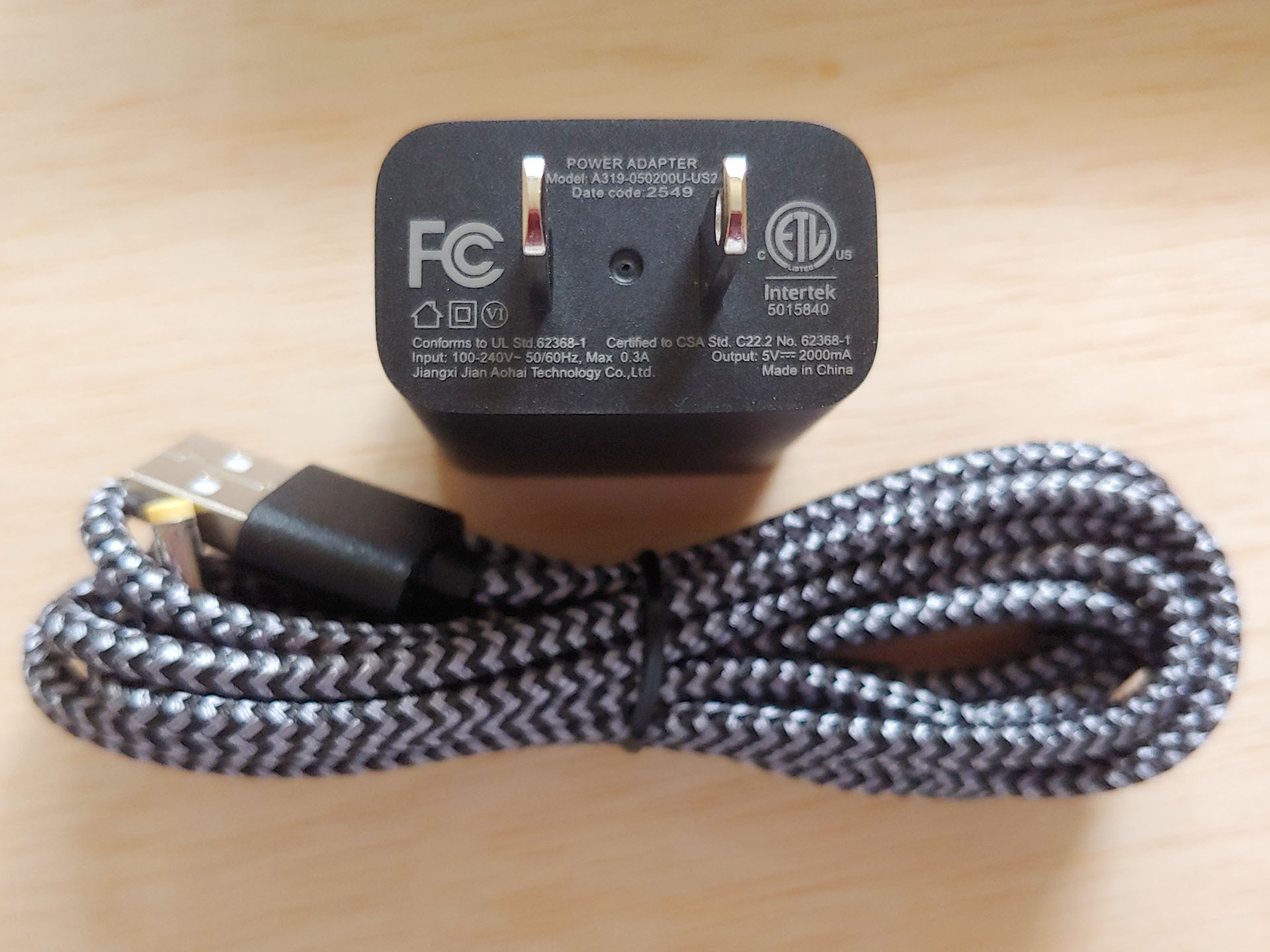
The Homture came with an AC adapter and cable, an AI-service gift code card, and two manuals.
Design
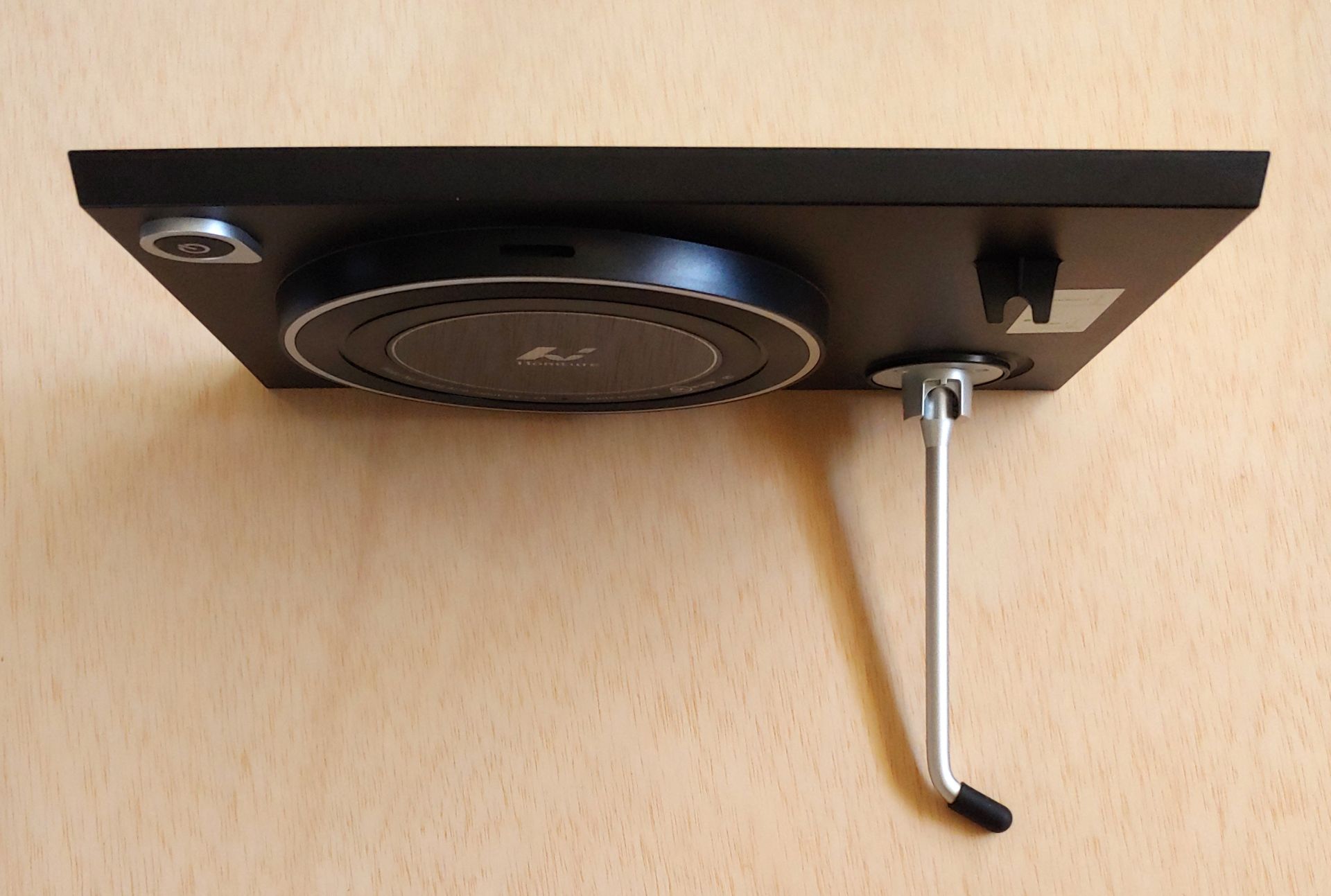
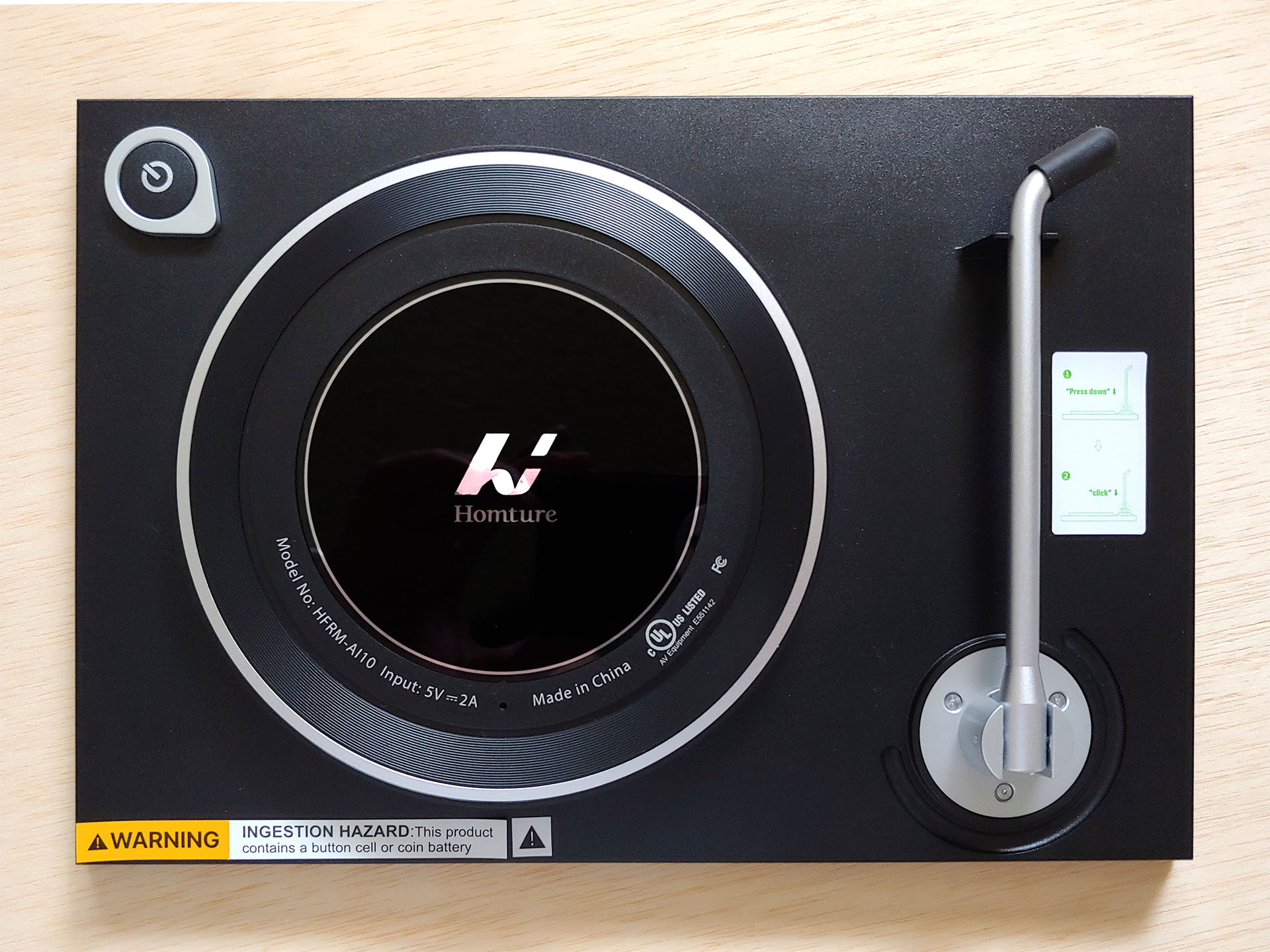
The 10.1-inch Homture Magic Frame has a simple design with a LCD display mounted within a textured plastic frame. The frame has a fold-out metal stand for desk use. A power button is located on the back along with the power port.

Setup and Use
The picture frame requires a Wi-Fi connection along with the app for setup, so it cannot be used in an area with no Internet connection, such as a remote cabin.
The software is very easy to install, and after creating an account, adding the picture frame only requires the entry of a six-digit pairing code.
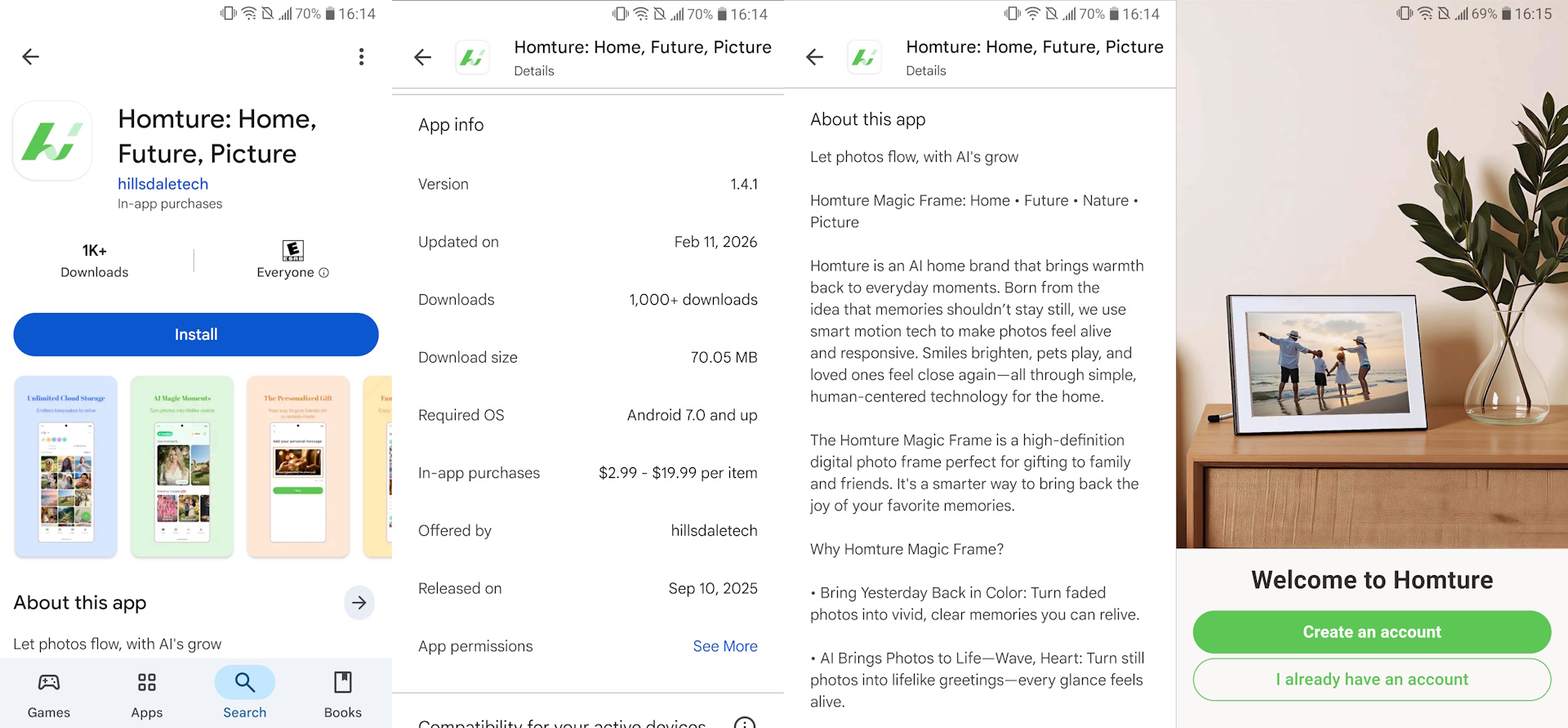
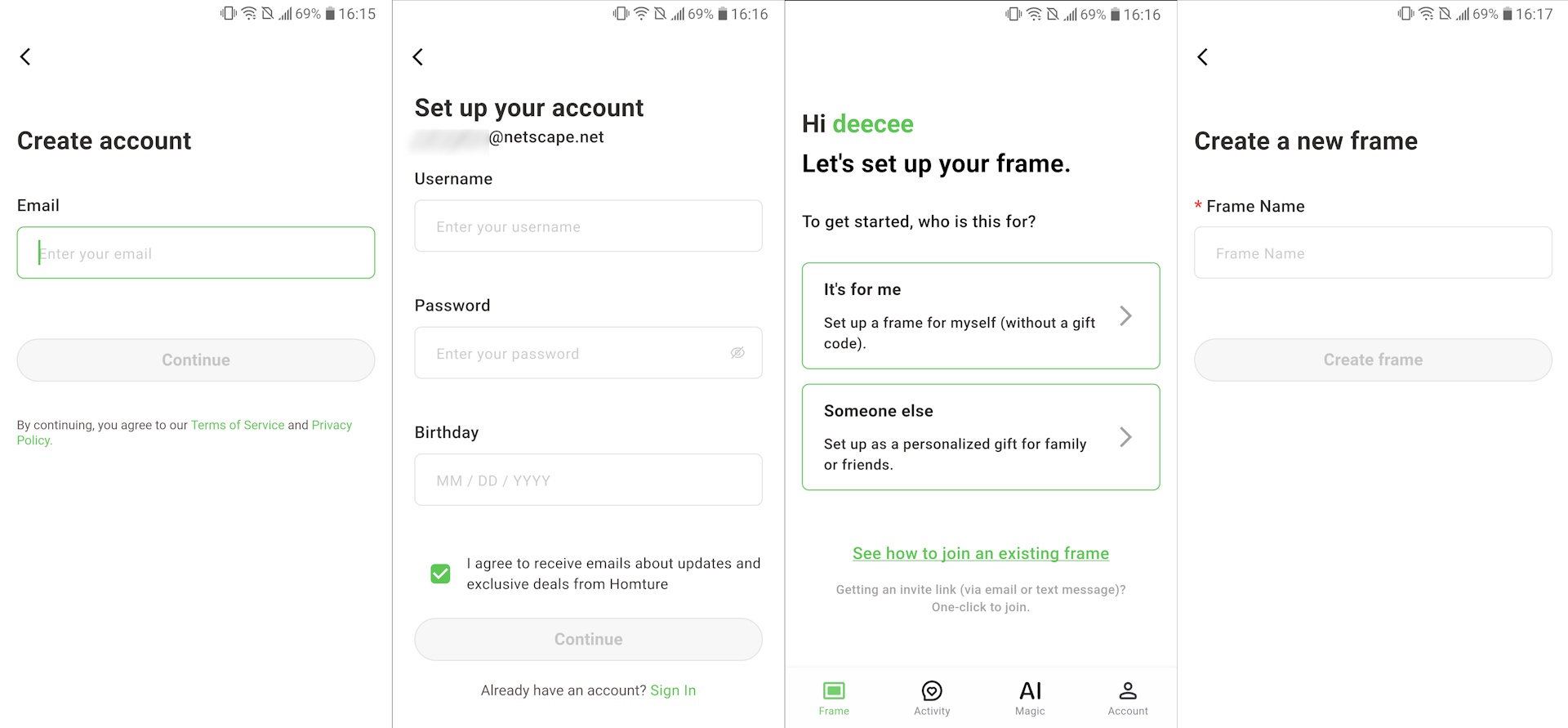
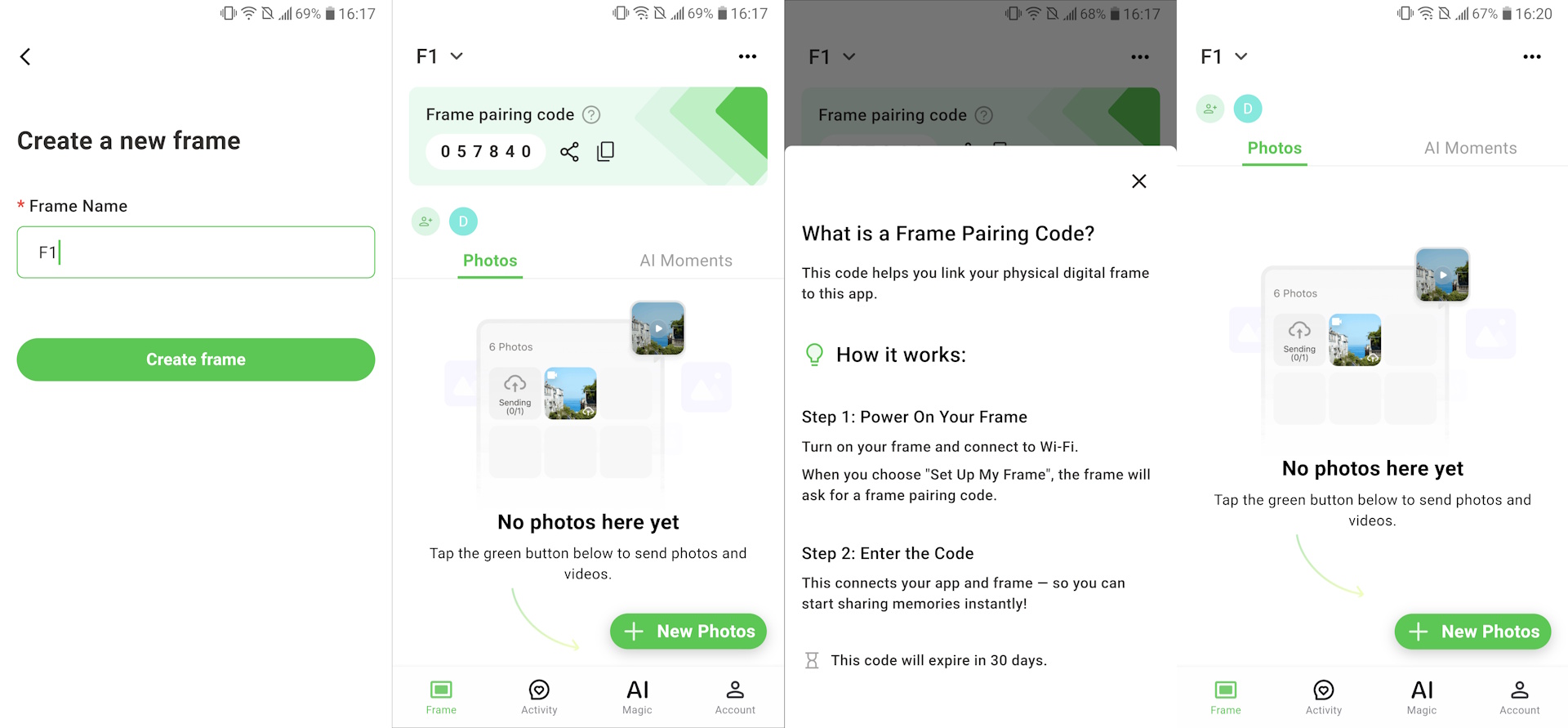
Once connected to the Internet, the Homture will automatically check for firmware updates, which add new features and bug fixes, and the update will take several minutes to complete once started.

Users can quickly upload images from their photo album using the app. Family and friends can also do the same remotely once access has been shared. The unit has 64 GB of internal storage and can play back an unlimited number of photos from its free cloud storage.
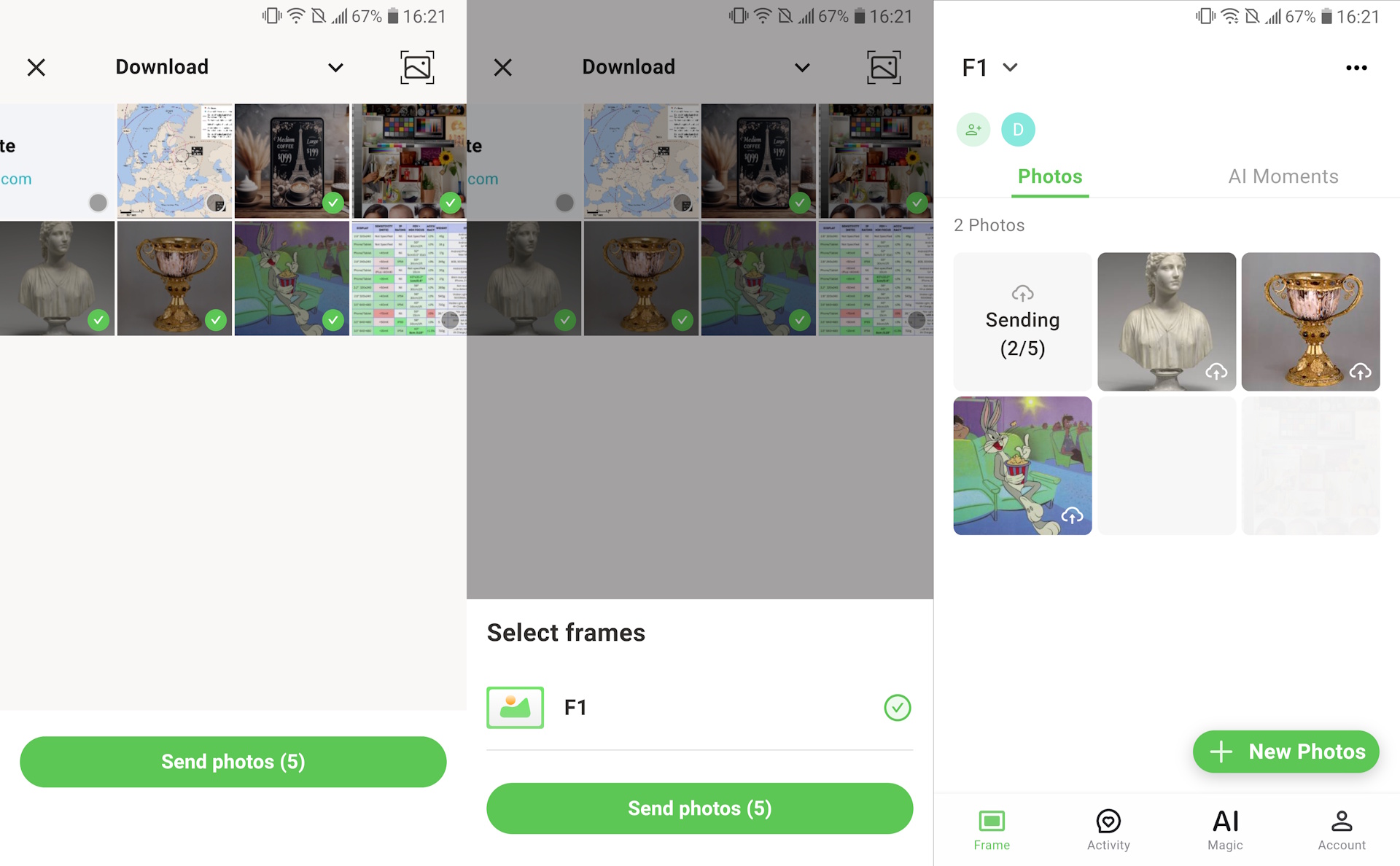

The Homture comes with the ability to animate still images using AI. When animated photos are uploaded to the picture frame, they can be set to play manually, occasionally, or frequently when shown.
The Homture picture frame is controlled by touch input like any tablet, so those familiar with that will be able to use it immediately. The interface is kept simple, with icons to access play/pause, volume, like, and settings. Swiping left or right manually changes the displayed photo, and this action is very responsive.
Image quality
The image quality varies depending on lighting and viewing distance, but LCD displays are typically not bright enough for use in direct sunlight. The Homture is no different—the image washes out and is barely visible—and it was not designed for such use. Instead, the picture frame shines indoors.
INDOORS
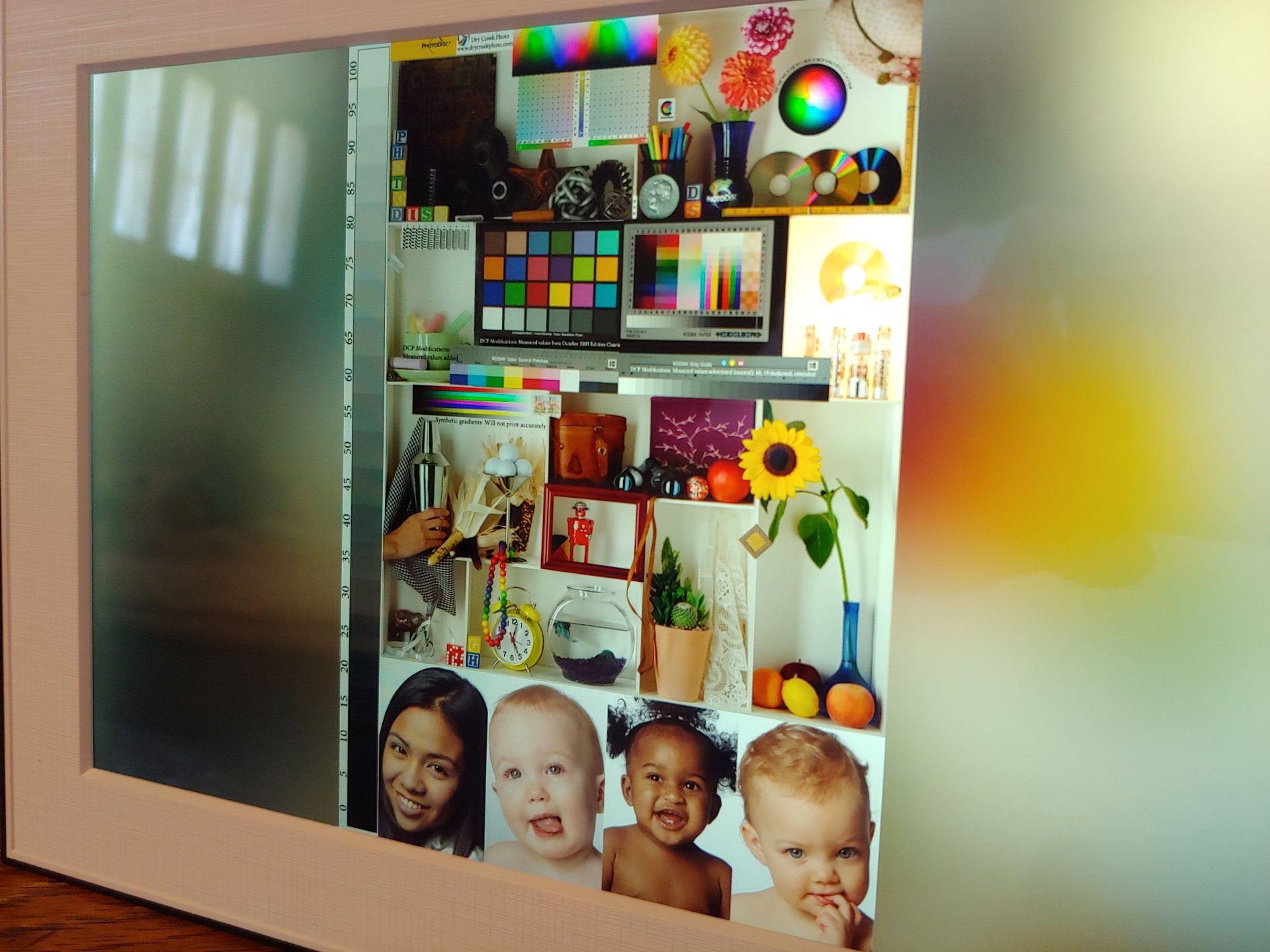
The Homture Magic Frame looks great indoors under light from a room lamp or next to a shaded window, with image quality similar to an ordinary glossy monitor or HDTV. The glossy display has a strong anti-reflection coating that helps cut reflections from bright lights while enhancing the boldness of the colors. Like any LCD panel, image brightness drops when viewing the Magic Frame off-center.
The combination of full HD resolution with a 10.1-inch display results in a pixel-free experience at normal viewing distances, whether sitting on a desk or wall-mounted. Pixel-peepers can see pixels at a foot or closer (30 cm or closer), although this is not normal use. Overall, the image quality is very satisfying.


AI PHOTOS
The standout feature of the Homture picture frame is its ability to colorize and animate photos of people, pets, and landscapes using AI. A variety of animations are offered, which expand over time. Animation types are split between cartoon-like and realistic-looking.
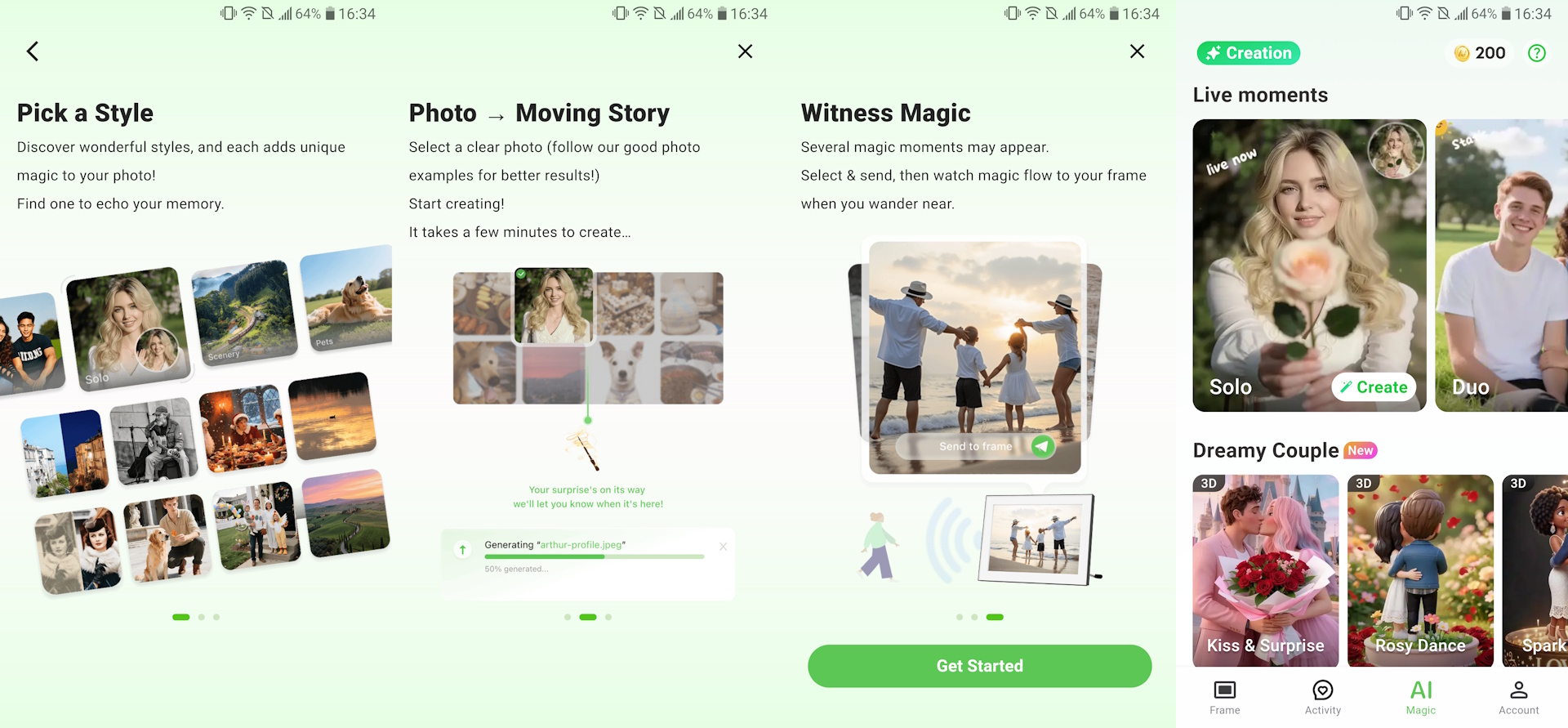
Animating a photo using AI costs 100 coins. The frame comes with 2,000 free coins on a free Magic Credits card, and every new app user gets 200 coins. Additional credits start at $4.99 for 500 coins.

After an animation and photo are selected in the app, the AI automatically analyzes the photo for appropriateness, including age, image quality, and proper subject framing. AI processing can take several minutes, and the finished animation can be uploaded to the picture frame or downloaded to the smartphone.
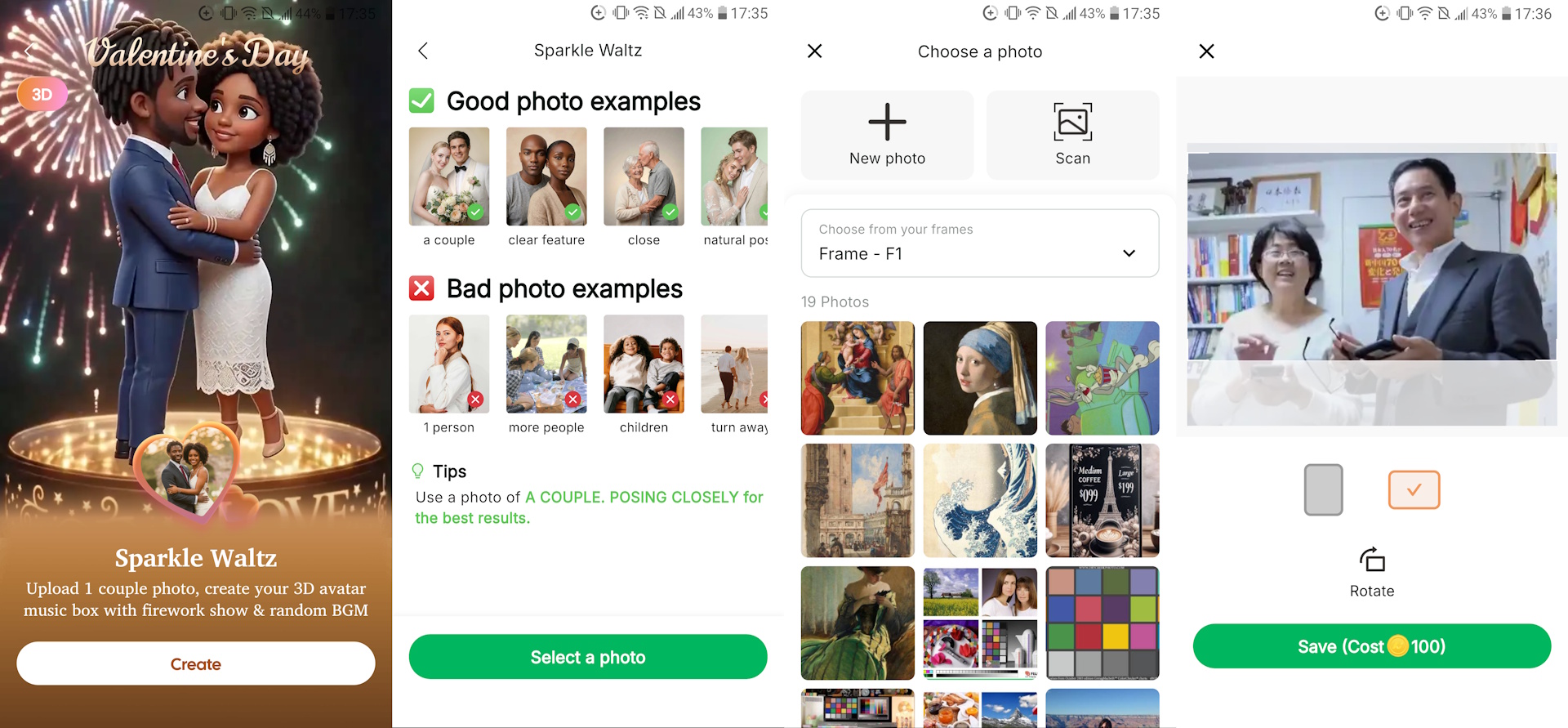
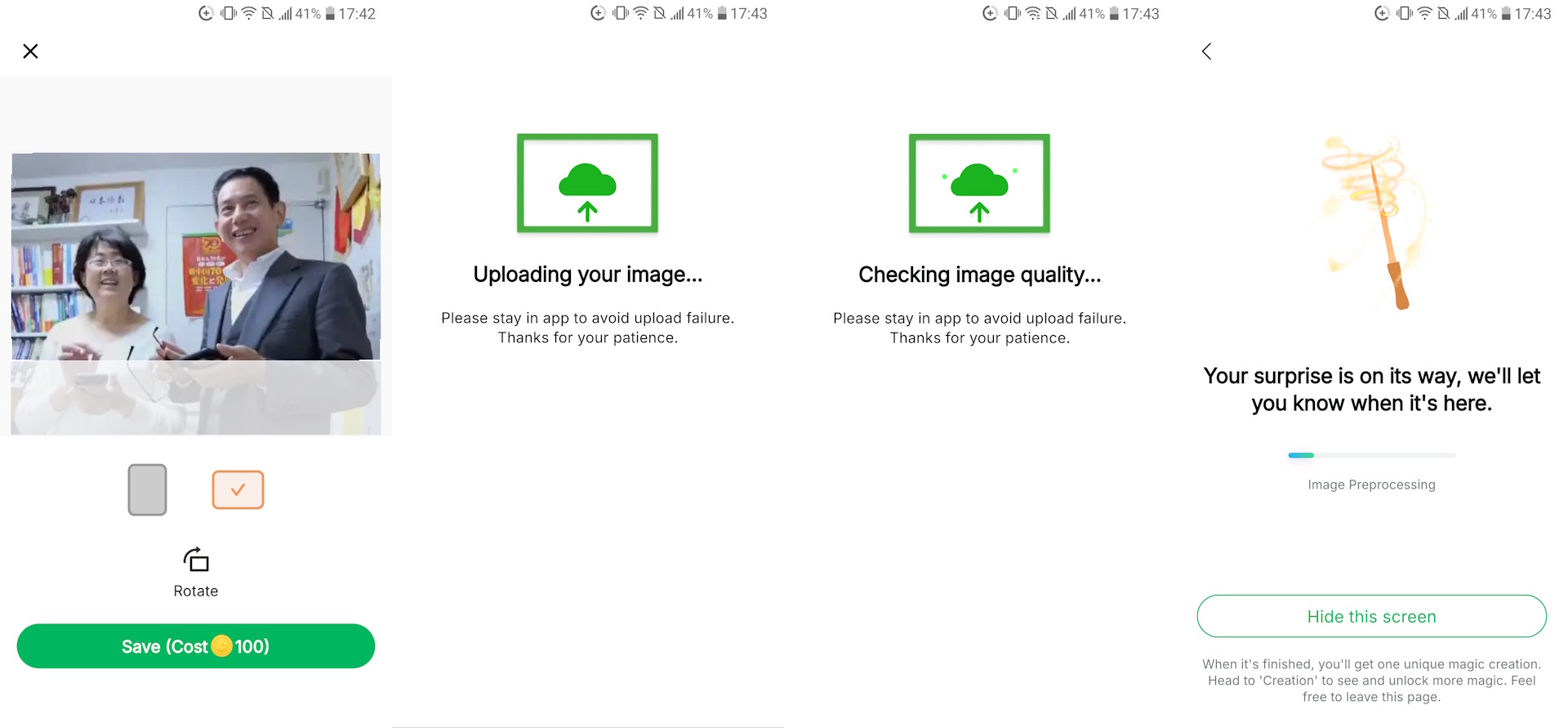
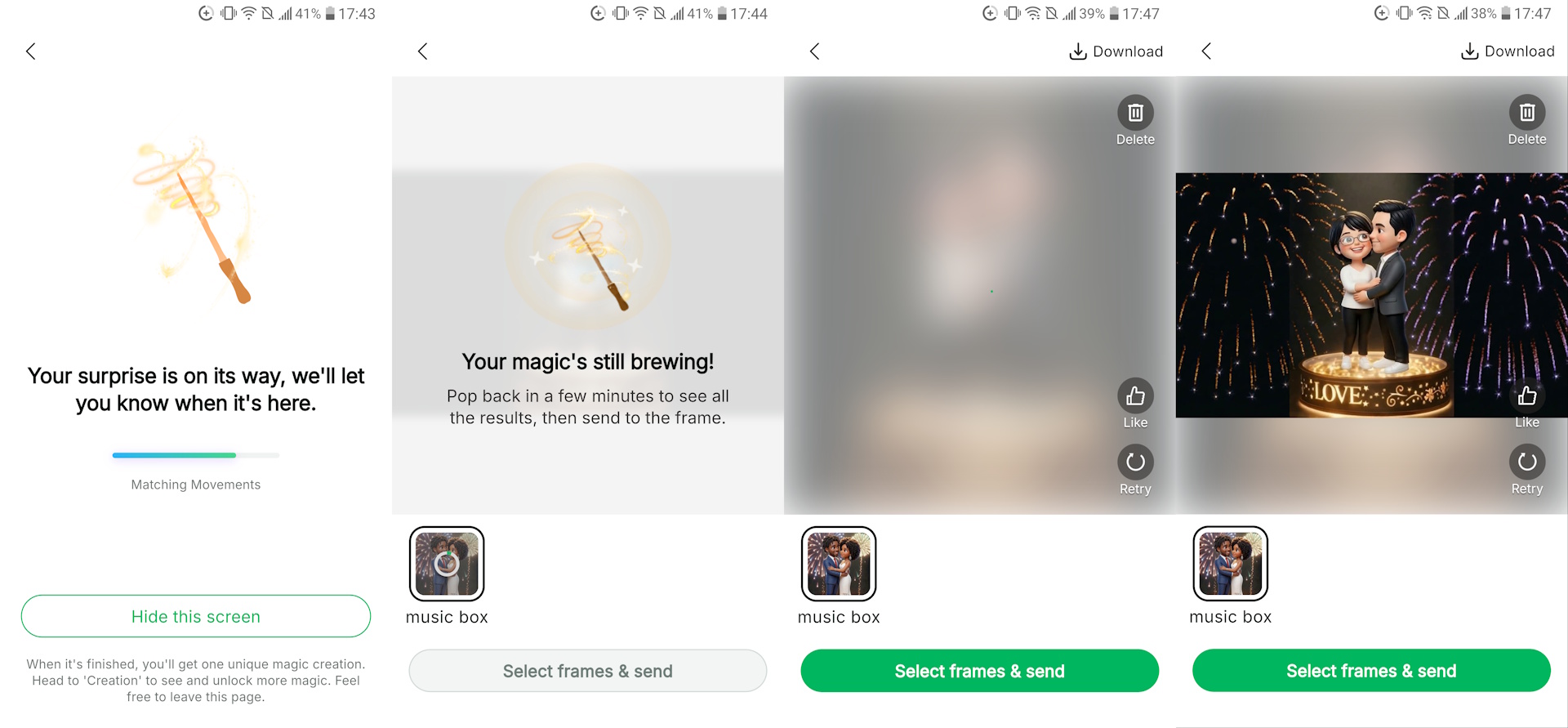
Coins are returned with rejected photos.

ANIMATED PHOTO EXAMPLES
The short animated photos look similar to what other AI image-to-video services currently provide, with high quality and good fidelity. Most look realistic although minor oddities can occur, such as a tanned arm coupled with untanned hands (see Solo style example). There is no way to reject and refund generated photos.
The following examples include the original photo and AI-generated animated photos.


Pets can be animated, while animated cartoons can be created from photos of people and landscapes. Only some animation styles include sound.



Black-and-white or damaged photos can also be repaired, colorized, and animated. The quality of the restoration is high, and the generations contain a surprising amount of detail even when using low-resolution originals.


Conclusion

The Homture picture frame delivers a fun way to decorate a home with cherished, restored, and animated photos, with remote uploading by friends and family.
Transparency
The selection of devices to be reviewed is made by our editorial team. The test sample was given to the author by the manufacturer free of charge for the purposes of review. There was no third-party influence on this review, nor did the manufacturer receive a copy of this review before publication. There was no obligation to publish this review. As an independent media company, Notebookcheck is not subjected to the authority of manufacturers, retailers or publishers.
 Add as a preferred source on Google


