




Razer Blade 16 (2026) Review: Intel Panther Lake & 160W RTX 5090 Tested
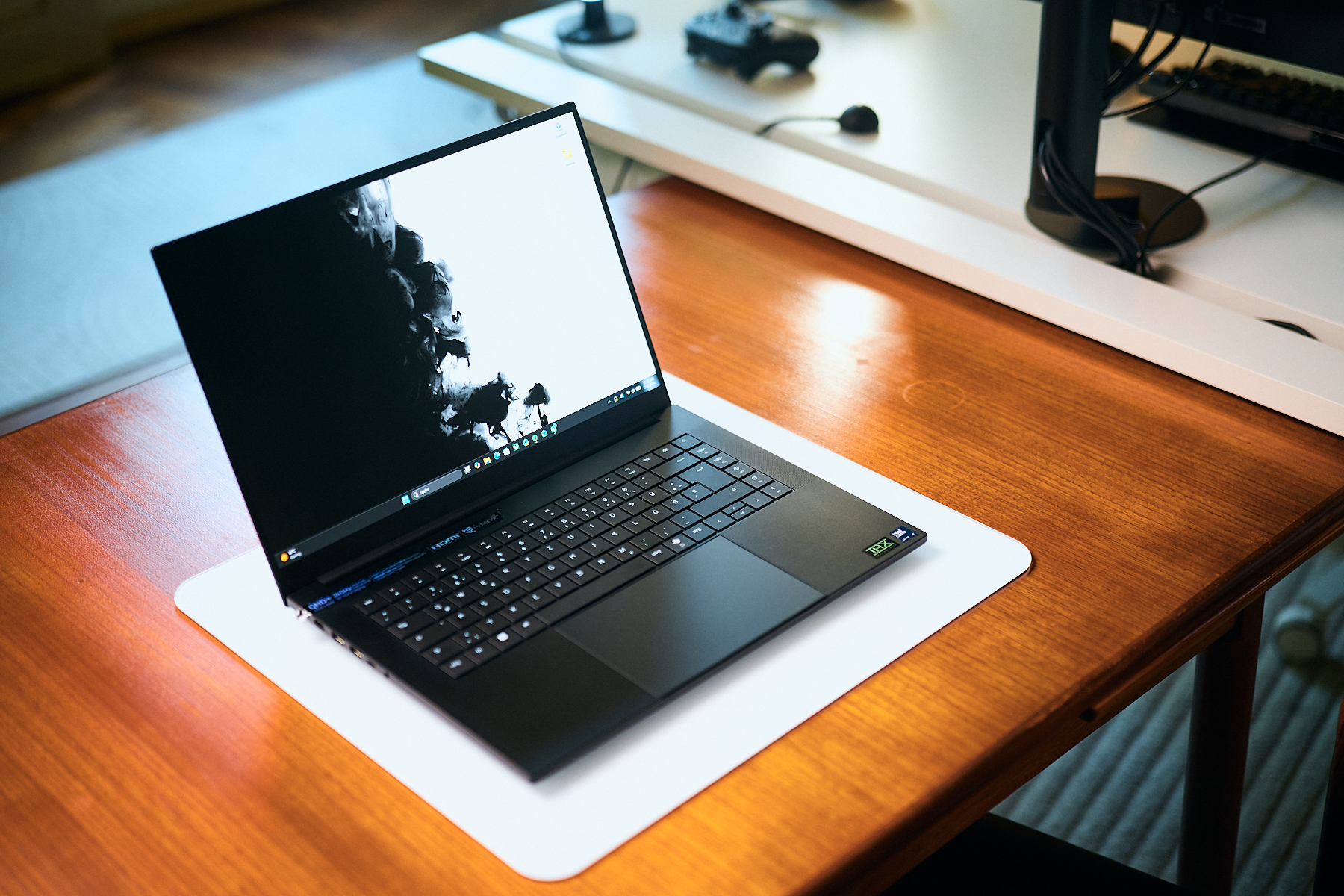
Alongside the Asus ROG Zephyrus G16, the Razer Blade 16 (written review) has defined the absolute pinnacle of offering as much (GPU) performance as possible in a chassis that usually has to make do with integrated or midrange mobile GPUs. While the upgrades for the Blade might not look like much on paper, they do refine the experience quite a bit.
Watch Alex’s in-depth video review above to hear real-world fan noise samples, live 4K DaVinci Resolve timeline playback, and 1080p/1440p real-time gameplay tests with 1% lows, temps, and wattages.

Key Upgrades & Specs at a Glance:
- Processor: Intel Core Ultra 9 386H (Panther Lake) vs. AMD Ryzen AI 9 HX 370
- GPU: NVIDIA GeForce RTX 5090 Laptop GPU (Up to 160W TGP)
- Display: 16" 240Hz QHD OLED (Upgraded to 1,000 nits HDR / ~470 nits SDR)
- Connectivity: Thunderbolt 5 added (Right USB-C port), Thunderbolt 4 (Left), Full-size SD Card Reader, HDMI 2.1, 3 USB-A 3.2 Gen 2
- RAM & Storage: 32GB Soldered (64GB option available) + Dual M.2 SSD Slots
Performance Takeaways from the Video:
- CPU vs. Competition: Intel's Panther Lake offers substantial gains in battery efficiency and gaming stability over last year's model, though raw multi-core CPU performance still trails Apple Silicon and both Intel and AMD HX-series chips.
- GPU Gaming & Workstation Power: In GPU-bound titles like Cyberpunk 2077 (QHD) and Baldur’s Gate 3, the Blade 16 rivals heavier 175W RTX 5080/5090 laptops like the Lenovo Legion Pro 7 or the Asus Scar 16.
- Acoustics & Daily Driver Experience: Quiet Mode keeps the GPU at ~100W while maintaining low fan noise—ideal for video editing on the go or casual gaming.
Minor Flaws & Verdict Summary
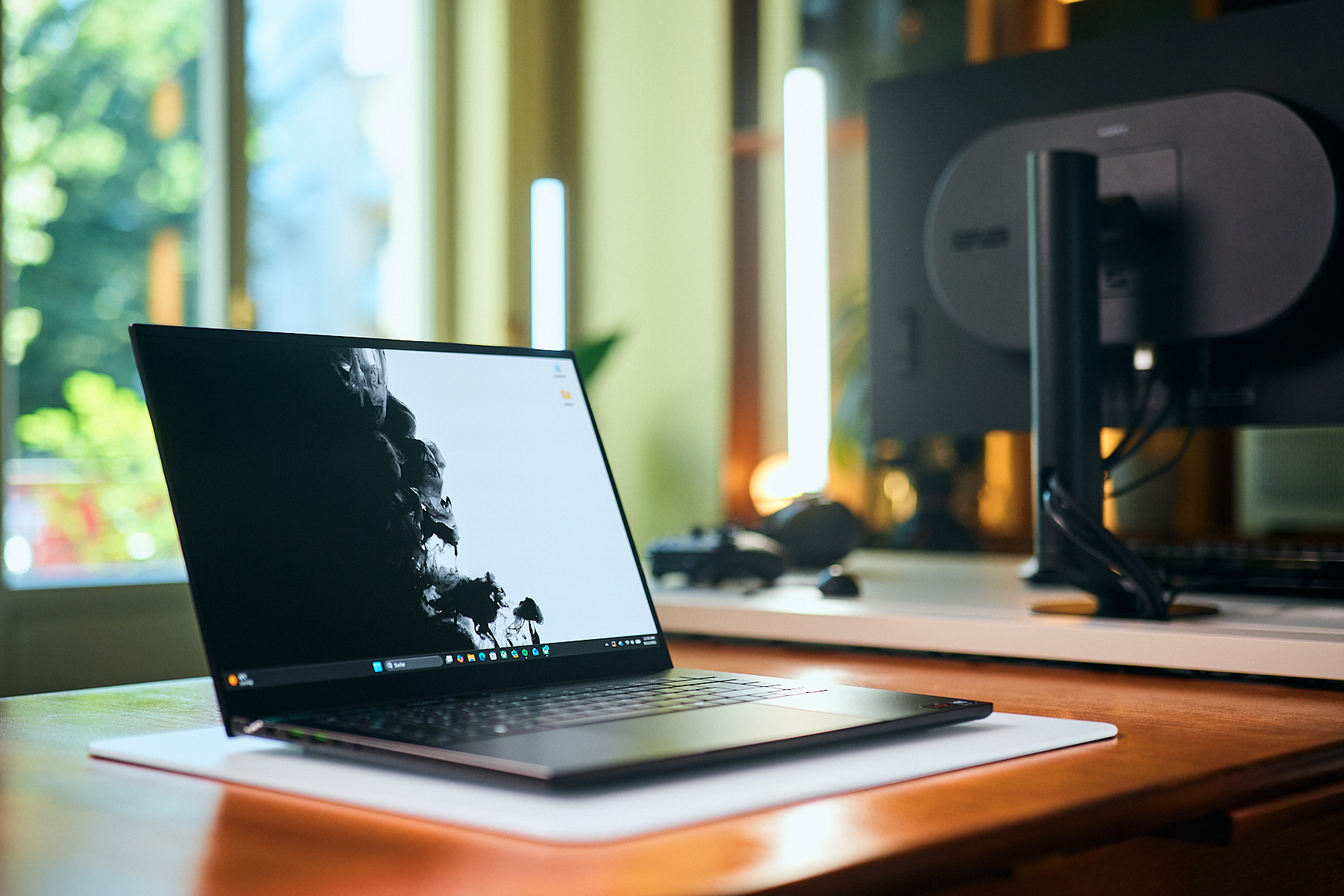
While the new Blade 16 performed pretty well in our overall testing, we unfortunately did encounter a few "daily-driver" problems!
- Brief audio pitch shifts on YouTube playback (likely software-related), and we are currently testing a new BIOS that should fix the problem.
- Occasional fan spin-up when the lid is closed on battery power. This was not a reproducible error, and we hope itcan be fixed via a firmware update in the near future as well.
As per usual for a Blade, we also have to mention the very high cost of entry, and it costs more than its direct predecessor for (almost) the same experience and performance. If you want to use the Blade for work, you will most likely consider the 64 GB RAM upgrade, which will drive the price even higher, but you are still getting on of the most refined thin & light gaming and creator laptops, without much of the usual performance, heat, and noise compromises that come with a sleeker than usual chassis!
What do you think of Razer’s decision to return to Intel Panther Lake for the 2026 Blade 16? Let us know in the comments of the YouTube video!
Want raw benchmark tables and thermal imaging maps? Read our full written technical review on Notebookcheck.net!
 Add as a preferred source on Google


