Analogue Pocket can now convert Game Boy game cartridges into ROM files
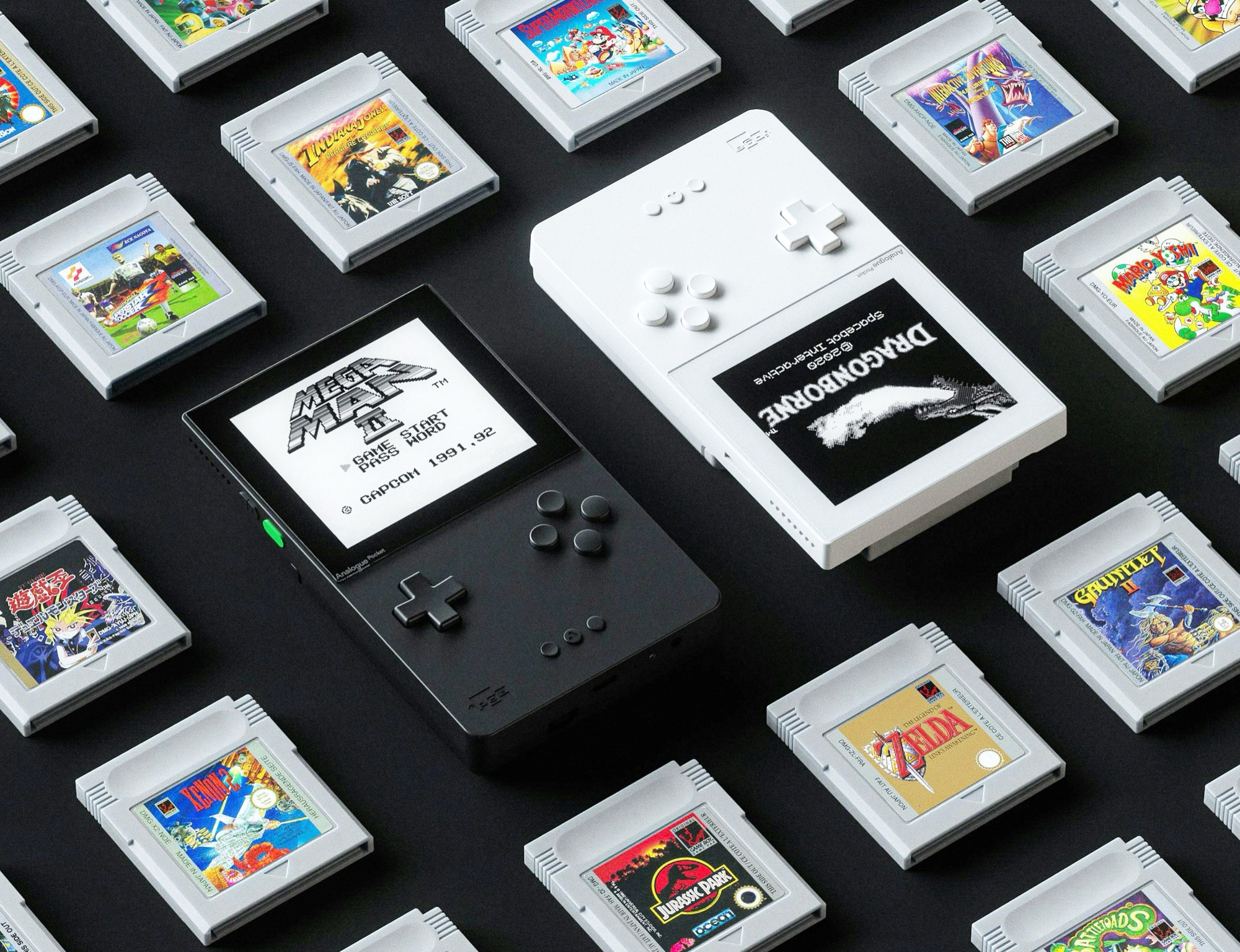
Anyone wanting to play Game Boy games on a device like the Anbernic RG35XX SP without potentially downloading them illegally from the internet can simply digitalize their own game cartridges. Analogue Pocket owners no longer need to purchase any additional hardware.
A new app called MROM allows users to digitalize a game cartridge with just a few clicks and save the ROM file to the Analogue Pocket's microSD memory card, from where it can then be transferred to a PC. MROM can also optionally copy save data from a game cartridge's SRAM, allowing users to continue playing on the emulator exactly where they left off on the Game Boy. The video embedded below by Pixel Cherry Ninja demonstrates how MROM works in practice.
MROM is currently only available in a preview version, i.e., as a beta version. The developer points out that not all game cartridges are currently supported, and for some games only the ROM file, but not the save data, can be read. Furthermore, the save data copied from the SRAM is not compatible with all emulators. mGBA, for example, is said to support MBC2 files with the .sav extension. As usual, ROM files should not be distributed over the internet, not least because Nintendo is notorious for suing individuals and companies who share retro games online.
Source(s)
 Add as a preferred source on Google