




70mai 4K T800 dash cam review: A premium dash cam with premium features and superior video quality
Abhinav Fating 👁 Published 🇫🇷 🇪🇸 ...
Verdict
The 70mai 4K T800 is a fantastic three-channel dash cam that offers excellent video quality across its three cameras and solid features. However, the only quibble is its ADAS, which is often hit or miss. Is it worth the price tag? The answer is yes. If you’re looking for a feature-packed three-channel dash cam and budget isn’t the thing for you, the 70mai 4K T800 is a solid dash cam option.
Price and Availability
The 70mai 4K T800 dash cam standard bundle (T800 + RC51 + 512 GB) starts at $399, while the T800 + RC51 + 512 GB + UP05 and the T800 + RC51 + 512 GB + UP05 + Battery01 are priced at $499.99 and $699.99, respectively. Interested buyers can purchase the dash cam directly via 70mai’s official website and Amazon.
Pros
Cons

Table of Contents
Dash cams have come a long way, offering features like ADAS, 24/7 parking, AI motion detection, and 4K HDR recording via both front and rear cameras; 70mai’s 4K T800 dash cam is no exception. Unlike other dash cams in the market that offer front and rear dash cams with 4K and 1080p image quality, the 70mai 4K T800 boasts 4K HDR recording, featuring both front and rear cameras.
The 70mai 4K T800 is a premium-range three-channel dash cam, which allows you to capture comprehensive footage in superb image quality. It’s been two weeks since I’ve been testing the 4K T800 dash cam to see how well it performs and whether it holds its ground against the competition, like Redtiger, Viofo, and Nextbase. Plus, is it worth upgrading over the budget-range dash cams? Read on in our in-depth review to find answers to the questions.
Specifications
| Specs | Details |
|---|---|
| Dimension | Front Camera: 46*63*123mm Rear Camera (RC41):73*41*38mm |
| Display | 3 Inch IPS |
| Resolution | 640x360p |
| Type of camera | Front, Rear, Interior |
| Image Sensor & Model | Front: Sony STARVIS 2 IMX678, Rear (RC41): Sony STARVIS 2 IMX678 |
| Video Resolution | Front: 3840*2160P (4K), Rear (RC41): 3840*2160P(4K), Interior: 1920*1080P |
| Storage | MicroSD up to 512 GB |
| Field of View | Front: 146°, Rear (RC41): 146°, Interior: 147° |
| WiFi | Wi-Fi IEEE 802.11a/b/g/n/ac/ax 2.4GHz & 5GHz |
| Other Features | Voice control, App-based controls, LTE support, ADAS, Time-Lapse Recording, 24H Parking Surveillance, AI Motion Detection, Collision Detection, Buffered Emergency Recording, 70mai MaiColor Vivid+ Solution, 70mai Night Owl Vision technologies |
| Price | T800-RC41-512G: $399.00, T800+RC41+512G+UP05: $499.99 (NA), T800+RC41+512G+UP04: $499.99 (EU), T800+RC41+512G+UP05+battery01: $669.99(NA), T800+RC41+512G+UP04+battery01: $669.99 (EU) |
Design and Build
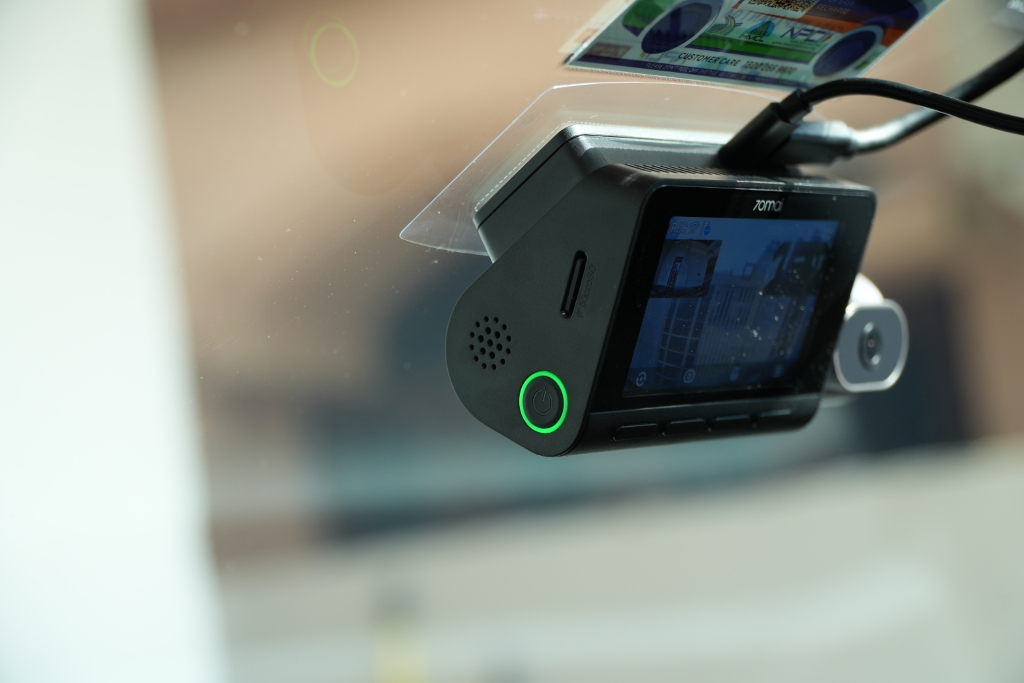
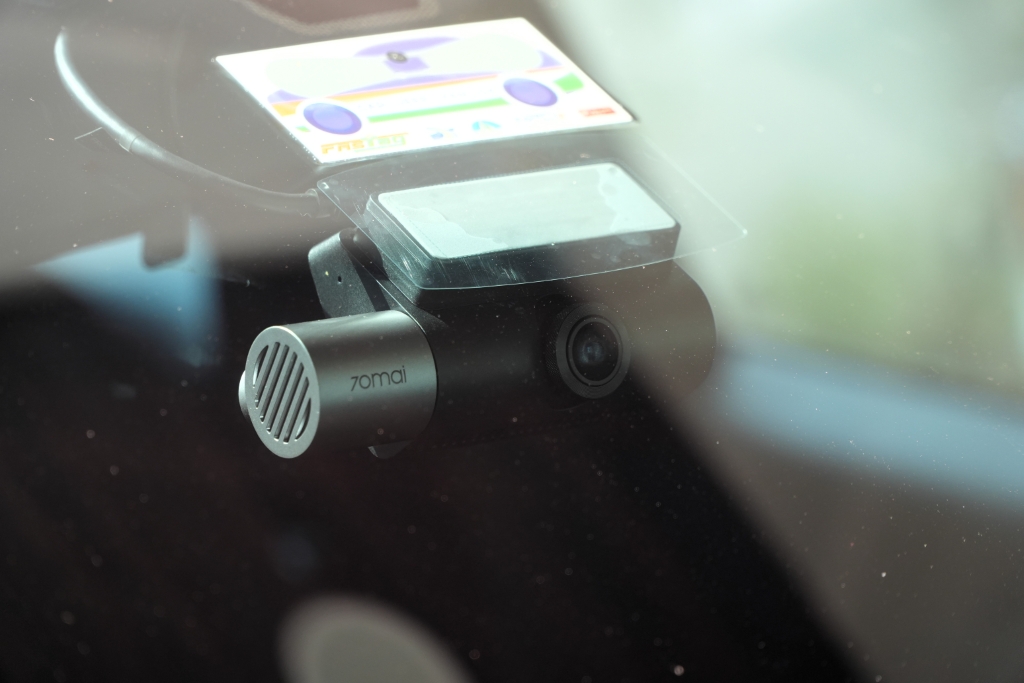
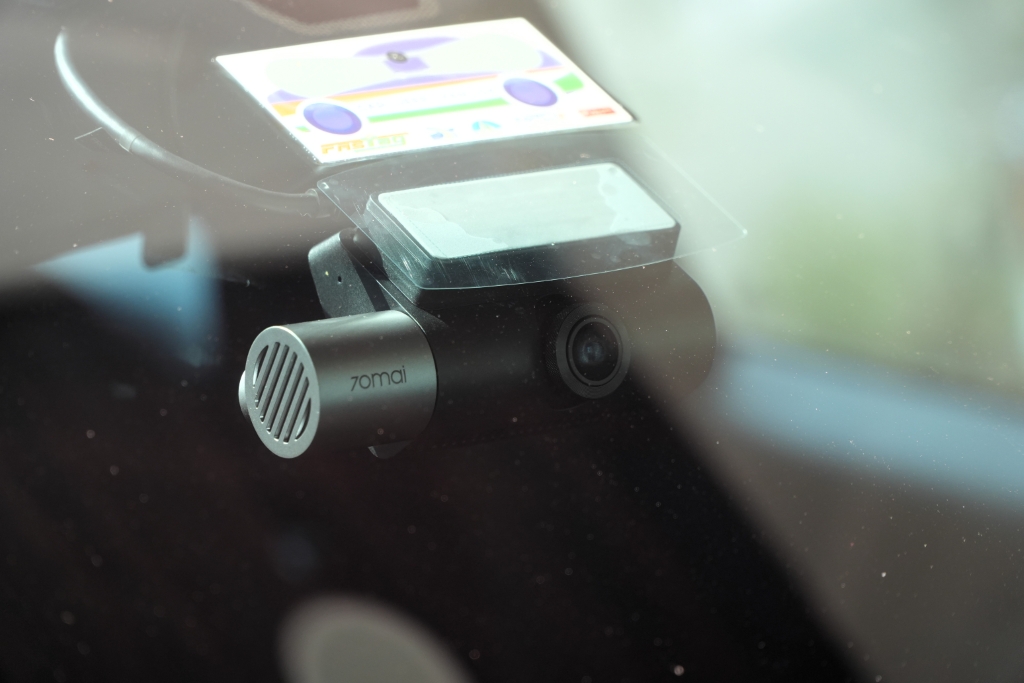
The 70mai 4K T800 dash cam has more of a landscape-oriented design, which makes it a good choice for spacious as well as less spacious windshields. Unlike the Vantrue N4 Pro S dash cam (which we have reviewed recently) with a compact form factor, it has a chunky body. Honestly, I really liked the T800’s main camera unit design. The company has outfitted both the front-facing camera and the inward-facing cockpit camera into the main unit.
What’s interesting is that you can even adjust the interior camera thanks to its swivel design, which helps to get the shooting angle right for a perfect view of the cabin area. I found it really useful because my SUV has a spacious cabin, and with some small angle adjustment, it can easily cover my car’s entire cabin area. The rear camera is quite compact compared to the main unit, featuring a barrel-shaped design. This can also be adjusted using the swivel technique for the best rear view.
The 4K T800’s hard plastic build feels premium and durable. Dimensionally, the front camera measures 46 x 63 x 123 mm (1.8 x 2.4 x 4.8 inches), and the rear camera comes in at 73 x 41 x 38 mm (2.8 x 1.6 x 1.4 inches).
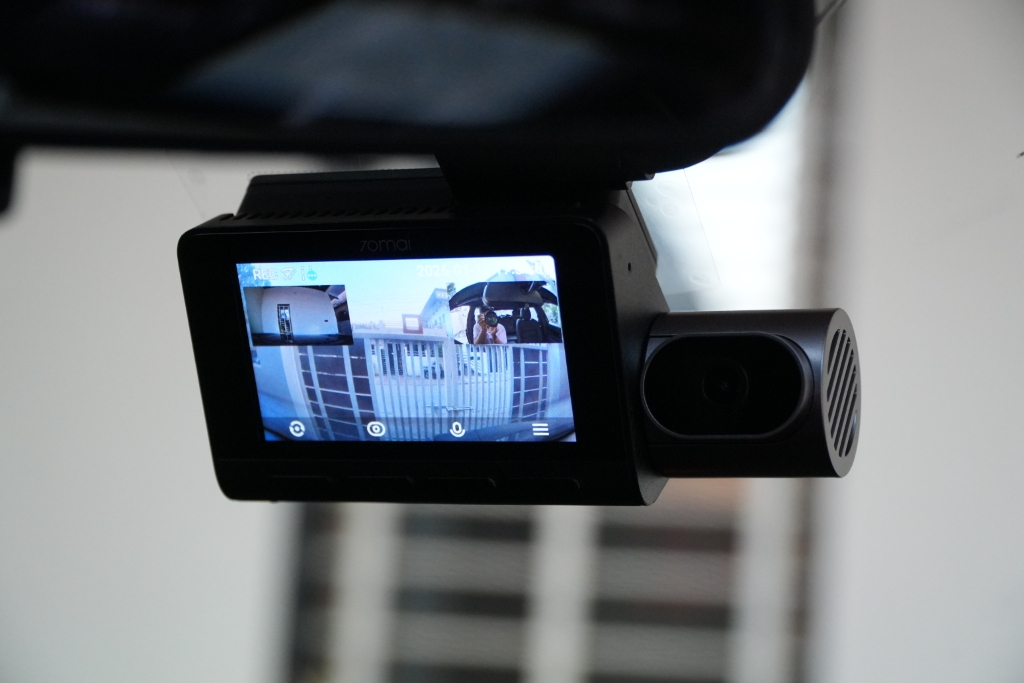
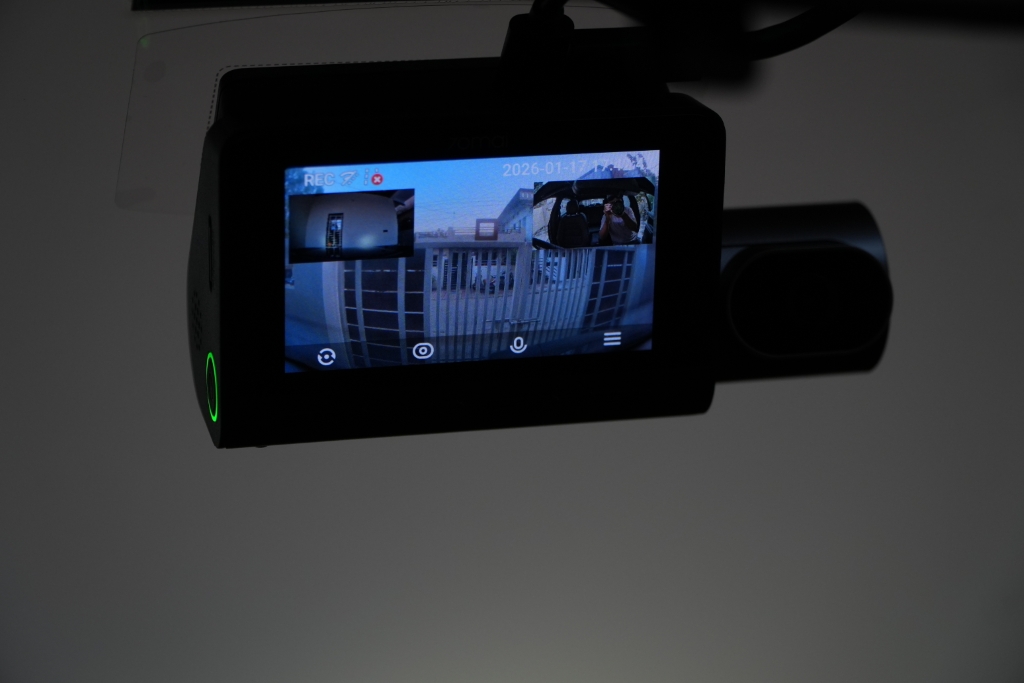
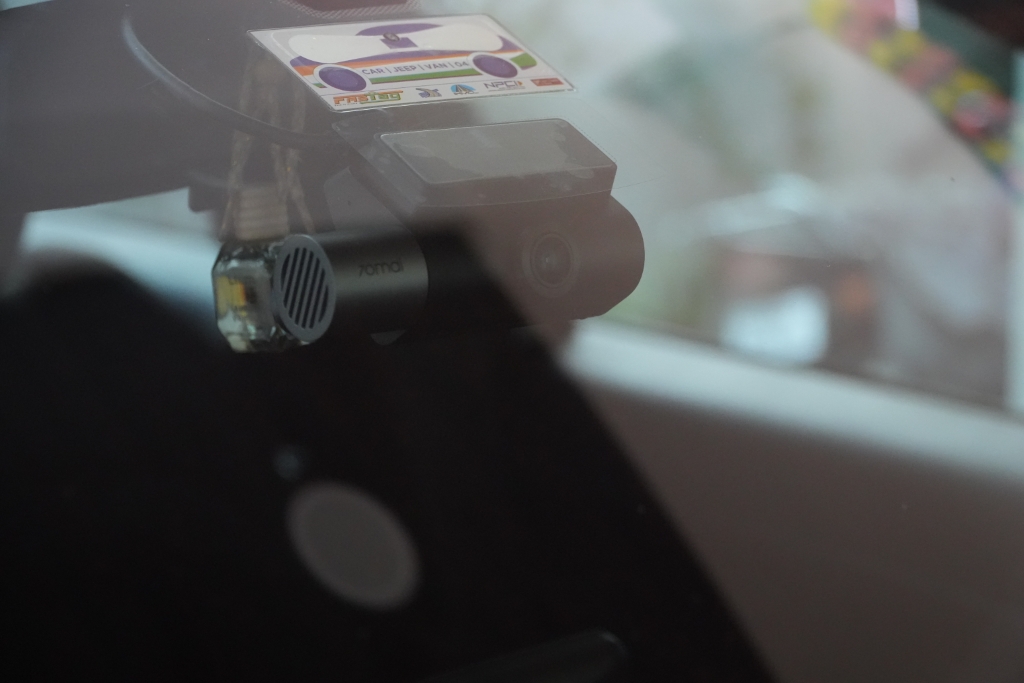
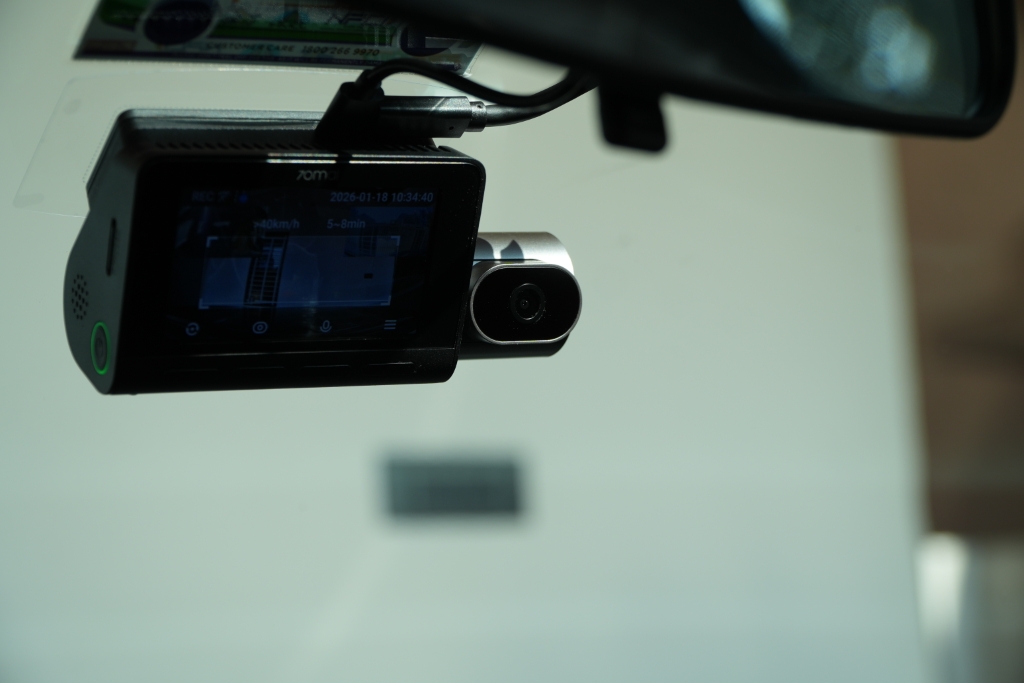
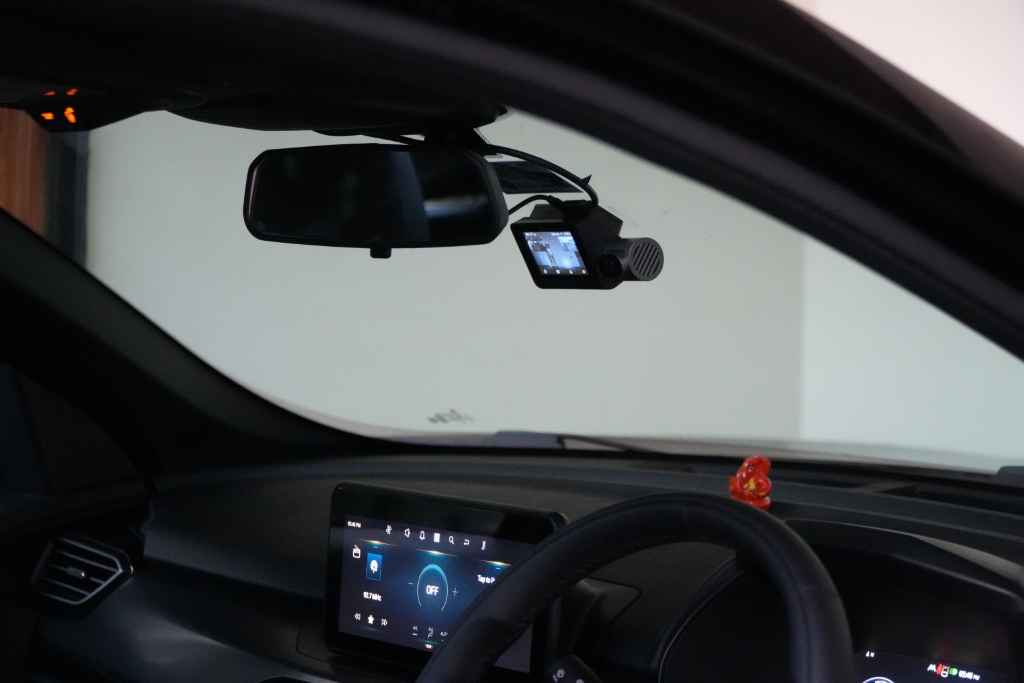
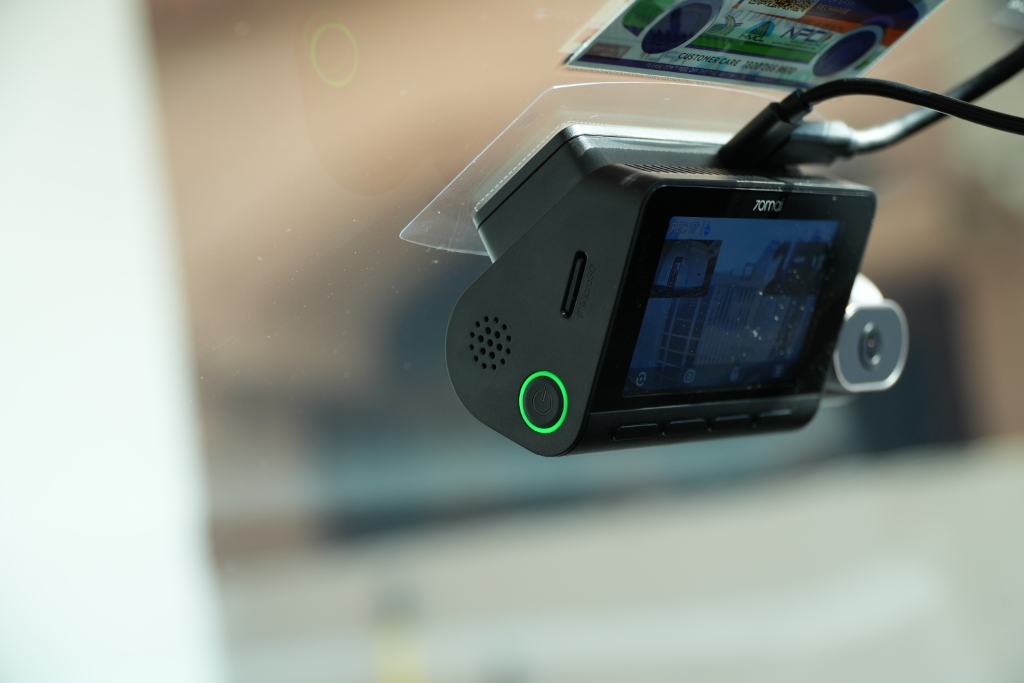
Around the back of the main camera unit, there’s a 3-inch IPS LCD display that outputs at 640 x 360 resolution. Plus, it also has four buttons underneath the screen, which further allows you to operate the dash cam. On the side of the body, there’s a microSD card slot and a power button with an LED indicator that lets you manually turn the dash cam on or off.
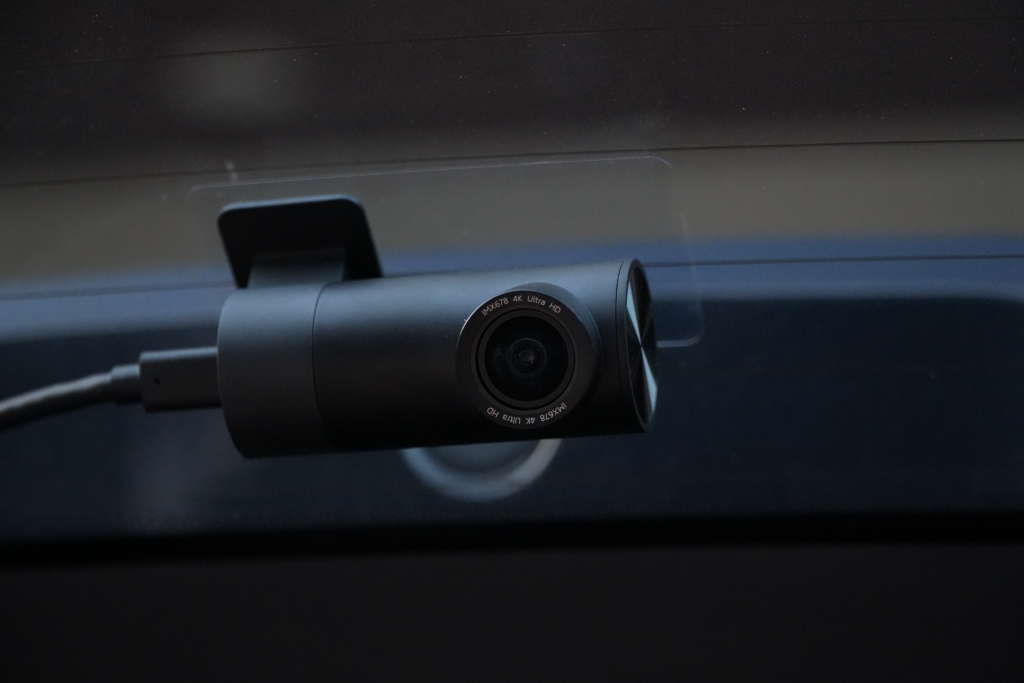
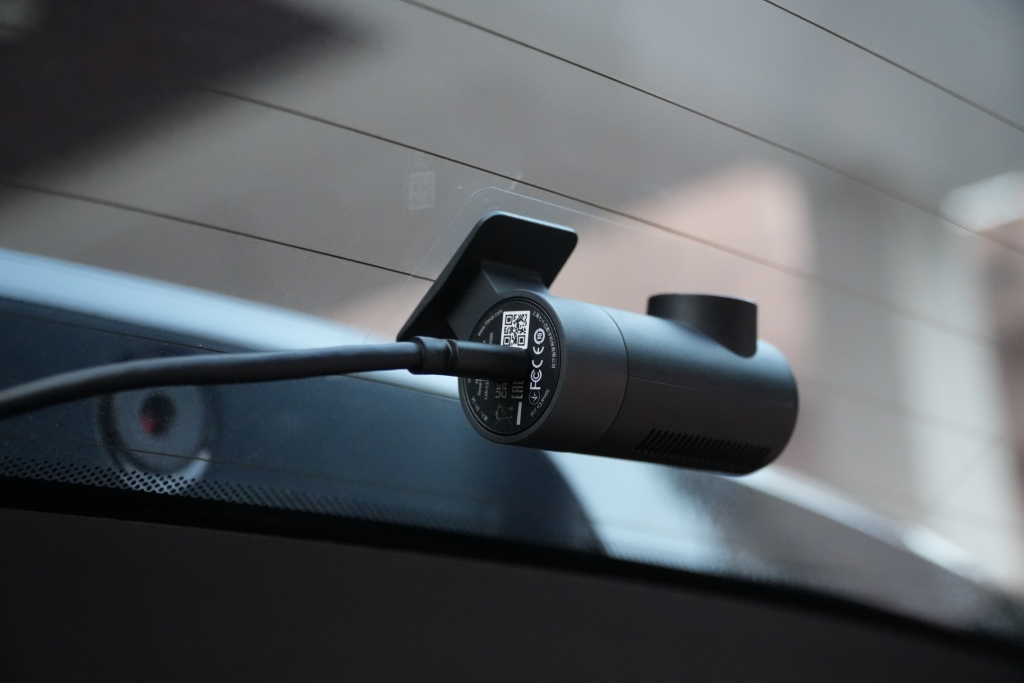
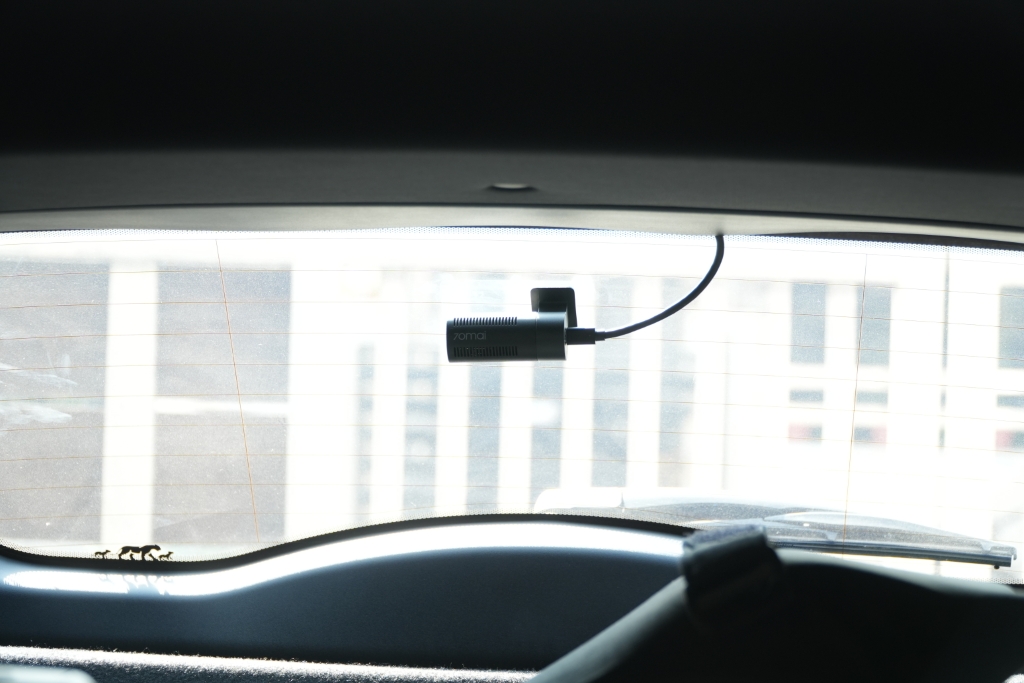
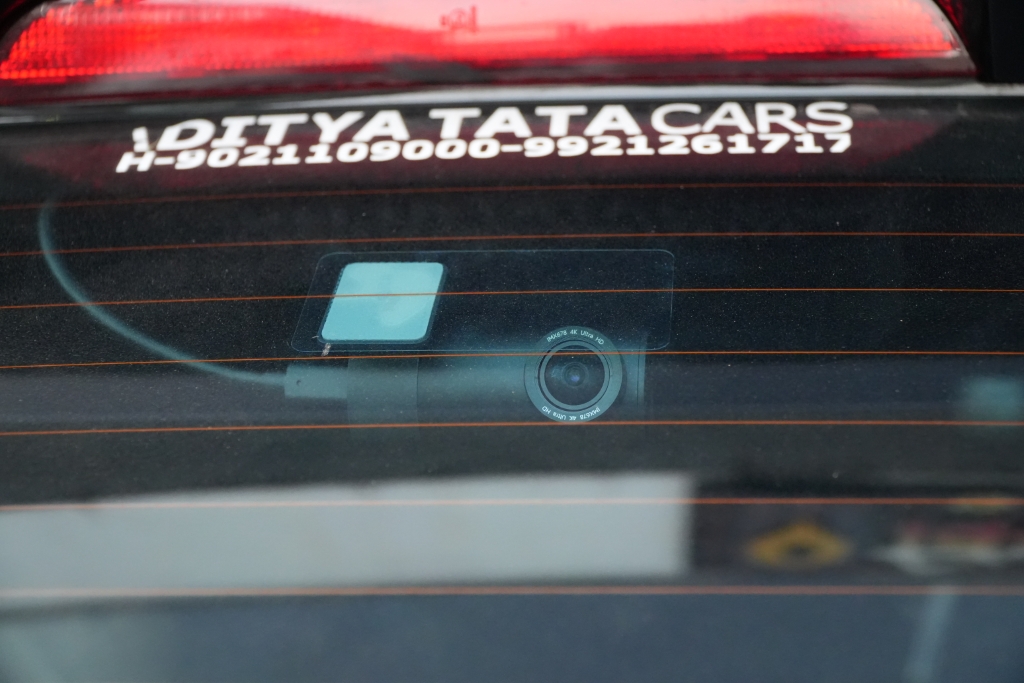
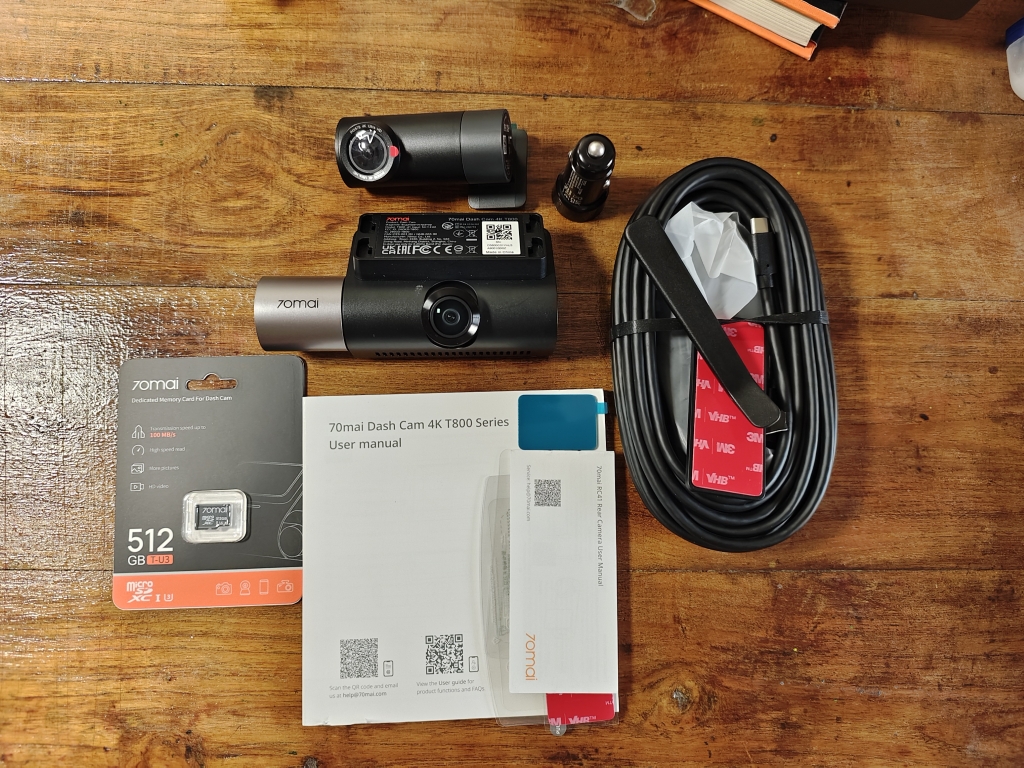
70mai offers dozens of accessories with the camera and a bunch of stickers and mounts. The installation process is quite simple if you have opted for a plug-and-play method. You just have to place the static stickers on the glass, mount the dash cam, and route the cables across your car. After that, you just need to connect the T800 to a USB-A port, and you're done. That’s it. However, setting up the 4K T800 with the hardwire kit is a complex process. If you’re going with the hardwire kit method, I recommend having the installation done by an expert.
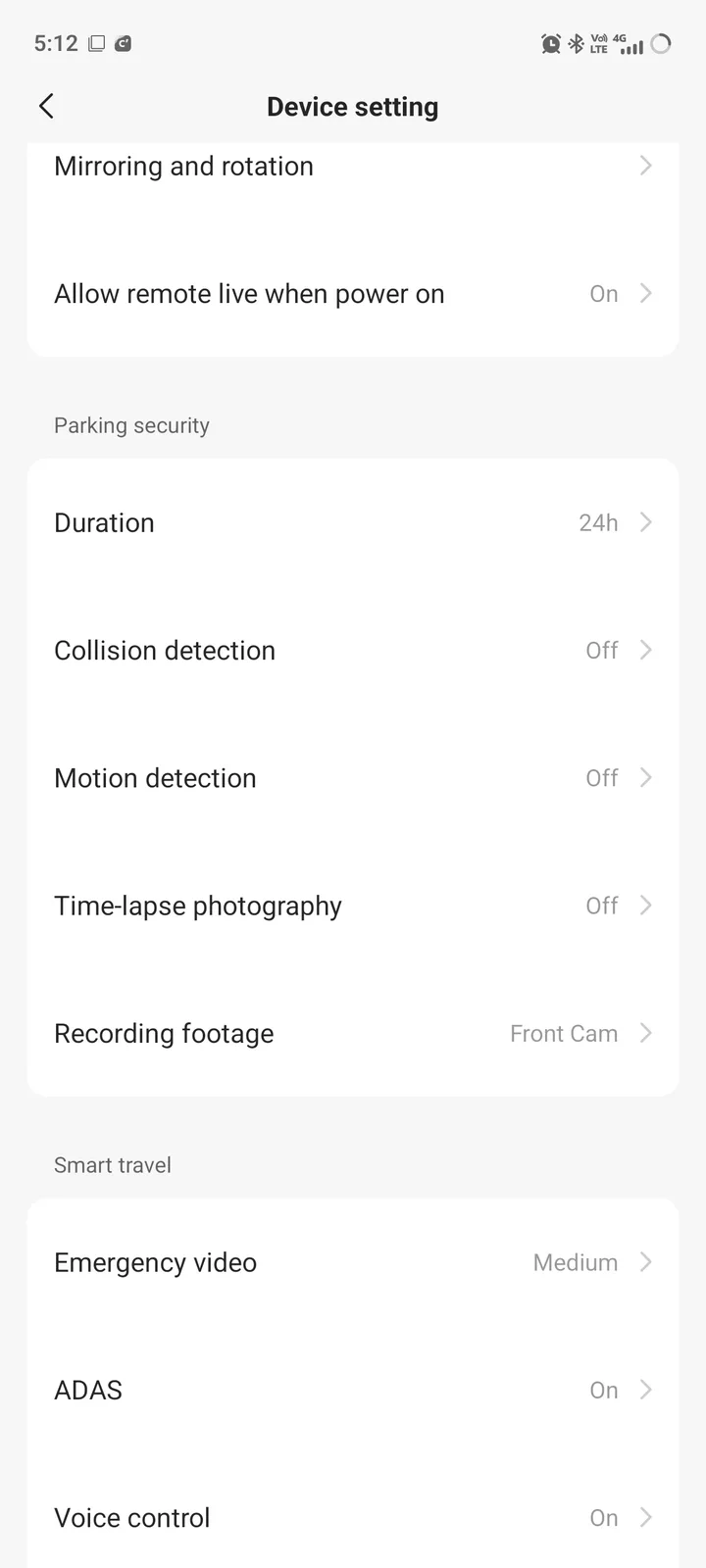
It’s worth noting that the hardwire kit unlocks additional features, such as AI motion detection, 24/7 monitoring, smart parking guardian mode, and buffered emergency recording that captures footage before, during, and after an incident.
Performance
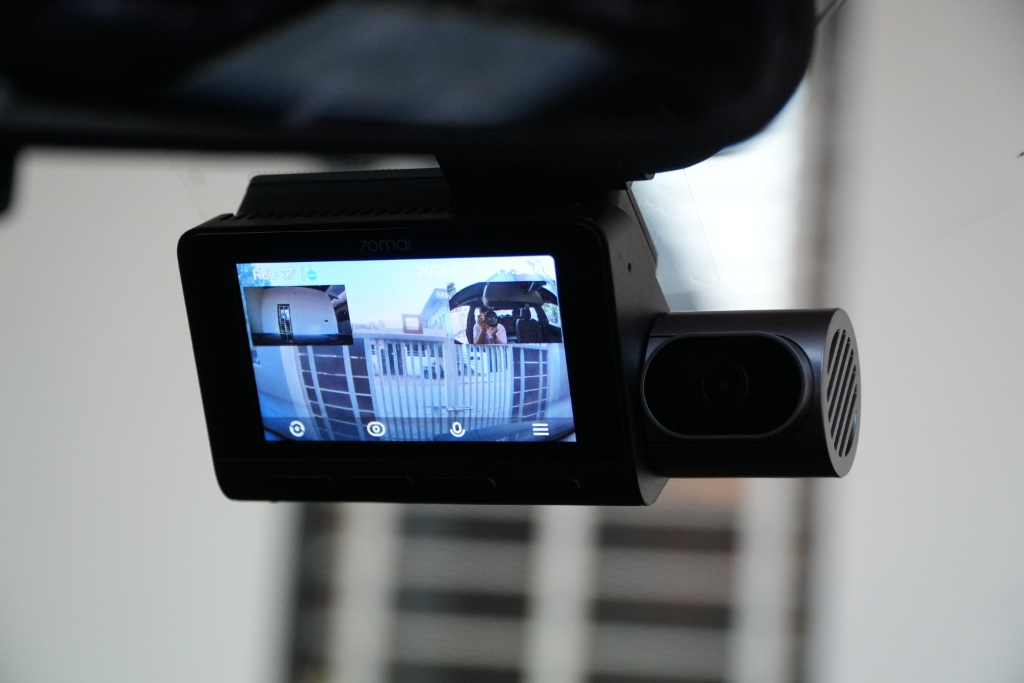
The 70mai 4K T800 three-channel dash cam boasts Sony IMX678 Starvis sensors that deliver 3840 x 2160p 4K video at 30 frames per second with HDR and a 146° field of view. While the cabin camera offers 1920 x 1080p footage. The setup procedure of the 4K T800 was easy peasy. The rear display was really useful for setting the camera angles correctly.
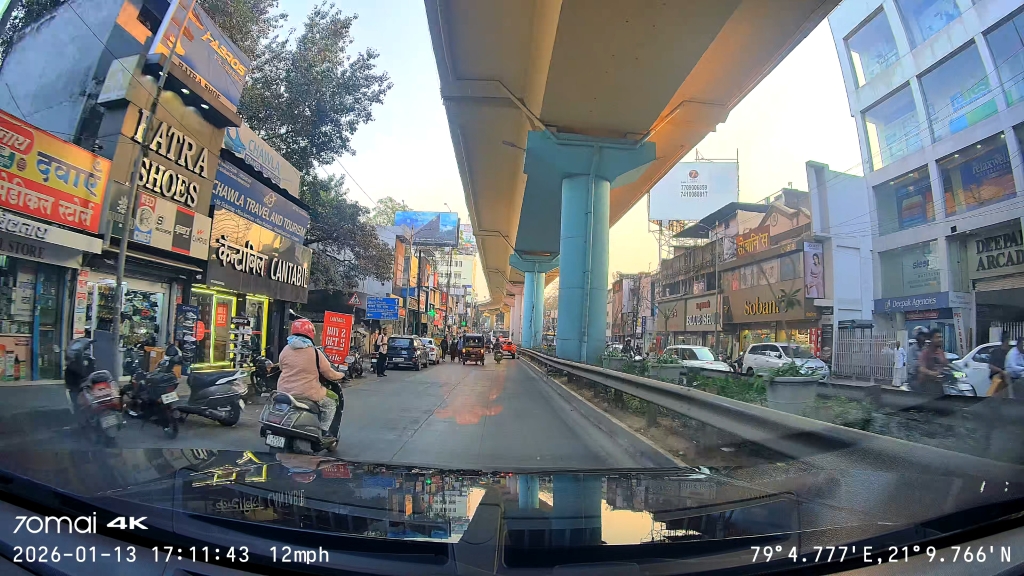
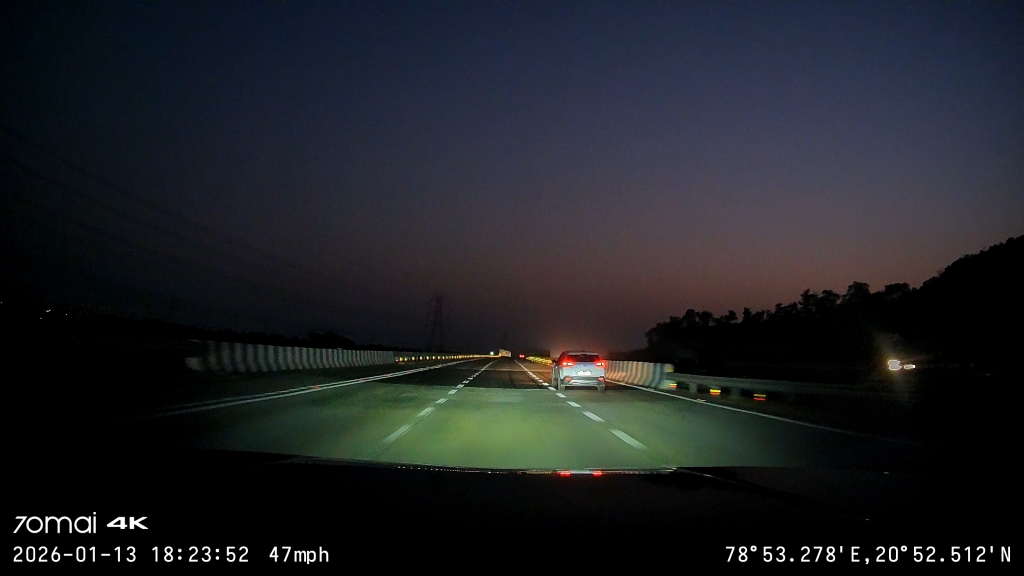
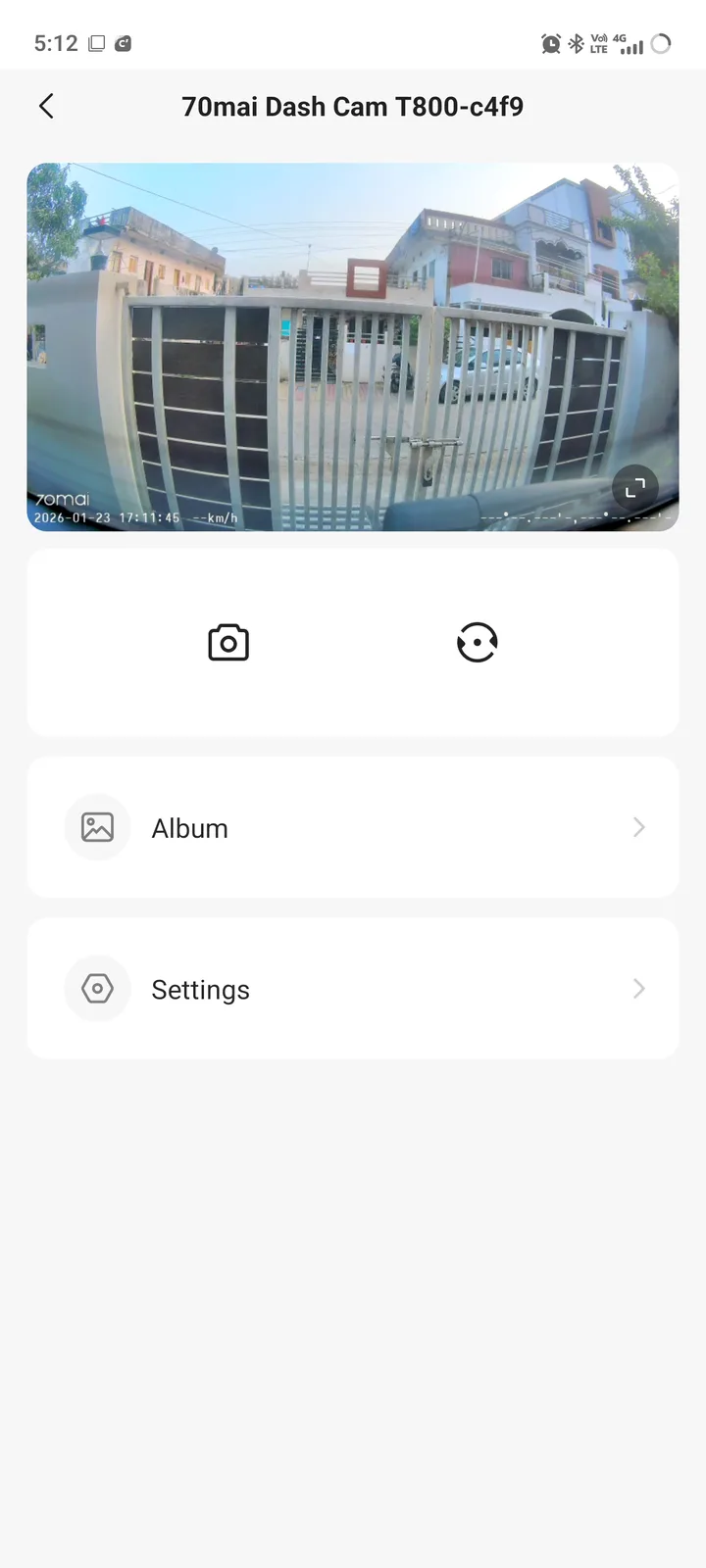
In terms of video quality, I found the 70mai 4K T800’s video quality to be excellent. During my testing period, I noticed both front and rear cameras managed to capture well-detailed videos in bright daylight as well as nighttime. The lenses deliver clear visuals even in low-light environments while capturing essential details like license plates, road signs, and pedestrians.
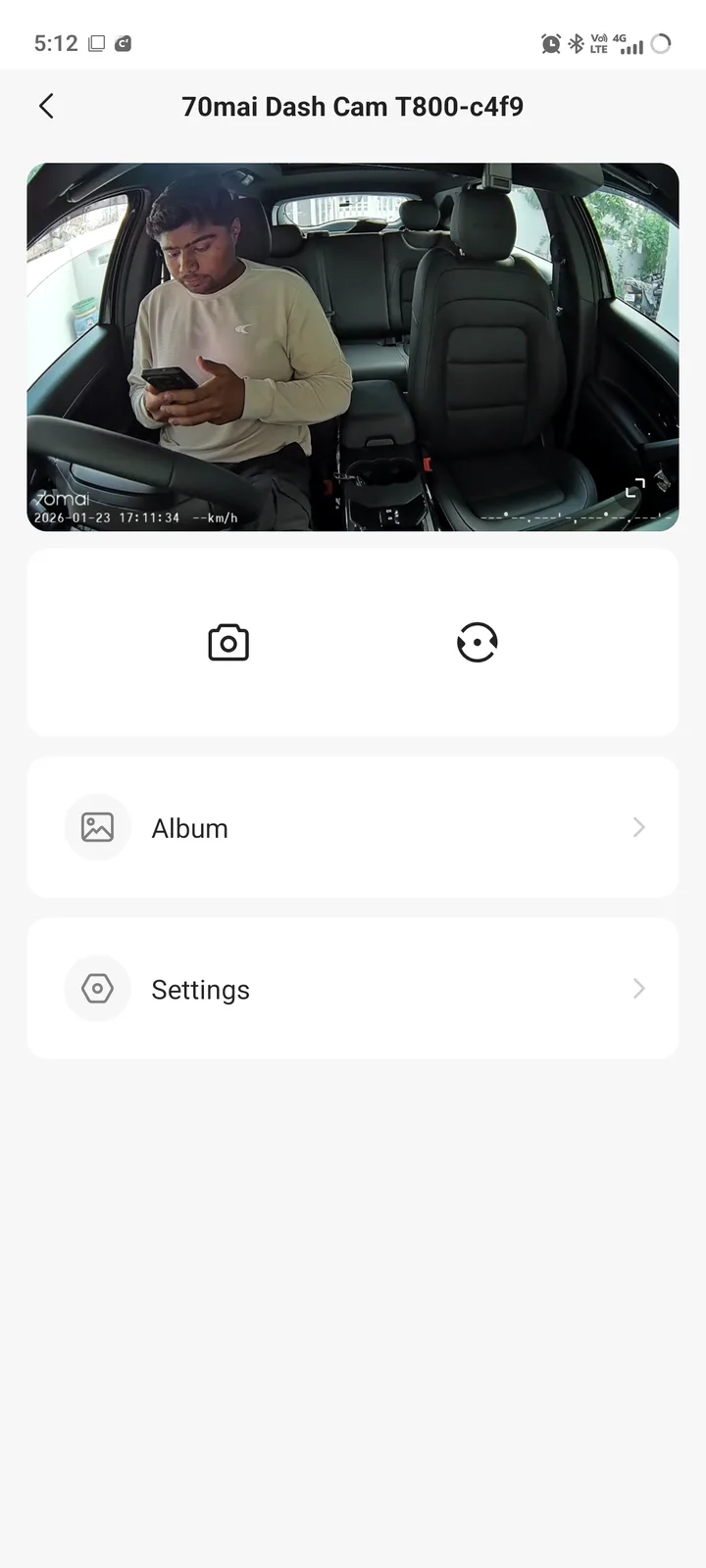
Besides the front and rear cameras, the interior camera is quite good. Despite its 1080p image quality, it offers clear and crisp cockpit footage even in total dark conditions, thanks to the four built-in IR lights. This also ensures every corner of the cabin remains visible, including back seats.
I was quite impressed by 70mai’s so-called Night Owl Vision, which captures impressive footage in the dark while reducing noise, balancing exposure, and improving glare control. There’s also MaiColor Vivid+ Solution technology that improves exposure, while 70mai’s in-house Lumi Vision feature helps to capture clear footage in gloomy conditions. All three cameras also offer journey information within the footage, including date, time, speed, and coordinates, thanks to GPS. This means all this information comes in handy in case of any incidents.
Undoubtedly, the 4K T800 has quite a large display for a dash cam. I felt that the 3-inch LCD screen is pretty dim with decent viewing angles. However, the 640 x 360 display resolution works well in a variety of lighting conditions. I didn’t encounter any washed-out image issues, especially under the sun. At this price point, you can at least expect a much better display.
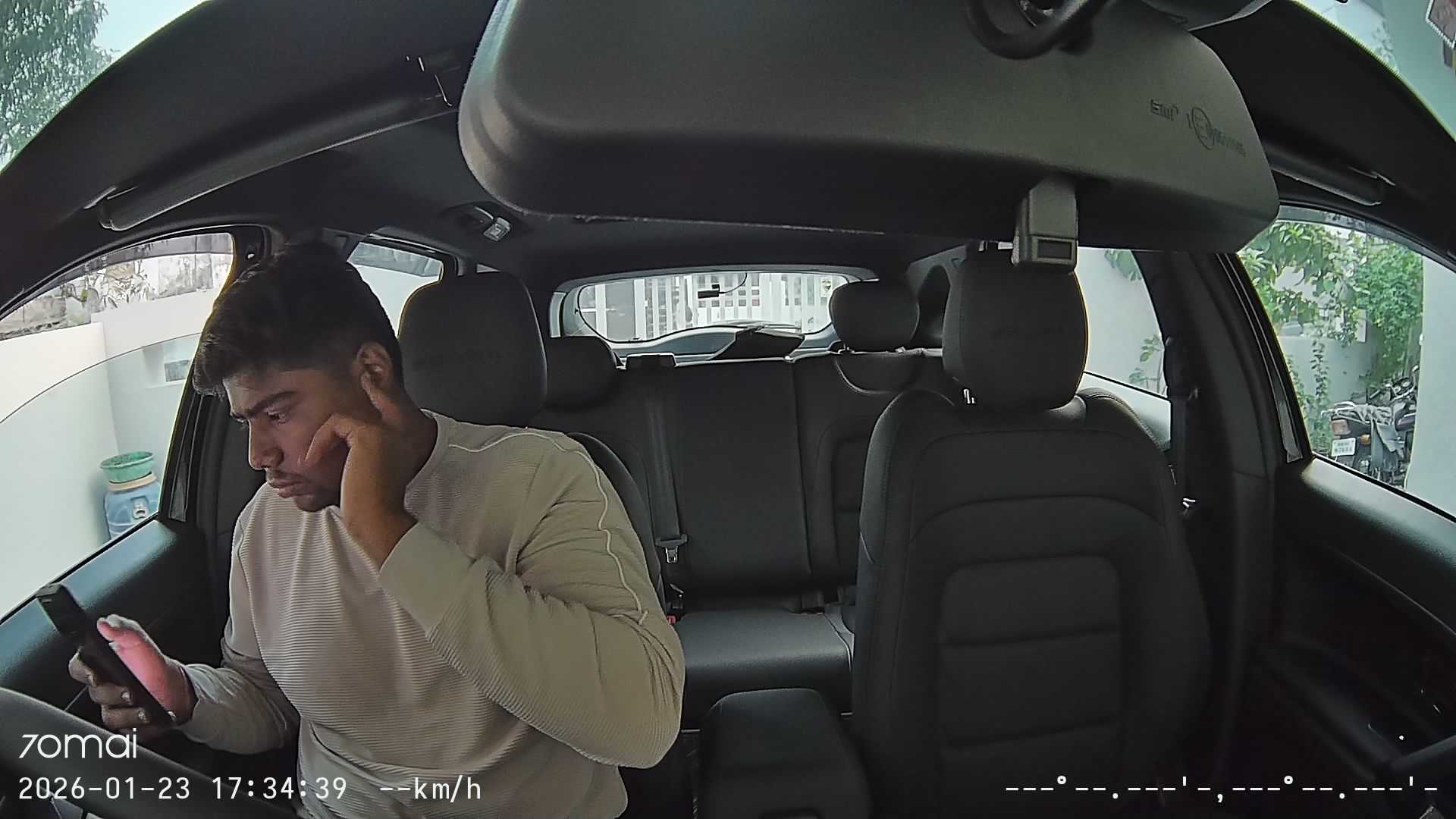
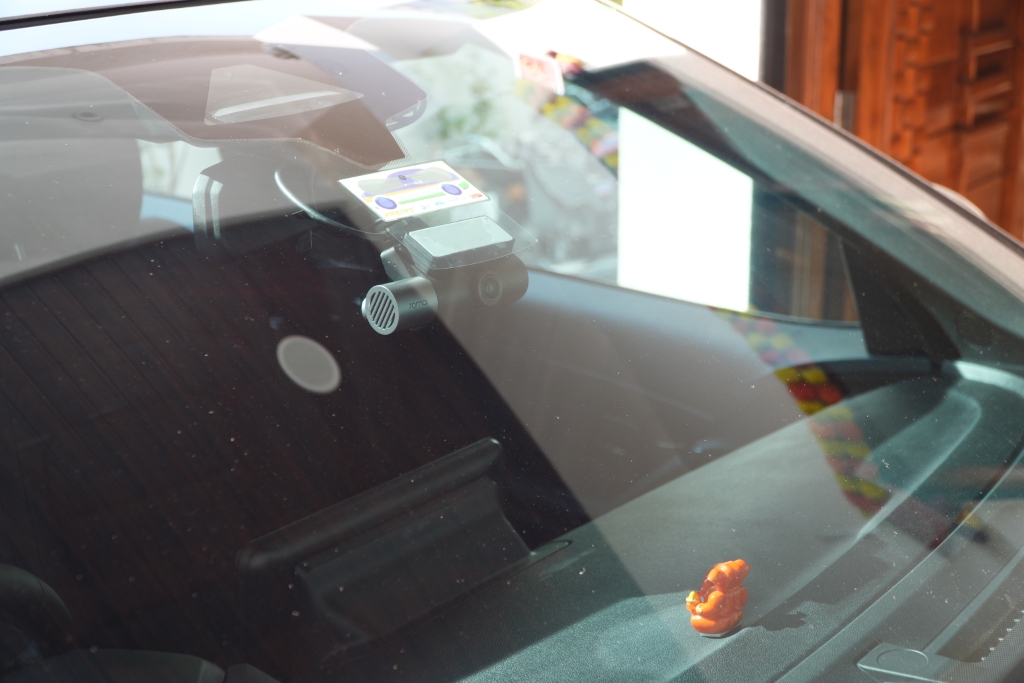

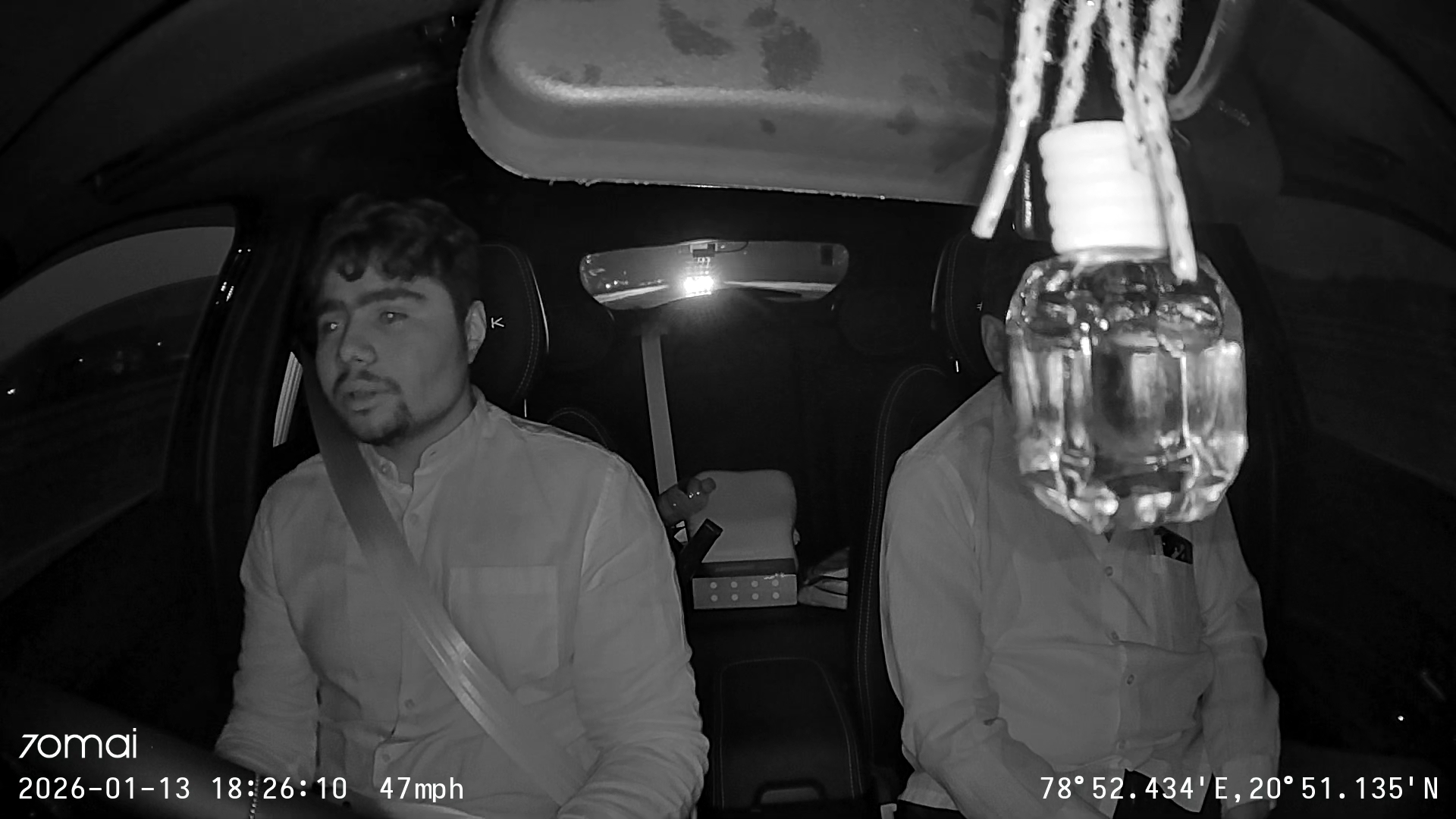
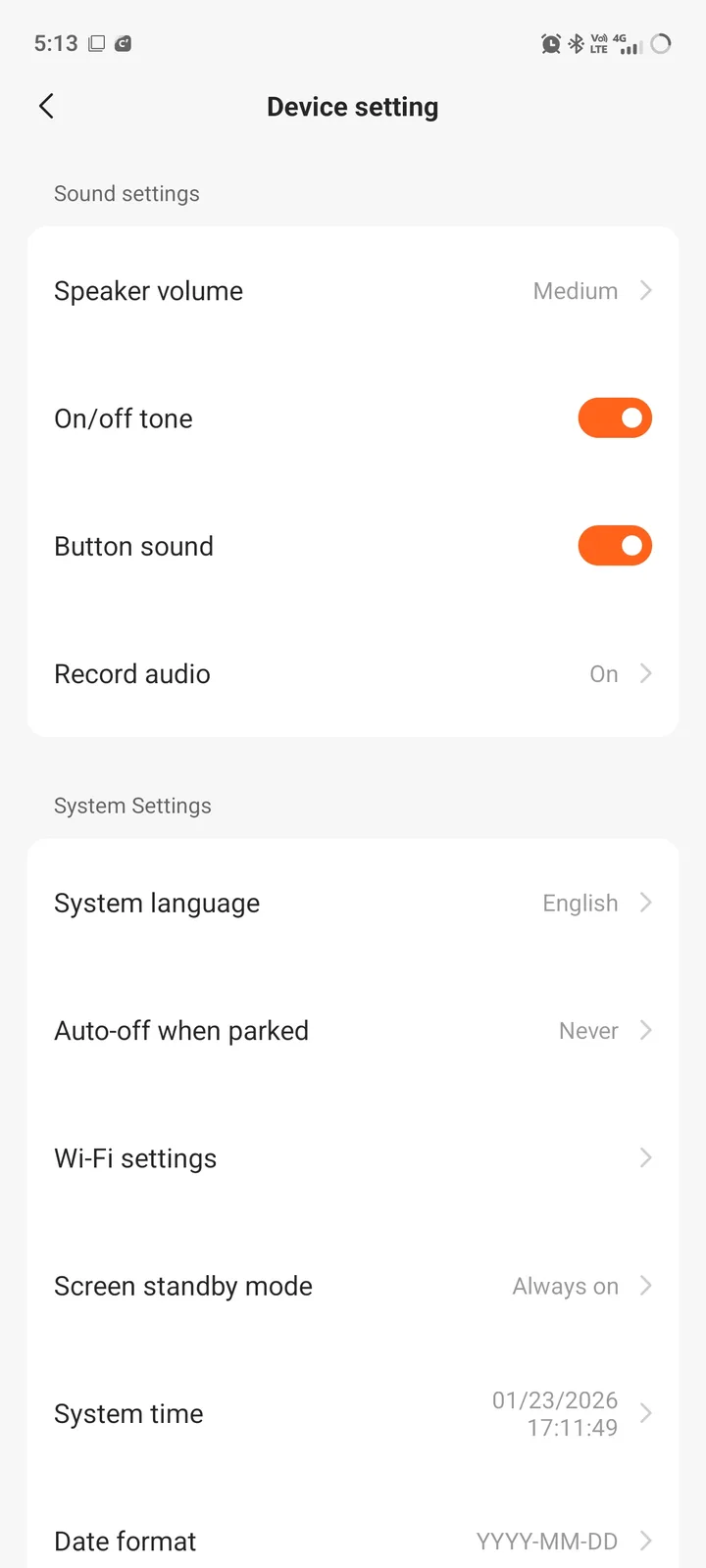
The 70mai 4K T800 also has ADAS features, which include lane departure warning, front collision warning, emergency detection, driver fatigue warning, and pedestrian and cyclist/biker warning. In my testing period, I noticed that 70mai’s super sensing ADAS is a hit and miss. It’s worth mentioning that ADAS is completely useless in low-light conditions. If I have to describe it in one line, I would say it’s not that reliable. The good thing is that you can turn off ADAS directly from the dash cam or 70mai app in case you do not want to use it.
The dash cam also supports voice commands, like “take photo,” “record audio,” or “record video.” I’m pleased to say that voice commands work flawlessly, and the dash cam is quite accurate at detecting them even if I give the command from the back seat. Thumbs up for that.
App
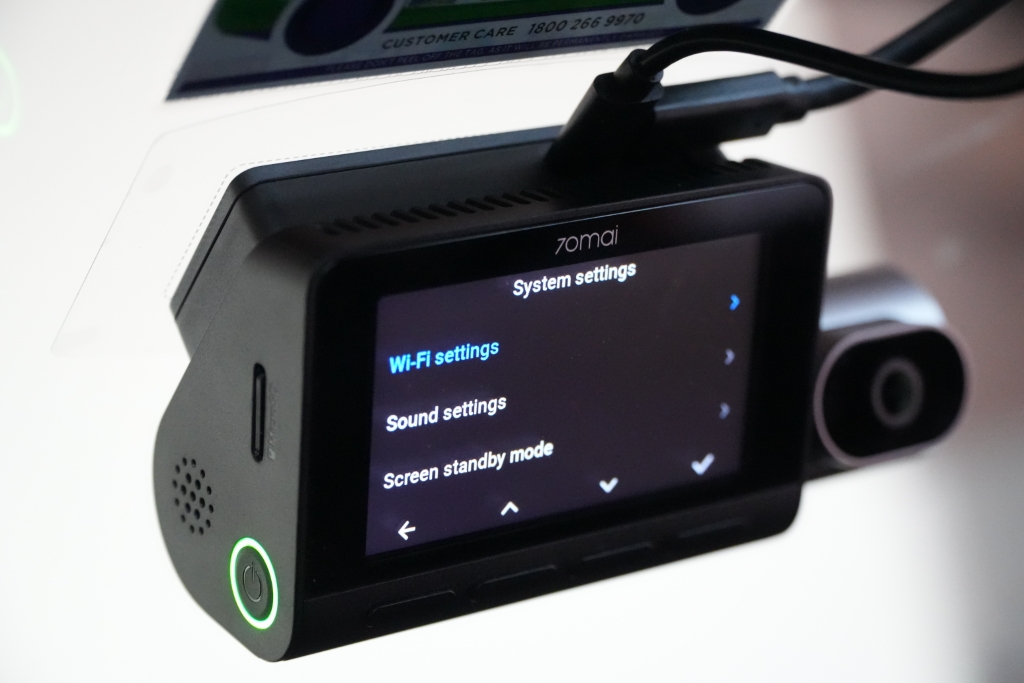
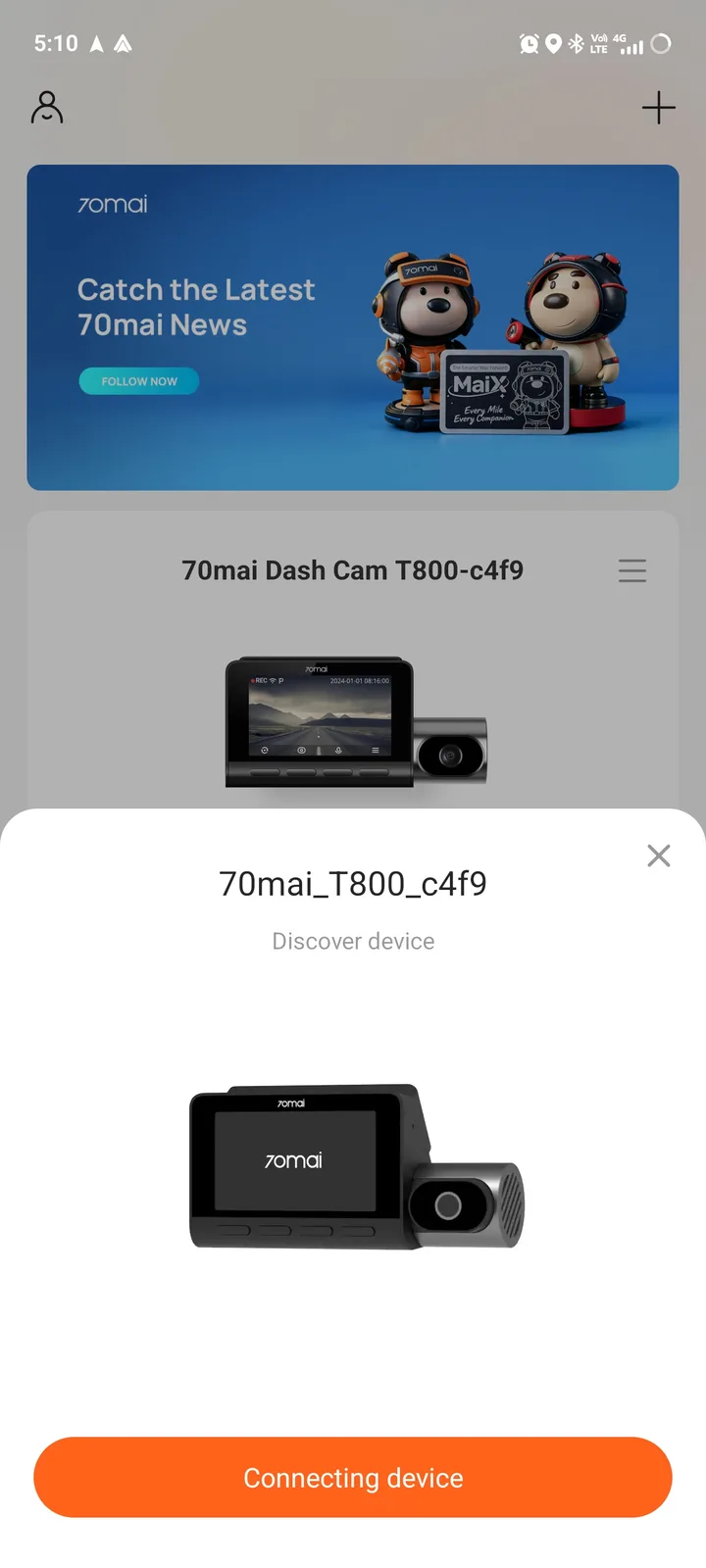
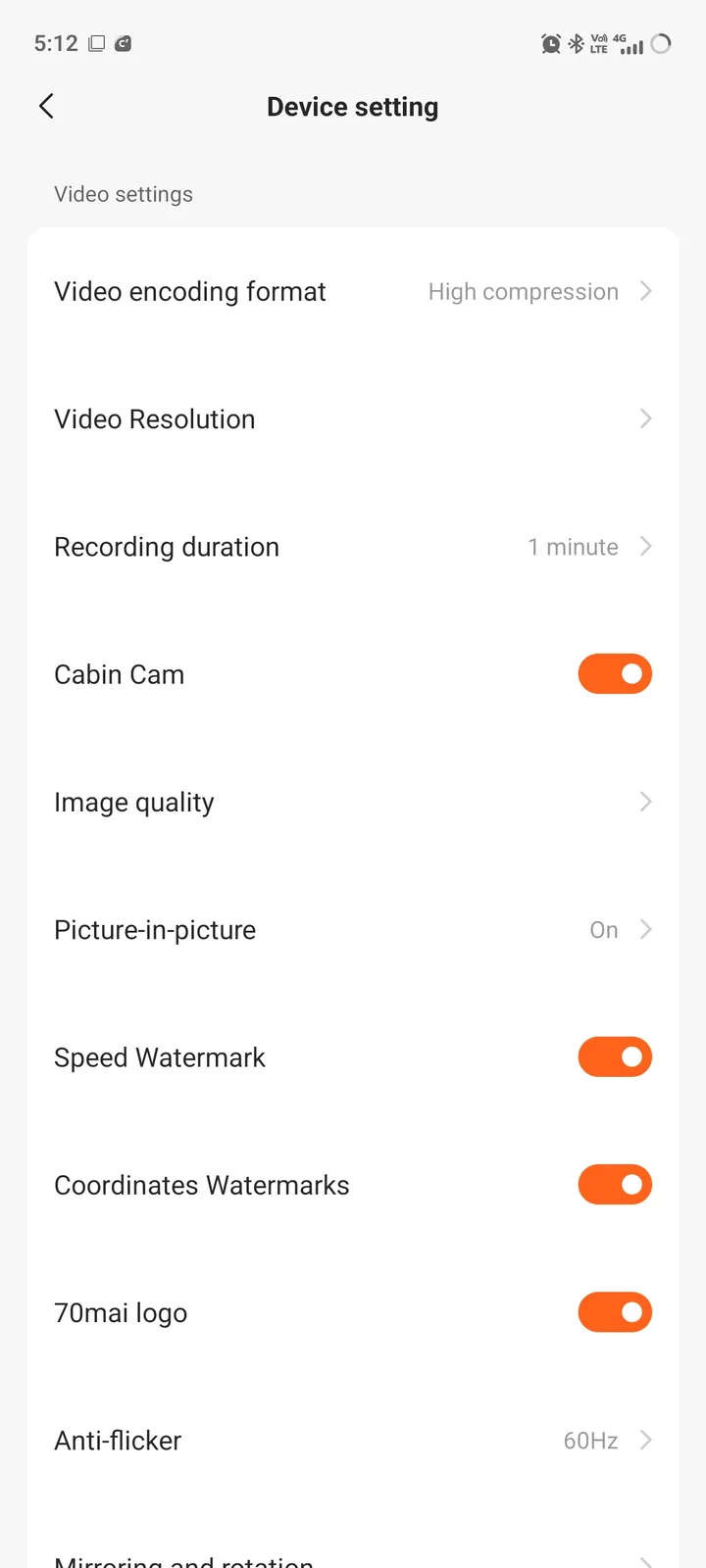
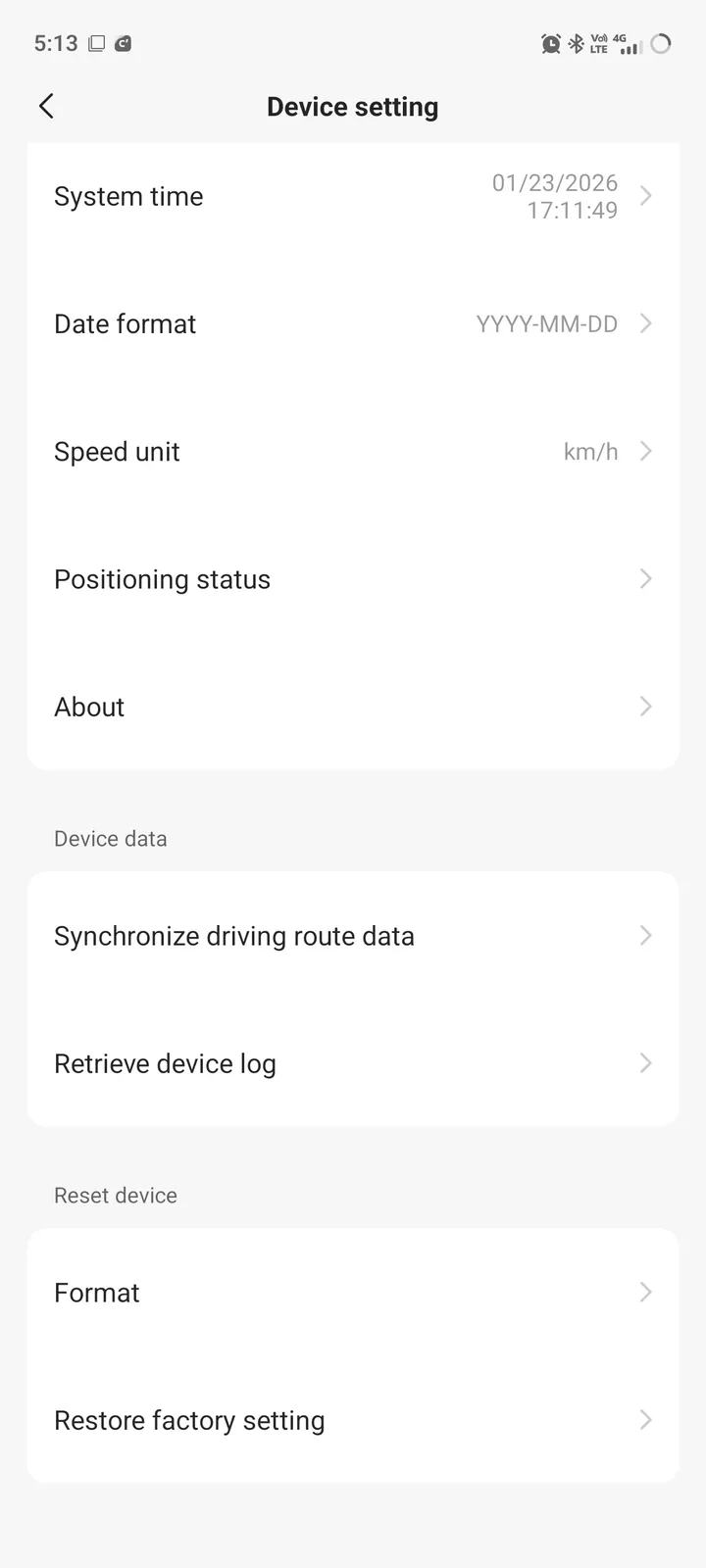
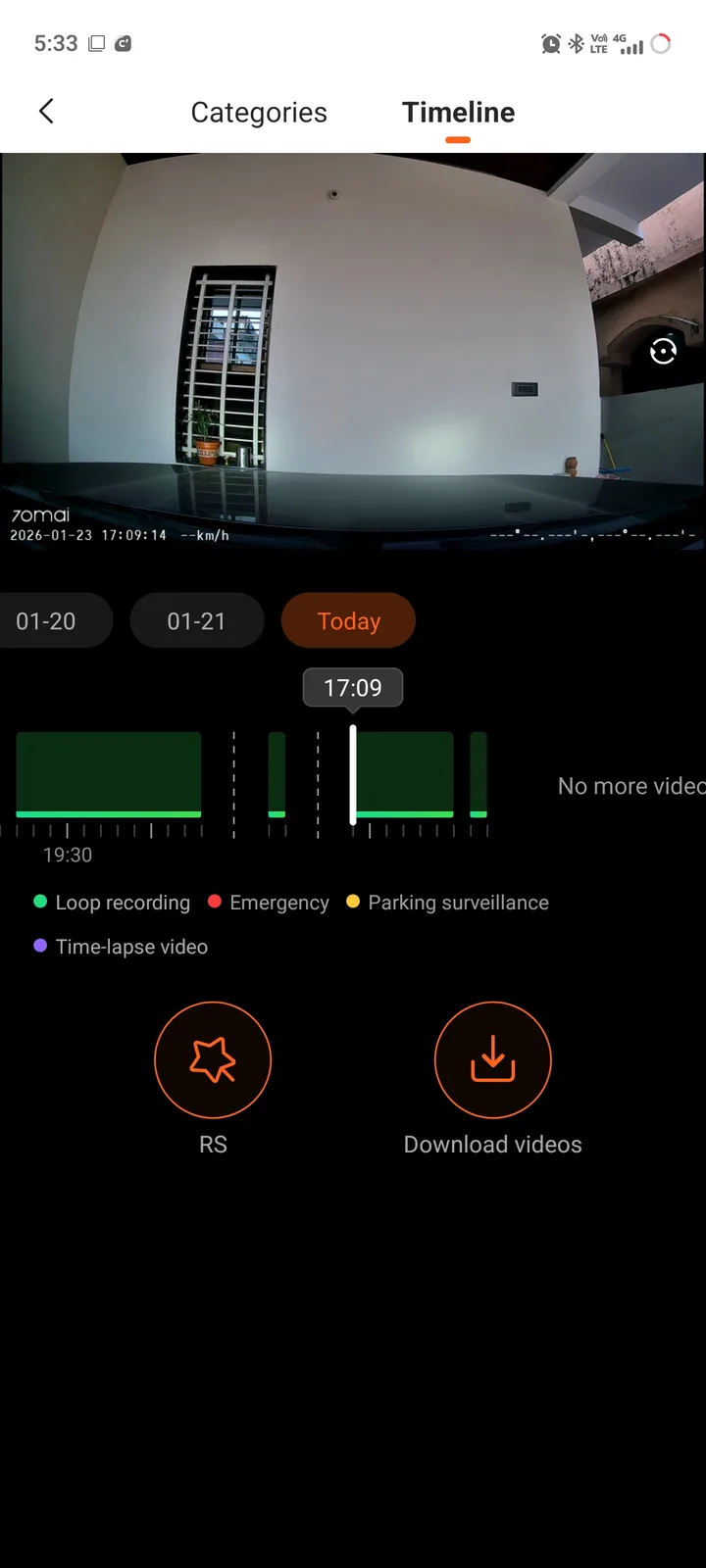
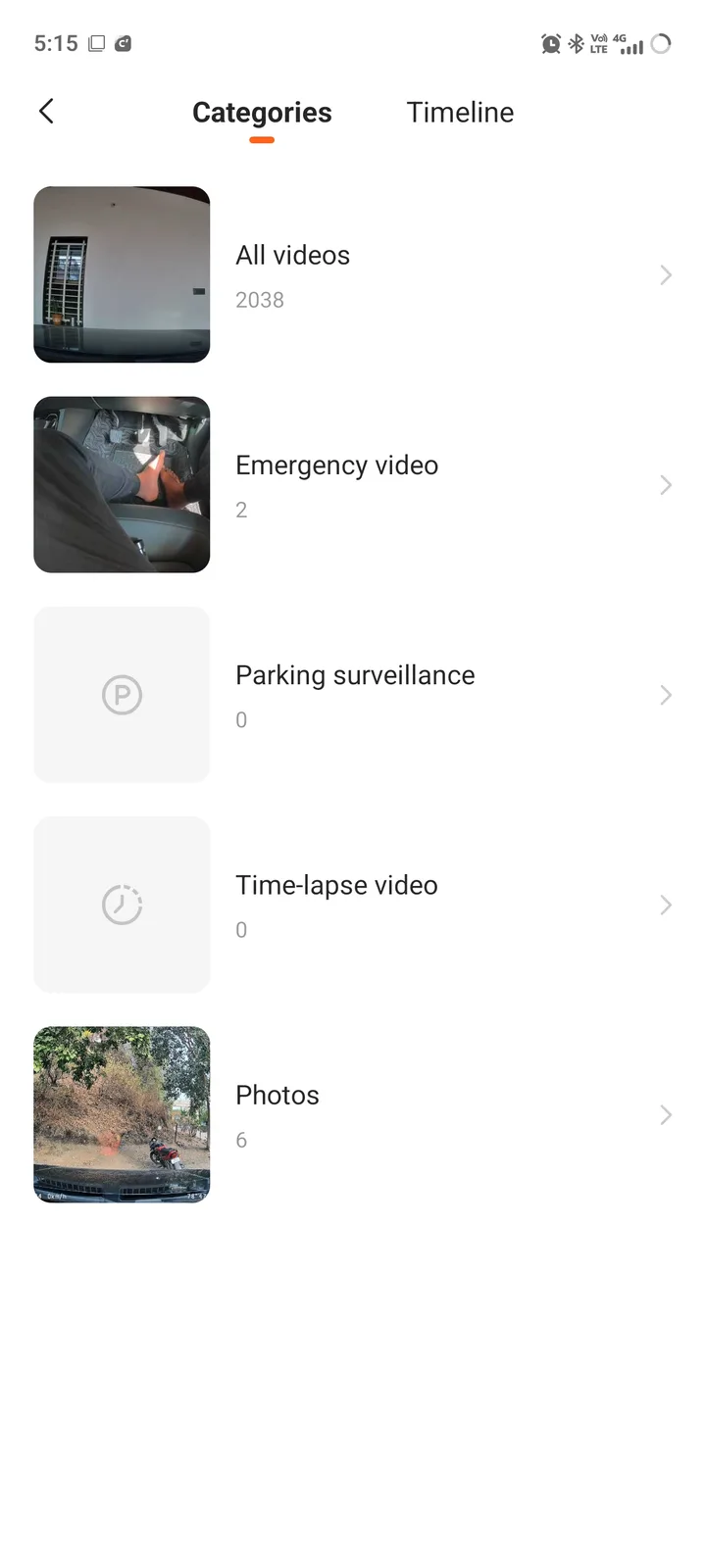
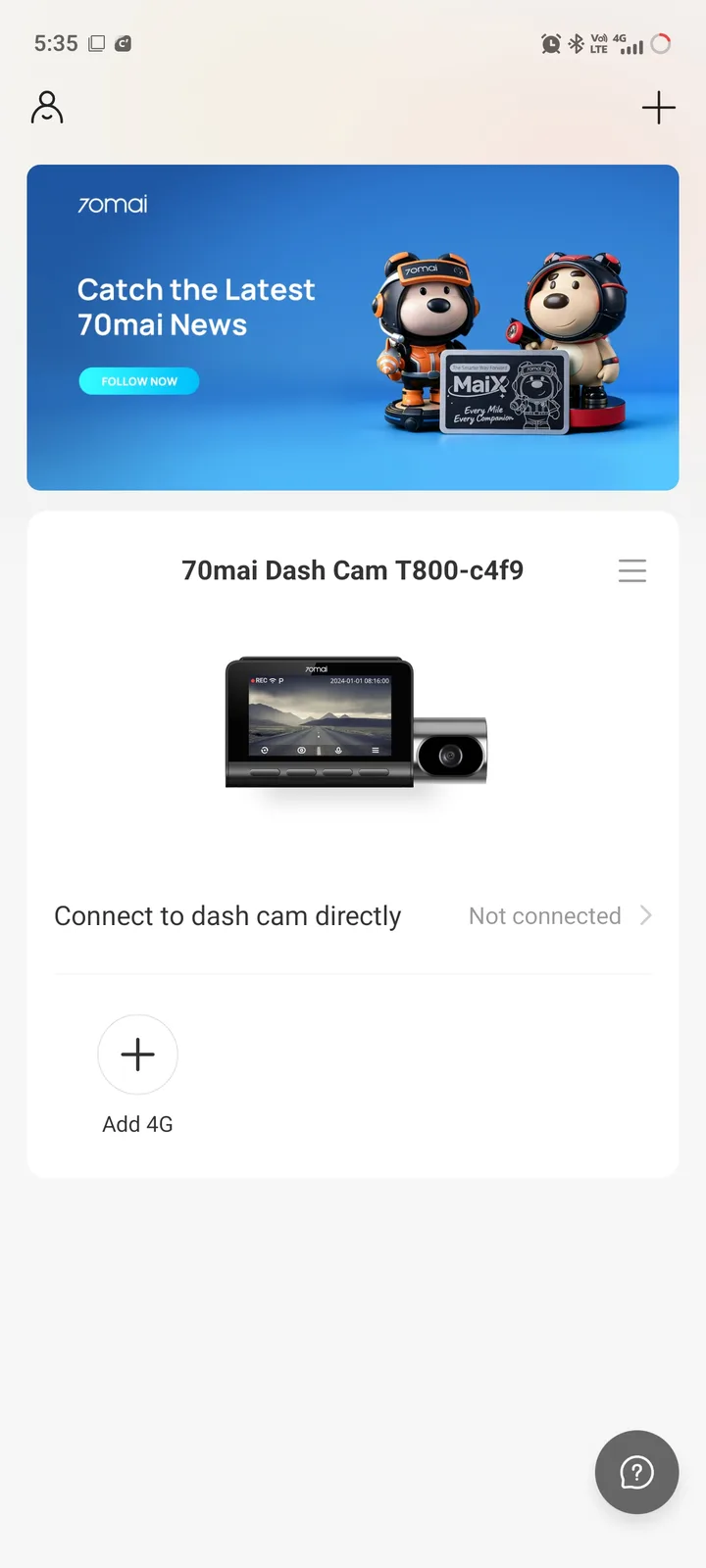
The 70mai companion app unlocks an array of features for the 4K T800 dash cam. Available for both iOS and Android, the 70mai app allows users to preview, share, and download recorded footage and images. On top of that, you can also change the video encoding format, video resolution, recording duration, speed, coordinates, 70mai logo watermarks, anti-flicker settings, adjust collision and motion sensitivity, and adjust the speaker volume.
Overall, I found the 70mai companion app quite user-friendly. The captured footage is stored in different folders. For example, the footage captured from the front camera is stored in a separate folder and vice versa. This makes it easy to find a specific clip from each camera if the need arises. Additionally, there’s support for Wi-Fi 6 at 5 GHz, which further helps to download larger 4K files in just a few seconds.
Conclusion
Overall, the 70mai 4K T800 is a premium dash cam that offers you everything from great video quality to a solid set of features like ADAS, 70mai's Night Owl Vision technology and 24/7 parking surveillance, AI motion detection, buffered emergency recording, and voice command support. However, the only quibble is that it doesn't come cheap. If you want a reliable, feature-packed three-channel dash cam for your car, you can't go wrong with the 70mai 4K T800 dash cam.
Transparency
The selection of devices to be reviewed is made by our editorial team. The test sample was given to the author by the manufacturer free of charge for the purposes of review. There was no third-party influence on this review, nor did the manufacturer receive a copy of this review before publication. There was no obligation to publish this review. As an independent media company, Notebookcheck is not subjected to the authority of manufacturers, retailers or publishers.
 Add as a preferred source on Google


