Review Dell Vostro 1710 Notebook
Large Business Notebook
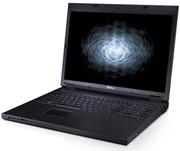
After we had the Dell Vostro 1310 under review, which achieved with 86% a very good rating, it's now time to look at its big brother, a 17 inch notebook of the Vostro family. If you are interested in a solid 17 inch notebook with good workmanship and many hardware and service options, the Vostro 1710 would well meet these demands.

Dell still strictly distinguishes between private users and business customers on its web site. If it were solely up to the vendor from the green island, private customers should primarily be satisfied with notebooks of the Inspiron, the XPS, or the new Studio Line series. It's atually a pity, because looking into the business section of Dell, you'll find a number of very interesting notebook models.
Dell's entry-level model of the Vostro series is in base equipment a very reasonable 17 inch notebook, which is available for just 379.- Euro. A configuration with Intel Core 2 Duo T8100, 4 GB RAM, and integrated webcam plus microphone, costs about 670.- Euro according to Dell's on-line shop. However, the reviewed notebook came only with 2 GB RAM, but otherwise identical configuration. Depending on special offers the price can vary.
Case
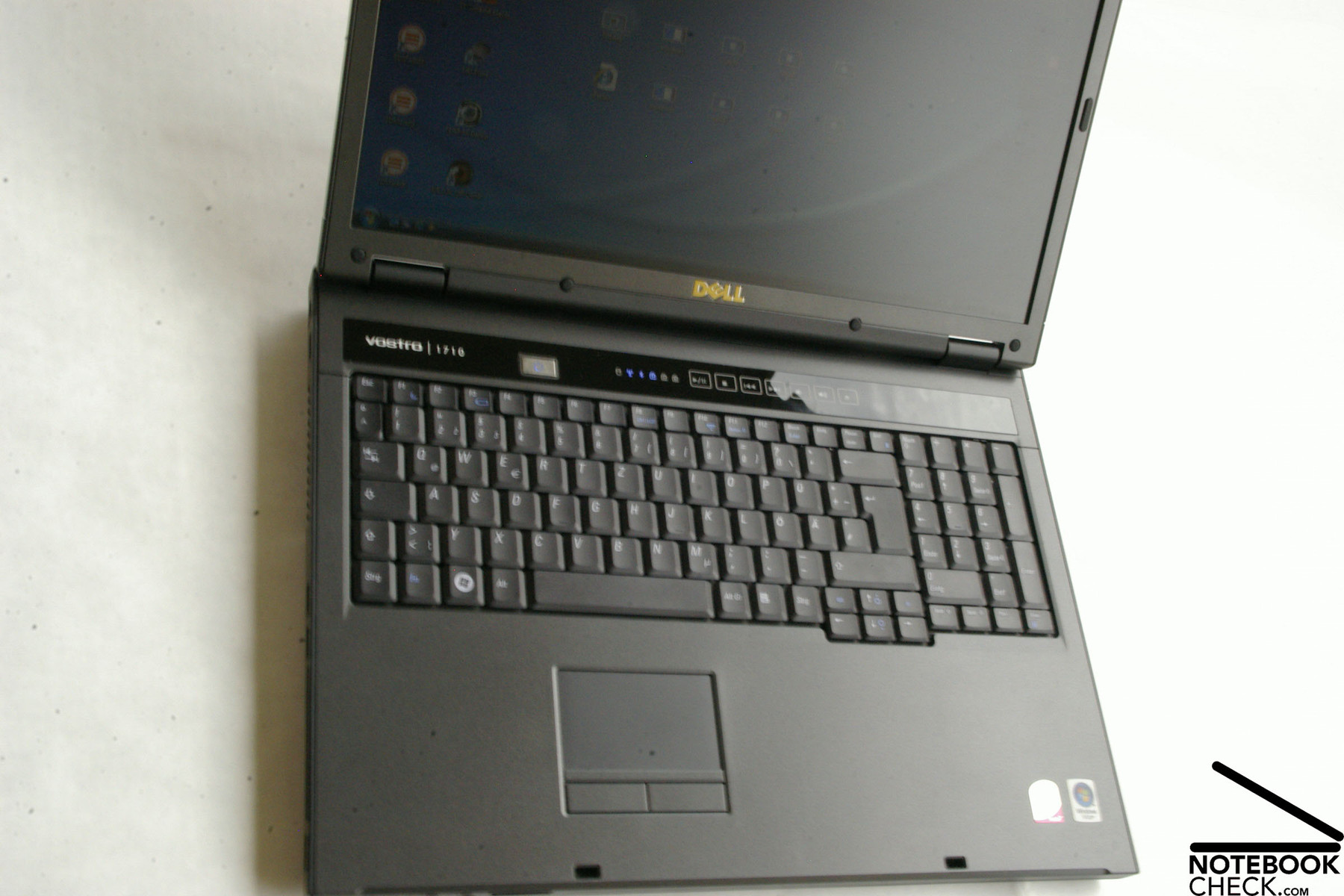
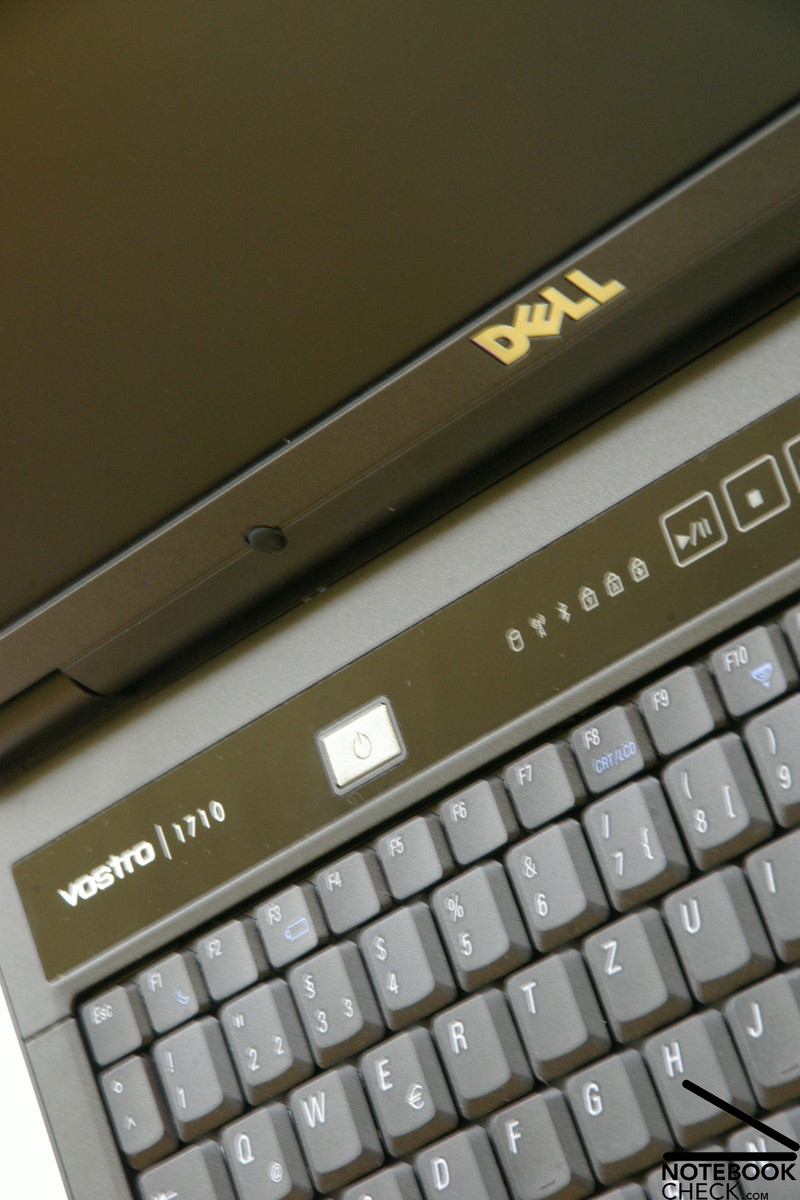
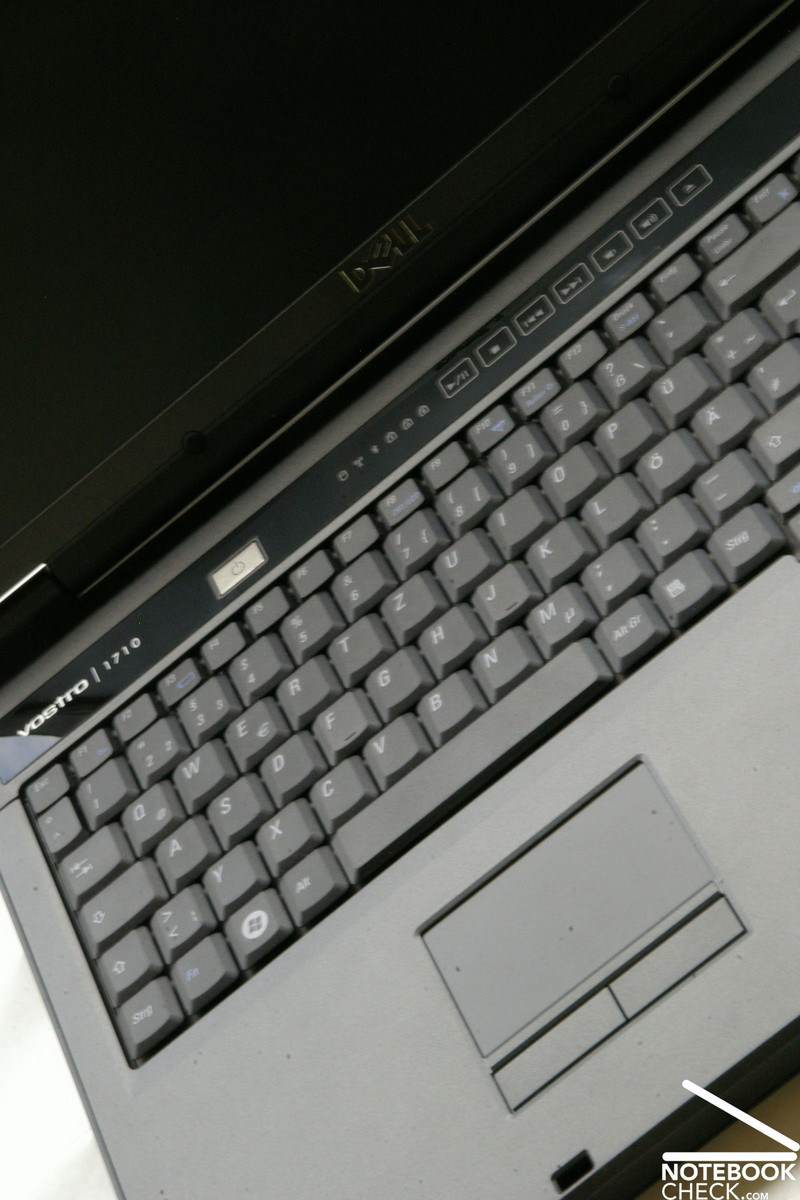
In general the Vostro 1710 looks the same as the already reviewed Vostro 1310 and is also completely black. The most important property of this business notebook is also being as decent as possible.
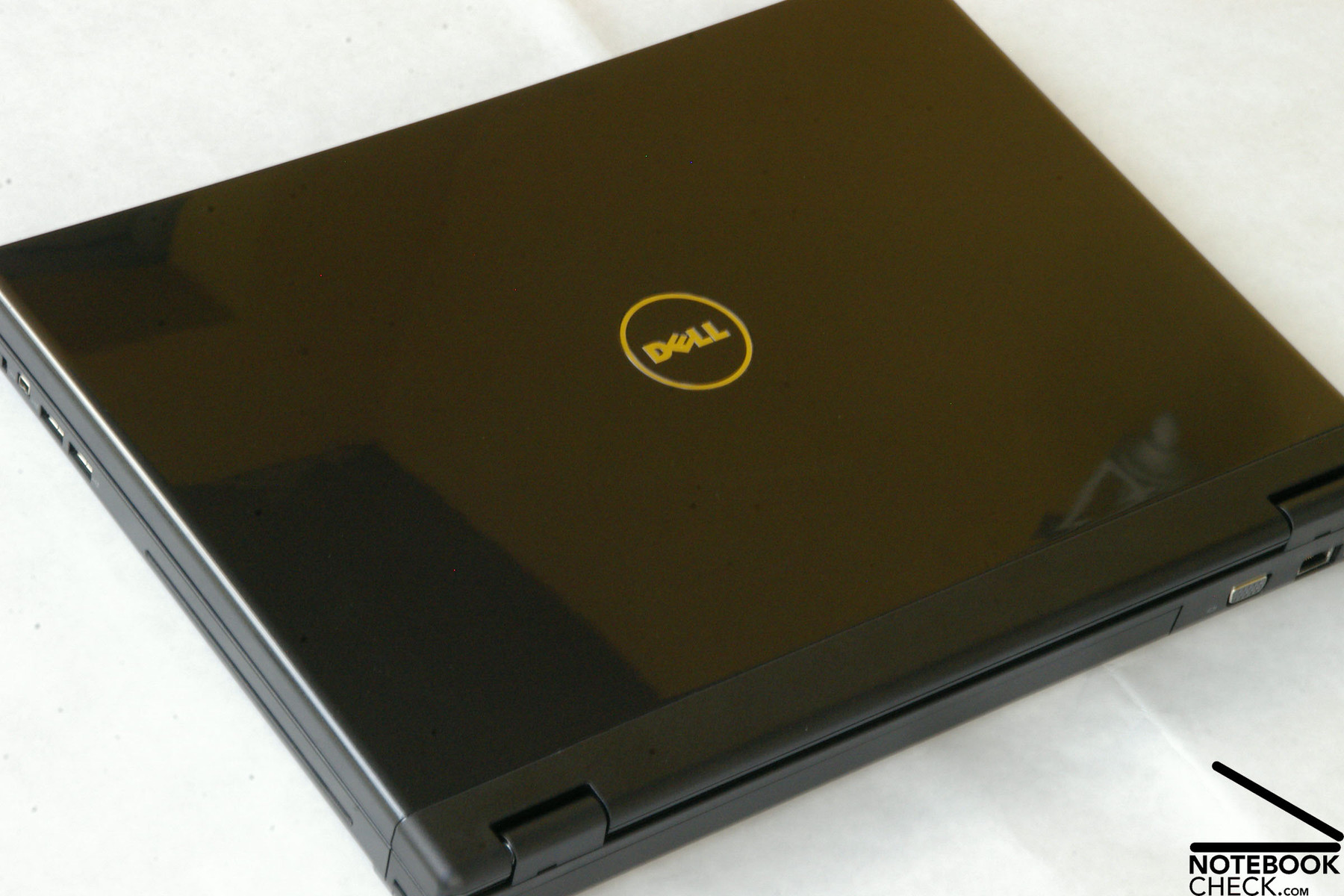
However, due to its size alone, the Vostro 1710 is not that successful in being decent than the 1310. Furthermore, it has a high-gloss finished lid. As usual for high-gloss surfaces, it is sensitive to fingerprints and dirt. Furthermore, it is to be expected that signs of wear and tear will be visible after some time of use, because of being frequently transported.
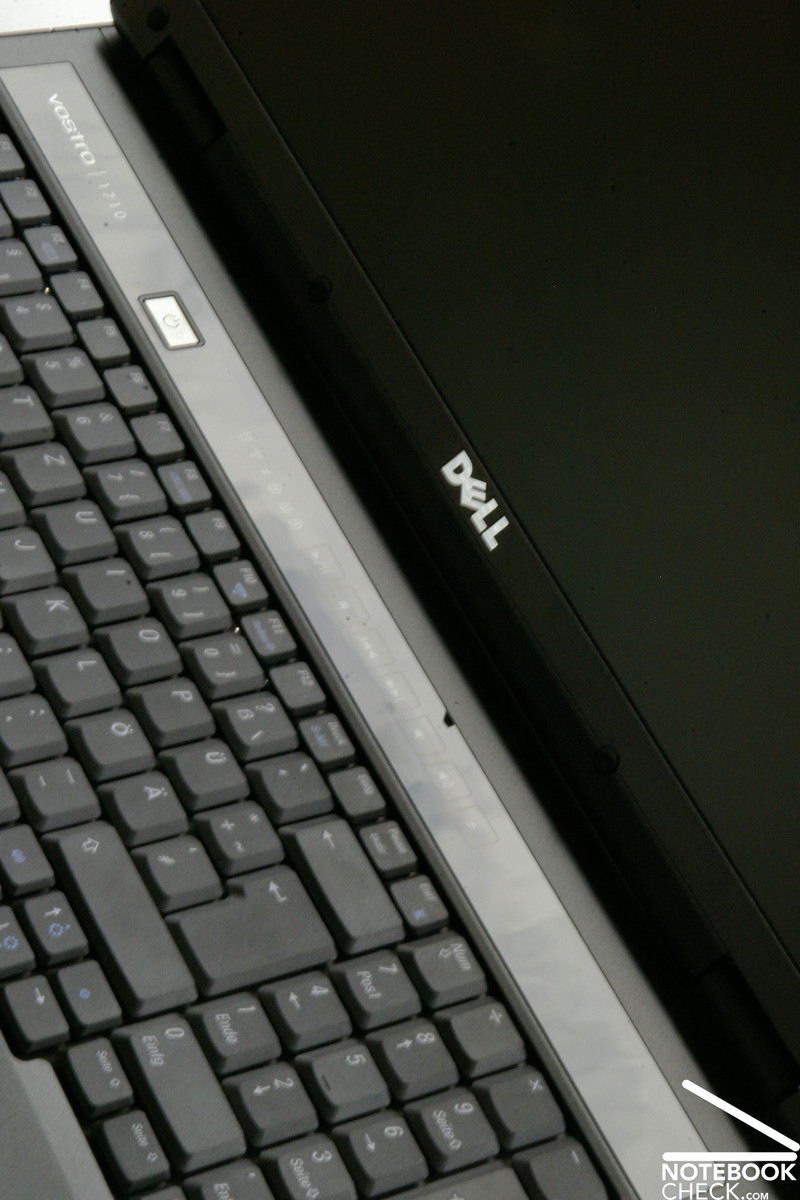
At the first glance the form of the Vostro 1710 appears to be rather stiff and somewhat chunky and angular, so, it needs some time to get used to its look. An advantage is that typing does no longer feel like rubbing with the palms as it did when typing on the Vostro 1310. The reason might be the bigger case, which means more space between touchpad and the bevelled edge.
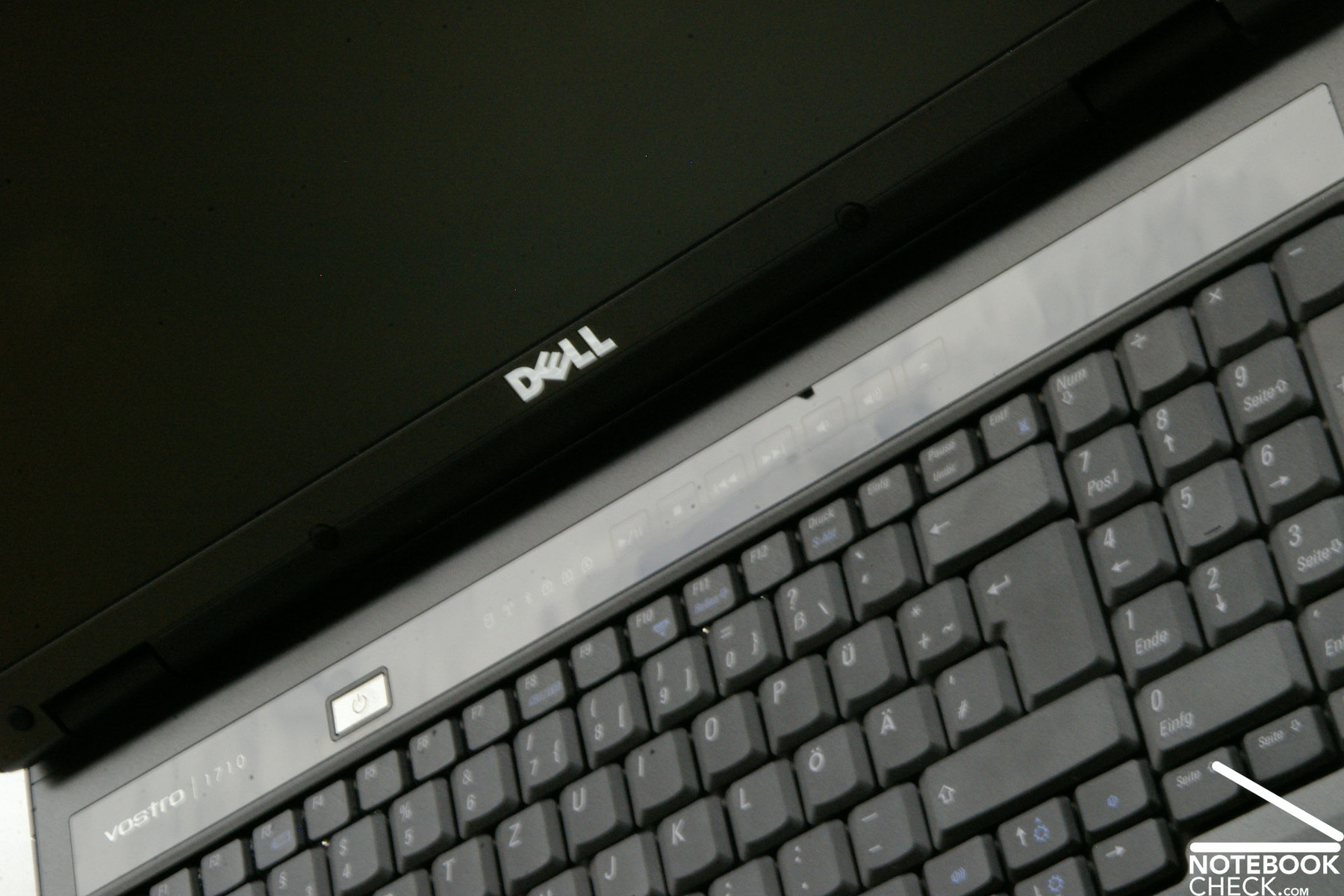
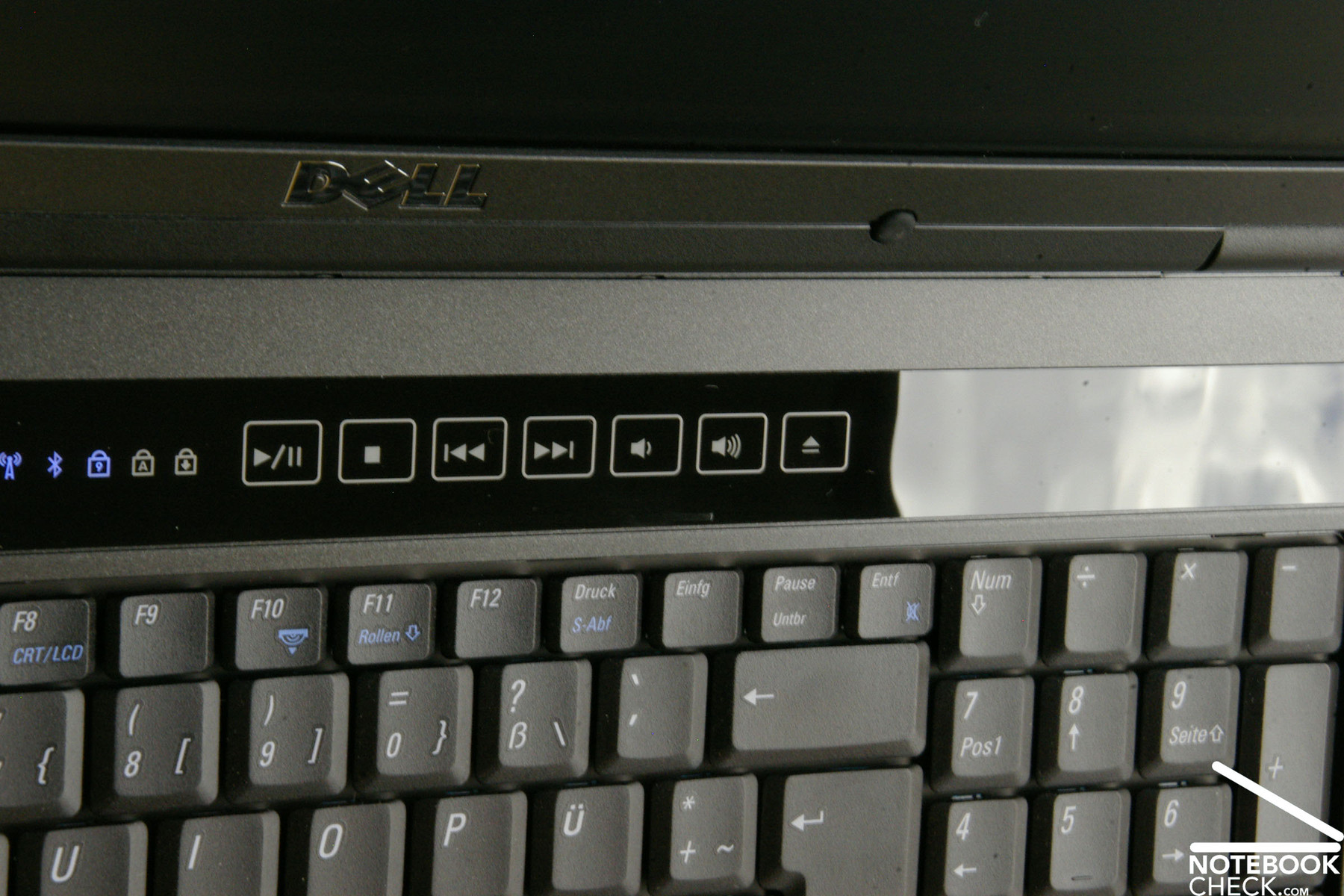
The case seems to be robust and stable. Even if you apply force against the palm rests, which have a slightly roughened surface, you'll hardly hear any creaking, although this part, which is made of plastics, slightly gives. Also handling this notebook with only one hand does not cause any problem. Despite the 17 inch big case, you can pick this notebook up on only one side this way without hesitation, whereas the case hardly gives. Only the small part between keyboard and display, where the multimedia buttons are located, slightly give under force. The same is true for the outside of the lid.
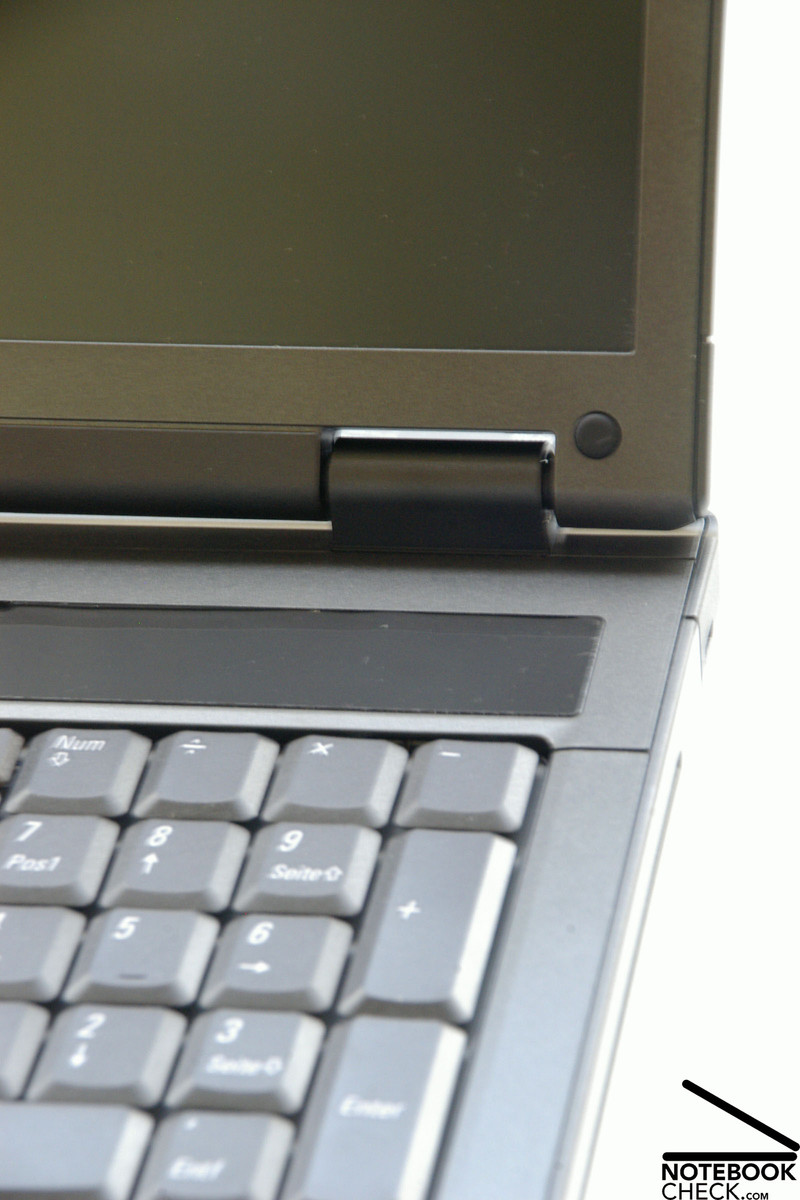
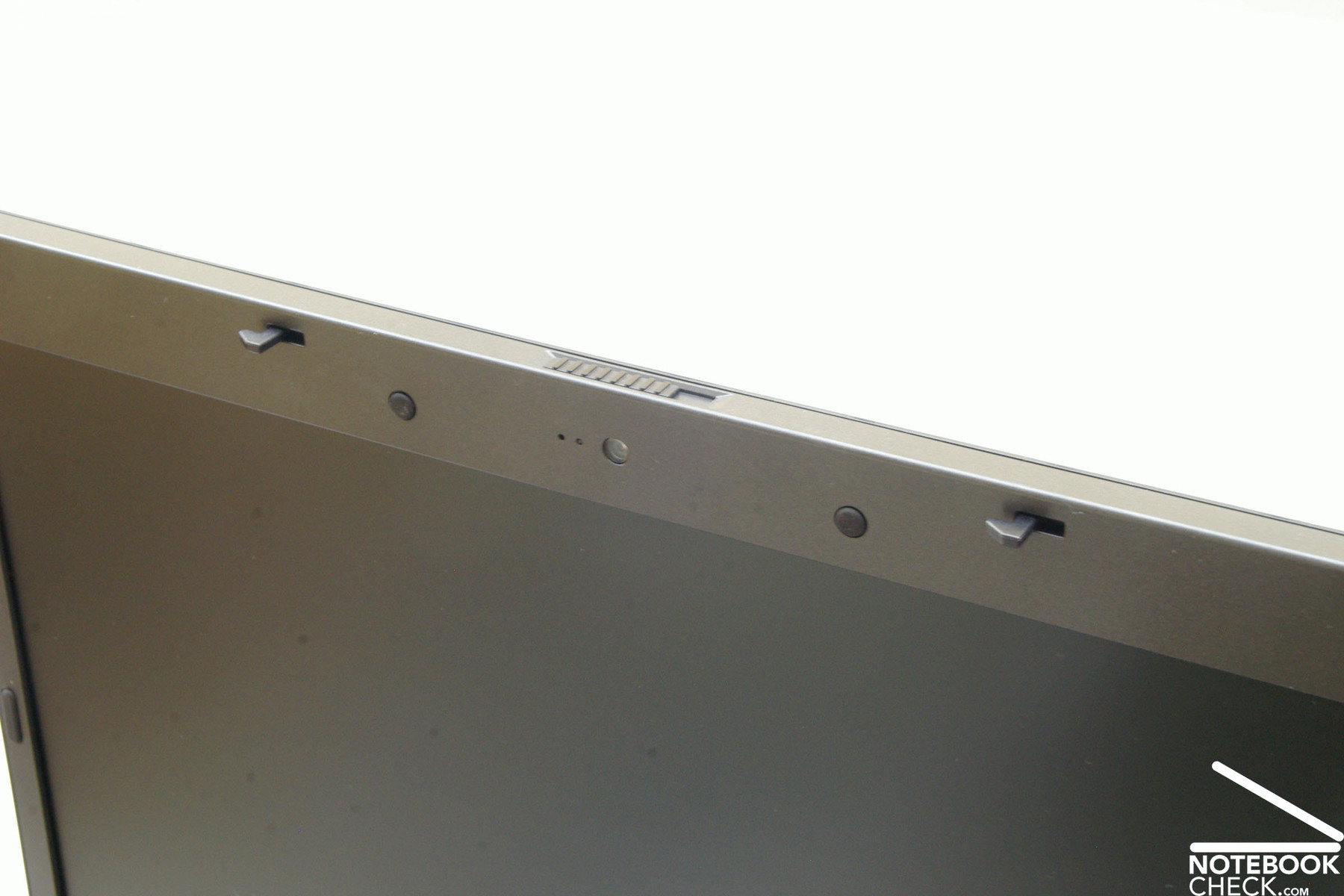
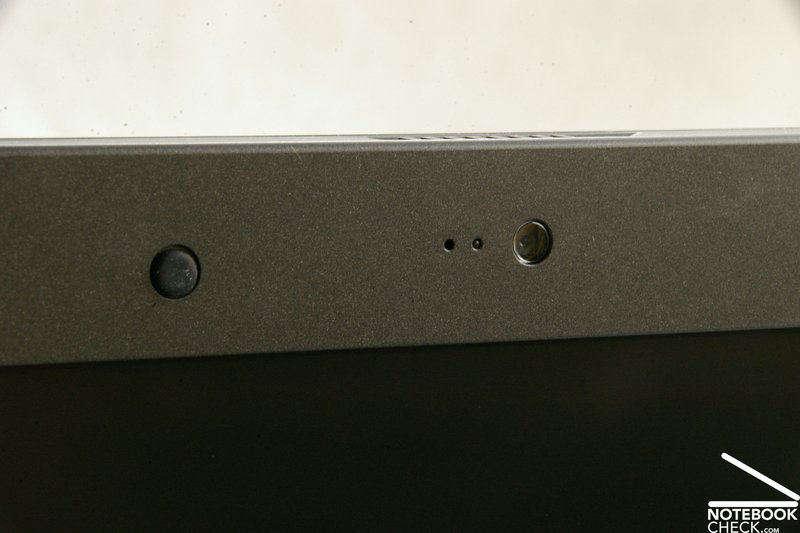
Opening the lid, which is locked by a double hook transport mechanism made of plastics, is nearly a small show of strenght. Nevertheless, you can can open this notebook without creaking noises from the hinges. Thereby the display is hold by two hinges, which appear to be rather small for a 17 inch screen and cannot completely prevent a see-saw after adjustment of the opening angle. In the middle of the upper part of the display frame there is a very decent 1.3 mega-pixel webcam with integrated microphone.
Connectivity
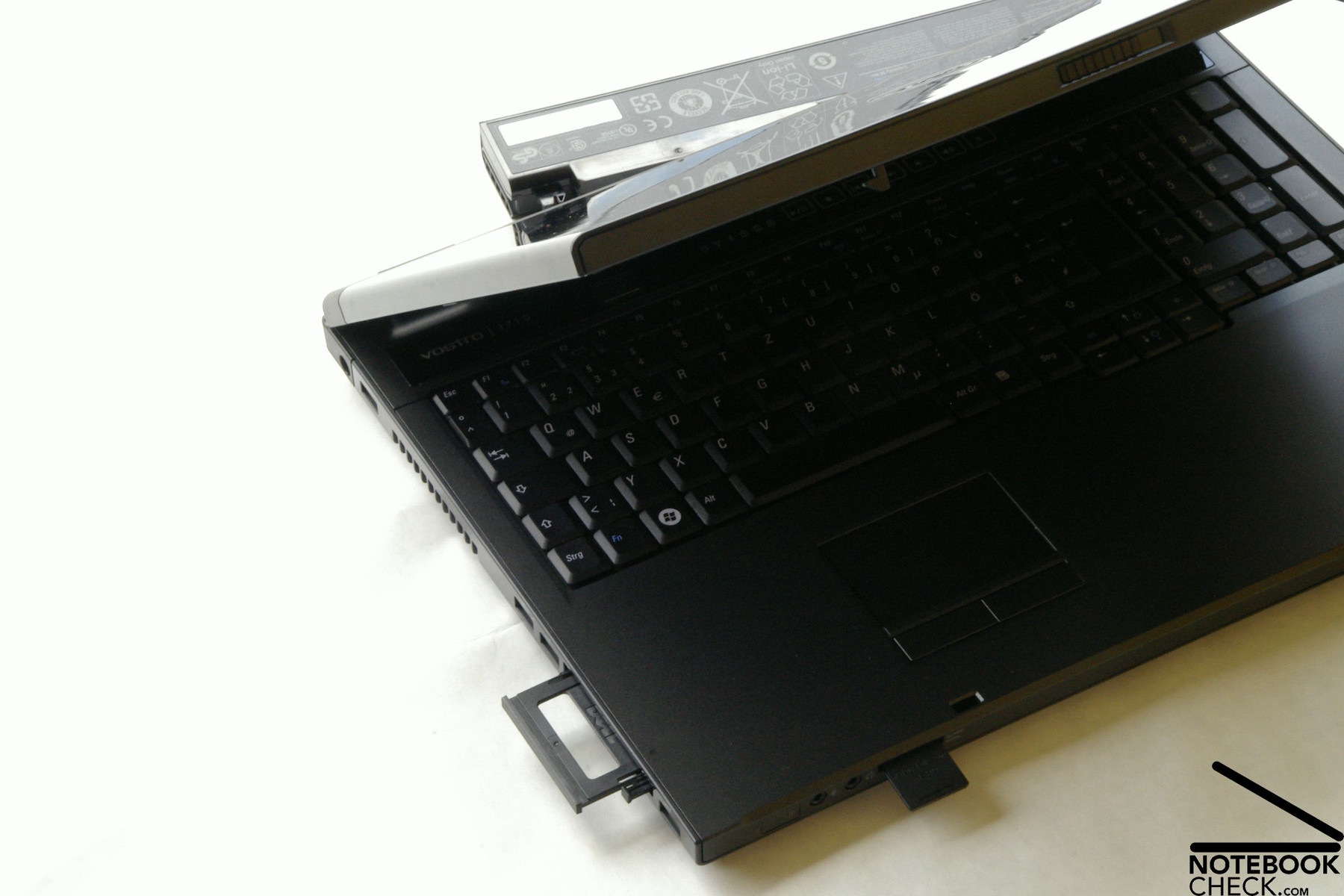
The Dell Vostro 1710 offers a variety of interfaces, which are reasonably spread around the case. But, digital video outs, e.g., HDMI, or an eSATA interface are unfortunately missing. Because it is a business notebook and considering the price category this is not unusual. Dell offers standard ports only, but, they are very user-friendly located.
At the front side there are the audio ports (microphone and headphones) and an SD/MMC MS Pro card reader.
Immediately at the left, there is the power connector close to the back, followed by a USB 2.0 port, a vent hole, two further USB 2.0 ports, an Express card slot 54, and again a USB 2.0 port. So, there are only at the left side a total of four USB ports.
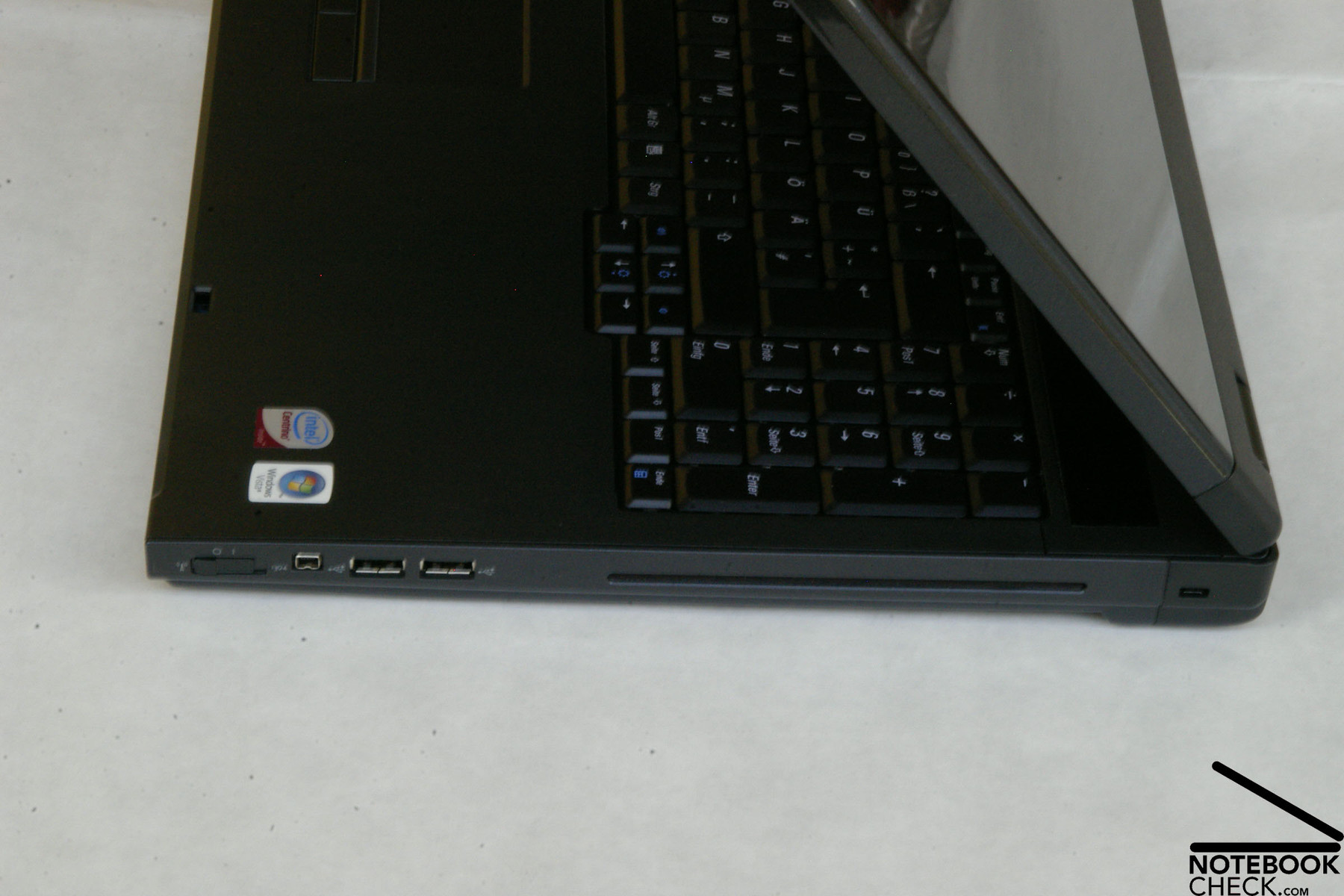
On the right side there is a Kensington lock close to the back. Immediately afterwards there is the slot-in DVD drive, followed by two further USB 2.0 ports and a FireWire port. Closer to the front there is a hardware switch for WLAN and Bluetooth. If you look for an eject button directly on the DVD drive, you won't find any. Instead it is right of the multimedia buttons in between keyboard and display.
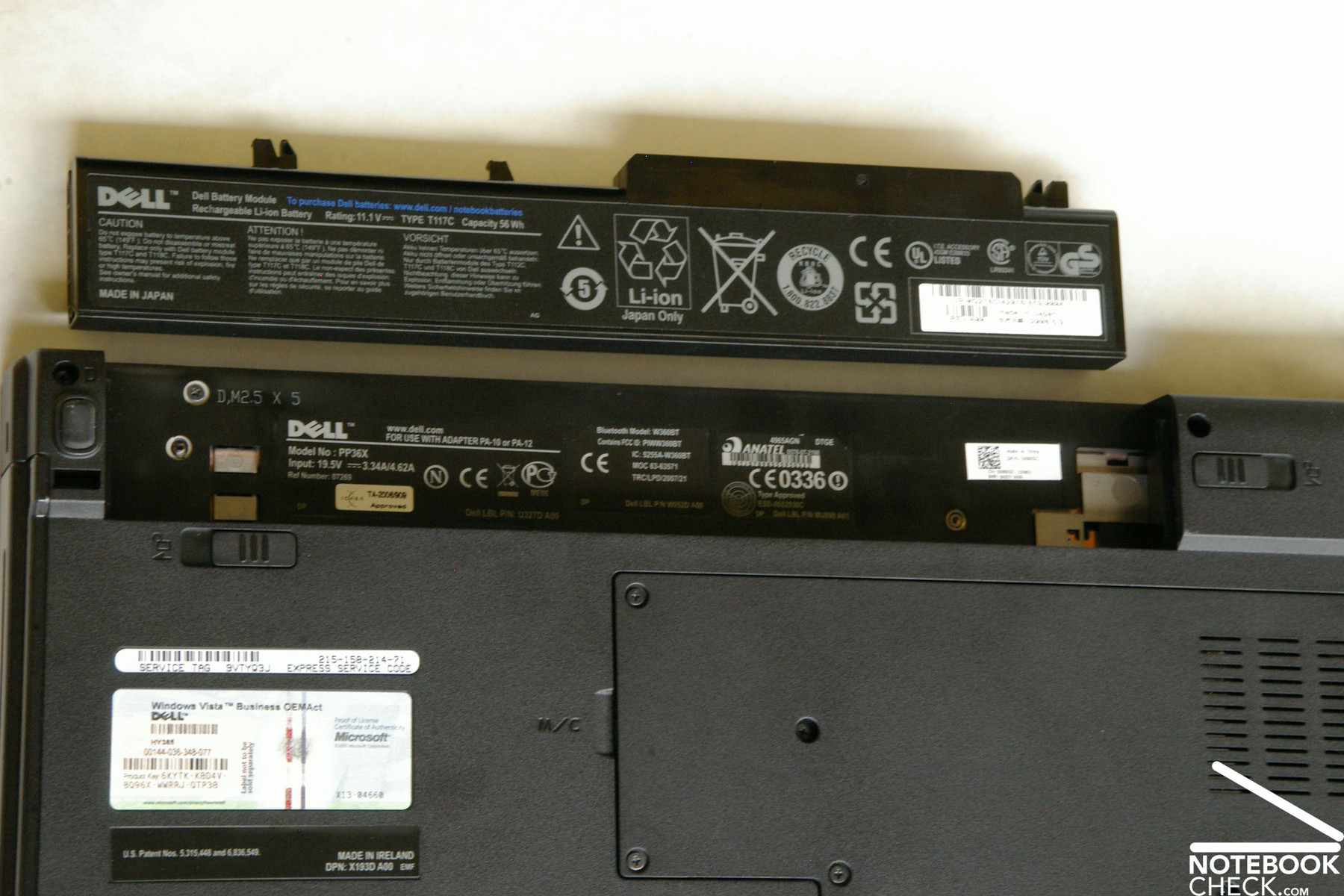
Most of the back side of this notebook is occupied by the long, but relatively powerful battery. Right of it there are only an VGA out and a LAN port.




Regarding data communication the Dell Vostro 1710 can come up with a Realtek RTL8168C(P)/8111C(P) Family PCI-E Gigabit Ethernet NIC LAN interface. Furthermore, our test sample is equipped with an Intel(R) Wireless WiFi Link 4965AGN WLAN adapter for wireless connections.
If you demand more flexibility it is possible to equip the Vostro 1710 with a Bluetooth module for a surcharge of 25.- Euro. Likewise you can enhance the base warranty of a year to two (127.- Euro) or even three years (159.- Euro) on-site service for a surcharge.
The Vostro 1710 does not come with free accessories. However, it is possible to order some, e.g., notebook bags, keyboards, mice etc., of course for a surcharge.
Input Devices
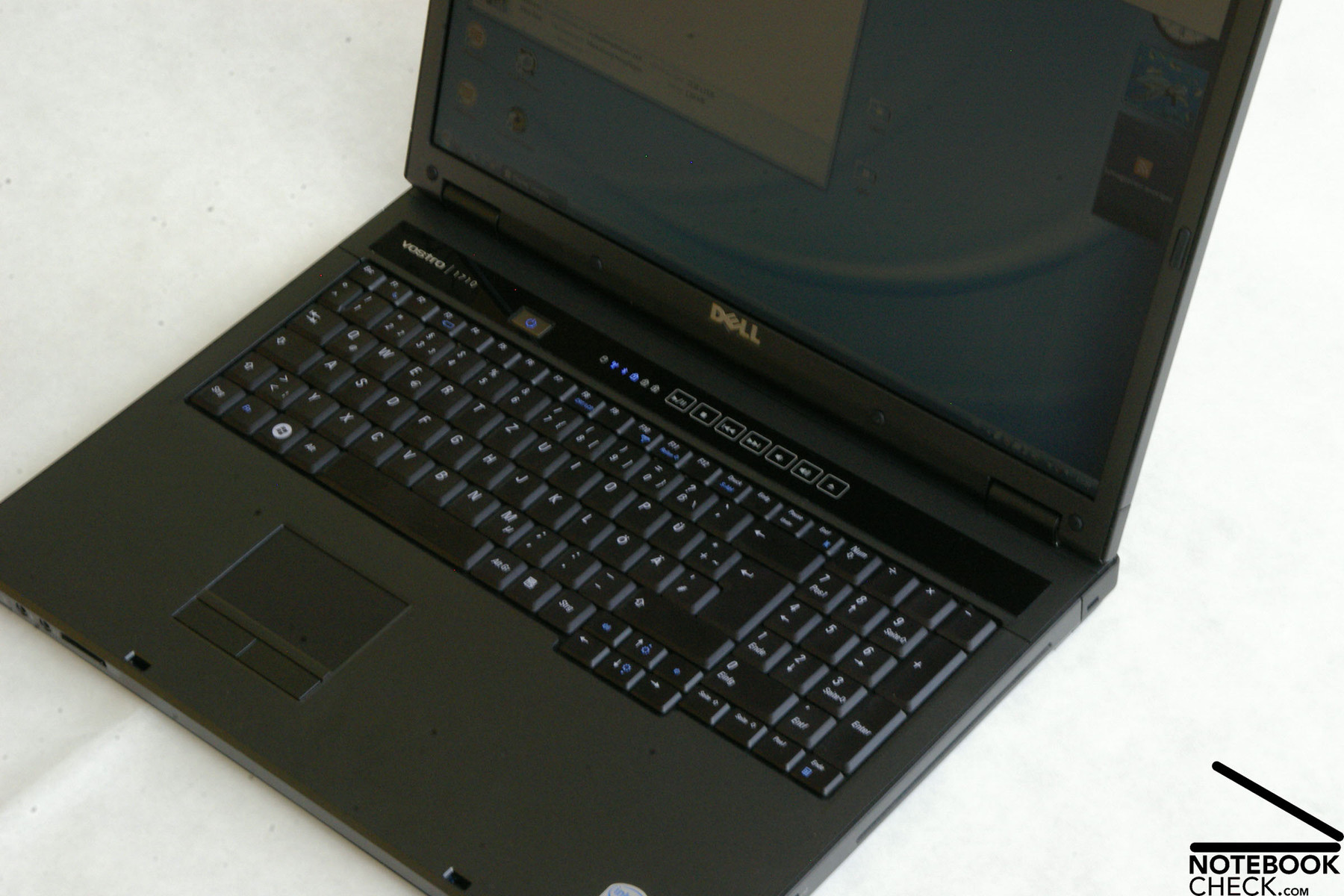
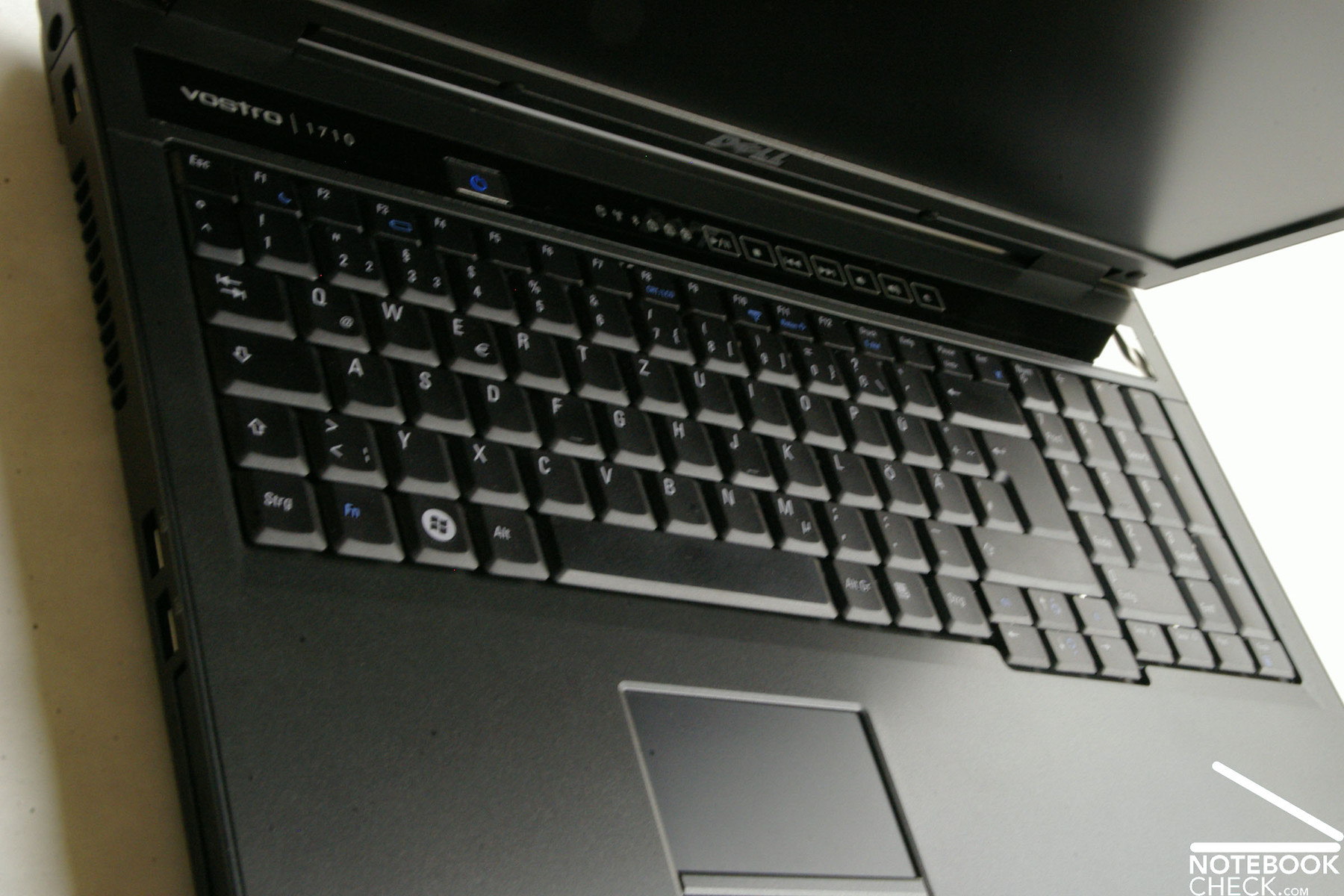
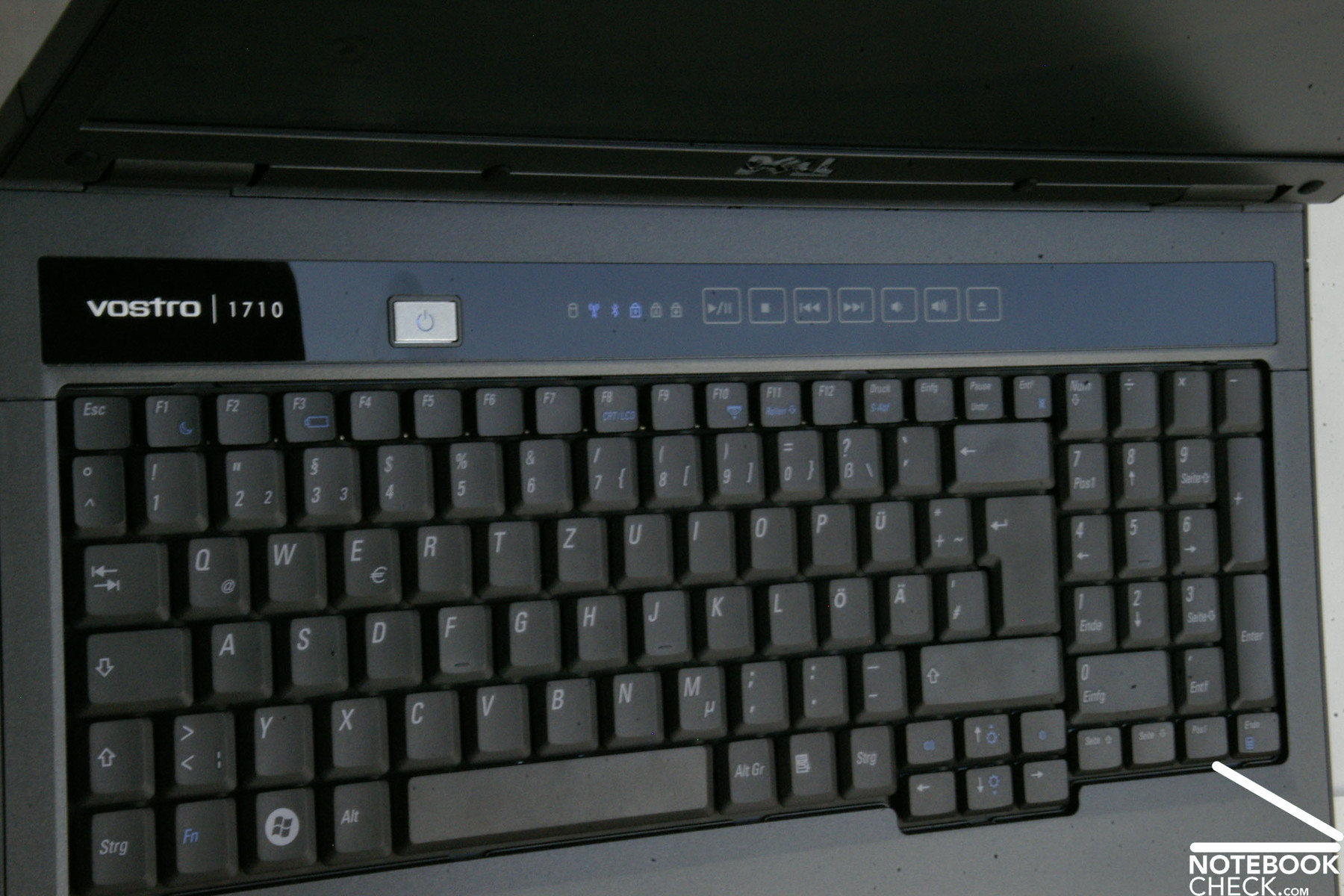
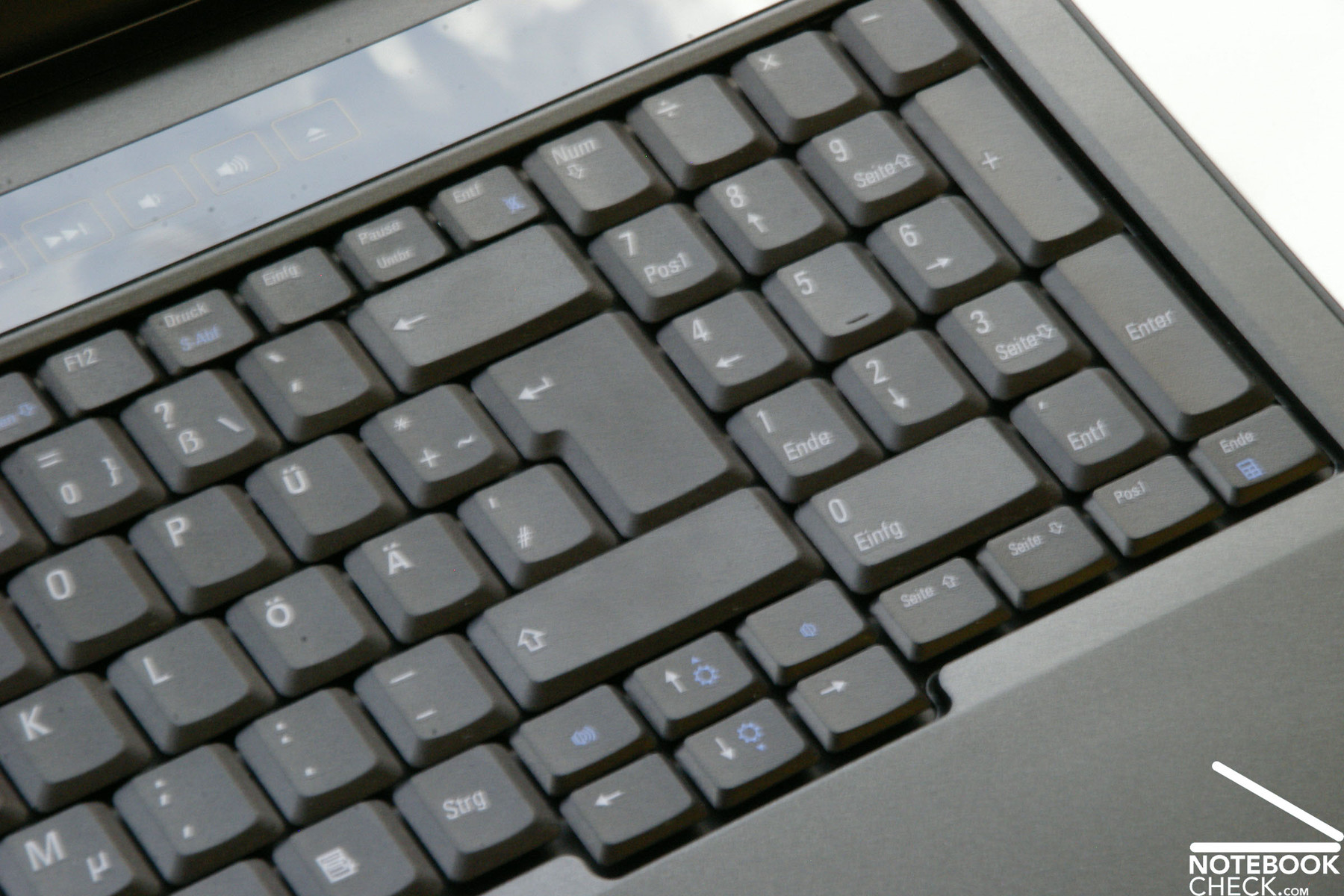
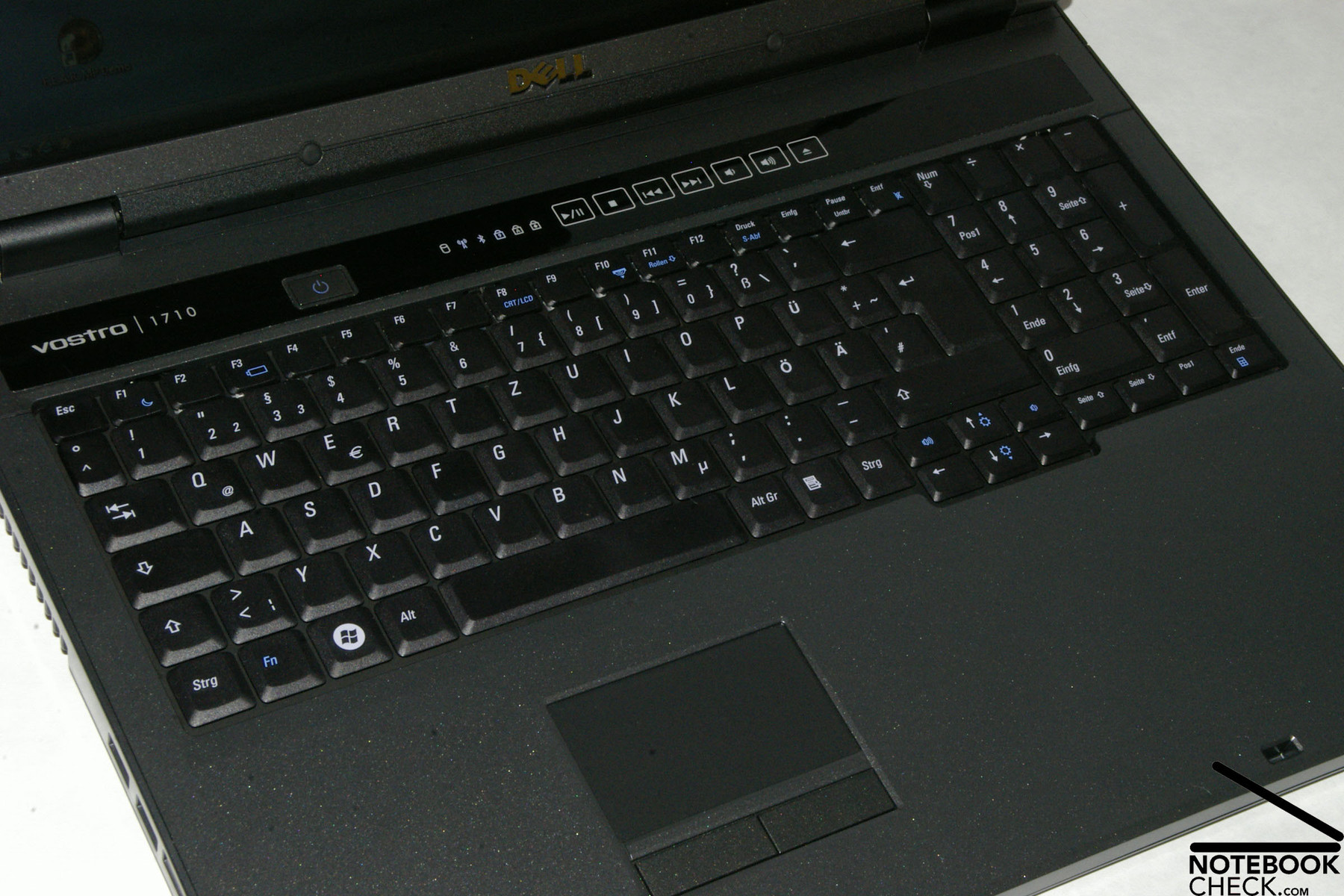
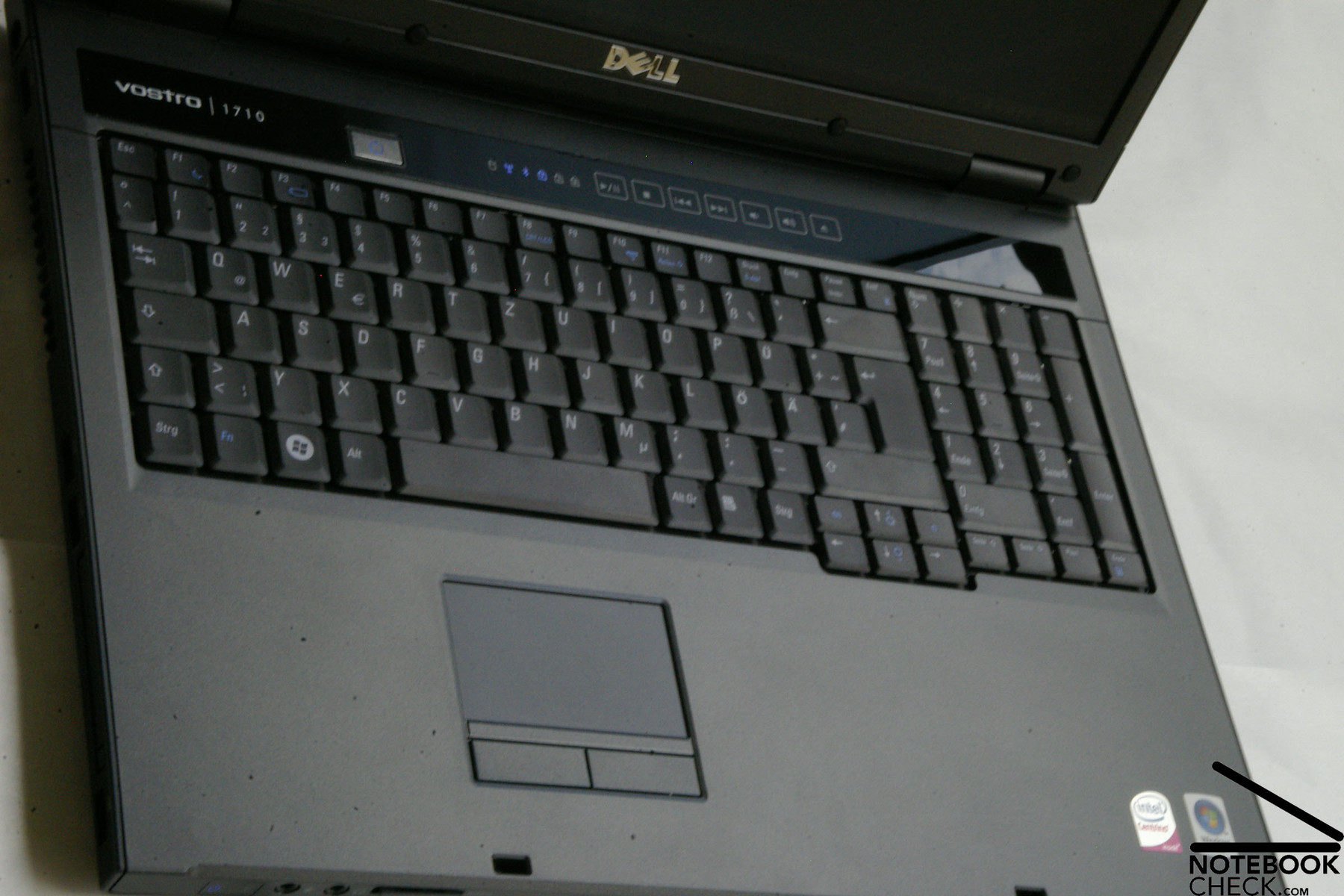
The Vostro 1710 has a keyboard which includes a separate number pad. As this is a 17 inch notebook the keys of the keyboard, which are 1.8 cm x 1.8 cm, are full-sized. The enter, shift, and backspace keys are also rather spacious. So, it should not take long to get used to typing with this keyboard.
The built-in keyboard clattered a little bit in the test and gives when force is applied. Nevertheless, typing feels good, and is characterised by a clear feedback. But, we felt that the tapping is too loud.
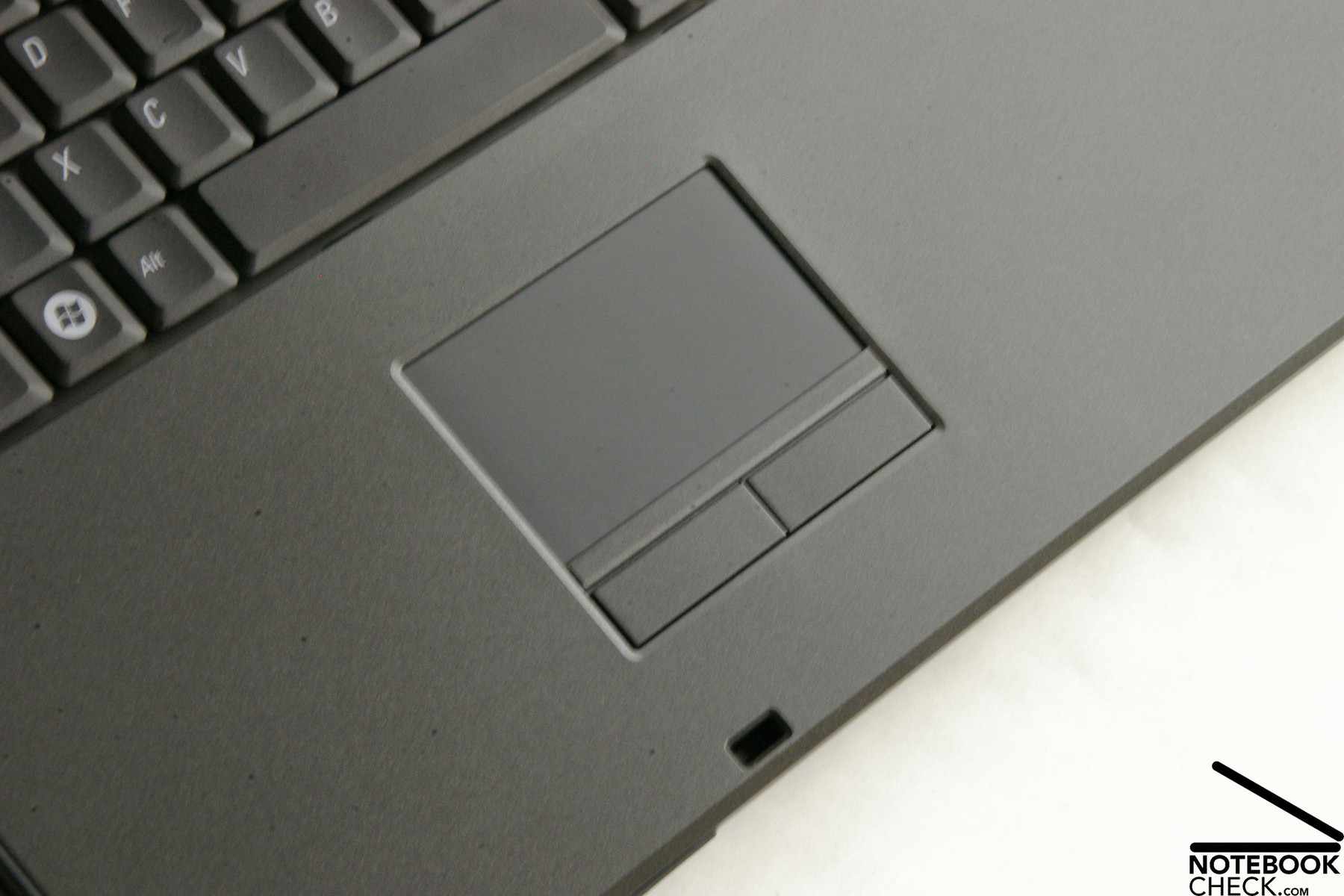
The touchpad of the Vostro 1710 is a little bit countersunk in the case. If you do not clean it regularly, dust and dirt will accumulate at its edges. The size of the according buttons are big and provide only a hardly recognizable resistance if you click them. So, the touchpad buttons do it without the partly loud clicking noises of competitors.
In general, keyboard as well as touchpad rate good. Unfortunately, the left mouse button sometimes stuck in our test and the touchpad sometimes reacted somewhat slowly.
Display
The Vostro 1710 is equipped with a 17 inch WXGA+ display with a maximum resolution of 1440x900. Furthermore, the display of our test sample was matte, which should be advantageous for outdoor usage. If you look at Dell's homepage, you'll see that a WUXGA+ TrueLife display with a maximum resolution of 1920x1200 pixels is also available for a surcharge of 100.-. But, it is only available with glossy surface.
Measuring the brightness we found out that the average brightness is 193.3 cd/m², which is to our opinion absolutely passable. The maximum brightness was measured in the centre of the screen and amounted to 204 cd/m², which is only insignificantly more than the average brightness.
The test sample also scored points in terms of illumination. The built-in panel convinced by an excellent illumination of 90.9%.
| |||||||||||||||||||||||||
Brightness Distribution: 91 %
Contrast: 176:1 (Black: 1.16 cd/m²)
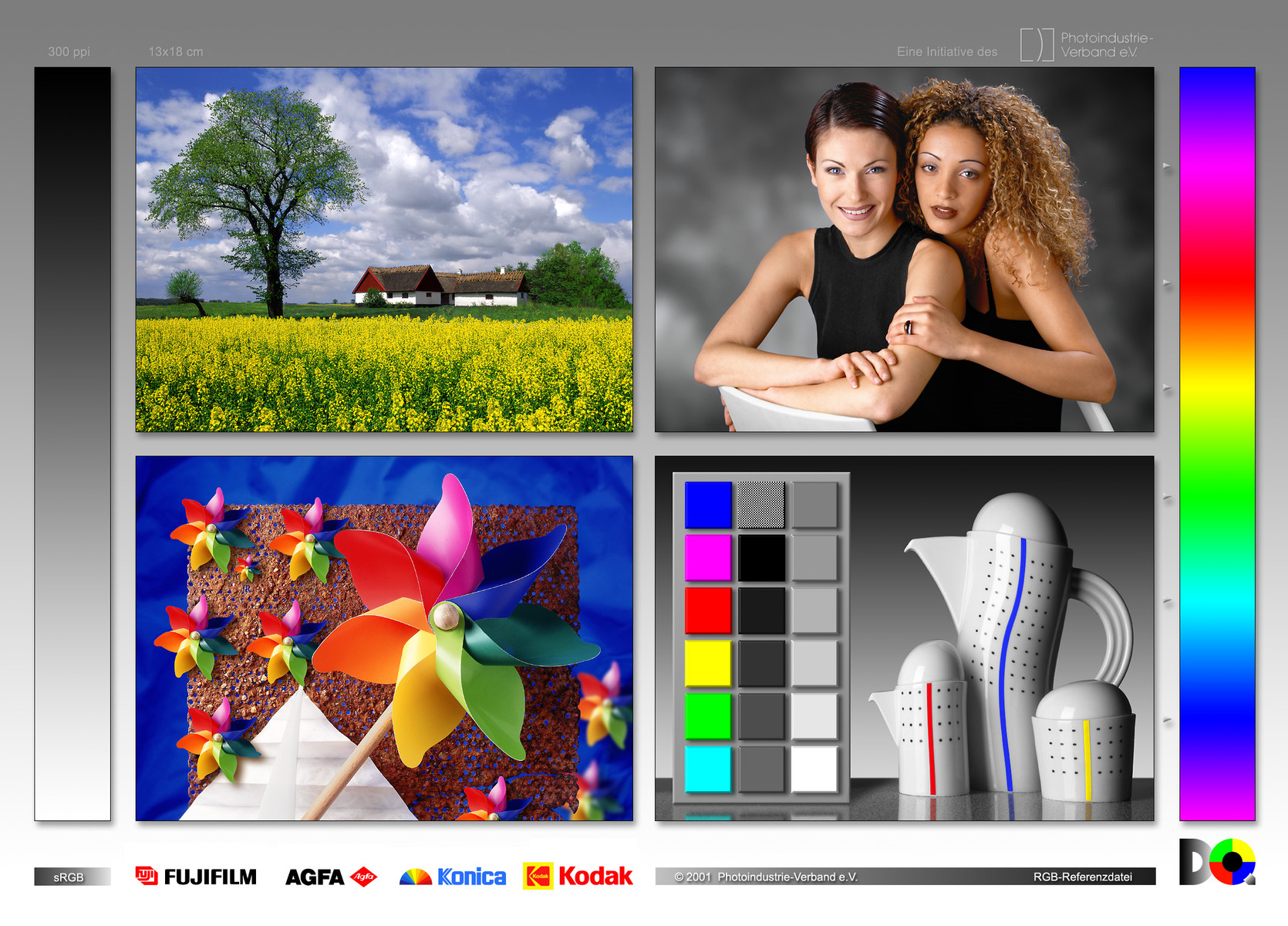
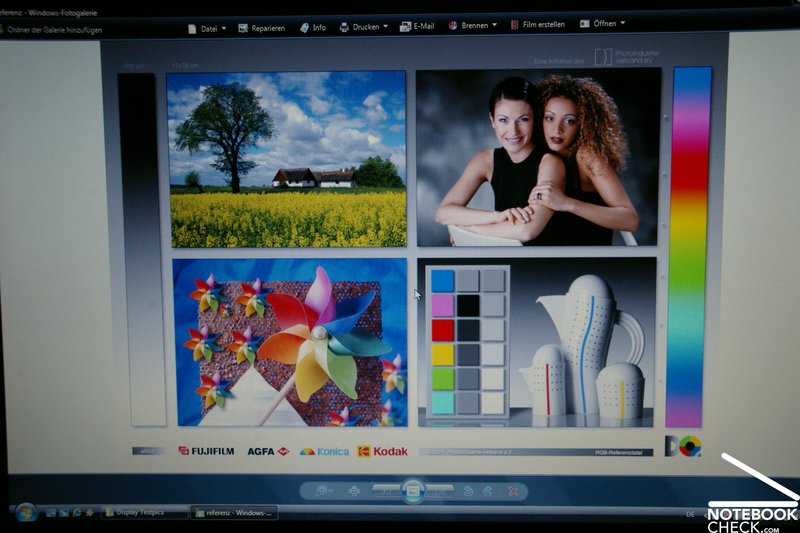
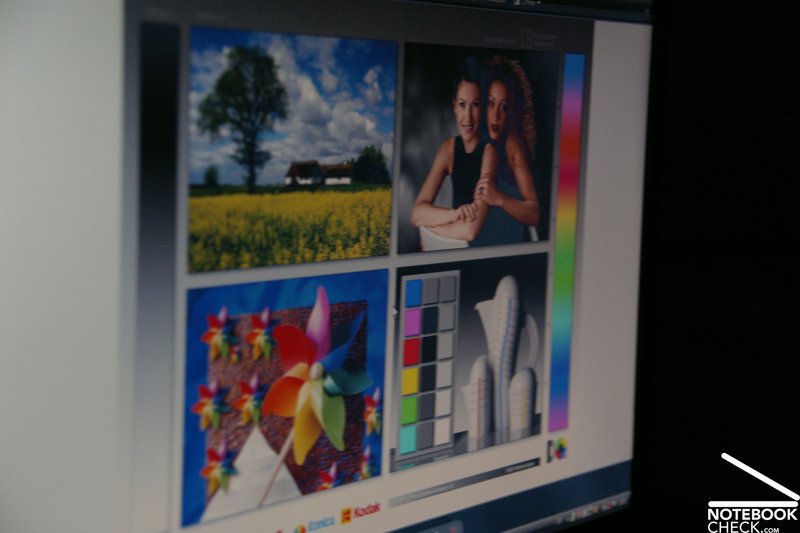
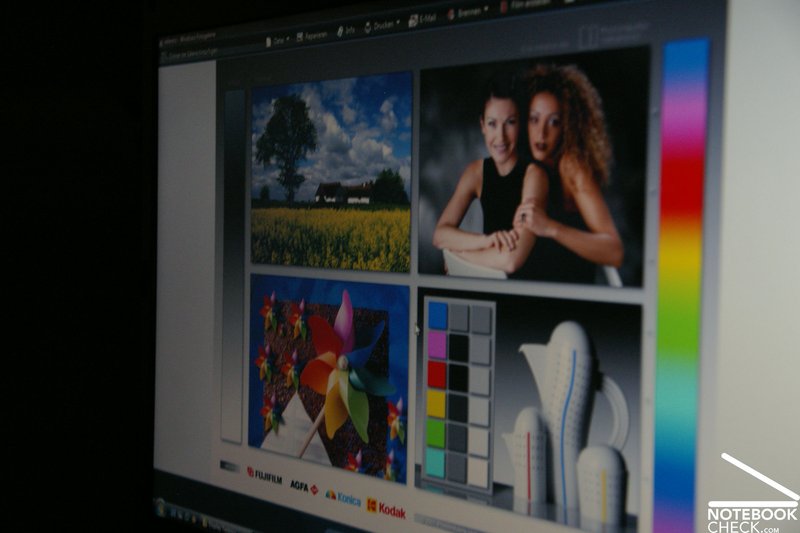
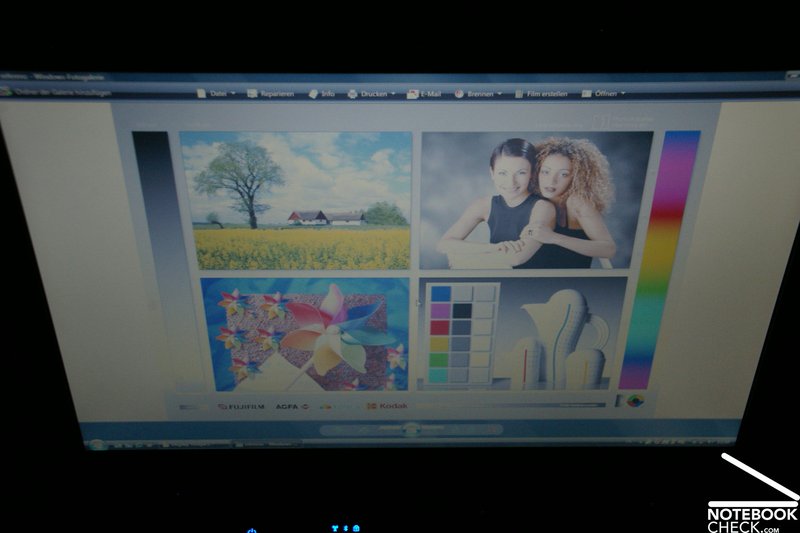
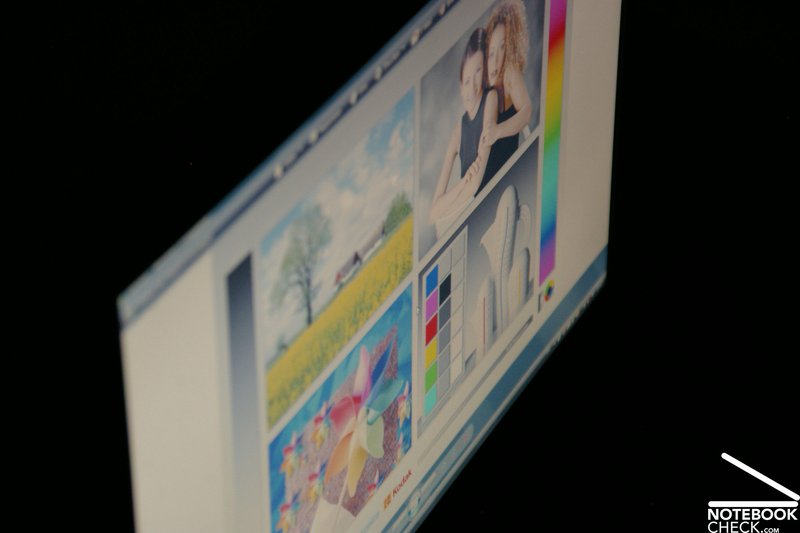
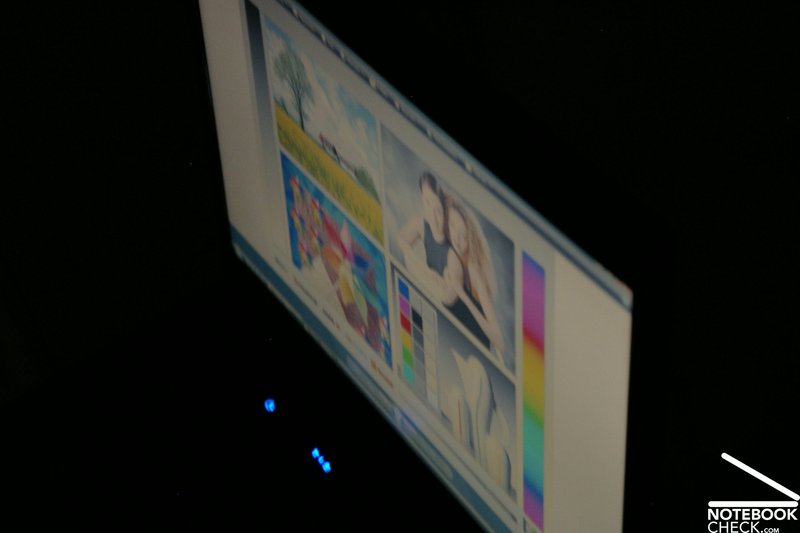
You can really be satisfied with the viewing angles of the Vostro 1710. We could not detect the flaws of the smaller Vostro 1310. The viewing angles were vertically as well as horizontally good and left hardly any point of critique. The only disadvantage of this screen is the colour representation, because the colours appear nearly dull and thin. But, this could be caused by the matte surface, which is according to Dell coated with a special low-reflection coating.
Performance
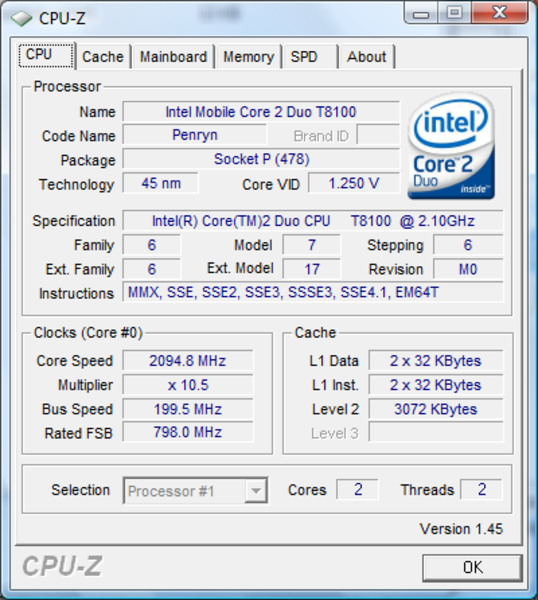
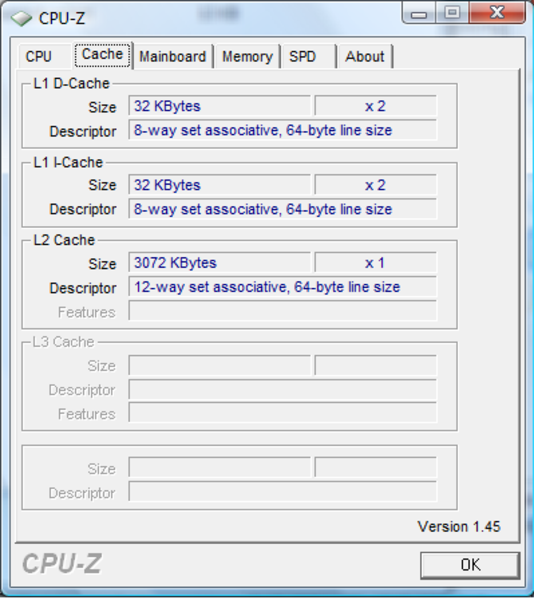
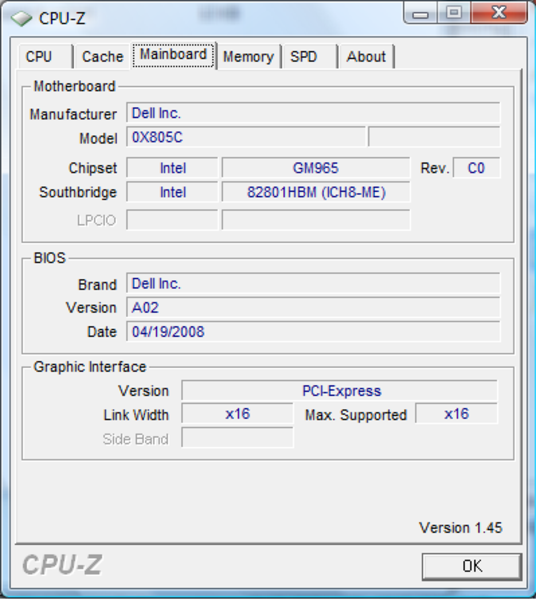
Dell offers a number of choices concerning CPU, GPU, RAM, and built-in hard disk for the equipment of the Vostro 1710. The entry-level model is offered with an Intel Celeron 540 single core CPU with 1.86 GHz. The available processors include the a little bit older Merom dual core CPUs up to the up-to-date Penryn processors by Intel, whereas all models from T8100 up to T9500 are available. The test sample was equipped with a T8100 CPU, and thus is a balance between the especially reasonable, but, relatively inefficient Celeron CPUs, and the clearly more expensive T9xxx processors of the Penryn generation with 6 MB L2 cache. It is possible to replace the T8100 by a T9300 processor with 2.5 GHz for 270.- Euro more. If you want a T9500 with 2.6 GHz instead of the T9300, you'll have to spend further 280.- Euro, which is quite a lot for only 100 MHz more.
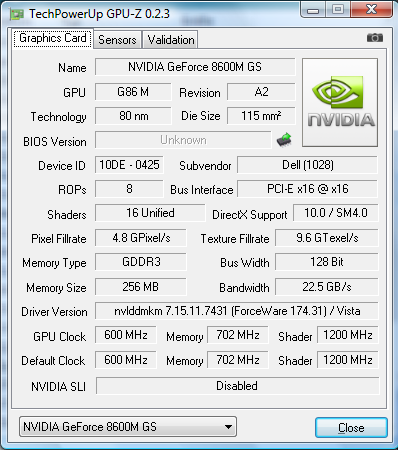
The reviewed notebook was equipped with an nVIDIA GeForce 8600M GS graphics card with 256 MB GDDR3 video memory. Even if the Vostro 1710 is designed as business notebook, the GeForce 8600M GS is sufficiently powerful for one or the other game during the breaks - if you are willing to compromise about the quality.
Furthermore, the used display reacts fast enough to avoid streaks.
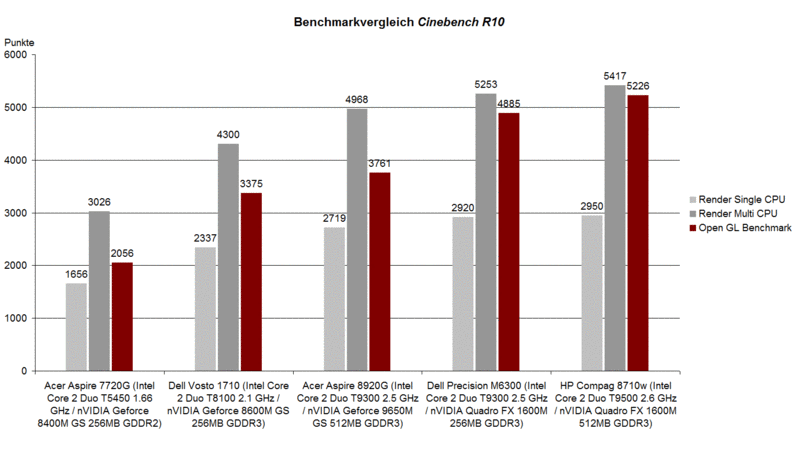
In the Cinebench R10 benchmark comparison the rendering test proves a good performance of the T8100 CPU compared to Merom processors. The result in the shading test (OpenGL) was also satisfactory. The results of 2337 points in the single-core-rendering and of 4300 points in the multi-core-rendering of the Vostro 1710 are nearly identical to the results of the smaller Vostro 1310. (2345 in single-core, and 4299 in multi-core rendering). In the shading test the built-in 8600M GS satisfactorily achieved 3375 points.
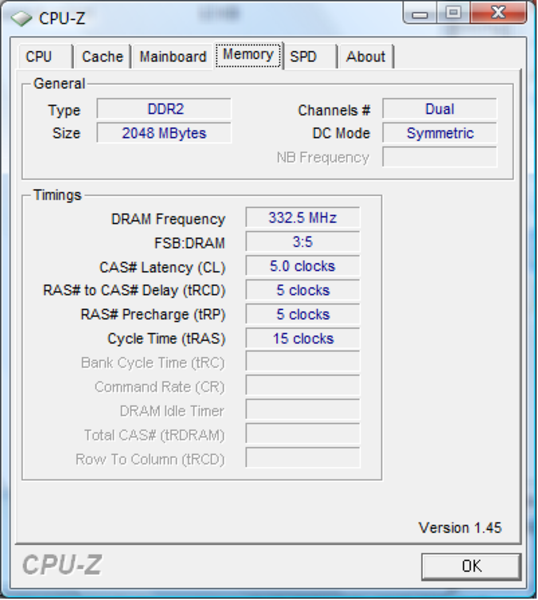
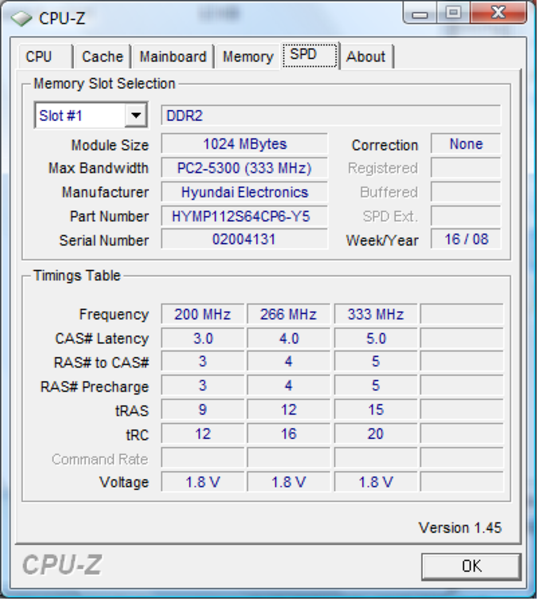
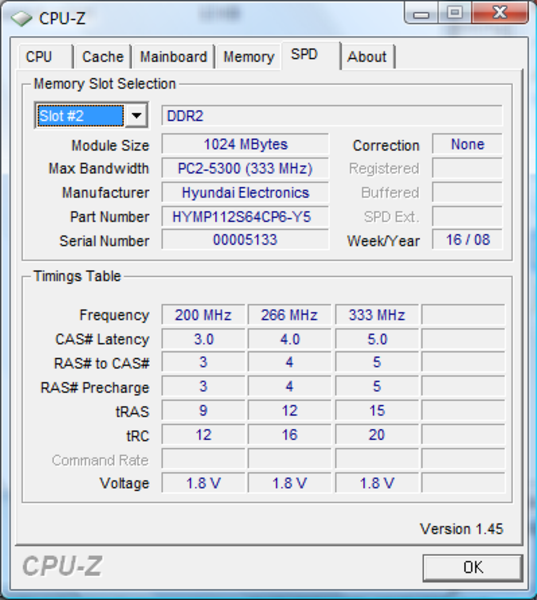
The reviewed notebook was equipped with 2 GB PC-5300 DRR-2 RAM made by Hyundai Electronics. If 2 GB RAM are not sufficient, the Vostro supports a maximum RAM capacity of 4 GB (2x 2GB).
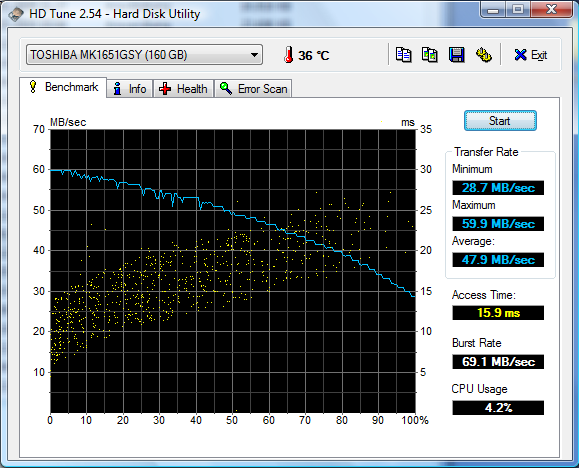
You can choice between a number of available hard disk models. Besides a number of 5400 rpm models you can also choose faster 7200 rpm hard disks. The reviewed notebook was equipped with a Toshiba MK1651GSY (7200) with 160GB gross capacity. In the HDTune performance test this mass media devices achieved good transfer rates and access times.
| PCMark 05 Standard | 3596 points | |
Help | ||
| Cinebench R10 | |||
| Settings | Value | ||
| Shading 32Bit | 3168 Points | ||
| Rendering Multiple CPUs 32Bit | 5161 Points | ||
| Rendering Single 32Bit | 2711 Points | ||

Gaming Performance
Due to a powerful CPU and a reasonably up-to-date middle-class graphics card by nVIDIA you can enjoy the one or other game with limited picture quality.
The Futuremark benchmarks prove this. This notebook achieved 6379 points in the 3DMark05 and 3548 points in the 3DMark06. Support and further information about the measured values are available in our Comparison of mobile graphics cards.
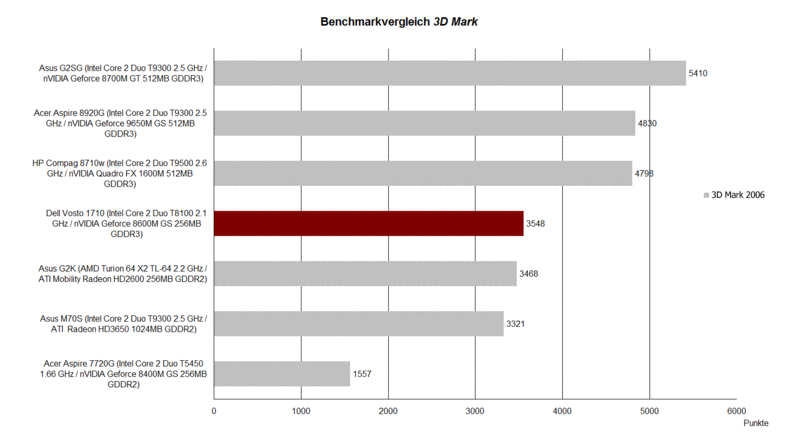
| 3DMark 2001SE Standard | 20657 points | |
| 3DMark 03 Standard | 10427 points | |
| 3DMark 05 Standard | 6379 points | |
| 3DMark 06 Standard Score | 3548 points | |
Help | ||
Doom 3 could be absolutely smoothly played with 81.1 fps on ultra settings. The ego shooter F.E.A.R. is also no problem for the Vostro 1710. In the F.E.A.R. benchmark the reviewed model achieved an average of 68 pictures per second on maximum details.
However, current games only run slowly if you do not turn down the detail level. Crysis only runs smoothly on low details and a resolution of 1024x768 pixels. In the GPU benchmark the Dell Vostro 1710 achieved an average of 42.6 fps on these settings. But, in the CPU benchmark it achieved only 38.11 fps.
It was not possible to run this game with medium details. When we tried, the frame rate shrunk to unplayable 15 fps. On high details the run was more like a slide show with hardly 8 fps. Call of Duty 4 is another very up-to-date ego shooter. Again, you can only smoothly play this game with a resolution of 1024x768 and with deactivated AA, whereas the frame rate ranged thereby from 25 to 30 pictures per second.
Further information about the graphics card can be found here and in our comparison of mobile graphics cards. Detailed information about the Core 2 Duo CPU is available here.
| Doom 3 | |||
| Resolution | Settings | Value | |
| 1024x768 | Ultra, 0xAA, 0xAF | 81.1 fps | |
| 800x600 | High, 0xAA, 0xAF | 104.2 fps | |
| 640x480 | Medium, 0xAA, 0xAF | 114.7 fps | |
| 640x480 | Low, 0xAA, 0xAF | 115.2 fps | |
| F.E.A.R. | |||
| Resolution | Settings | Value | |
| 1024x768 | GPU: max, CPU: max, 0xAA, 0xAF | 68 fps | |
| 800x600 | GPU medium, CPU medium, 0xAA, 0xAF | 70 fps | |
| 640x480 | GPU min, CPU min, 0xAA, 0xAF | 72 fps | |
| Crysis - GPU Benchmark | |||
| Resolution | Settings | Value | |
| 1024x768 | High | 7.89 fps | |
| 1024x768 | Medium, 0xAA, 0xAF | 14.48 fps | |
| 1024x768 | Low, 0xAA, 0xAF | 42.67 fps | |
| Crysis - CPU Benchmark | |||
| Resolution | Settings | Value | |
| 1024x768 | High, 0xAA, 0xAF | 7.43 fps | |
| 1024x768 | Medium, 0xAA, 0xAF | 14.26 fps | |
| 1024x768 | Low, 0xAA, 0xAF | 38.11 fps | |
Emissions
System Noise
Due to noise emissions of only 30.5 dB(A) the Dell Vostro 1710 can be called very quiet in idle mode. You can only hear a noise, when the hard disk is accessed. Most of the time the fan is inactive in idle mode. It just sometimes turns on to blow the grown warm air to the outside. We measured a maximum noise level of 33.8 dB(A) in idle mode.
When watching DVDs the Vostro 1710 gets a little bit louder. The measurement instrument displays 37.4 dB(A). If you use headphones while watching DVDs, you anyway won't recognize the noise of the fan and of the DVD drive. But, also without headphones, the sound of the film will dominate the noise of the fan and of the DVD drive.
Even under load the noise did not annoy. Although the fan of the Vostro 1710 got a little bit louder (between 36.8 to 39 dB(A)), it still stayed within reasonably limits.
Noise level
| Idle |
| 30.5 / 30.5 / 33.8 dB(A) |
| HDD |
| 31 dB(A) |
| DVD |
| 37.4 / dB(A) |
| Load |
| 36.8 / 39 dB(A) |
 | ||
30 dB silent 40 dB(A) audible 50 dB(A) loud |
||
min:  , med: , med:  , max: , max:  (15 cm distance) (15 cm distance) | ||
Temperature
In terms of surface temperatures the Dell could still be a little bit improved. Especially the underside got with measured 41.7°C uncomfortably hot. That's to hot for working on the top of your laps for a longer time. Anyway, this notebook might be too big and unhandy to work like this for most users.
On the top side of this notebook we measured a maximum temperature of 39.2°C, which is quite warm, but still tolerable.
(+) The maximum temperature on the upper side is 39.2 °C / 103 F, compared to the average of 40.4 °C / 105 F, ranging from 21.2 to 68.8 °C for the class Gaming.
(±) The bottom heats up to a maximum of 41.7 °C / 107 F, compared to the average of 43.3 °C / 110 F
(±) The palmrests and touchpad can get very hot to the touch with a maximum of 39.2 °C / 102.6 F.
(-) The average temperature of the palmrest area of similar devices was 28.8 °C / 83.8 F (-10.4 °C / -18.8 F).
Loudspeakers
If you look for the loudspeakers of the Dell Vostro 1710, you might search for a longer time and nevertheless find none. They are not highly visible, but, this does not mean that this notebook has none.
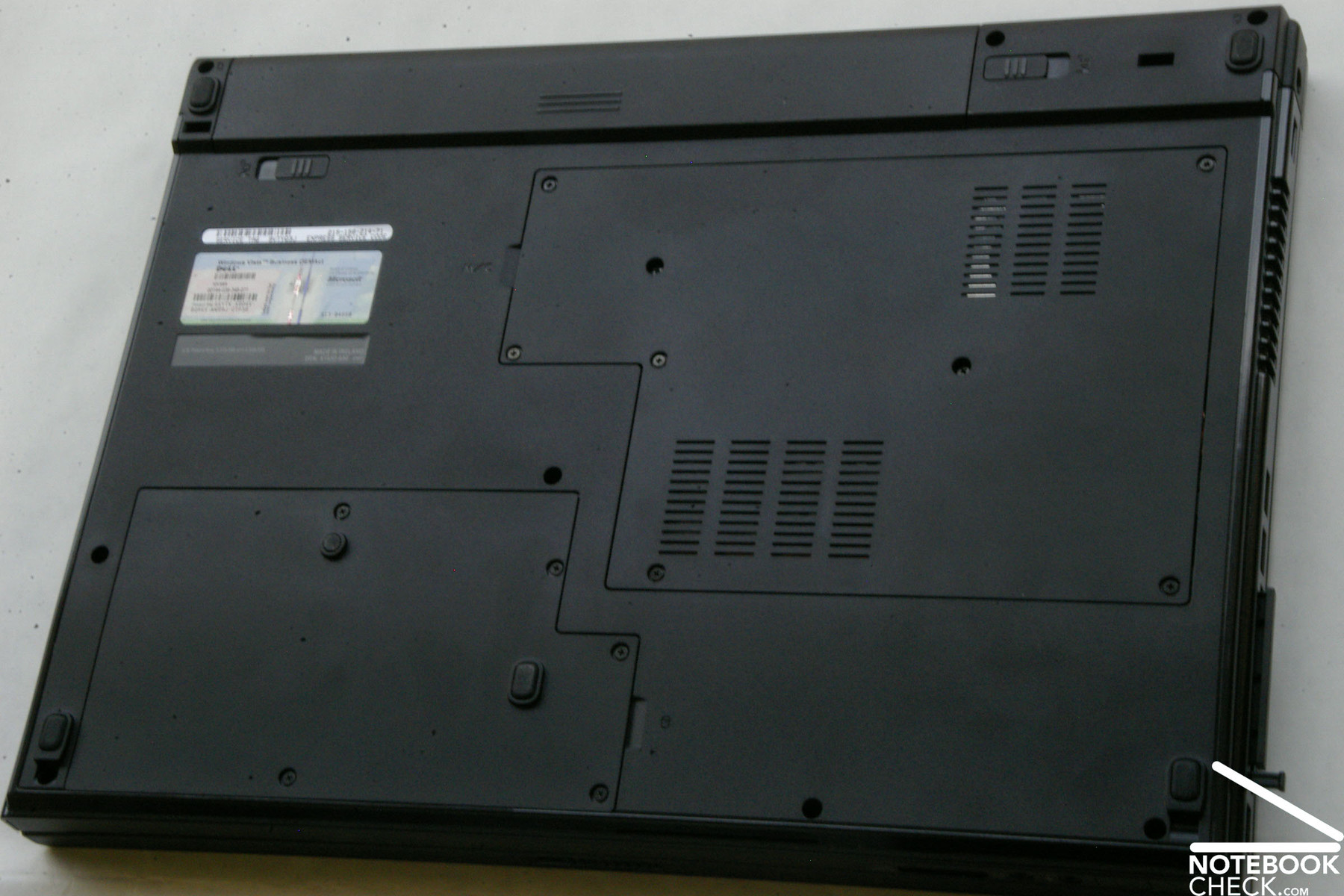
The sound mainly comes from the underside and from the left side of this notebook, in detail from a long, but narrow gap.
Unfortunately the sound of this notebook could not really convince. Despite the 17 inch case this notebook comes without subwoofer. The sound is rather thin, especially the basses sound much better on competitor notebooks. Bass-heavy sounds even drone. A fact which could not be improved by turning down the volume. So, it's highly recommended to use headphones.
The maximum volume is definitely sufficient for daily work. The built-in loudspeakers also suffice watching motion pictures or playing games.
Battery Life
The reviewed model of the Dell Vostro 1710 was equipped with a 56Wh (5045 mAh) Lithium-Ions Battery. It provides the test sample with a very satisfactory battery life.
In the BatteryEater Reader's test with maximum energy settings (minimum brightness, WLAN off, etc.) the Vostro 1710 achieved a really passable result of above 3 hours, in detail 189 minutes. Under full load, in the BatteryEater Classic test the runtime was at least 74 minutes. If you want to watch motion pictures from DVD on-the-move, you do not need to be afraid that the runtime is too short unless they are overlong. If you watch DVDs, you'll need to recharge after about 121 minutes. So, the battery life suffices standard motion pictures, which usually last between 90 and 100 minutes. If you browse the Internet via WLAN with good to maximum bright screen, the battery runtime of the 6 cells battery is nearly 141 minutes.
| Off / Standby | 0 / 0 Watt |
| Idle | 25 / 29 / 32 Watt |
| Load |
65 / 81 Watt |
   
| |
Key:
min: ,
med: ,
max: | |
Verdict
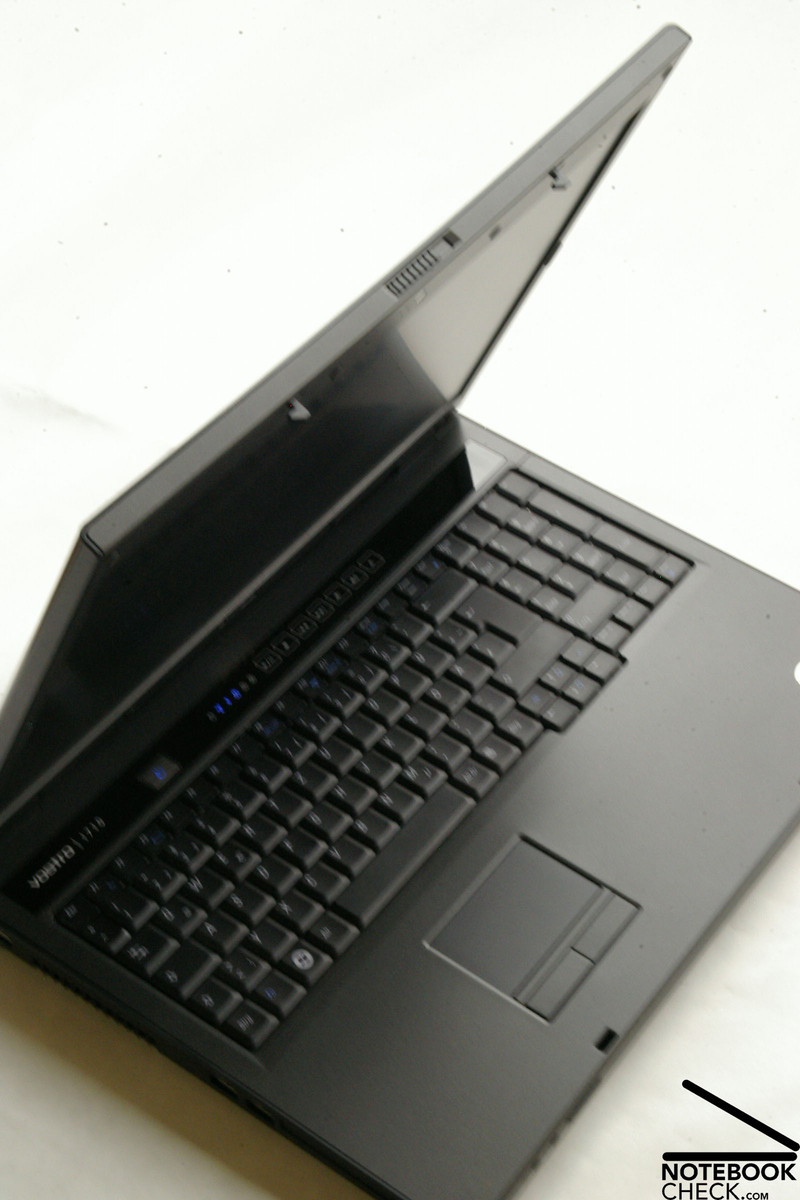
If the Vostro 1310 is too small for you, and the Vostro 1510 still provides too less overview, Dell also offers the 1710 in the Vostro series.
The reviewed model of the Vostro 1710 was equipped with a 17 inch WXGA+ display, with a maximum resolution of 1440x900 pixels and so allows much overview over your work. Even the reasonable entry-level edition, which costs only 379.- Euro, is equipped with a matte WXGA+ display. If you need a bigger desktop size, Dell offers also an upgrade to an WUXGA display with 1920x1200 pixels. But, this display model is only available with glossy surface. If you insist on a matte display, you have to be satisfied with a resolution of 1440x900 pixels.
A Core 2 Duo T8100 Penryn processor with 2.1 Ghz provides sufficient calculation power. Combined with an nVIDIA GeForce 8600M GS graphics card with 256 MB dedicated GDDR-3 video memory and two GB DDR-2 RAM, the Vostro 1710 also has sufficient reserve capacities for enjoying the one or other computer game with reduced detail level and resolution.
Unfortunately, the Dell Vostro 1710 only offers standard ports like USB 2.0, FireWire, and VGA out. But, these are user-friendly and reasonably spread around the case. Dell does it without modern interfaces like HDMI and eSATA, but, considering the price category this is not unusual. The temperature increase on the underside of this notebook is a clear disadvantage. To our opinion it gets too warm to work with the notebook on the laps.
Similar to the Vostro 1310, the high-gloss design of the lid does not match the business concept of Dell, because it is sensitive to signs of wear and tear.
To summarize, the Dell Vostro 1710 is a balanced notebook with only small disadvantages. If you do not only require a robust notebook with good workmanship for a reasonable price (depending on the customisation), but also a good customer support with on-site service and optionally long warranty, you are right to look for a Dell notebook, because it can be customized to your individual needs and requirements.


 Add as a preferred