




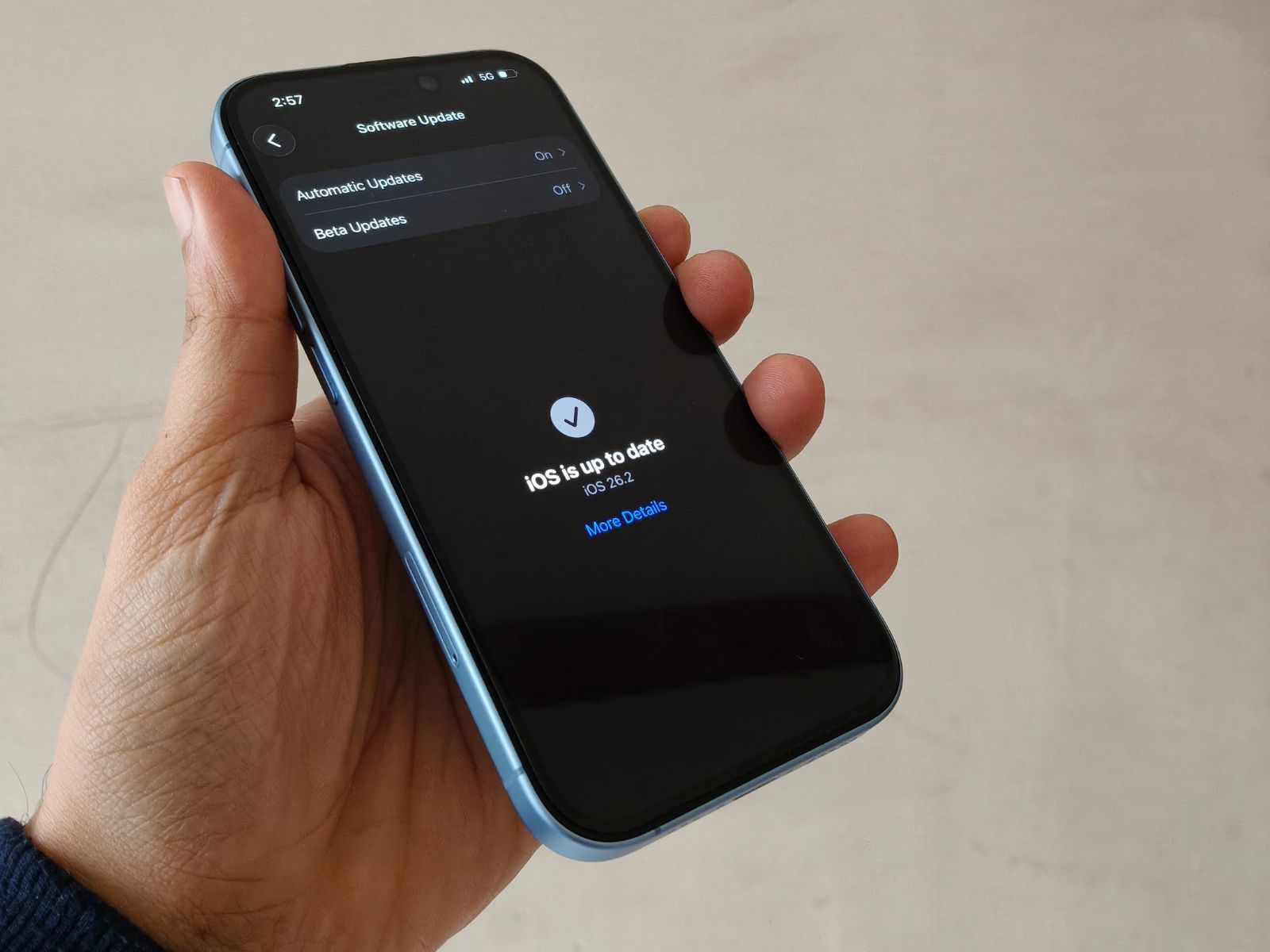
iOS 26.2 hands-on: Should you install Apple’s latest iPhone software update or wait longer?
CheckMag
Apple’s iOS 26.2 is positioned as a refinement update following the uneven rollout of earlier versions. In testing, the update focuses on improving overall system responsiveness and day-to-day stability rather than introducing new features. While some inconsistencies remain, iOS 26.2 delivers a more polished experience than its immediate predecessors, making it a notable step forward for the iOS 26 cycle.Yetnesh Dubey 👁 Published 🇪🇸 🇵🇹 ...
After the rocky start that iOS 26 had, followed by the visibly uneven iOS 26.1, expectations for iOS 26.2 were not particularly high. Apple positioned it as a refinement release, one that quietly fixes what broke earlier. After using the iOS 26.2, the biggest question is not what’s new, but whether this finally feels like the iOS experience Apple users expect.
From the very first few minutes, iOS 26.2 gives off a different impression compared to its immediate predecessors. Navigation feels more predictable, animations behave more consistently, and the persistent stutter that crept into daily interactions on iOS 26 and 26.1 is largely gone. The size of the iOS 26.2 may vary across different smartphones, but for my Apple iPhone 17 it was around 10 GB.
In the run-up to its release, iOS 26.2 was surrounded by speculation driven largely by beta code discoveries. Reports pointed to potentially disruptive changes, such as replacing Siri as the default side-button voice assistant and introducing persistent AirDrop pairing via PIN codes. In practice, those more radical shifts have not arrived in a meaningful, user-facing way. For instance, AirDrop continues to work seamlessly with Android devices like Google's Pixels via Quick Share, Apple Fitness+ is rolling out to 28 new markets, including India and Japan, and satellite messaging support as well as Apple Pay features are also being expanded to additional regions.
The update also includes minor quality-of-life improvements, such as refinements to Apple Music playlists, smoother Home app accessory pairing, and a range of enterprise and security fixes.
iOS 26.2 performance and smoothness: Apple finally addresses the stutter problem
Performance is where iOS 26.2 makes its strongest case. On my iPhone, the most obvious change shows up the moment you start interacting with the home screen. Swiping between home screen pages no longer triggers frame drops, and moving back and forth between the main home screen and the widget panel feels continuous rather than segmented. On iOS 26.1, this transition often introduced a visible hitch. Thankfully, on iOS 26.2, that hitch is largely gone.
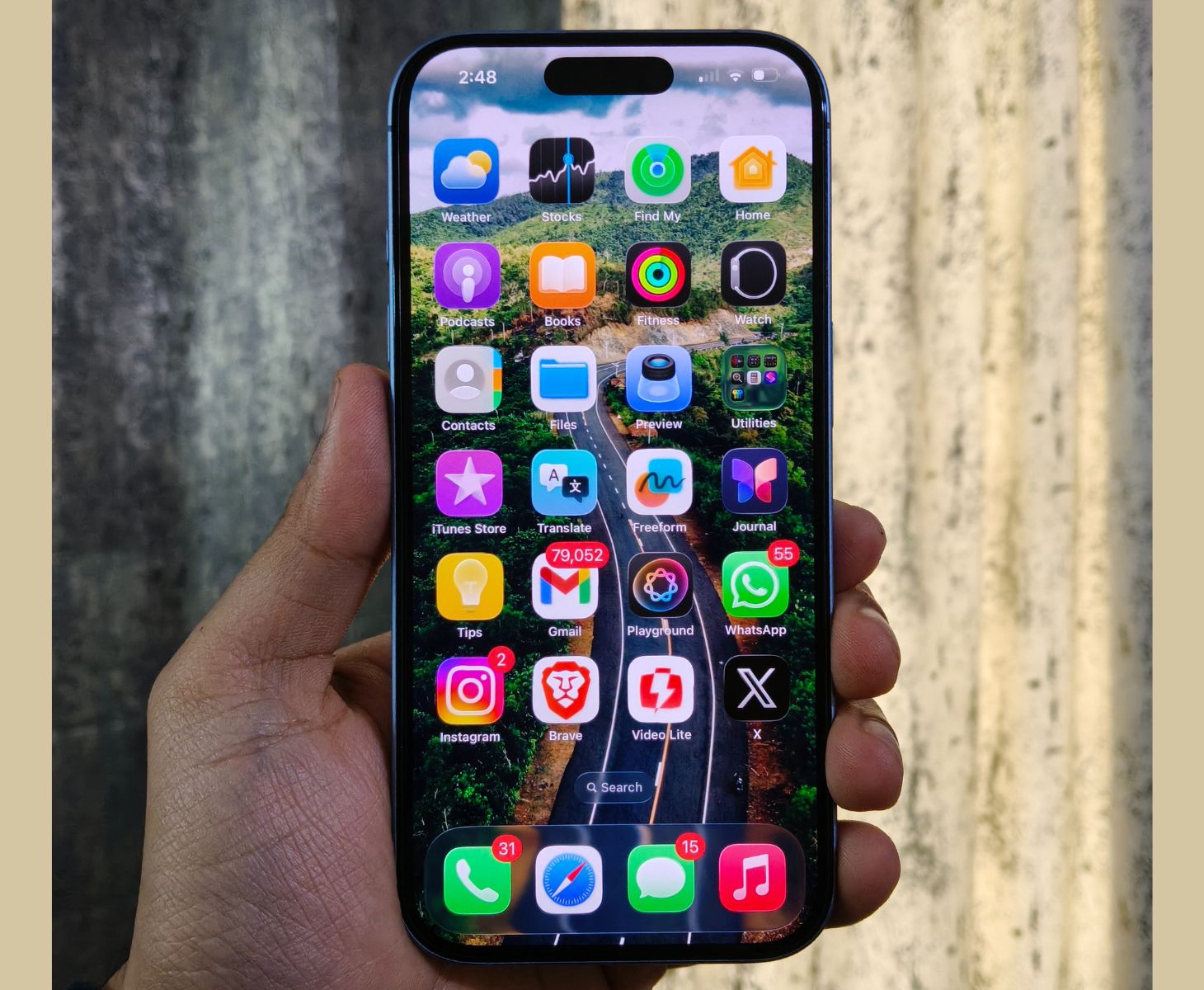
The difference becomes clearer when you use the phone quickly. Rapidly swiping the home screen, quick and consecutive app launches, and repeated gesture-based navigation no longer cause the system to momentarily stall or recompose the UI. The App Library, which was one of the more inconsistent areas on iOS 26.1, now opens and scrolls without the brief pauses that used to break the flow. ProMotion works well most of the time, but refresh rate seems to drop when scrolling quickly in apps like X (formerly Twitter) and Instagram.
Animations themselves feel better paced. Windows open and close with more consistent timing, and UI elements no longer feel like they are finishing their animation a fraction of a second late. This is especially noticeable when multitasking, switching apps in a quick succession, or returning to the home screen after closing a resource-heavy app.
That said, iOS 26.2 is not completely free of issues. Transparency effects, particularly when using clear app icons or heavily layered wallpapers, can still trigger visual inconsistencies. I occasionally noticed reflections behaving oddly, and some wallpapers continue to desaturate slightly when returning to the home screen. Clearing apps from the recent apps view can still introduce a brief lag, especially when doing so repeatedly. These moments are far less common than on iOS 26.1, but they are still present.
Safari is one area where the improvements feel both measurable and consistent. Scrolling through long webpages is smoother and tab switching feels more responsive.
iOS 26.2 battery life, bugs and real-world reliability
In my experience, iOS 26.2 initially shows slightly higher drain shortly after installation. However, as background processes and indexing settle, I expect battery performance to stabilize.
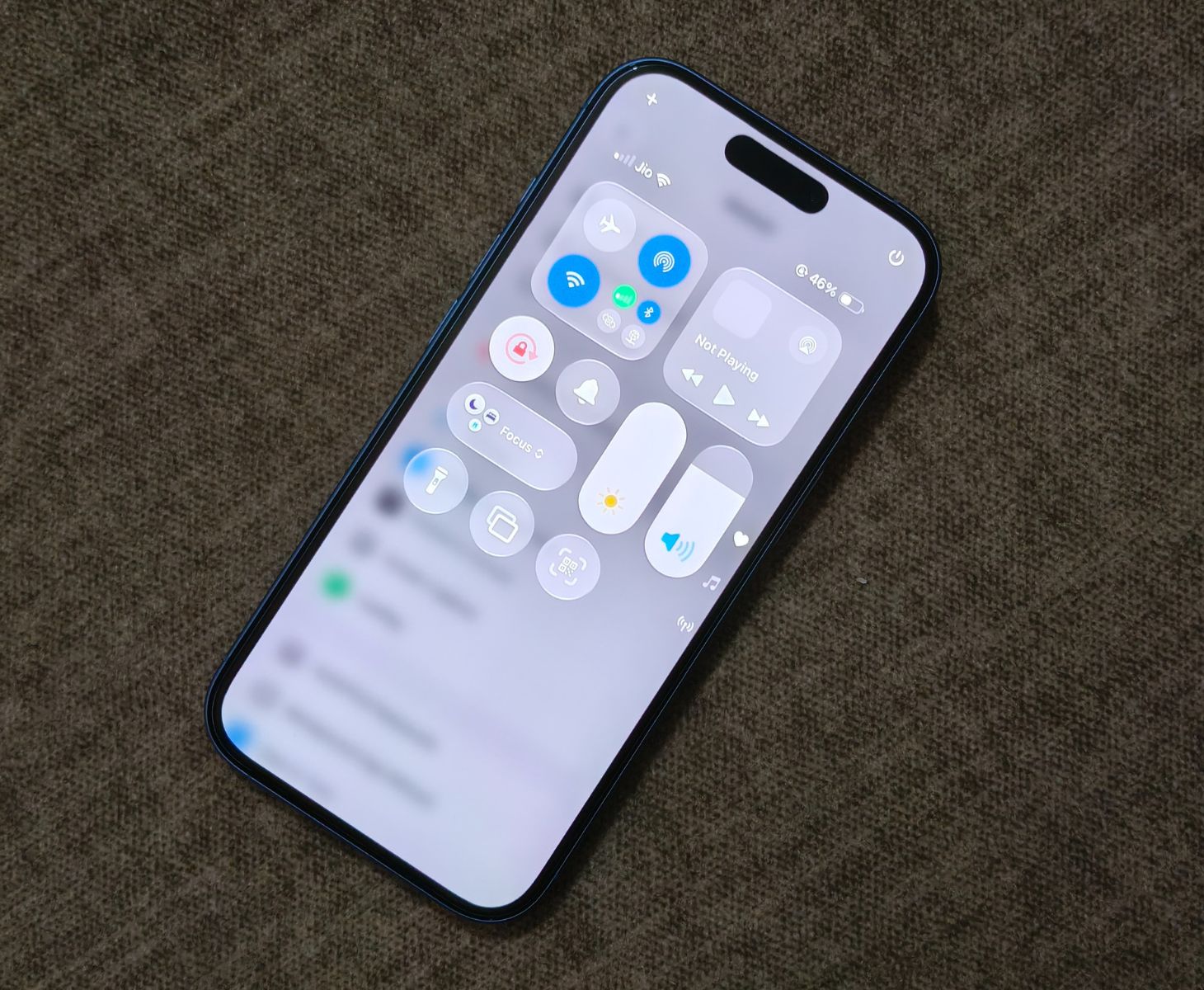
Bugs remain part of the picture. Some users, myself included, have encountered occasional freezes on the home screen or within Settings, usually fixed with a quick lock and unlock. Keyboard behavior is still a weak spot, with sporadic mis-registrations and delayed responses that Apple has yet to fully resolve. I wasn’t able to test CarPlay since my 2020 Suzuki Ignis does not have a modern infotainment system, but online users report that it remains inconsistent as wireless connections still remain unreliable in some vehicles.
On the positive side, several long-standing annoyances have clearly been improved. Widget stutter is largely gone, app switching feels more reliable, and system data storage appears better managed. Even subtle things, like reduced heat during normal use, contribute to a calmer overall experience. iOS 26.2 does not eliminate all frustration, but it significantly reduces how often the system gets in your way.
So, should you install iOS 26.2 or wait?
If you are already on iOS 26 or iOS 26.1, iOS 26.2 is an easy recommendation. It is smoother, more stable, and noticeably more refined.
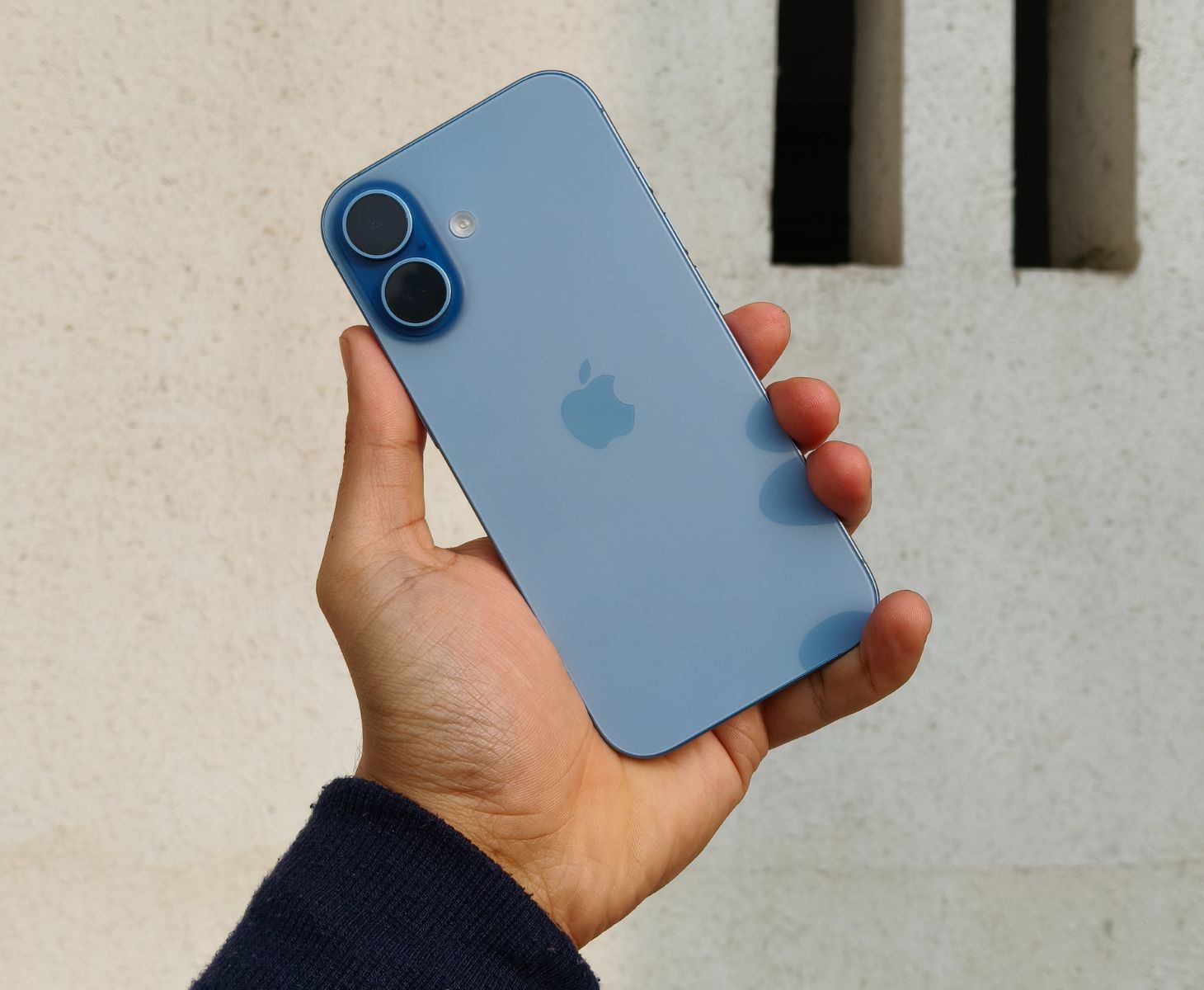
If you are still on iOS 18, the decision is more complicated. iOS 26.2 is clearly better than earlier versions of iOS 26, but it does not yet surpass iOS 18 in terms of absolute reliability and predictability. If stability and battery life are your top priorities, waiting a little longer is still a valid choice.
My takeaway is simple: iOS 26.2 is not perfect, but it is the update that iOS 26 should have been from the start. If Apple continues refining the platform with the same focus on quality, this could finally mark the turning point for the iOS 26 cycle.
Source(s)
 Add as a preferred source on Google


