




We replaced our 12-year old Logitech G602 with the G502 X and we couldn’t be happier
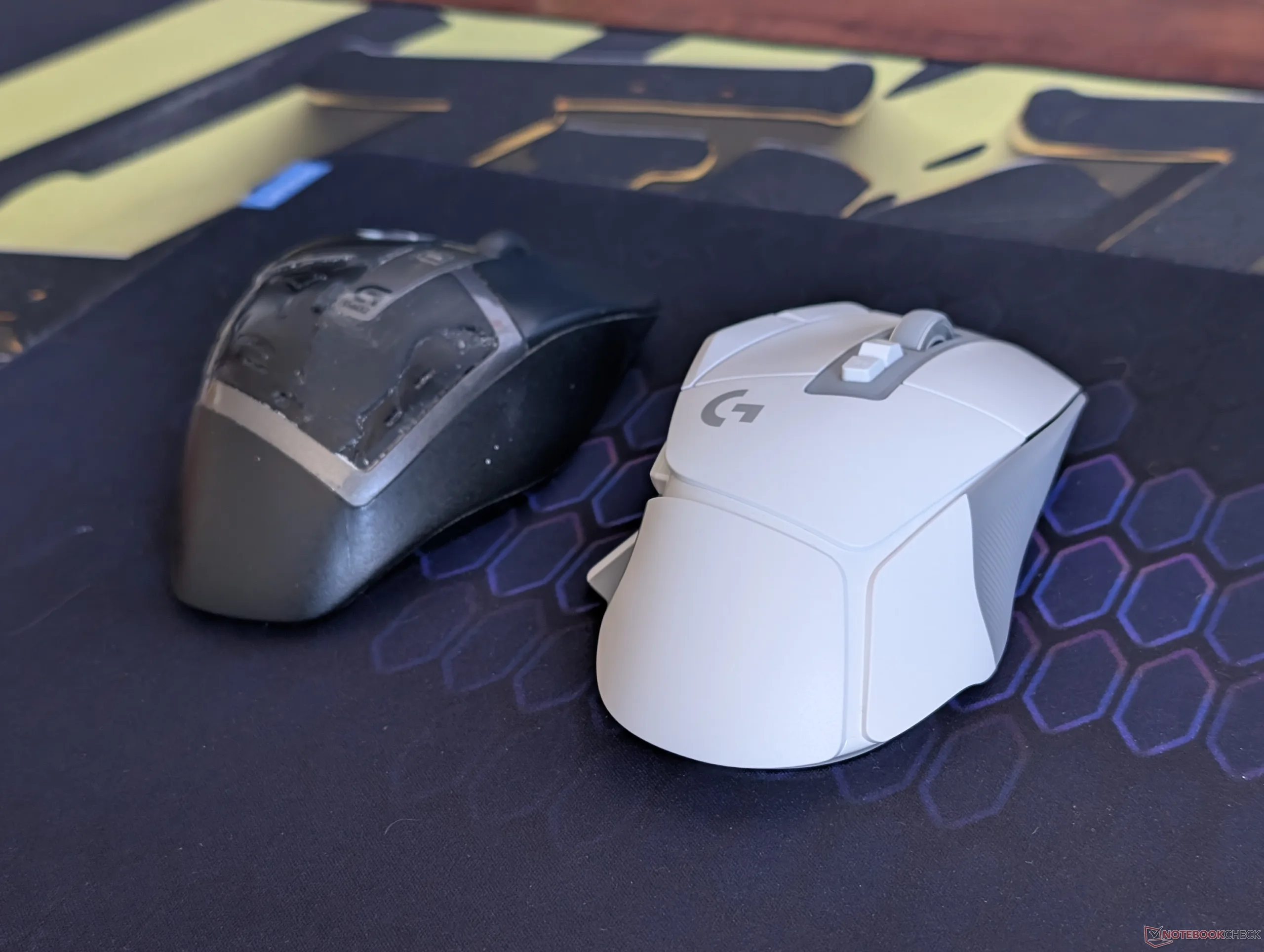
If you’re anything like us, you might take the idiom “use it until the wheels fall off” a bit too literally. Although our original launch Logitech G602 from 2013 is still chugging along just fine, it’s definitely seen better days; the once soft-textured palm rests have begun peeling off to expose the plastic underneath while feedback from the left and right click keys has become spongy and softer over time.
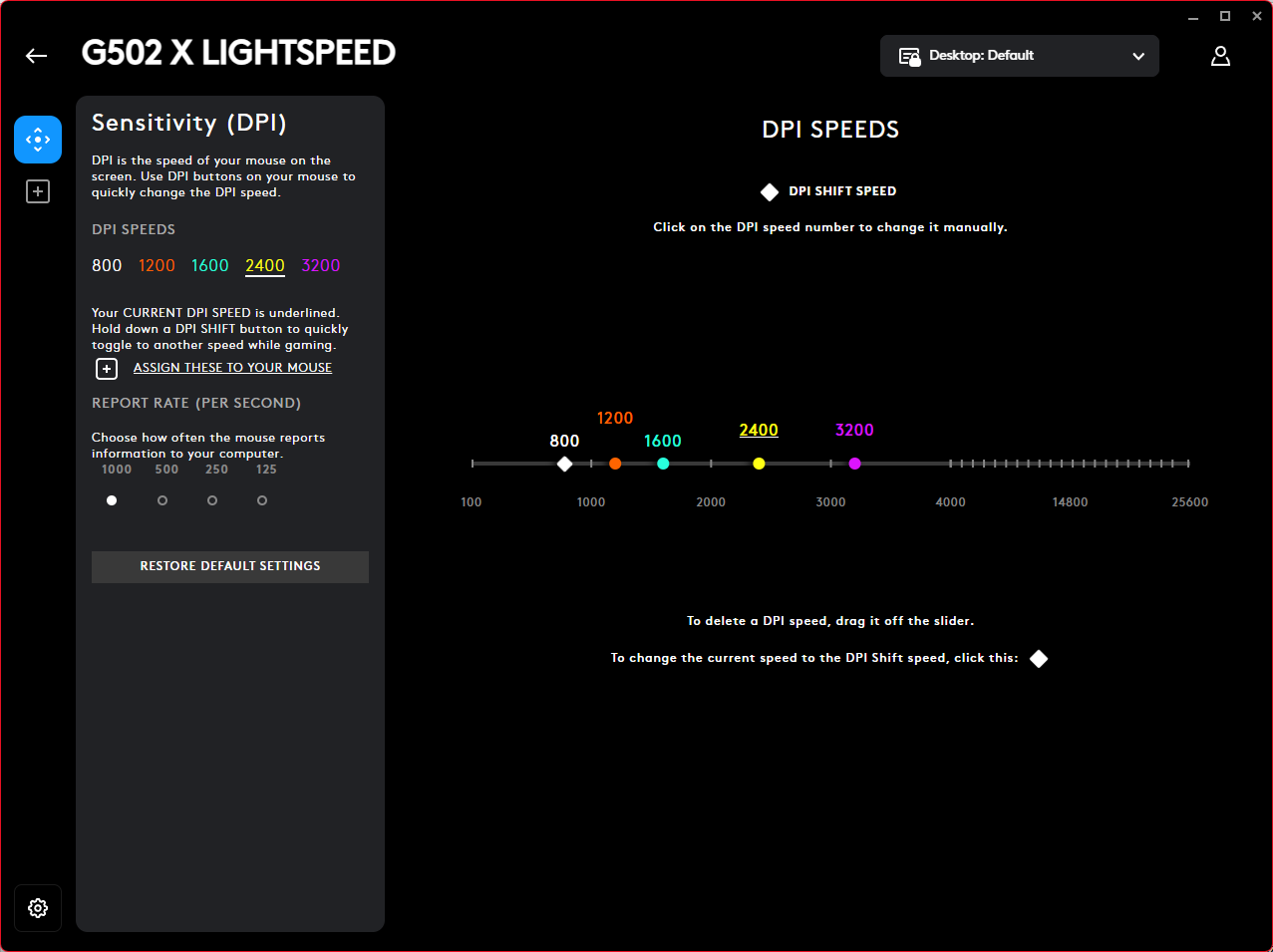
Upon hearing of our mouse misery, Logitech was kind enough to send us the G502 X Lightspeed for our honest opinions and to replace our aging G602. The mouse itself launched back in 2022, but it was updated just last week via firmware to support a maximum tracking resolution of up to 44,000 DPI up from the original resolution of 25,600 DPI. The update applies to both the RGB-less G502 X Lightspeed and RGB-enabled G502 X Plus as these models feature the Hero 25K sensor.
| Pros | Cons |
| + Simple, lightweight design with a familiar grip + Integrated Li-Ion battery w/ USB-C charging + Very high DPI + Up to 5 onboard profiles + Easy to program or customize | - No Bluetooth option - No removable/customizable weights - Wireless charging requires a specialized docking station - Removable DPI Shift button is gimmicky - Left/Right scroll wheel inputs can be unreliable |
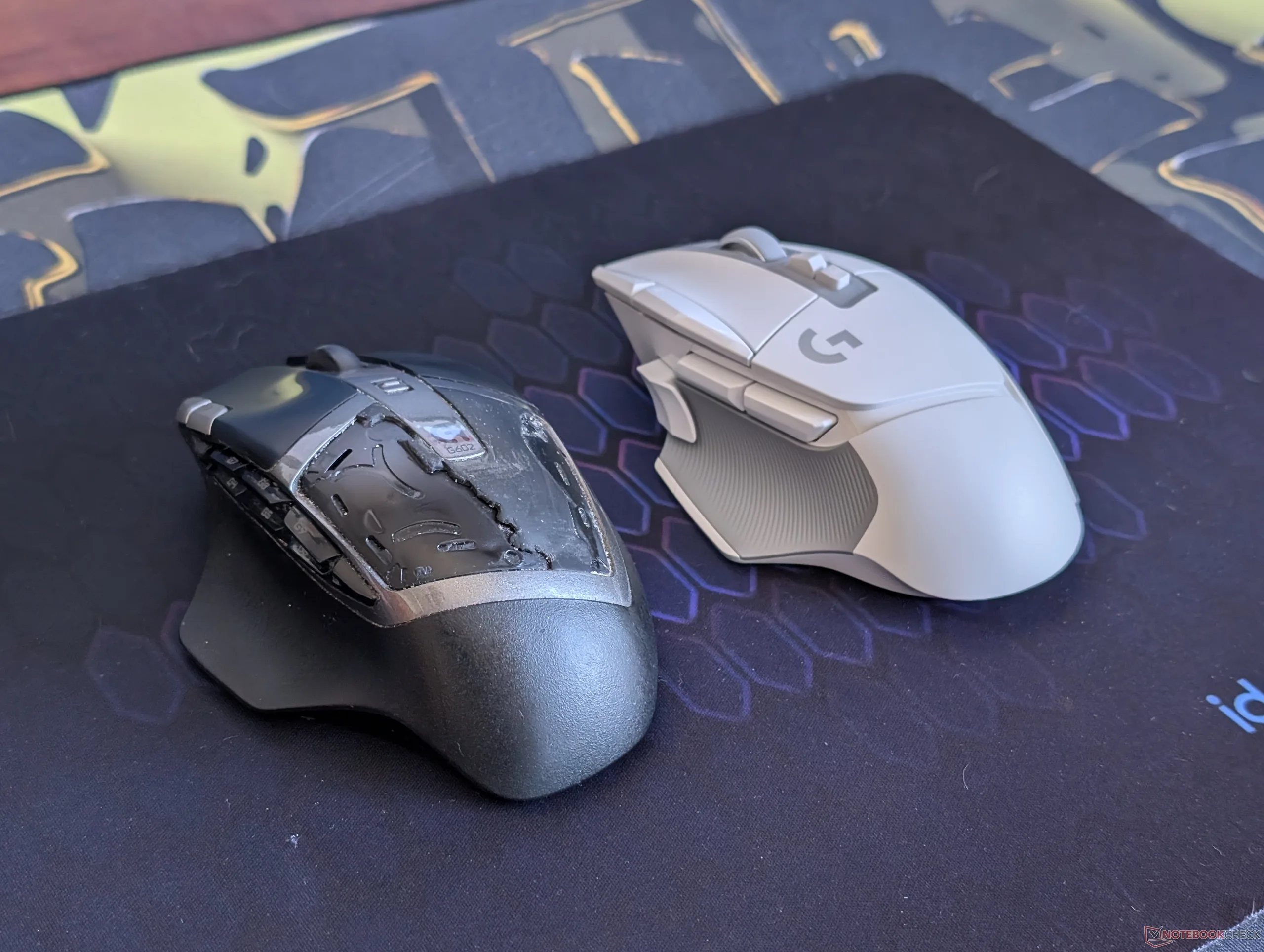
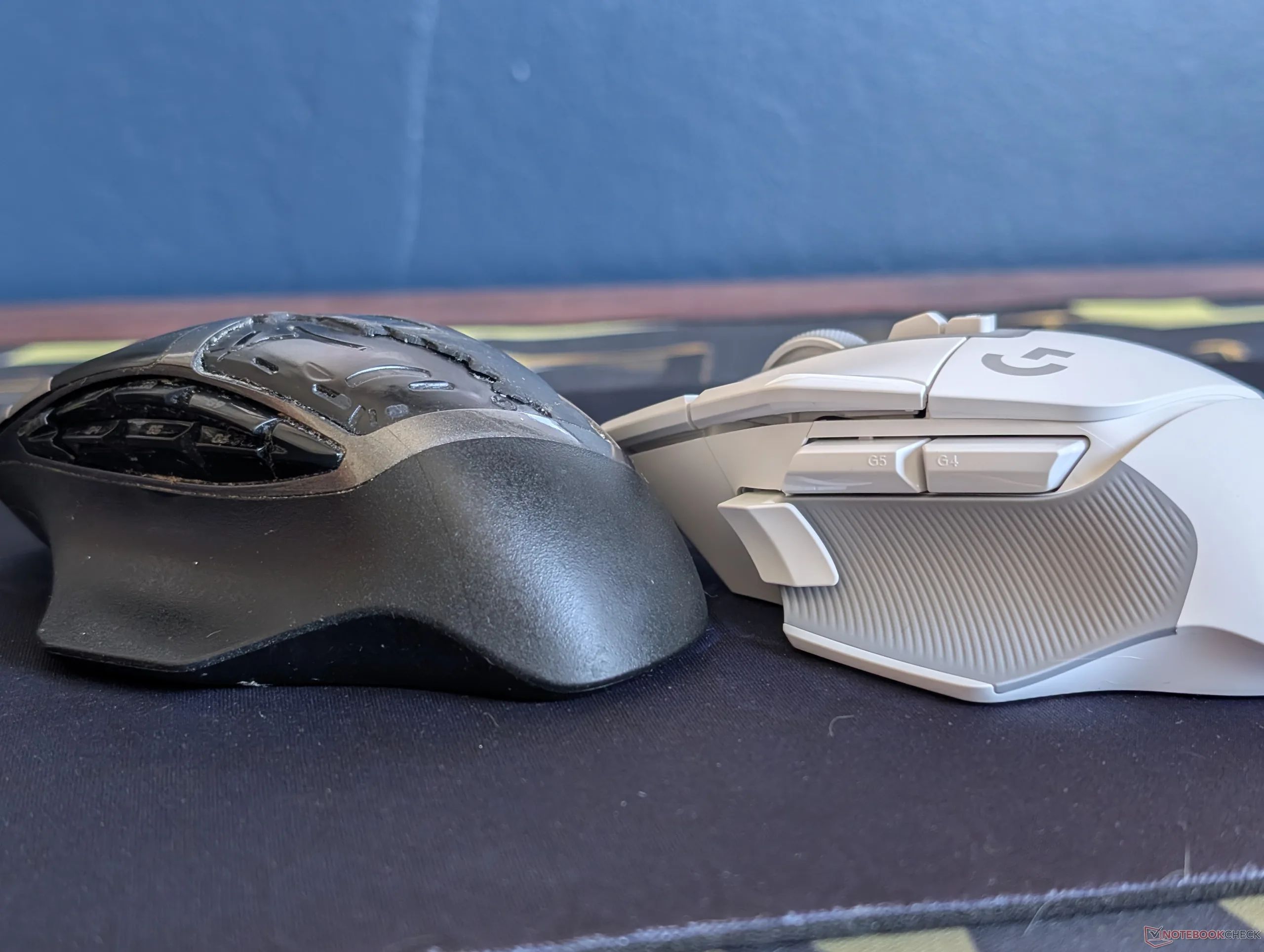
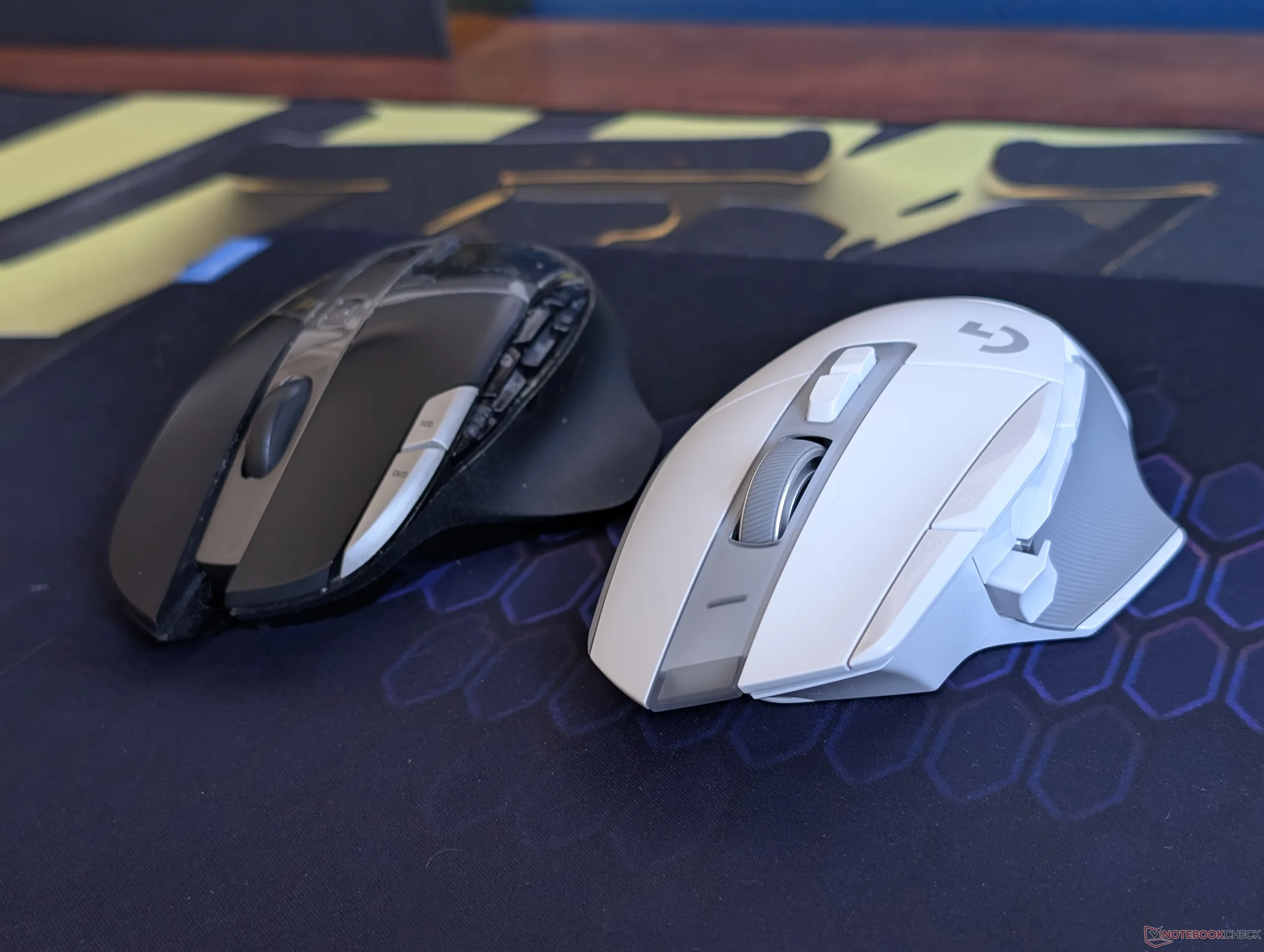
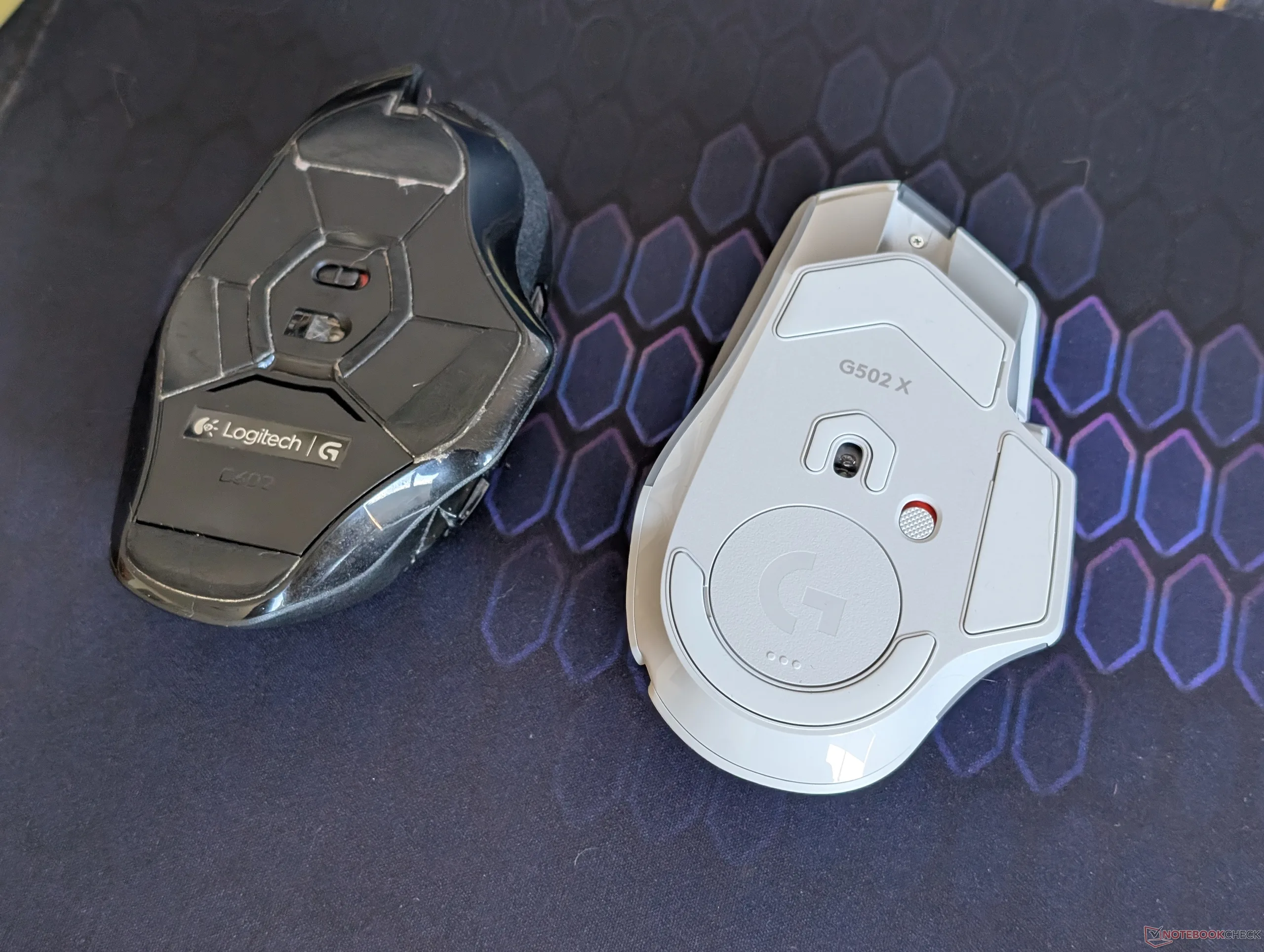
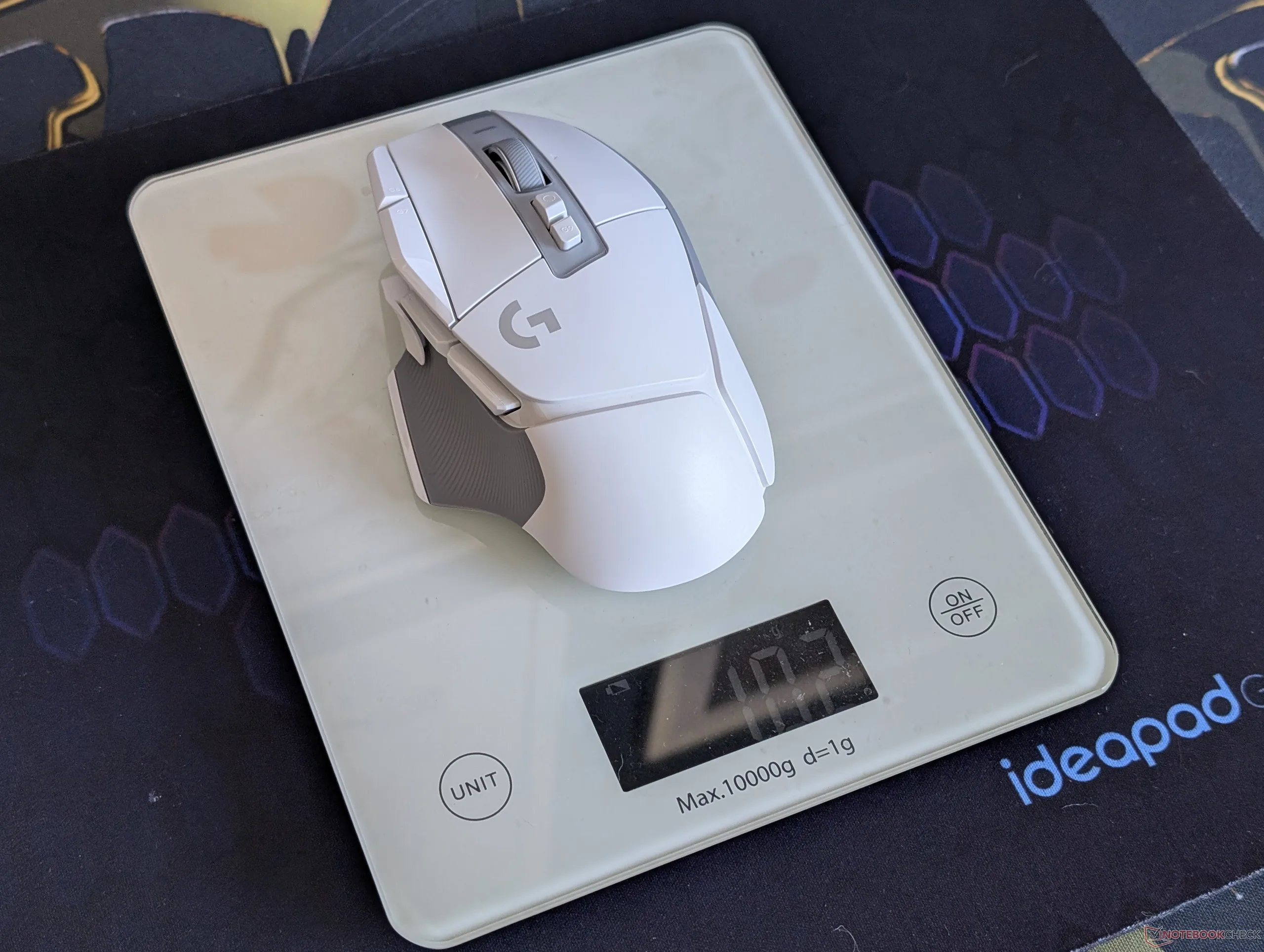
One of the major hurdles when switching to a new mouse is the sudden change in grip, weight, or center of gravity. Despite their wide age differences, transitioning to the G502 X from the G602 feels instantly natural as there are surprisingly only minor changes to their shape. In other words, the G602 X grips almost exactly like its older sibling albeit in a lighter and slightly shorter form factor that’s easier on the wrist.
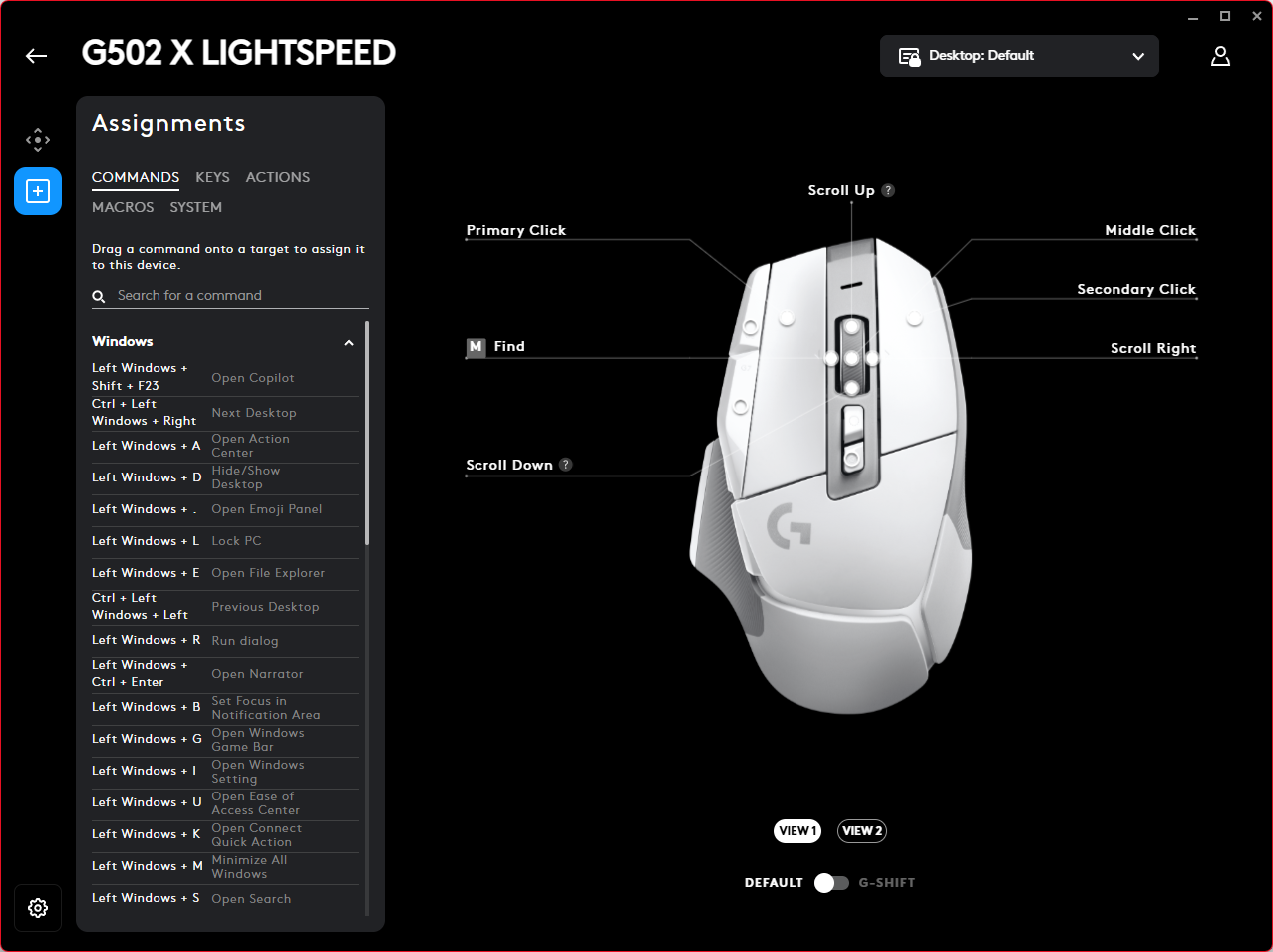
The G Hub software itself has thankfully come a long way in terms of UI and ease-of-use. For example, it does not require an account to access any of the G502 X features and the simple, all-black background makes the software straightforward and free of bloat. Macros and other actions can be assigned to any of the 13 programmable keys all of which can be saved onto the mouse itself at up to 5 different profiles. Thus, users can install G Hub for the initial customization, save their custom profiles onboard the mouse, and then immediately uninstall the software if they so choose.
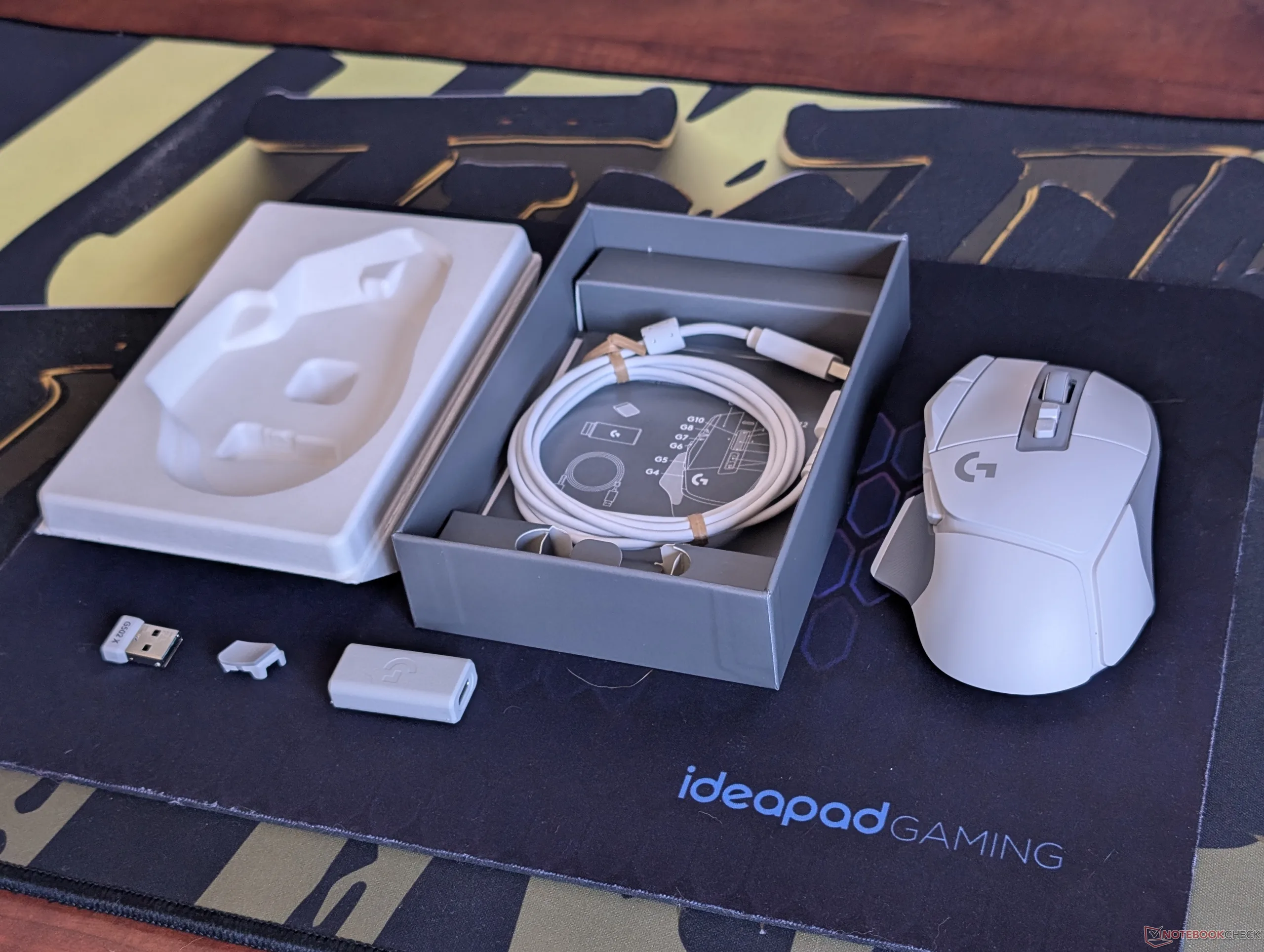
As for some of the downsides, the G502 X lacks Bluetooth and so connectivity relies on the included 2.4 GHz adapter whereas many competing wireless mice offer both 2.4 GHz and Bluetooth options. However, this was likely on purpose to preserve performance as Bluetooth polling rates are generally lower than a dedicated 2.4 GHz receiver.
A direct consequence of the above also means that the Logitech mouse cannot quickly swap between different hosts or PCs. The HP TPA-A001M, for example, can instantly change between up to three different PCs with just the push of a button which can aid in certain usage scenarios.
While the scroll wheel on the G602 can click down, the same wheel on the G502 X has the ability to click left and right as well for even more user customization. This sounds great on paper, but in practice it is difficult press down on the scroll wheel without accidentally tilting it left or right. Perhaps a slightly larger wheel or stiffer resistance between directions could address this particular issue.
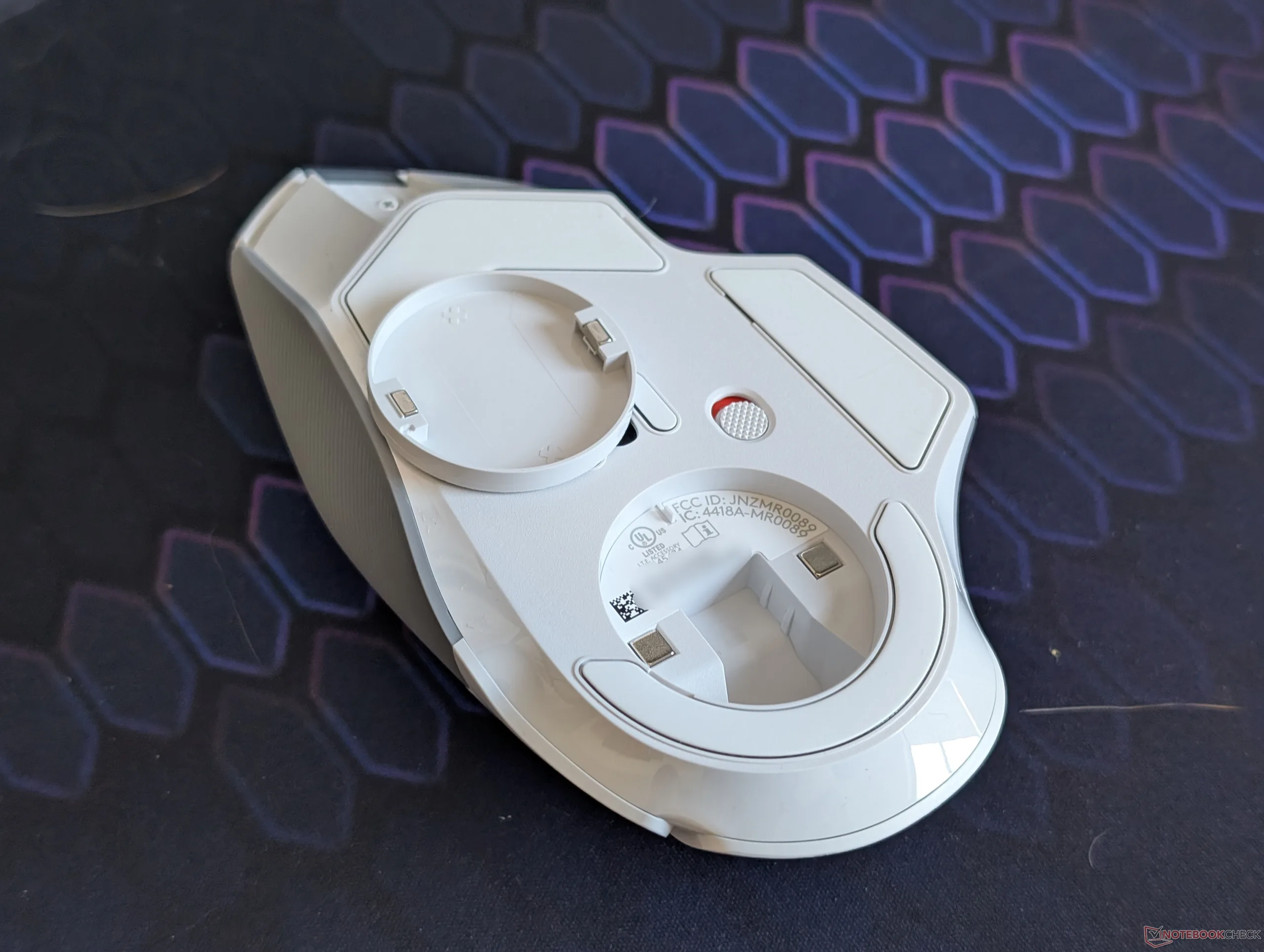
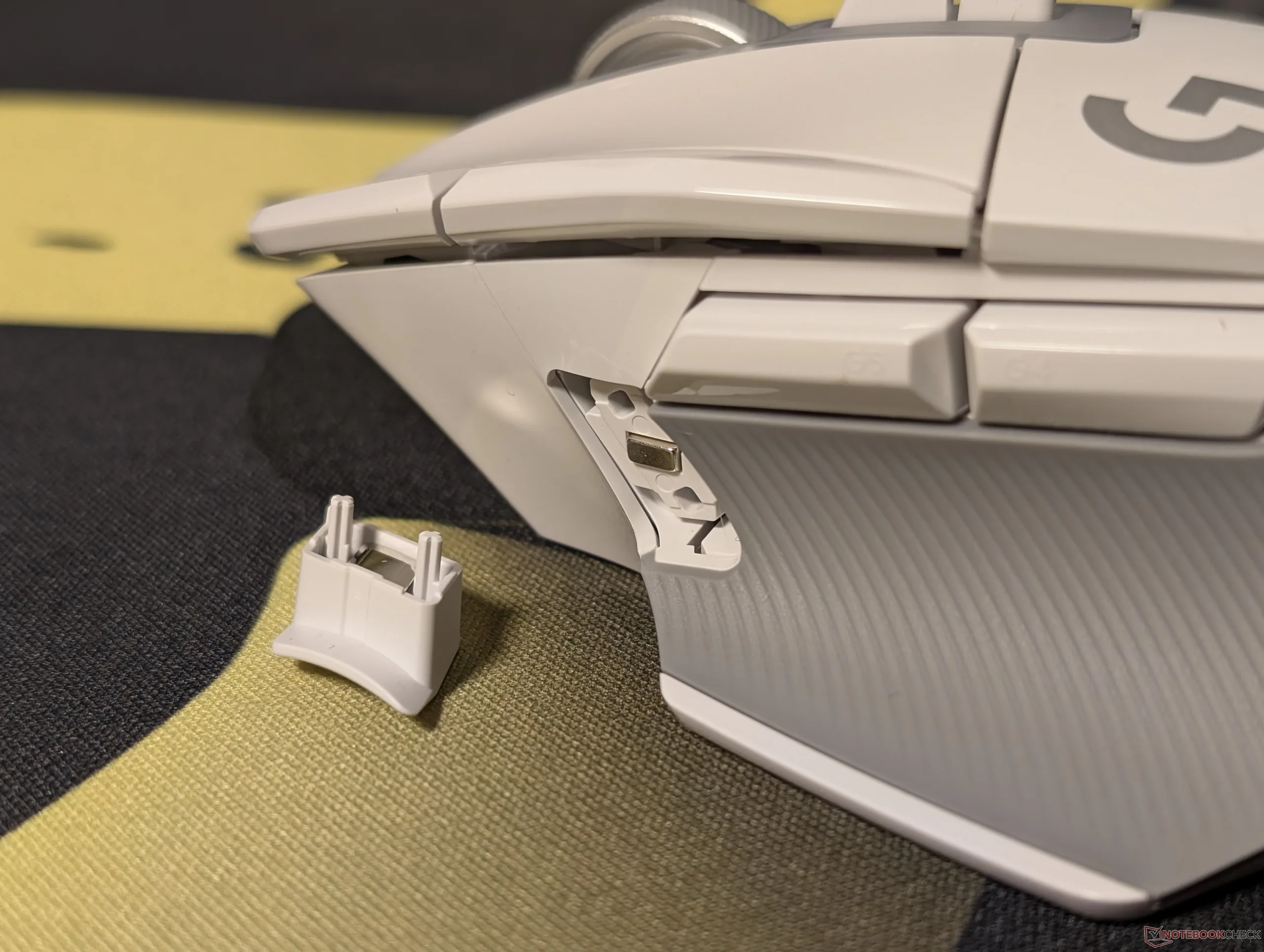
Optional weights would have also been nice considering the $100+ price point and the unused empty space underneath the magnetic cover. Gamers in particular are often picky about the weight of their mice and so the G502 X may feel a little *too* light for certain tastes.
Additionally, we suspect that the textured soft-touch gray portion of the mouse for the thumb will degrade with time and usage much like the soft-touch surfaces of the G502. It looks good for now, of course, but we’ll just have to see when we come back in another 12 years for the next mouse upgrade.
Amazon is currently running a sale on the G502 X Lightspeed for $138 in white or $115 in black to be noticeably cheaper than on the official Logitech store where the same mouse is retailing for $160. The RGB option, called the G502 X Plus, is also available for just a few dollars more at $145.
Disclaimer: Notebookcheck is not responsible for price changes carried out by retailers. The discounted price or deal mentioned in this item was available at the time of writing and may be subject to time restrictions and/or limited unit availability.
 Add as a preferred source on Google


