




TP-Link Tapo DL130 smart lock review: Like using The Force to unlock doors
Convenience and security in a sleek package.
The Tapo DL130 ensures you never have to carry your keys when leaving the house. There are three convenient ways of getting inside, and they work flawlessly.Vineet Washington Published 🇪🇸 🇵🇹 ...
Verdict - Secure, swift, and smart door lock, but without a camera
Tapo has a video doorbell segment and a smart door lock segment, but it's surprising that the company wouldn’t add a camera to its flagship door lock. That said, for those who already have a video doorbell, the DL130 can be a great addition. It is BHMA Grade 2 certified, so it’s tougher than your standard door lock and more convenient. You can leave the house without worrying about keys and get back in by just raising your palm. PIN code and fingerprint are additional ways of entry, making the DL130 a solid upgrade for your main door.
Pros
Cons
Price and availability
The TP-Link Tapo DL130 smart lock is priced at $230 and is available via the official store and Amazon.

Specifications
| BHMA | Grade 2 |
| Battery life | 1 year |
| Doorbell | Yes |
| Camera | No |
| Smart features | App control, voice control, palm vein recognition, fingerprint |
| Durability | IP65 (exterior assembly) |
| Compatibility | Single cylinder deadbolts |
| App | Tapo |
Unboxing
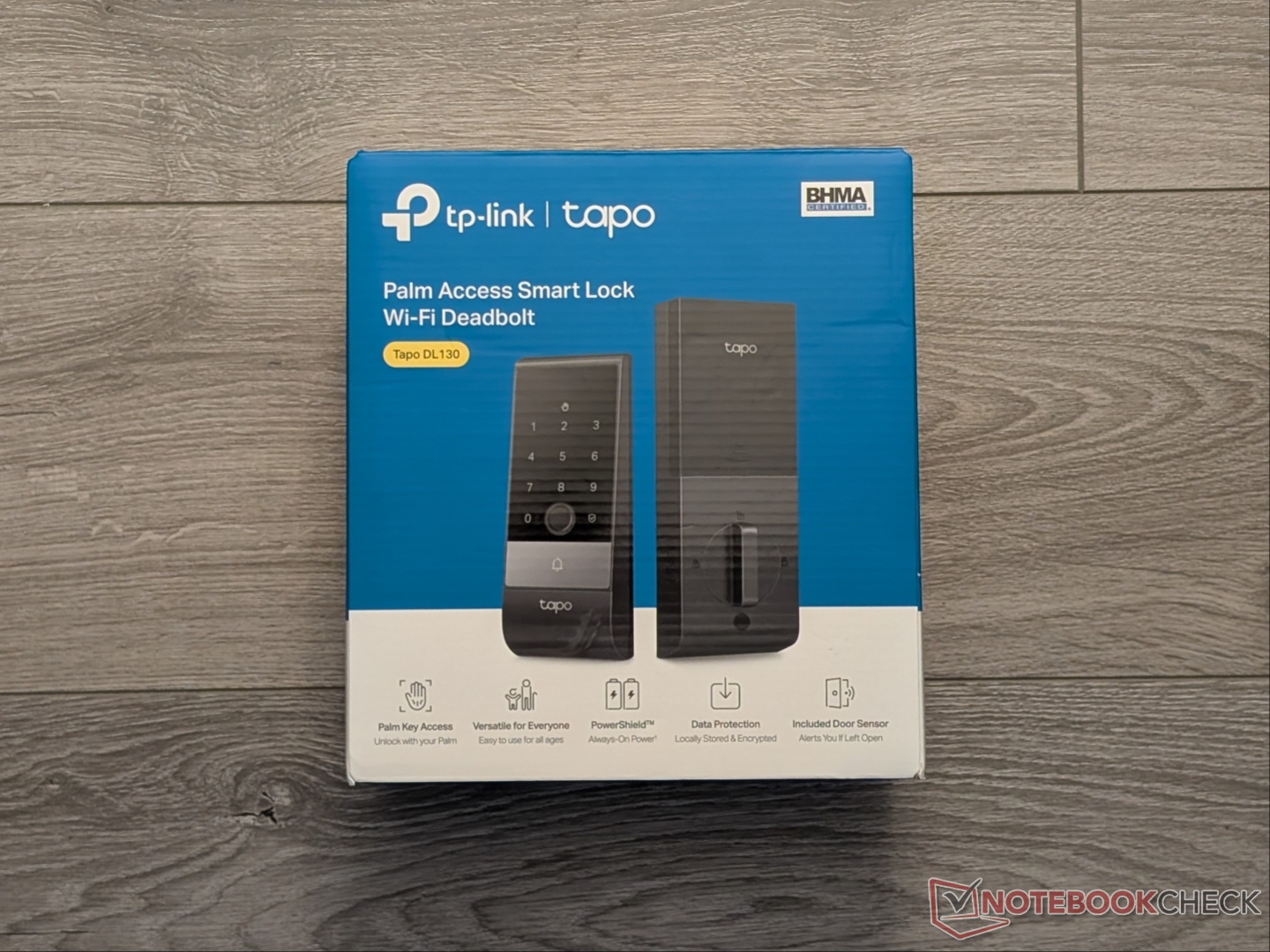
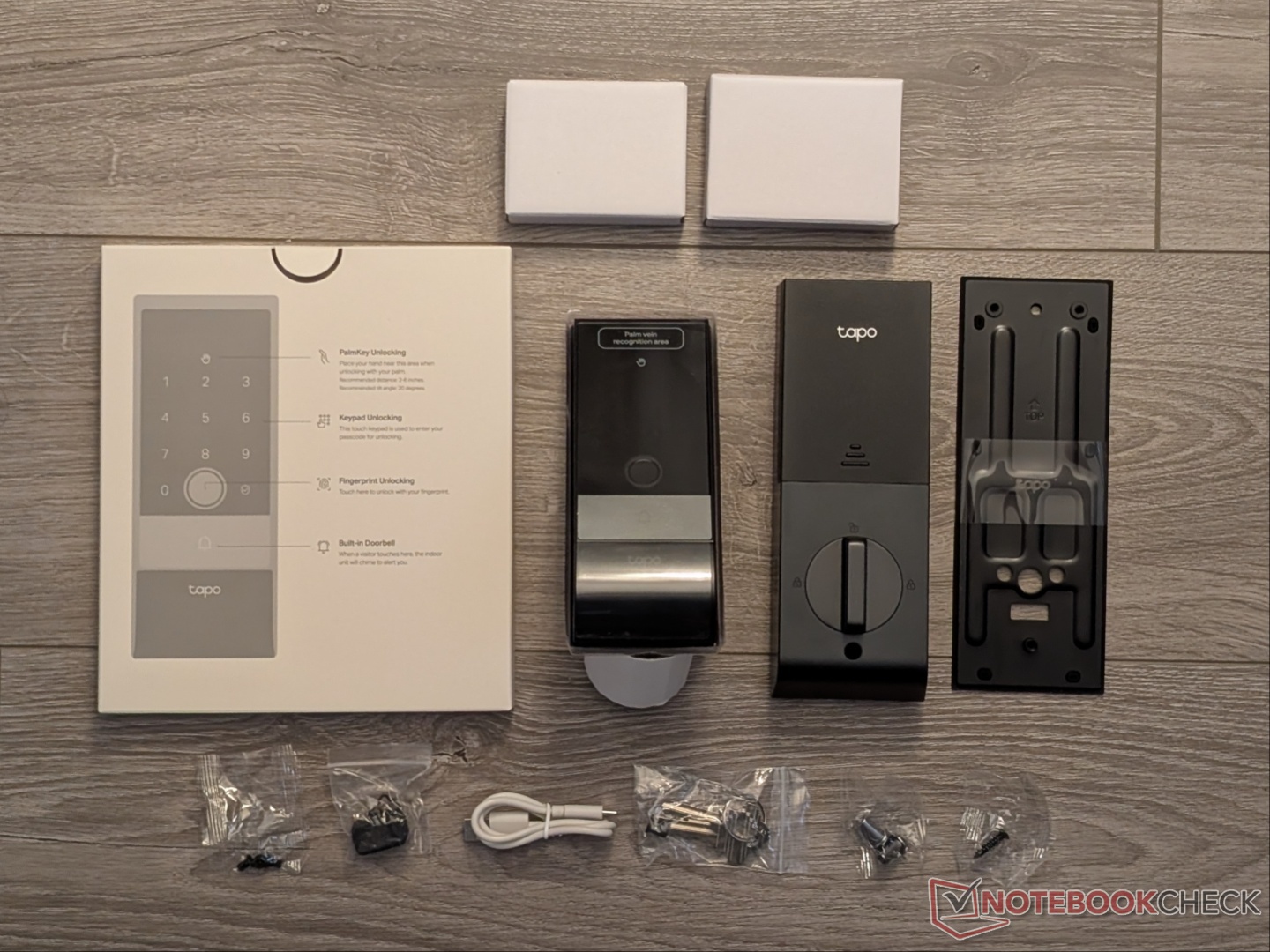
Everything that you’d need for installation, except a screwdriver, is included in the box. You get two physical keys and various stickers to help align the lock. There is also a door sensor that needs to be aligned with the interior assembly for it to report the door open/close status to the app.
Design
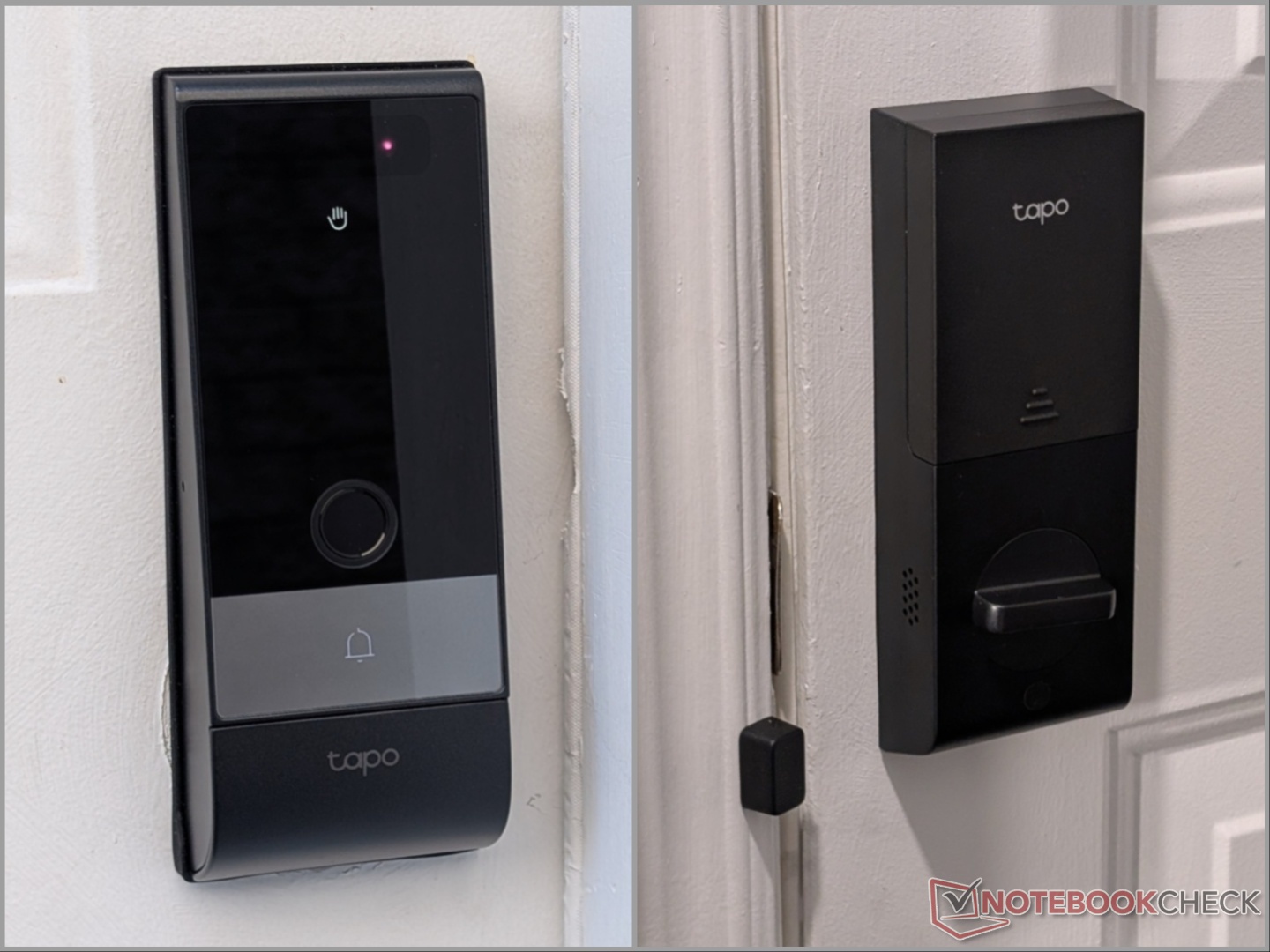
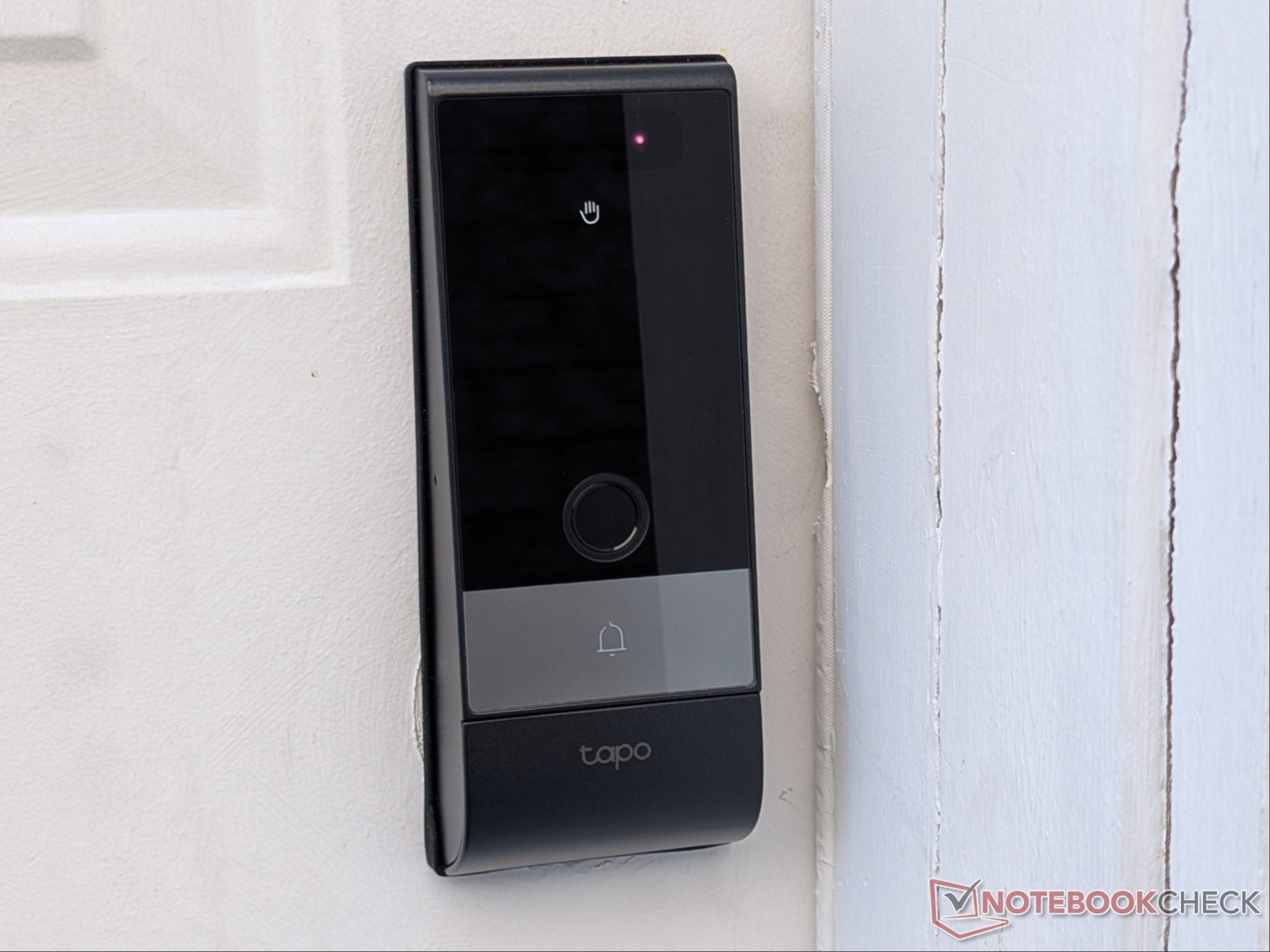
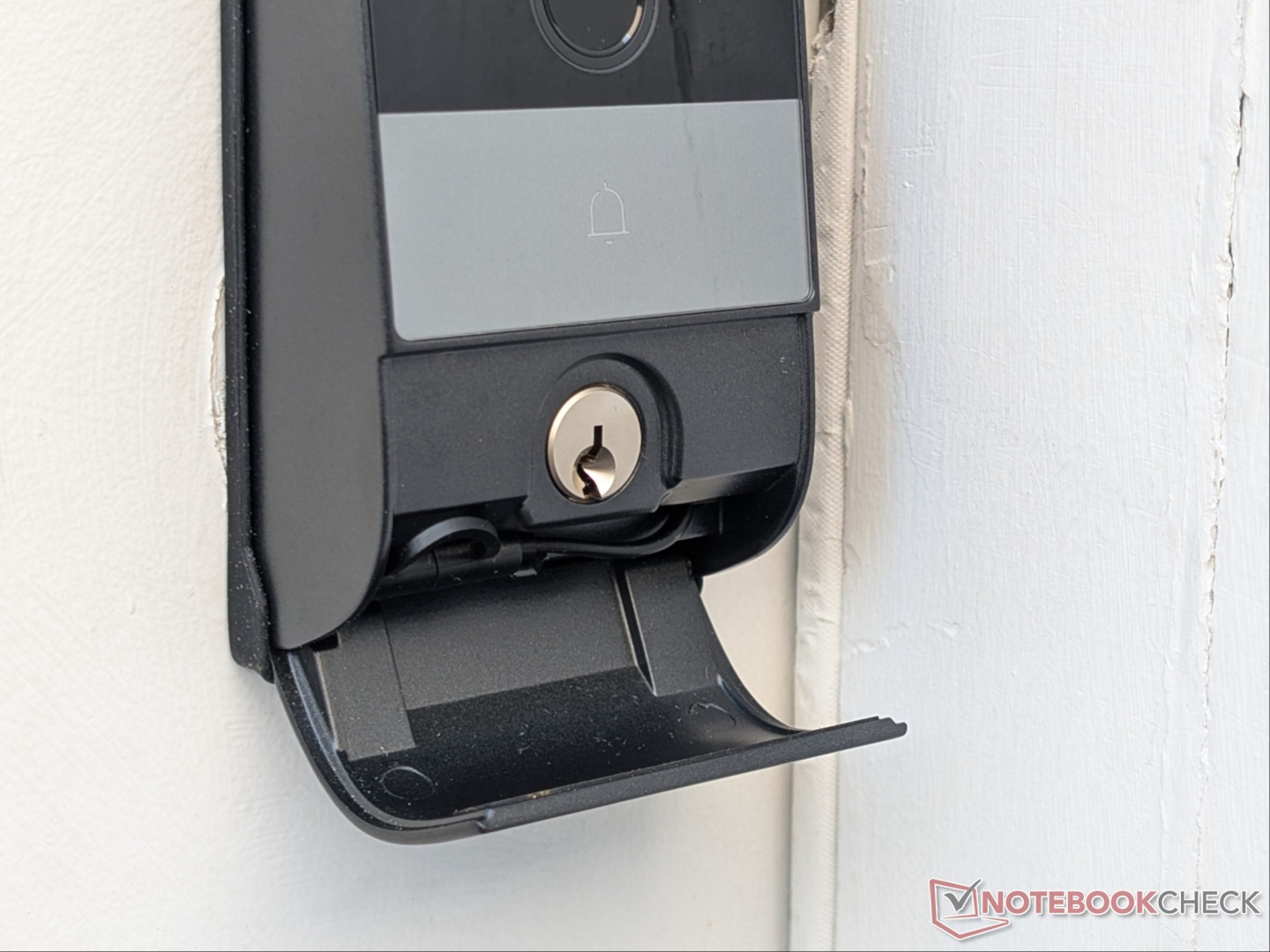
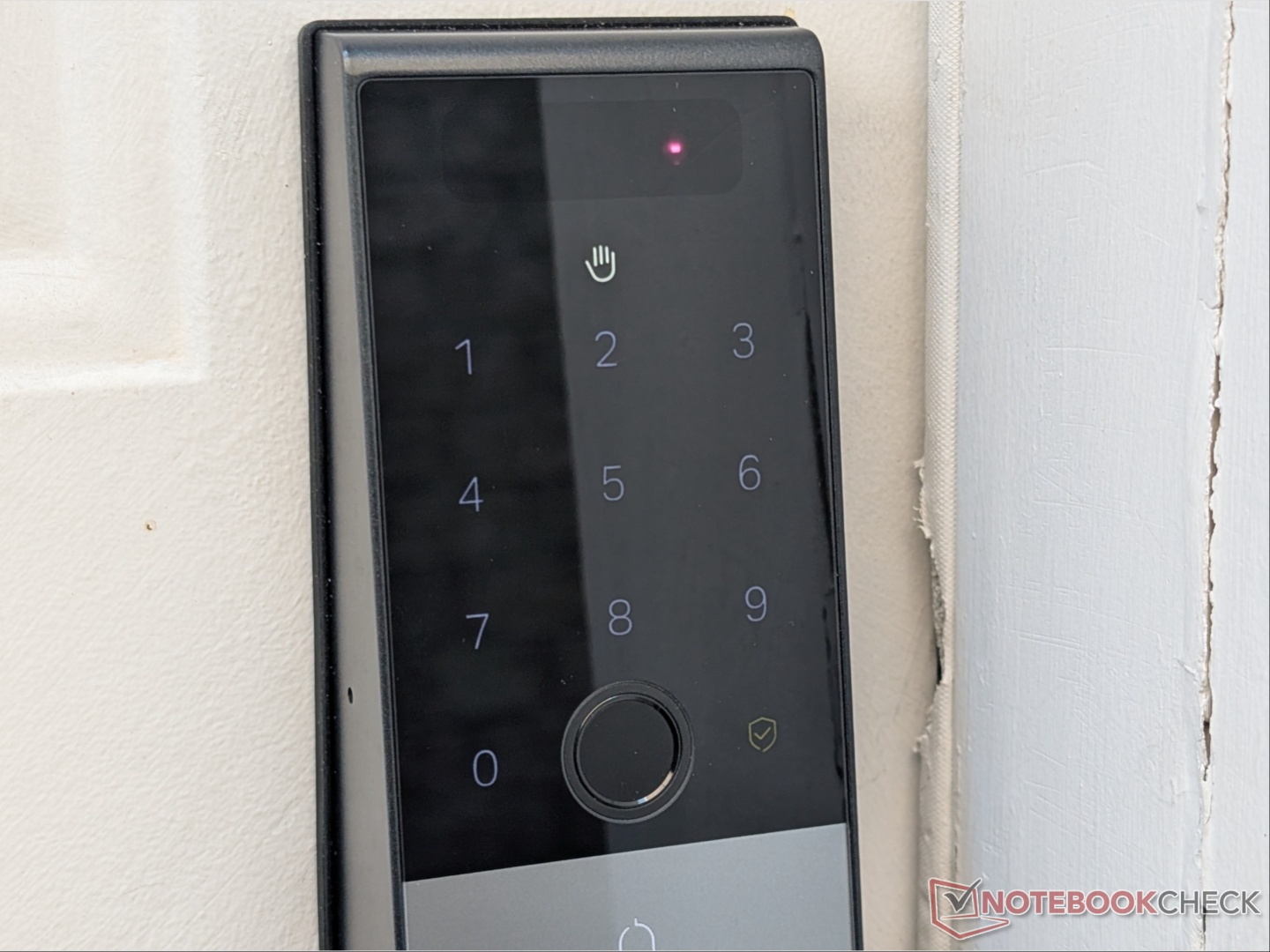
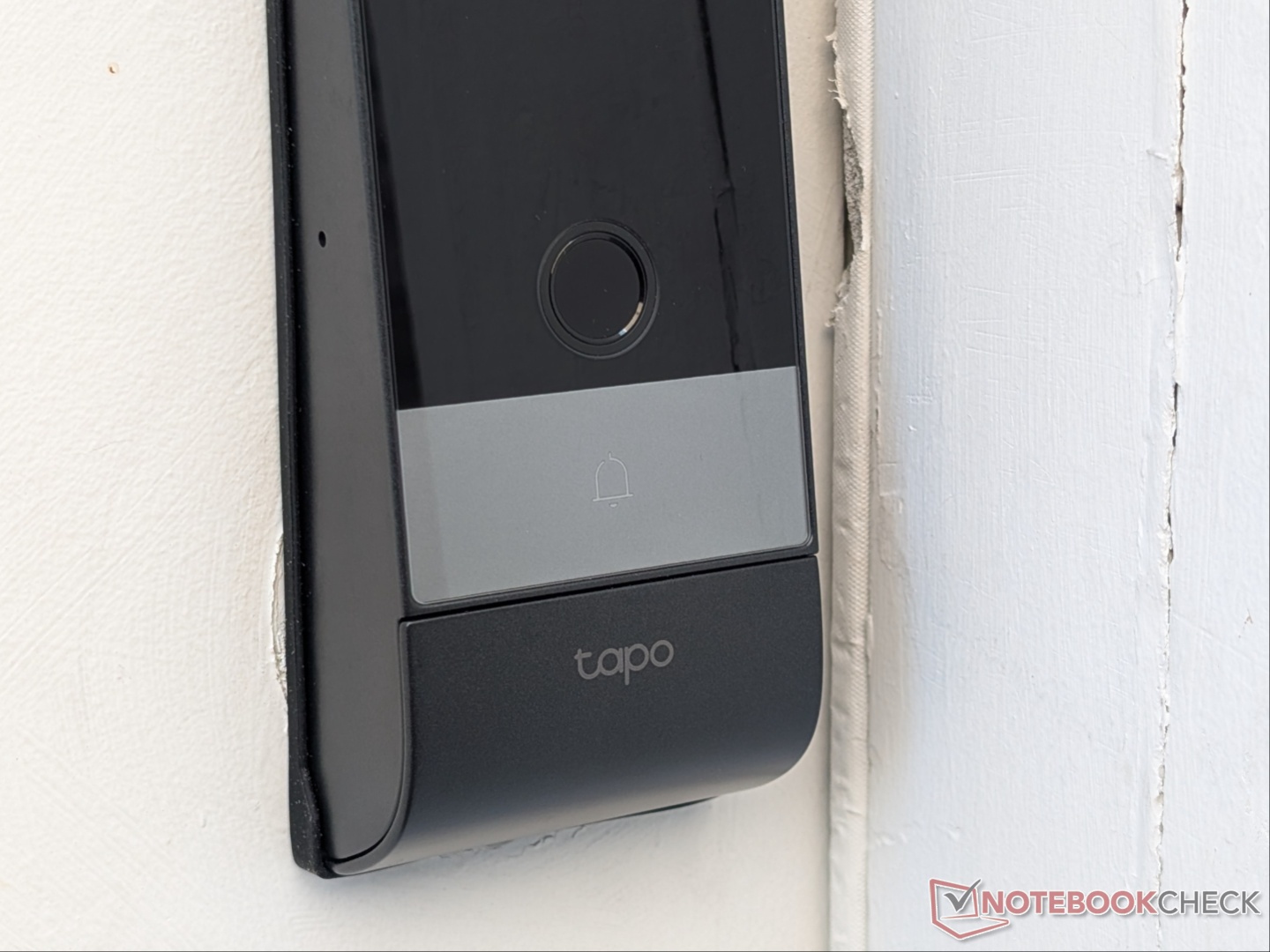
The Tapo DL130 is the flagship offering with a clean and modern look. There is an exterior keypad + fingerprint + bell + physical key assembly and an interior lock assembly. Starting with the exterior, the palm vein sensor is located above the keypad, and a corresponding logo lights up when it’s being used. Similarly, the touch-based keypad lights up when tapped. There is a small touch-based lock button to manually lock the door. Integrated within the keypad is the fingerprint sensor, and below that is the bell, followed by the hidden physical key compartment. A flip-open panel hides where you would insert the key for added security. There is also a USB-C cable inside the panel for recharging the smart lock in case the battery runs out.
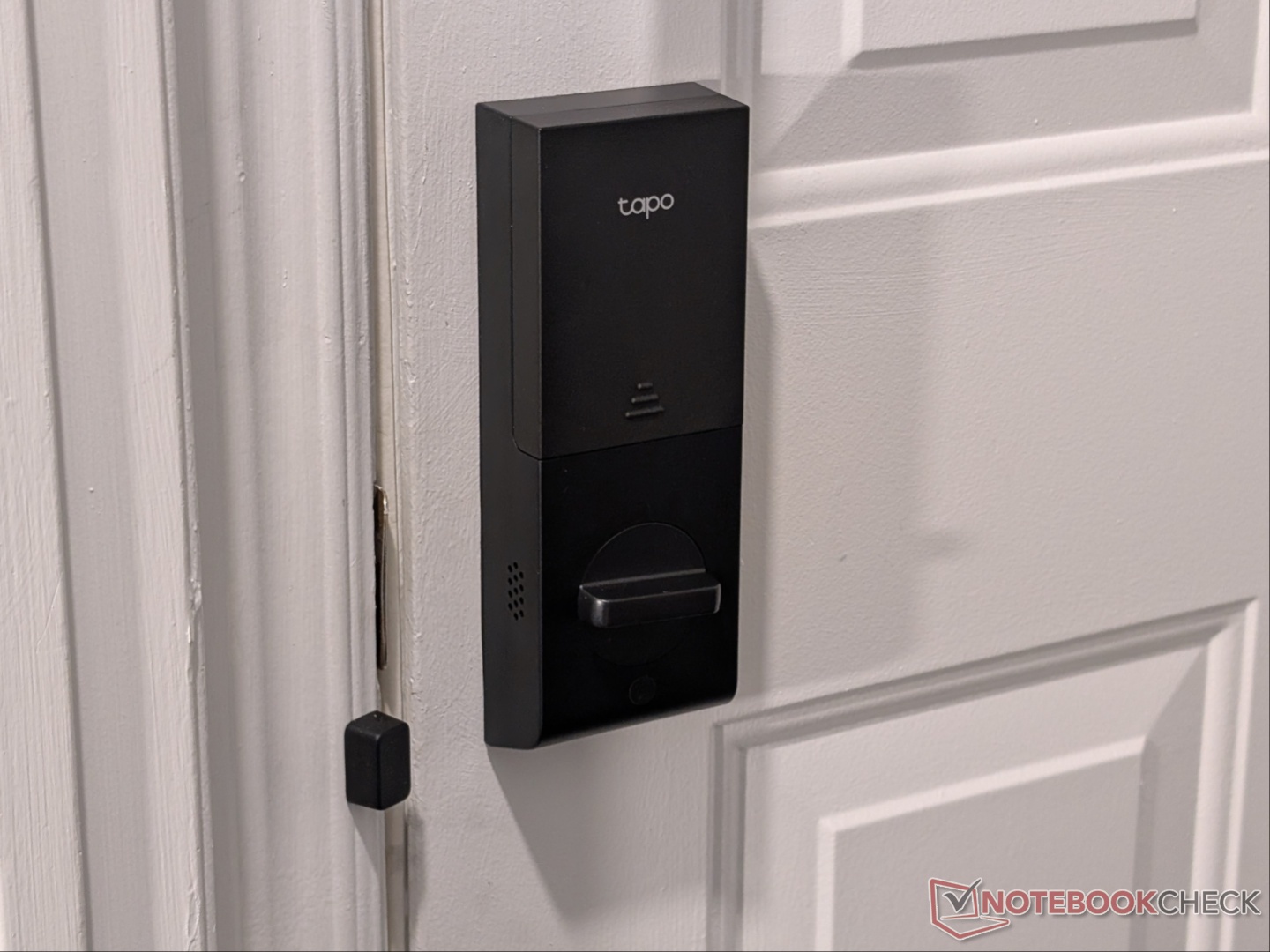
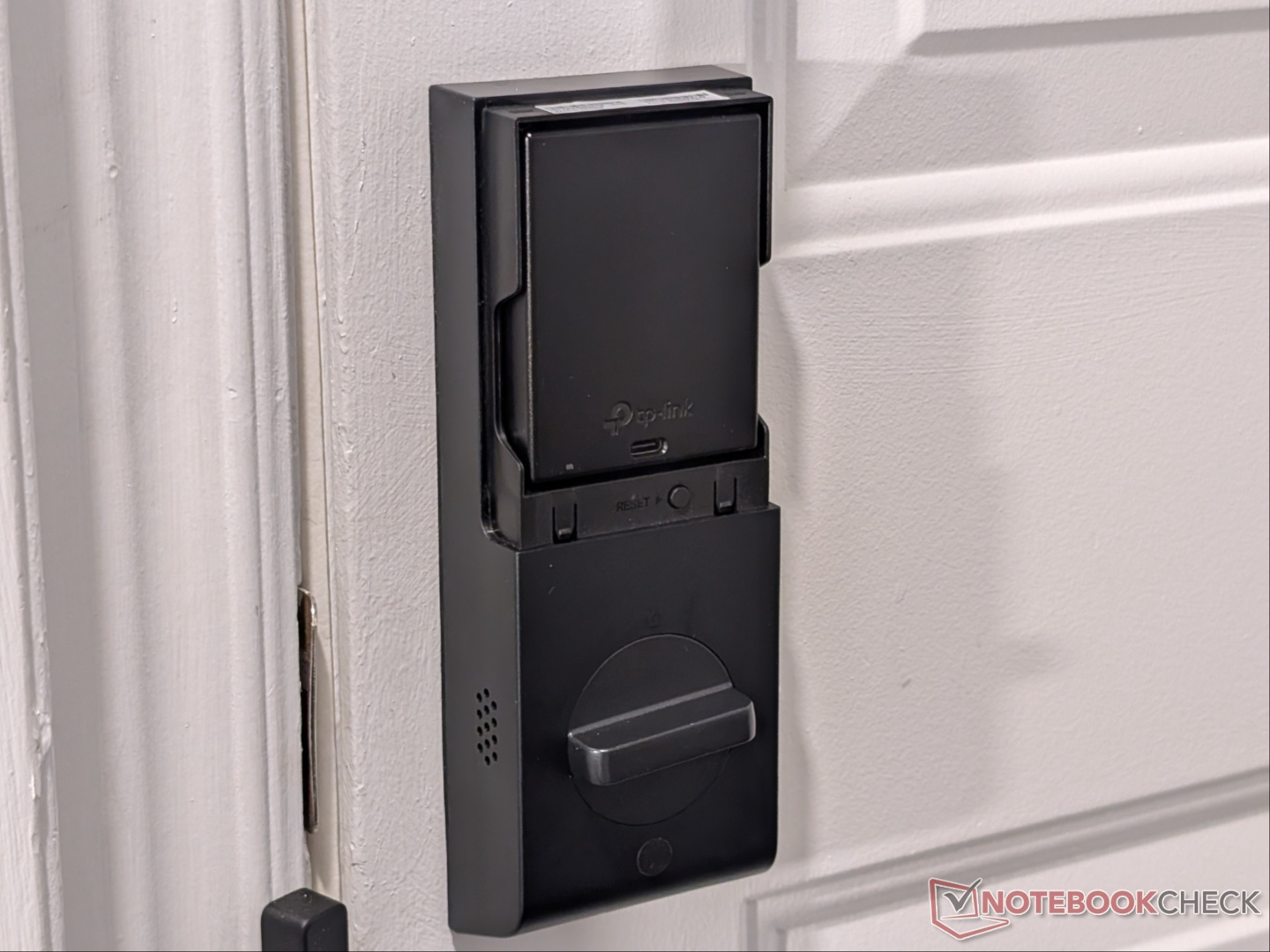
The interior assembly is where the rechargeable battery is located, as well as the physical twist lock. There are speakers on this side that notify you when the door is locked/unlocked or when there’s an alarm.
Installation
Installation is fairly straightforward thanks to the easy-to-follow instructions. Everything you need is included in the retail box, and in my case, I was able to reuse some of the existing hardware. The instruction manual states the DL130 is only compatible with single-cylinder deadbolts if you want to simply replace the existing lock. I had to get a separate handle since the door originally had a lever handle lock combo, and simply replacing it with the DL130 would have left me without a handle to push/pull the door.
Once the compatibility was confirmed, installation was simple enough thanks to the alignment stickers and step-by-step instructions. It is recommended to charge the battery fully before installation, but you can install it without the pull-out battery thanks to the internal backup battery. The whole process took about 20 to 25 minutes, including setting up the app.
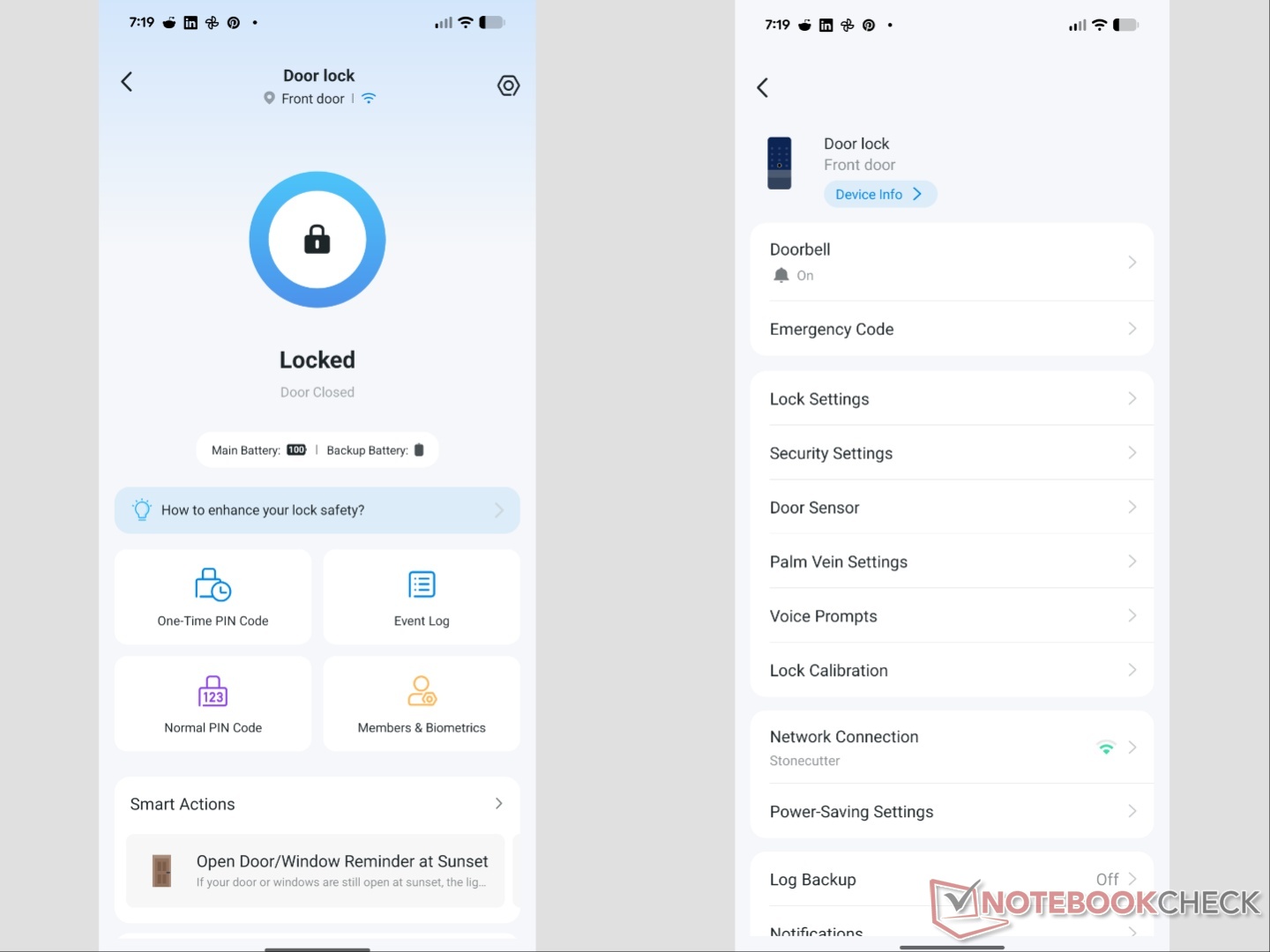
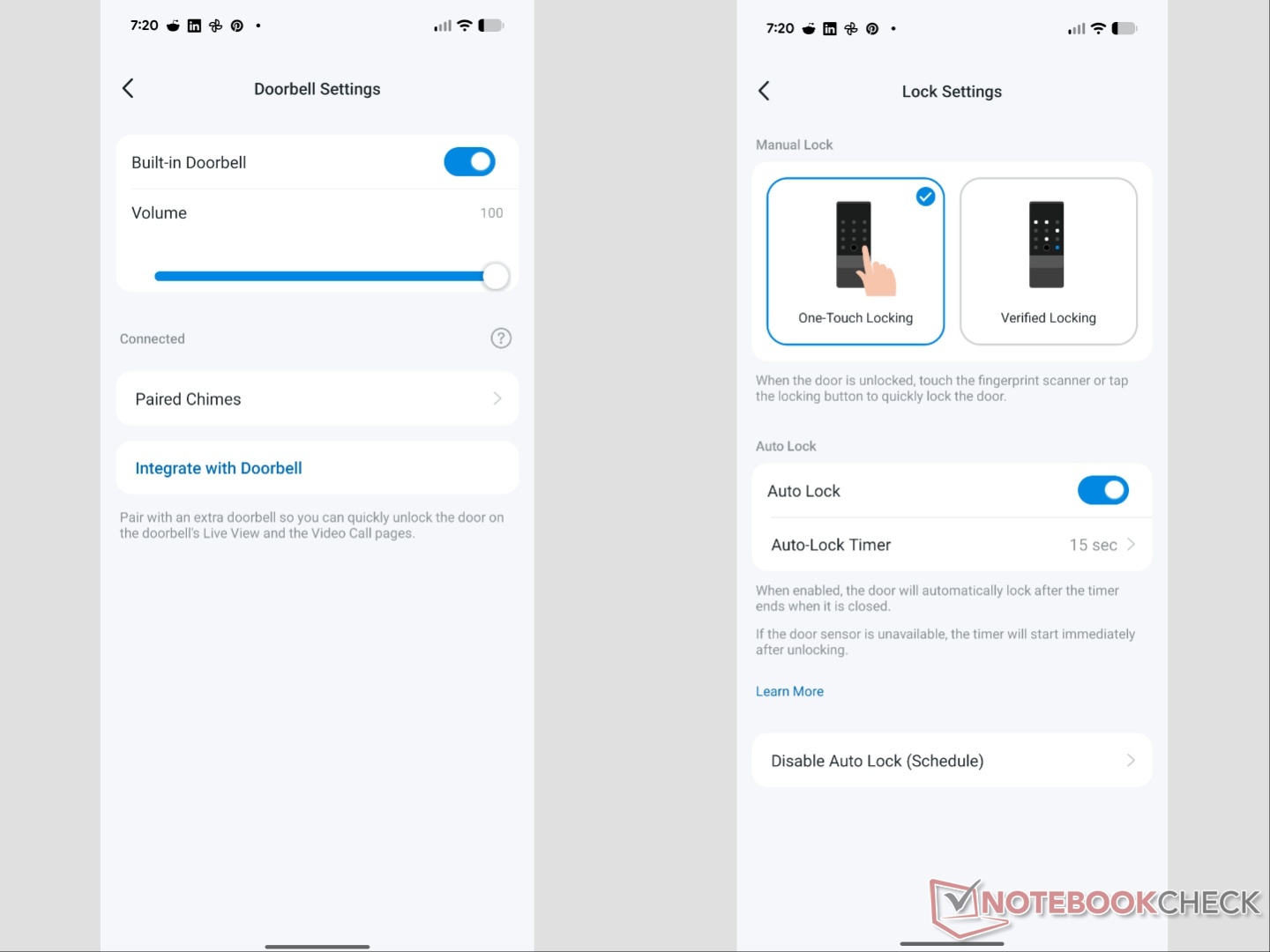
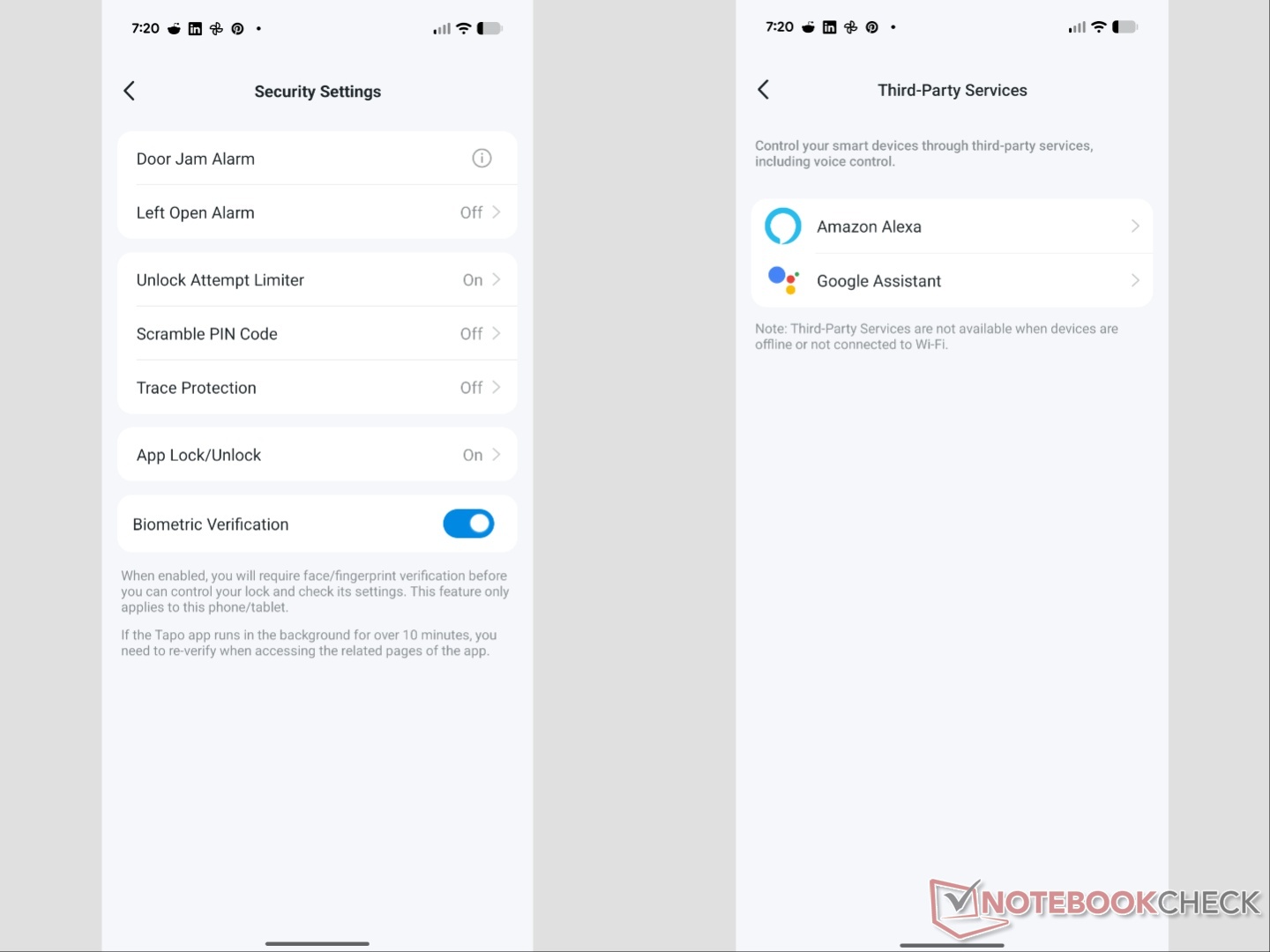
Speaking of the app, Tapo is where you can customize the various security features, as well as check battery levels. Alexa and Google Assistant integration is handled through the app as well.
Security features and performance
The hardware is Builders Hardware Manufacturers Association (BHMA) Grade 2 certified, which is not the highest grade (Grade 1), but it is a leg above basic security. There are six ways in which the DL130 can be unlocked:
• Palm vein recognition
• Fingerprint
• Passcode
• Voice
• App
• Physical key
Palm recognition is the easiest, as all you have to do is raise your palm up to the sensor that uses near-infrared (NIR) light to scan the unique vein pattern, and within a couple of seconds, the door unlocks. After using it for a month before compiling this review, I encountered just one instance where it didn’t start palm recognition after sensing my hand. But it worked just fine on the second attempt. The fingerprint sensor works perfectly, and so does the keypad. You can also use the keypad with gloves on. A one-time code and an emergency code can be set up as well.
As for battery life, both the main battery and the backup battery are still at 100% after over a month despite not having W-Fi scheduling (power-saving setting) enabled.
Along with the standard security features like auto-locking, door open alarm, and app control/monitoring, Tapo has also included Scramble PIN Code and Trace Protection features. With the former, you have to disguise your actual PIN code amongst random numbers to prevent onlookers from identifying it. If you don’t have the Scramble PIN Code feature enabled, it unlocks as soon as you press the last number of the code. With the Scramble PIN Code enabled, you need to manually tap the unlock button.
Trace Protection, on the other hand, prevents anyone from identifying your PIN code by looking at smudges caused by repetitive inputs. With it enabled, random numbers light up first, and you need to tap those before you can enter your actual PIN code.
If you enable voice control through Alexa or Google Assistant, it becomes a two-step process where the assistant asks you to speak out your PIN code before it tells the DL130 to unlock. This way, no one inside your house can let anyone else in by simply asking the voice assistant to open the door.
Surprisingly, even though the doorbell is electronic, it doesn’t allow you to change the chime. It can, however, be paired with another doorbell.
Transparency
The selection of devices to be reviewed is made by our editorial team. The test sample was given to the author by the manufacturer free of charge for the purposes of review. There was no third-party influence on this review, nor did the manufacturer receive a copy of this review before publication. There was no obligation to publish this review. As an independent media company, Notebookcheck is not subjected to the authority of manufacturers, retailers or publishers.
 Add as a preferred source on Google


