PlayStation 5: How to fix pesky "not enough storage" error with simple fix
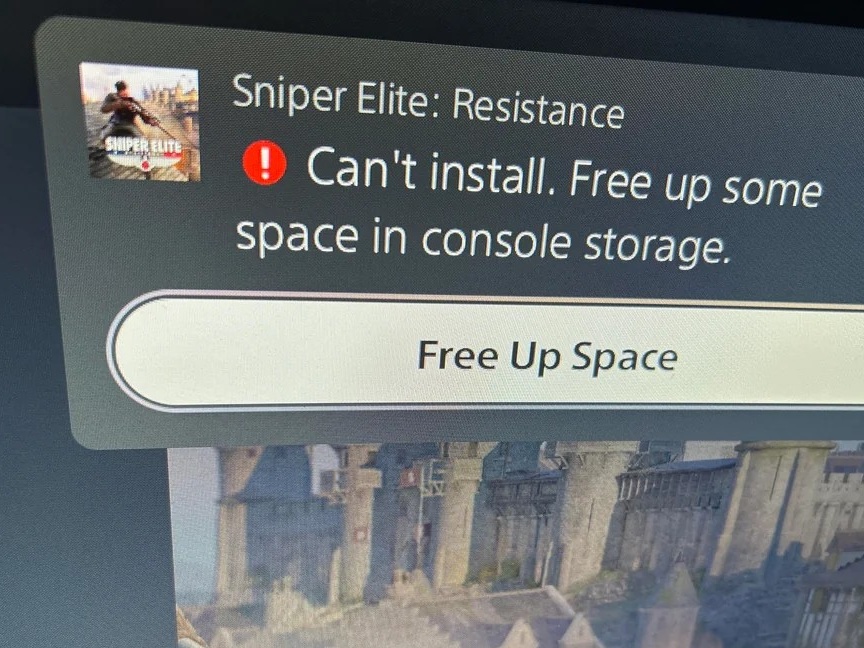
An unspecified number of PS5 users (1, 2, 3, 4, 5) continue to experience a recurring glitch on their consoles, namely that they lack storage space even when hundreds of gigabytes might be free. GamingBible reports experiencing the problem while attempting to install a Fortnite update of just over 10GB, despite having approximately 350GB available. The frustrating error repeatedly prompts users to free up space, even when deleting games should not be necessary.
There is a workaround: Users should shut down the console down fully, then hold the power button. Upon hearing the normal start-up beep, keep the button pressed until a second beep sounds. This boots PS5 into safe mode, whereupon connecting a wired DualSense reveals an option to "repair console storage." Selecting this option reportedly clears the fault within moments, letting stalled downloads resume.
The underlying cause appears tied to improper shutdowns rather than actual capacity limits. That such a disruptive, widely reported bug requires digging into a hidden diagnostic menu rather than being addressed through a straightforward system update is a somewhat strange oversight on Sony's part. Either way, the repair option can be repeated if the problem returns.
Source(s)
GamingBible, Reddit
 Add as a preferred source on Google