


New affordable Logitech MX Ergo alternative features on-board memory, adjustable trackball position, and magnetic switches
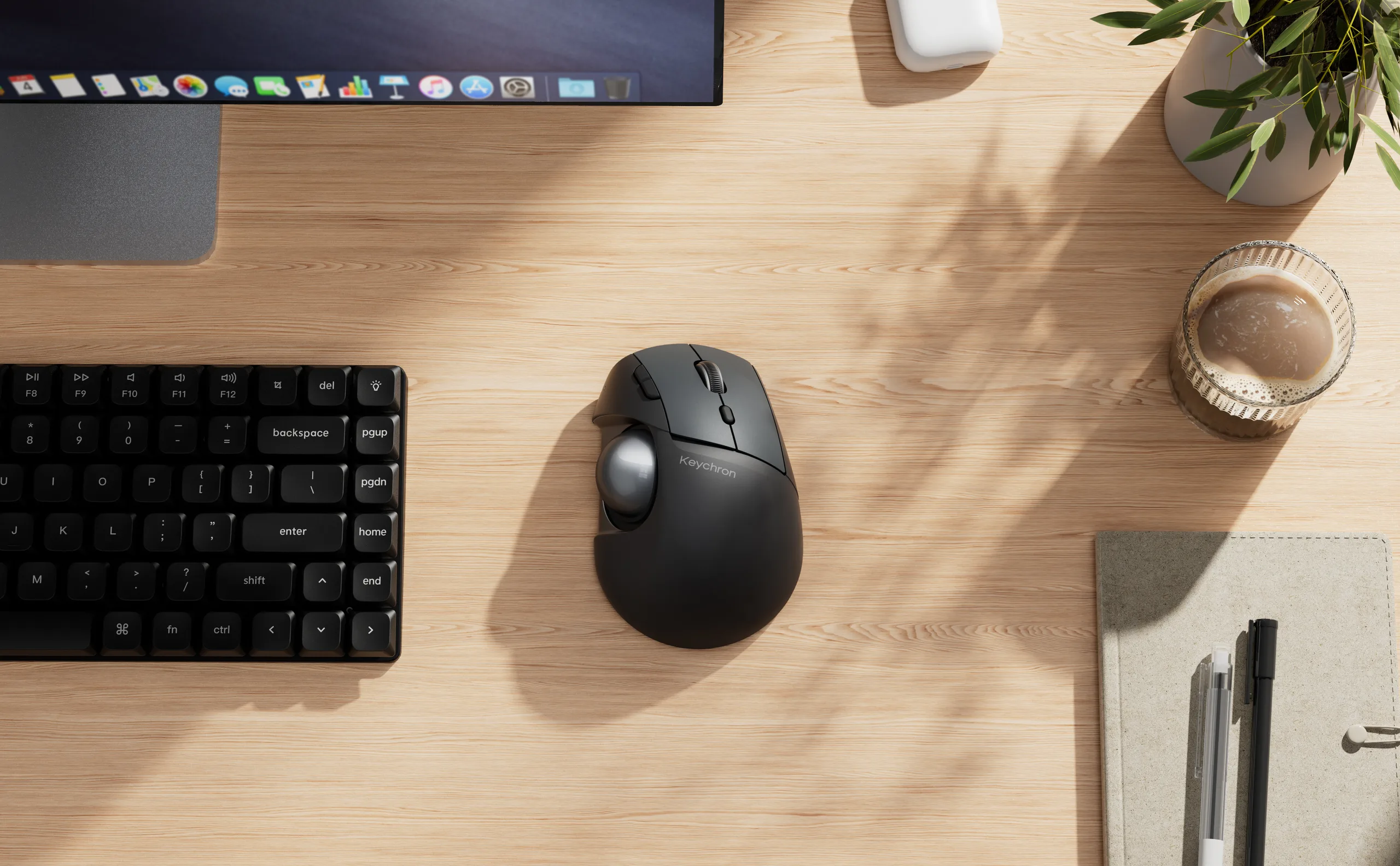
Ergonomics can be a tricky subject, and there are many theories and ideas thrown around in online discussions about which hand, arm, and body positions are best for long-term health and comfort, but the crux of the matter is that there is no one-size-fits-all solution. Some people need a split ergonomic keyboard, like a Sofle (currently $199 on Amazon) or a ZSA Voyager (review here), and others want something more traditional, like an Alice layout Keychron Q13 Max. That difference in needs is where Keychron's new T1 HE claims to provide benefit.
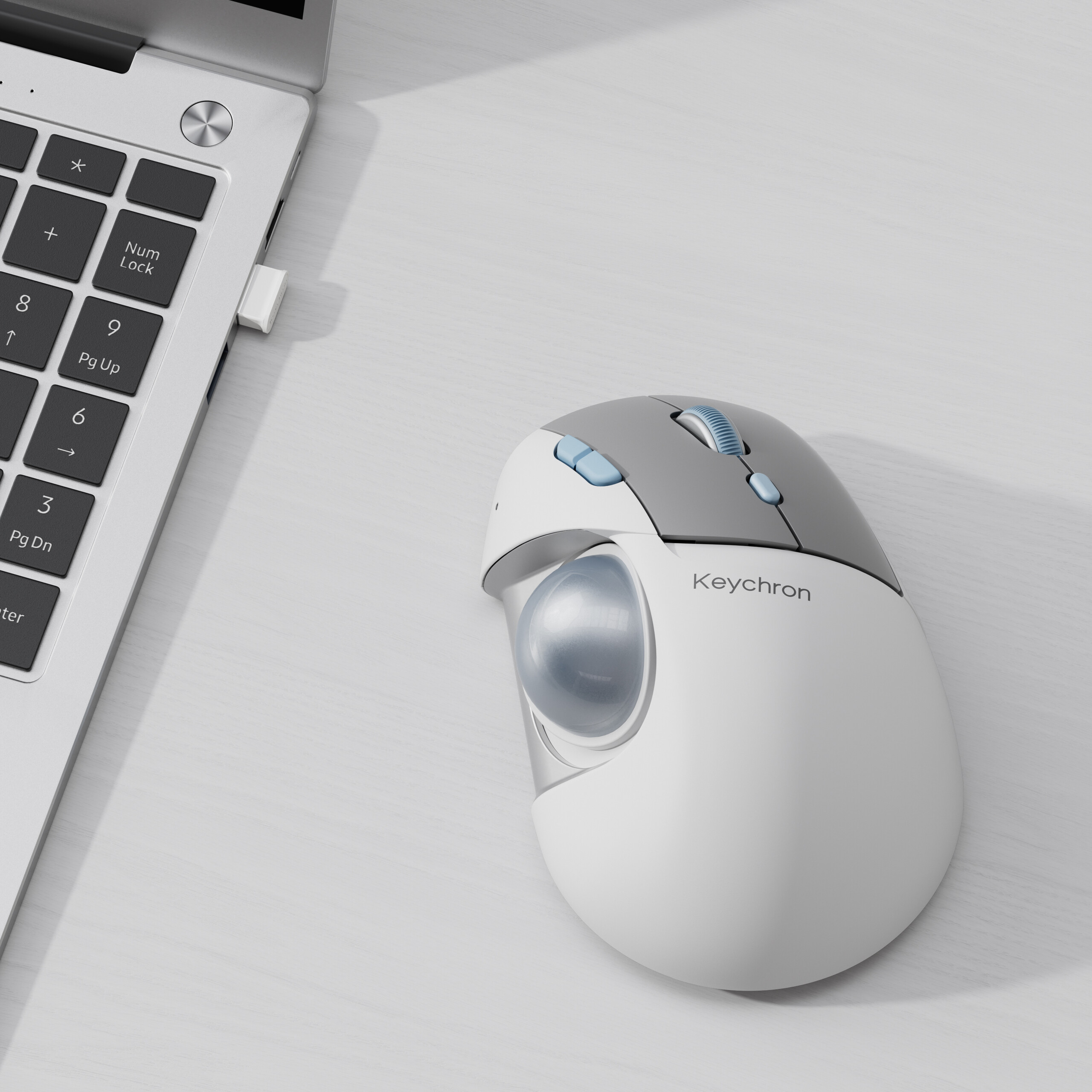
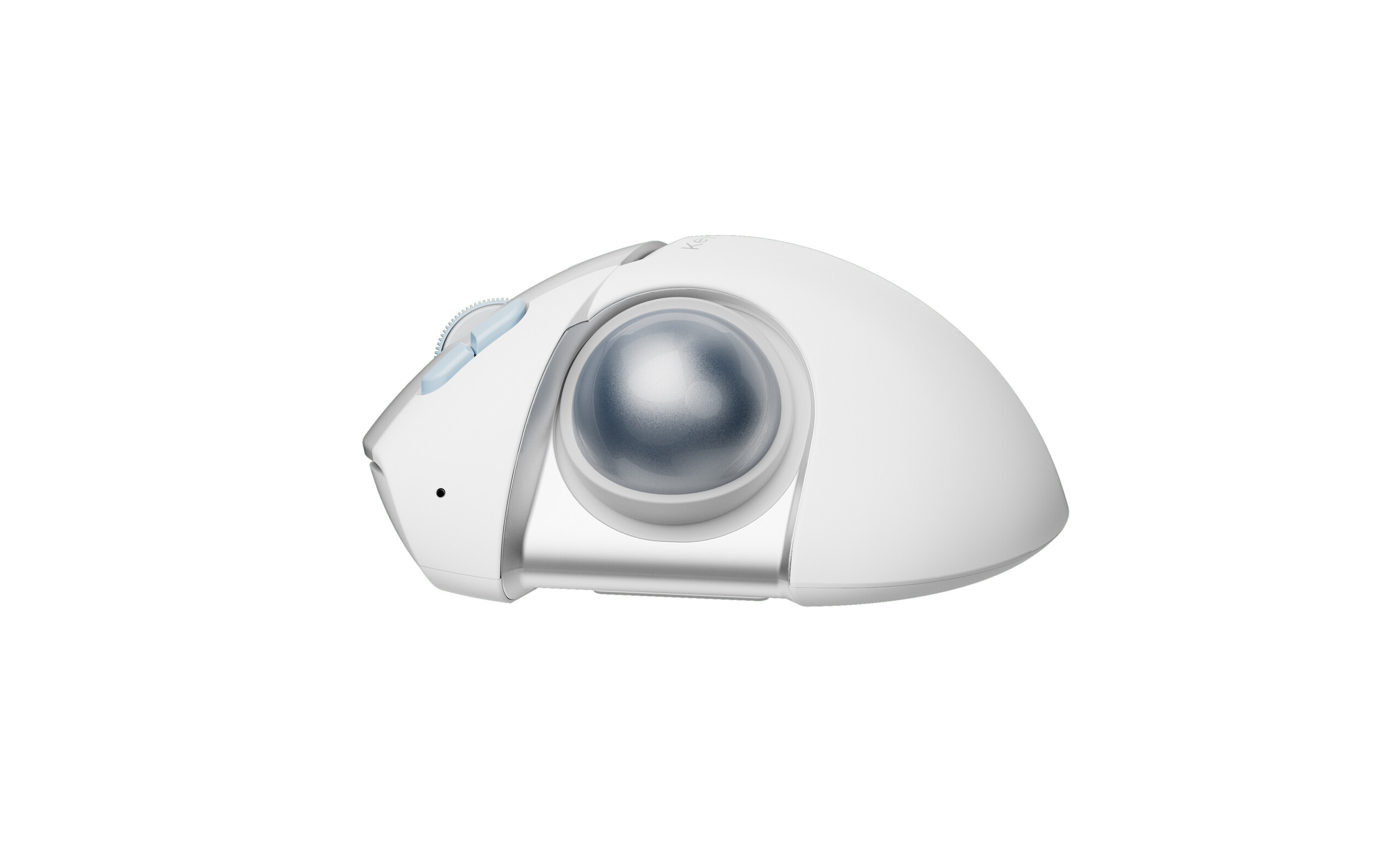
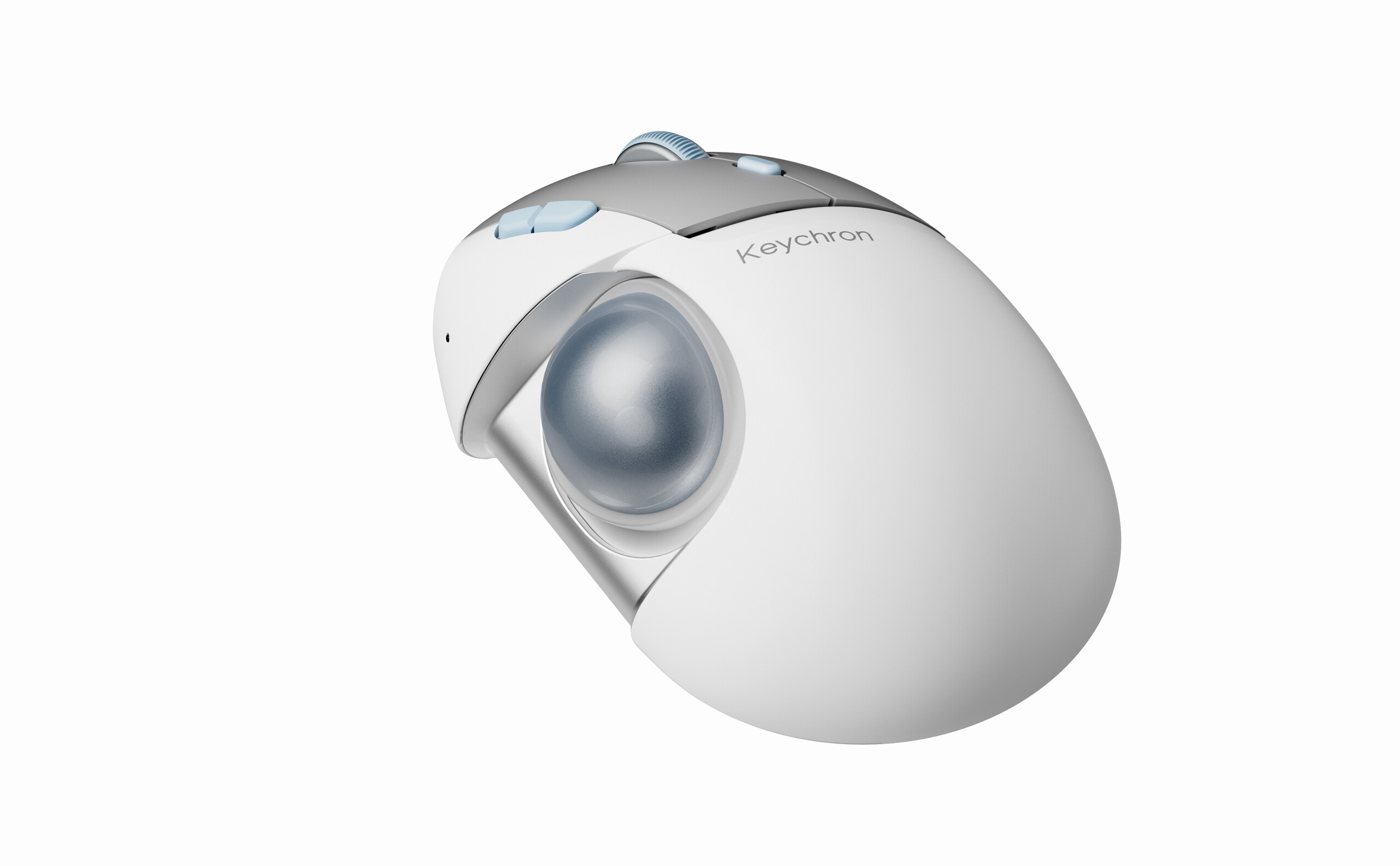
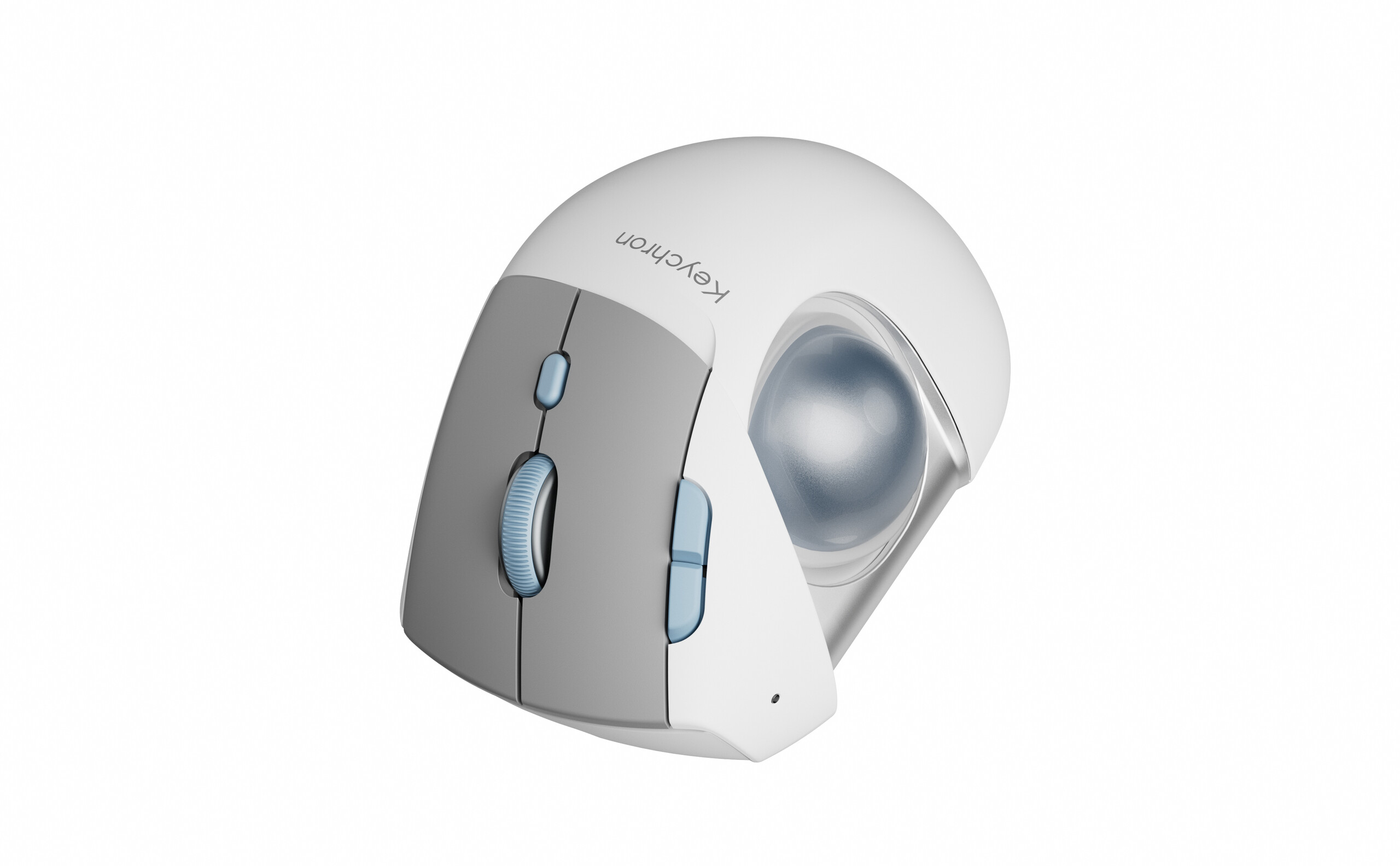
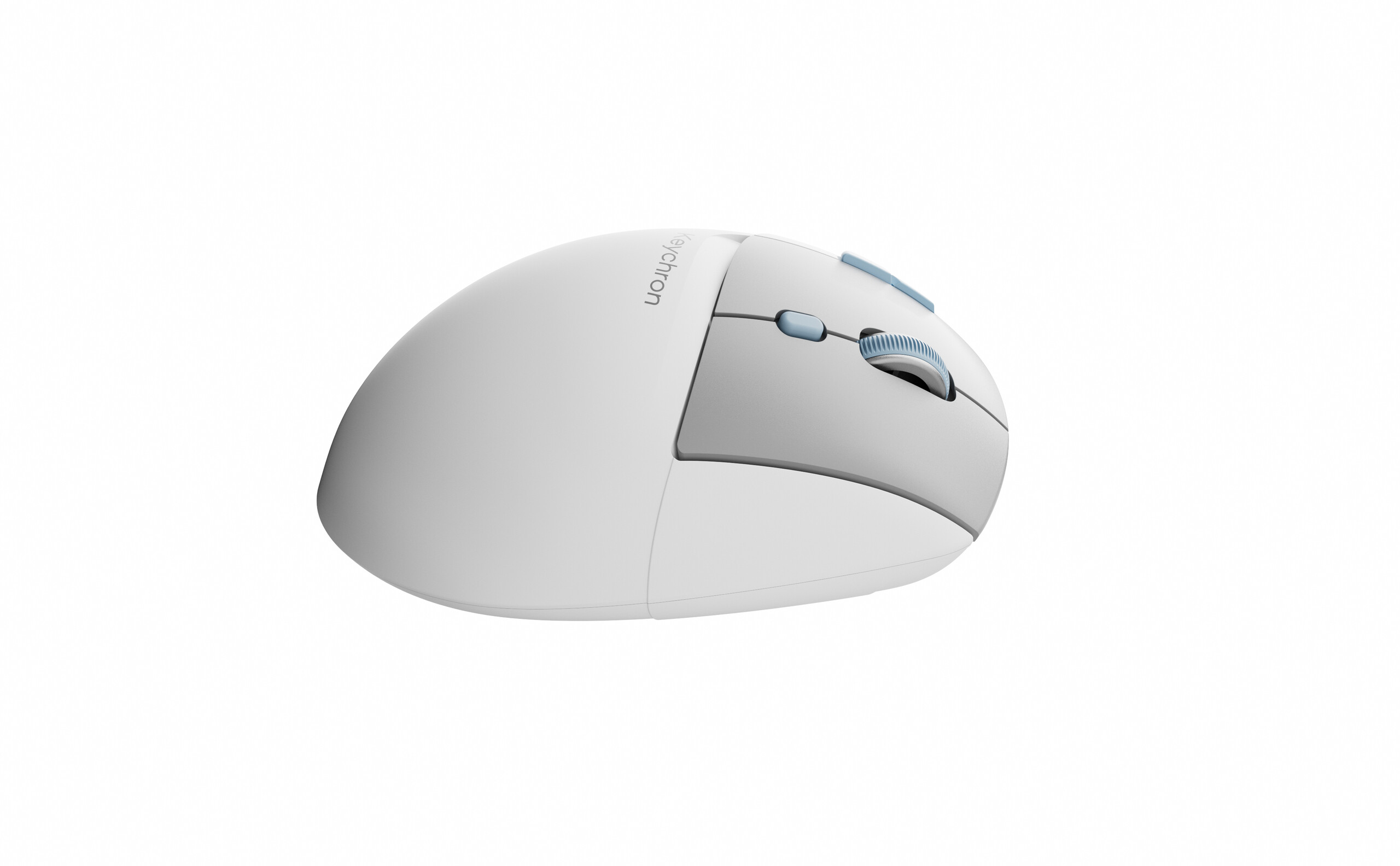
The T1 HE is Keychron's latest trackball mouse, following on its launch of the unique Nape Pro, and it will take a much more conventional approach to the mouse's design, with a typical right-handed ergonomic shape and a 34 mm trackball embedded in the right side. However, it has some tricks up its sleeve that set it apart from something like the Logitech MX Ergo S — aside from the $59.99 price that undercuts the MX Ergo S by half. The T1 HE is launching in pre-order on Keychron's international store, with shipping expected to start around the end of November. It had previously been available in certain Asian countries.
Customisable ergonomic trackball mouse
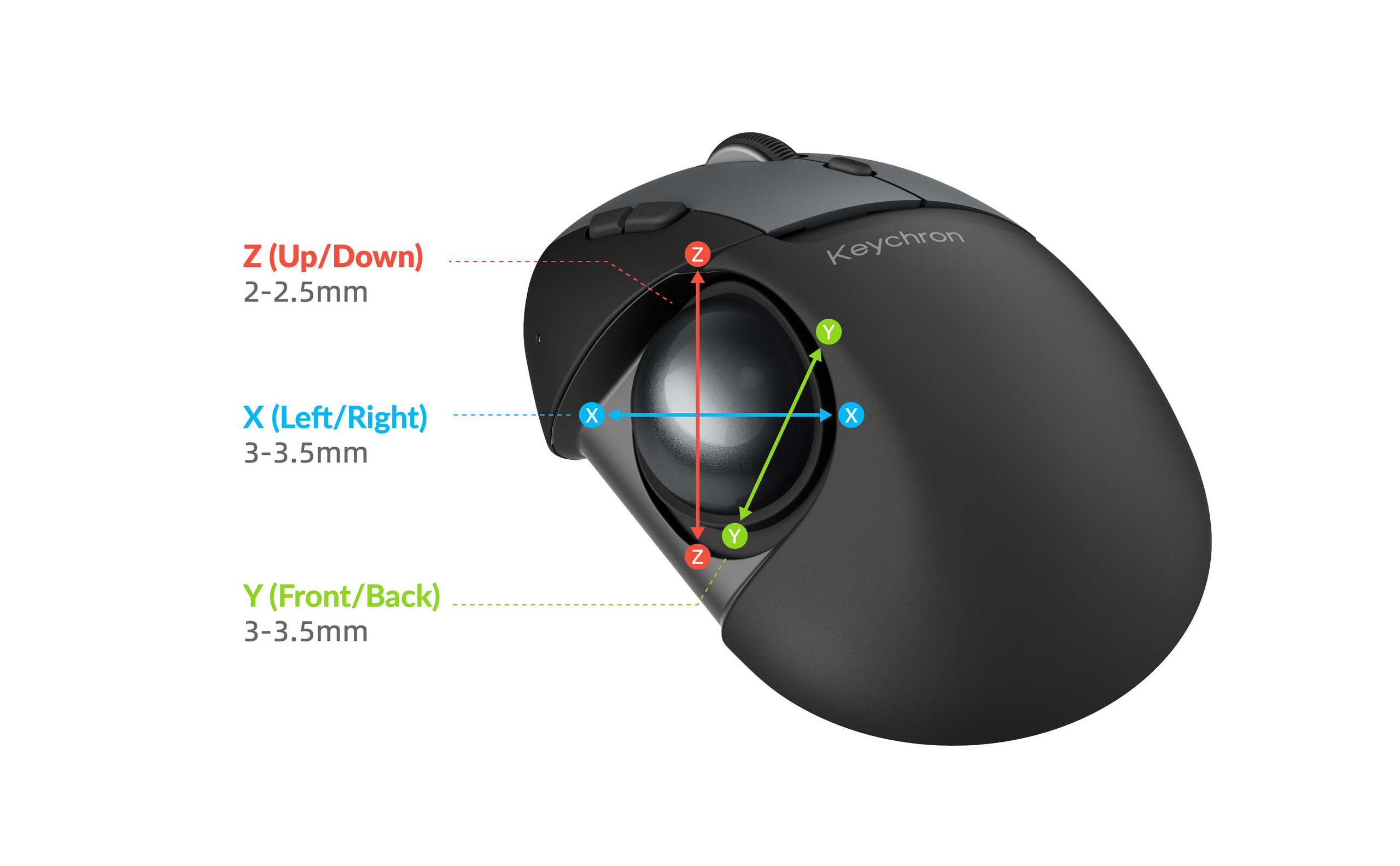
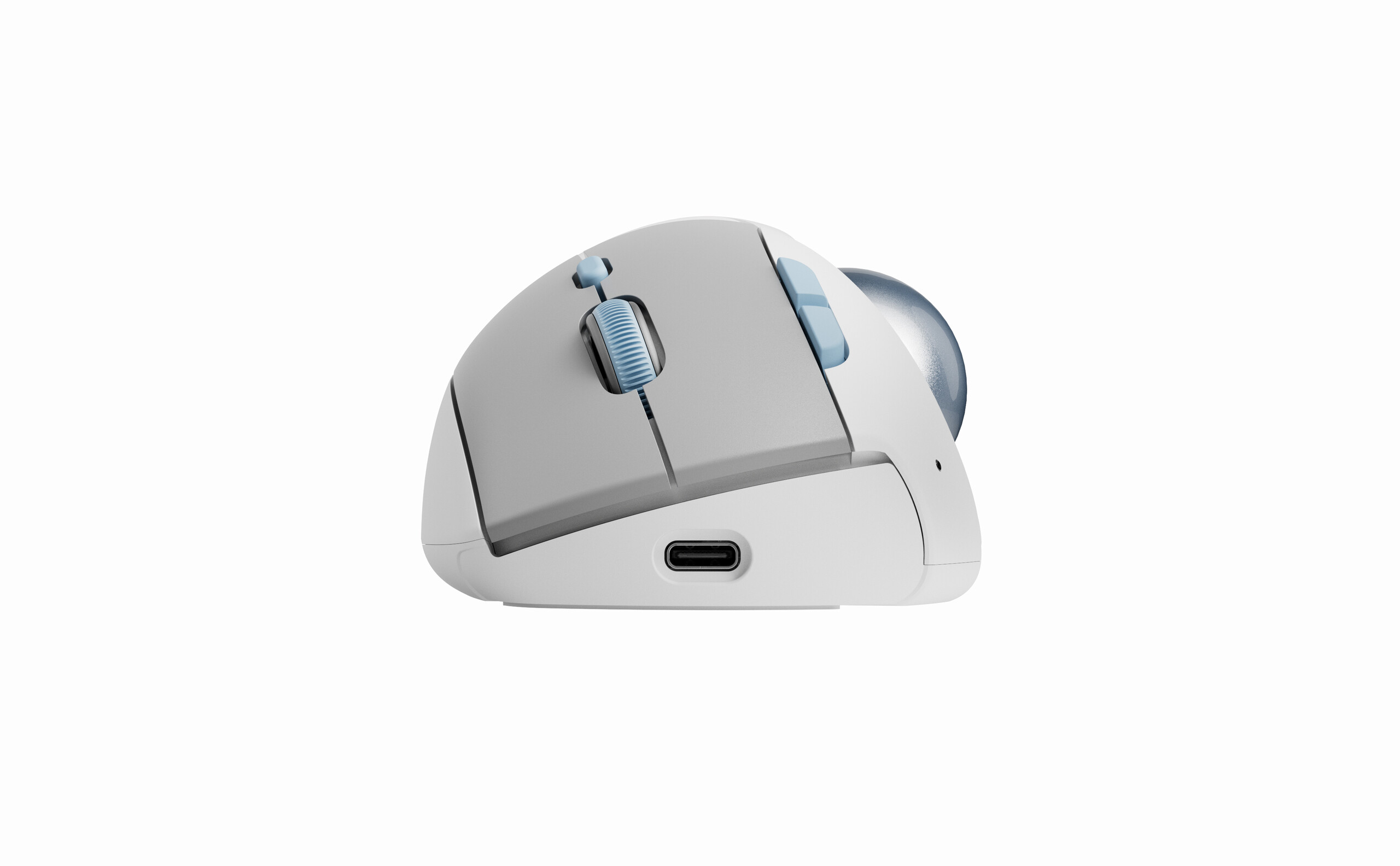
The Keychron T1 HE has two standout features: The adjustable trackball position and its new MagOpt switches that combine Hall effect and optical switch tech for a claimed boost to longevity and additional customisation without losing the traditional mouse switch feel.
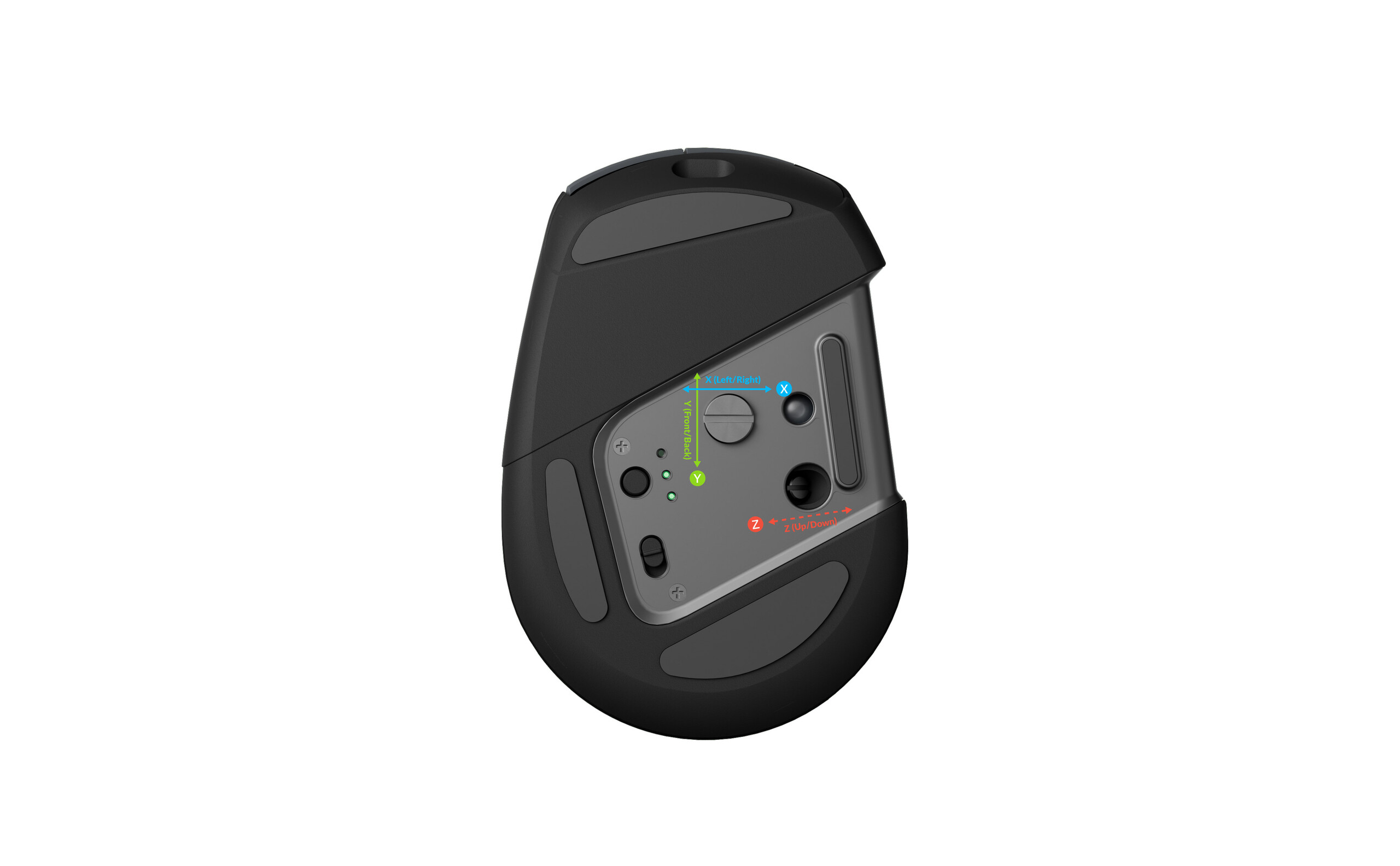
From the top, the T1 HE looks fairly normal, but flip it over, and you'll see two adjustment screws that allow for 2–2.5 mm of adjustment in the Z axis and 3–3.5 mm of adjustment in the X and Y axes. The trackball housing also allows for easy removal of the trackball for cleaning or replacement with a heavier or lighter ball, if needed.
Keychron T1 HE specs|
| Details | |
|---|---|
| Buttons | 5 remappable buttons and a scroll wheel |
| Sensor | PixArt PAW |
| Polling rate | Up to 1 kHz, 125 Hz via Bluetooth |
| Trackball size | 34 mm |
| Trackball bearings | Ceramic ball |
| Dimensions | 81.3 × 119.4 × 53.3 mm |
| Switches | Keychron MagOpt optical-magnetic hybrid switches |
| Material | ABS |
| Connectivity | Bluetooth, 2.4 GHz, USB Type-C |
| Battery capacity | Up to 116 hours over Bluetooth and 98 hours over 2.4 GHz |
Full remapping via Keychron Launcher
The physical customisation is complemented by on-board memory and full software customisation in the Keychron Launcher web app, including everything from regular button remapping and macros to more complex features, like separate functions for key combinations and adjustable actuation, in the event that you want to game on the T1 HE, for some reason.
The T1 HE also has both 2.4 GHz and Bluetooth for wireless connectivity, with USB Type-C wired for charging and backup connectivity.
Source(s)
 Add as a preferred source on Google


