




Ploopy Bean first impression: King of trackpoint goodness
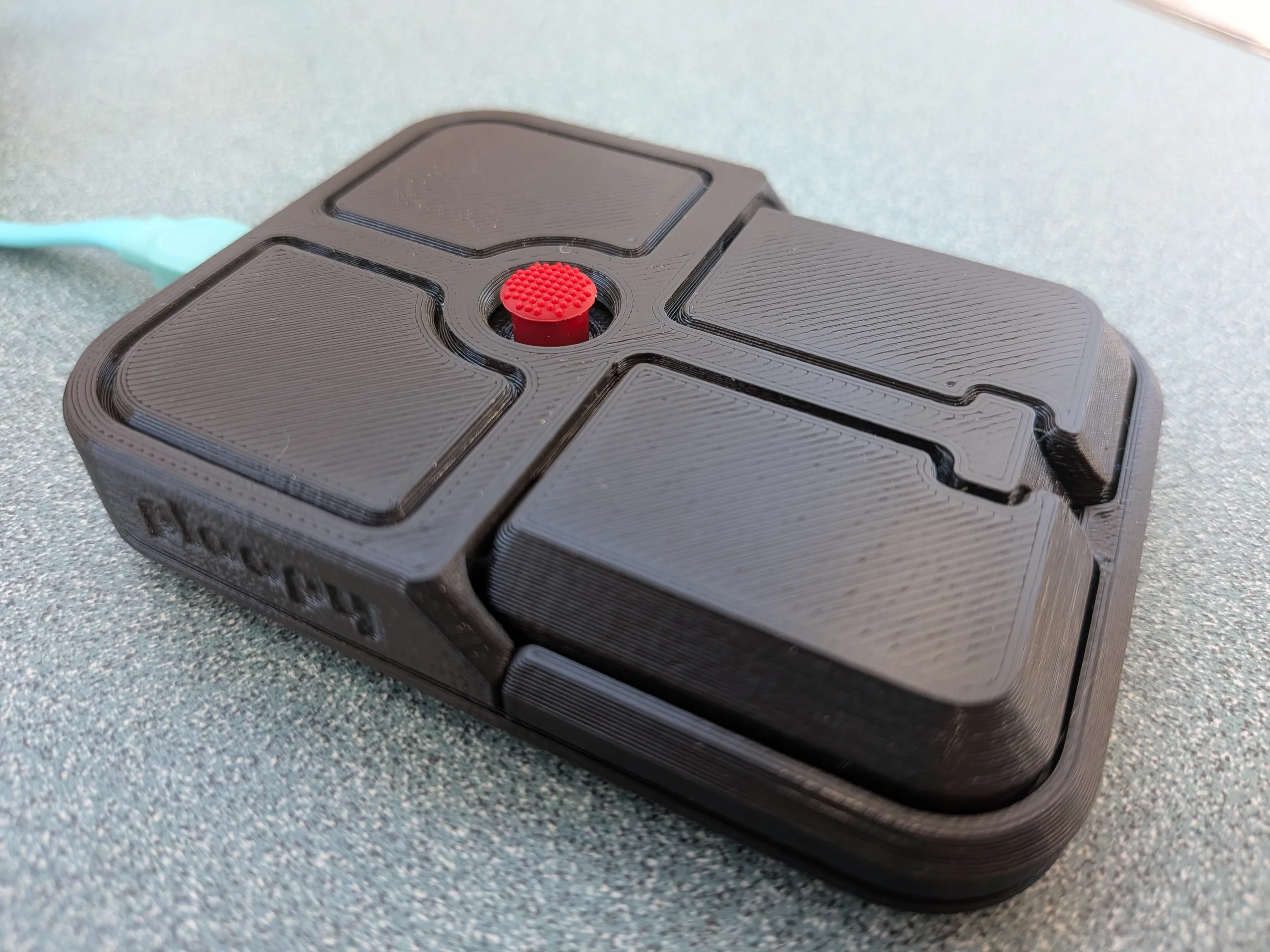
For most, the TrackPoint is a polarizing feature of the Lenovo ThinkPad. While some consider it to be intuitive and accurate, others might find it tedious and impractical. However, because the trackpoint is such an obscure feature, even more people will likely be unopinionated about it. So, for Ploopy to release a TrackPoint that iterates on this design and presents a peripheral that maxes out its quality-of-life features, device compatibility, and open-sources it, they very well could be ushering in a TrackPoint renaissance.
To begin with the core feature of Ploopy Bean, the TrackPoint itself, has a completely different feel than that of the solid-state version found in ThinkPads. The Bean has something more akin to a floating joystick that has equal elastic tension on all sides. The result is a cursor that takes much less effort to move and doesn't result in the same finger fatigue that often accompanies extended TrackPoint sessions. However, the fact that the entire shell is 3D-printed raises questions about the longevity of this mechanism, but as it is, it feels great.
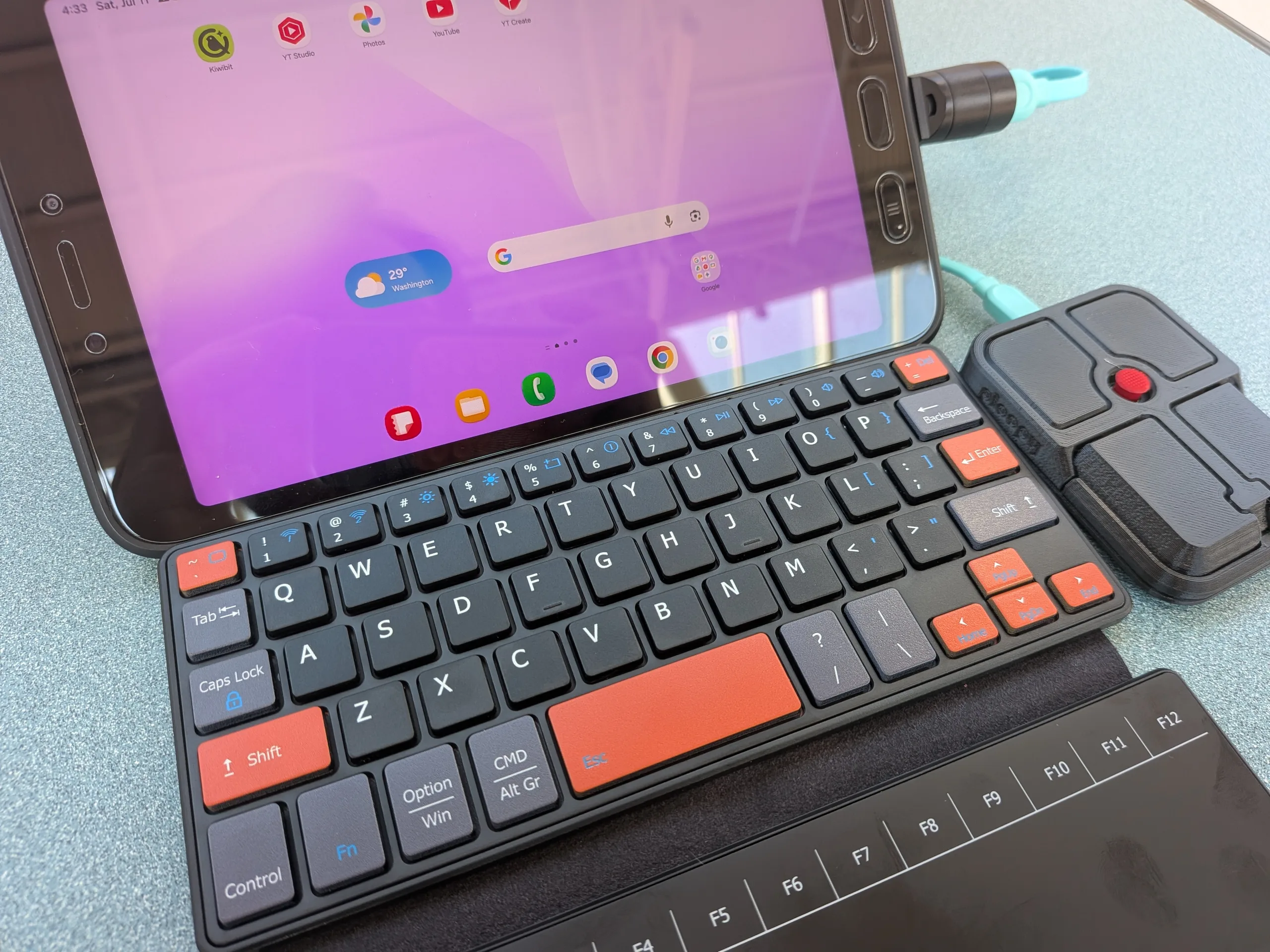
Equally great are the four buttons on the unit. On first glance, the placement seems odd, with what could be seen as a blatant disregard for economics. Fortunately, in practice, the placement felt intuitive, with the lower two buttons serving as left and right mouse clicks and the top two serving as scroll-locked and scroll-held. However, while the buttons themselves offer a solid mouse-click feel, a silent click would have been a nice option. Regardless, since it's open source, most of this can likely be changed anyway!
Overall, it's refreshing to see hardware come out that keeps customizability and openness at the core of its functionality, while not being released as what feels like a cheap product. For more information on the Ploopy Bean and its features, kindly visit the resources below.
Source(s)
 Add as a preferred source on Google


