




Latest Steam Deck beta update fixes incorrect UI scaling, adds FPS limit for Remote Play, and more
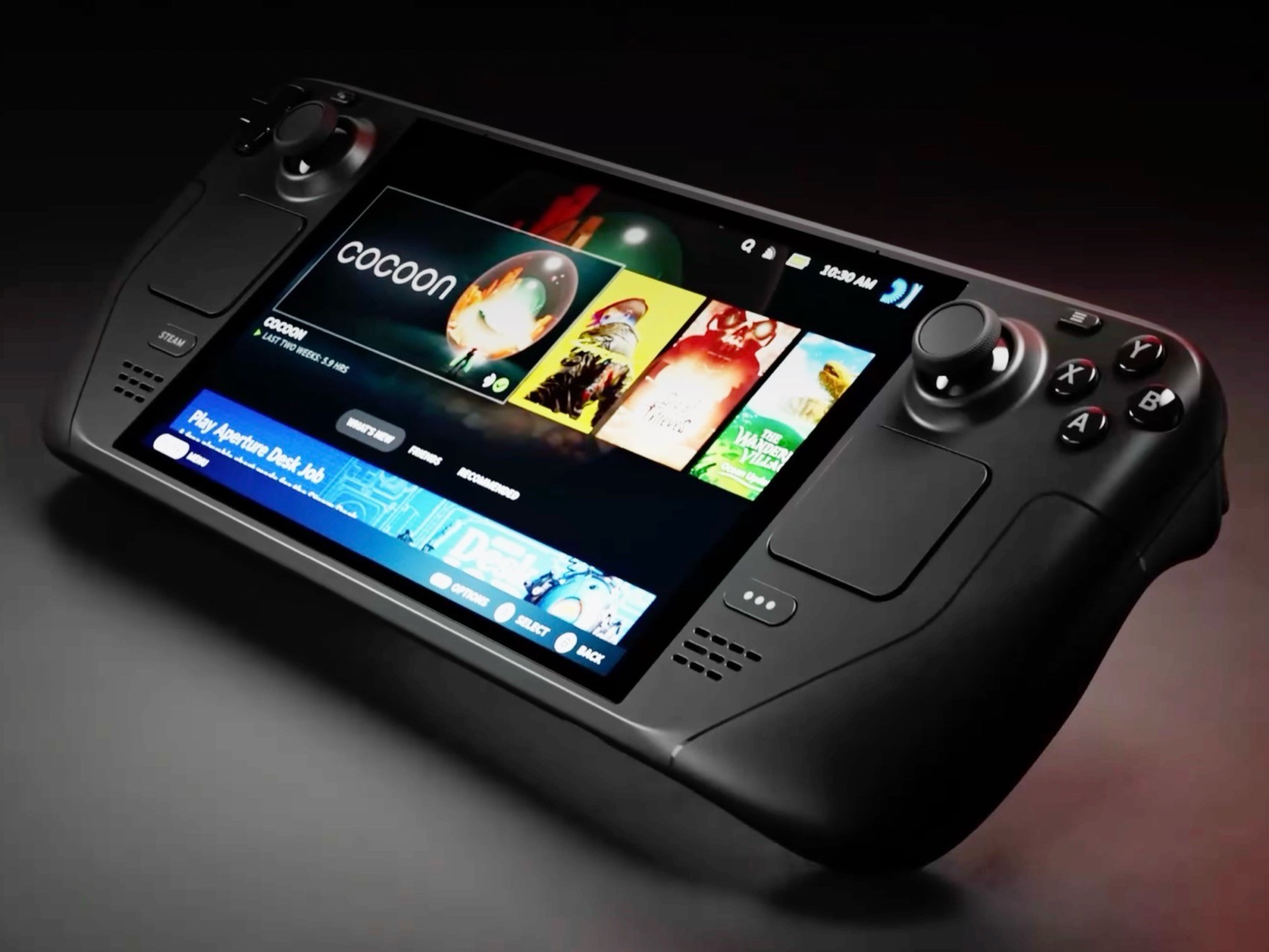
Valve has released a new Steam Deck Client update for the Preview/Beta channel, bringing several fixes and improvements to the handheld. The update focuses on UI scaling, Remote Play performance, controller support, and Steam Controller firmware.
What does the update offer?
One of the key fixes addresses incorrect UI scaling in Big Picture Mode when used in Desktop Mode. Valve has corrected the scaling issue so interface elements display at the proper size. The update also fixes a Patch Notes preview bug in Settings > System, where the wrong update channel notes could sometimes be displayed.
The update also introduces several Remote Play improvements. Valve has added 59.94 FPS as a selectable framerate limit, giving users more control over streaming performance. Users should also face fewer frame drops when the framerate limit is set to automatic, which should improve smoothness during gameplay.
In addition, Valve has fixed an issue where the client video decoder could become overloaded when unlimited bandwidth was enabled. This should help make Remote Play sessions more stable, especially for users with fast network connections.
The update also expands Steam Input support by adding compatibility for both the wired and wireless PDP Afterglow Wave Controller for Nintendo Switch and Turtle Beach controllers for Nintendo Switch 2. In addition, Valve fixed a Steam Controller firmware issue that could cause occasional repeated B Button presses.
That said, Steam Deck owners who want to try the update early can install it by going to Settings > System > System Update Channel and selecting Preview or Beta. Because the update is currently in the Preview/Beta channel, it will be tested by beta users first before Valve rolls it out to the Stable channel.
Source(s)
 Add as a preferred source on Google


