




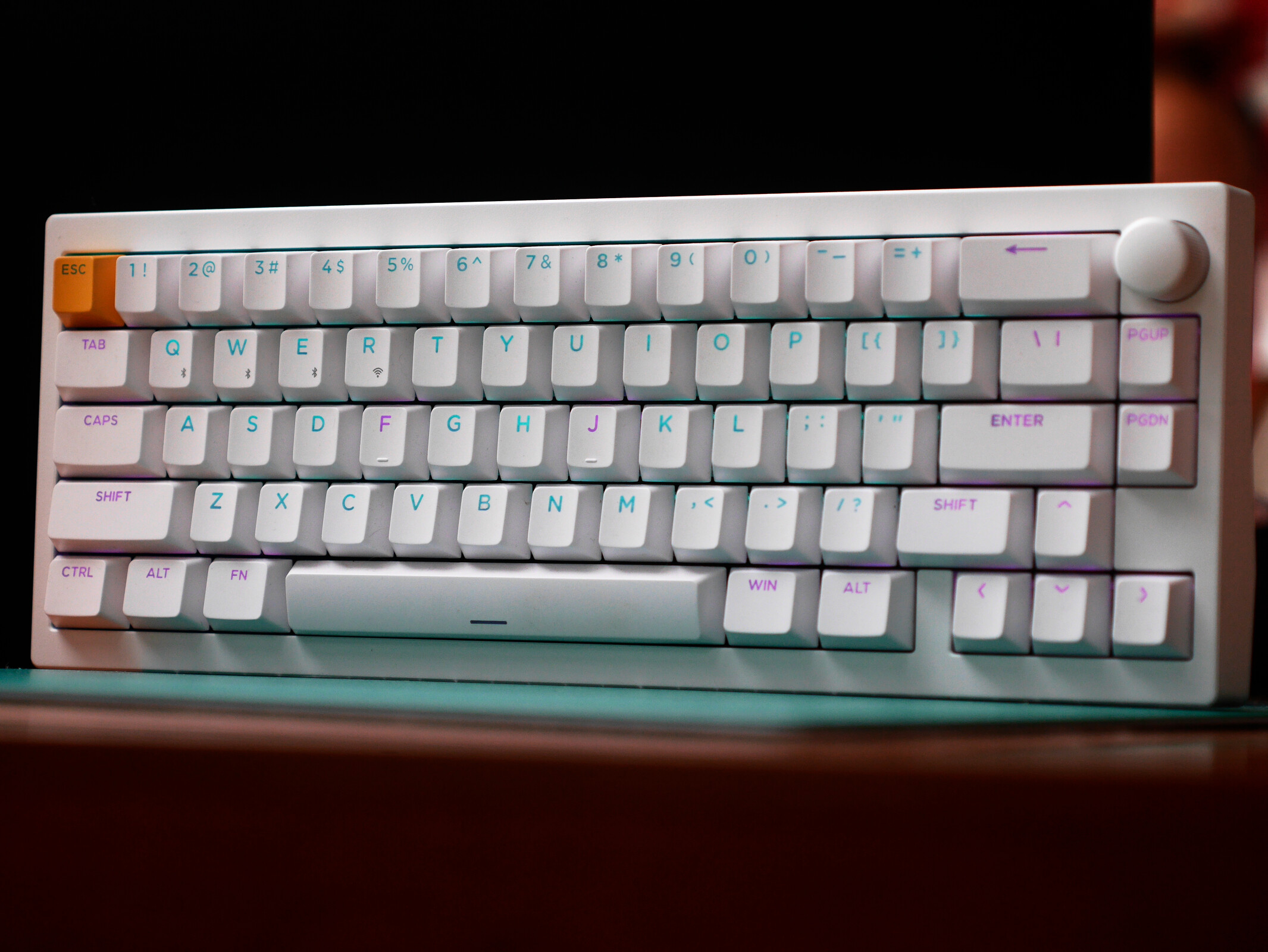
A gaming keyboard built for customisation — Lemokey P2 HE hands-on review
Keychron's best and brightest.
The Lemokey P2 HE checks off everything that makes an excellent Hall effect gaming keyboard and then some. If you're looking for your first gaming keyboard and subscribe to the "buy once, cry once" philosophy, the Lemokey P2 HE should be at the top of your shopping list. As good as it is, the P2 HE still lacks one feature that would make it the best Hall effect gaming keyboard for enthusiasts.Julian van der Merwe Published 🇫🇷 🇪🇸 ...
Verdict - Your first custom gaming keyboard or your last
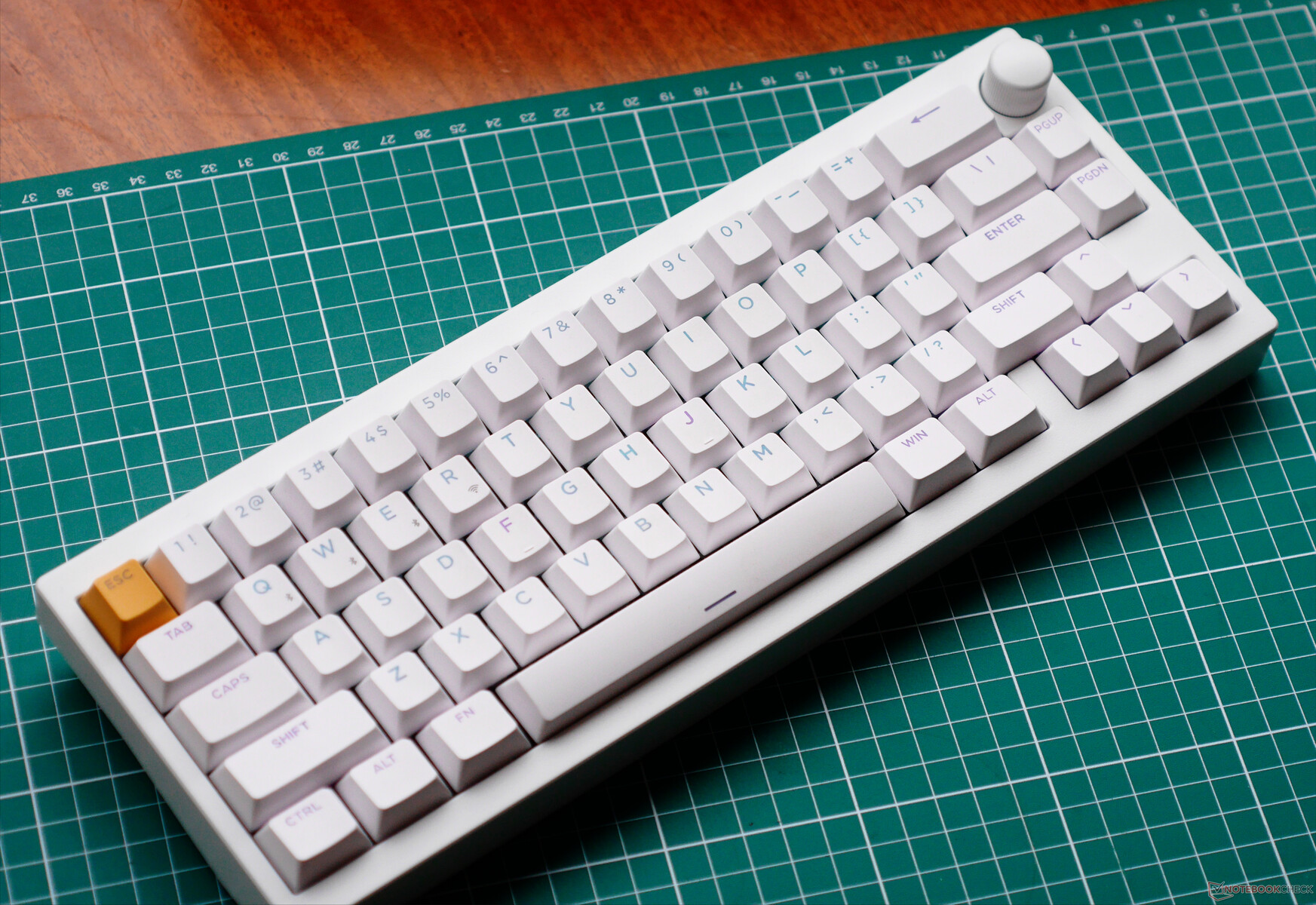
Unless you need 8 kHz polling, wider switch compatibility, or a bigger layout, the Lemokey P2 HE is hands-down the best Hall effect gaming keyboard from Keychron, especially for those looking for a convenient plug-and-play experience and extensive customisation options. The build quality is top-notch, and it is by far one of the best-sounding Hall effect keyboards we've tested to date.
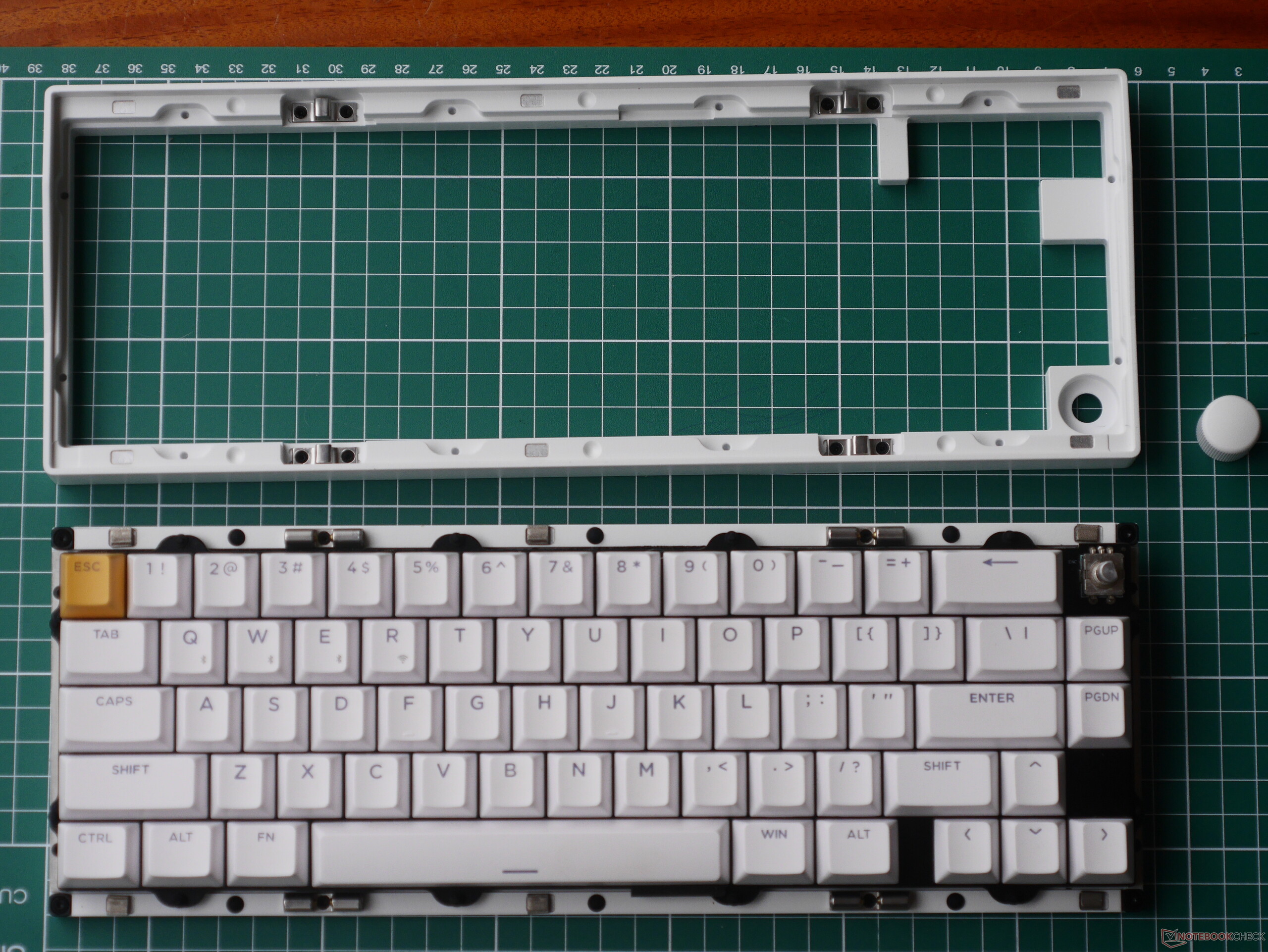
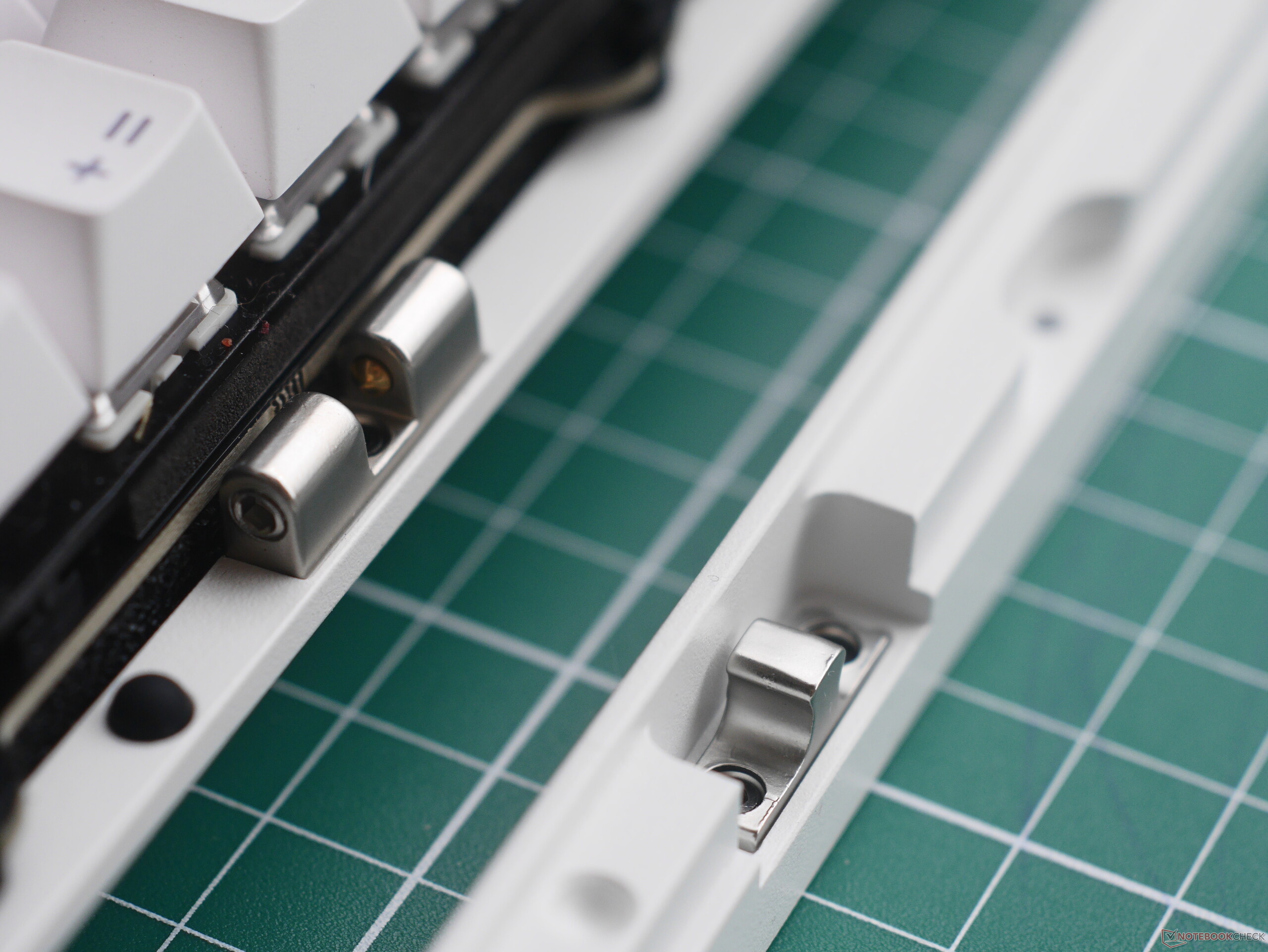
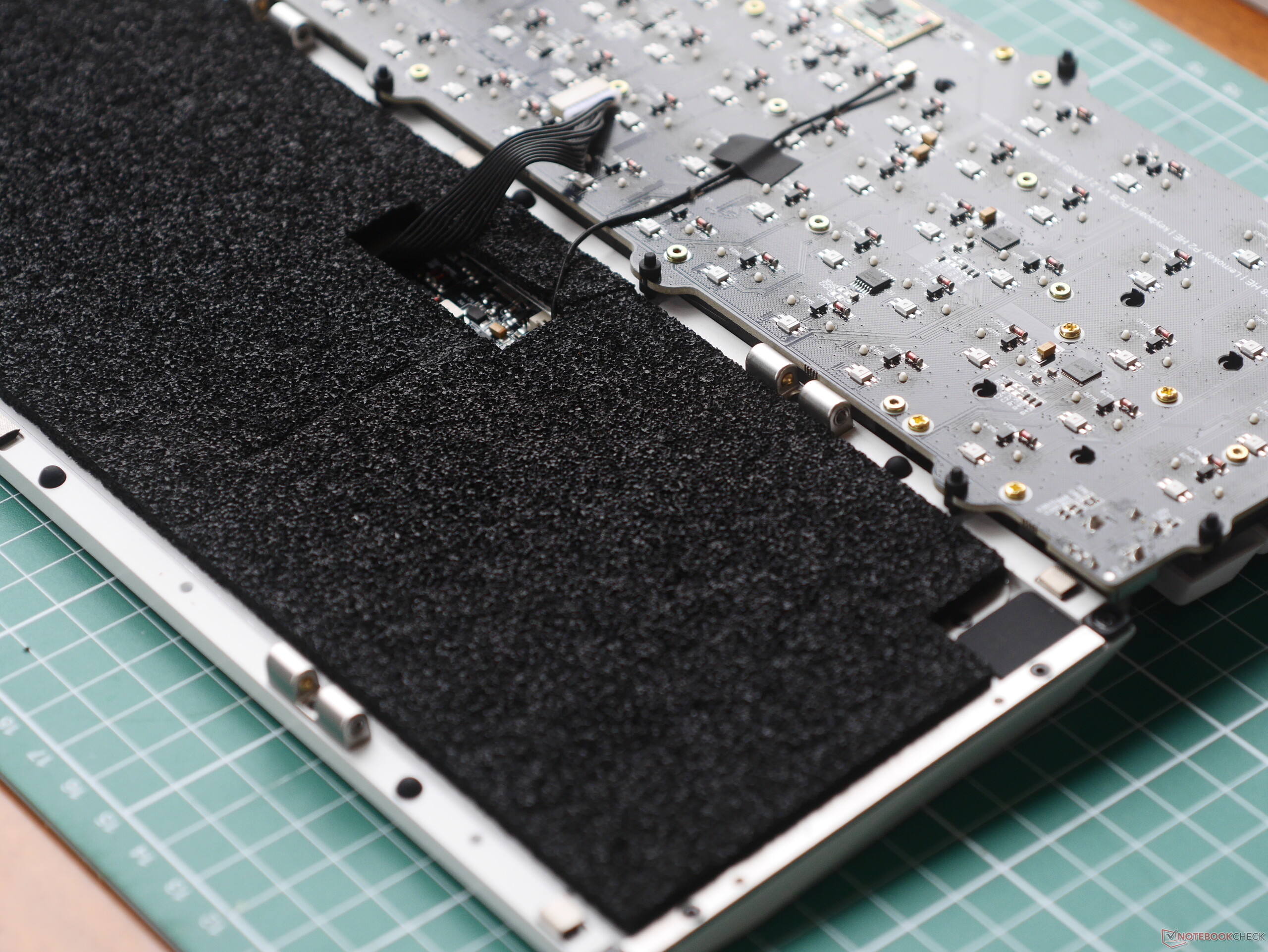
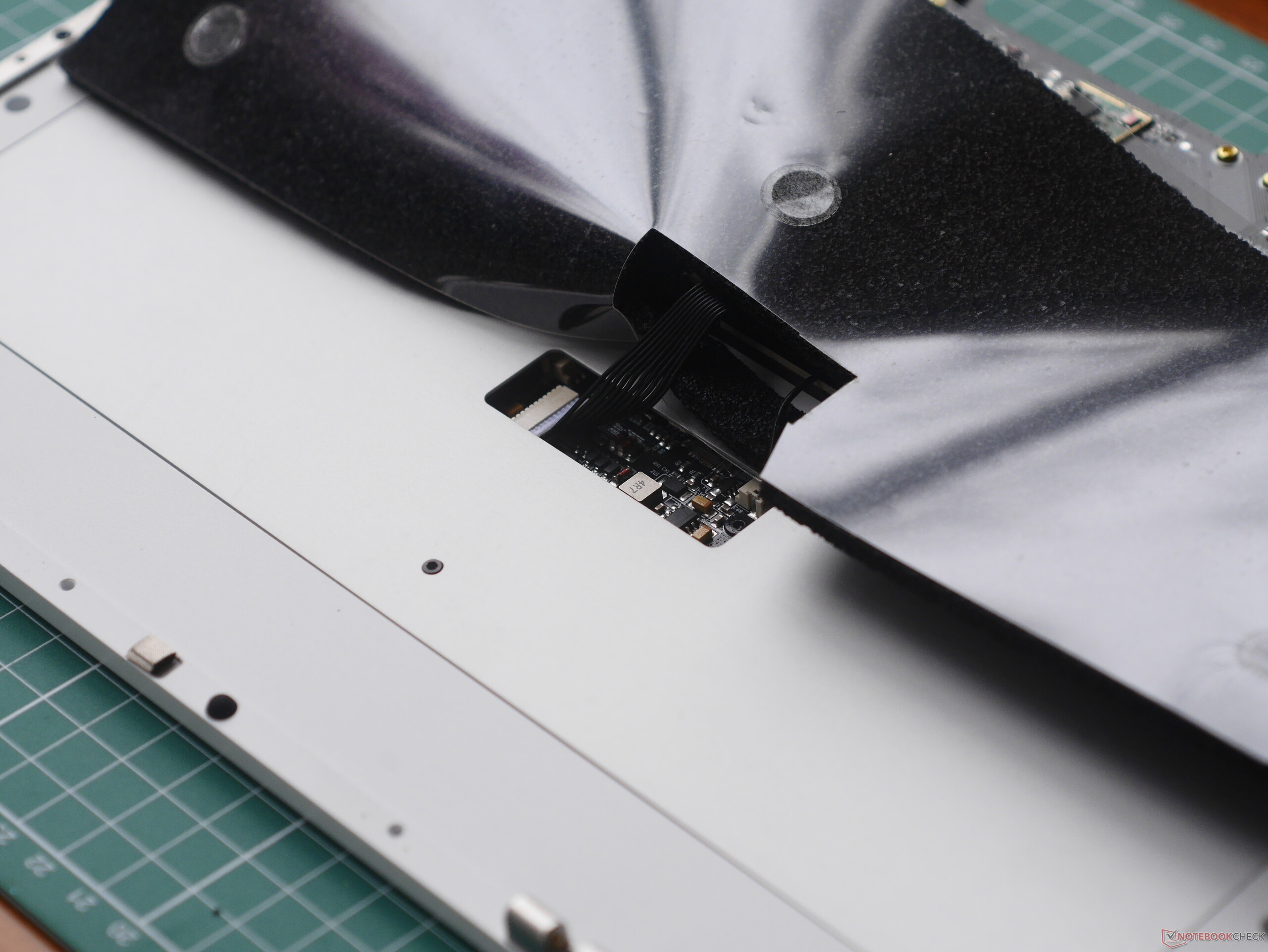
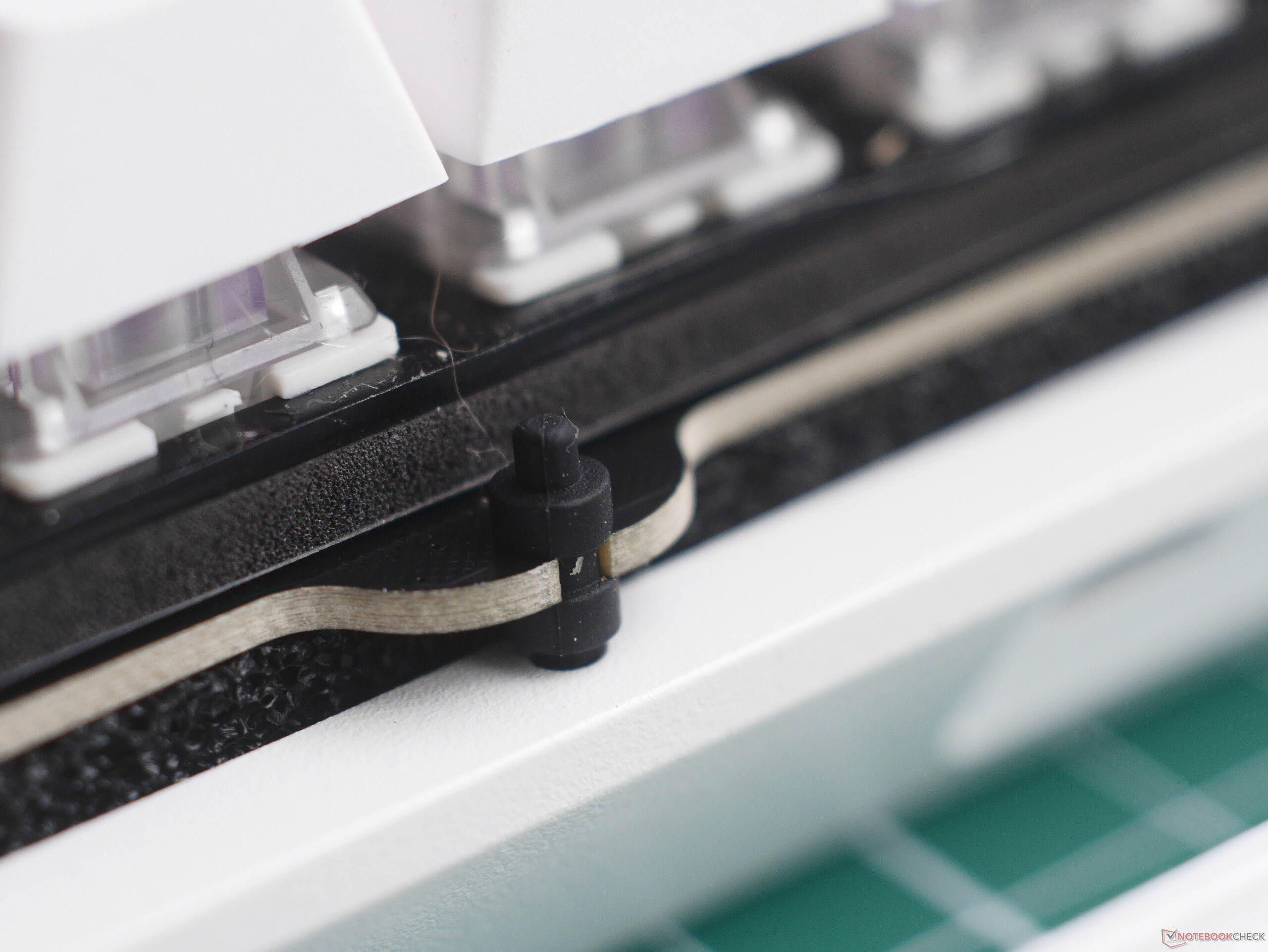
The P2 HE does an excellent job combining out-of-the-box performance and in-depth customisation, offering both the usual HE tricks and additional hardware touches. The quick-disassembly design, gasket mount, and customisable knob make it a custom keyboard nerd's dream, but the solid out-of-the-box experience means that you never have to touch any of that if you don't want to.
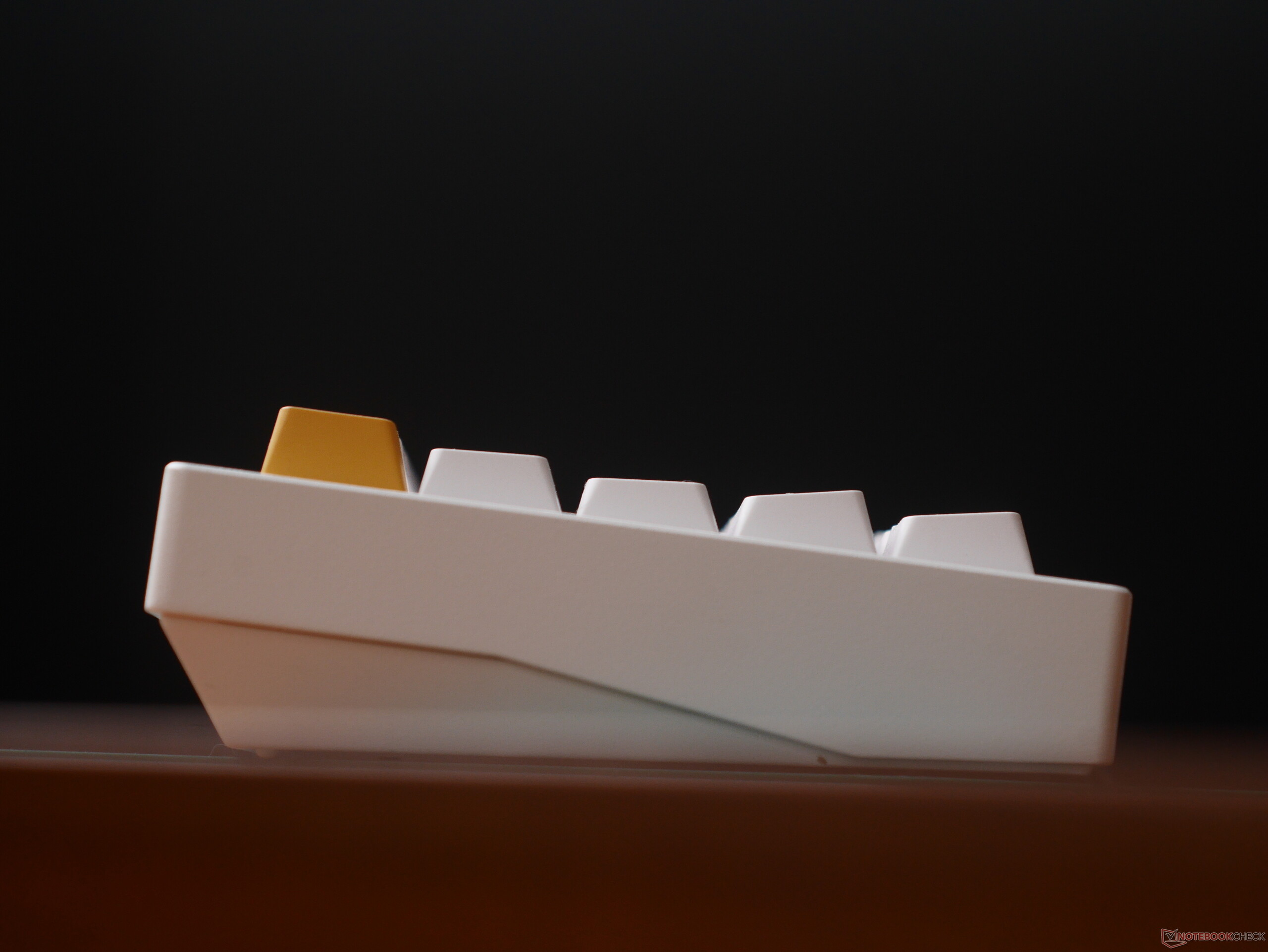
In our testing, the only major downsides to the Lemokey P2 HE were its relatively tall front height and its bare-bones accessory kit.
Pros
Cons
Price and availability
The Lemokey P2 HE is available via Keychron's online store for $169.99 in both white and black, and both options have shine-through keycaps. There is also a black version without shine-through keycaps. It does not look like the 65% keyboard will be available on the brand's Amazon store anytime soon.
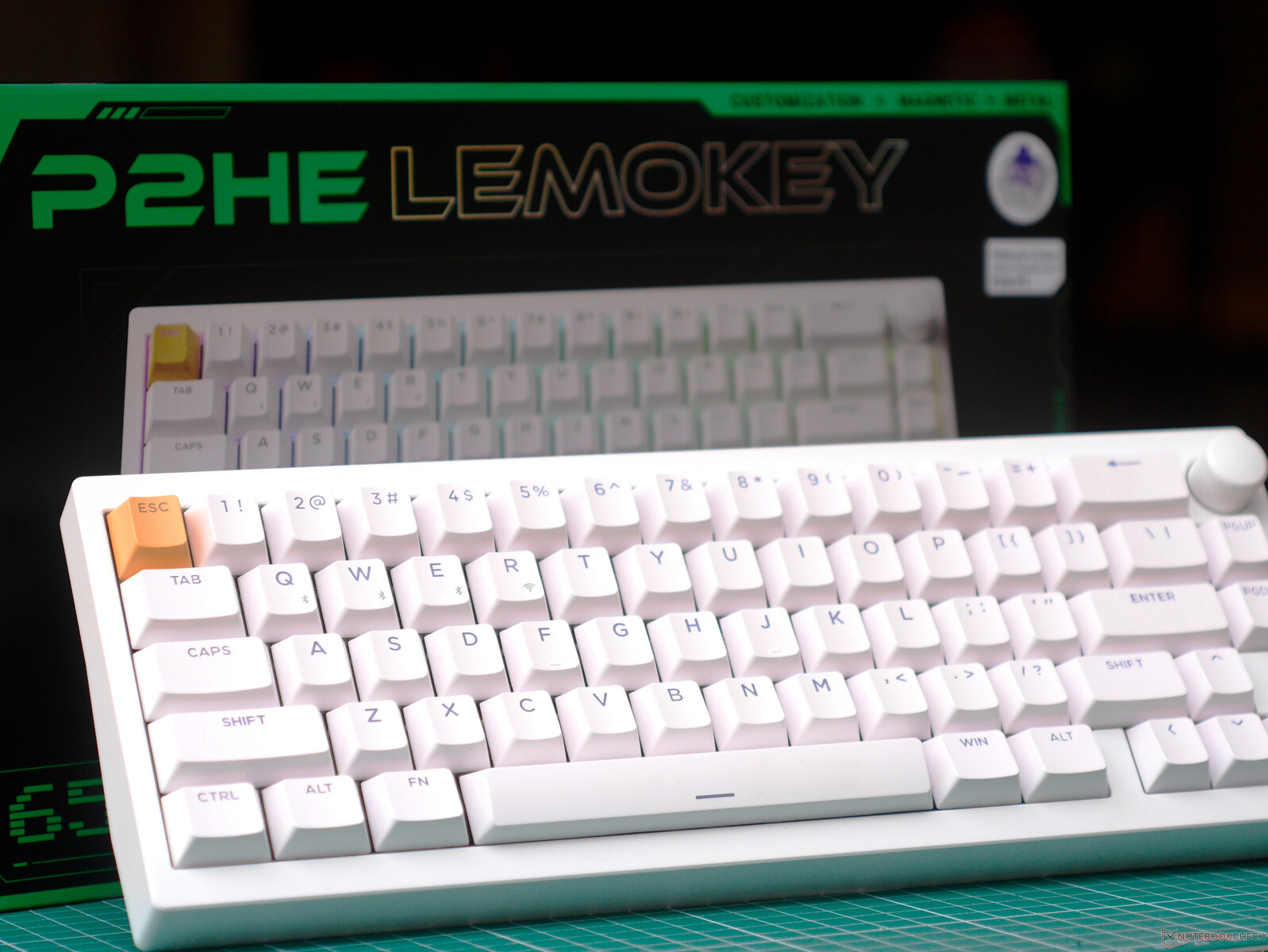
The Keychron P2 HE is a wireless Hall-effect gaming keyboard with a unique quick-disassembly aluminium case and Gateron's Magnetic Double-Rail Magnetic Nebula switches and Cherry profile double-shot, shine-through PBT keycaps.
Specifications
| Form factor and size | 65% ANSI US layout, 317.65 × 116.14 mm, 23.9 mm front height |
| Typing angle | 5.5 degrees |
| Case material | E-coated aluminium |
| Weight | 1430 g |
| Plate material and mounting style | Aluminium plate, silicone bean gasket mount |
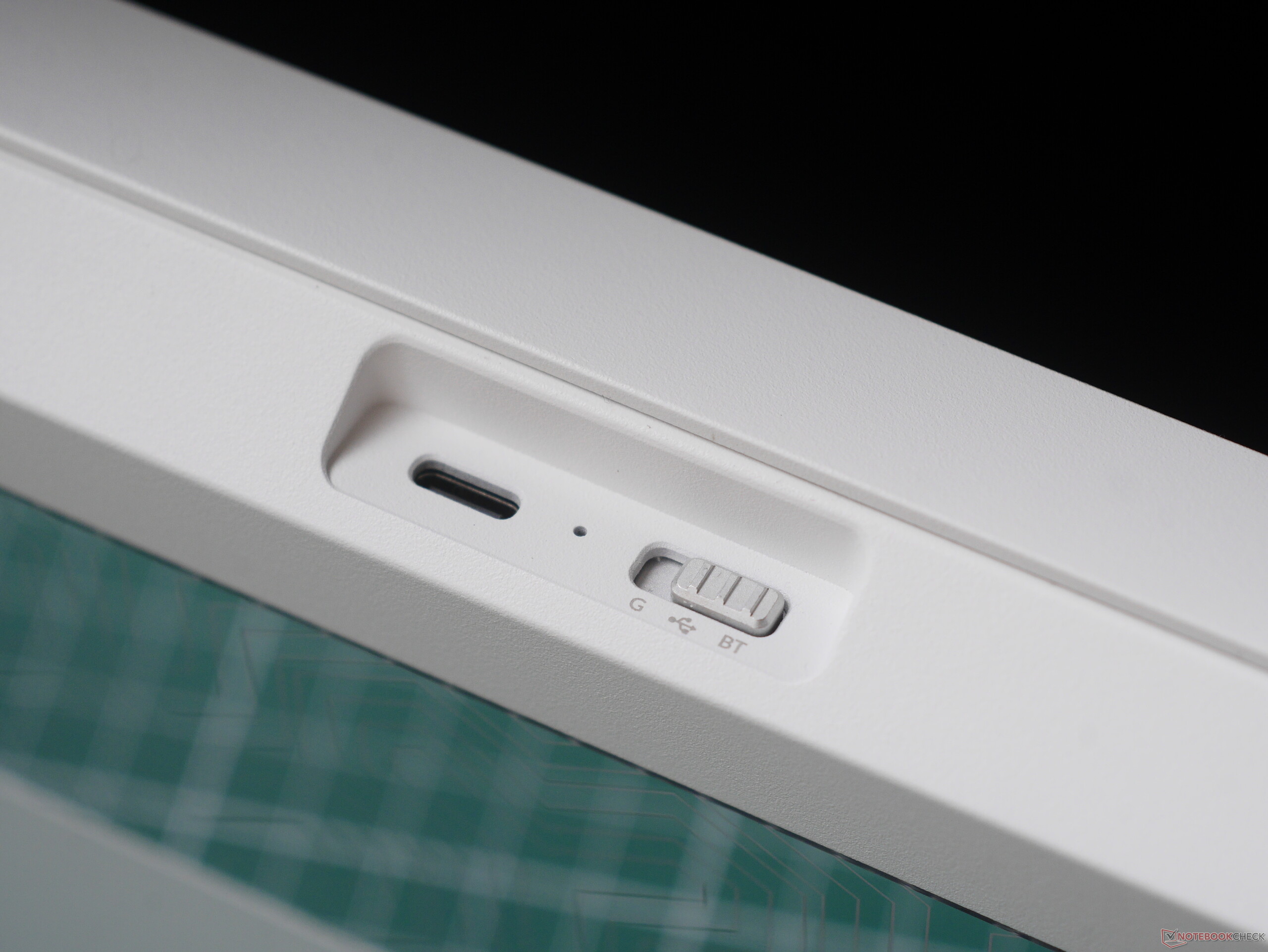
| Connectivity | USB-C wired, Bluetooth 5.2, 2.4 GHz |
| Battery capacity | 4,000 mAh |
| PCB and switch style | Hall effect PCB, only compatible with Gateron Double-Rail Magnetic switches |
| Default switch options | Gateron Double-Rail Magnetic Nebula (linear, 40 gf start force, 60 gf bottom-out, 4 mm travel) |
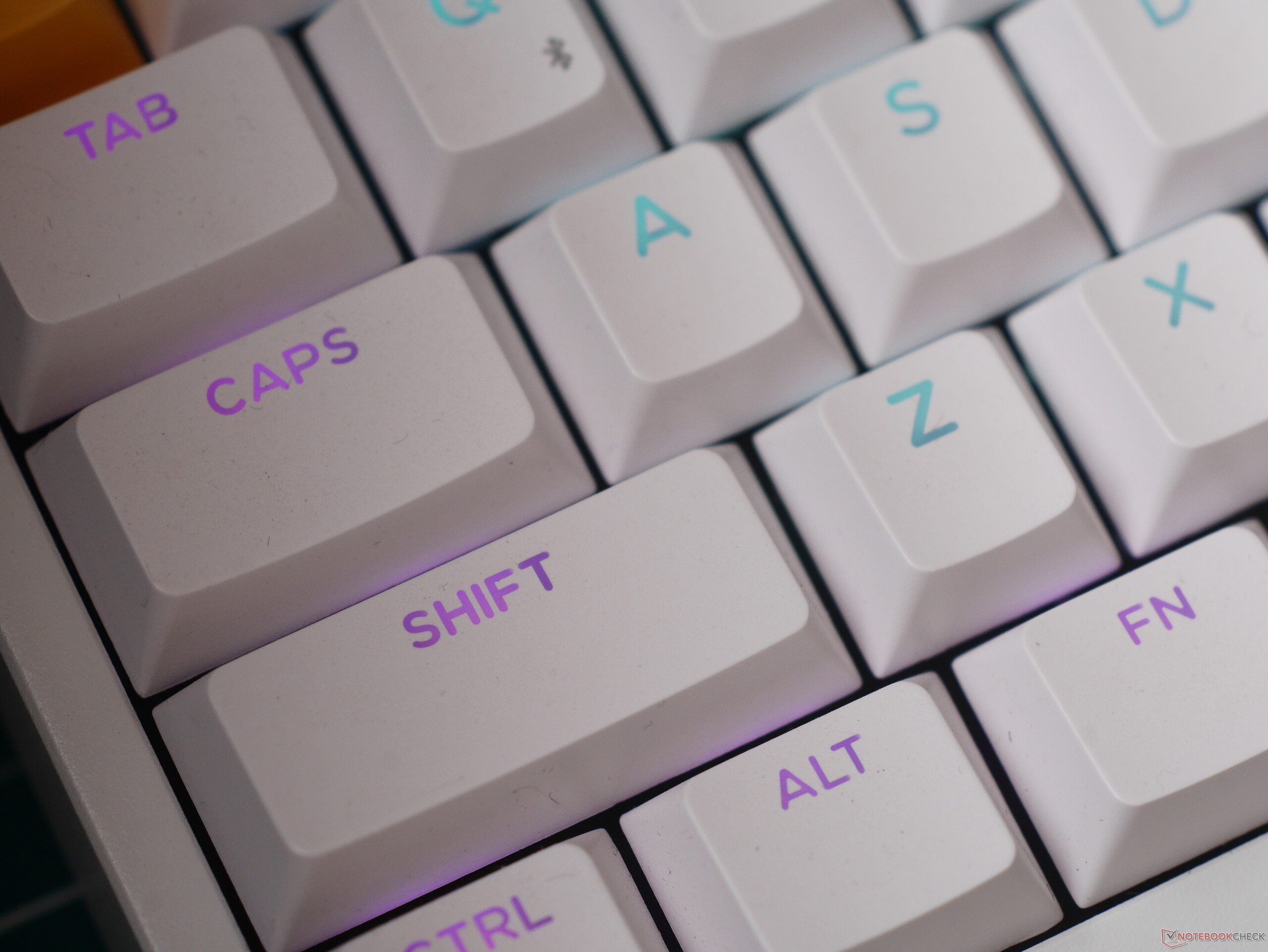
| Keycap material and profile | Double-shot PBT, shine-through, Cherry profile |
| Customisation | Full remapping, HE features setup, and macro creation through Keychron Launcher or Lemokey Launcher |
| Backlight | Per-key north-facing RGB |
| Polling rate | Up to 1 kHz on 2.4 GHz and USB-C, 125 Hz on Bluetooth |
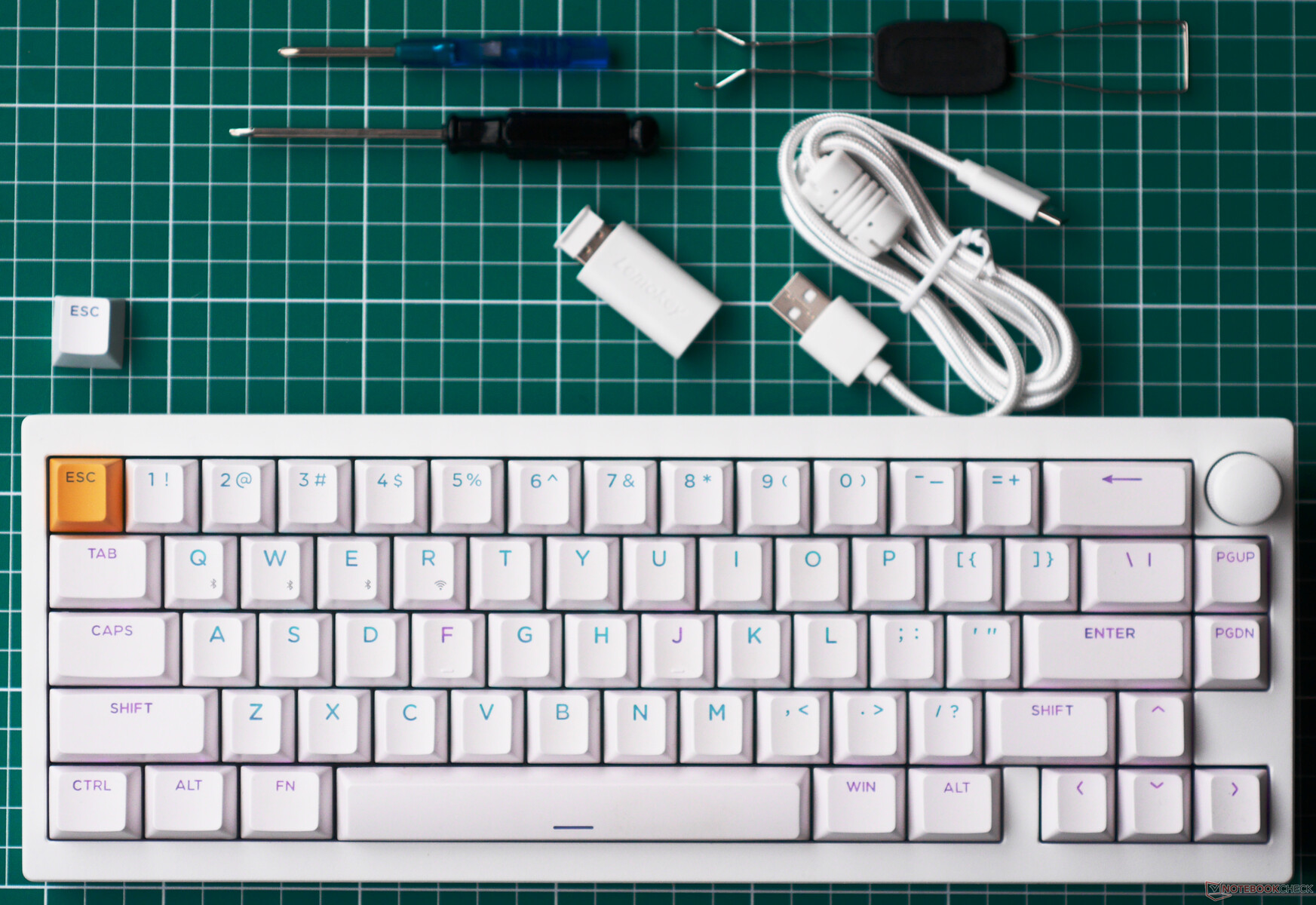
| Included accessories | Braided USB-A-to-C cable, USB Type-A dongle, Type-C-to-A converter/range extender, extra escape key |
Unboxing and accessories
The Lemokey P2 HE comes in a sturdy box with a printed dust cover and filled with moulded foam inserts, all of which should make it decently protected against shipping damage.
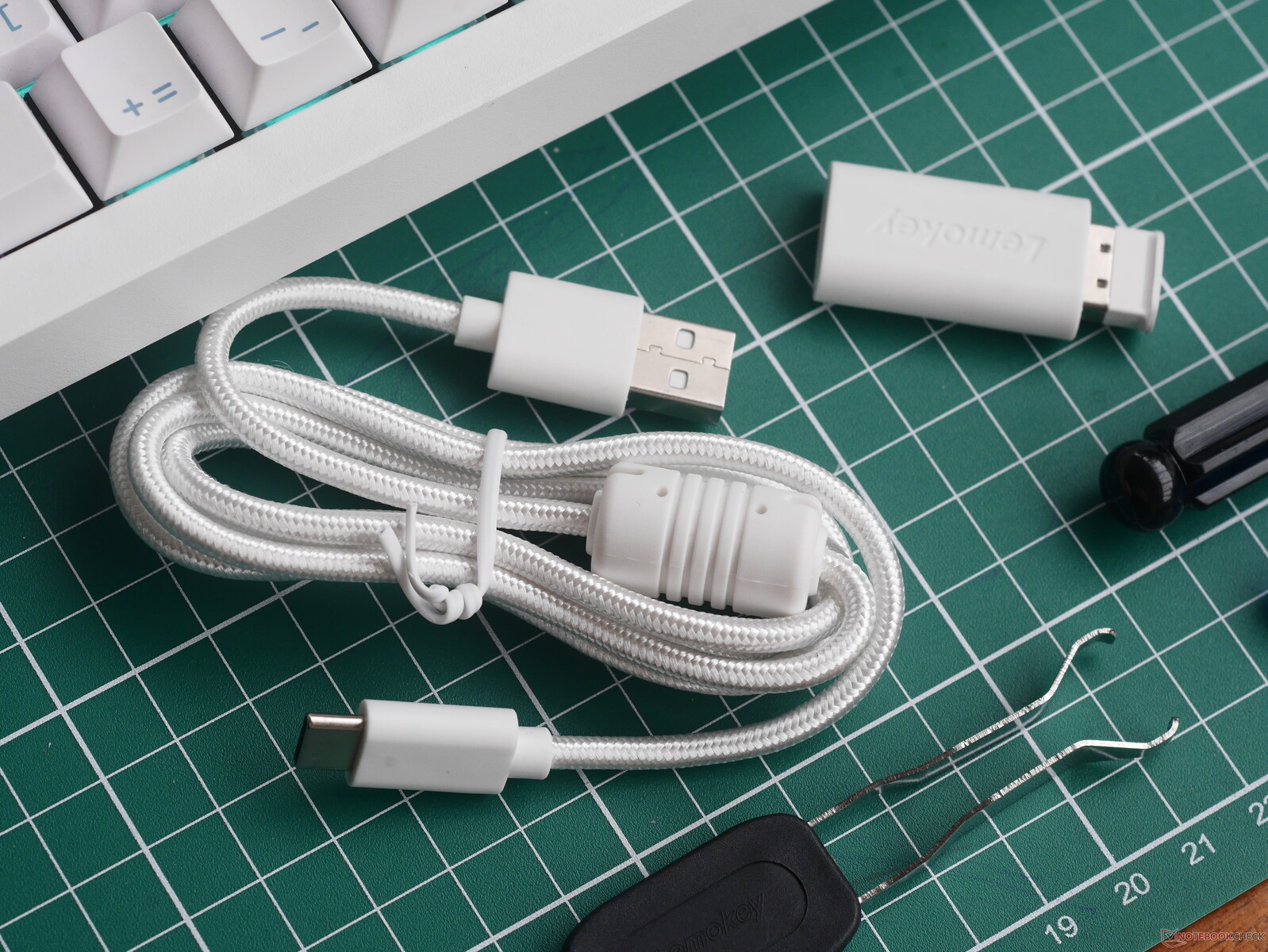
Included accessories:
- 2.4 GHz Type-A dongle
- Braided USB Type-A-to-C cable
- Dongle range extender (USB-C-to-A converter)
- Keycap and switch puller
- Screwdriver
- Hex driver
- Extra Esc accent keycap
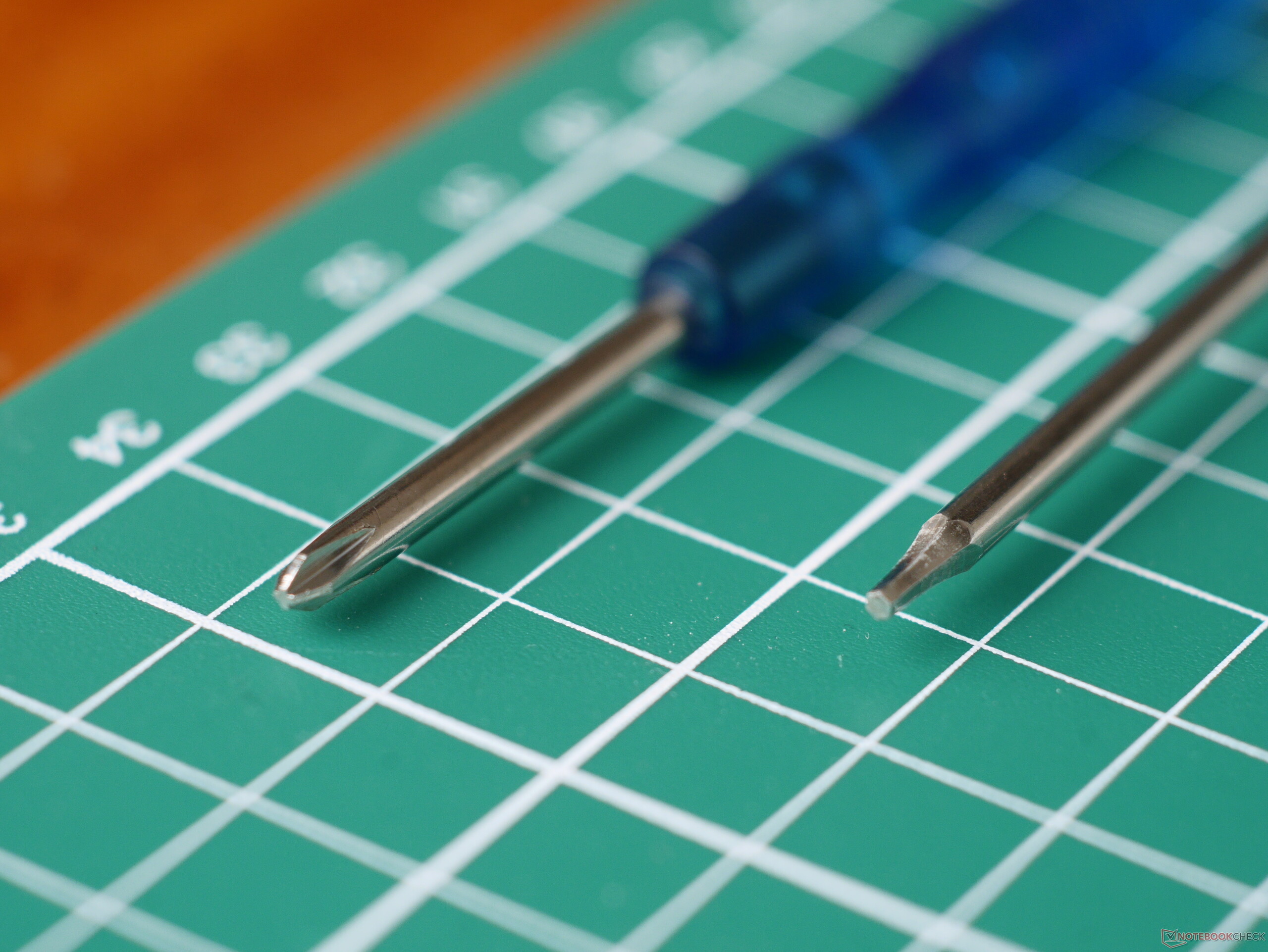
In terms of quality, the included accessories are about what we've come to expect from Keychron in reviews like the K4 HE and the Q13 Max. That is to say everything seems like it will hold up well enough, and everything that is used with the keyboard on a desk is colour-matched to the keyboard, which is a nice enough touch. The included tools appear to be there to disassemble the keyboard, which means Keychron intends for P2 HE owners to mod their keyboards.
Build quality and usage impressions
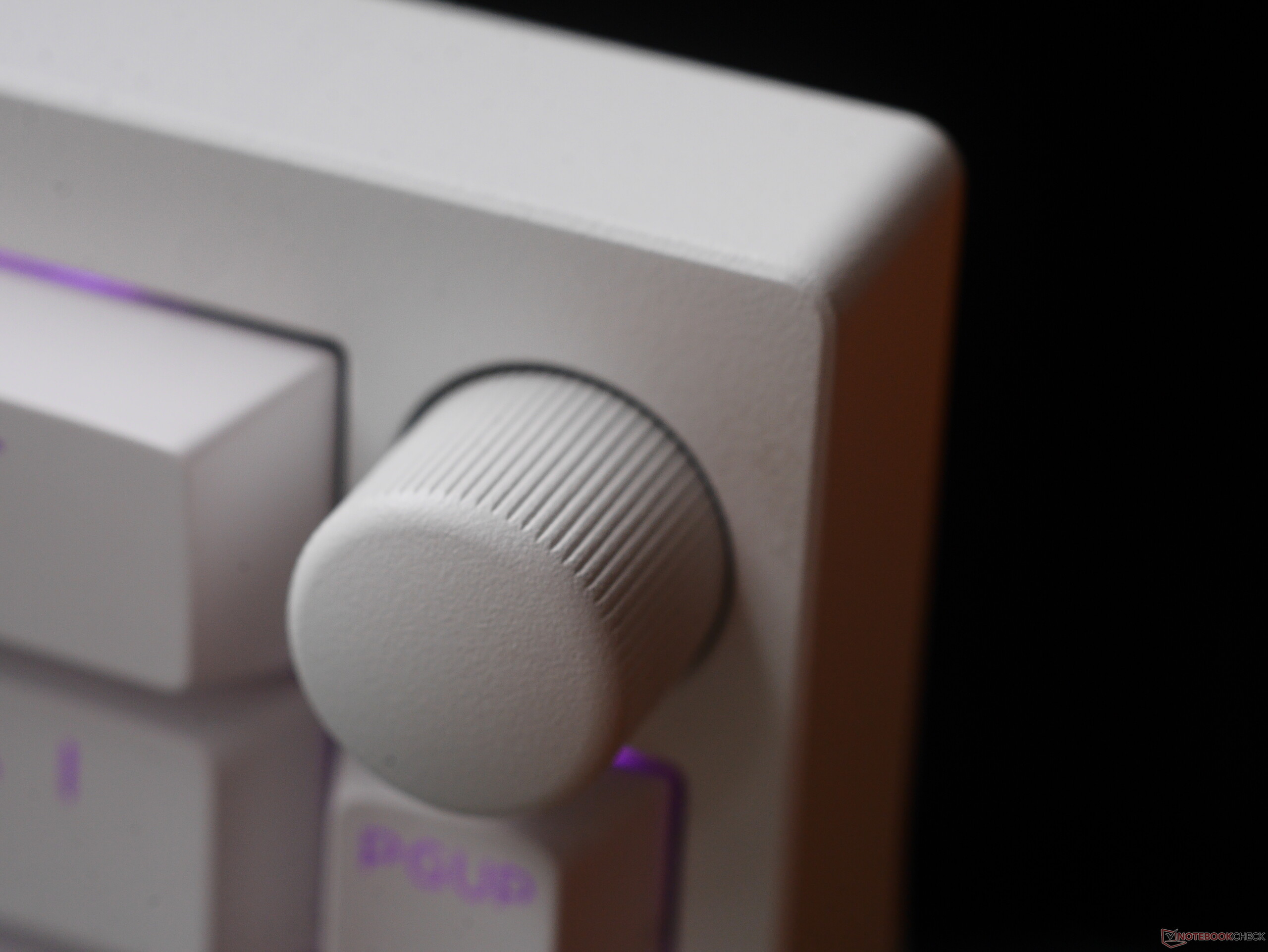
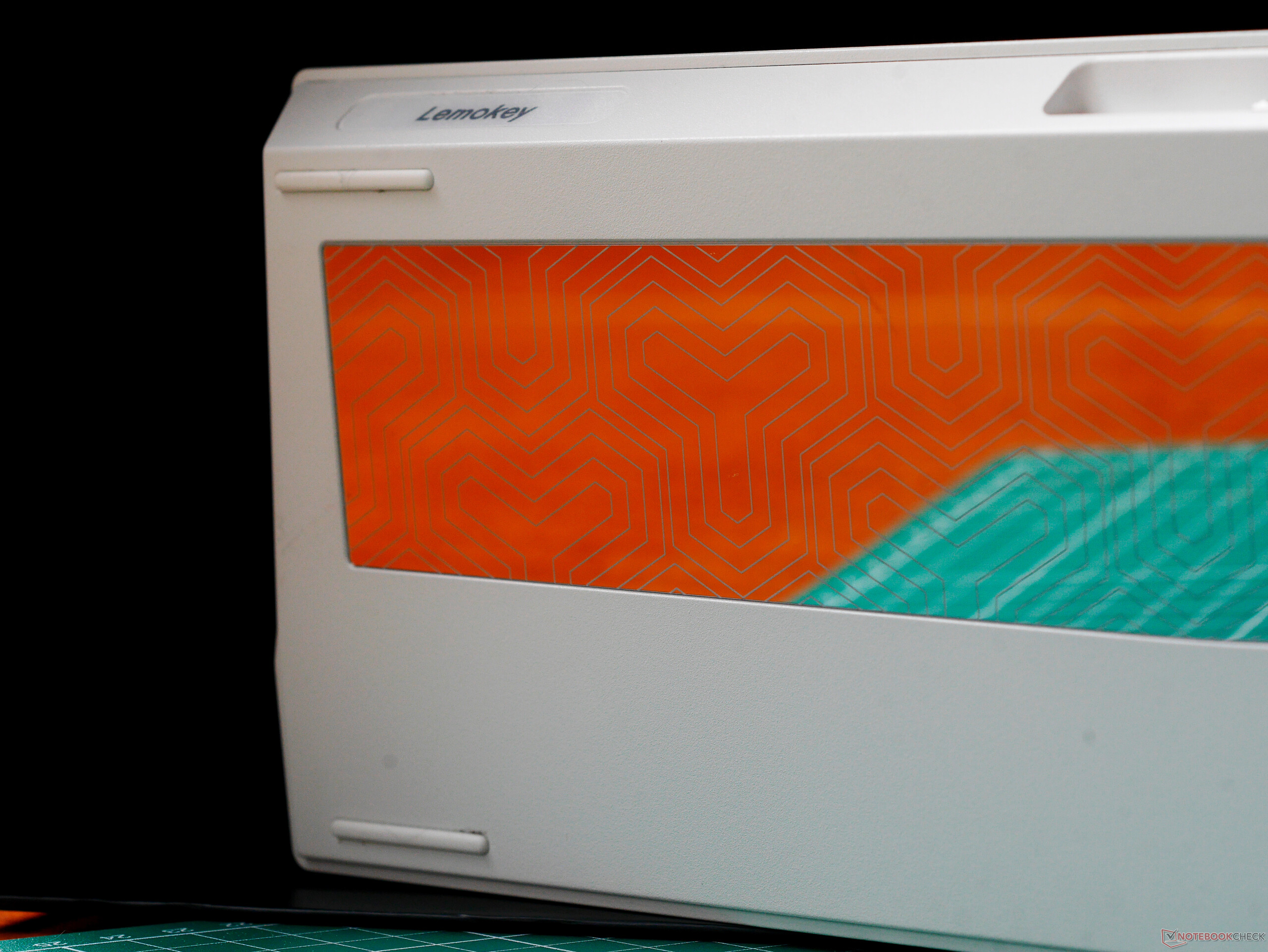
The Lemokey P2 HE is impressively well built, especially given how much cheaper it is than a lot of other Keychron and Lemokey keyboards. The surface finish on the e-coating is uniform, and the CNC-machined aluminium case is nicely finished, both inside and out. The rotary encoder also feels great to use: the detents throughout the rotation and the positive click when it is pressed both offer satisfying feedback, and it can pack a lot of features into the same space as one key.
The double-shot PBT keycaps have a slight matte texture to them, and the north-facing RGB backlighting is bright enough to see in basically any lighting conditions, including in a sunny room. This is thanks in part to the bright backlighting on the PCB but also due to the clarity of the shine-through lettering on the keycaps themselves. This, combined with the fact that the backlighting is north-facing (on the upper half of the switch rather than the lower half), also means that the P2 HE's backlighting is more functional than that of most enthusiast keyboards these days.
The quick-release closure (aka. ball-catch mechanism), is an interesting design, and despite featuring the same internal foams as the Lemokey L1 HE, the P2 HE exhibits a much more muted sound profile, and it eliminates much of the top-out clatter that is common with HE switches. As we've discussed in previous keyboard reviews featuring Gateron's Double-Rail Magnetic Nebula switches, they are exceedingly smooth and stable, although they are prone to causing fatigue during longer typing sessions if you're used to lighter switches.
Customisation
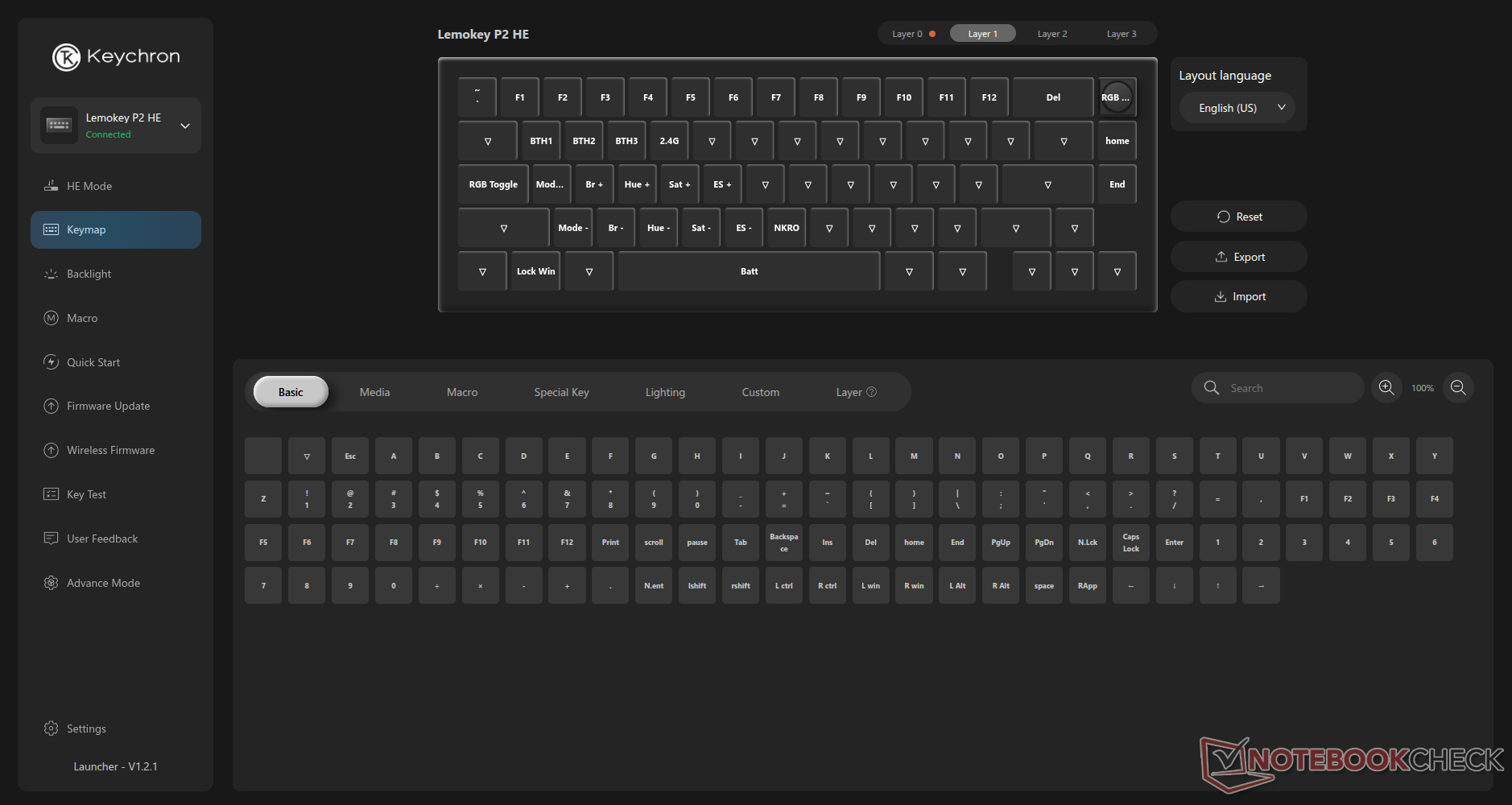
Show any normal computer user a 65% keyboard, and many of them will ask silly questions like "where are the rest of the keys" in a mocking tone, even though 65% feels like a battleship compared to a 40% keyboard. That said, they do kind of have a point: while the 65% design is great for conserving desk space, the P2 HE is missing a function row and a proper navigation cluster, not to even speak of the num pad. But this is where Keychron Launcher and the open-source QMK-based firmware come in handy.
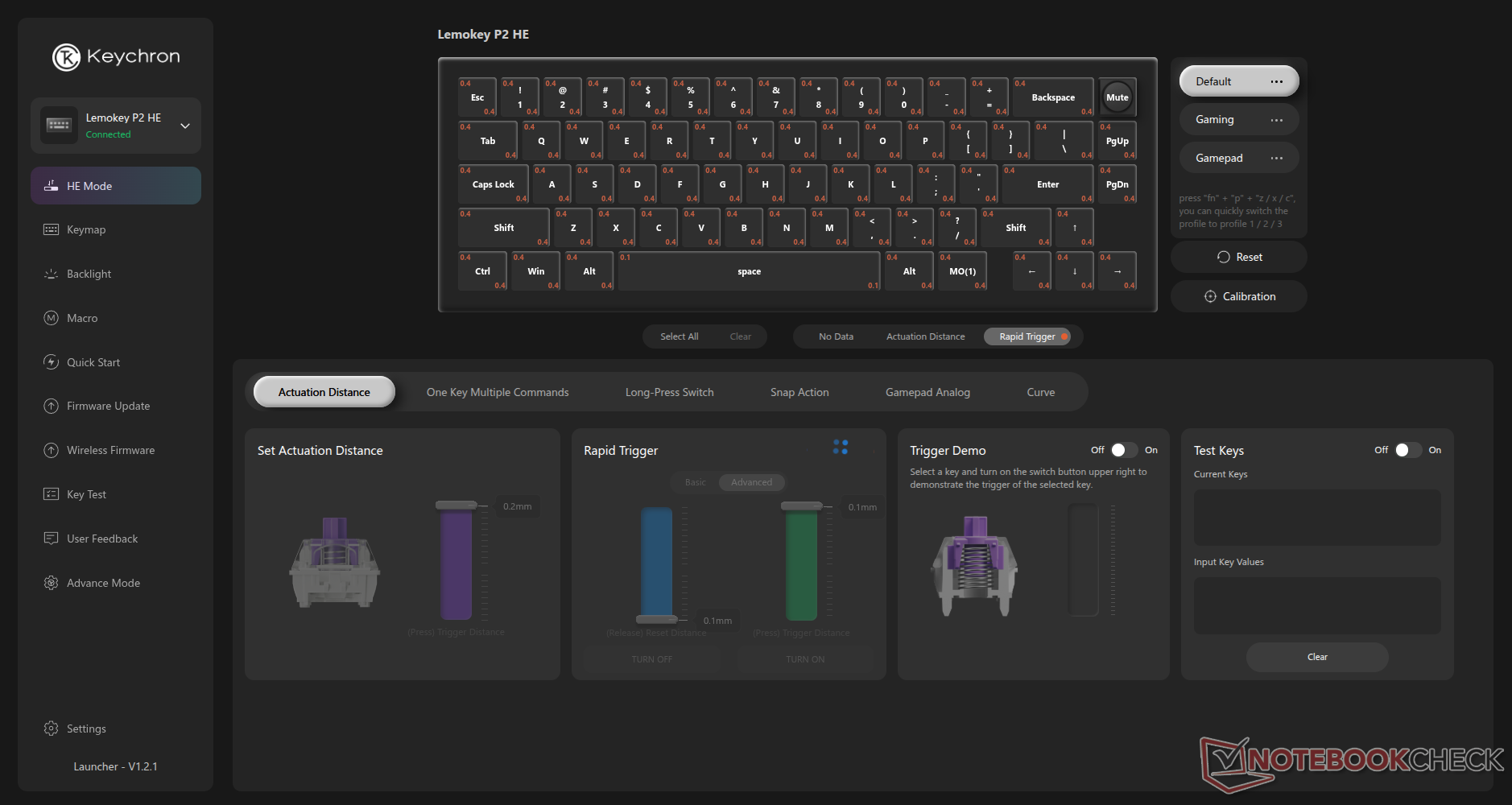
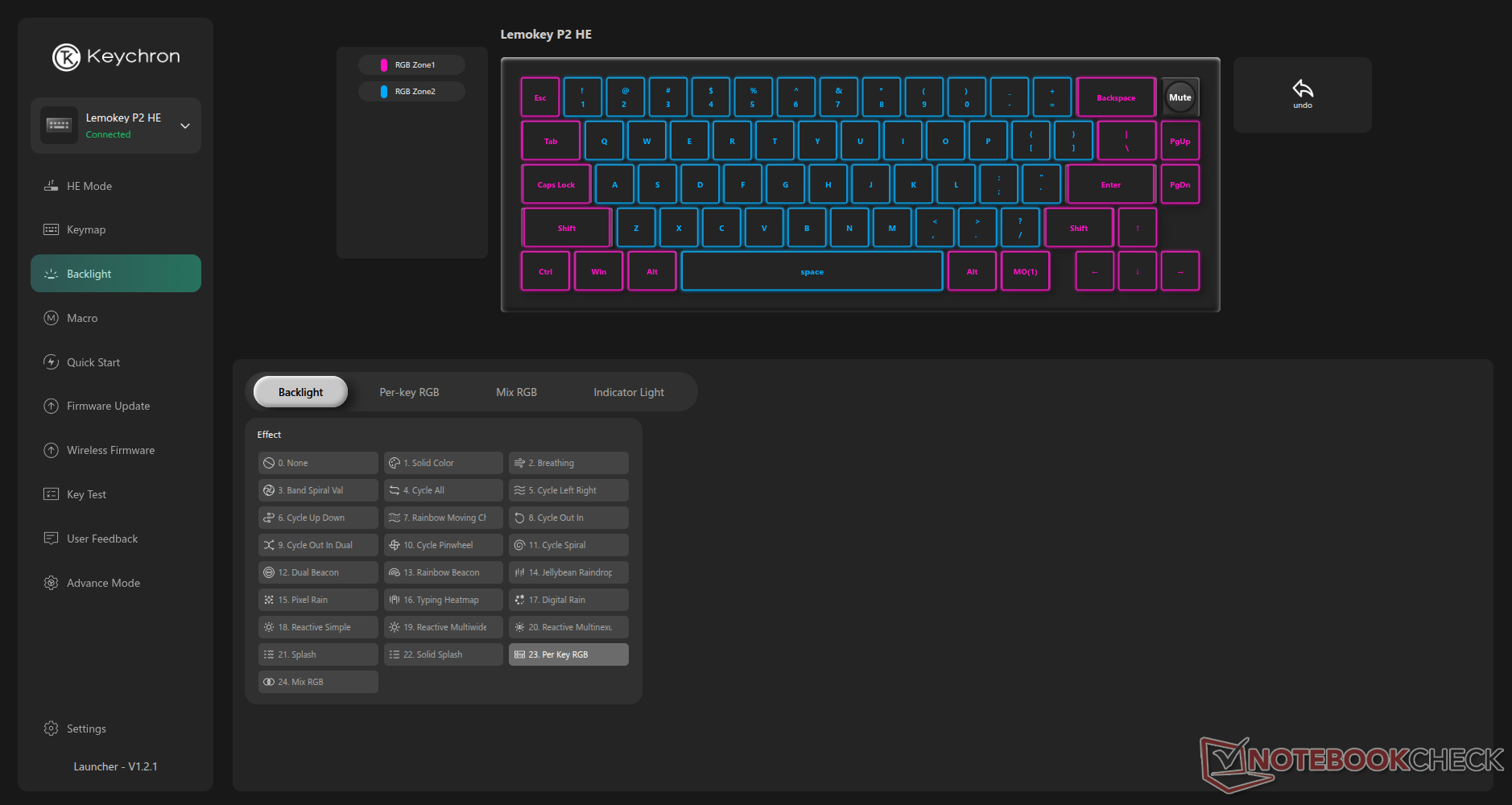
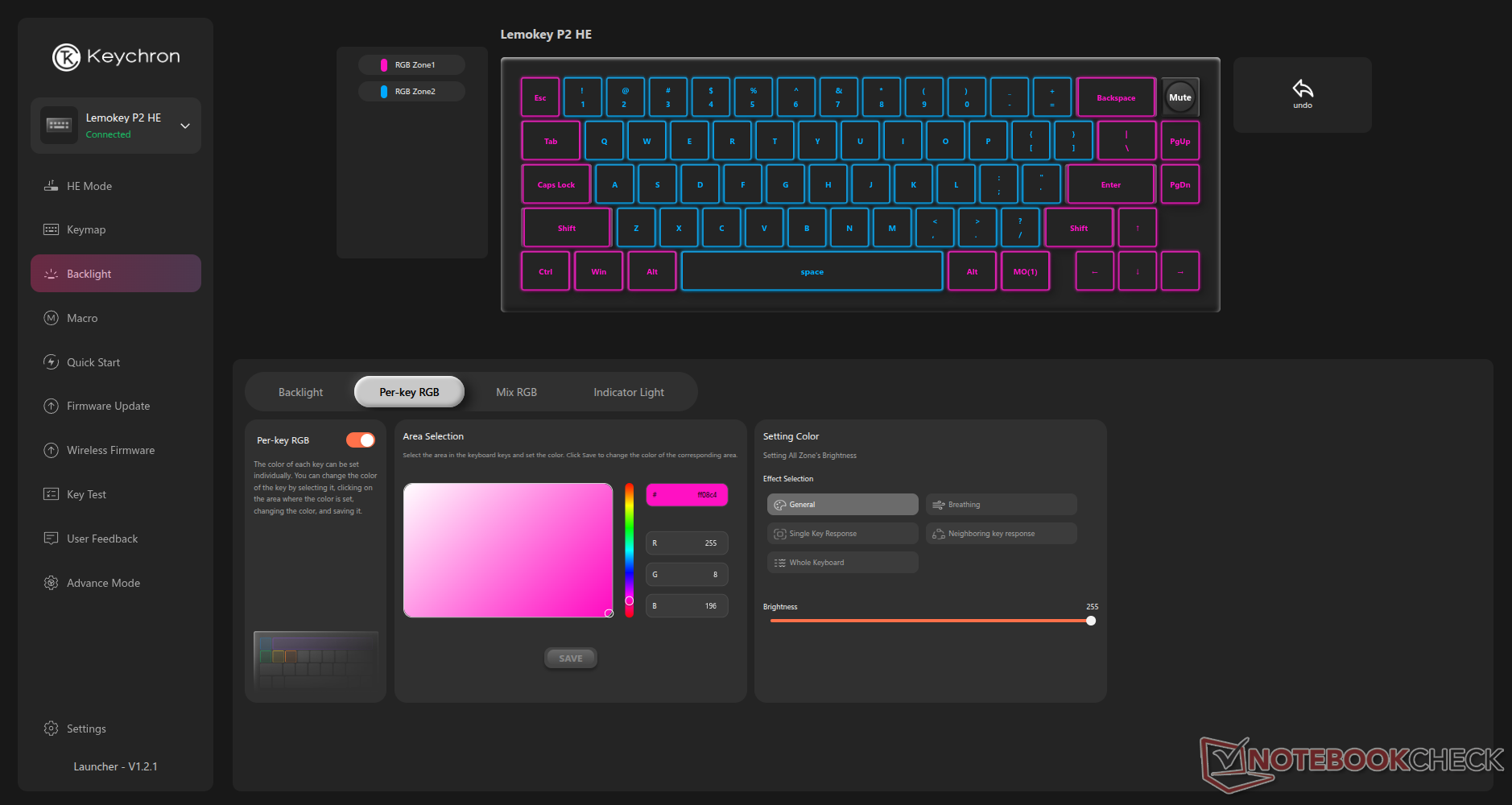
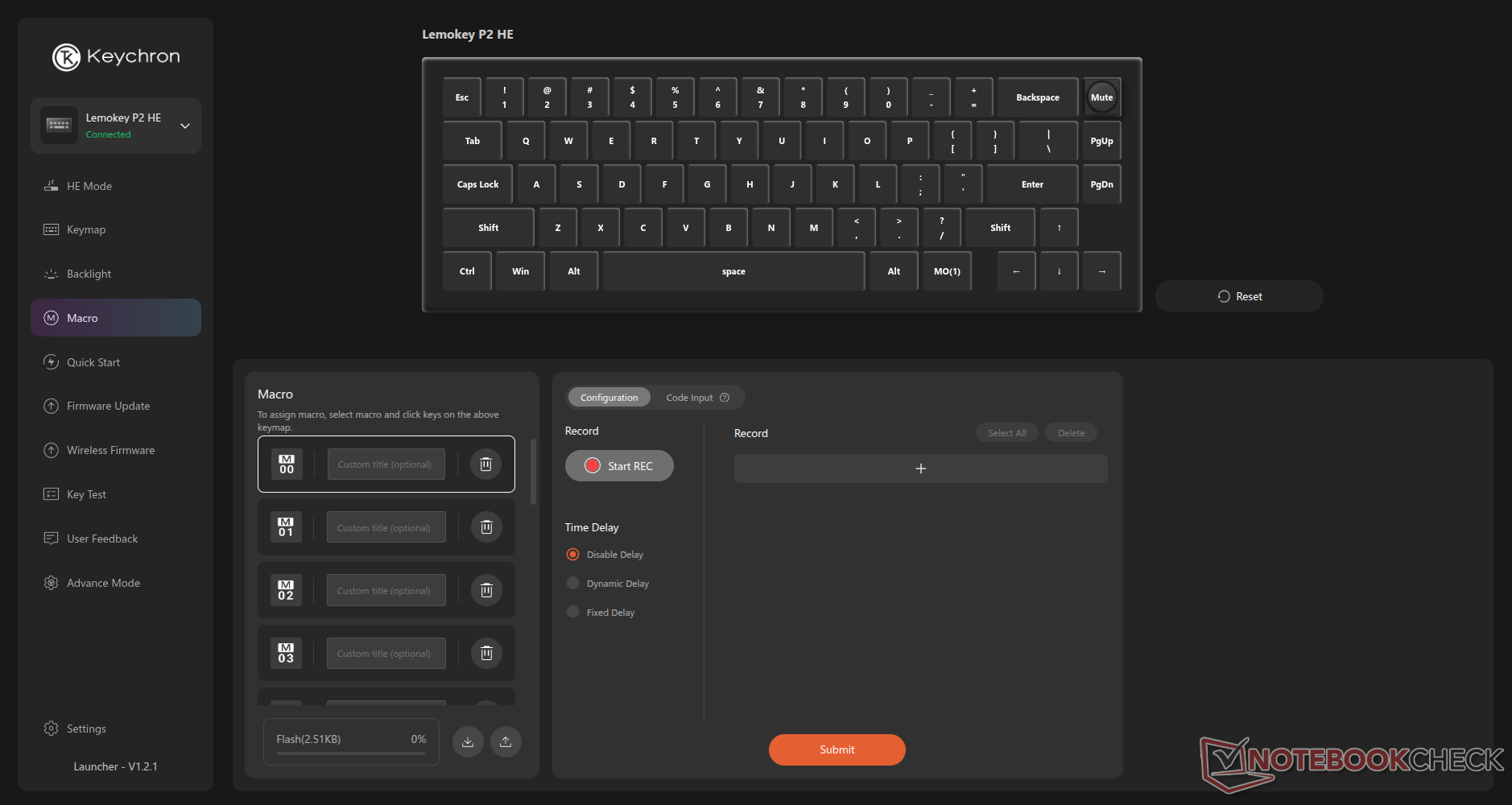
Keychron Launcher offers a wealth of customisation options, including key remapping, that allow you to put those "missing" keys on a secondary layer that can be accessed by simply holding the Fn key (or via any one of the other layer key functions that are available). Likewise, you can configure macros, mod tap, and a wealth of RGB customisation options. Even the knob can perform functions like scrolling through web pages or executing a macro every time you rotate it past a notch. While Lemokey's stock shortcut and Fn key combinations and functions are sensible, having the option to tweak them via a simple web interface opens up possibilities to make the keyboard much more useful.
You can also customise the full suite of classic Hall-effect features, actuation point, rapid trigger, SOCD, mod tap, DKS, and controller emulation, in Lemokey or Keychron Launcher.
Connectivity and battery life
The wireless 2.4 GHz and Bluetooth connections were both stable during our review period, which lasted the better part of two months, and battery life was excellent. Even with the RGB backlighting set to maximum brightness and with the keyboard running at 1 kHz, it routinely lasted over two weeks on a single charge with around 8-10 hours of daily use.
It's worth noting that these battery life figures will likely vary greatly when features like rapid trigger and SOCD are enabled, since these features can result in significantly more processing in the keyboard's MCU as well as much more data sent to the host system.
Lemokey P2 HE sound test
Conclusion
While the Lemokey P2 HE is small and unassuming, it delivers an impressive all-round package, thanks to in-depth customisation options, a well-thought-out case design that results in a surprisingly decent typing sound, and a wealth of features for both gamers and productivity users. Unless you're looking for a num pad, the P2 HE is an easy recommendation.
Transparency
The selection of devices to be reviewed is made by our editorial team. The test sample was given to the author by the manufacturer free of charge for the purposes of review. There was no third-party influence on this review, nor did the manufacturer receive a copy of this review before publication. There was no obligation to publish this review. As an independent media company, Notebookcheck is not subjected to the authority of manufacturers, retailers or publishers.
 Add as a preferred source on Google


