Analog switches, touchpad and additional input devices: Asus unveils compact gaming keyboard
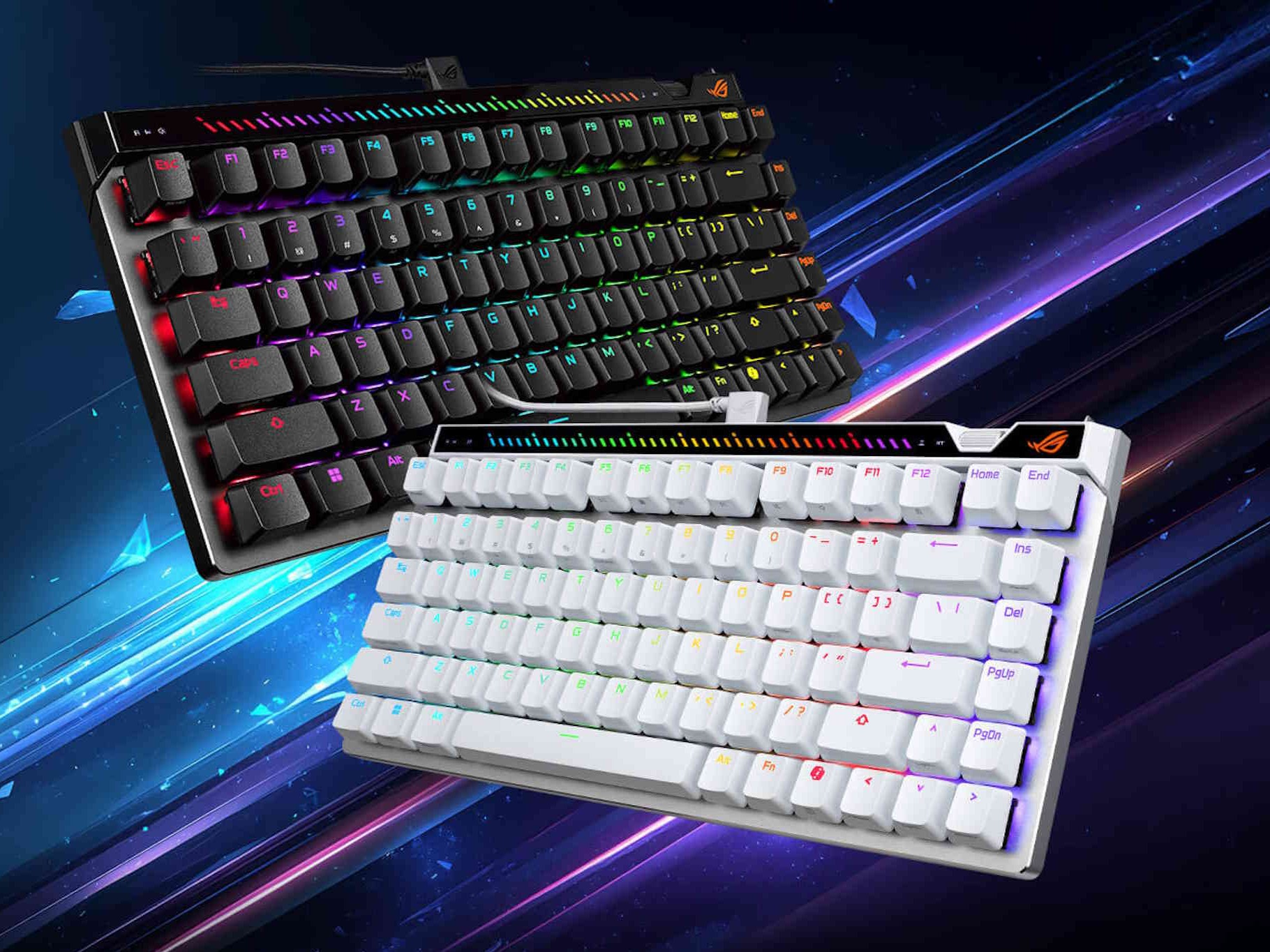
Asus is launching another gaming keyboard in the ROG Falchion Ace 75 HE, featuring modern technology in a compact form factor. The "75" in the product name stands for "75%." In practice, this means the keyboard is 75% the size of standard keyboards, lacking a numpad. Additionally, the keys, such as the arrow keys, have been much more tightly integrated into the main keyboard block. The six-key block is not in its traditional form, but rather appears as a vertical row on the very right.
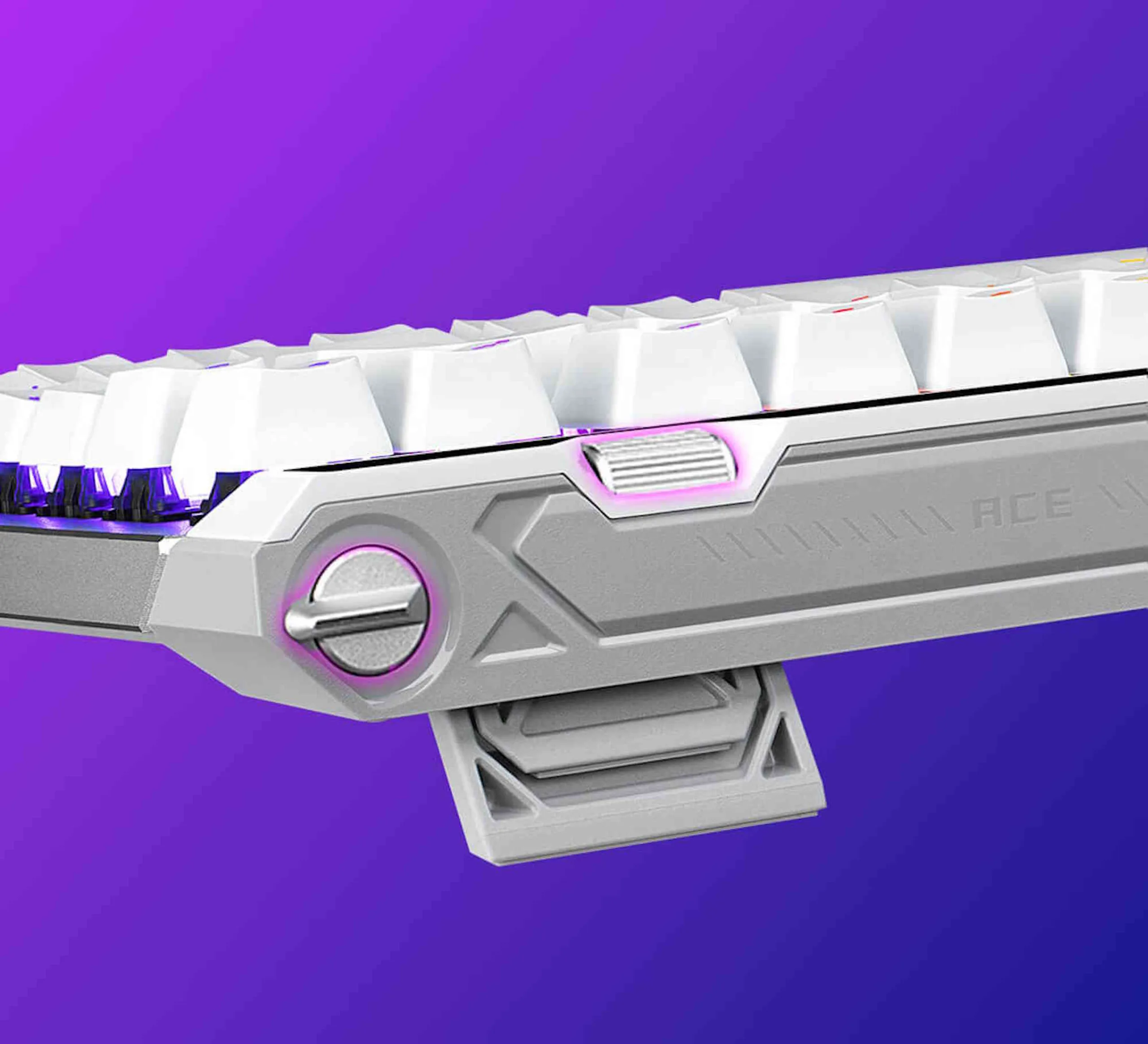
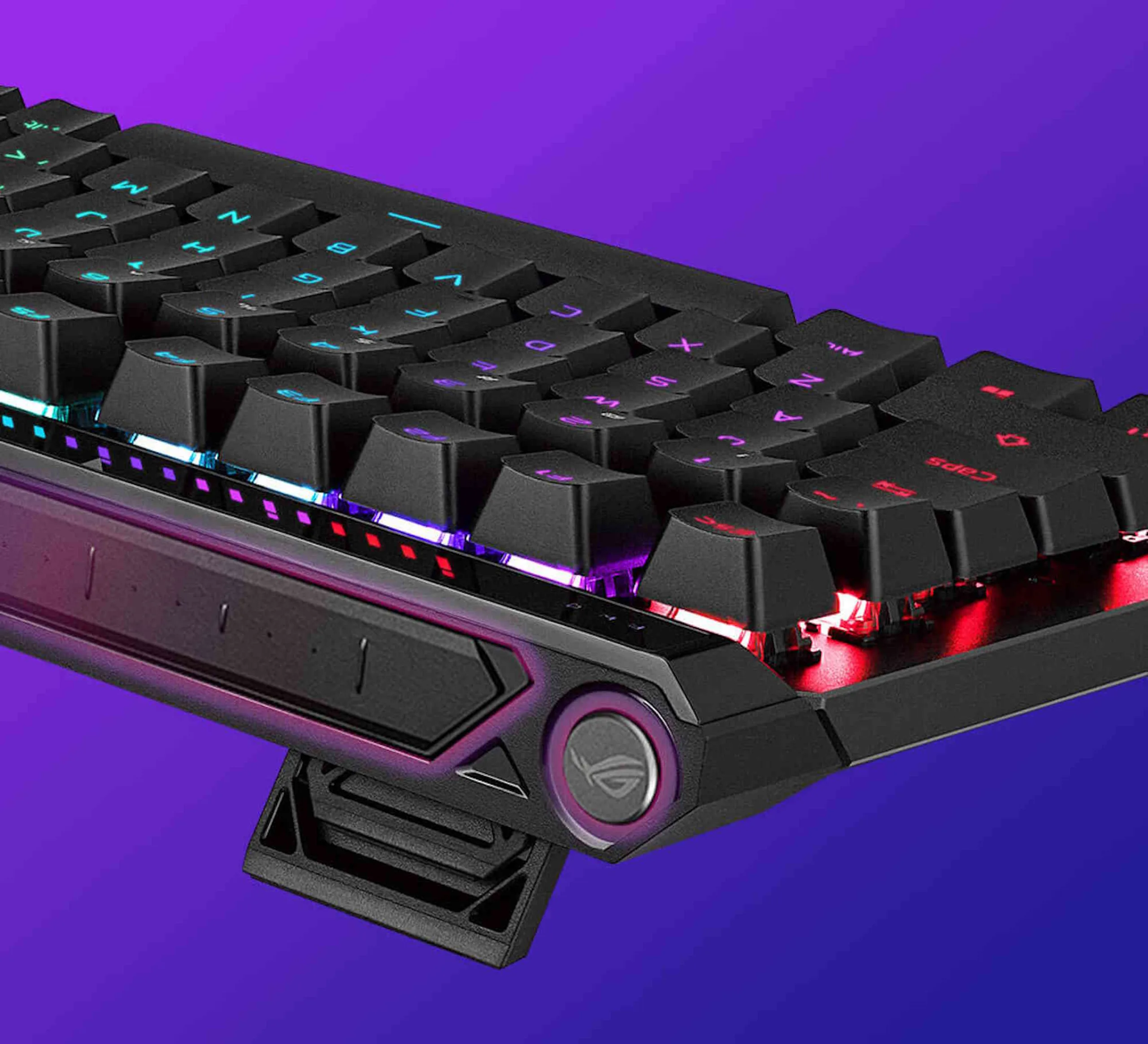
Function keys, on the other hand, are still present. Asus has included additional input devices on the back and top of the keyboard. These include a multi-function button and a touch panel, as well as a rotary dial and a rapid trigger toggle switch on the top right. These allow for quick adjustments to important settings, such as media playback controls. The keyboard comes with ROG HFX V2 or ROG HFX V2X switches, magnetic switches that allow users to configure when a key is registered as pressed. Unlike traditional mechanical keyboards, the switch resets instantly as it moves upward (otherwise known as the "Rapid Trigger" effect), allowing for rapid presses.
The keyboard supports a polling rate of 8,000 Hz, ensuring rapid keystroke response. Measuring 320 x 145 x 35 millimeters, the keyboard requires a wired connection and comes with a relatively comprehensive set of accessories, including a carrying case. Information regarding price and availability is still pending.
Source(s)
 Add as a preferred source on Google