




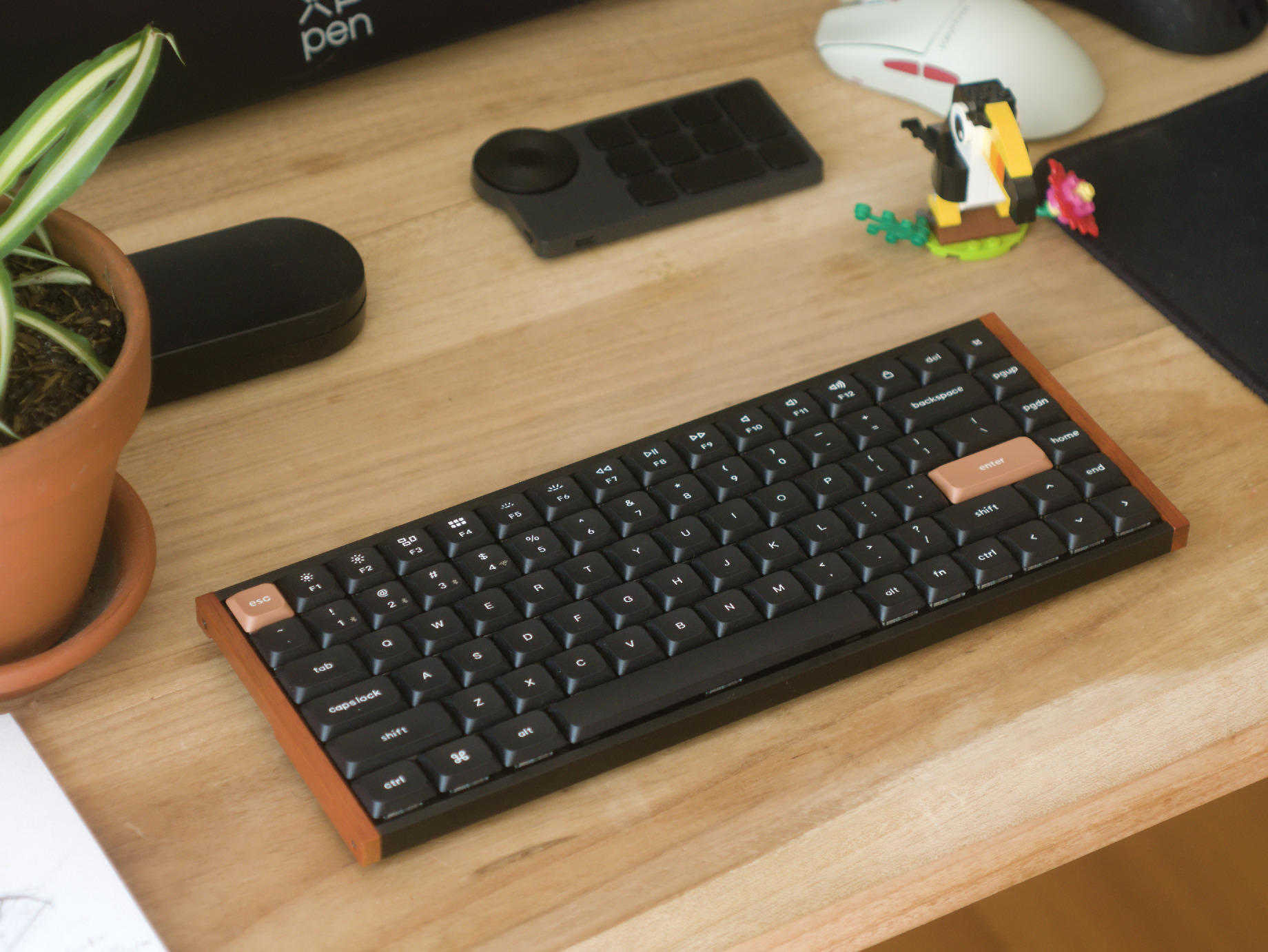
Keychron K3 HE review: Low-profile gaming keyboard delivers ergonomics and customisation galore
Great for gaming, not an office embarrassment.
The Keychron K3 HE is a low-profile, wireless, Hall-effect gaming keyboard that comes in at an affordable price and delivers all the fancy analogue input features and customisation that gamers want. Further, the K3 HE is plenty portable and looks just as good at a professional workstation as it does next to an RTX 5090 gaming PC.Julian van der Merwe Published 🇳🇱 🇫🇷 ...
Verdict: Excellent value, comfort, and aesthetics; one weird decision
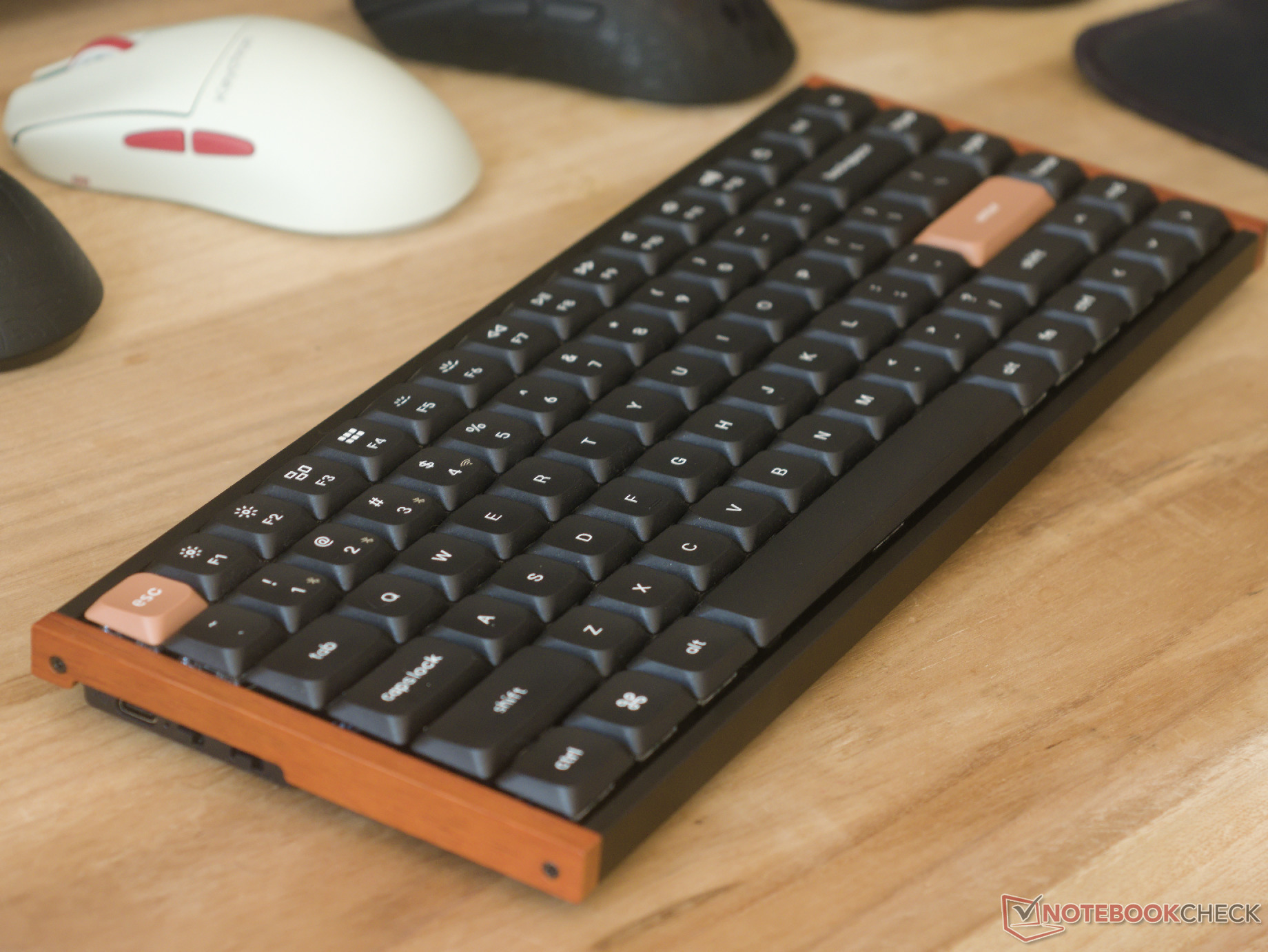
With the K3 HE, Keychron has stumbled upon a special combination of things that make the K3 HE stand out in a sea of new Hall-effect gaming keyboards, whether wired or wireless. At just $119.99, the K3 HE offers solid value, great ergonomics for a non-split layout, satisfying typing feedback, typical analogue keyboard customisation, and great build quality.
Though the K3 HE may take some getting used to, the 75% layout makes it significantly more familiar than most compact keyboards. Although it might not have the build quality of a 2 kg CNC aluminium design, it's perfectly compact and lightweight enough to fit into a backpack for a daily commute without compromising on build quality.
There are two major drawbacks to the K3 HE for average consumers and gamers. The first is that the keyboard basically locks you into Keychron's proprietary low-profile HE switches. Although the Ultra-Fast Lime Low-Profile Magnetic switches are smooth, with reasonable travel and just the right amount of texture, if you like a lighter or heavier switch, you're basically out of luck until Keychron decides to launch another low-profile HE switch, which the company may do at some point based on past releases, but there are no guarantees. The other major flaw is that the K3 HE is limited to a 1,000 Hz polling rate, which may be a consideration for gamers who demand top-notch performance.
Pros
Cons
Price and availability
The Keychron K3 HE is available on the Keychron online store for $119.99 in both black and white in the ANSI US layout, and in black in select ISO layouts (Nordic, German, and UK).
Table of Contents
- Verdict: Excellent value, comfort, and aesthetics; one weird decision
- Keychron K3 HE specifications
- First impressions and build quality
- Typing and gaming experience and a review of Keychron's Ultra-Fast Lime Low-Profile Magnetic switches
- Customisation
- Battery life
- Conclusion — A travel keyboard for digital nomads who game
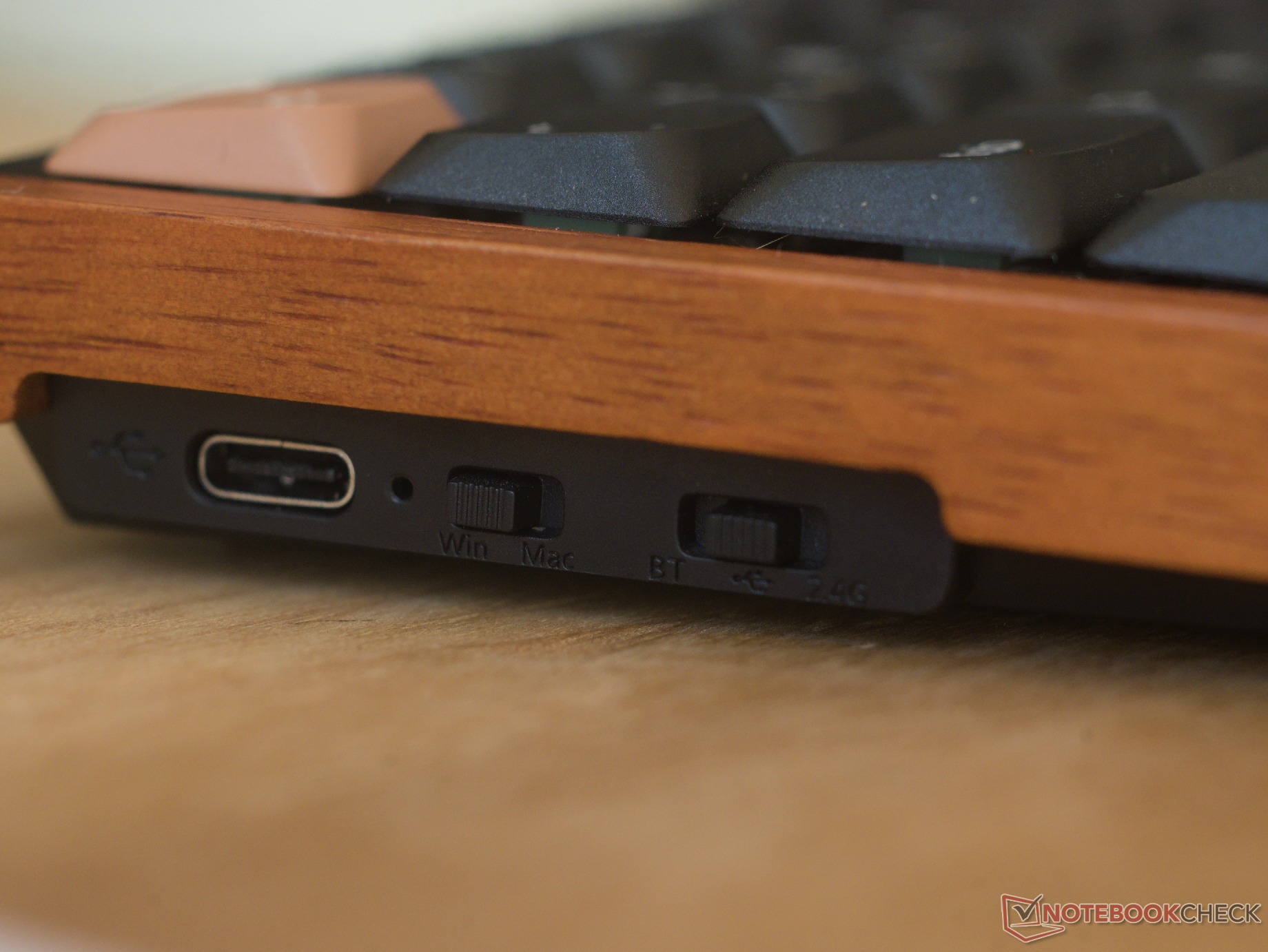
The Keychron K3 HE is a wireless, 75%, Hall-effect gaming keyboard with Bluetooth and 2.4 GHz connectivity, double-shot PBT keycaps, and Keychron Ultra-Fast Lime Low-Profile Magnetic switches.
Keychron K3 HE specifications
| Form factor and size | ANSI US, 84 keys, 320 × 122 mm; 16.1 mm front height without keycaps, 20.5 mm with keycaps |
| Case material | ABS bottom case, aluminium rails, rosewood accents |
| Weight | 560 g |
| Plate material and mounting style | Aluminium plate, Tray mount |
| Connectivity | USB type-C, 2.4 GHz, Bluetooth 5.2 |
| PCB and switch style | Proprietary Keychron low-profile Hall effect switch |
| Default switch options | Keychron Ultra-Fast Lime Low-Profile Magnetic switches (linear, 40–60 gf) |
| Keycap material and profile | Double-shot PBT in Keychron LSA profile |
| Customisation software | Keychron Launcher web-based utility |
| Battery life | 55 hours with no backlight (claimed); 27 hours with backlighting enabled (tested) |
| Backlight | North-facing per-key RGB backlighting |
| Polling rate | 1,000 Hz over wired and 2.4 GHz, 125 Hz over Bluetooth |
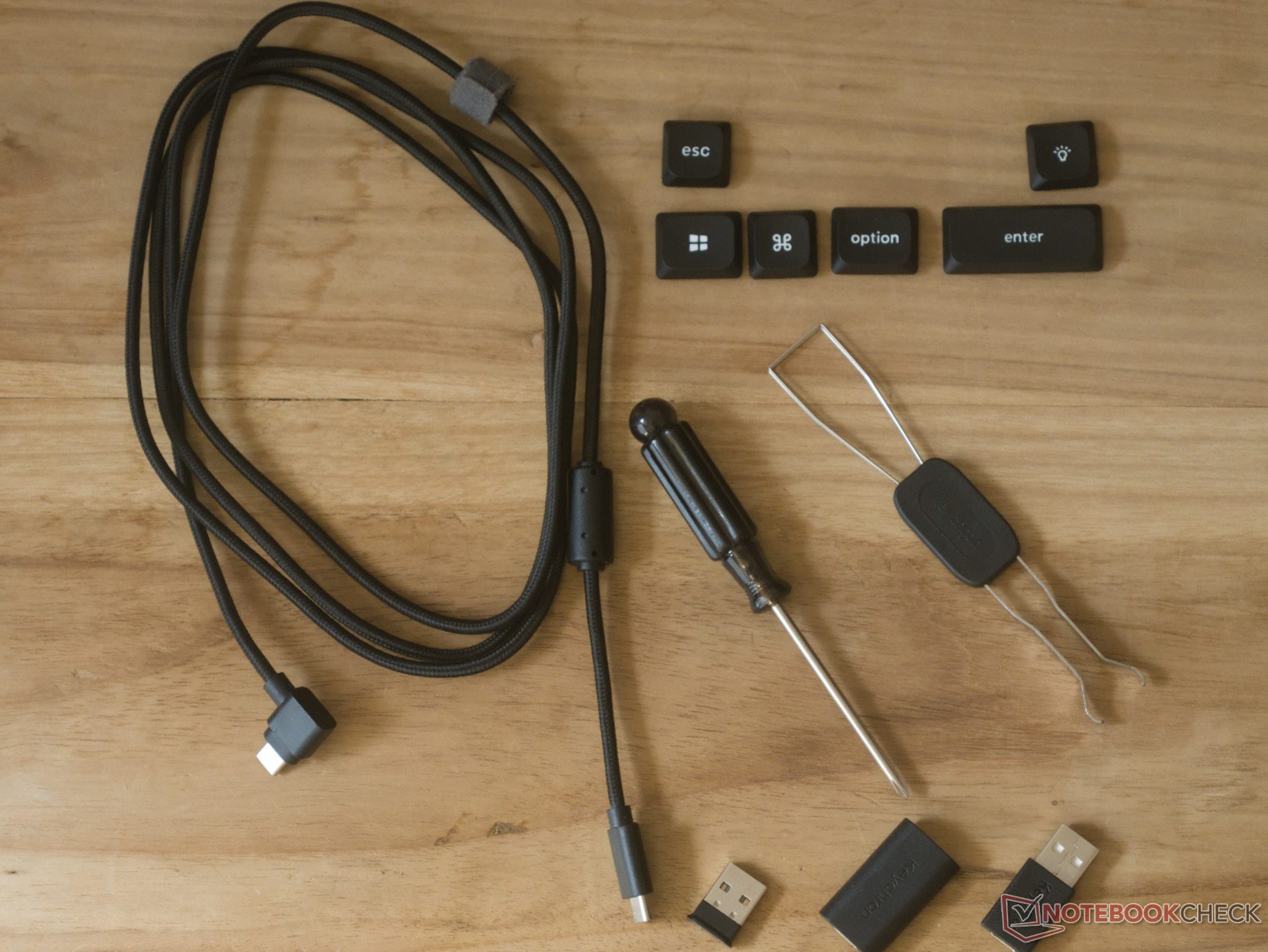
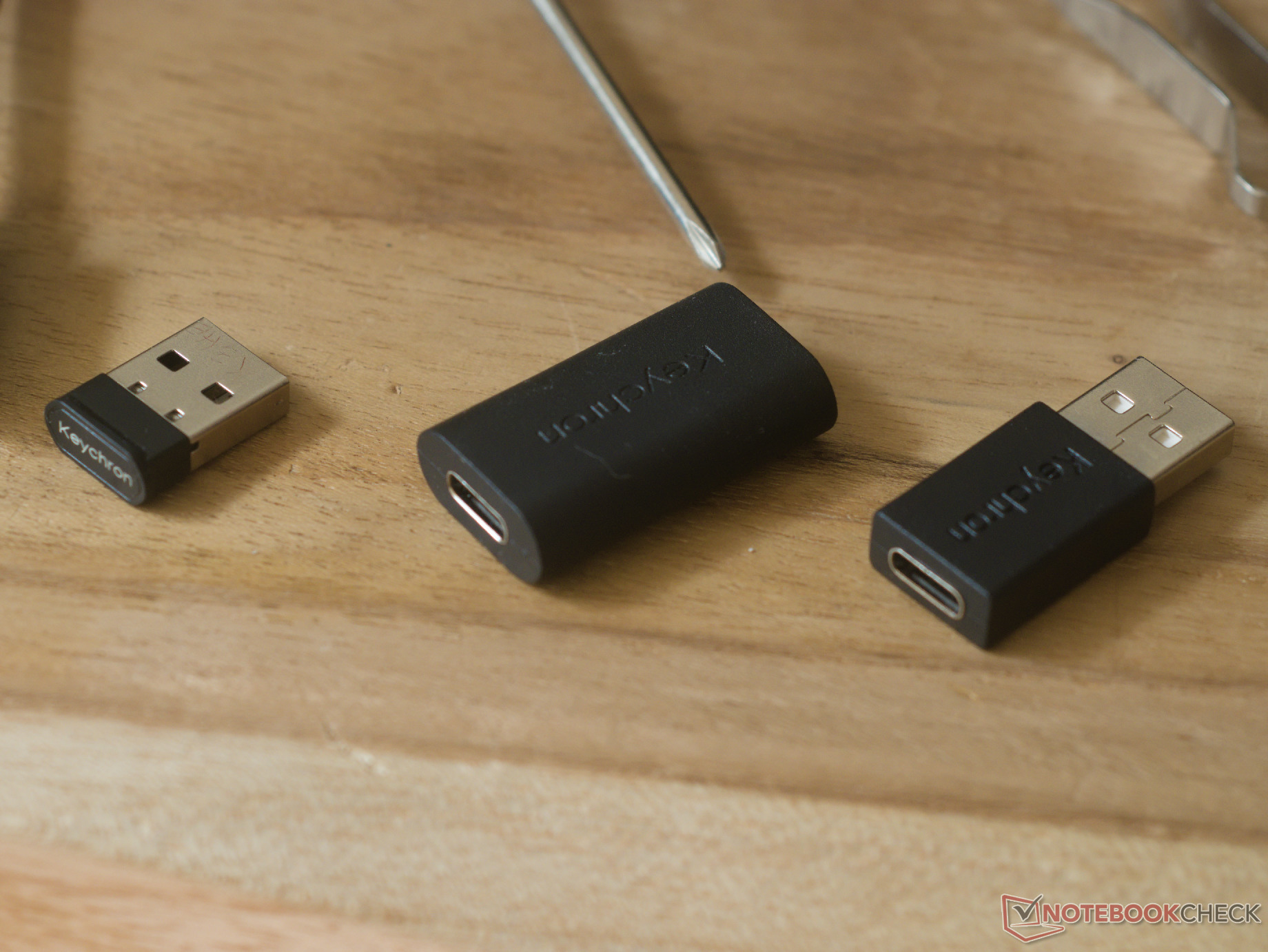
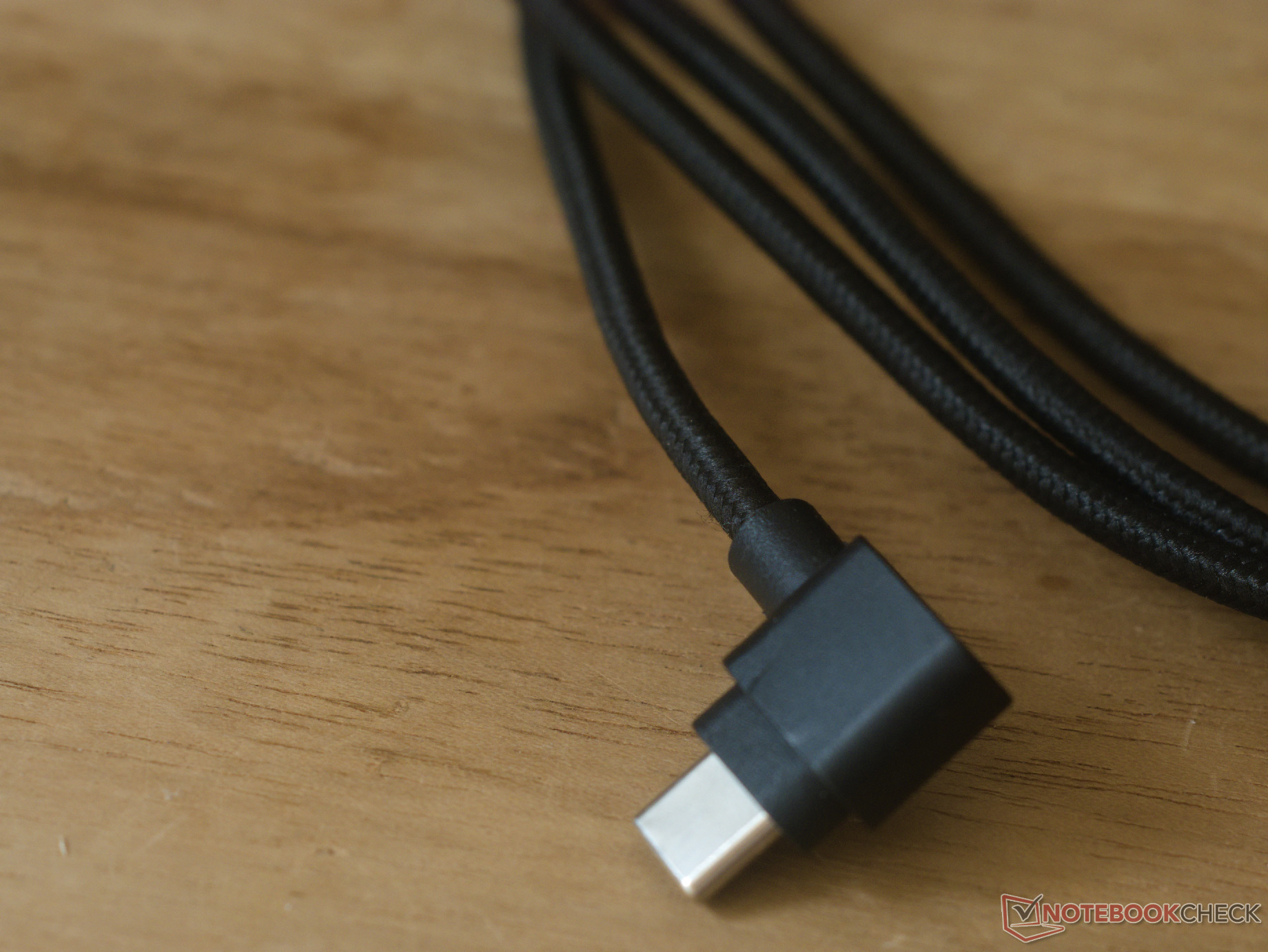
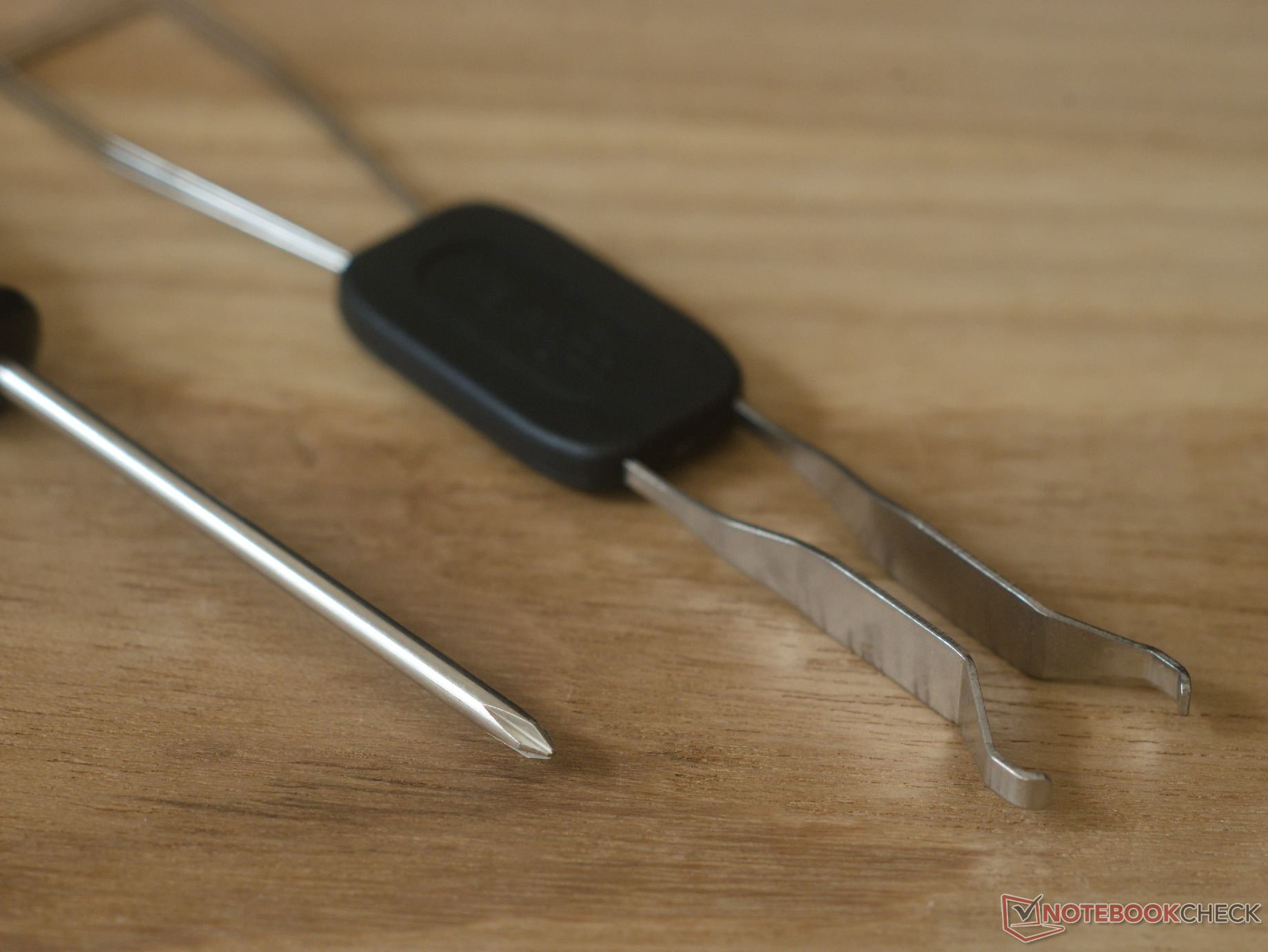
| Included accessories | Braided, right-angled USB Type-C cable (1.8 m long); USB Type-A-to-C adaptor; USB Type-C-to-A adaptor; 2.4 GHz dongle; extra keycaps; keycap and switch puller; screwdriver |
| Price | $114.99 |
| Availability | Keychron online store |
First impressions and build quality
The Keychron K3 HE unboxing is neat enough, but it isn't anything special. However, it does come with a decent set of reasonable-quality accessories, especially for the price. The screwdriver is a nice touch for those looking to modify the keyboard, as are the additional keycaps for those who want to switch from the default macOS layout to a Windows or OS-agnostic layout.
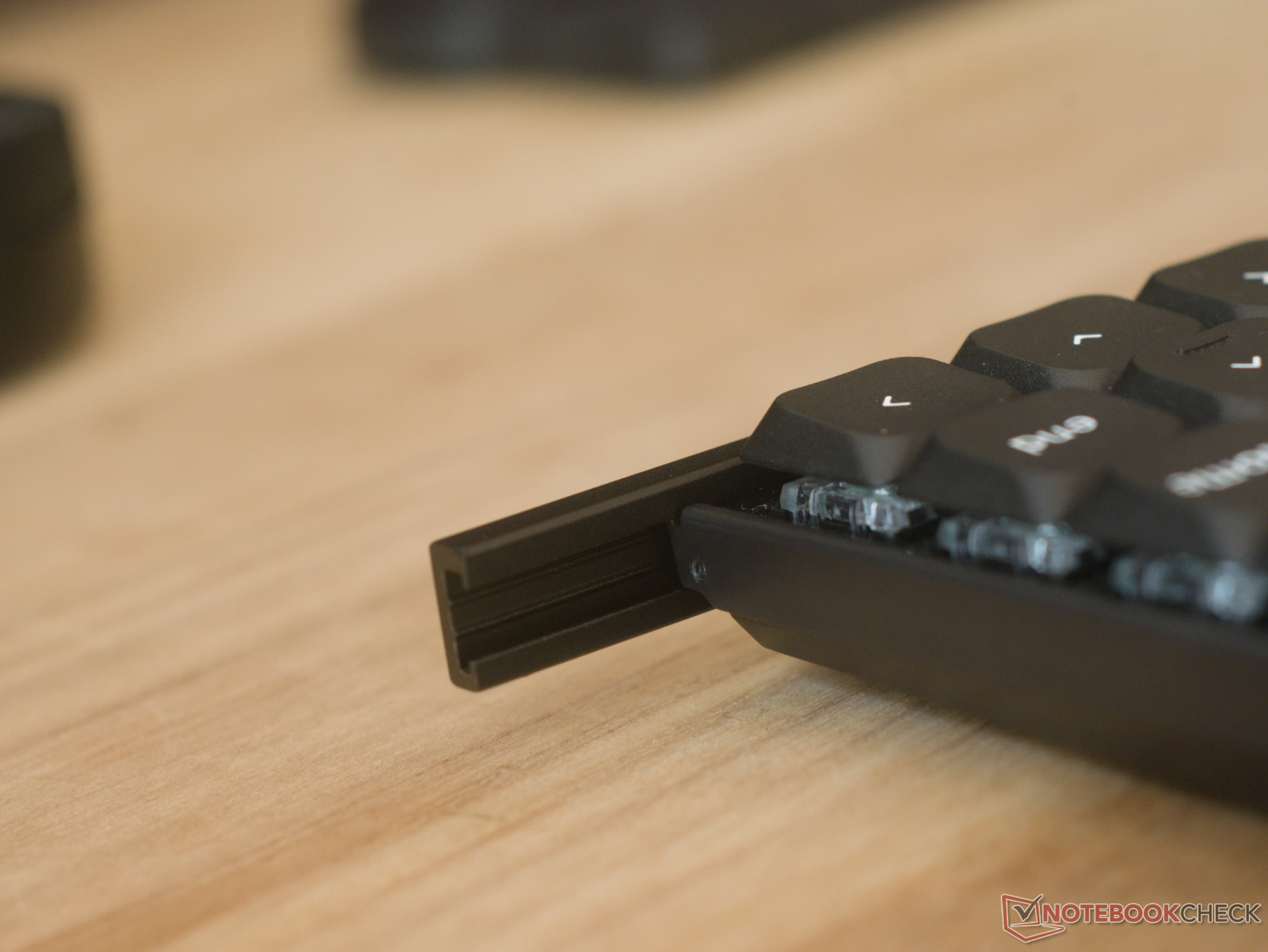
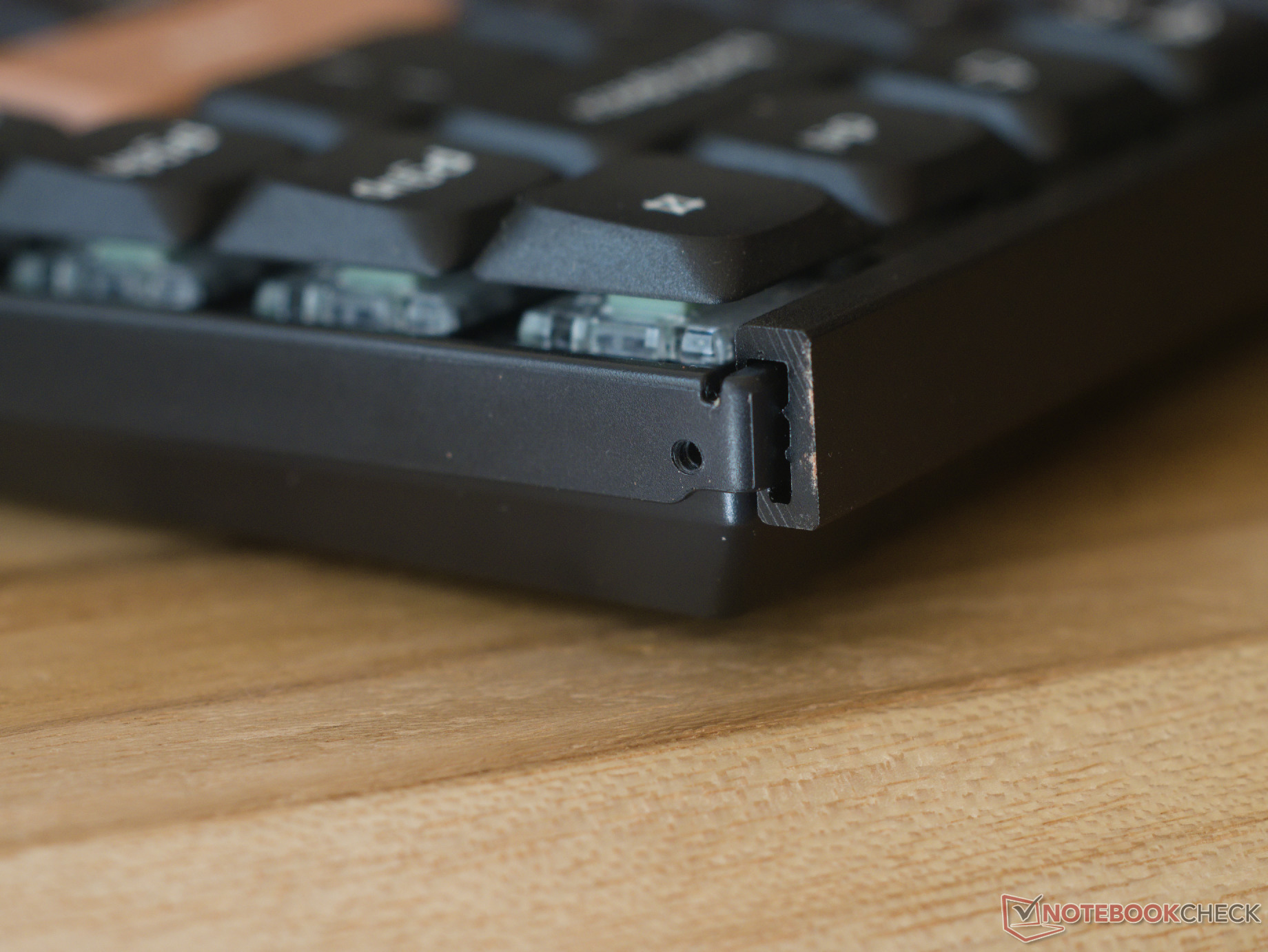
The build quality of the K3 HE is nothing too special, but in the context of a Hall-effect gaming keyboard that's meant to be portable and slim, it's nothing to scoff at either. The aluminium top and bottom rails add some much-needed rigidity, while the CNC-machined rosewood accent panels are very well machined and finished, making the keyboard look and feel much more premium than other ABS keyboards.
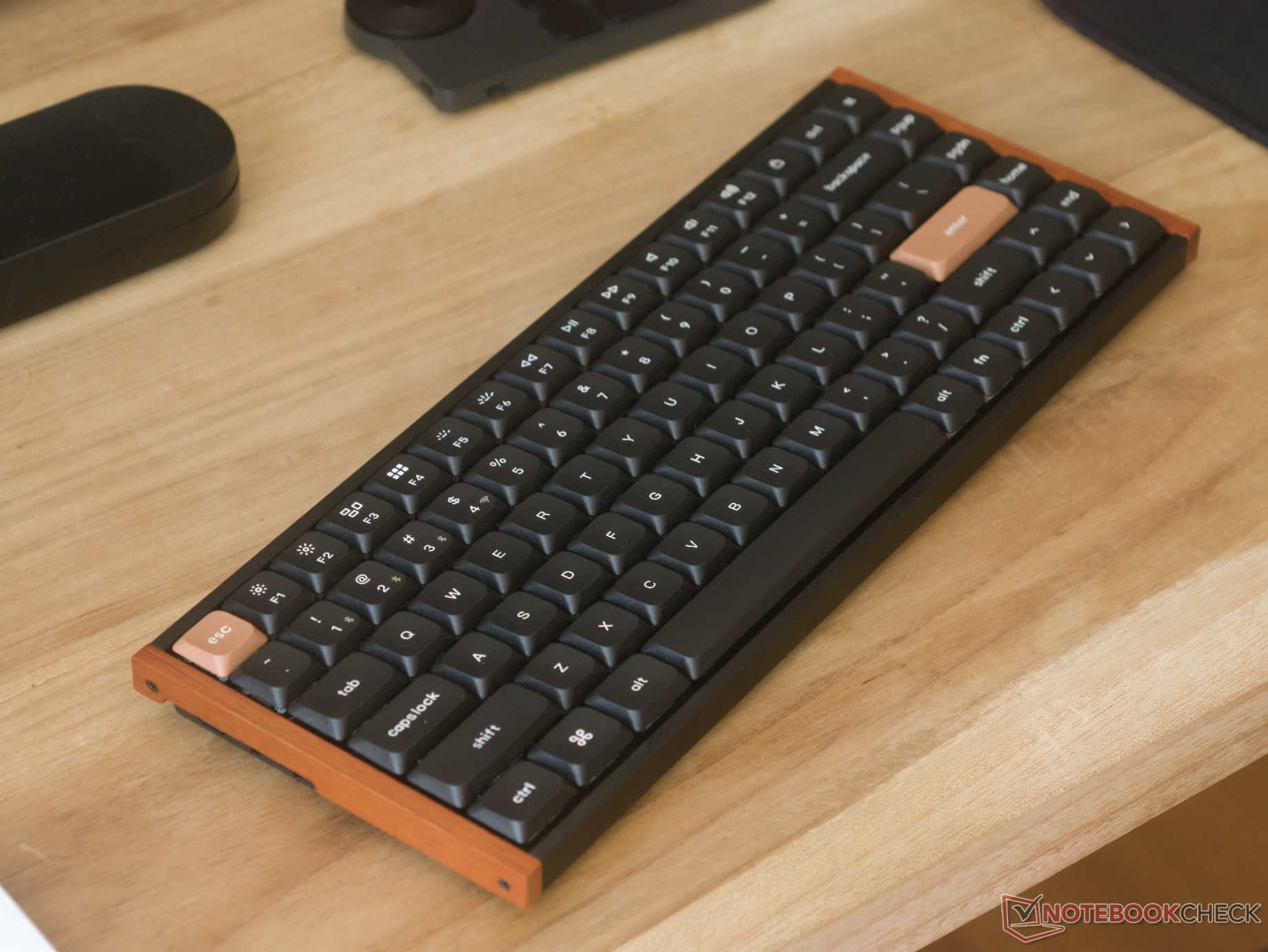
The keycaps are a genuine highlight at this price — where misaligned lettering and wonky font sizes are not uncommon. The K3 HE's keycaps are thick, have a very slight matte texture, and have consistent lettering in a minimalist, clear font. The function row also has secondary legends to show what those keys do when the Fn key is held.
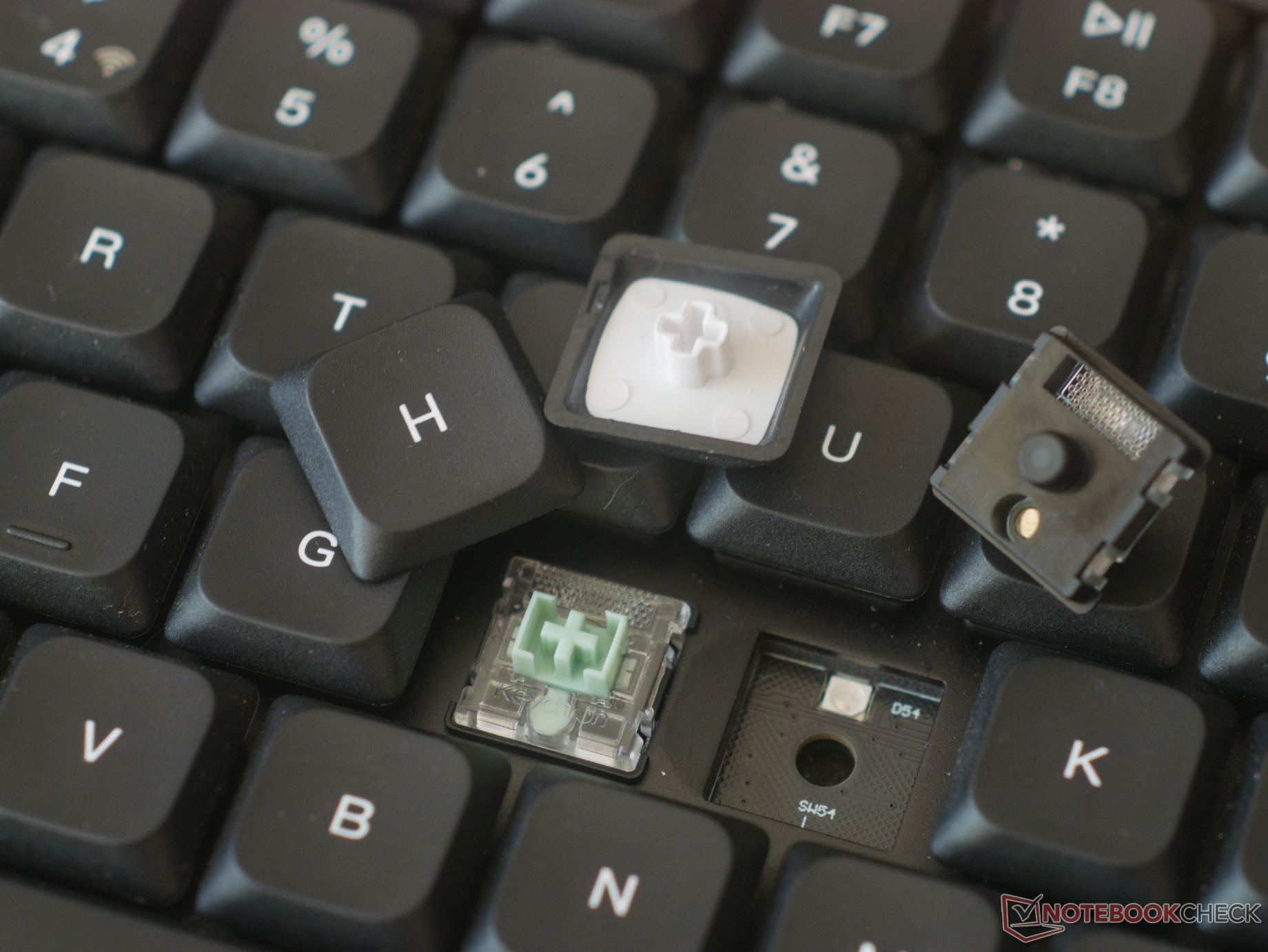
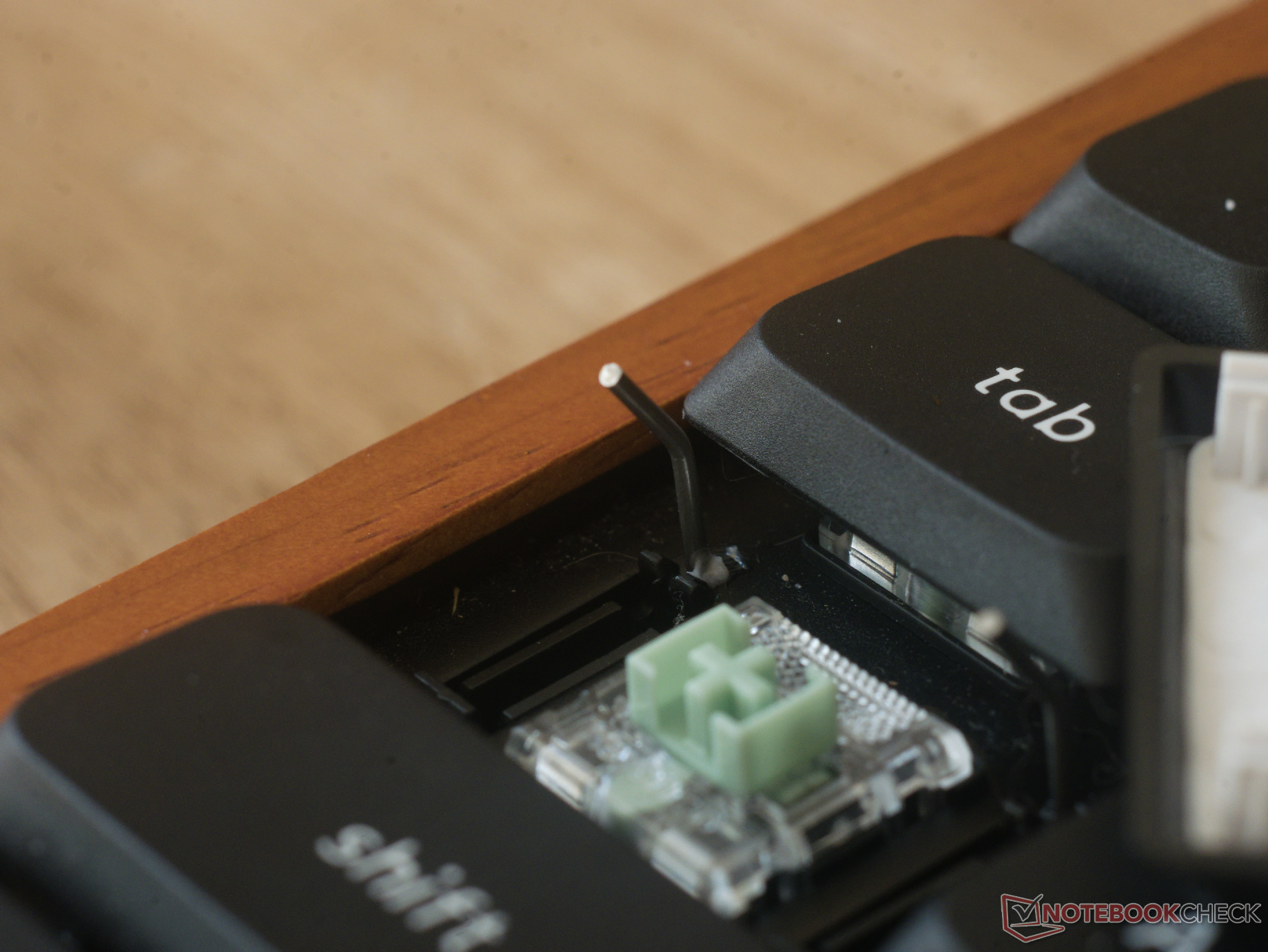
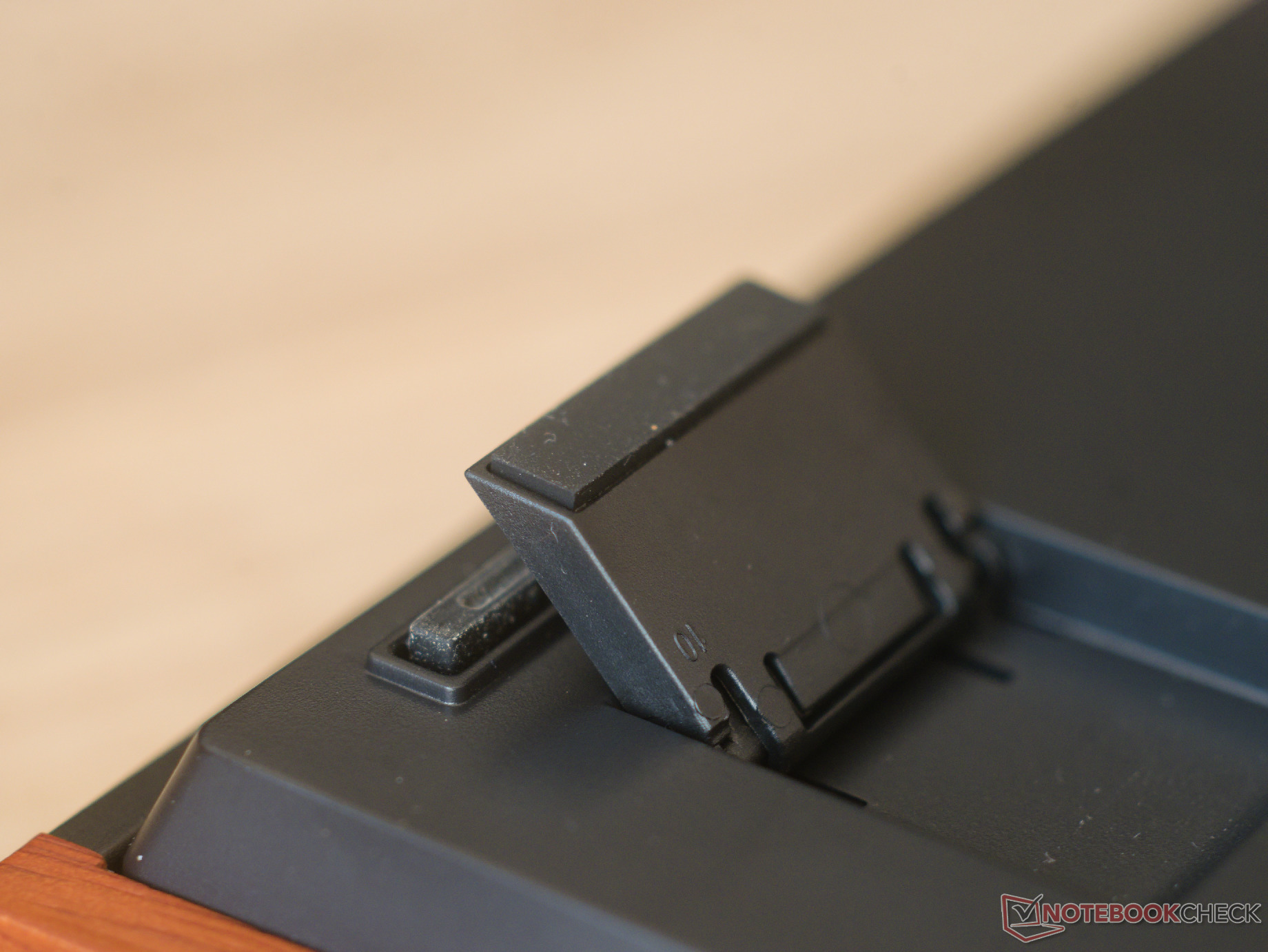
There are two nitpicks about the K3 HE's build quality: The wood accent panels attach via screws that thread directly into plastic, making them easy to strip, and the Caps Lock and Right Shift keys have obnoxious stabilisers that look like they were ripped directly from a $10 membrane keyboard. You can use the included screwdriver to remove these stabilisers without affecting the typing experience, as I tested while reviewing the K3 Ultra, but it is an extra step that should not be necessary. These poor stabilisers are even more frustrating because the clip-in stabilisers on the rest of the long keys are by far the best Keychron has ever made.

Typing and gaming experience and a review of Keychron's Ultra-Fast Lime Low-Profile Magnetic switches
The typing experience of the Keychron K3 HE is quite satisfying. Despite being a gasket-mounted case, there are no off-putting sounds, such as echo, reverb, or ping, generated by the case. Because the keyboard is tray-mounted and has an aluminium plate, there is no flex when typing — whether that is a good or bad thing is a matter of personal preference.
The Keychron Ultra-Fast Lime Low-Profile Magnetic switches perform admirably in both typing and gaming applications, with near-zero wobble and a mid-to-high actuation force that should be easy to adapt to, though it might be tiring at first. However, the low-profile design makes using the K3 HE very easy on the wrists. The switches produce a satisfying, mildly damped, thocky sound signature that's unlikely to bother coworkers or fellow coffee shop dwellers too much.
Customisation
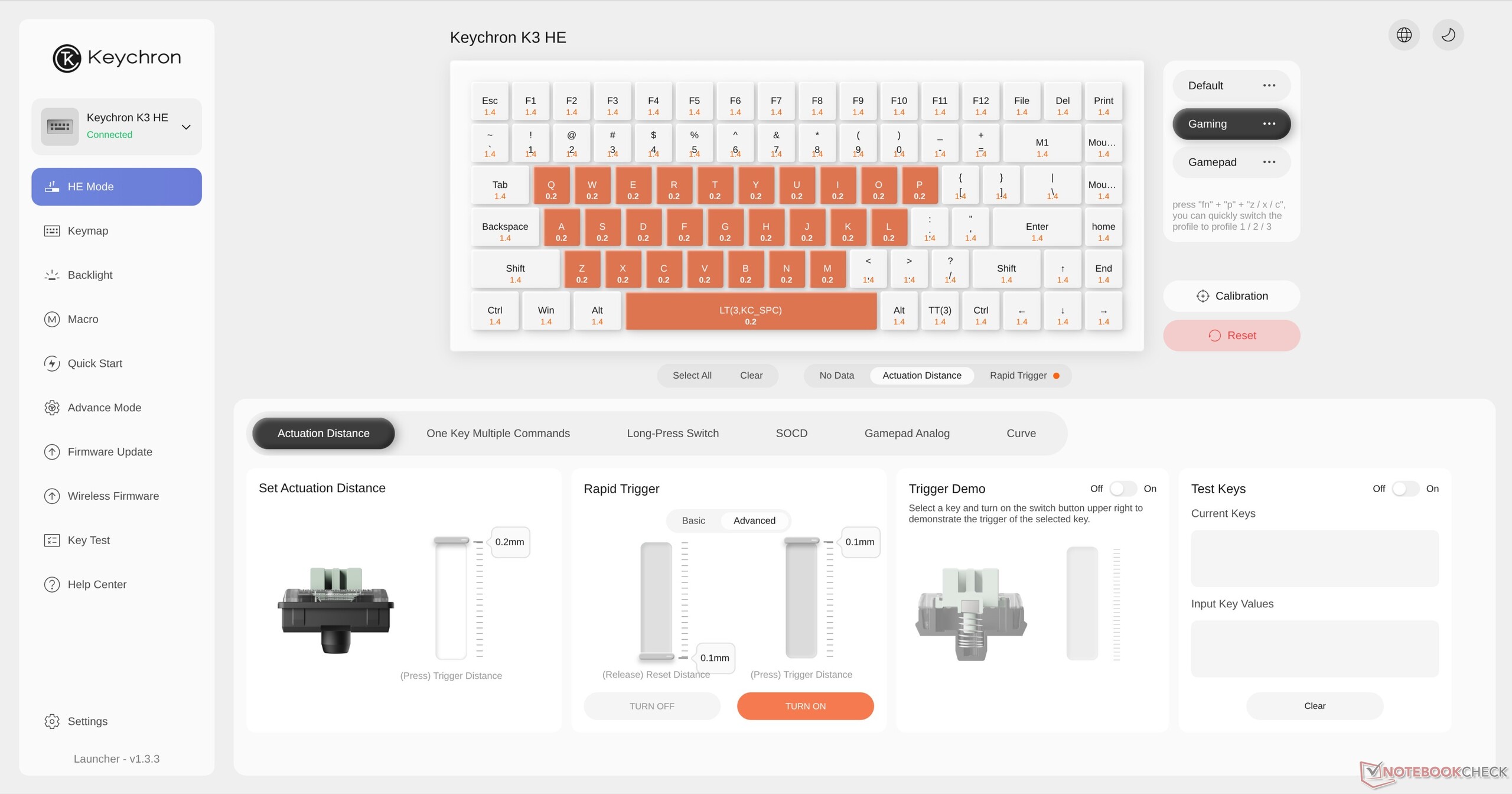
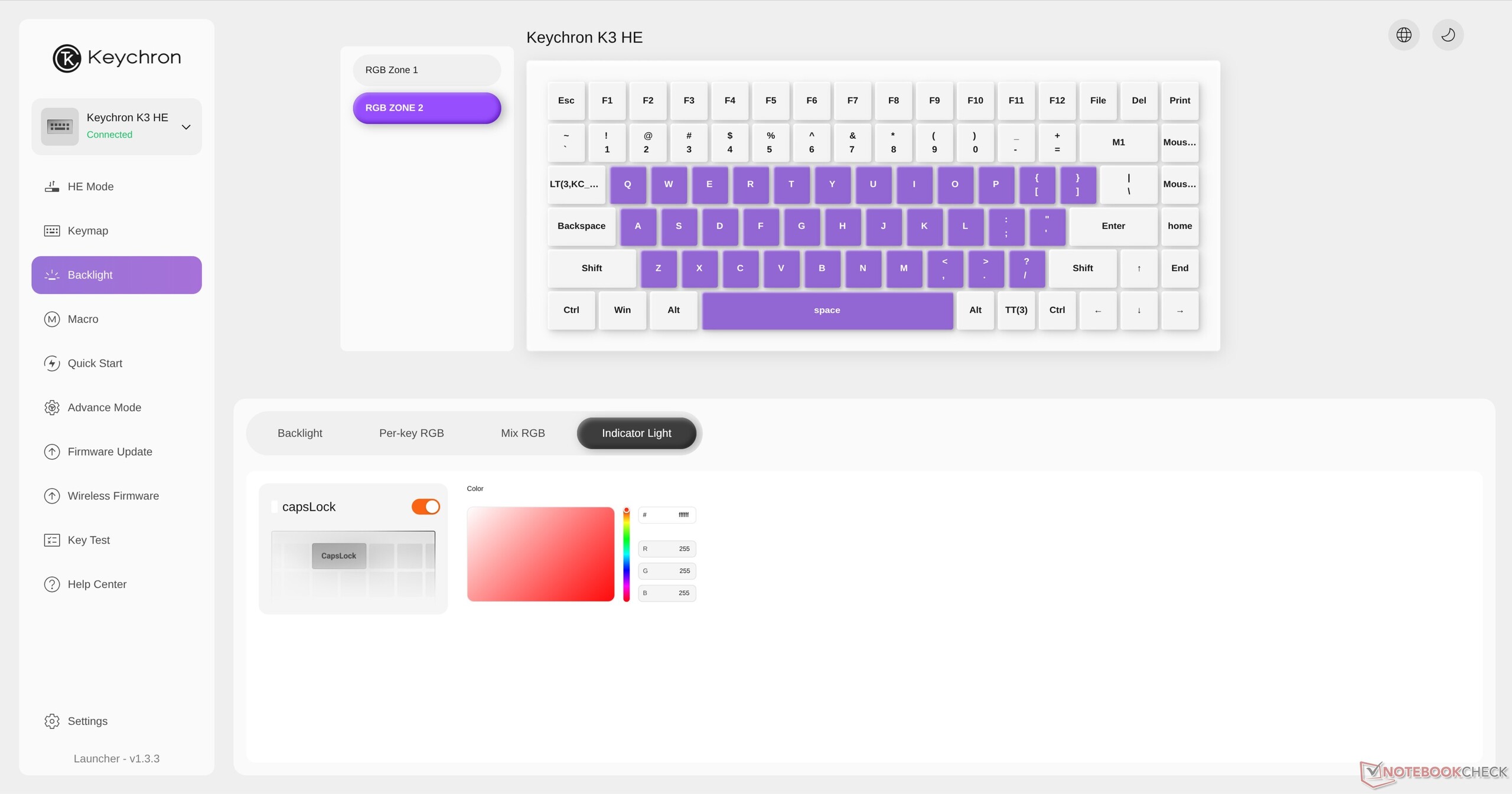
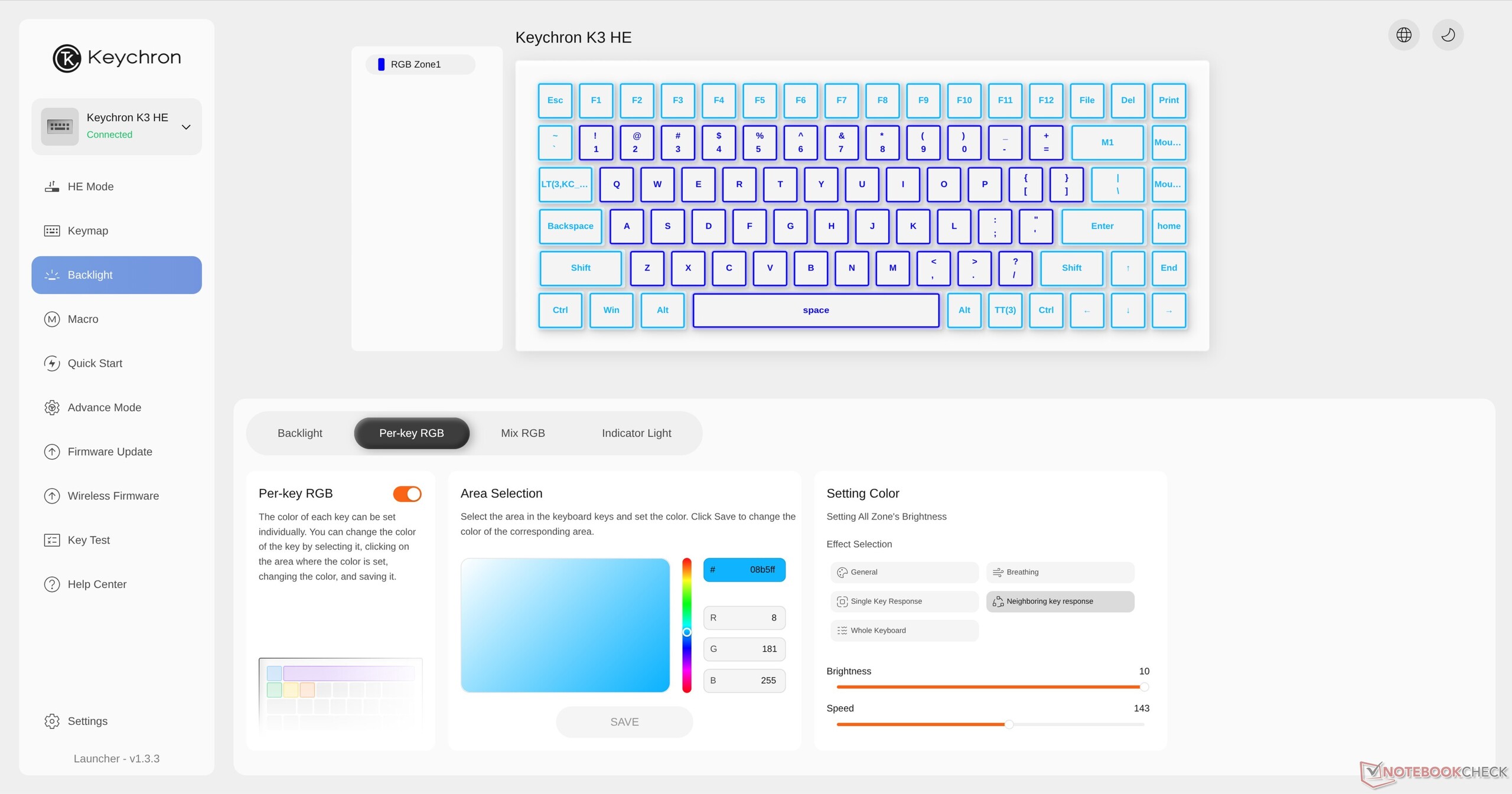
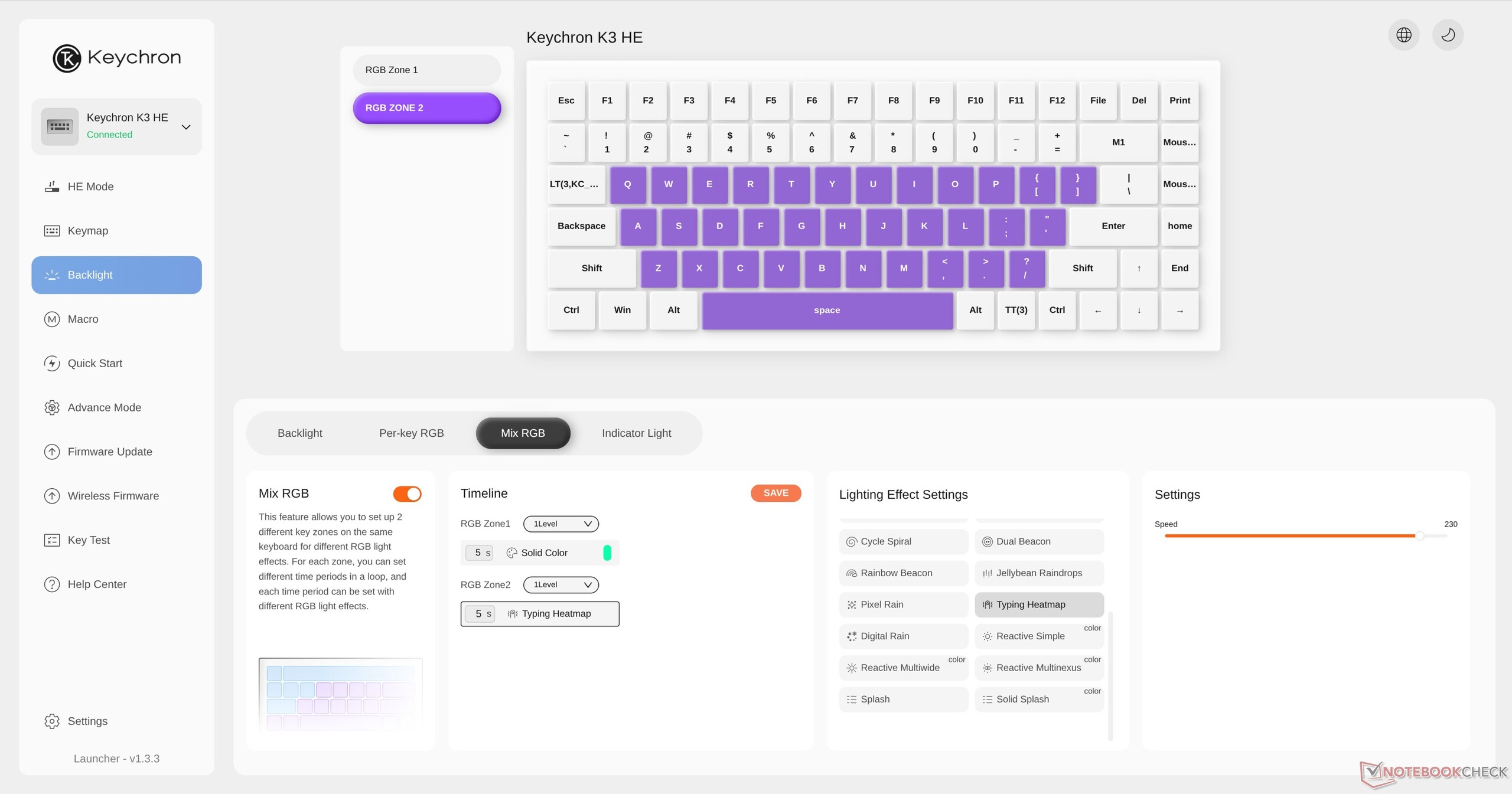
Customisation is done through Keychron's Launcher browser-based software, which offers a feature-complete experience, including HE features such as SOCD, DKS, Rapid Trigger, adjustable actuation points, and even controller emulation via analogue input. Notably, controller emulation is only offered on a handful of gaming keyboards and is particularly useful in racing games. I am by no means a pro-tier gamer, but in my testing of these features, everything worked as described, and there were no missed inputs that I could detect.
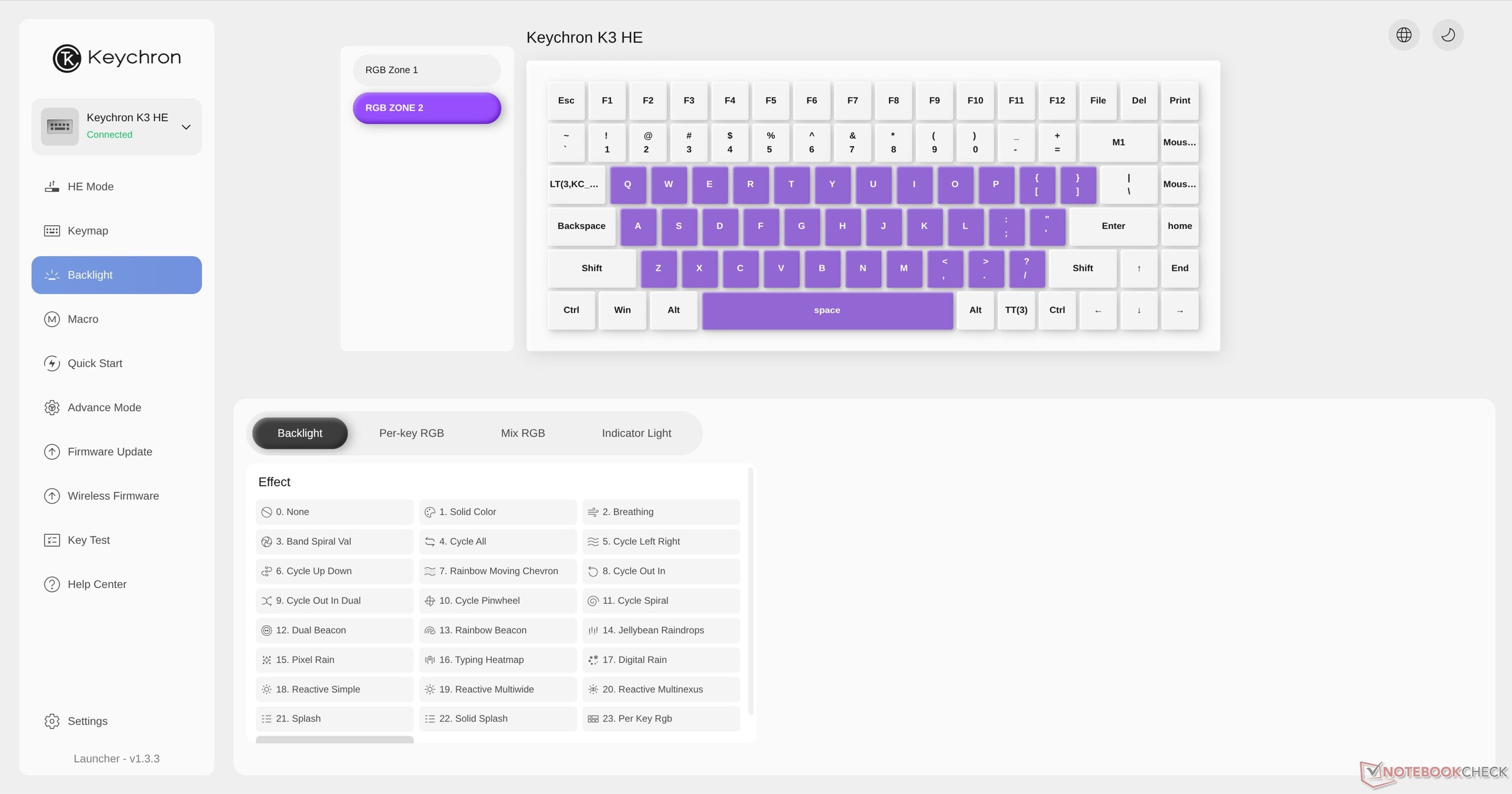
RGB is also highly customisable in Keychron Launcher, including true per-key RGB settings, but it's probably worth keeping the backlighting disabled, since the keycaps aren't shine-through, and the backlighting is far too dim to warrant the battery life hit.
Keychron K3 HE double input issues
While there were no missed inputs, there were some double inputs at a 0.2 mm actuation distance and 0.1 mm Rapid Trigger sensitivity. Increasing the actuation distance and Rapid Trigger sensitivity to 0.3 mm resolved this completely, so this seems to be a result of the key bouncing back down slightly when topping out. Given how small the difference is between 0.3 mm and the minimum settings, this is not a deal-breaker, but it is worth noting if you are interested in Hall-effect keyboards for their fast response times. Keychron Launcher allows up to three onboard profiles, and you can define which keys are used to switch between profiles, so it's easy to set up the K3 HE for both typing and gaming.
Battery life
Keychron claims a battery life of 55 hours with the backlighting disabled, and that seems to be accurate in our testing. With the backlight enabled and connected via 2.4 GHz, however, things go downhill fast, quickly reaching 3.6% battery drain per hour, which translates to about 27 hours of total battery life with backlighting set to maximum brightness.
If you're a productivity user, you'll likely be charging the K3 HE once a week, but frequent heavy gaming sessions with many analogue features and backlighting enabled will require charging once every two or three days.
Conclusion — A travel keyboard for digital nomads who game
The Keychron K3 HE is a bit of a "jack of all trades, master of none," and that's not necessarily an insult. There are keyboards in Keychron's own line-up that are better for gaming, and there are others that are better for battery life, productivity, portability, ergonomics, and even typing feedback, but the K3 HE performs well enough in each of those aspects to justify the $119.99 asking price.
Transparency
The selection of devices to be reviewed is made by our editorial team. The test sample was given to the author by the manufacturer free of charge for the purposes of review. There was no third-party influence on this review, nor did the manufacturer receive a copy of this review before publication. There was no obligation to publish this review. As an independent media company, Notebookcheck is not subjected to the authority of manufacturers, retailers or publishers.
 Add as a preferred source on Google


